
balenciagaaa
Members
-
Joined
-
Last visited
Everything posted by balenciagaaa
-
 Night Out in Paris 03/01/2024


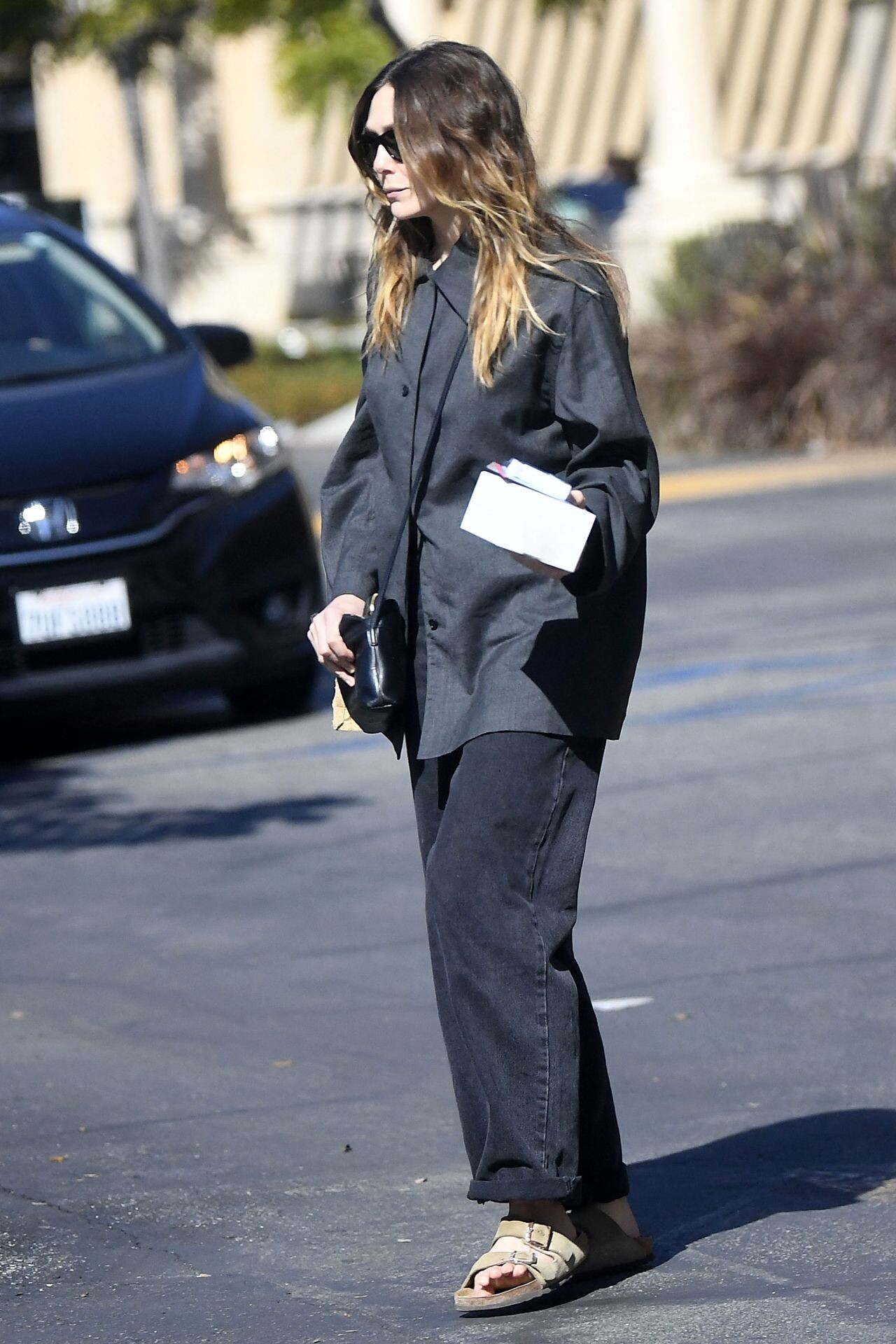
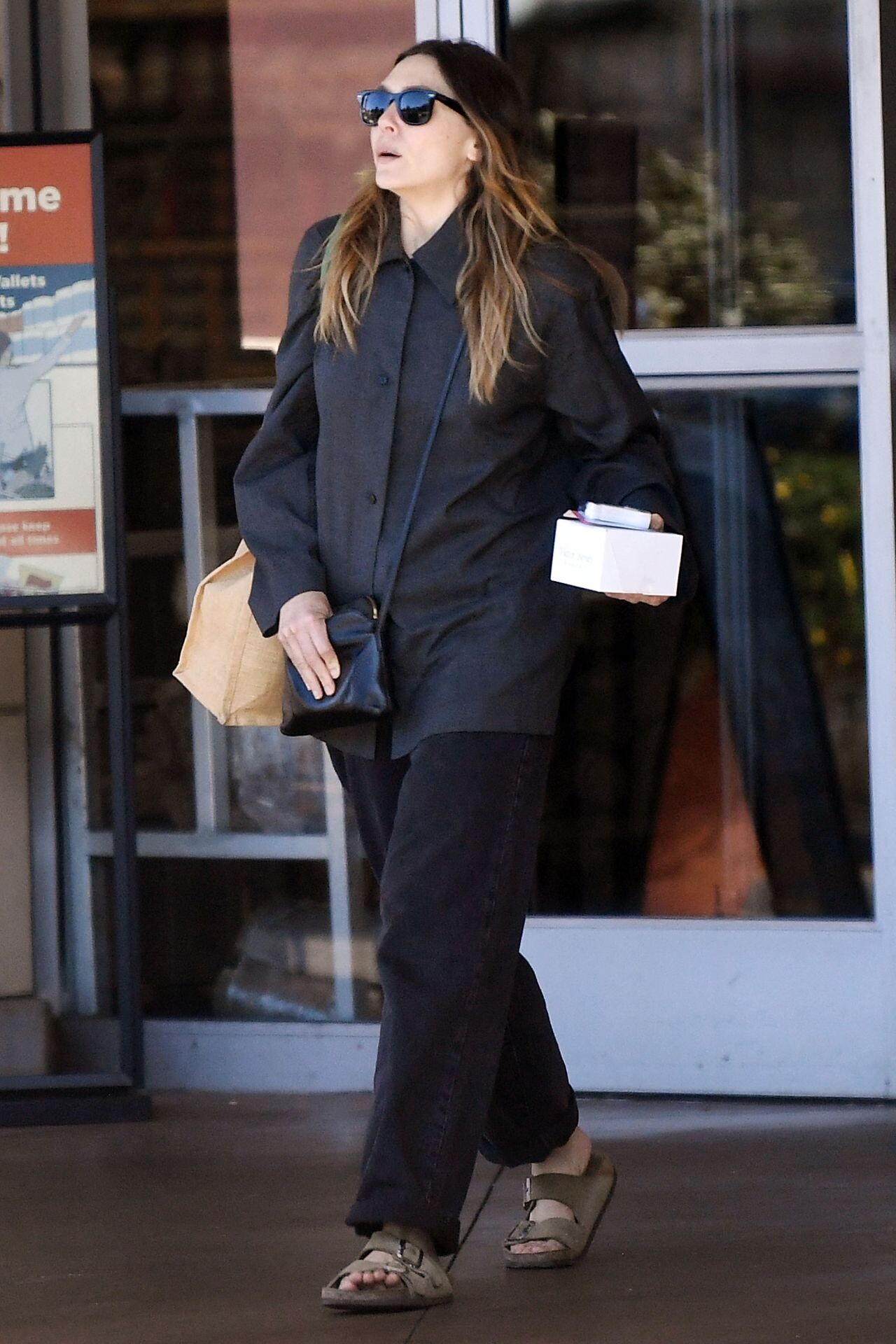
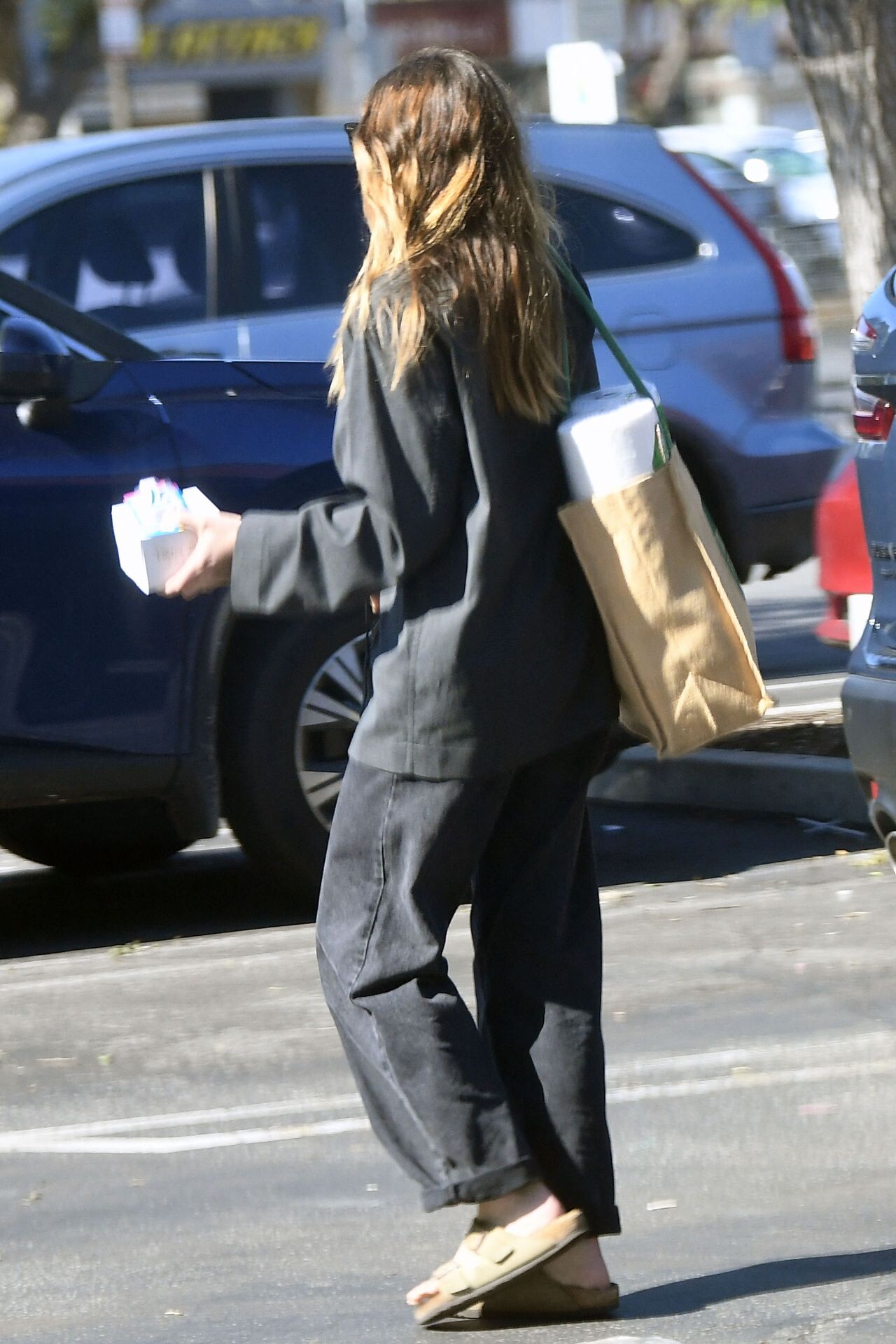
 Shopping at Gelson’s in Los Angeles 02/22/2024


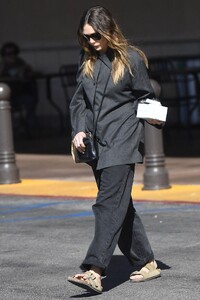
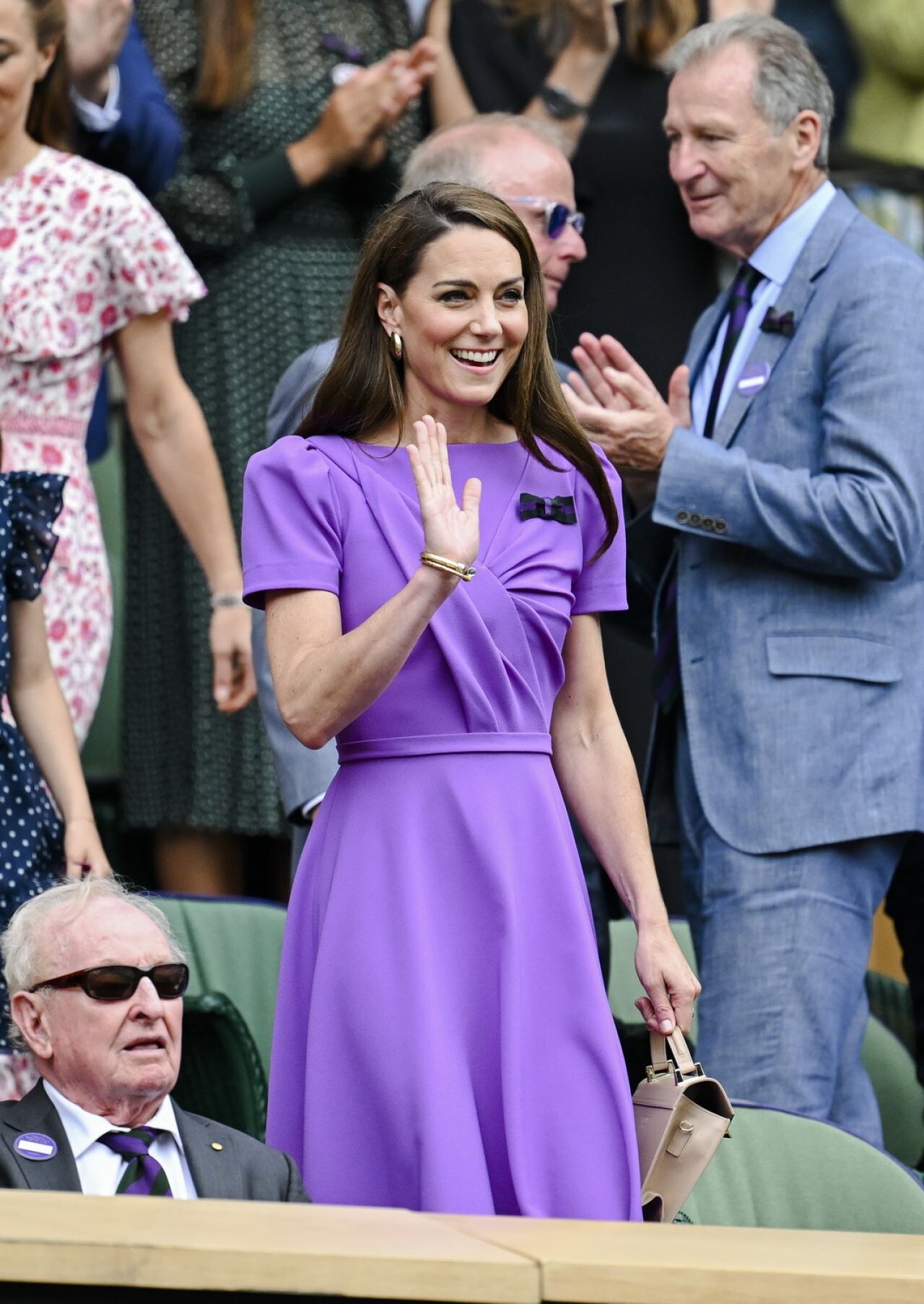
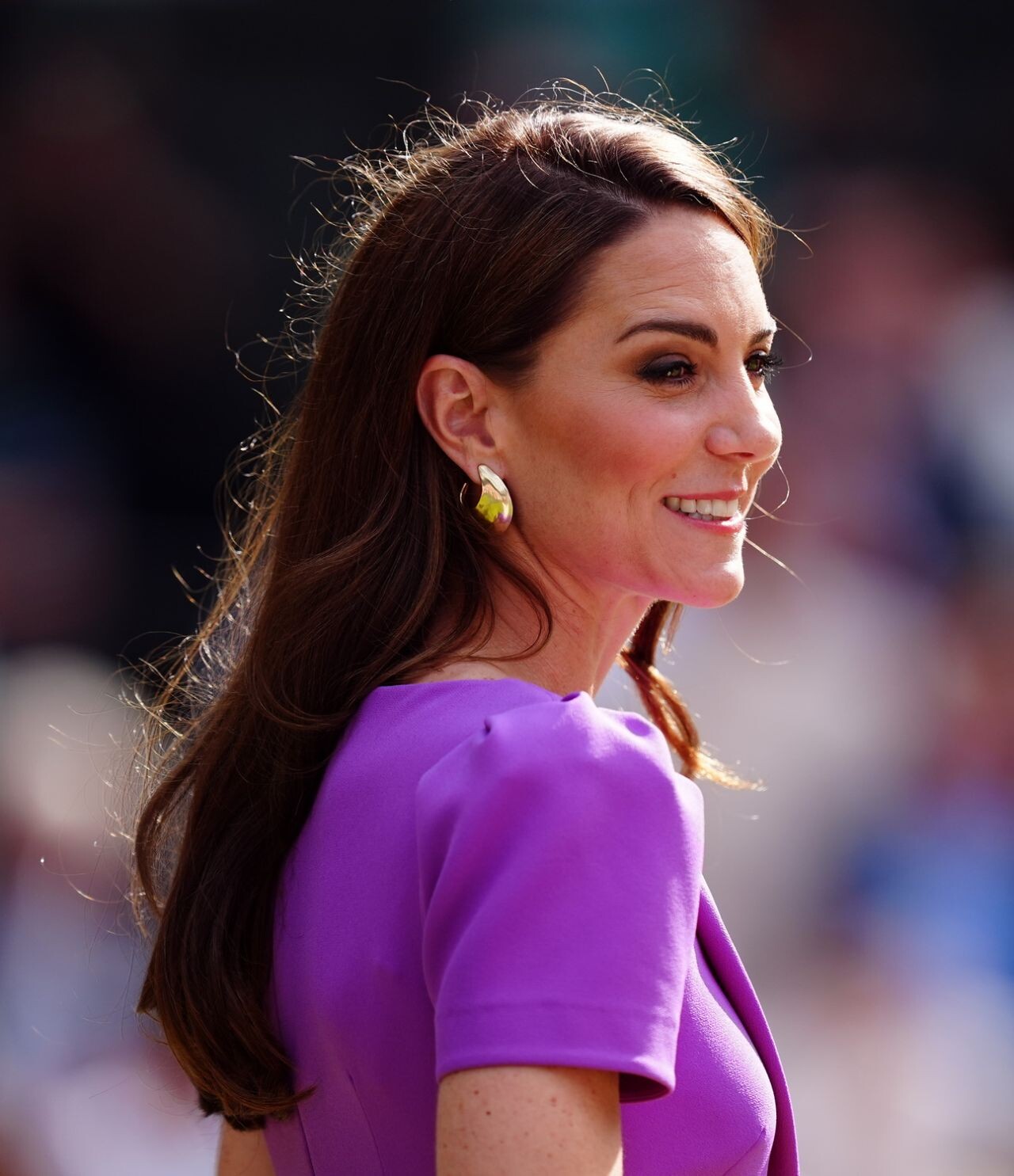
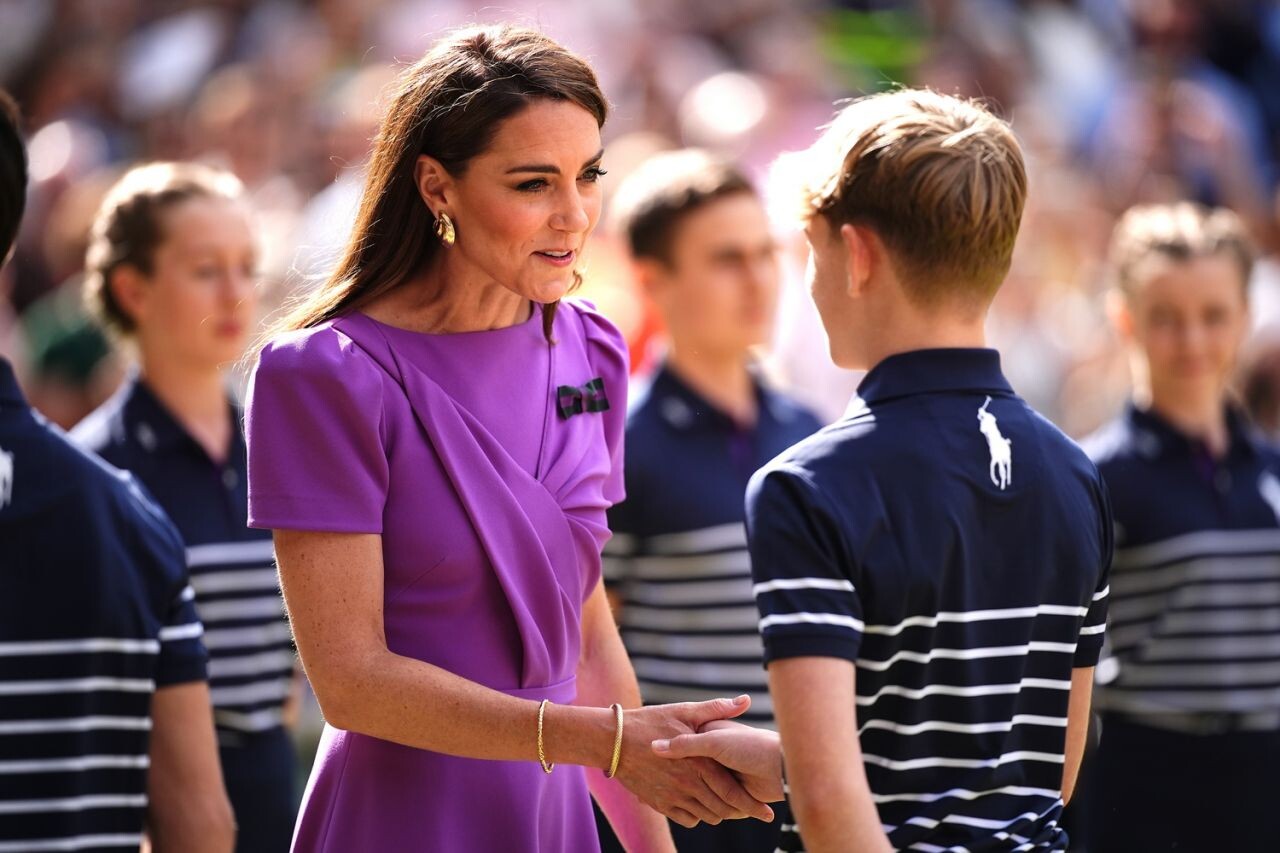
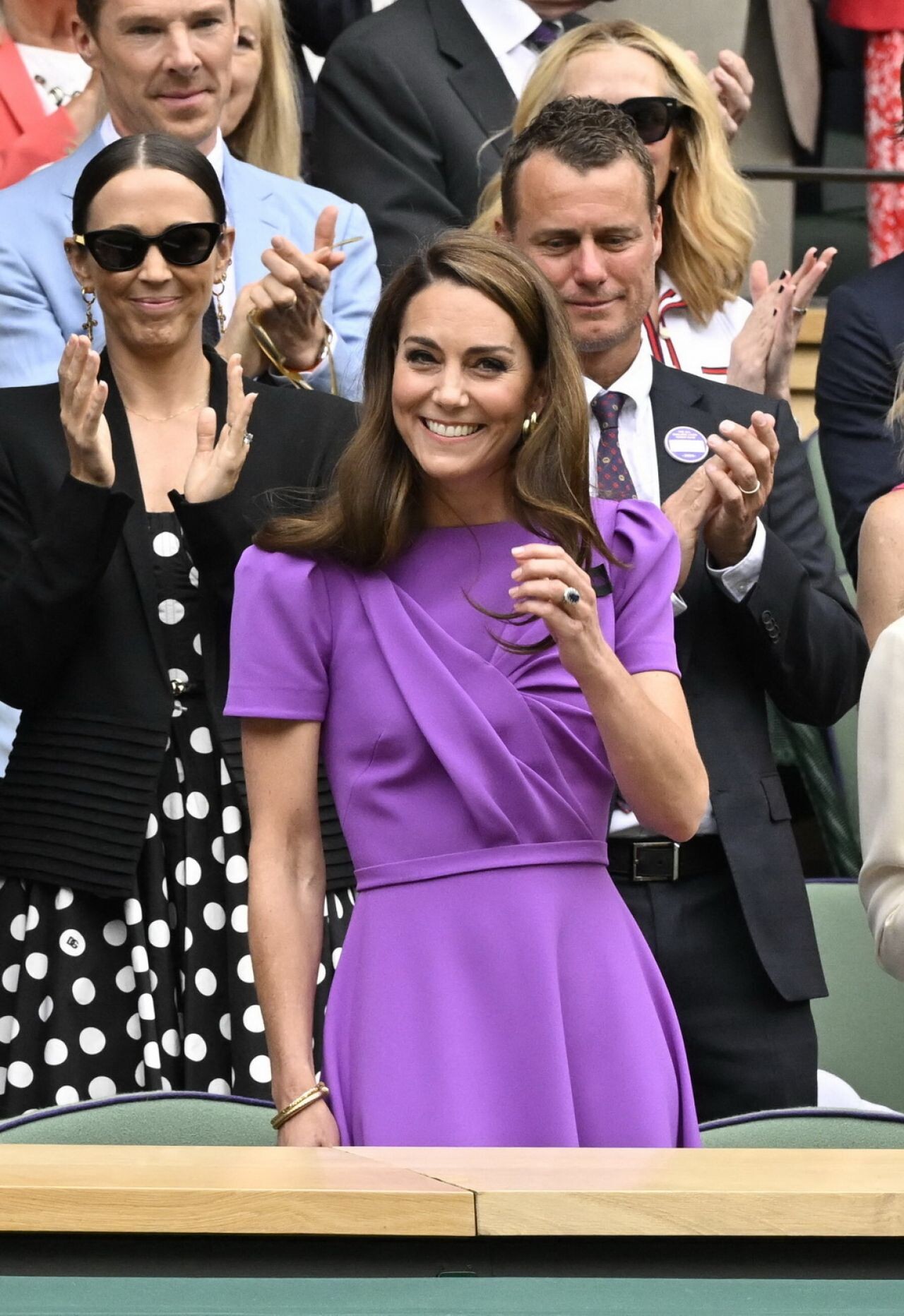
 Wimbledon in London 07-14-2024



















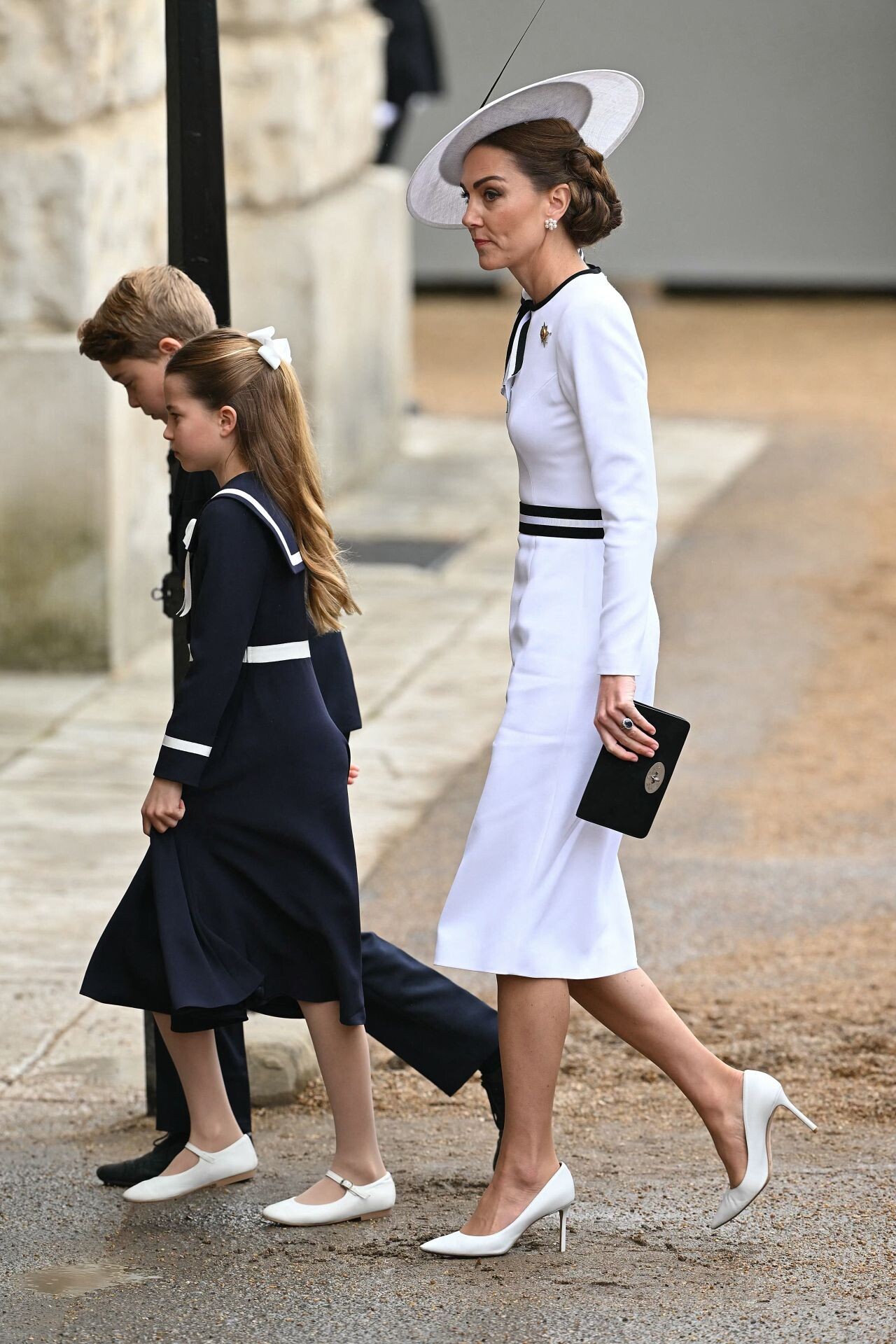
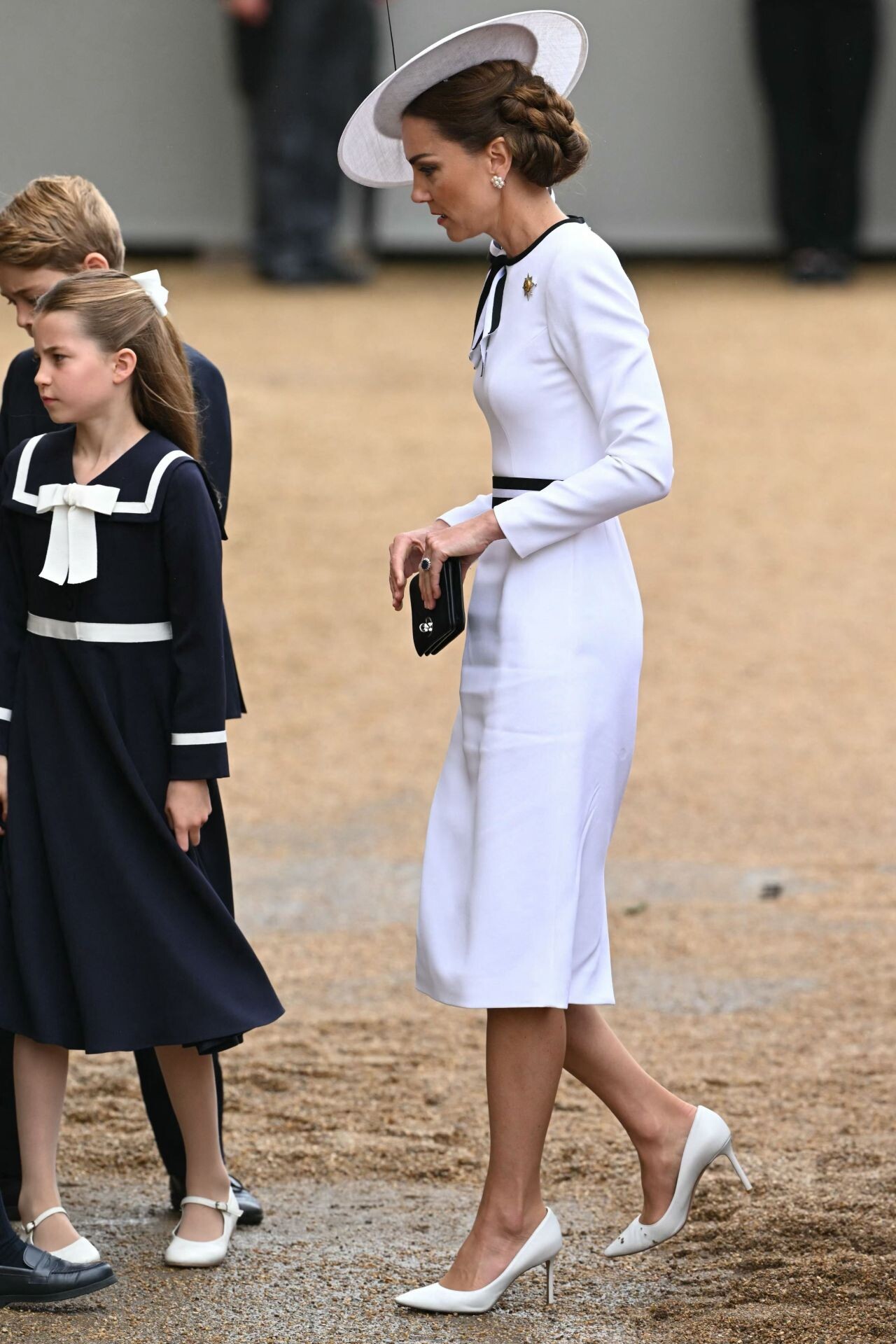
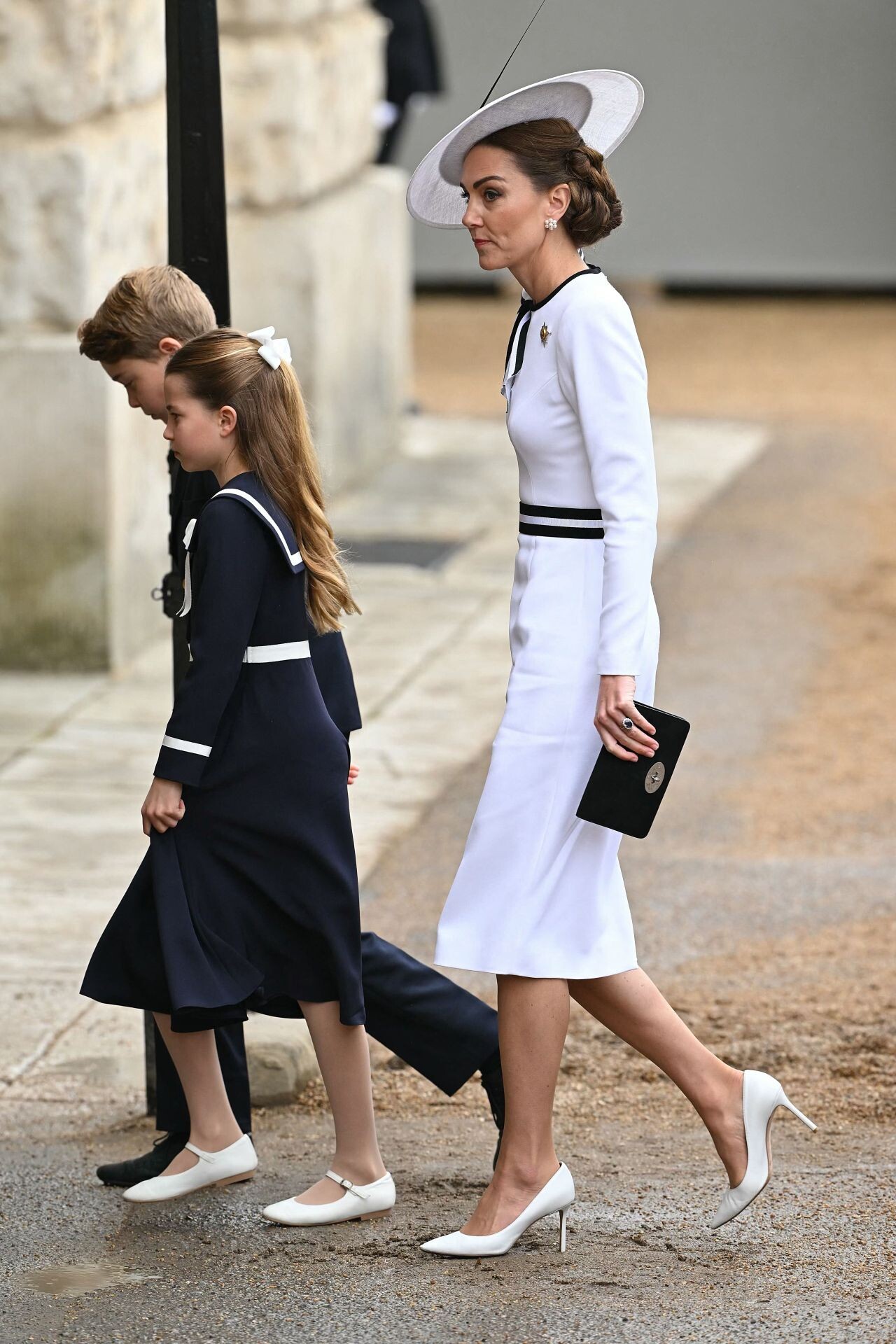
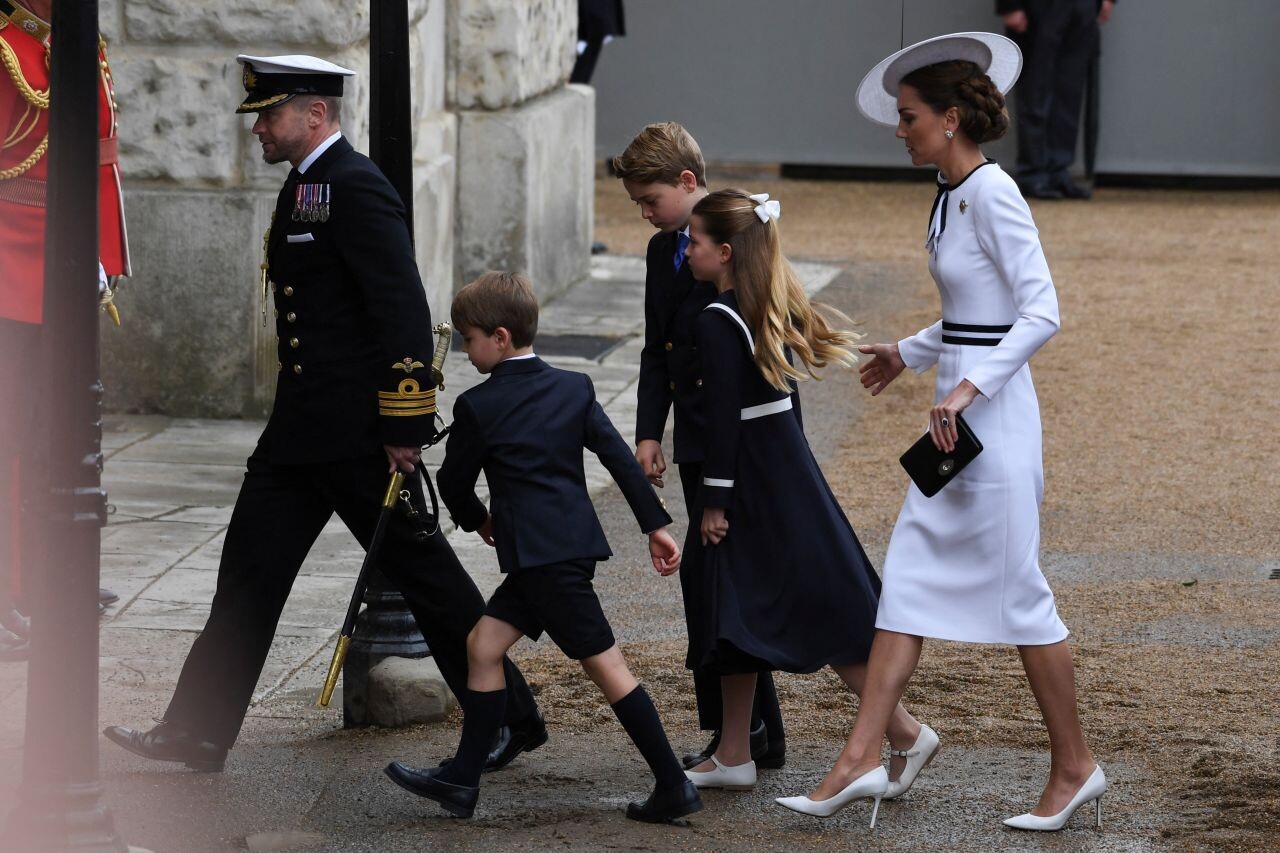
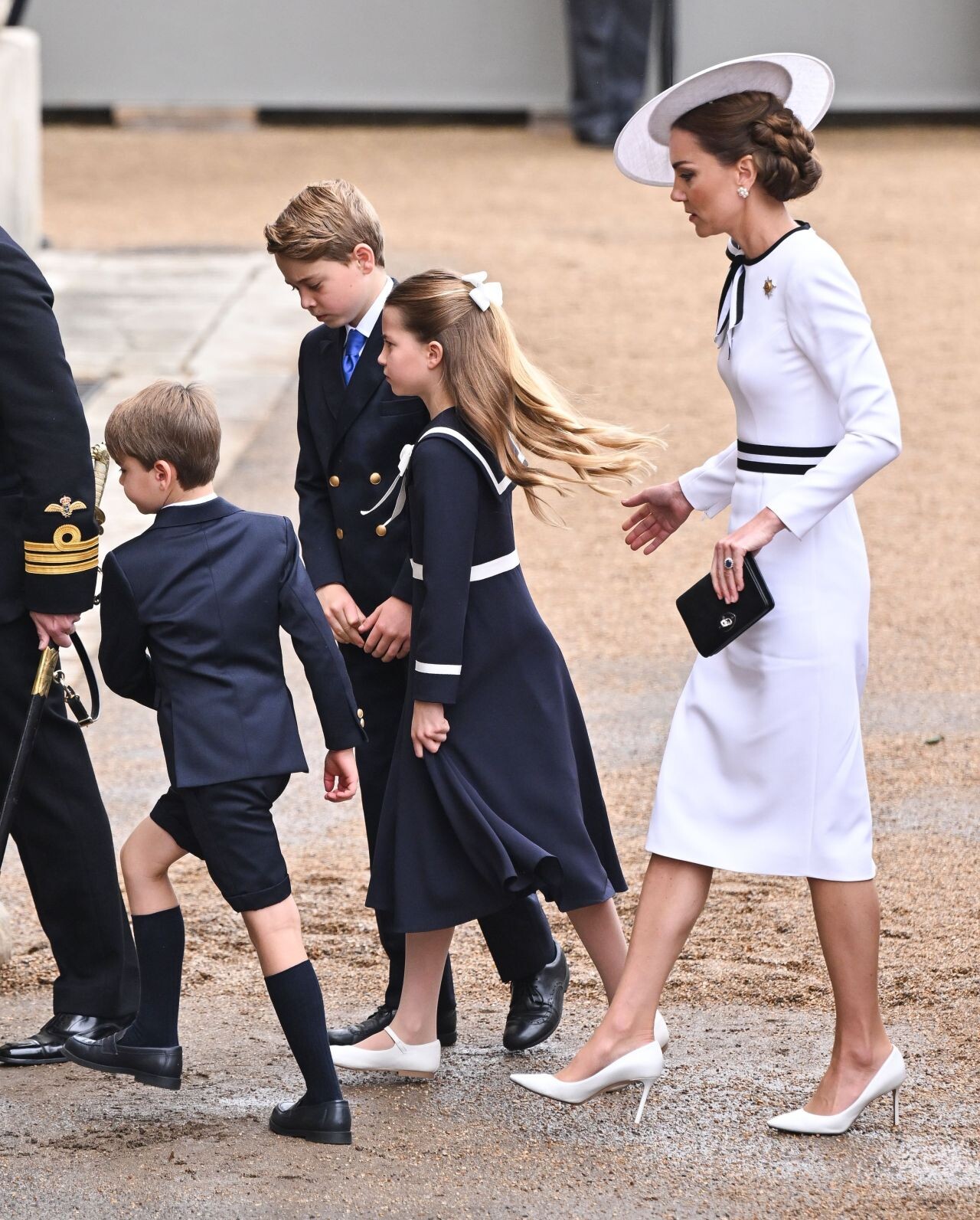
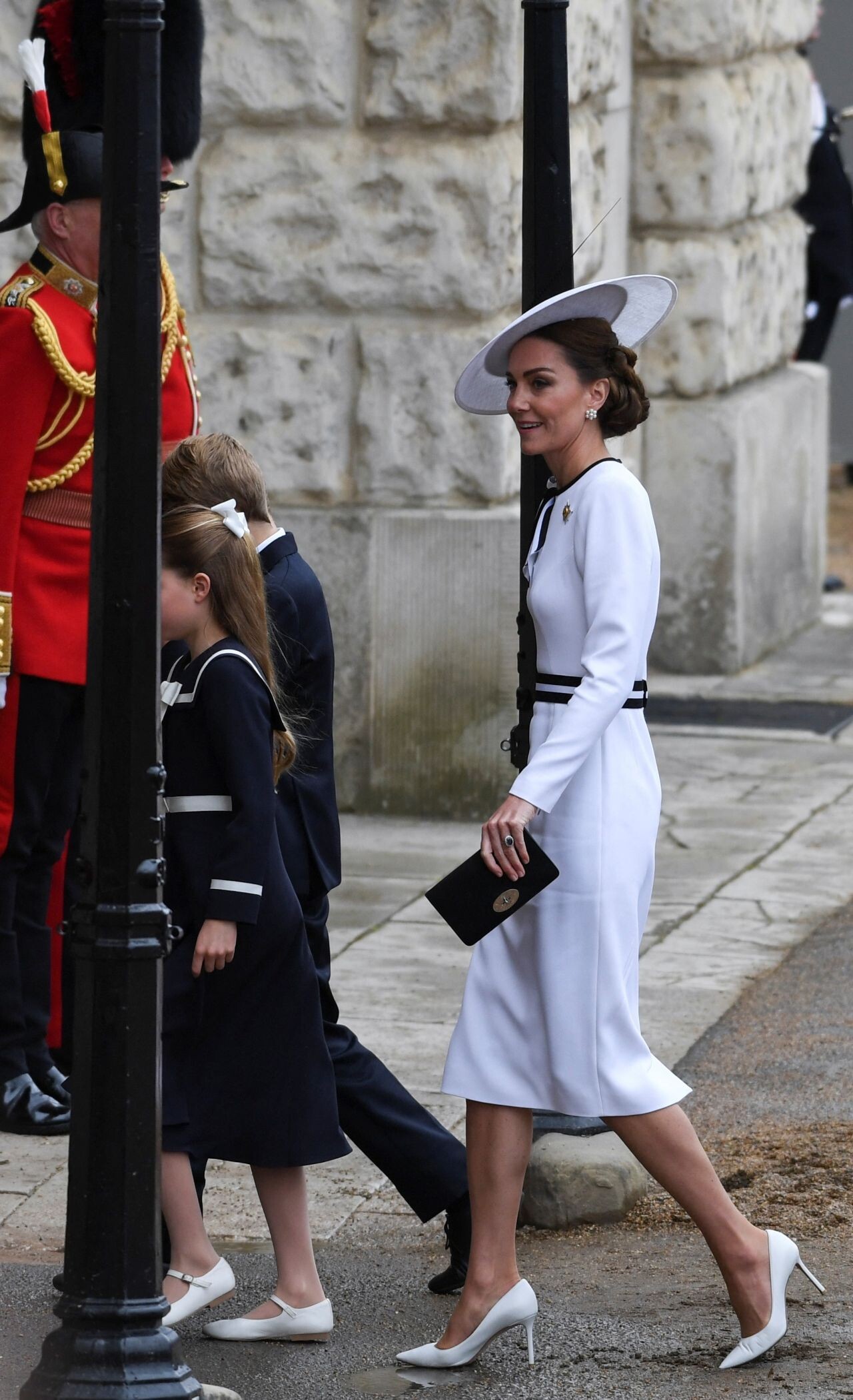
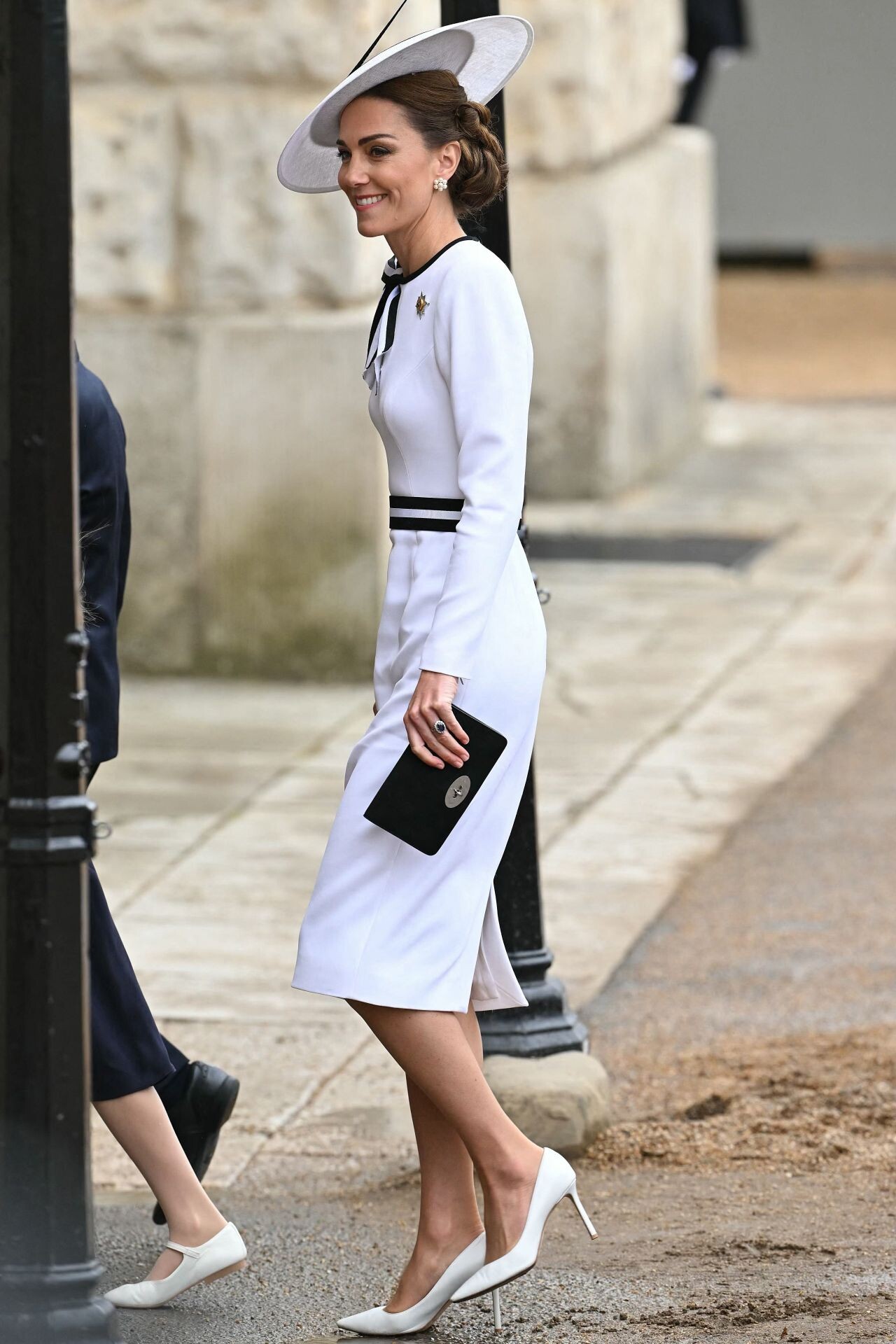
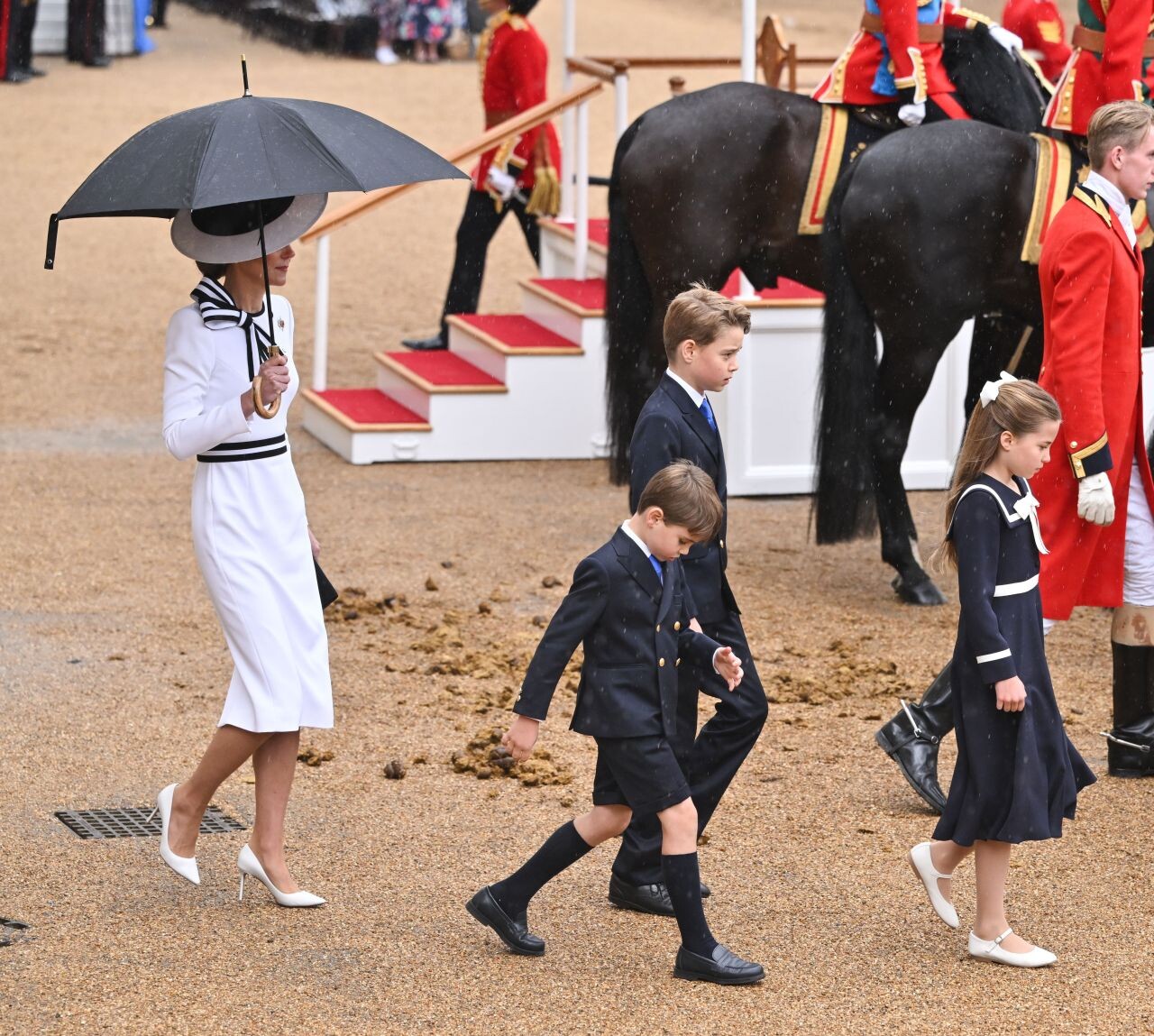
 King’s Birthday Parade in London 06-15-2024






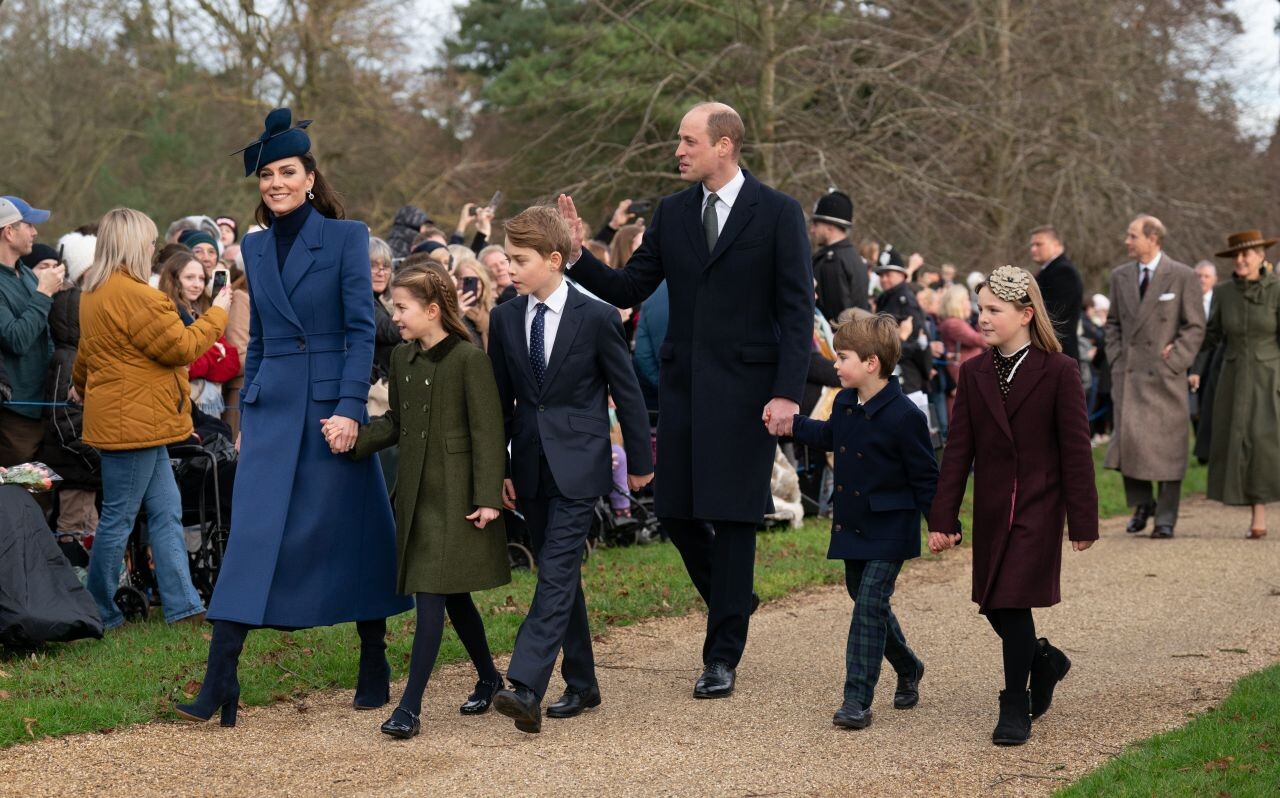
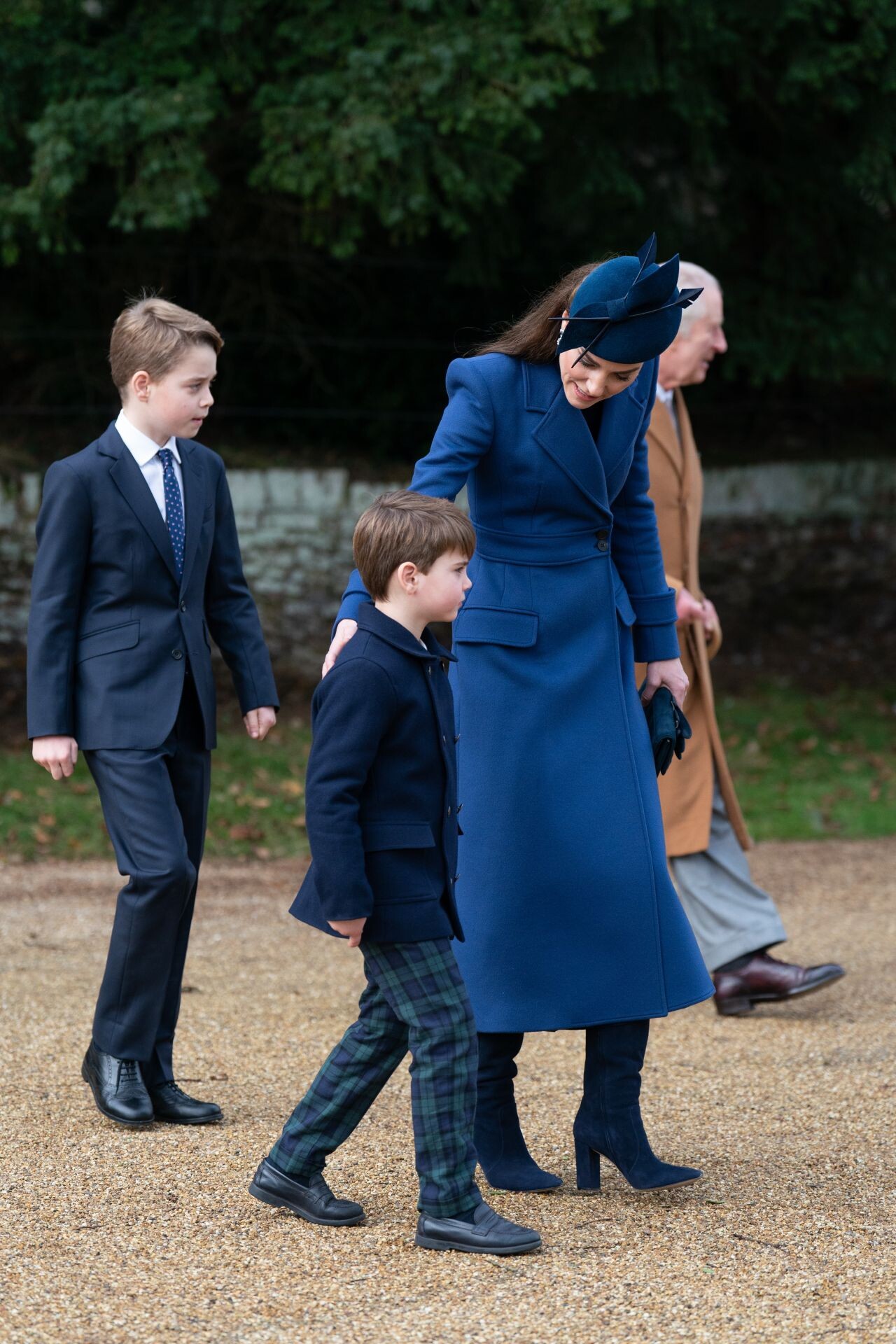
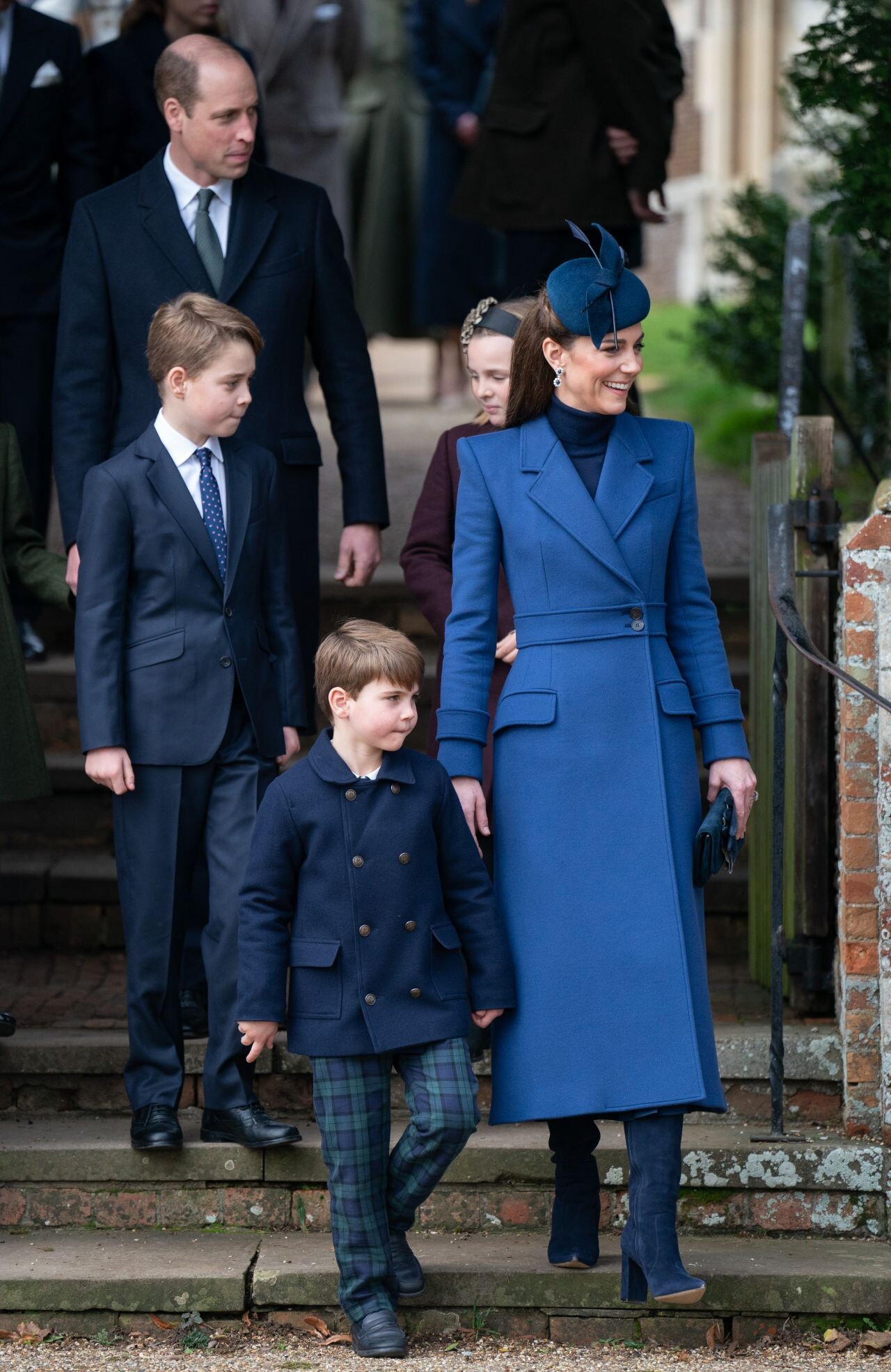
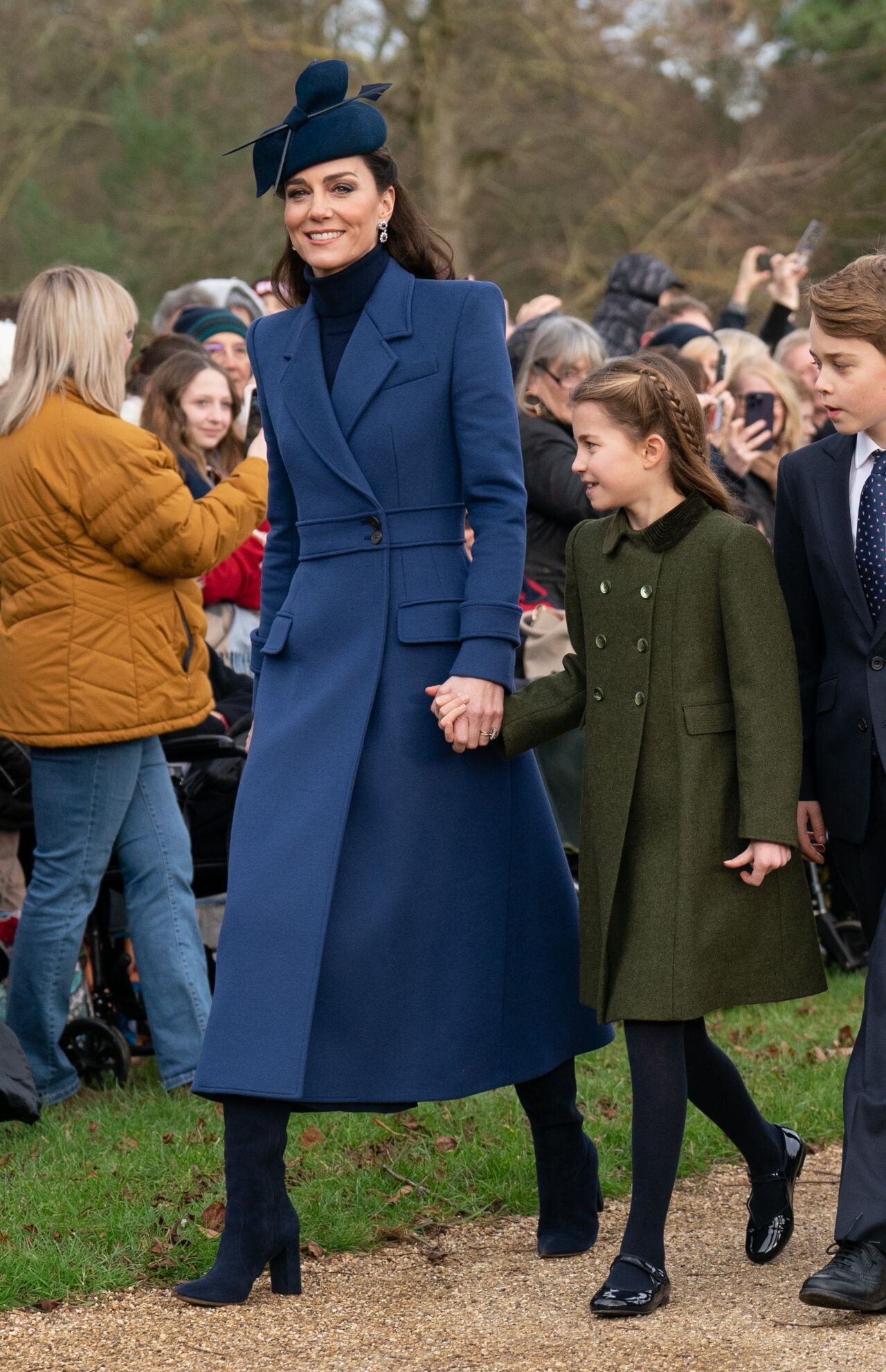
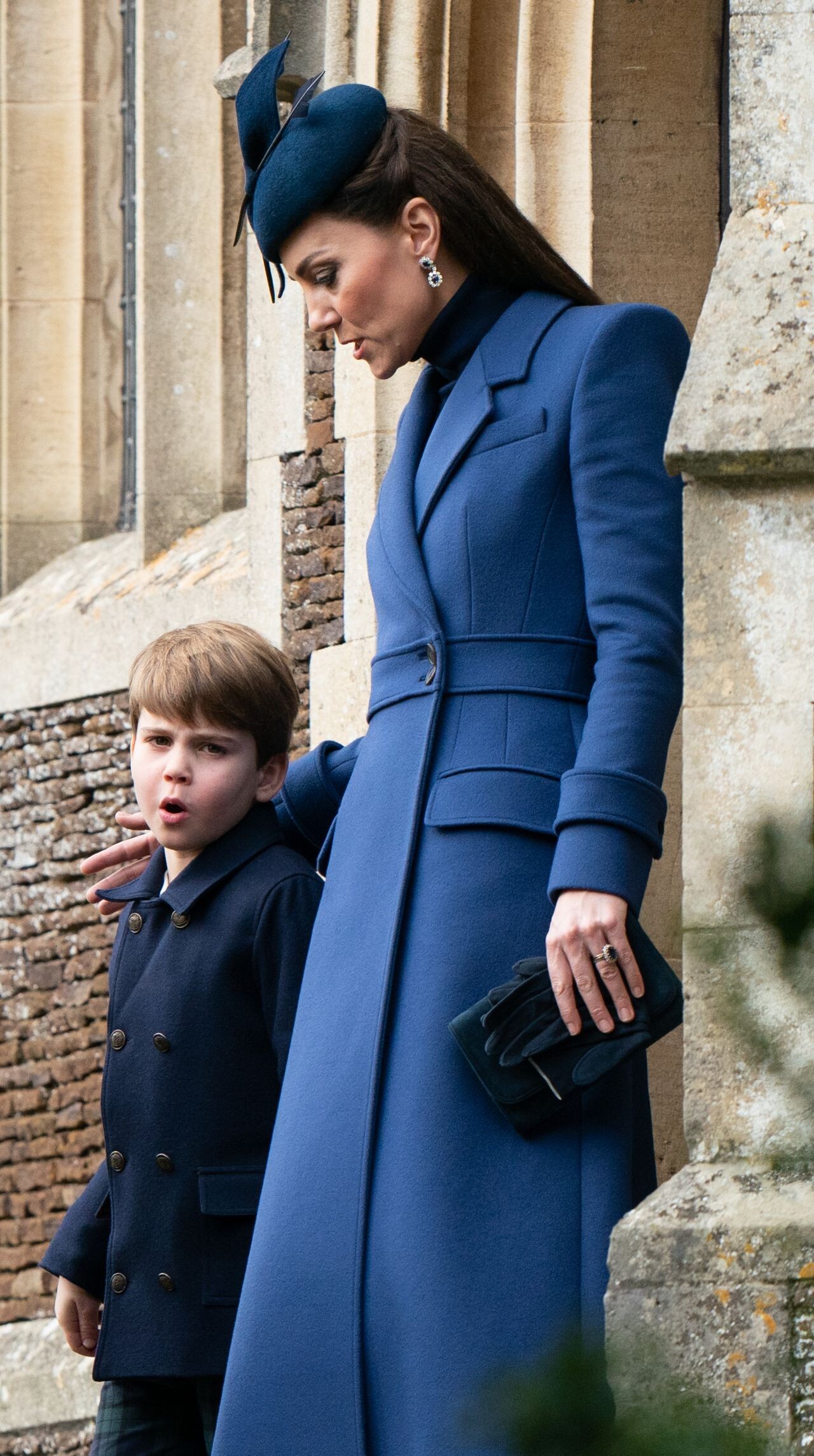
 Christmas Day Service in Sandringham 12/25/2023





 Opening of the New Children Surgery Unit at Guy’s & St. Thomas Hospital in London 12/05/2023


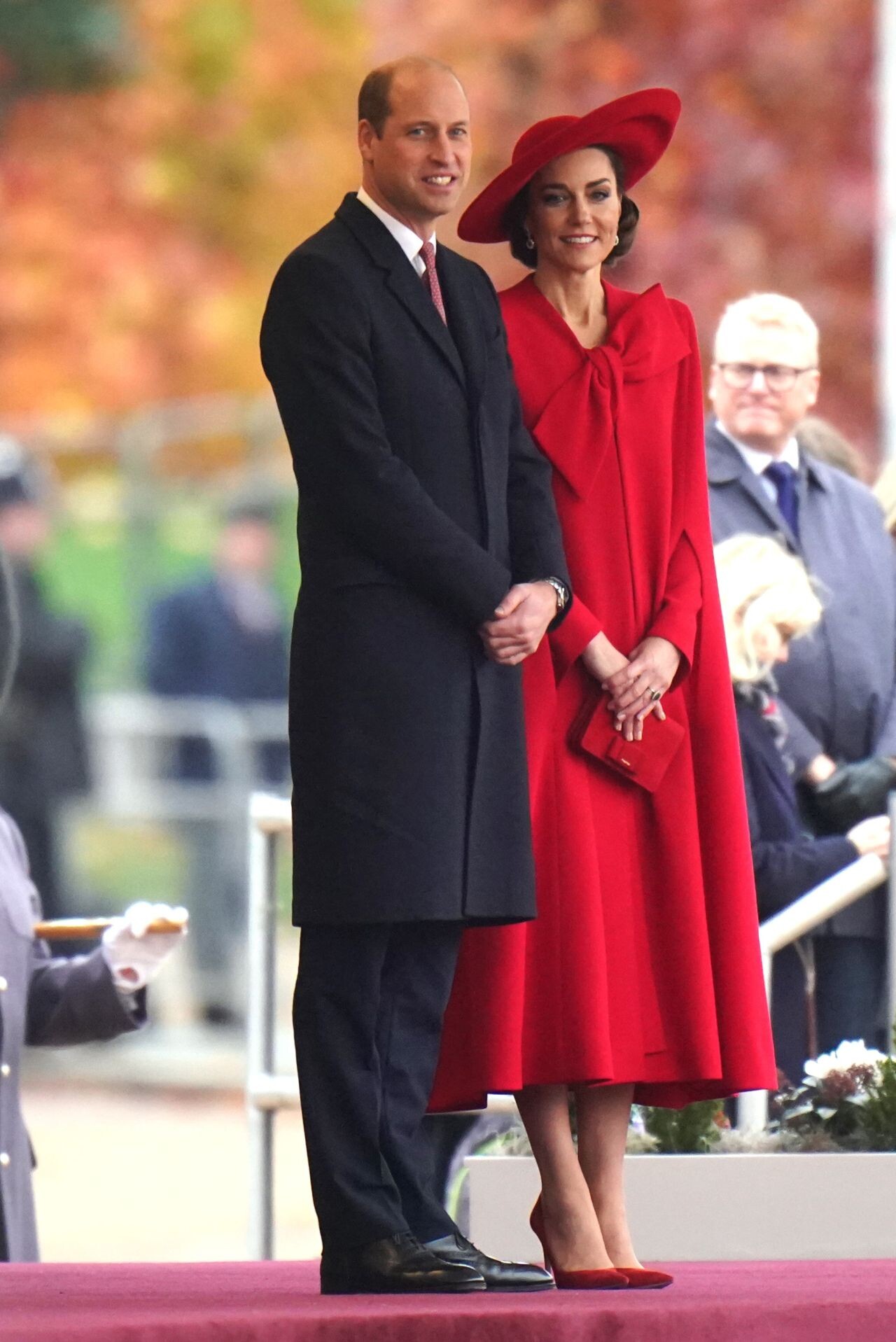
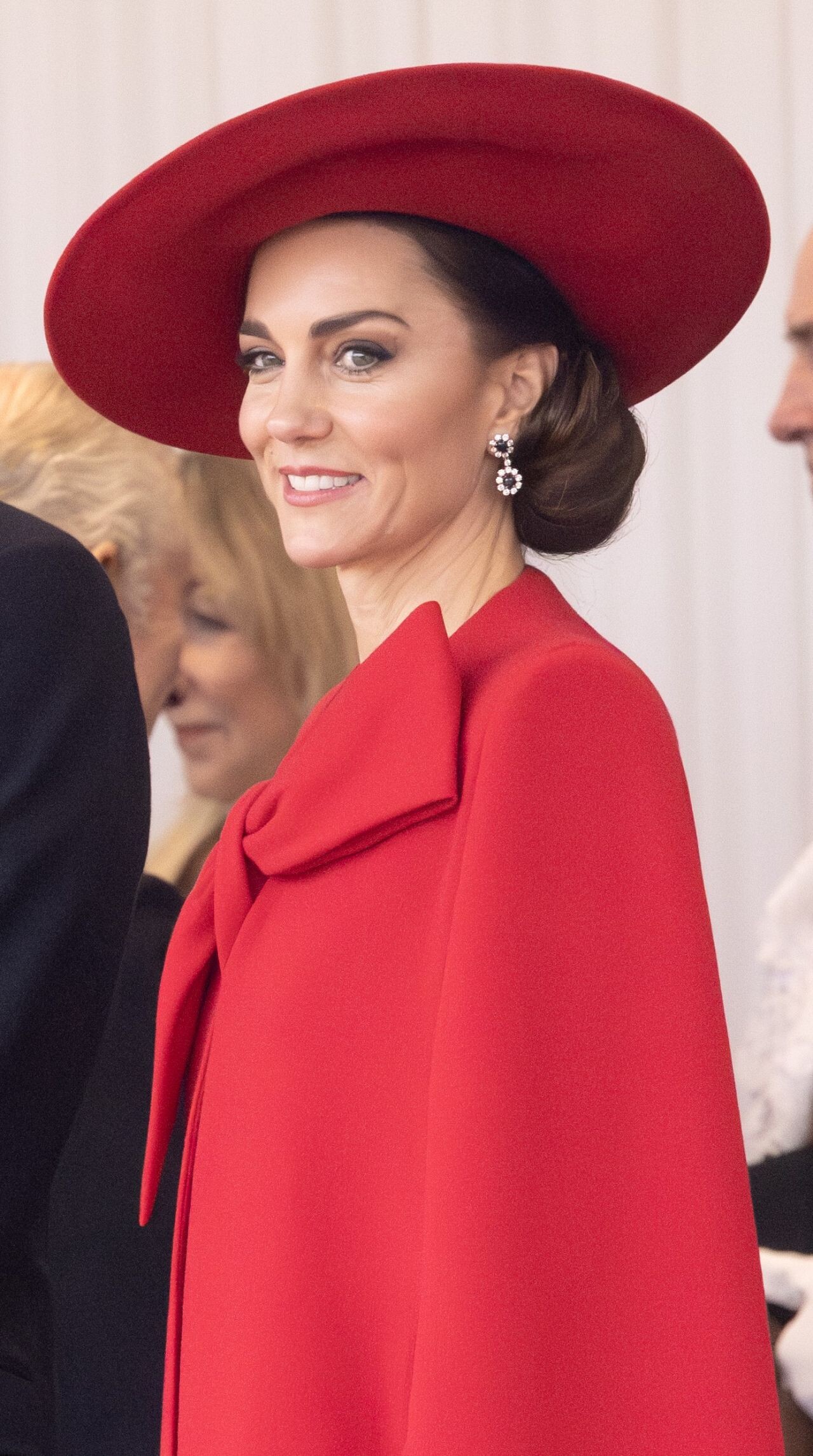
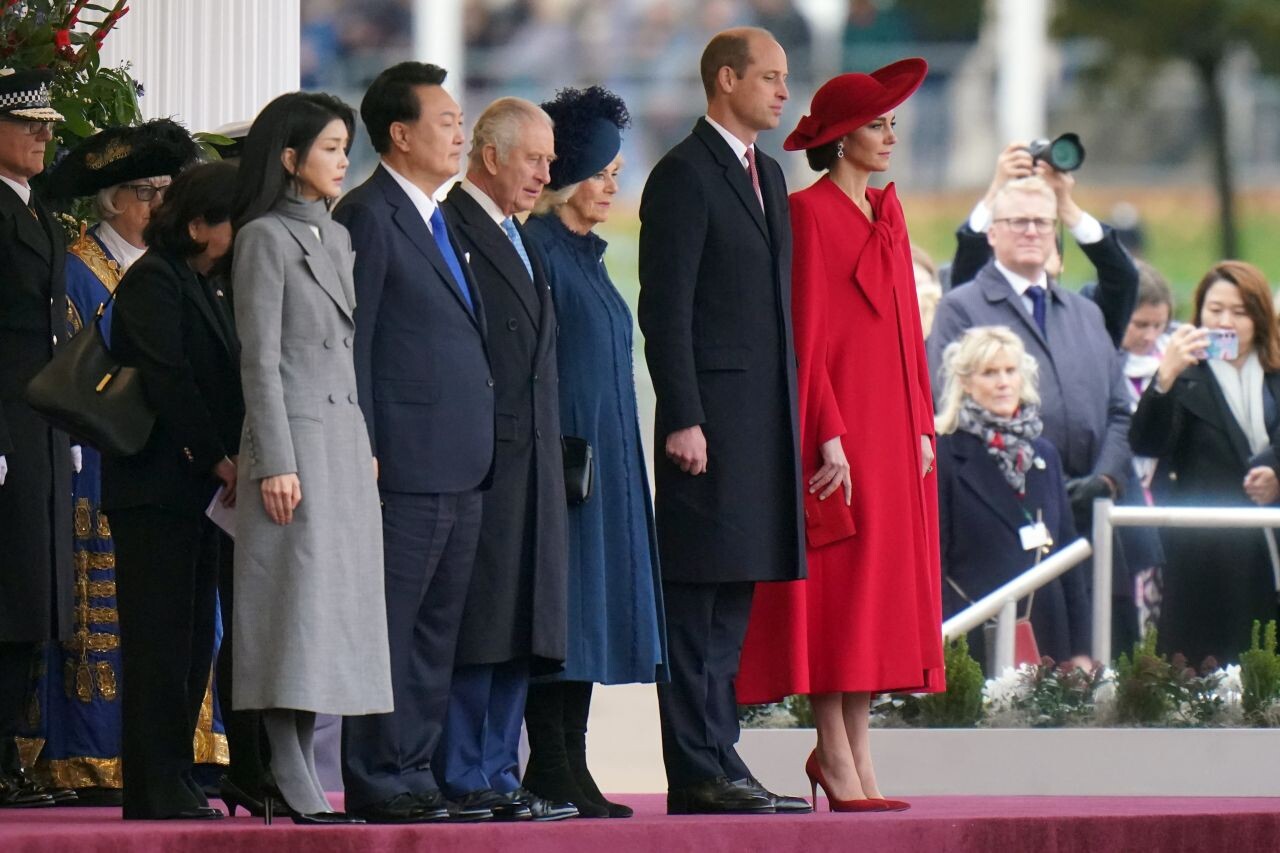
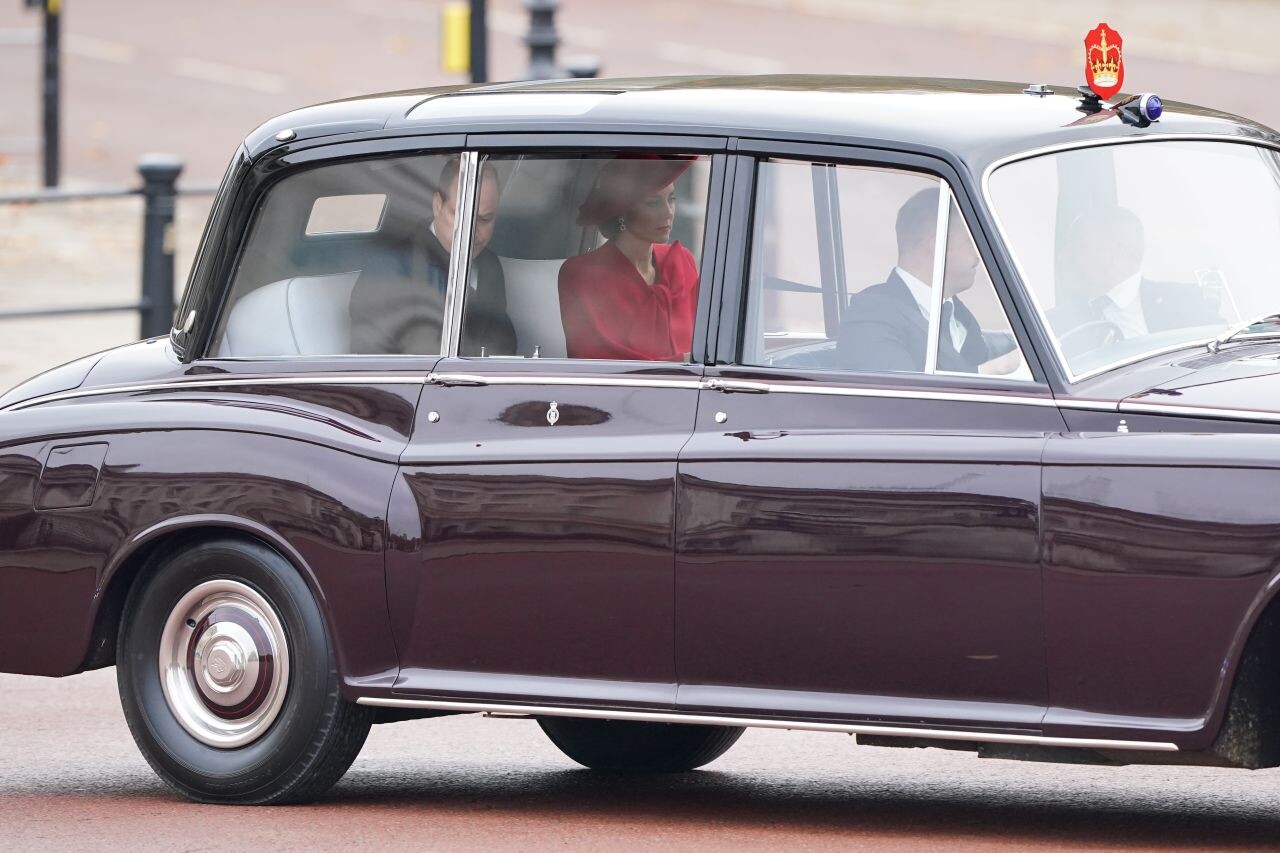
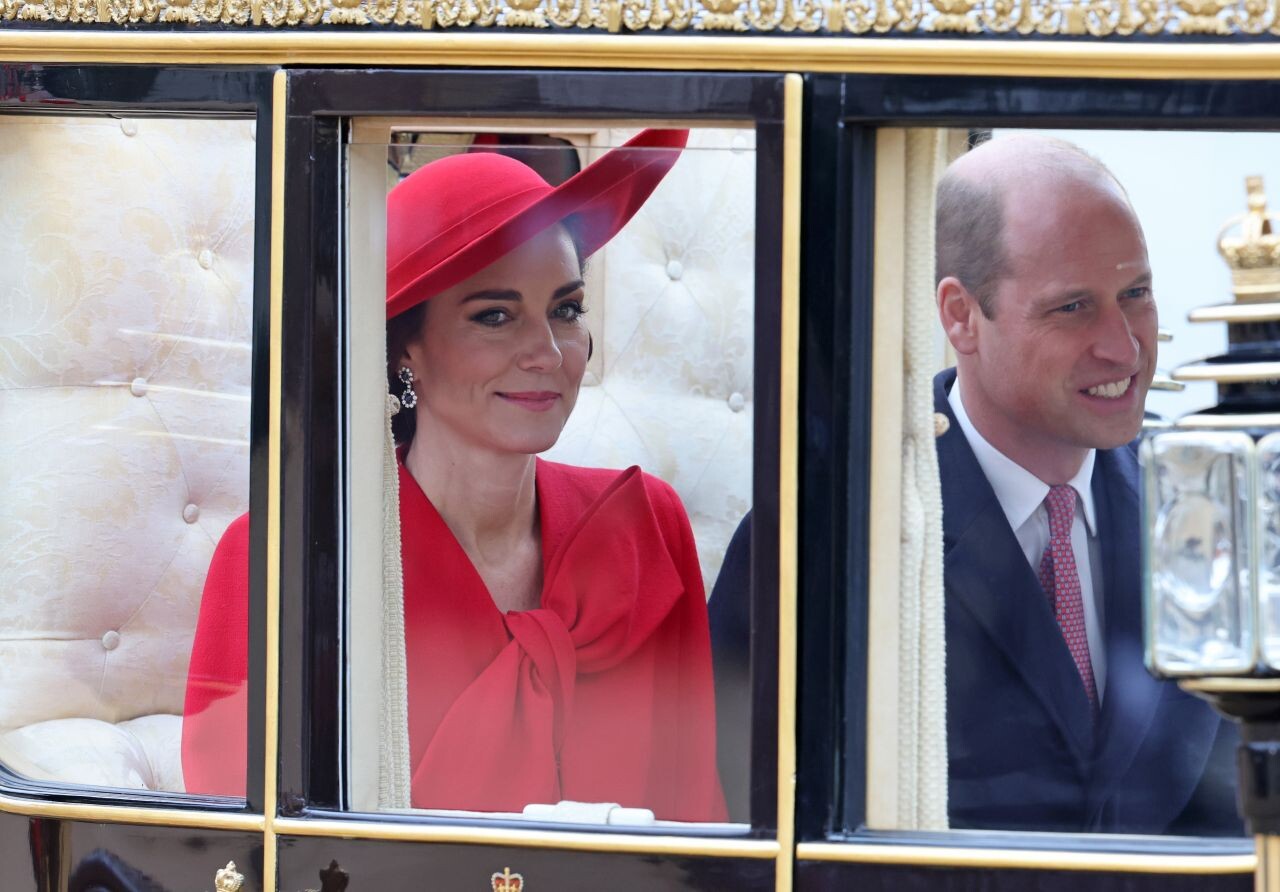
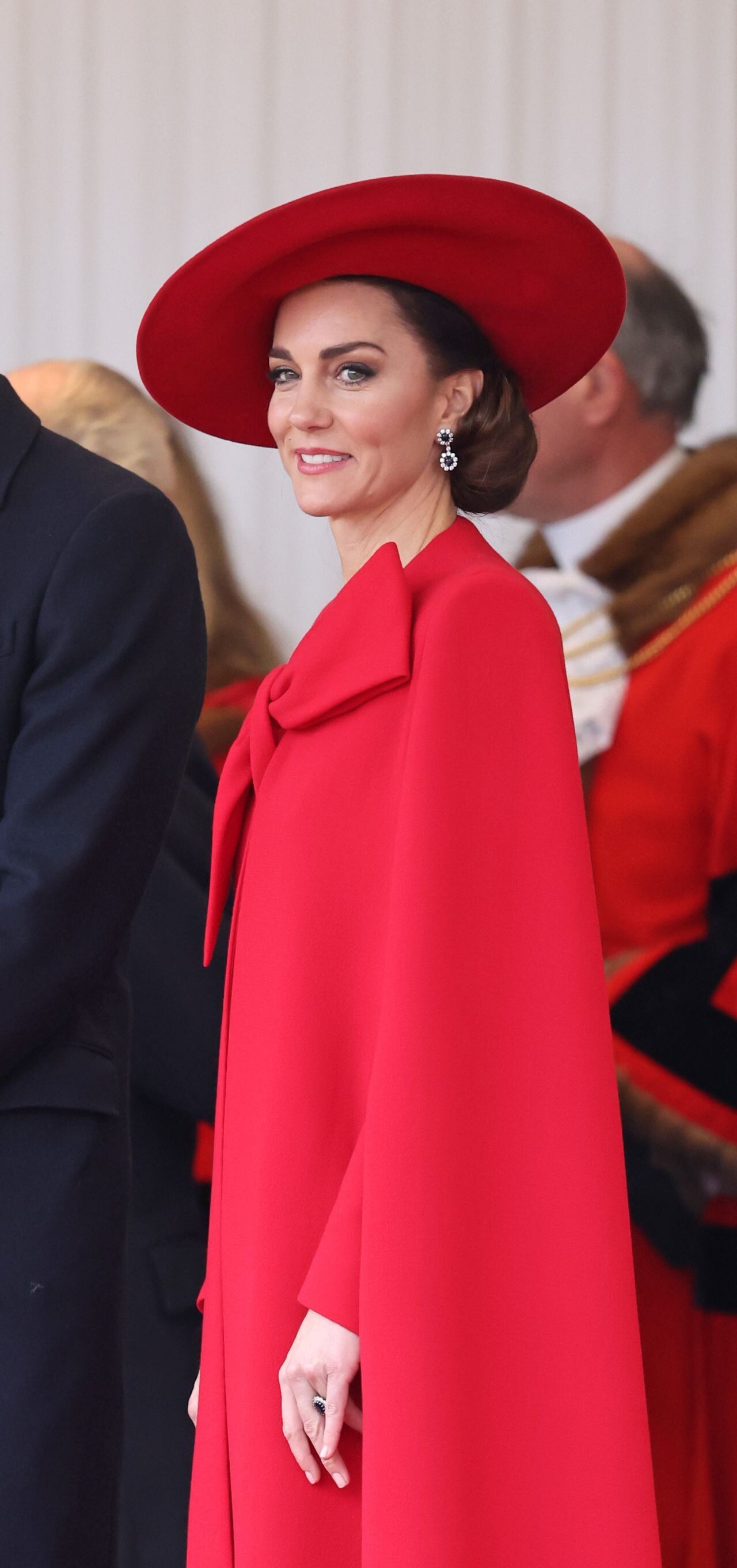
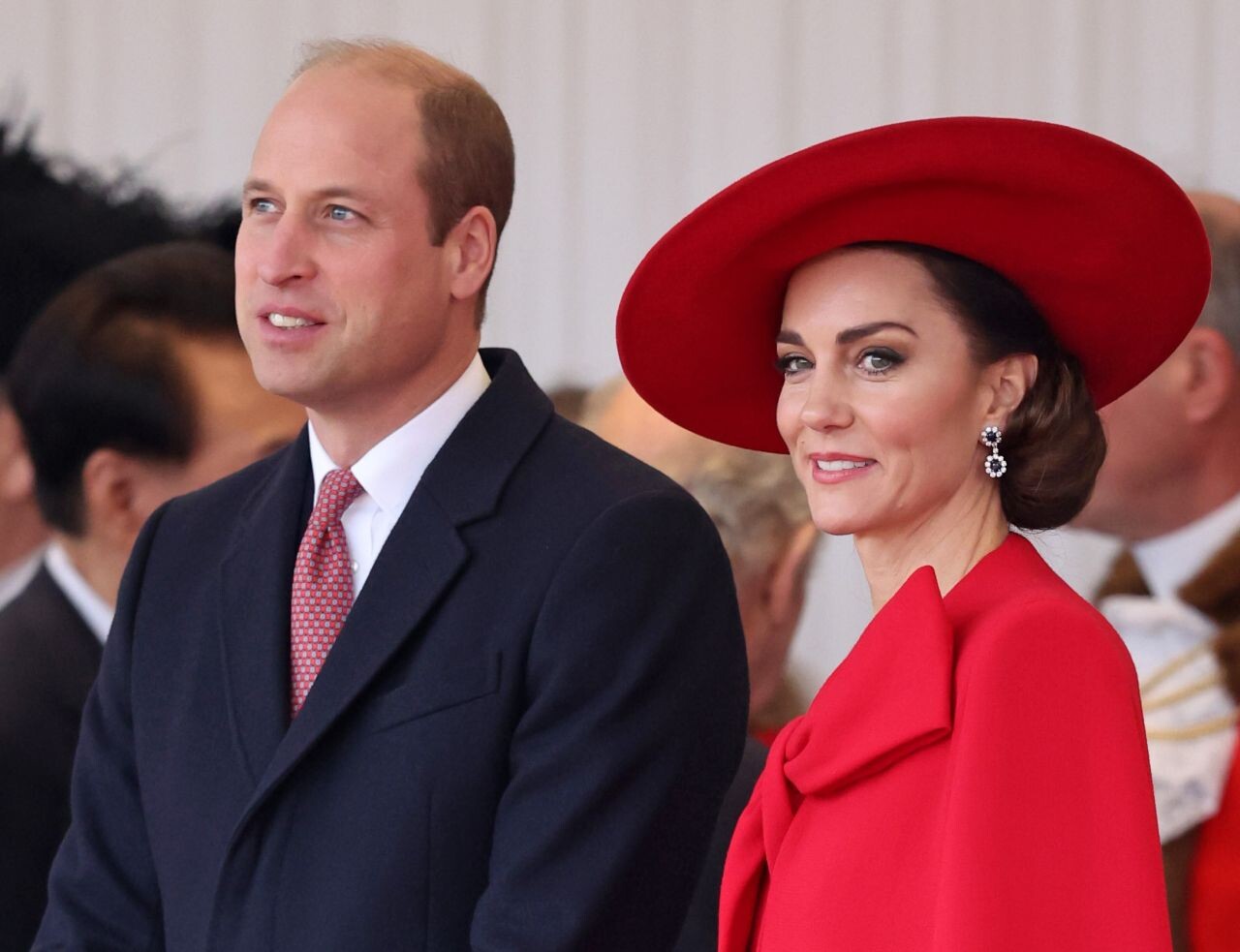
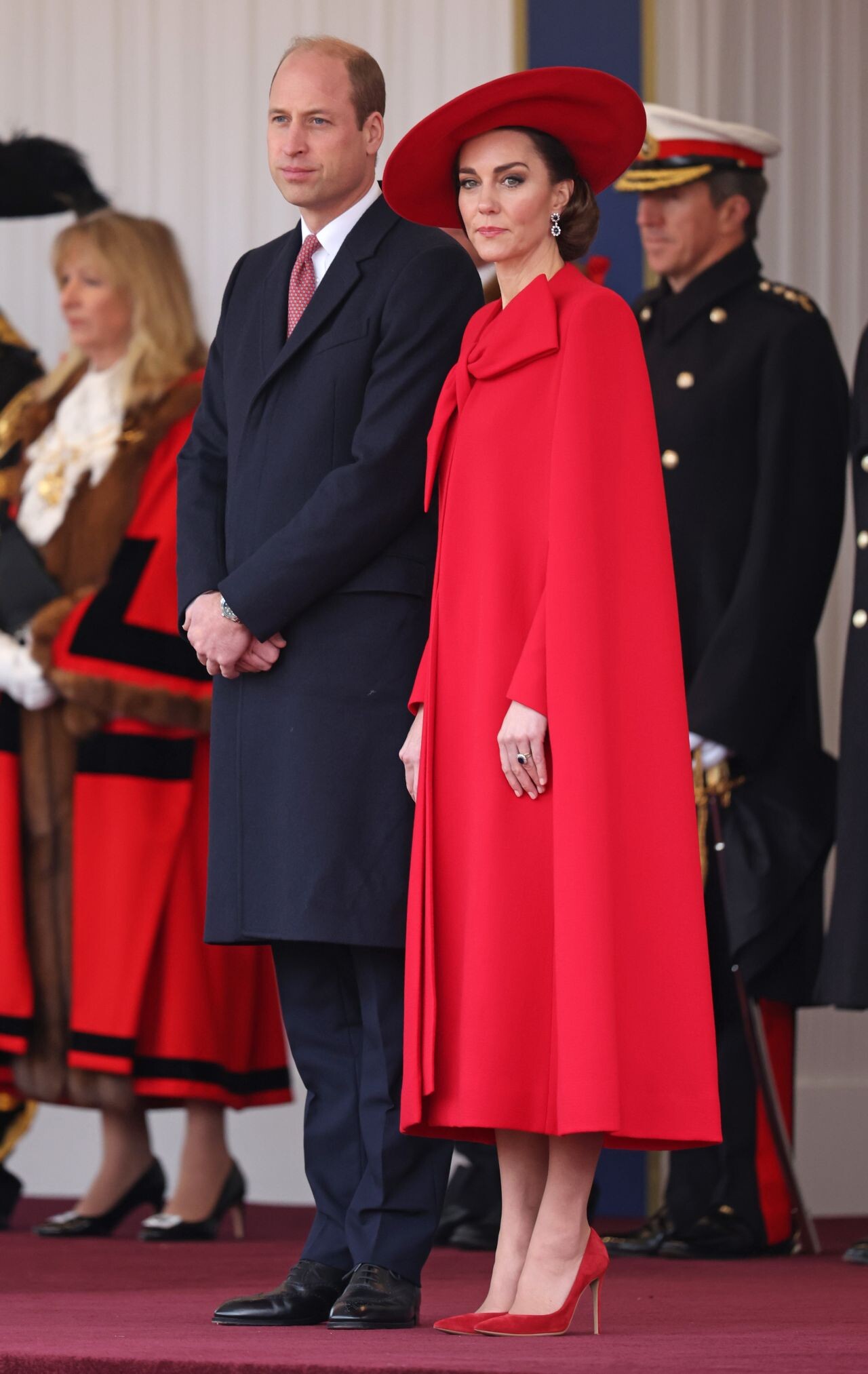
 Ceremonial Welcome for The President and the First Lady of the Republic of Korea in London 11/21/2023








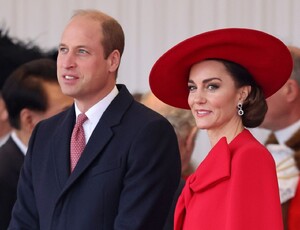
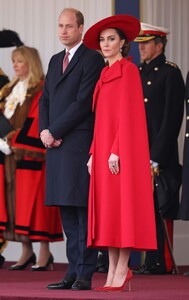
 more pictures Nickelodeon’s Kids’ Choice Awards 2024
















 Venice 07-03-2024




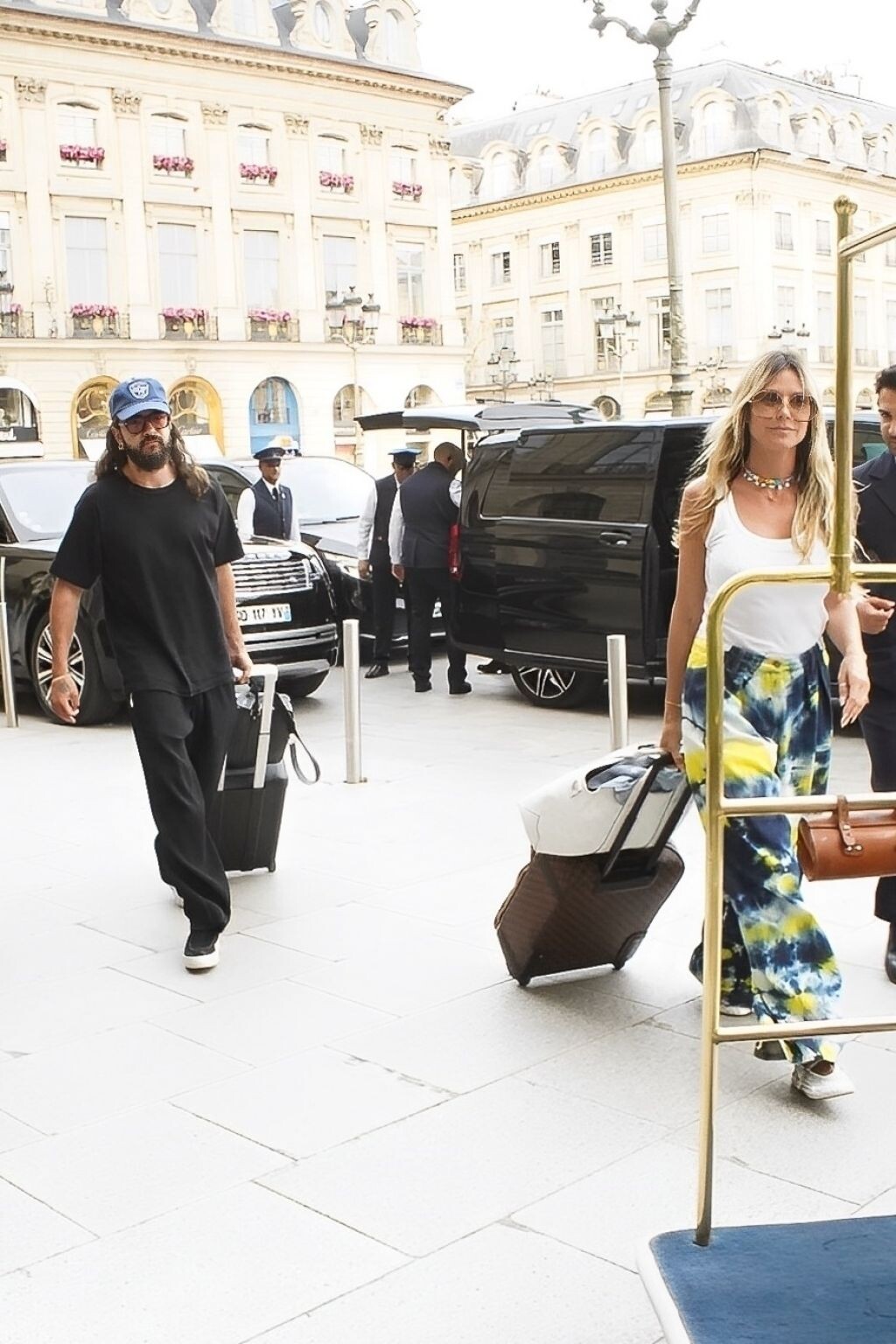
 Arriving at Their Hotel in Paris 06-29-2024


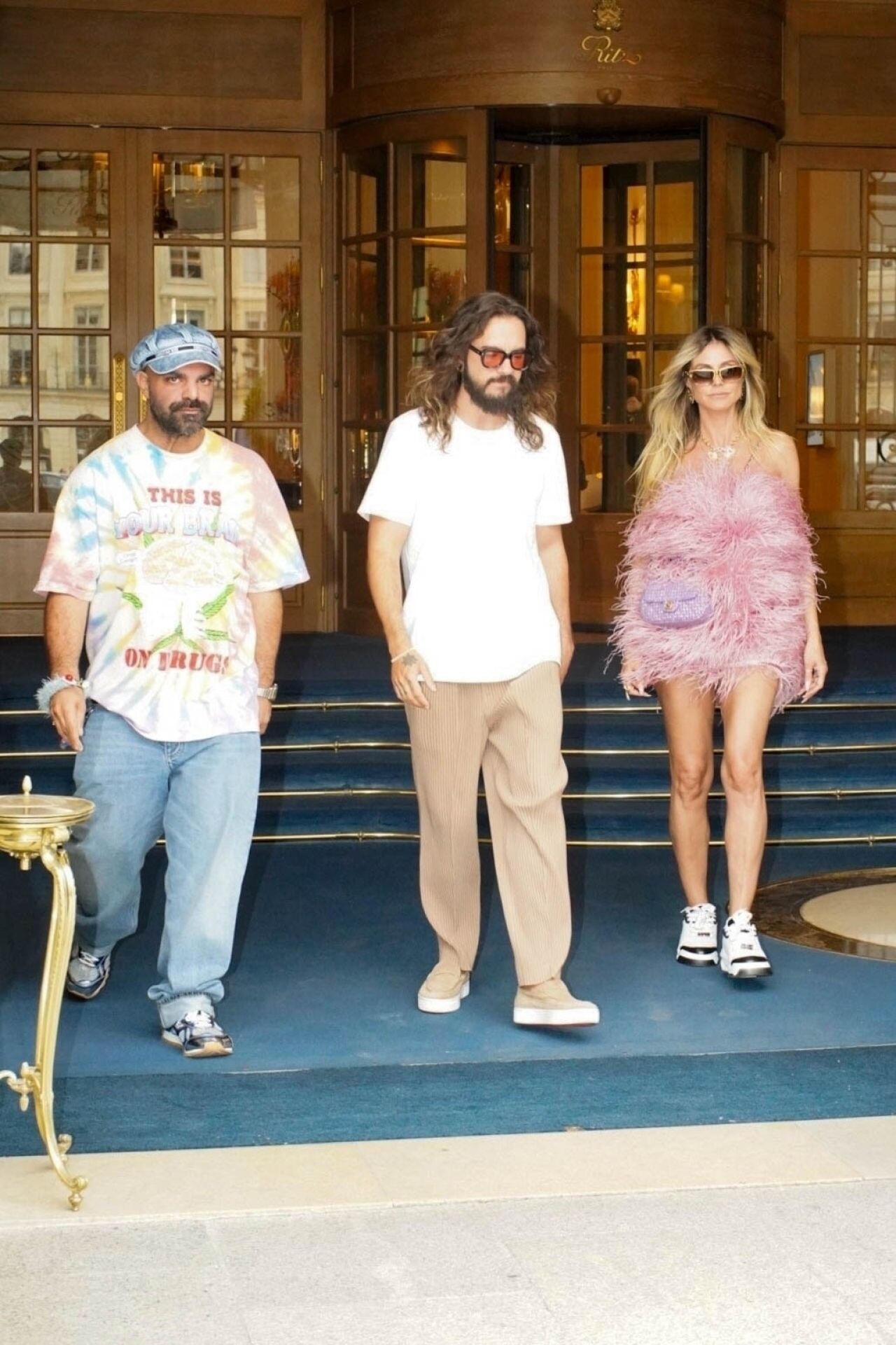
 Paris 06-27-2024




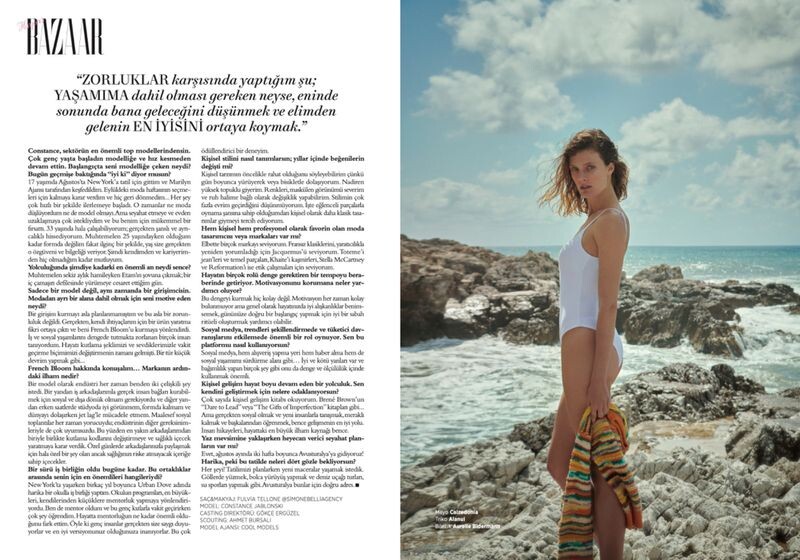
 Harper's Bazaar Turkey HARPER'S BAZAAR STYLE - SUMMER SPECIAL July 2024







 at Wolf Lodge Steakhouse in Coeur d’Alene, Idaho 07-07-2024





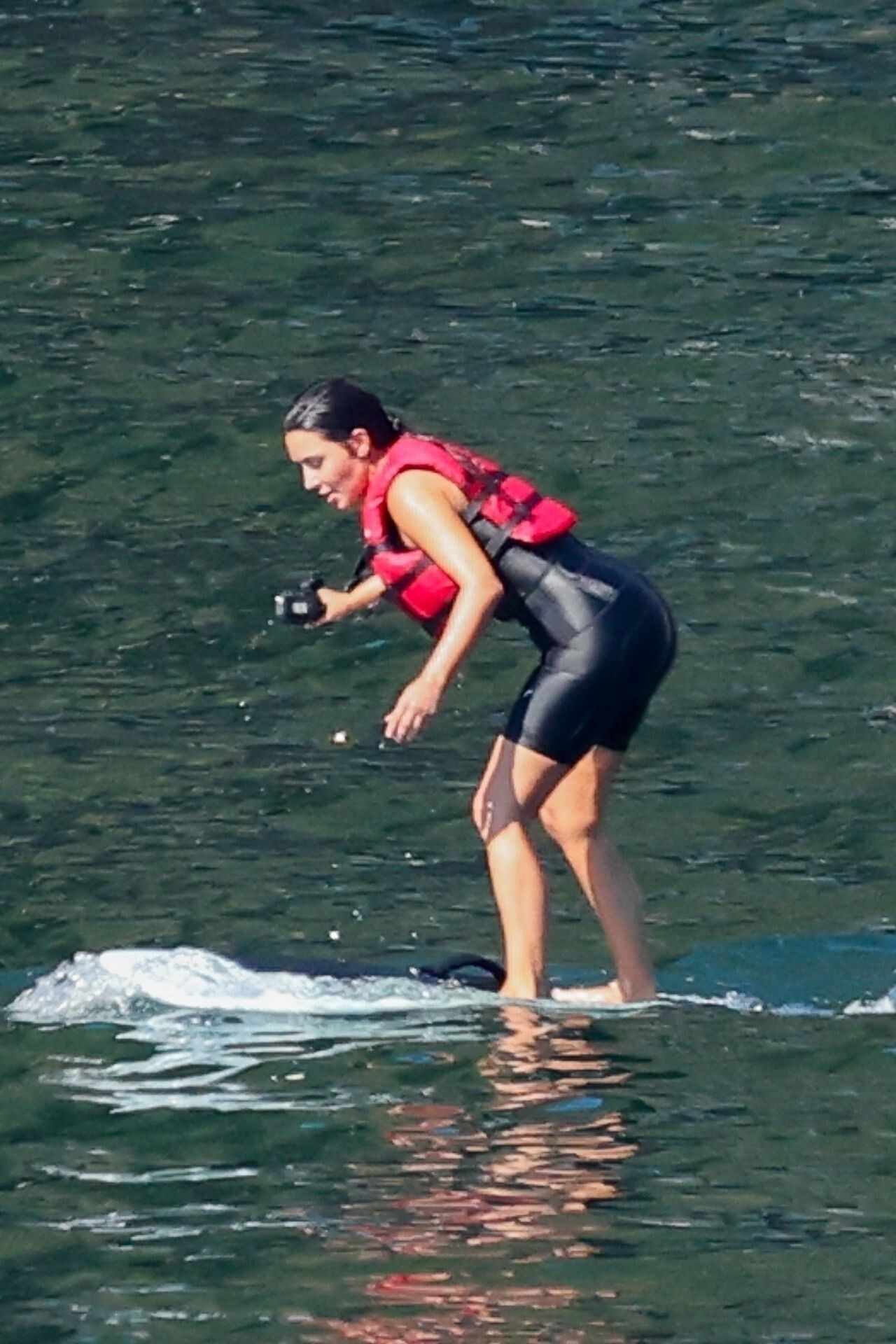
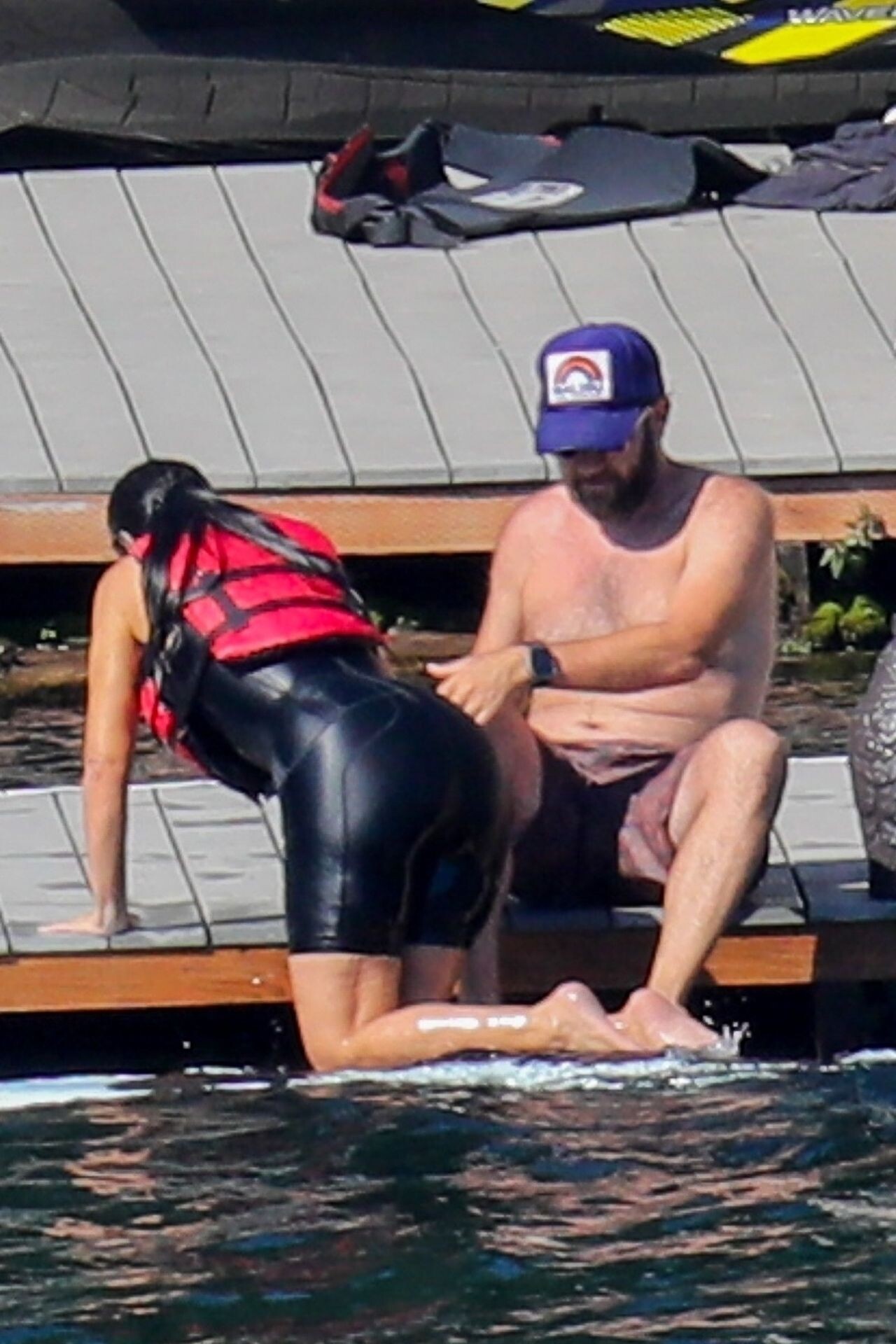
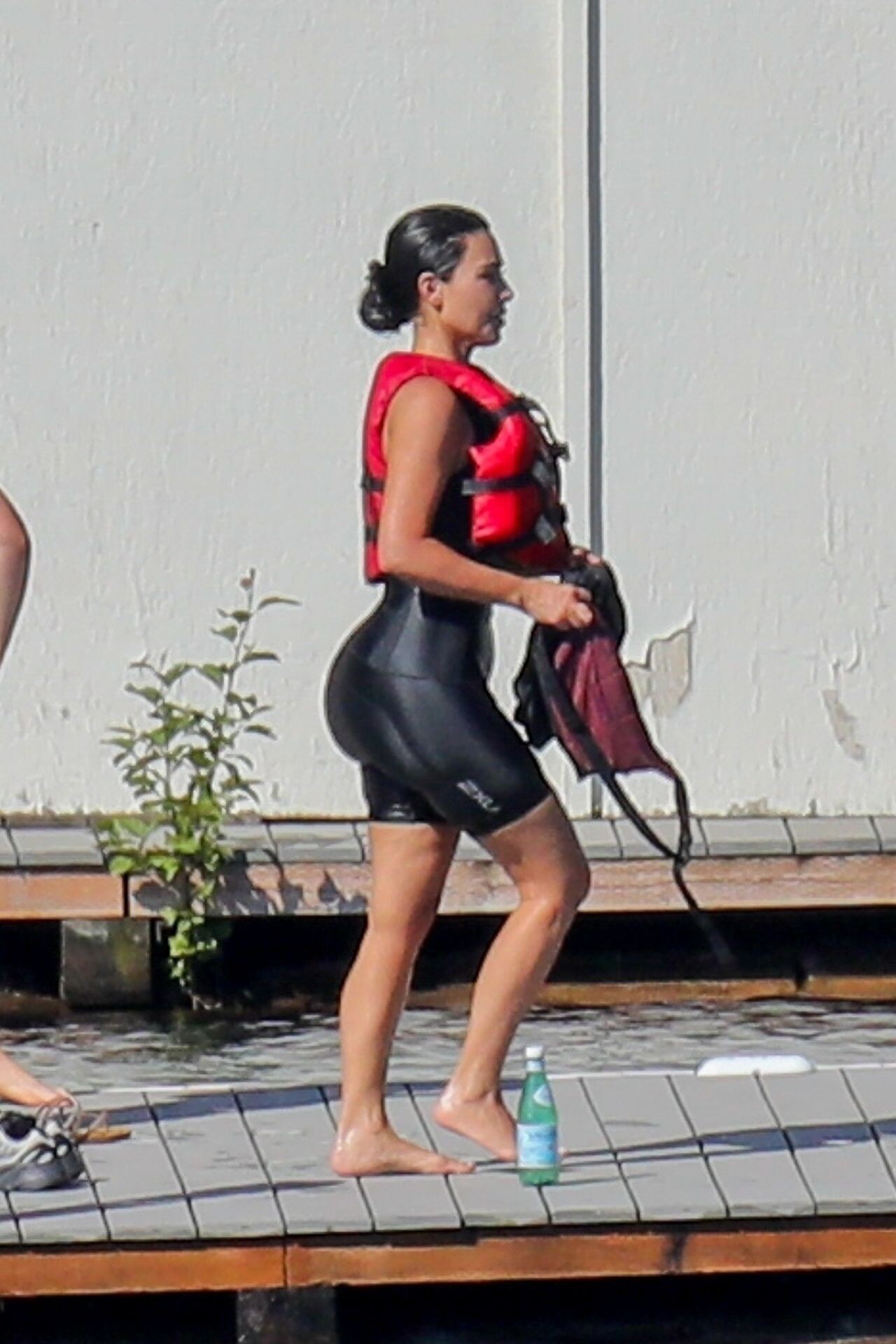
 at Lake Coeur d’Alene in Idaho 07-03-2024






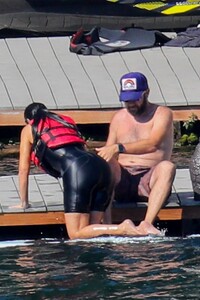

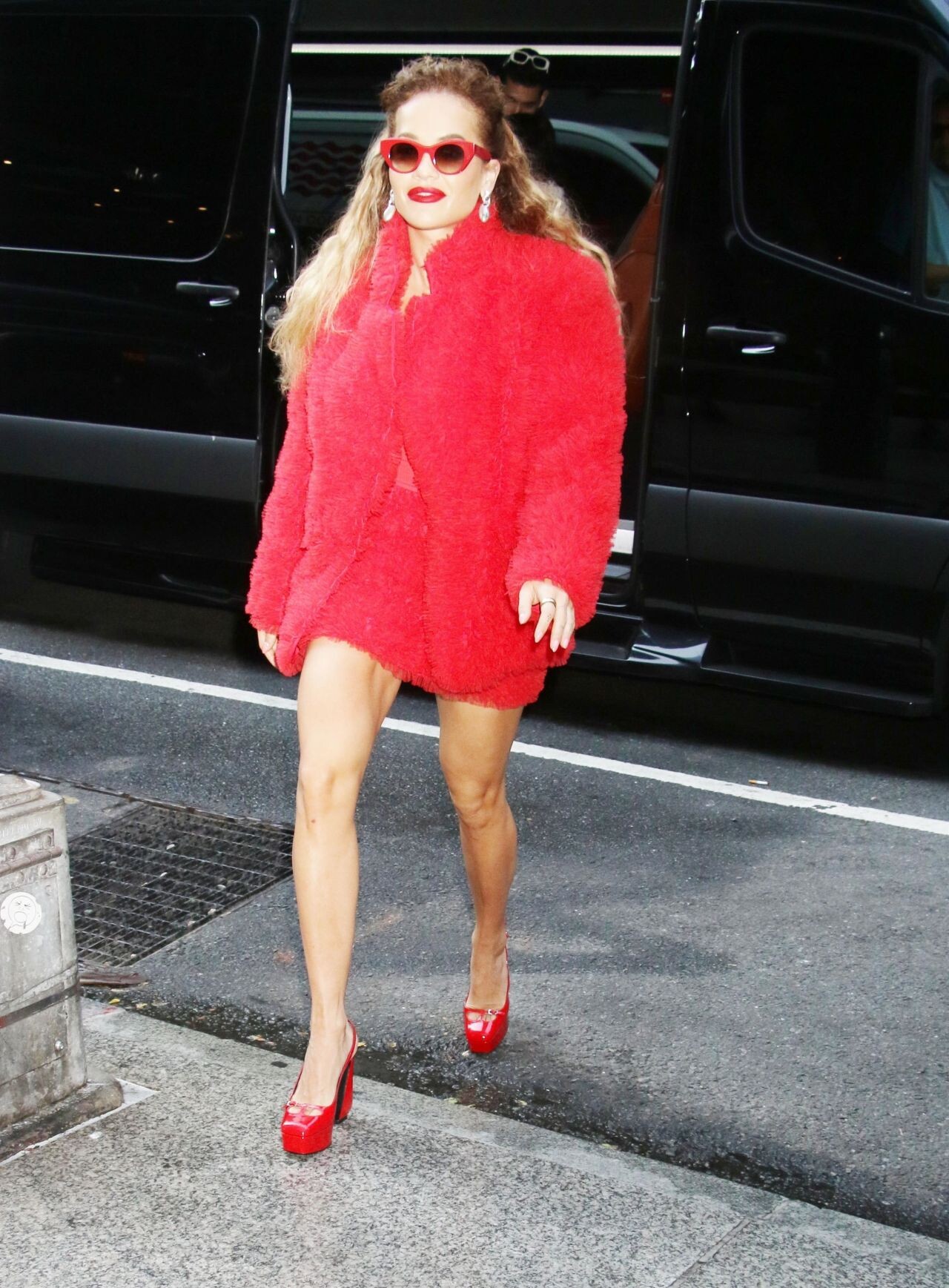
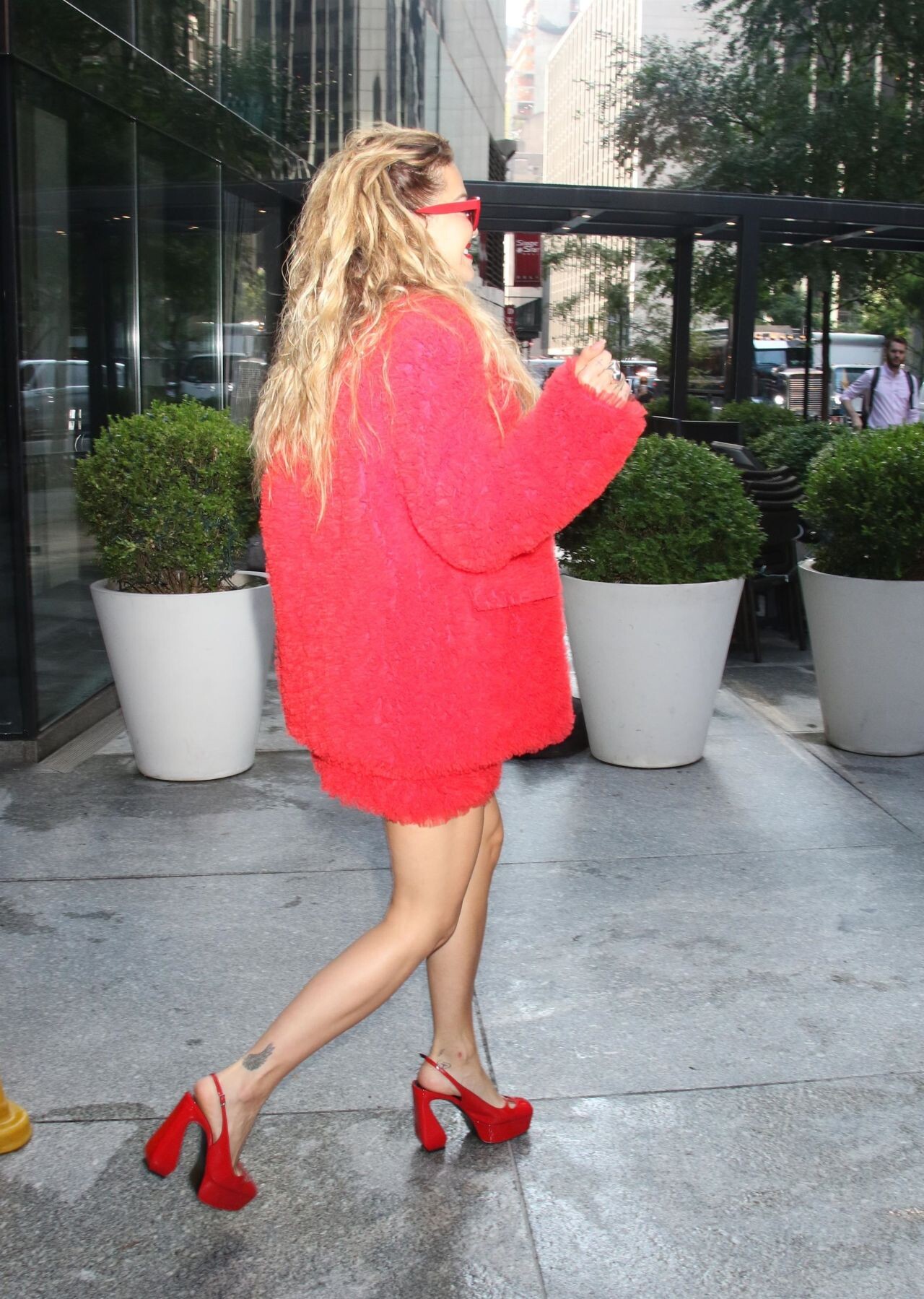
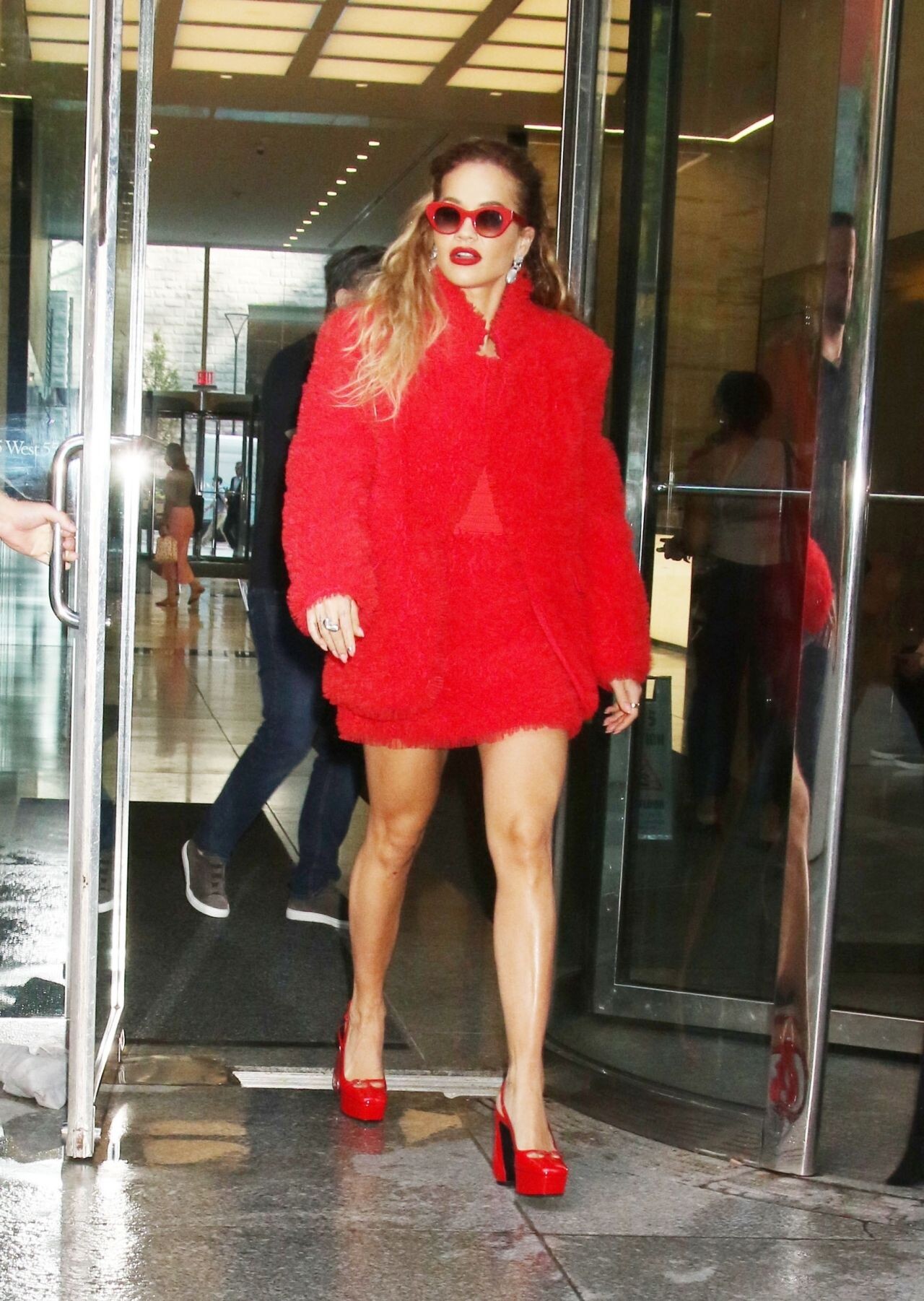
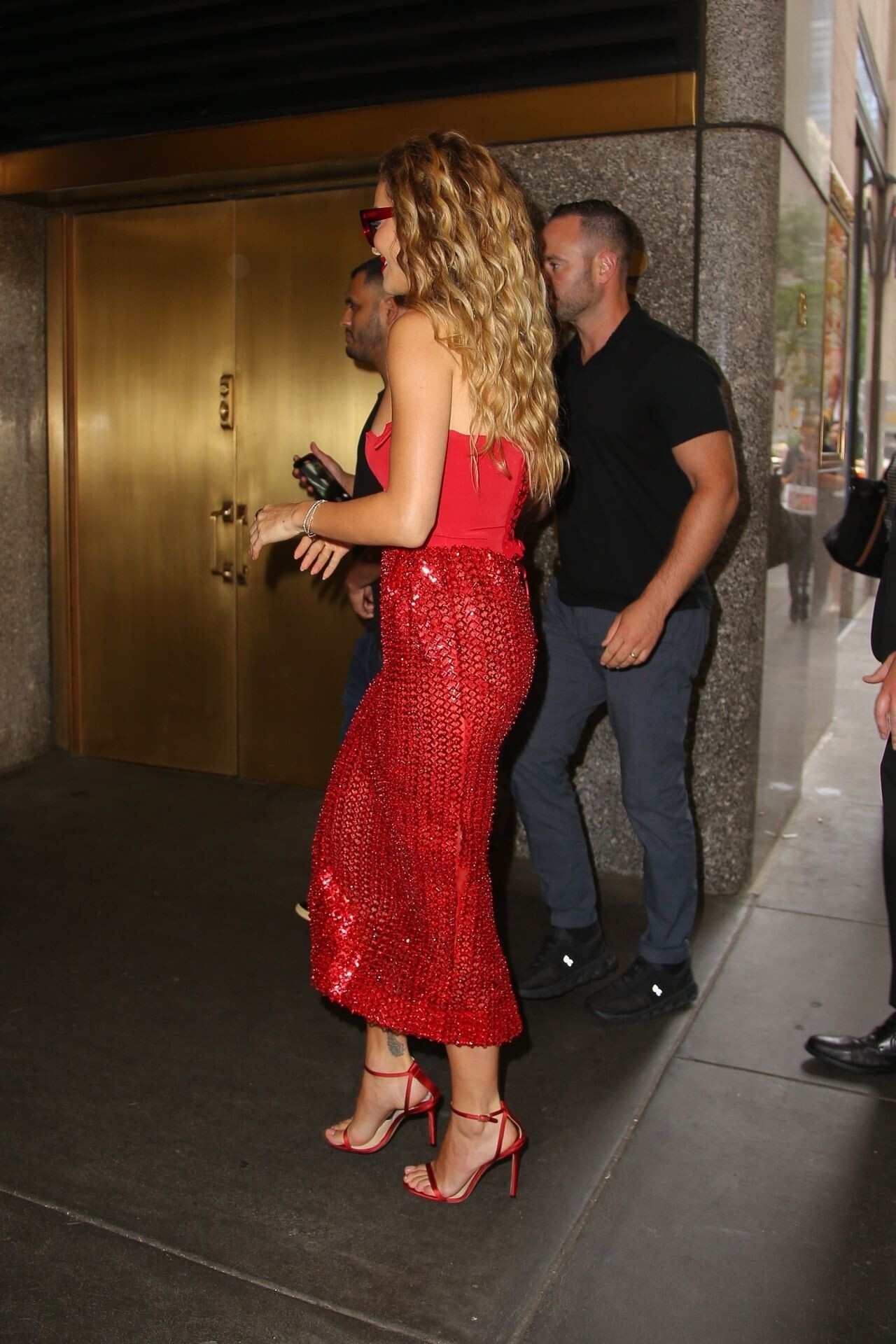
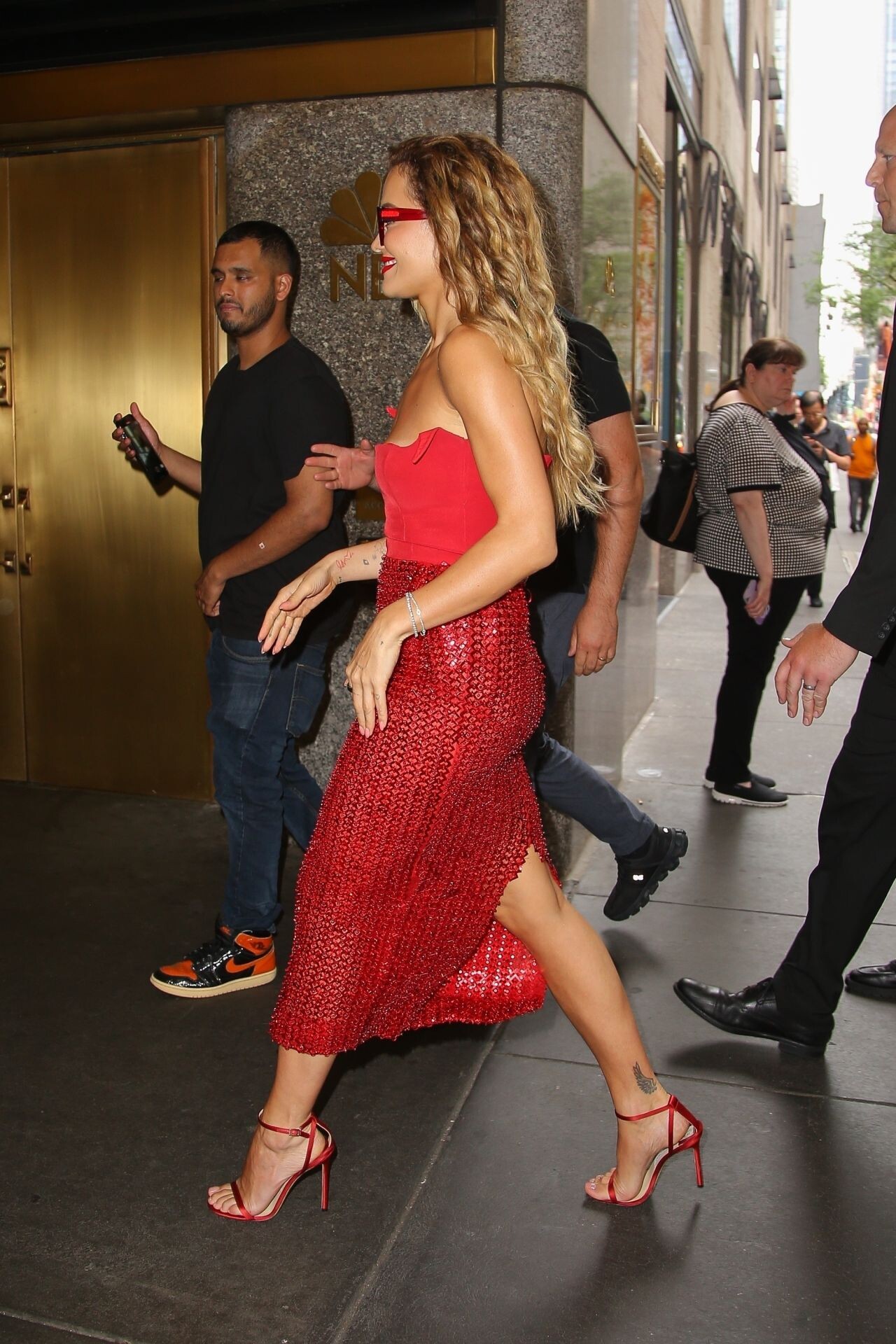
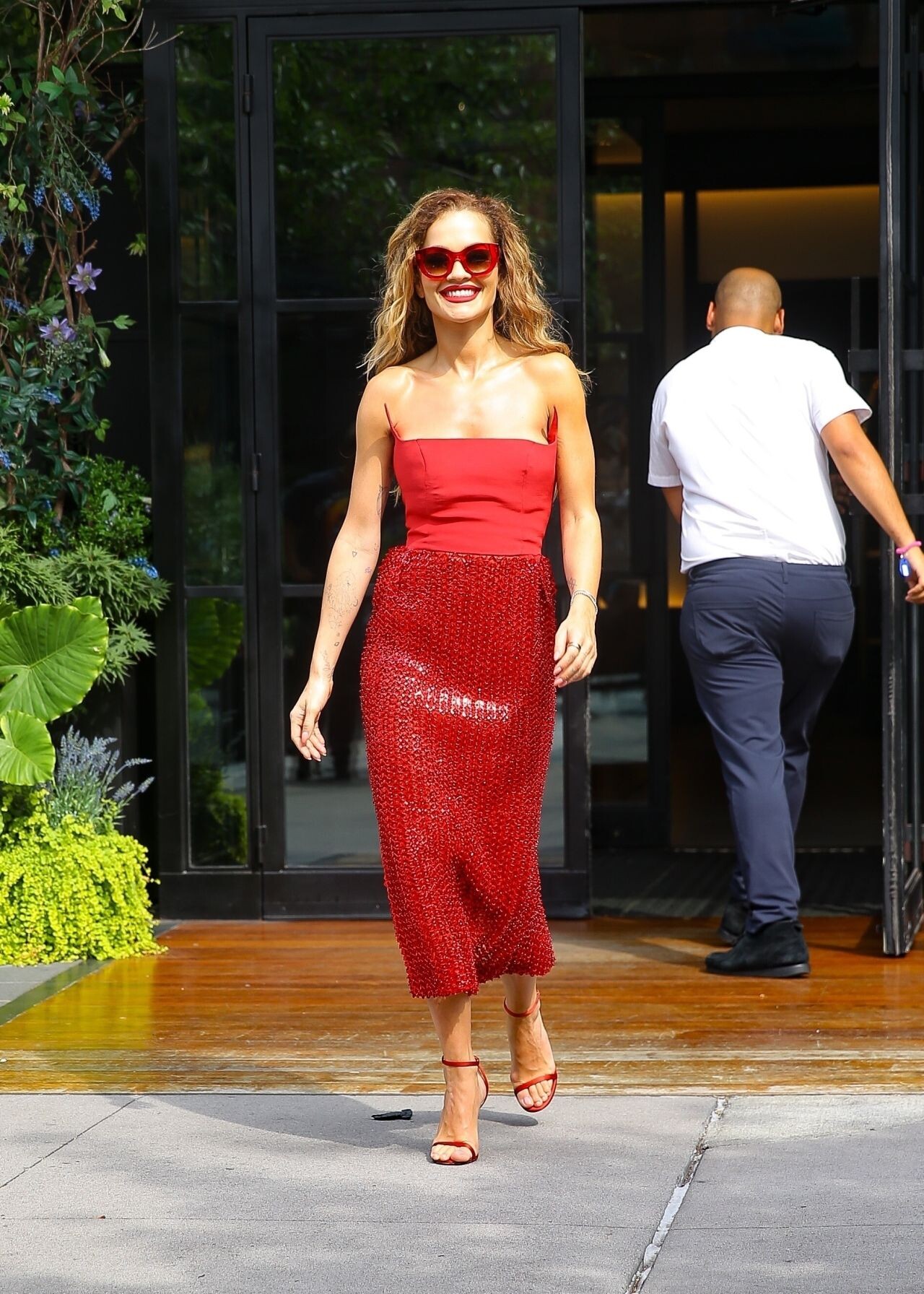
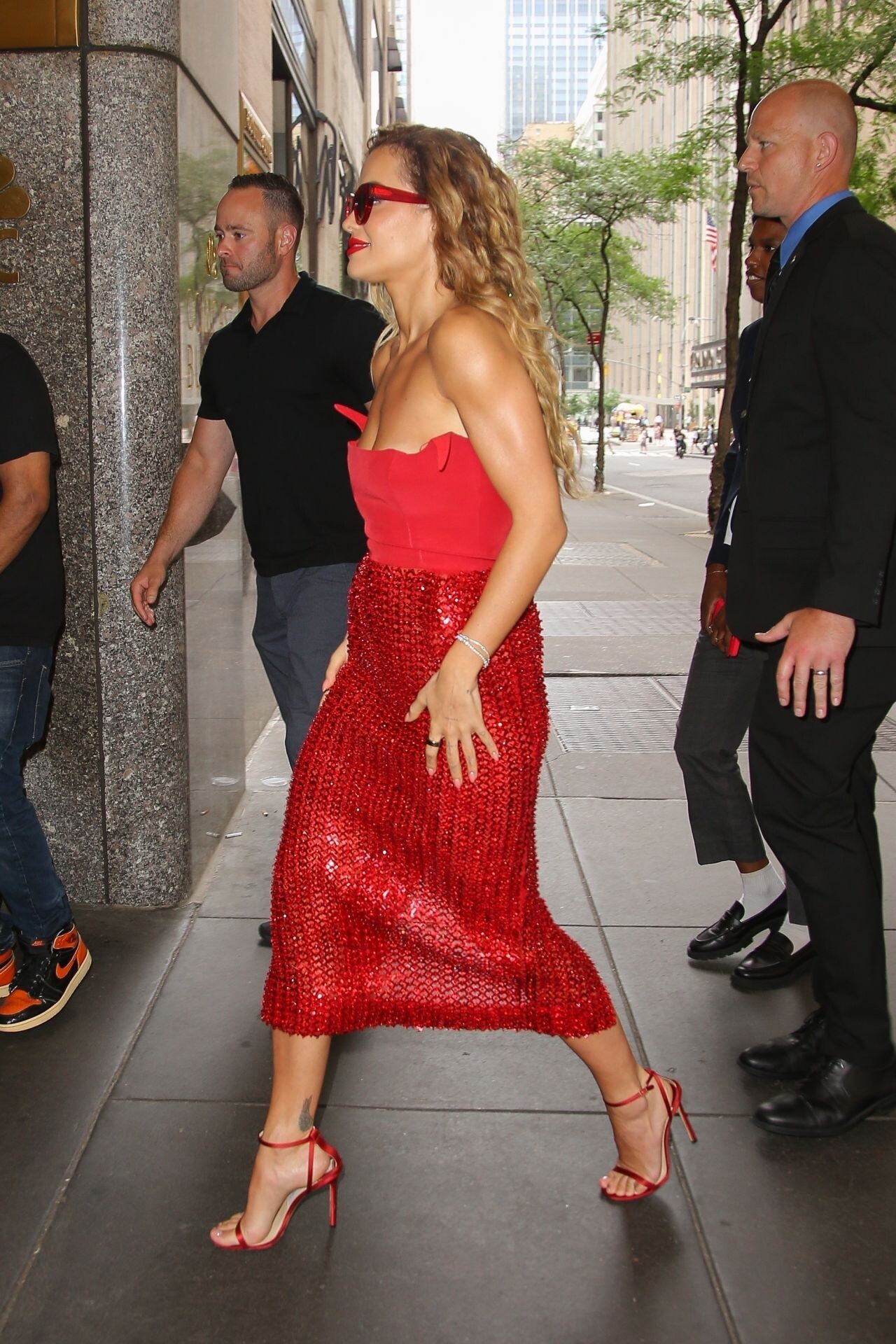
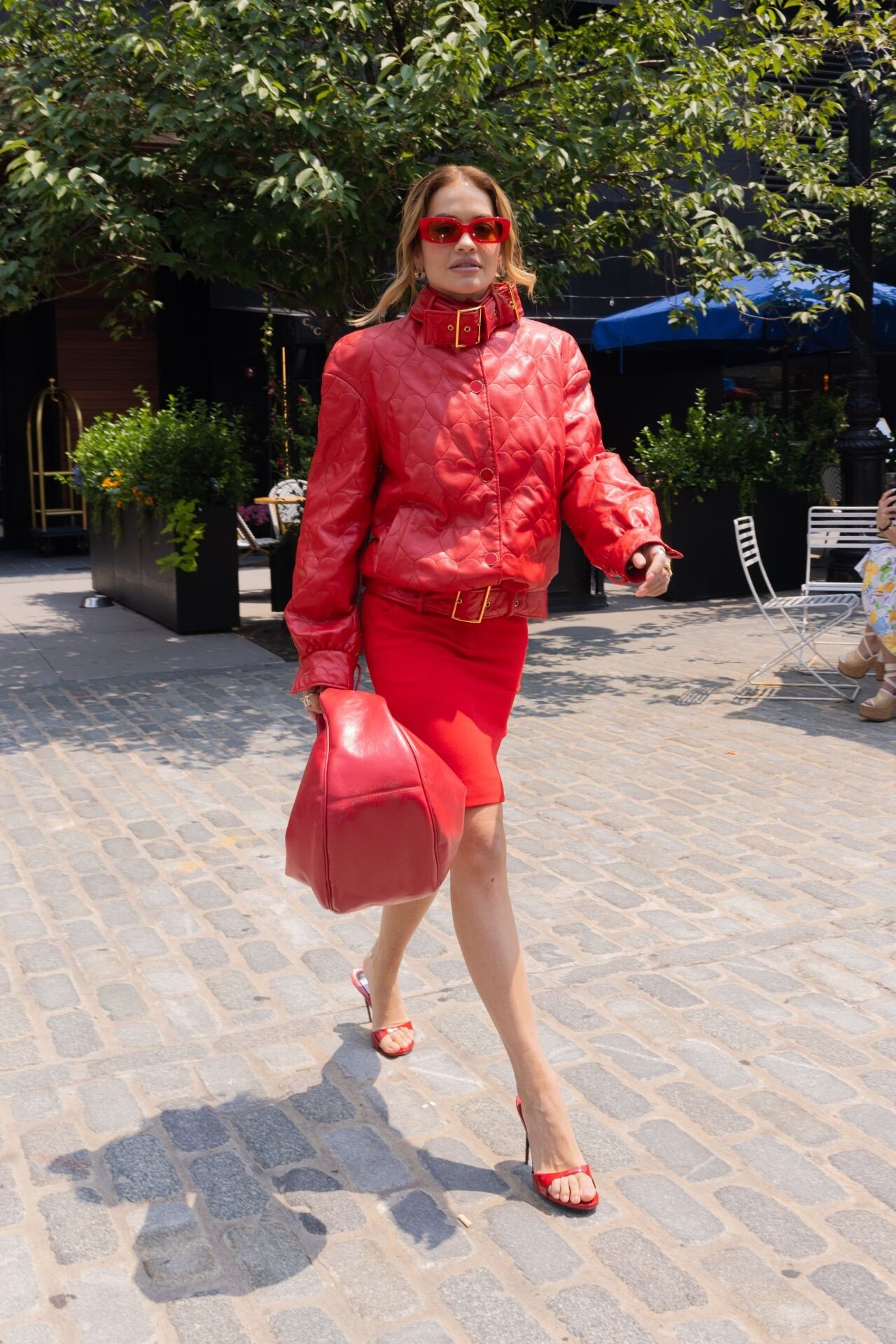
 New York 07-09-2024








 Promoting her upcoming Disney+ film “Descendants: Rise Of The Red”











 promoting her latest Disney+ project.










 Saga Festival in Bucharest 07-05-2024







 American Vogue A Manhattan Morning June 2024 Chris Colls - Photographer Dylan Chavles - Hair Stylist


























































































































































































Account
Navigation
Search
Configure browser push notifications
Chrome (Android)
- Tap the lock icon next to the address bar.
- Tap Permissions → Notifications.
- Adjust your preference.
Chrome (Desktop)
- Click the padlock icon in the address bar.
- Select Site settings.
- Find Notifications and adjust your preference.
Safari (iOS 16.4+)
- Ensure the site is installed via Add to Home Screen.
- Open Settings App → Notifications.
- Find your app name and adjust your preference.
Safari (macOS)
- Go to Safari → Preferences.
- Click the Websites tab.
- Select Notifications in the sidebar.
- Find this website and adjust your preference.
Edge (Android)
- Tap the lock icon next to the address bar.
- Tap Permissions.
- Find Notifications and adjust your preference.
Edge (Desktop)
- Click the padlock icon in the address bar.
- Click Permissions for this site.
- Find Notifications and adjust your preference.
Firefox (Android)
- Go to Settings → Site permissions.
- Tap Notifications.
- Find this site in the list and adjust your preference.
Firefox (Desktop)
- Open Firefox Settings.
- Search for Notifications.
- Find this site in the list and adjust your preference.