

RIP_Cabrini_Green
Members
-
Joined
-
Last visited
Everything posted by RIP_Cabrini_Green
-
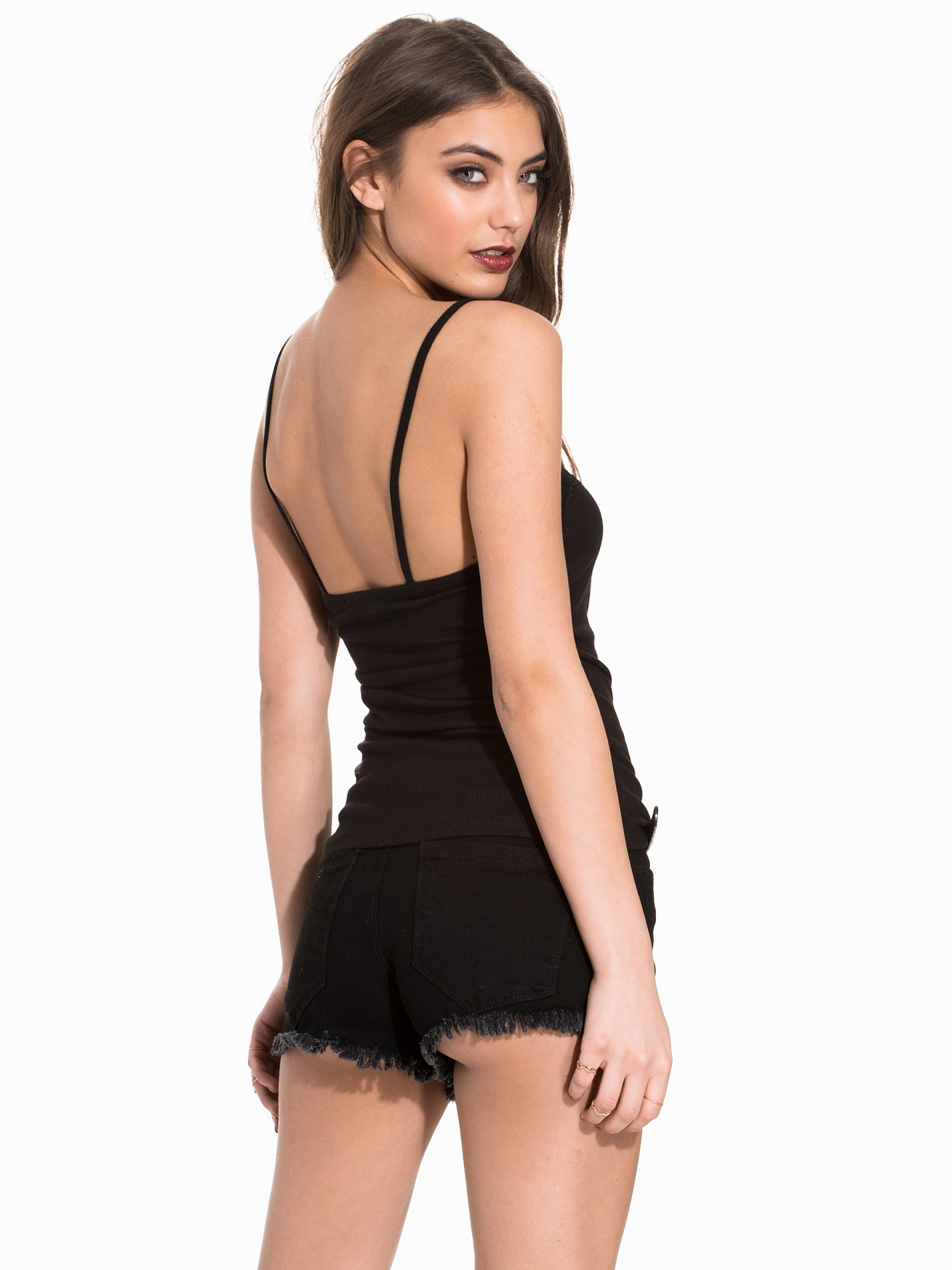
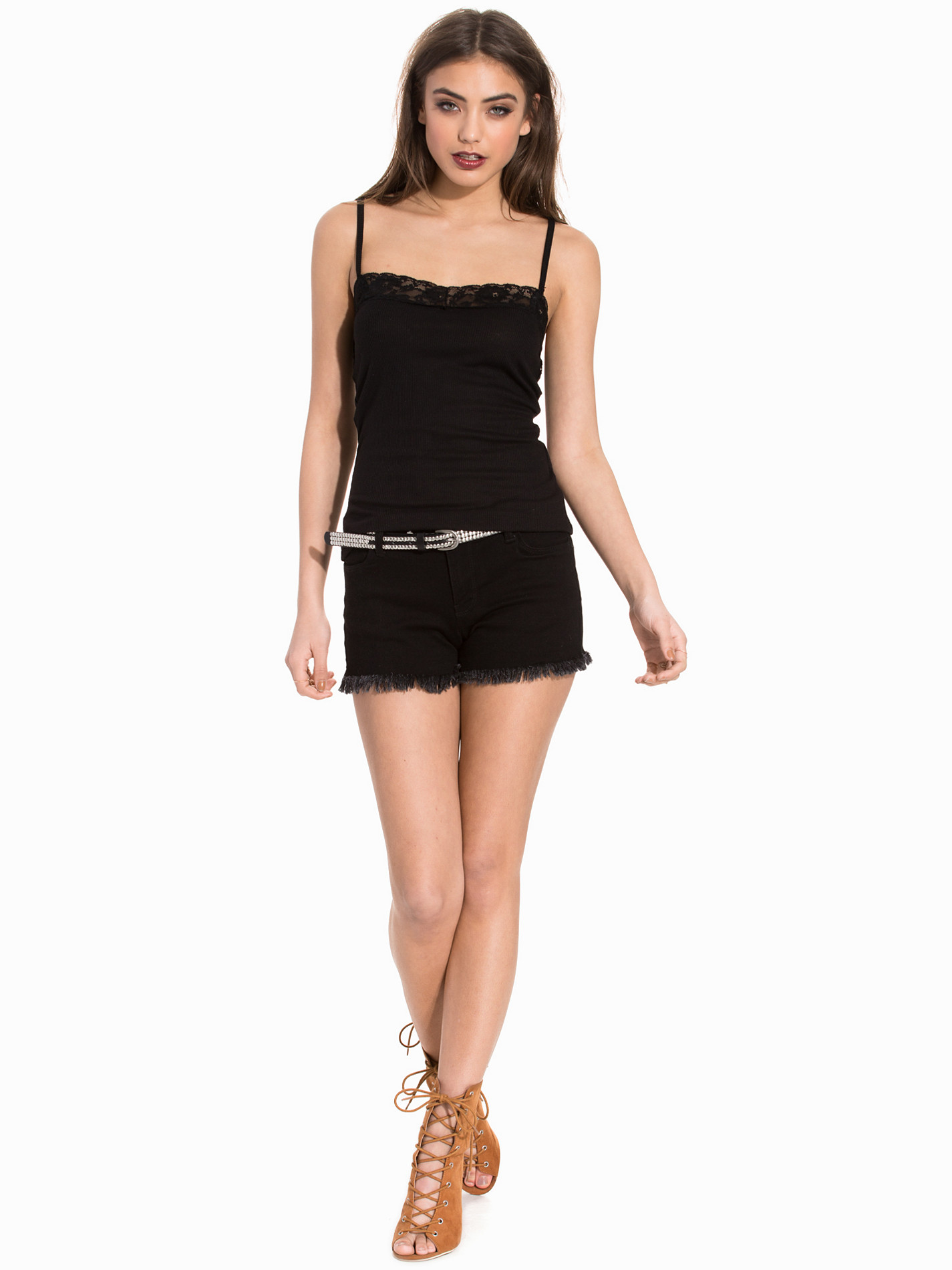
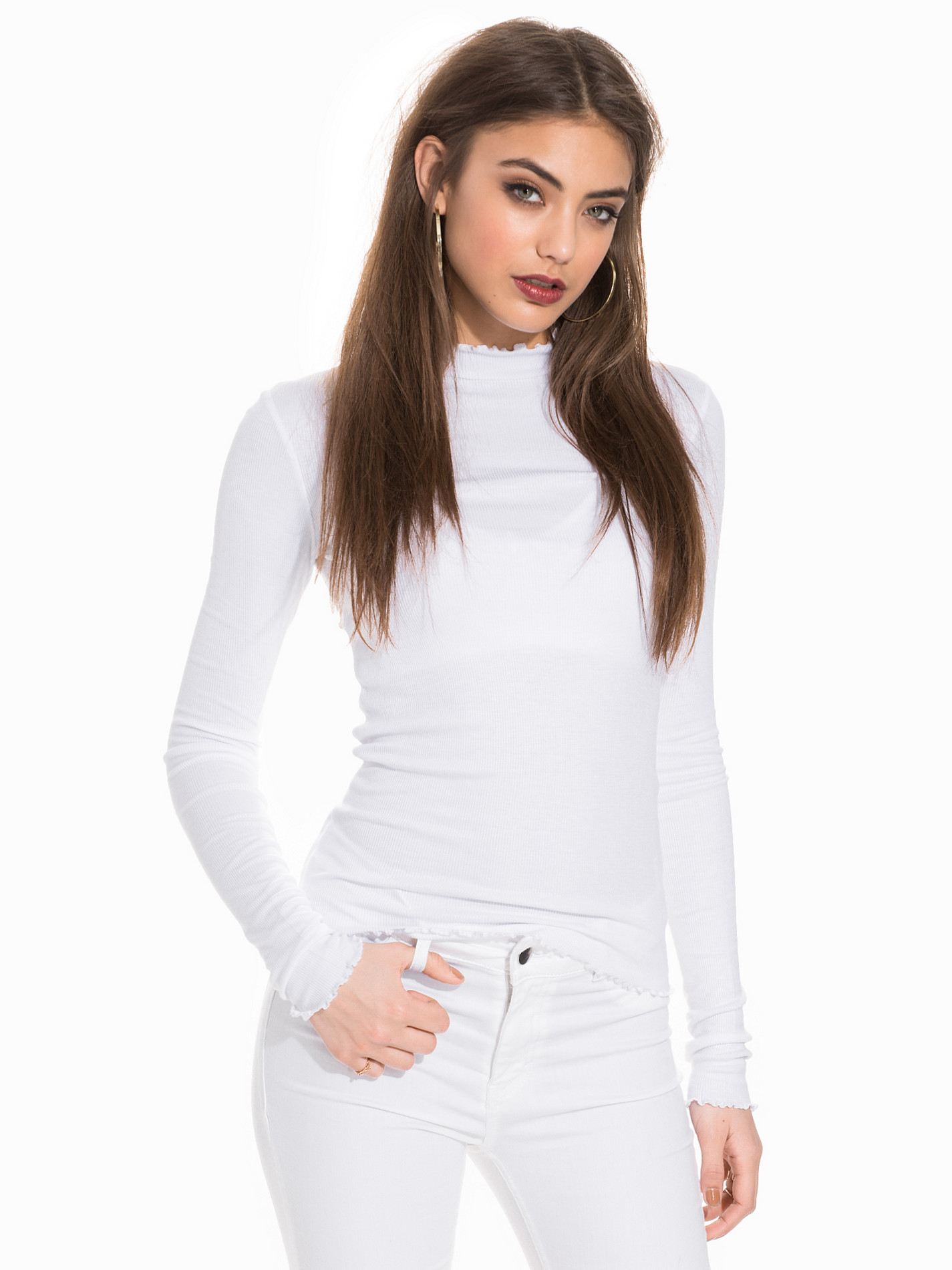
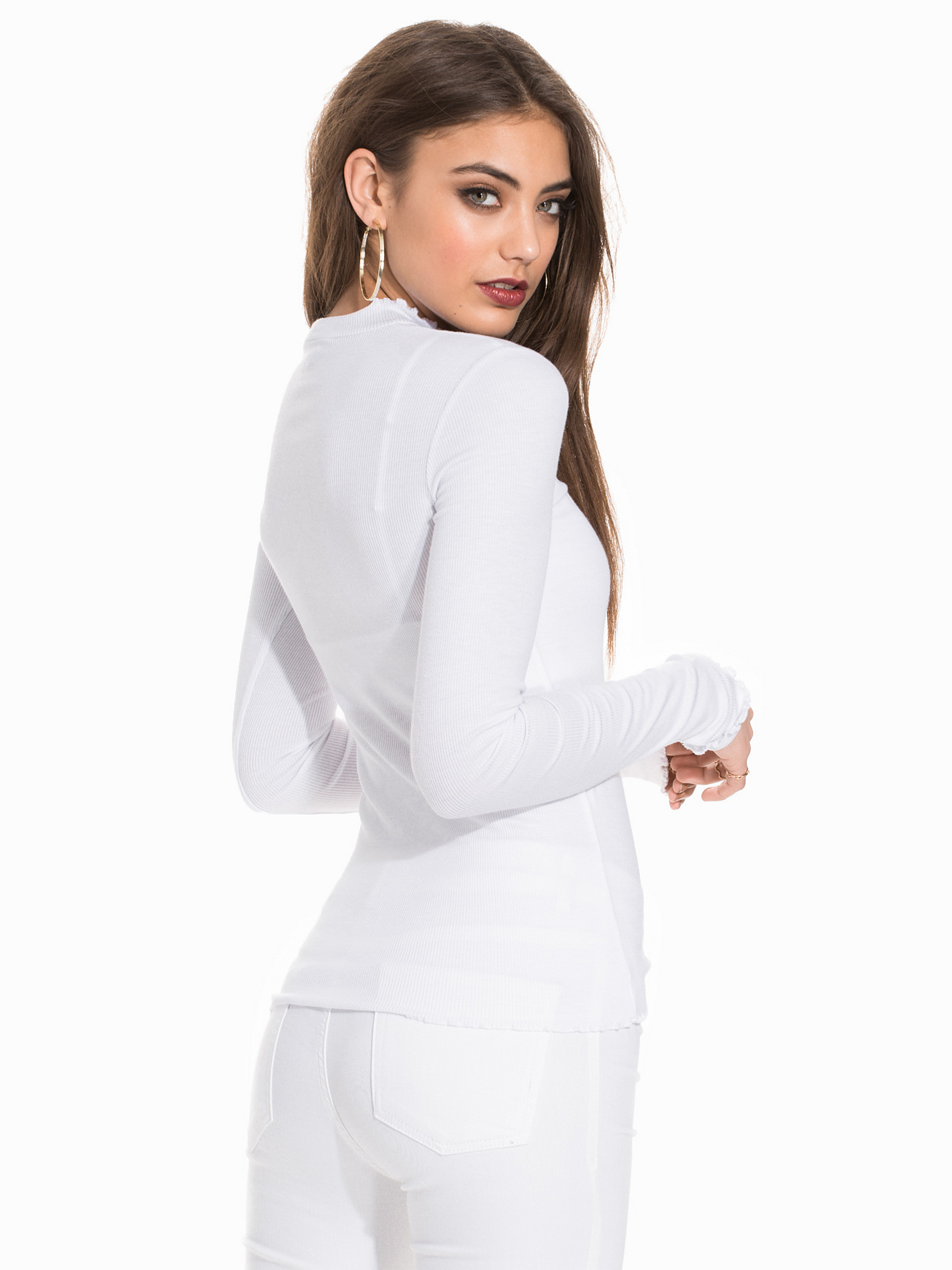
 Nelly Clothing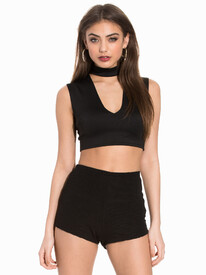
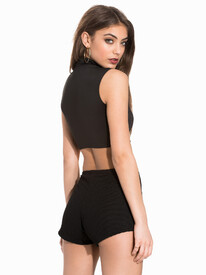
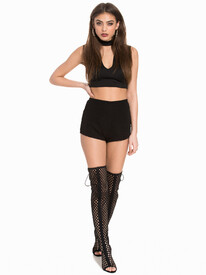
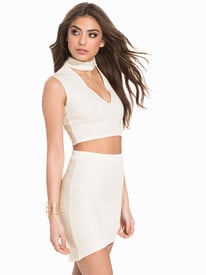
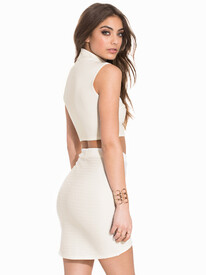
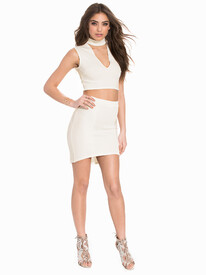
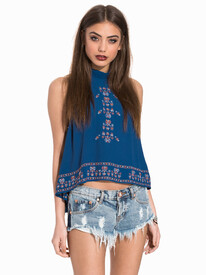
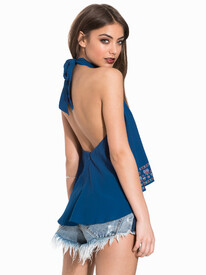
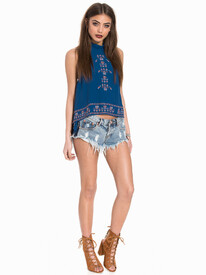
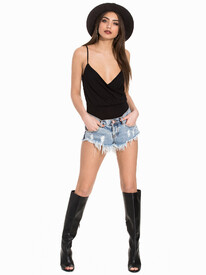
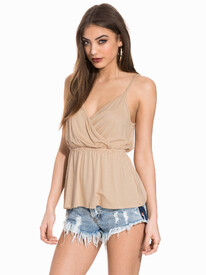
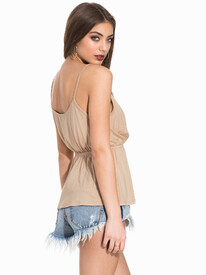
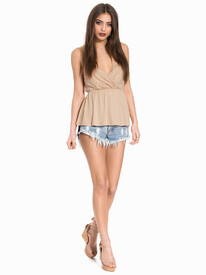
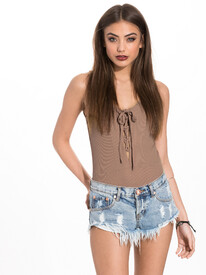
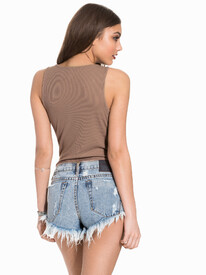
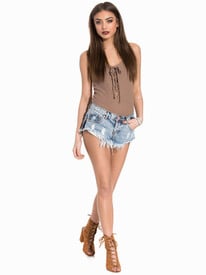
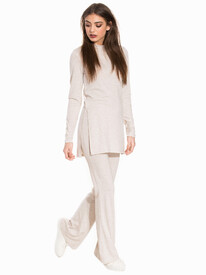
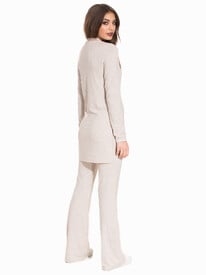
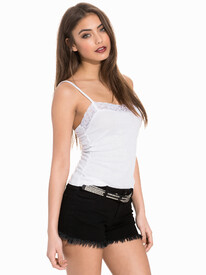
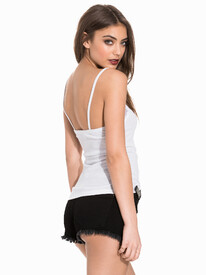
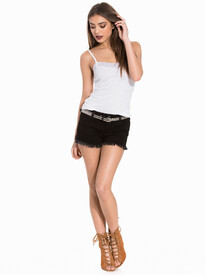
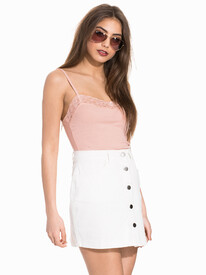
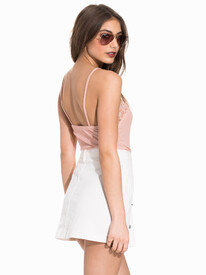
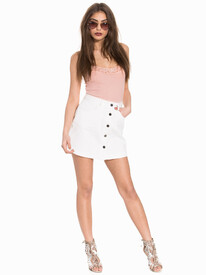
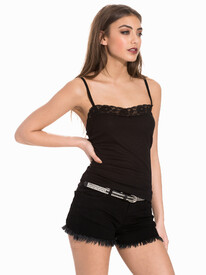
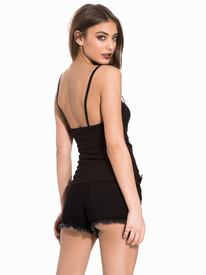
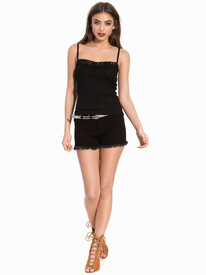
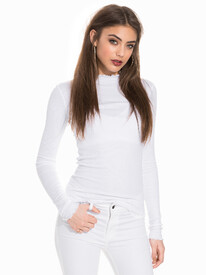
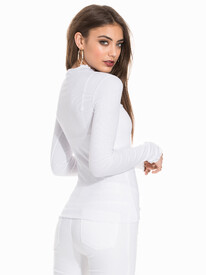
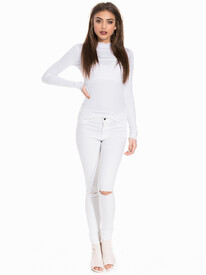
-
Nelly Sport
-
Nelly Clothing
-
Nelly Dresses
-
Hi @DaniL!!! Good to see you back! We've been voting like crazy for you to win the S.I. Swim Model Search!!
-
Bellemere Tha God.
-
Zendaya x2
-
Keep building that resume Lorena! The big shots will come calling soon enough.....
-
So I'm guessing her meetings in New York went well......On Snapchat, she posted a video of her flying over New York with text that said "New Home".... Hmmmmm
-
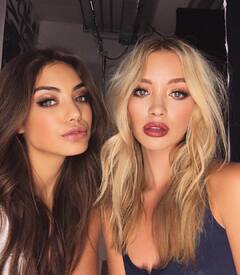
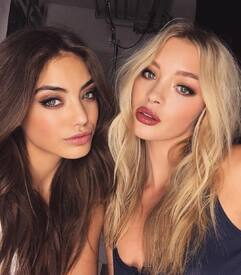
With Roxy Horner
-
Two of my favorites. Vanessa Moe & Roxy Horner
-
???????????
-
-
Diane x2
Mood.
 From what I understand he is also a "model" they've done a bunch of shoots together. I actually wouldn't be surprised if they offered Alexis a Rookie spot in S.I. And she replied with "well I won't do it unless Jay is also a rookie" lol Edit: Just watched her SI live stream thing, and she mentioned Jay 3 times. Can't even get through something that's basically a job interview without mentioning him. ????
It's such a shame At this point, it might be best just to find another Fashion Forum. I just feel like I don't fit in around here anymore. Maybe I should go see what The Fashion Spot has to offer. They might like the same music as I.... BZ was supposed to be my safe space.....but I just don't feel safe here anymore.
From what I understand he is also a "model" they've done a bunch of shoots together. I actually wouldn't be surprised if they offered Alexis a Rookie spot in S.I. And she replied with "well I won't do it unless Jay is also a rookie" lol Edit: Just watched her SI live stream thing, and she mentioned Jay 3 times. Can't even get through something that's basically a job interview without mentioning him. ????
It's such a shame At this point, it might be best just to find another Fashion Forum. I just feel like I don't fit in around here anymore. Maybe I should go see what The Fashion Spot has to offer. They might like the same music as I.... BZ was supposed to be my safe space.....but I just don't feel safe here anymore.



Account
Search
Configure browser push notifications
Chrome (Android)
- Tap the lock icon next to the address bar.
- Tap Permissions → Notifications.
- Adjust your preference.
Chrome (Desktop)
- Click the padlock icon in the address bar.
- Select Site settings.
- Find Notifications and adjust your preference.
Safari (iOS 16.4+)
- Ensure the site is installed via Add to Home Screen.
- Open Settings App → Notifications.
- Find your app name and adjust your preference.
Safari (macOS)
- Go to Safari → Preferences.
- Click the Websites tab.
- Select Notifications in the sidebar.
- Find this website and adjust your preference.
Edge (Android)
- Tap the lock icon next to the address bar.
- Tap Permissions.
- Find Notifications and adjust your preference.
Edge (Desktop)
- Click the padlock icon in the address bar.
- Click Permissions for this site.
- Find Notifications and adjust your preference.
Firefox (Android)
- Go to Settings → Site permissions.
- Tap Notifications.
- Find this site in the list and adjust your preference.
Firefox (Desktop)
- Open Firefox Settings.
- Search for Notifications.
- Find this site in the list and adjust your preference.