
Pith_Possum
Members
-
Joined
-
Last visited
Everything posted by Pith_Possum
-
 Iddo Lavie





-
Will Vendramini Nudity!




-
Kesler Tran






-
BTS with Radiant Room see-through! BTS with Radiant Room.mp4
-
Celeste Bright IG

-
-
Jacob & Carrol Nudity!




-
-
Bryan Rodner Carr






-
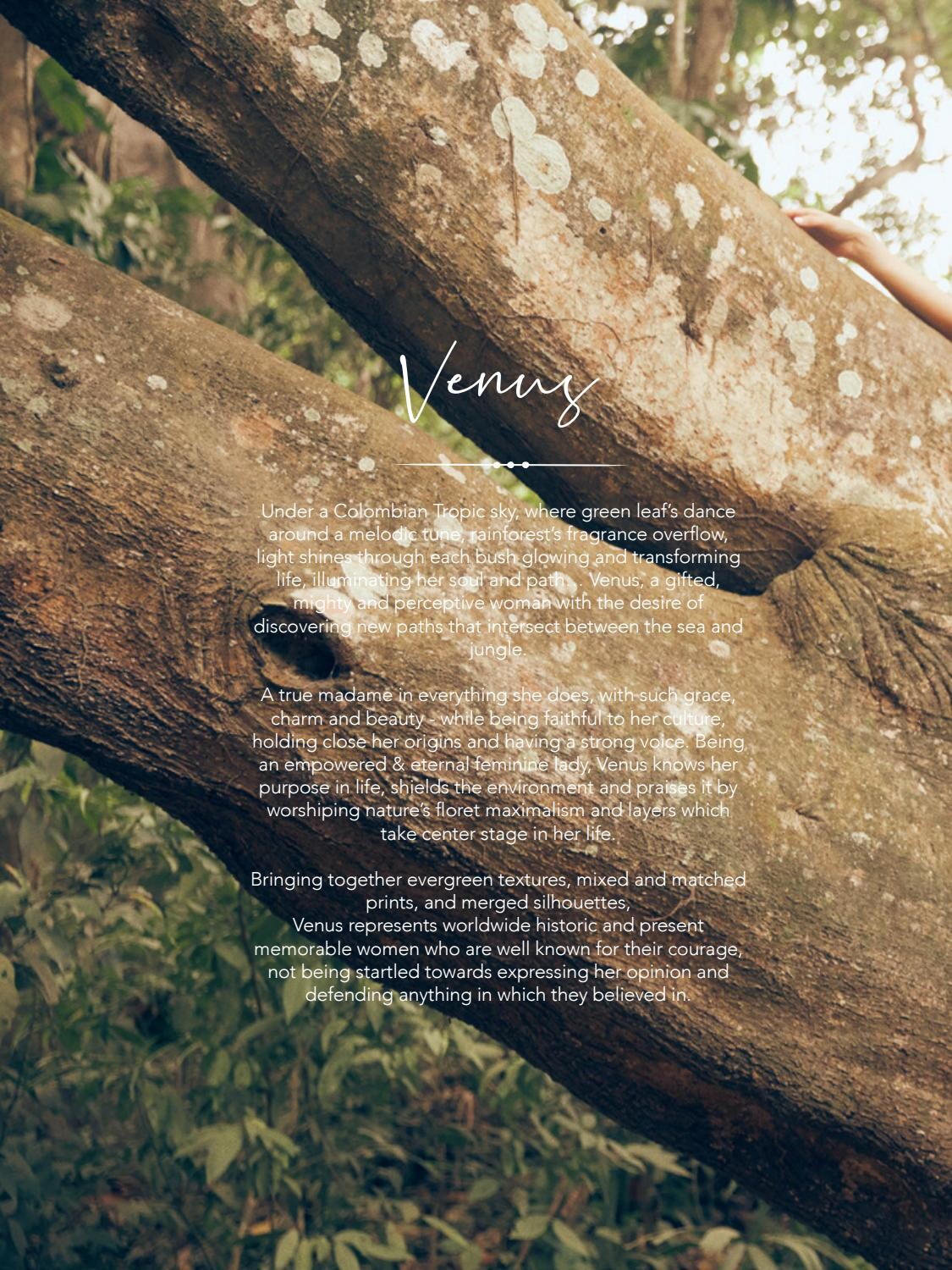
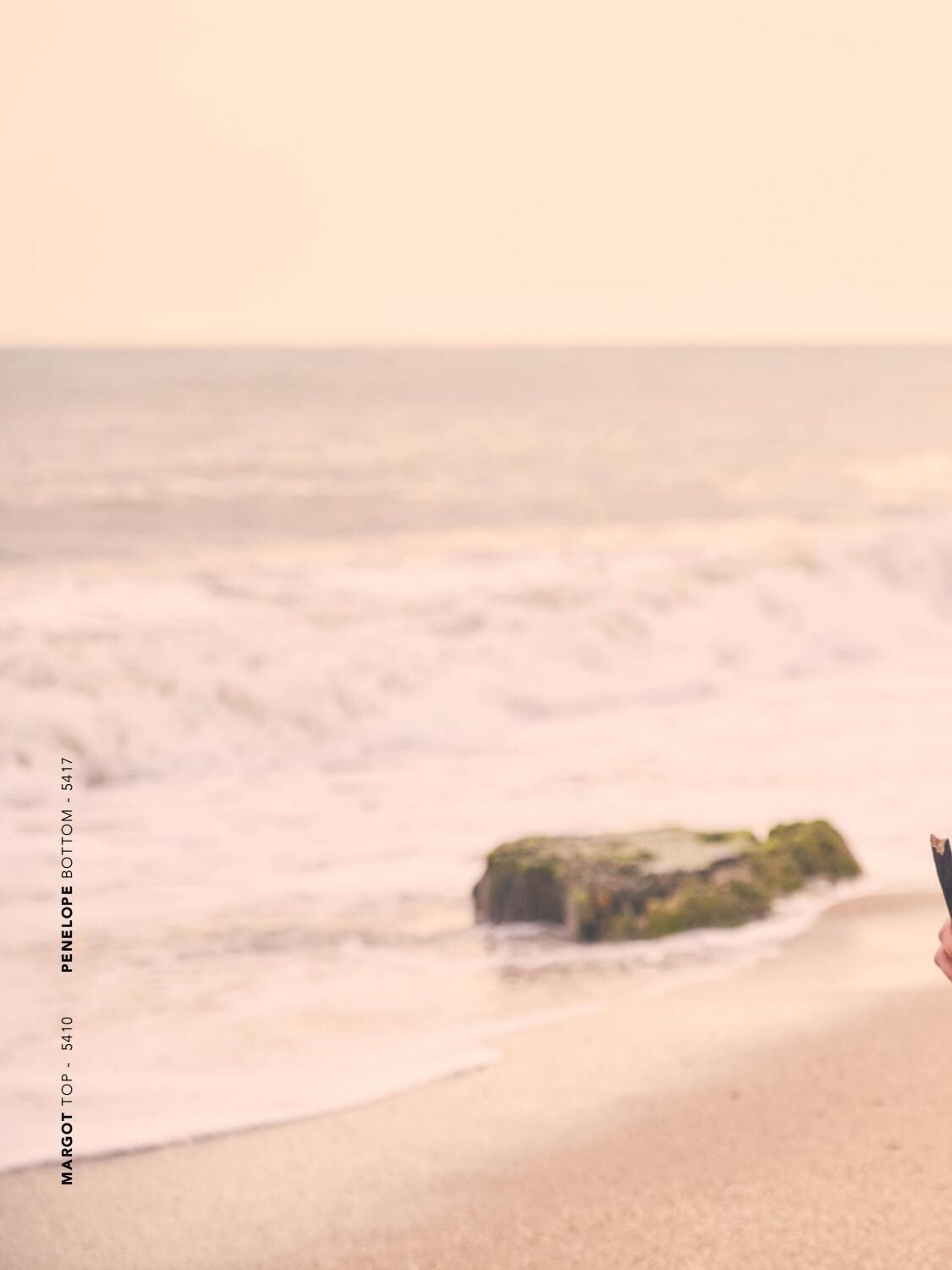
Agua Bendita 2020 Models: Lorena Rae & Cassie Amato












































 Agua Bendita 2020 Models: Cassie Amato & Lorena Rae
Pleasure State
Agua Bendita 2020 Models: Cassie Amato & Lorena Rae
Pleasure State

















 Marc Regas
 Clint 67066269_2312041762177579_7912610652000724917_n.mp4
Edwin S Freyer
Clint 67066269_2312041762177579_7912610652000724917_n.mp4
Clint 67066269_2312041762177579_7912610652000724917_n.mp4
Edwin S Freyer

 PSM Magazine #12 Ph: Fran Dominguez Nudity!


 Ph: Karina Chancey





 EATS 66338350_495915537823648_4005427122365150038_n.mp4 66820020_1661883943944462_1206311974015649704_n.mp4 66820020_1661883943944462_1206311974015649704_n.mp4 The whole clip is on their Patreon.
Rowan Papier 66698164_2777471812299807_1318230035380019546_n.mp4
EATS 66338350_495915537823648_4005427122365150038_n.mp4 66820020_1661883943944462_1206311974015649704_n.mp4 66820020_1661883943944462_1206311974015649704_n.mp4 The whole clip is on their Patreon.
Rowan Papier 66698164_2777471812299807_1318230035380019546_n.mp4

 Rowan Papier 66476704_145868313140147_1437004860403403738_n.mp4


































































































































Account
Navigation
Search
Configure browser push notifications
Chrome (Android)
- Tap the lock icon next to the address bar.
- Tap Permissions → Notifications.
- Adjust your preference.
Chrome (Desktop)
- Click the padlock icon in the address bar.
- Select Site settings.
- Find Notifications and adjust your preference.
Safari (iOS 16.4+)
- Ensure the site is installed via Add to Home Screen.
- Open Settings App → Notifications.
- Find your app name and adjust your preference.
Safari (macOS)
- Go to Safari → Preferences.
- Click the Websites tab.
- Select Notifications in the sidebar.
- Find this website and adjust your preference.
Edge (Android)
- Tap the lock icon next to the address bar.
- Tap Permissions.
- Find Notifications and adjust your preference.
Edge (Desktop)
- Click the padlock icon in the address bar.
- Click Permissions for this site.
- Find Notifications and adjust your preference.
Firefox (Android)
- Go to Settings → Site permissions.
- Tap Notifications.
- Find this site in the list and adjust your preference.
Firefox (Desktop)
- Open Firefox Settings.
- Search for Notifications.
- Find this site in the list and adjust your preference.