
Pith_Possum
Members
-
Joined
-
Last visited
Everything posted by Pith_Possum
-
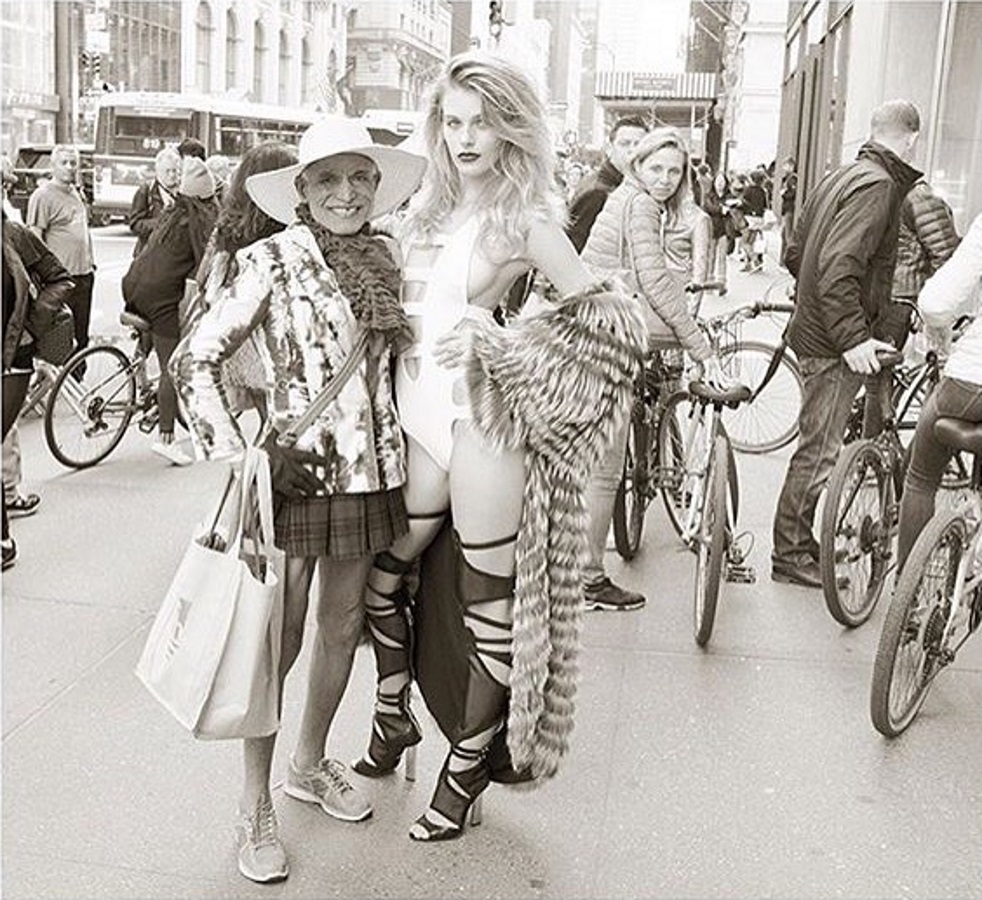
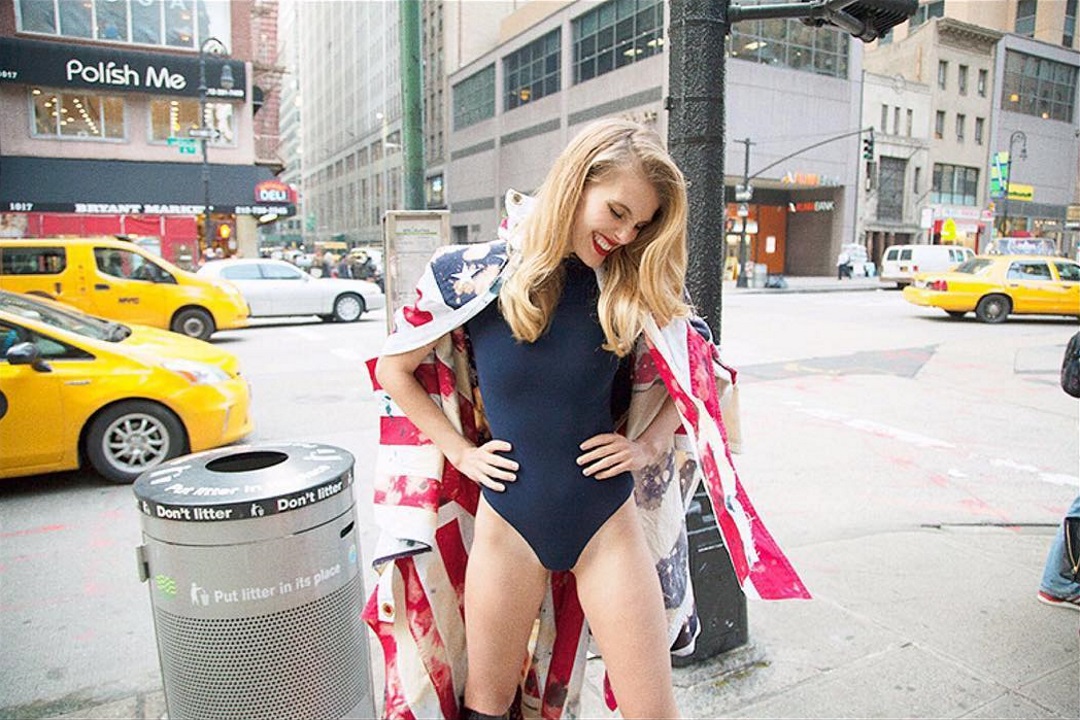
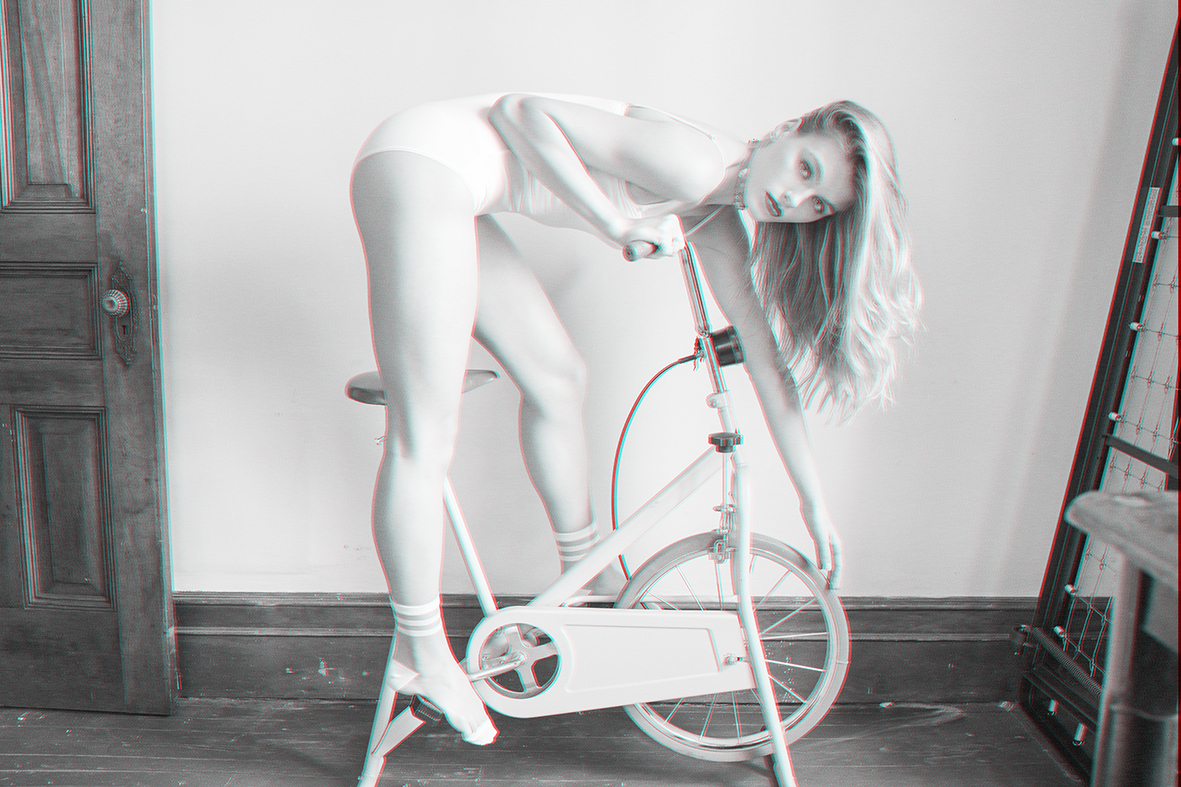
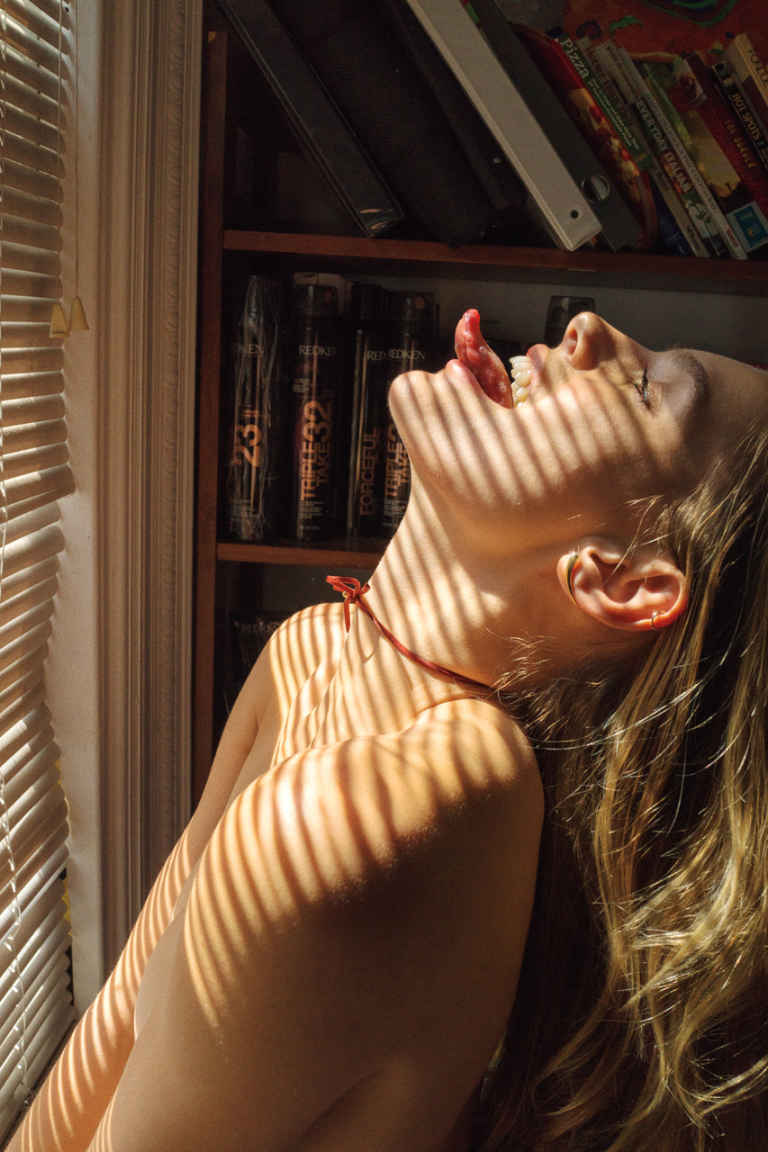
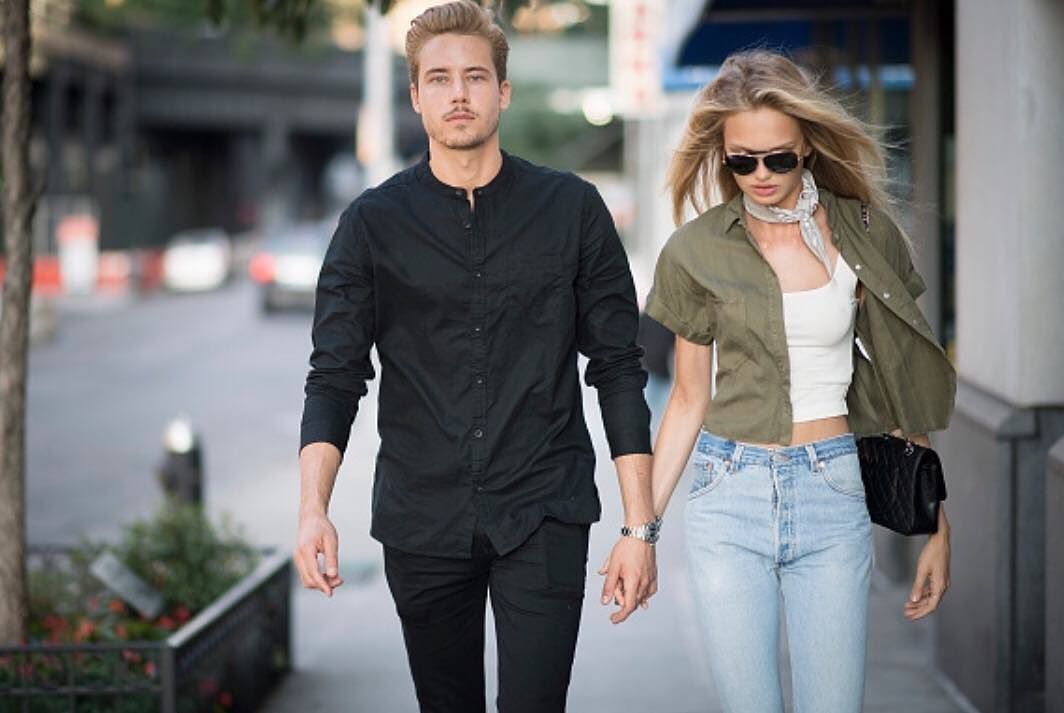
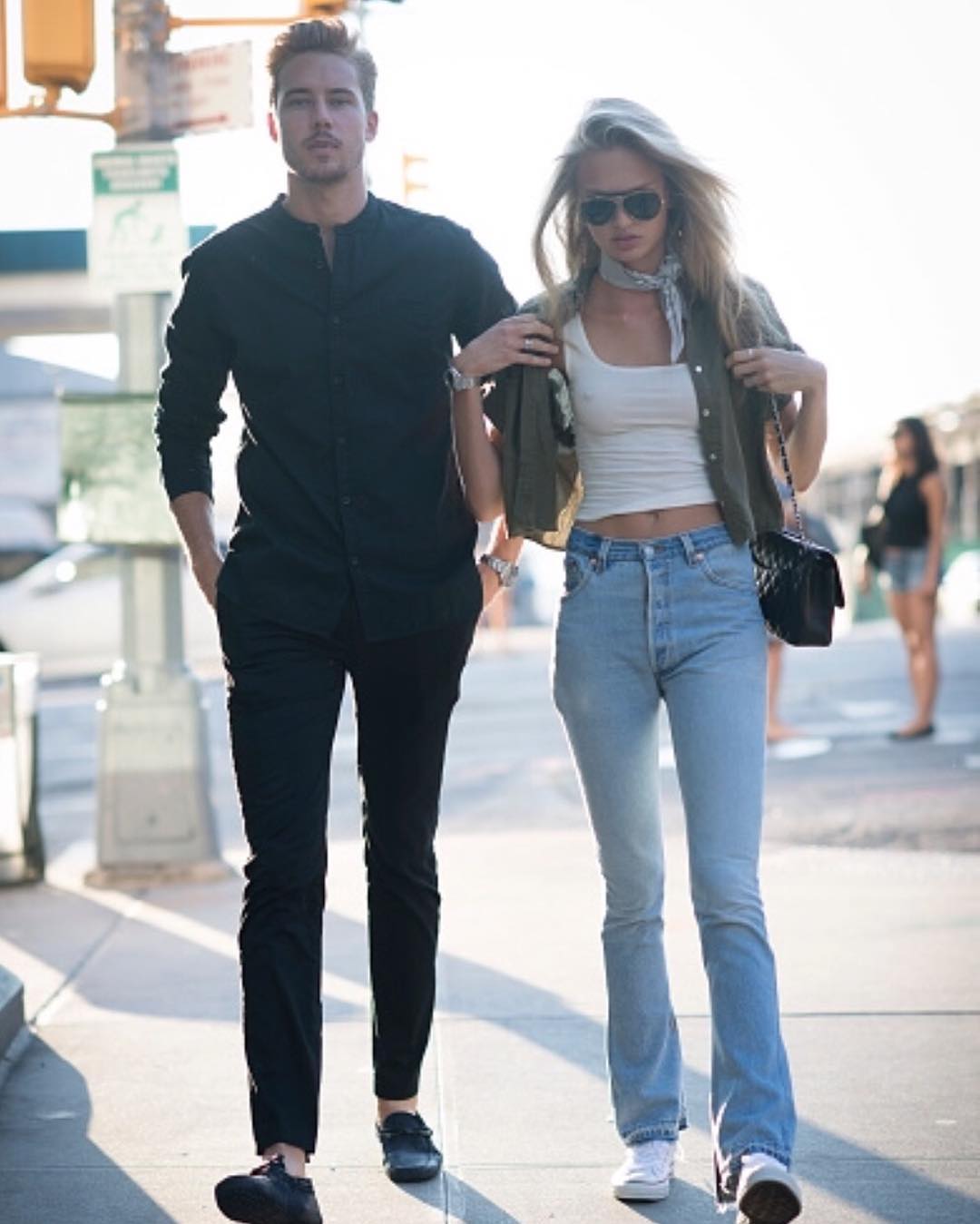
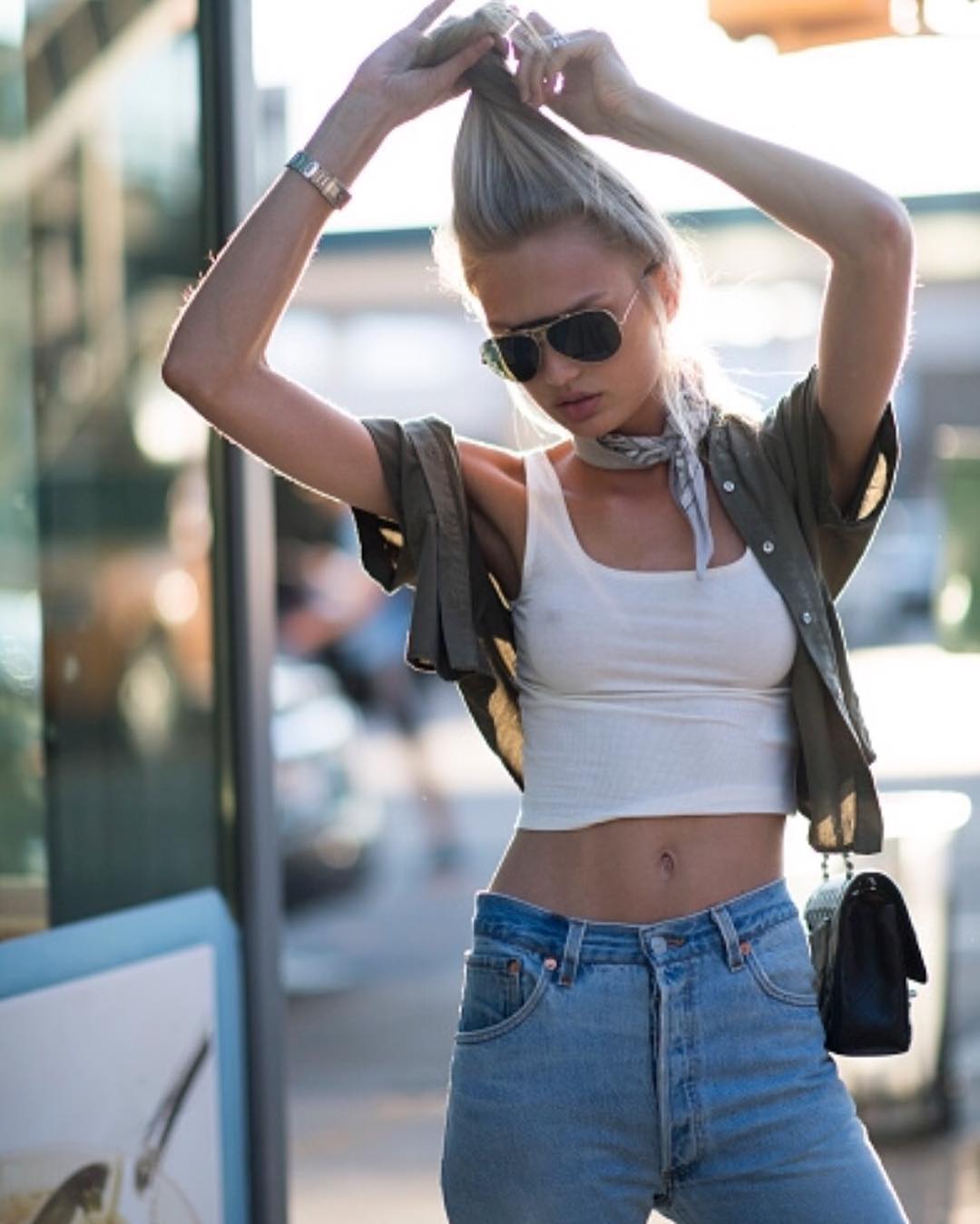
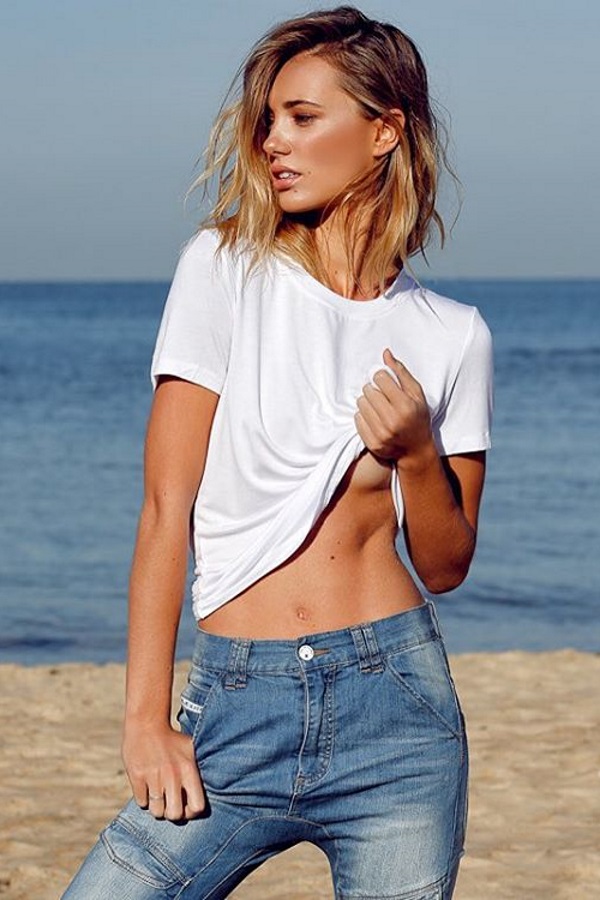
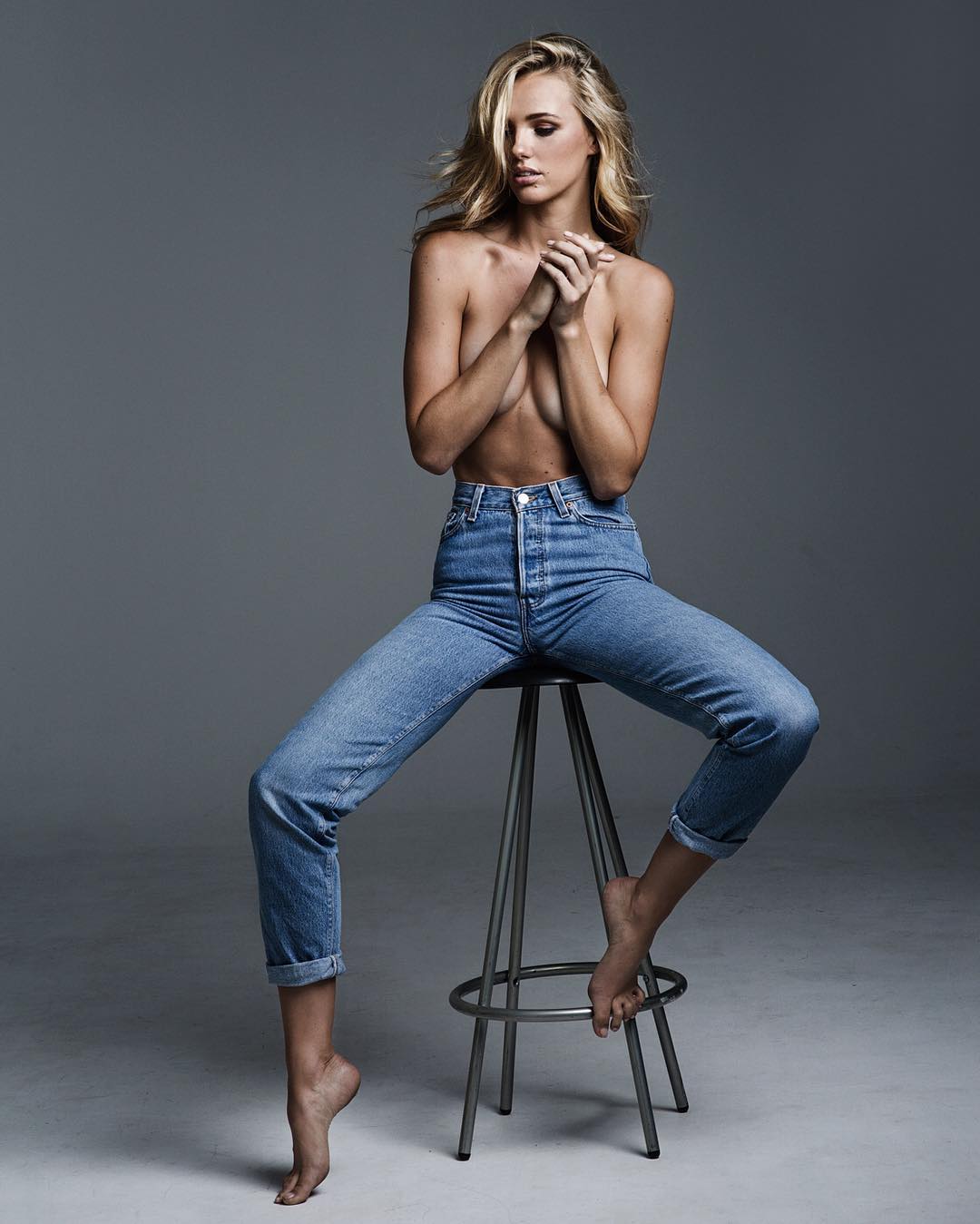
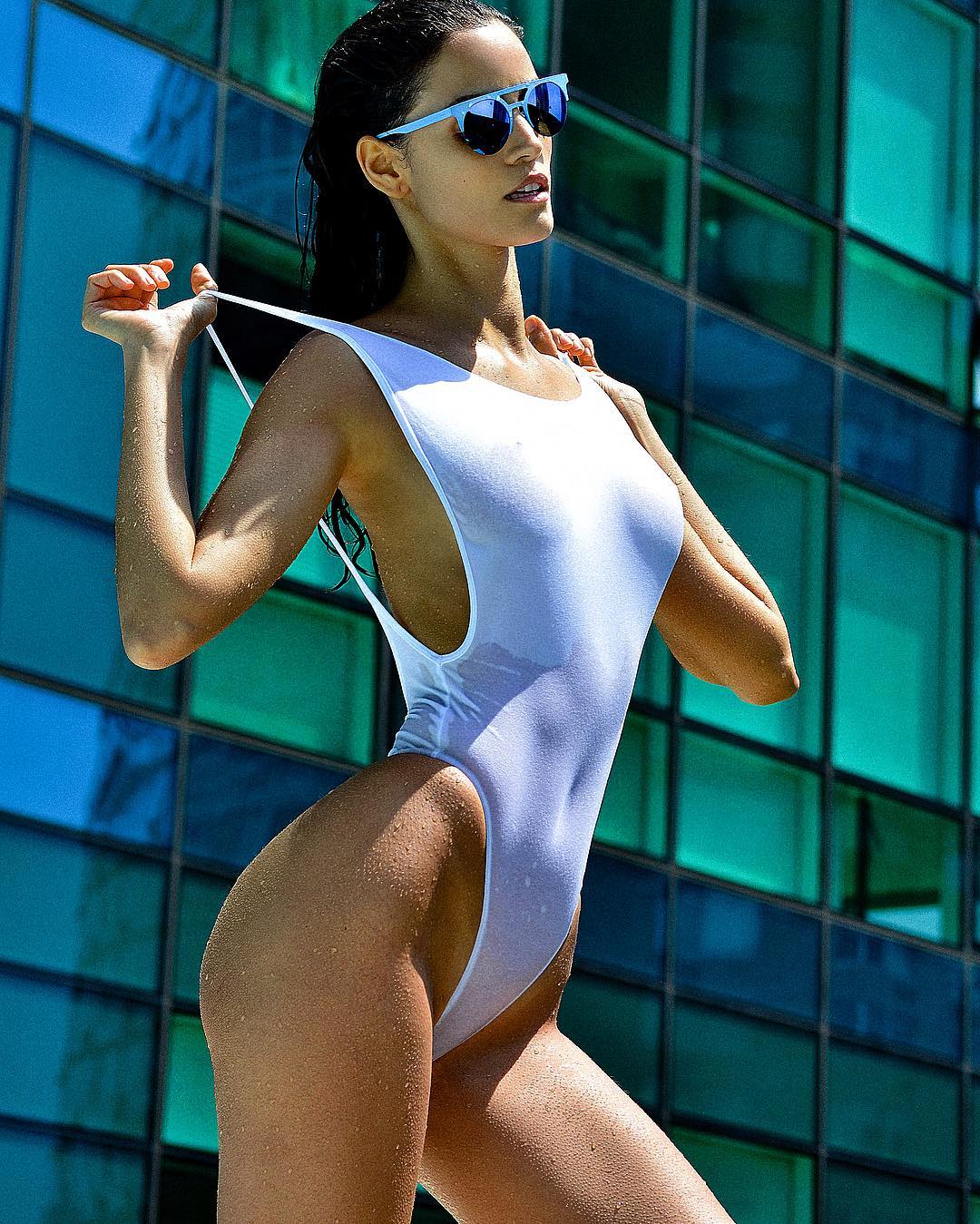
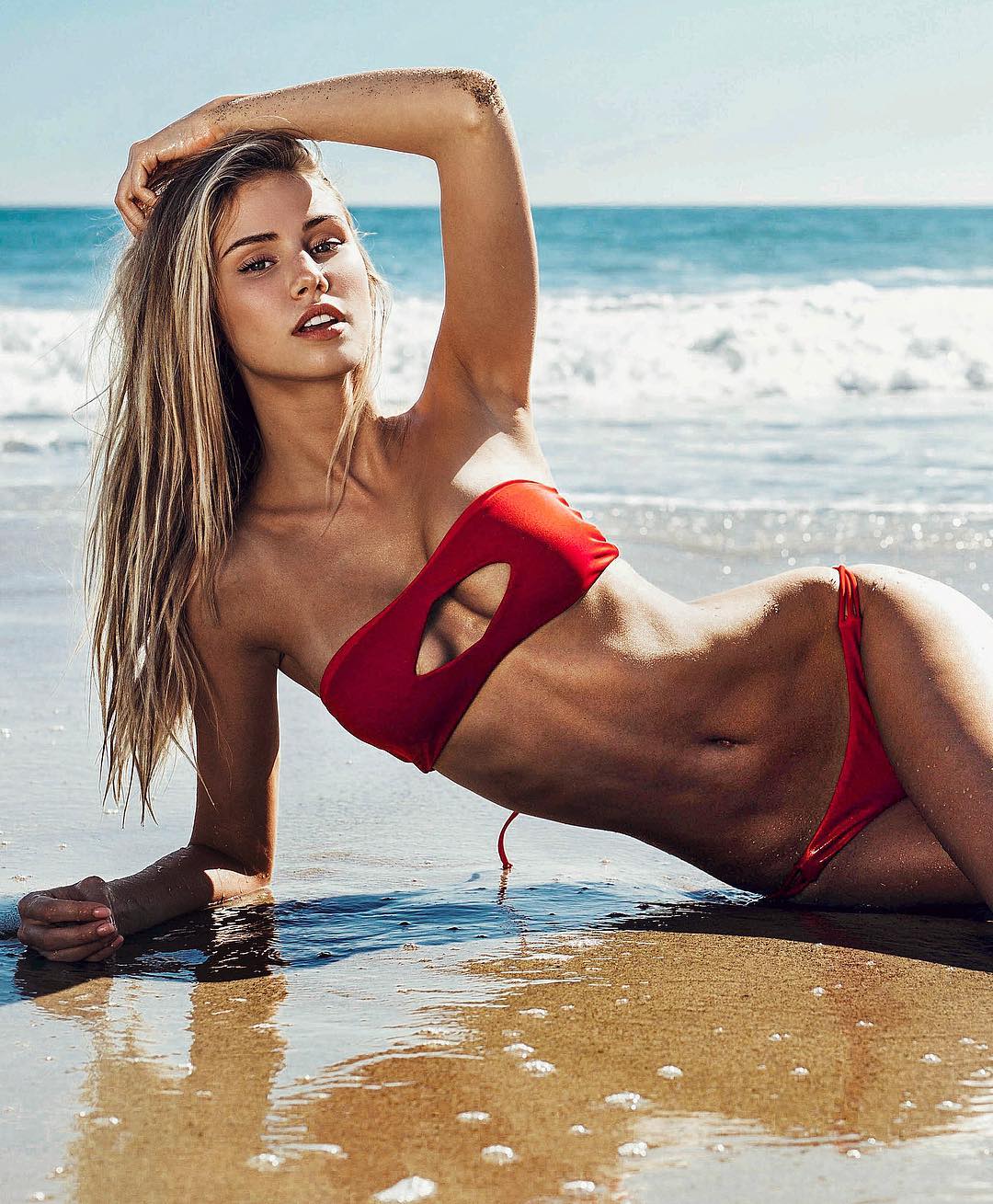
 Ph: Rogier Alexander instagram.com/rogieralexander facebook.com/media/set/?set=a.1147967328558454.1073742229.115149998506864&type=3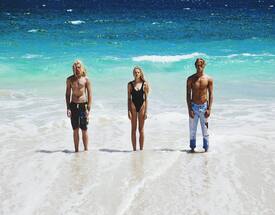


-
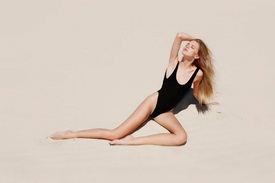
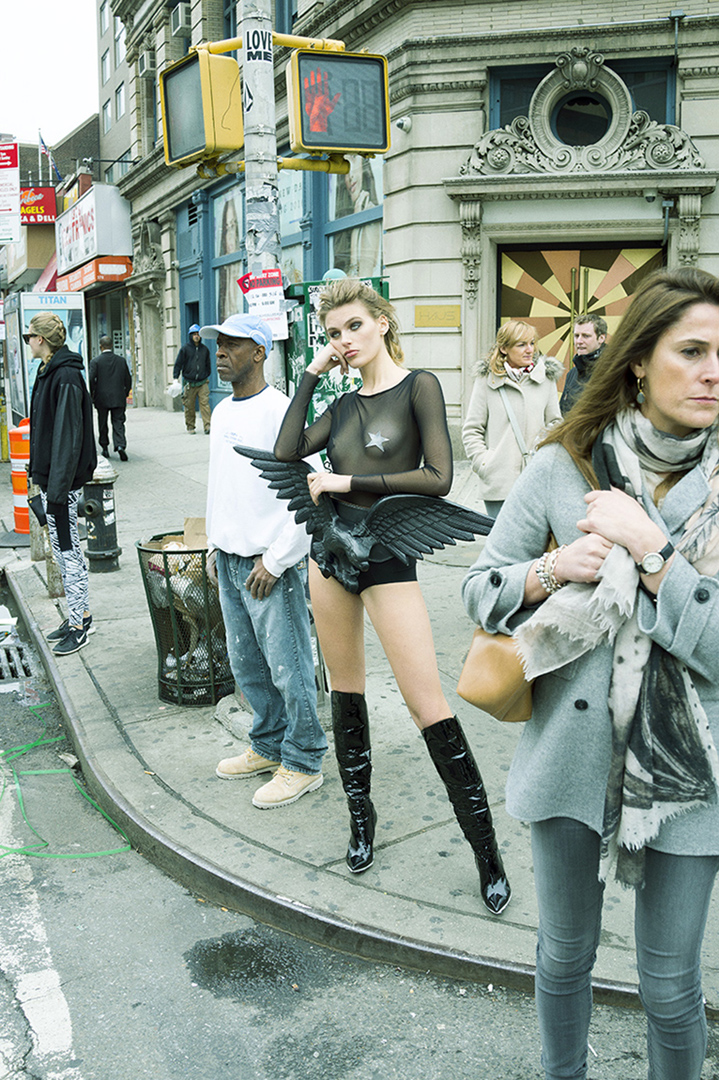
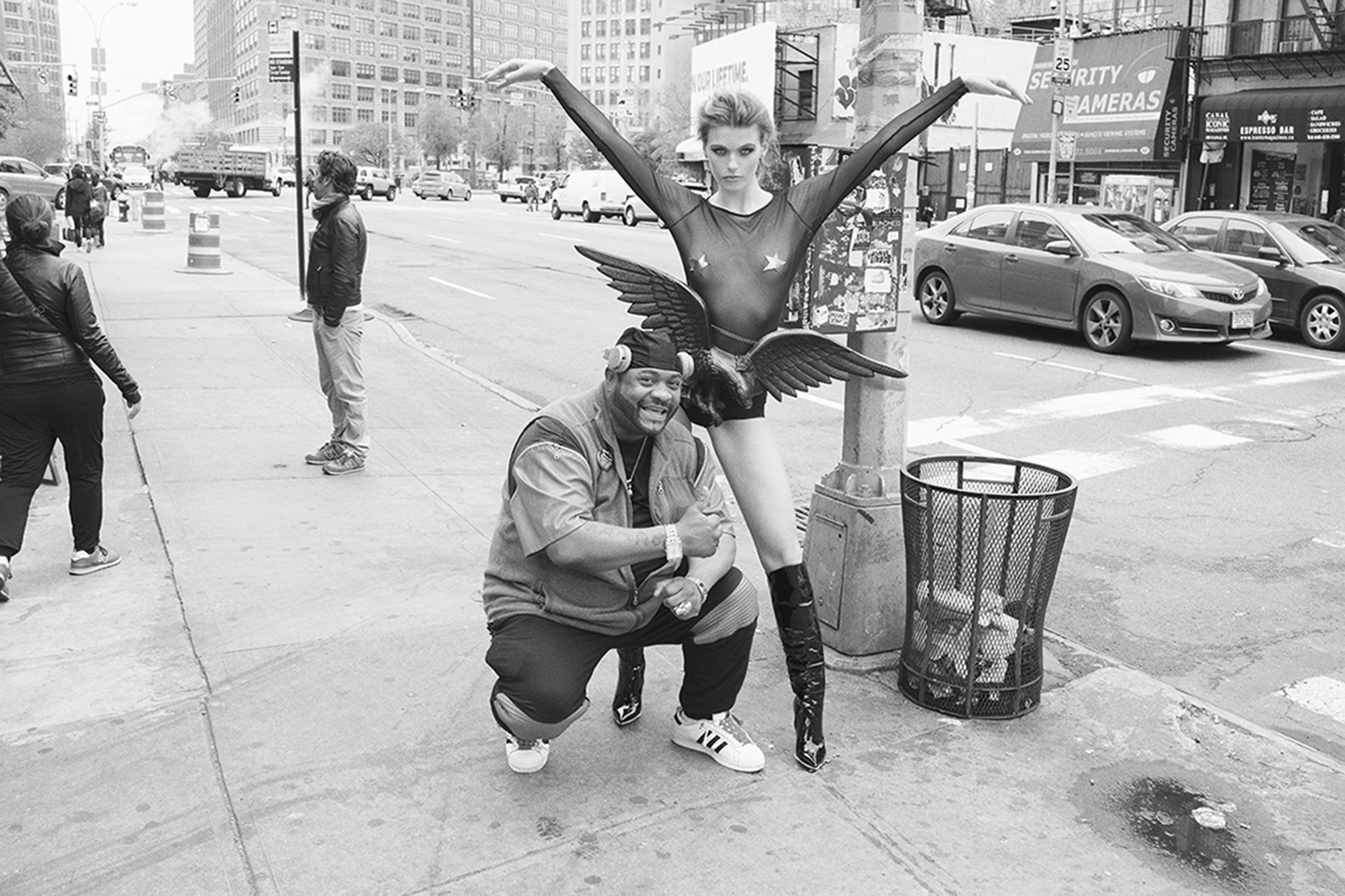
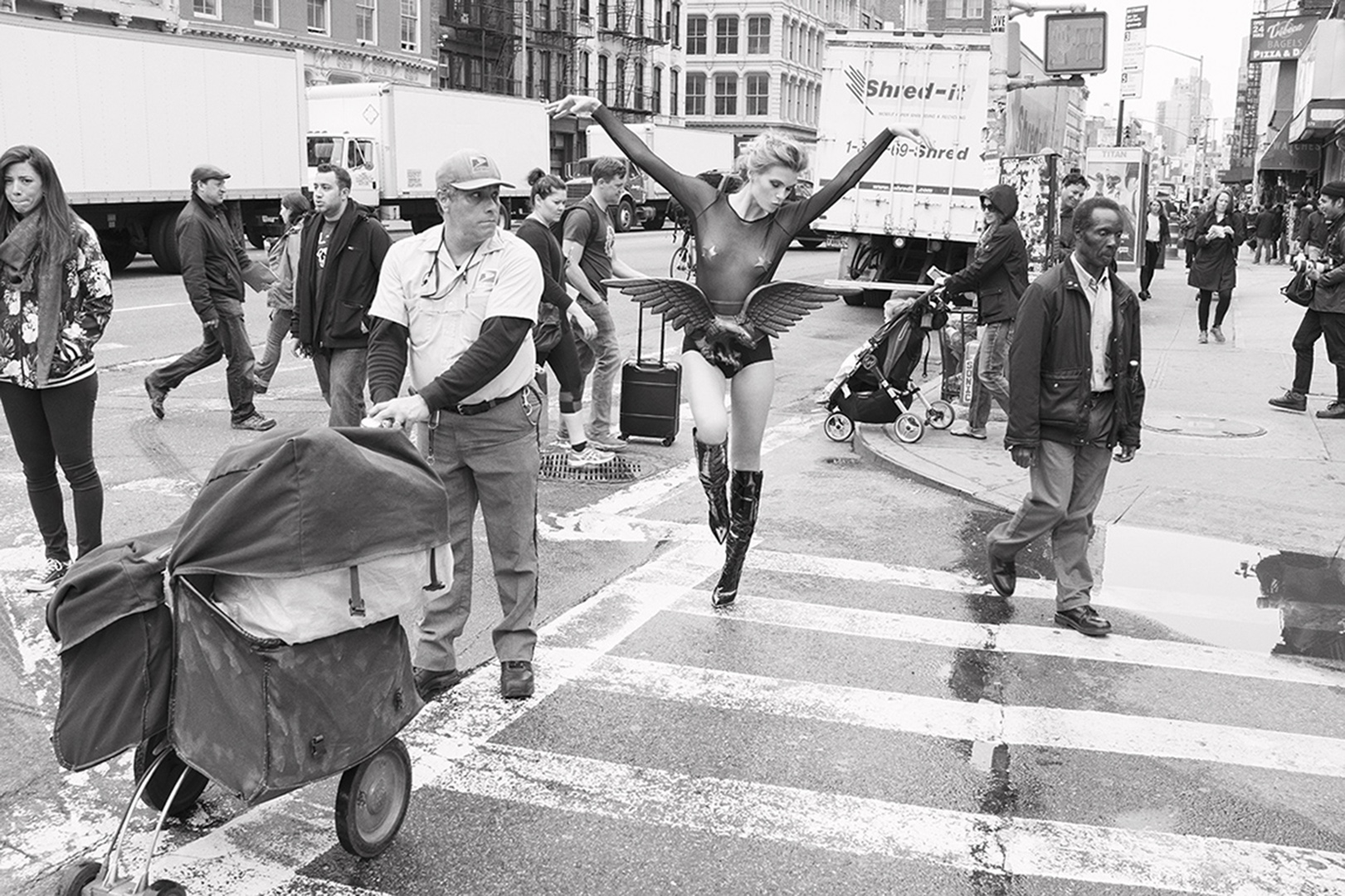
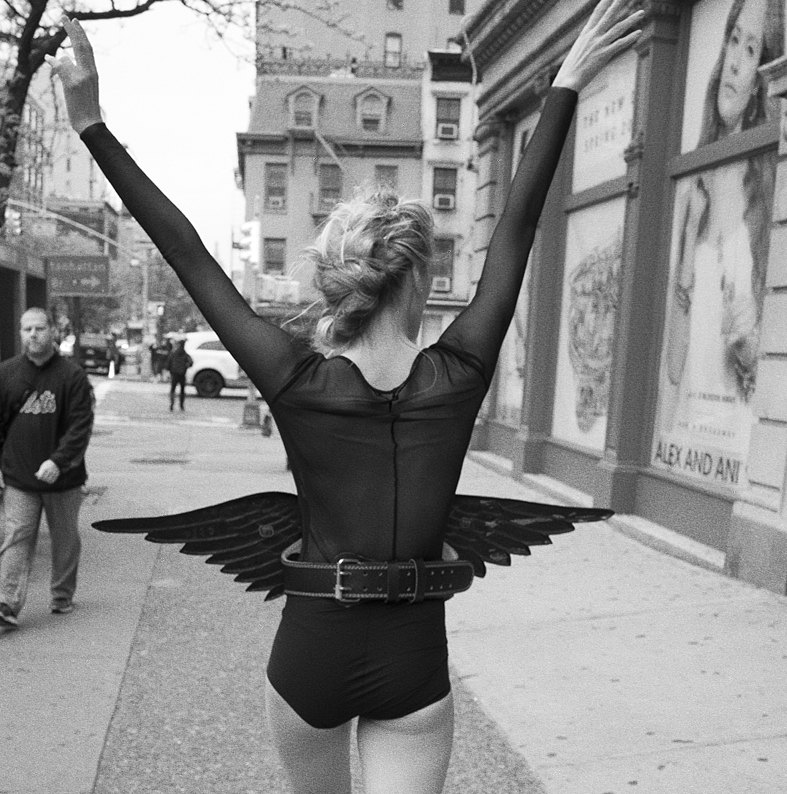
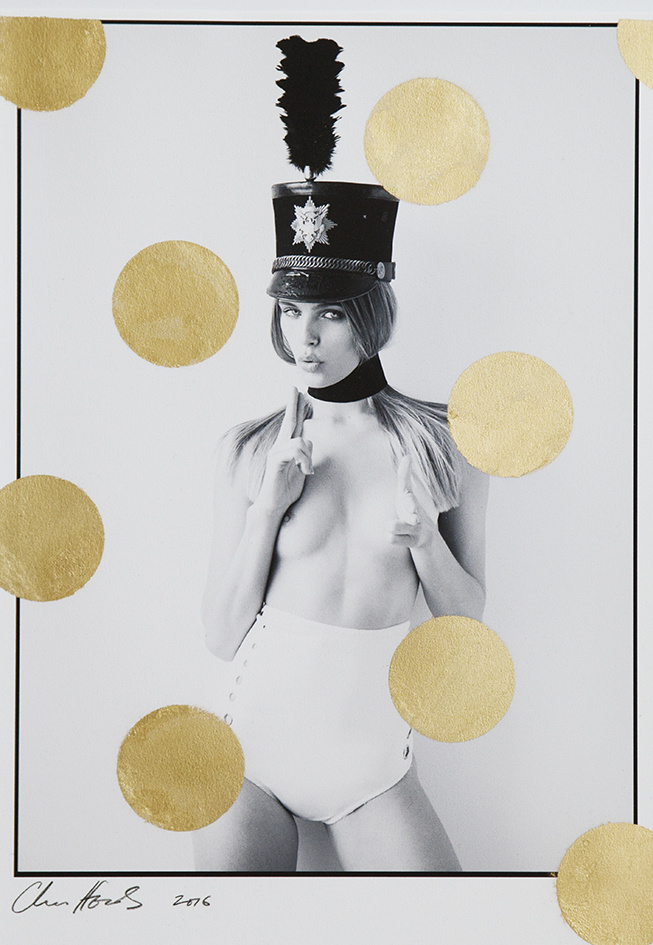
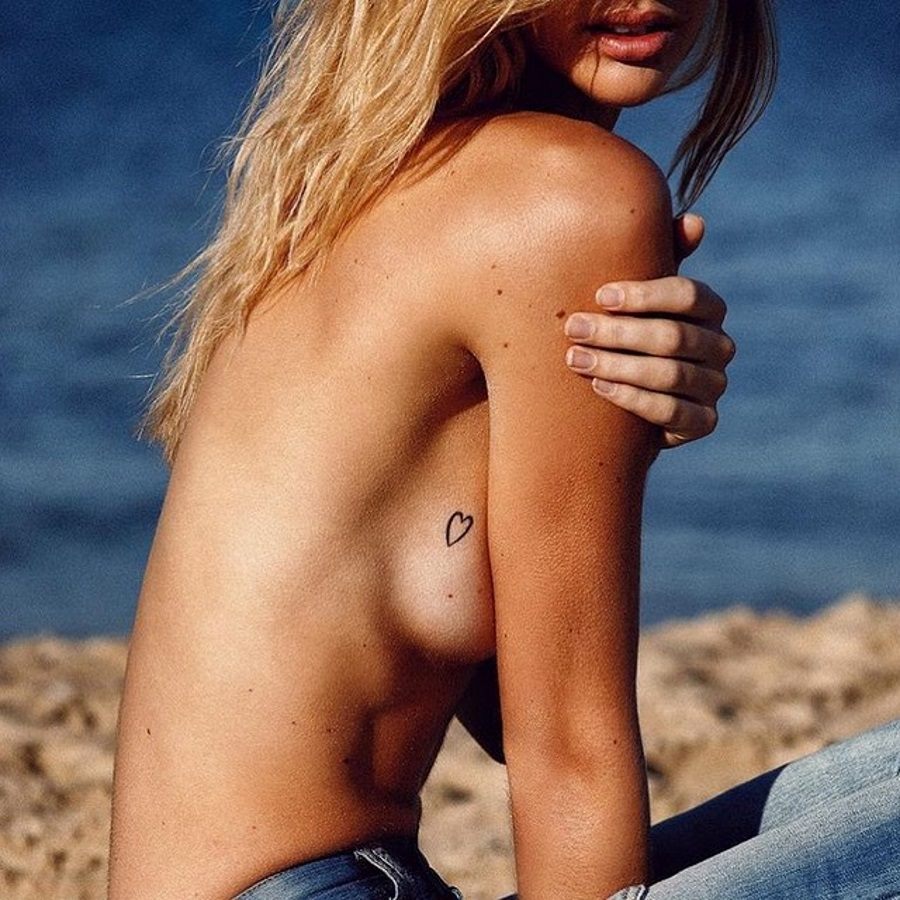
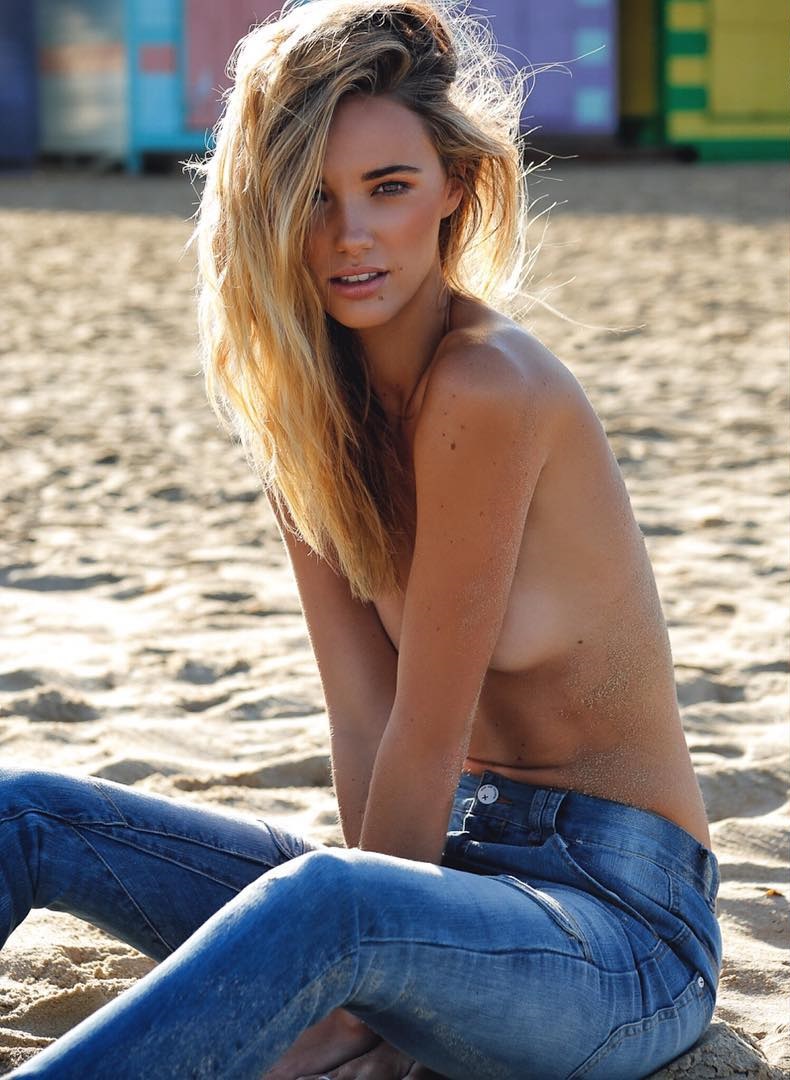
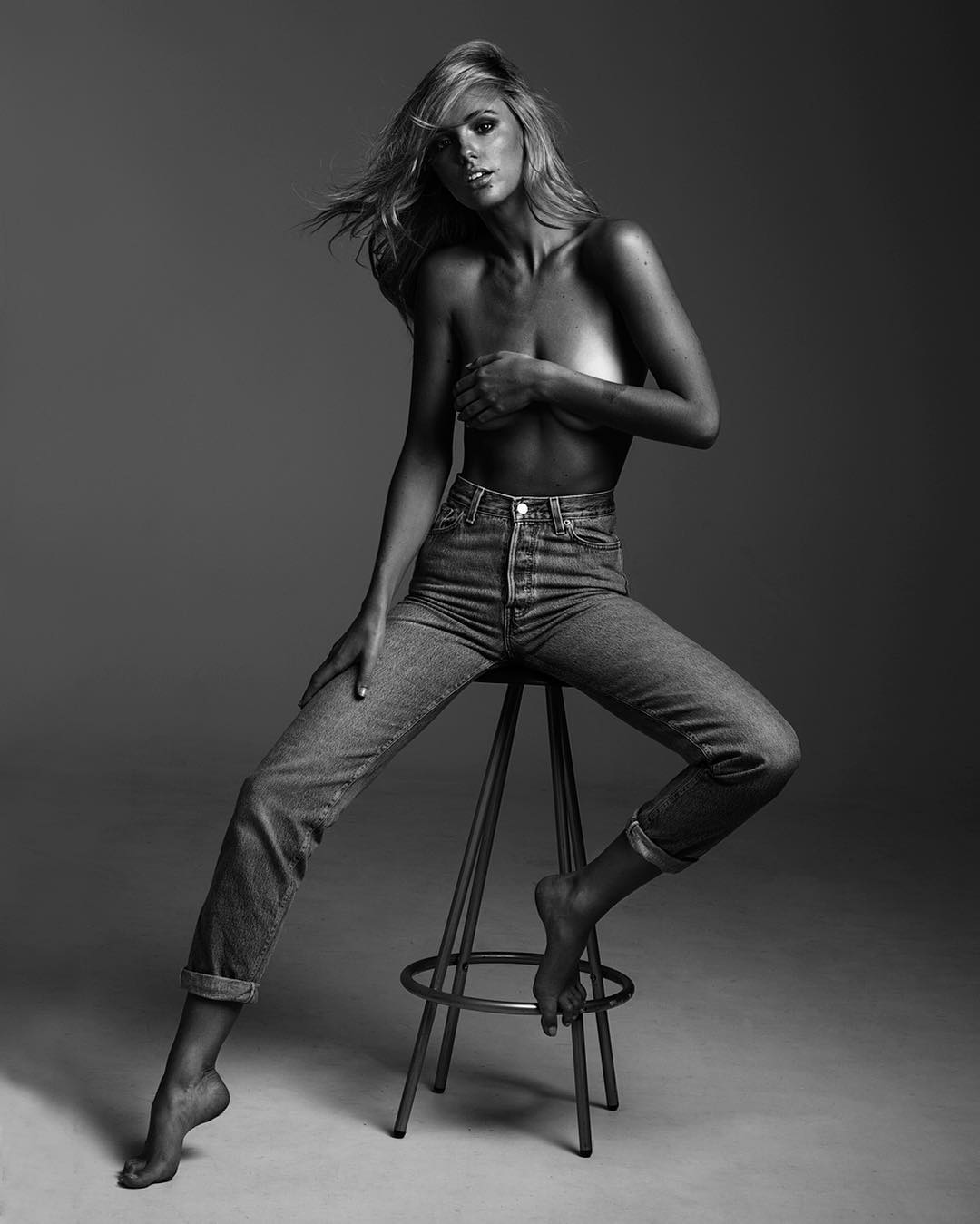
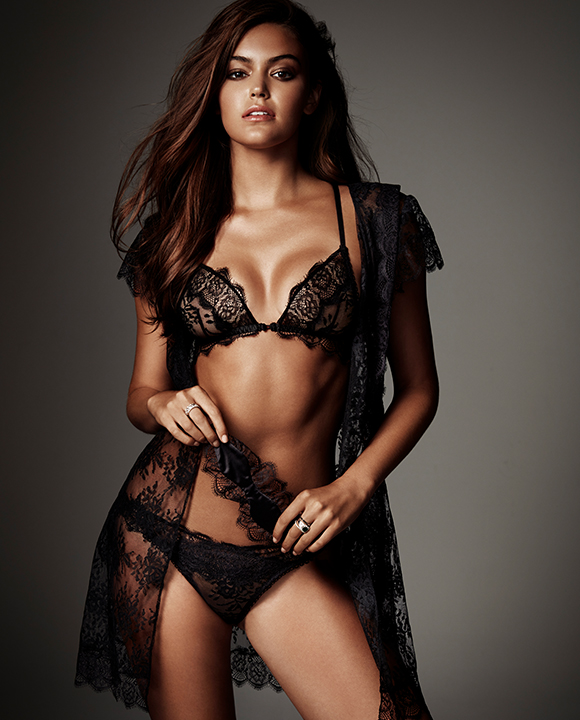
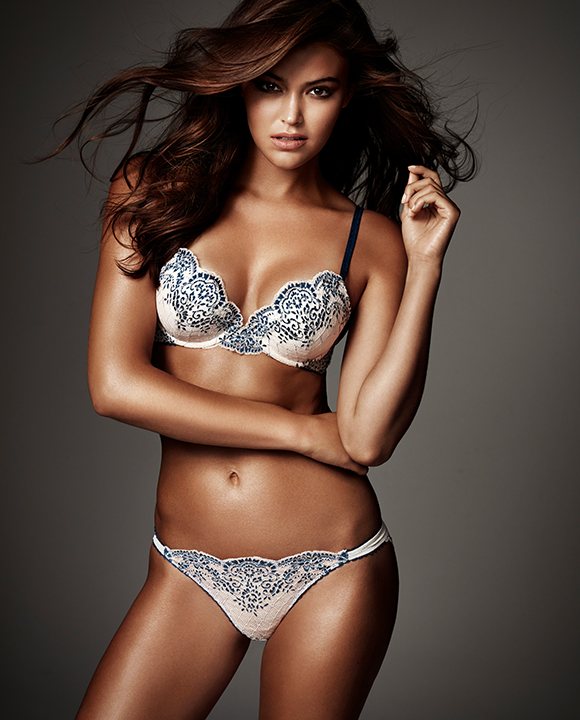
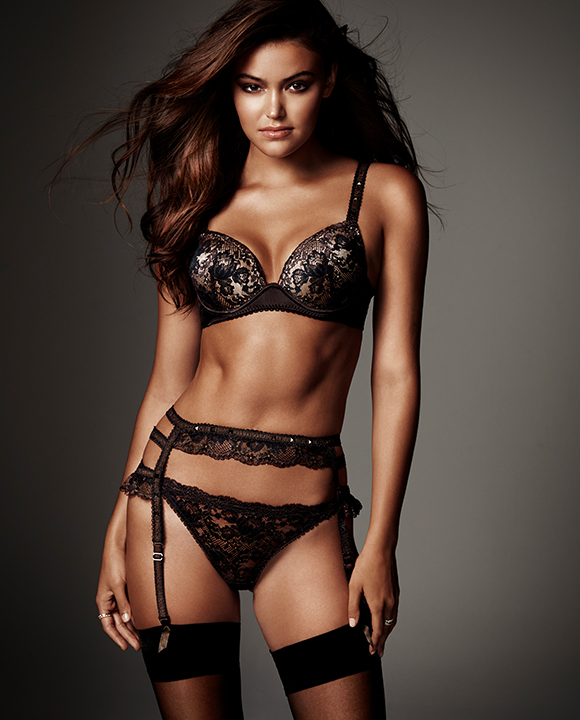
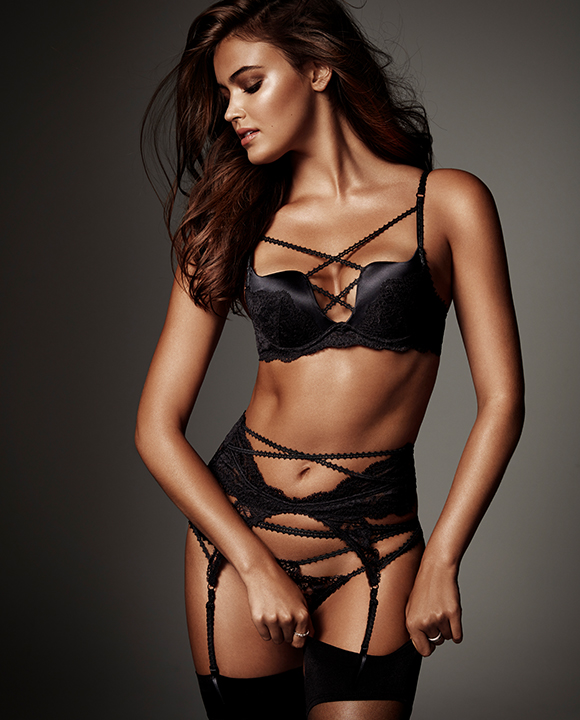
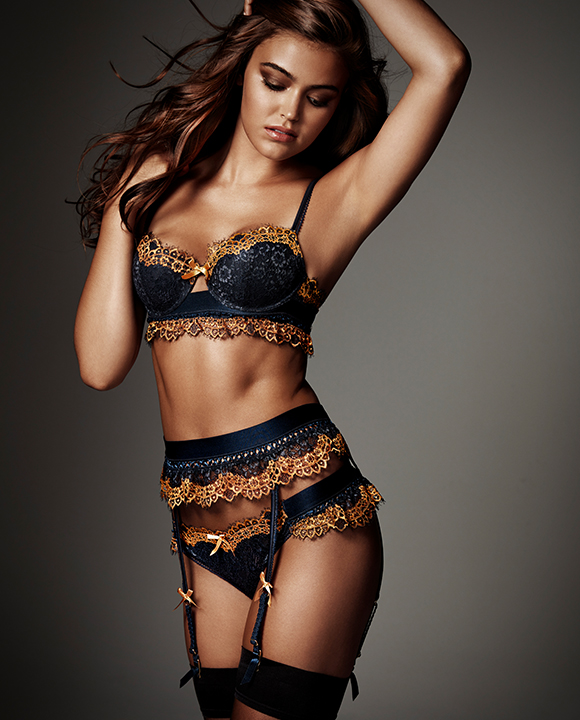
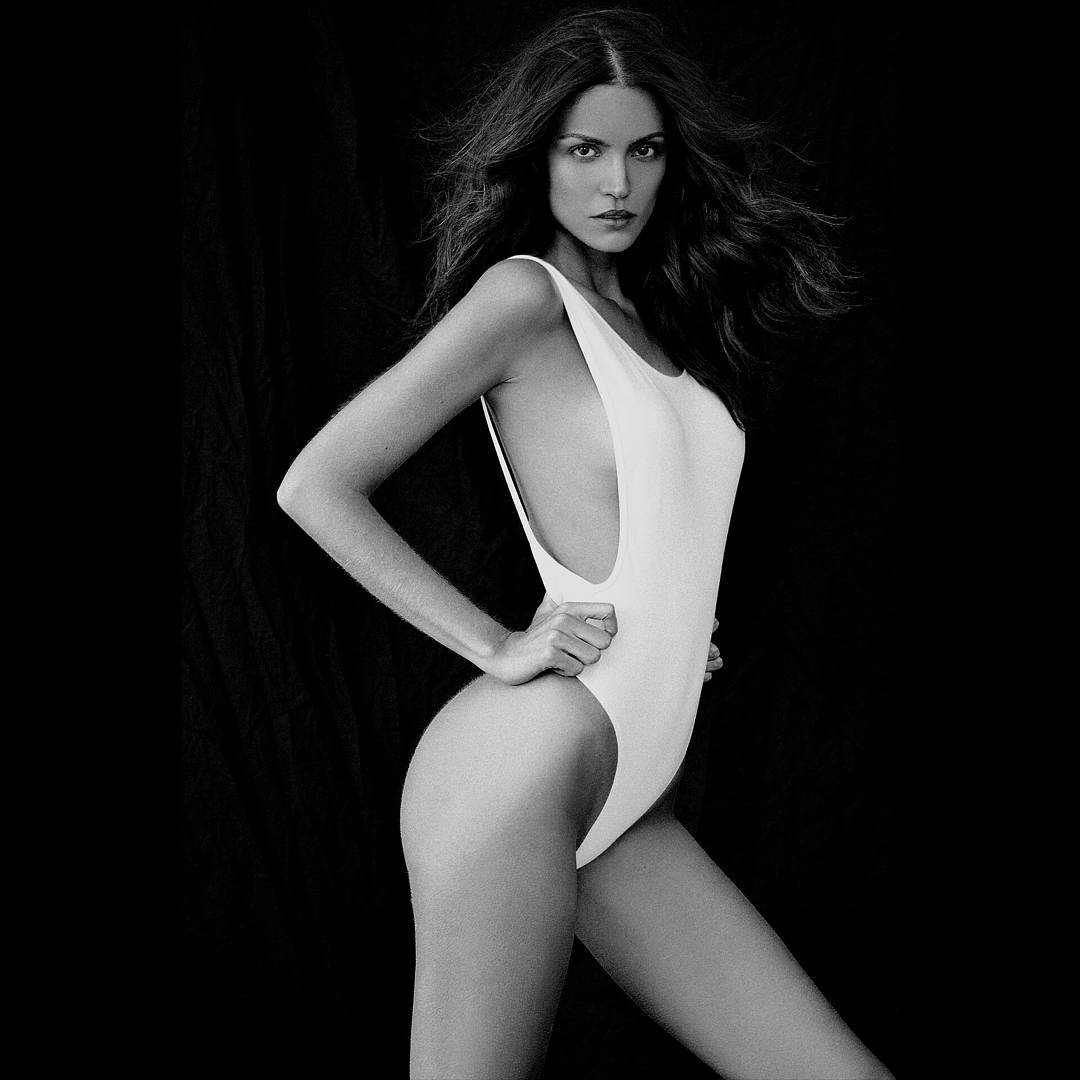
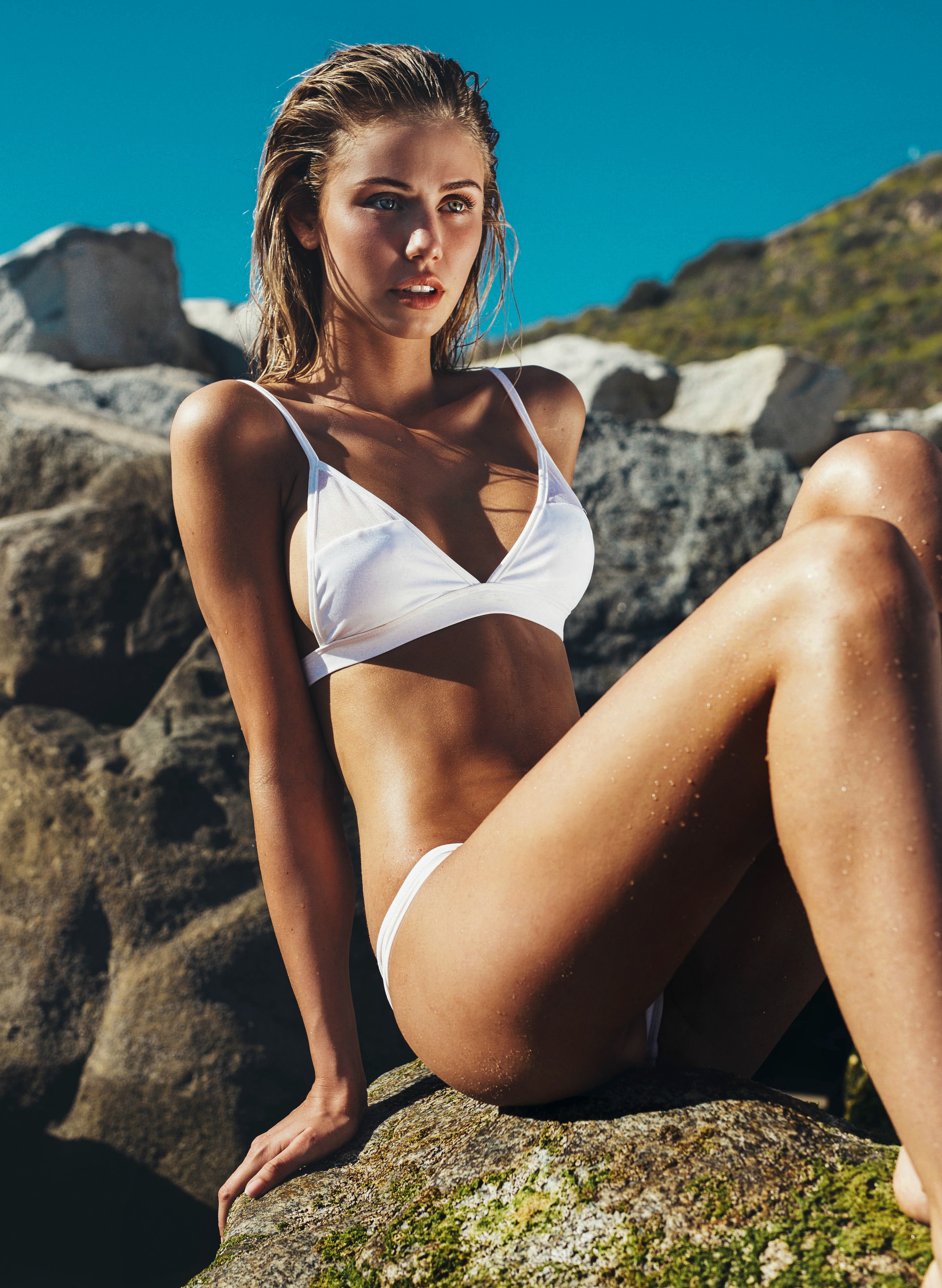
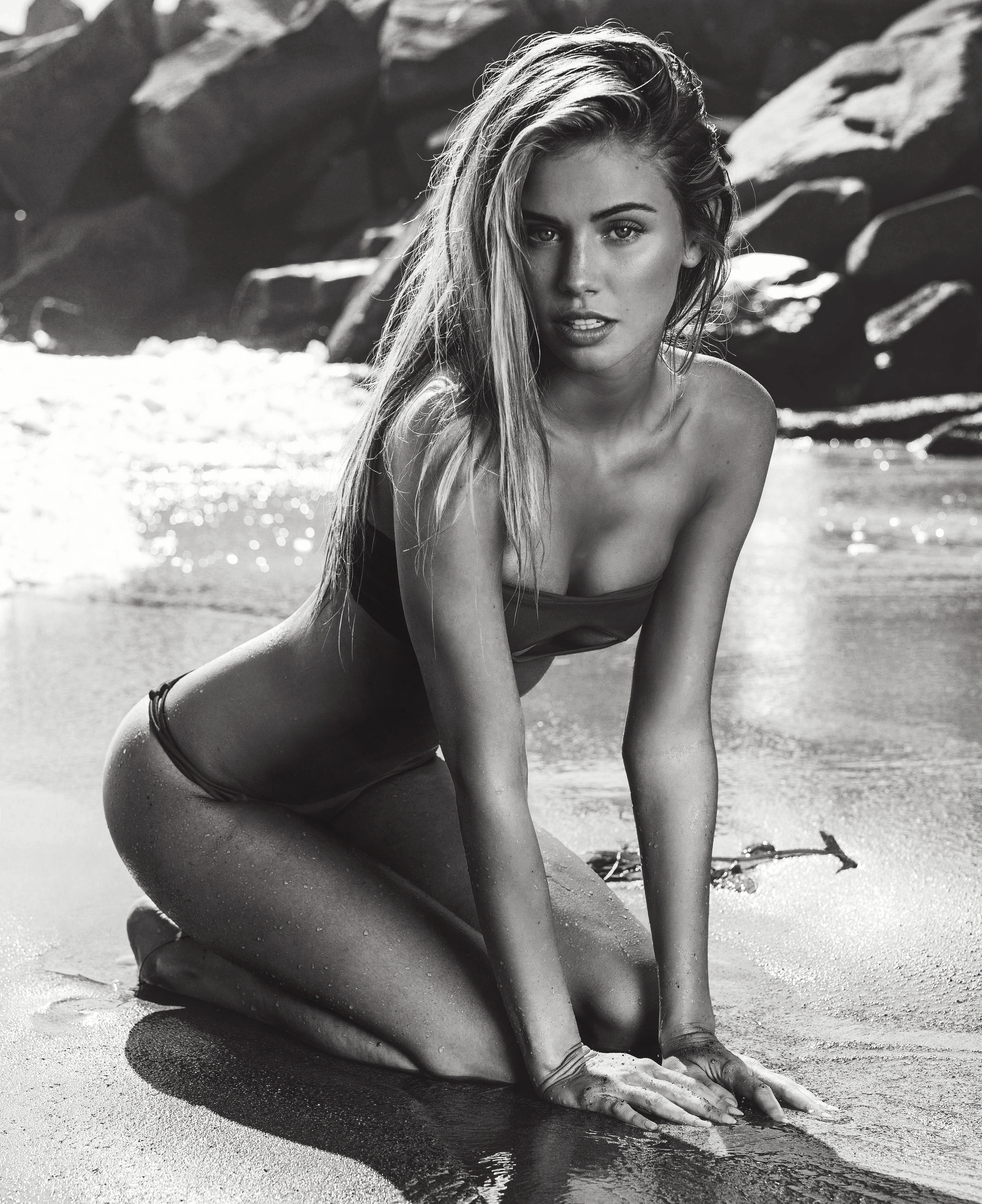
Ph: Dave Blake slight Nudity! daveblake.com.au/blog/miquela-voss-viviens-australia-ford-nyc-modelwerk-germany-women-milan womenmanagement.it/model/4504/miquela-vos
-
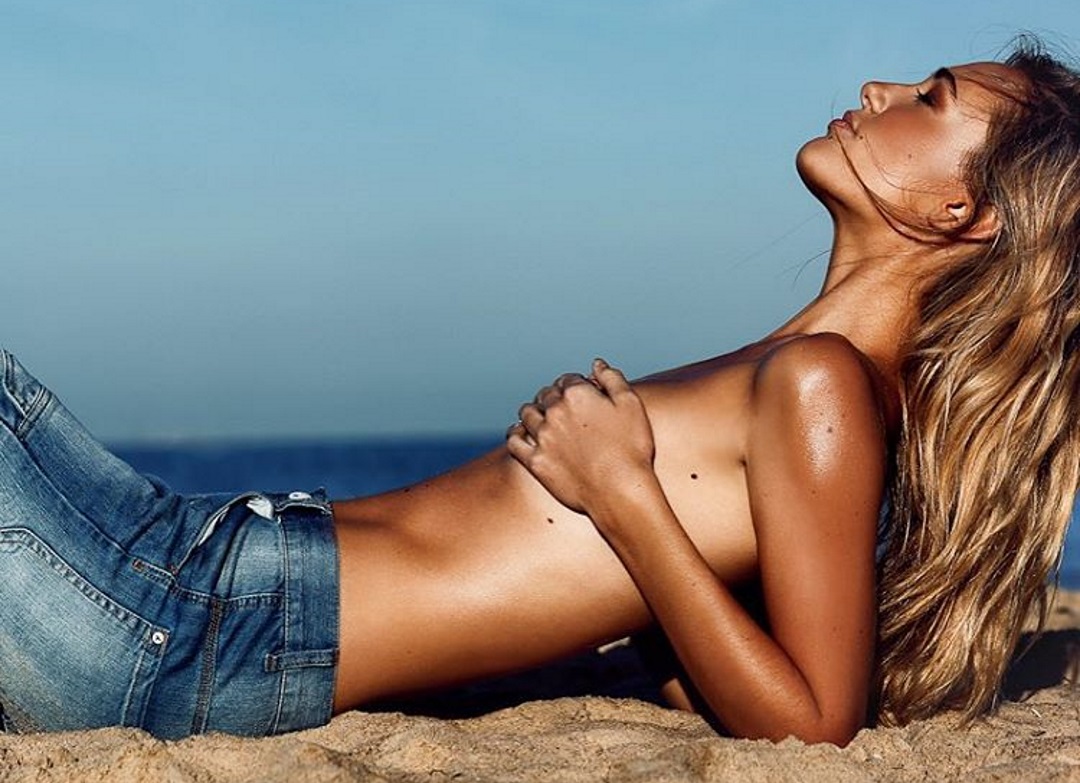
Ph: Rogier Alexander models.fordmodels.com/models/71/talents/47783 instagram.com/rogieralexander
-
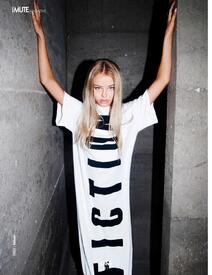
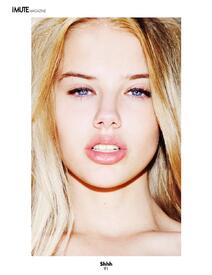
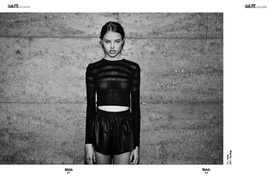
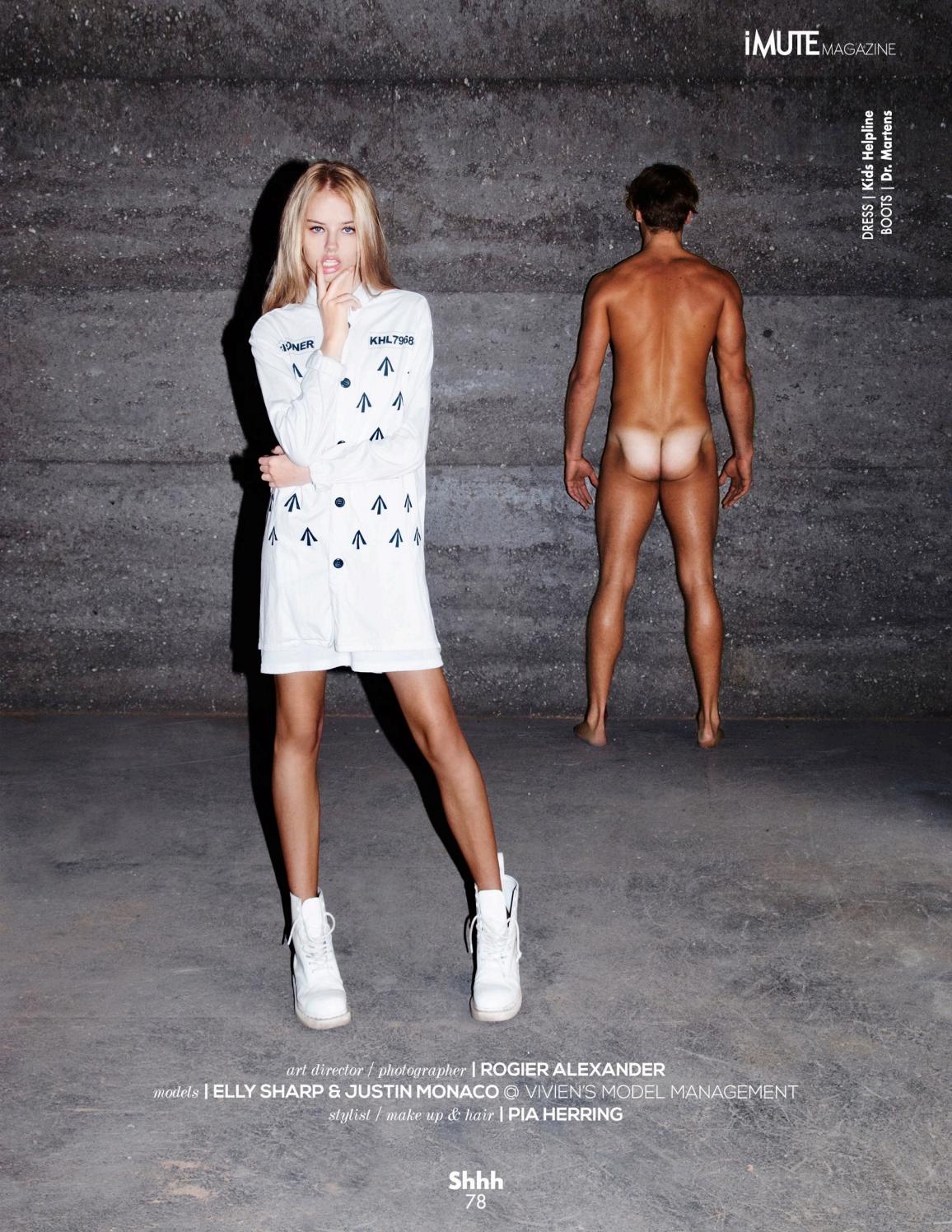
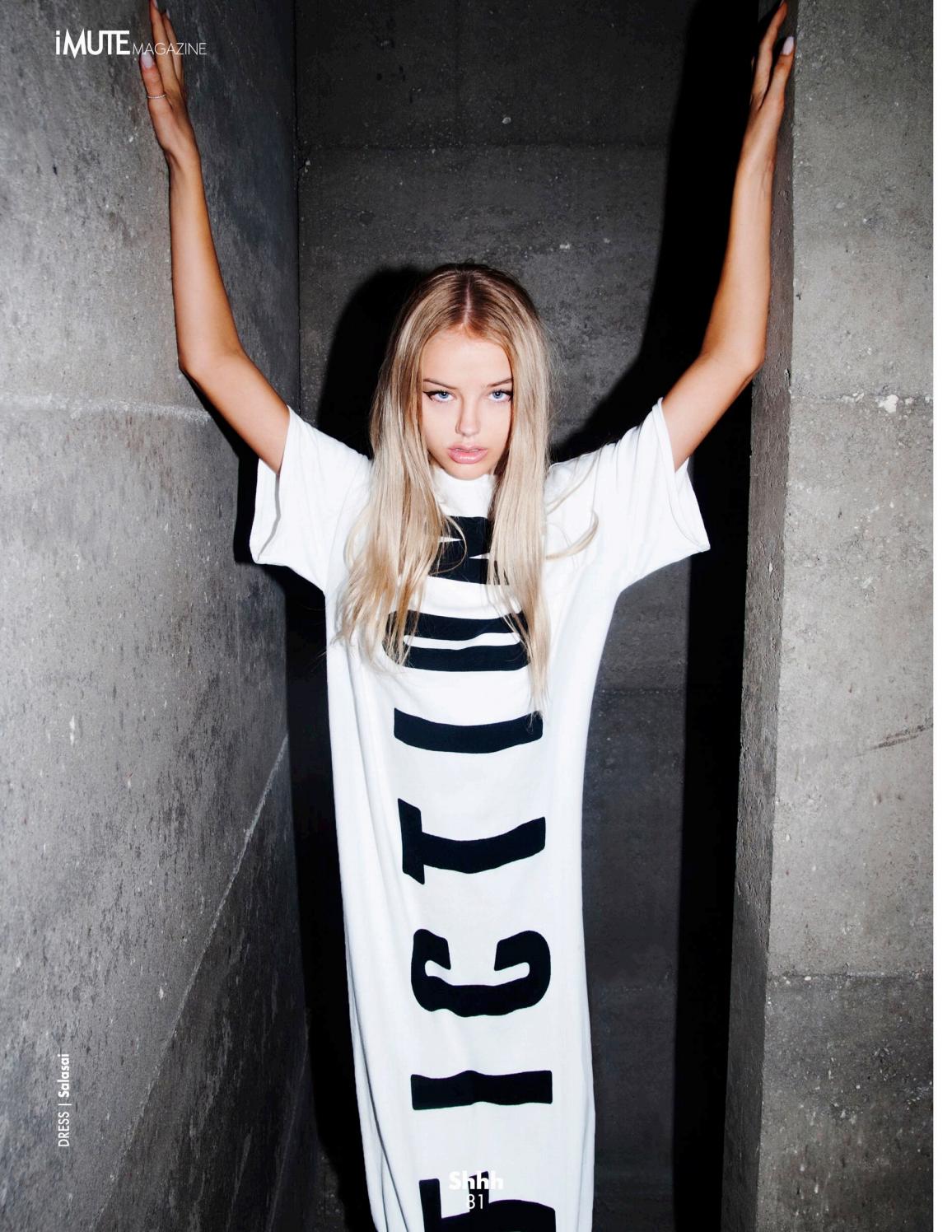
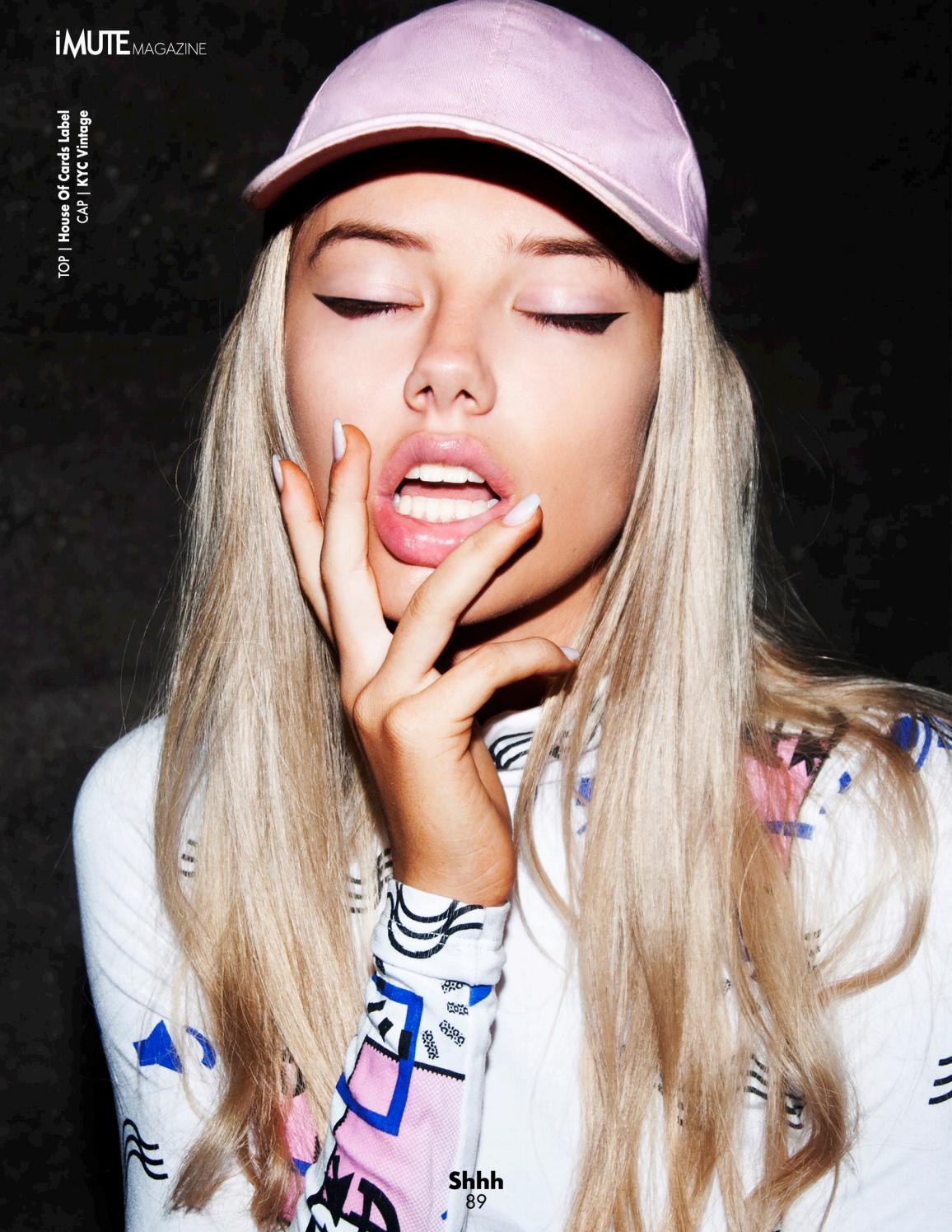
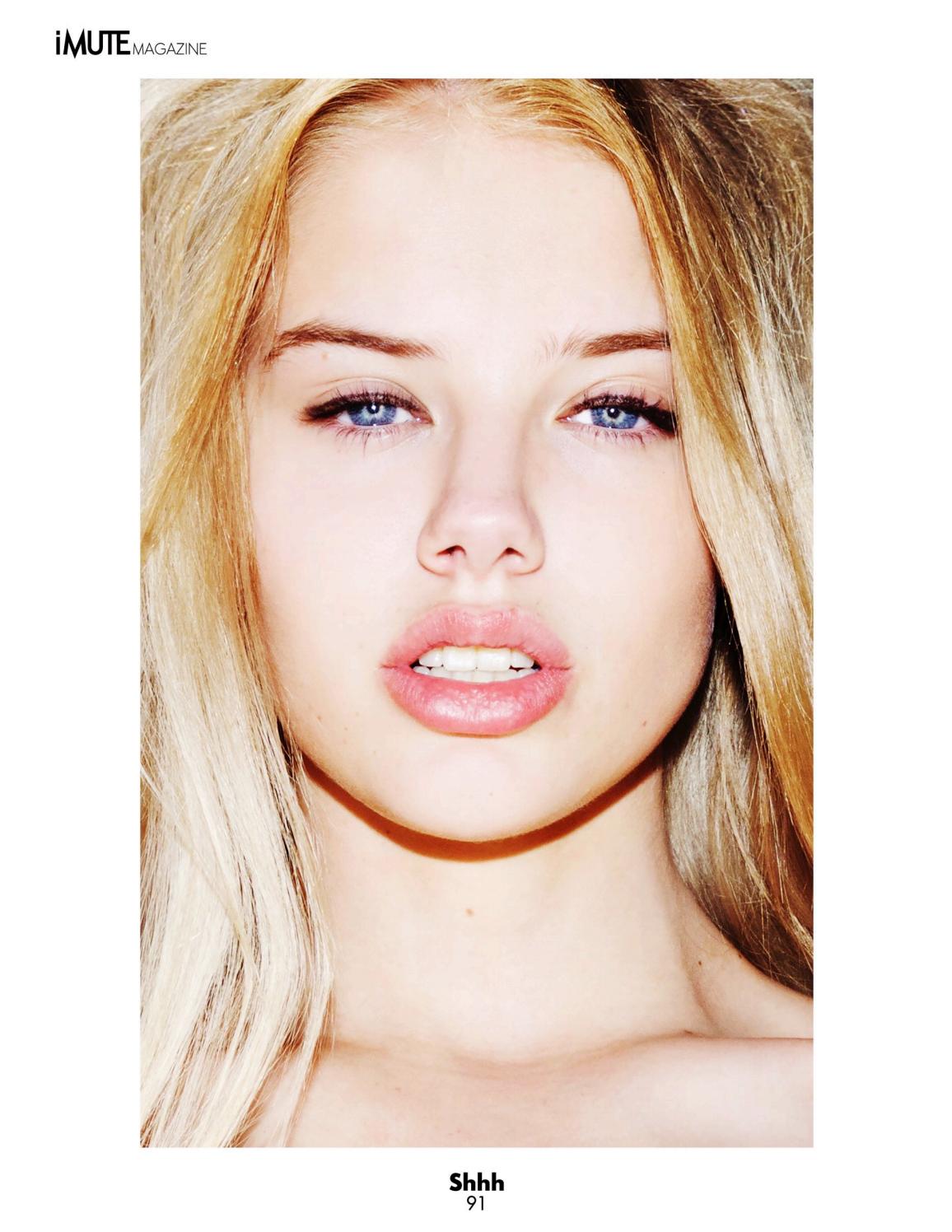
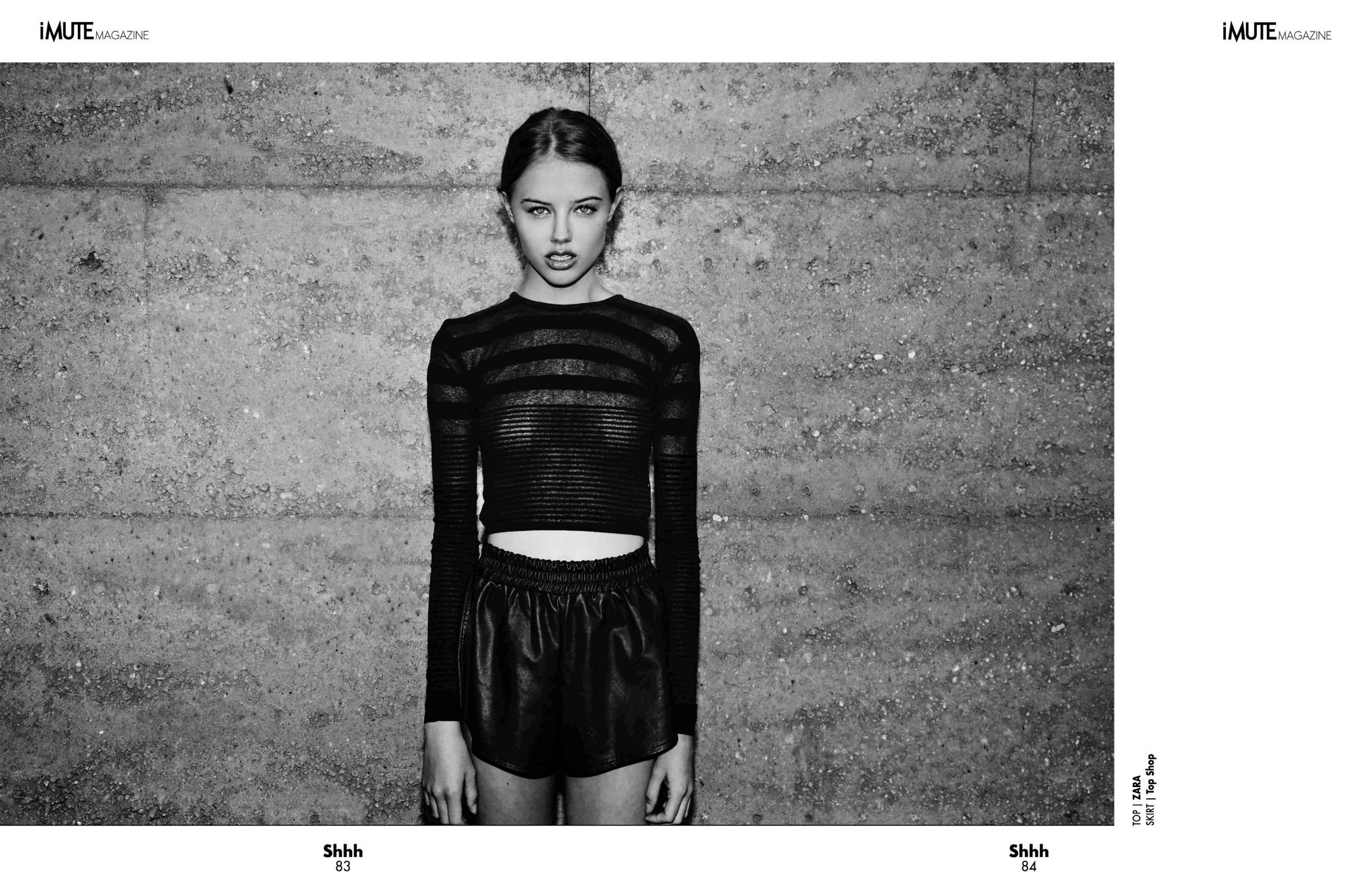
iMute Magazine #15 Summer 2016 imutemagazine.com/magazine/issue-15-summer-2016




-
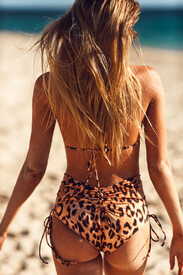
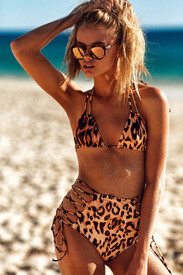
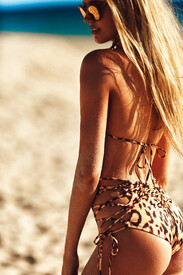
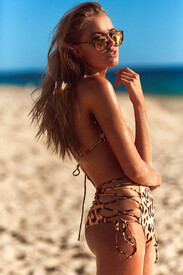
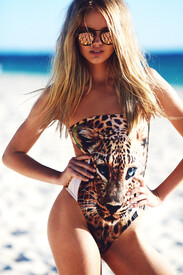
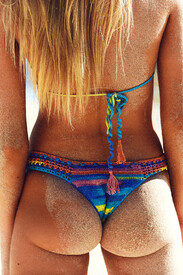
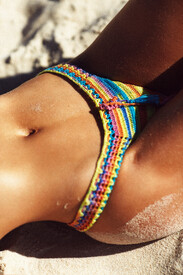
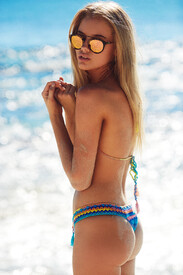
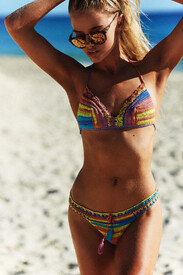
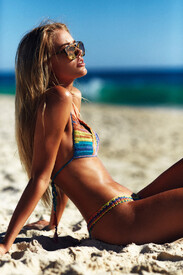
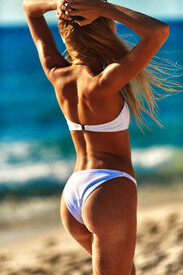
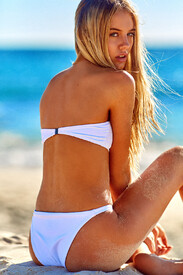
It's now cool Adds & Upgrades itsnowcool.com









-
Nudity!



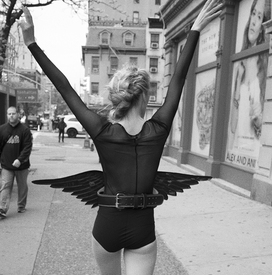
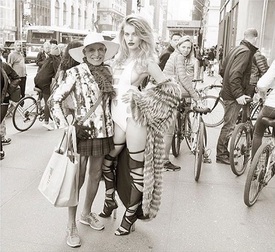
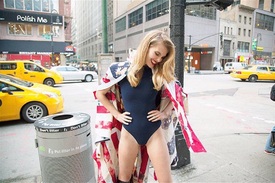
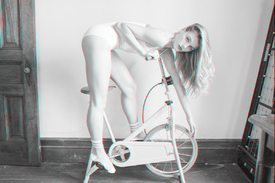










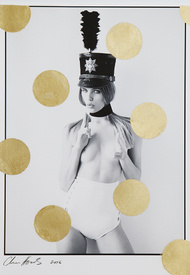
-
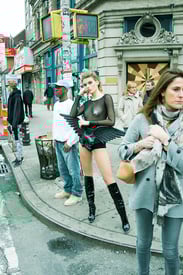
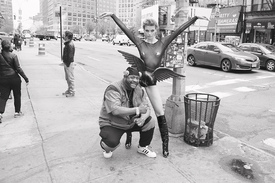
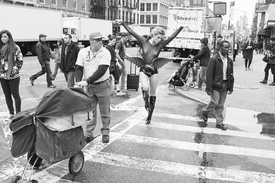
slight see-through pascalheimlicher.com
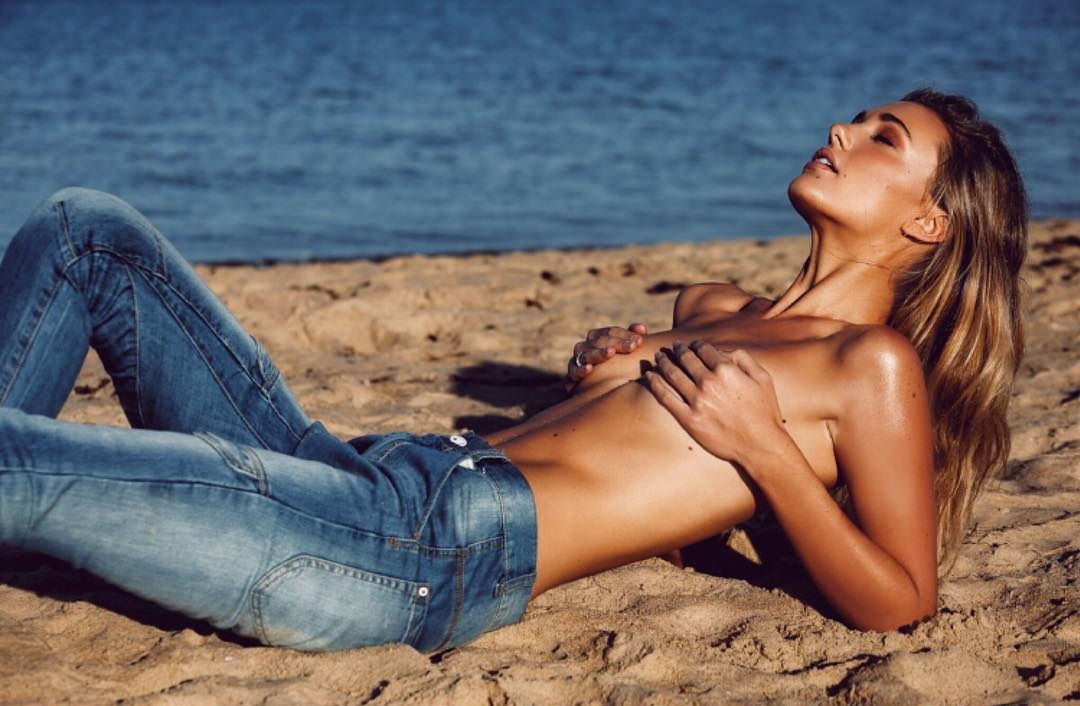
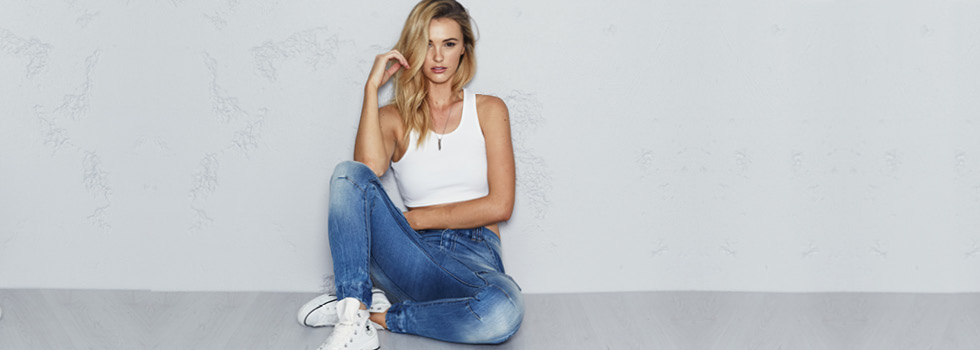
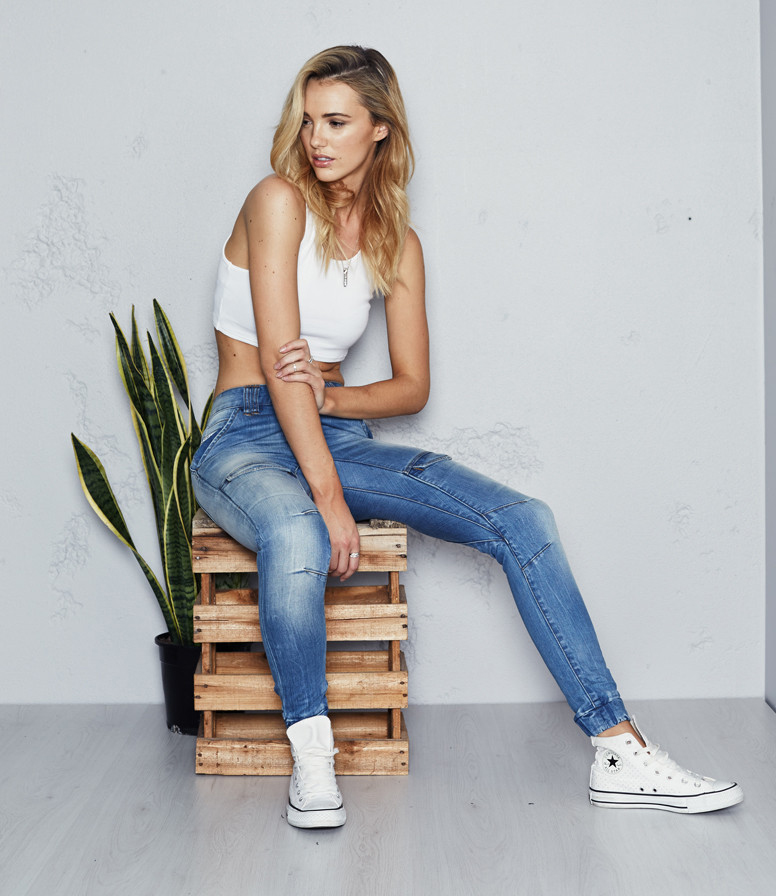
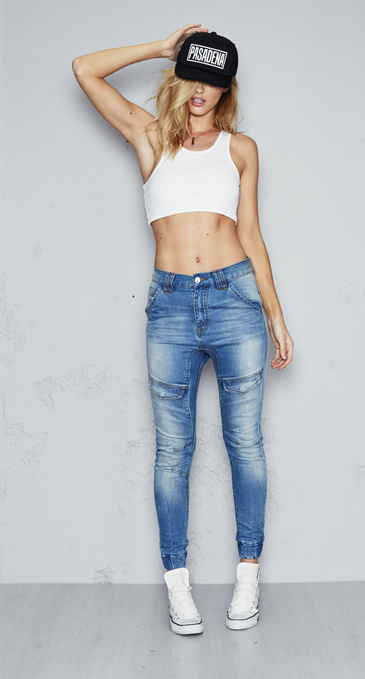
Nena and Pasadena Brooke Hogen x Its's now cool instagram.com/nenaandpasadena


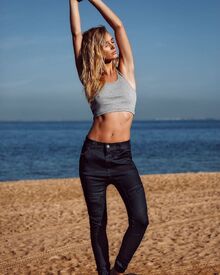
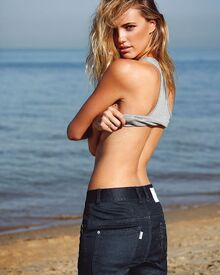
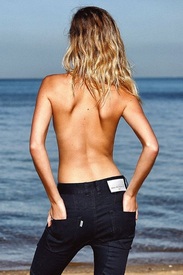
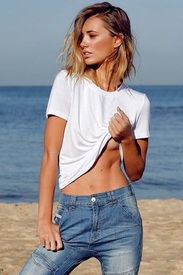

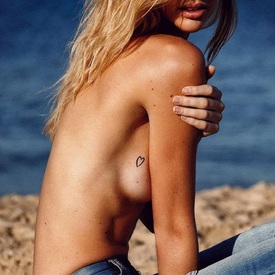
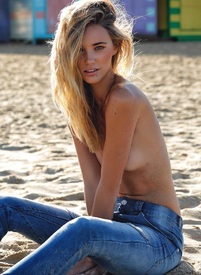

 Nena and Pasadena
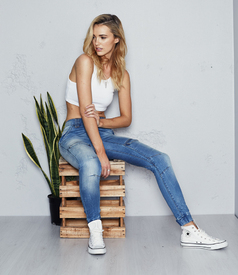
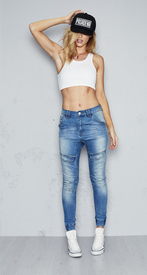
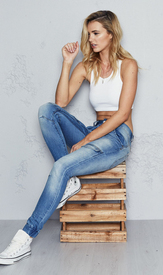
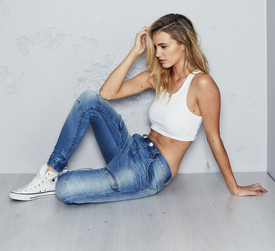 Ph: Ed Purnomo instagram.com/edpurnomo




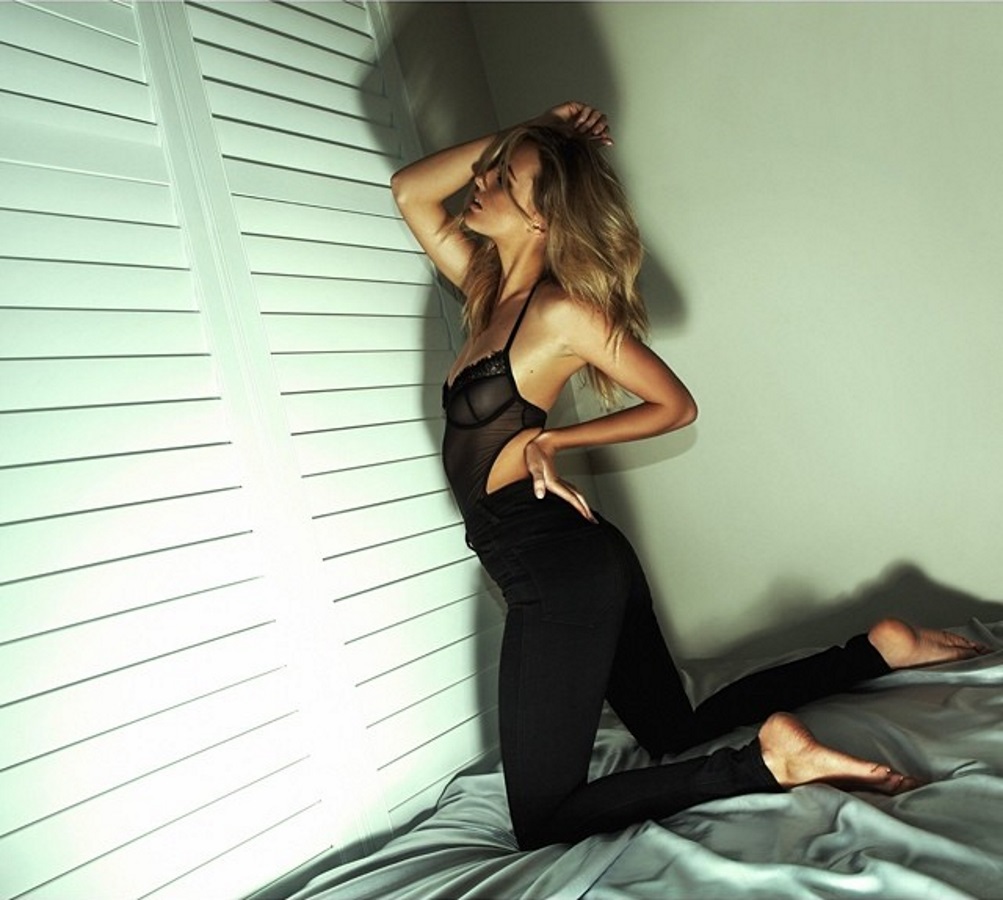
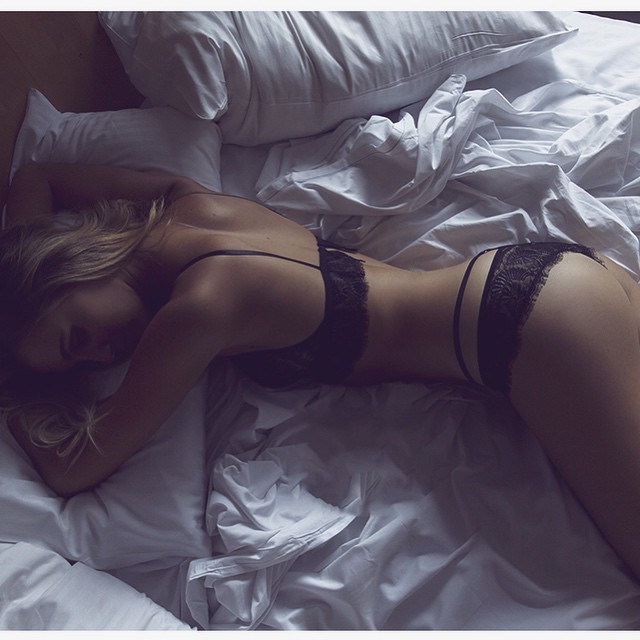
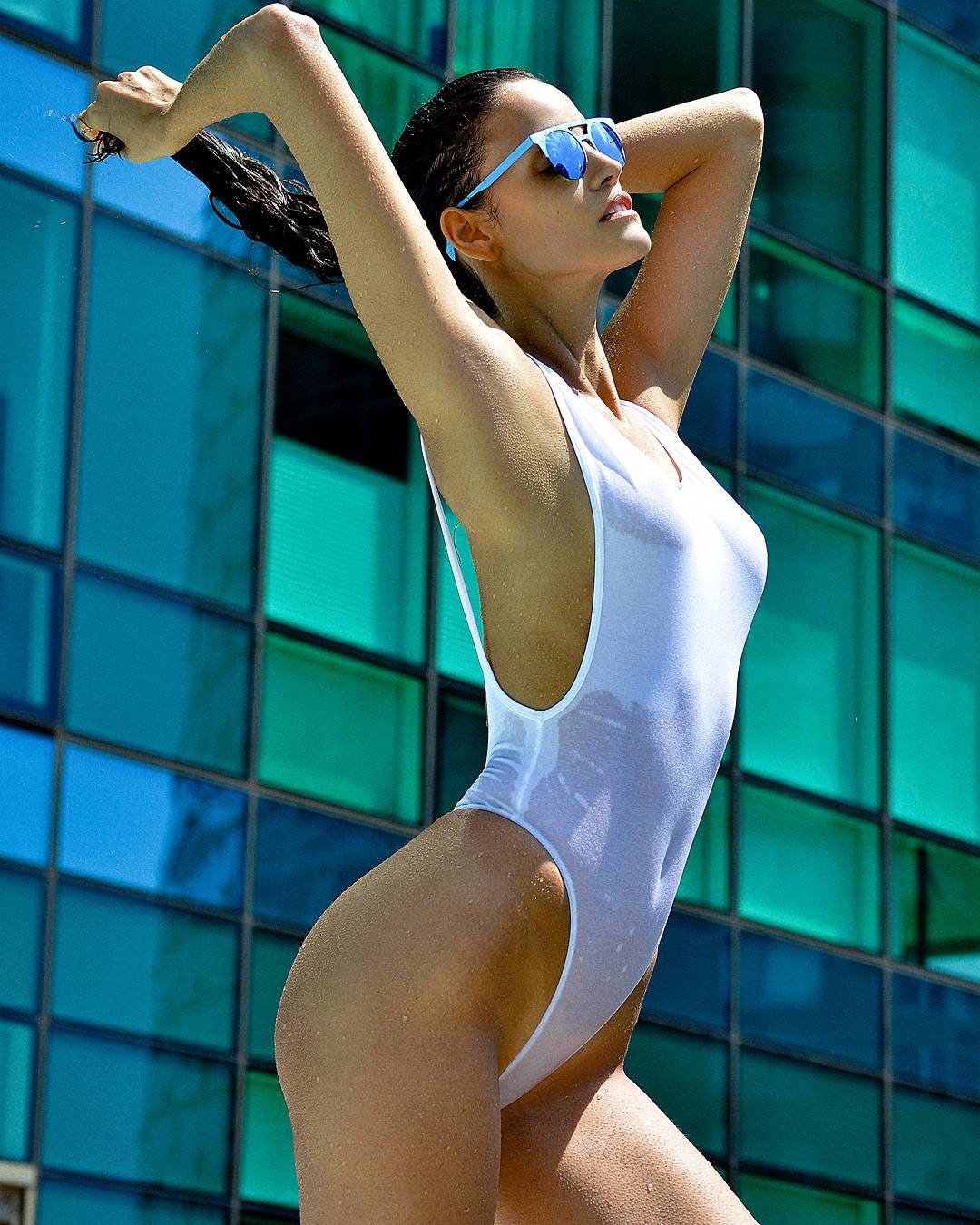
 Ph: Nick Walters slight see-through instagram.com/nickwaltersphotographer nickwalters.com.au

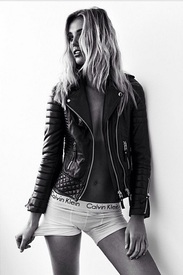



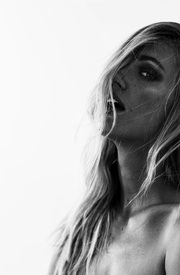

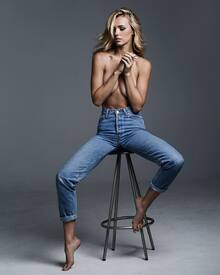
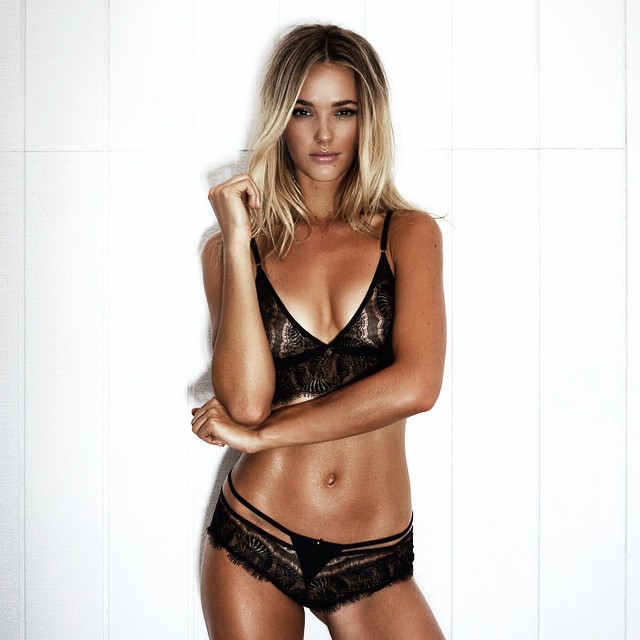
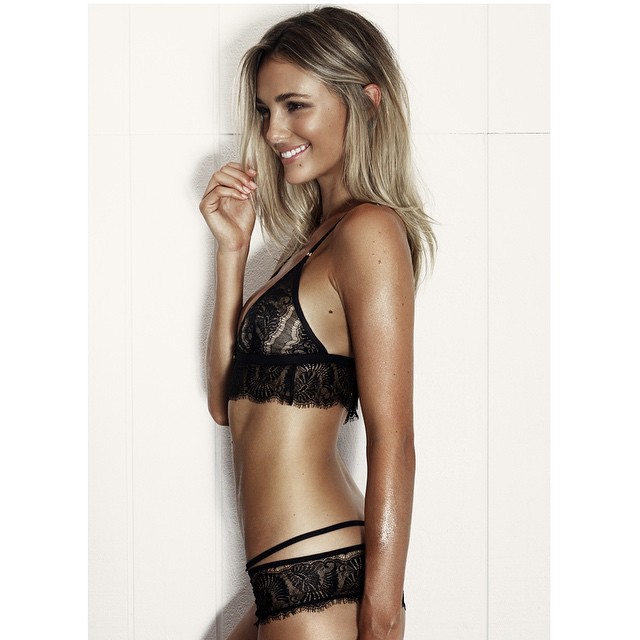
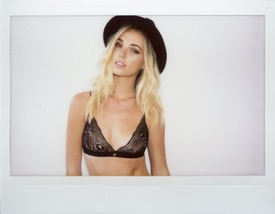 Gooseberry Intimates Ph: Bonnie Cee
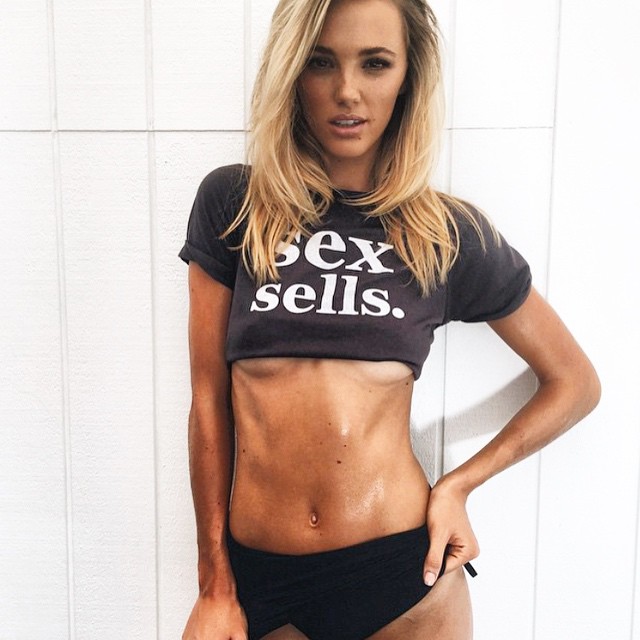
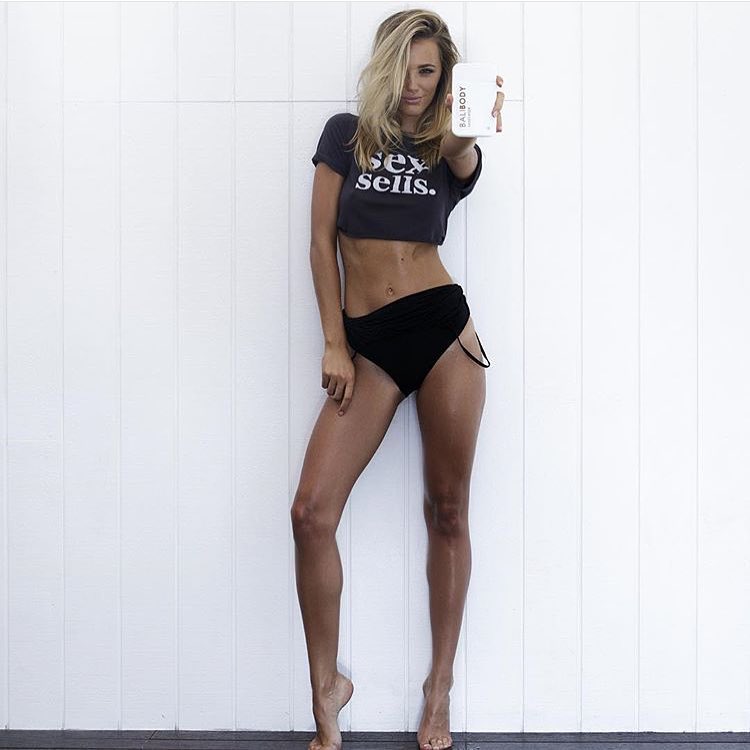
 Bali Body Ph: Peter Soulis


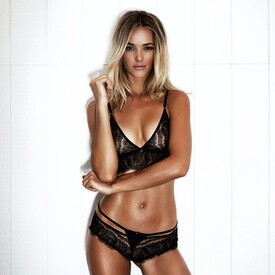
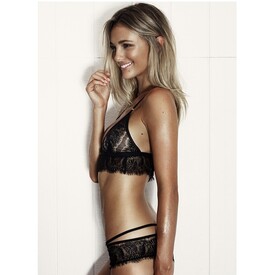
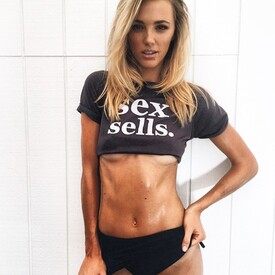
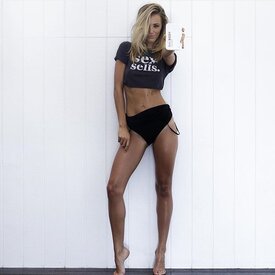
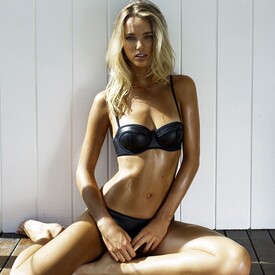
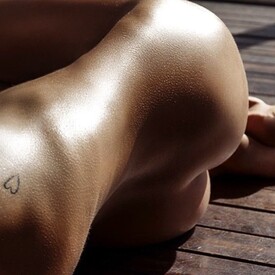 Kenny Parker
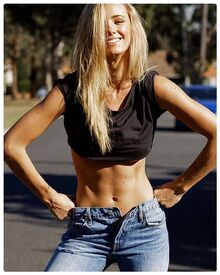
 Ph: Peter Soulis instagram.com/petersoulis
 instagram.com/emilydelphine_photography
 Ph: Manny Roman instagram.com/bymannyroman 13878442_743890272380758_544260043_n.mp4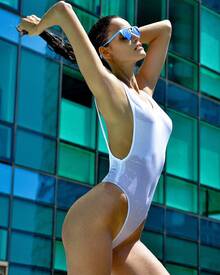
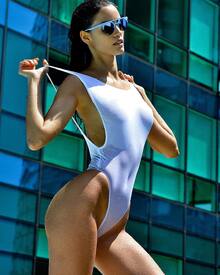
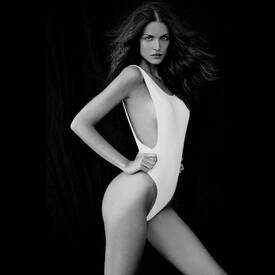
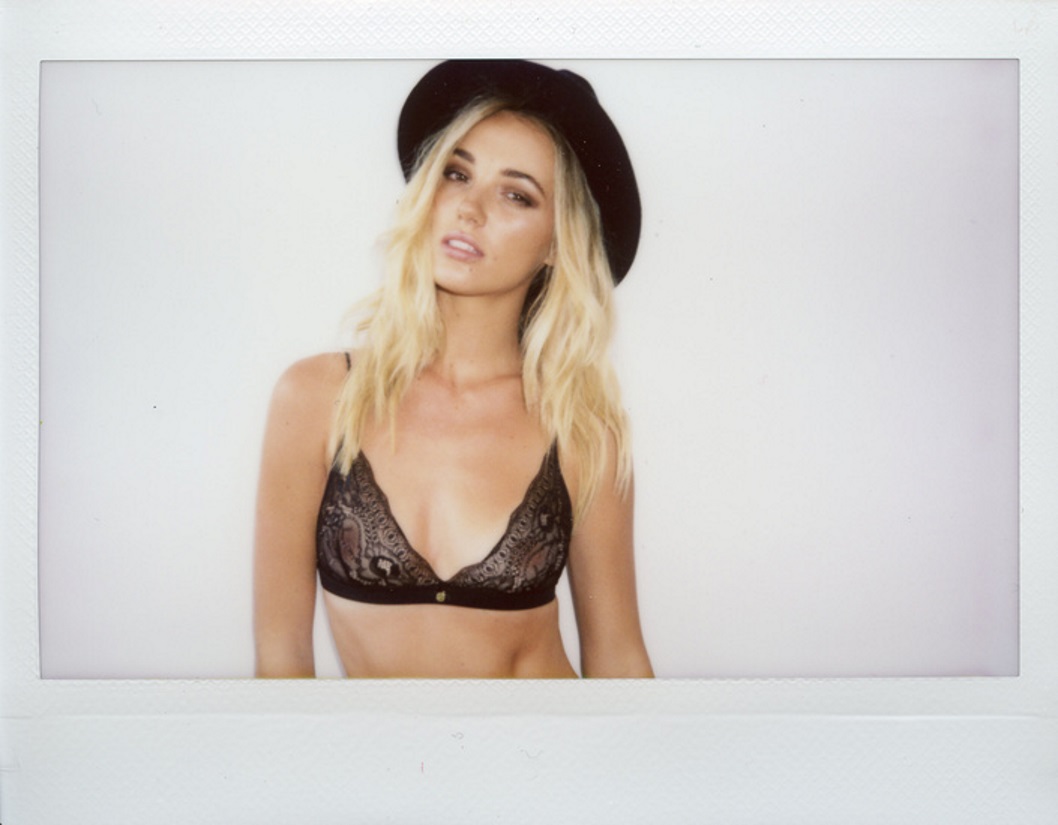
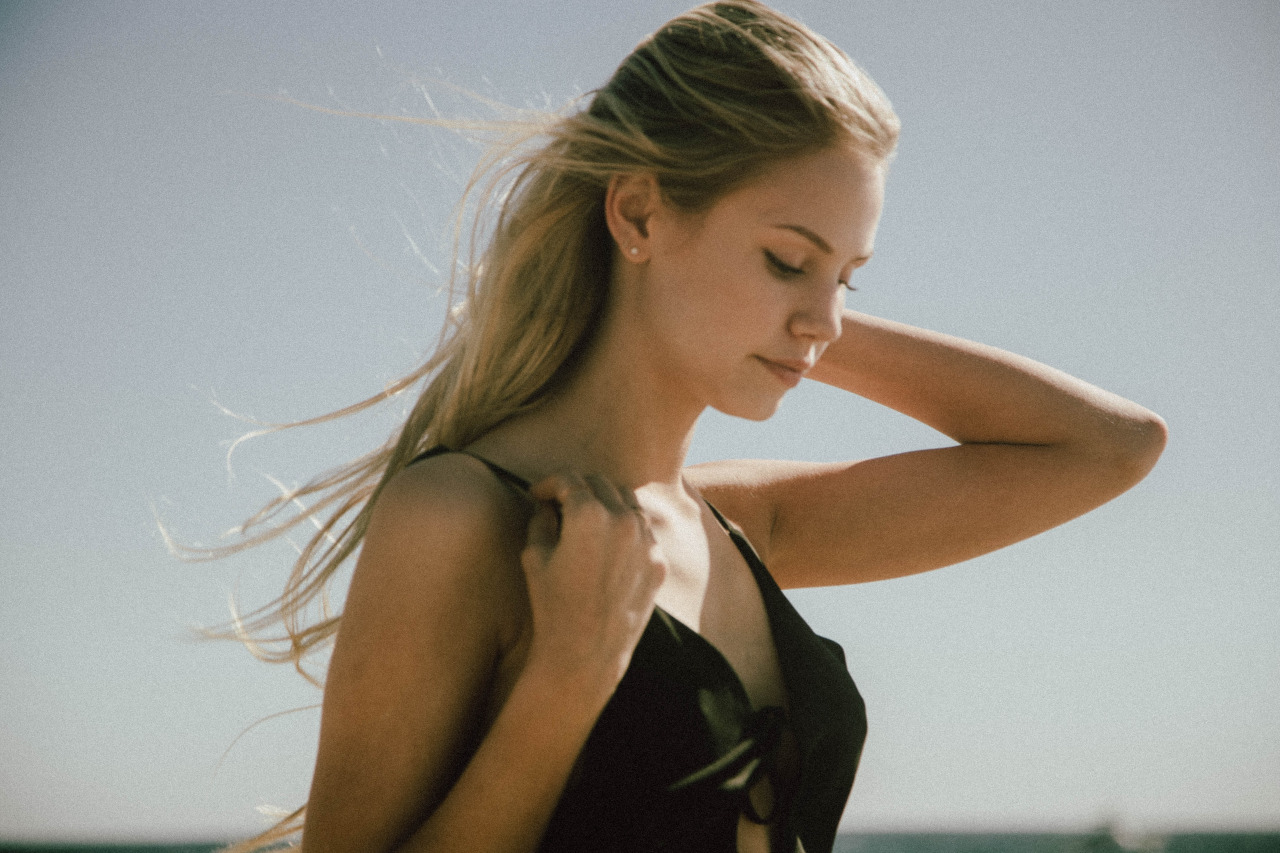
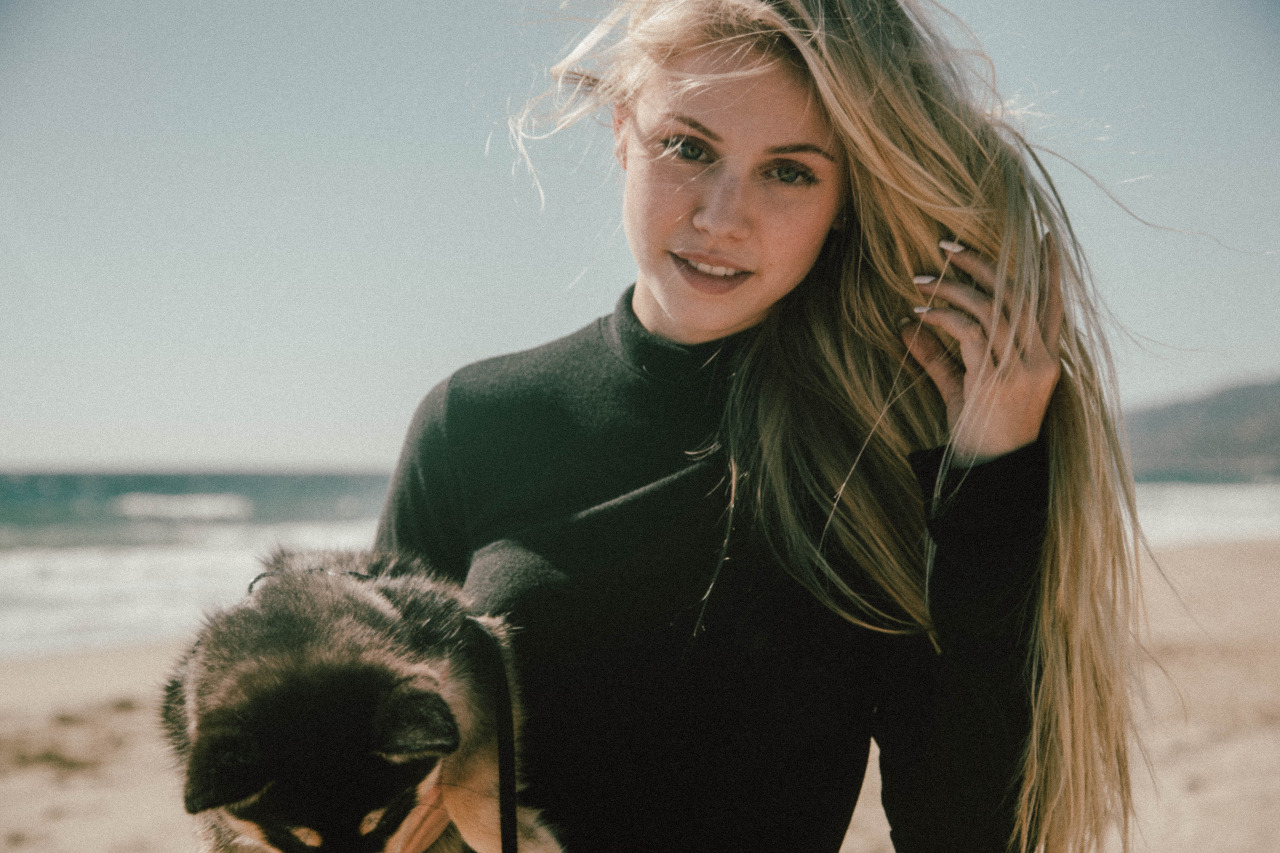
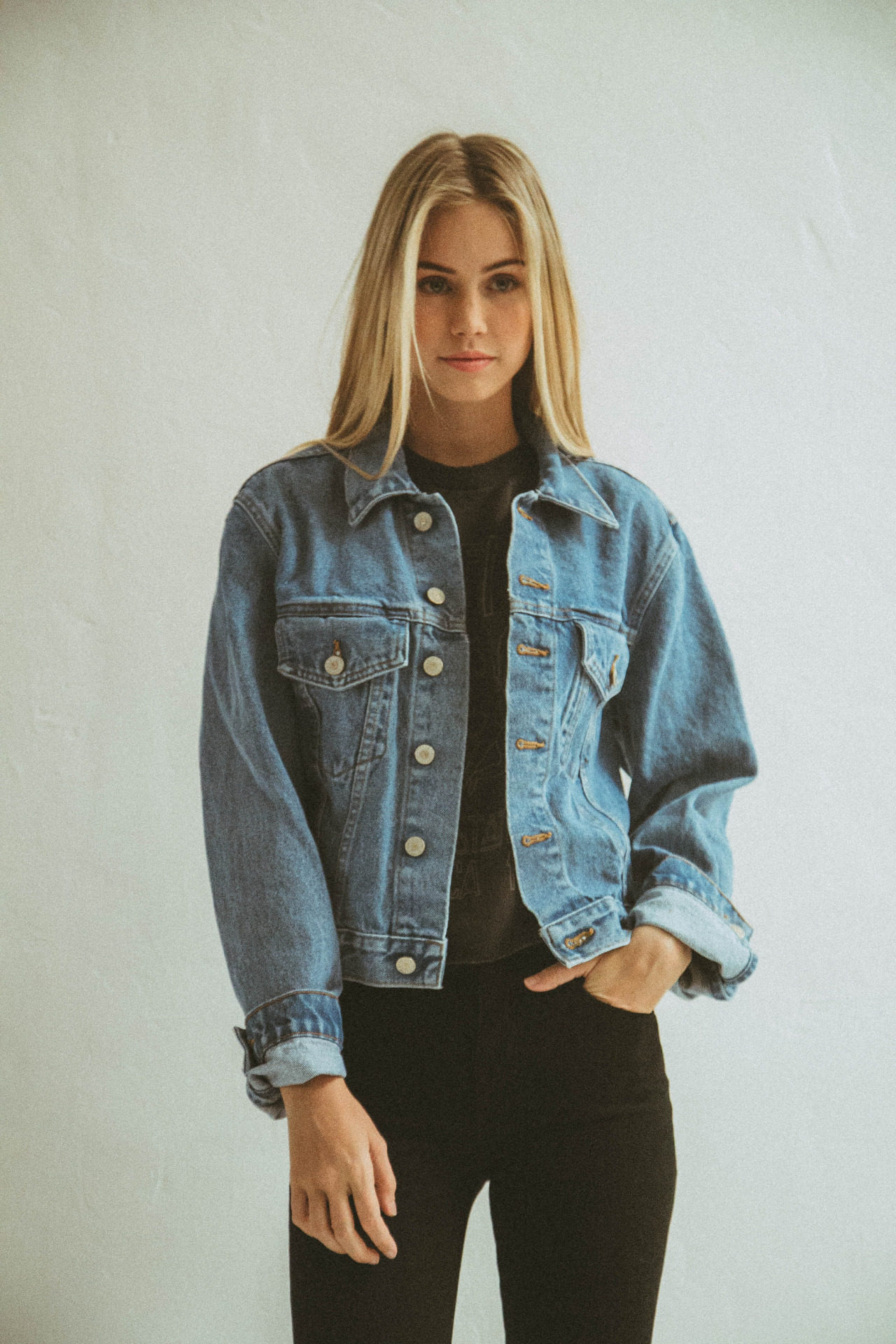
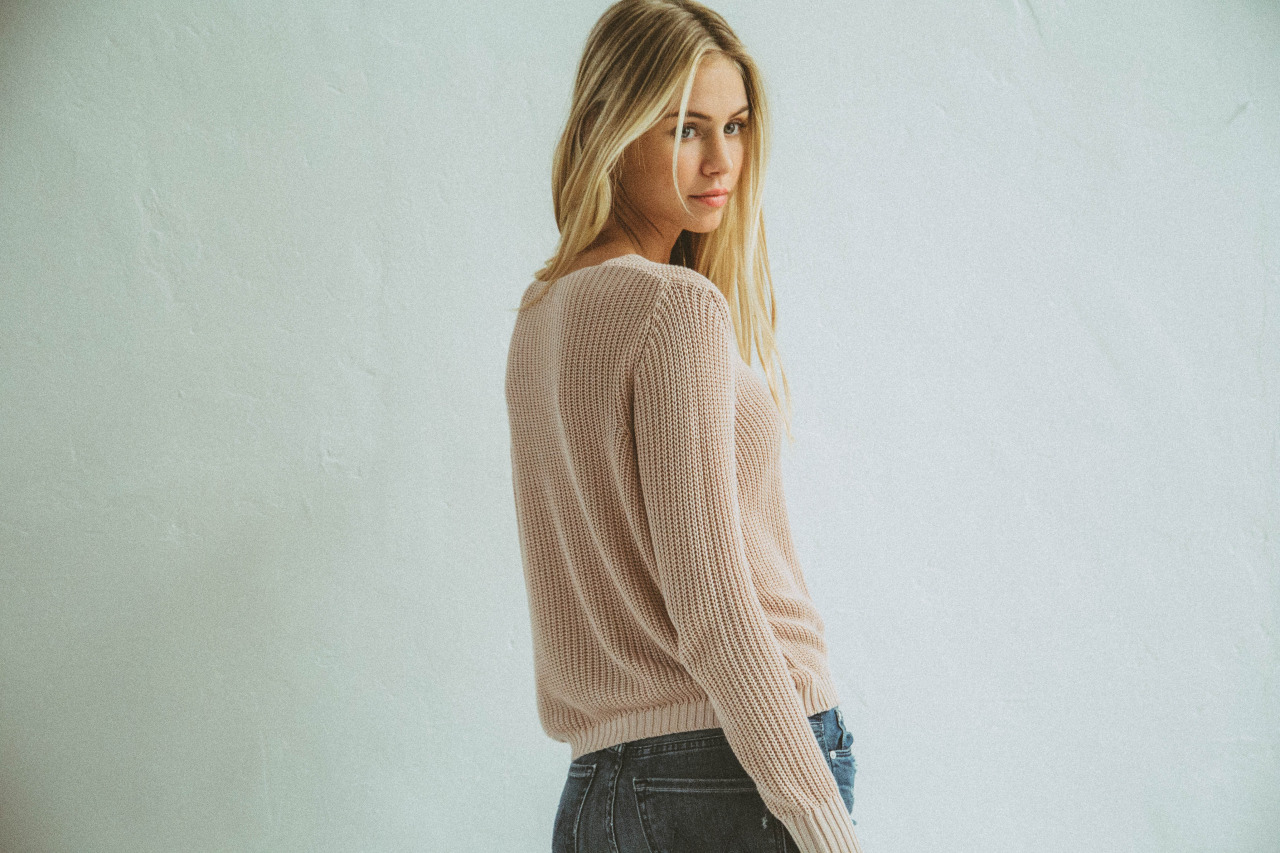
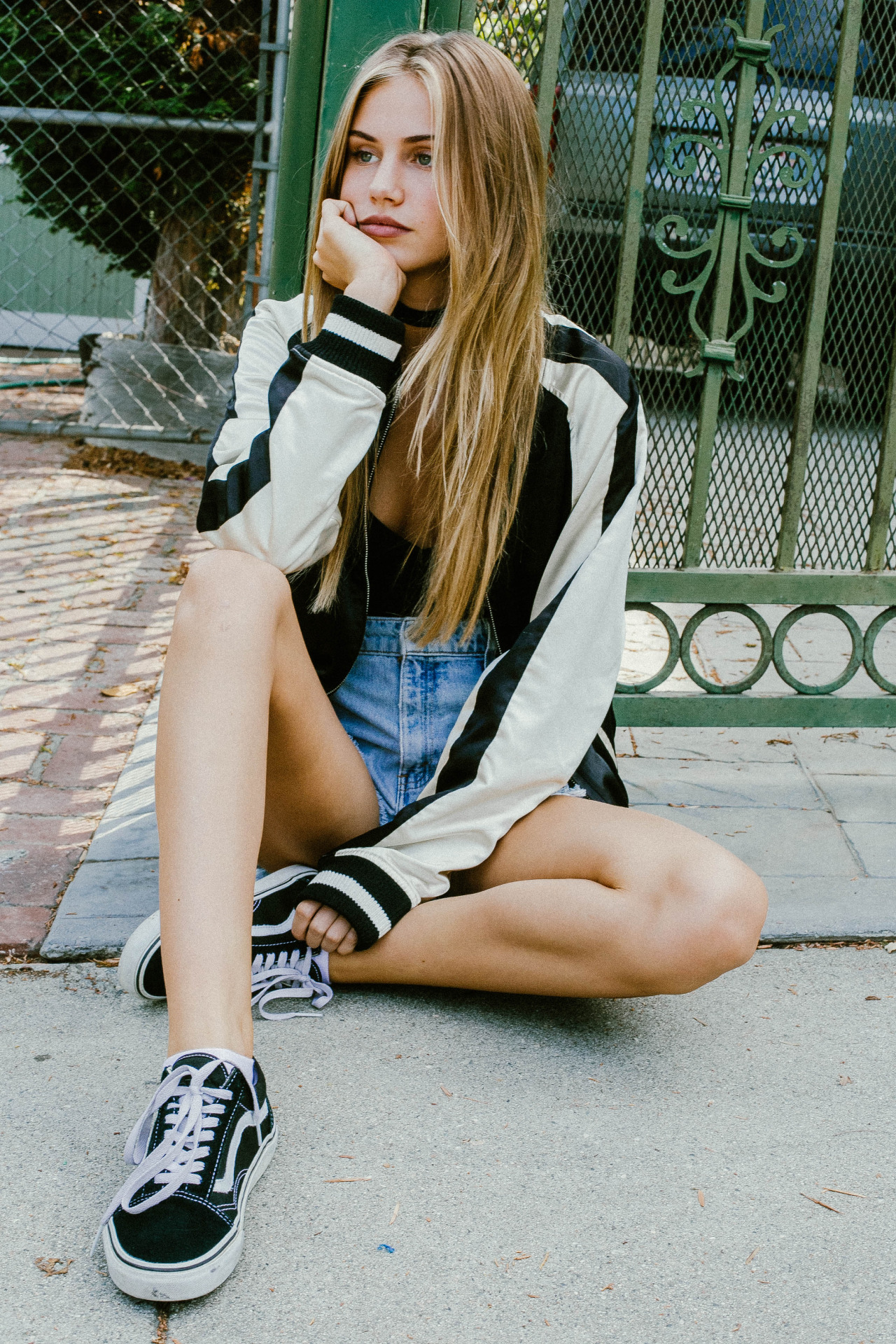
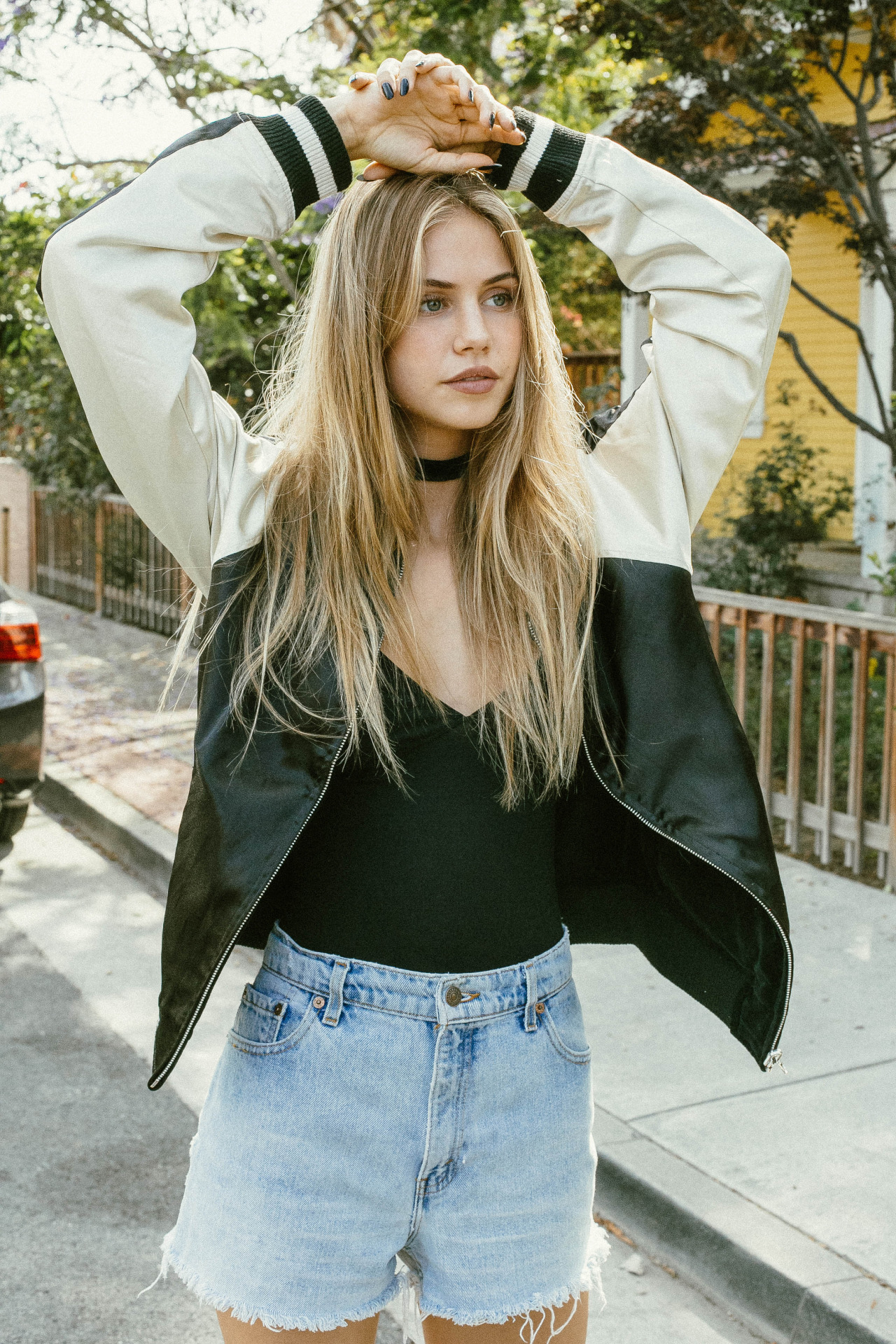
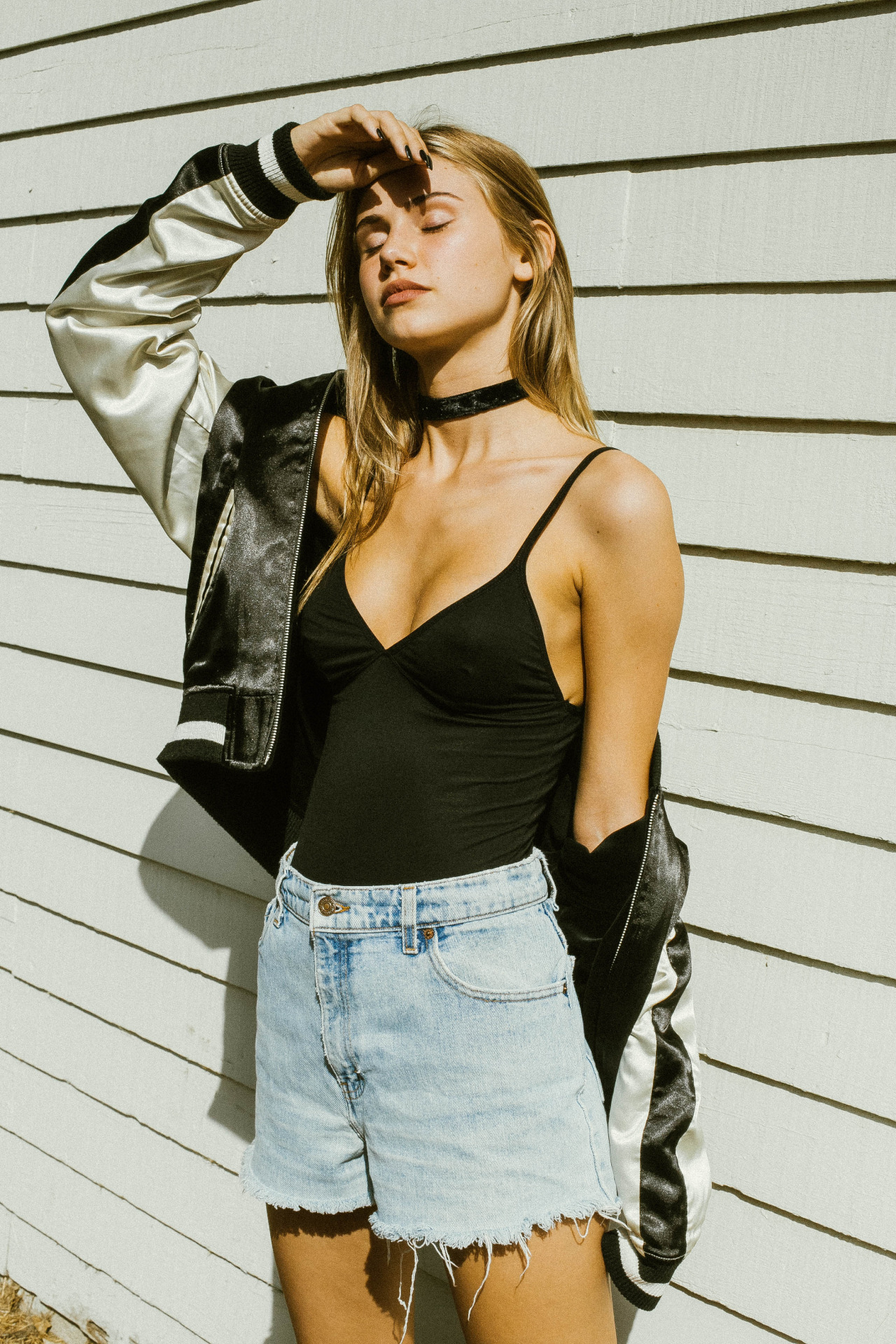
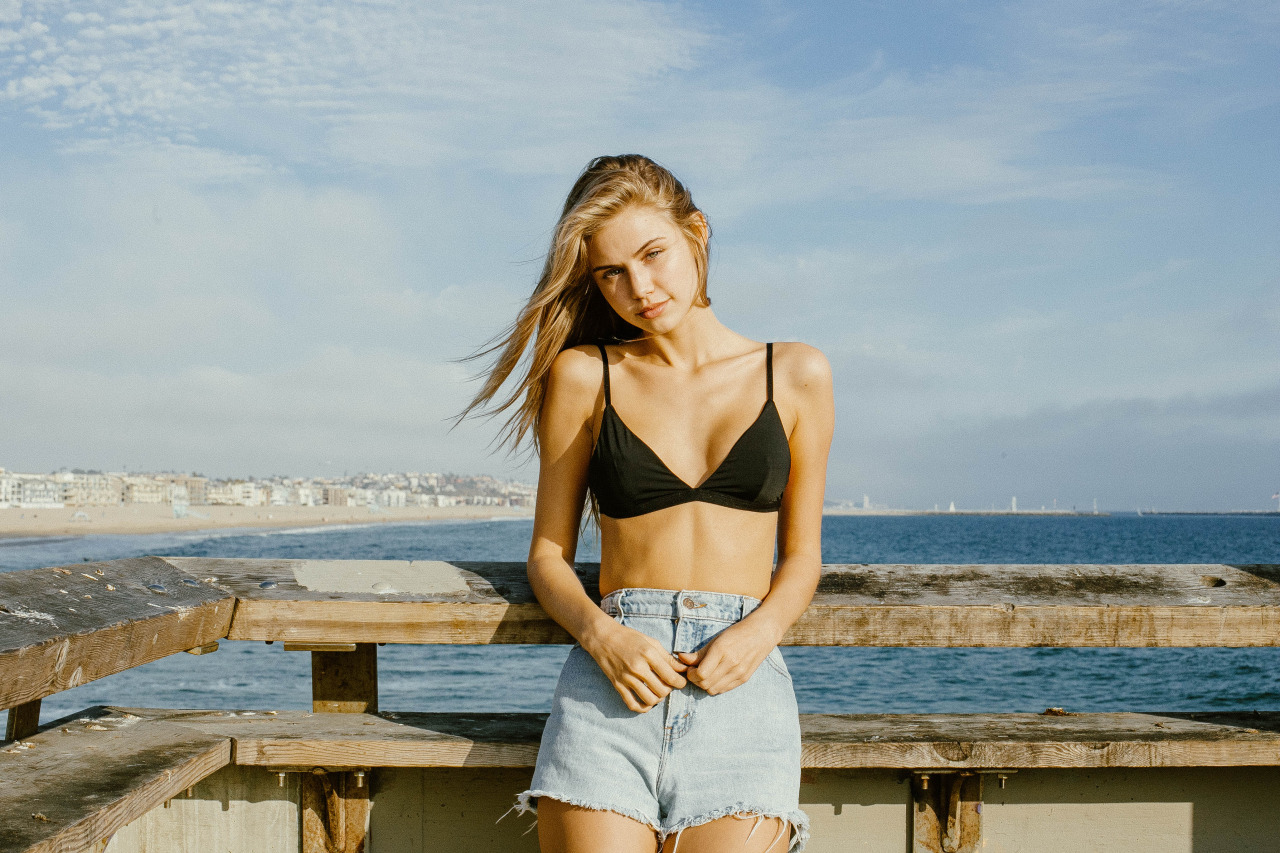
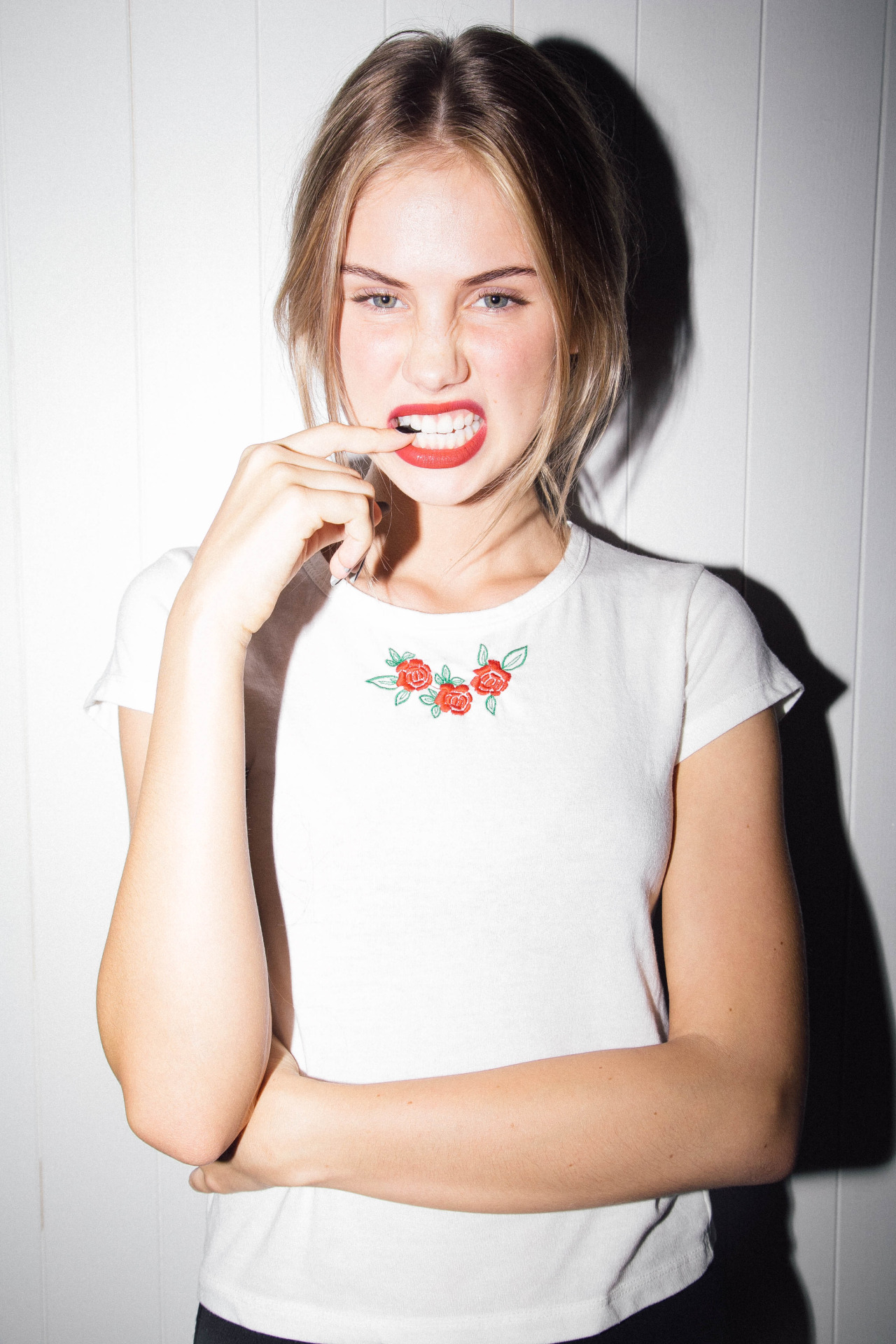
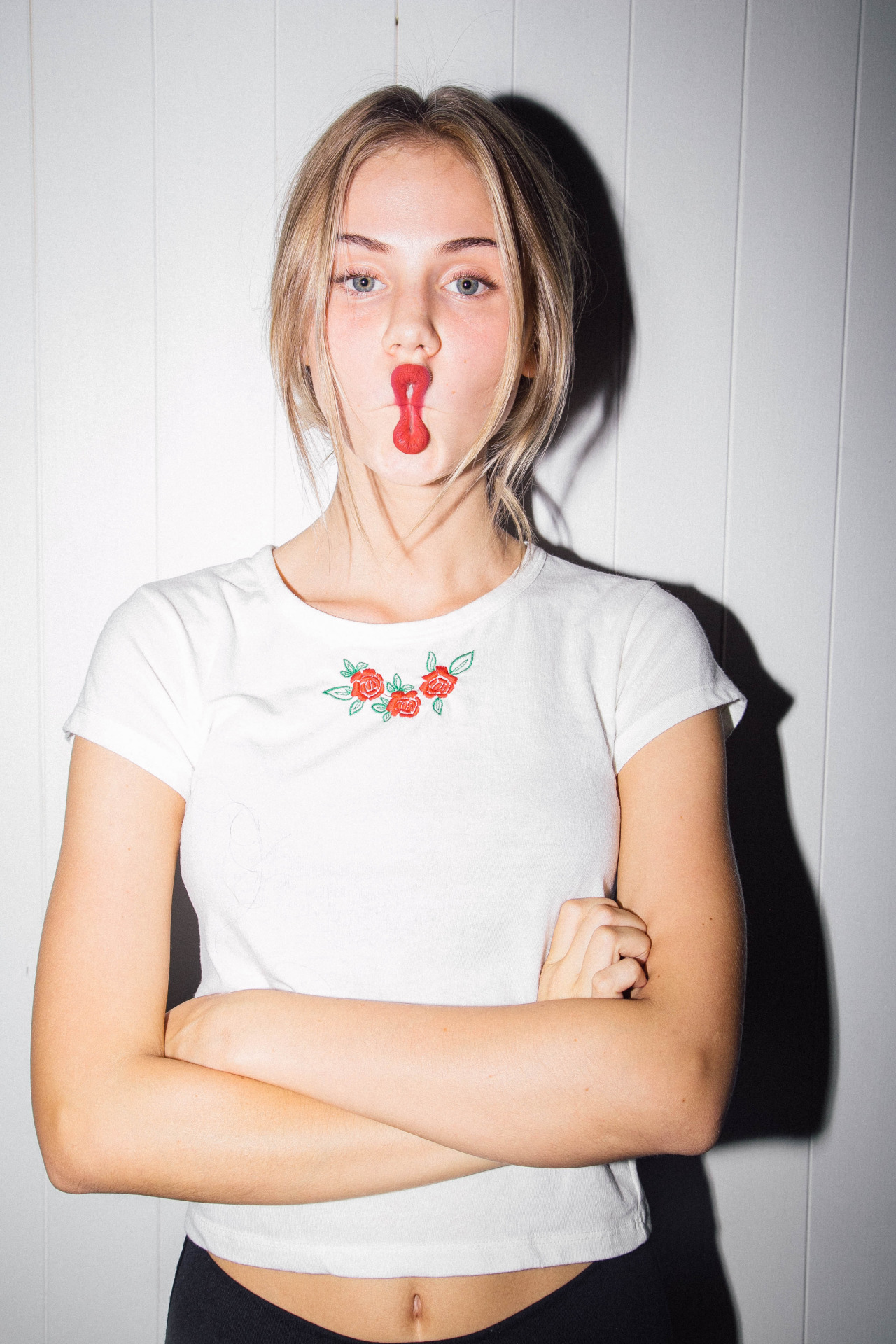
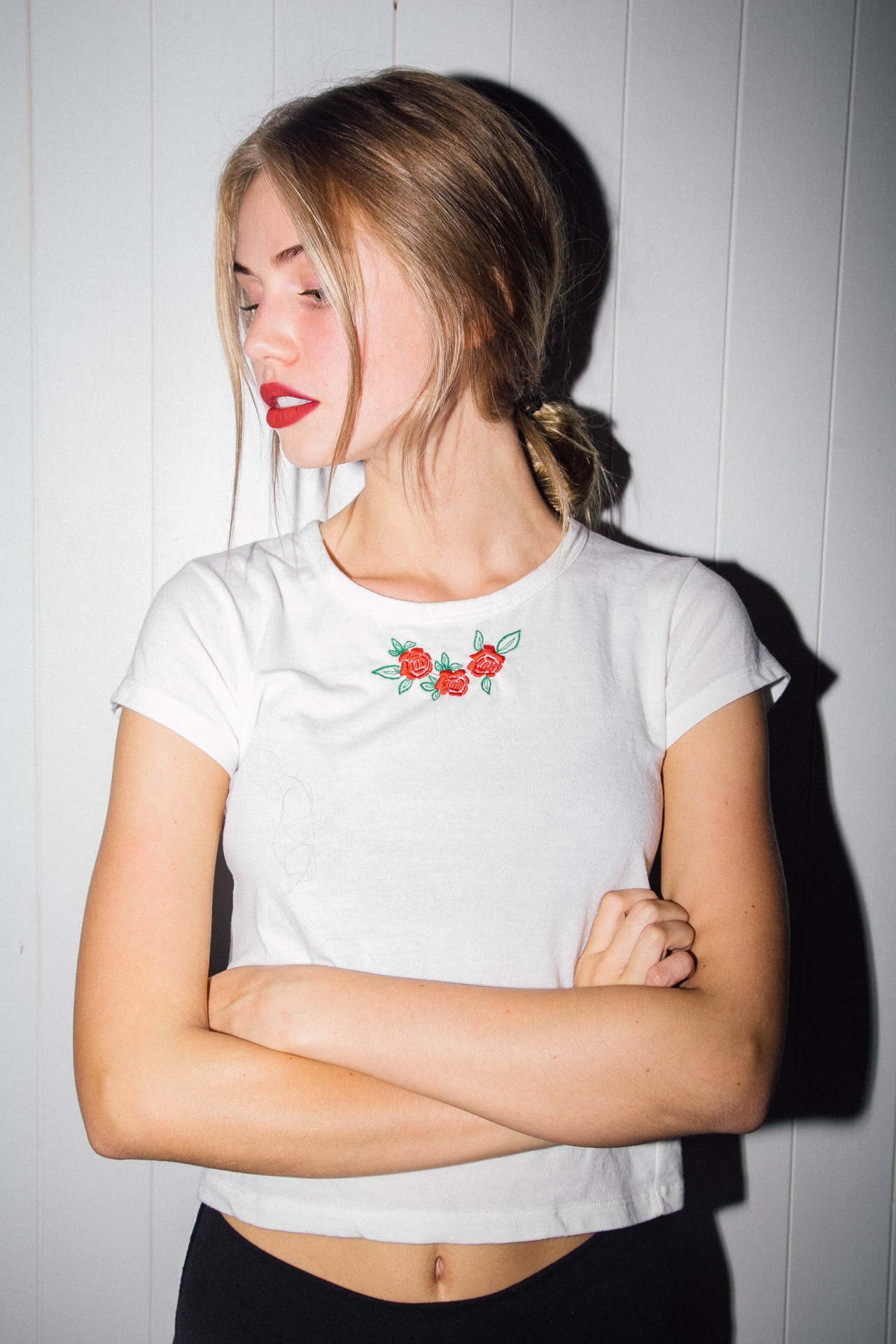
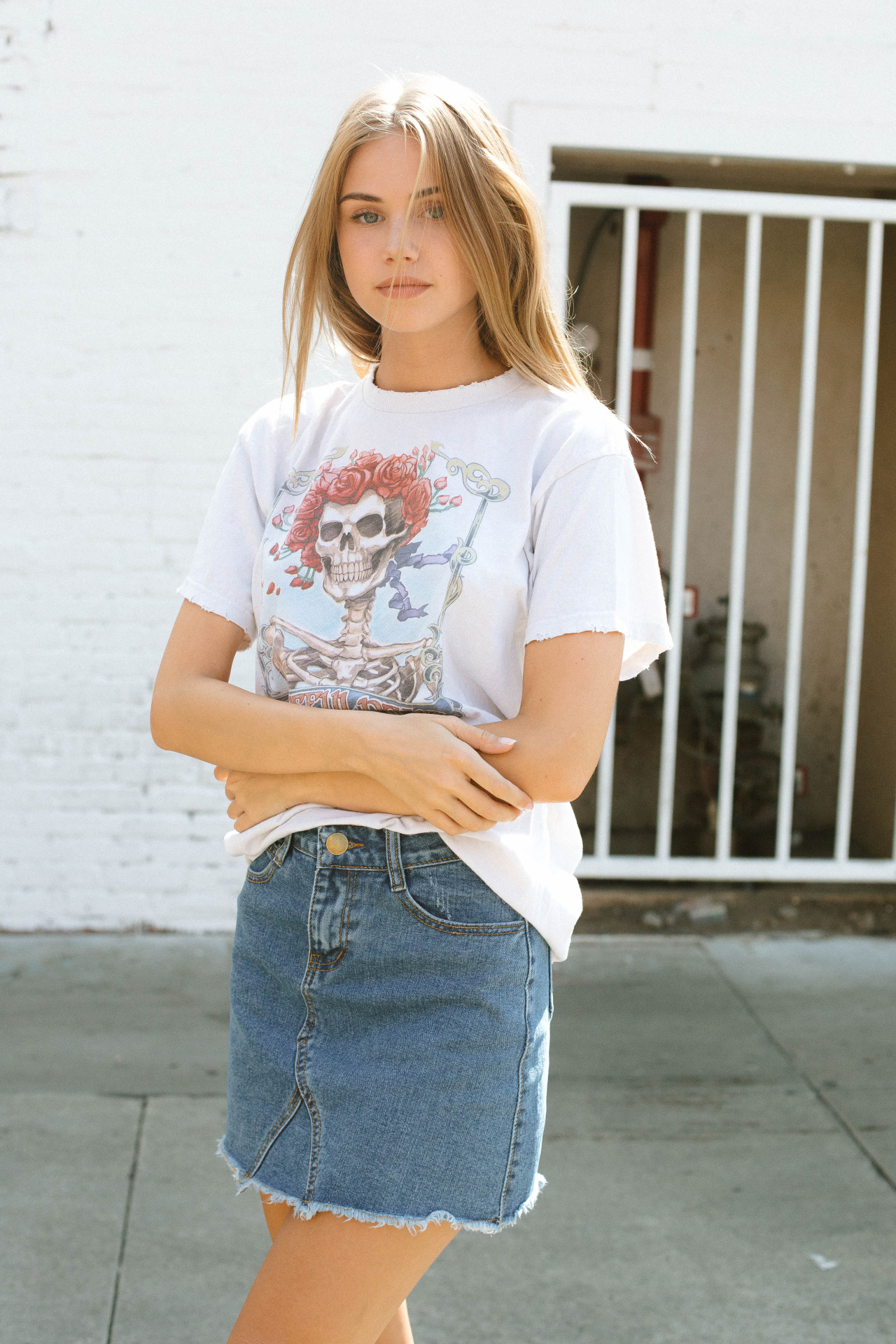
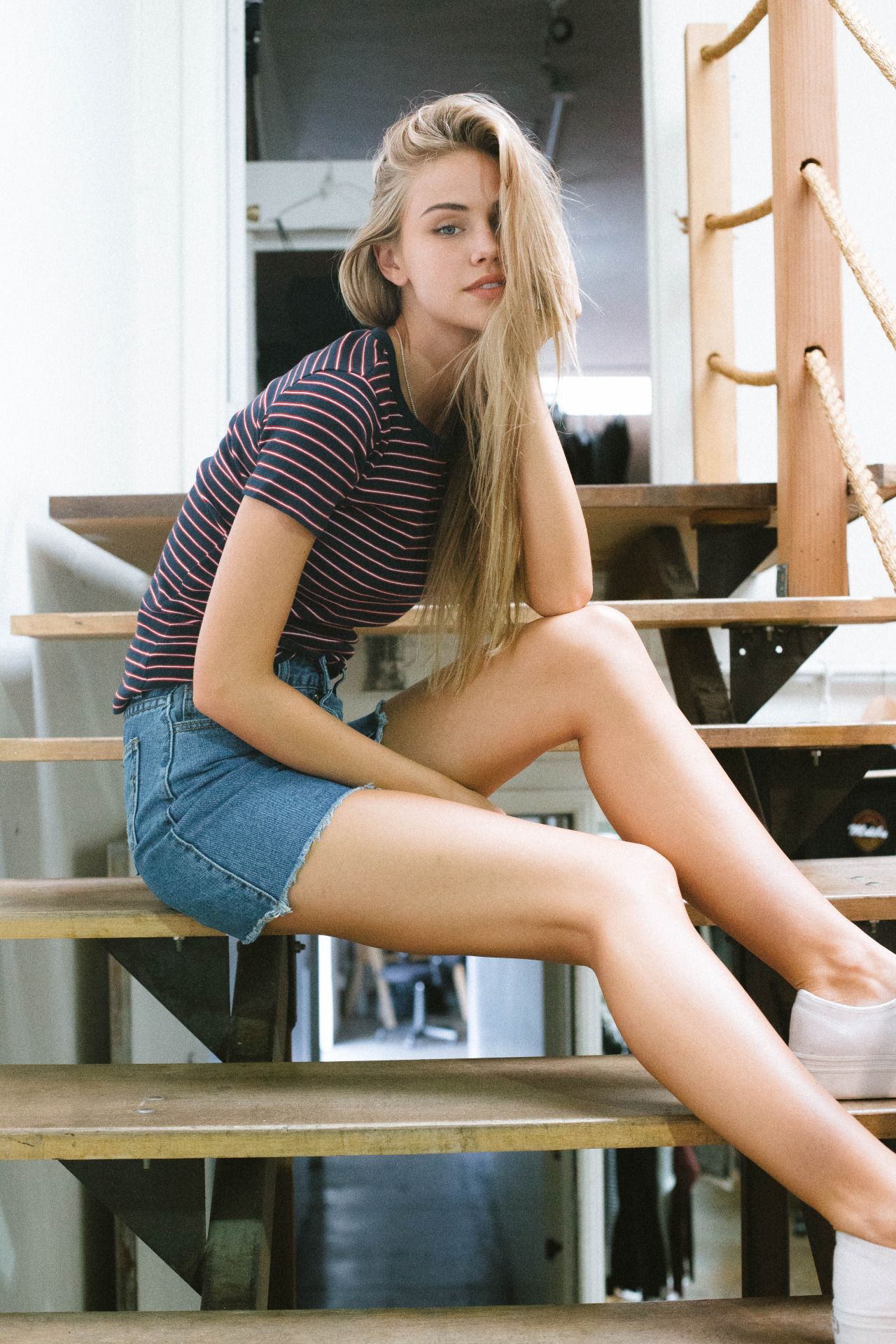
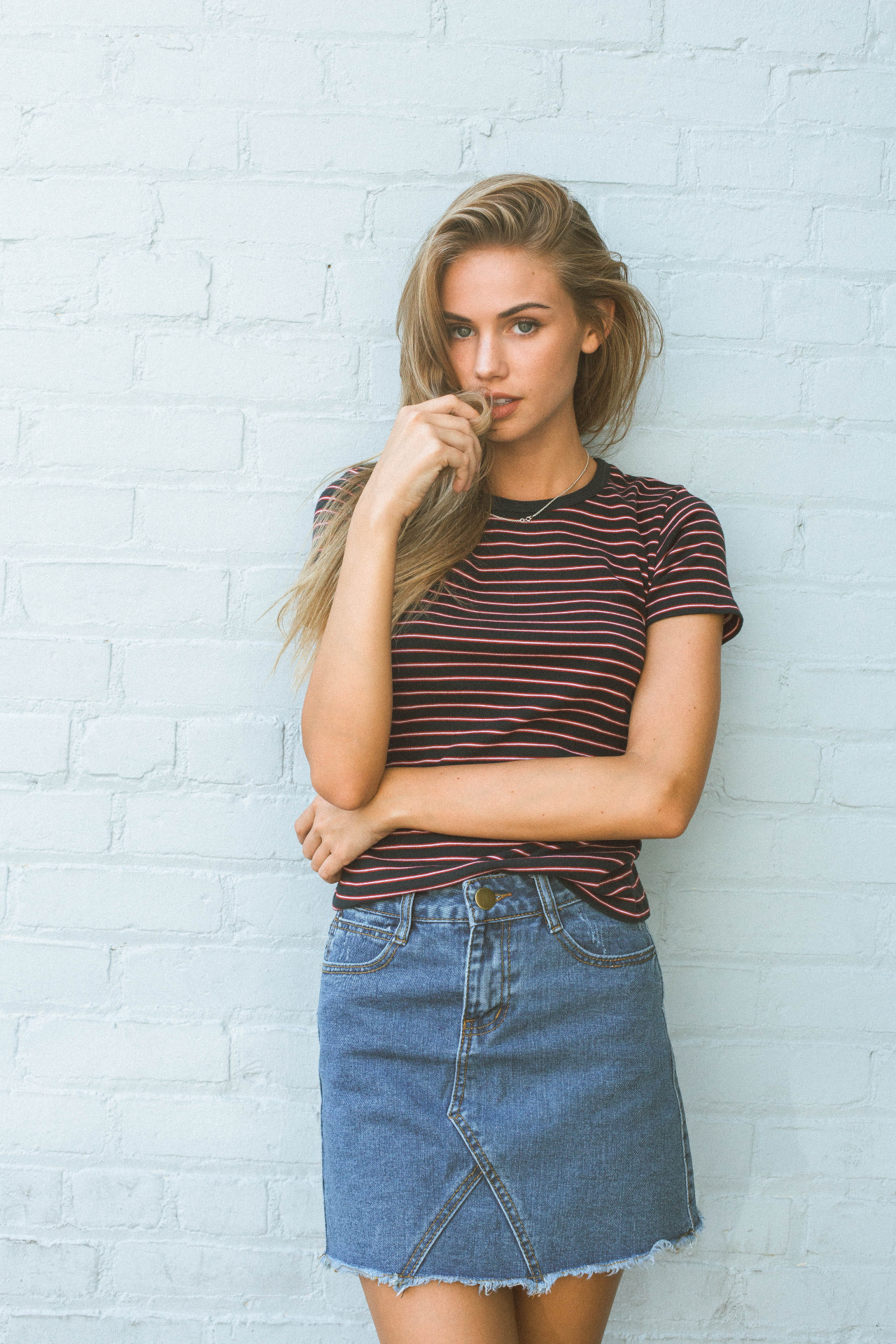
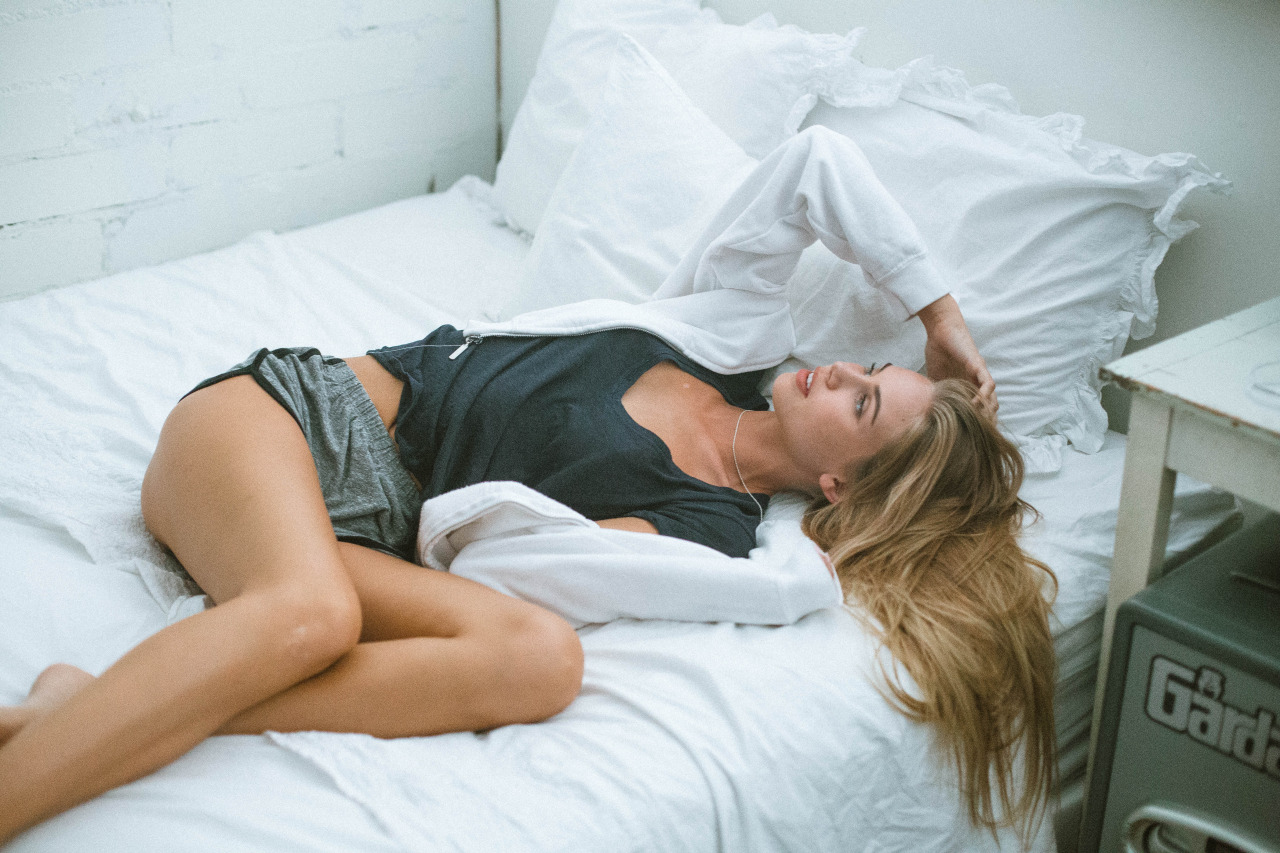
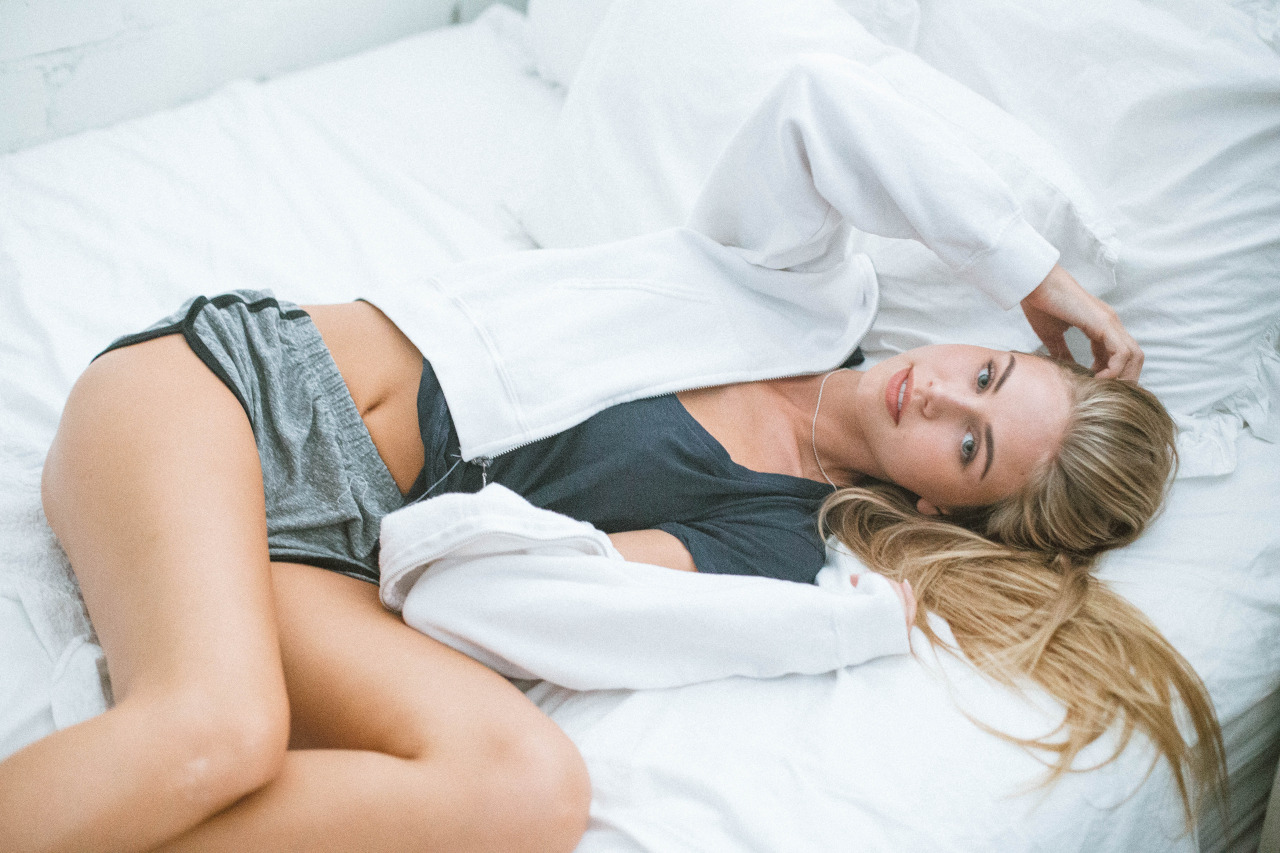
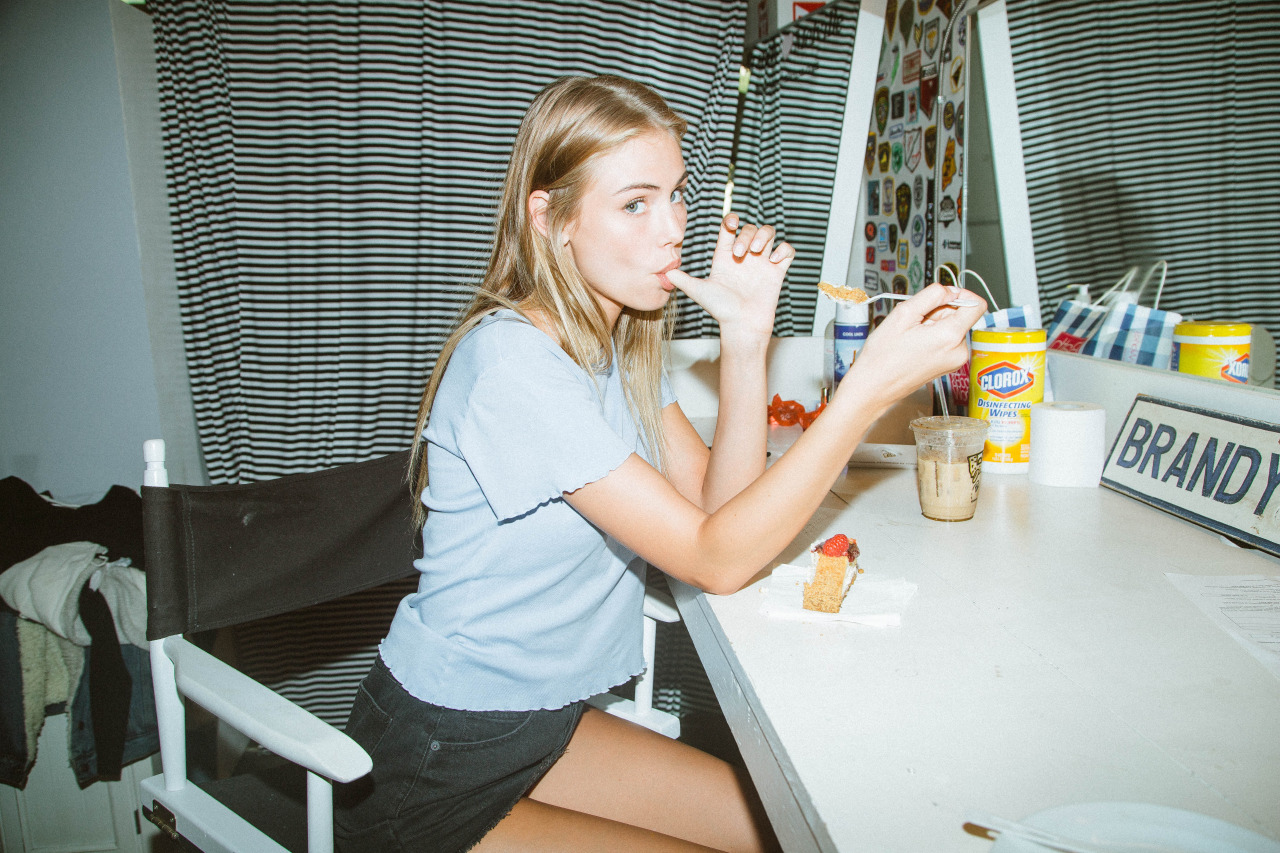
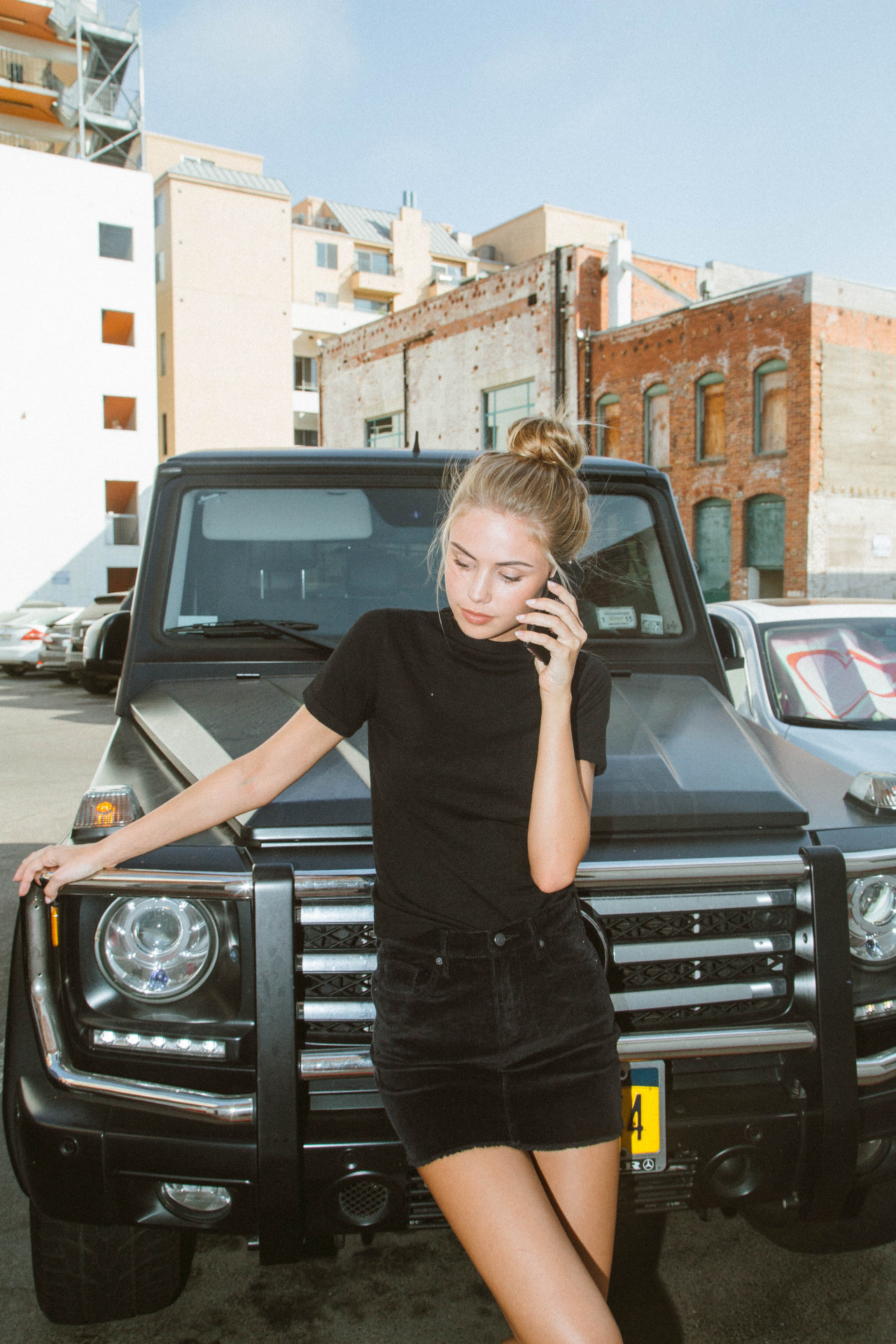
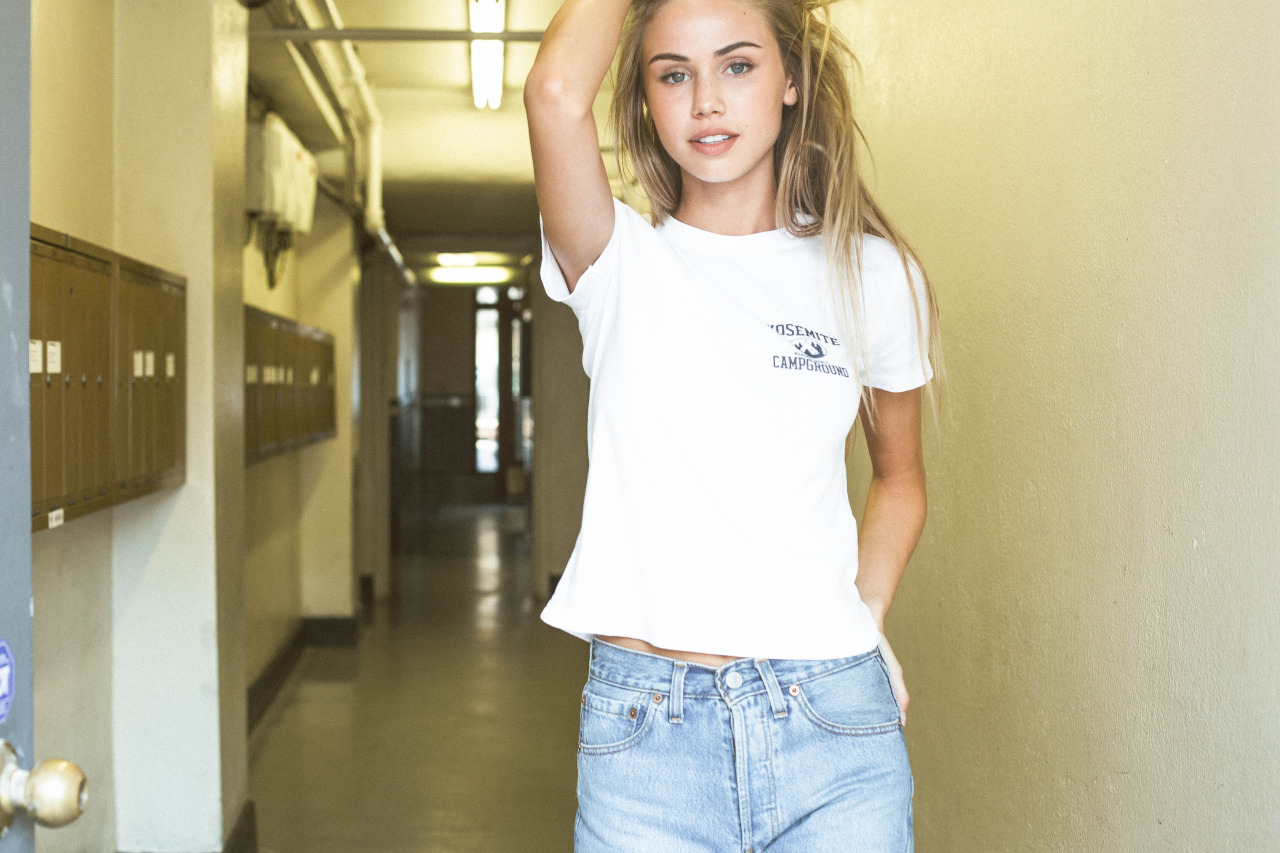
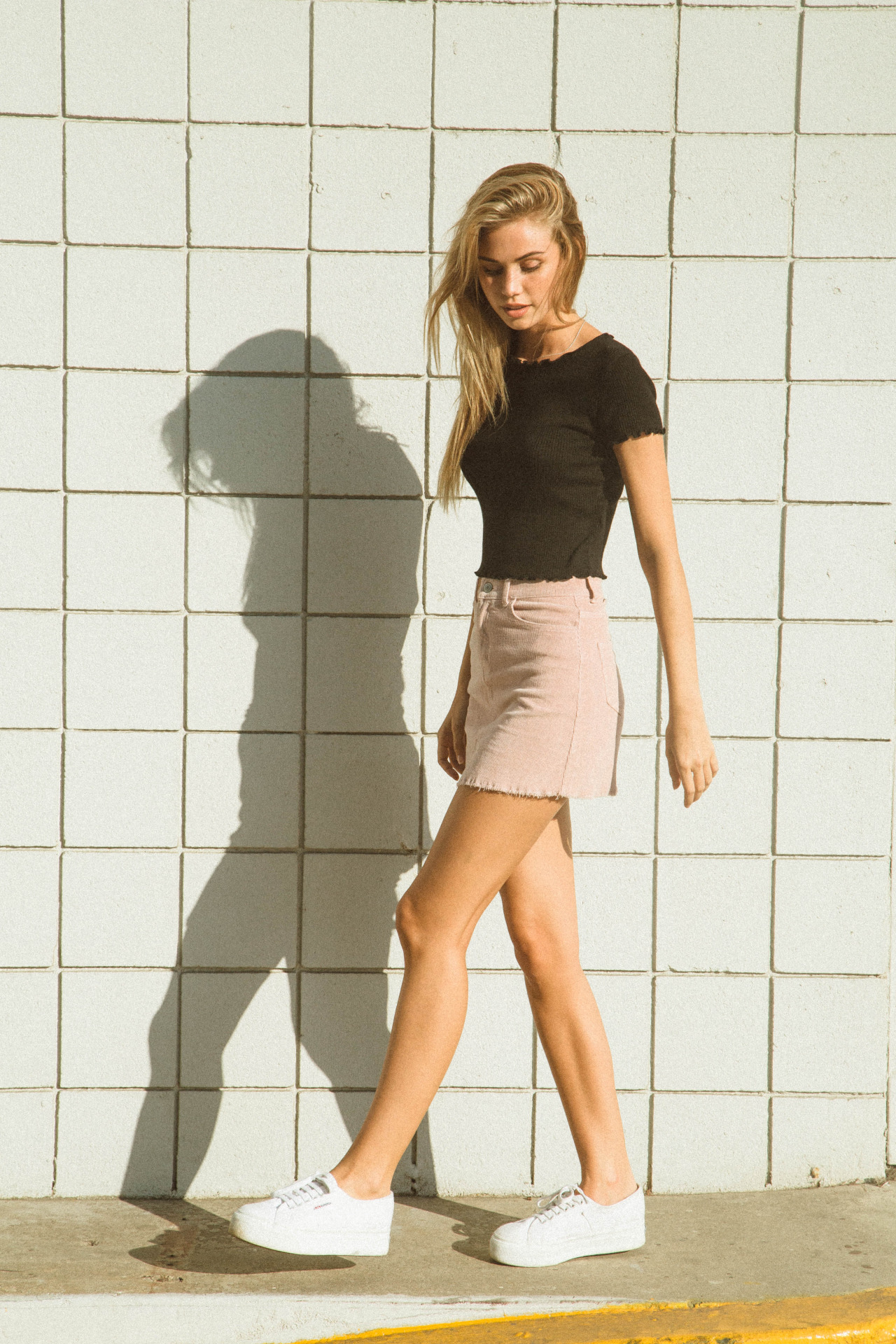
 Brandy Melville Ph:Krissy Saleh krissysaleh.tumblr.com

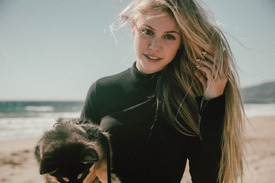

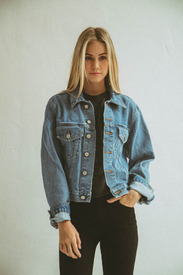










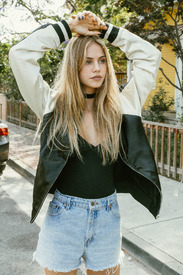












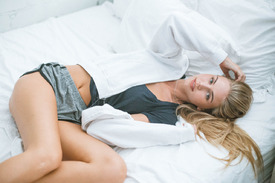

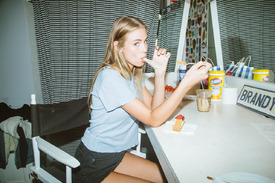

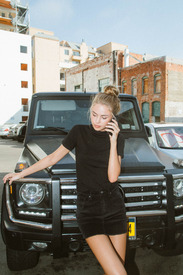







 Ph: Trevor Flores trevorflores.com instagram.com/trevorfloresphoto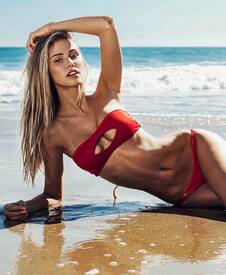
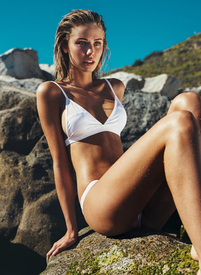
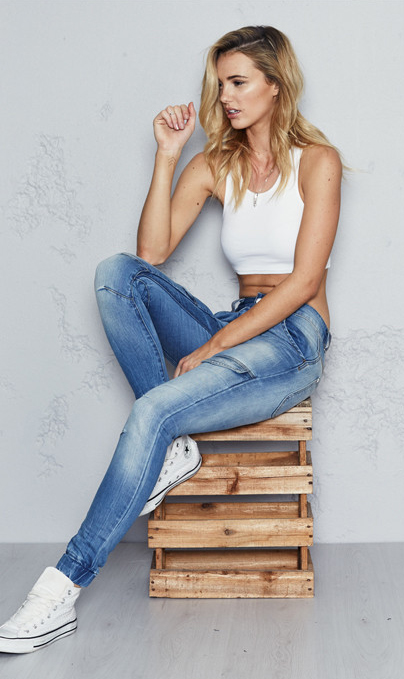
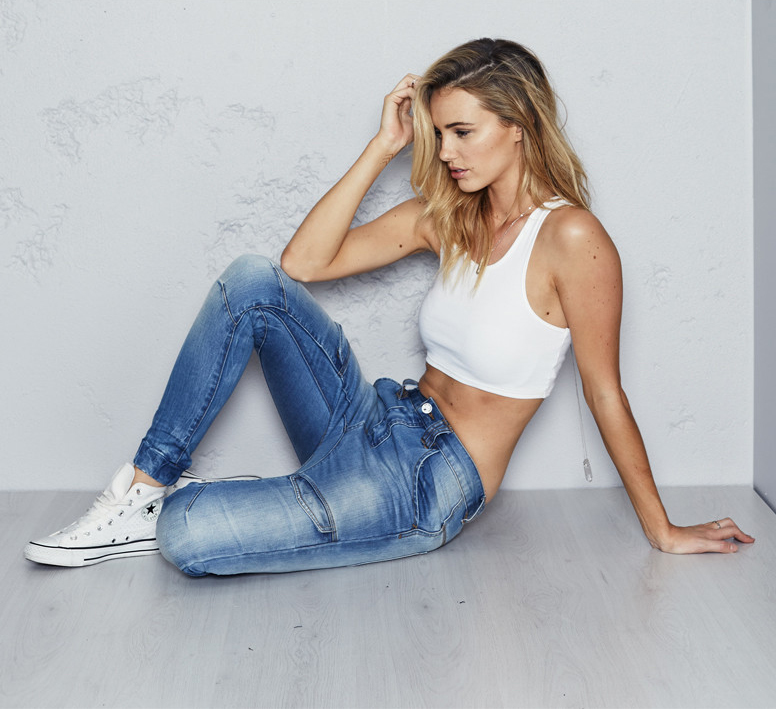
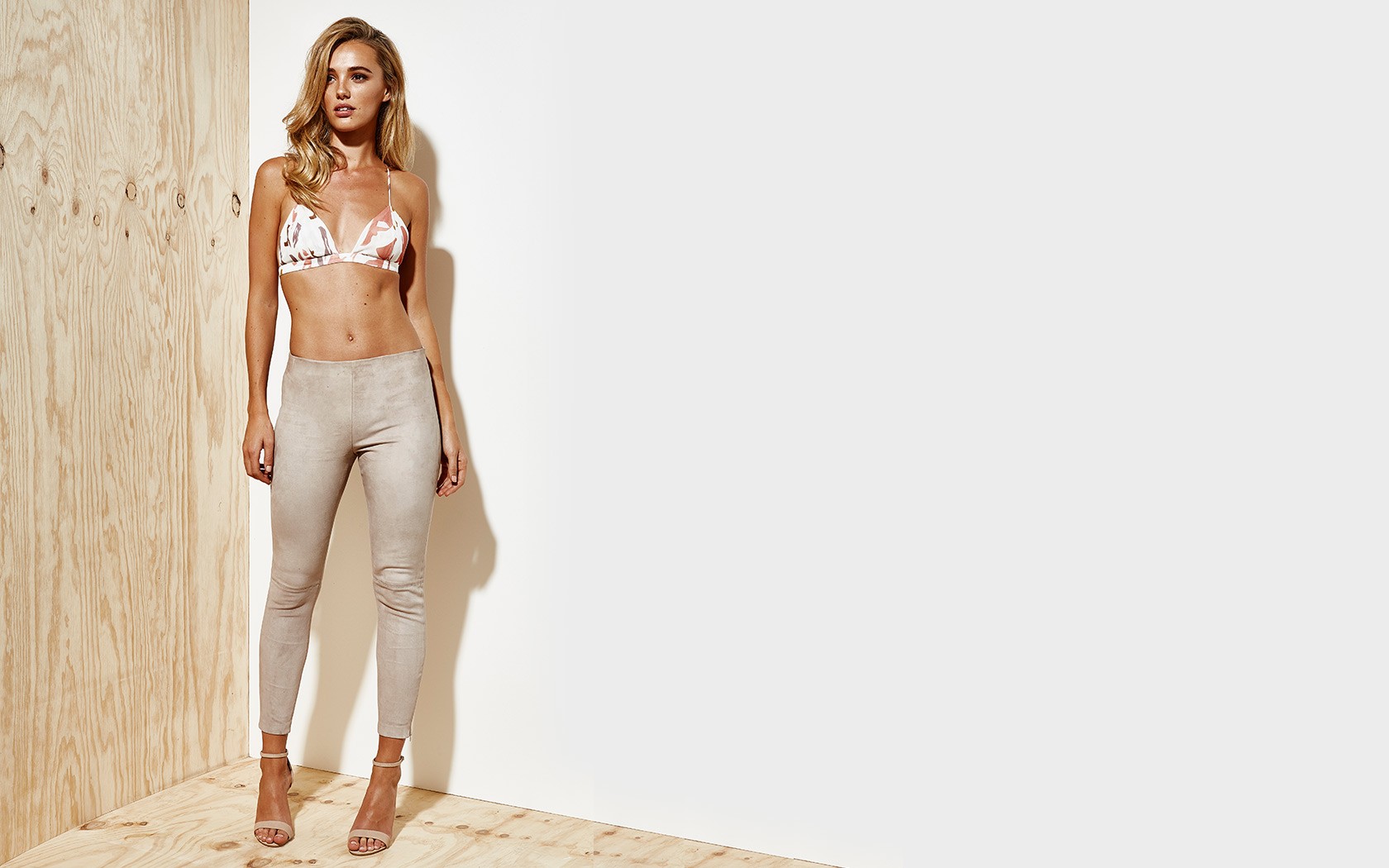
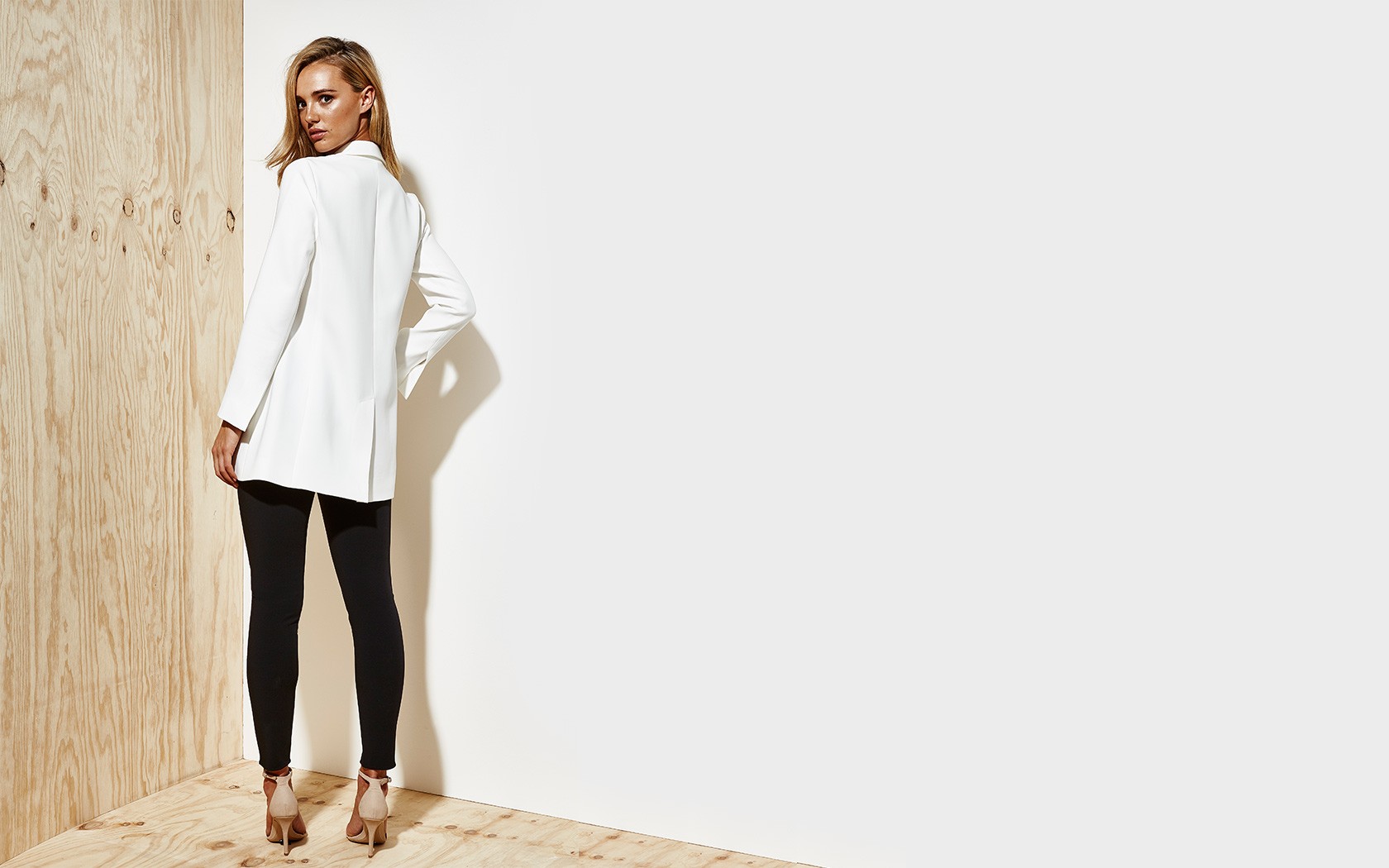
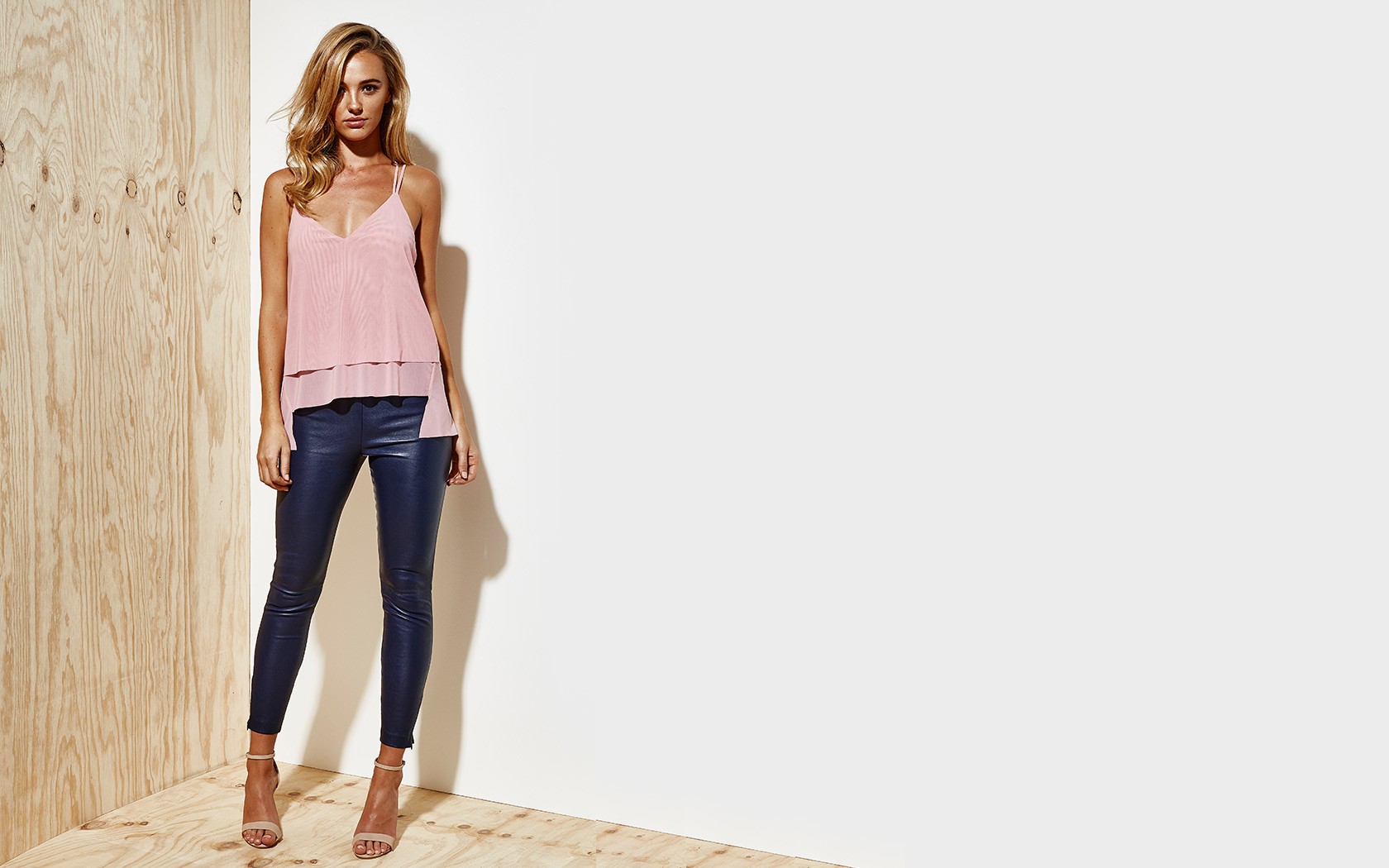
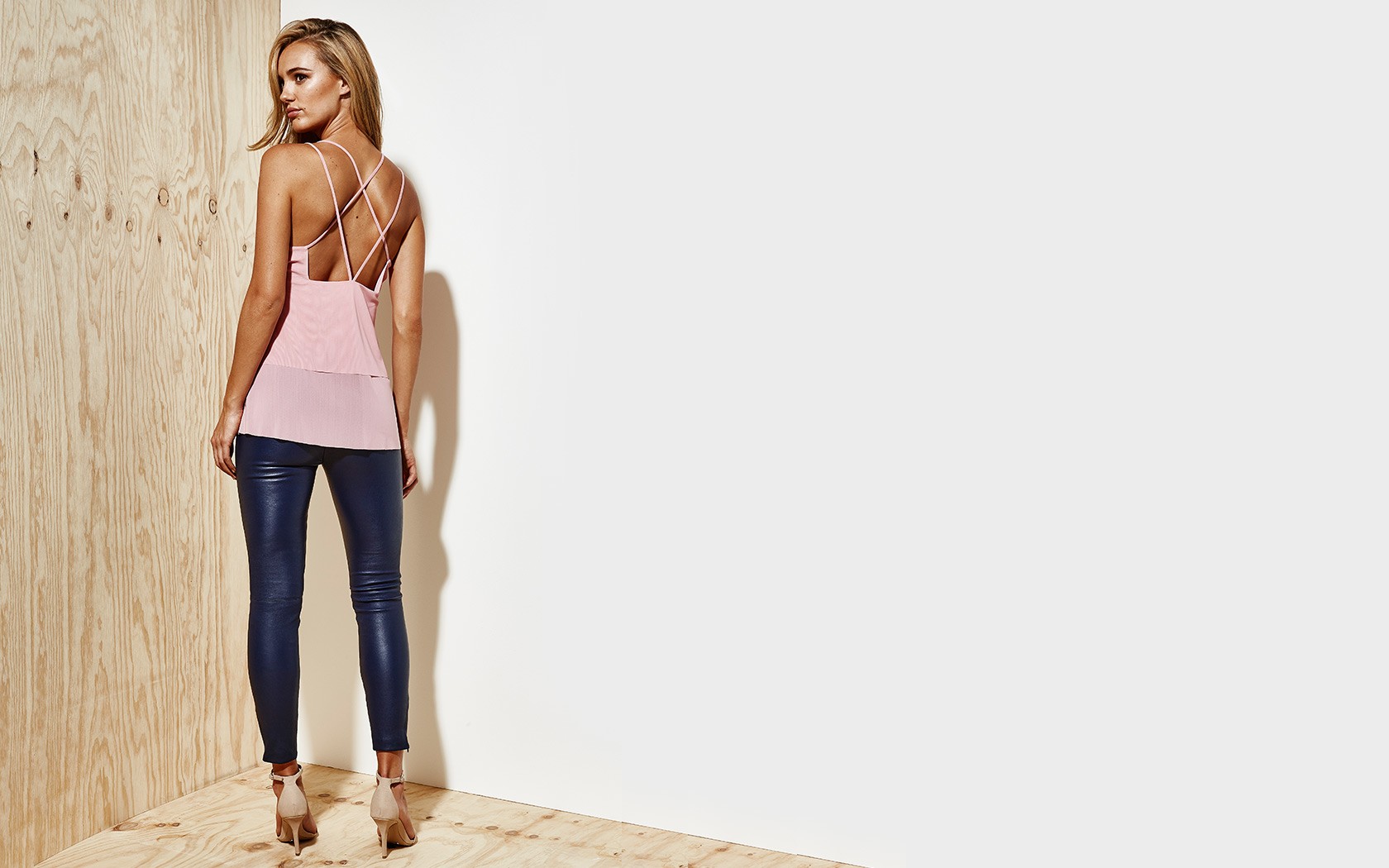
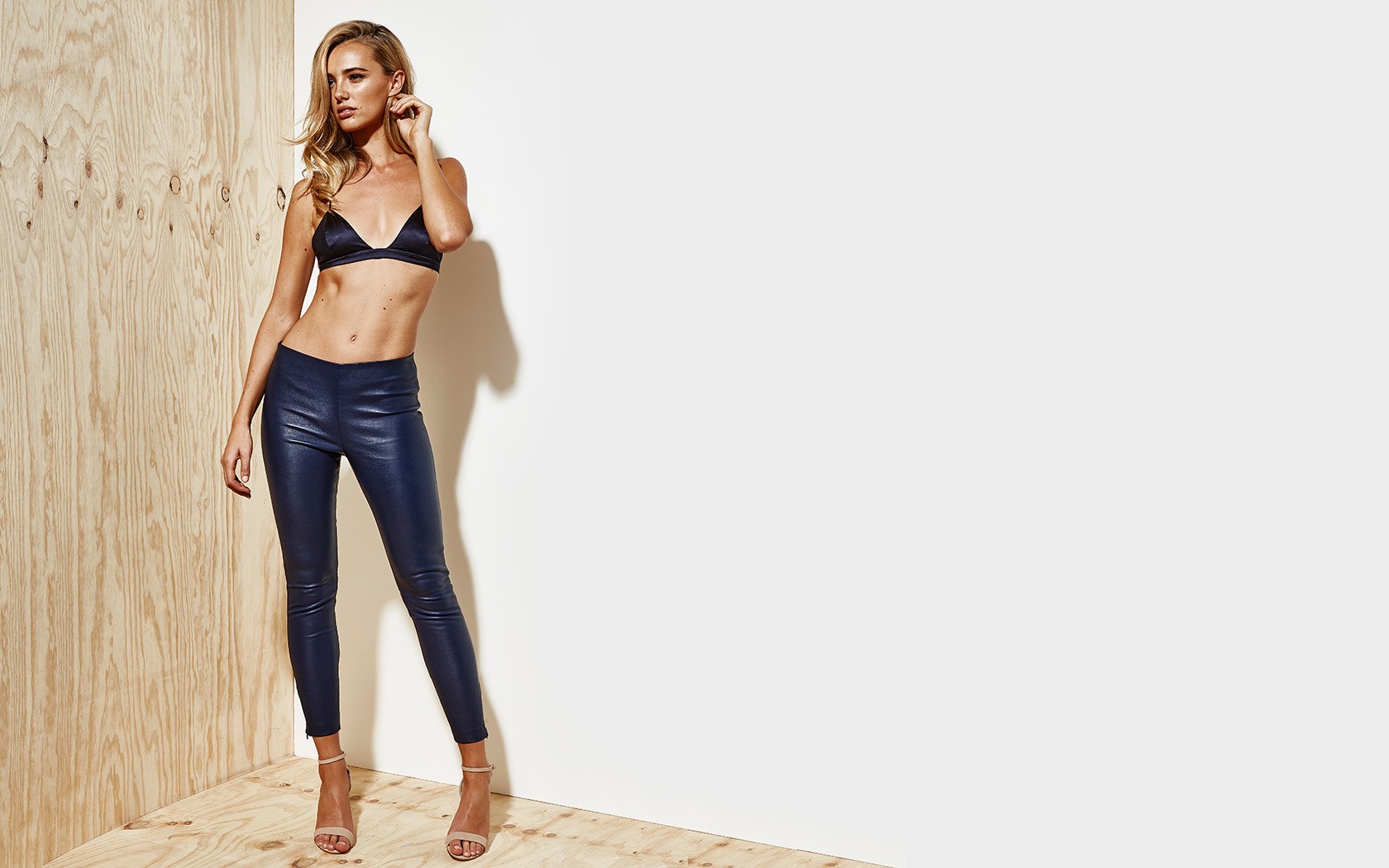
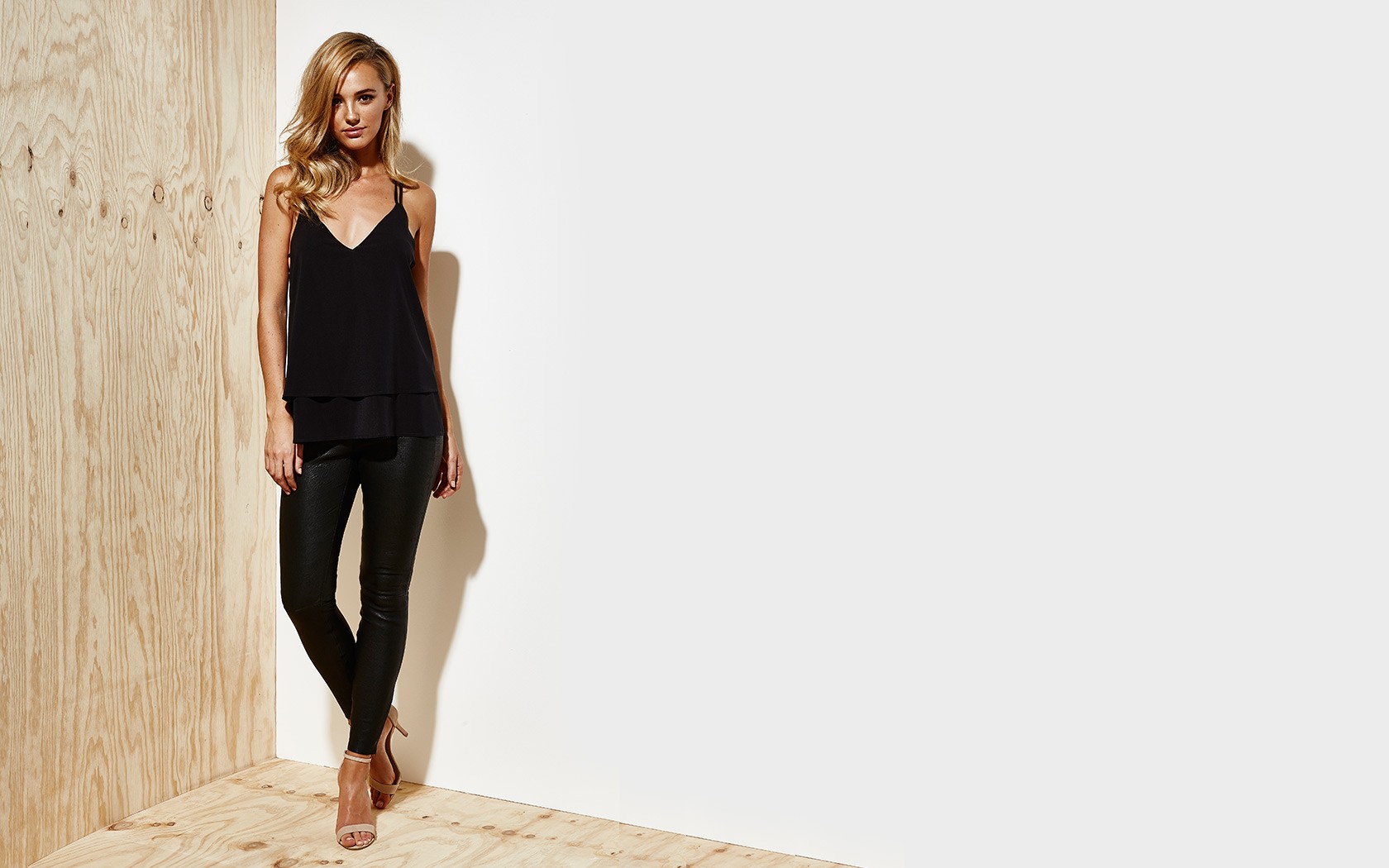
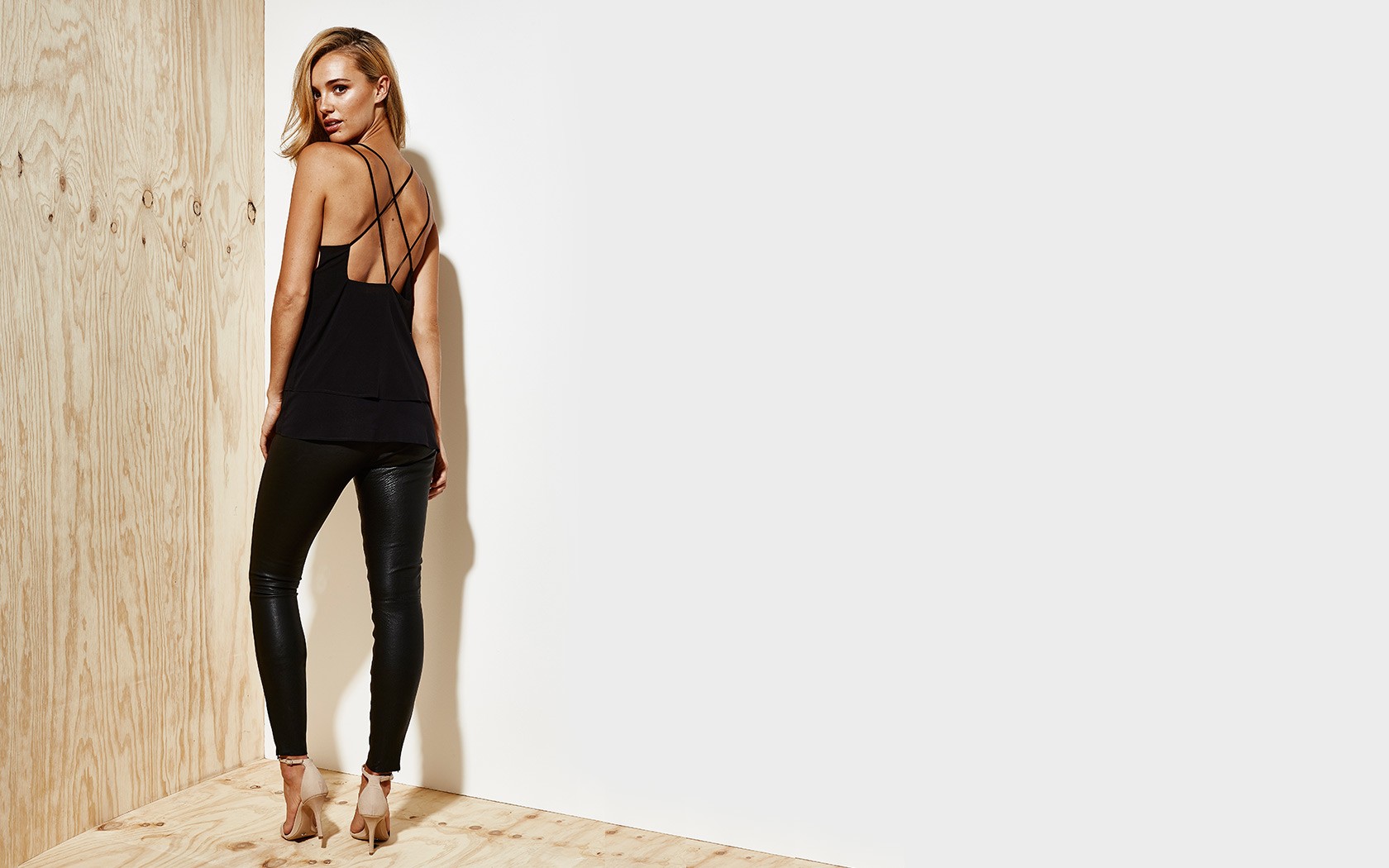
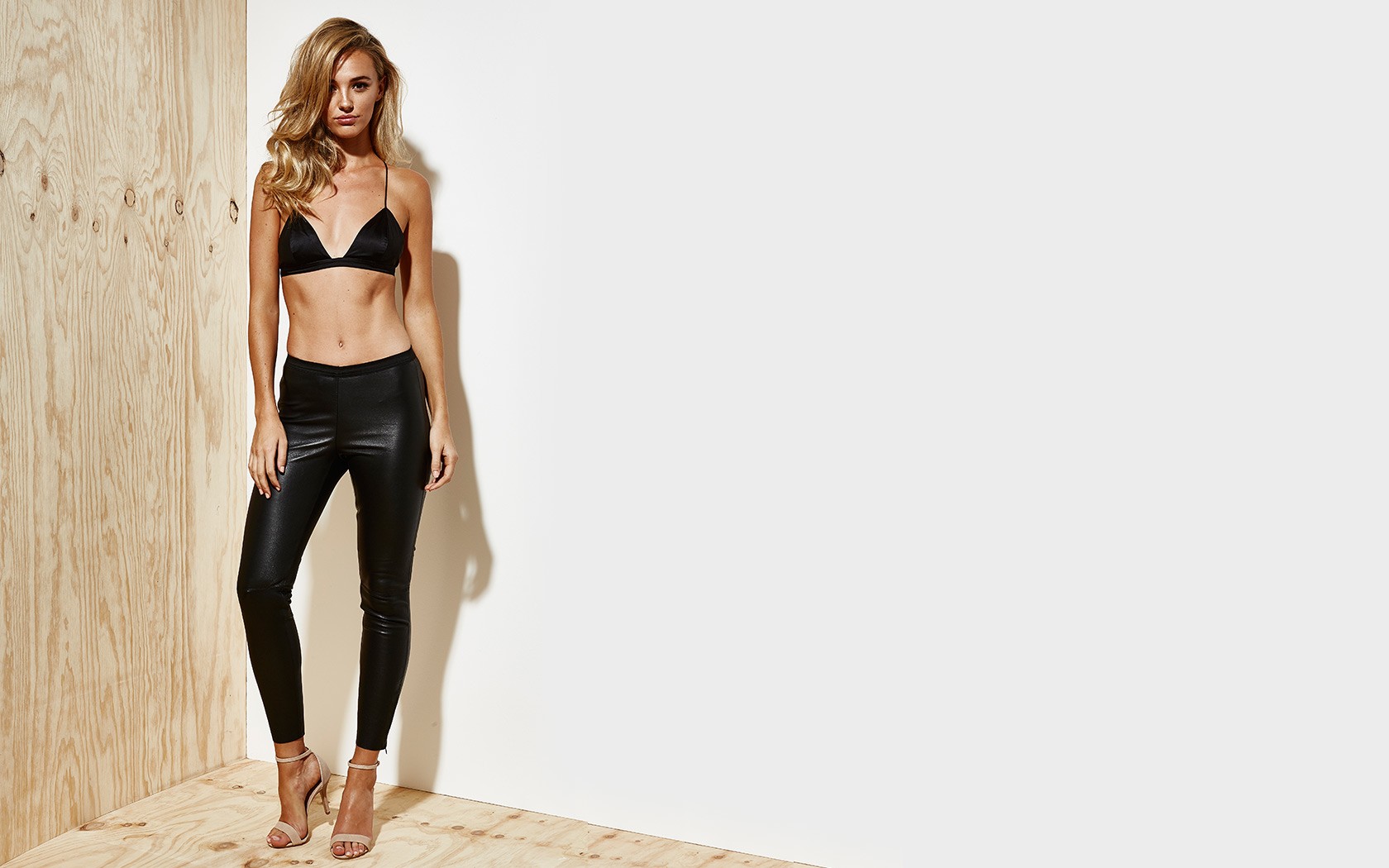
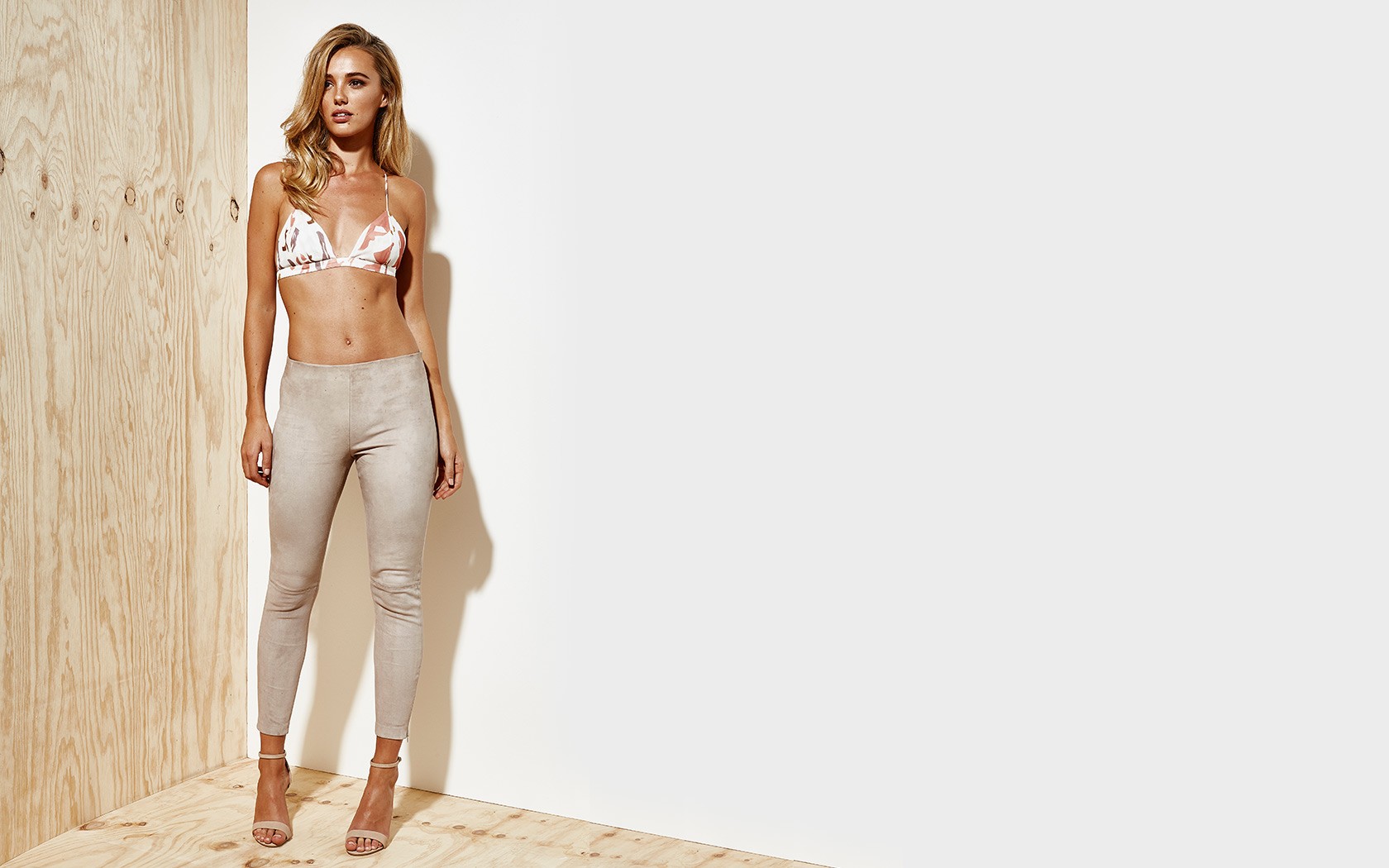
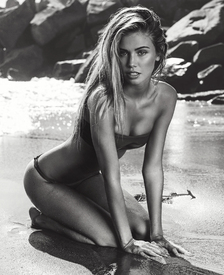 LXE Ph: Liane Hurvitz lxe.com.au/shop lianehurvitzphotography.blogspot.de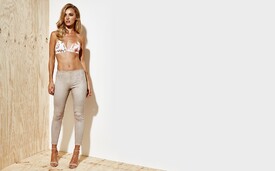
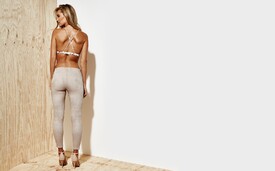
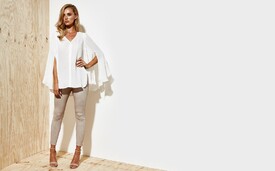


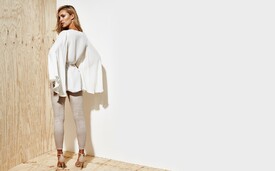
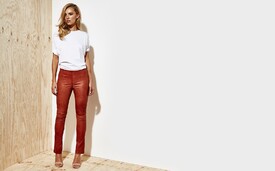
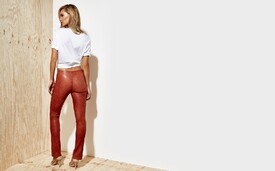

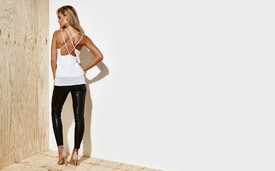
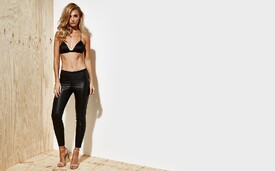
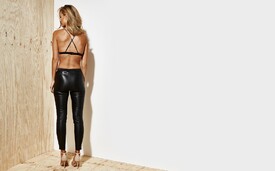
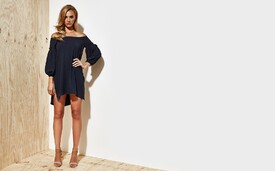
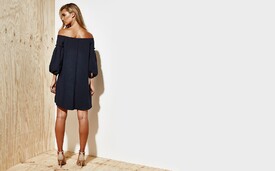
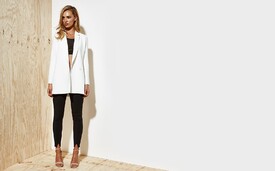
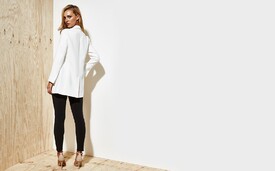
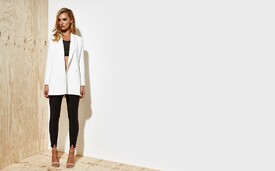
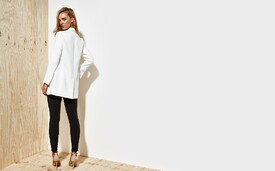


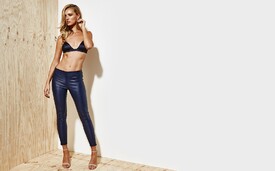
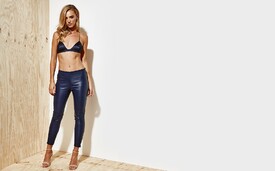
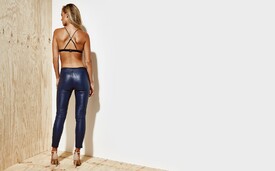

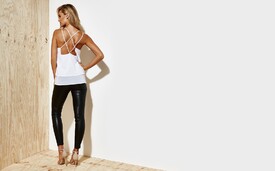
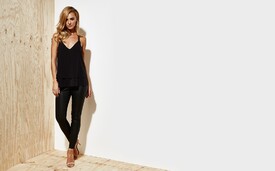
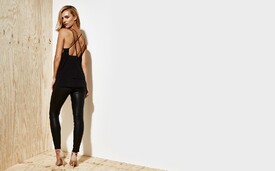
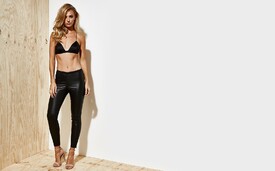
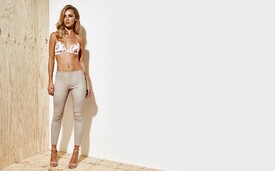
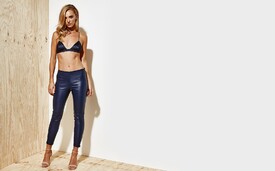
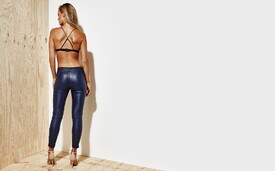

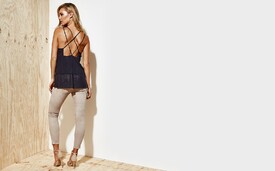


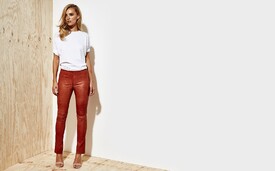
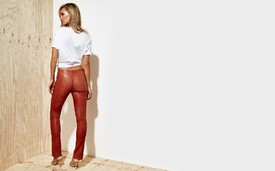
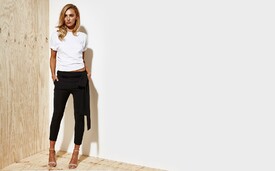
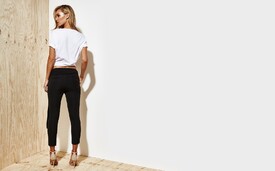
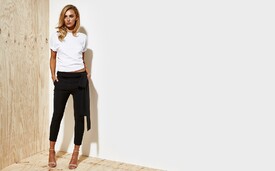
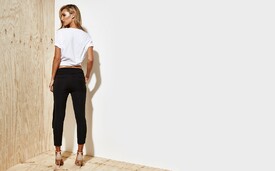
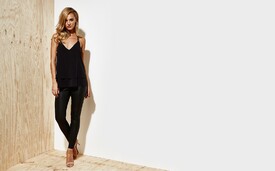
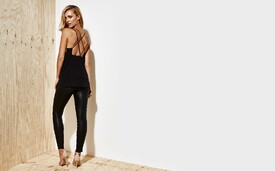


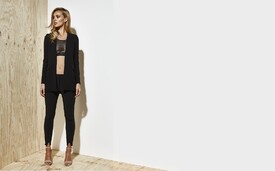
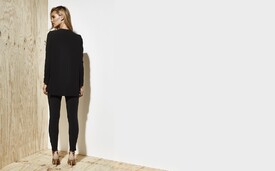

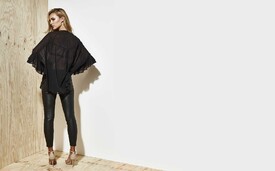
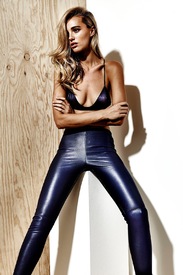
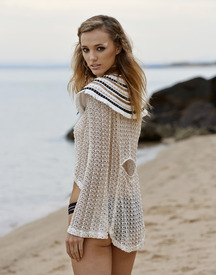
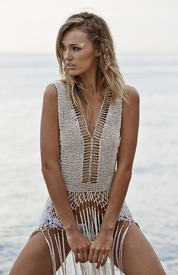
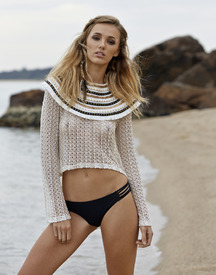
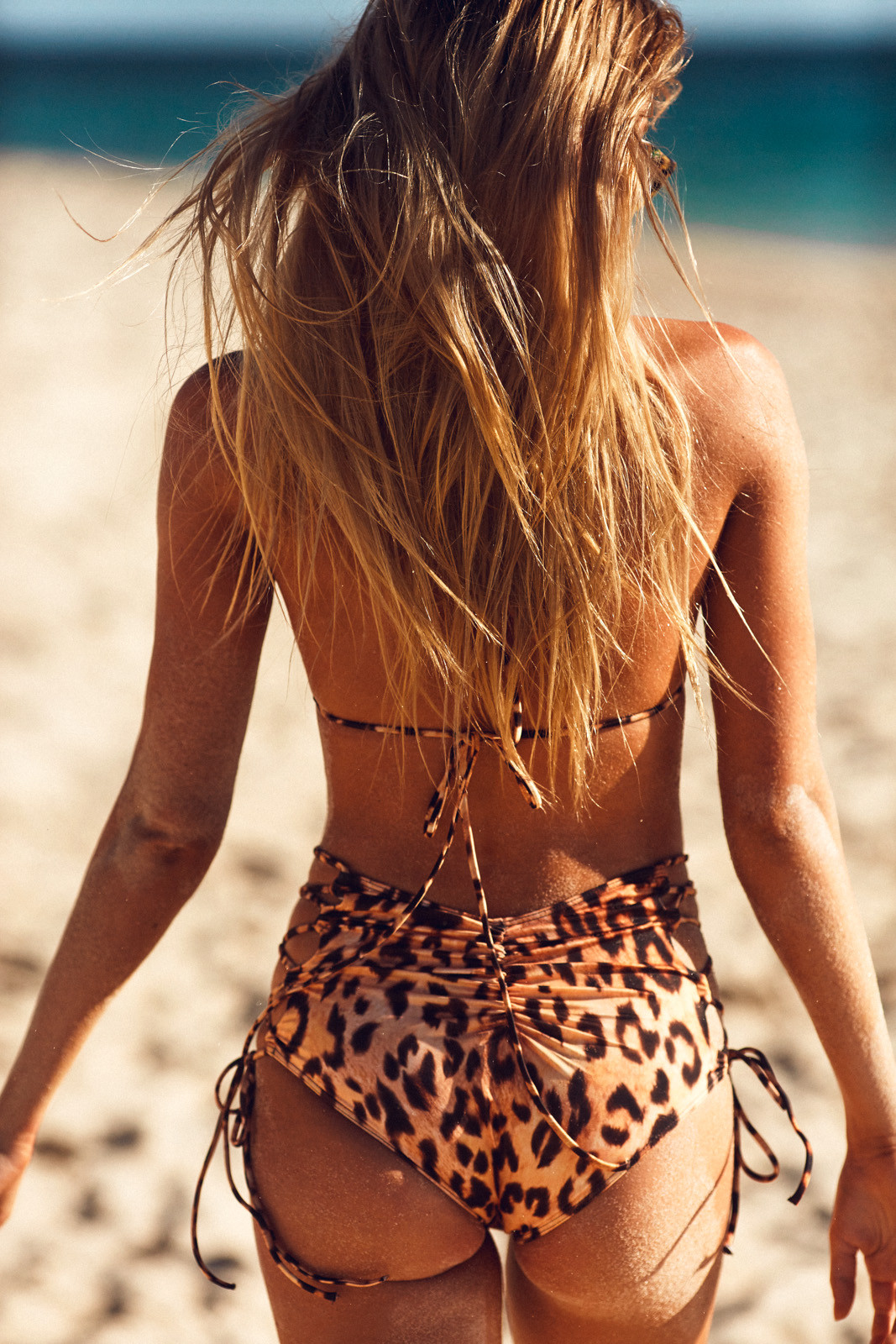
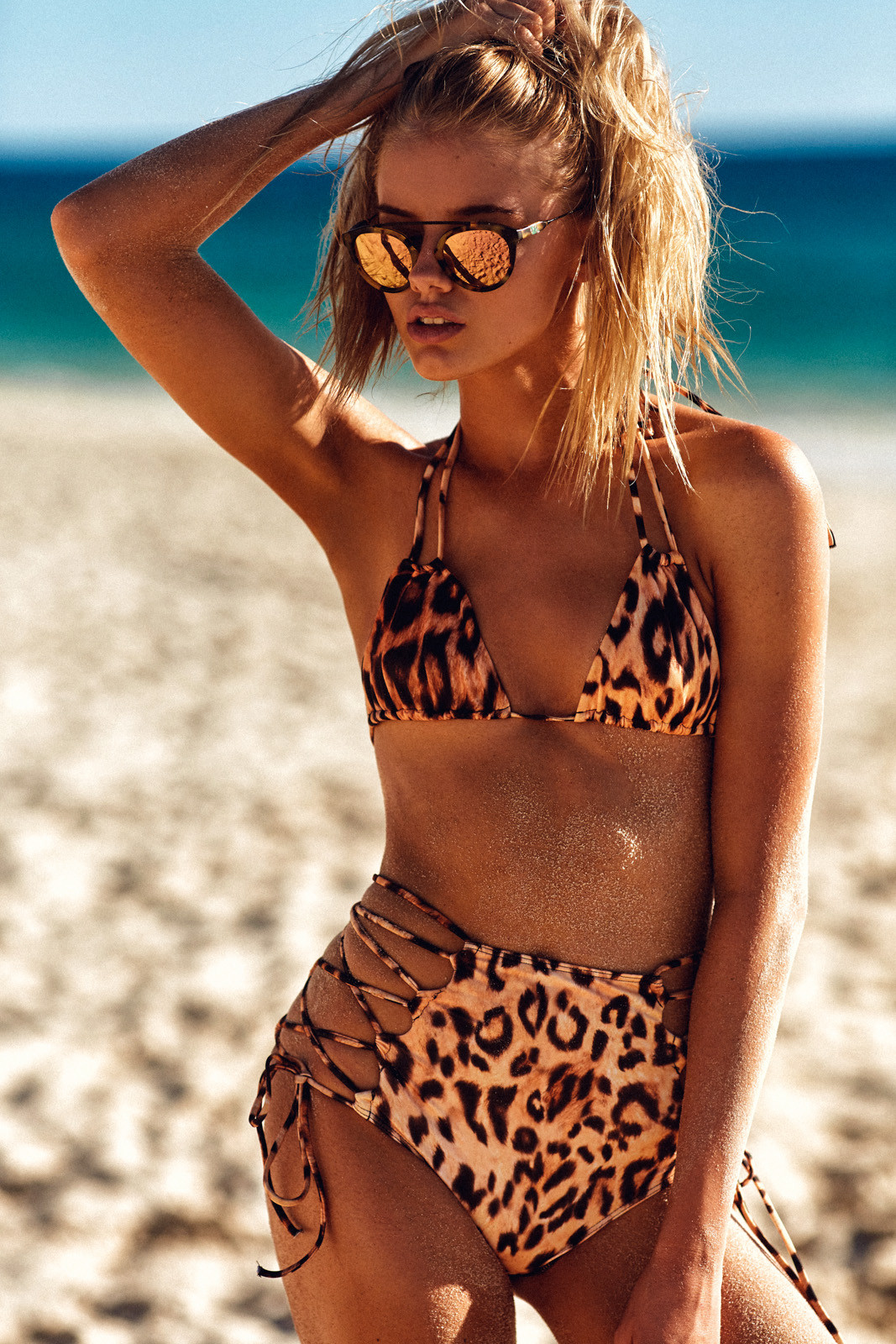
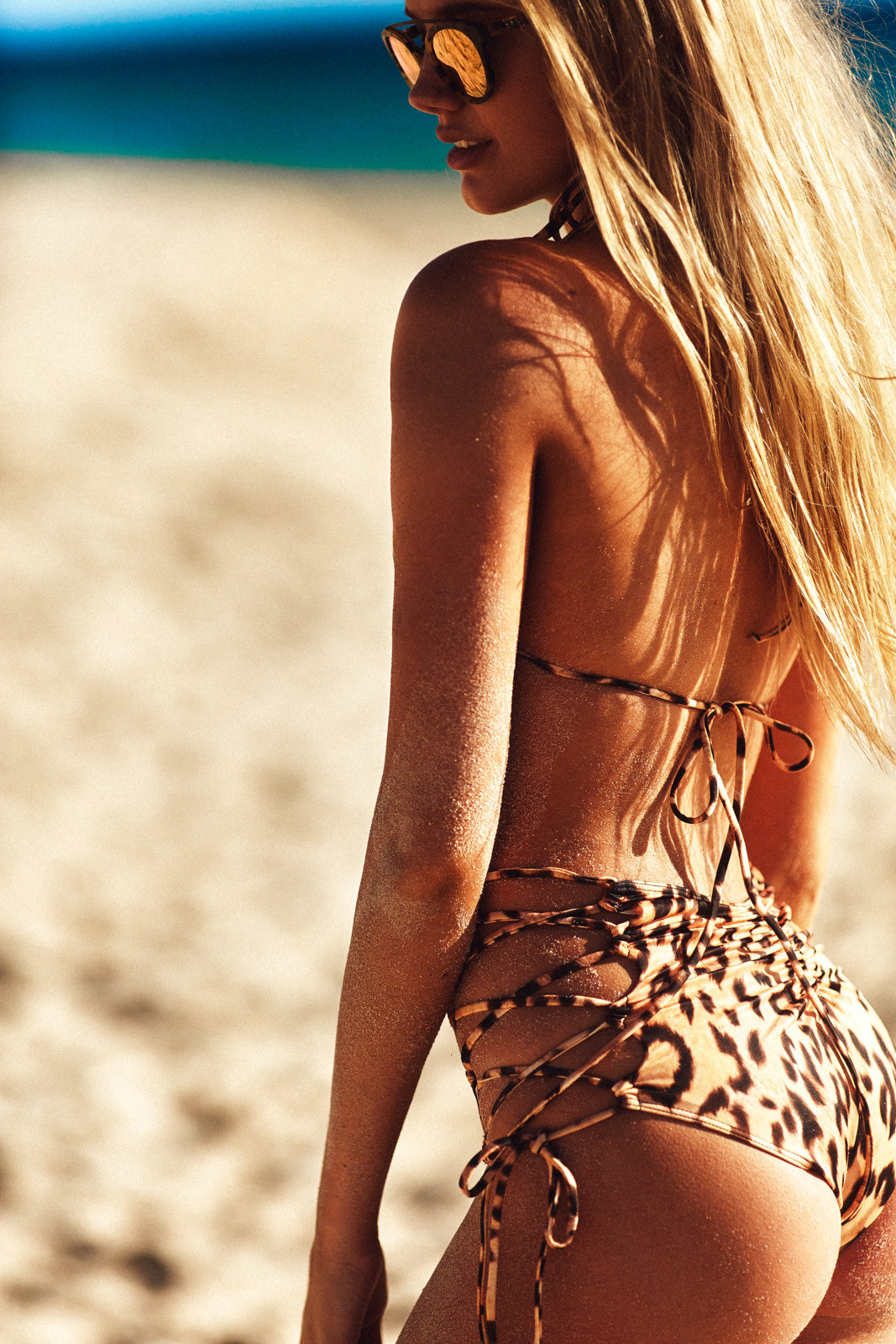
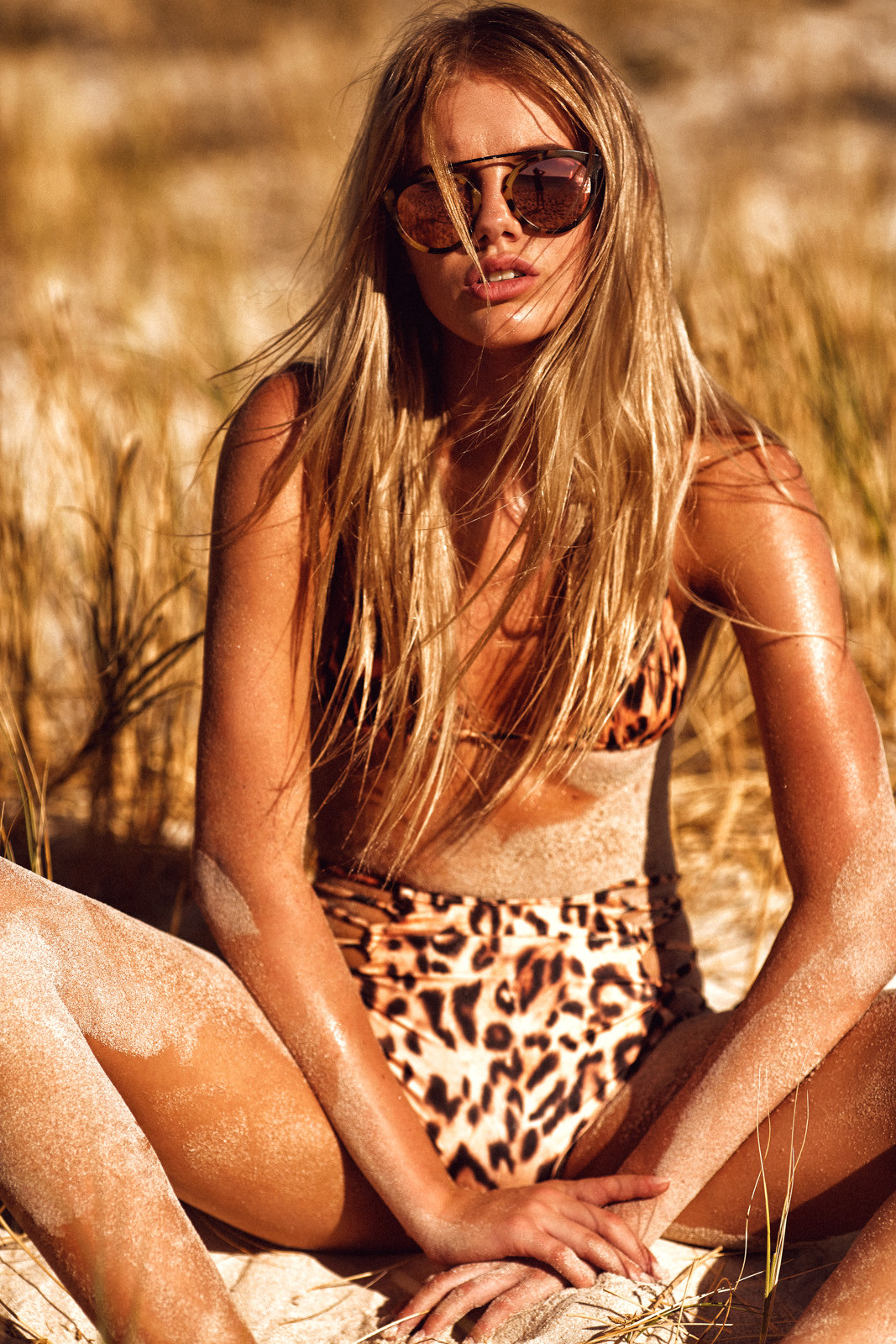
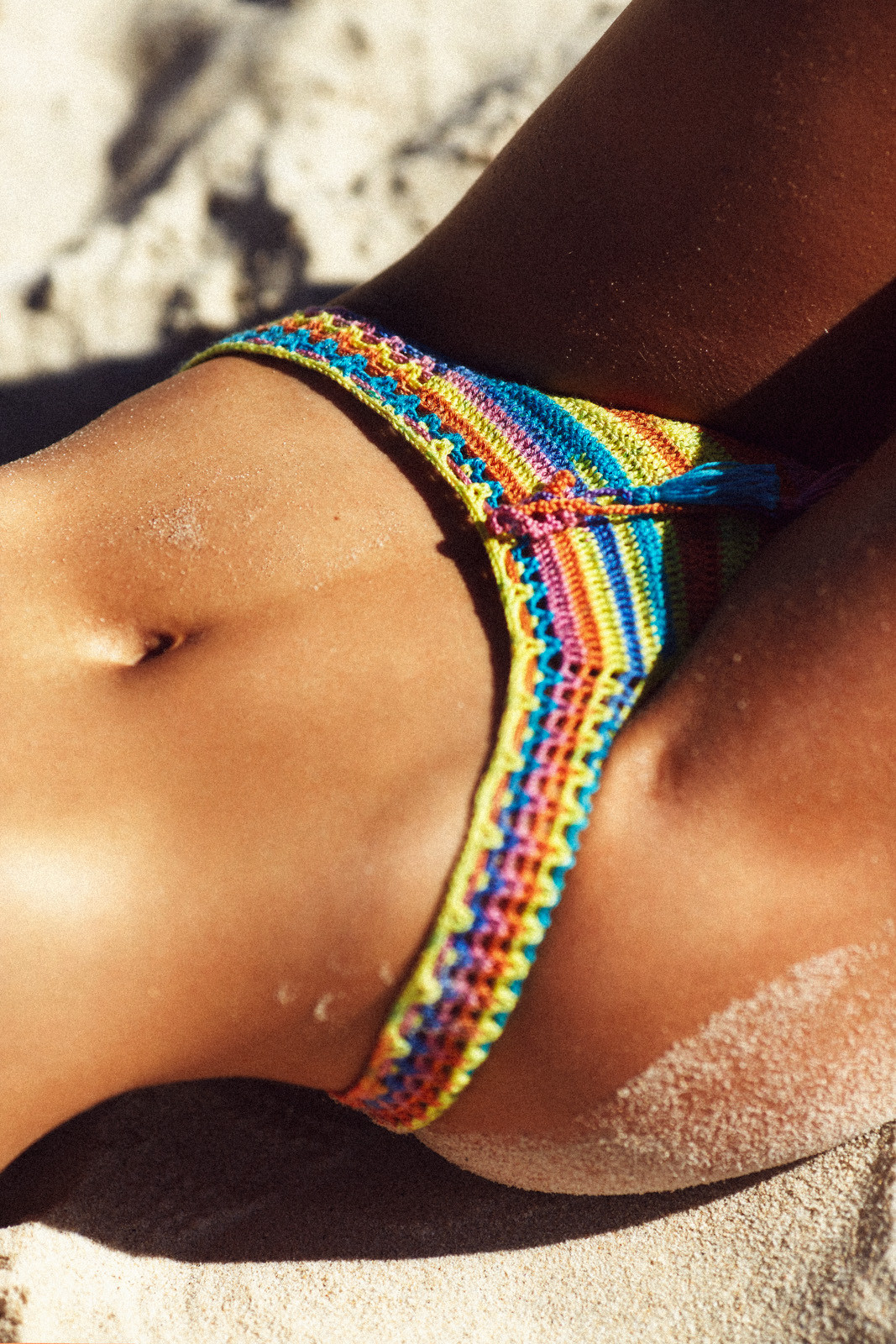
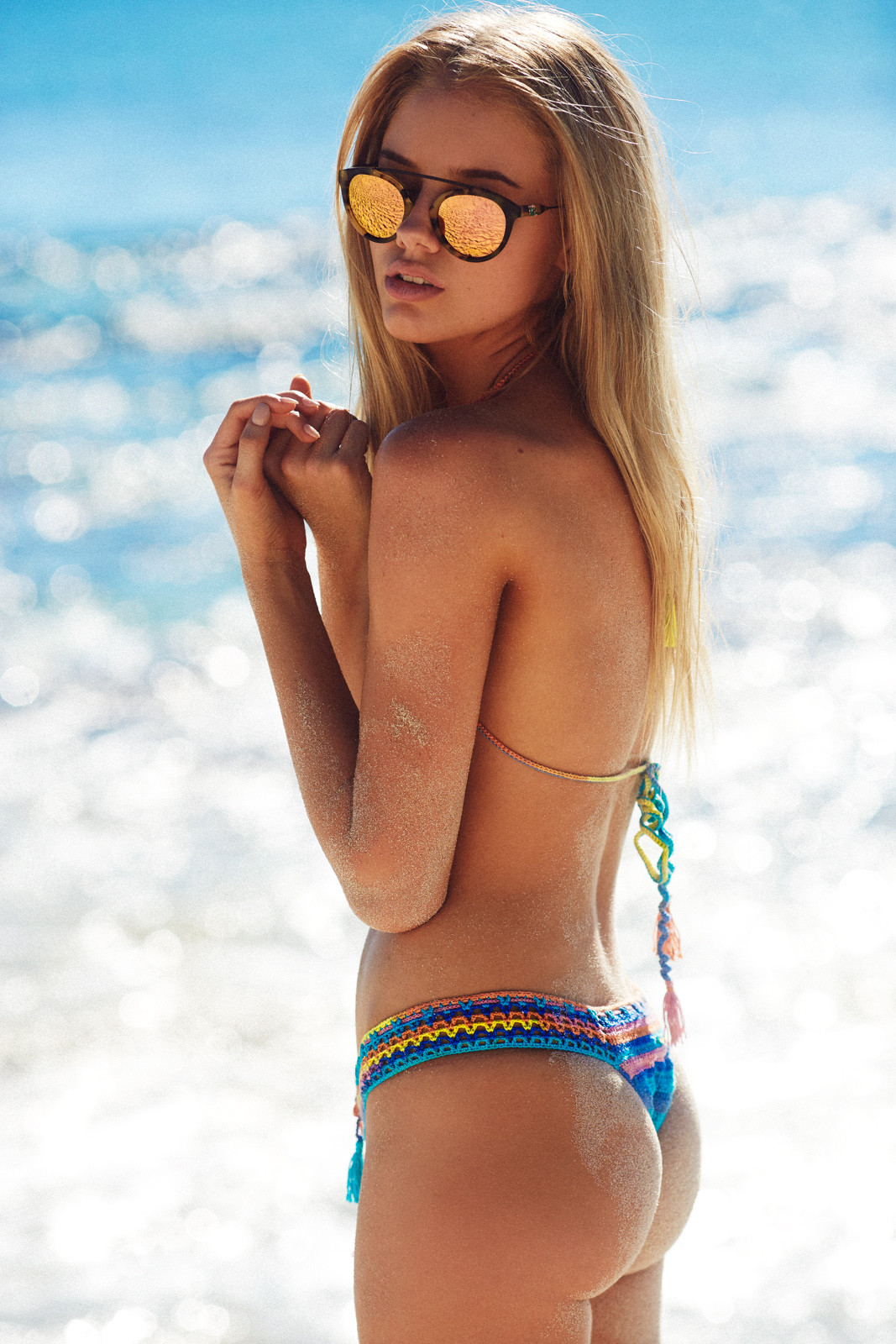
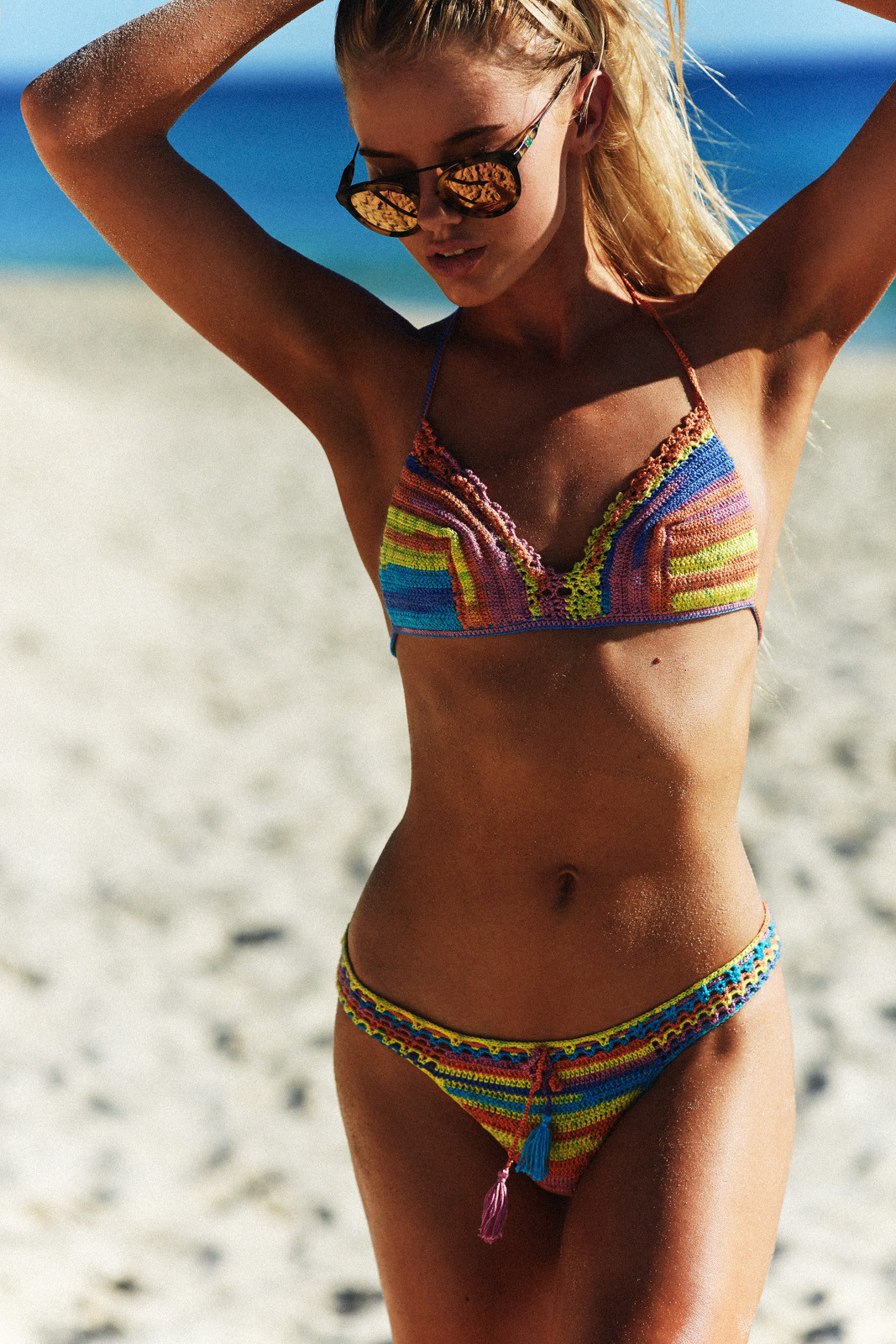
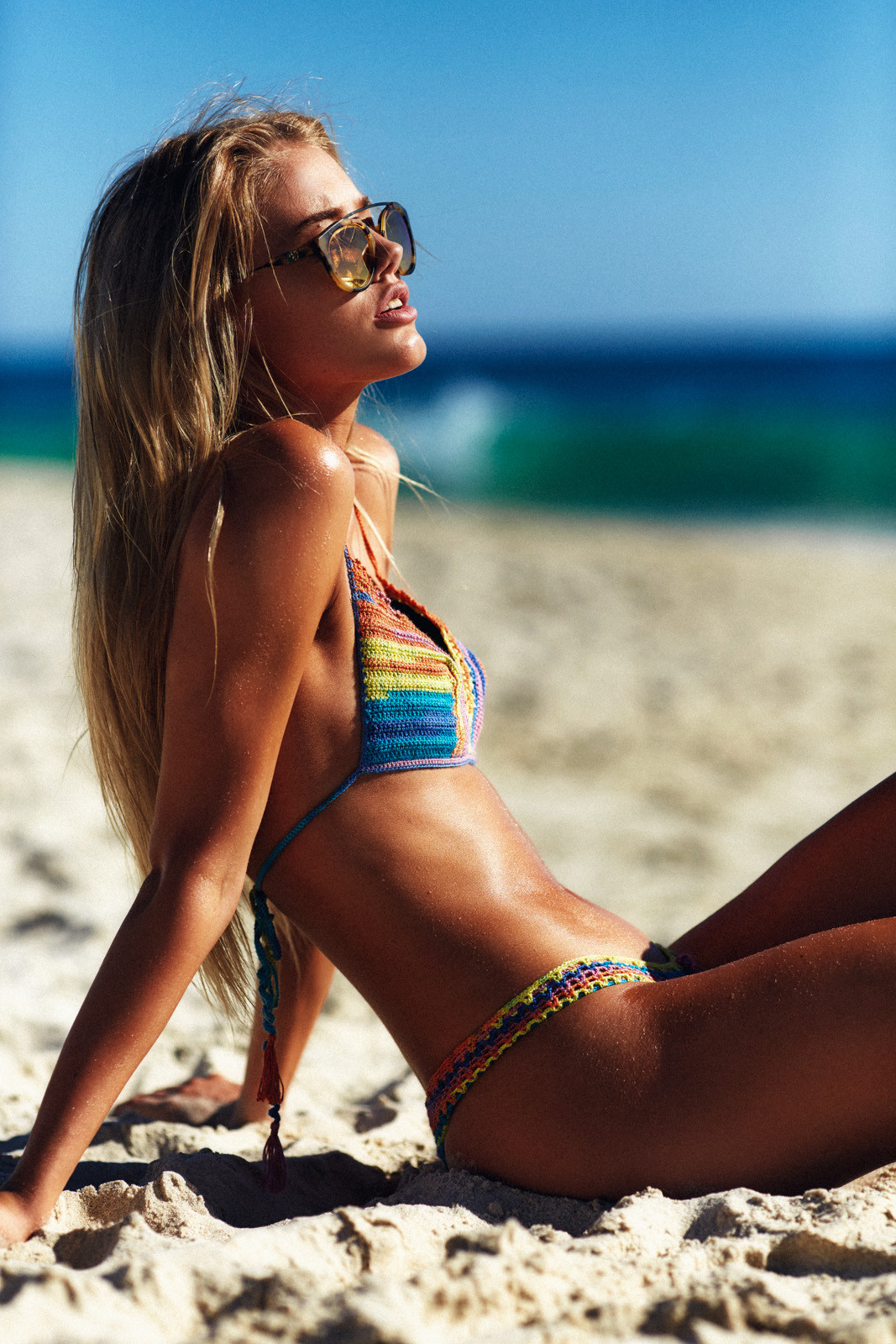
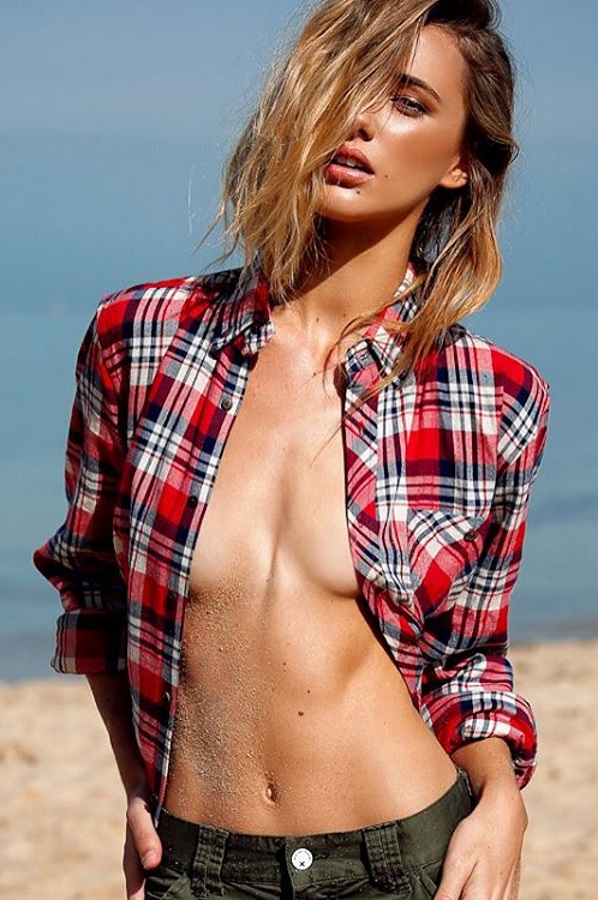
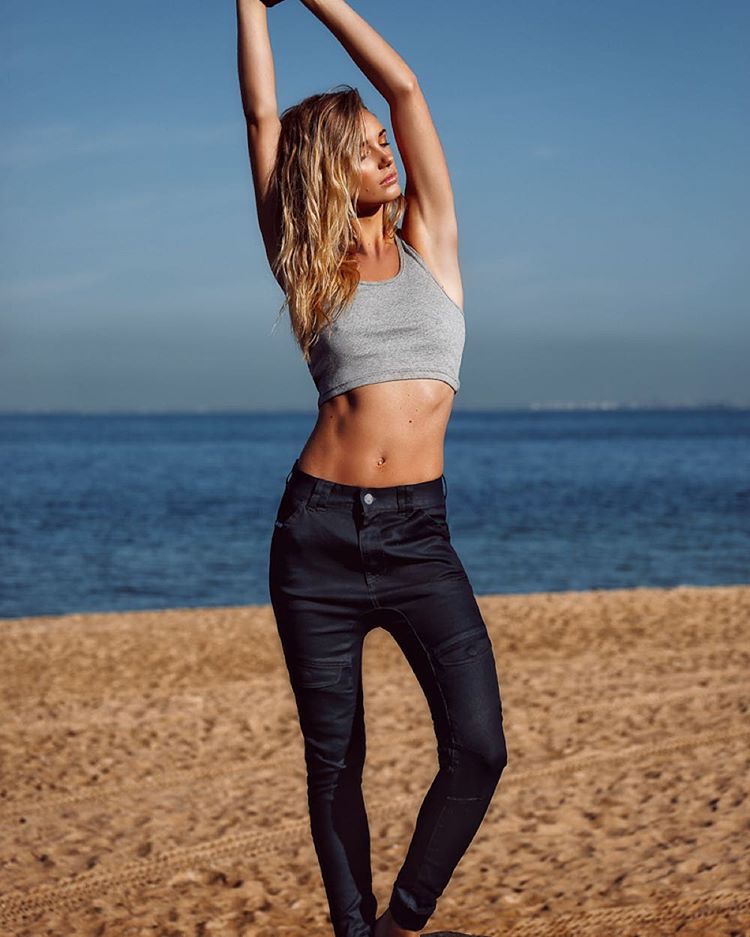
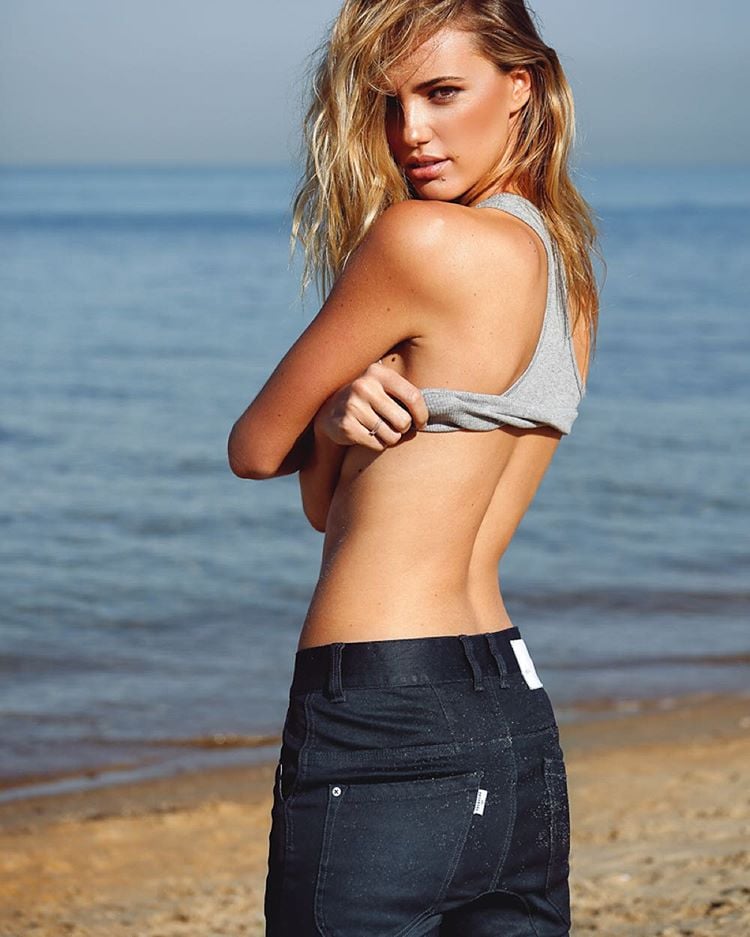
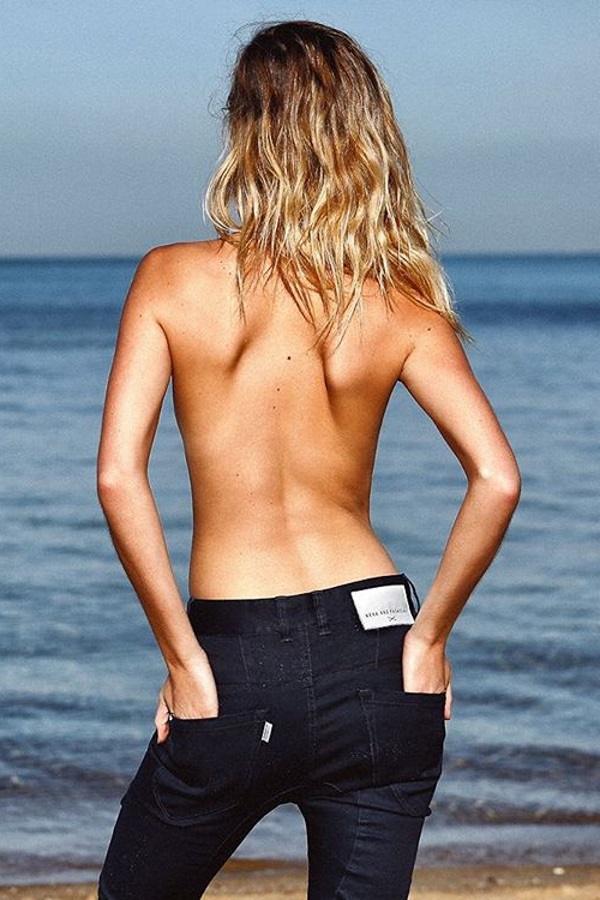
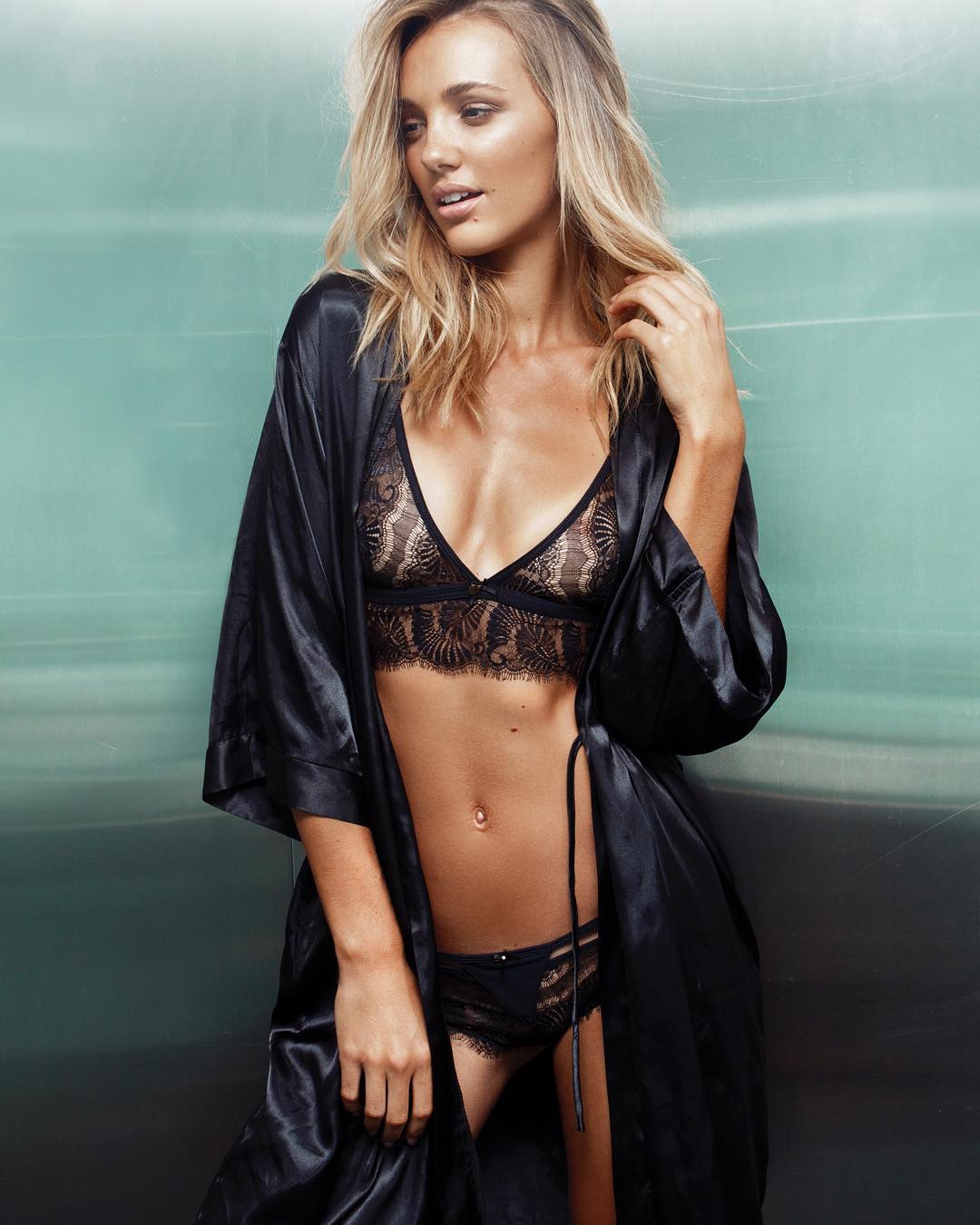
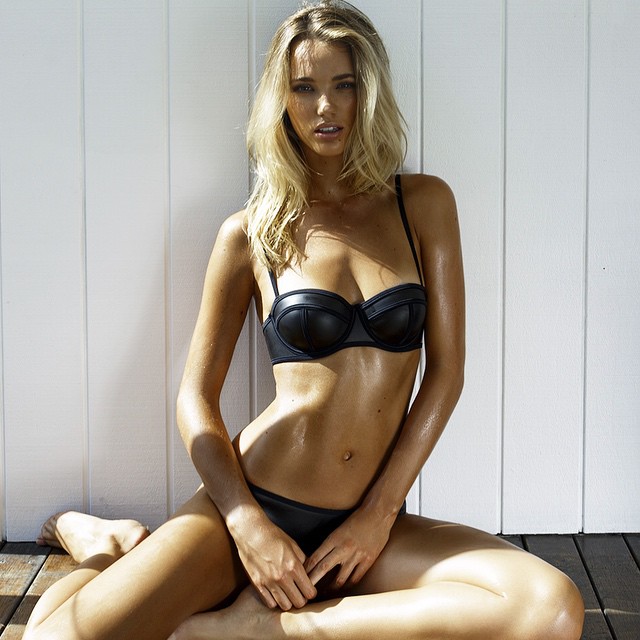
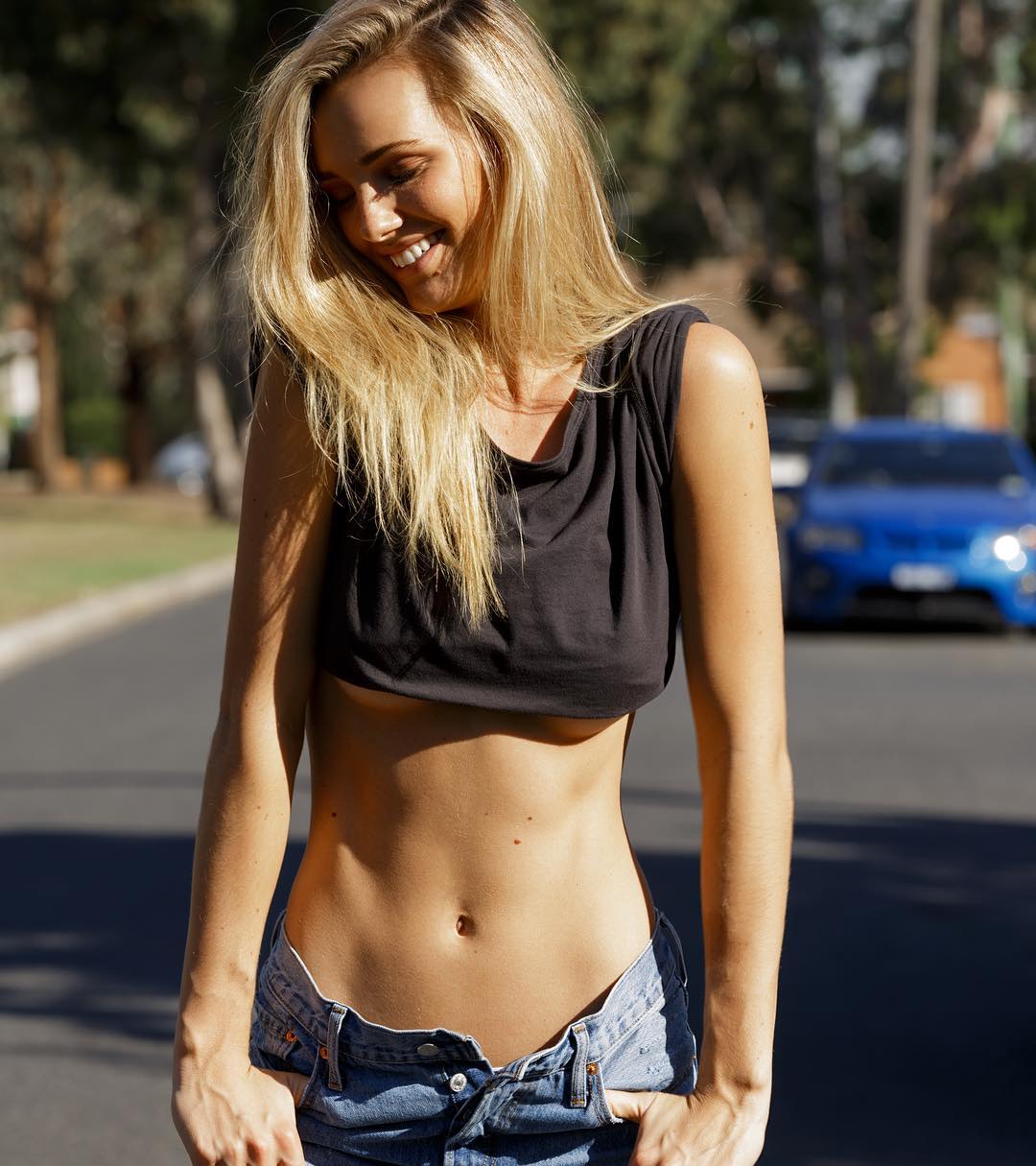
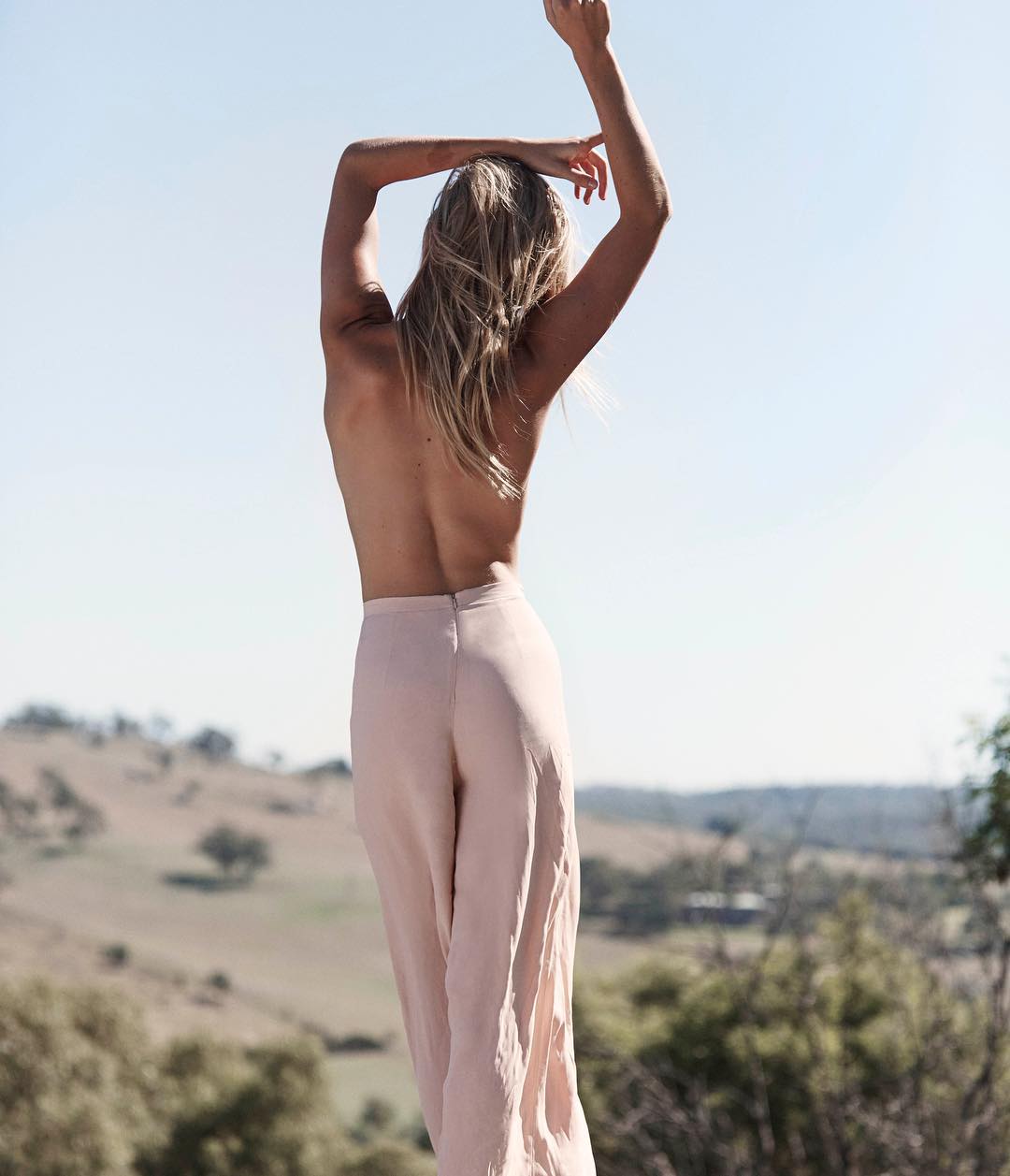
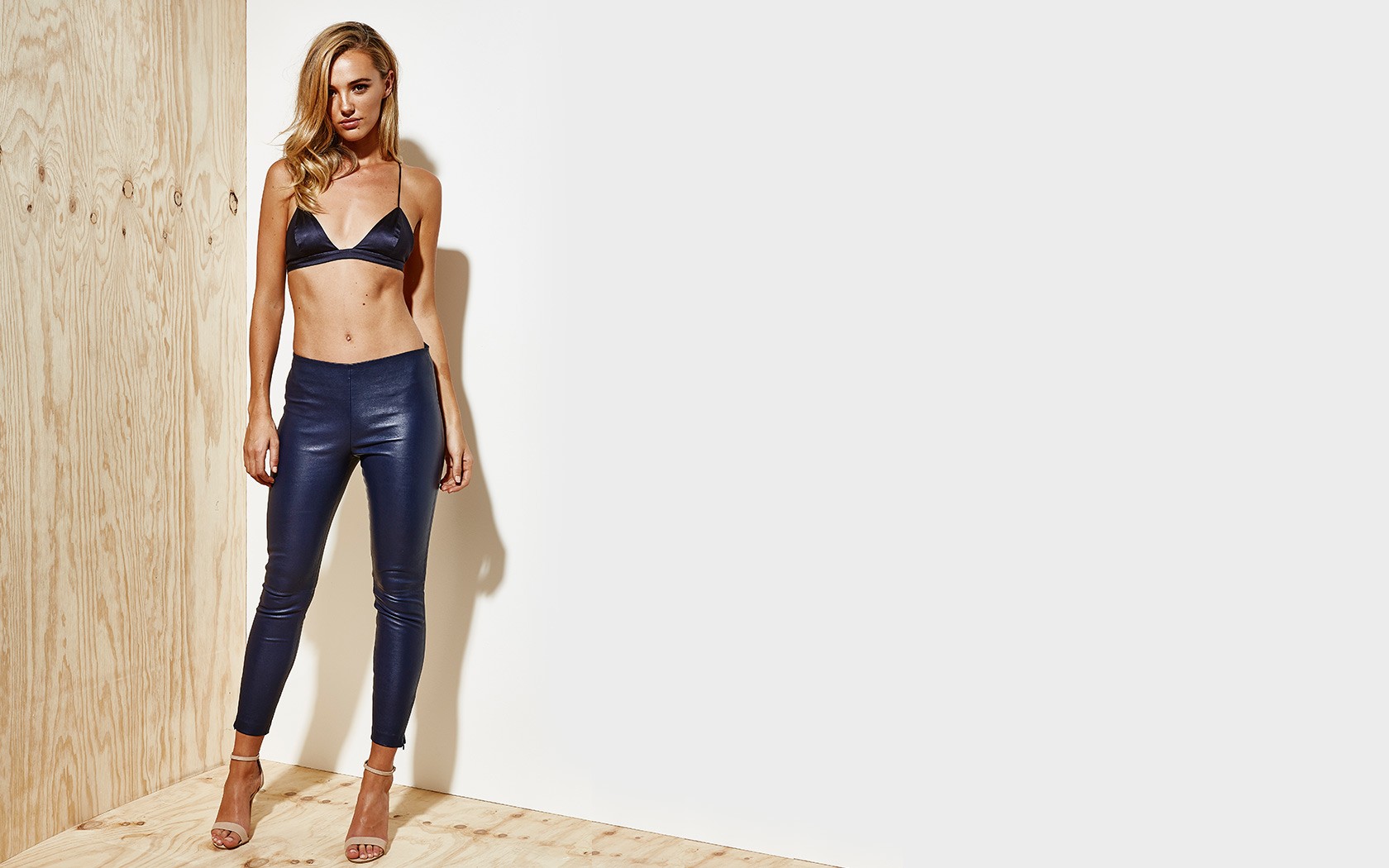
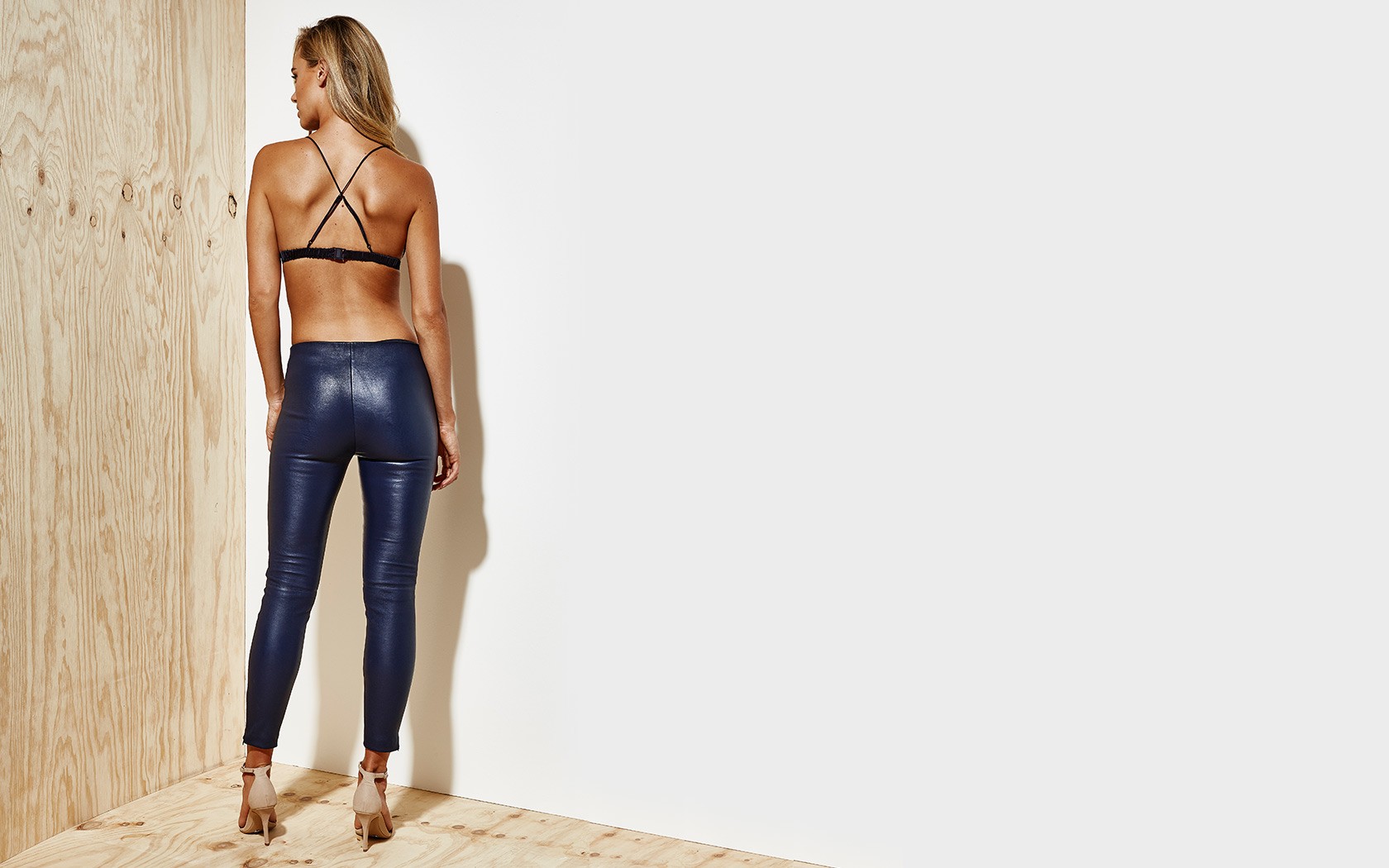
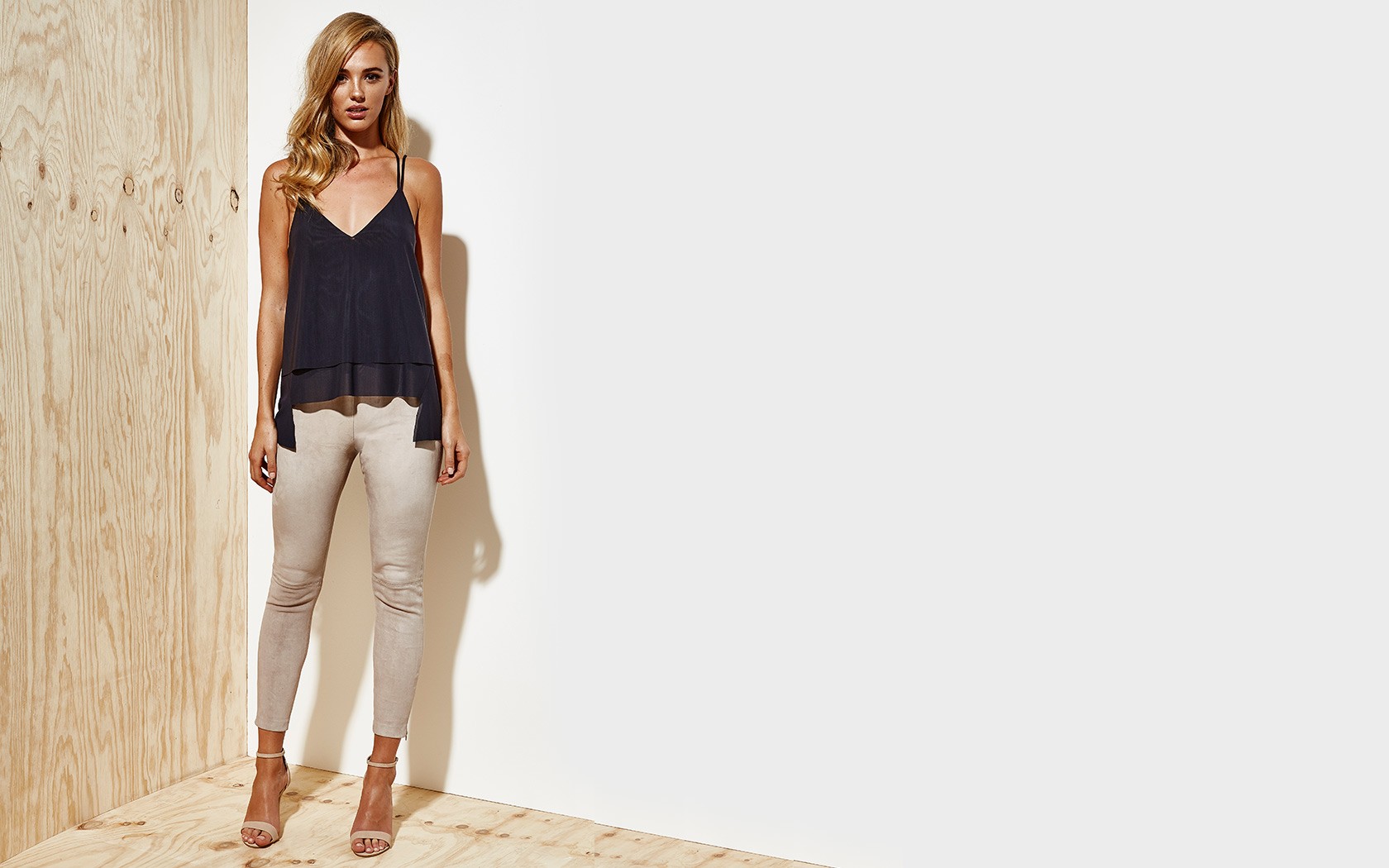
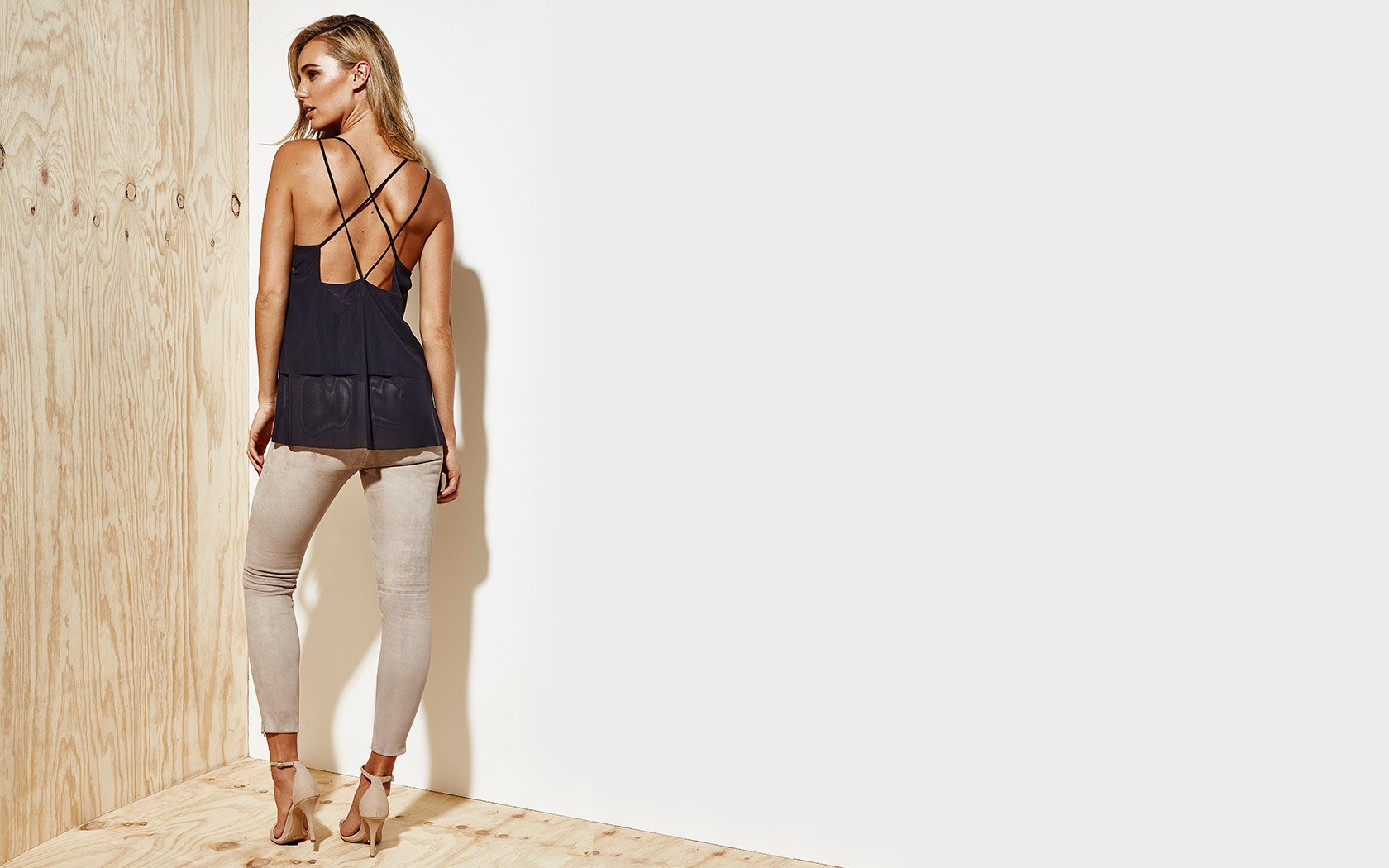
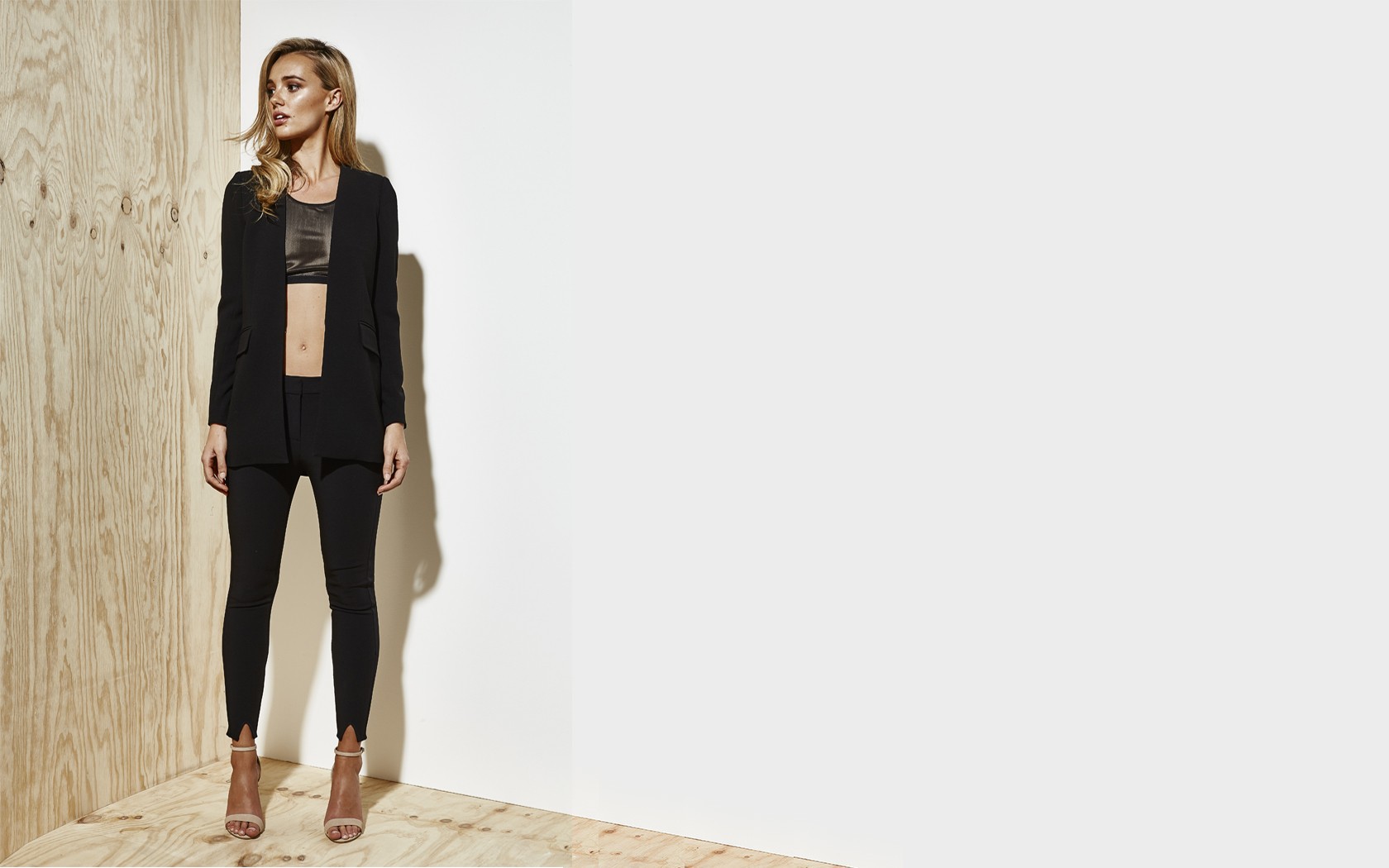
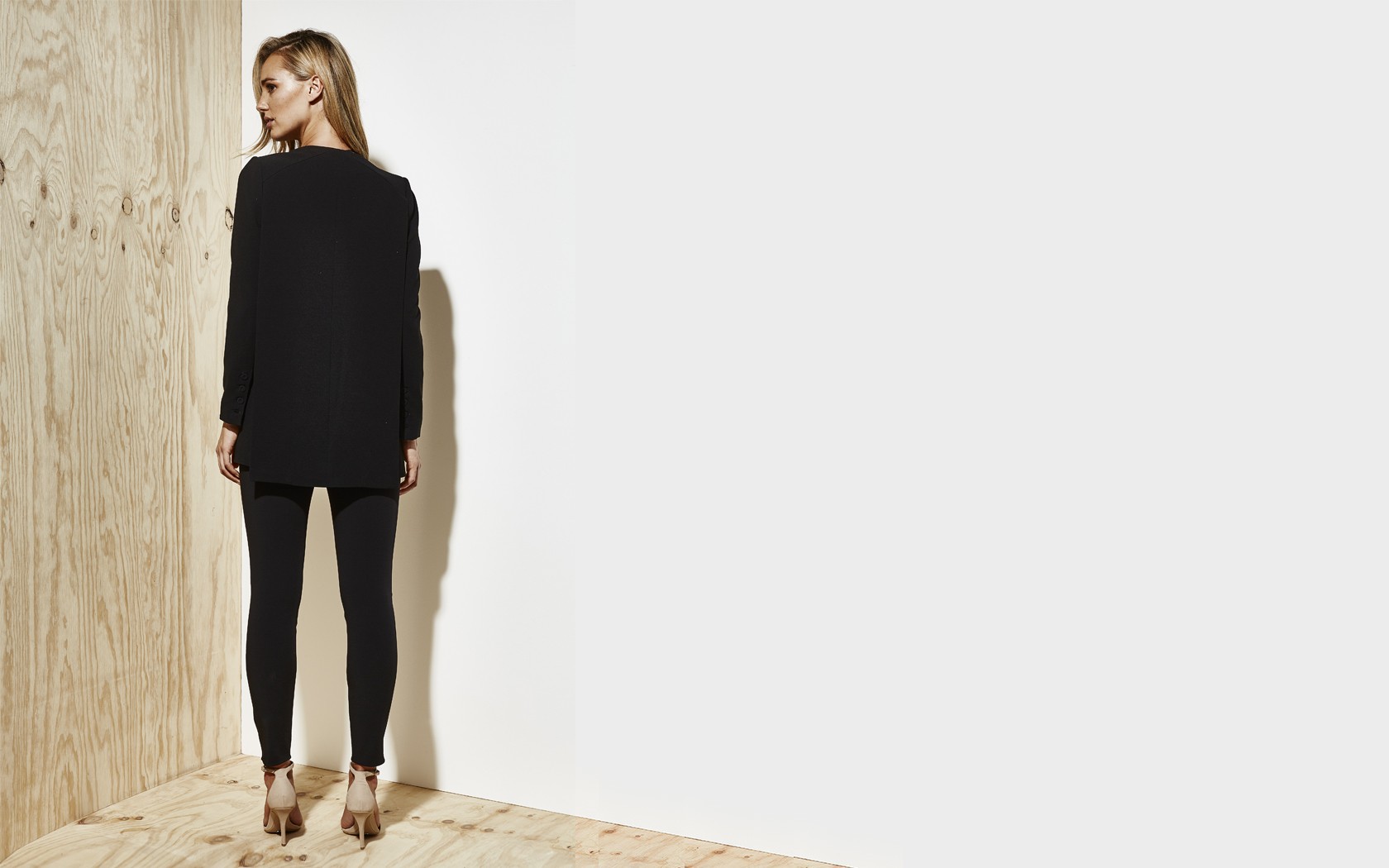
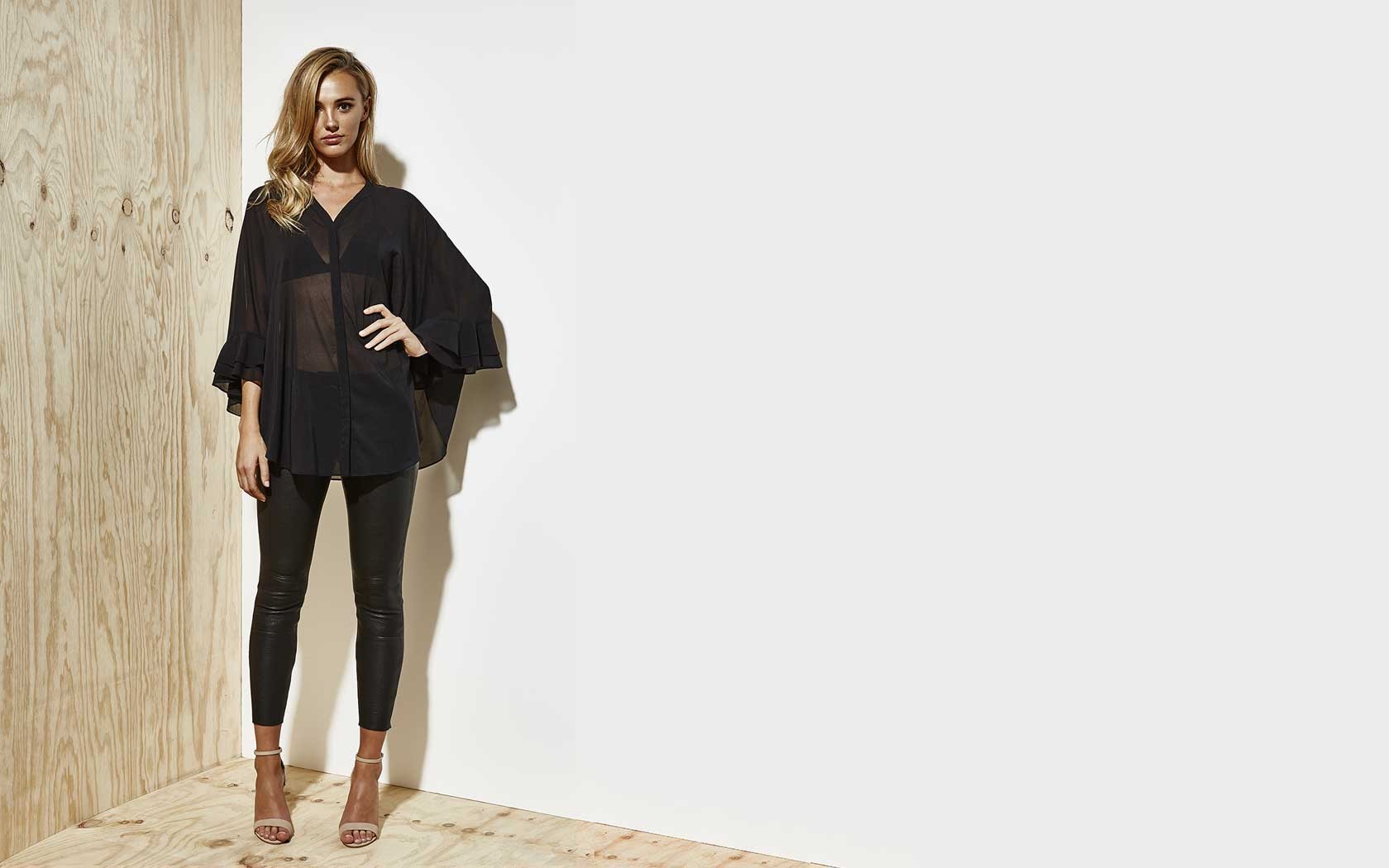
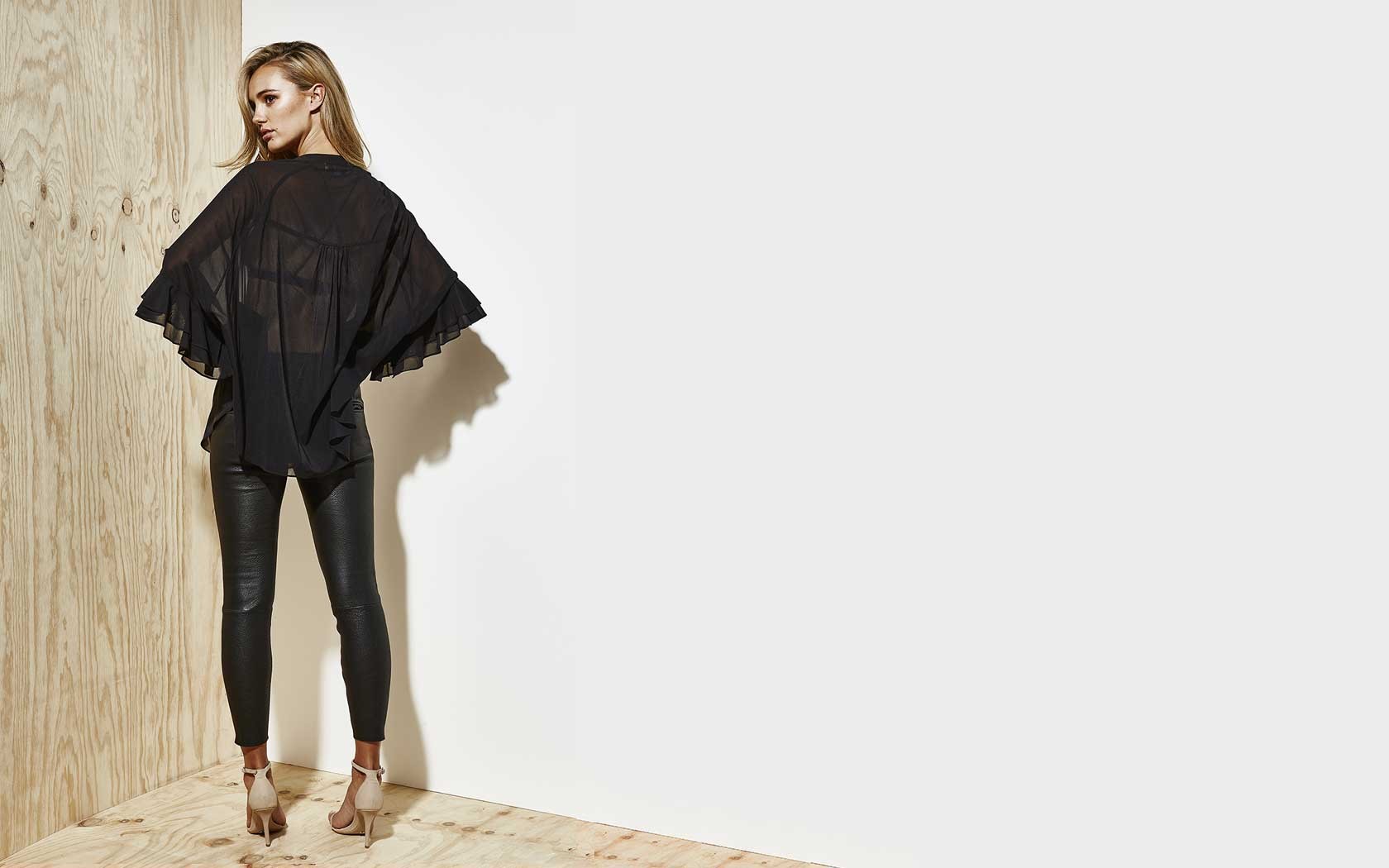
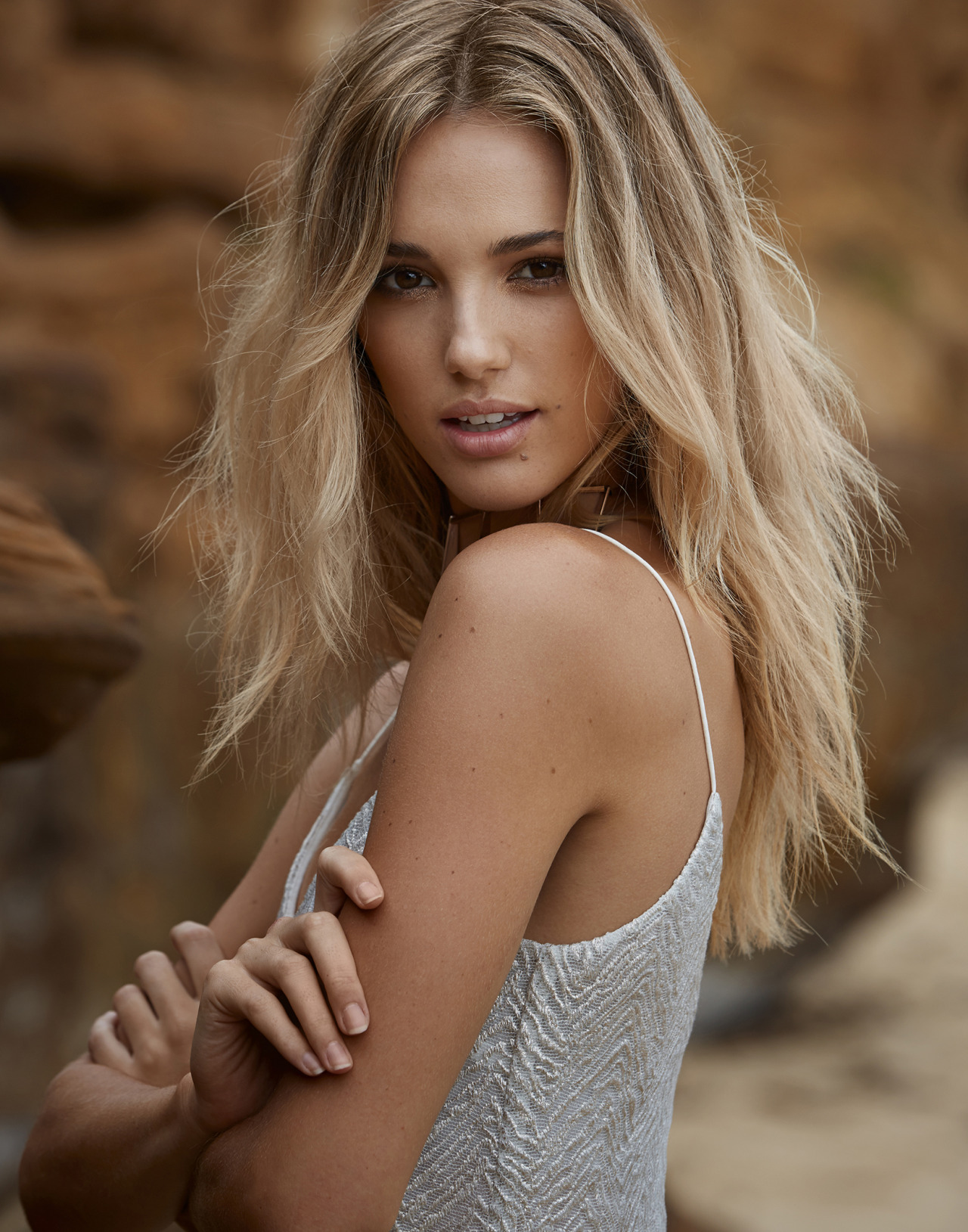
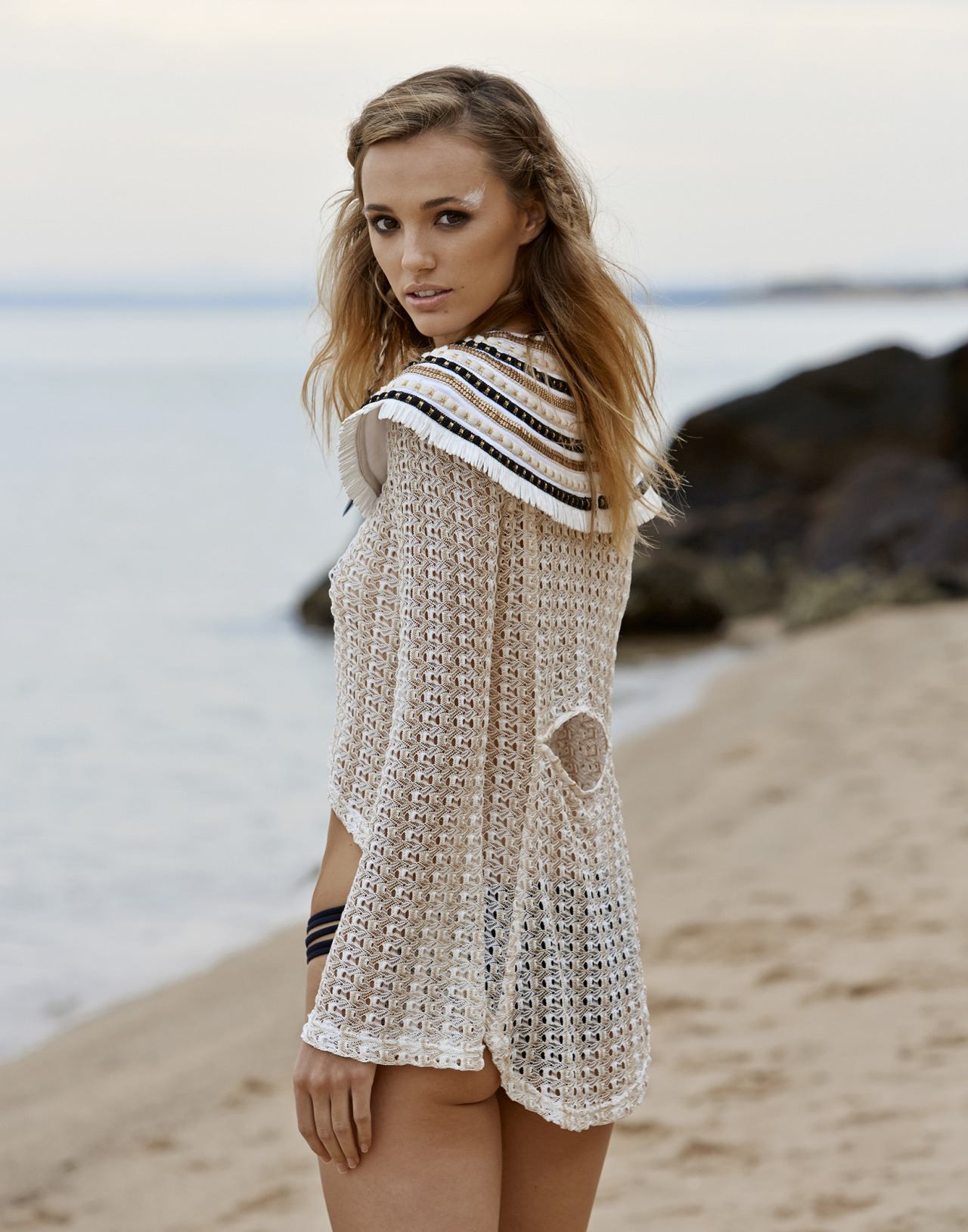
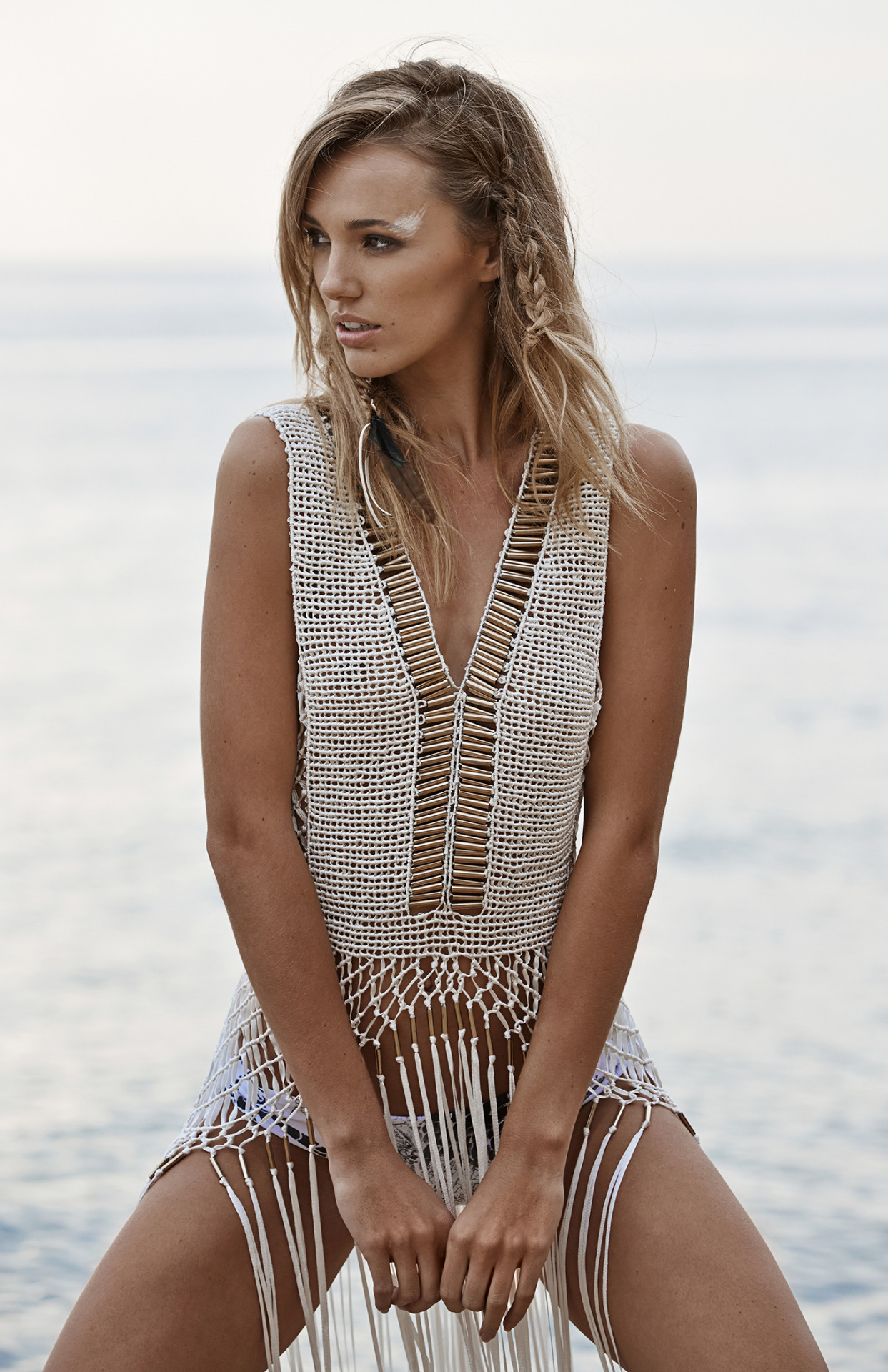
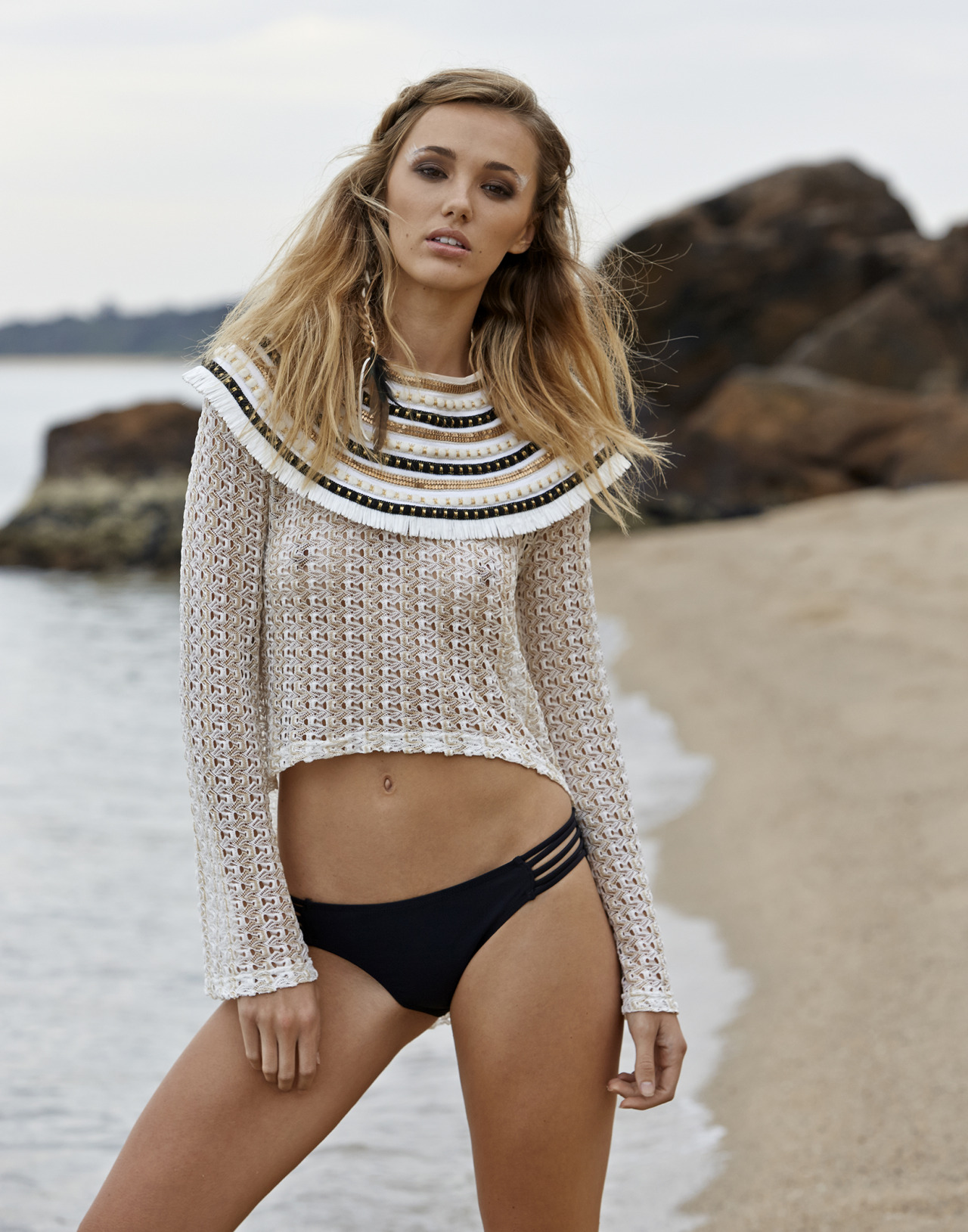
 IXIAH Photographer: Paul Fitzgerald slight see-through! paulfitzgeraldphoto.tumblr.com/post/125735314139/photographer-paul-fitzgerald-model-brooke instagram.com/_paulfitzgerald
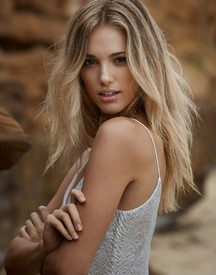






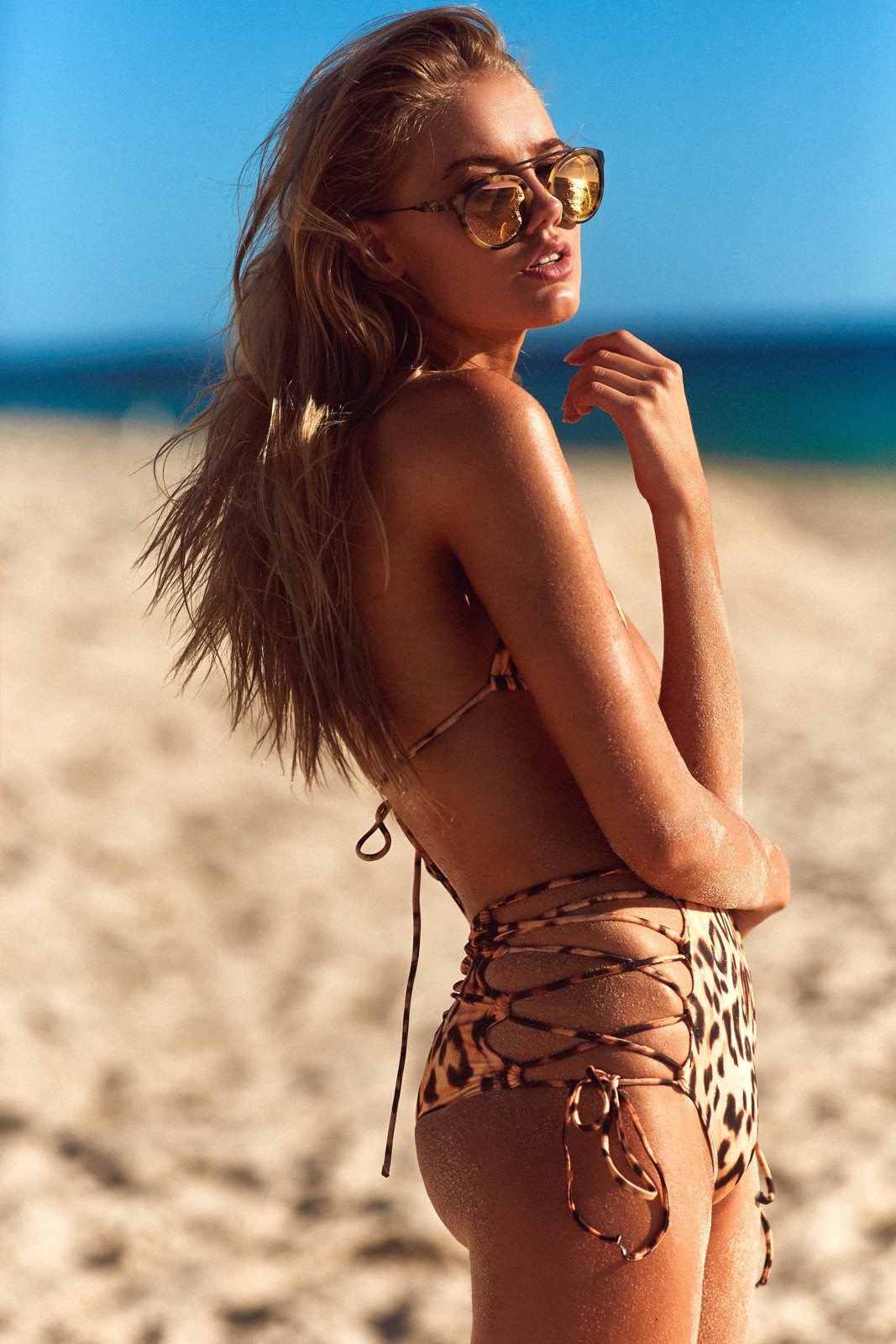
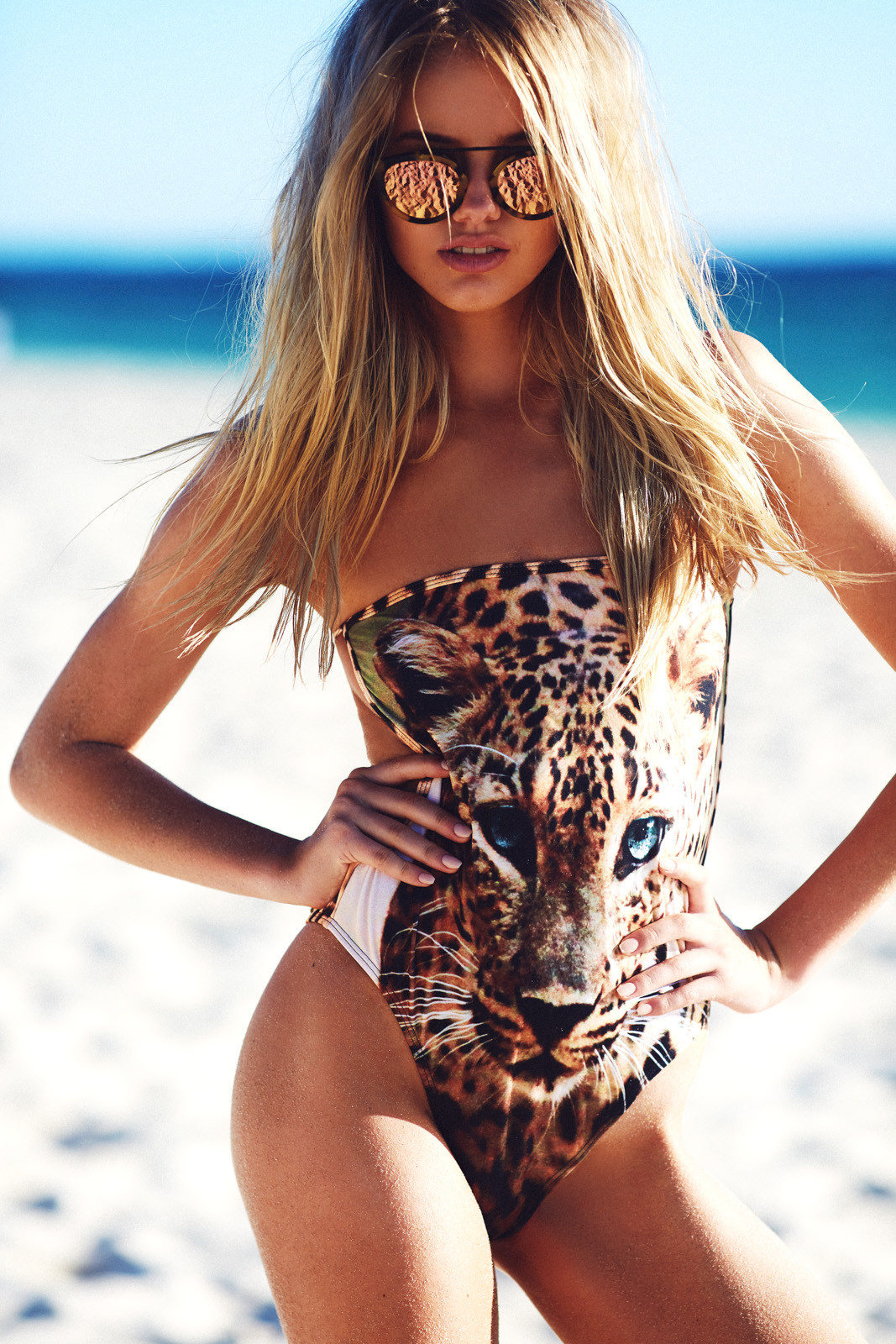
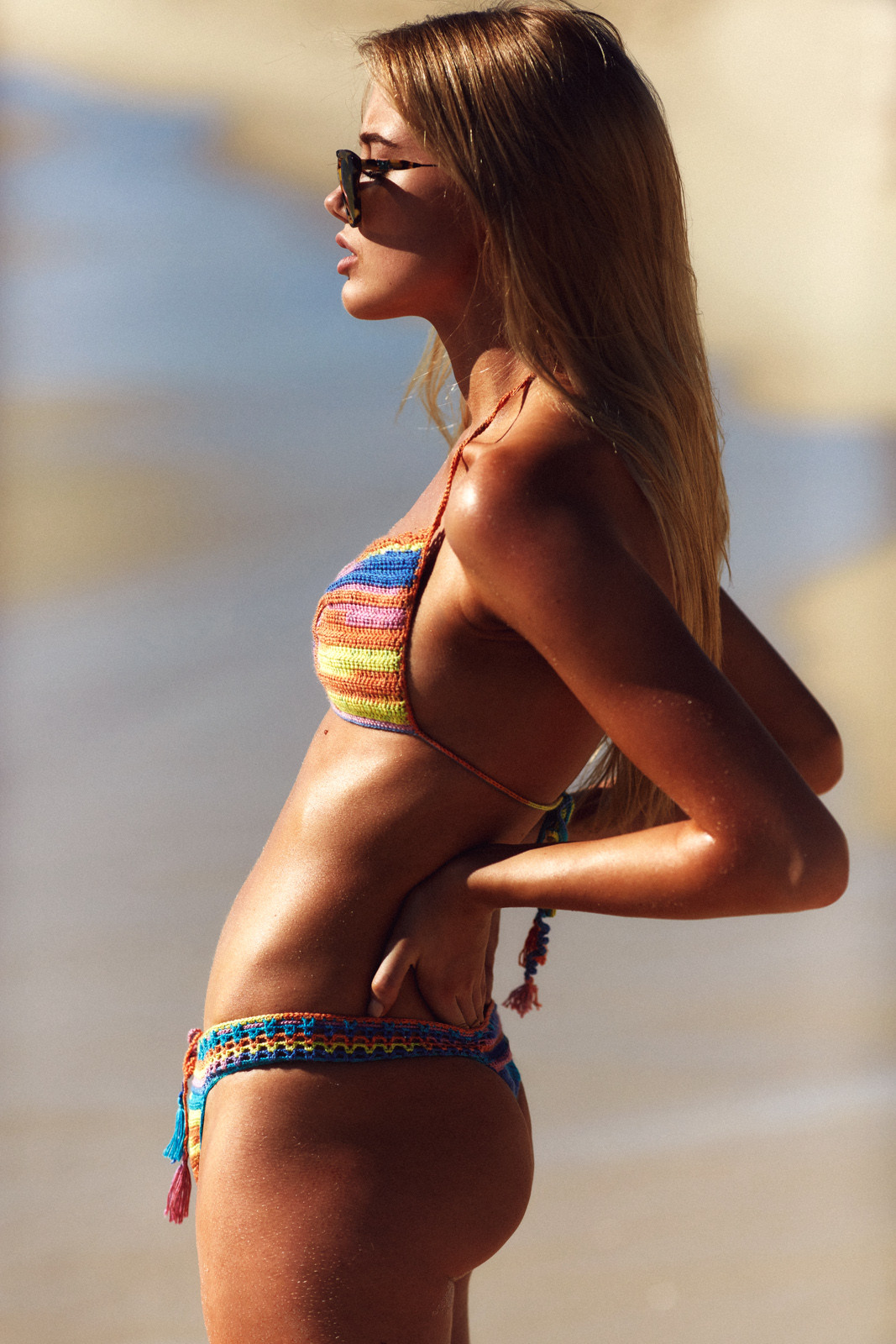
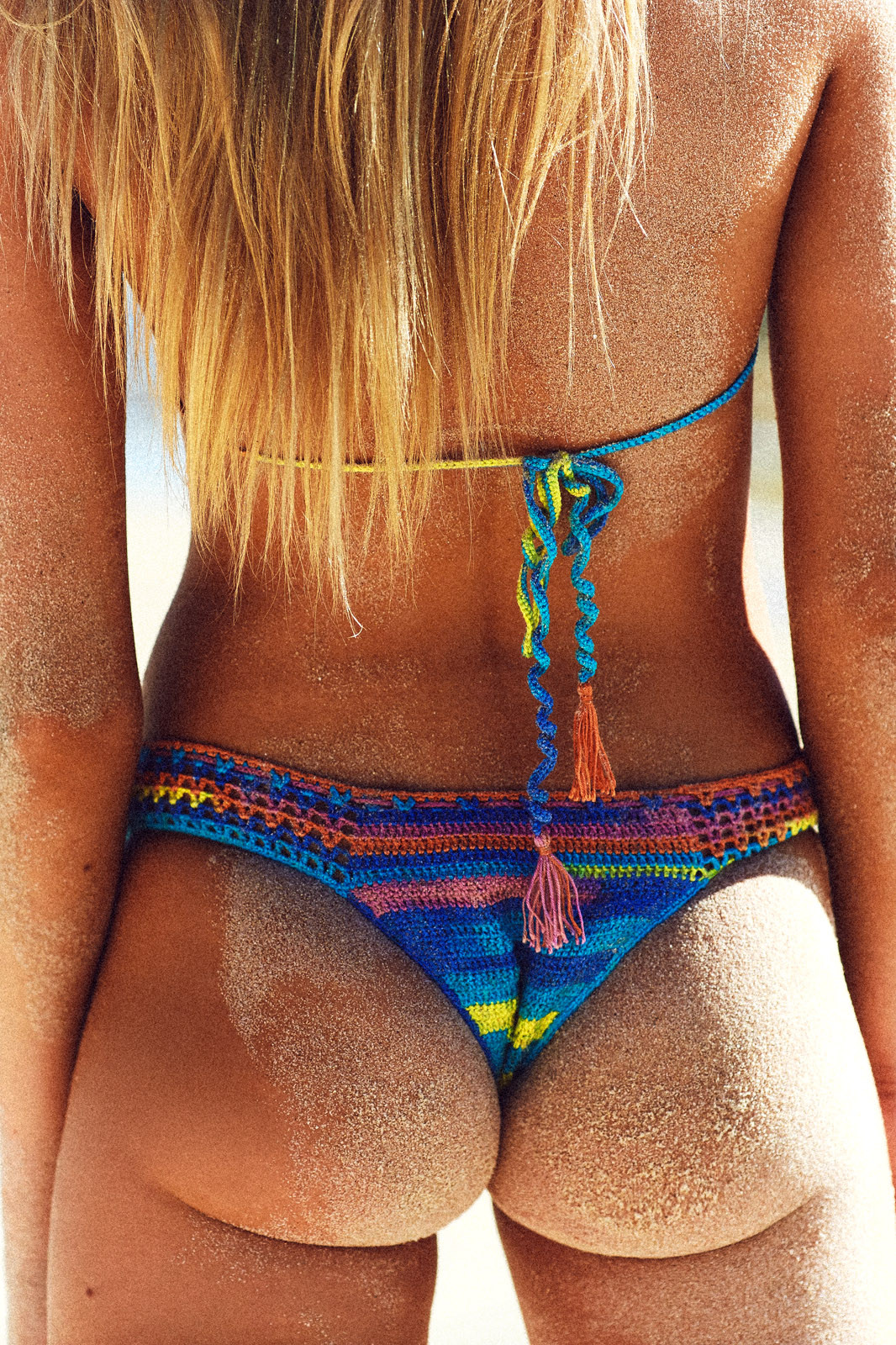
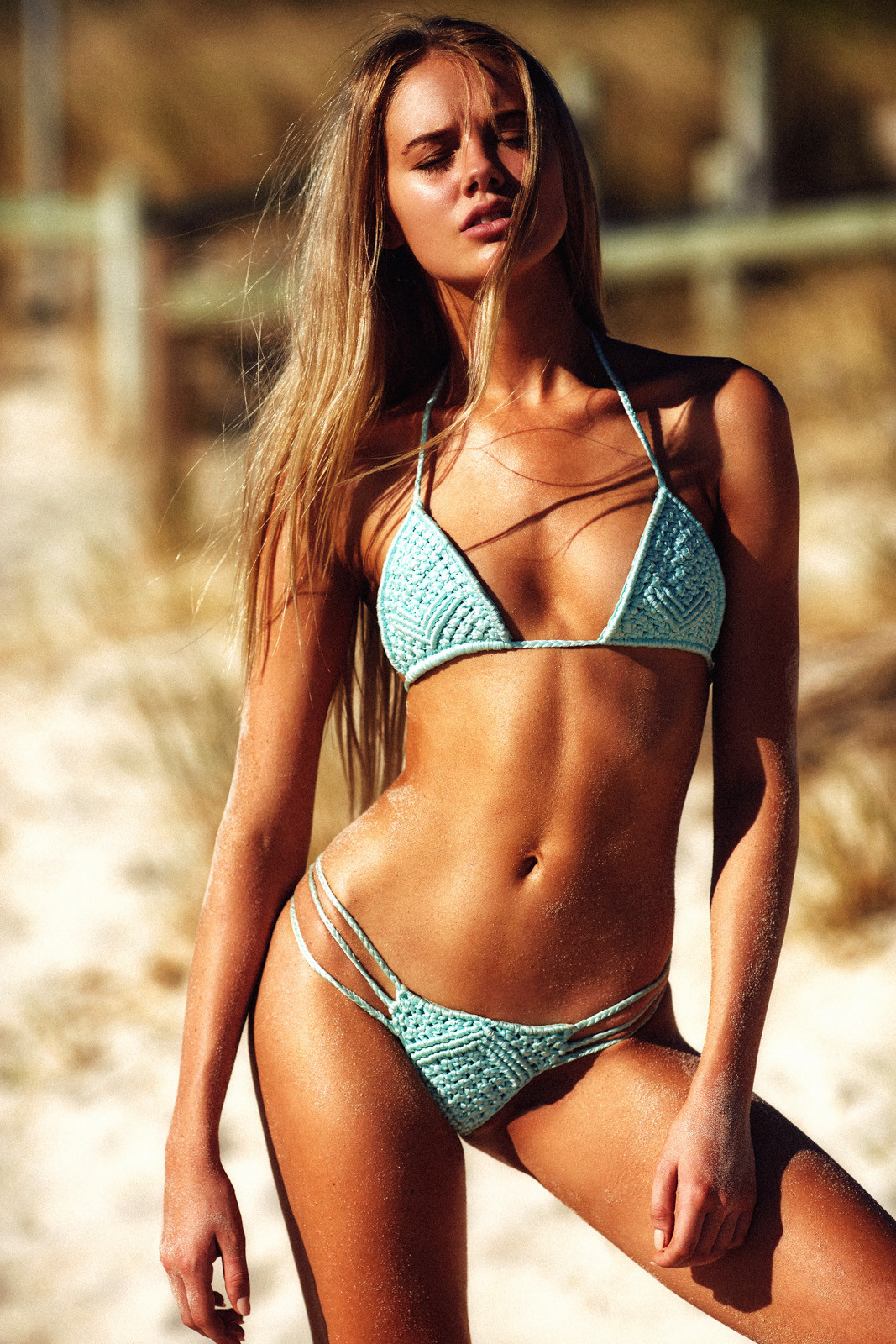
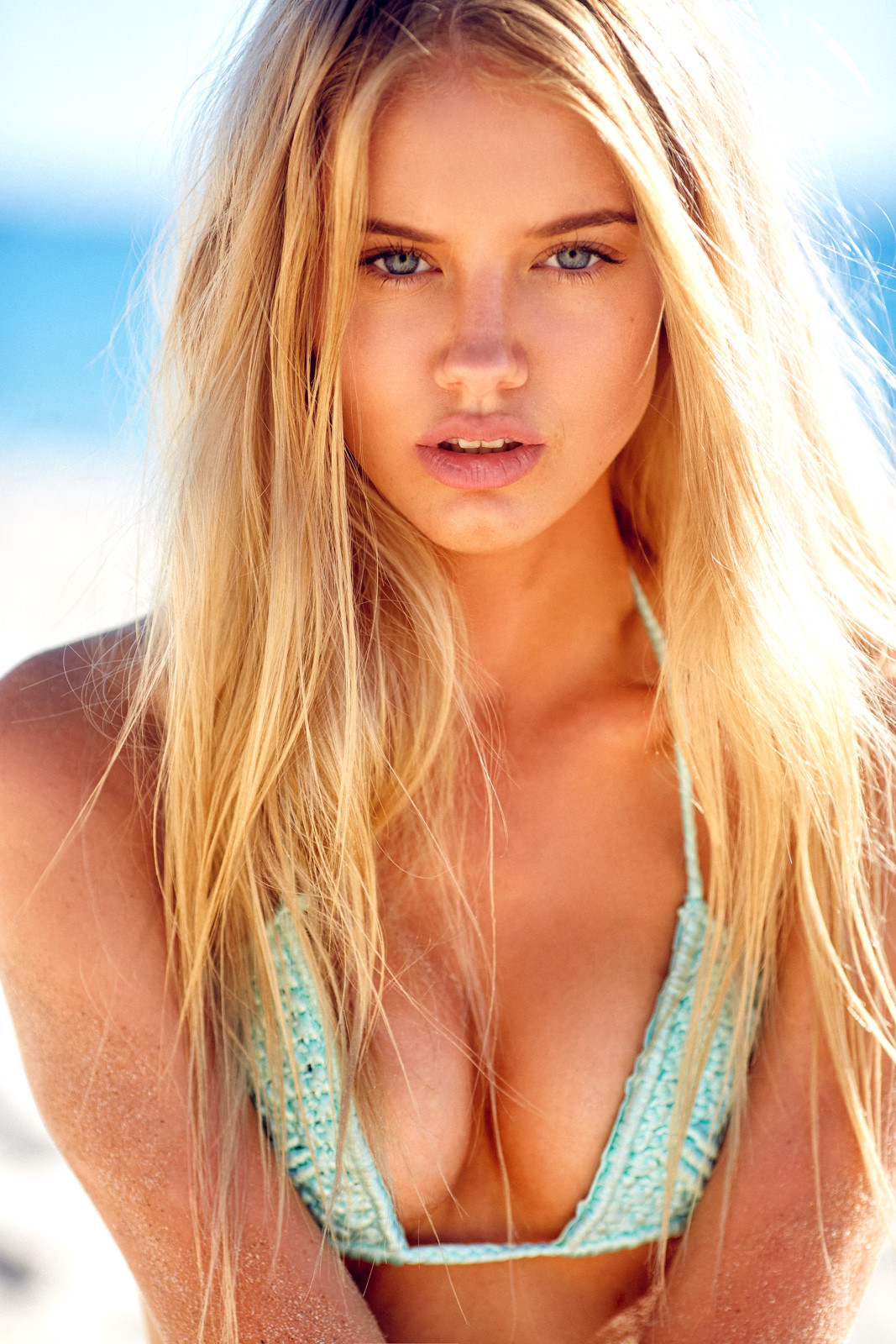
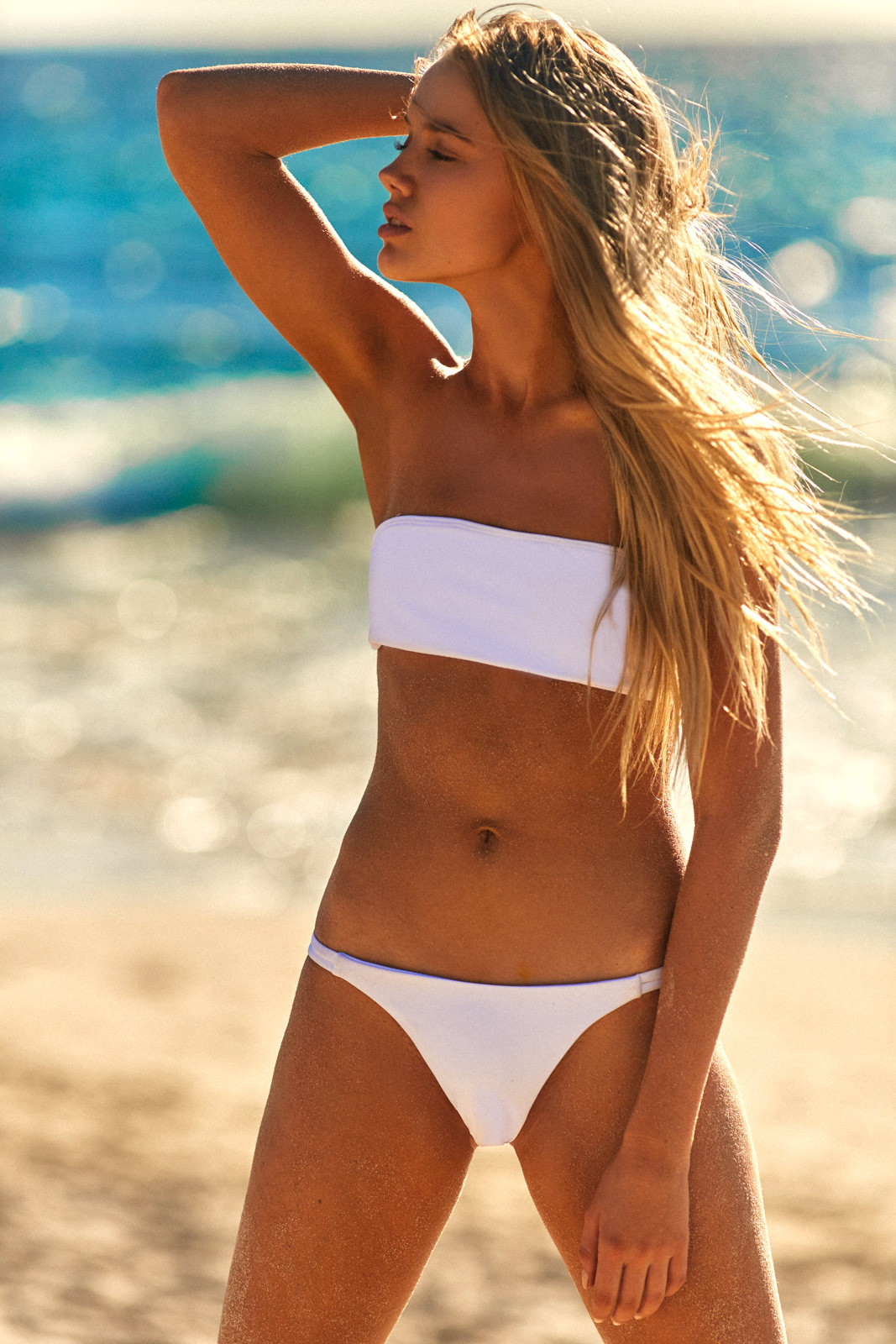
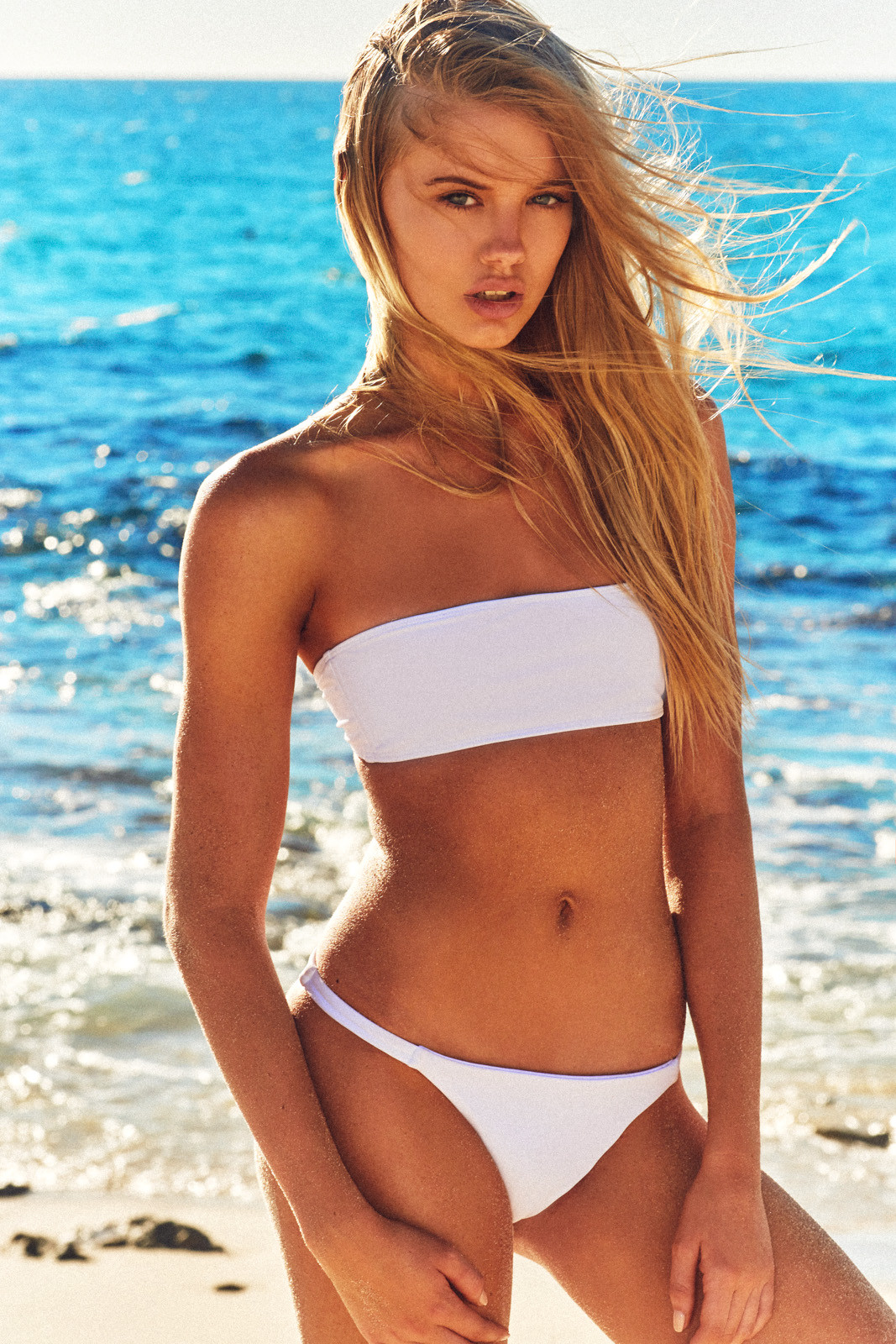
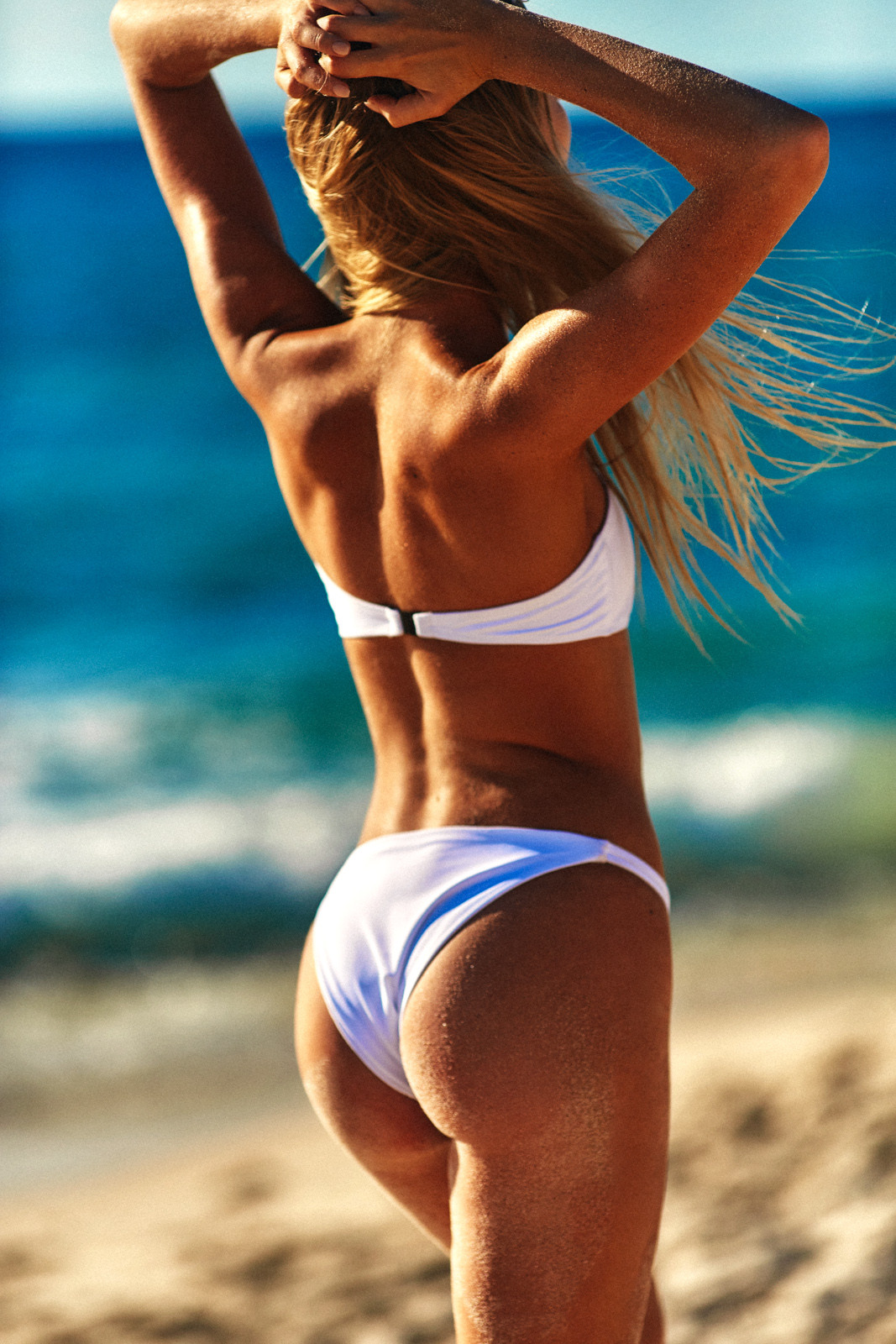
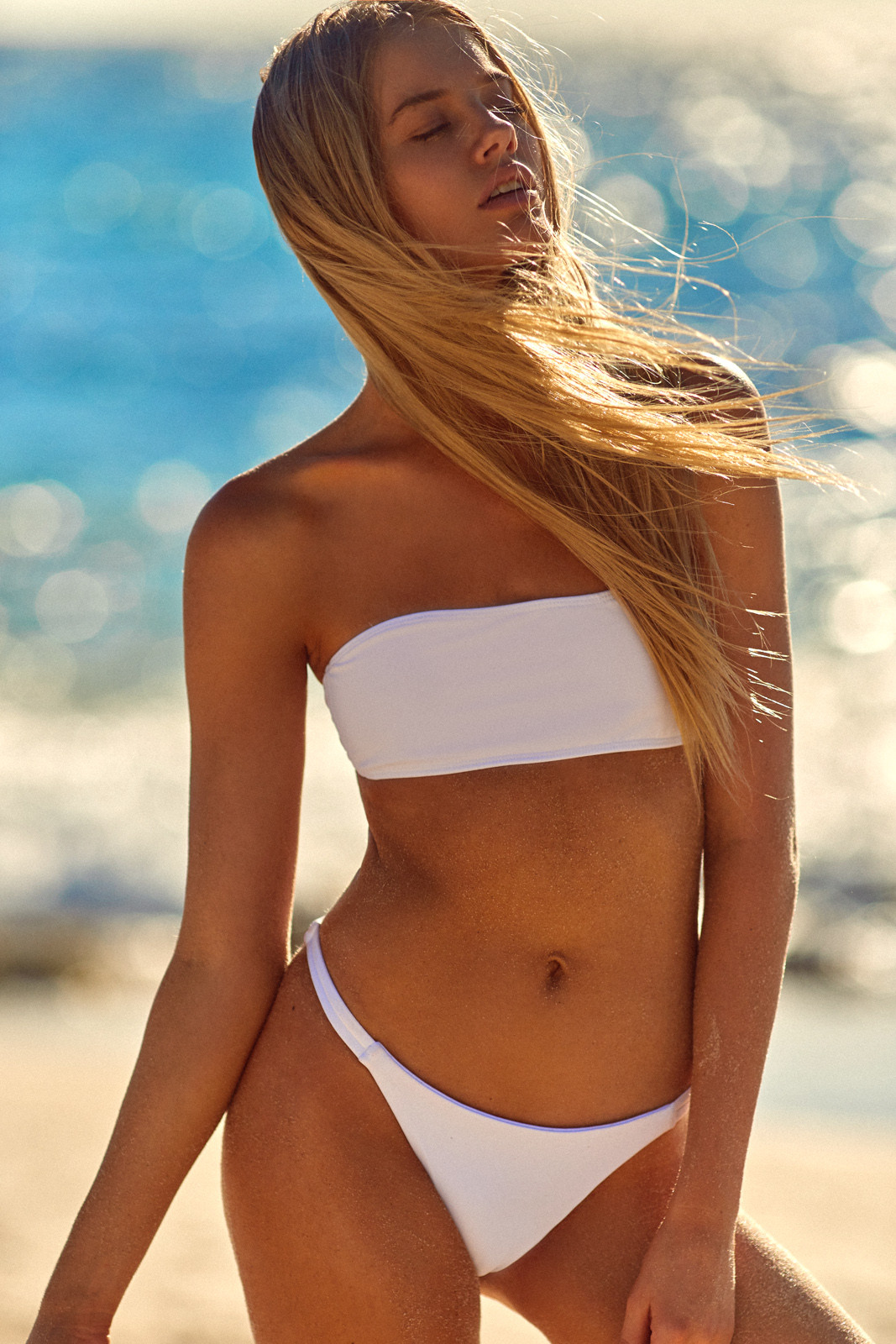
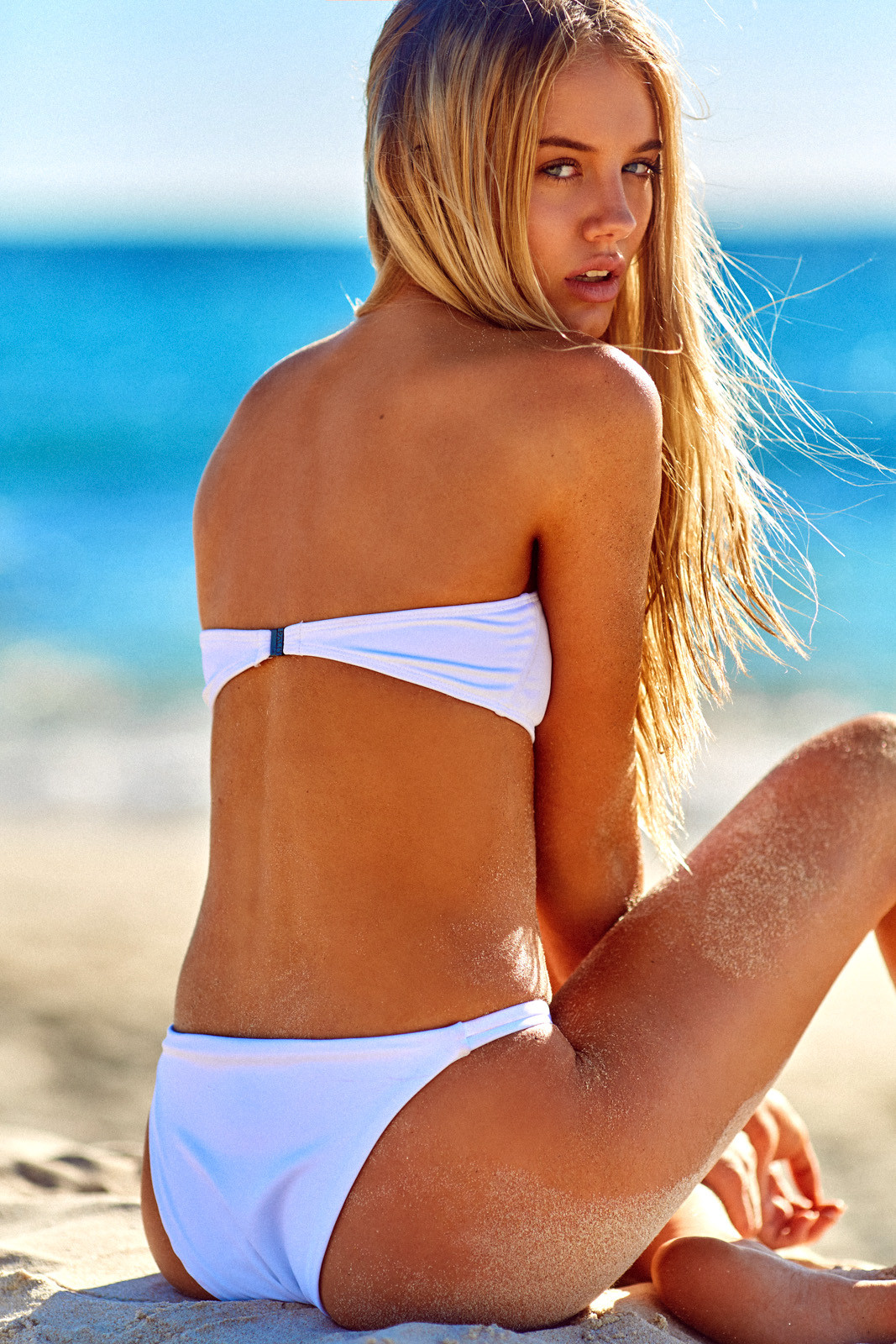


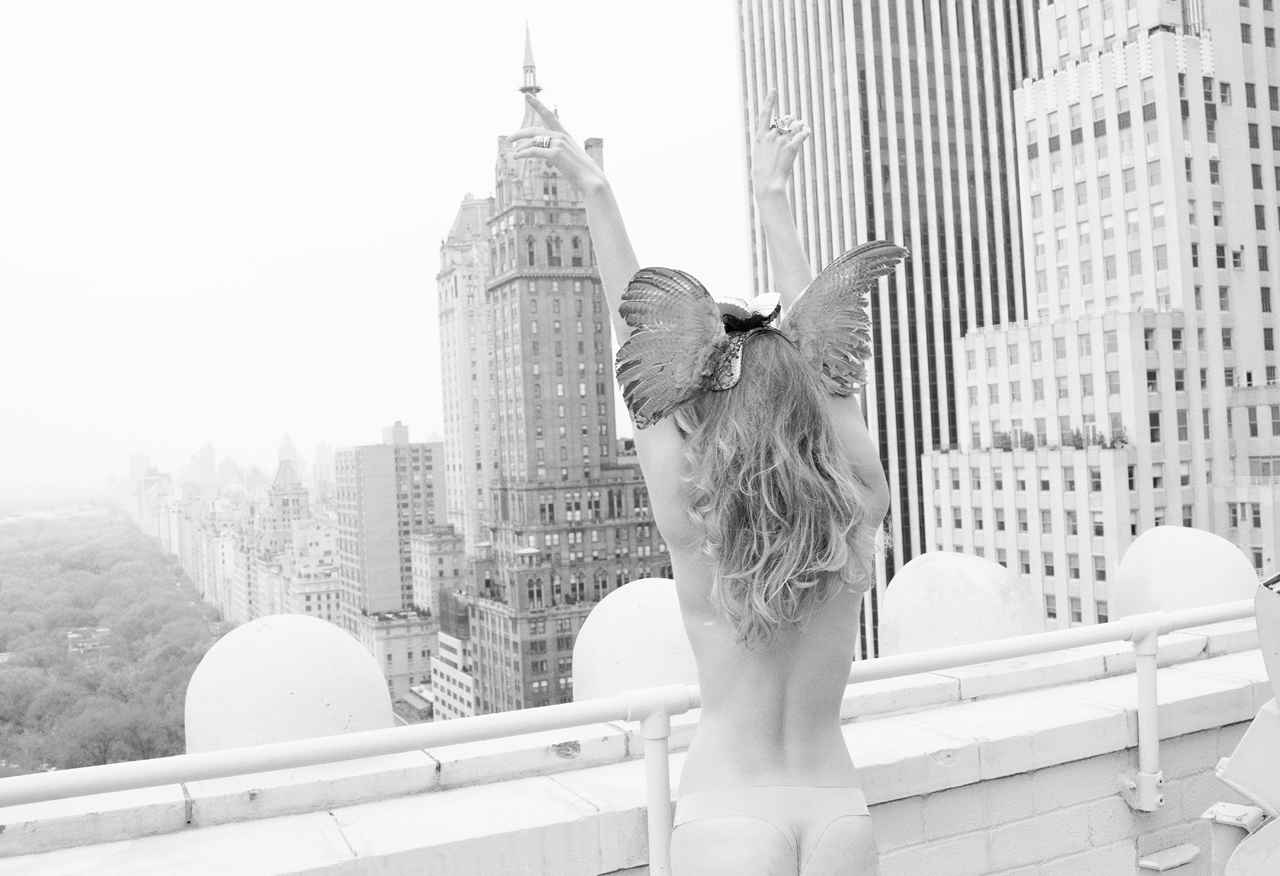


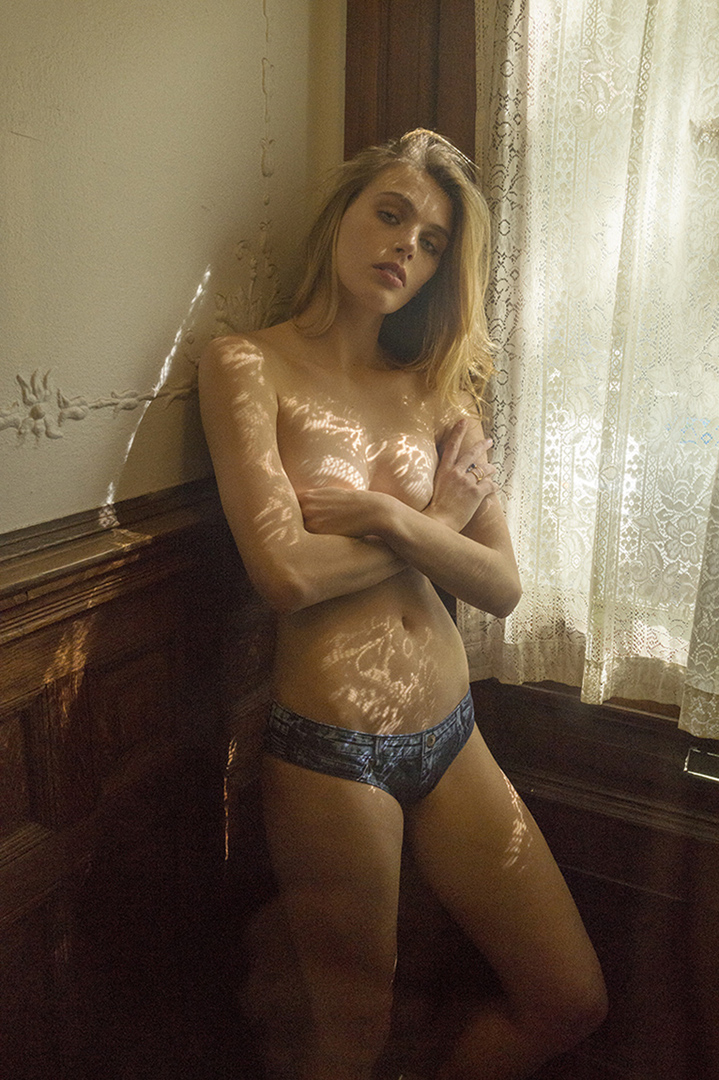
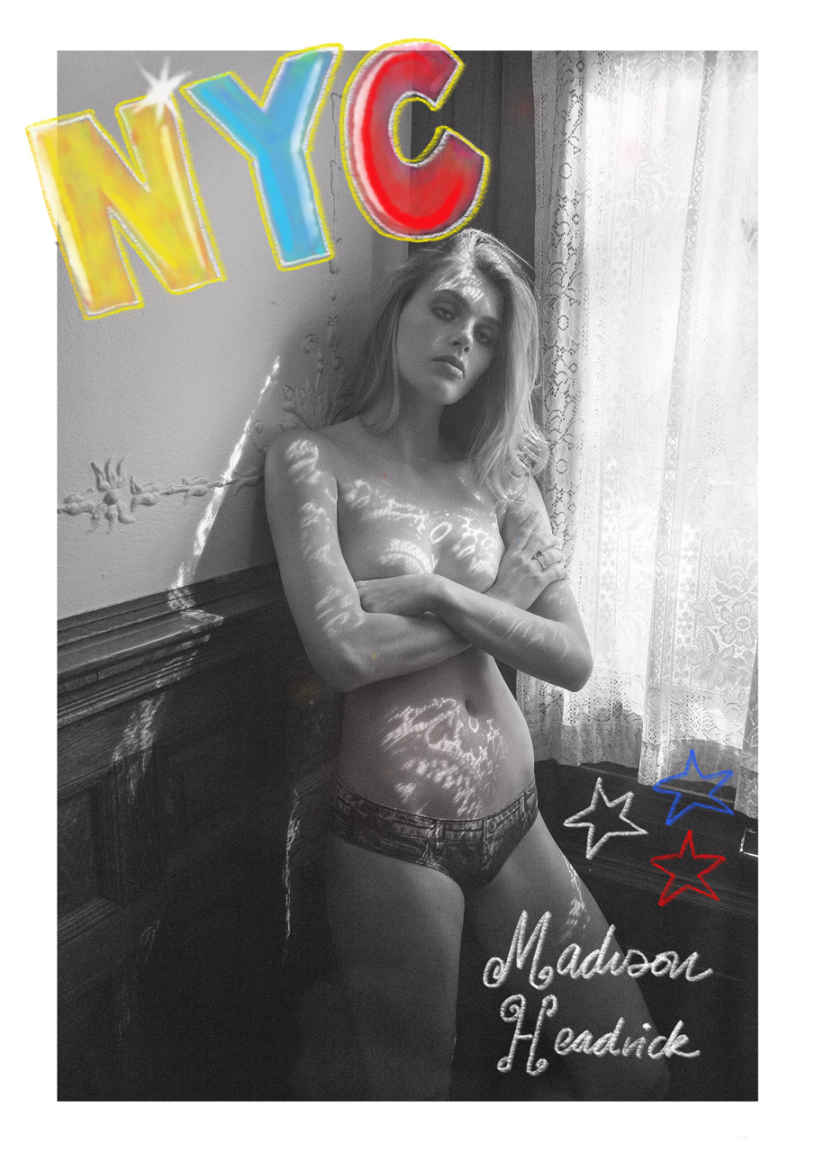
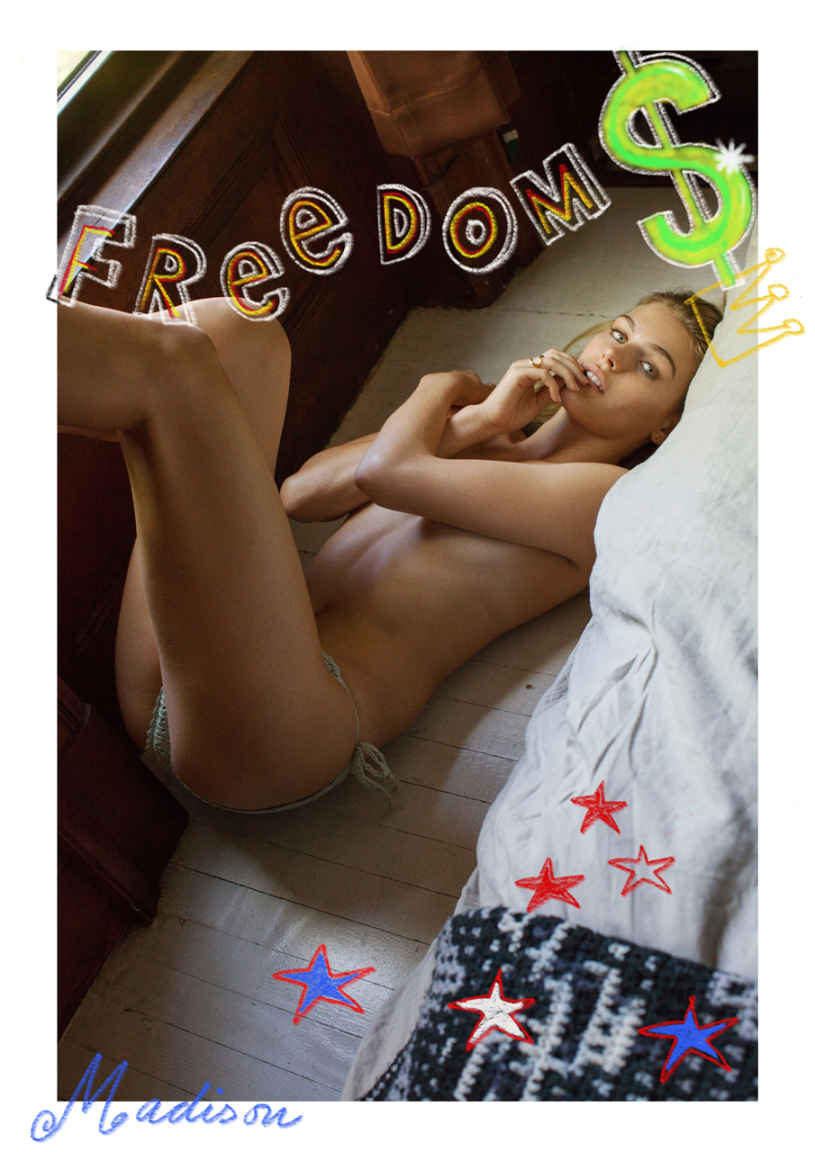
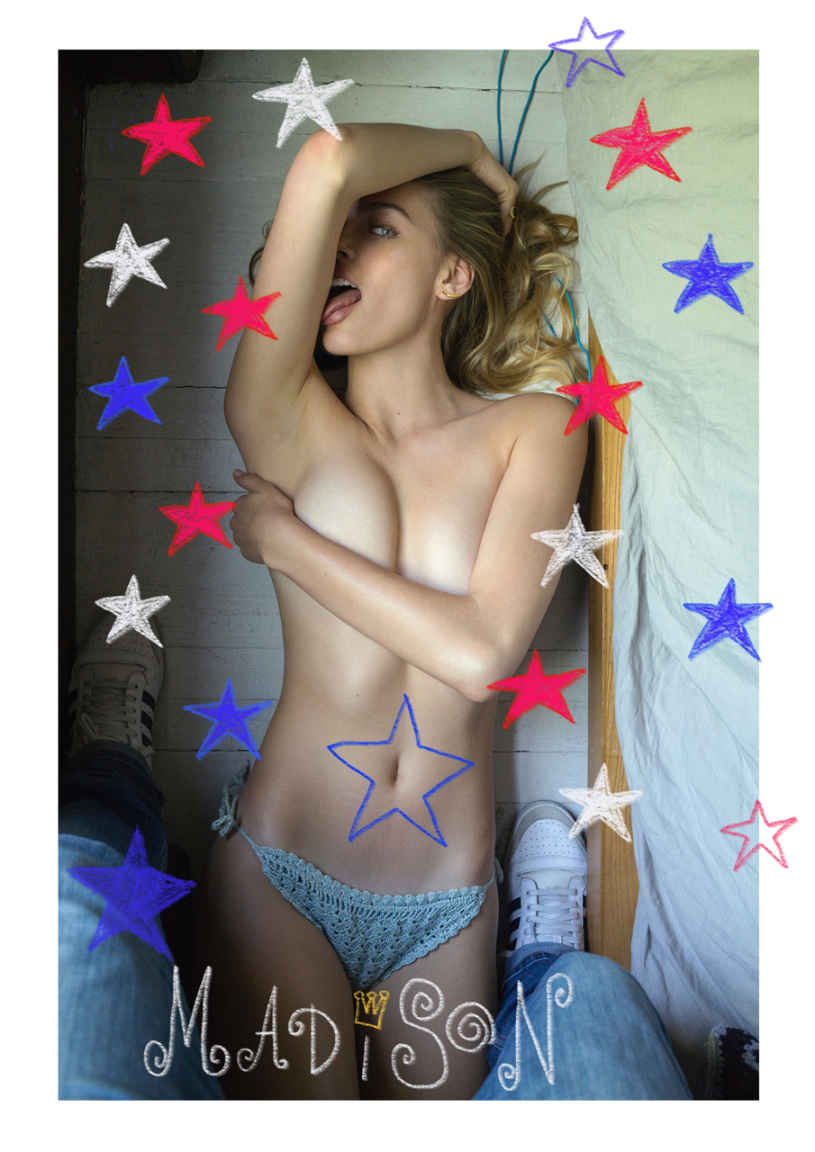




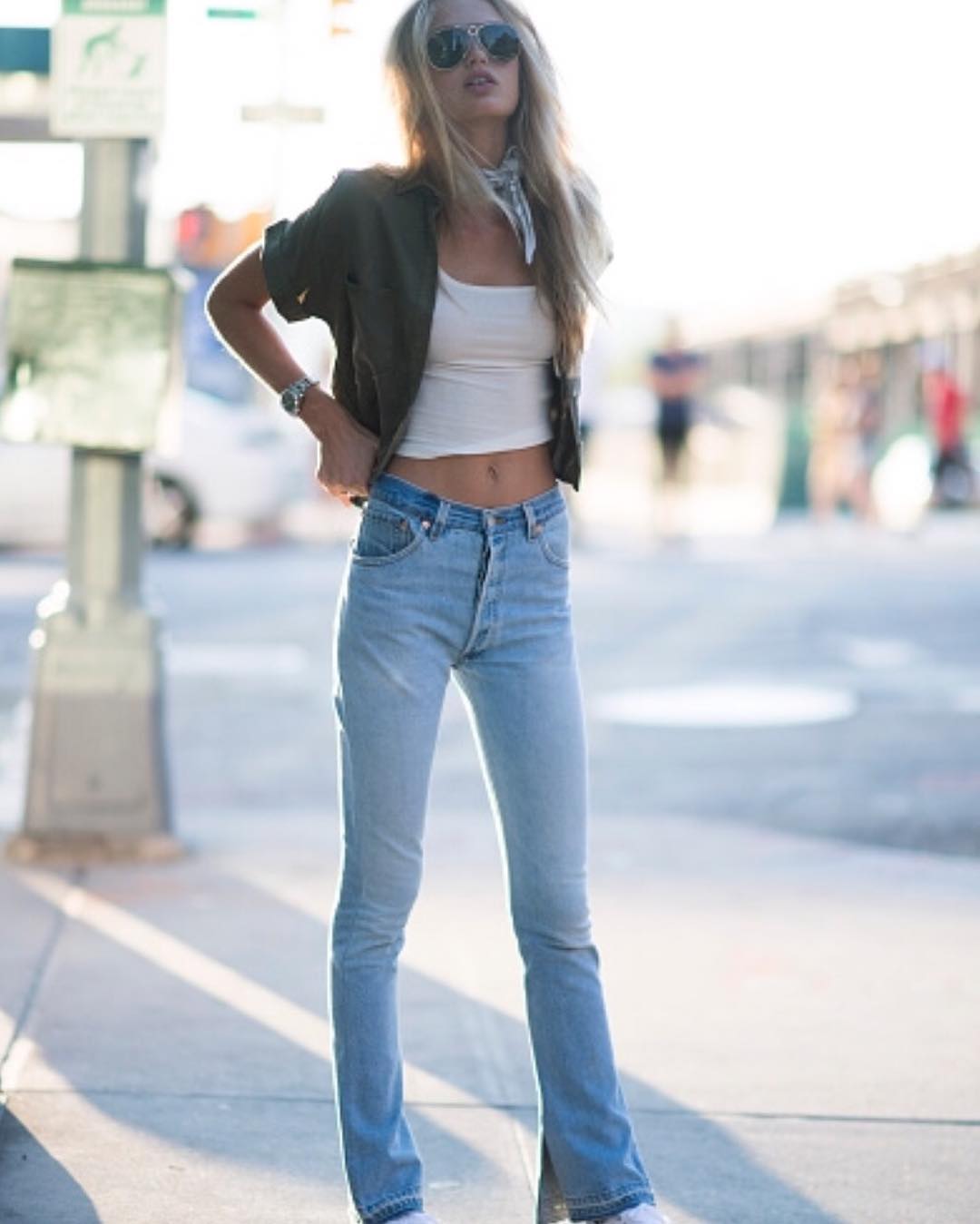
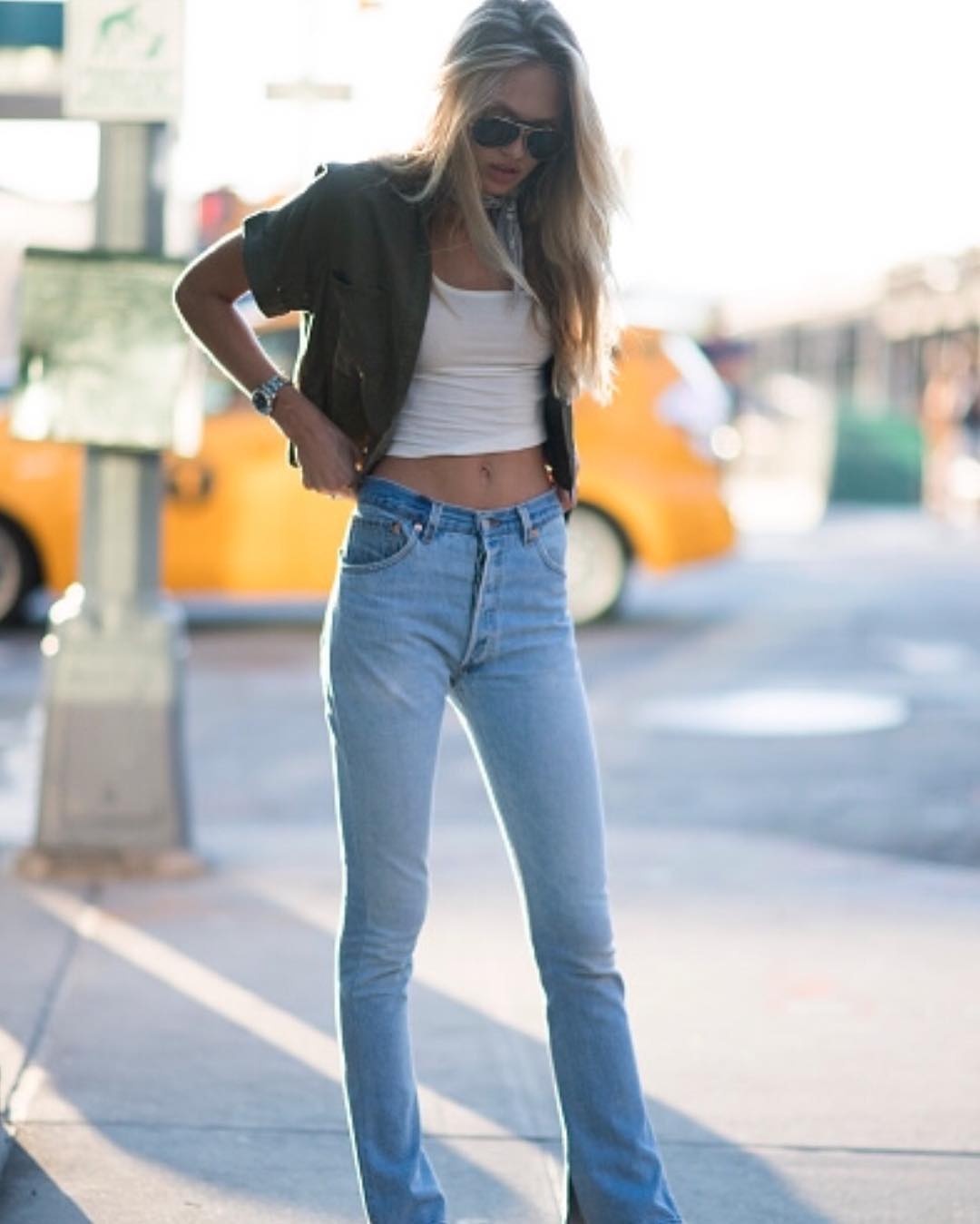
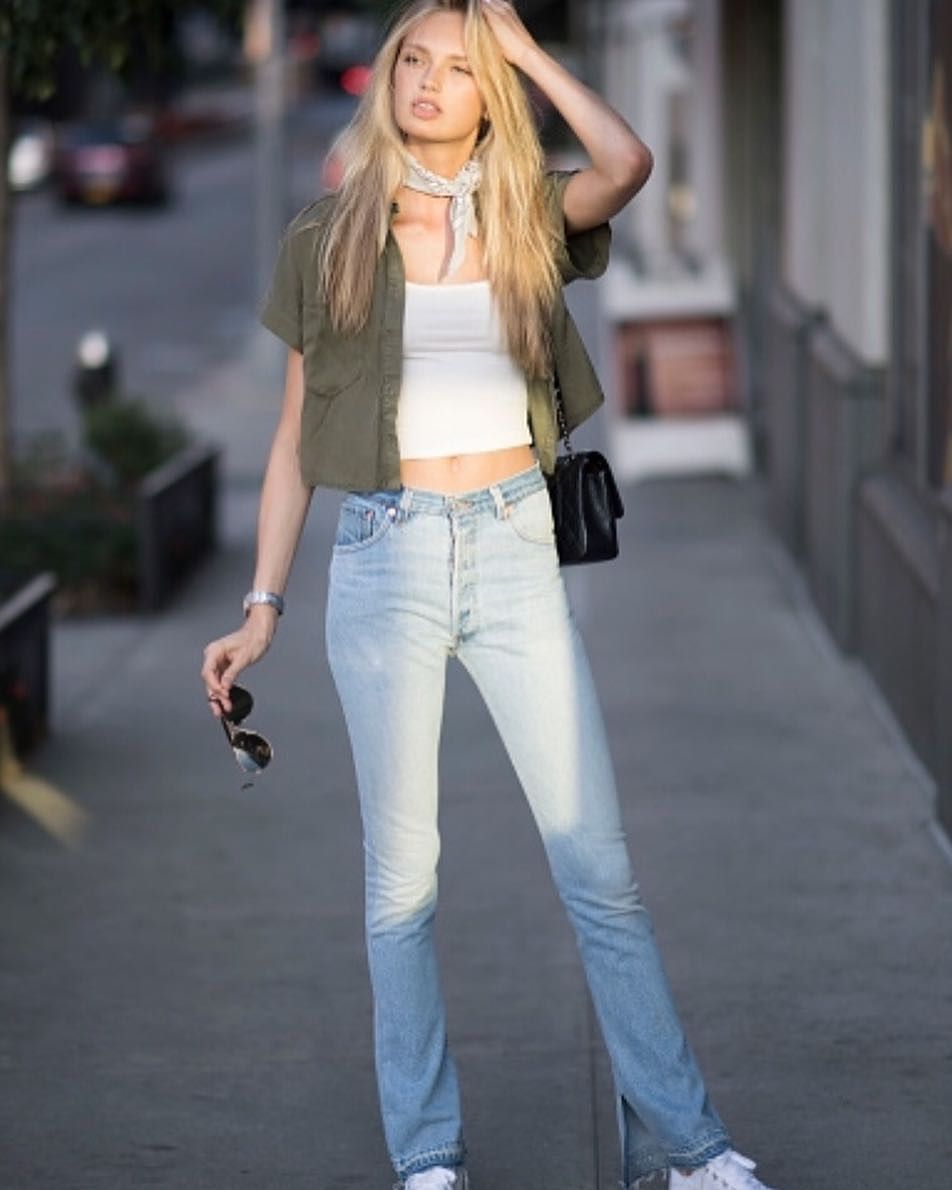


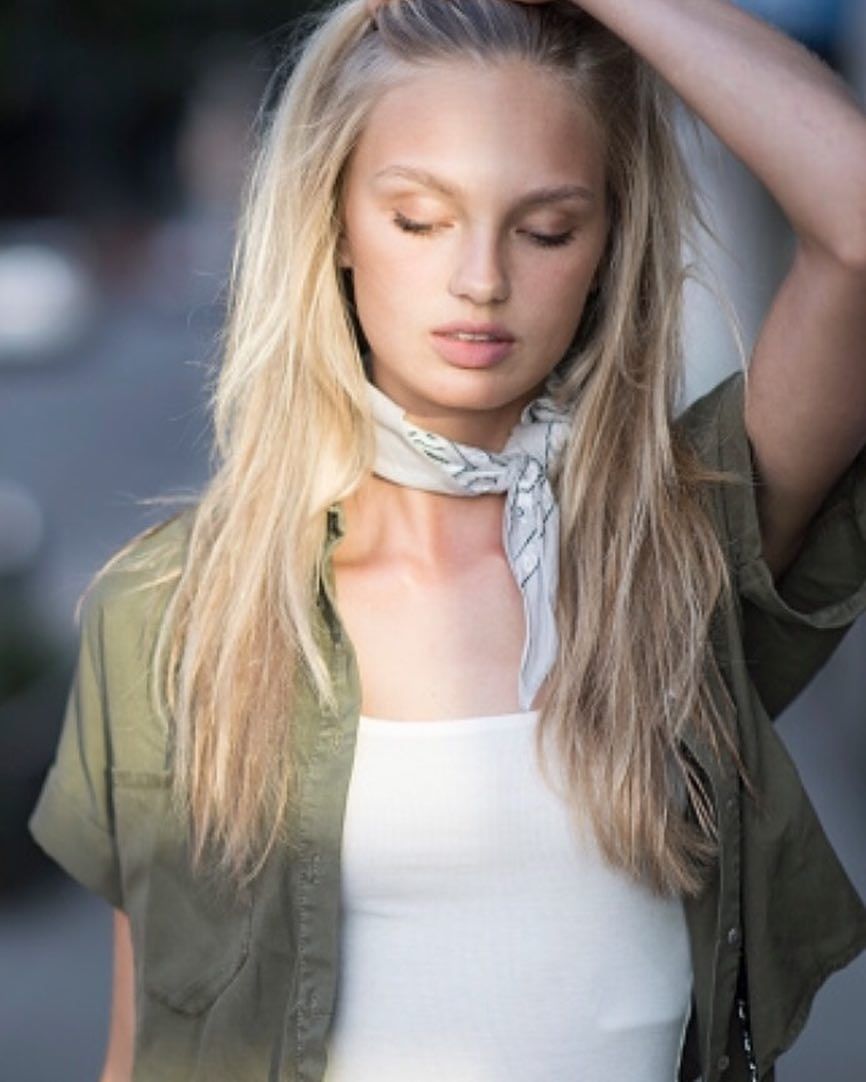















































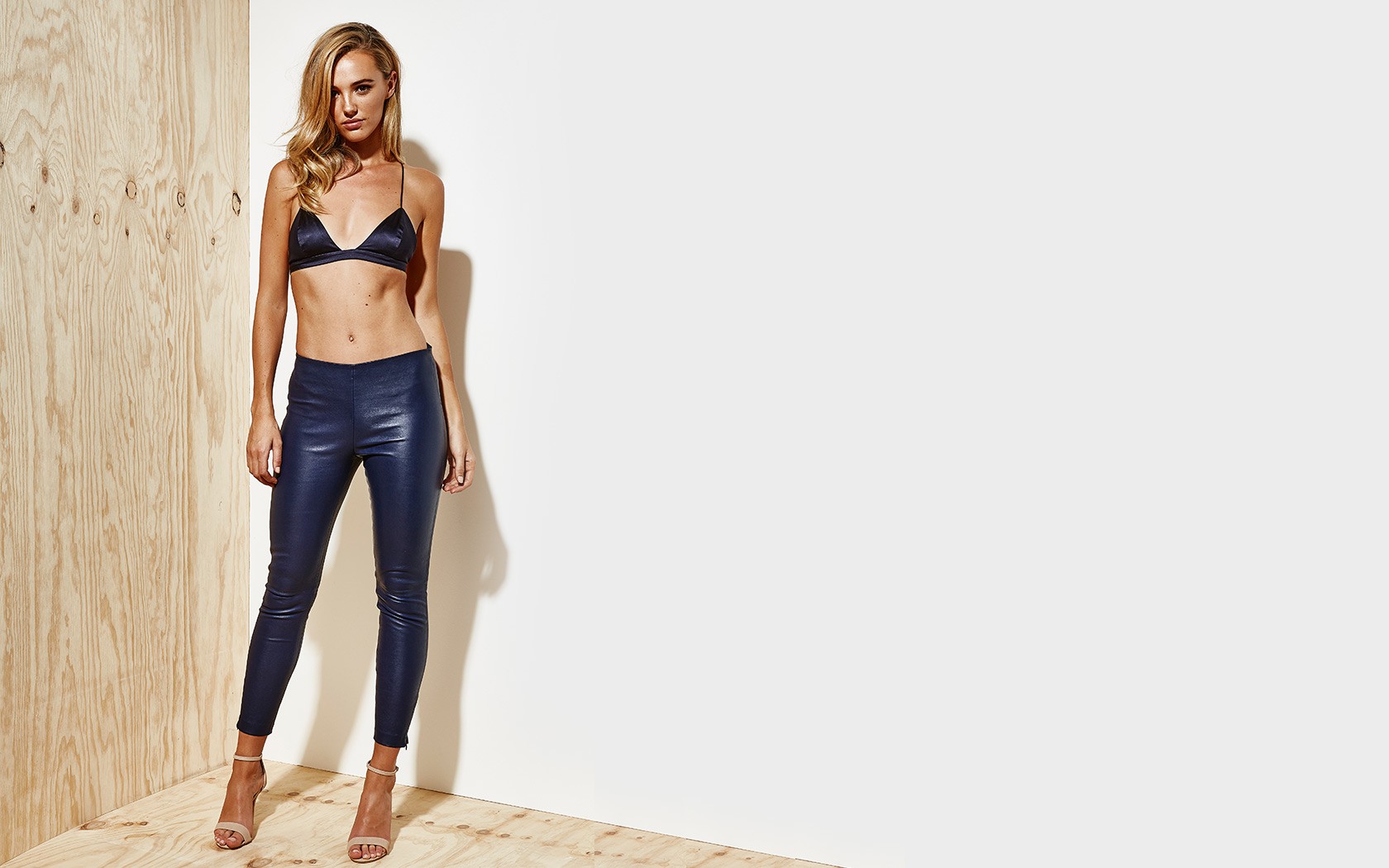
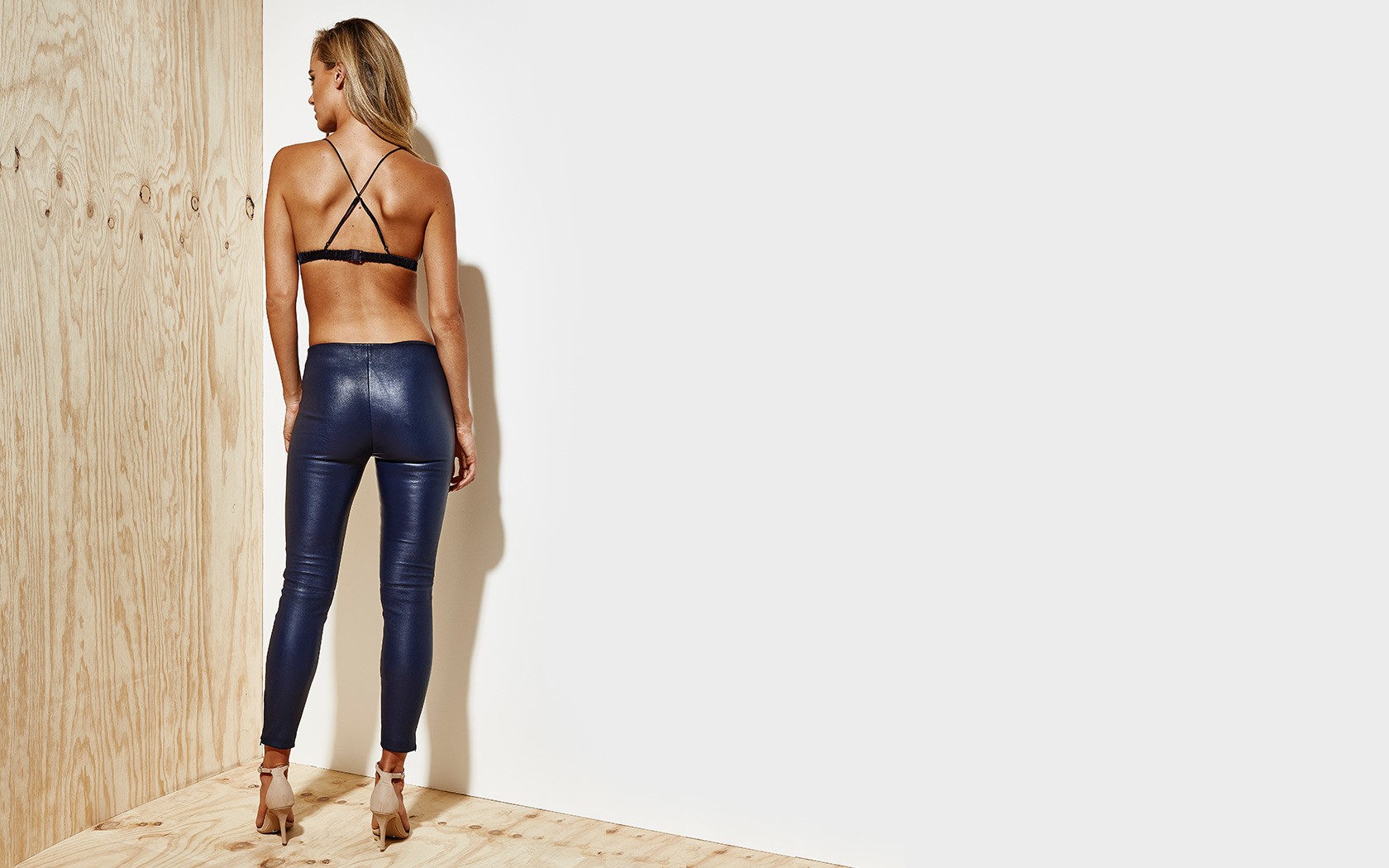
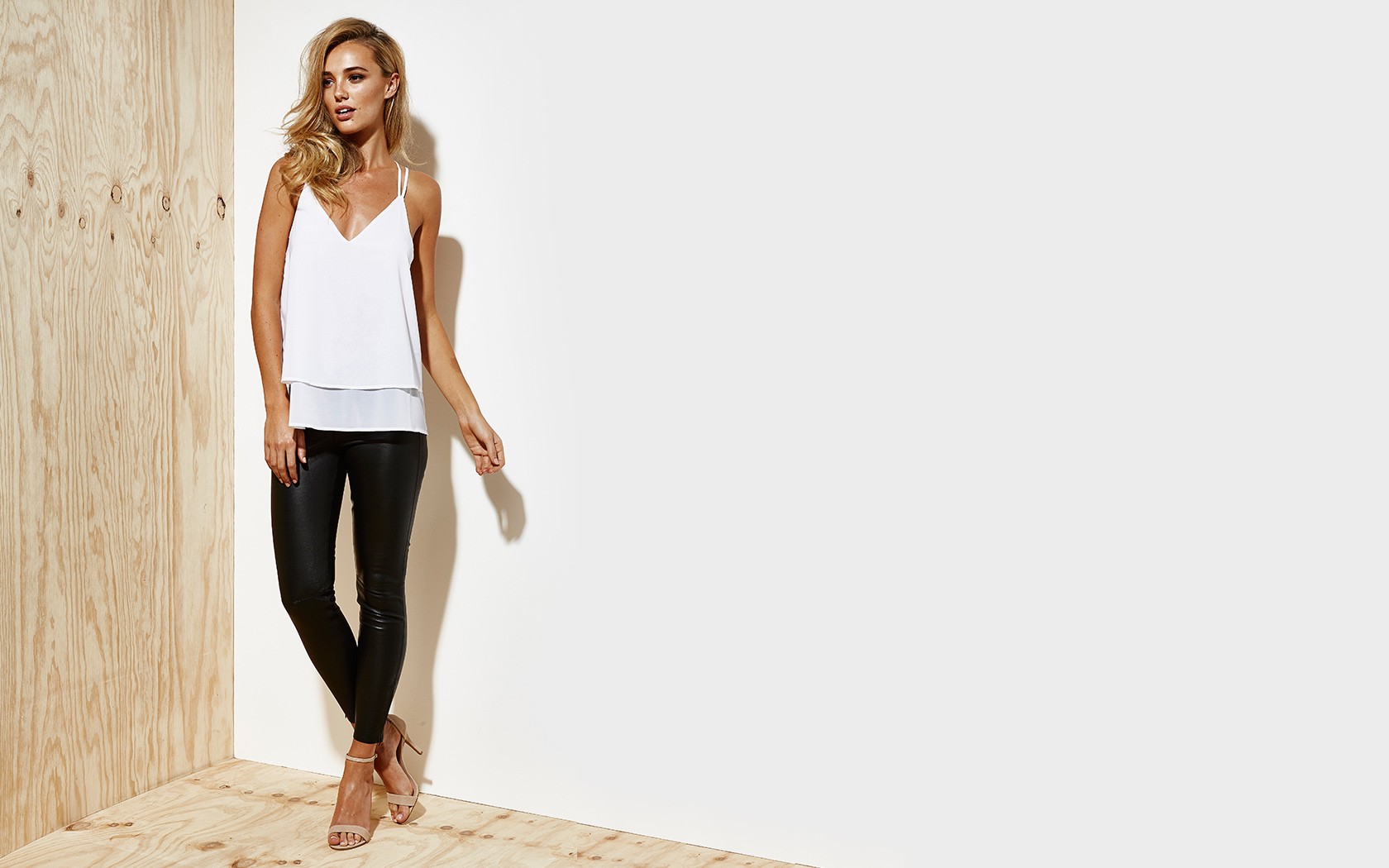
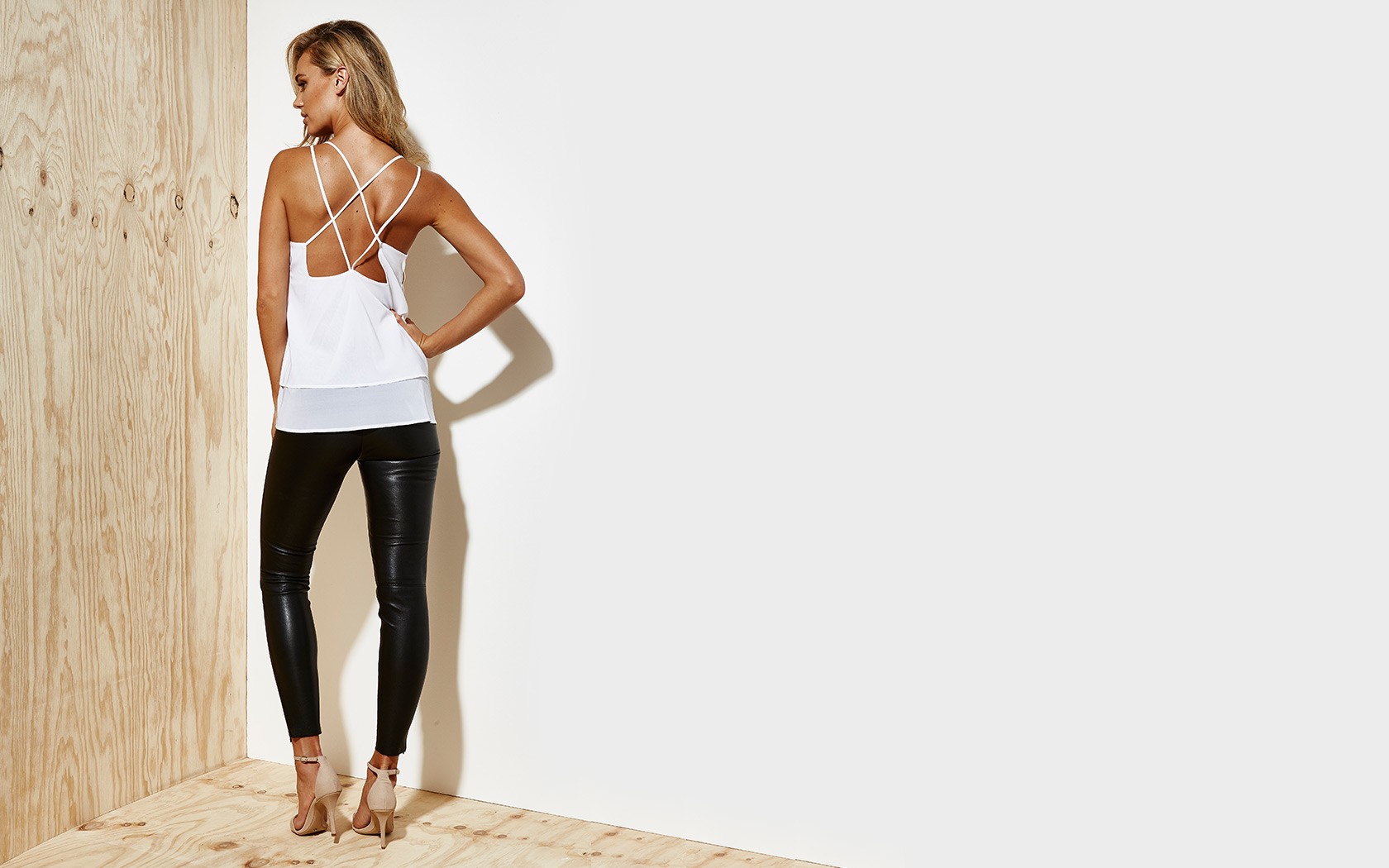
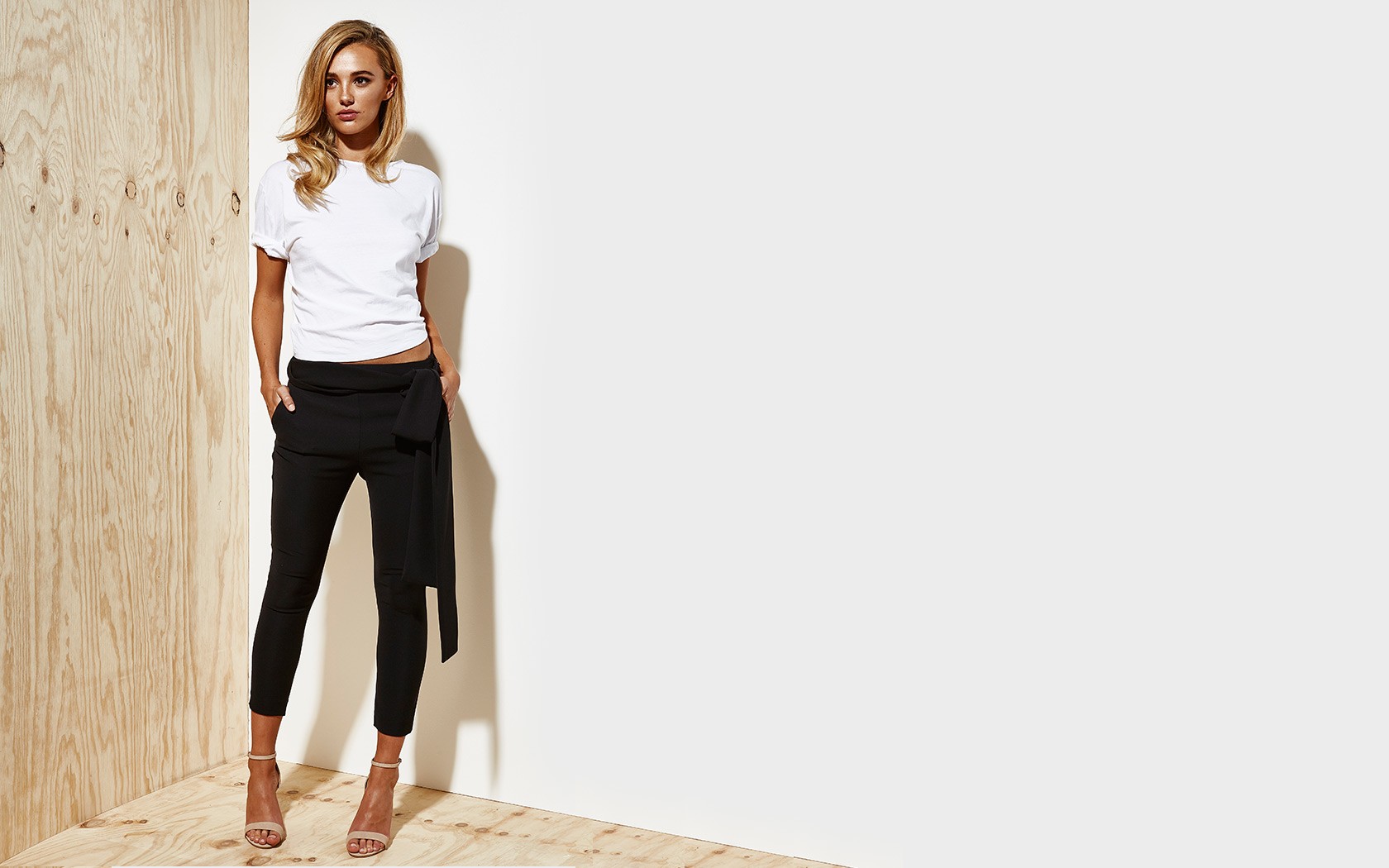
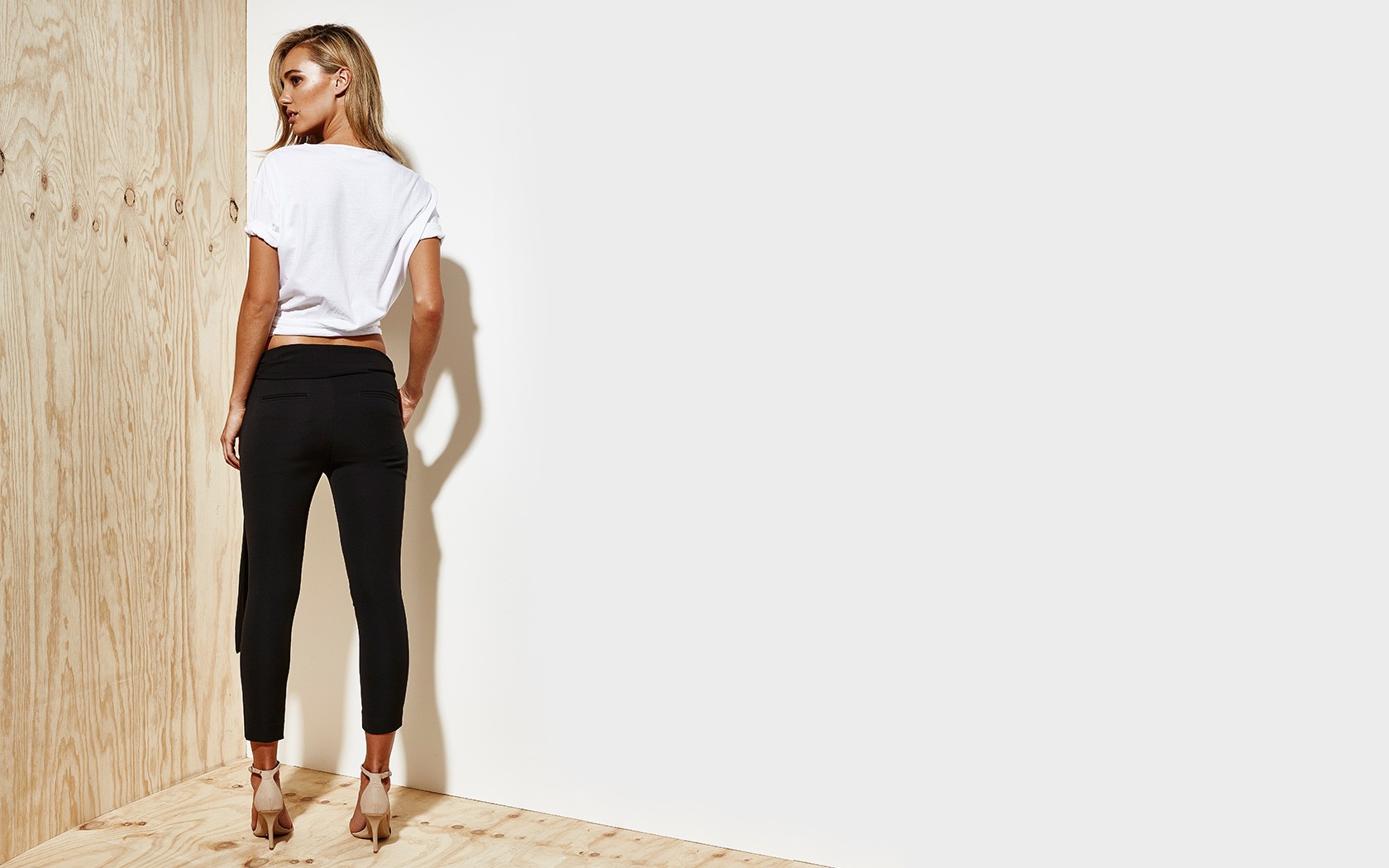
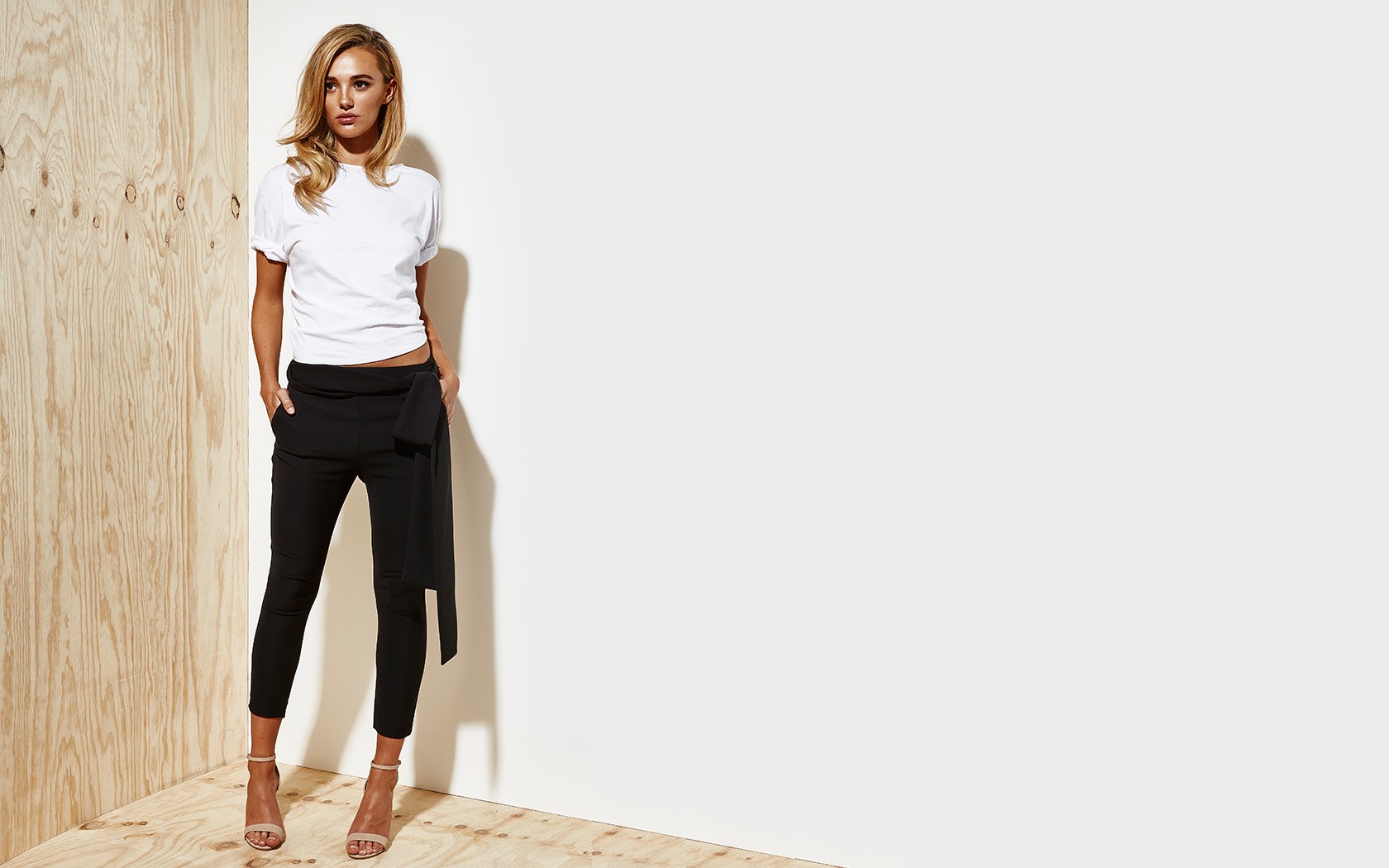
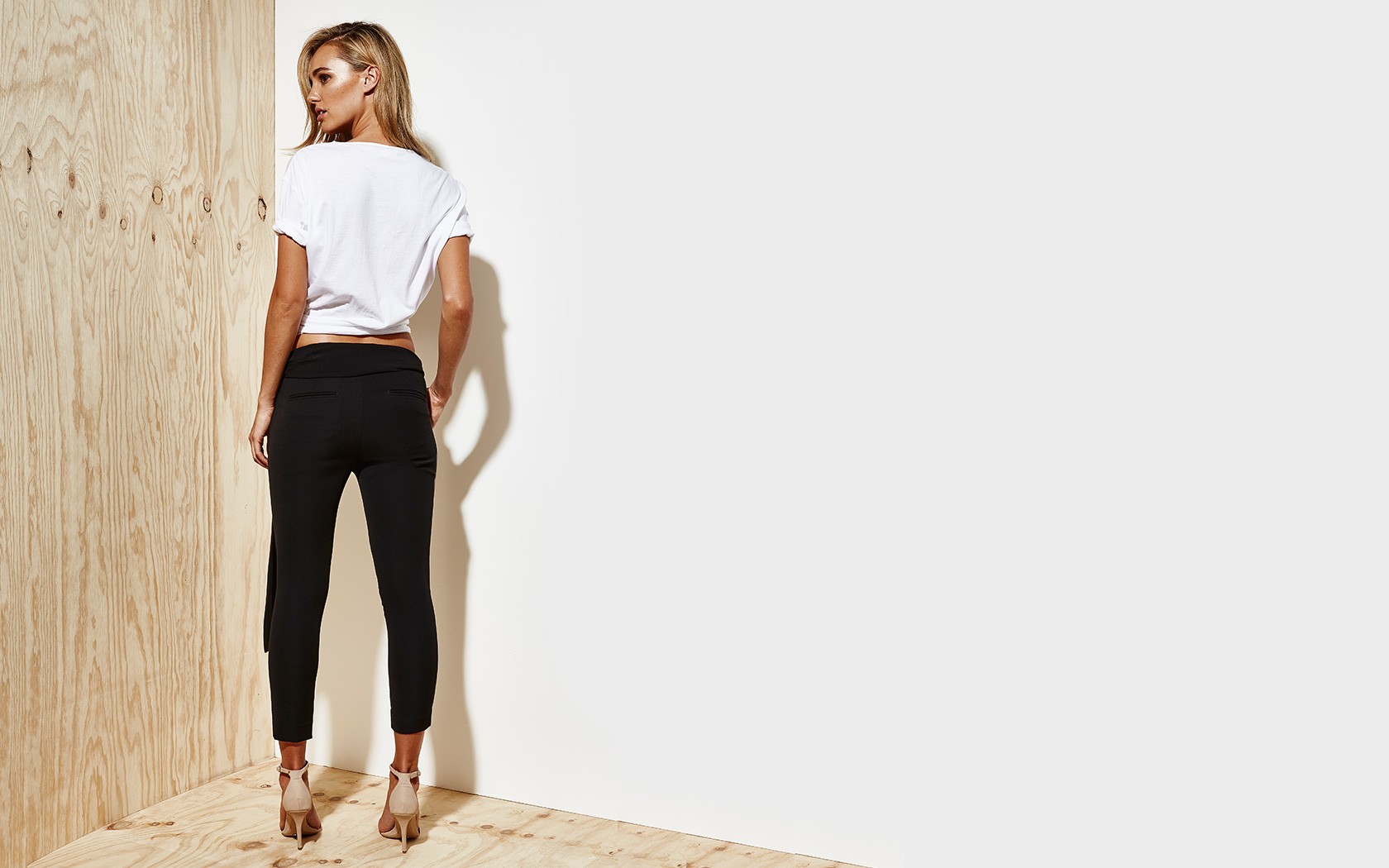
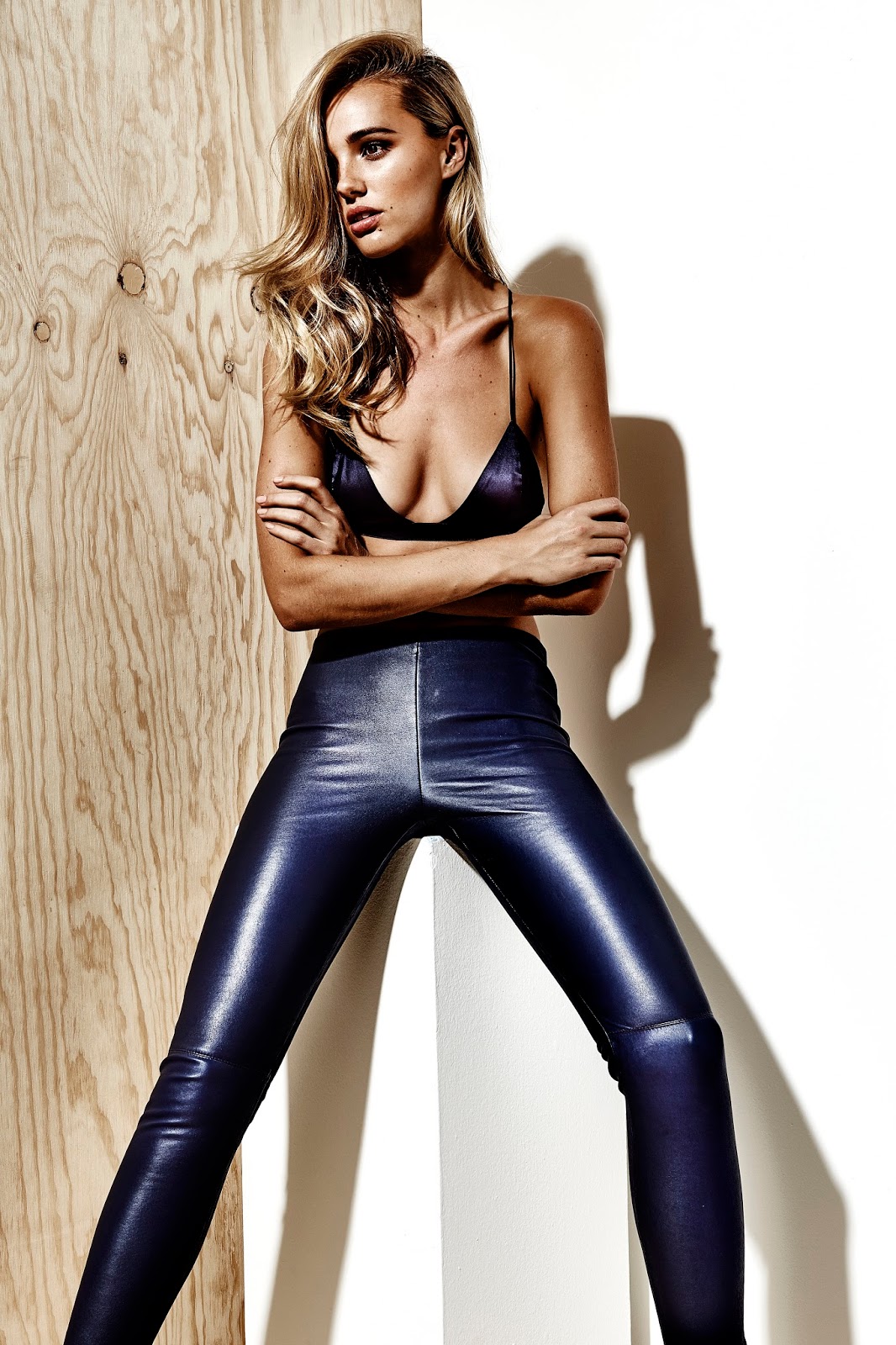
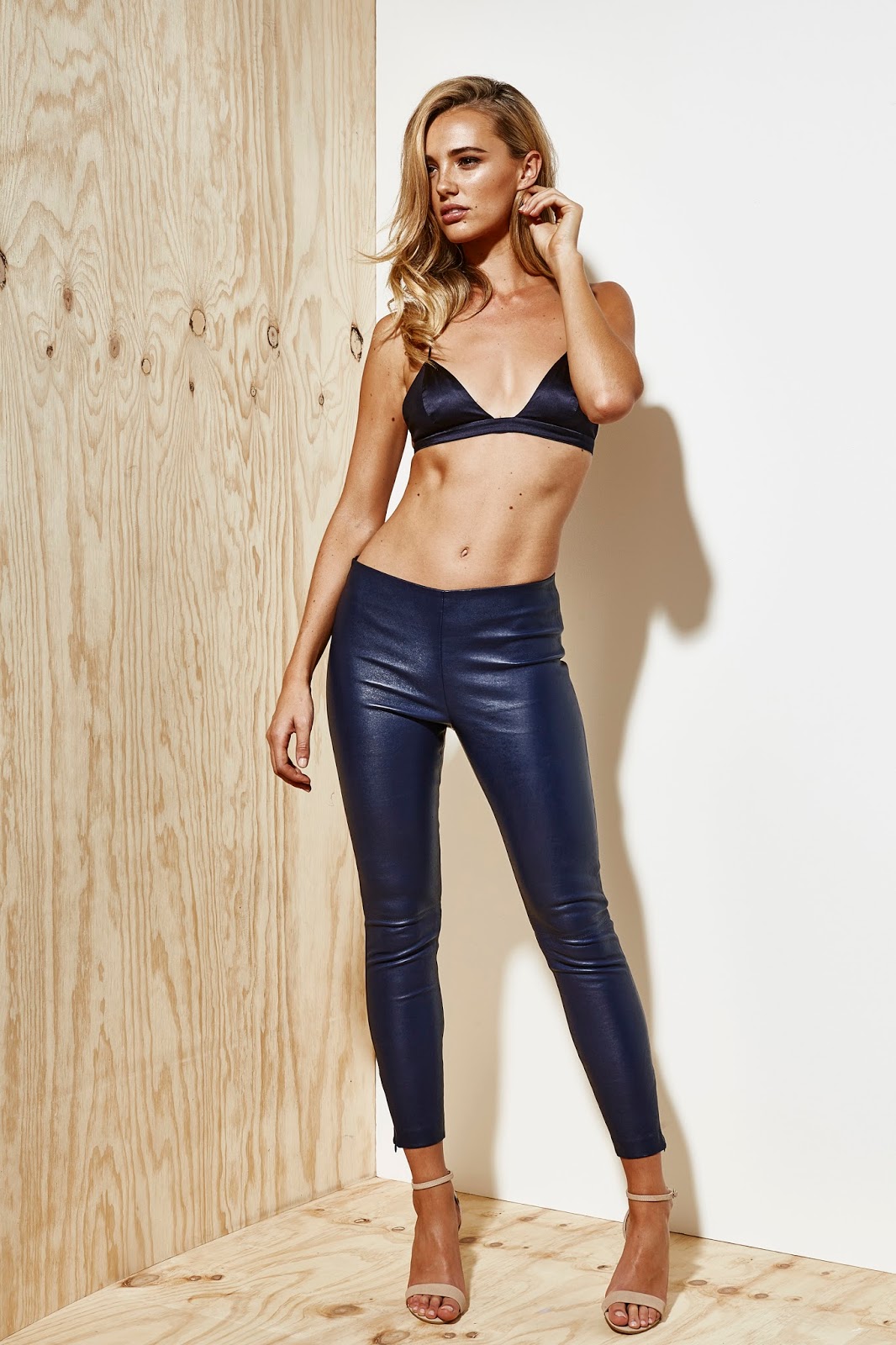
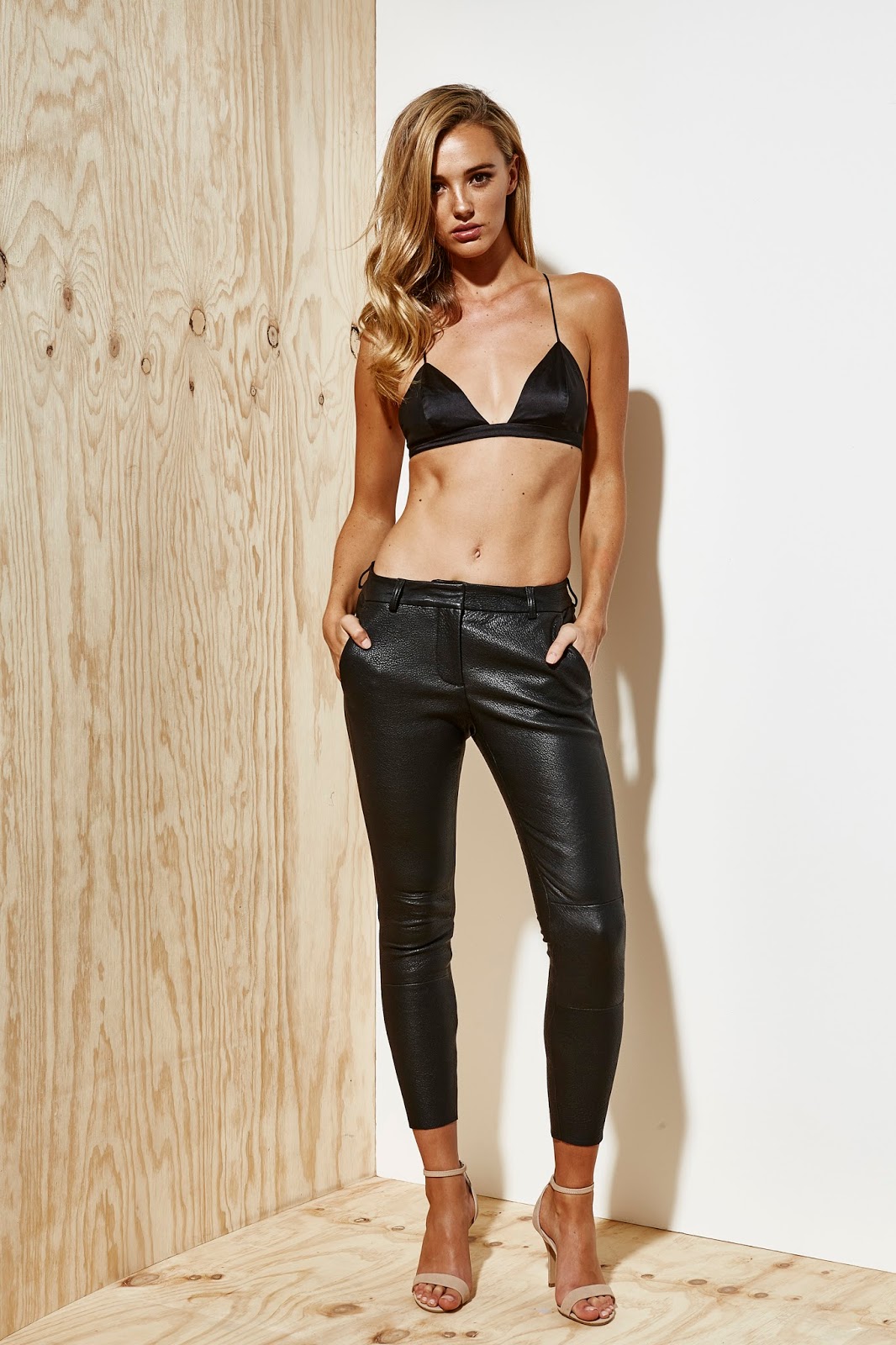
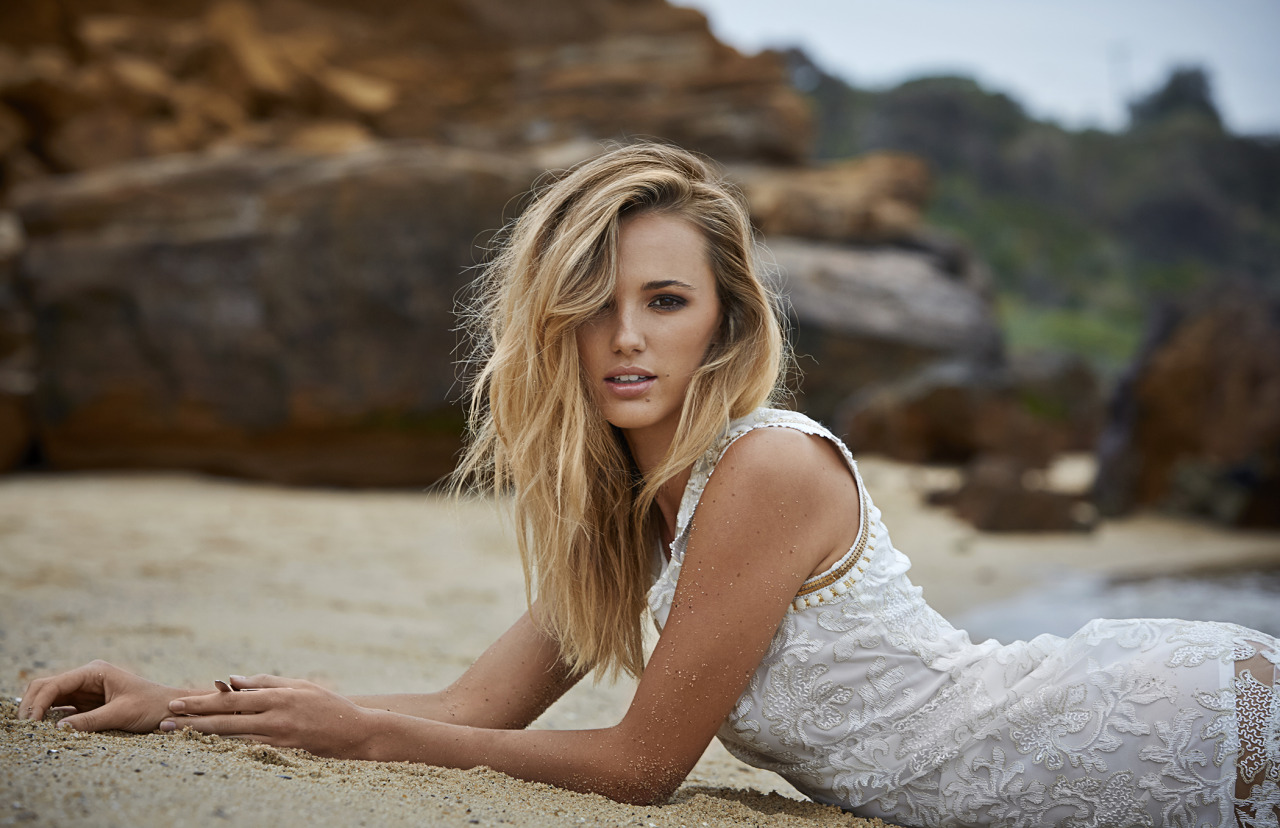


Account
Navigation
Search
Configure browser push notifications
Chrome (Android)
- Tap the lock icon next to the address bar.
- Tap Permissions → Notifications.
- Adjust your preference.
Chrome (Desktop)
- Click the padlock icon in the address bar.
- Select Site settings.
- Find Notifications and adjust your preference.
Safari (iOS 16.4+)
- Ensure the site is installed via Add to Home Screen.
- Open Settings App → Notifications.
- Find your app name and adjust your preference.
Safari (macOS)
- Go to Safari → Preferences.
- Click the Websites tab.
- Select Notifications in the sidebar.
- Find this website and adjust your preference.
Edge (Android)
- Tap the lock icon next to the address bar.
- Tap Permissions.
- Find Notifications and adjust your preference.
Edge (Desktop)
- Click the padlock icon in the address bar.
- Click Permissions for this site.
- Find Notifications and adjust your preference.
Firefox (Android)
- Go to Settings → Site permissions.
- Tap Notifications.
- Find this site in the list and adjust your preference.
Firefox (Desktop)
- Open Firefox Settings.
- Search for Notifications.
- Find this site in the list and adjust your preference.