
Pith_Possum
Members
-
Joined
-
Last visited
Everything posted by Pith_Possum
-
 Ph: Philippe Salomon


-
-
Gigi C Bikinis



 Coulbourne 19951051_1372021846213924_2529613949251354624_n.mp4
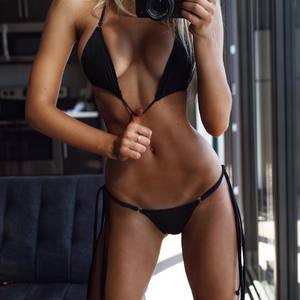 Tings Magazine Ph: Elias Tahan instagram.com/tingslondon

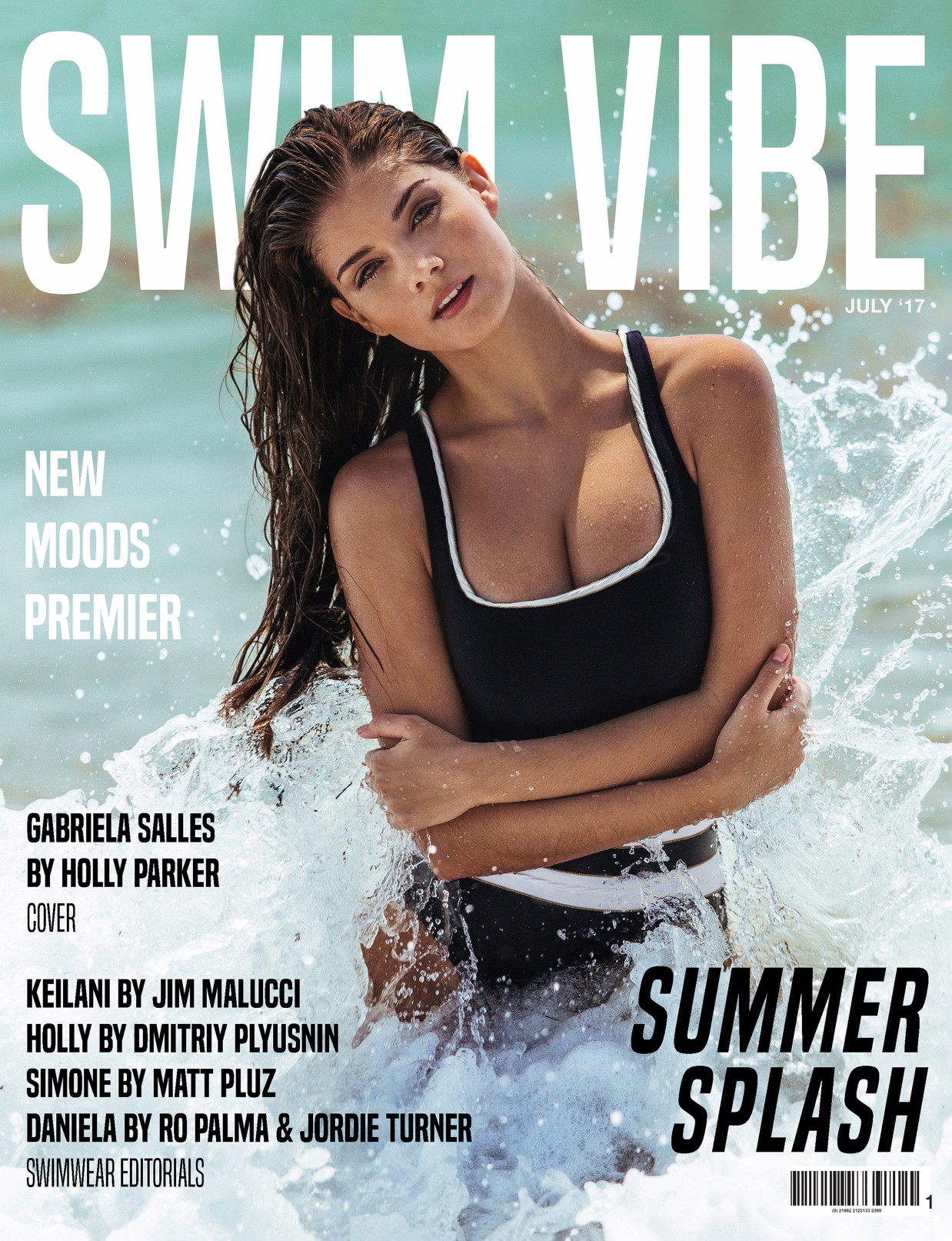
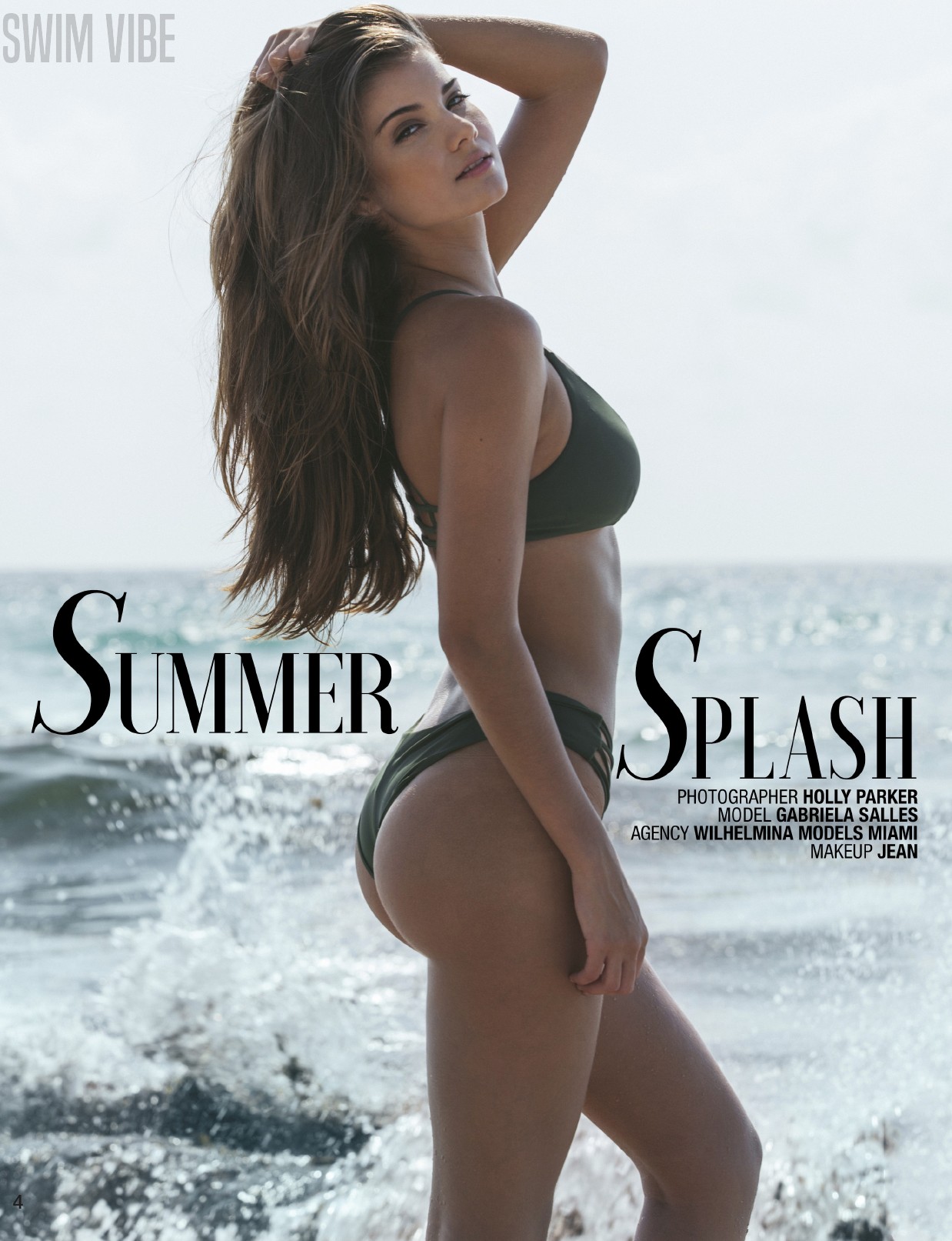
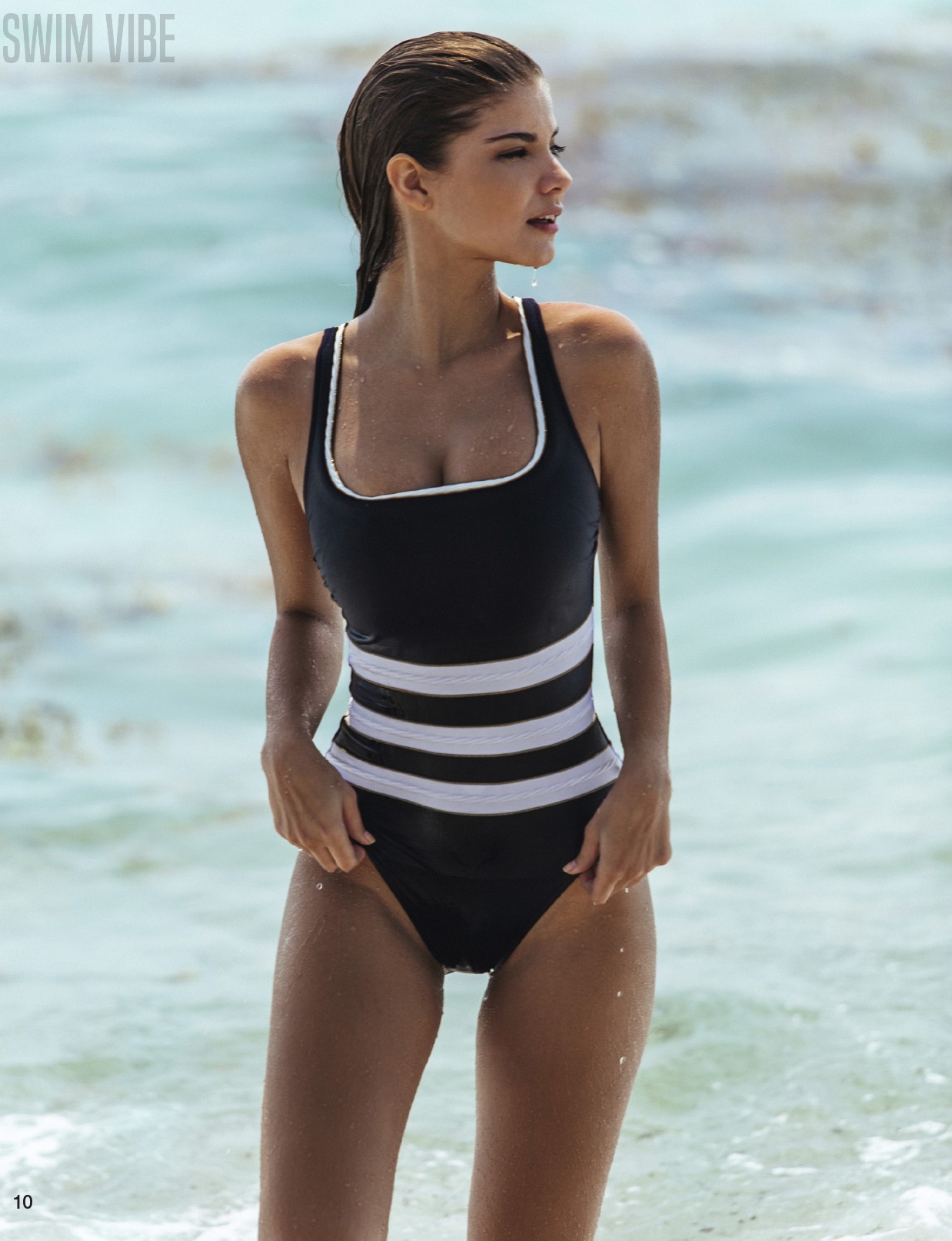
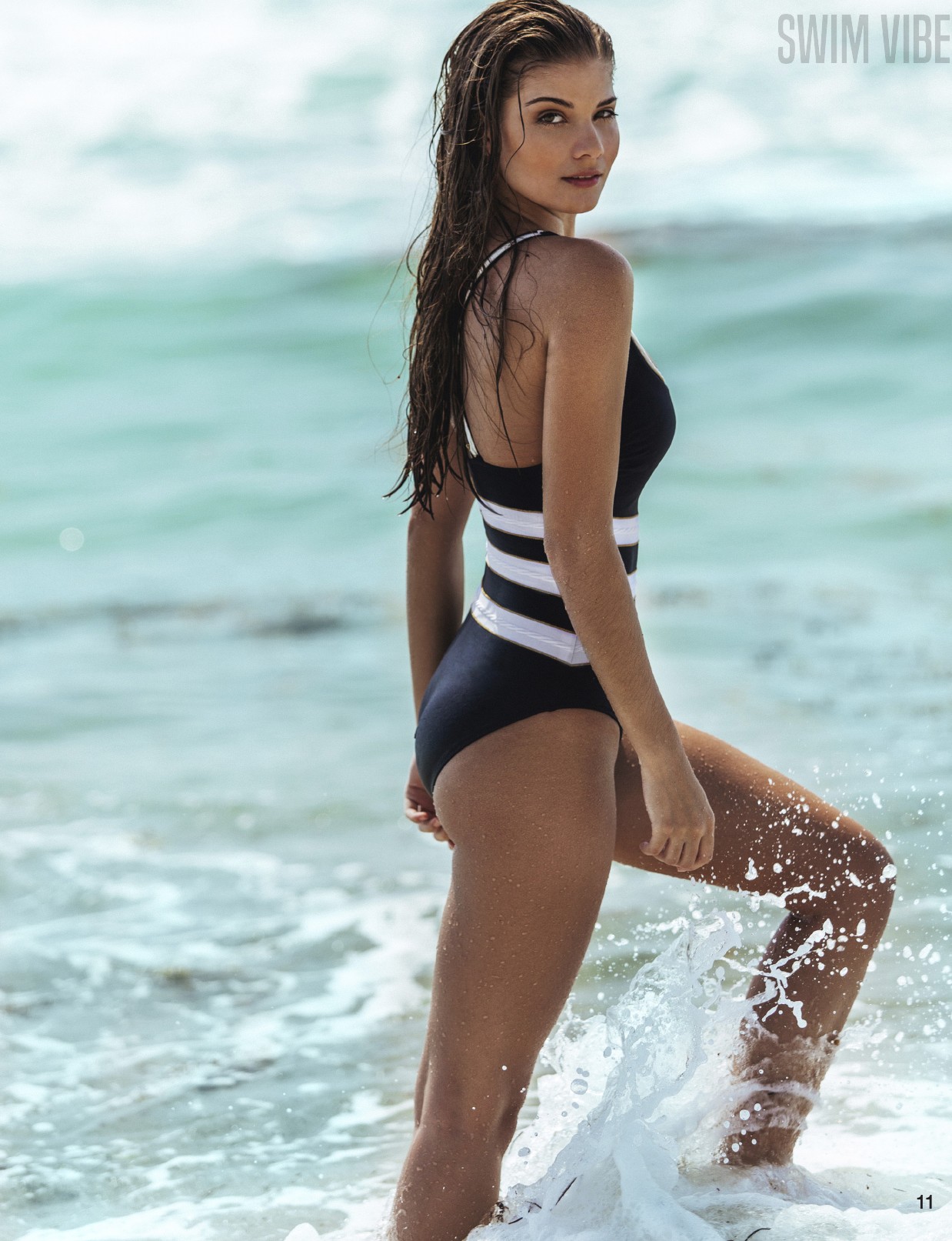
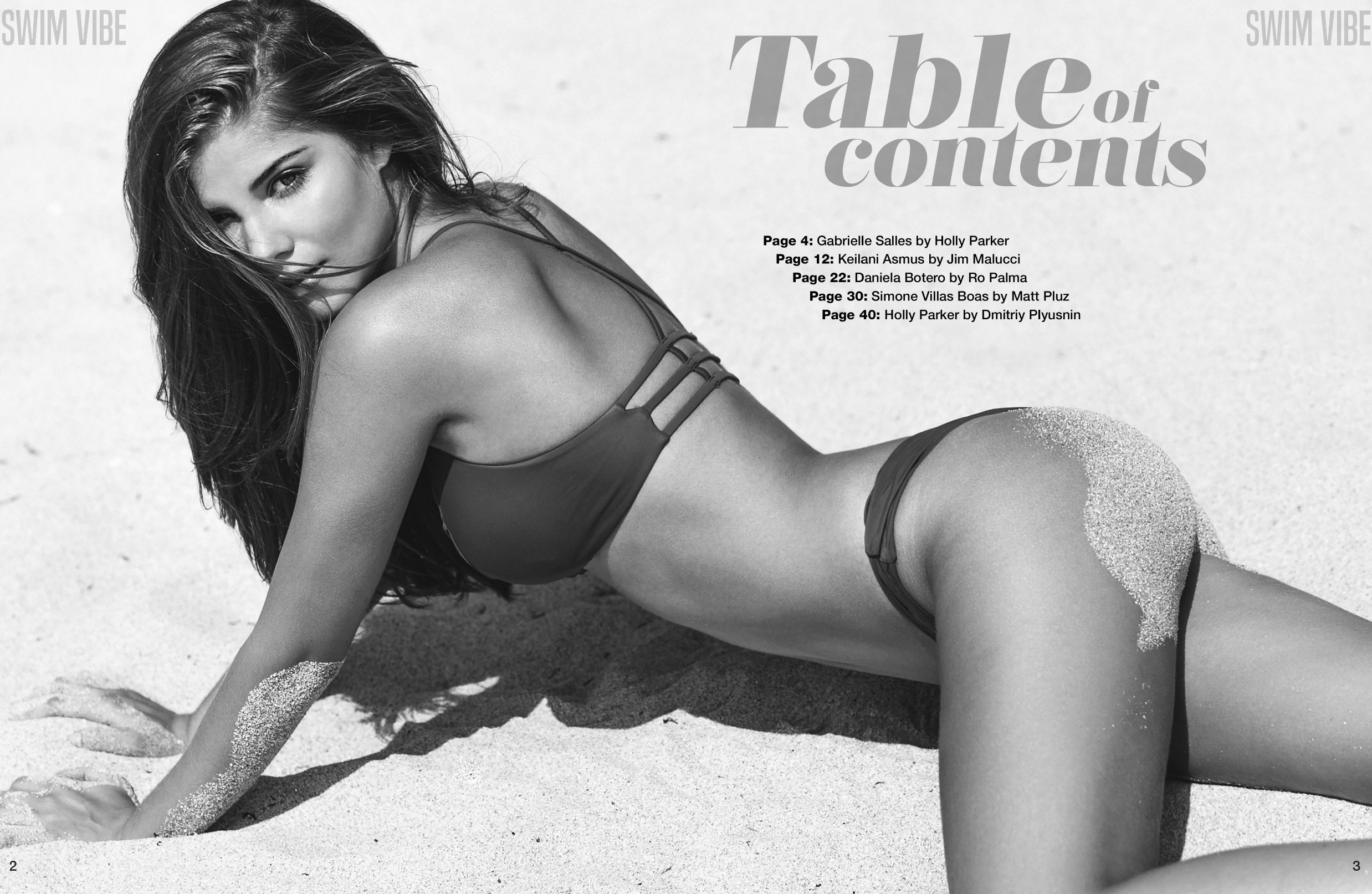
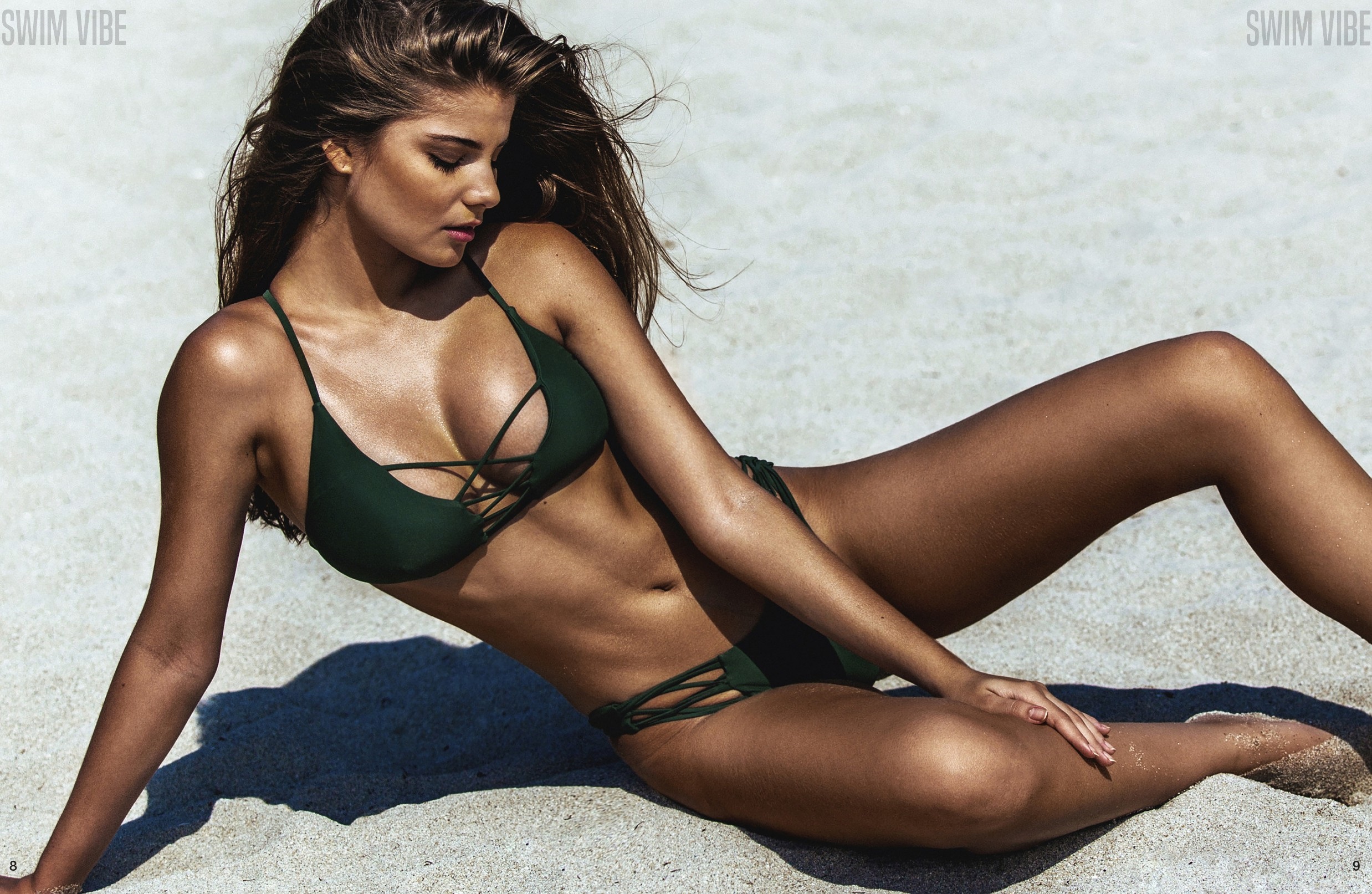
 Swim Vibe Magazine Issue #1 Ph: Holly Parker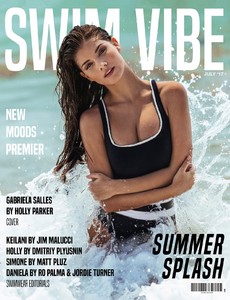







 Ph: Randall Slavin
 Nudity! instagram.com/35mmmagazine

 16468124_672978192907099_675042526763155456_n.mp4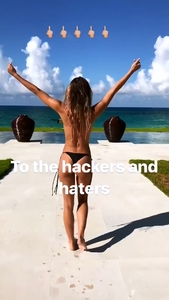
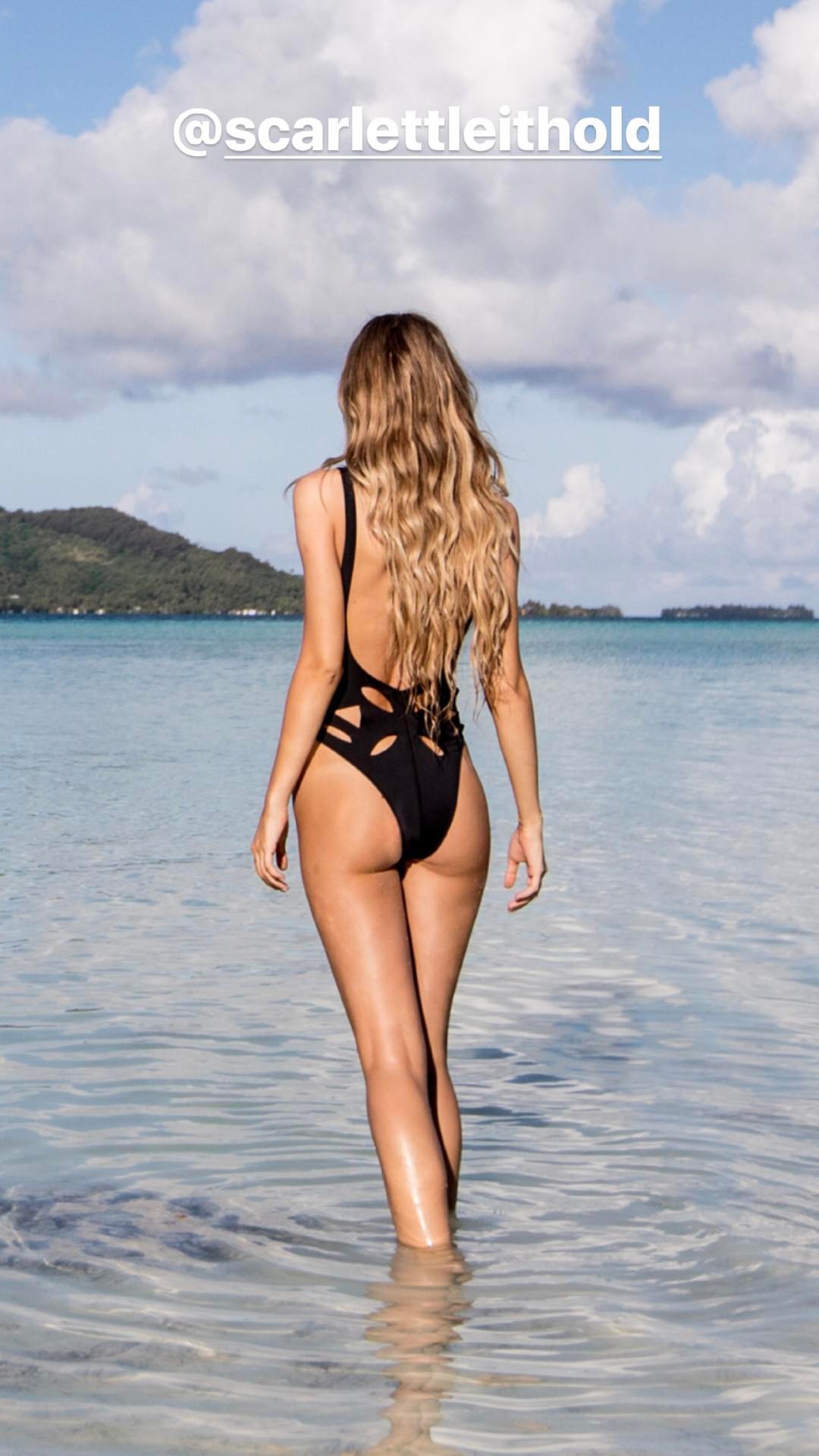
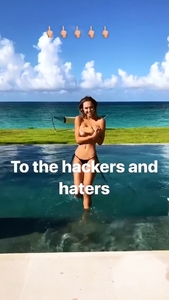 Instagram Stories
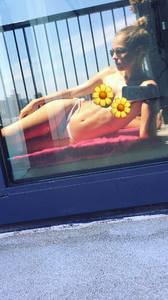
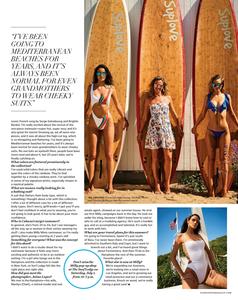
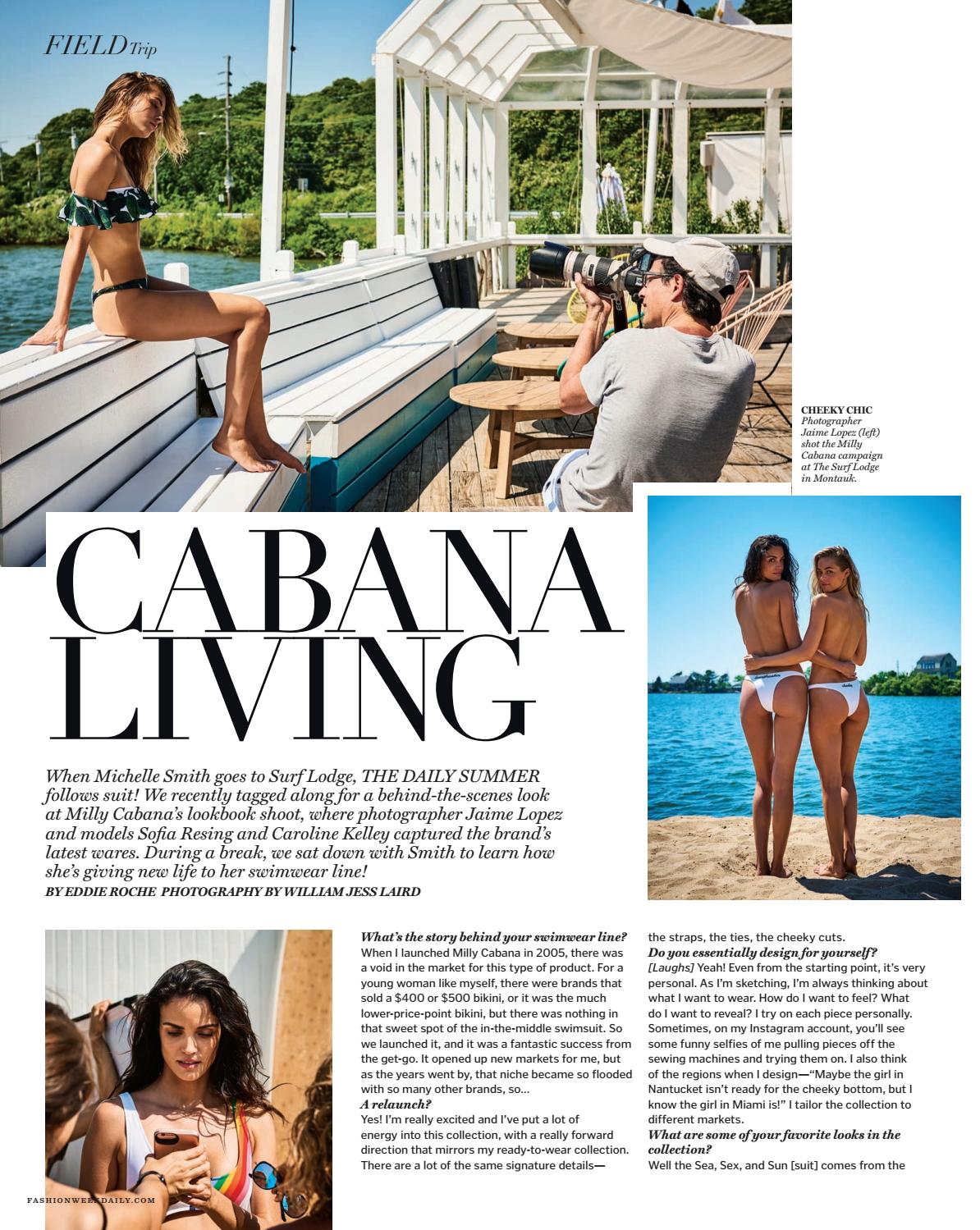
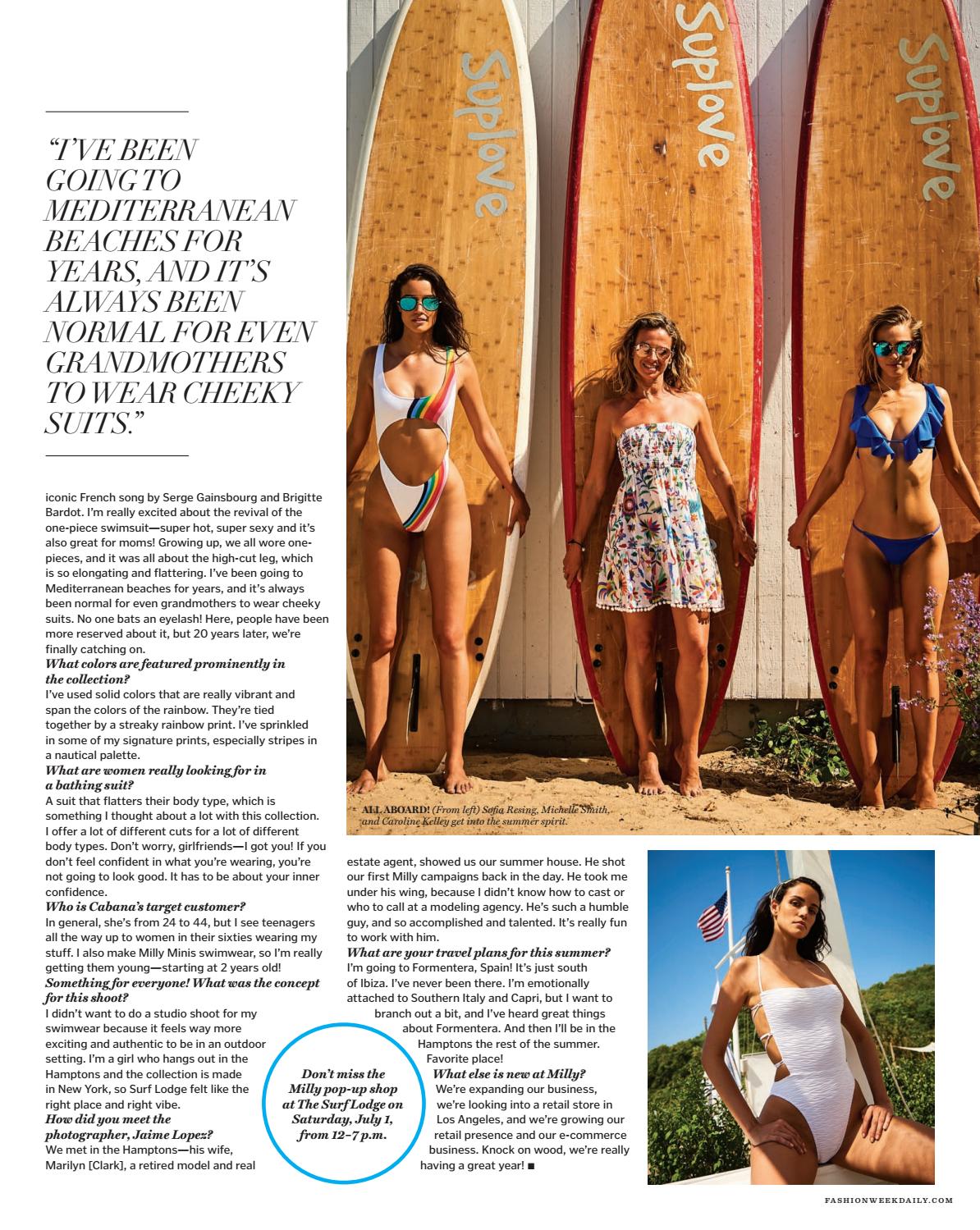
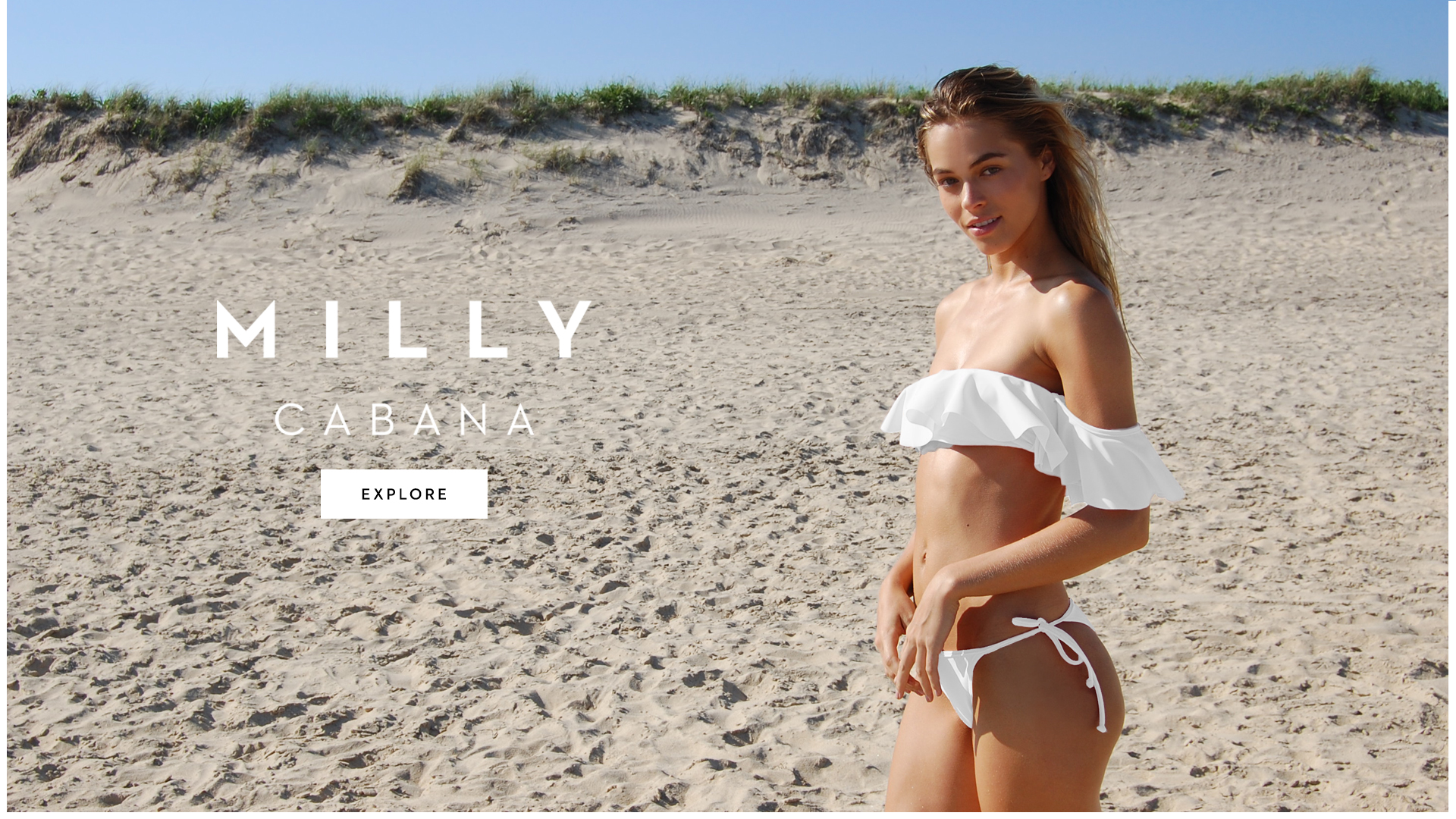
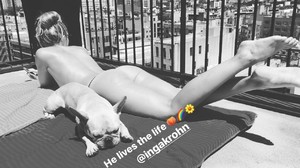 The Daily Summer July 2017 issuu.com/dailyfrontrow/docs/dailysummer_07042017 Milly Cabana milly.com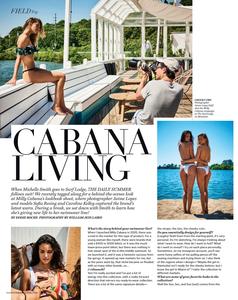




























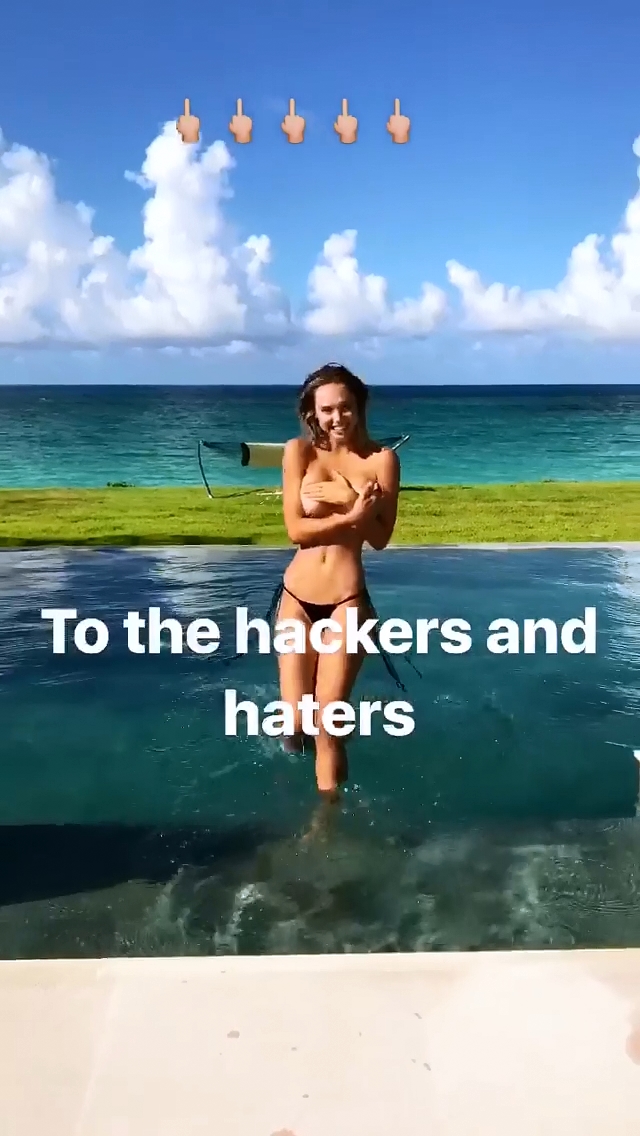

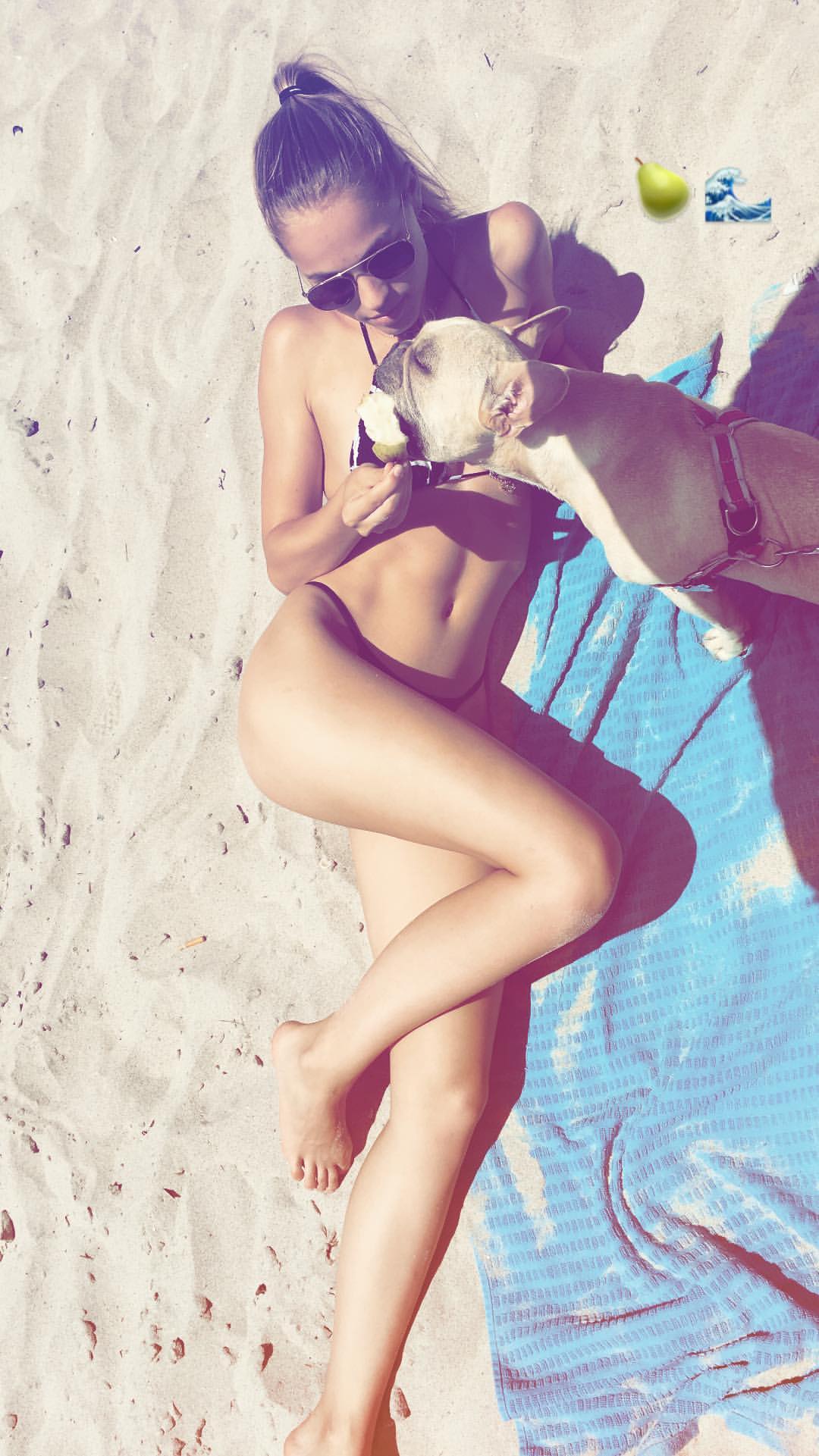
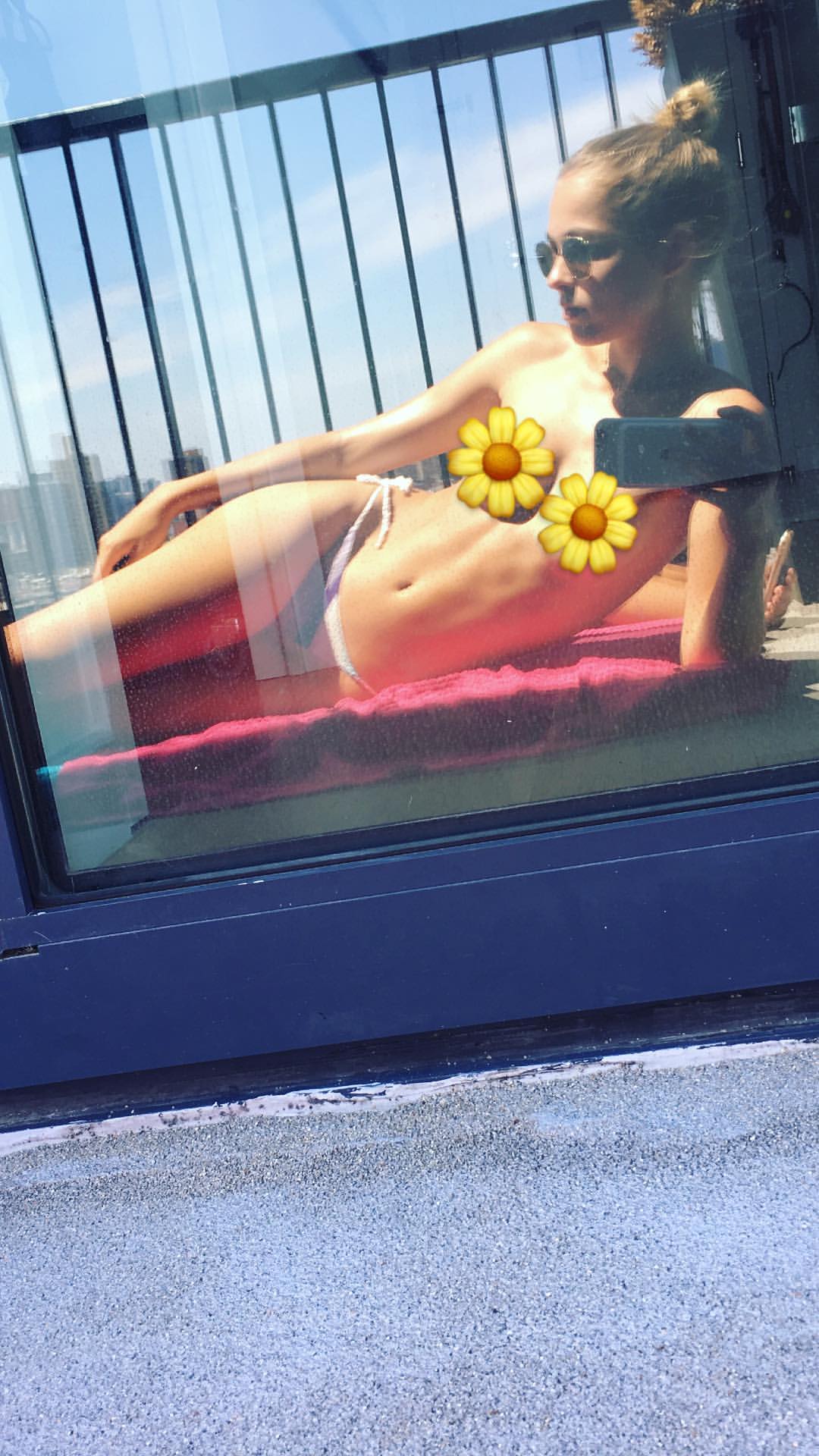
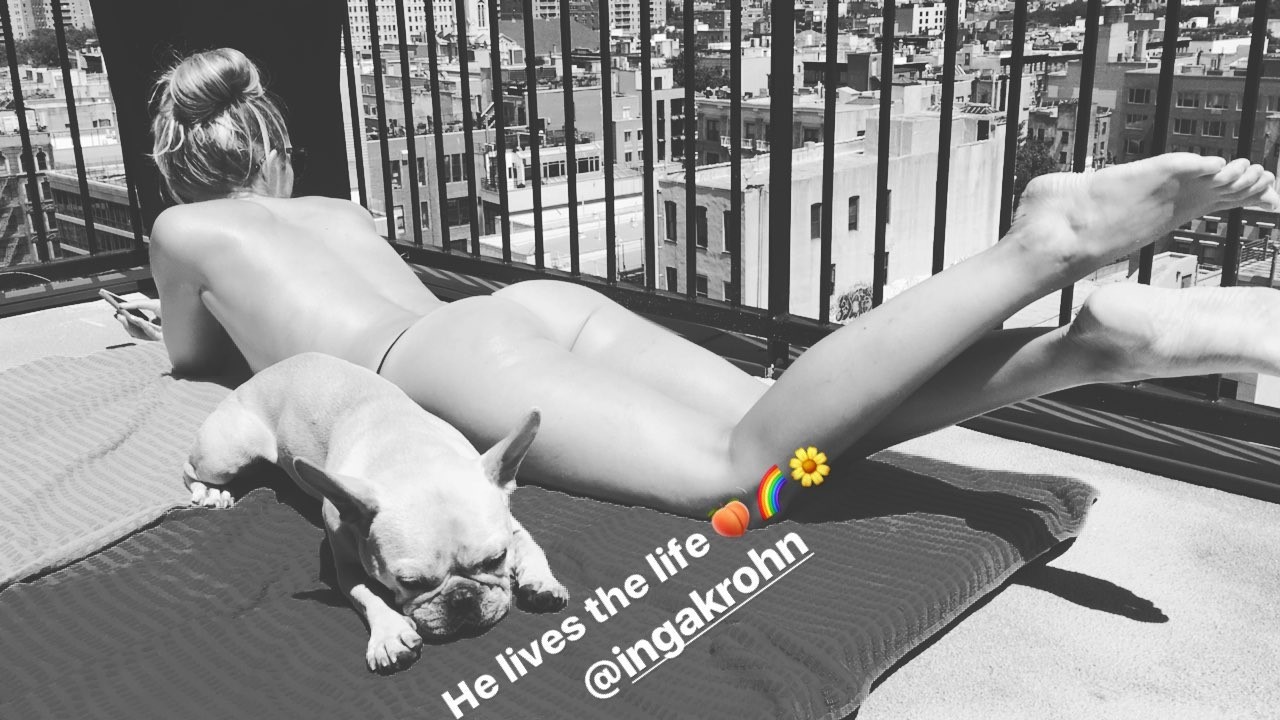


























Account
Navigation
Search
Configure browser push notifications
Chrome (Android)
- Tap the lock icon next to the address bar.
- Tap Permissions → Notifications.
- Adjust your preference.
Chrome (Desktop)
- Click the padlock icon in the address bar.
- Select Site settings.
- Find Notifications and adjust your preference.
Safari (iOS 16.4+)
- Ensure the site is installed via Add to Home Screen.
- Open Settings App → Notifications.
- Find your app name and adjust your preference.
Safari (macOS)
- Go to Safari → Preferences.
- Click the Websites tab.
- Select Notifications in the sidebar.
- Find this website and adjust your preference.
Edge (Android)
- Tap the lock icon next to the address bar.
- Tap Permissions.
- Find Notifications and adjust your preference.
Edge (Desktop)
- Click the padlock icon in the address bar.
- Click Permissions for this site.
- Find Notifications and adjust your preference.
Firefox (Android)
- Go to Settings → Site permissions.
- Tap Notifications.
- Find this site in the list and adjust your preference.
Firefox (Desktop)
- Open Firefox Settings.
- Search for Notifications.
- Find this site in the list and adjust your preference.