Everything posted by RocketQueen
-
Vintage Model IDs
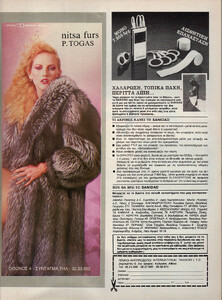
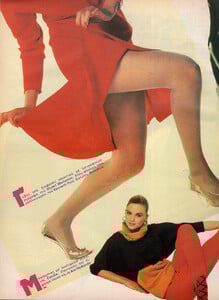
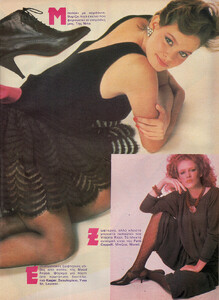
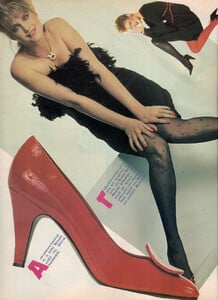
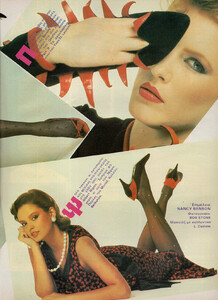
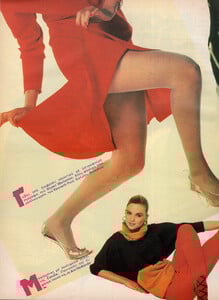
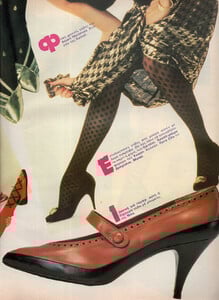
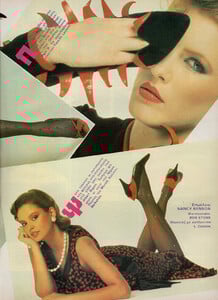
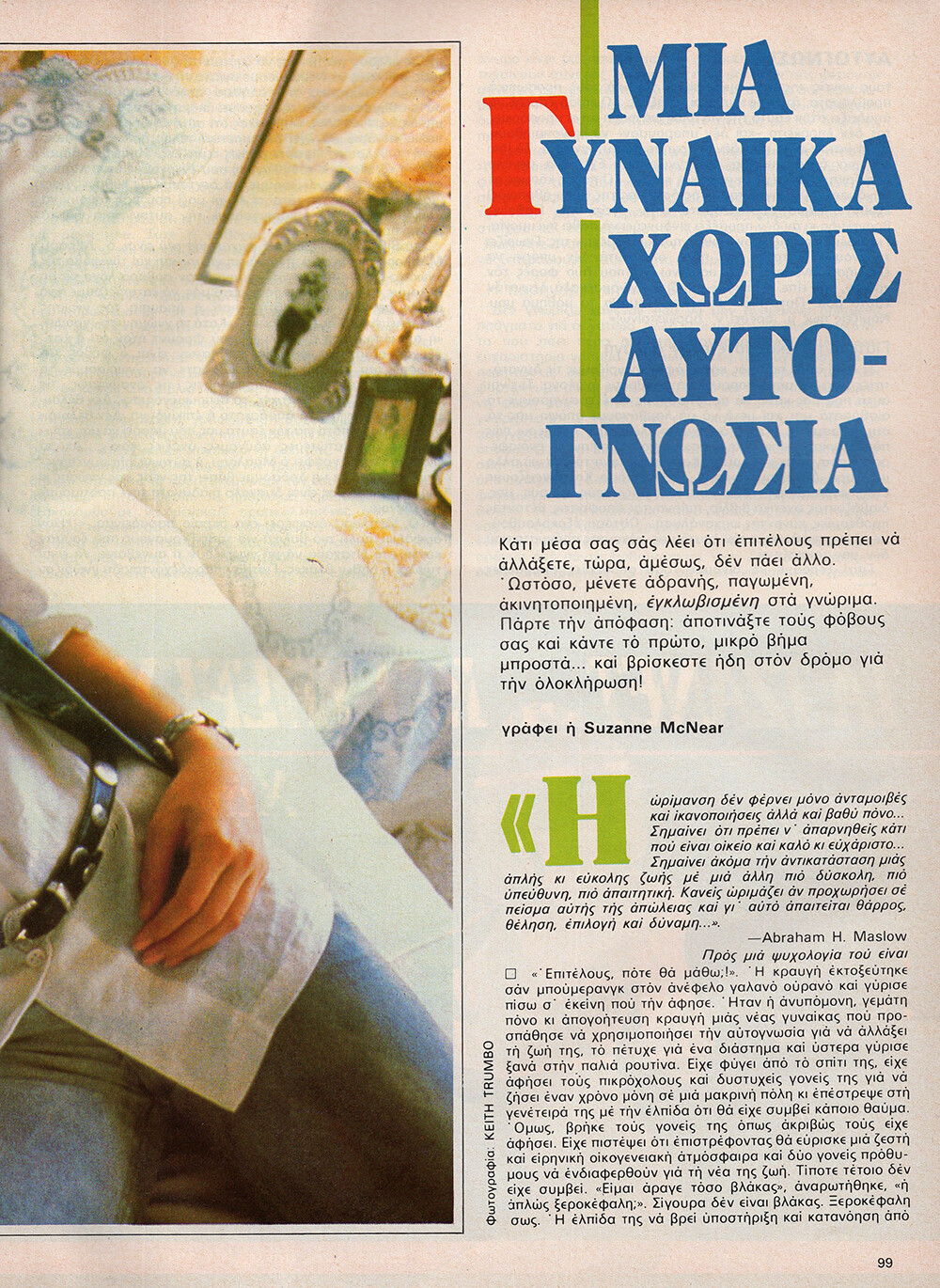
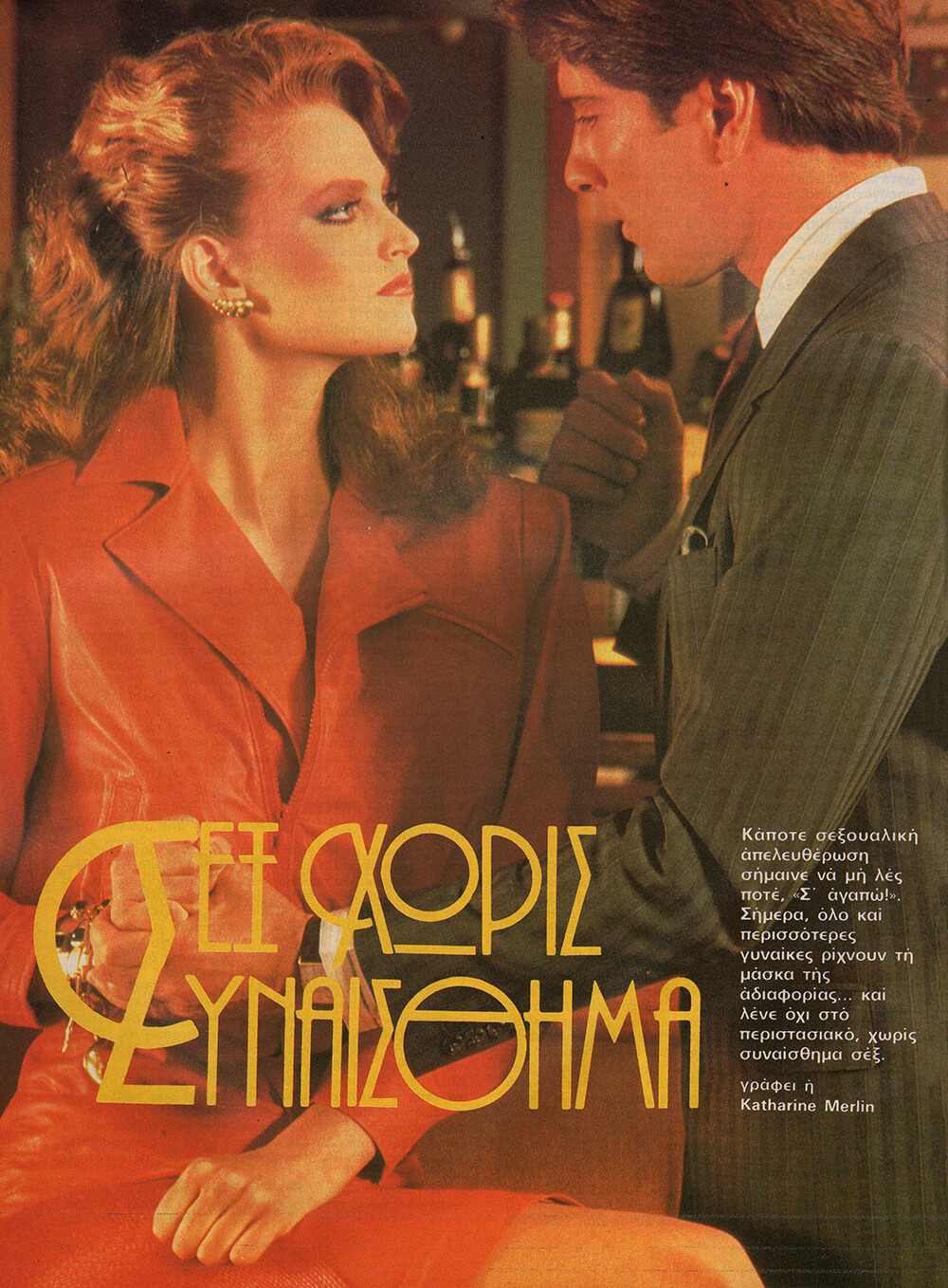
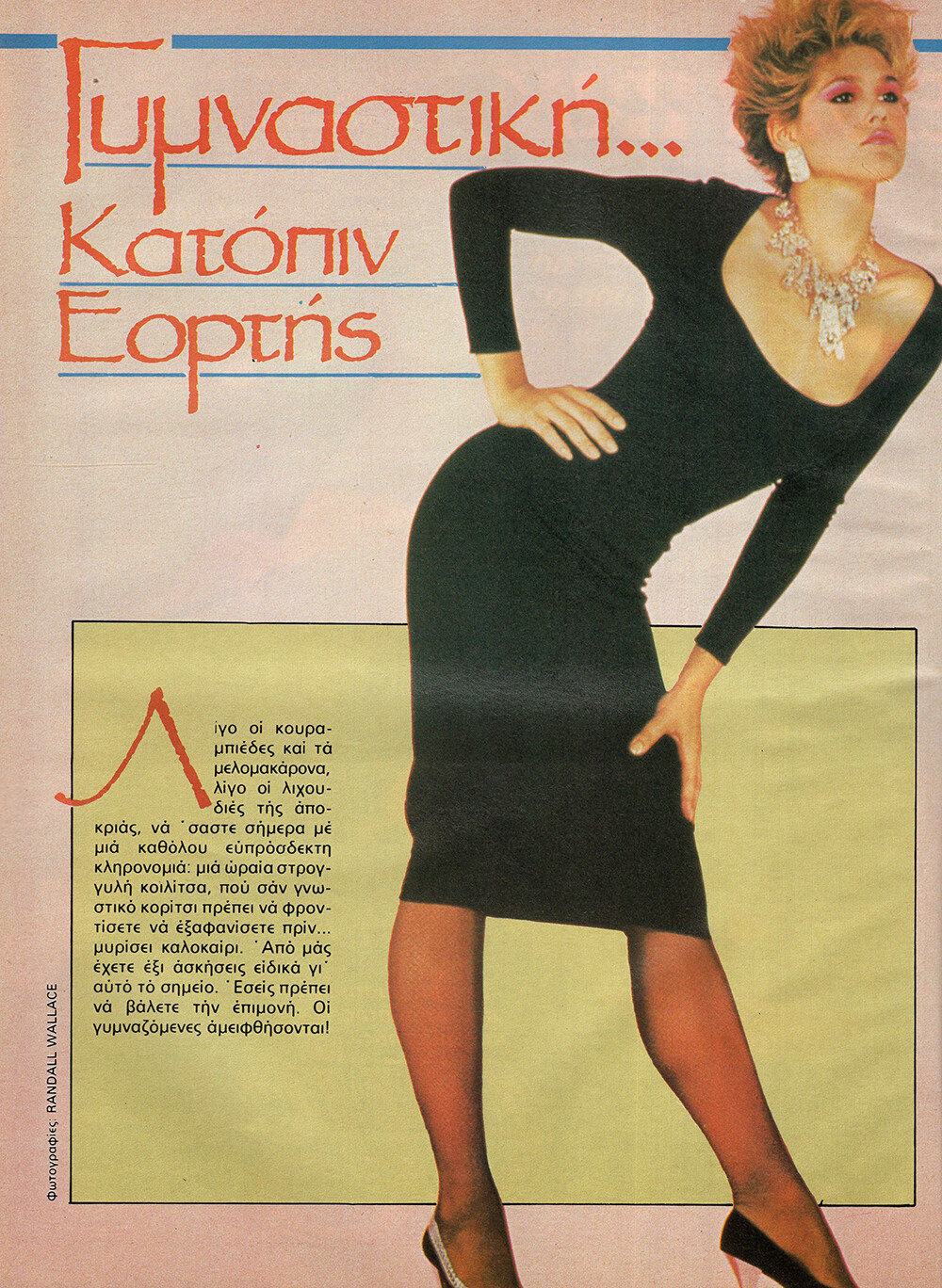
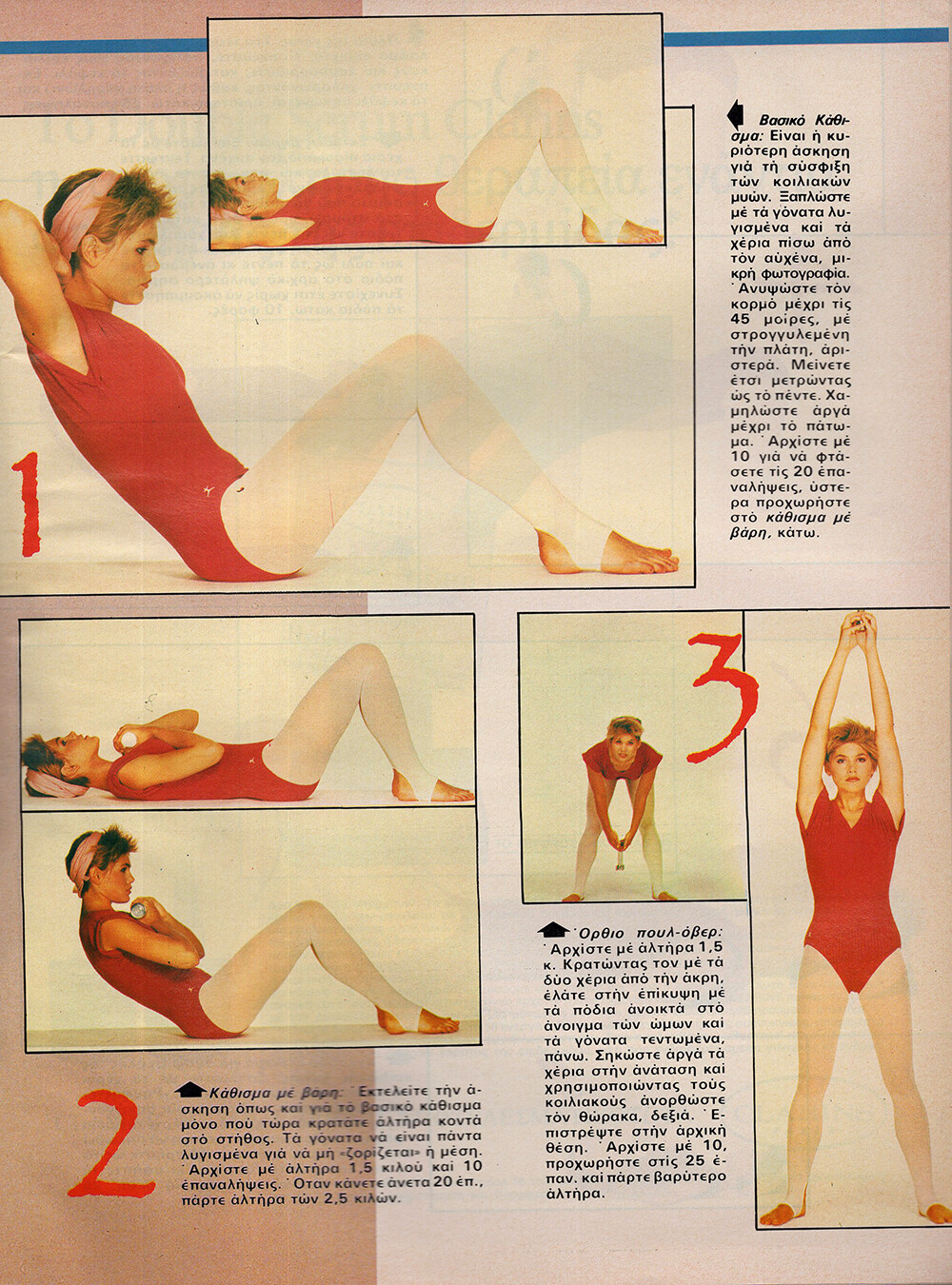
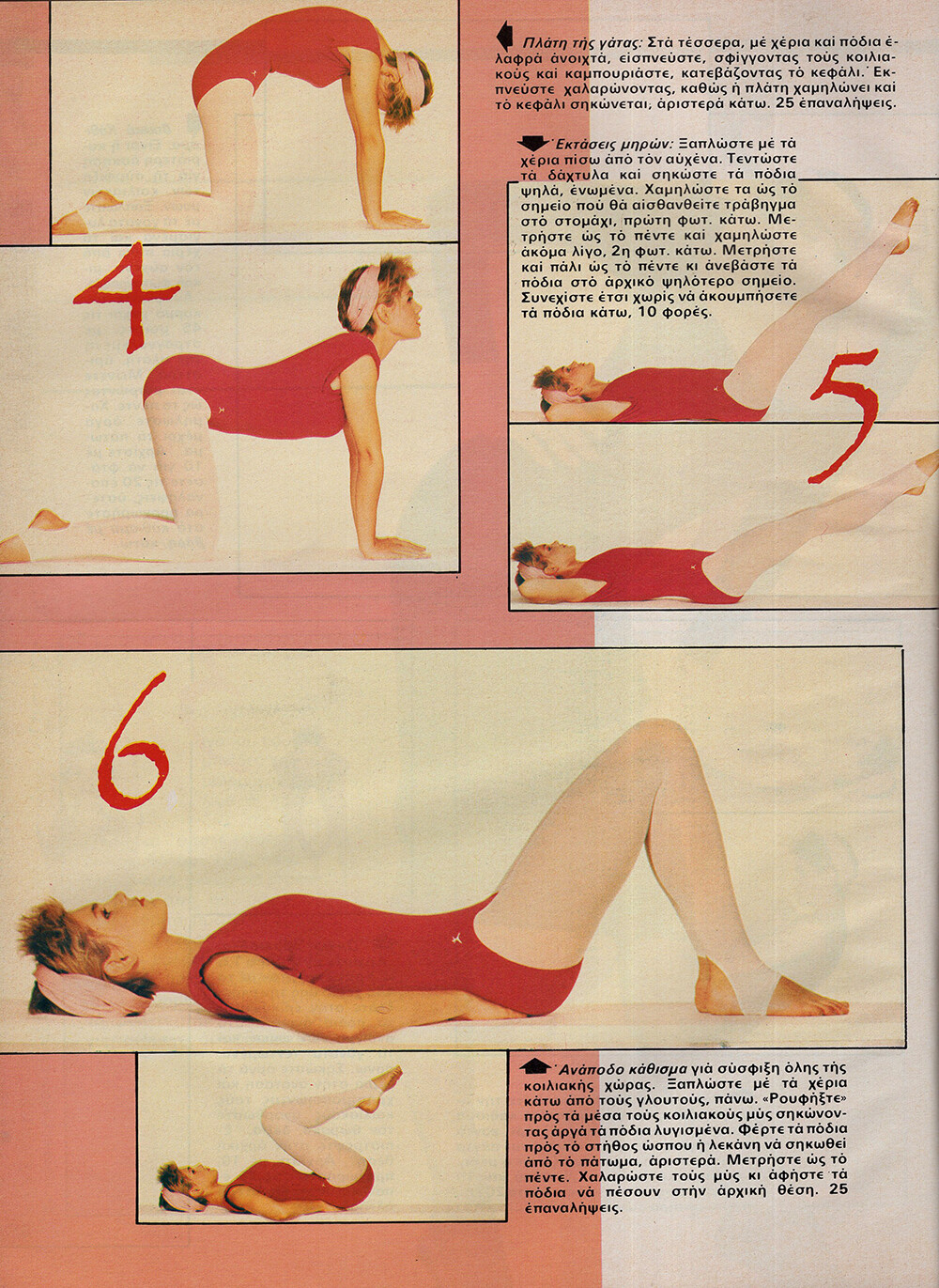
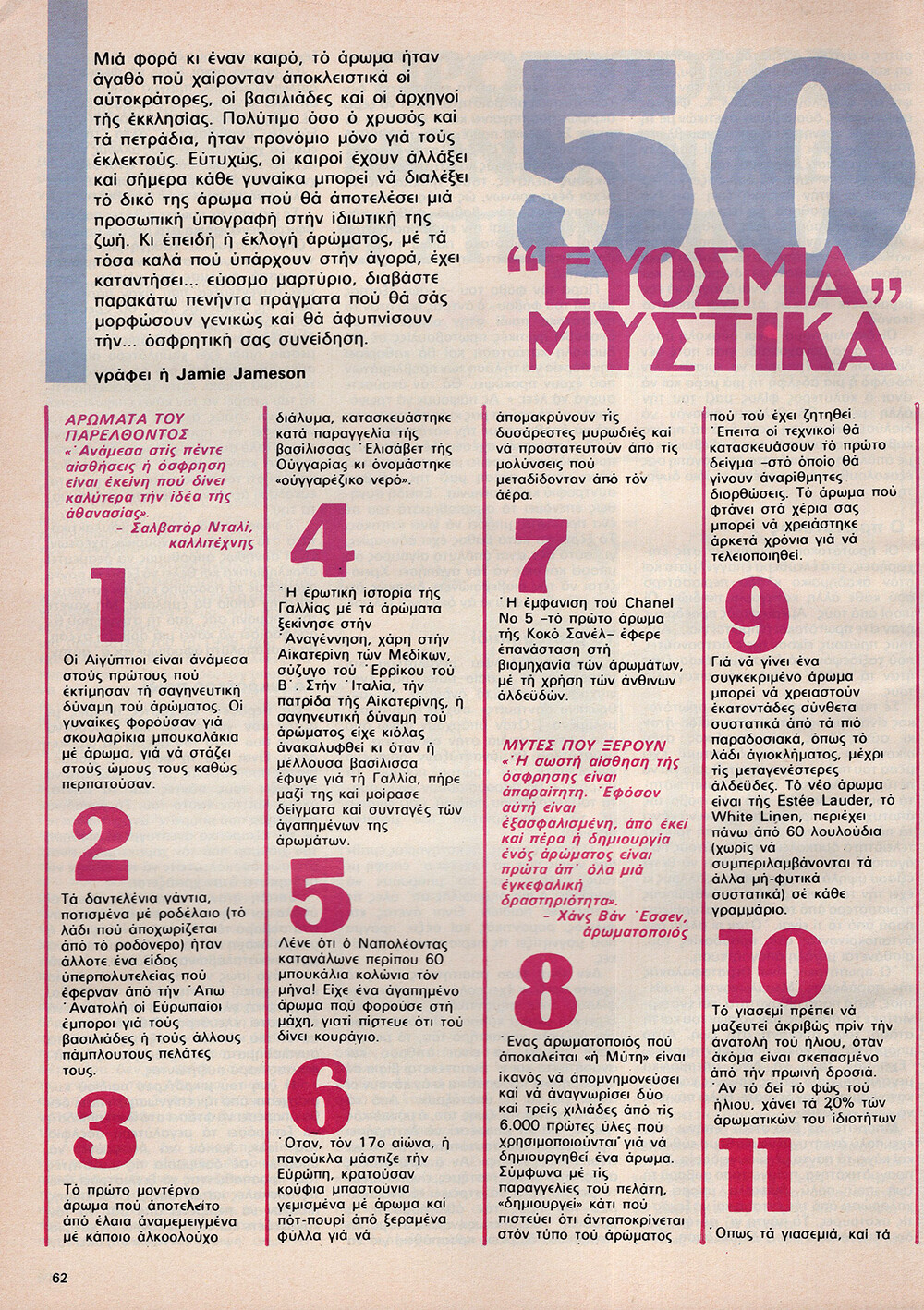
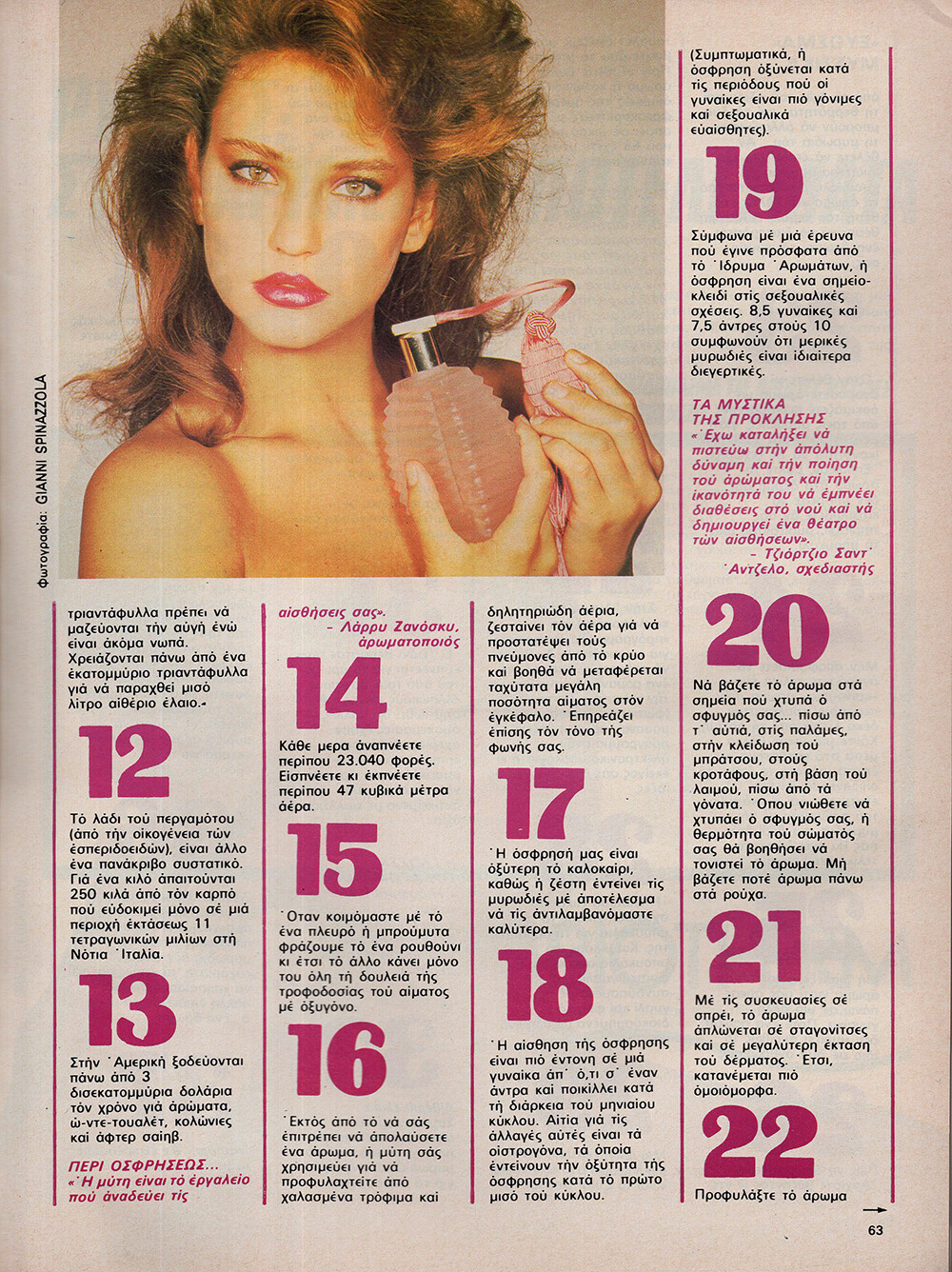
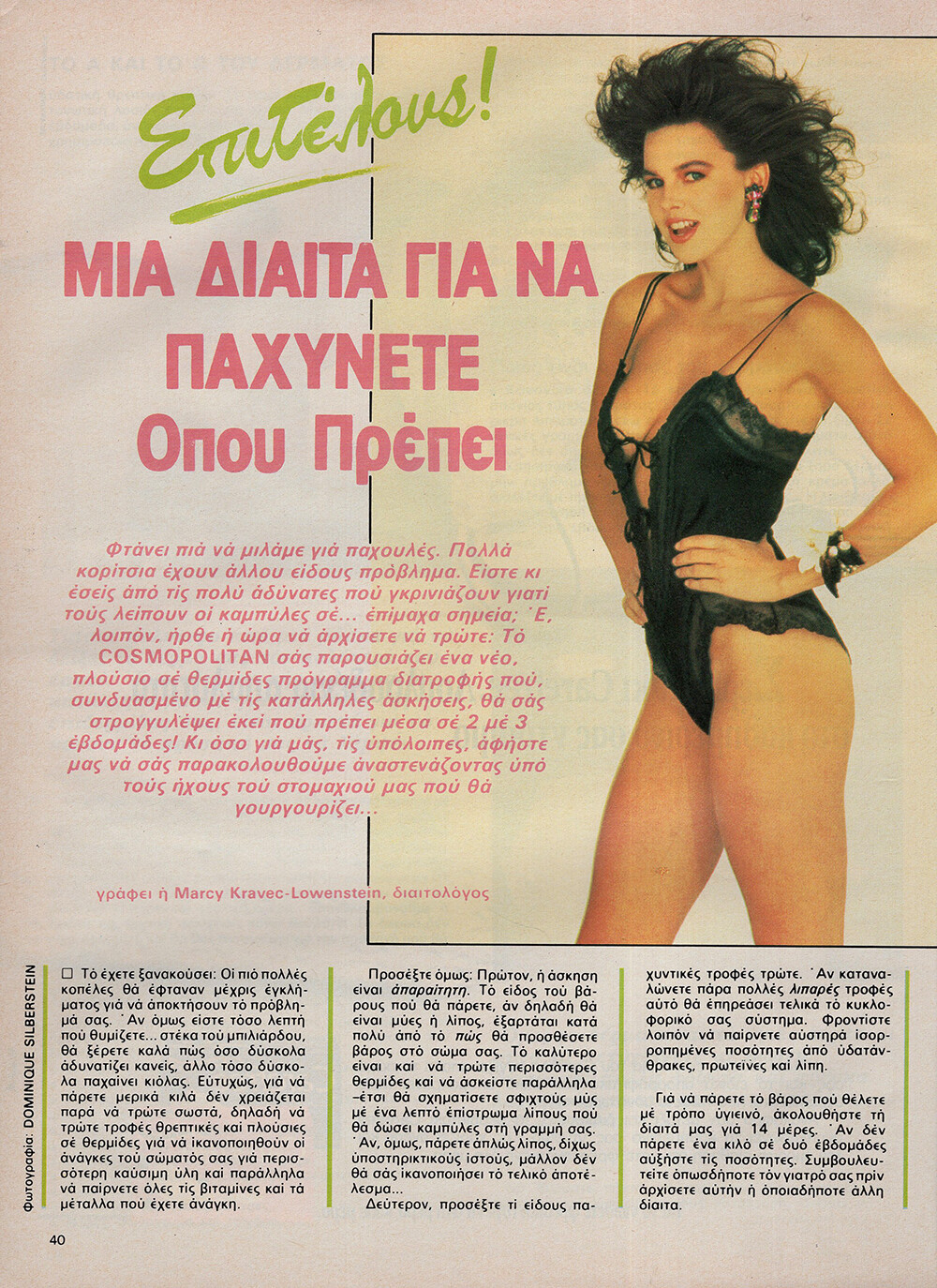
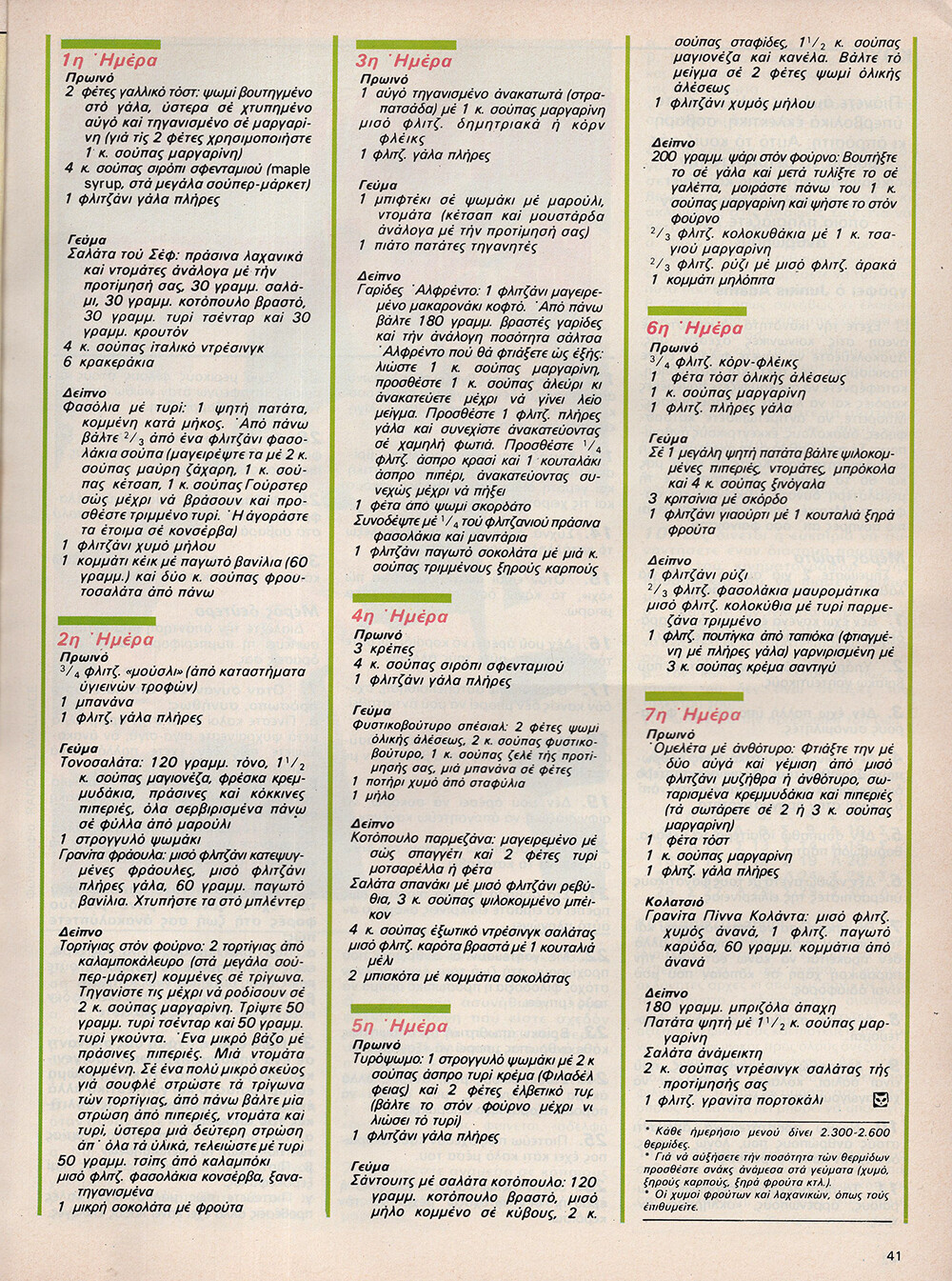
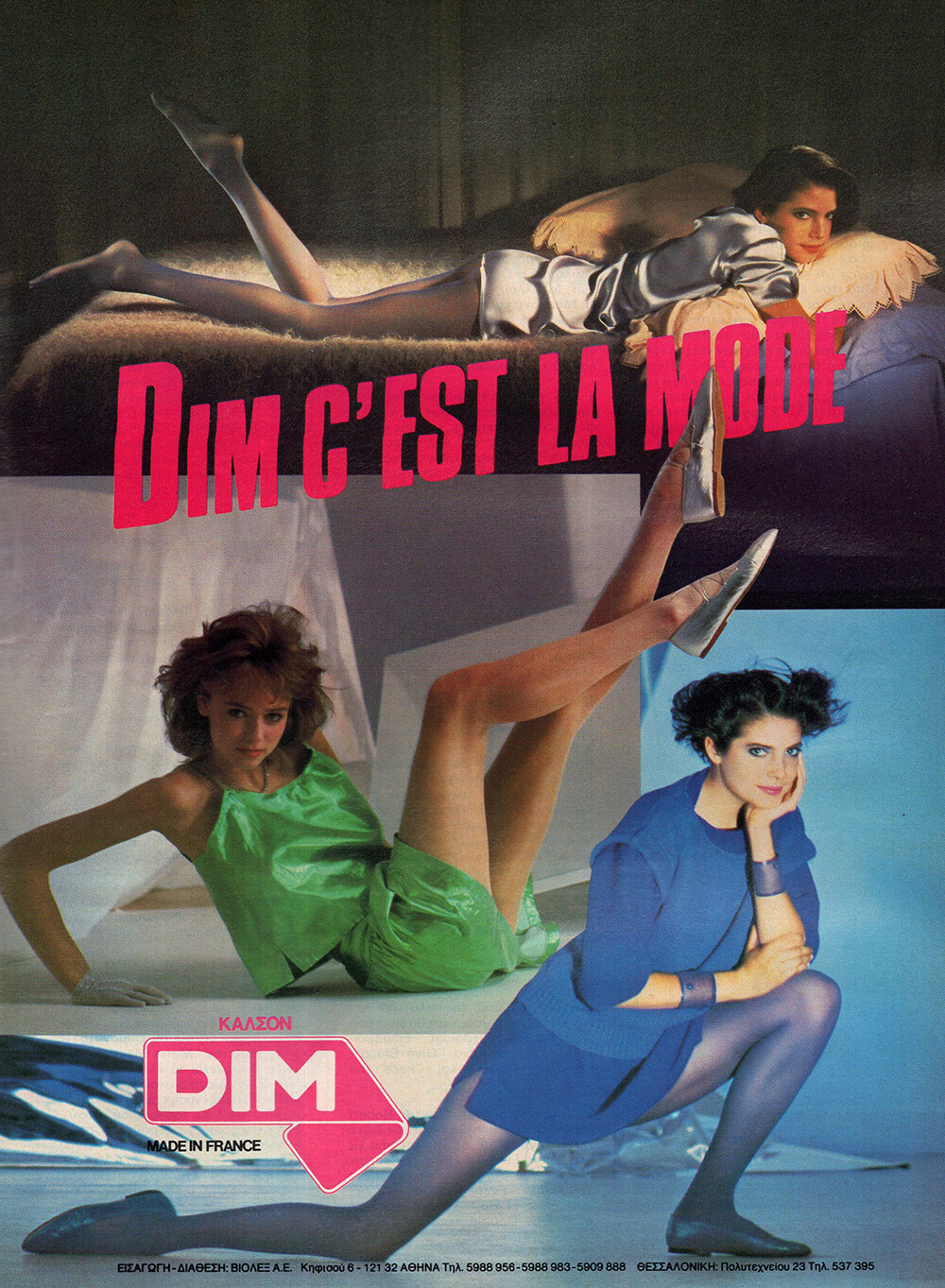
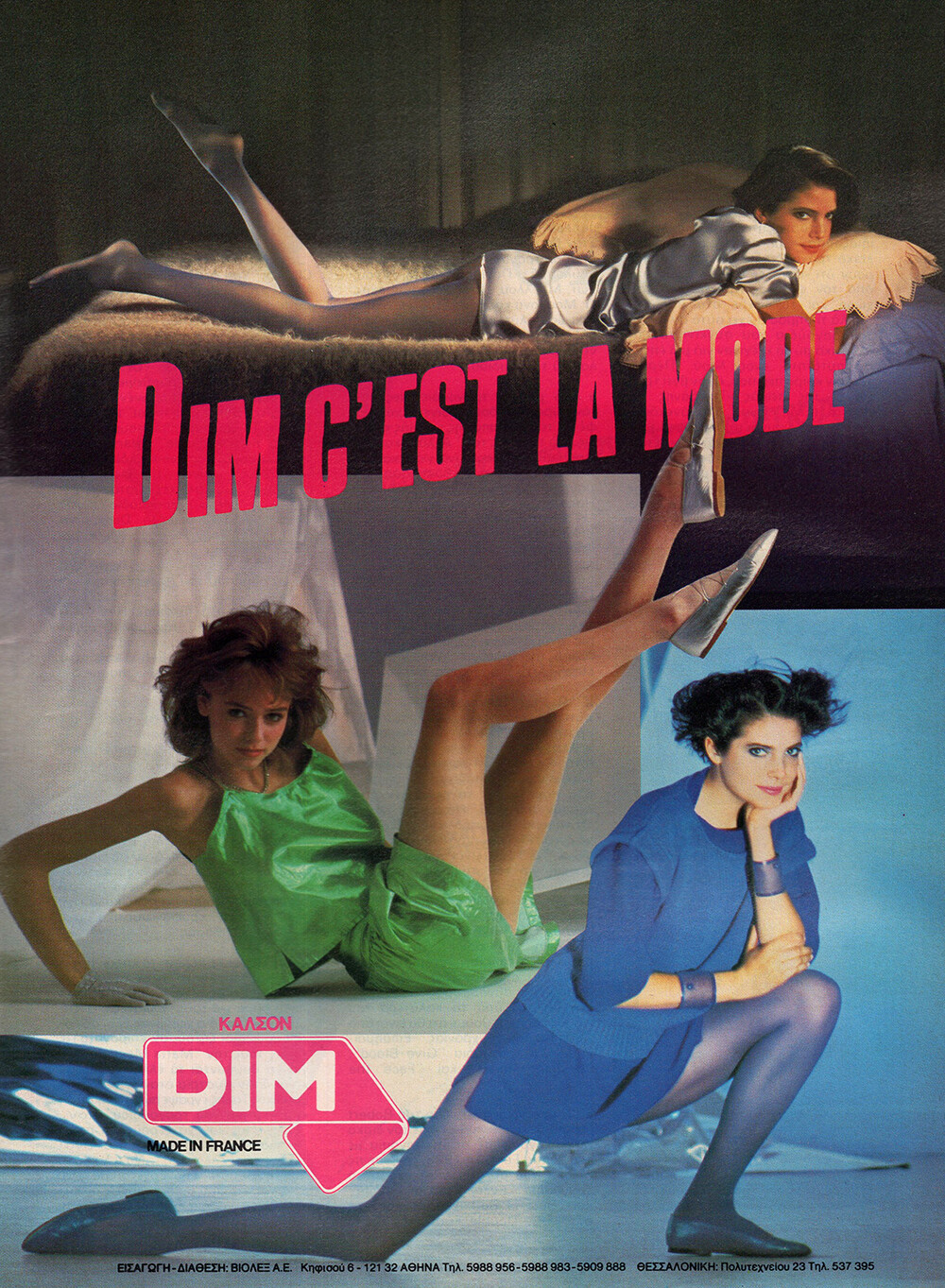
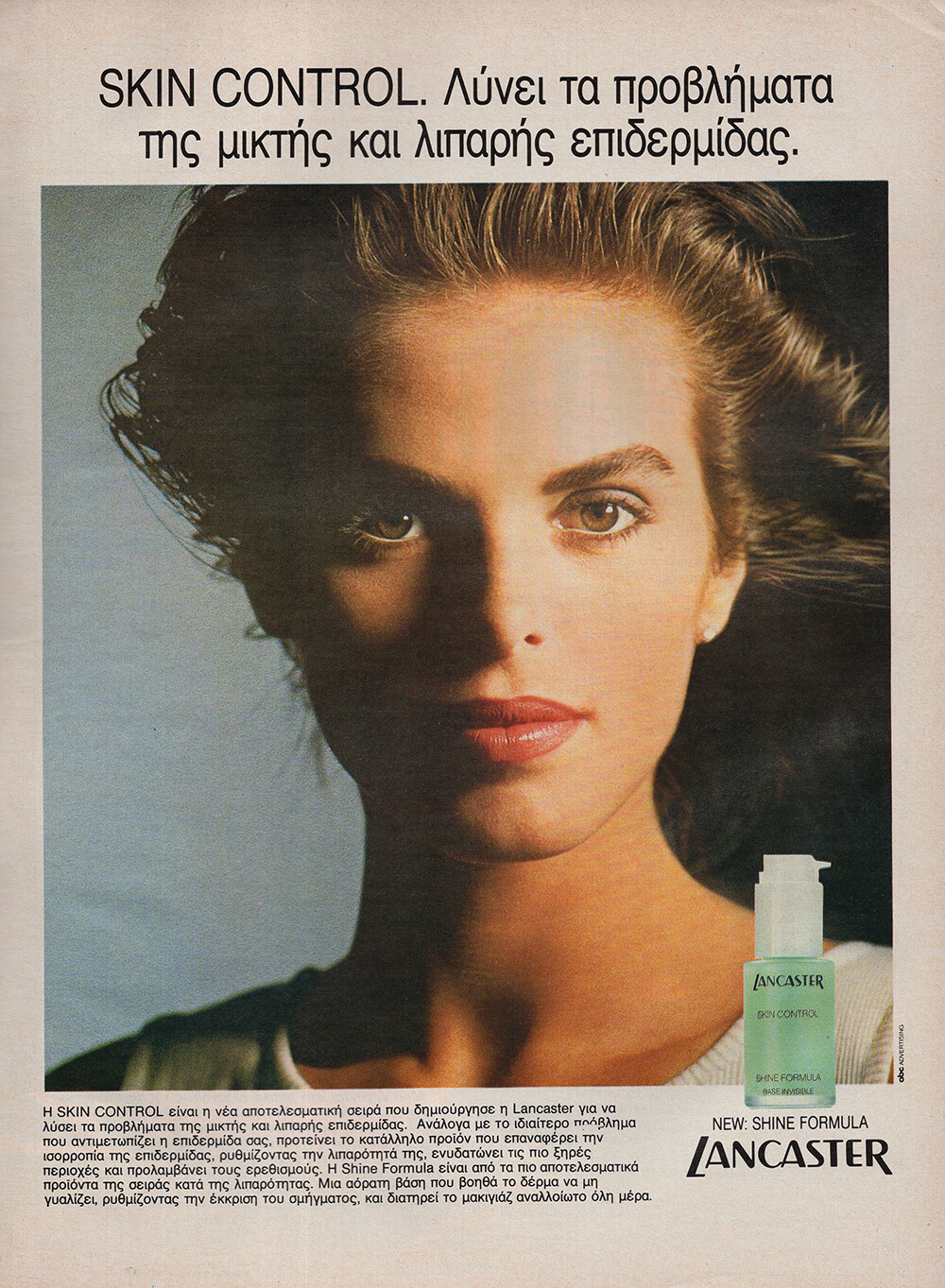
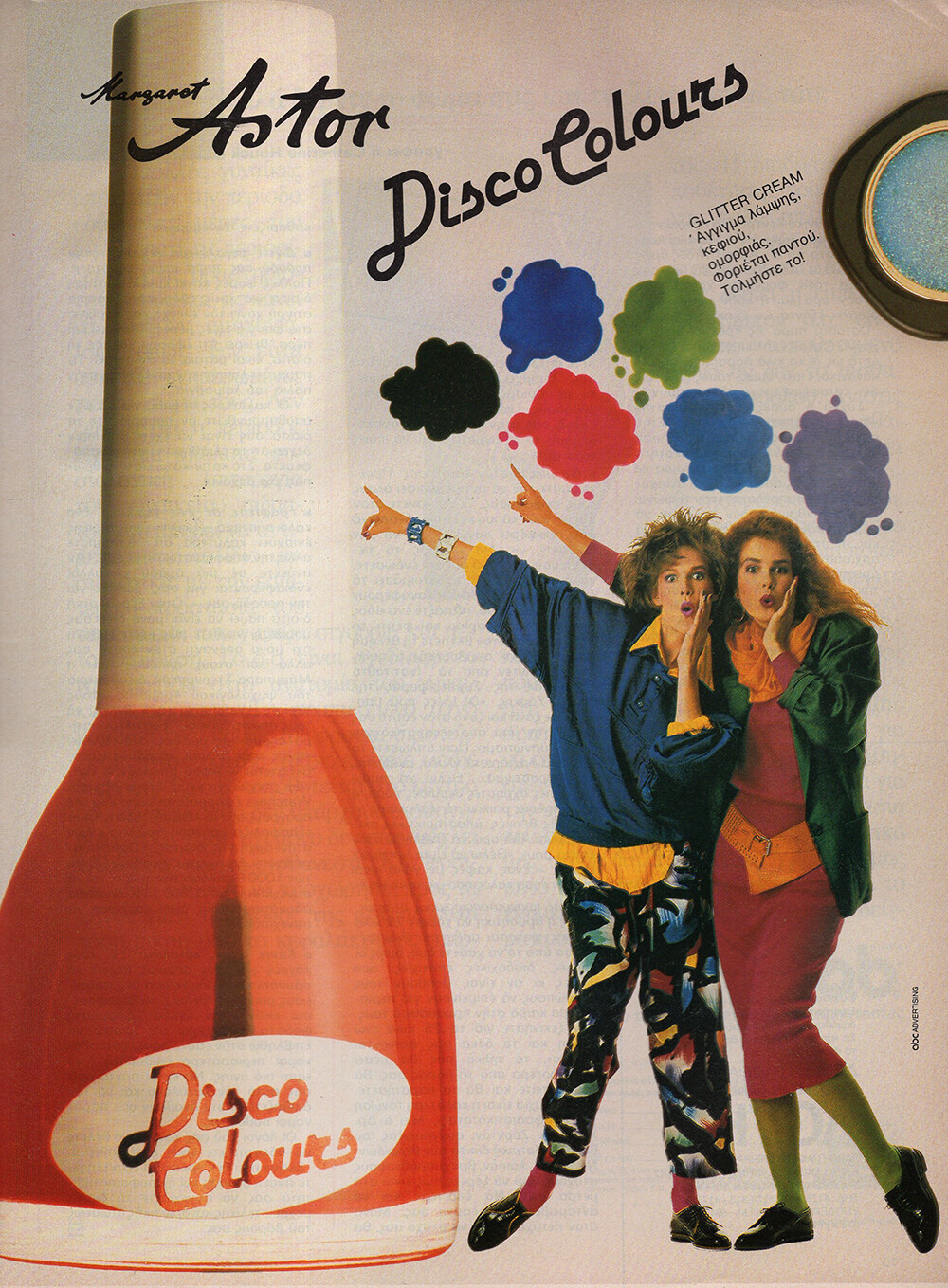
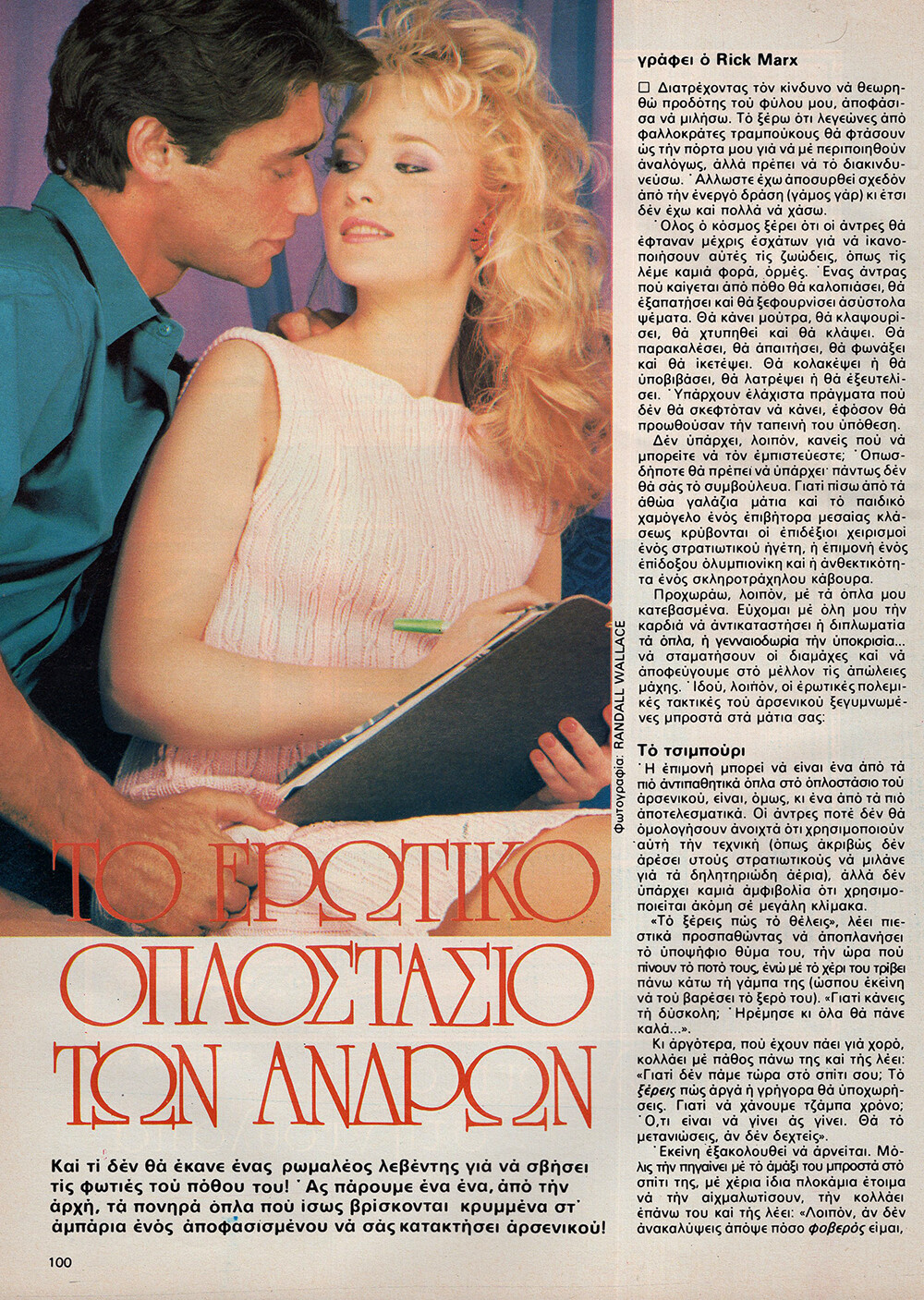
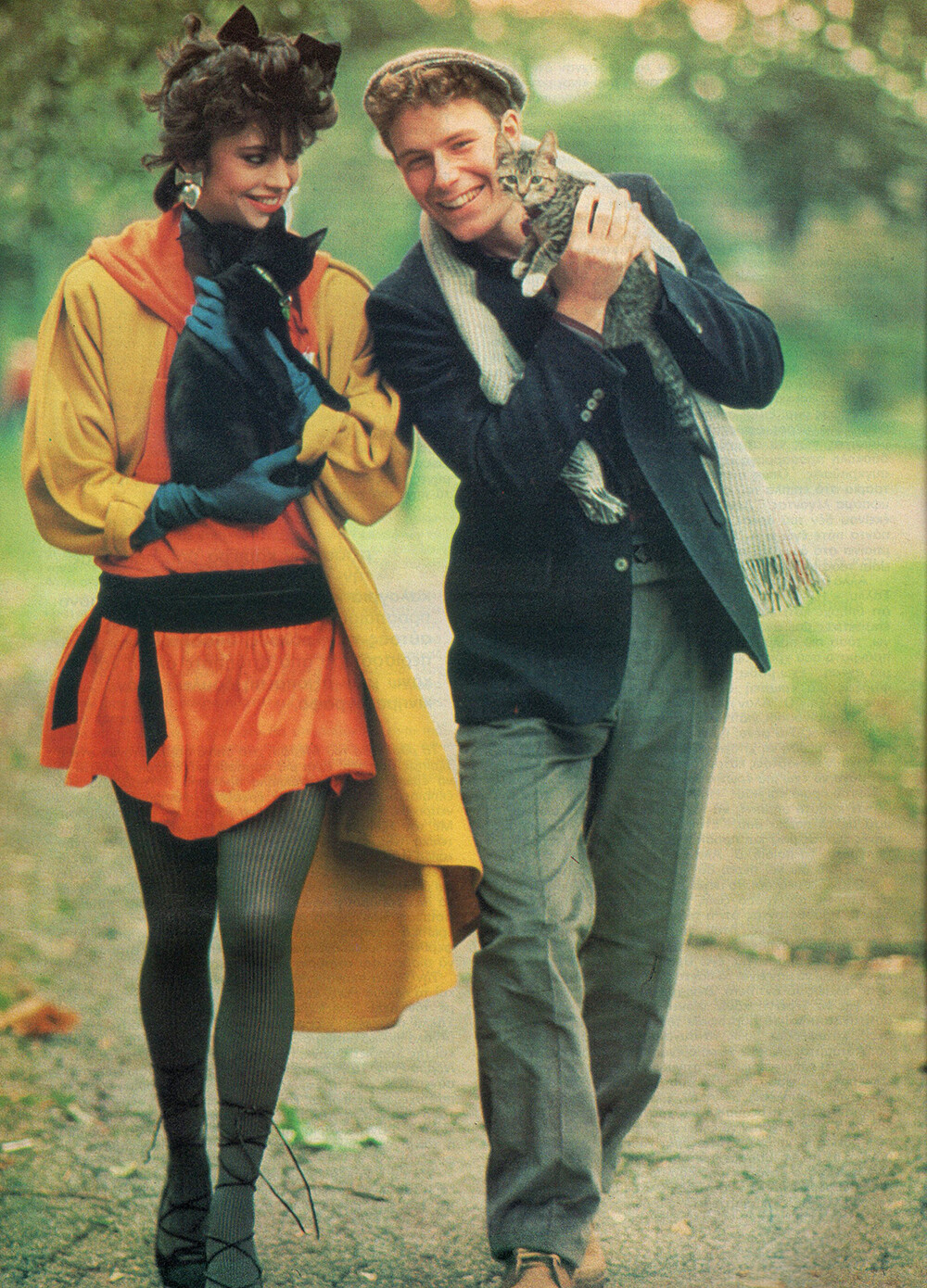
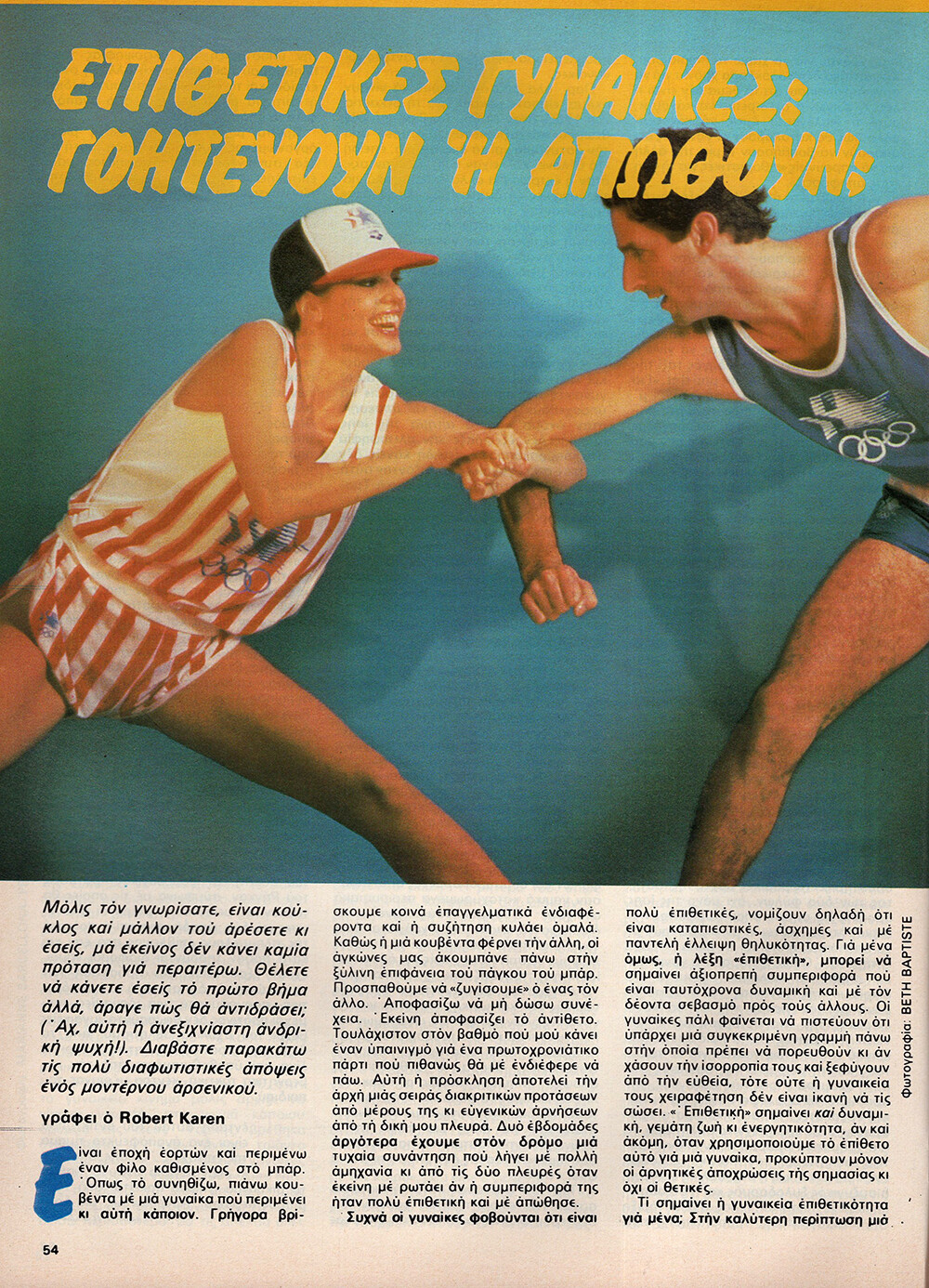
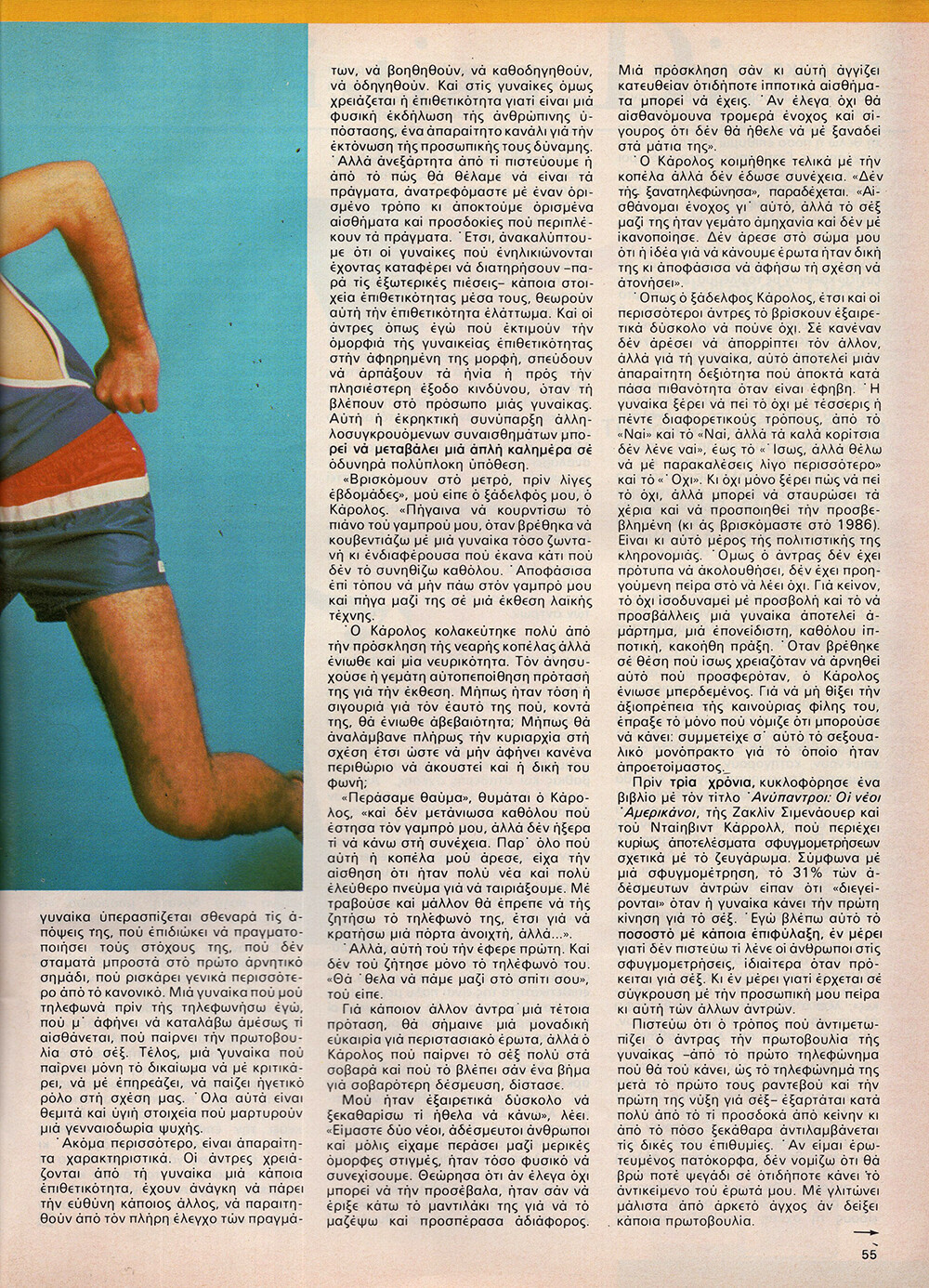
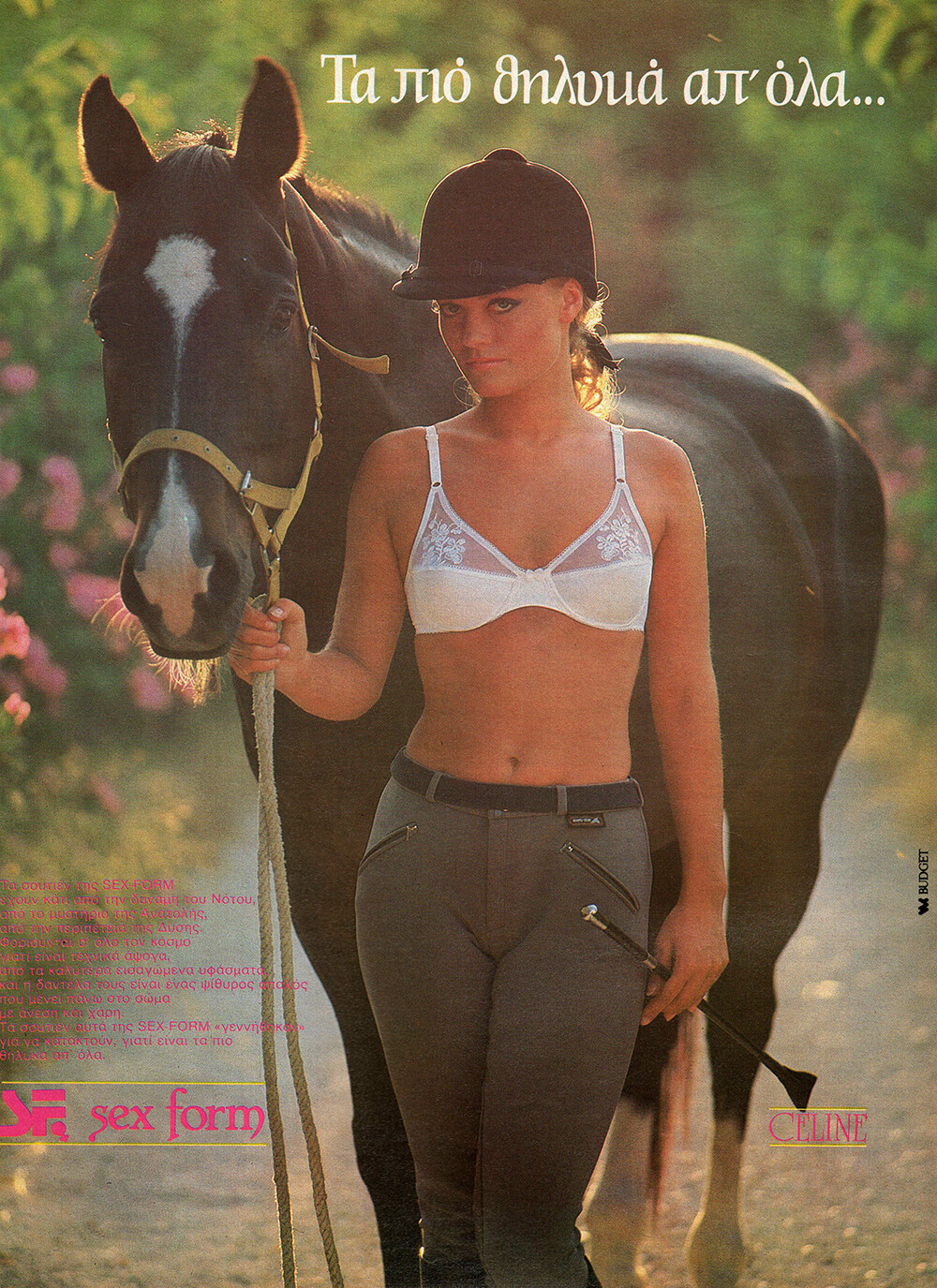
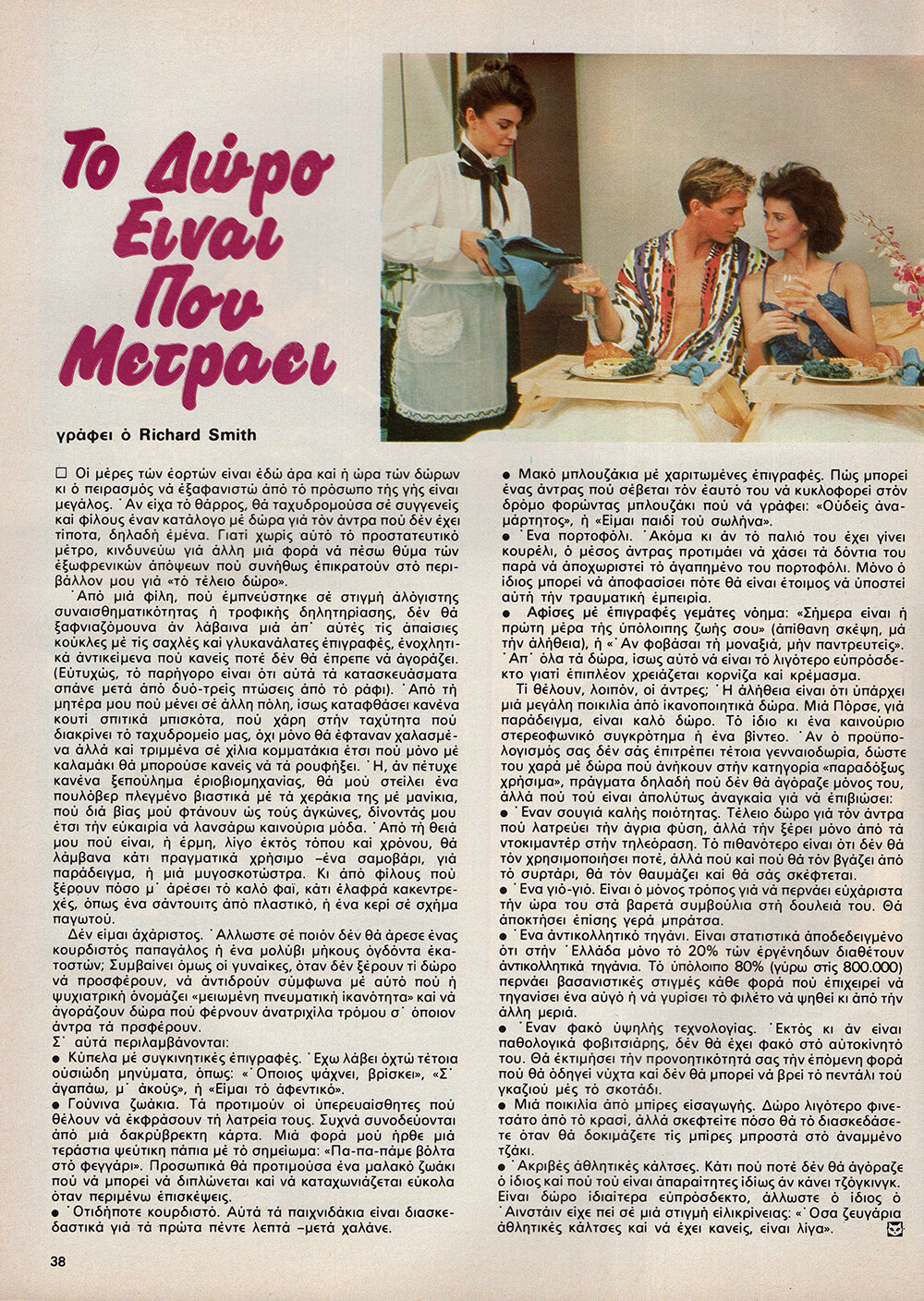
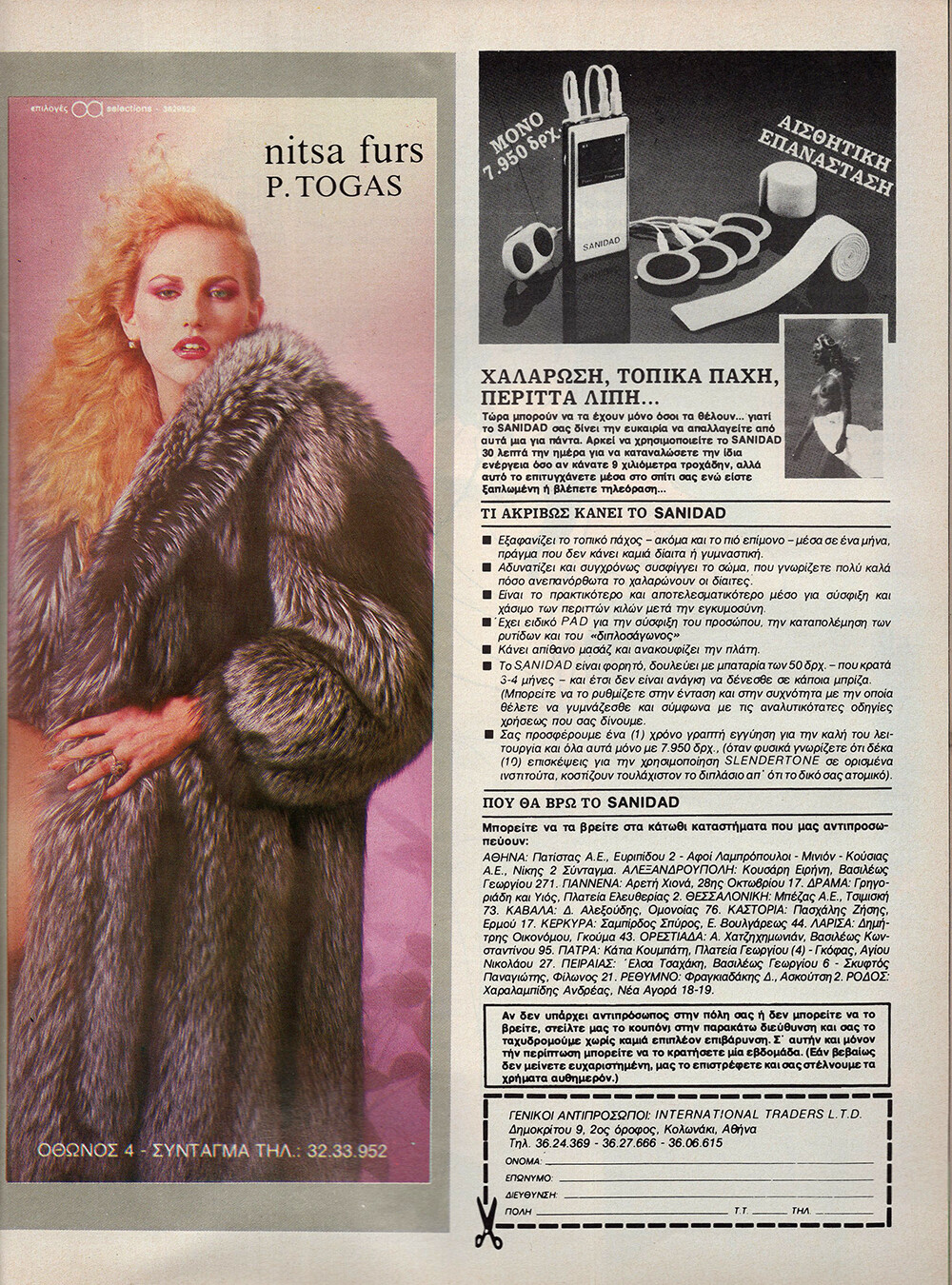
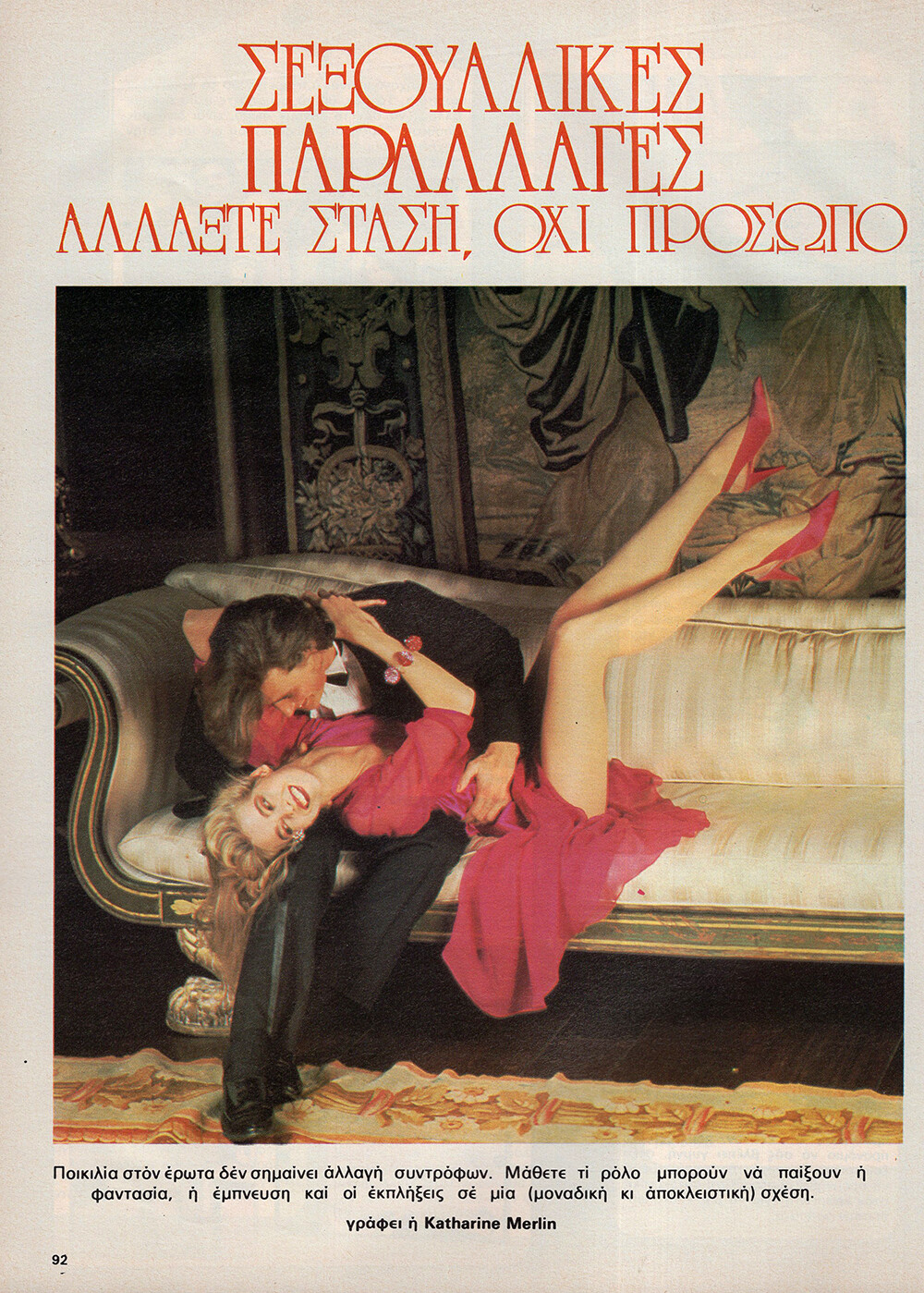
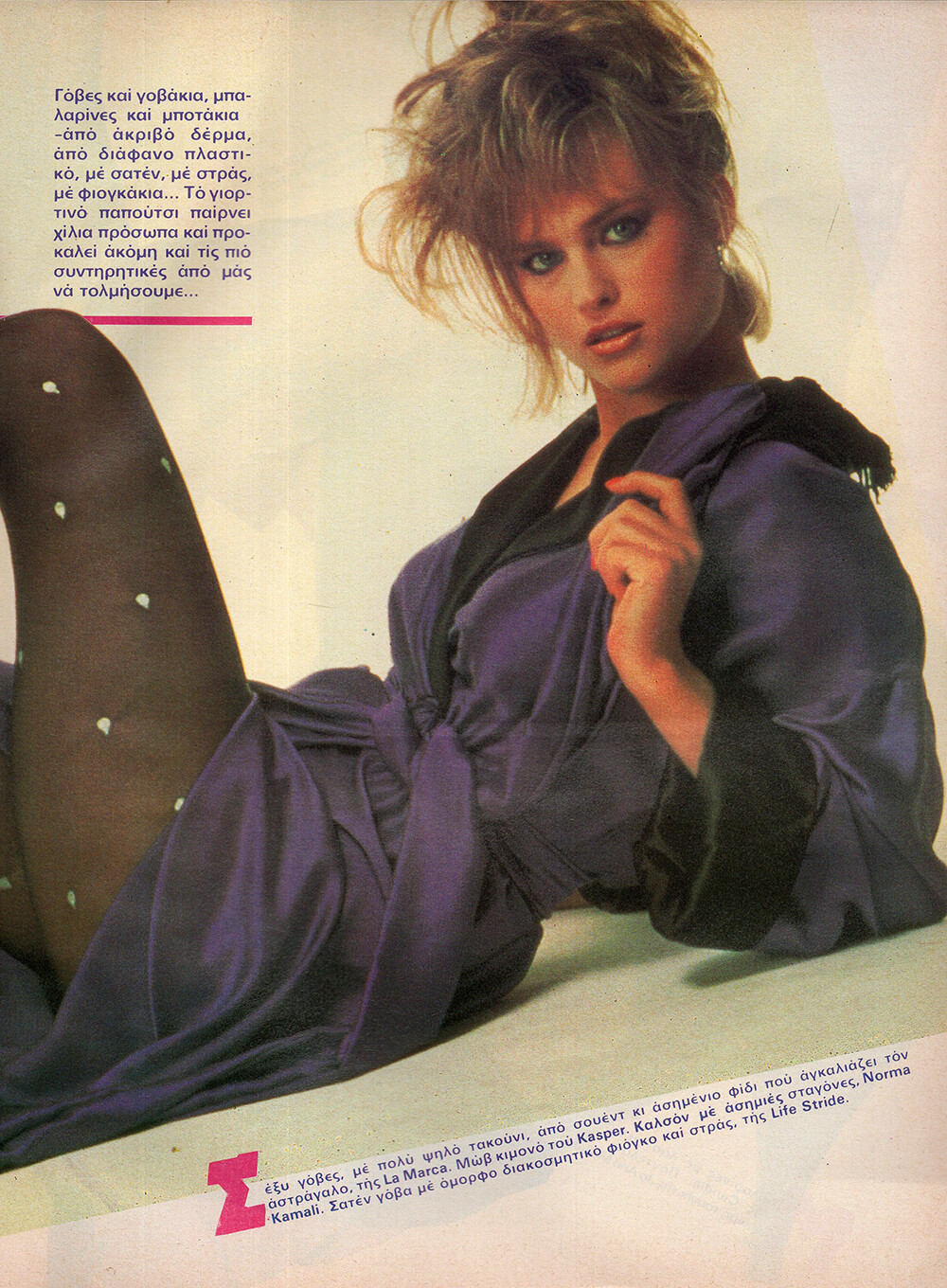
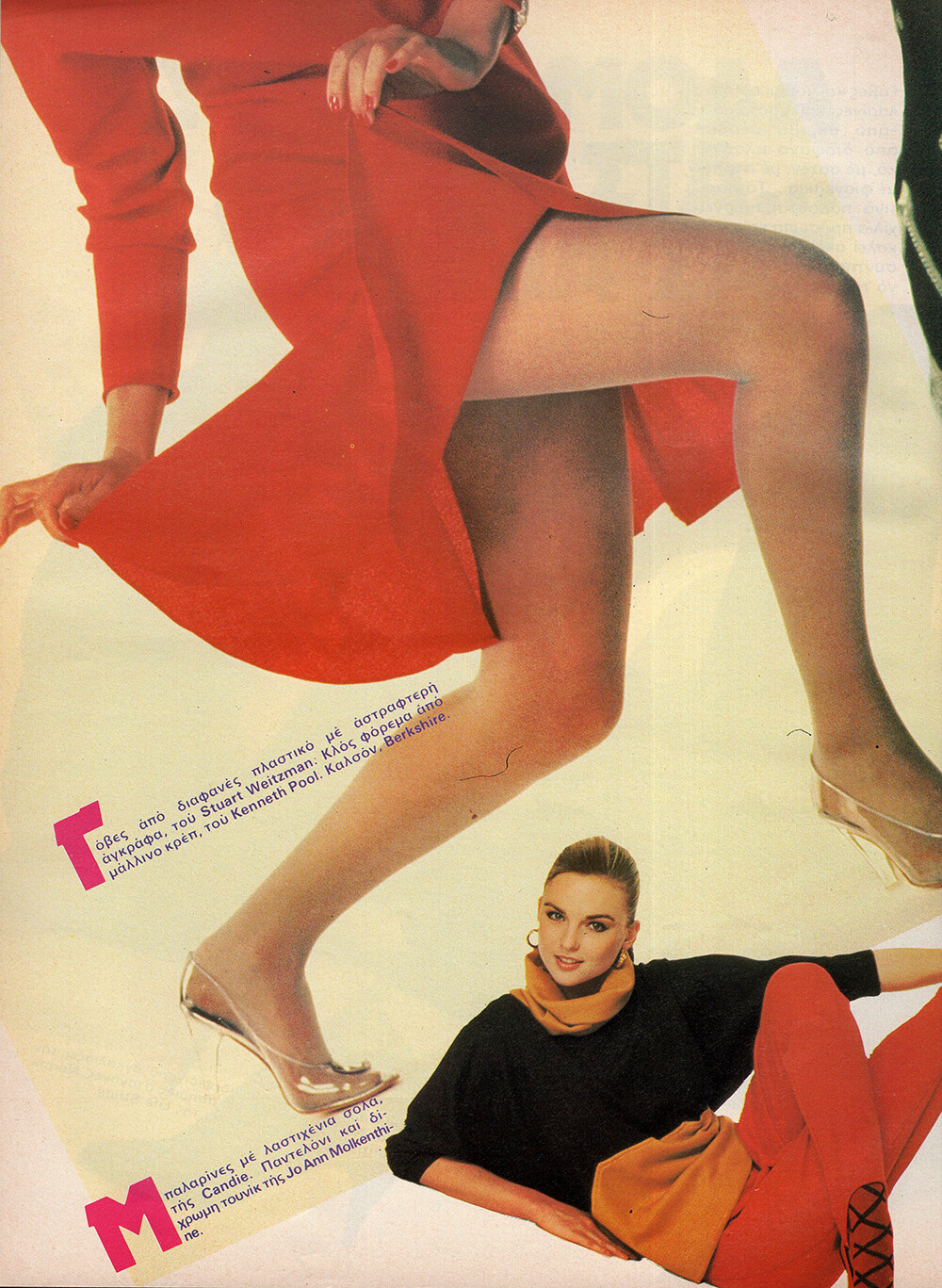
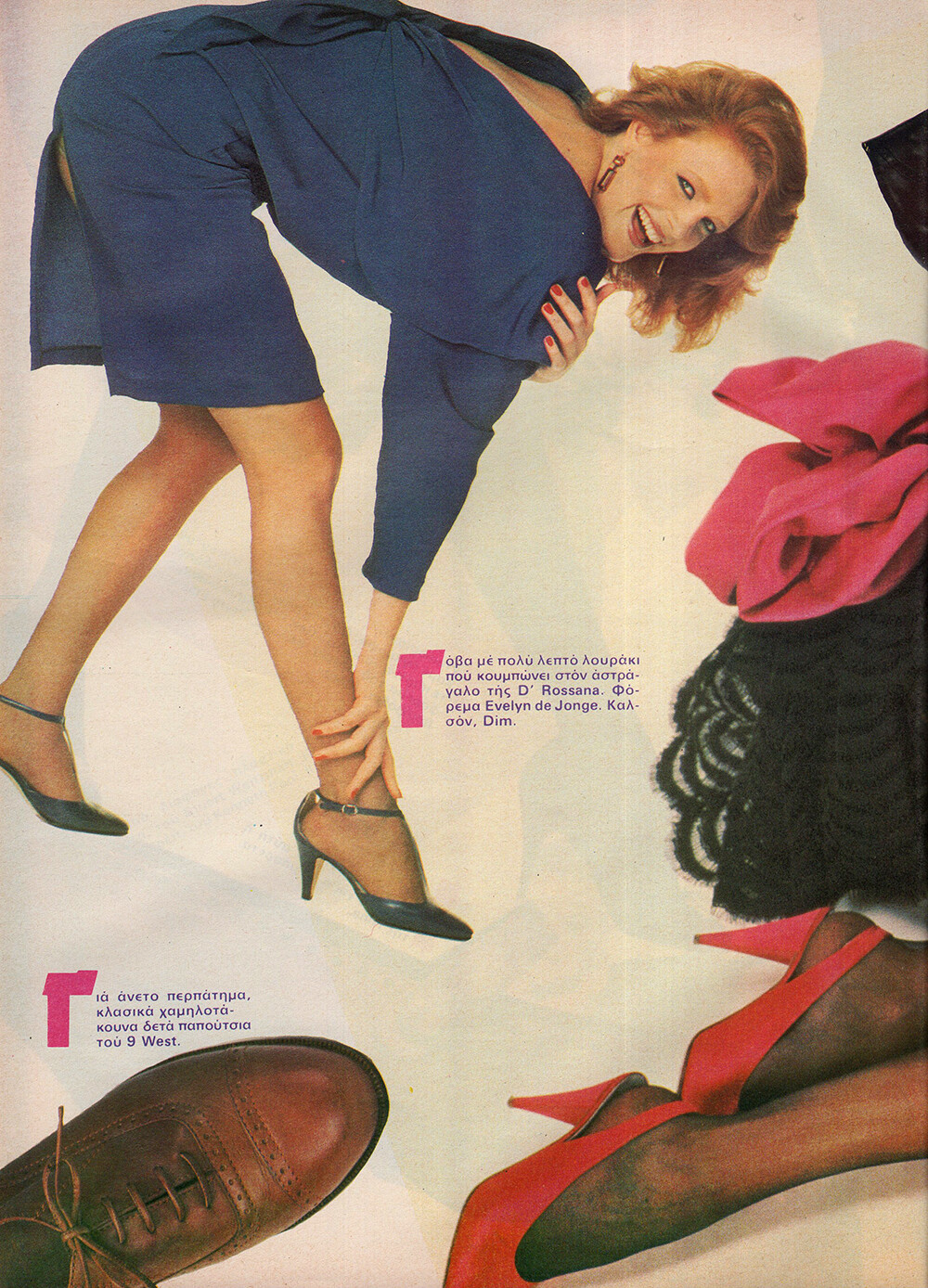
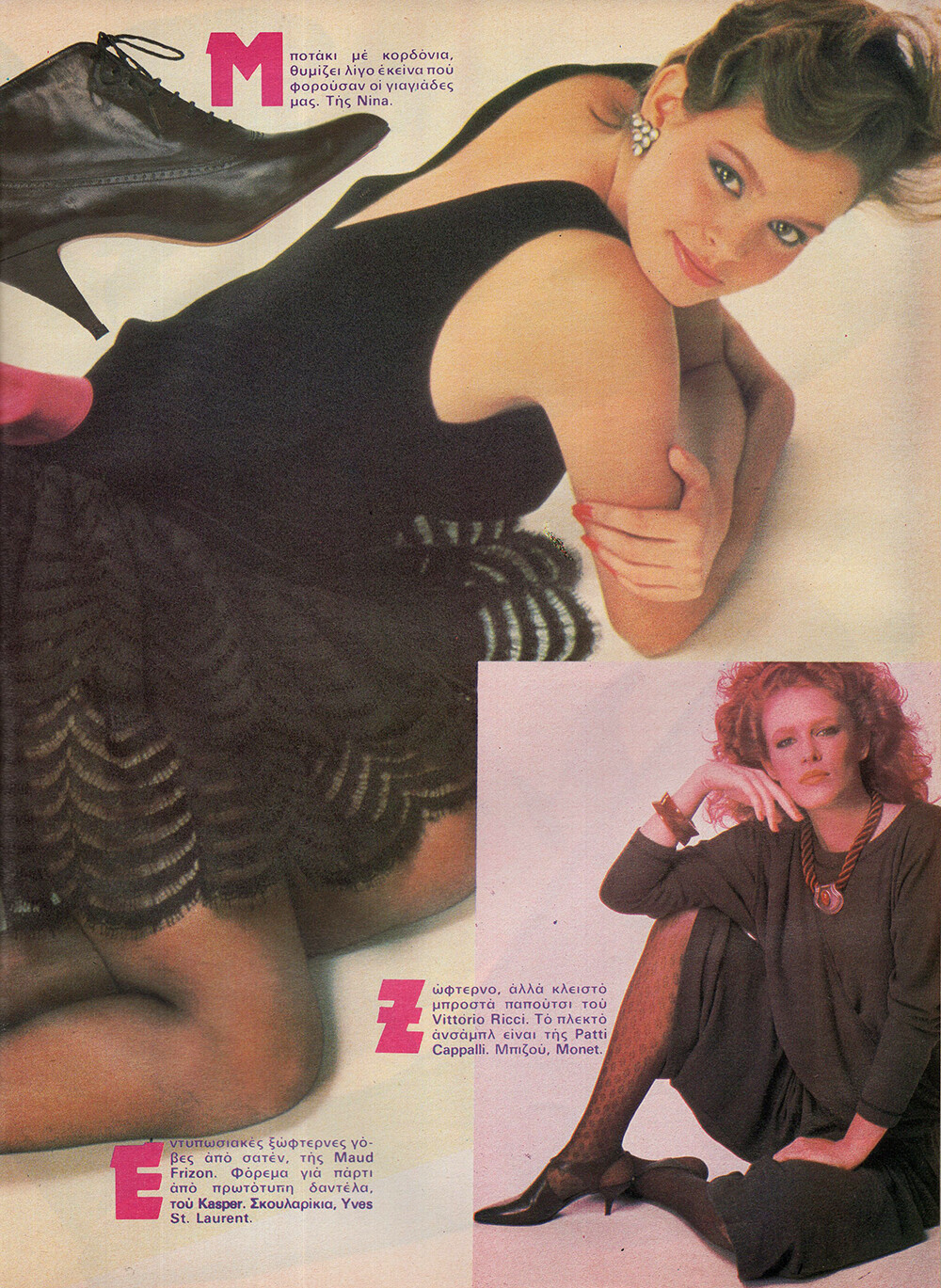
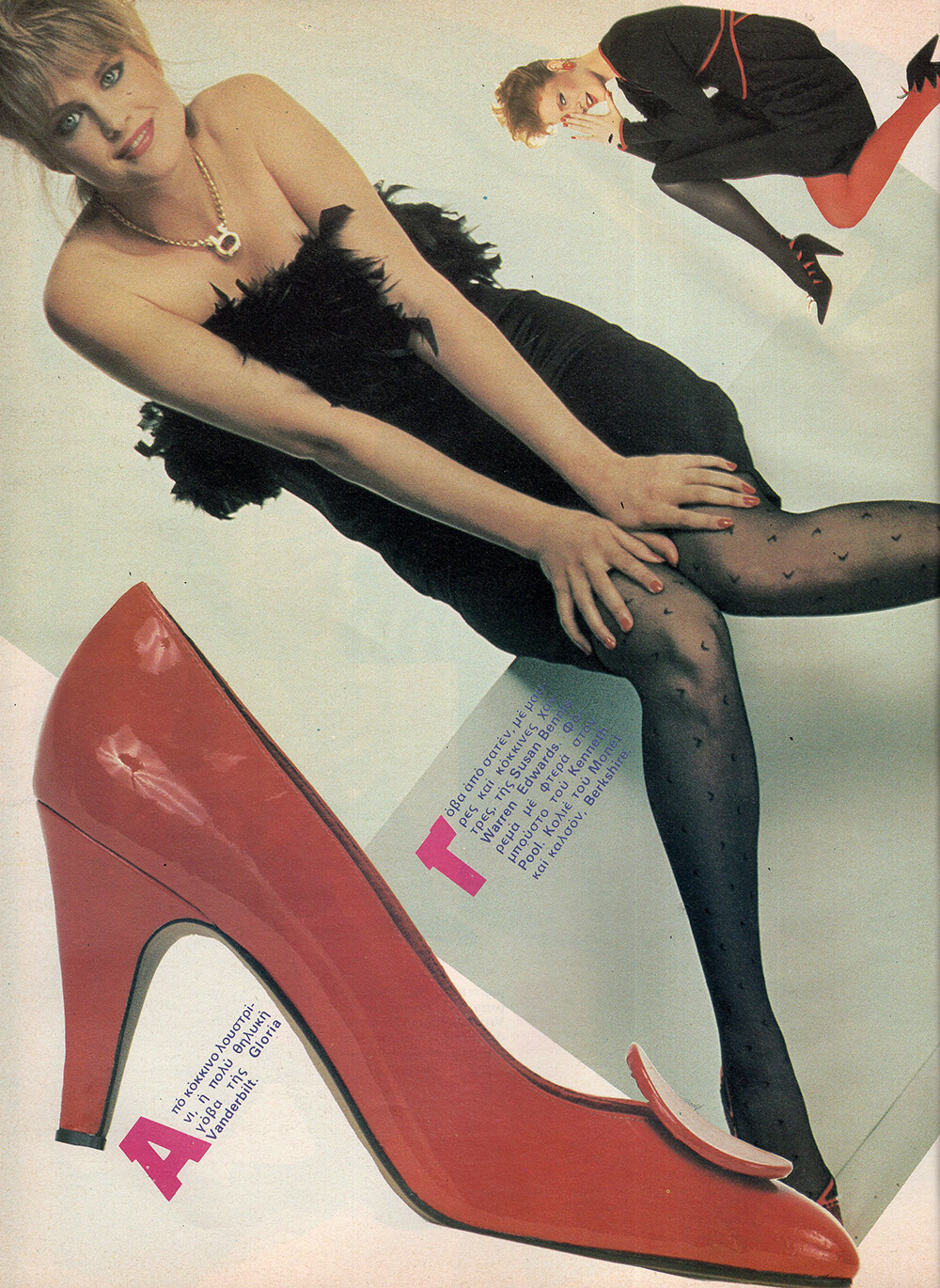
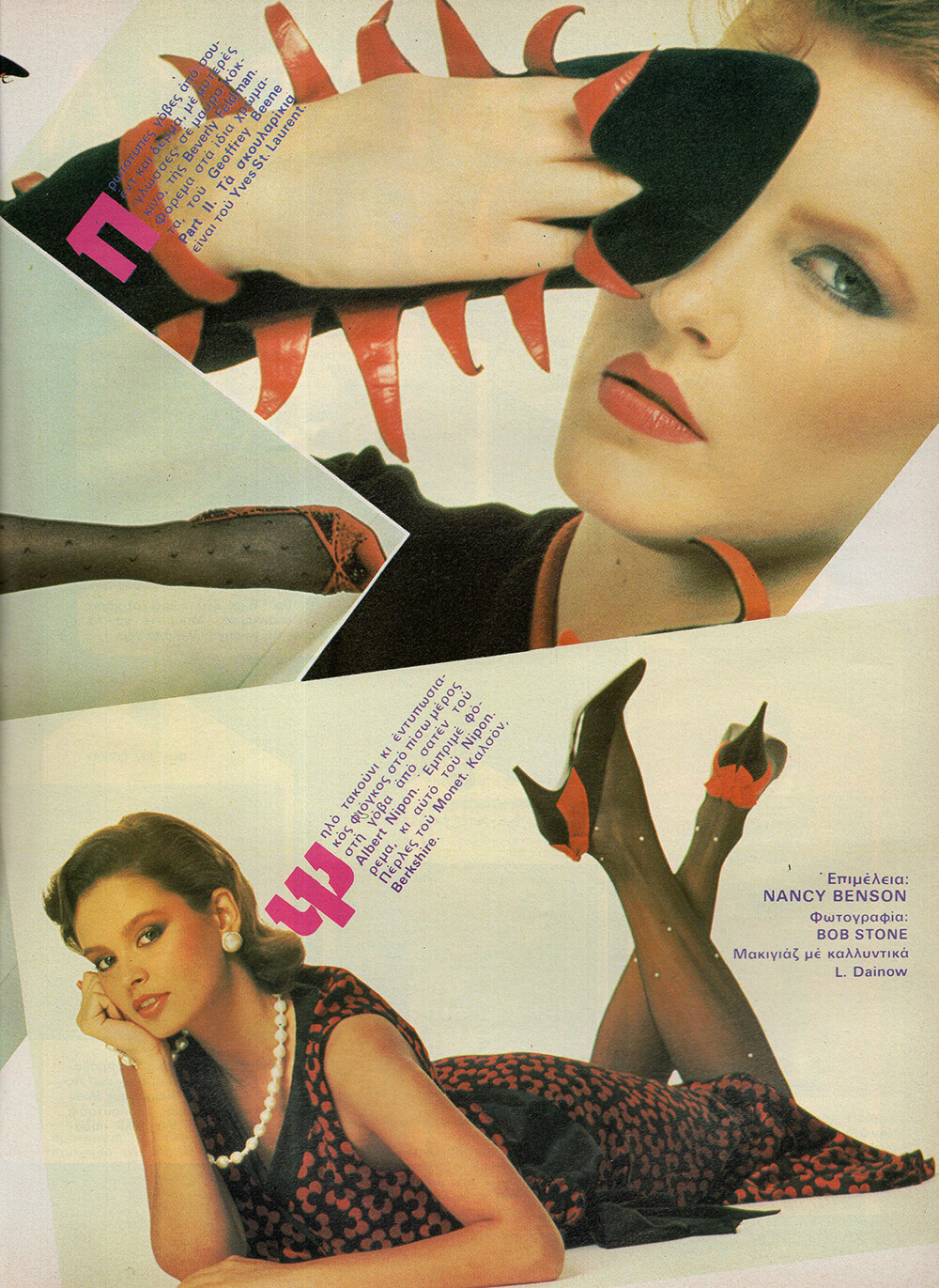
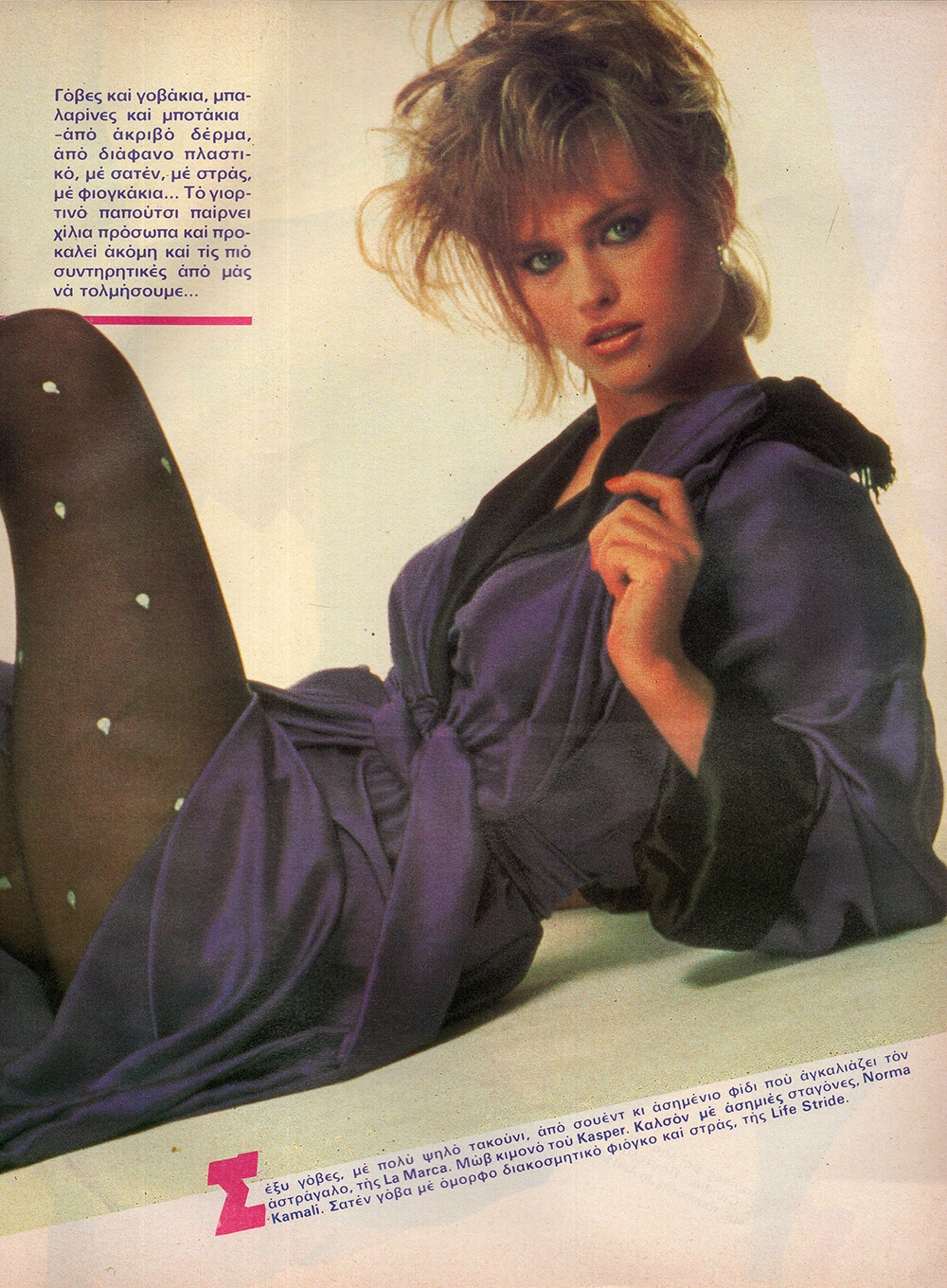
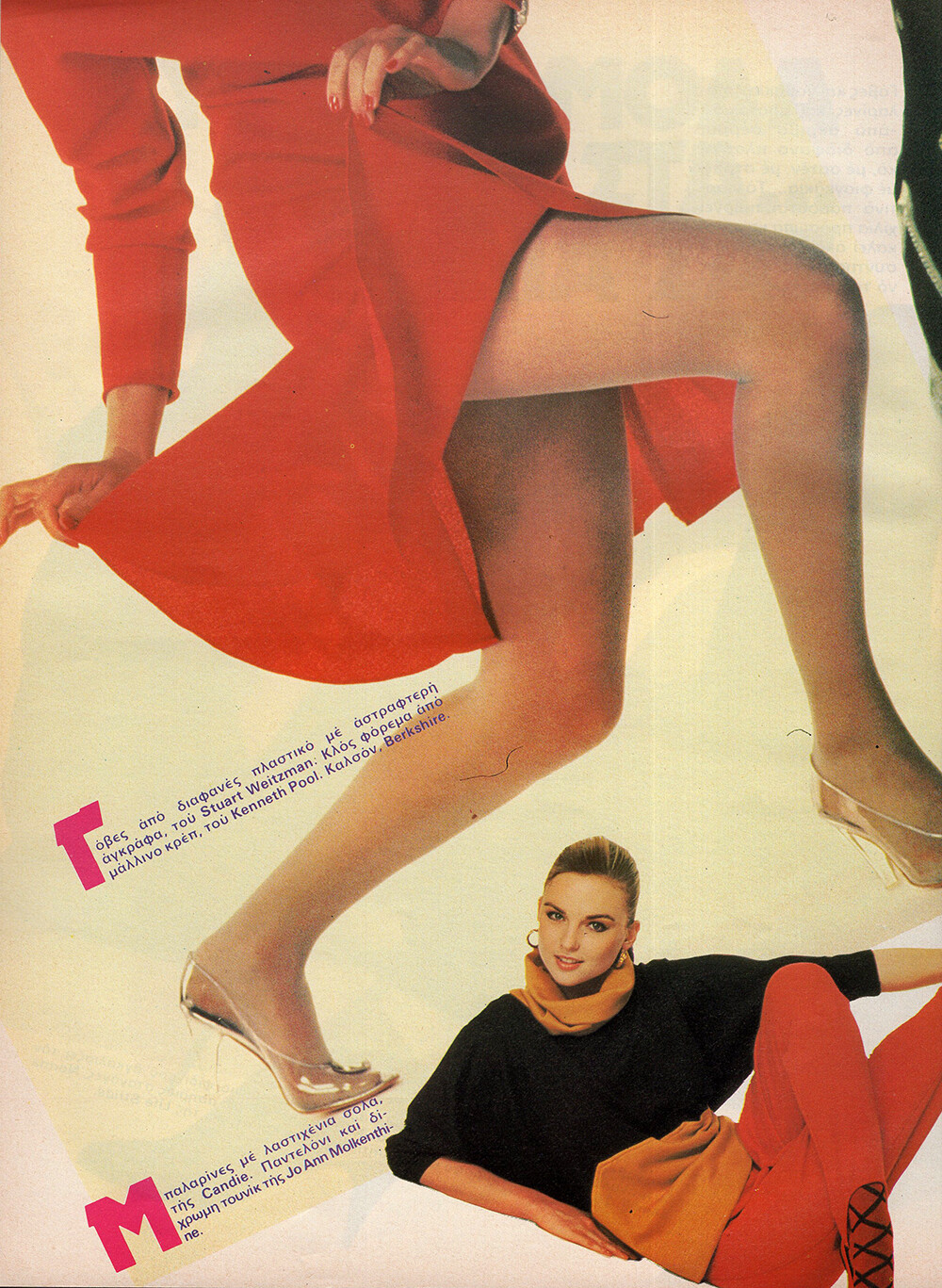
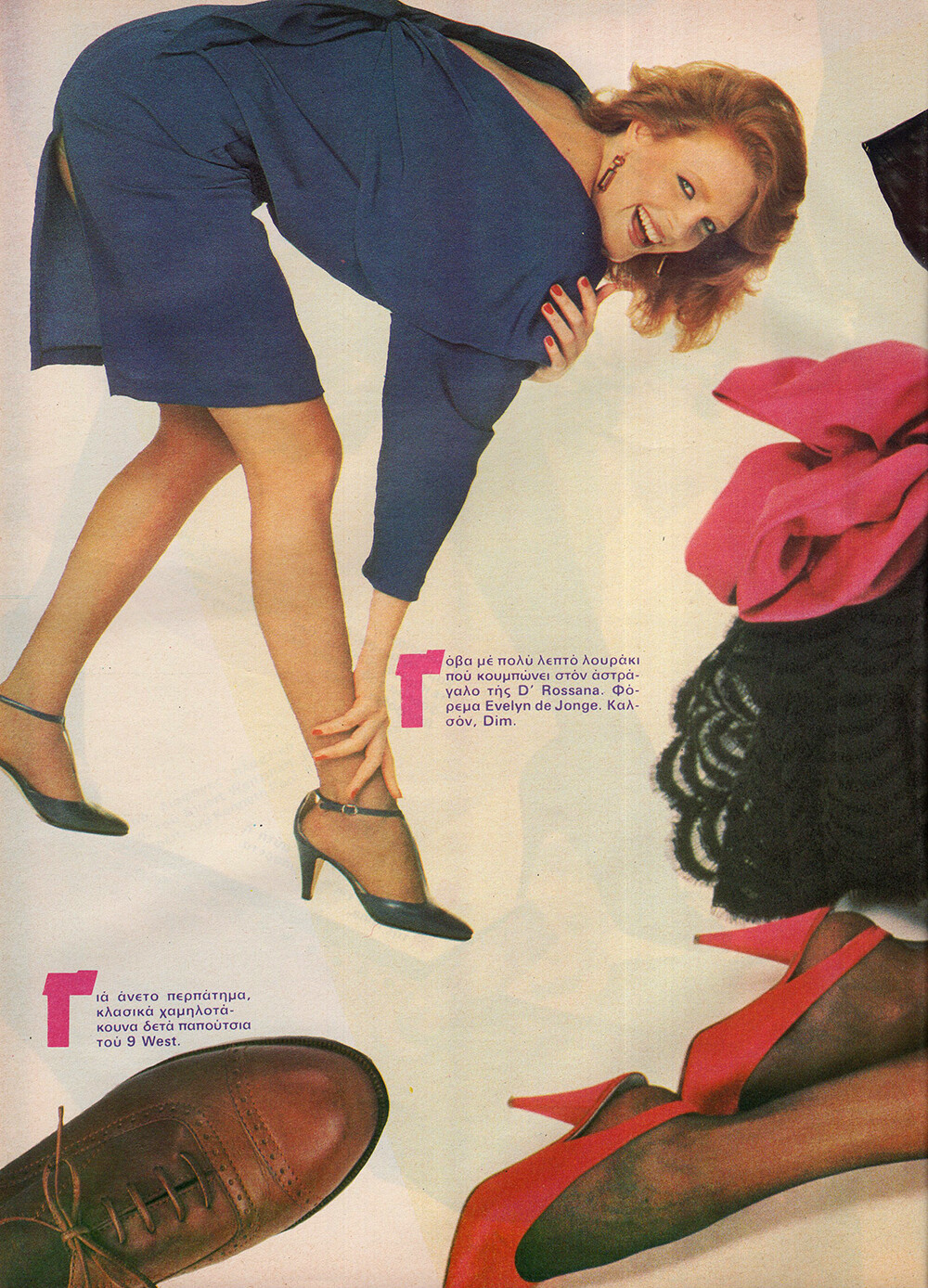
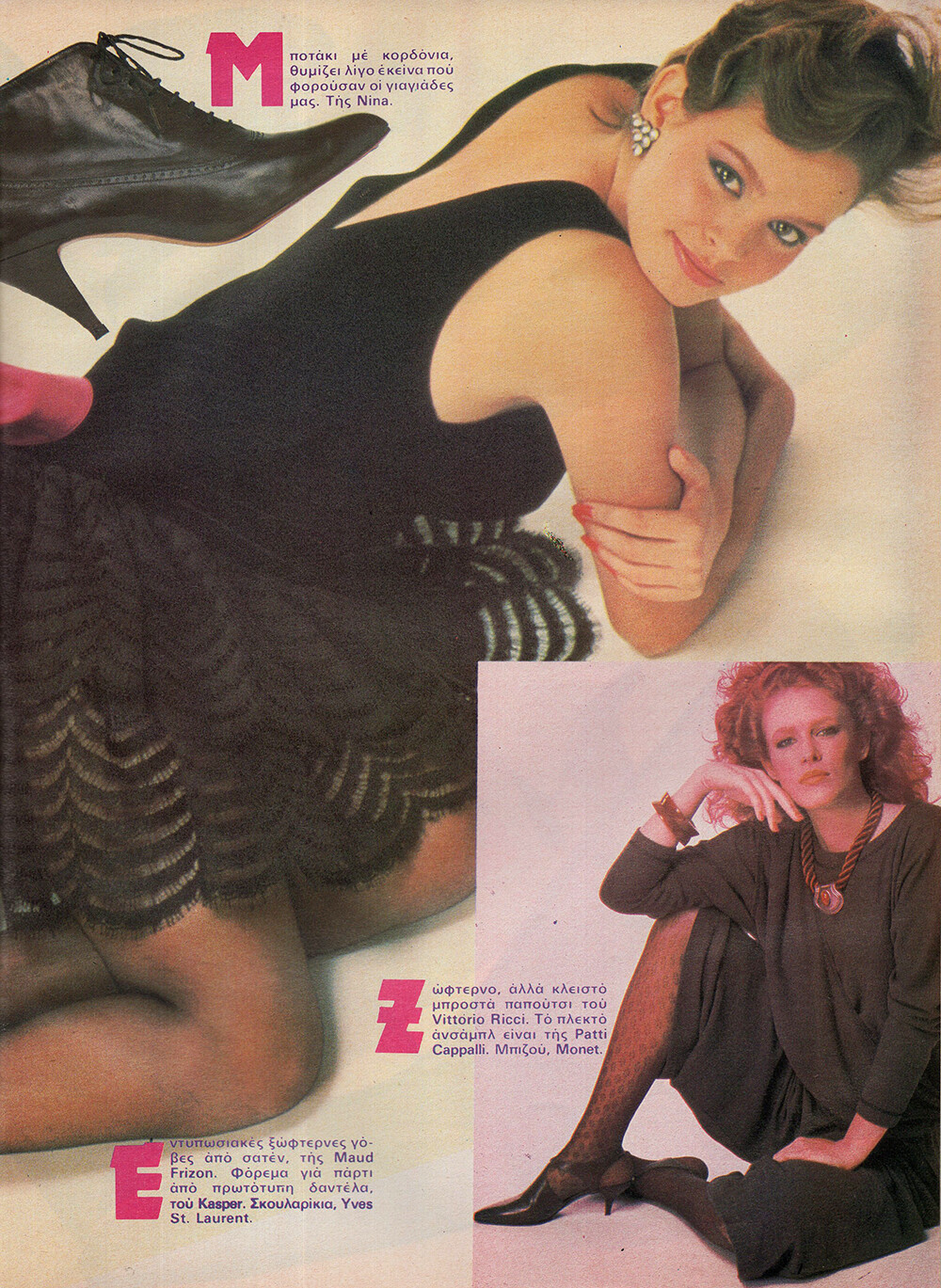
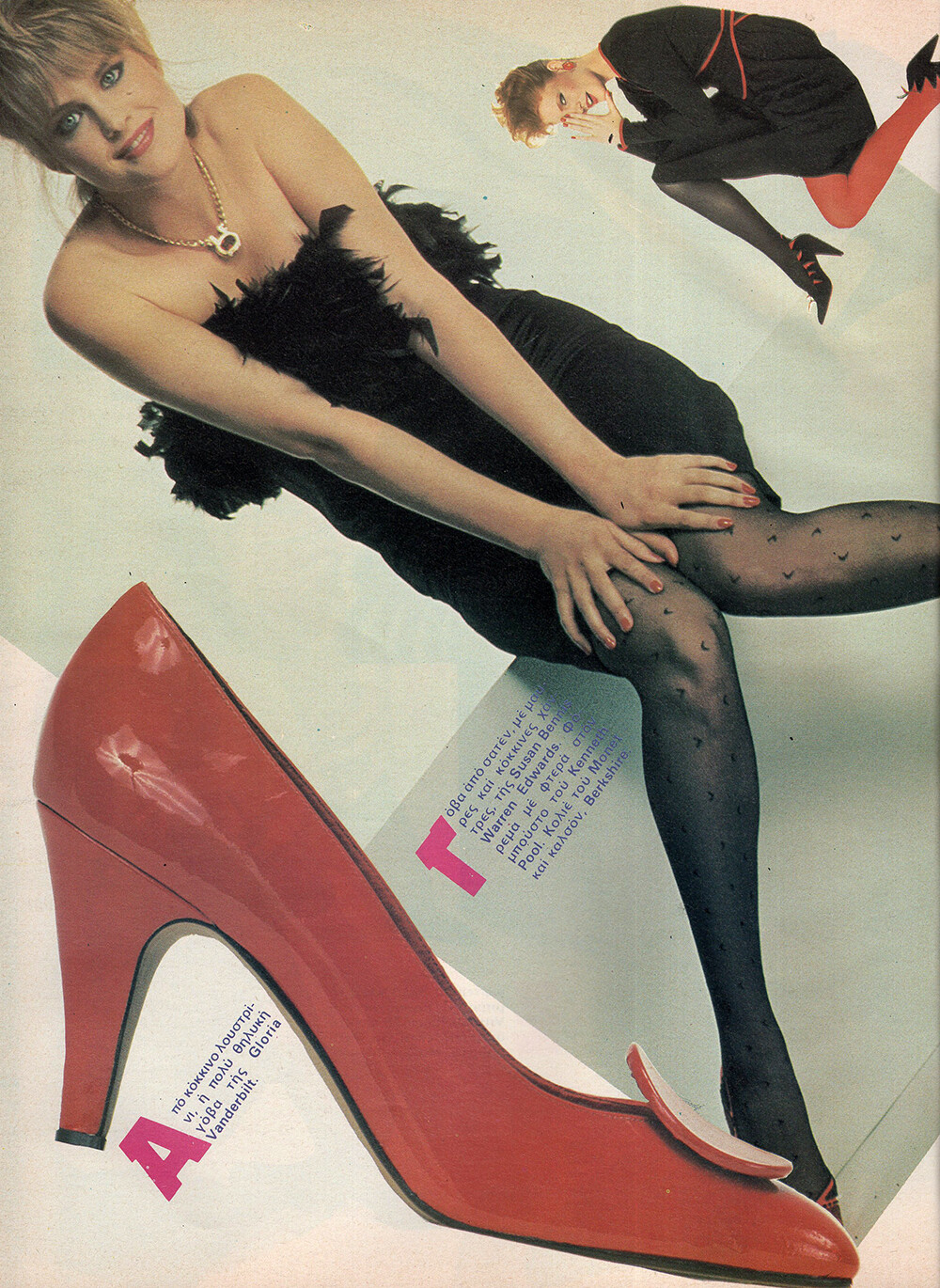
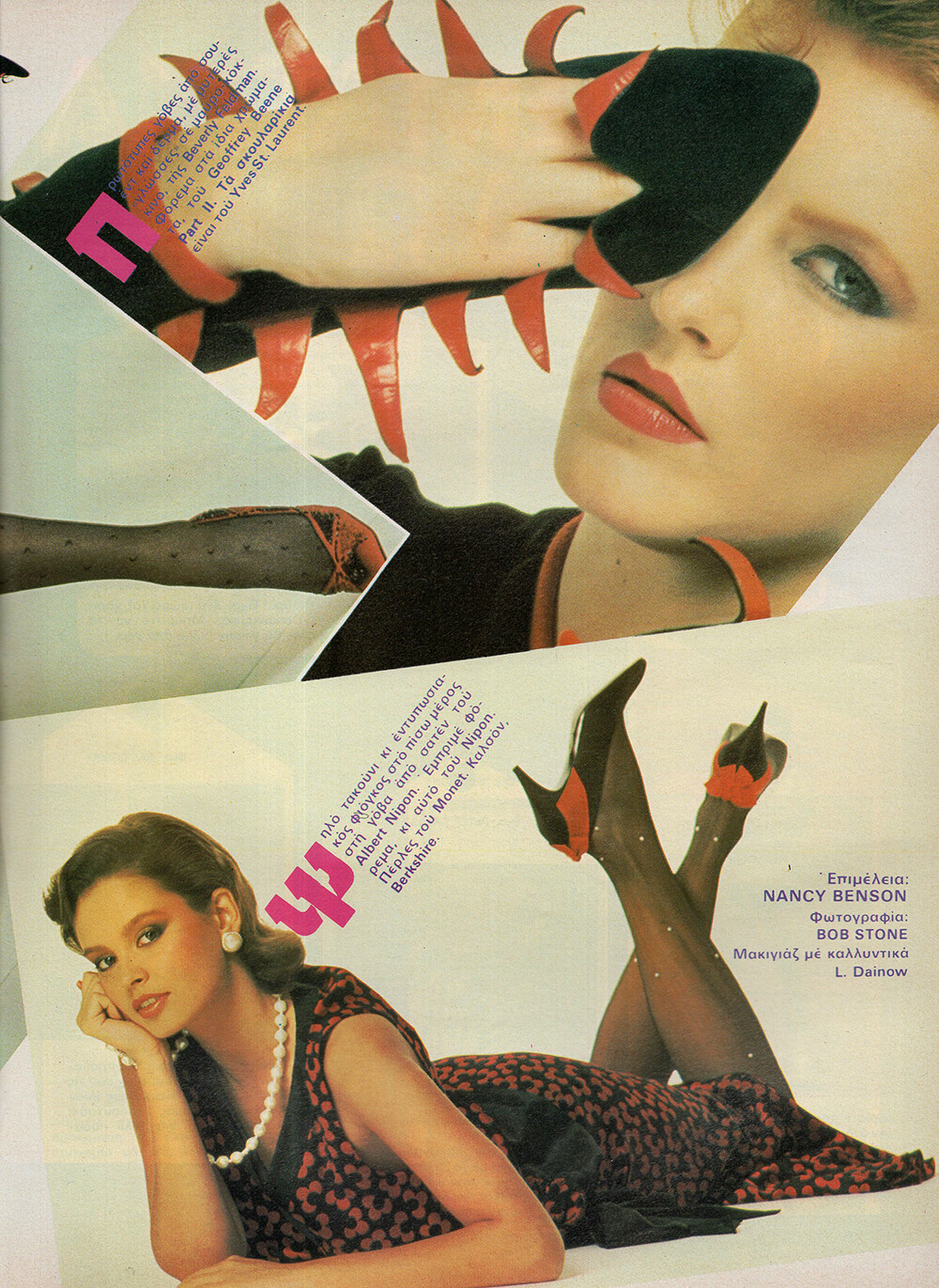
First pic - Kathy Law. Second pic - the model on the left is familiar to me but nothing comes to mind... Second pic is Stina Fry. Third pic - Maria Vera on the left.
-
Vintage Model IDs
Same here.
-
Vintage Model IDs
Well, perhaps it is Julie in the end. Patty McHugh again.
-
Vintage Model IDs
-
Vintage Model IDs
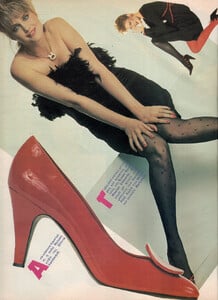
Not sure it's Julie this time. The blonde is Patty McHugh.
-
Vintage Model IDs
-
Vintage Model IDs
I agree about Julie. Plus Charity Swedberg again and Danitza Dobbs in the last photo.
-
Vintage Model IDs
-
Vintage Model IDs
- Vintage Model IDs
- Vintage Model IDs
She's actually Brit Hammer. Can't ID the rest though.- Vintage Model IDs
- Vintage Model IDs
- Jeanine Bax
- Angeli Maria Van Os
I don't know where you find these issues, @missparker7 , but they're such a treat!- Vintage Model IDs
Sharon Dunn in the big pic and Maria Johnson in the small pic, reprint from HARPER'S BAZAAR US, Oct 1988- Vintage Model IDs
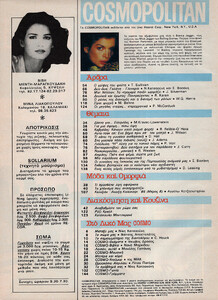
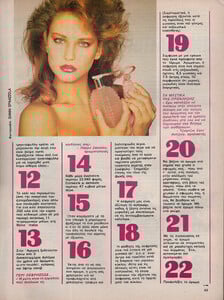
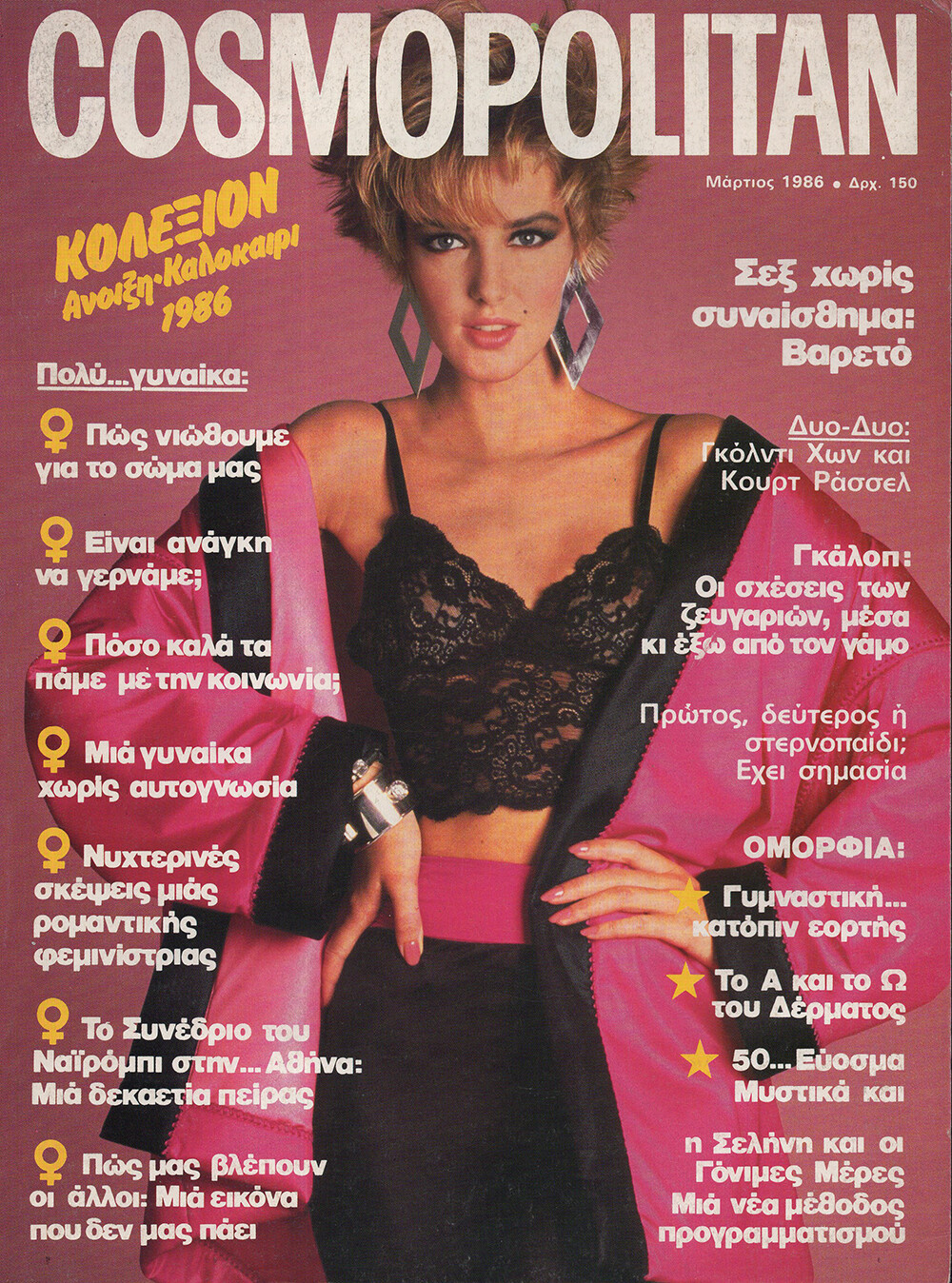
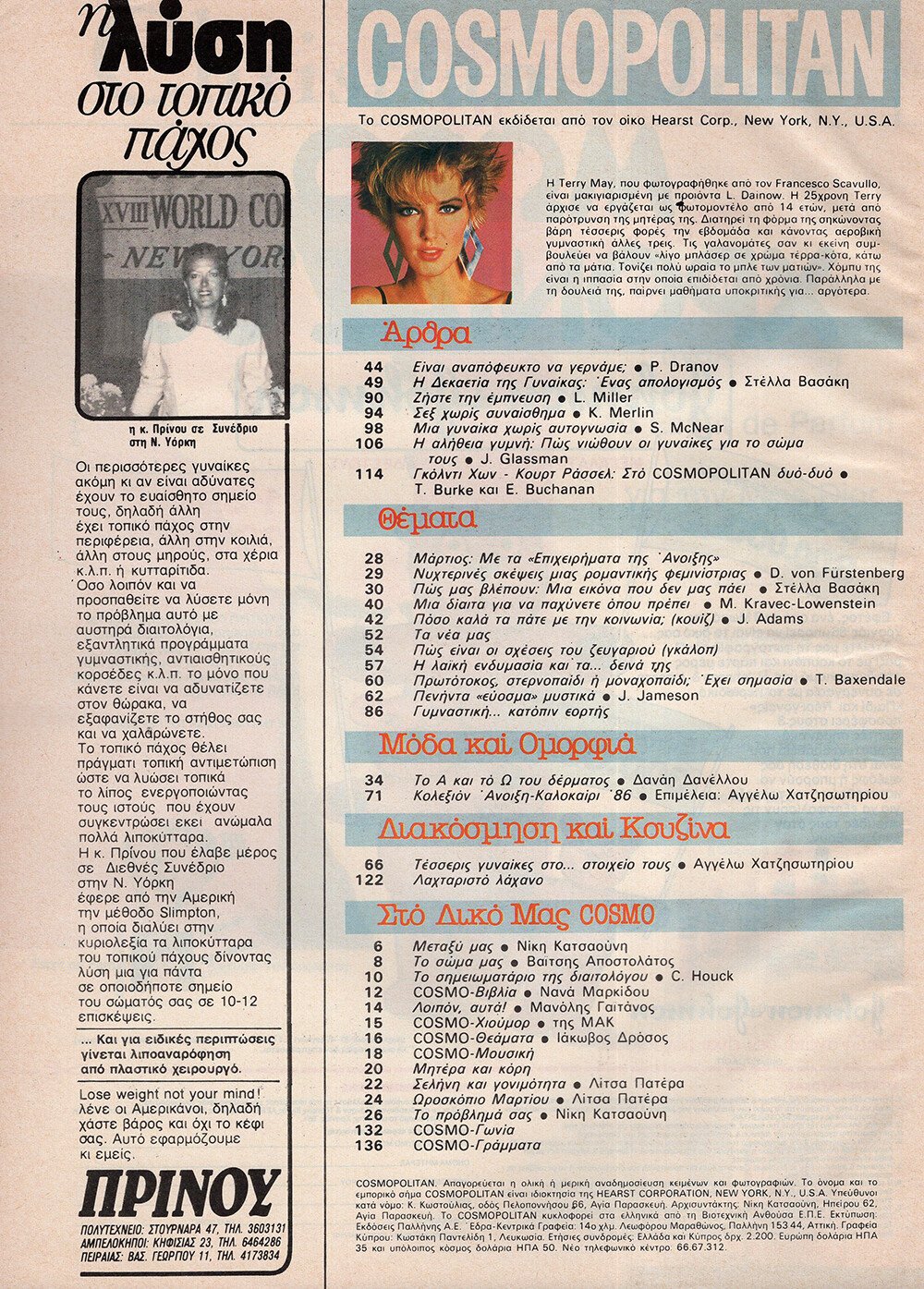
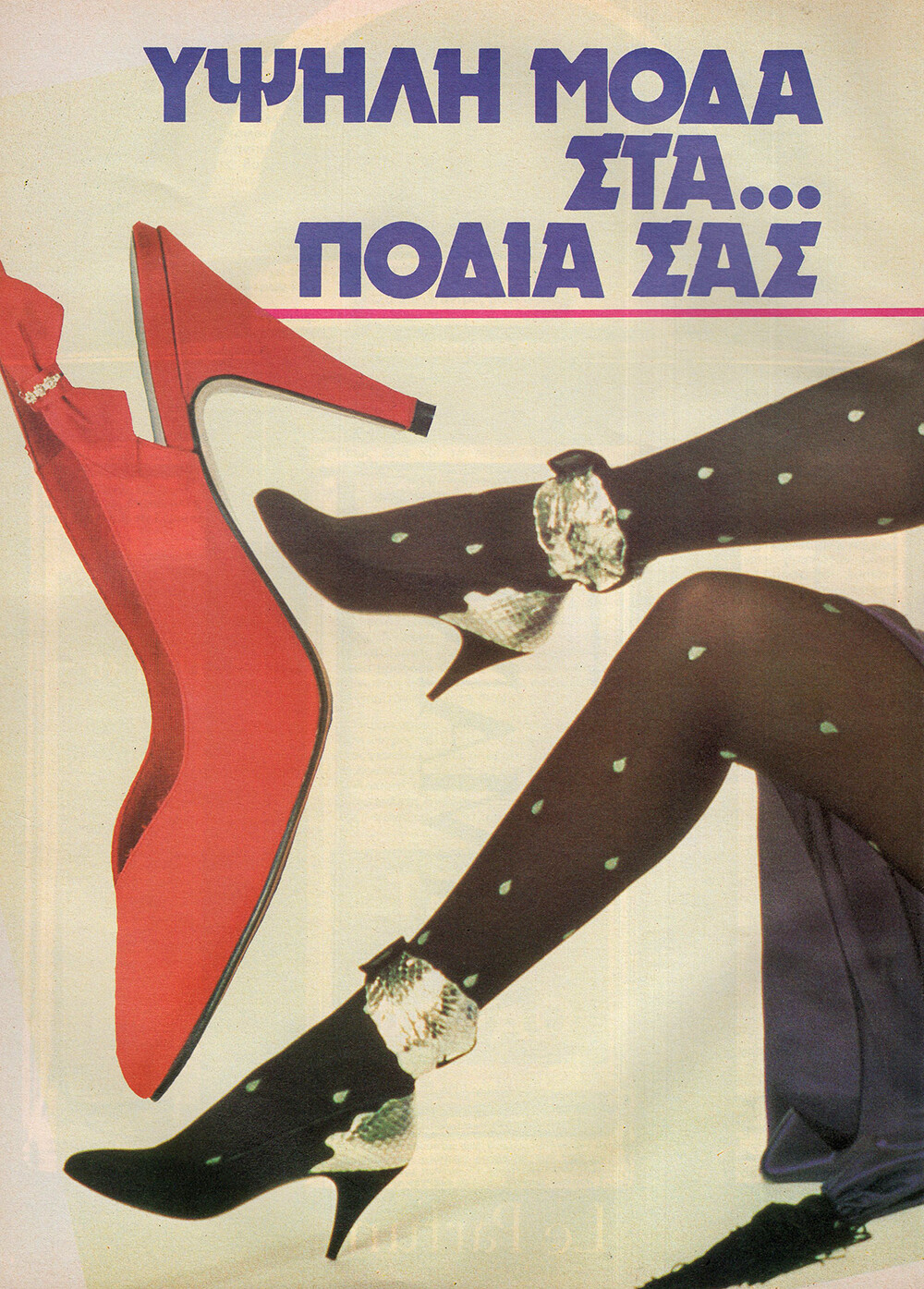
I think she's one of those unknown Greek models that I can never ID.- Vintage Model IDs
Great thinking!- Vintage Model IDs
- Julie Nelson
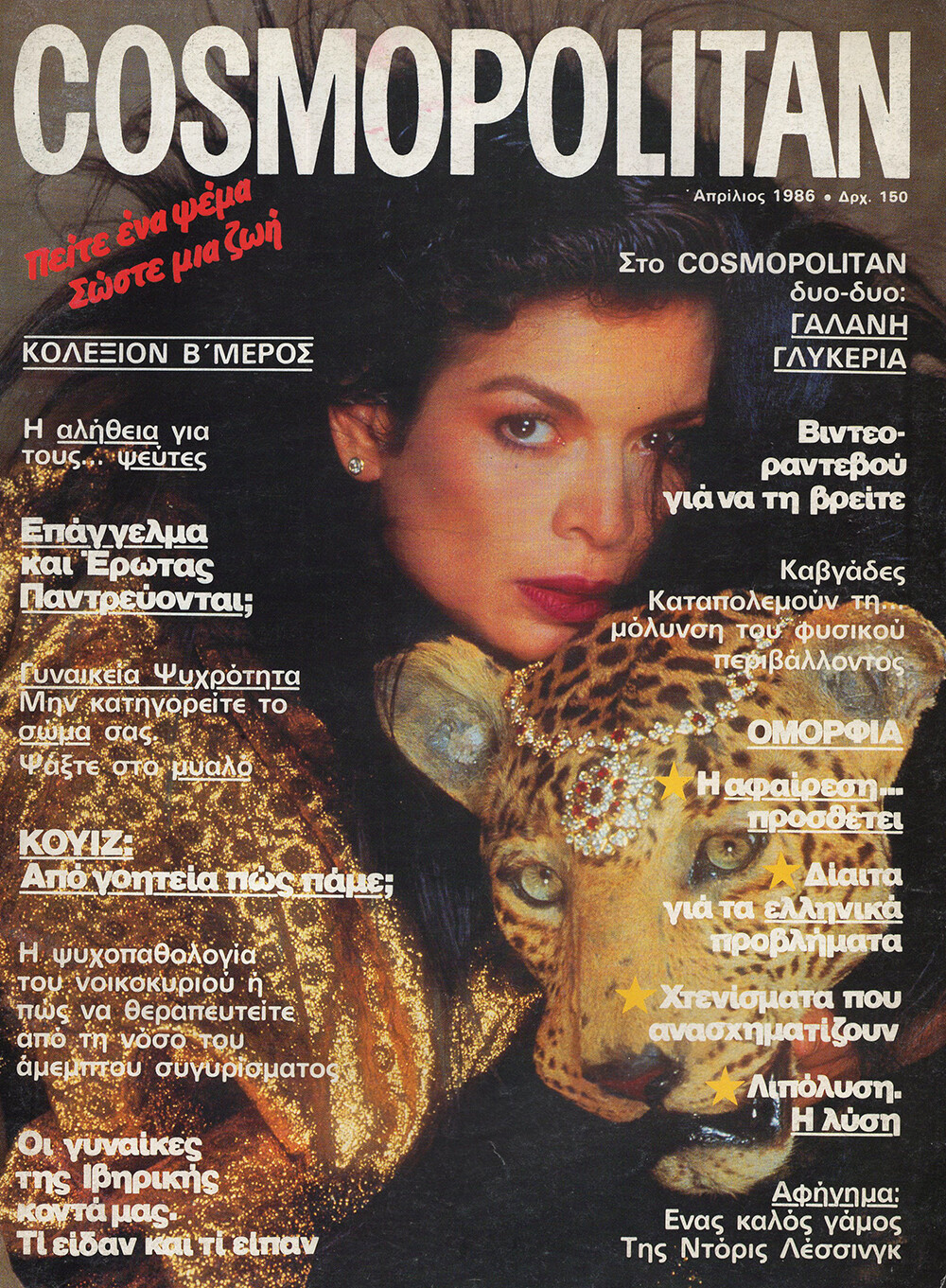
What an exceptional cover, @missparker7 ! Love it!- Kerstin Marie
- Nerine Kidd
- Nerine Kidd
- Nerine Kidd
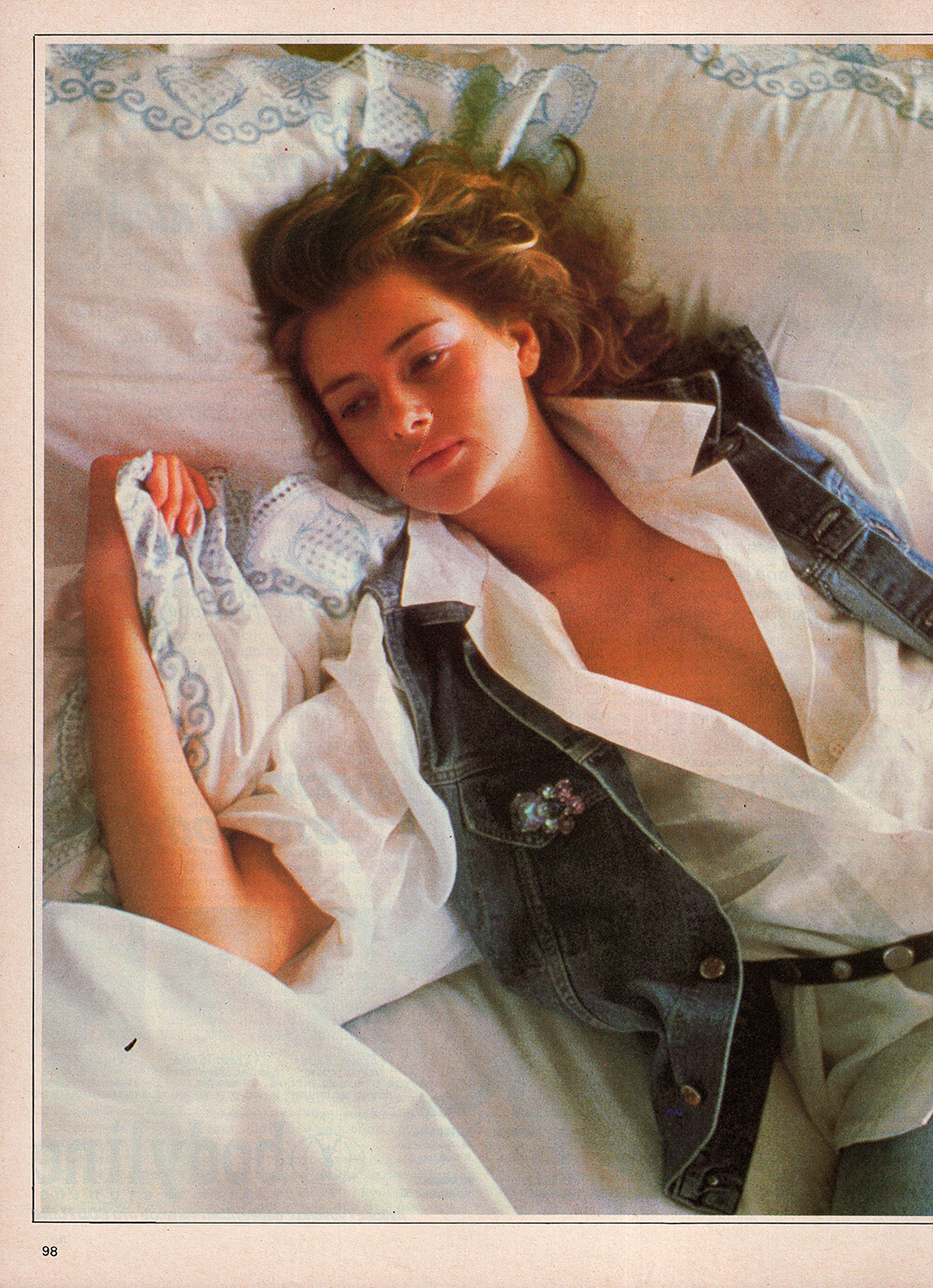
Nerine Kidd was an 80s model. She was also an actress known for Umetni raj (1990) and A Twist in the Tale (1999). She was married to William Shatner. Nerine was found dead at the bottom of their pool by her husband in 1999. Born: Jul 13, 1959 - Boston, Massachusetts, United States Died: Aug 9, 1999 - Studio City, Los Angeles, California, United States Height: 1.74 Bust: 85 Waist: 62 Hips: 90 Shoes: 38 Hair: Blonde Eyes: Blue modelcomposites.com- Lee Ann Laver
- Vintage Model IDs
Account
Navigation
Search
Configure browser push notifications
Chrome (Android)
- Tap the lock icon next to the address bar.
- Tap Permissions → Notifications.
- Adjust your preference.
Chrome (Desktop)
- Click the padlock icon in the address bar.
- Select Site settings.
- Find Notifications and adjust your preference.
Safari (iOS 16.4+)
- Ensure the site is installed via Add to Home Screen.
- Open Settings App → Notifications.
- Find your app name and adjust your preference.
Safari (macOS)
- Go to Safari → Preferences.
- Click the Websites tab.
- Select Notifications in the sidebar.
- Find this website and adjust your preference.
Edge (Android)
- Tap the lock icon next to the address bar.
- Tap Permissions.
- Find Notifications and adjust your preference.
Edge (Desktop)
- Click the padlock icon in the address bar.
- Click Permissions for this site.
- Find Notifications and adjust your preference.
Firefox (Android)
- Go to Settings → Site permissions.
- Tap Notifications.
- Find this site in the list and adjust your preference.
Firefox (Desktop)
- Open Firefox Settings.
- Search for Notifications.
- Find this site in the list and adjust your preference.