

RocketQueen
Members
-
Joined
-
Last visited
Everything posted by RocketQueen
-
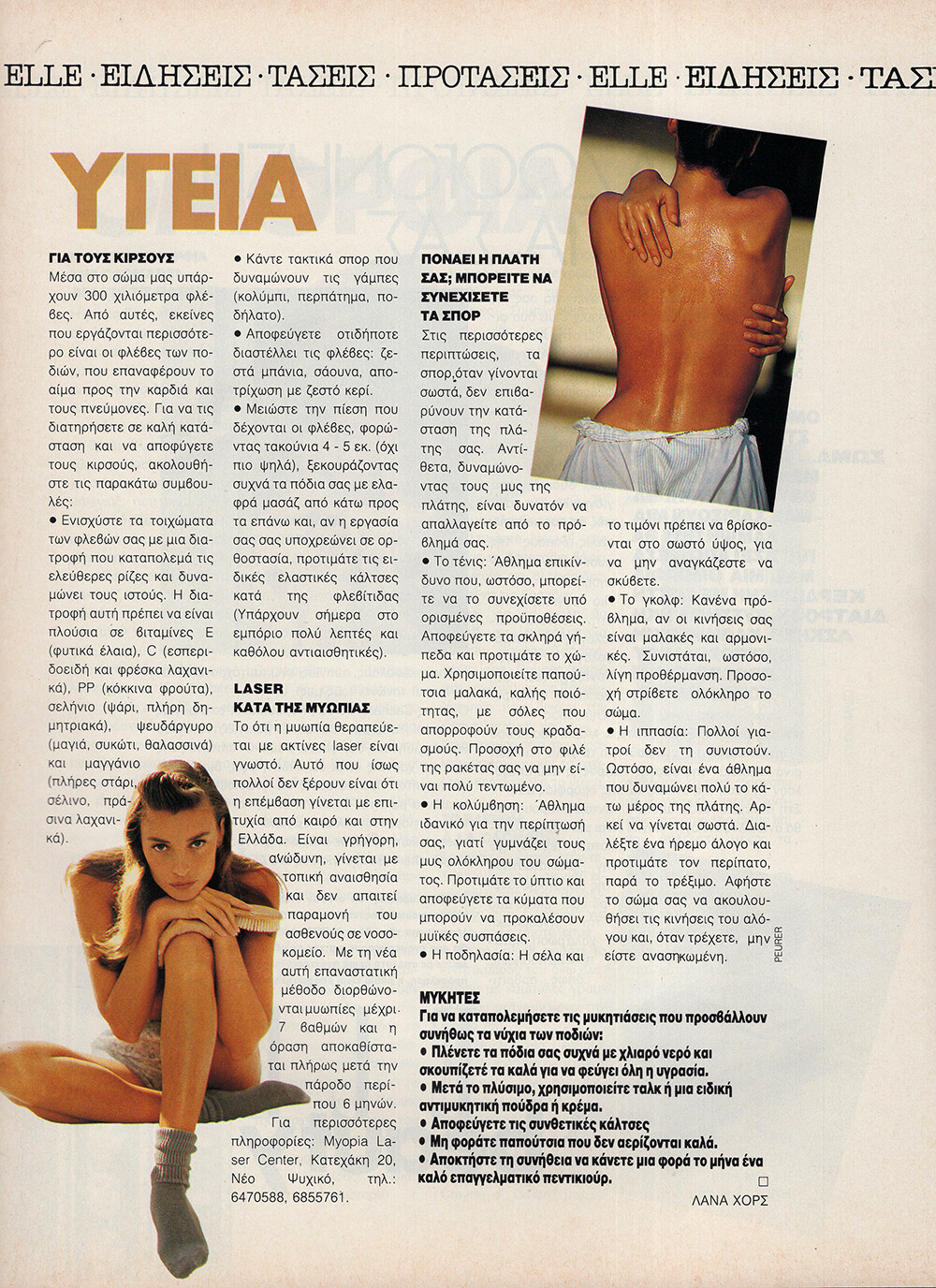
 ELLE GR, Feb 1992 - PH. UNK - MY SCAN
-
ELLE GR, Feb 1992 - PH. HANS FEURER - MY SCAN

-
ELLE GR, Feb 1992 - PH. FRIEDMANN HAUSS - MY SCAN Warning! NSFW! Spoiler

-
ELLE GR, Feb 1992 - PH. FRANCOIS POMEPUI - MY SCANS






-
ELLE GR, Feb 1992 - PH. FRANCOIS POMEPUI - MY SCANS






-
VOGUE AUS, Nov 1990 - PH. UNK - PORTRAIT.GOV.AUG

-
CLIQUE JP, 5 Feb 1991 - PH. UNK - EBAY

-
CLARA SP, Nov 1992 - PH. UNK - EBAY

-
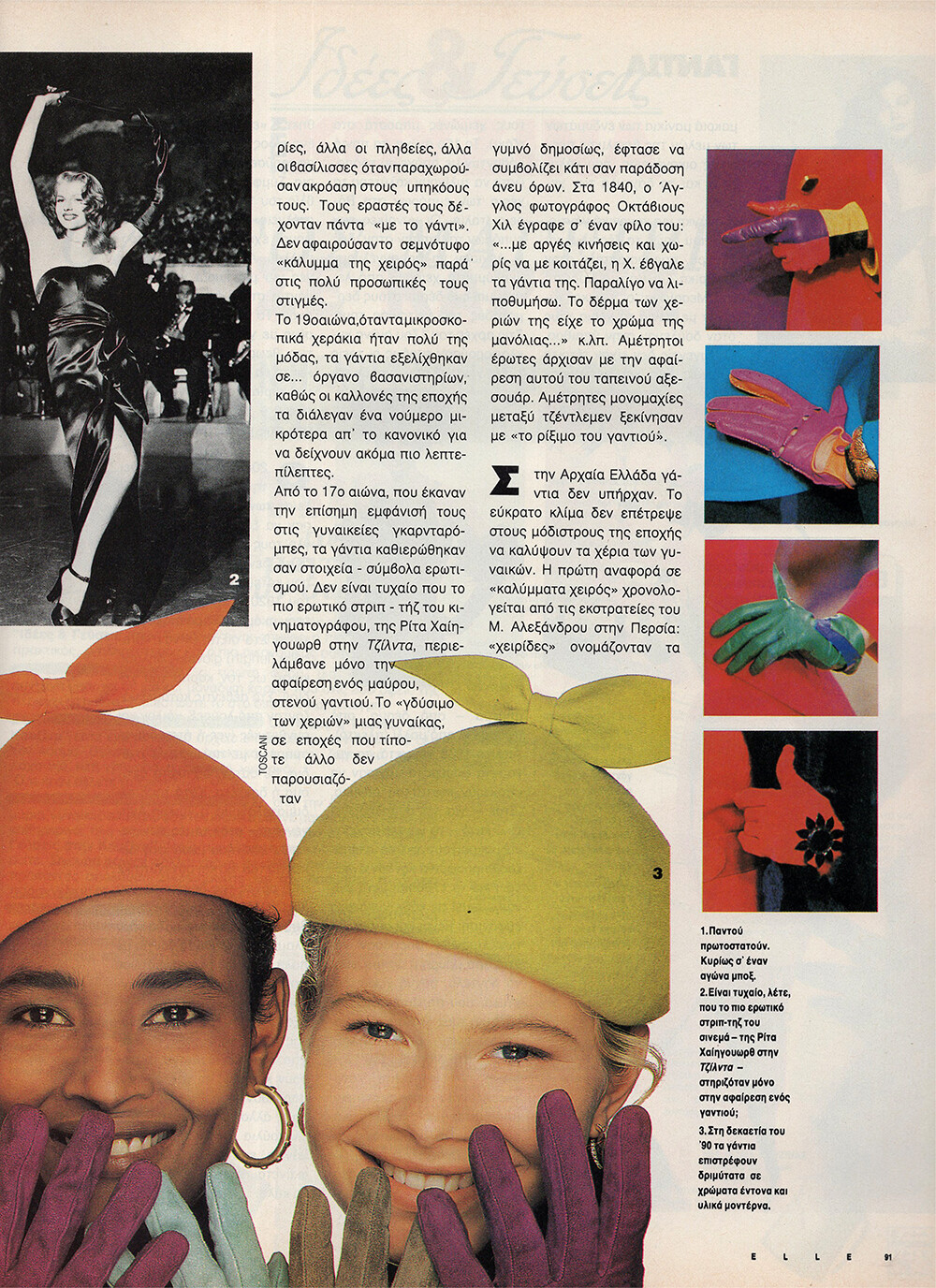
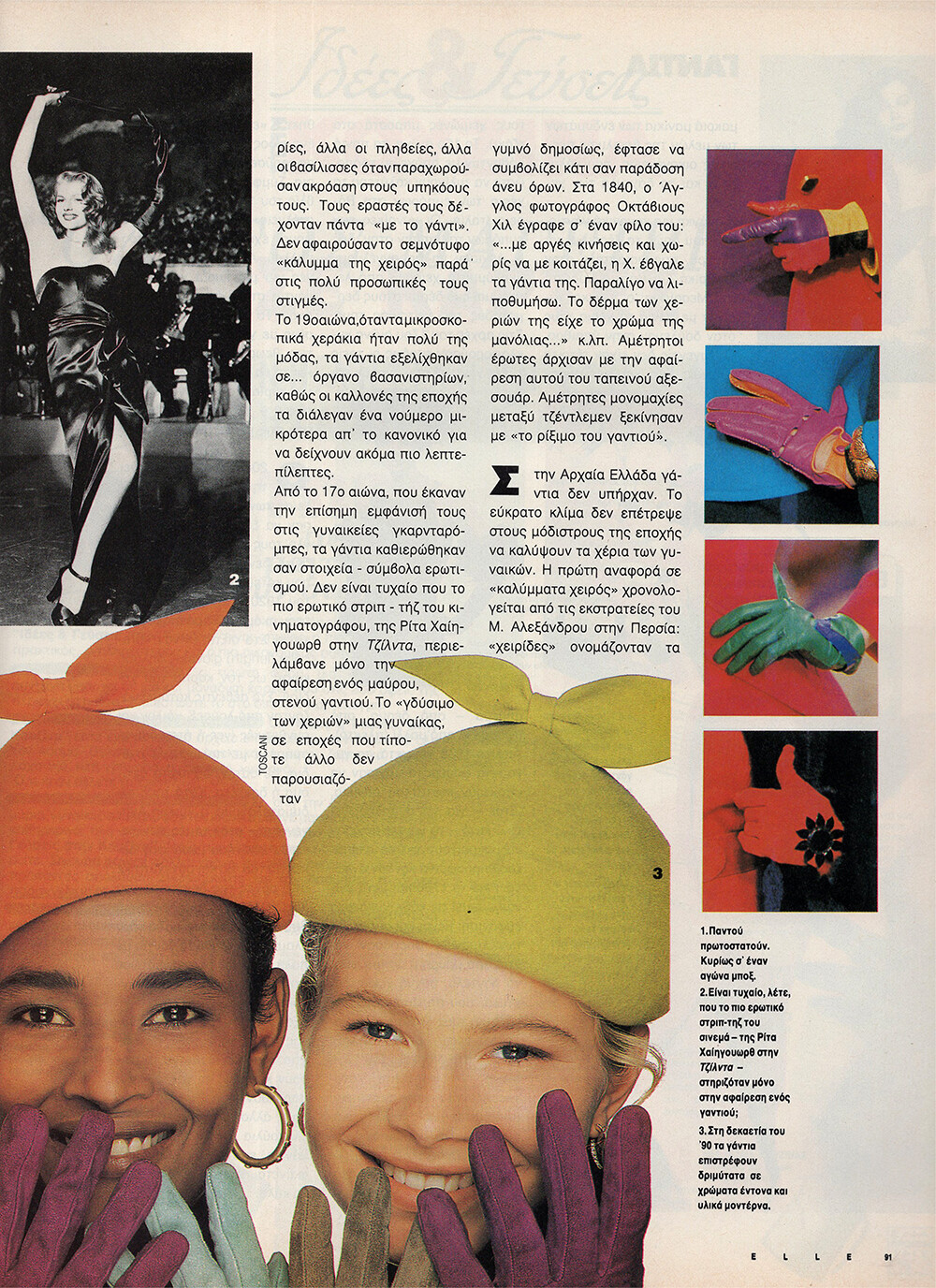
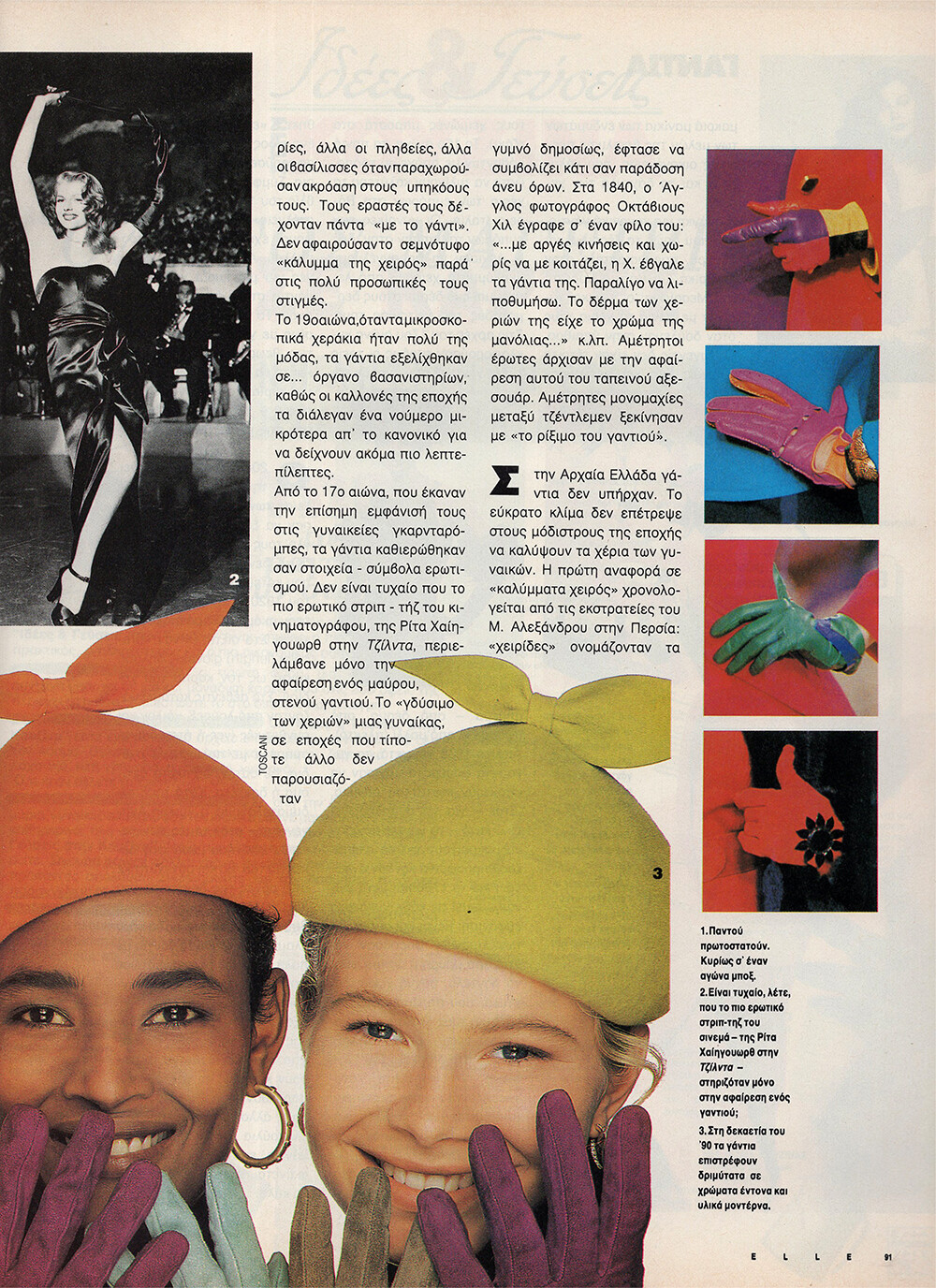
ELLE GR, Feb 1992 - PH. OLIVIERO TOSCANI - MY SCANS Unknown model, Waris Dirie and Laurence Vanhaeverbeke.

 ELLE GR, Feb 1992 - PH. OLIVIERO TOSCANI - MY SCANS + UNKNOWN MODEL, WARIS DIRIE
 ELLE GR, Feb 1992 - PH. OLIVIERO TOSCANI - MY SCANS + UNKNOWN MODEL, LAURENCE VANHAEVERBEKE
 CRISCA 1992 - PH. UNK - MY SCAN
 FIAT 1992 - PH. UNK - MY SCANS
 ESCADA 1992 - PH. UNK - MY SCANS
 ELLE GR, Feb 1992 - PH. NADIR - MY SCANS
 Mona Maine de Biran Wyatt
Pia Klover
Mona Maine de Biran Wyatt
Mona Maine de Biran Wyatt
Pia Klover

































(1).jpg.fa8039e804d0759674b2d725436c13c7.jpg.f61ff4f0b2ea64a02b7f020668f65f0c.jpg)
Account
Search
Configure browser push notifications
Chrome (Android)
- Tap the lock icon next to the address bar.
- Tap Permissions → Notifications.
- Adjust your preference.
Chrome (Desktop)
- Click the padlock icon in the address bar.
- Select Site settings.
- Find Notifications and adjust your preference.
Safari (iOS 16.4+)
- Ensure the site is installed via Add to Home Screen.
- Open Settings App → Notifications.
- Find your app name and adjust your preference.
Safari (macOS)
- Go to Safari → Preferences.
- Click the Websites tab.
- Select Notifications in the sidebar.
- Find this website and adjust your preference.
Edge (Android)
- Tap the lock icon next to the address bar.
- Tap Permissions.
- Find Notifications and adjust your preference.
Edge (Desktop)
- Click the padlock icon in the address bar.
- Click Permissions for this site.
- Find Notifications and adjust your preference.
Firefox (Android)
- Go to Settings → Site permissions.
- Tap Notifications.
- Find this site in the list and adjust your preference.
Firefox (Desktop)
- Open Firefox Settings.
- Search for Notifications.
- Find this site in the list and adjust your preference.