# Retired
-
- 51 comments
- 9,254 views
-
- 1990s
- 90s model
- short hair
- 2000s
-
Tagged with:
- 28 comments
- 14,799 views
-
- 9 comments
- 2,486 views
-
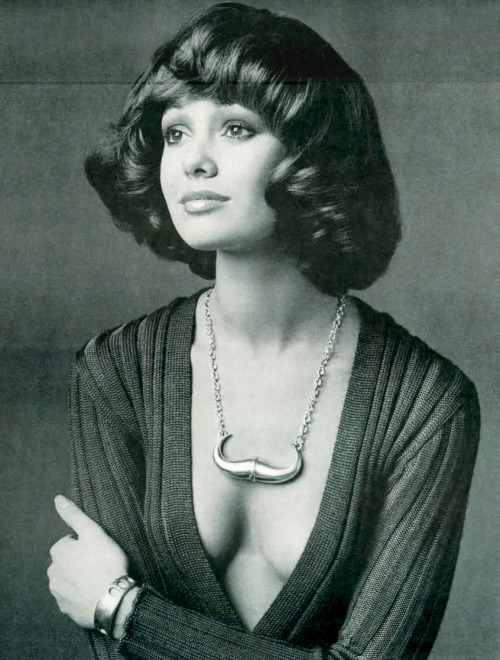
- vintage model
- 1970s
- american
- retired
-
Tagged with:
- 19 comments
- 15,591 views
-
- 18 comments
- 4,643 views
Image hidden for guestsSign in to view -
- 12 comments
- 4,957 views
-
- 10 comments
- 4,974 views
-
- 1980s
- 1990s
- 90s model
- victoria secret
-
Tagged with:
- 6 comments
- 5,697 views
-
- 7 comments
- 3,914 views
-
- 34 comments
- 6,589 views
Image hidden for guestsSign in to view