TheBestModels
Members
-
Joined
Everything posted by TheBestModels
-
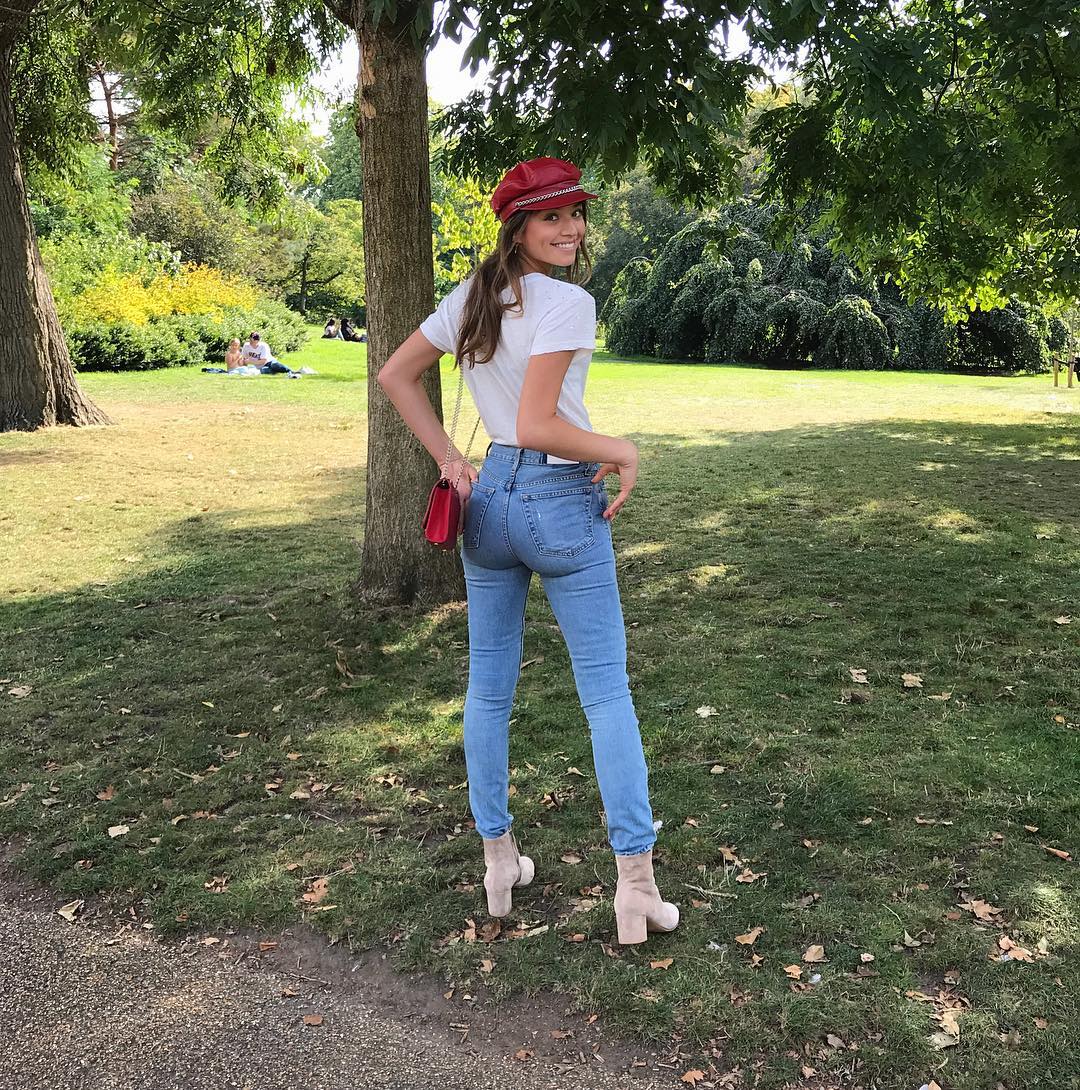
 Not Kara ...
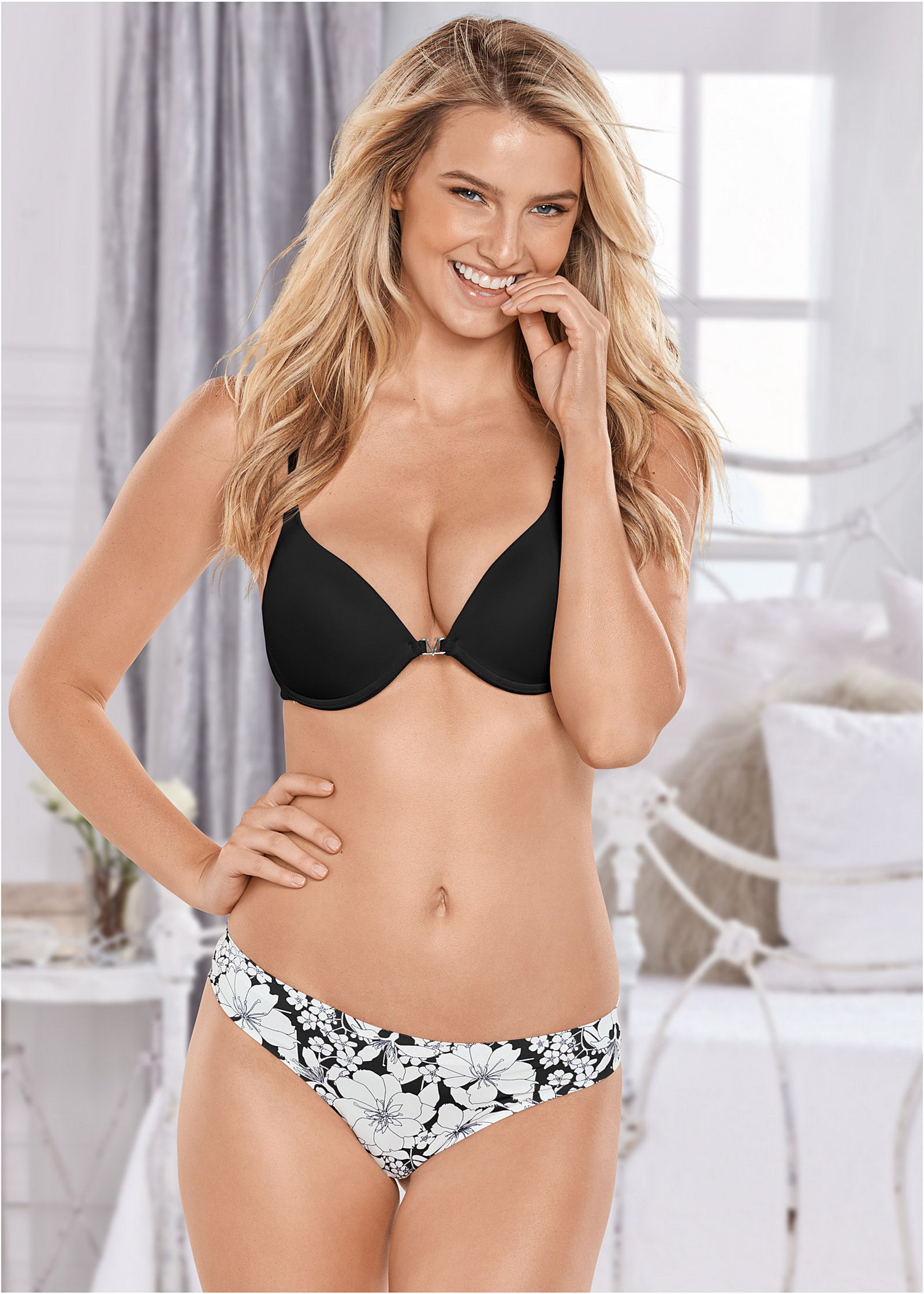
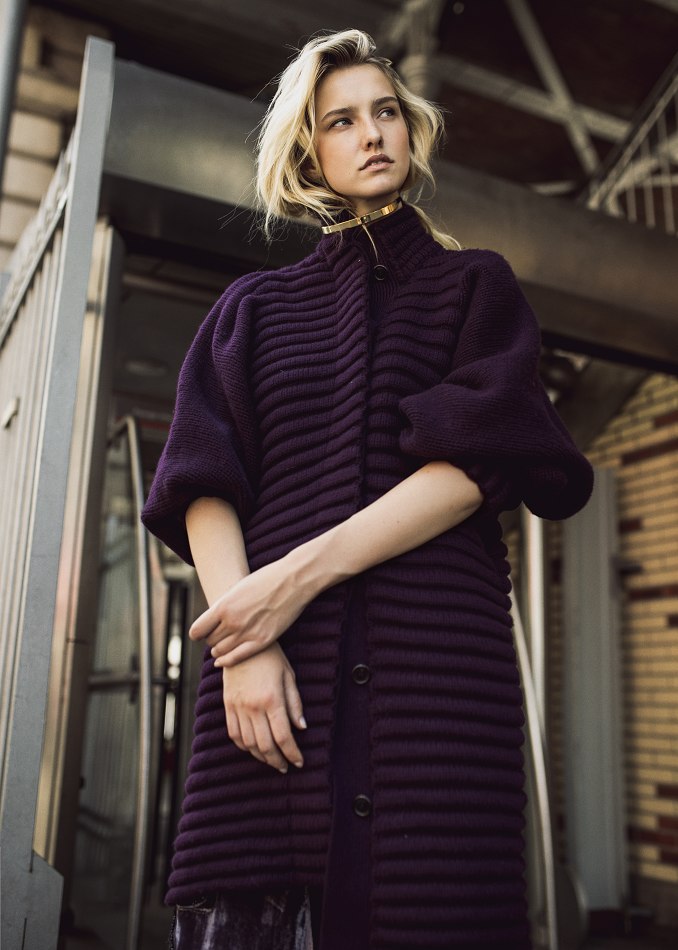
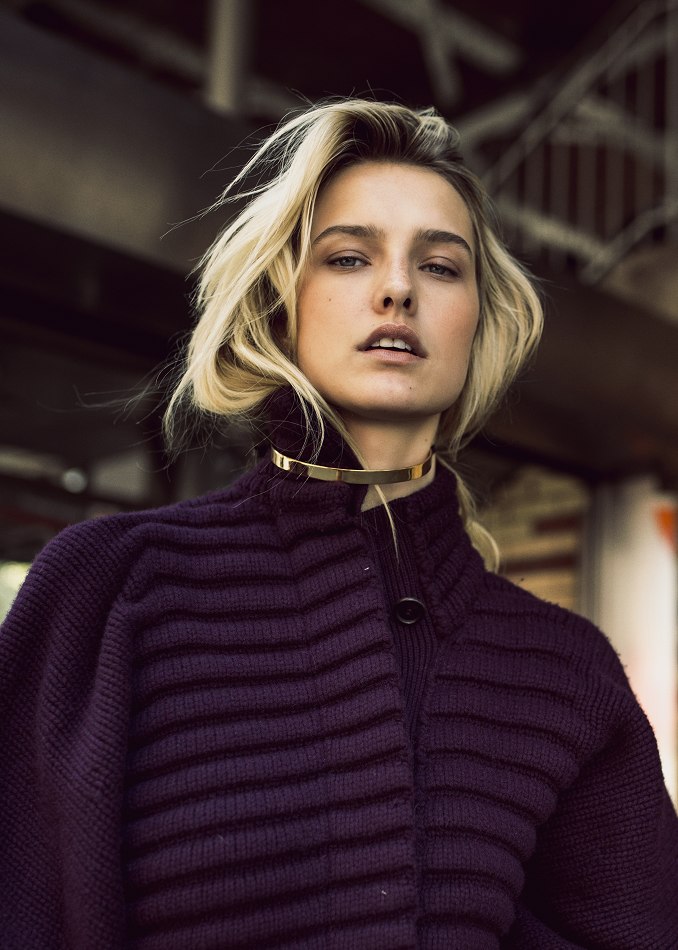
New Fall #adcampaign @kohls for @elleusa #photographed by @robertoelsayed #artdirection @nesto718 #styling @annie_funn #hair @bernhardtamme #robinschoenmakeup
Not Kara ...
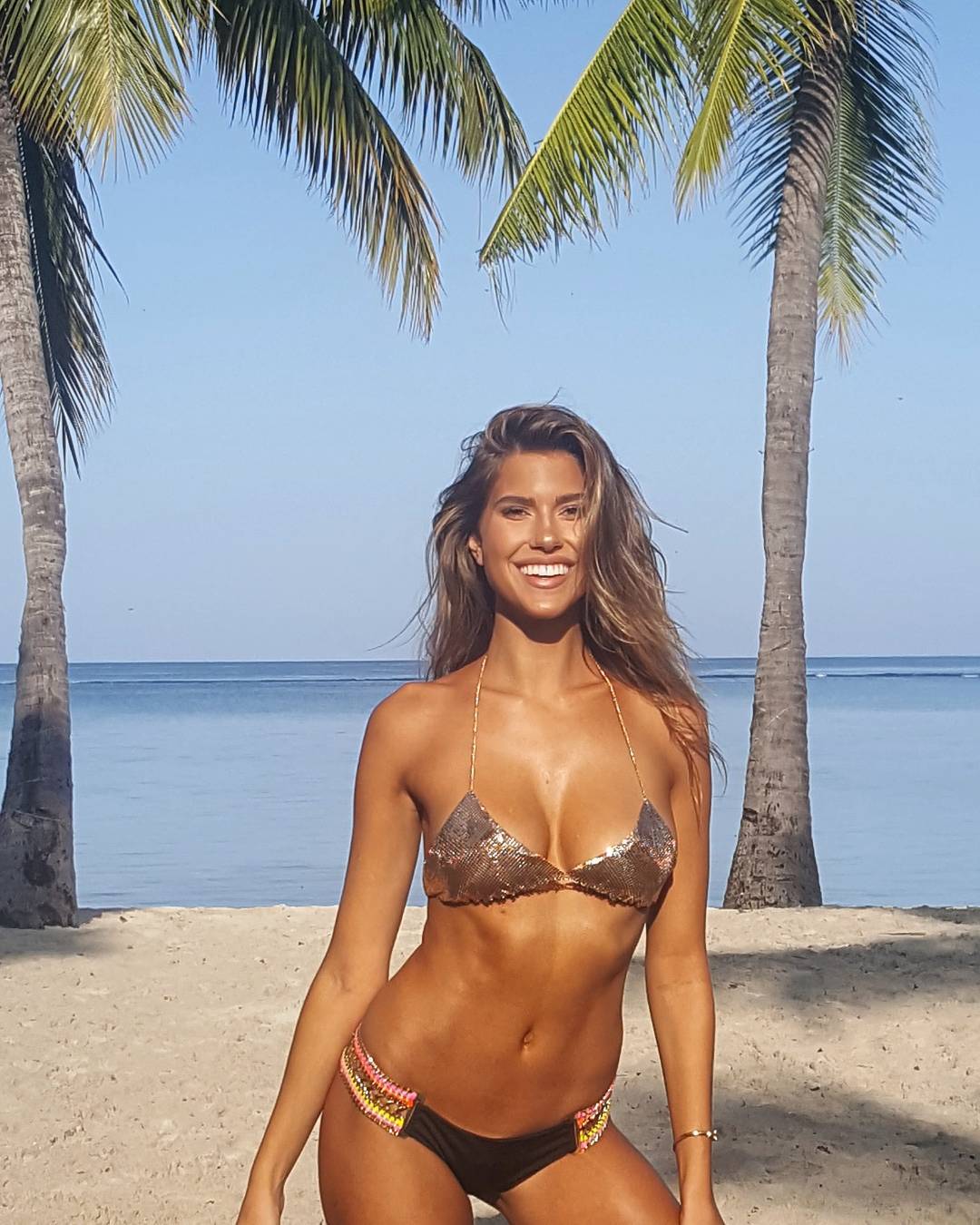
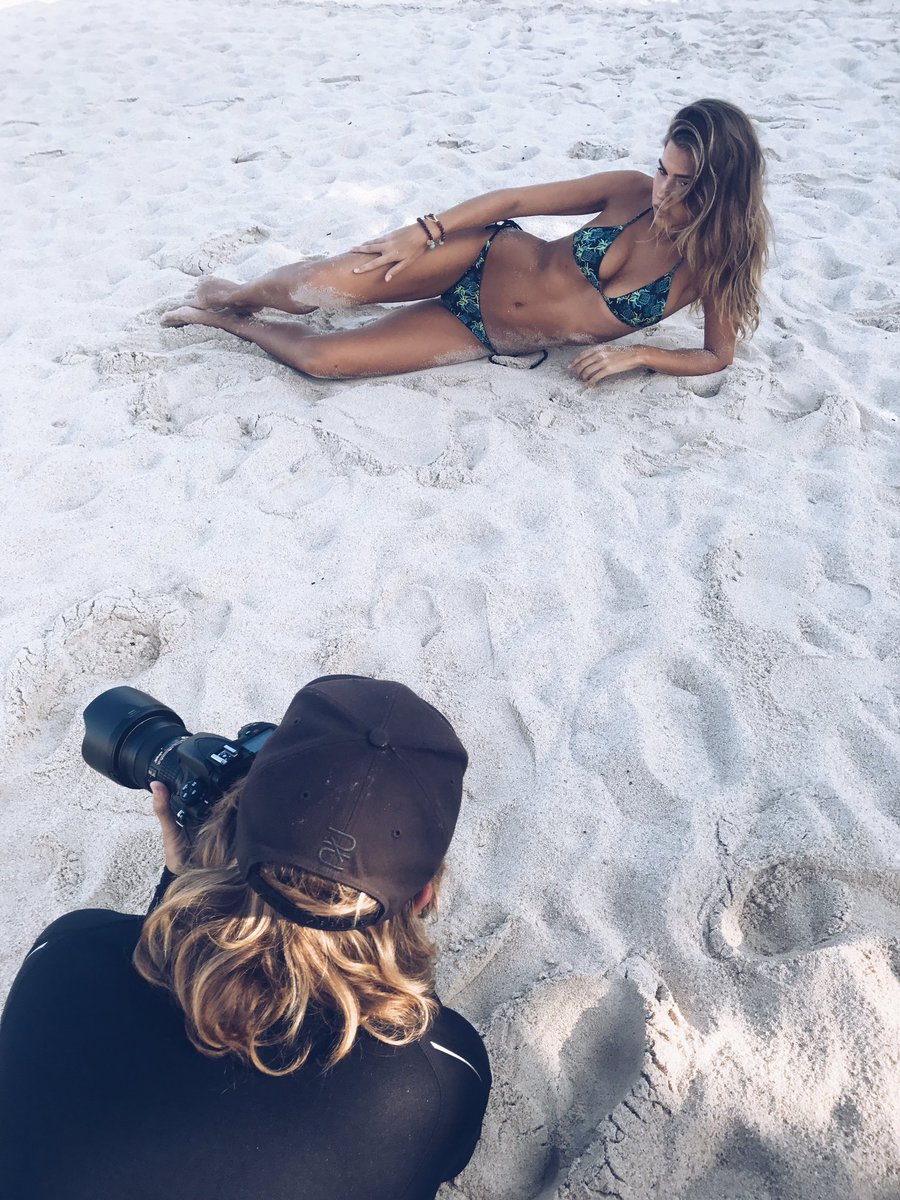
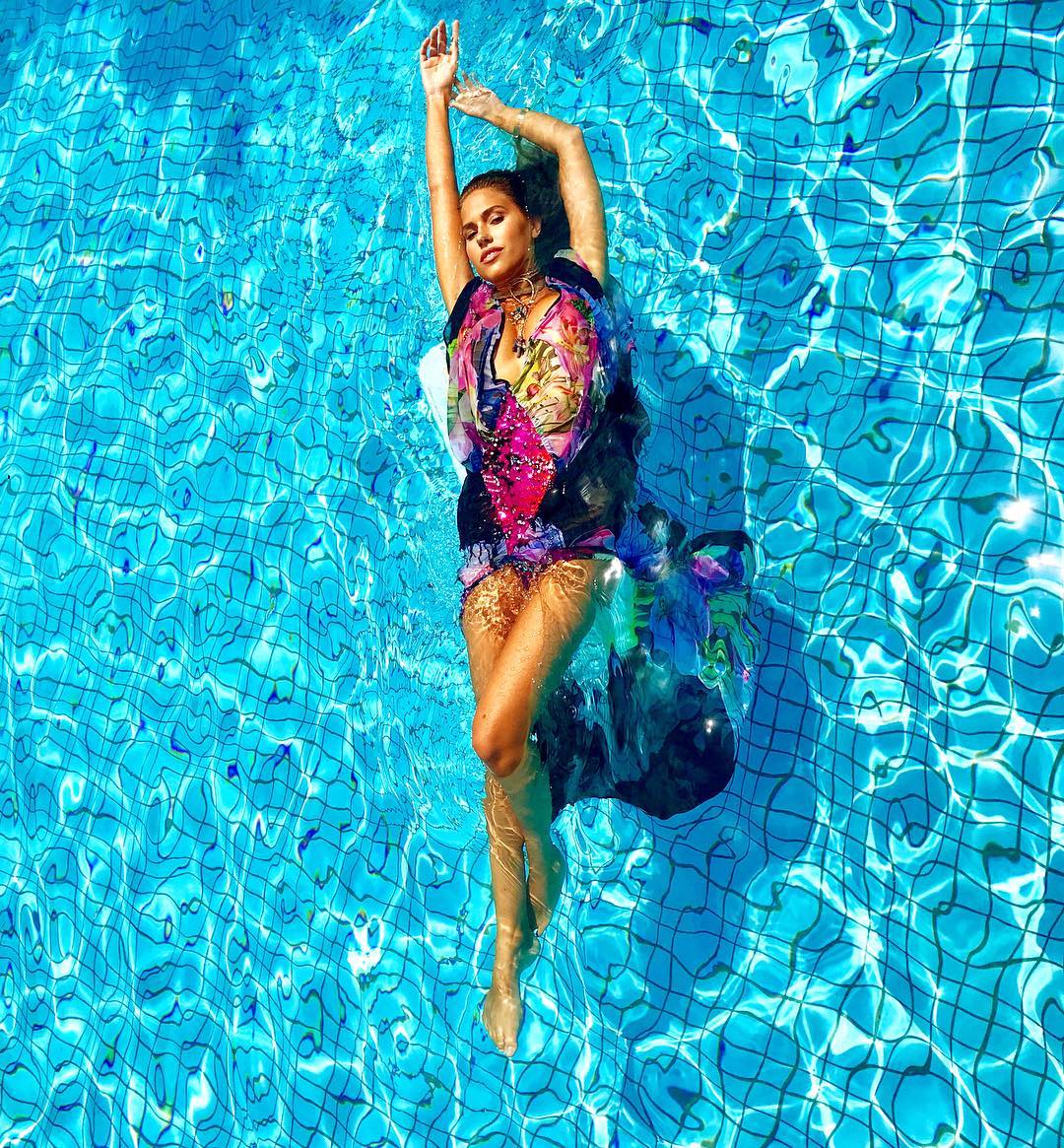
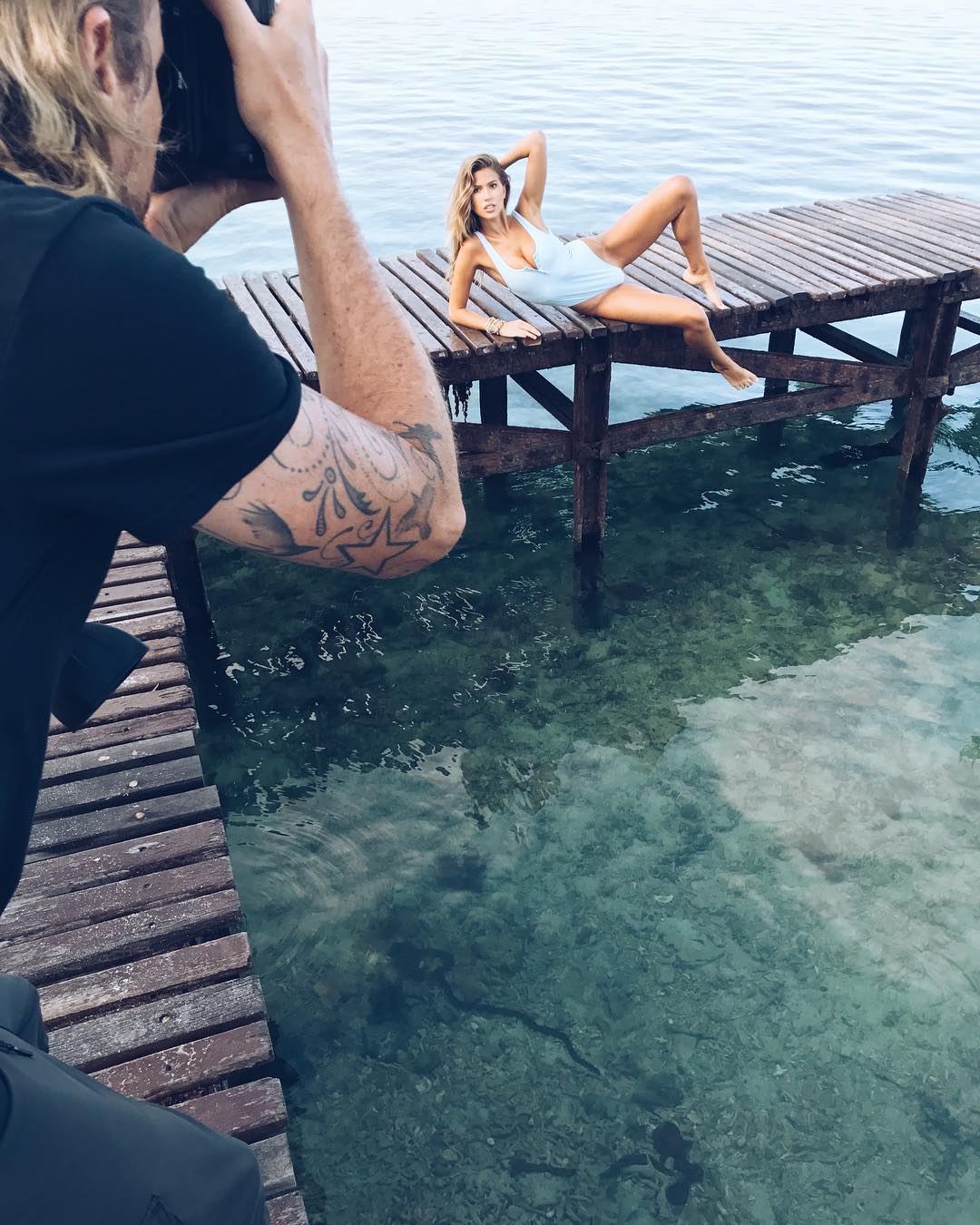
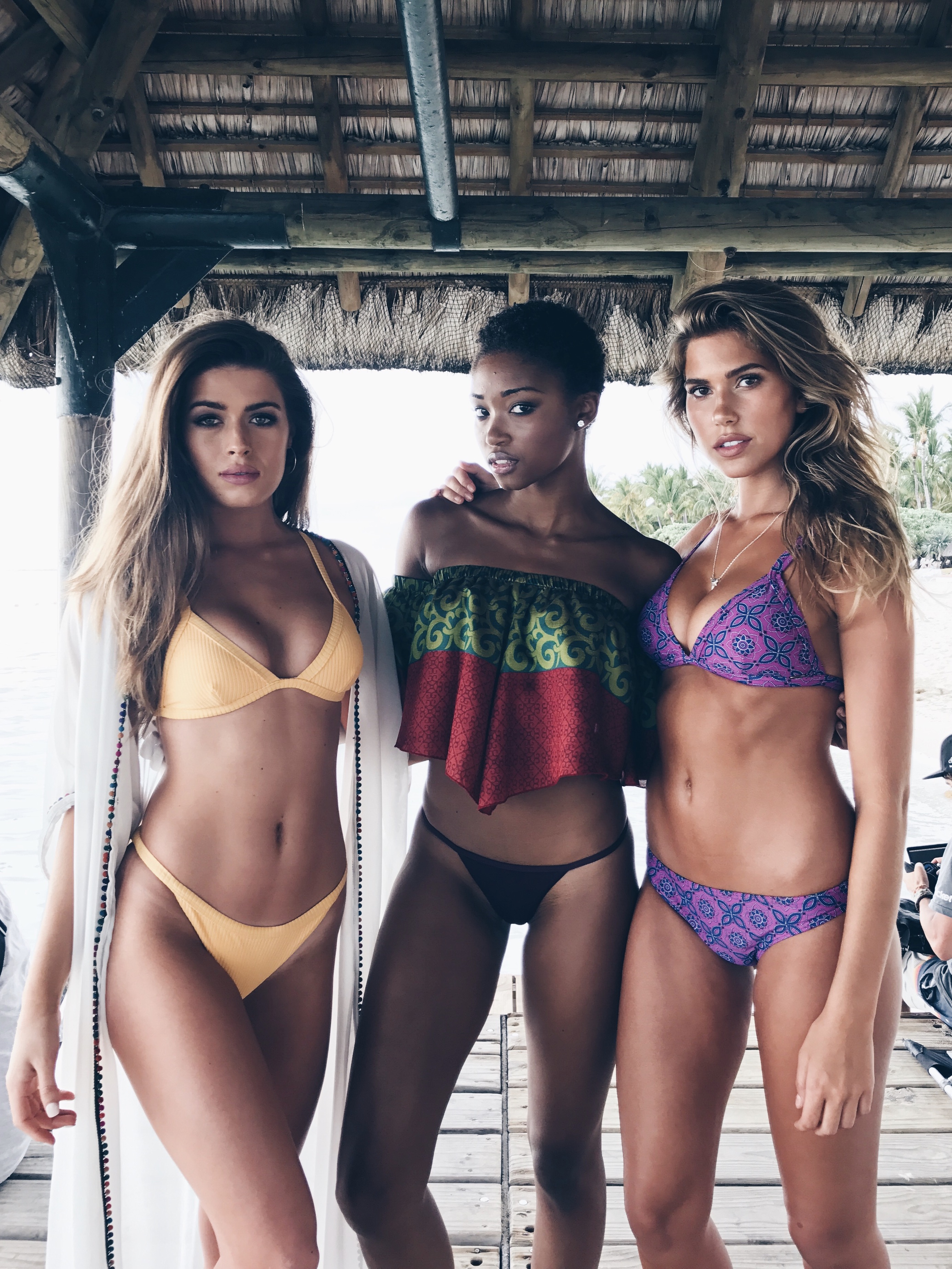
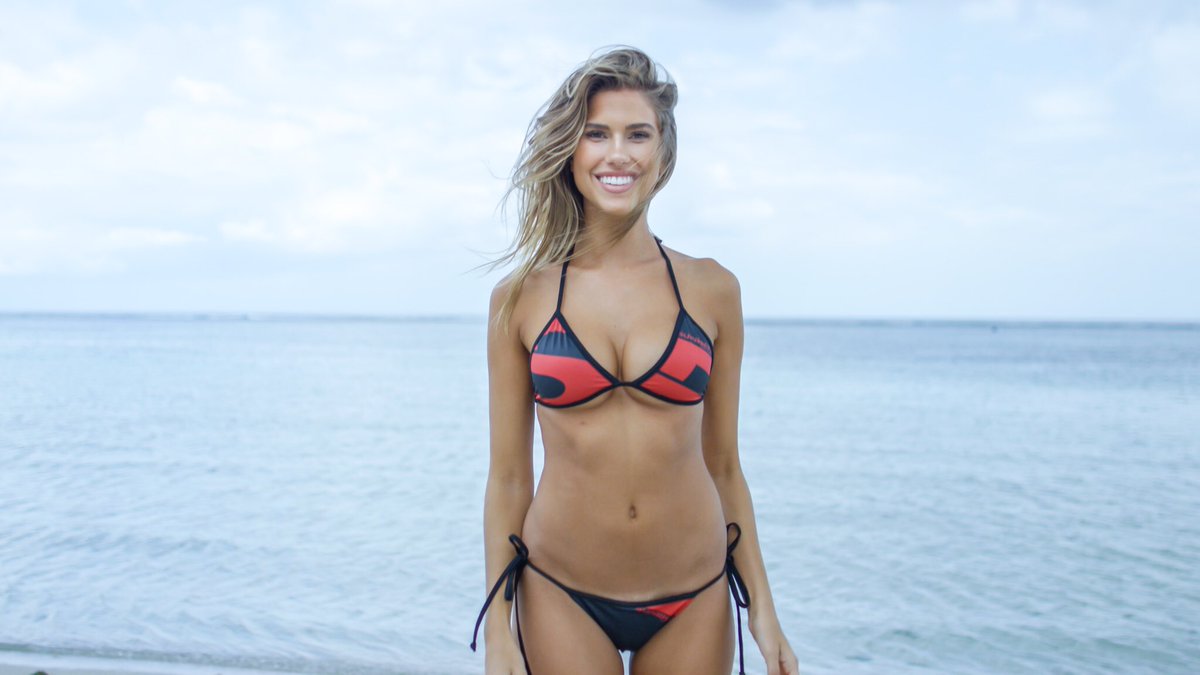
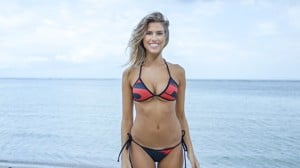
New Fall #adcampaign @kohls for @elleusa #photographed by @robertoelsayed #artdirection @nesto718 #styling @annie_funn #hair @bernhardtamme #robinschoenmakeup Kara is shooting for World Swimsuit for a 2nd time ! It started yesterday http://worldswimsuit.com/ @worldswimsuit @callypalmer@hairstylistforever @beryldingemans@rufftung @maxinebenatar @karajewelll
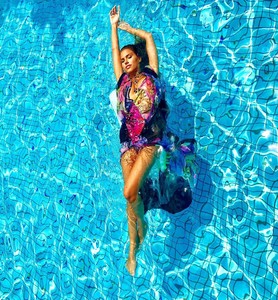
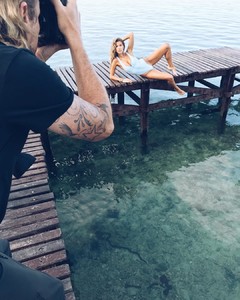

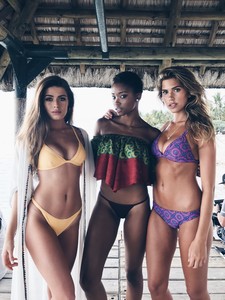



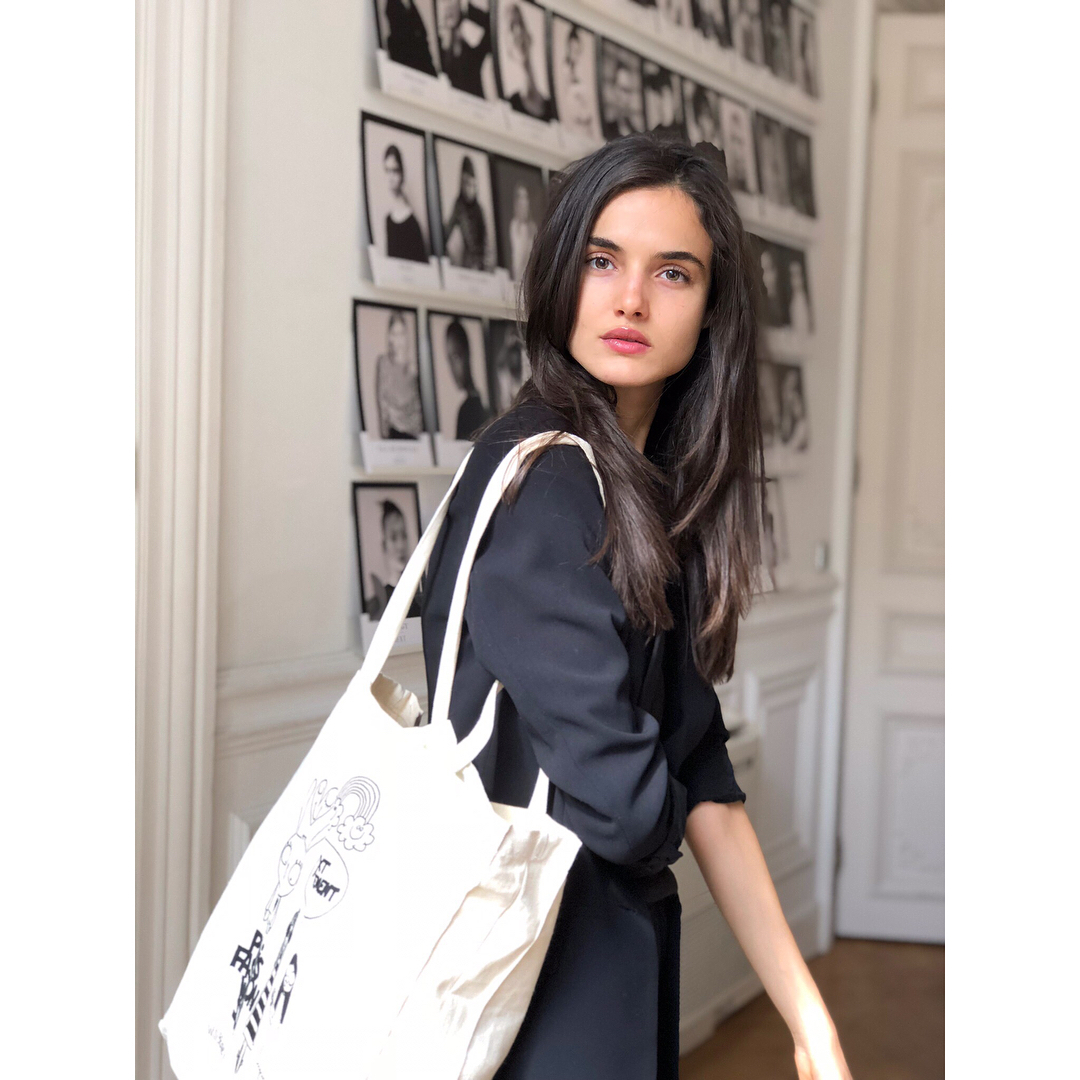
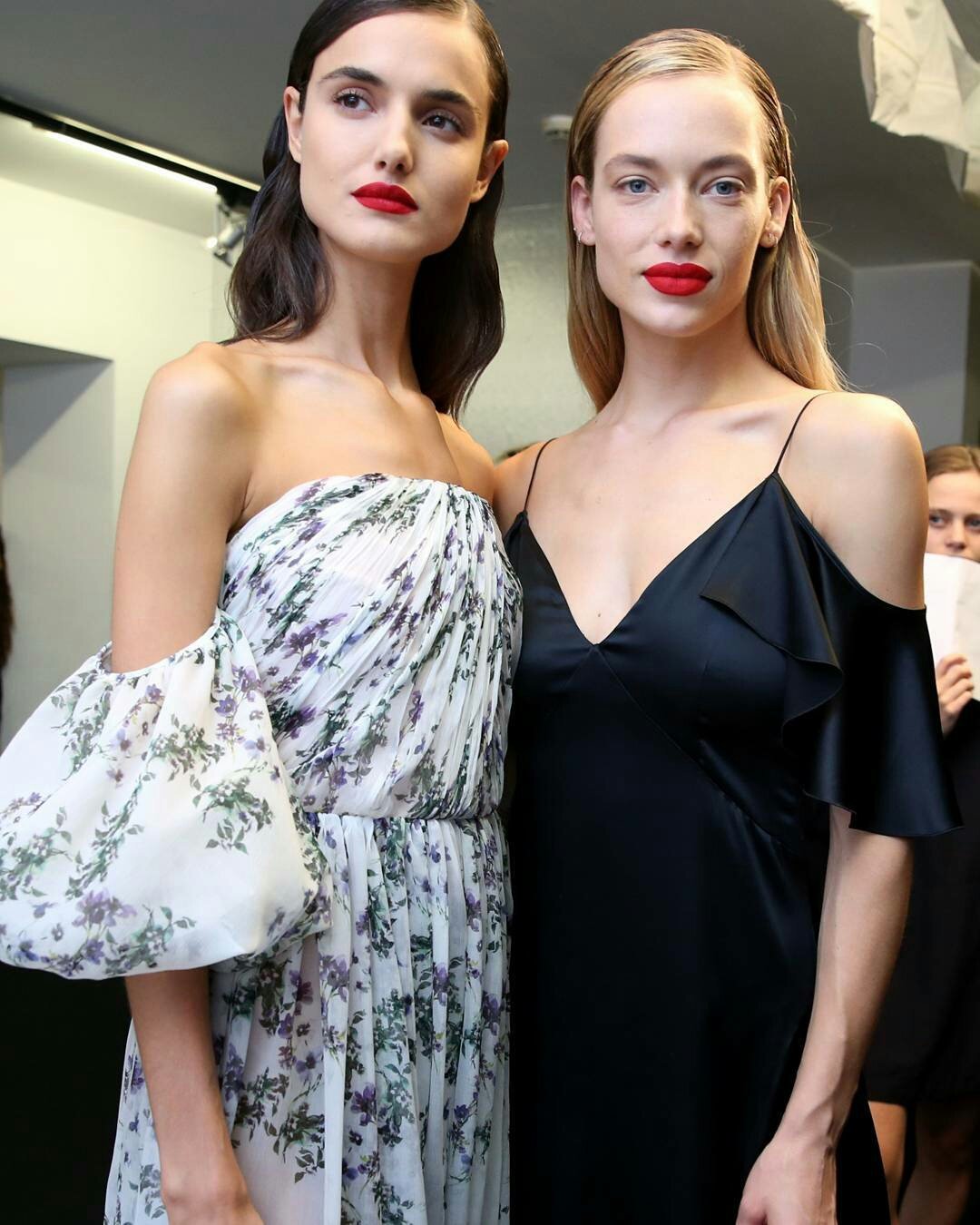
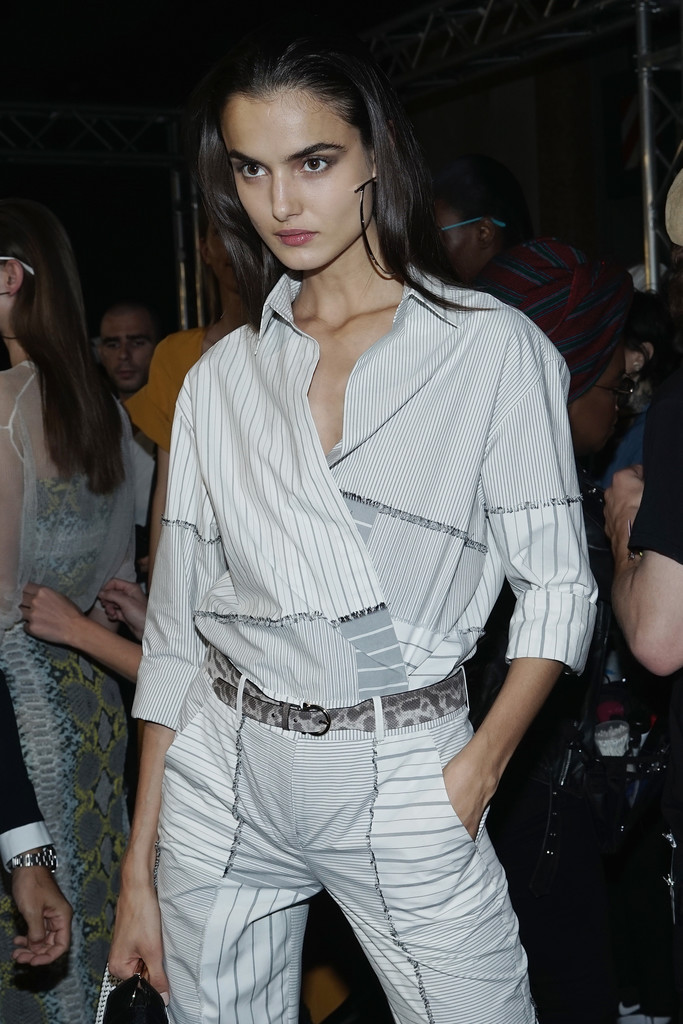
 Blanca and Hannah Ferguson in Milano
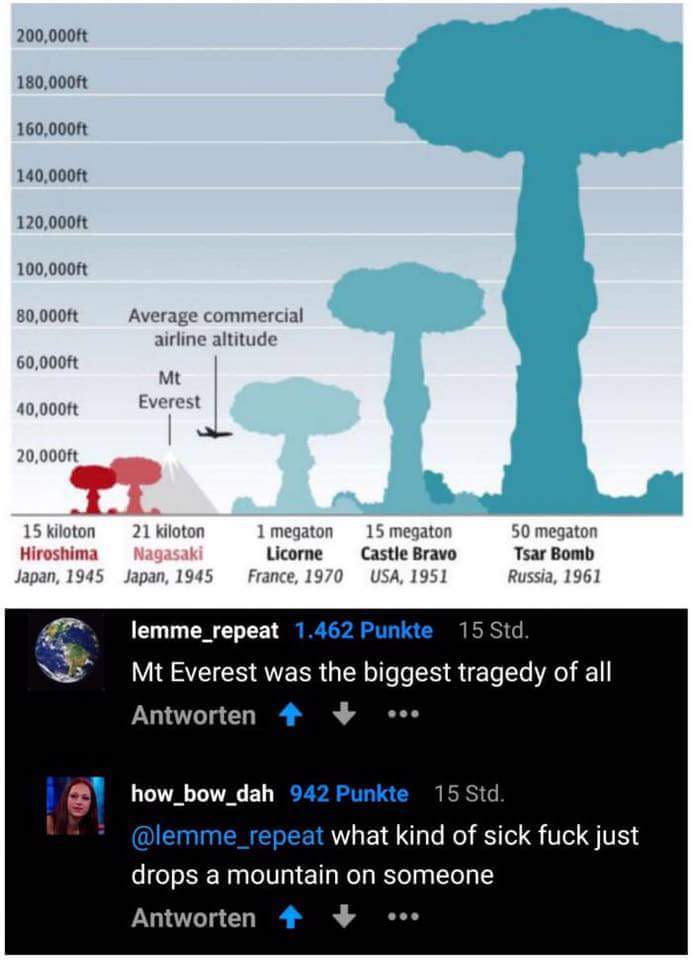
"Whoever is not with me is against me" The best definition of the concept of religion so far.
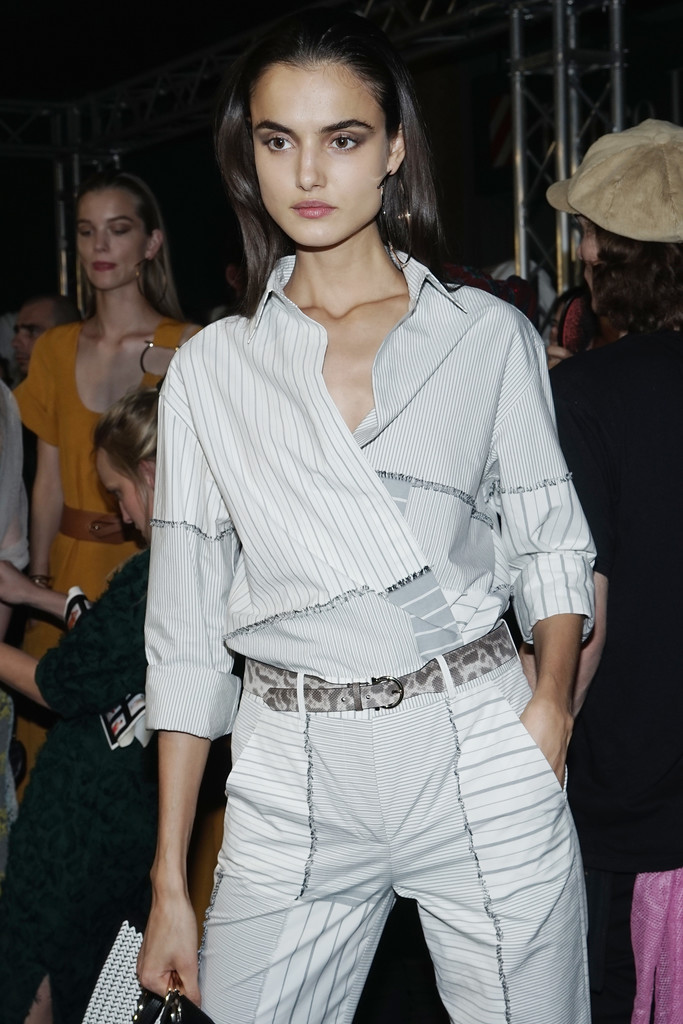
Blanca and Hannah Ferguson in Milano
"Whoever is not with me is against me" The best definition of the concept of religion so far.
Account
Navigation
Search
Configure browser push notifications
Chrome (Android)
- Tap the lock icon next to the address bar.
- Tap Permissions → Notifications.
- Adjust your preference.
Chrome (Desktop)
- Click the padlock icon in the address bar.
- Select Site settings.
- Find Notifications and adjust your preference.
Safari (iOS 16.4+)
- Ensure the site is installed via Add to Home Screen.
- Open Settings App → Notifications.
- Find your app name and adjust your preference.
Safari (macOS)
- Go to Safari → Preferences.
- Click the Websites tab.
- Select Notifications in the sidebar.
- Find this website and adjust your preference.
Edge (Android)
- Tap the lock icon next to the address bar.
- Tap Permissions.
- Find Notifications and adjust your preference.
Edge (Desktop)
- Click the padlock icon in the address bar.
- Click Permissions for this site.
- Find Notifications and adjust your preference.
Firefox (Android)
- Go to Settings → Site permissions.
- Tap Notifications.
- Find this site in the list and adjust your preference.
Firefox (Desktop)
- Open Firefox Settings.
- Search for Notifications.
- Find this site in the list and adjust your preference.