TheBestModels
Members
-
Joined
Everything posted by TheBestModels
-
 by @calebandgladys



 Model Runway Series: Peroni Emerging Designer Series Miami Swim Week 2016 Fashion Show
IG Story
Model Runway Series: Peroni Emerging Designer Series Miami Swim Week 2016 Fashion Show
IG Story @MILLY Cabana RESORT 2018 BTS

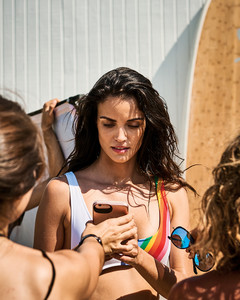

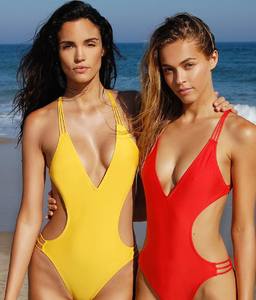
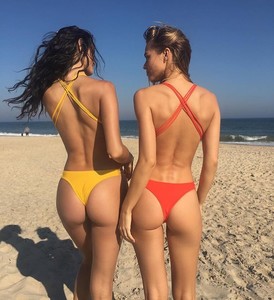
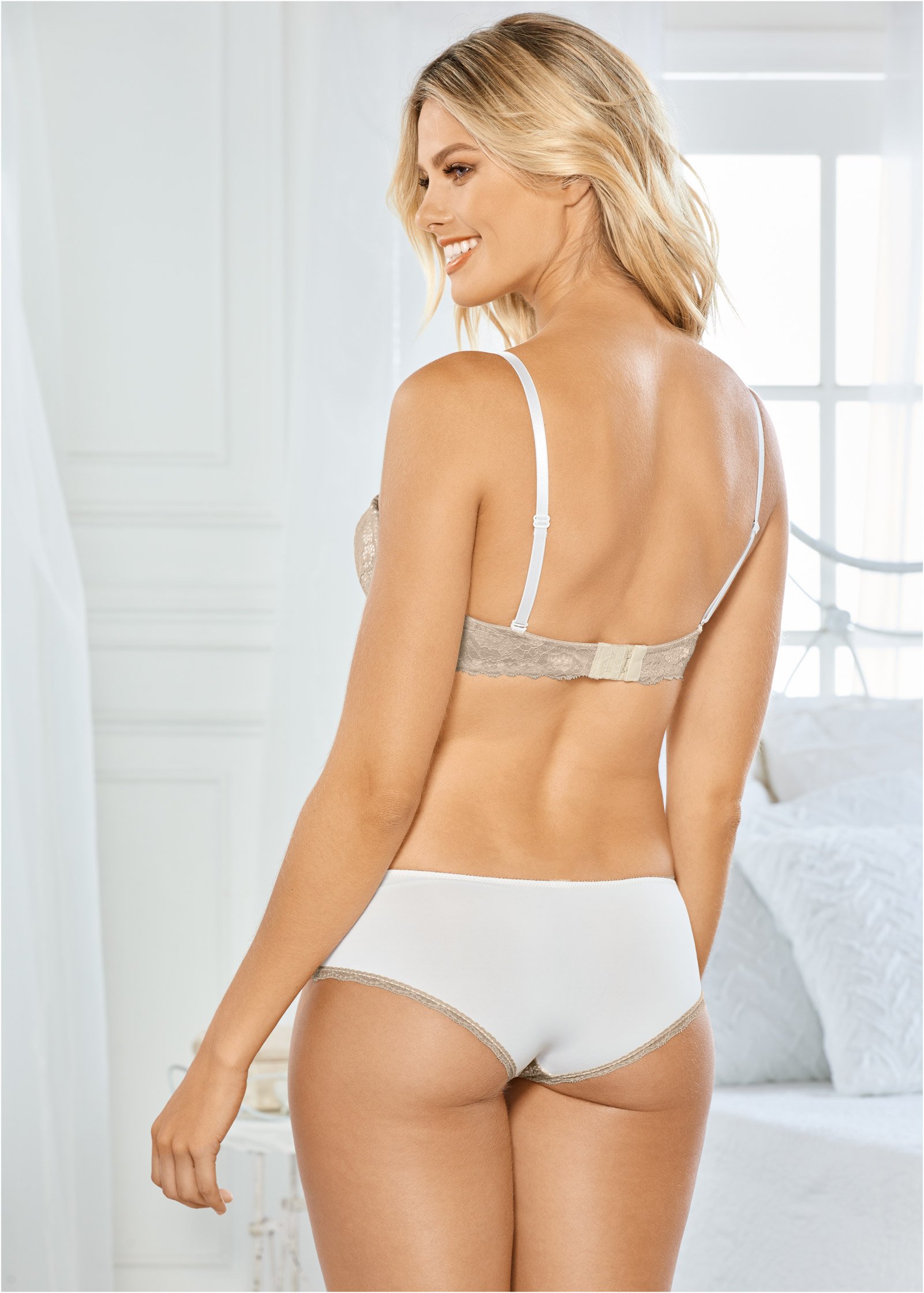
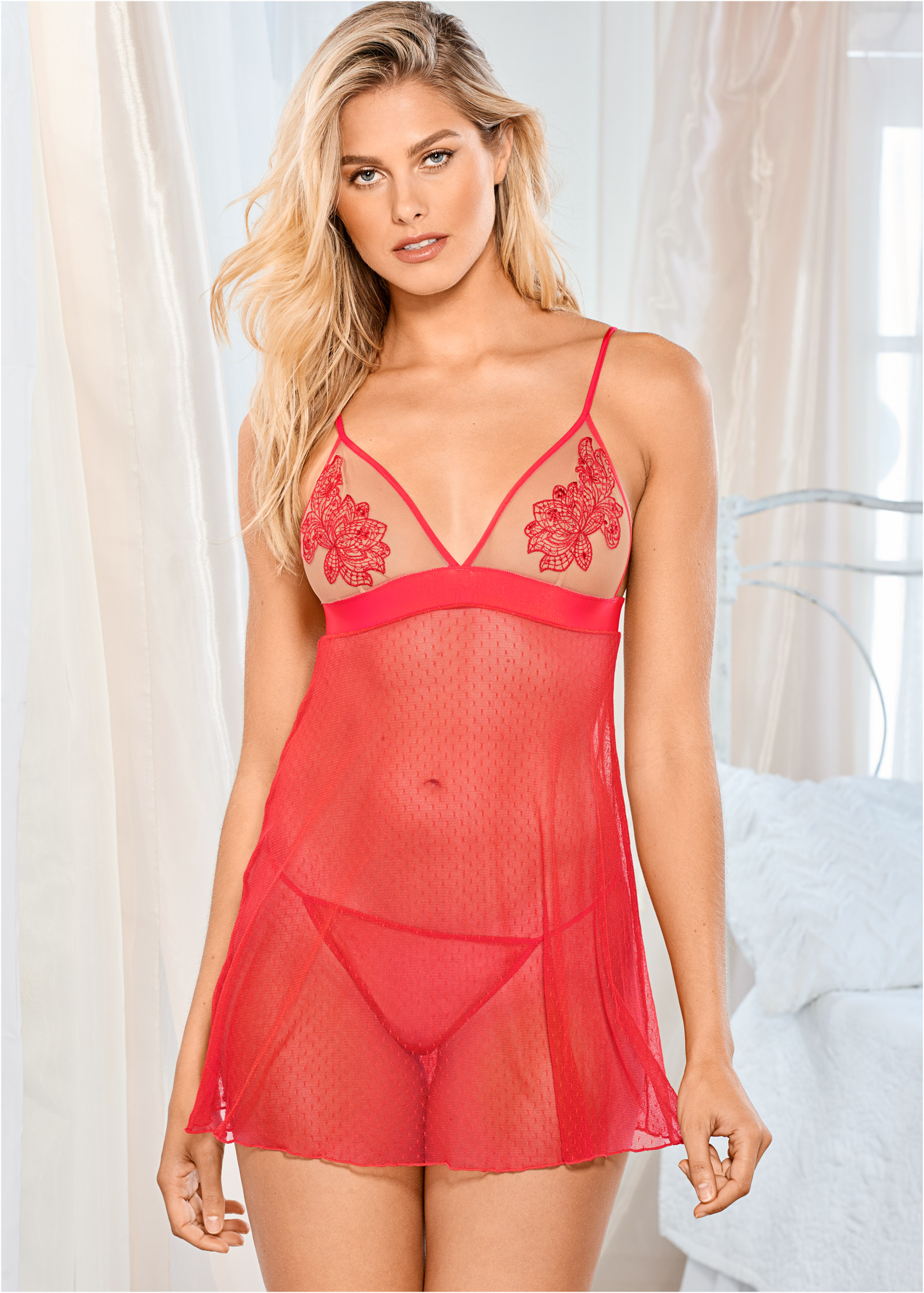
 @VENUS

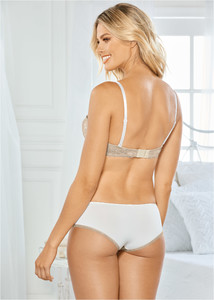



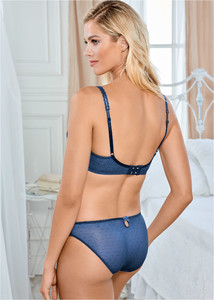
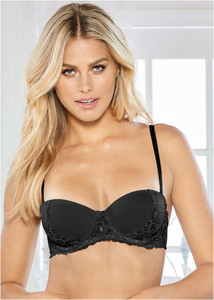

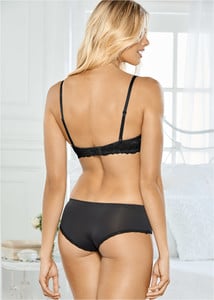 ^ Gorgeous !
BTS today shooting with the @disciples for their new single #jealousy shot by the lovely @aspiring_corpse @thesquadmanagement @outlawsmodels
^ Gorgeous !
BTS today shooting with the @disciples for their new single #jealousy shot by the lovely @aspiring_corpse @thesquadmanagement @outlawsmodels Exclusivity make the activity slowler for sure. Last time in Paris, she walked only the Chanel one i think...
>> https://www.instagram.com/dearcatcallers/
That video in which we can see Trump throwing stuff at the face of people in Puerto-Rico, like if he was playing Basketball, is really insane. It seems this man has no self-censure...
"October 2017, Twitter is testing messages with 280 character..."
Exclusivity make the activity slowler for sure. Last time in Paris, she walked only the Chanel one i think...
>> https://www.instagram.com/dearcatcallers/
That video in which we can see Trump throwing stuff at the face of people in Puerto-Rico, like if he was playing Basketball, is really insane. It seems this man has no self-censure...
"October 2017, Twitter is testing messages with 280 character..." ^ Not funny lol
Account
Navigation
Search
Configure browser push notifications
Chrome (Android)
- Tap the lock icon next to the address bar.
- Tap Permissions → Notifications.
- Adjust your preference.
Chrome (Desktop)
- Click the padlock icon in the address bar.
- Select Site settings.
- Find Notifications and adjust your preference.
Safari (iOS 16.4+)
- Ensure the site is installed via Add to Home Screen.
- Open Settings App → Notifications.
- Find your app name and adjust your preference.
Safari (macOS)
- Go to Safari → Preferences.
- Click the Websites tab.
- Select Notifications in the sidebar.
- Find this website and adjust your preference.
Edge (Android)
- Tap the lock icon next to the address bar.
- Tap Permissions.
- Find Notifications and adjust your preference.
Edge (Desktop)
- Click the padlock icon in the address bar.
- Click Permissions for this site.
- Find Notifications and adjust your preference.
Firefox (Android)
- Go to Settings → Site permissions.
- Tap Notifications.
- Find this site in the list and adjust your preference.
Firefox (Desktop)
- Open Firefox Settings.
- Search for Notifications.
- Find this site in the list and adjust your preference.