TheBestModels
Members
-
Joined
Everything posted by TheBestModels
-
 ^ I hope this will never happen. Even that flag is an imposture.
CFDA and Vogue Fashion Fund 'Americans in Paris' cocktail party, Paris Fashion Week, France 30.09.2017
Altuzarra show, Front Row, Spring Summer 2018, Paris Fashion Week, France 30.09.2017
What is happening in Catalonia is pretty dramatic. Viva La Unita De Espana !
Various from today
^ I hope this will never happen. Even that flag is an imposture.
CFDA and Vogue Fashion Fund 'Americans in Paris' cocktail party, Paris Fashion Week, France 30.09.2017
Altuzarra show, Front Row, Spring Summer 2018, Paris Fashion Week, France 30.09.2017
What is happening in Catalonia is pretty dramatic. Viva La Unita De Espana !
Various from today
 Yes i agree with that ! More my stuff too ... And sure, it is
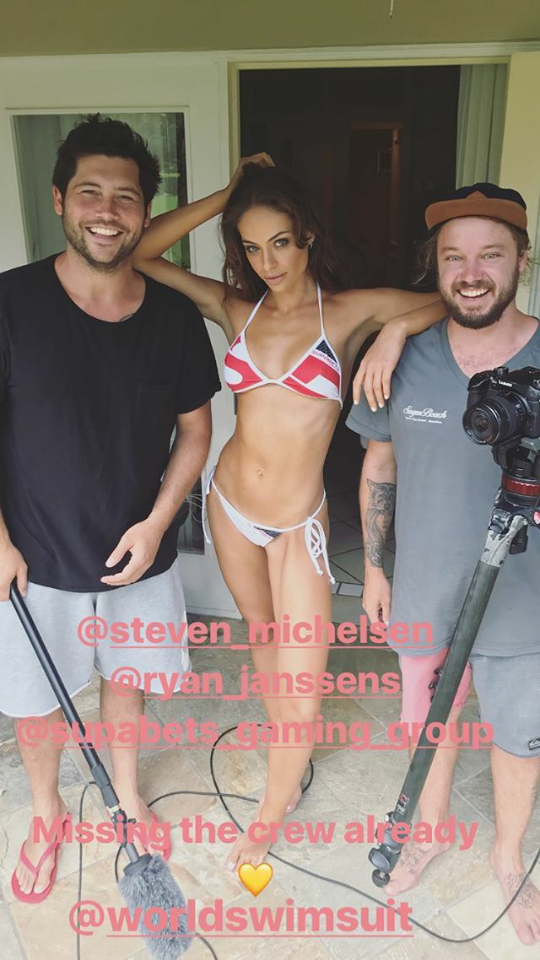
@worldswimsuit
Yes i agree with that ! More my stuff too ... And sure, it is
@worldswimsuit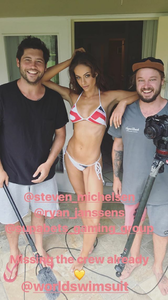
 I agree. But that world is made to make people living the time T. Politicians are the same, they work on the moment, in emergency. People and elites especially don't think in perspective anymore. Mass medias, money erected as a value are to blame for that. The bad educational system too. Yesterday like today, local elites and globalized elites in a larger extent enjoy that system, and organize it. The futur is now seen by modest people more like a problem than a solution or a reason to hope. Tomorrow is another reason to be anxious. That's a vicious circle, that a few of us are taking advantage from, on the long term this time, of course.
Account
Navigation
Search
Configure browser push notifications
Chrome (Android)
- Tap the lock icon next to the address bar.
- Tap Permissions → Notifications.
- Adjust your preference.
Chrome (Desktop)
- Click the padlock icon in the address bar.
- Select Site settings.
- Find Notifications and adjust your preference.
Safari (iOS 16.4+)
- Ensure the site is installed via Add to Home Screen.
- Open Settings App → Notifications.
- Find your app name and adjust your preference.
Safari (macOS)
- Go to Safari → Preferences.
- Click the Websites tab.
- Select Notifications in the sidebar.
- Find this website and adjust your preference.
Edge (Android)
- Tap the lock icon next to the address bar.
- Tap Permissions.
- Find Notifications and adjust your preference.
Edge (Desktop)
- Click the padlock icon in the address bar.
- Click Permissions for this site.
- Find Notifications and adjust your preference.
Firefox (Android)
- Go to Settings → Site permissions.
- Tap Notifications.
- Find this site in the list and adjust your preference.
Firefox (Desktop)
- Open Firefox Settings.
- Search for Notifications.
- Find this site in the list and adjust your preference.



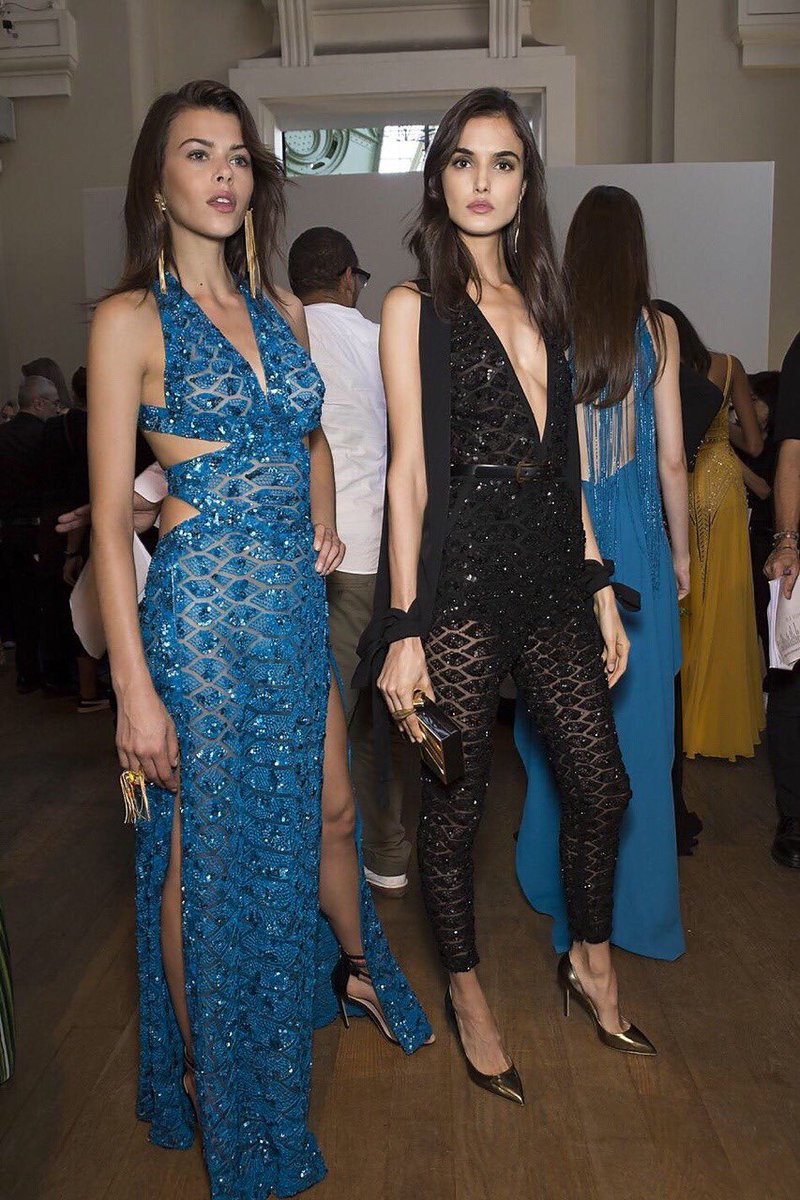








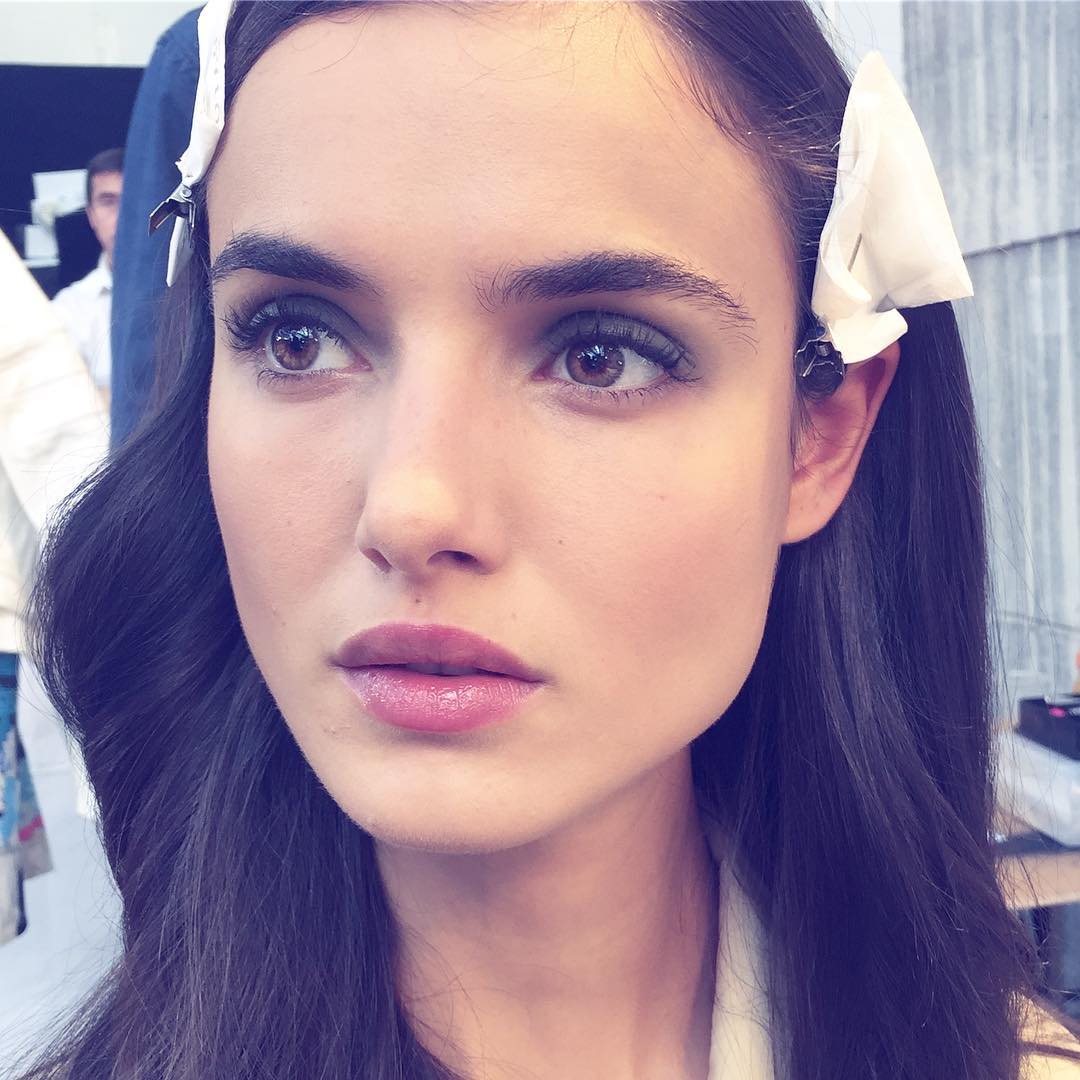
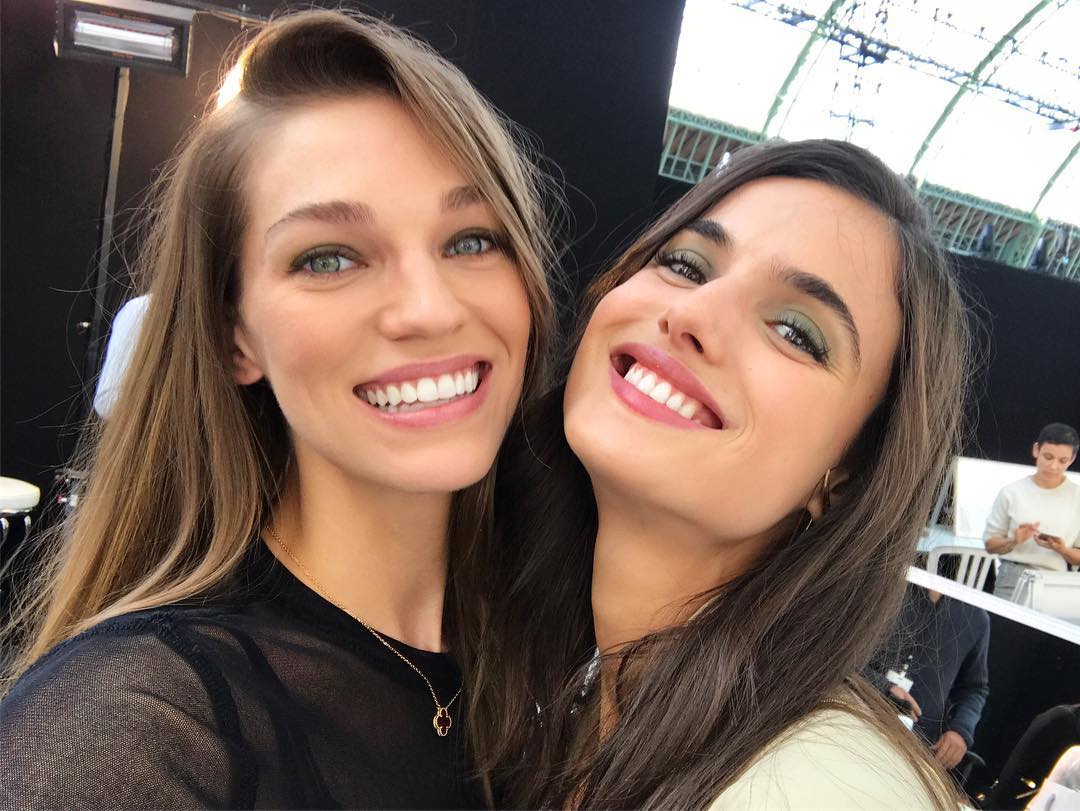

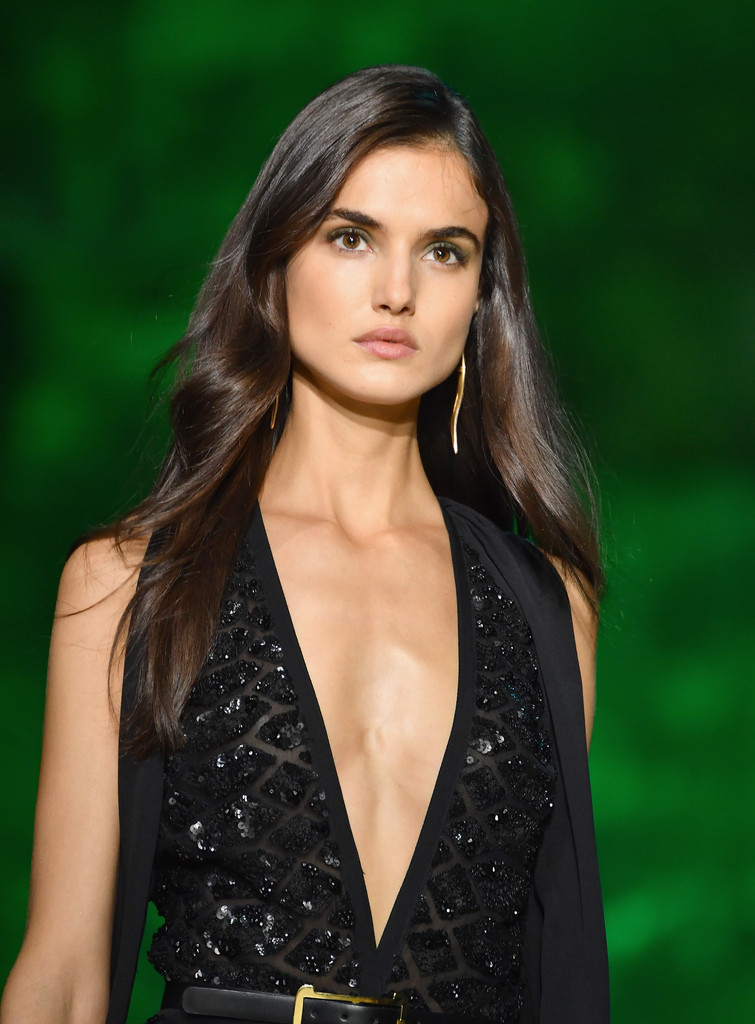

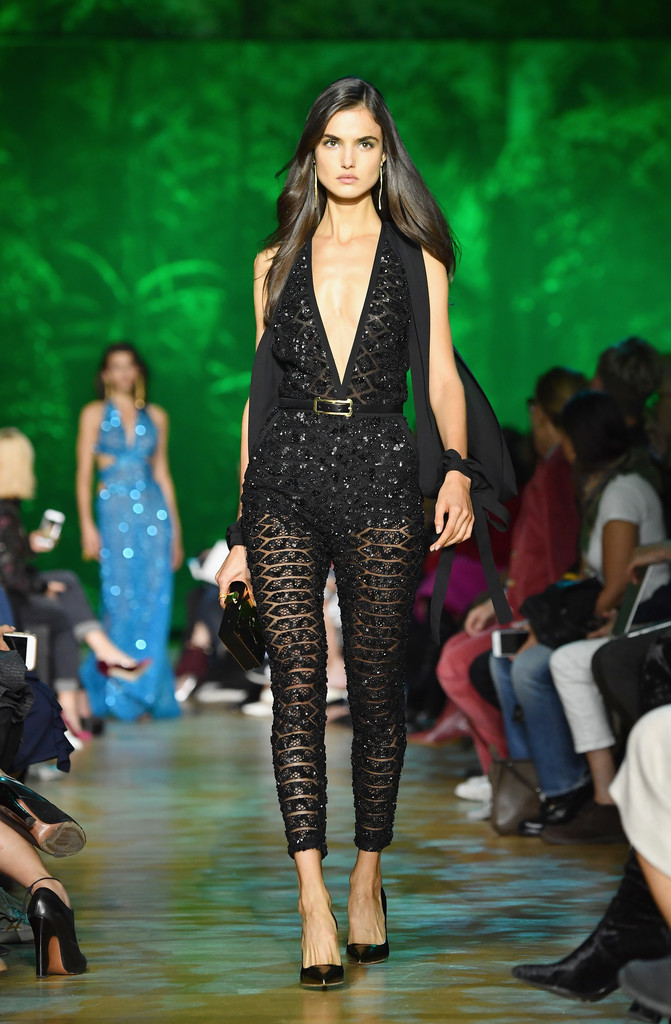
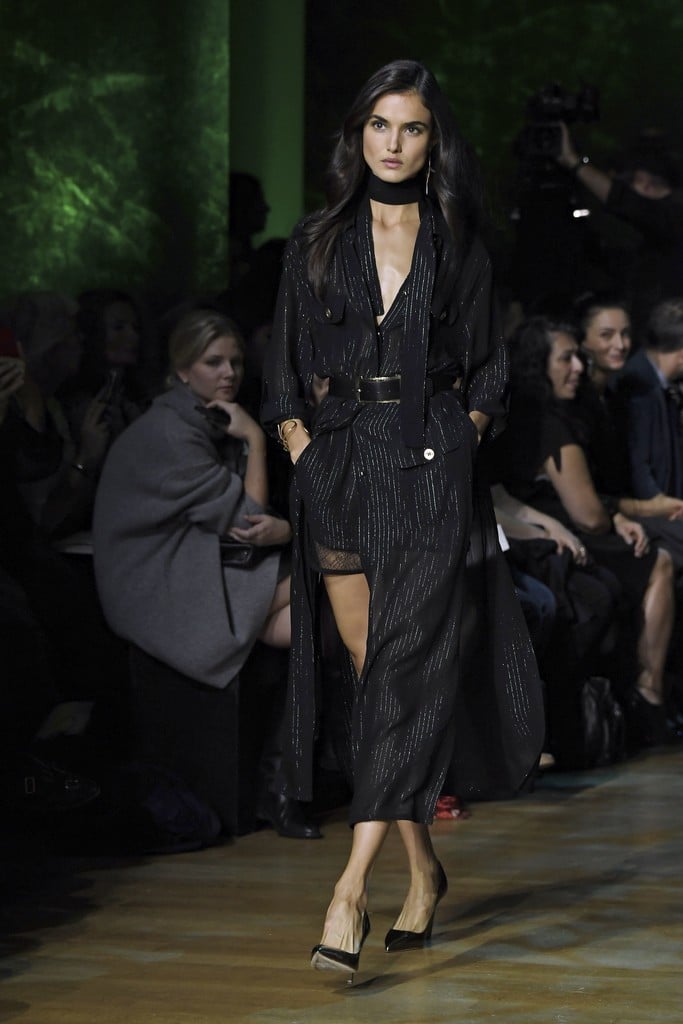

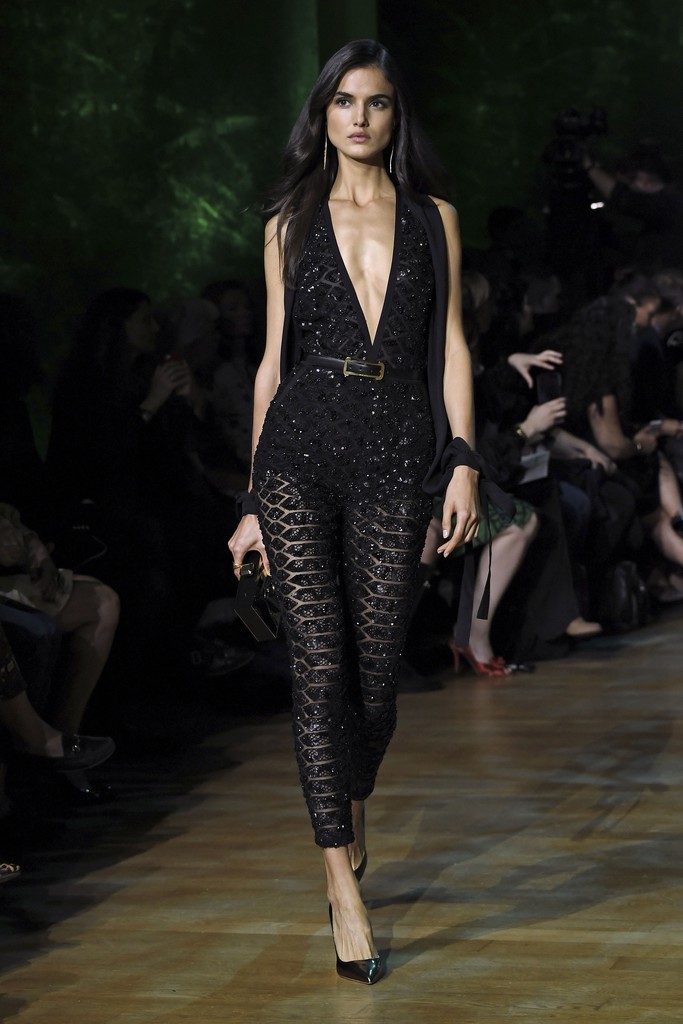




.png.c57af0919169b1776f902915f1c545bc.png)
.png.b04dc11b76b3257920da97b3485192da.png)
.png.9a167e757dc1391f81dfb2ec66adb817.png)
.png.f3c6c538d66ea71aa9ab170489713eaf.png)
.png.f6e6ef84df370aca1700b077b660e84d.png)
.png.578501fff251bb5d5856d8456eb2f2a1.png)
.png.fbe3a63984f92f4737a314220f727fed.png)
.png.bc97c0505a01f2ef5e8ea90d74585d02.png)
.png.e37e710ae74e898ce3f500f6250cf744.png)
.png.3008d6f43a2db96e91f7601df6b0a738.png)
.png.6243ff2c9d60c68c2fb3ba95540a1f4d.png)
.png.8fa297708429445ed4e8e115b60b09ef.png)
.png.3e412203b6b55b55f6b7288fd84114f3.png)
.png.c3cc8c3f7832a7e9b0943d6fa24c558b.png)
.png.13c2da80c2f8d267e49629d185817ca7.png)
.png.9fdfef4733dae26943ef8ecd61836557.png)
.png.da5f3cbf3dea4f4f8545e5b4fcddd34d.png)
.png.37f0bfe45edd7c8da5244335e6f99aea.png)
.png.3eee9ba50d5ed6934e5cf7bdf74eced5.png)