

TheBestModels
Members
-
Joined
Everything posted by TheBestModels
-
 10 - 3 euros the price of the ticket = 7 euros actually
 -
I just won 10Euros at SuperLOTO
^ Blanca at 2"55, so cute !
If SI wanted to tease me, well it's won Kate looks so pretty !
No, sadly no ... And don't "yesum" me please
The VSFS ?
IG Story



 IG Story
 Kate looks reallyyyy pretty on those candids, perhaps prettier than ever imo !
But so agree !
Polaroids / Digitals
Kate looks reallyyyy pretty on those candids, perhaps prettier than ever imo !
But so agree !
Polaroids / Digitals









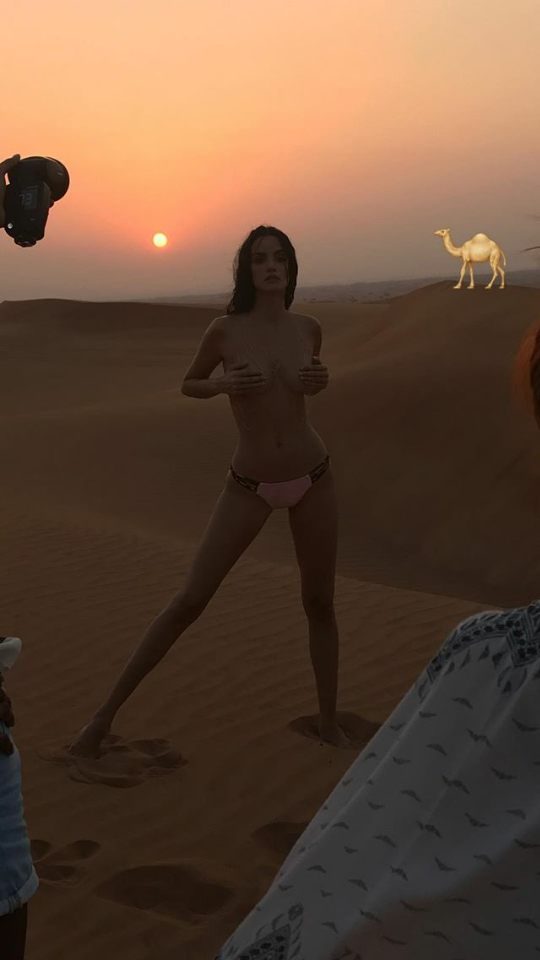
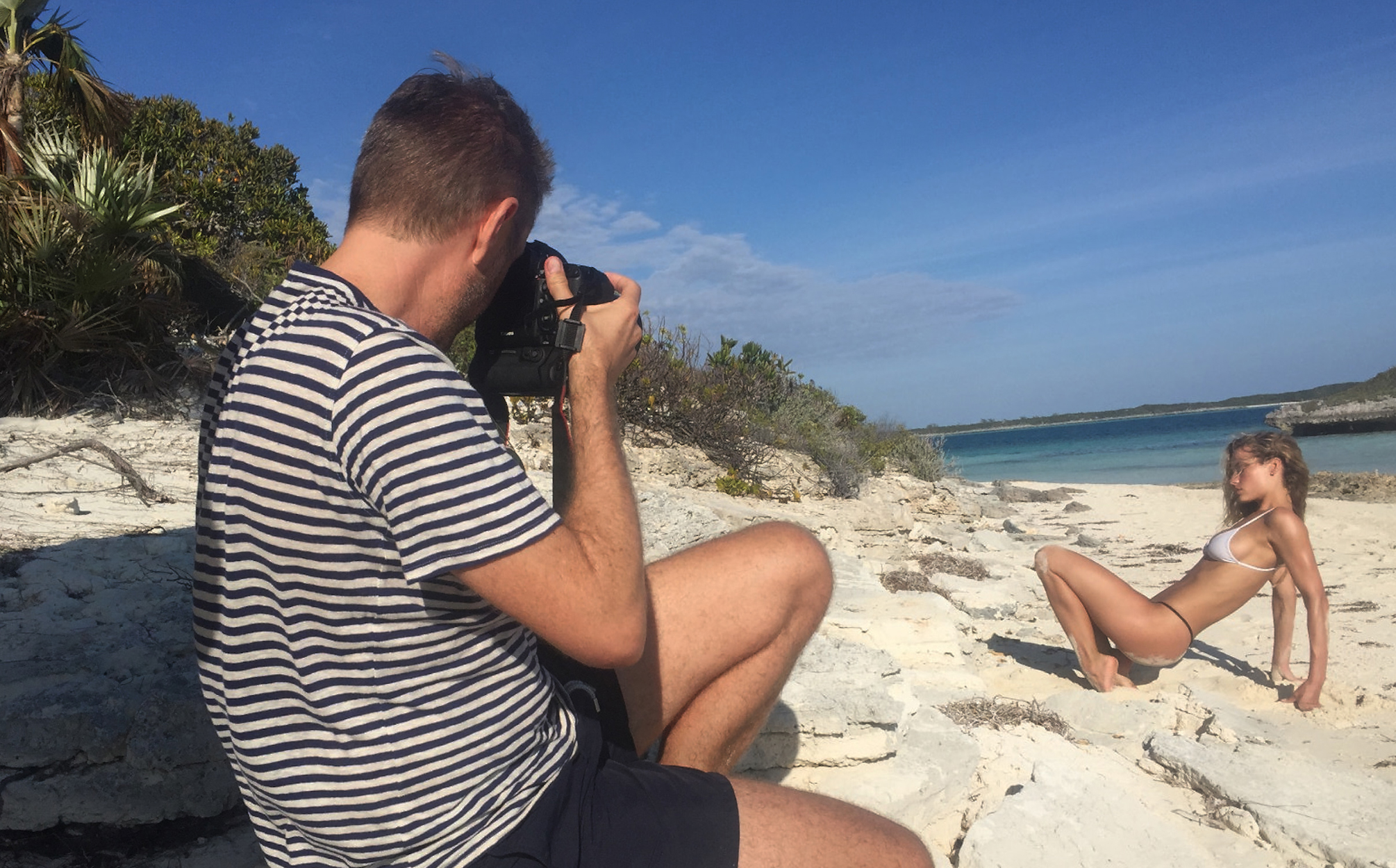
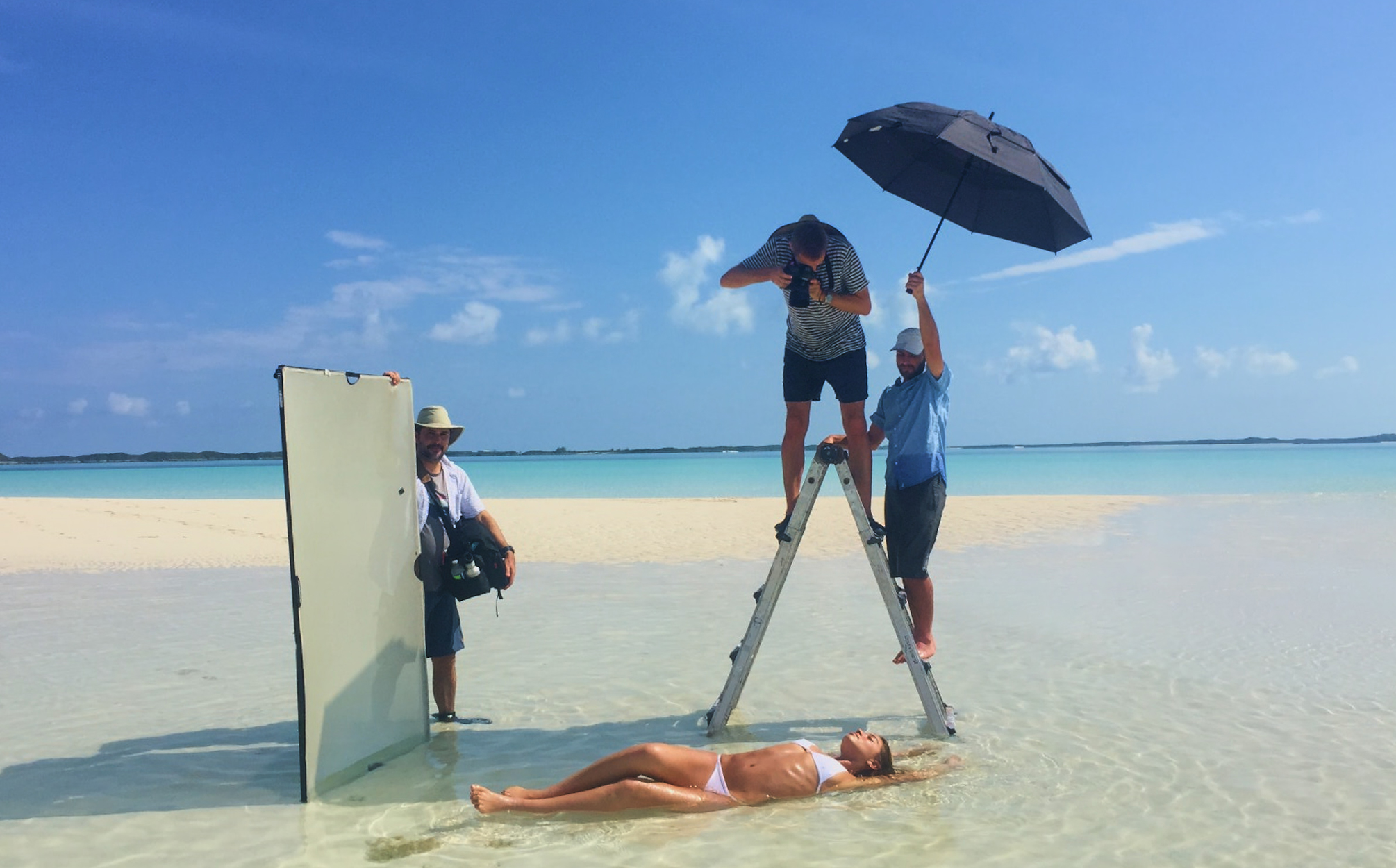
 By S t e p h a n W ü r t h Behind the scenes














 By S t e p h a n W ü r t h Behind the scenes
















 +1, so right !
It's trully horrible ... Even in my mind, knowing Hollywood and the showbusiness was rotten like this, i keep continue being horrified reading all these things ... I thought in the worst case it was something ponctual, but not literally industrial like it appears to be now ...
+1, so right !
It's trully horrible ... Even in my mind, knowing Hollywood and the showbusiness was rotten like this, i keep continue being horrified reading all these things ... I thought in the worst case it was something ponctual, but not literally industrial like it appears to be now ...



























































Account
Navigation
Search
Configure browser push notifications
Chrome (Android)
- Tap the lock icon next to the address bar.
- Tap Permissions → Notifications.
- Adjust your preference.
Chrome (Desktop)
- Click the padlock icon in the address bar.
- Select Site settings.
- Find Notifications and adjust your preference.
Safari (iOS 16.4+)
- Ensure the site is installed via Add to Home Screen.
- Open Settings App → Notifications.
- Find your app name and adjust your preference.
Safari (macOS)
- Go to Safari → Preferences.
- Click the Websites tab.
- Select Notifications in the sidebar.
- Find this website and adjust your preference.
Edge (Android)
- Tap the lock icon next to the address bar.
- Tap Permissions.
- Find Notifications and adjust your preference.
Edge (Desktop)
- Click the padlock icon in the address bar.
- Click Permissions for this site.
- Find Notifications and adjust your preference.
Firefox (Android)
- Go to Settings → Site permissions.
- Tap Notifications.
- Find this site in the list and adjust your preference.
Firefox (Desktop)
- Open Firefox Settings.
- Search for Notifications.
- Find this site in the list and adjust your preference.