jj3
Members
-
Joined
Everything posted by jj3
-
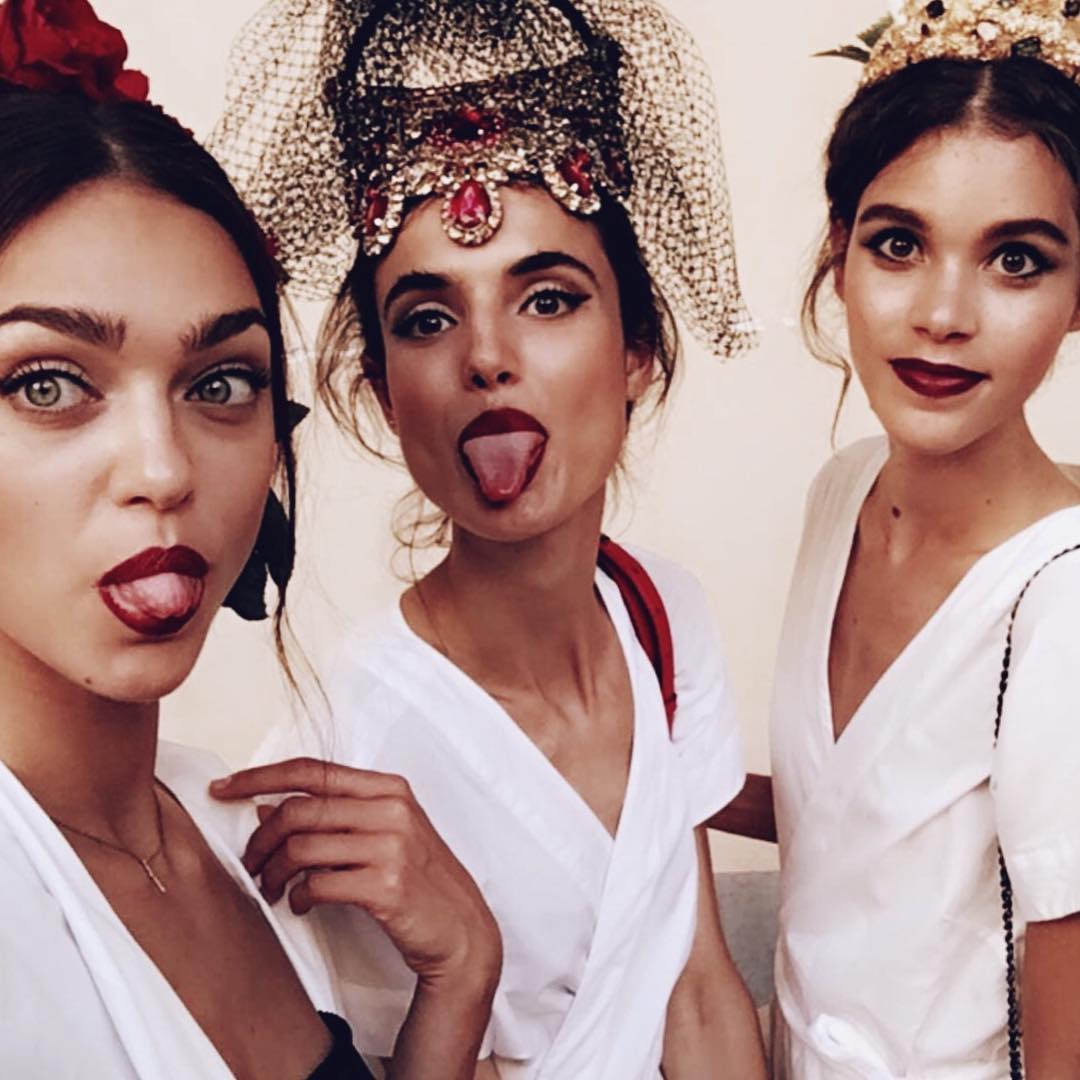
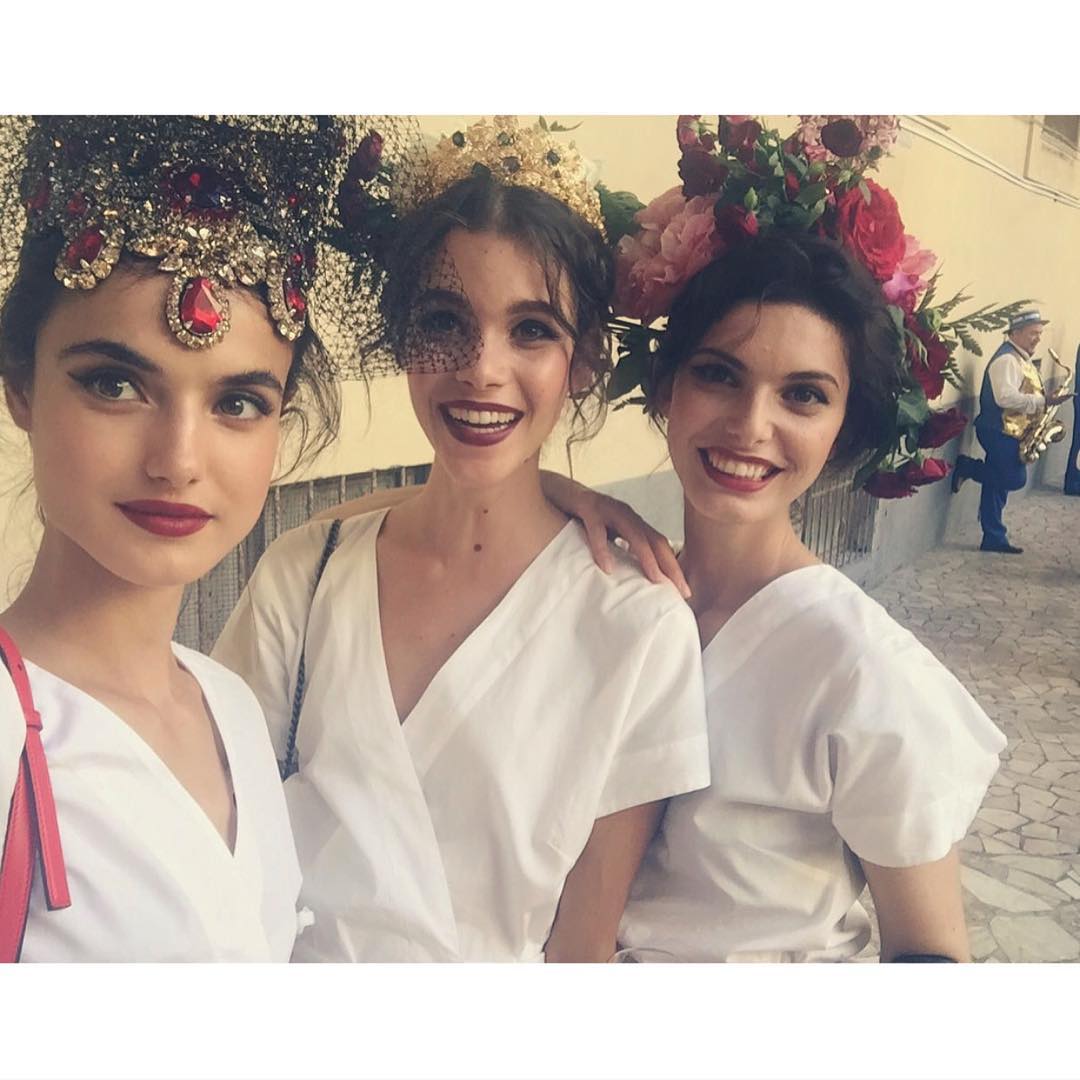
 Dolce&Gabbana Alta Moda backstage - Naples 2016
 -
Oh hahahahaha ... No one give a shit to that here, that's true I can do the difference between all of them, including the Scottish, Aussie and SA one ... But it's totally useless ... They all want a Coca in the end lol
Ahhhh... these two, especially Cachou !
Account
Search
Configure browser push notifications
Chrome (Android)
- Tap the lock icon next to the address bar.
- Tap Permissions → Notifications.
- Adjust your preference.
Chrome (Desktop)
- Click the padlock icon in the address bar.
- Select Site settings.
- Find Notifications and adjust your preference.
Safari (iOS 16.4+)
- Ensure the site is installed via Add to Home Screen.
- Open Settings App → Notifications.
- Find your app name and adjust your preference.
Safari (macOS)
- Go to Safari → Preferences.
- Click the Websites tab.
- Select Notifications in the sidebar.
- Find this website and adjust your preference.
Edge (Android)
- Tap the lock icon next to the address bar.
- Tap Permissions.
- Find Notifications and adjust your preference.
Edge (Desktop)
- Click the padlock icon in the address bar.
- Click Permissions for this site.
- Find Notifications and adjust your preference.
Firefox (Android)
- Go to Settings → Site permissions.
- Tap Notifications.
- Find this site in the list and adjust your preference.
Firefox (Desktop)
- Open Firefox Settings.
- Search for Notifications.
- Find this site in the list and adjust your preference.

.jpg.cdd00c8efa7d0b424f1cdb15ab2f83a7.jpg)
.jpg.16c52c5f06e3582de4f44459705b3c4c.jpg)
.jpg.0bf8855e8c9764636bacd3f864c6a294.jpg)
.jpg.a9de2524f7ad74ea2be4ebb28299149c.jpg)