Jump to content
View in the app

A better way to browse. Learn more.

Bellazon

A full-screen app on your home screen with push notifications, badges and more.

To install this app on iOS and iPadOS
  1. Tap the Share icon in Safari
  2. Scroll the menu and tap Add to Home Screen.
  3. Tap Add in the top-right corner.
To install this app on Android
  1. Tap the 3-dot menu (⋮) in the top-right corner of the browser.
  2. Tap Add to Home screen or Install app.
  3. Confirm by tapping Install.

Ramsfan

Members
  • Joined

  • Last visited

Everything posted by Ramsfan

  1. Brilliant! :brows:
  2. Great new style!
  3. Gorgeous! (Y)
  4. Amazing!
  5. Camille, Bridget they are all the same.
  6. Incredible! I also like her candids more!
  7. She's one of the best! She has a lot of followers on Instagram, easily to see why. If you like her check out Brooke Hogan and Michaela Wain, they both are represented by similar agencies.
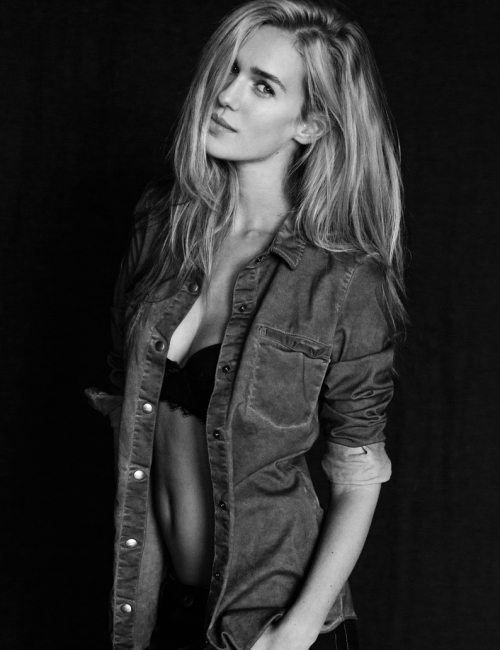
  8. She looks fantastic in denim! :brows:
  9. So pretty!
  10. I think the Fred Raynaud stuff is her best work so far! :brows:
  11. Amazing!
  12. Joy's sister?
  13. Magnificent!
  14. Very lovely! I'm glad she finally has a thread on here. I'll look for the information on her agencies.
  15. Wonderful!
  16. Lovely!
  17. An early Christmas present!
  18. Thanks again!
  19. Ay caramba!

Configure browser push notifications

Chrome (Android)
  1. Tap the lock icon next to the address bar.
  2. Tap Permissions → Notifications.
  3. Adjust your preference.
Chrome (Desktop)
  1. Click the padlock icon in the address bar.
  2. Select Site settings.
  3. Find Notifications and adjust your preference.