Jump to content
View in the app

A better way to browse. Learn more.

Bellazon

A full-screen app on your home screen with push notifications, badges and more.

To install this app on iOS and iPadOS
  1. Tap the Share icon in Safari
  2. Scroll the menu and tap Add to Home Screen.
  3. Tap Add in the top-right corner.
To install this app on Android
  1. Tap the 3-dot menu (⋮) in the top-right corner of the browser.
  2. Tap Add to Home screen or Install app.
  3. Confirm by tapping Install.

nightowl

Members
  • Joined

  • Last visited

Everything posted by nightowl

  1. Is anyone else able to save the instagram images? I am not, using Firefox, at least not without clearing the cache and opening cache viewer. It would be nice to have pics posted in a saveable form.
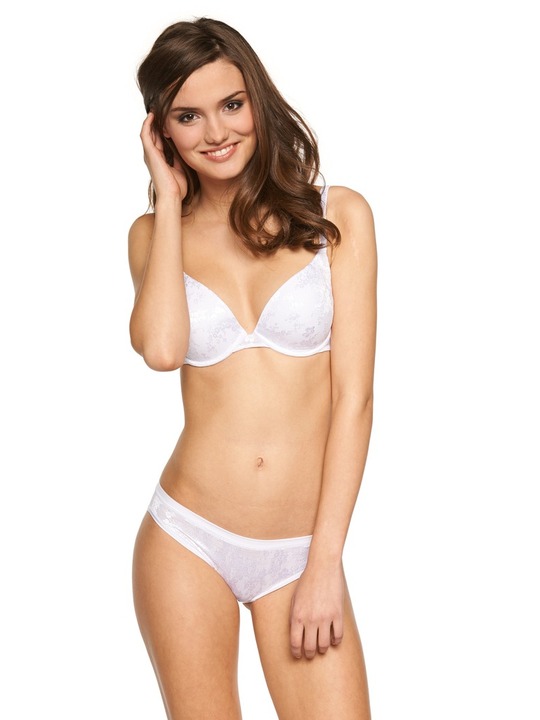
  2. Just White. 9 Mb image
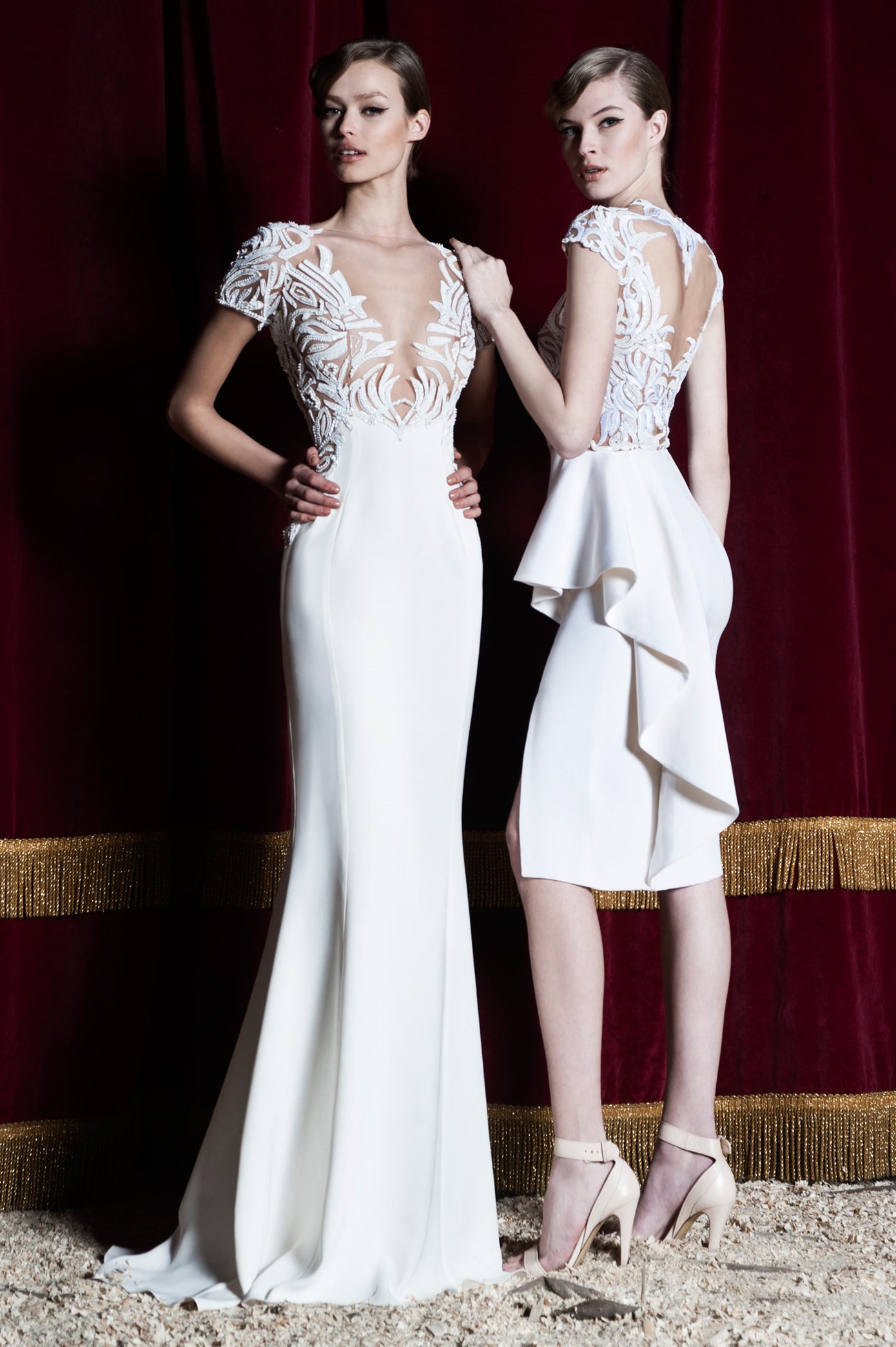
  3. There are two different models here. The one on the left is Elizabeth, the one on the right is not
  4. Here's a surprise from Bokelberg, where she is "model091". The pics are small, but what a treat nonetheless.
  5. Whatever code you are using to post these instagram photos prevents me from saving them as jpgs (using Firefox).
  6. not me--sorry.
  7. Too hard to keep track of reposts, but here are some semi-new ones from Schwab
  8. very lovely--thanks!
  9. really lovely. thanks.
  10. Lovely--thanks
  11. great find, sonja. thanks!
  12. height 5'9" bust 35 waist 24 hips 36 dress 2/4 US hair BROWN eyes BROWN
  13. very lovely--thanks.
  14. Really lovely. thanks.
  15. nightowl replied to Michael*'s topic in Actresses
    nice--thanks!

Configure browser push notifications

Chrome (Android)
  1. Tap the lock icon next to the address bar.
  2. Tap Permissions → Notifications.
  3. Adjust your preference.
Chrome (Desktop)
  1. Click the padlock icon in the address bar.
  2. Select Site settings.
  3. Find Notifications and adjust your preference.