Jump to content
View in the app

A better way to browse. Learn more.

Bellazon

A full-screen app on your home screen with push notifications, badges and more.

To install this app on iOS and iPadOS
  1. Tap the Share icon in Safari
  2. Scroll the menu and tap Add to Home Screen.
  3. Tap Add in the top-right corner.
To install this app on Android
  1. Tap the 3-dot menu (⋮) in the top-right corner of the browser.
  2. Tap Add to Home screen or Install app.
  3. Confirm by tapping Install.

nightowl

Members
  • Joined

  • Last visited

Everything posted by nightowl

  1. Yes Vanesa! (One "s", curiously.) Thanks!
  2. I think this one is Bruna Lirio. I could be wrong...
  3. very lovely--thanks!
  4. Maureen Gallagher
  5. Someone identified her for me last year, but now I can't remember the name. Karen something, maybe. I'll see if I can find it.
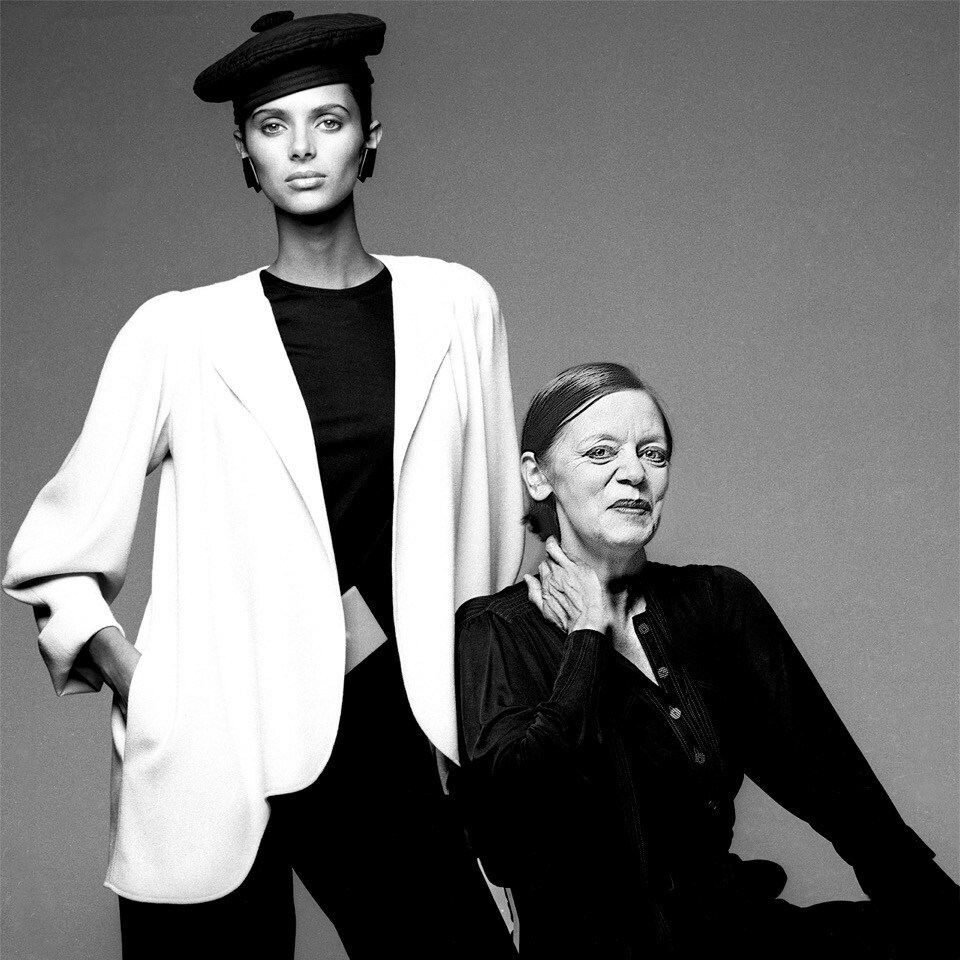
  6. Two photos from Clive Arrowsmith. HSW poses in one with fashion designer Jean Muir.
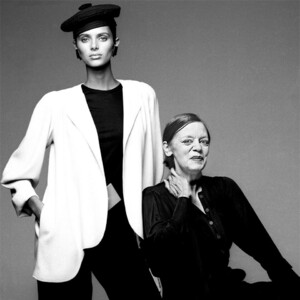
  7. This last one isn't her
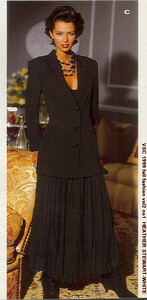
  8. Hey thanks! Here is what I think is HSW's first appearance in a Victoria's Secret catalog. Despite Cap'n Bob's label, this is 1993, not 1999.
  9. Daniela...something. I file by last name, and can't remember it.
  10. very nice--thanks!
  11. I'd say definitely not, unfortunately.
  12. these are wonderful--thanks!

  13. Oh, those are really lovely! thanks! And Happy New Year!
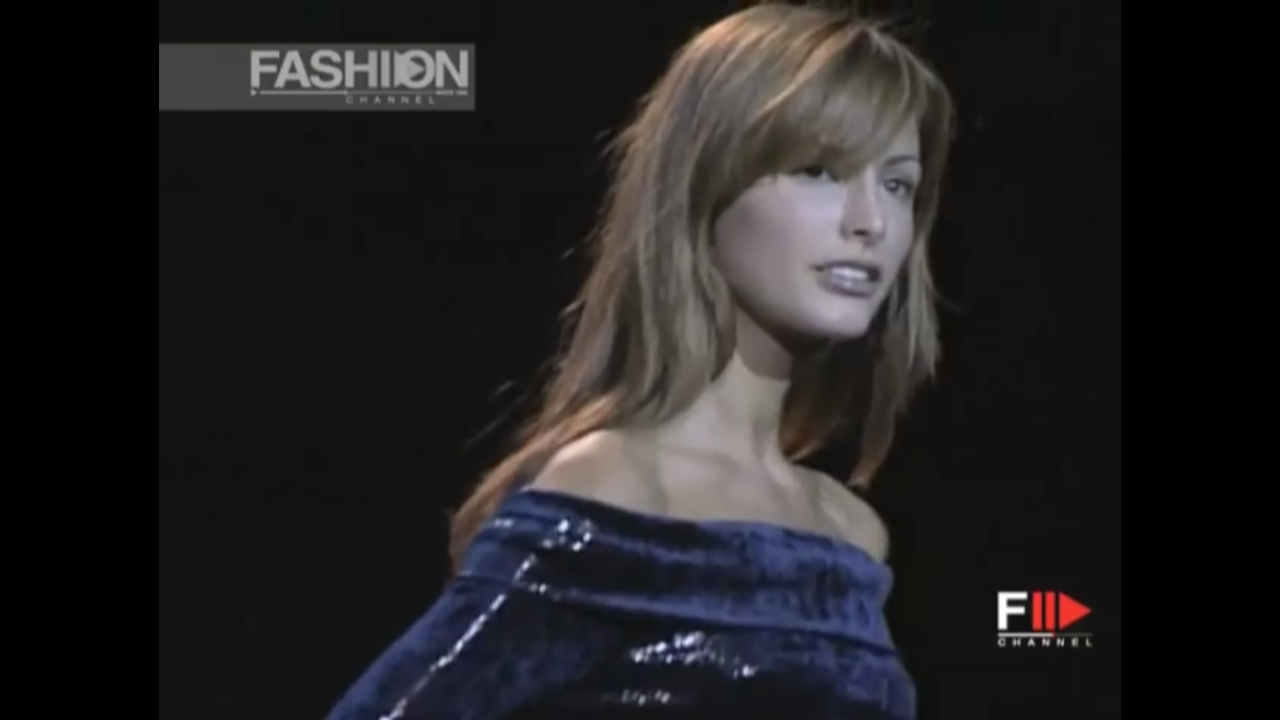
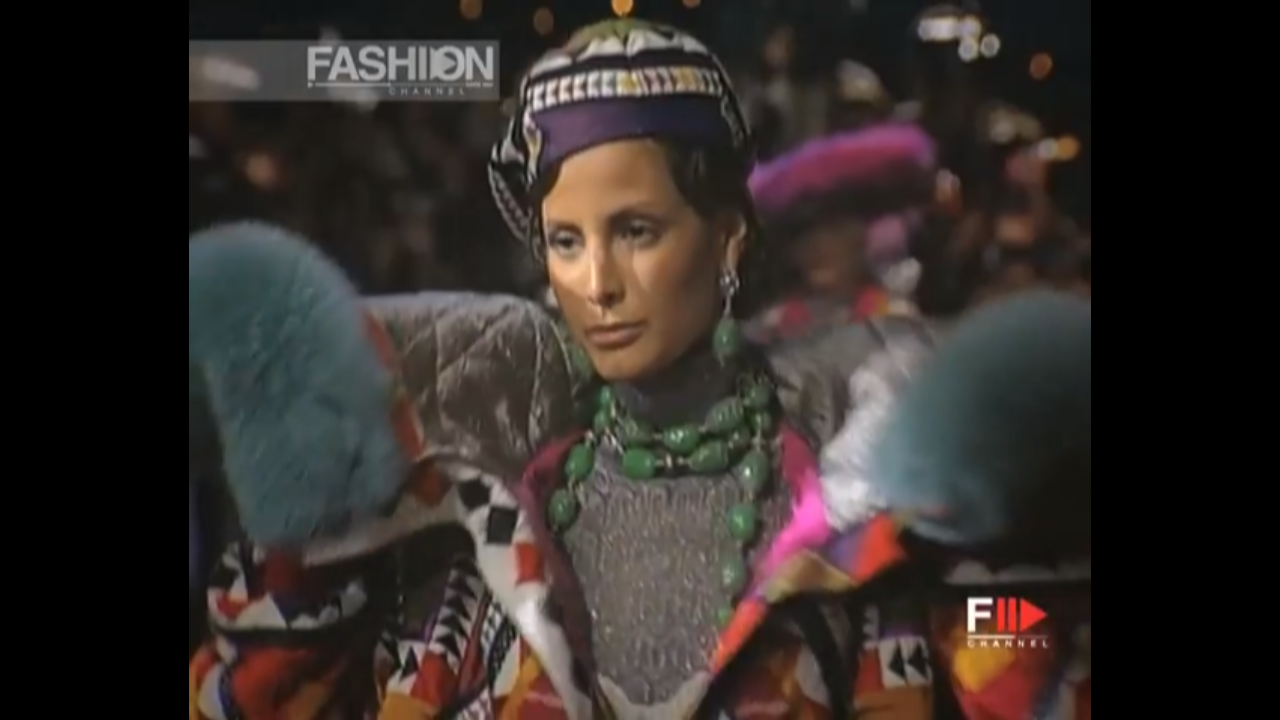
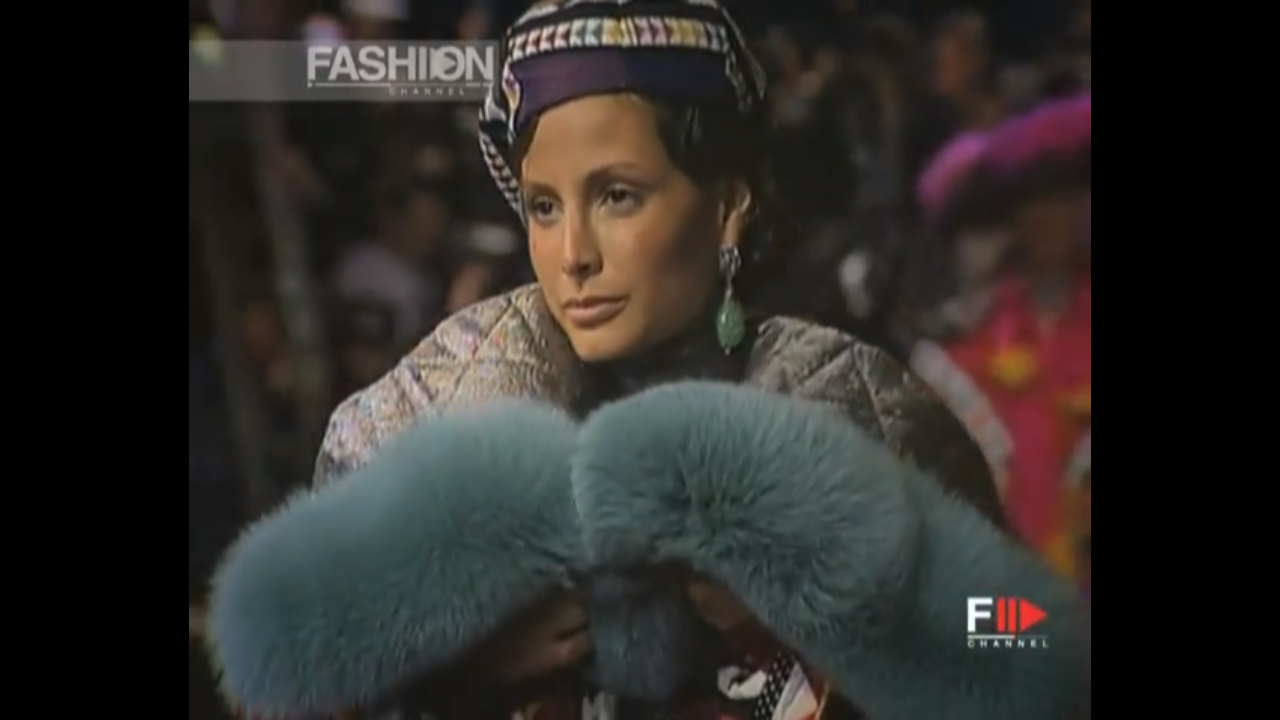
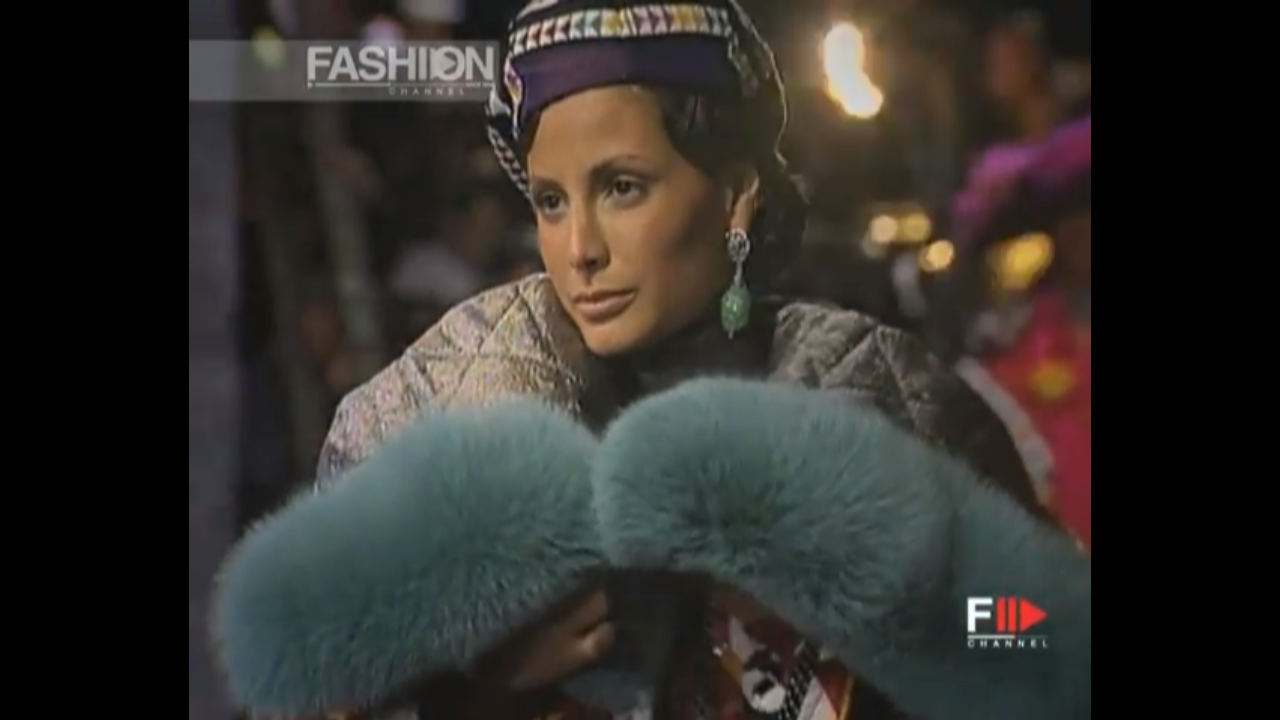
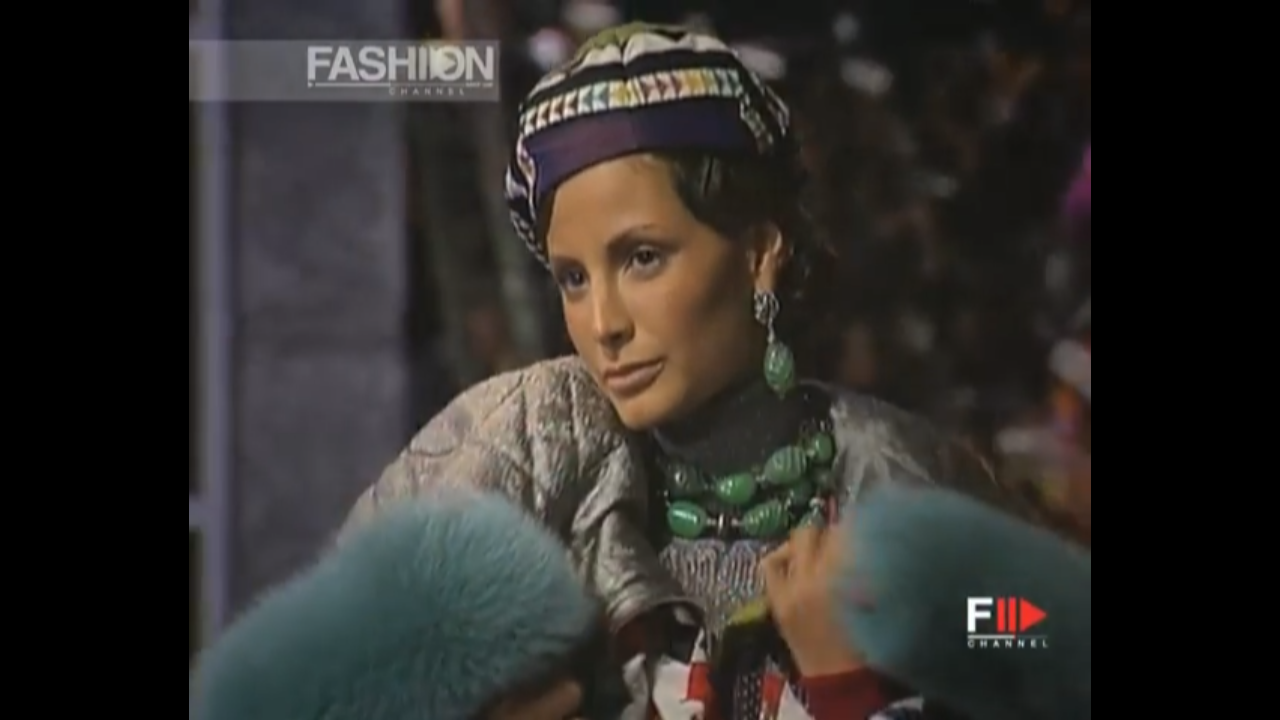
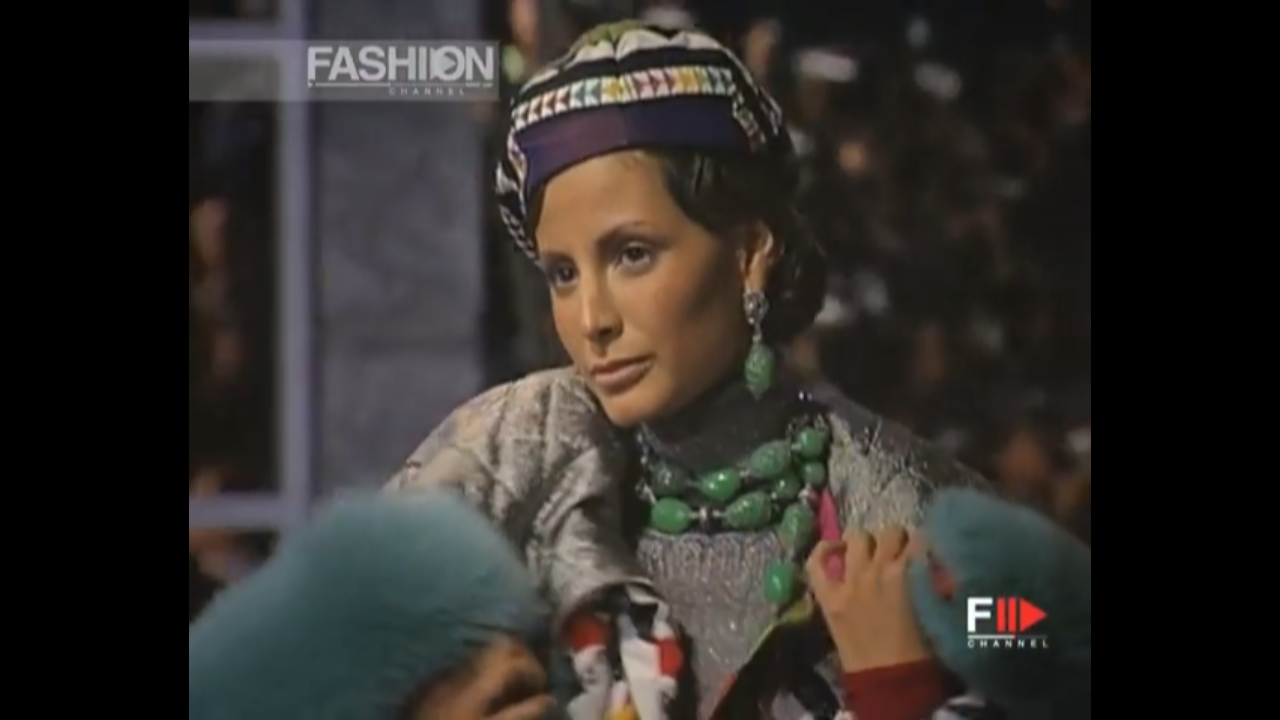
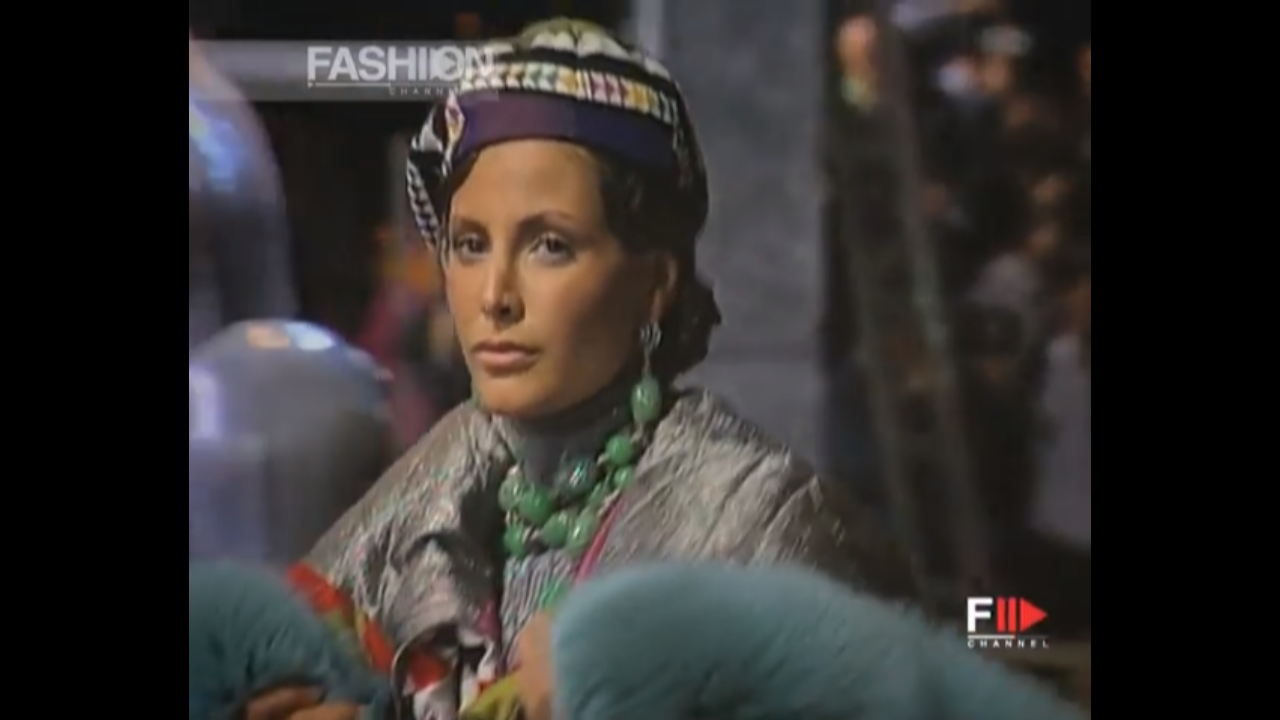
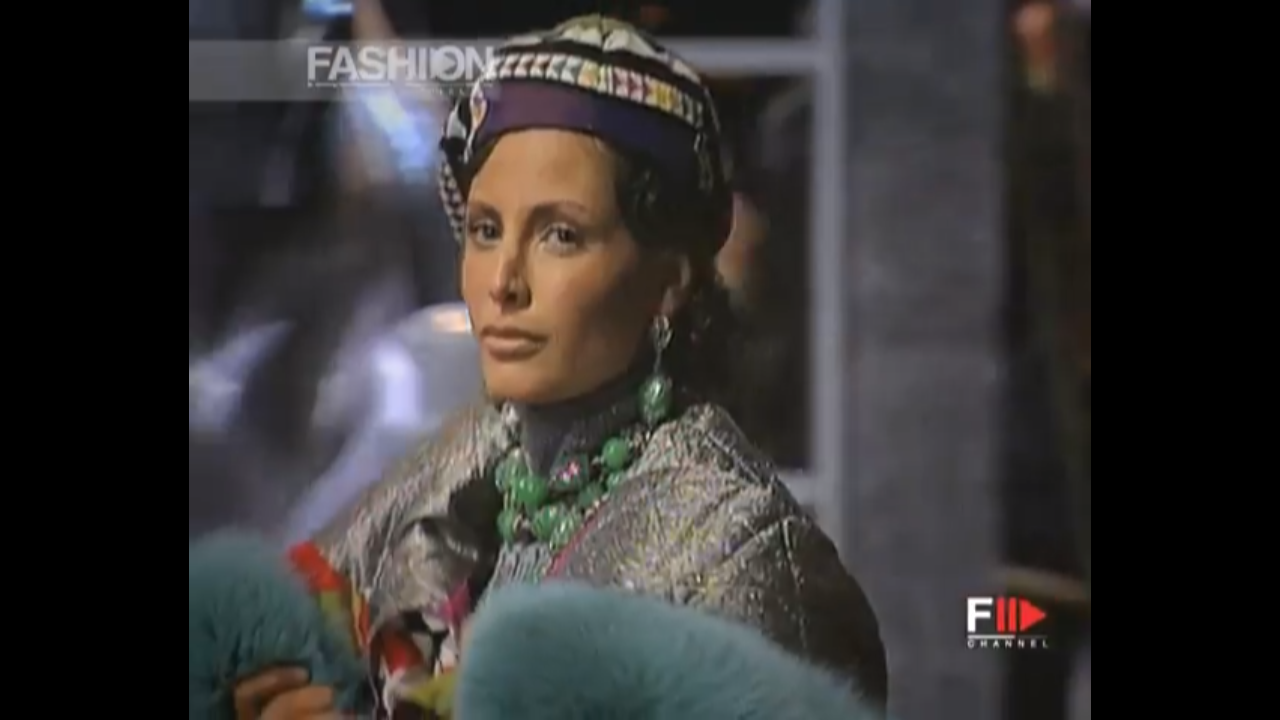
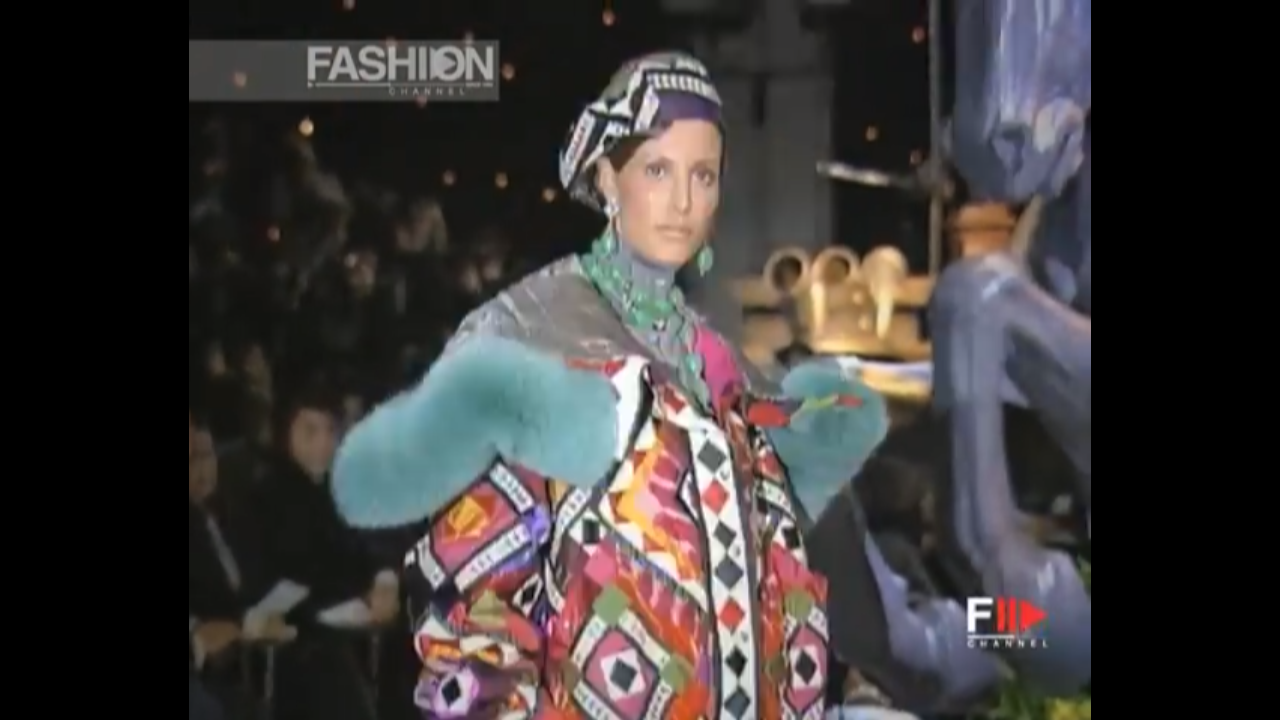
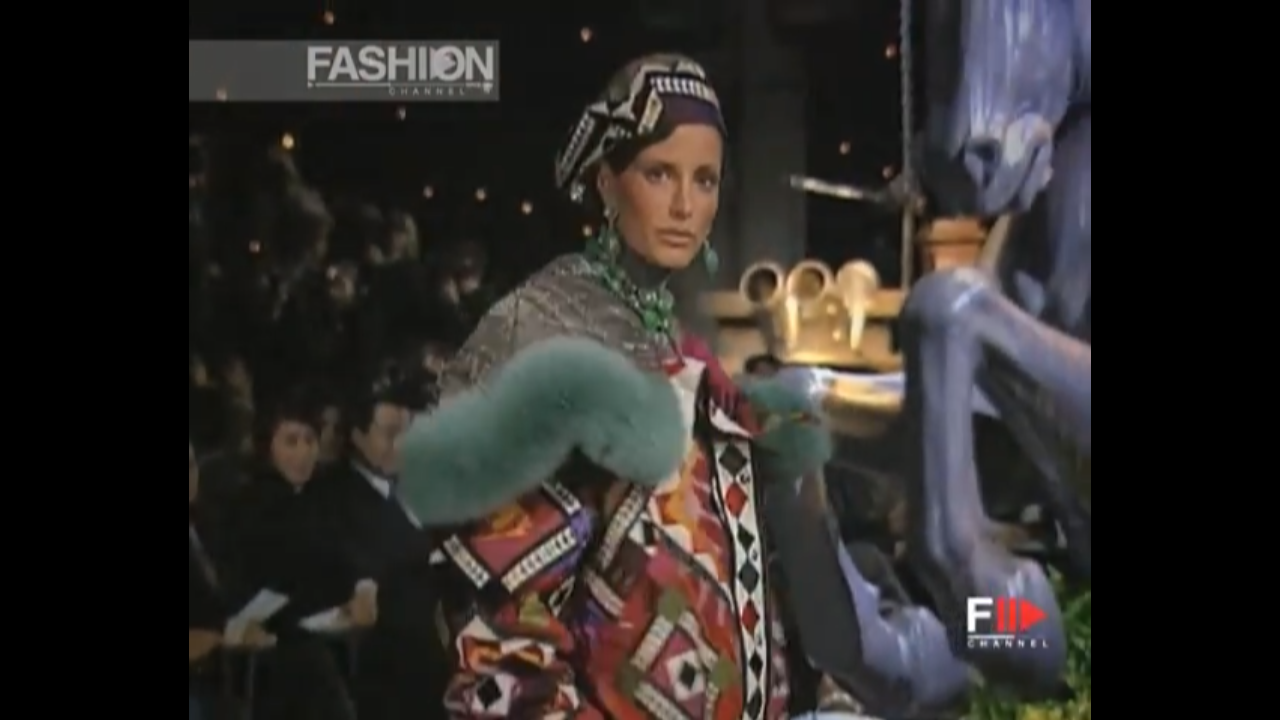
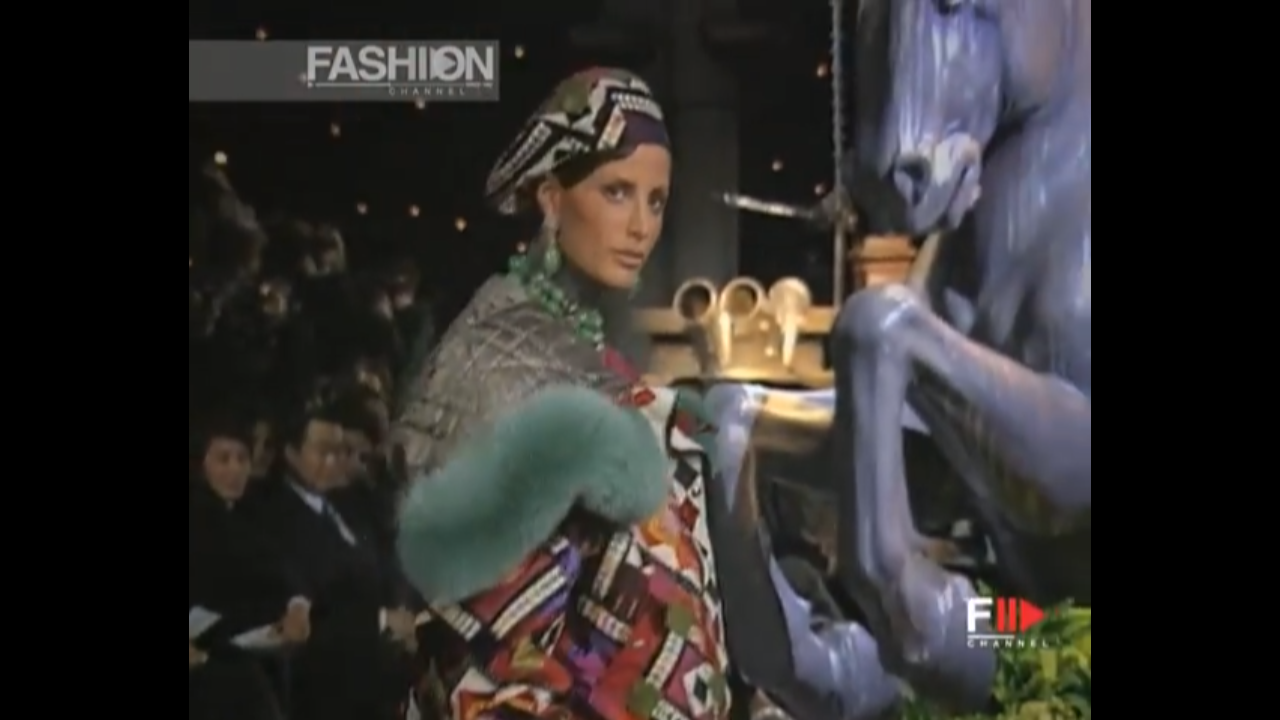
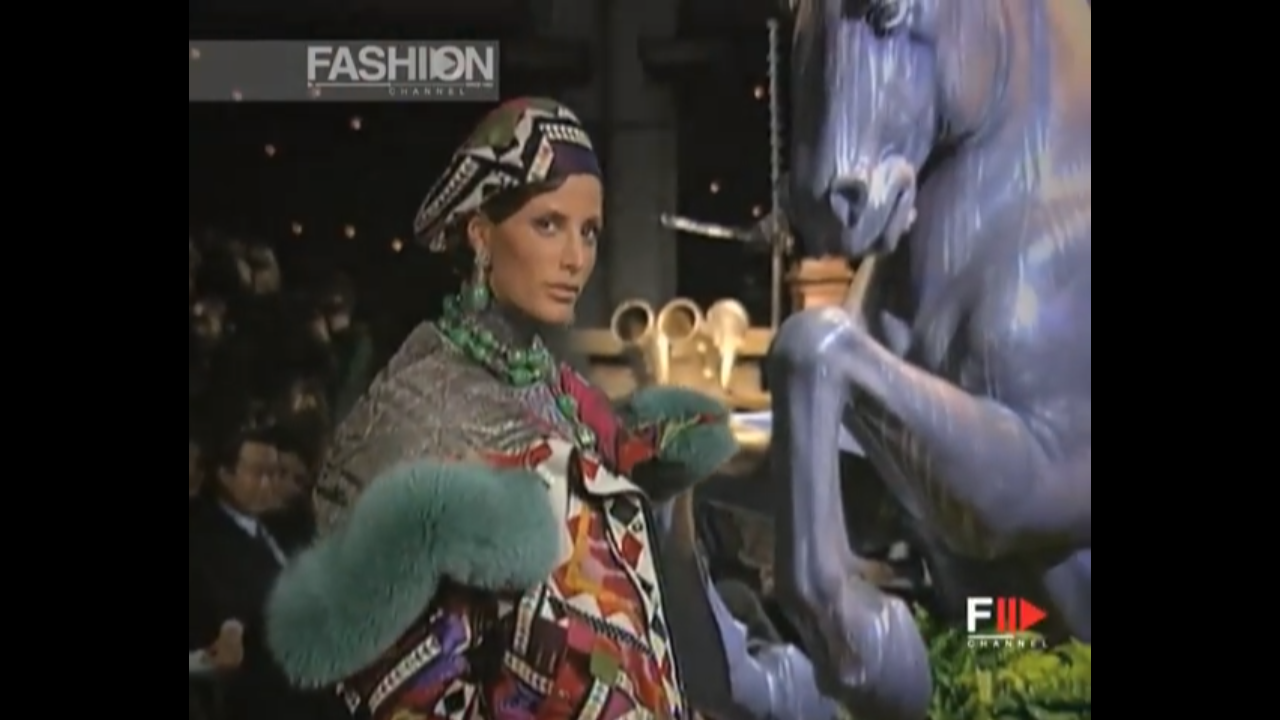
  14. Merry Christmas, Sanja! Christian Dior 1998 FW
  15. Paige Reifler. Thanks!

Account

Navigation

Search

Configure browser push notifications

Chrome (Android)
  1. Tap the lock icon next to the address bar.
  2. Tap Permissions → Notifications.
  3. Adjust your preference.
Chrome (Desktop)
  1. Click the padlock icon in the address bar.
  2. Select Site settings.
  3. Find Notifications and adjust your preference.