

Limerlight
Members
-
Joined
Everything posted by Limerlight
-
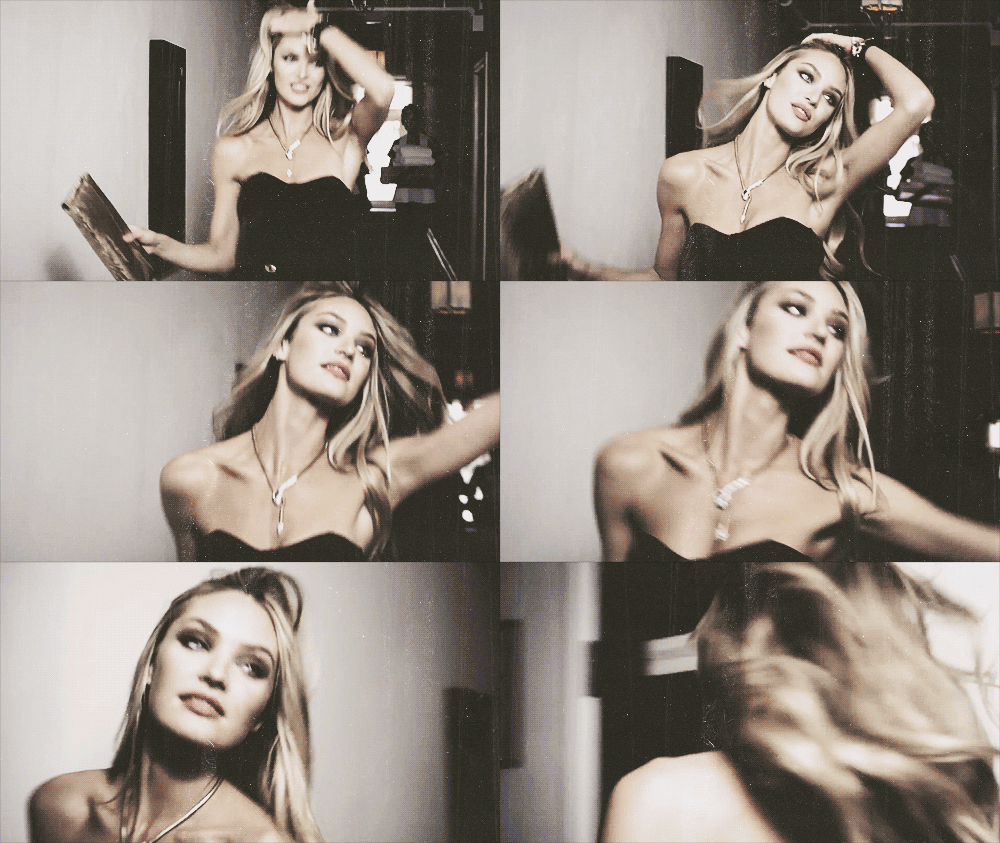
 That first video scared me of a head of Candice upside down dangling in the nothingless nothing. True story
 -
Maybe that means videos :morning: Which mean gifs :morning:
-
-
Ohhhhhhhh heeeeeeeeeeeeeeeeeyyyyyyyyyyyyyy gurl. I don't surf but there's something else you can ride. I'll let myself out now.
-
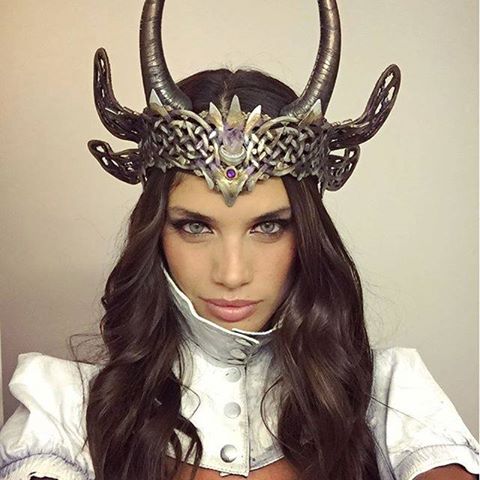
Pretty sure in Skyrim or WoW or some game I used to play I had a female character with that helm.
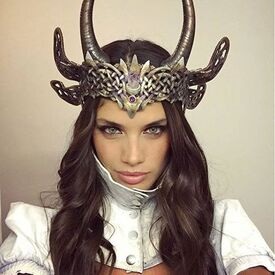
-
-
I don't like futbol/soccer/football whatever you call it. But I would like to go to a game one day. The energy seems really fun. And I can just get super drunk :dinah:
Shaving mine ^ :dinah: So I don't sometimes (joys of being single)
I used to complain to my old boss that when people bitch at me on the phone I should have the right to bitch back. So I did once, and the person gave me a commendation said I was the best rep He ever spoke to. I tried it again and got written up. Moral of the story is it related to this? Not in the least bit
I see what you did there. Also I see what you also did there Pretty I missed her before
Niamh Adkins (3) McKenna Berkley (7) Olivia Greenfield (2) Samantha Basalari (4) Julia Hafstrom (6) Sui He (7) Gracie Calvalho (5)
Niamh Adkins (3) McKenna Berkley (7) Olivia Greenfield (3) Samantha Basalari (4) Julia Hafstrom (7) Sui He (7)
Actually, next year's fantasy bra should be all the models fight each other WWE Diva style. No eliminations, pinfall, submission or total removal of clothing ( :morning:) The last one standing gets the fantasy bra. That way there's only constructive complaining, and the models have something to train for all year if they want to get the bra. Just my 2 (Canadian cents) (actually we got rid of the penny so that doesn't work)
I wonder what she would look like as an anime Cat Girl









Account
Navigation
Search
Configure browser push notifications
Chrome (Android)
- Tap the lock icon next to the address bar.
- Tap Permissions → Notifications.
- Adjust your preference.
Chrome (Desktop)
- Click the padlock icon in the address bar.
- Select Site settings.
- Find Notifications and adjust your preference.
Safari (iOS 16.4+)
- Ensure the site is installed via Add to Home Screen.
- Open Settings App → Notifications.
- Find your app name and adjust your preference.
Safari (macOS)
- Go to Safari → Preferences.
- Click the Websites tab.
- Select Notifications in the sidebar.
- Find this website and adjust your preference.
Edge (Android)
- Tap the lock icon next to the address bar.
- Tap Permissions.
- Find Notifications and adjust your preference.
Edge (Desktop)
- Click the padlock icon in the address bar.
- Click Permissions for this site.
- Find Notifications and adjust your preference.
Firefox (Android)
- Go to Settings → Site permissions.
- Tap Notifications.
- Find this site in the list and adjust your preference.
Firefox (Desktop)
- Open Firefox Settings.
- Search for Notifications.
- Find this site in the list and adjust your preference.