Limerlight
Members
-
Joined
Everything posted by Limerlight
-
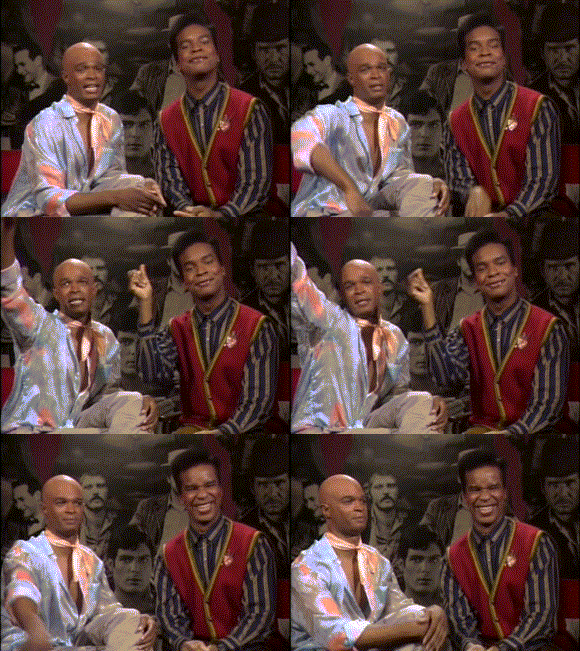
 ^ When you're just released from prison, but your jumpsuits are more fashionable then anything you have
 -
-
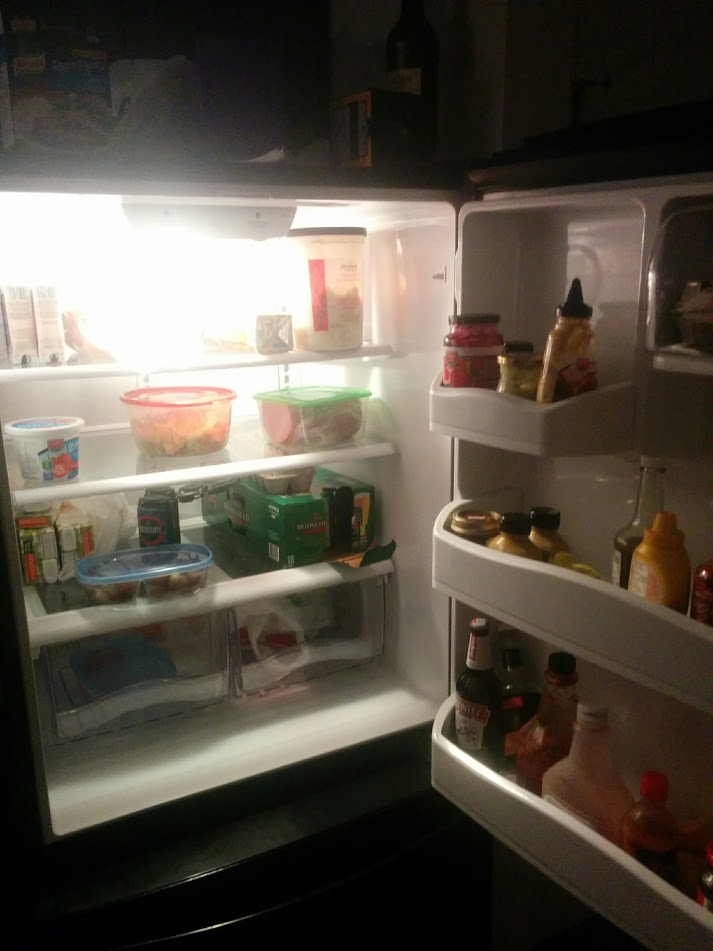
You know me so well (minus I hate game of thrones BUT BOOBS!)

-
Cause Nat got dem decent bewbs?

-
Boring group is boring Elf Atkins Lager and Ale Genidontwannabehere Fiona Dutch Fish
-
It's fashion alright girlfriend don't question it
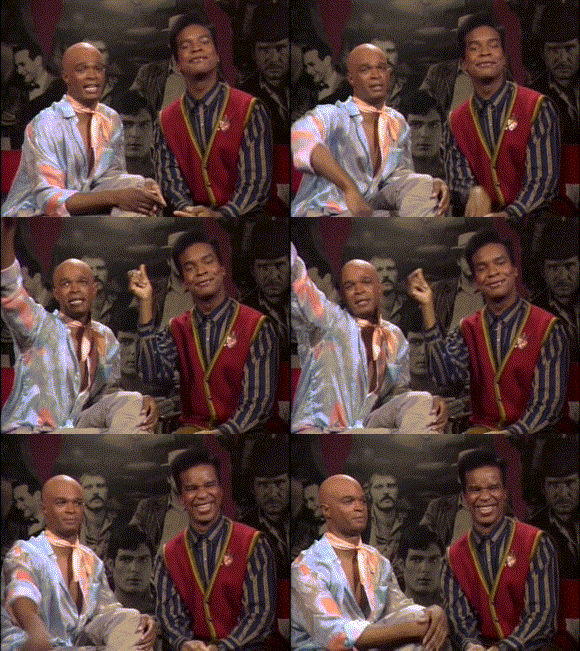
 ^ Unless she's really Nelly Furtado
Happy now m'lady?
^ Unless she's really Nelly Furtado
Happy now m'lady?
Account
Navigation
Search
Configure browser push notifications
Chrome (Android)
- Tap the lock icon next to the address bar.
- Tap Permissions → Notifications.
- Adjust your preference.
Chrome (Desktop)
- Click the padlock icon in the address bar.
- Select Site settings.
- Find Notifications and adjust your preference.
Safari (iOS 16.4+)
- Ensure the site is installed via Add to Home Screen.
- Open Settings App → Notifications.
- Find your app name and adjust your preference.
Safari (macOS)
- Go to Safari → Preferences.
- Click the Websites tab.
- Select Notifications in the sidebar.
- Find this website and adjust your preference.
Edge (Android)
- Tap the lock icon next to the address bar.
- Tap Permissions.
- Find Notifications and adjust your preference.
Edge (Desktop)
- Click the padlock icon in the address bar.
- Click Permissions for this site.
- Find Notifications and adjust your preference.
Firefox (Android)
- Go to Settings → Site permissions.
- Tap Notifications.
- Find this site in the list and adjust your preference.
Firefox (Desktop)
- Open Firefox Settings.
- Search for Notifications.
- Find this site in the list and adjust your preference.