Jump to content
View in the app

A better way to browse. Learn more.

Bellazon

A full-screen app on your home screen with push notifications, badges and more.

To install this app on iOS and iPadOS
  1. Tap the Share icon in Safari
  2. Scroll the menu and tap Add to Home Screen.
  3. Tap Add in the top-right corner.
To install this app on Android
  1. Tap the 3-dot menu (⋮) in the top-right corner of the browser.
  2. Tap Add to Home screen or Install app.
  3. Confirm by tapping Install.

Paula

Members
  • Joined

  • Last visited

Everything posted by Paula

  1. Yes Kylie Minogue
  2. Paula replied to a post in a topic in Music
    Arctic Monkeys - Crying Lightning
  3. Paula replied to a post in a topic in General Talk
    eating
  4. Flamingo - Stargazing
  5. Paula replied to Vogue Girl's topic in Music
    Skipping X Yellow - Coldplay
  6. On Linkin Park - New Divide
  7. Paula replied to a post in a topic in Music
    Madonna - Celebration
  8. Jeans and black dress
  9. Paula replied to a post in a topic in General Talk
    listening to music
  10. Olga Kurylenko or Tyra Banks
  11. Caroline Doutzen Ana Alessandra Gisele Tatiana
  12. Olga Kurylenko or Jessica Biel
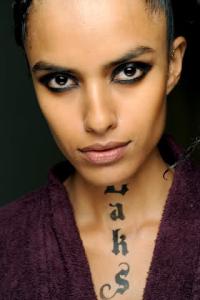
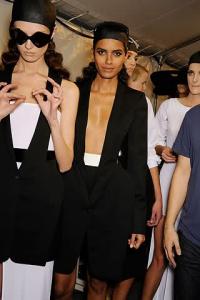
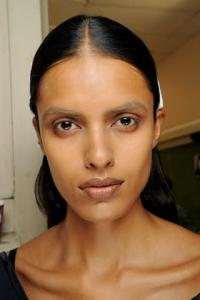
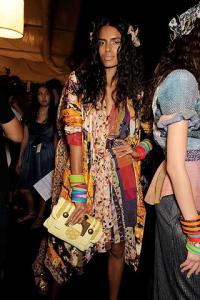
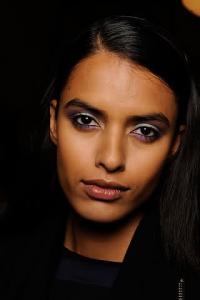
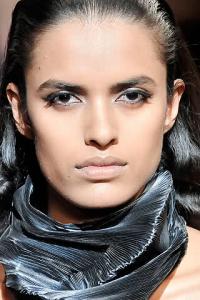
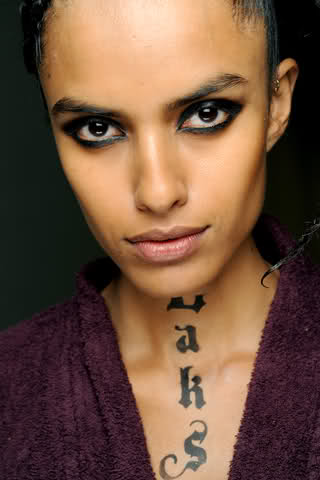
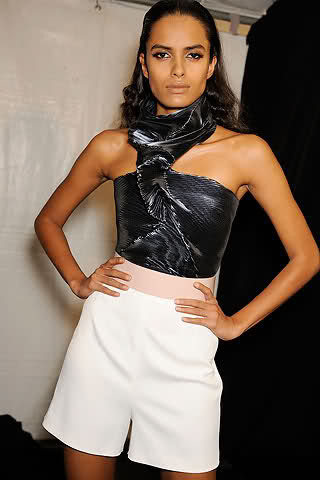
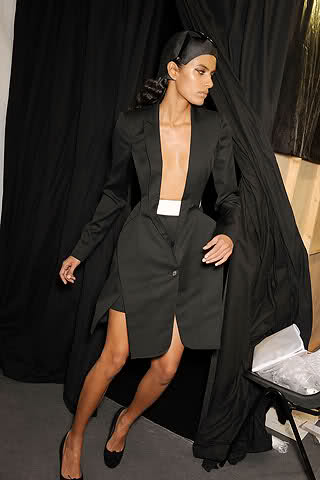
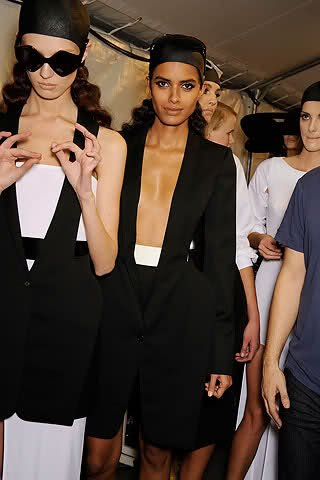
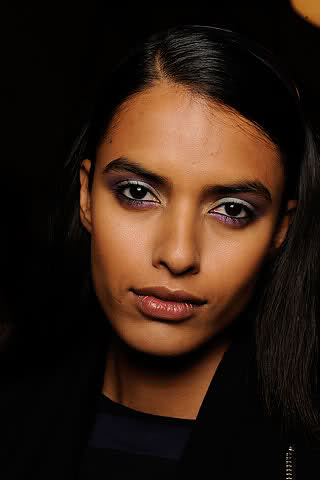
  13. Backstage at JPG Backstage at Hussein Chalayan Backstage at Givenchy style.com

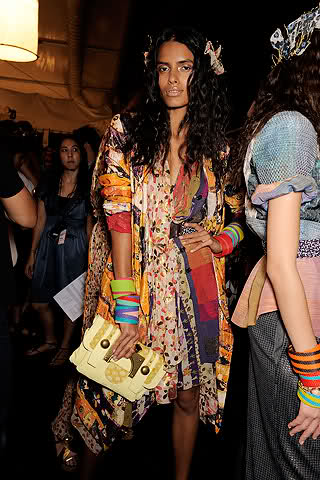
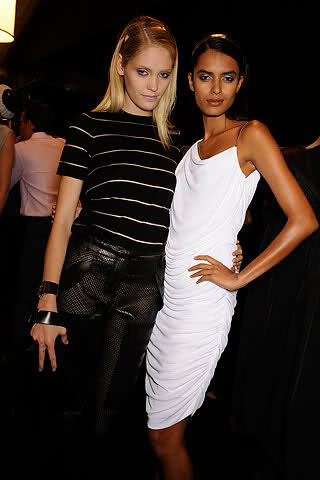
  14. Backstage at Erin Wasson x RVCA Backstage at DvF Backstage at Carolina Herrera Backstage at Michael Kors style.com

  15. Hermes S/S 2010 Paris style
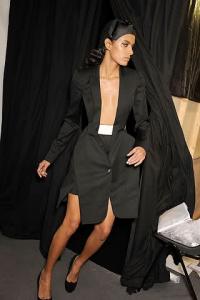
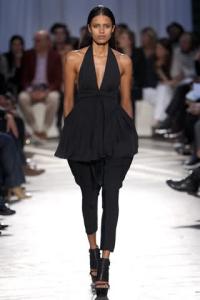
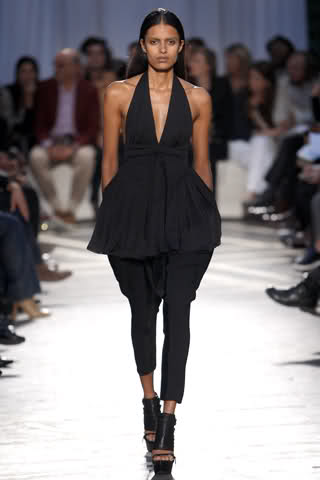
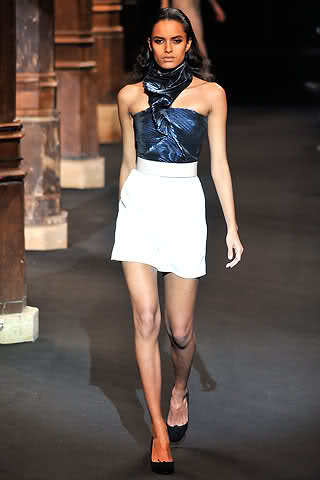
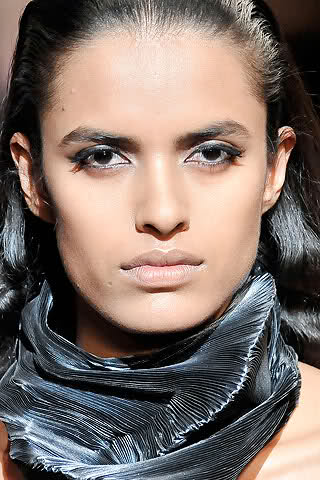
  16. Givenchy S/S 2010 Paris style.com
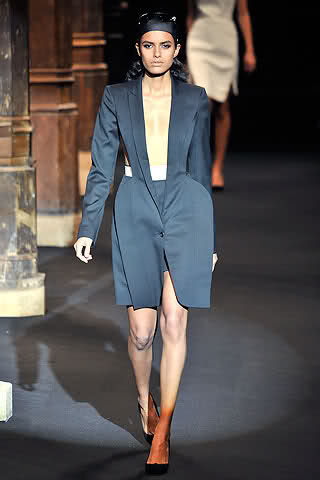
  17. Hussein Chalayan S/S 2010 Paris style.com
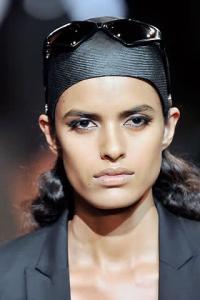
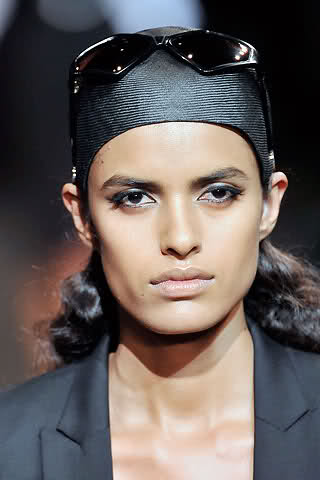
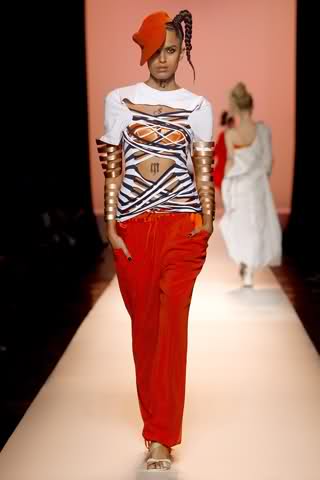
  18. Jean Paul Gaultier S/S 2010 Paris style.com

Configure browser push notifications

Chrome (Android)
  1. Tap the lock icon next to the address bar.
  2. Tap Permissions → Notifications.
  3. Adjust your preference.
Chrome (Desktop)
  1. Click the padlock icon in the address bar.
  2. Select Site settings.
  3. Find Notifications and adjust your preference.