Skip to content
View in the app

A better way to browse. Learn more.

Bellazon

A full-screen app on your home screen with push notifications, badges and more.

To install this app on iOS and iPadOS
  1. Tap the Share icon in Safari
  2. Scroll the menu and tap Add to Home Screen.
  3. Tap Add in the top-right corner.
To install this app on Android
  1. Tap the 3-dot menu (⋮) in the top-right corner of the browser.
  2. Tap Add to Home screen or Install app.
  3. Confirm by tapping Install.

Paula

Members
  • Joined

  • Last visited

  1. Eltoredo started following Paula
  2. I'm not surprised she opened again..
  3. ^ one more http://media.wwd.com/images/processed/Coll...main/dior46.jpg www Do not hotlink images. Read here for the rules about hotlinking. -Edited by Lady Fatale
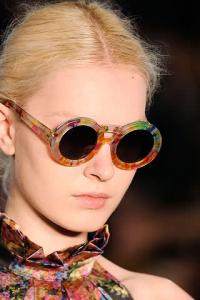
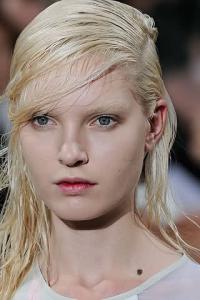
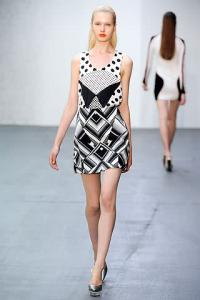
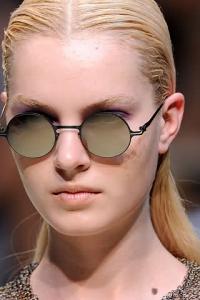
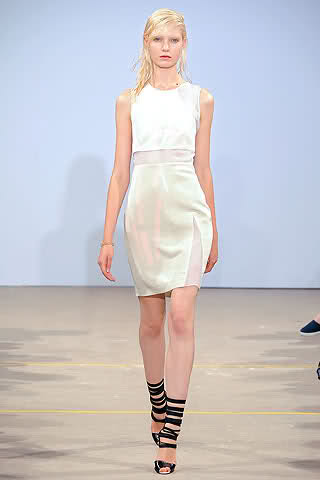
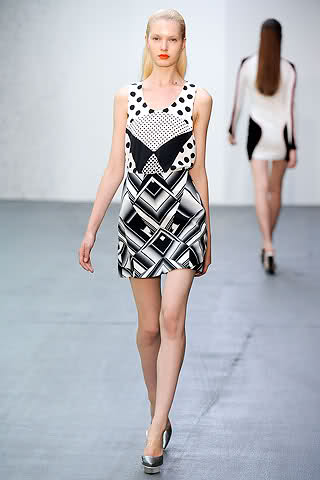
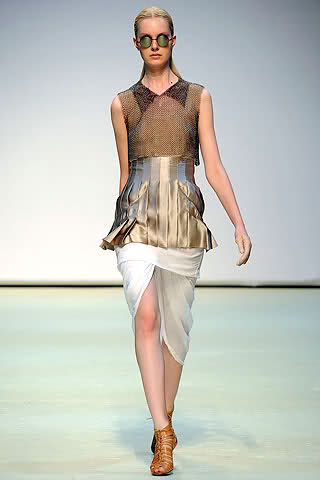
  4. Jonathan Saunders S/S 2010
  5. Josh Goot S/S 2010
  6. Marios Schwab S/S 2010
  7. Antonio Berardi S/S 2010
  8. Nicole Farhi S/S 2010
  9. Kinder Aggugini S/S 2010
  10. Rosa Cha S/S 2010
  11. Proenza Schouler S/S 2010
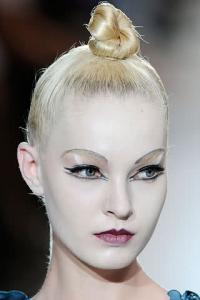
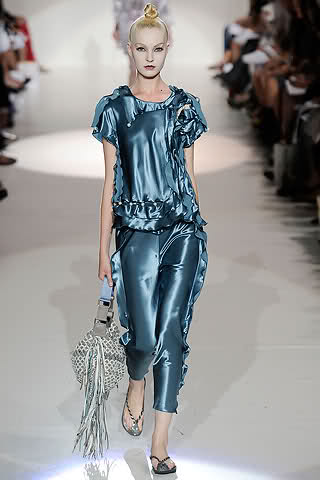
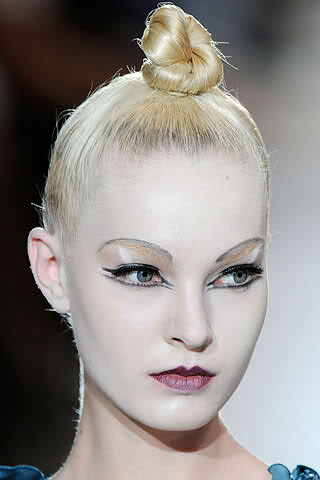
  12. Marc Jacobs S/S 2010
  13. Tuleh S/S 2010 ©
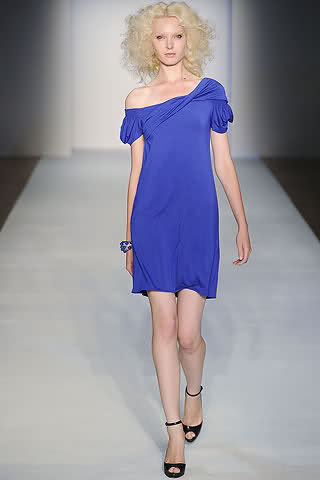
  14. Luca Luca S/S 2010
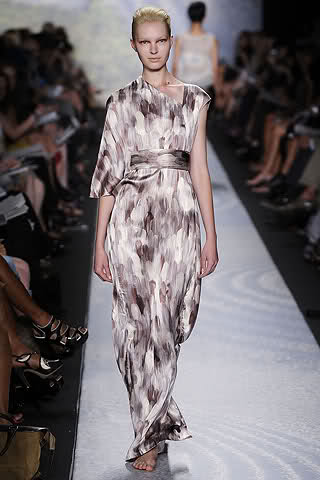
  15. Ports 1961 S/S 2010
Account

Navigation

Search

Search

Configure browser push notifications

Chrome (Android)
  1. Tap the lock icon next to the address bar.
  2. Tap Permissions → Notifications.
  3. Adjust your preference.
Chrome (Desktop)
  1. Click the padlock icon in the address bar.
  2. Select Site settings.
  3. Find Notifications and adjust your preference.