
specdude
Members
-
Joined
-
Last visited
Everything posted by specdude
-
Dm july 2013

-
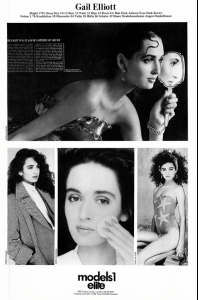
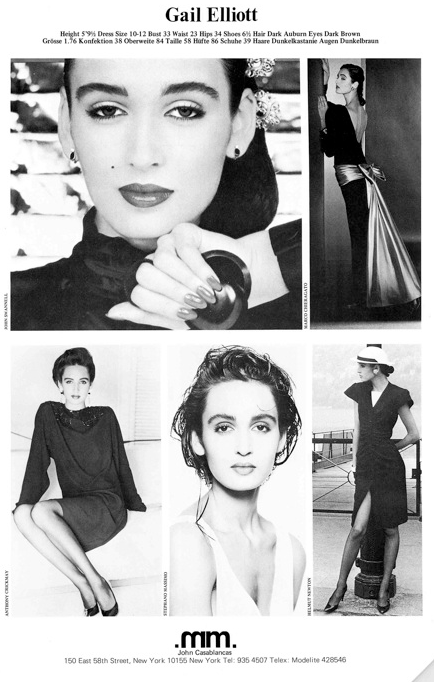
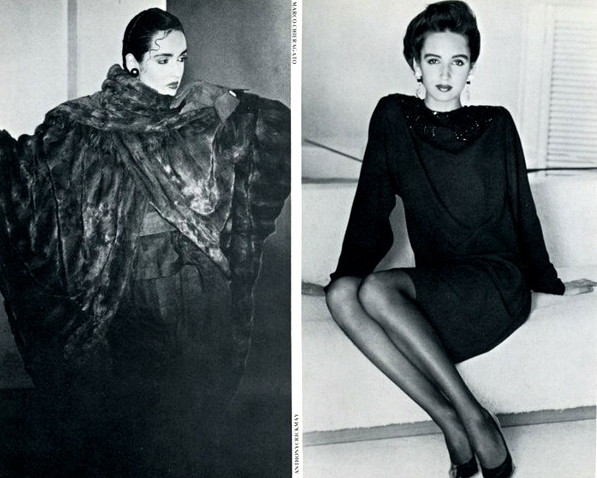
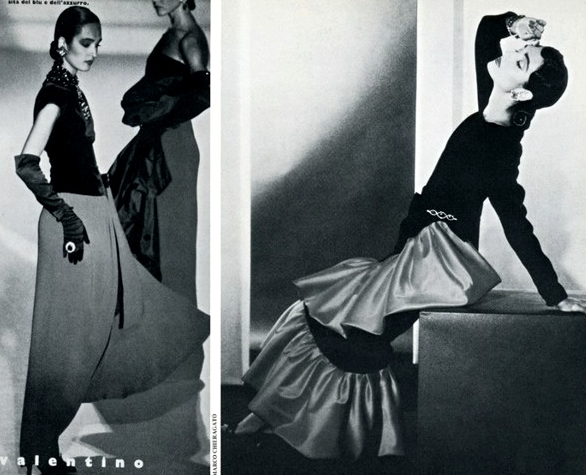
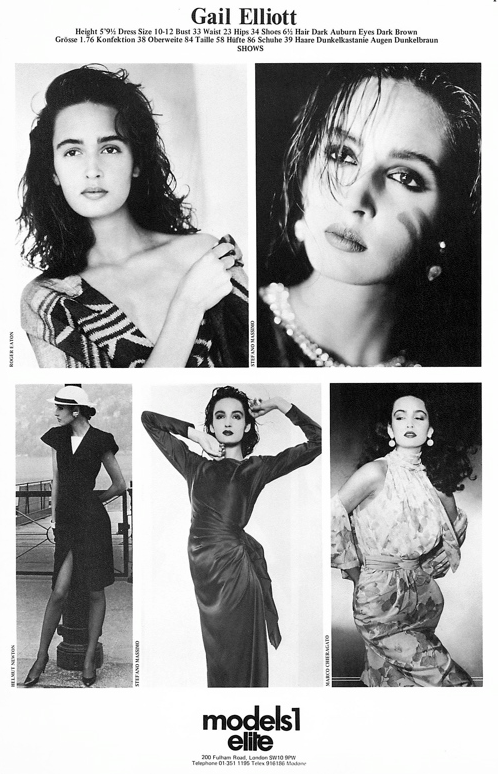
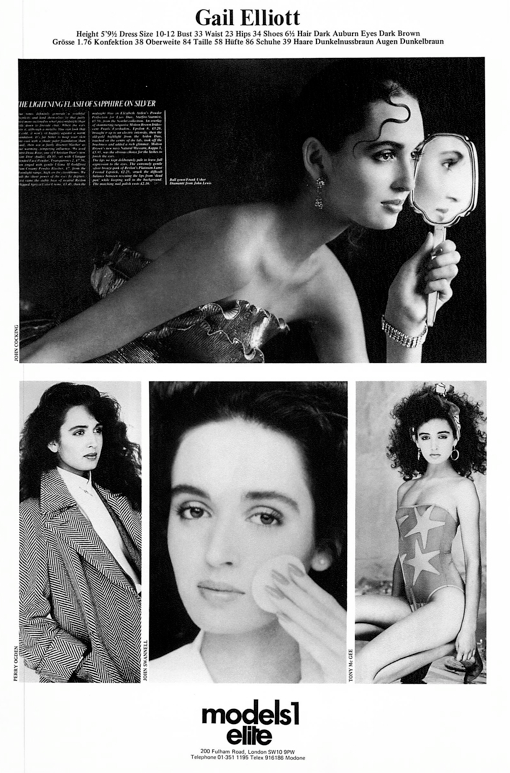
Elite Model Mgmt 1984
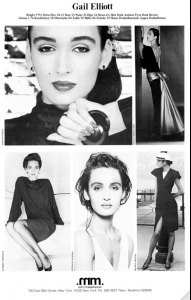
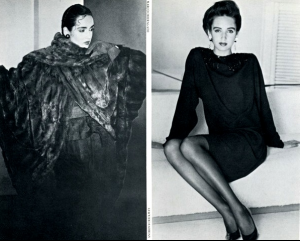
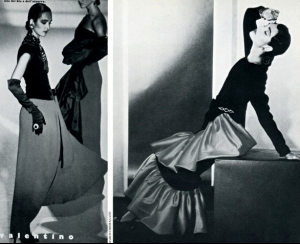
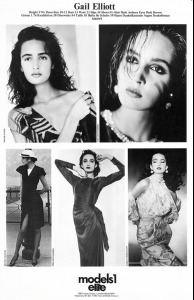
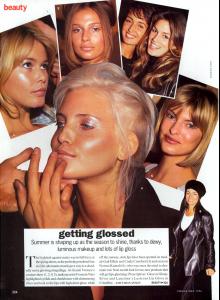
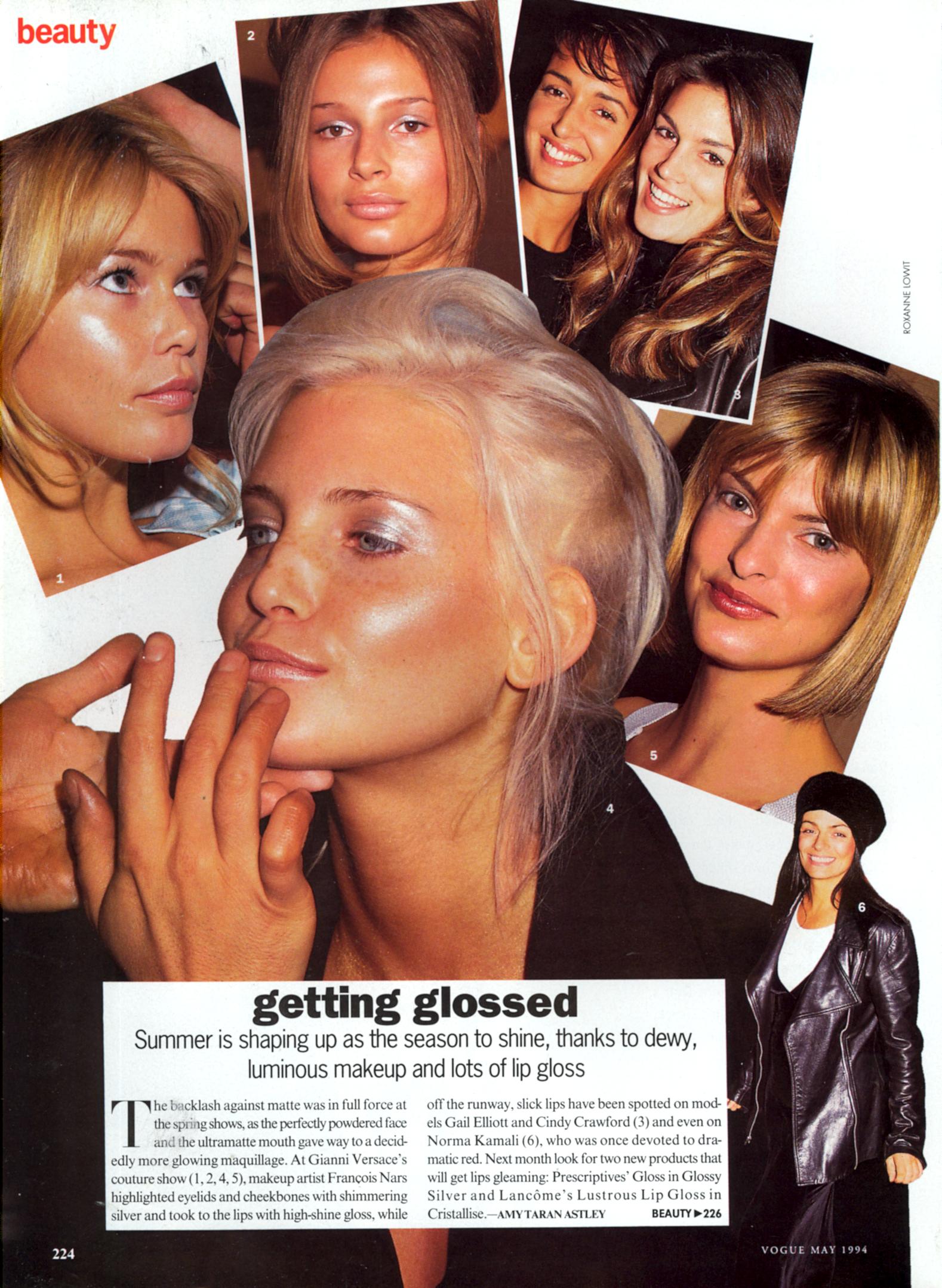
 US Vogue May 1994 Courtesy Fashion Spot
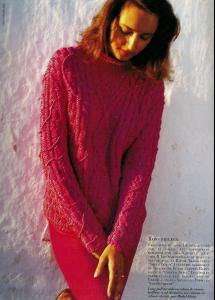
 Vogue Paris May 1990 Courtesy Fashion Spot







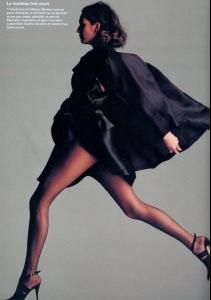
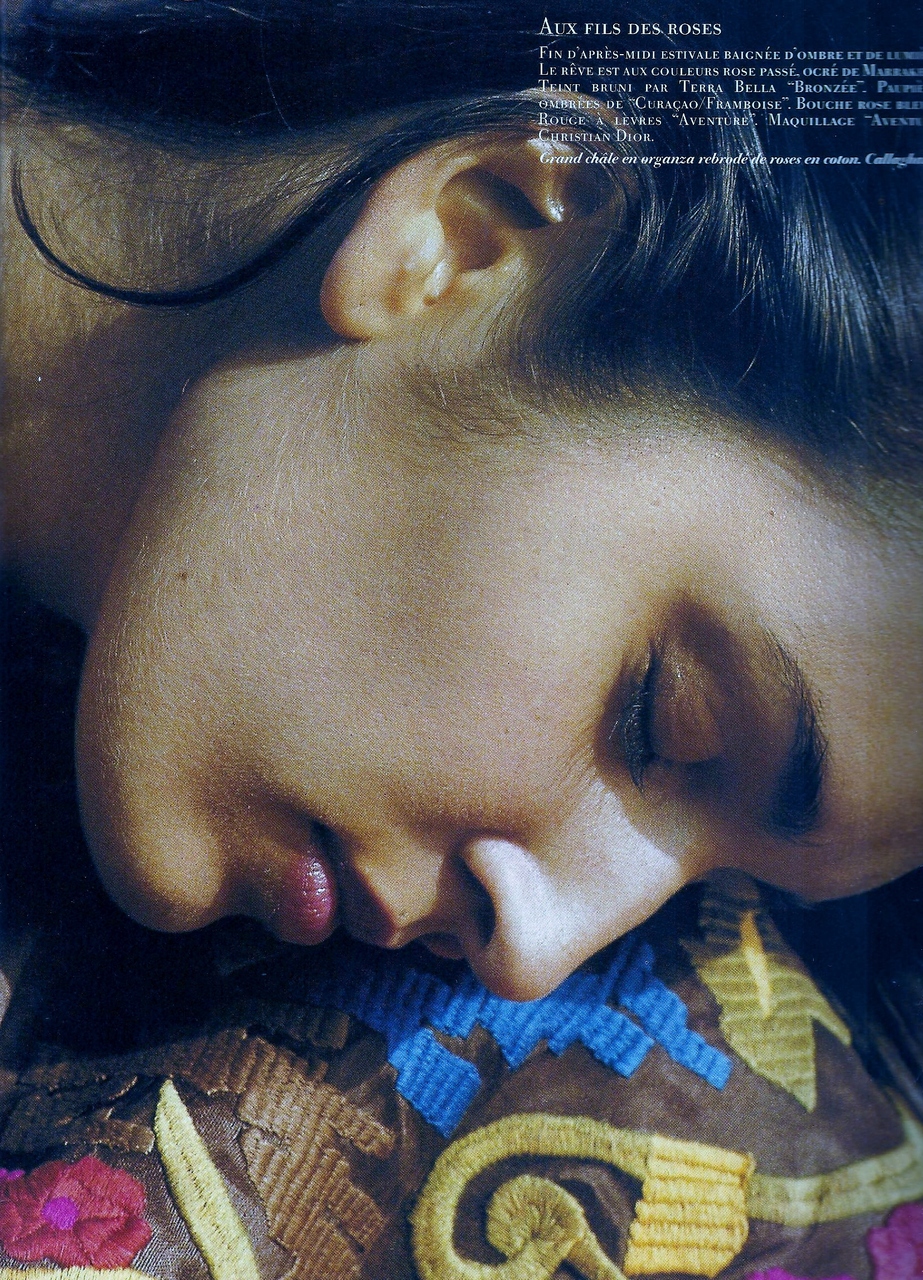
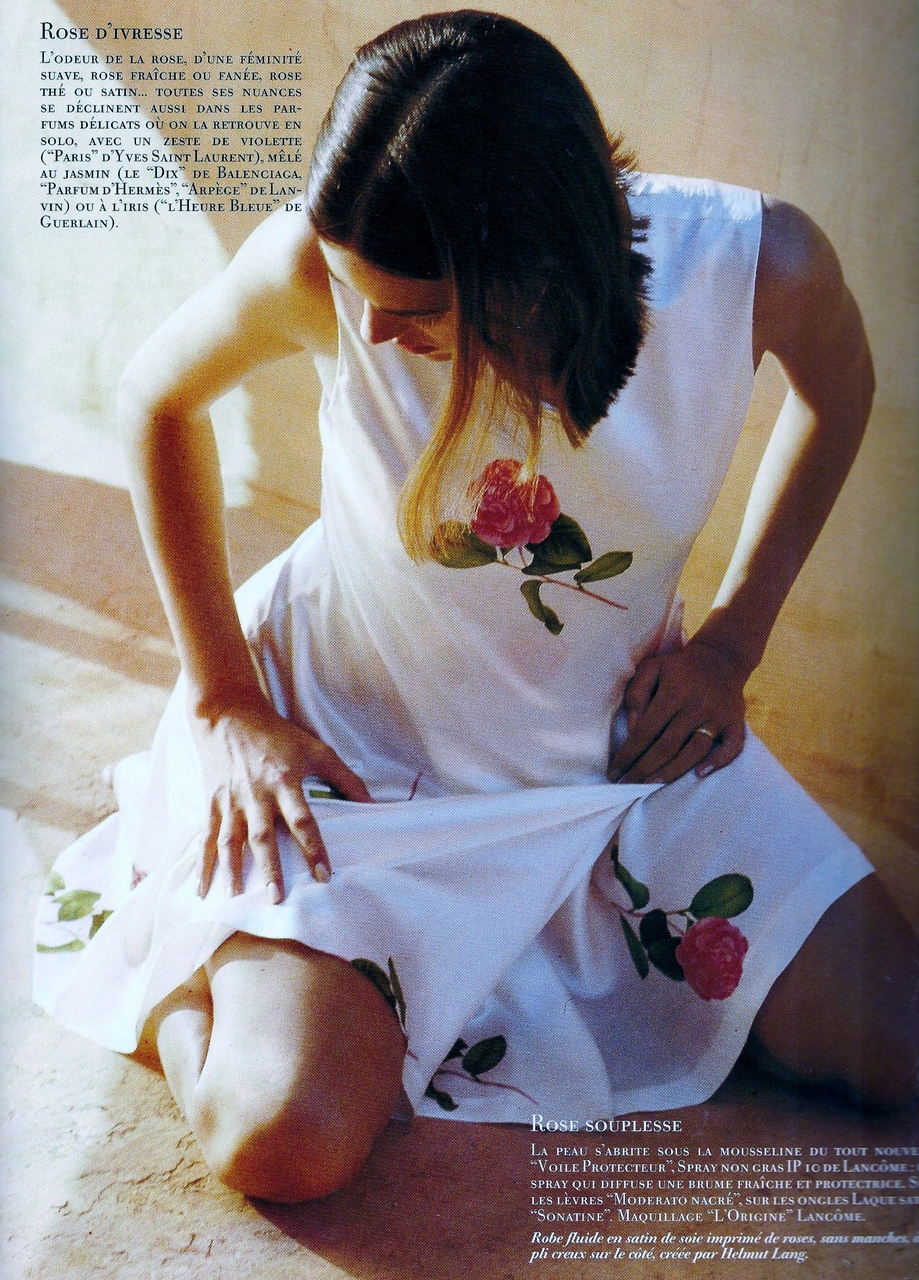
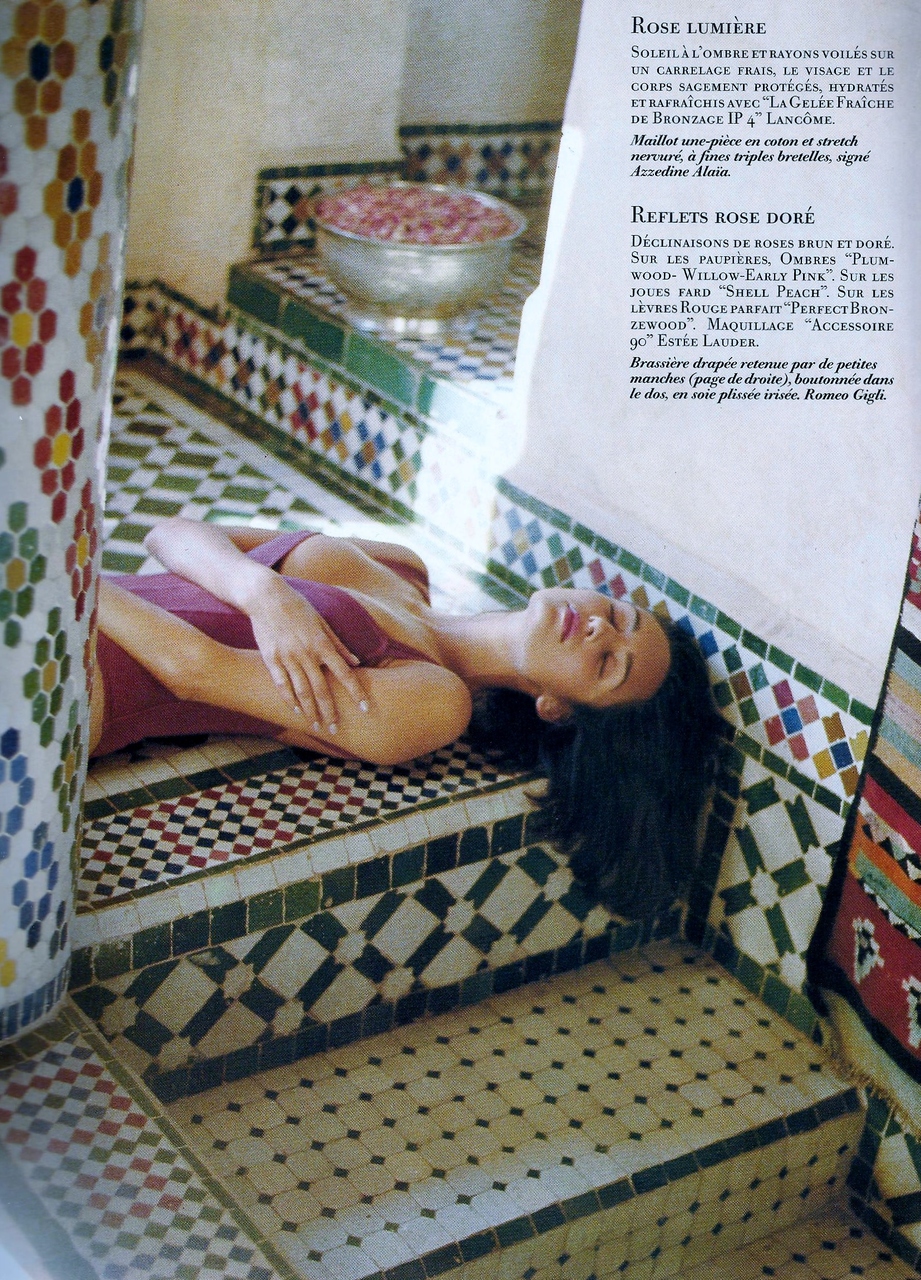
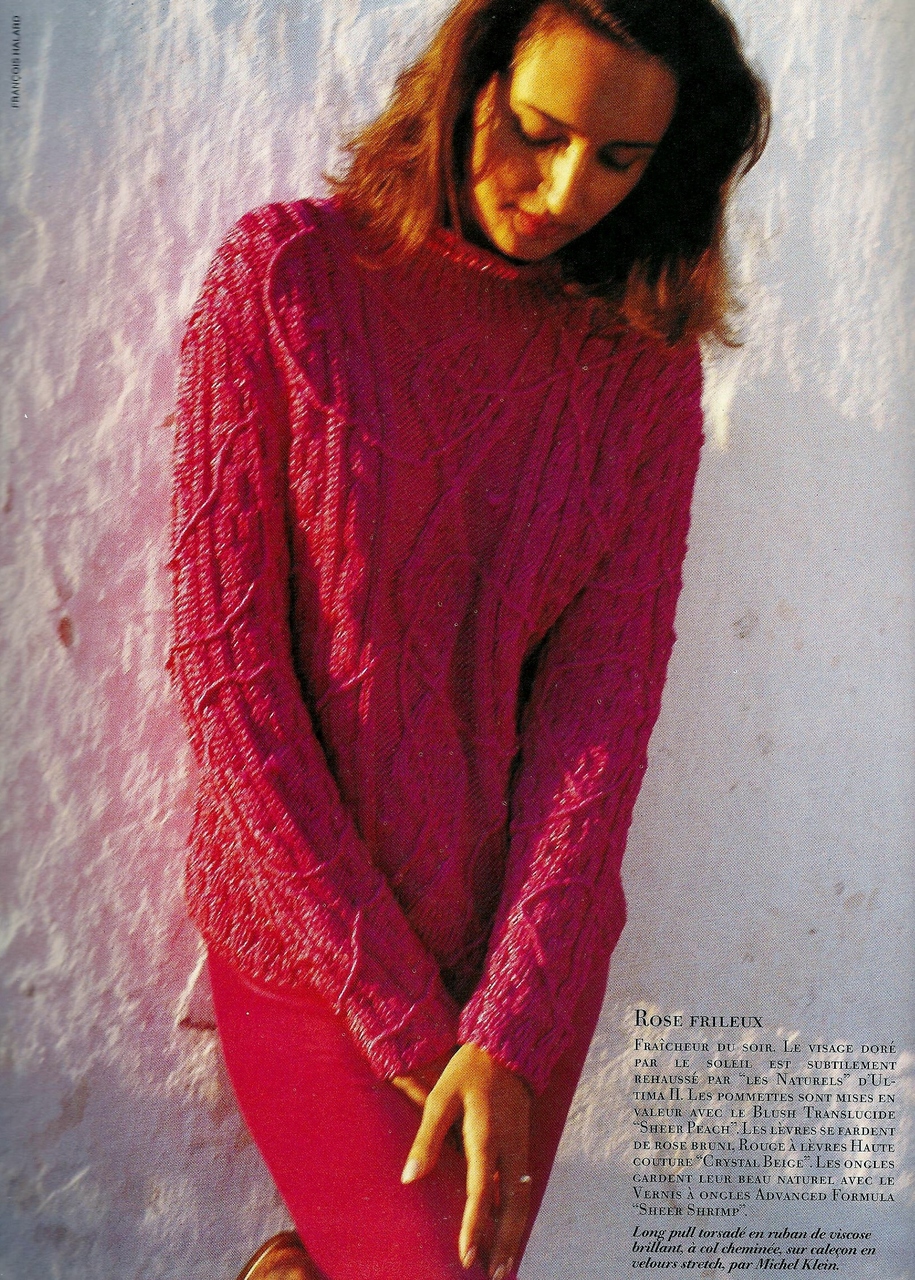
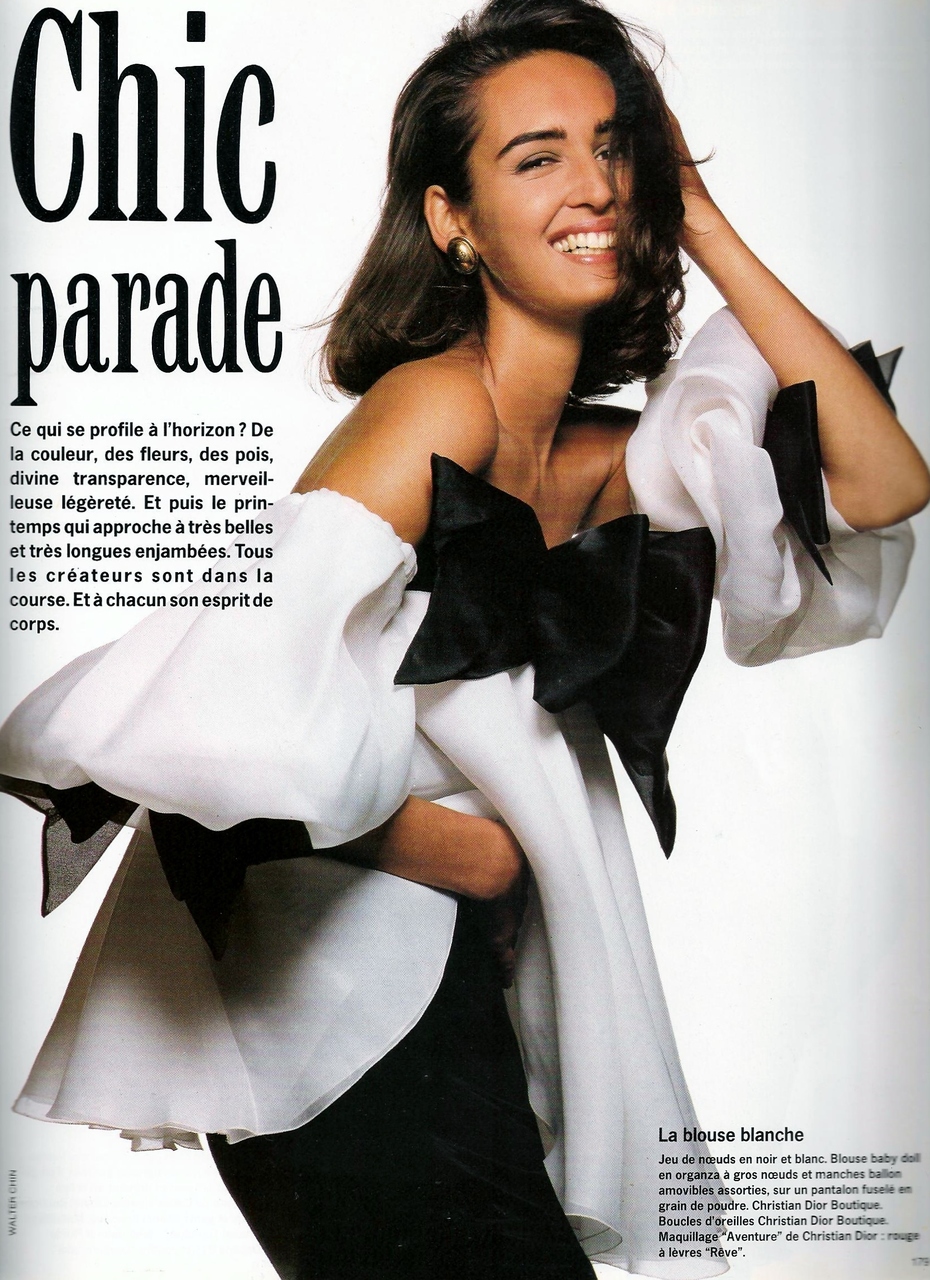
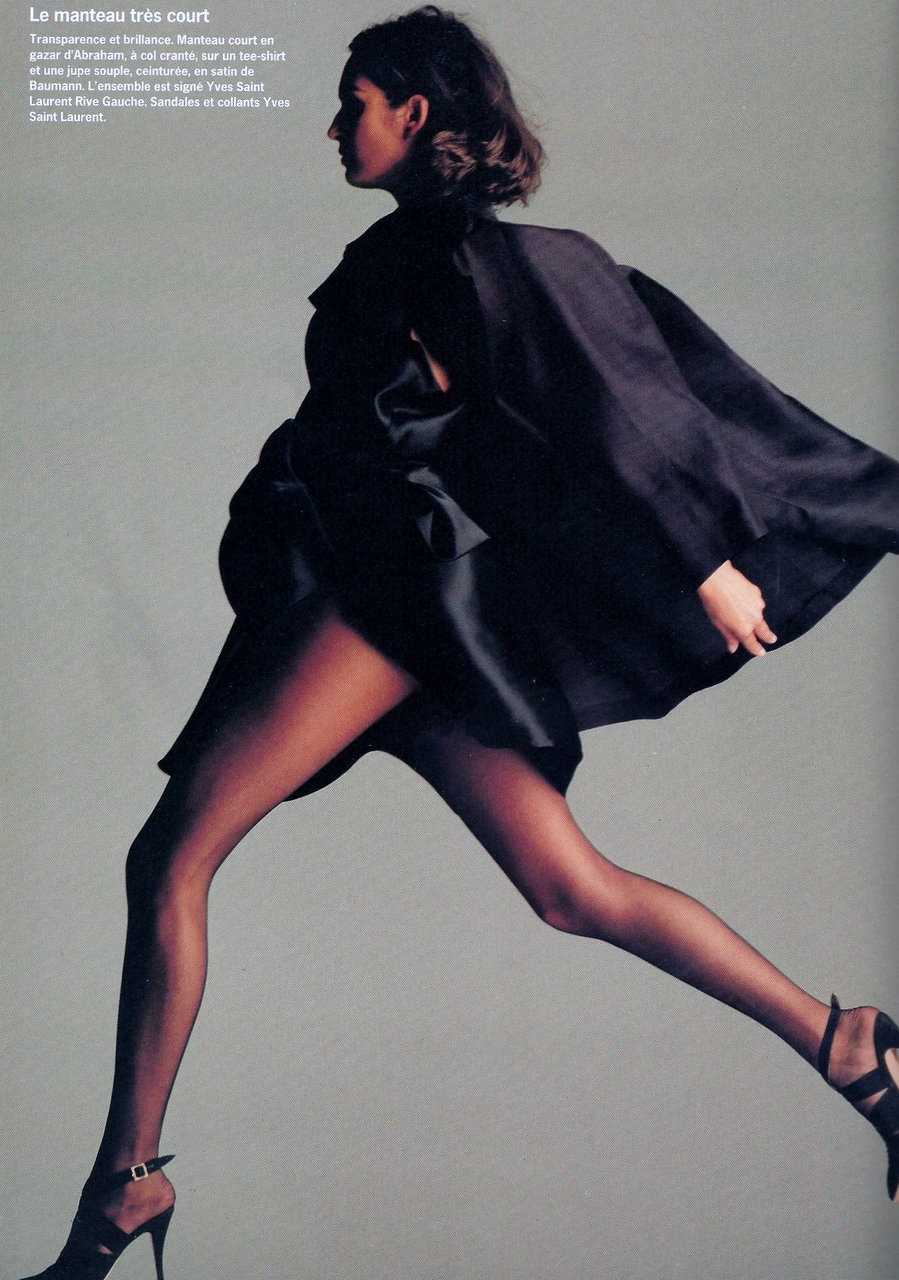
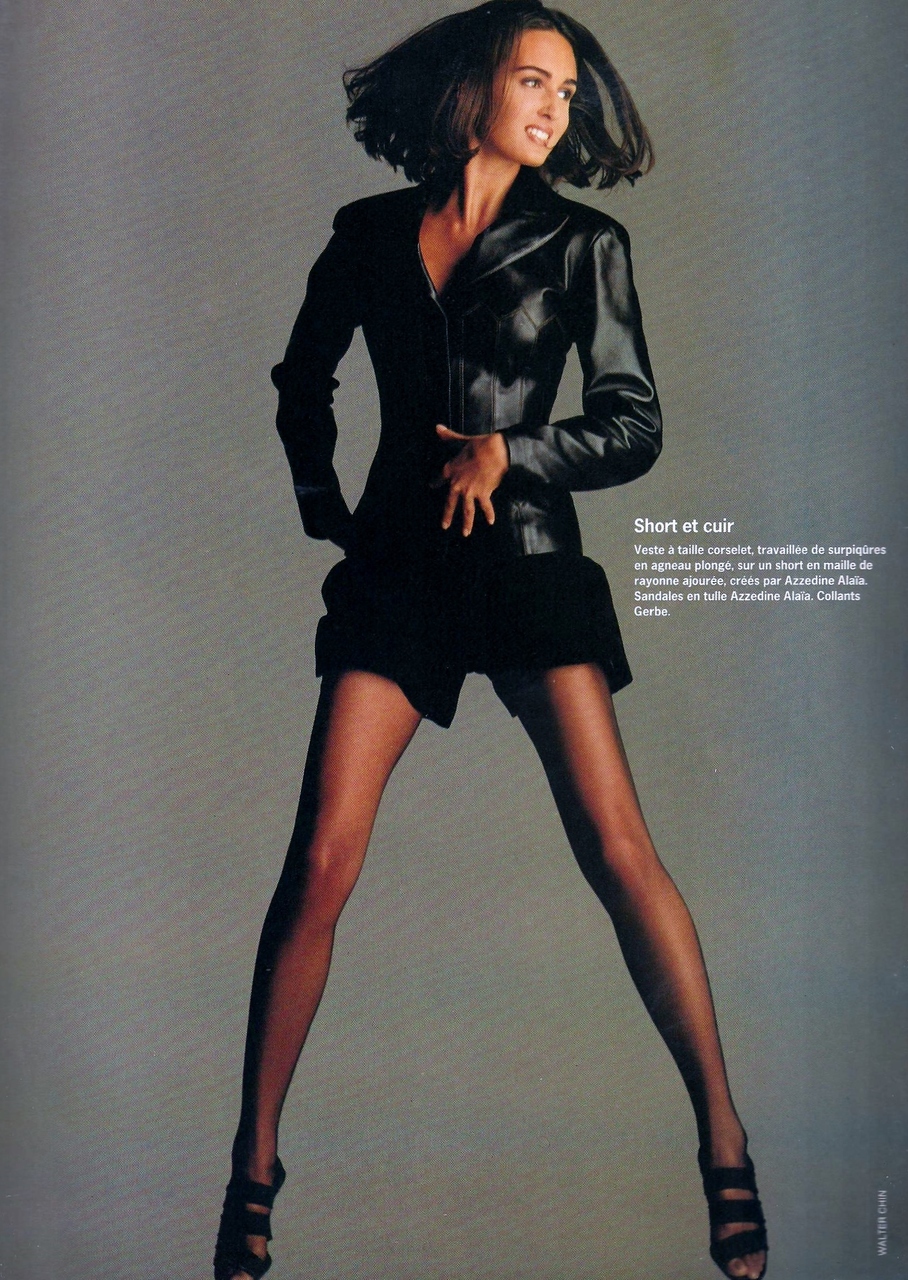
 Vogue Paris February 1990 courtesy Fashion Spot
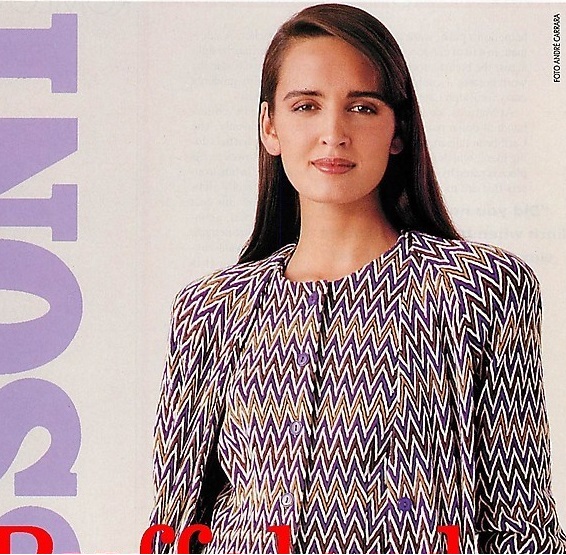
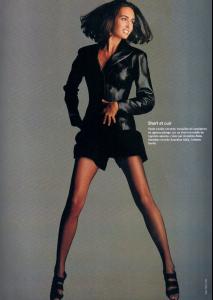 Mission Magazine 1989
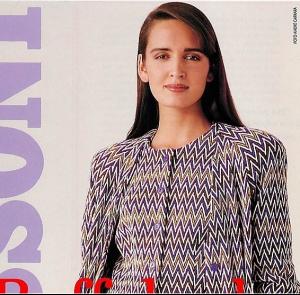 A personality like that is going to be huge in marketing. She's on a roll. Bigger things ahead I suspect.
UNplugged Highlights
A personality like that is going to be huge in marketing. She's on a roll. Bigger things ahead I suspect.
UNplugged Highlights







 UNPLUGGED! MORE LIKE UNCHAINED!! :shock:
Wow I wanna b on that boat!
UNPLUGGED! MORE LIKE UNCHAINED!! :shock:
Wow I wanna b on that boat! 34?? that's MADNESS!
Frankly I think she isn't much interested in her career since her marriage. Maybe she is going to be a pro photog.
This is from years ago isn't it?
no kidding! man her voice is so addictive.She reminds me so much of Monica Bellucci.
Wallpaper material
34?? that's MADNESS!
Frankly I think she isn't much interested in her career since her marriage. Maybe she is going to be a pro photog.
This is from years ago isn't it?
no kidding! man her voice is so addictive.She reminds me so much of Monica Bellucci.
Wallpaper material
 True, I'm just really surprised it got an 8.2 on IMDB:)
This movie sucked. Superman had no acting skills. He was absent from a lot of the movie. Character development was just a a few token scenes. Once again we get an identical climax to 80% of all superhero flix with aliens doing battle with superheros in NYC streets. Gee who will win? oh the suspense. *yawn*
from DM 2008
True, I'm just really surprised it got an 8.2 on IMDB:)
This movie sucked. Superman had no acting skills. He was absent from a lot of the movie. Character development was just a a few token scenes. Once again we get an identical climax to 80% of all superhero flix with aliens doing battle with superheros in NYC streets. Gee who will win? oh the suspense. *yawn*
from DM 2008



















Account
Navigation
Search
Configure browser push notifications
Chrome (Android)
- Tap the lock icon next to the address bar.
- Tap Permissions → Notifications.
- Adjust your preference.
Chrome (Desktop)
- Click the padlock icon in the address bar.
- Select Site settings.
- Find Notifications and adjust your preference.
Safari (iOS 16.4+)
- Ensure the site is installed via Add to Home Screen.
- Open Settings App → Notifications.
- Find your app name and adjust your preference.
Safari (macOS)
- Go to Safari → Preferences.
- Click the Websites tab.
- Select Notifications in the sidebar.
- Find this website and adjust your preference.
Edge (Android)
- Tap the lock icon next to the address bar.
- Tap Permissions.
- Find Notifications and adjust your preference.
Edge (Desktop)
- Click the padlock icon in the address bar.
- Click Permissions for this site.
- Find Notifications and adjust your preference.
Firefox (Android)
- Go to Settings → Site permissions.
- Tap Notifications.
- Find this site in the list and adjust your preference.
Firefox (Desktop)
- Open Firefox Settings.
- Search for Notifications.
- Find this site in the list and adjust your preference.