Jump to content
View in the app

A better way to browse. Learn more.

Bellazon

A full-screen app on your home screen with push notifications, badges and more.

To install this app on iOS and iPadOS
  1. Tap the Share icon in Safari
  2. Scroll the menu and tap Add to Home Screen.
  3. Tap Add in the top-right corner.
To install this app on Android
  1. Tap the 3-dot menu (⋮) in the top-right corner of the browser.
  2. Tap Add to Home screen or Install app.
  3. Confirm by tapping Install.

kimflorida

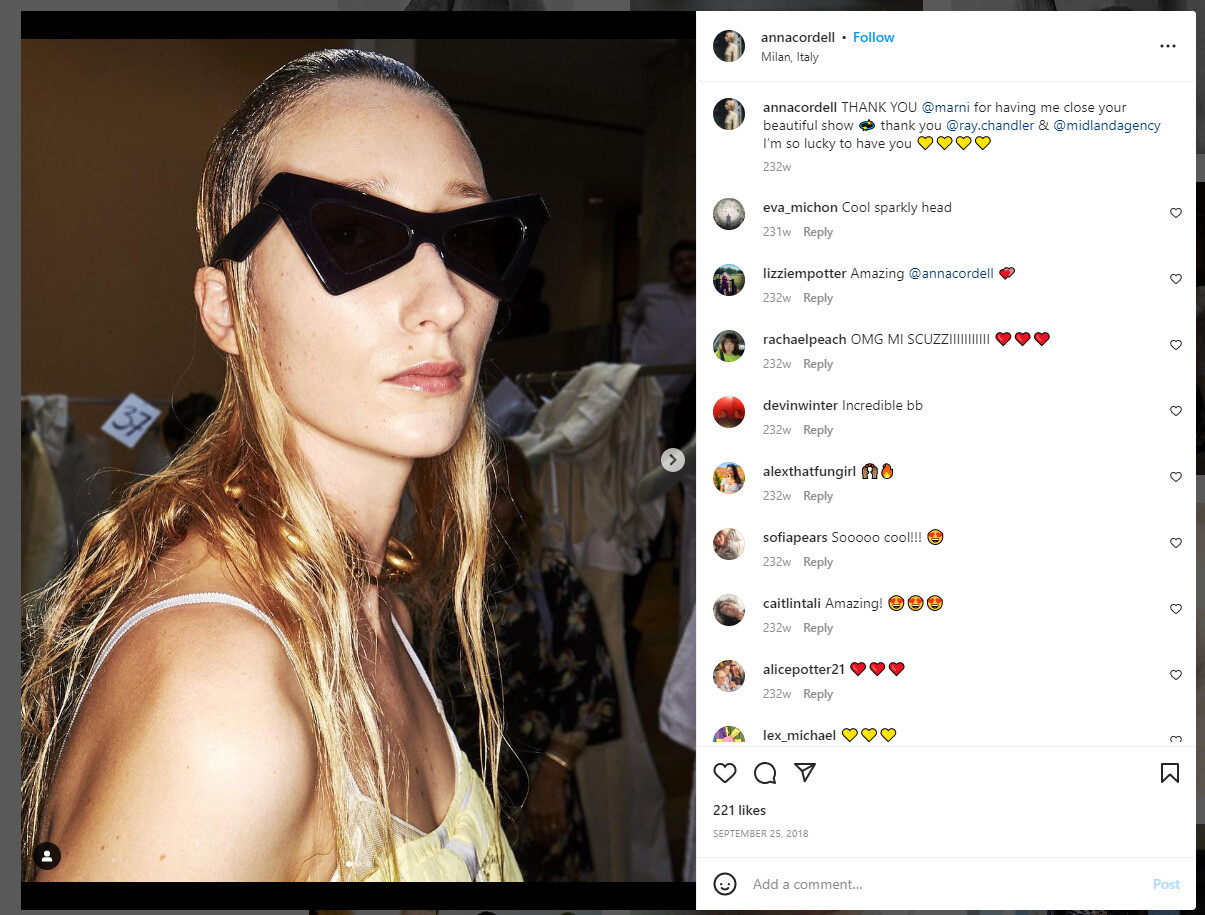
Members
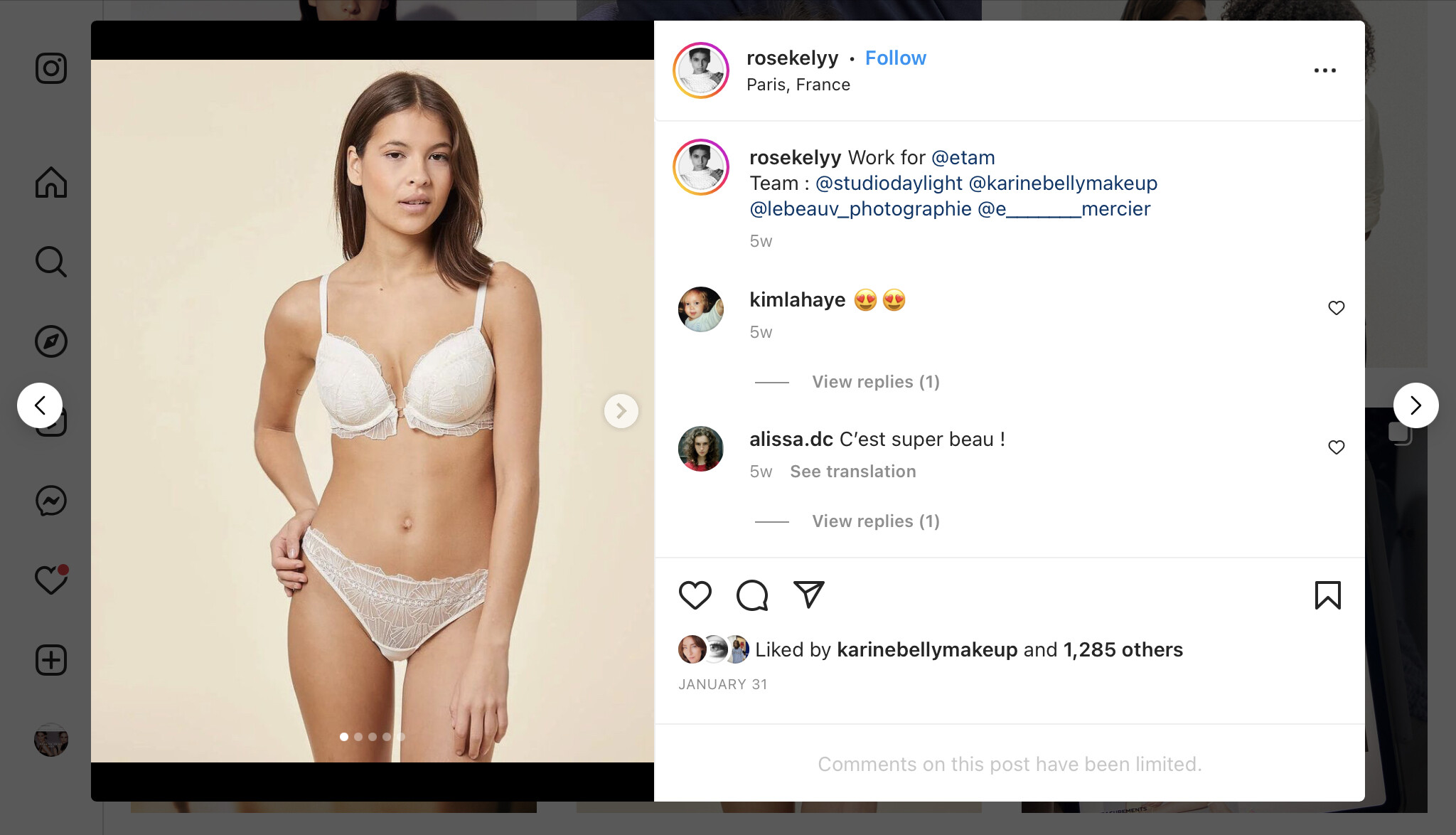
  • Joined

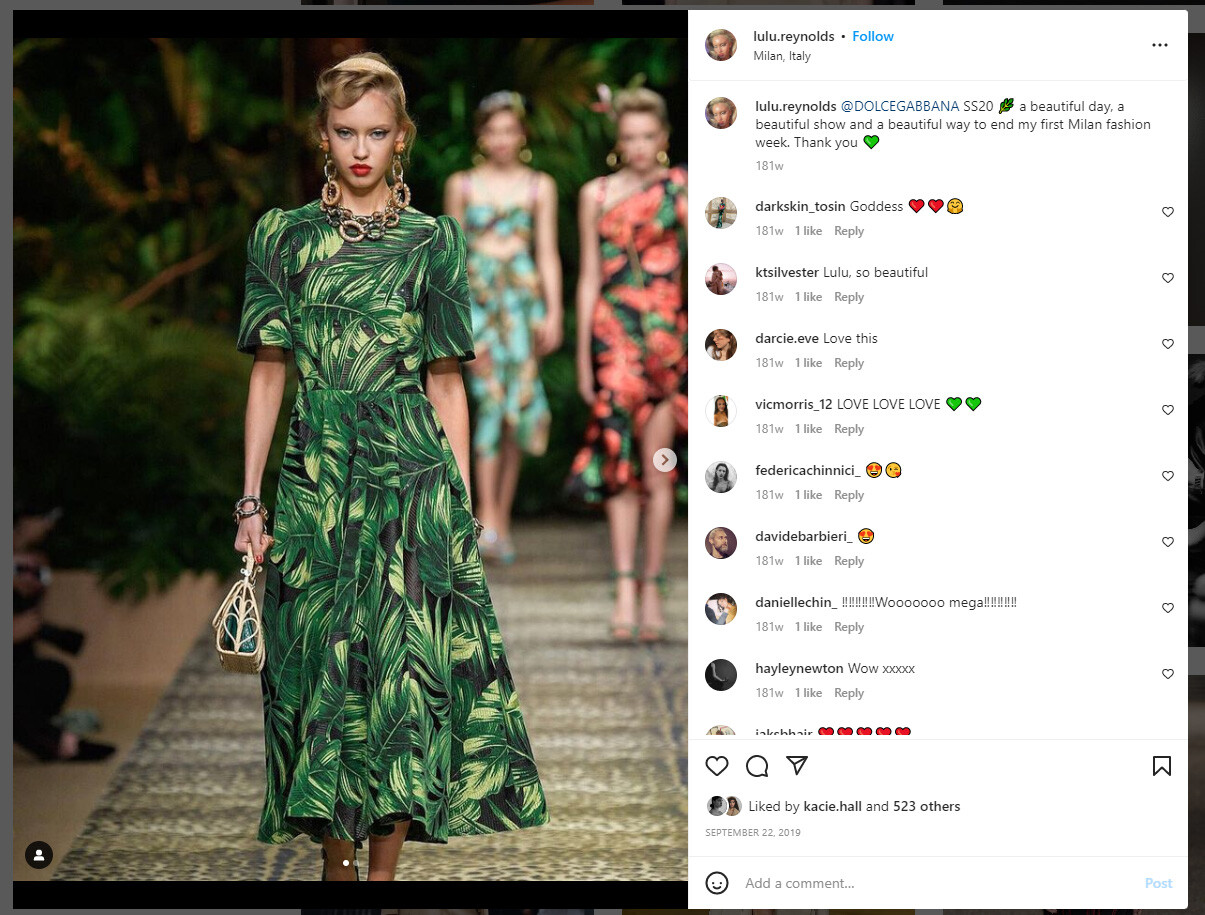
  • Last visited

Everything posted by kimflorida

  1. Emmi Freeman
  2. you're welcome
  3. Kristine Lindseth Jeanne Cadieu At first, I thought this was Lola Nicon, but I can't tell for sure now
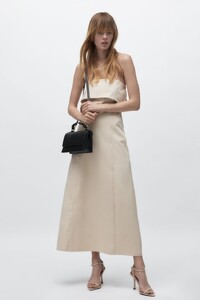
  4. The images came from where??? A brand name or website can sometimes help.
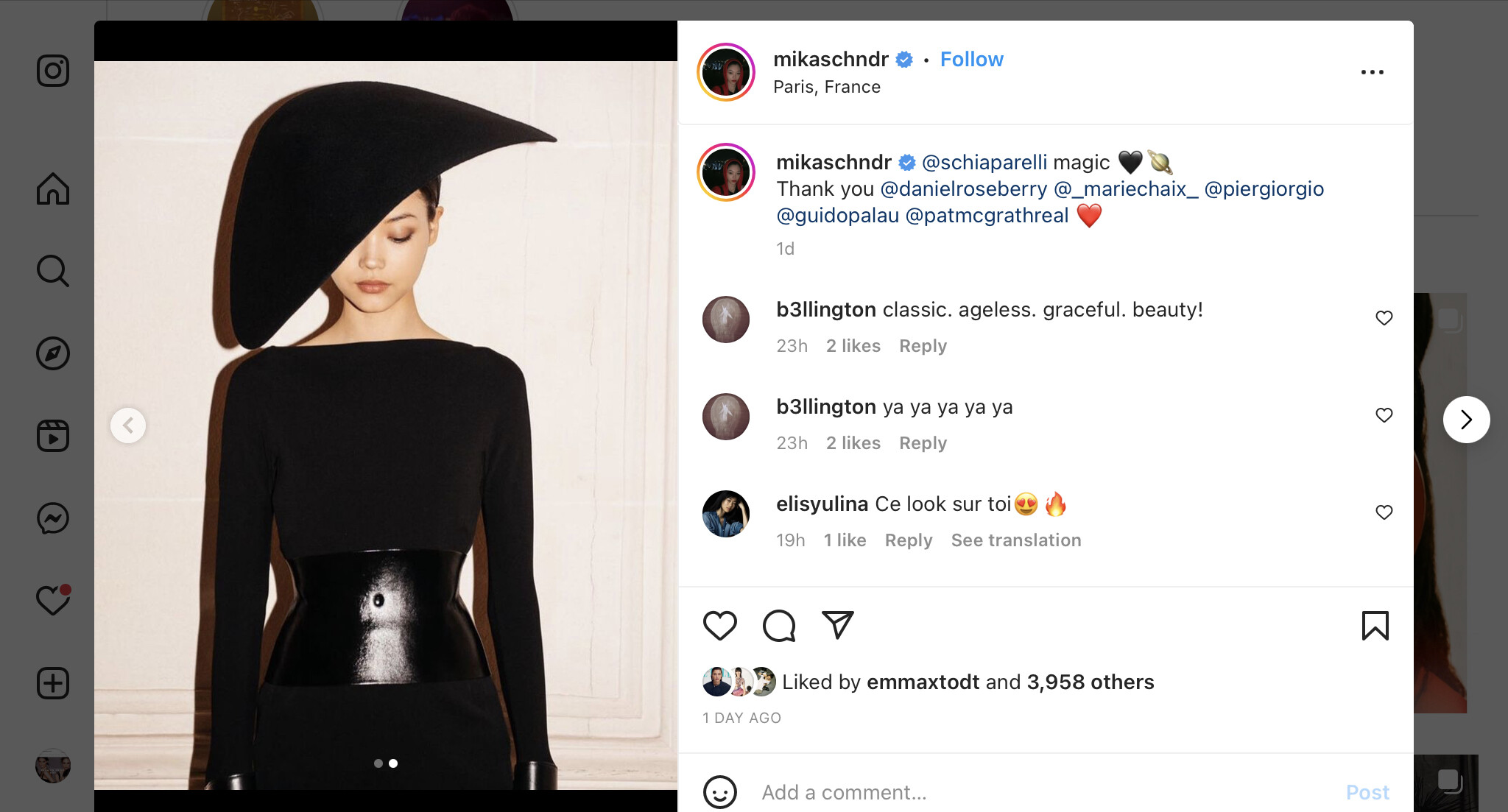
  5. I think, Elisa Nijman
  6. looks like Ella Rattigan
  7. Inga Dezhina Lieke van Houten I think, Betsy Volk
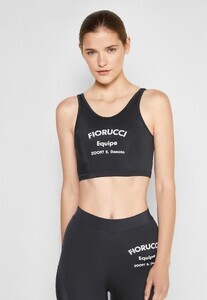
  8. she looks familiar, but I can’t remember her name
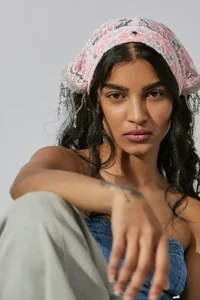
  9. I think at least four of your six pictures are Mahi Kabra
  10. 1. Adriana Novakova (Pekarikova) 4. Monika Partyka
  11. You’re welcome
  12. 1. Dominique Elissa
  13. You’re welcome
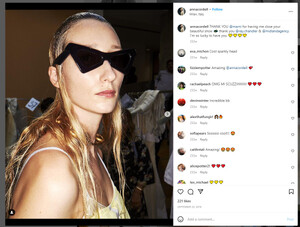
  14. Marni - Anna Cordell
  15. Confirmed on her IG
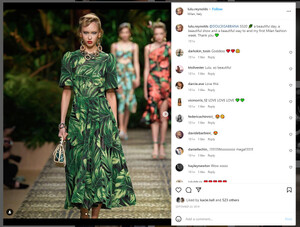
  16. I think Dolce & Gabbana model is Lulu Reynolds
  17. Marni - still looking
  18. Scervino - Merel Zoet Ferretti - Felice Noordhoff Max Mara - Alexandra Micu
  19. oh, yes - good catch!
  20. maybe, Lulu Stone @ Next Miami - I’ll ask around
  21. Carolina Thaler
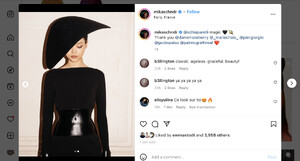
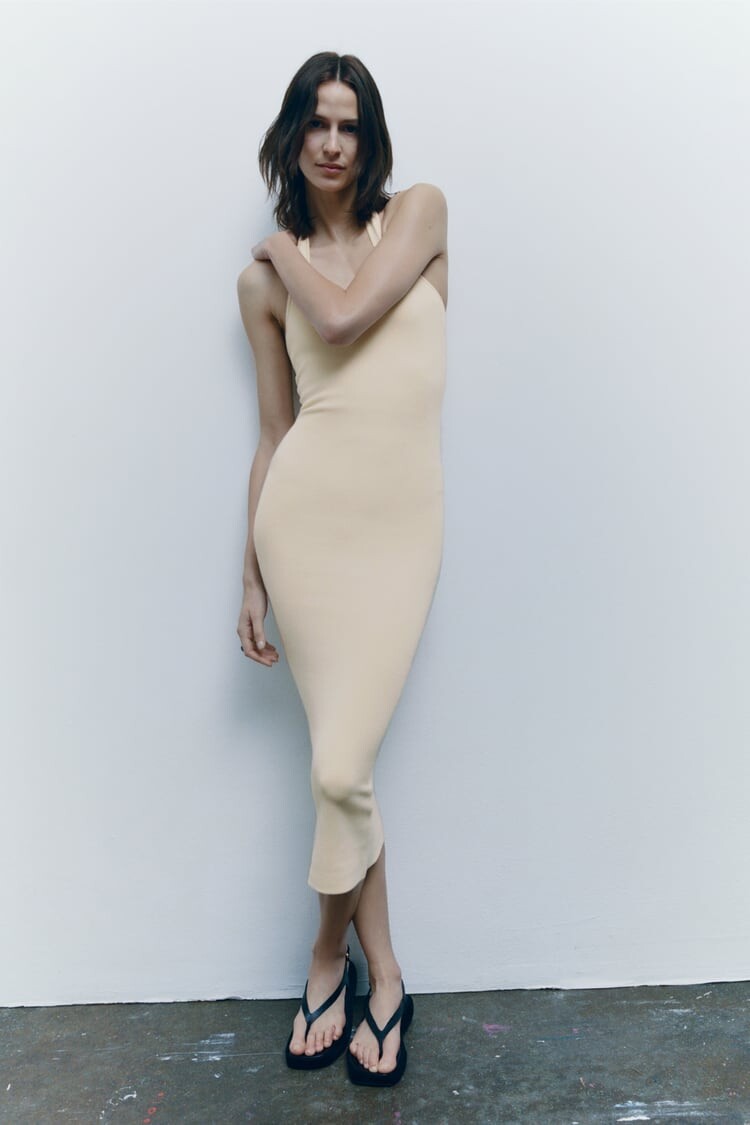
  22. Yes, Mika - tagged on her IG as well
Account

Navigation

Search

Configure browser push notifications

Chrome (Android)
  1. Tap the lock icon next to the address bar.
  2. Tap Permissions → Notifications.
  3. Adjust your preference.
Chrome (Desktop)
  1. Click the padlock icon in the address bar.
  2. Select Site settings.
  3. Find Notifications and adjust your preference.