Jump to content
View in the app

A better way to browse. Learn more.

Bellazon

A full-screen app on your home screen with push notifications, badges and more.

To install this app on iOS and iPadOS
  1. Tap the Share icon in Safari
  2. Scroll the menu and tap Add to Home Screen.
  3. Tap Add in the top-right corner.
To install this app on Android
  1. Tap the 3-dot menu (⋮) in the top-right corner of the browser.
  2. Tap Add to Home screen or Install app.
  3. Confirm by tapping Install.

kimflorida

Members
  • Joined

  • Last visited

Everything posted by kimflorida

  1. Myrthe de Poel
  2. Gerda-Marie Mare
  3. even though this image is very small, possibly ID’d as Felicity Peel
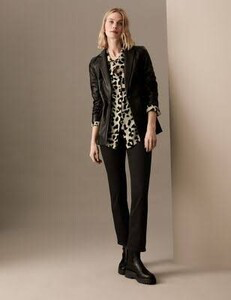
  4. You're welcome
  5. Could possibly be Felicity Peel - mole on neck matches Plus, her IG confirms Marks & Spencer work.
  6. you're welcome
  7. a couple more look familiar - no names right now
  8. You’re welcome. Model #1 looks familiar too. I just have to remember where I’ve seen her before.
  9. You’re welcome
  10. 2. Anna Fritzdorf 4. I think, Isabelle Schilling
  11. 6. She was just ID’d here…
  12. yes, it's her -
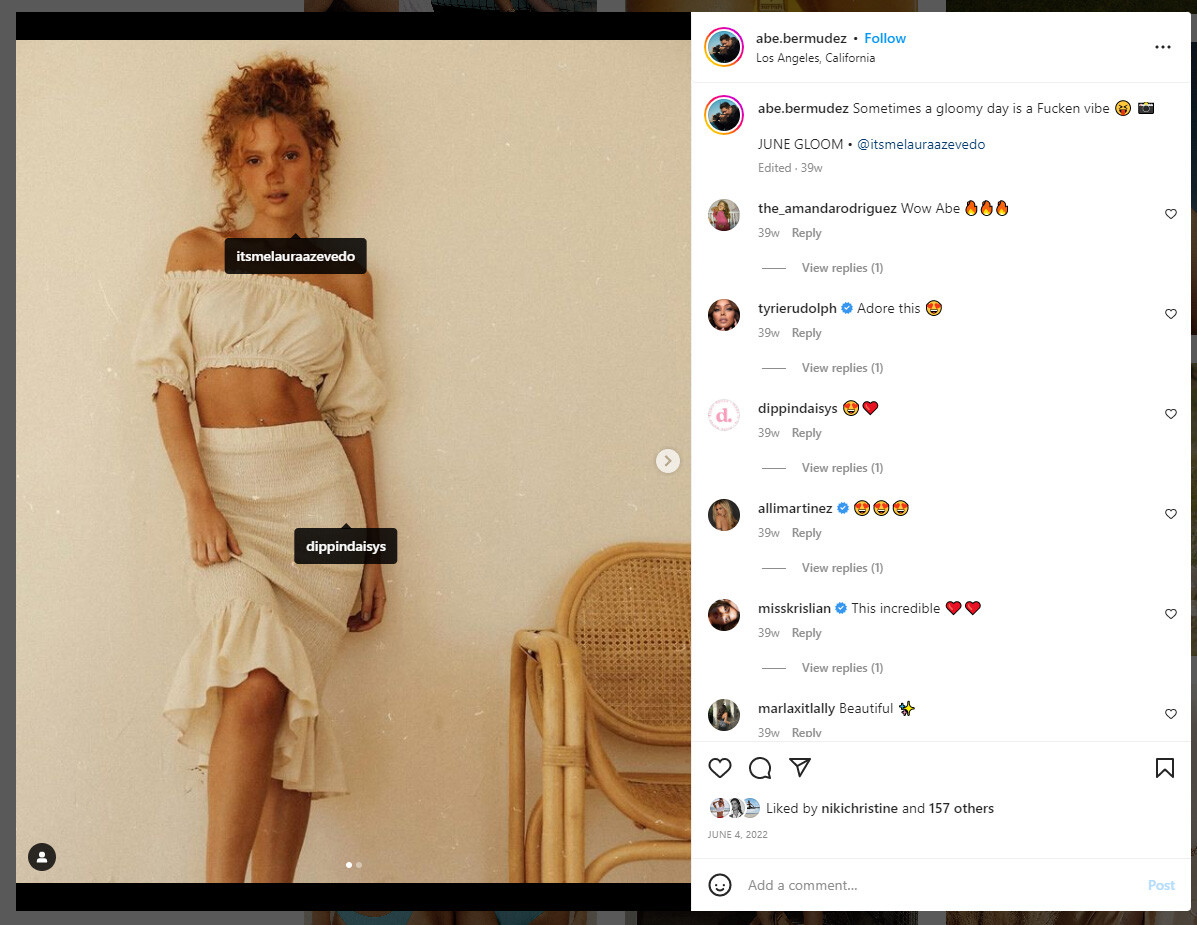
  13. I think, Laura Azevedo - I'll check her IG
  14. looks like Londone Myers
  15. Mahalia Celeste Henderson - same model ID'd in these threads...
  16. You’re welcome
  17. Already ID’d here…
  18. asked about model on left, Elisabeth Erm - also ID'd here Josephine Le Tutour

Account

Navigation

Search

Configure browser push notifications

Chrome (Android)
  1. Tap the lock icon next to the address bar.
  2. Tap Permissions → Notifications.
  3. Adjust your preference.
Chrome (Desktop)
  1. Click the padlock icon in the address bar.
  2. Select Site settings.
  3. Find Notifications and adjust your preference.