Jump to content
View in the app

A better way to browse. Learn more.

Bellazon

A full-screen app on your home screen with push notifications, badges and more.

To install this app on iOS and iPadOS
  1. Tap the Share icon in Safari
  2. Scroll the menu and tap Add to Home Screen.
  3. Tap Add in the top-right corner.
To install this app on Android
  1. Tap the 3-dot menu (⋮) in the top-right corner of the browser.
  2. Tap Add to Home screen or Install app.
  3. Confirm by tapping Install.

kimflorida

Members
  • Joined

  • Last visited

Everything posted by kimflorida

  1. you're welcome
  2. Mili Pineiro
  3. Bergdorf Goodman late 1999/early 2000 my scan TIA

  4. you're welcome! she's a very nice person too
  5. 1. Nayha Queiroz - confirmed by matching tattoos
  6. You’re welcome
  7. I don’t think she is Jess Greaves either. No idea on an ID though.
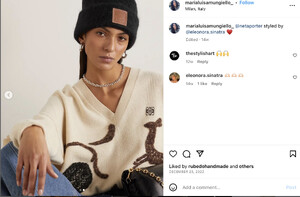
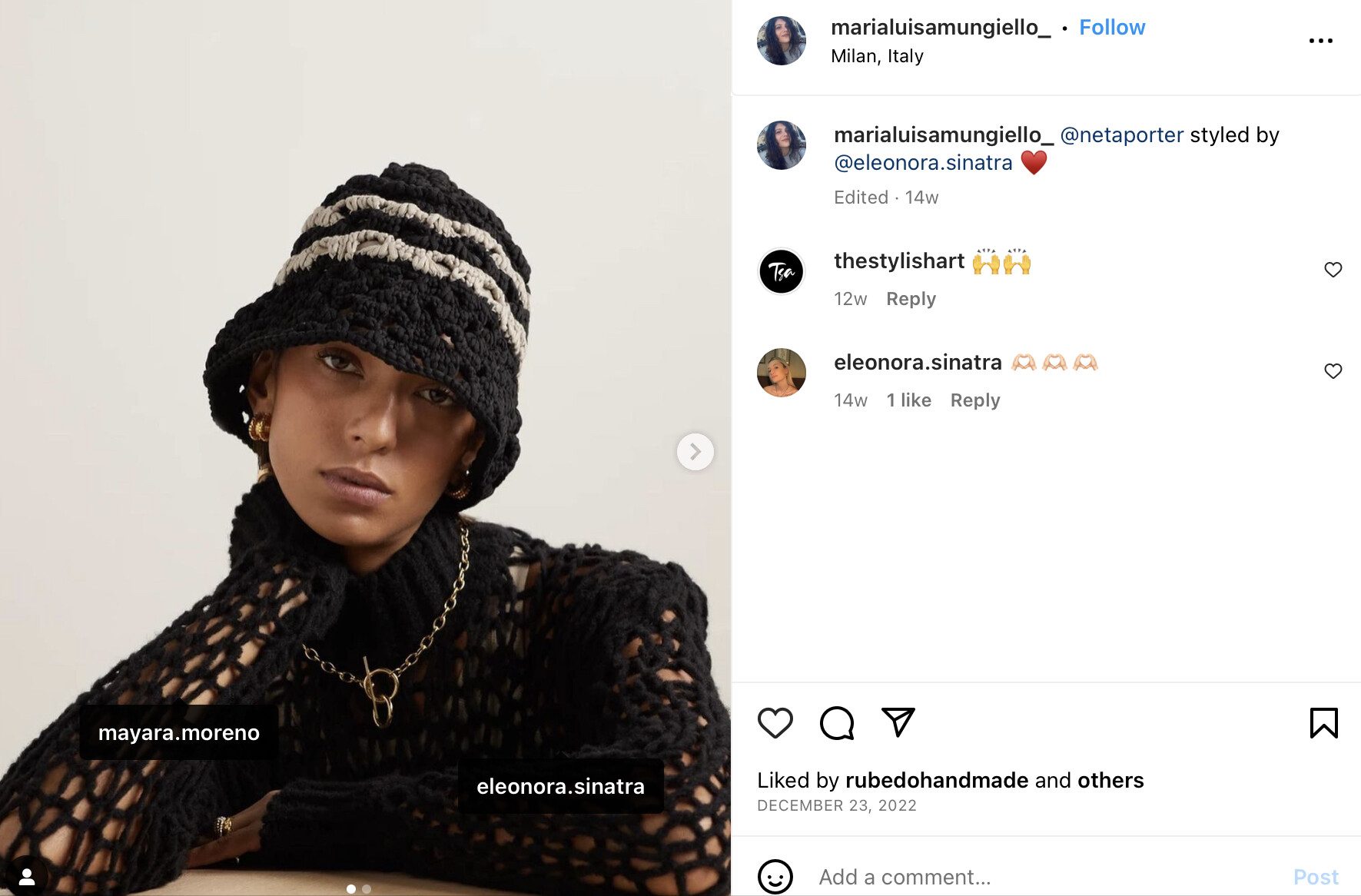
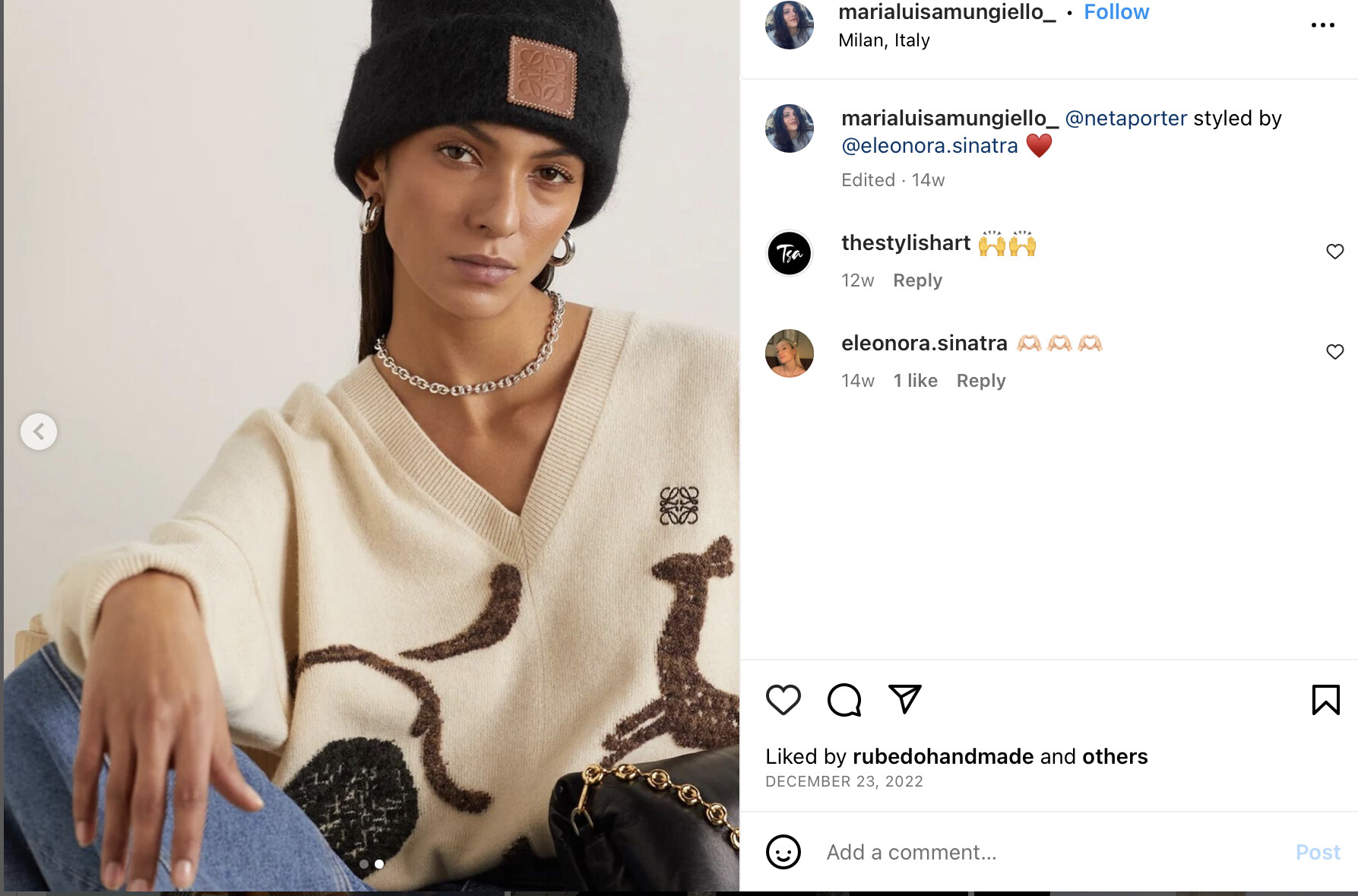
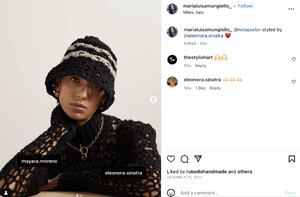
  8. I was able to confirm through a friend who knows the stylist… she is Mayara Moreno
  9. Julie Henderson - she does lots of e-commerce work
  10. Yulia Saparniiazova
  11. You’re welcome
  12. Angèle Fougeirol
  13. according to Google Image Search - @minnarosaweber on TikTok
  14. remembered - she is Ariana Diamant @ EVOLVE London
  15. You’re welcome! I’ve seen model #1 before… just can’t remember where
  16. you're welcome
  17. I think, Alyssah Ali

Account

Navigation

Search

Configure browser push notifications

Chrome (Android)
  1. Tap the lock icon next to the address bar.
  2. Tap Permissions → Notifications.
  3. Adjust your preference.
Chrome (Desktop)
  1. Click the padlock icon in the address bar.
  2. Select Site settings.
  3. Find Notifications and adjust your preference.