

maddog107
Admin
-
Joined
-
Last visited
Everything posted by maddog107
-
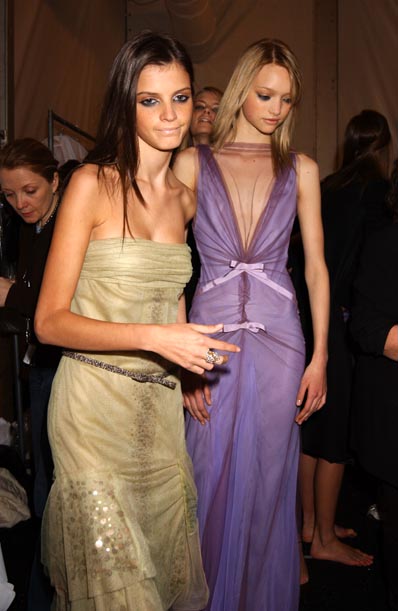
 I like Ale, Adriana they need to get rid of Ana though, heidi is a classic so you know shell be there even if i dont find her attractive. Gisele is nice. They should bring back Diana (sp?) and should have Poly there. Apart from that I woudl chose all my fav girls
 -
your top 7 is improving (Y) and i aint gonna let you forget bout tiiu.. and thanks for the other pic too purple, nice to see another fan of tiiu since she dont get much love round these parts.
-
some randomness




-
-
<_< nah just I dont think we should attack new people, not exactly the impression we want to give to new members. We will never get more members acting that way. And for you info, she has said that she aint never comeing back. So I was rigth and yall scared her off.
-
You need a man because if not youll end up doing this A guy was stranded on a desert island with Heidi Klum. Initially, he played it cool, not making any moves on her for several weeks. Finally, he asked her if they could start a physical relationship, so as to attend to each other
-
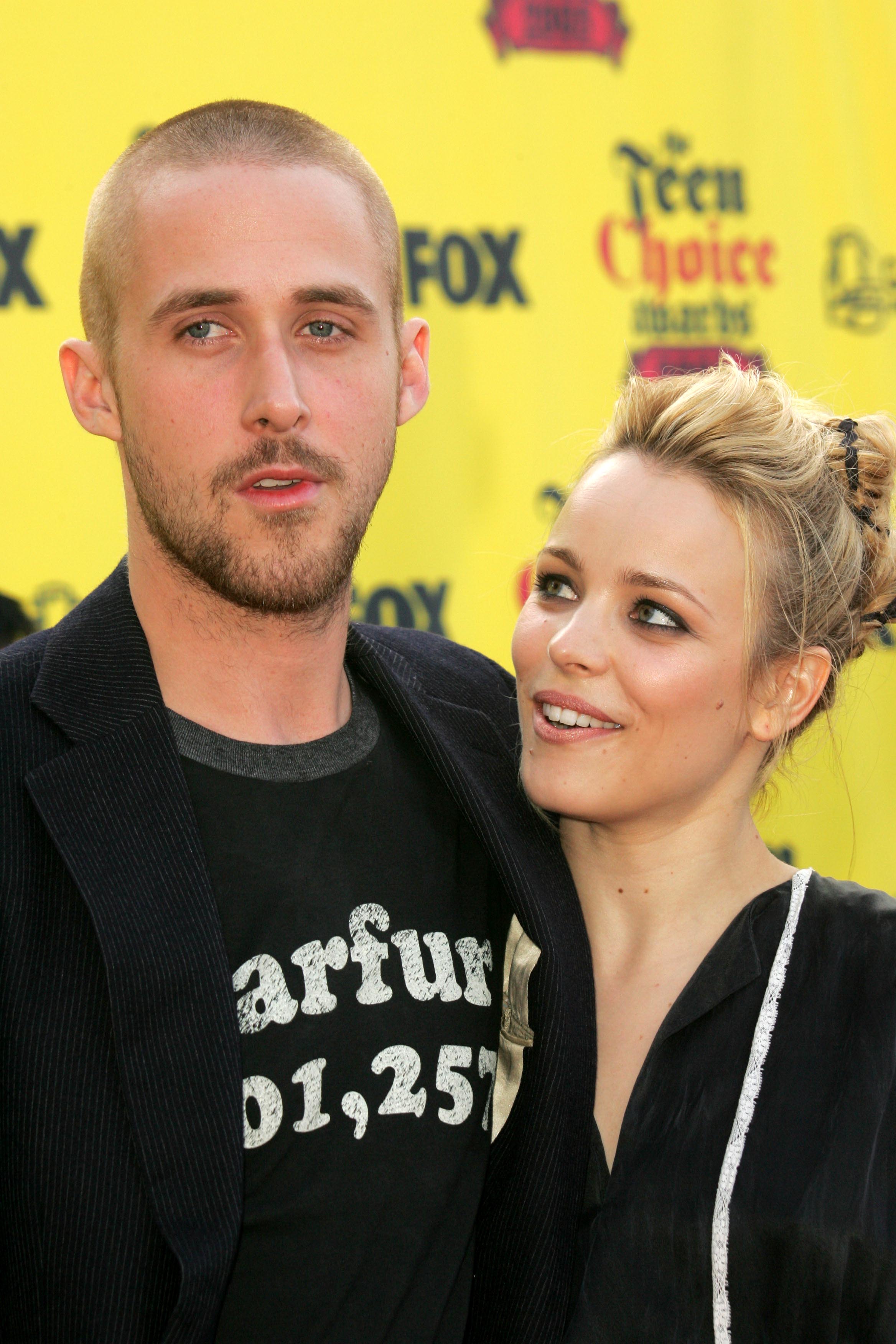
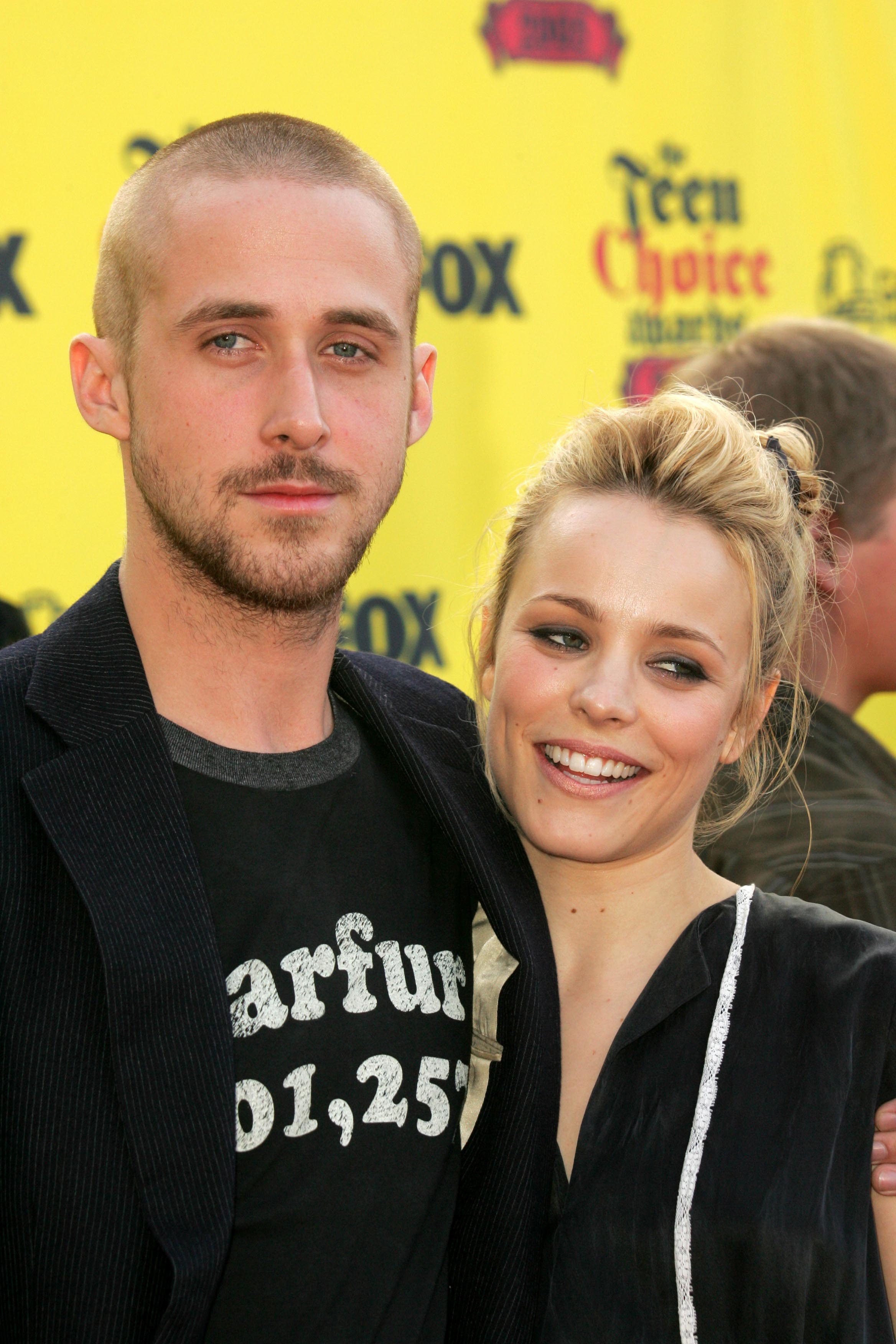
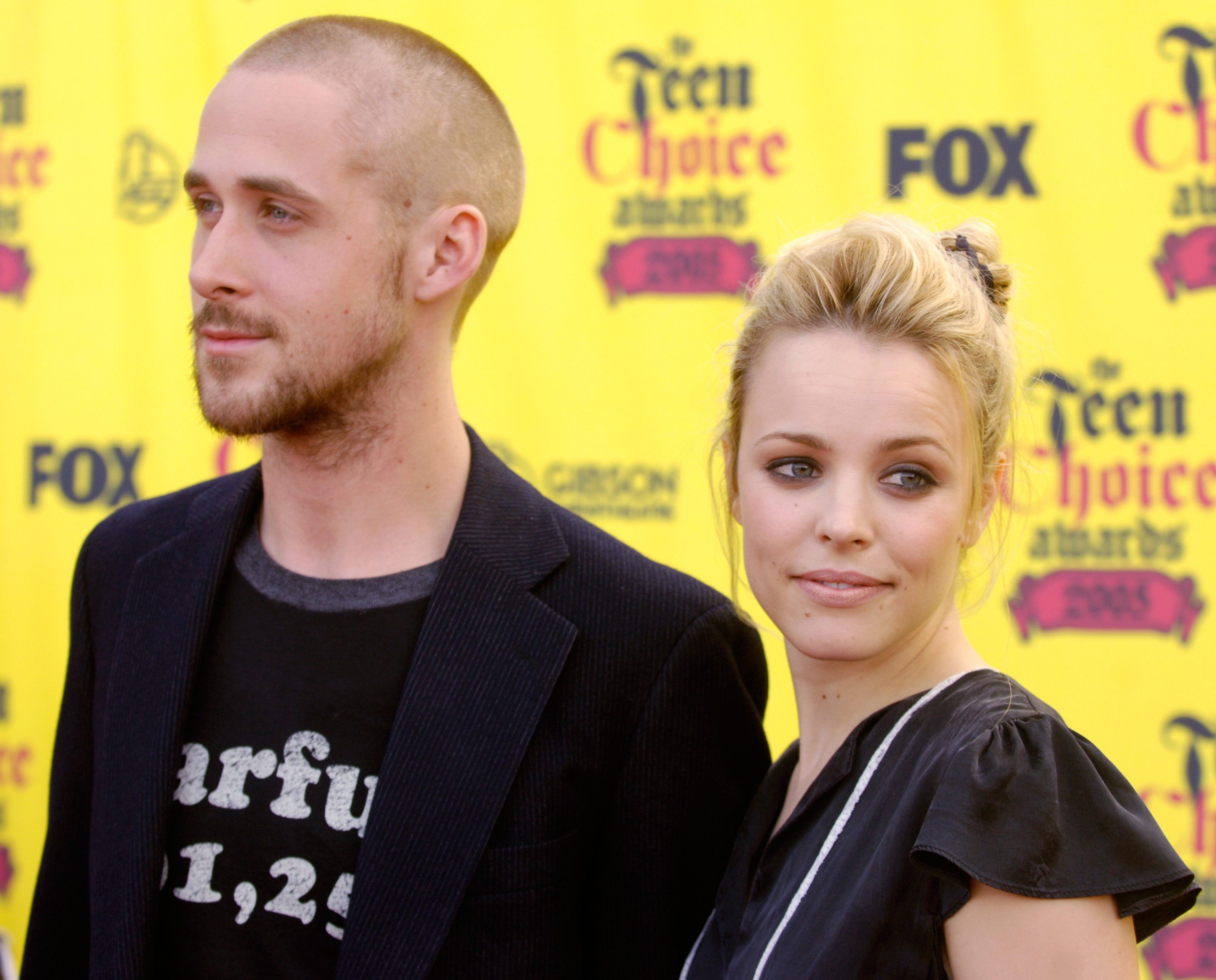
I thought they had chemestry in the notebook, so its great to see em together
-
Hey thanks for them pics and the link. And welcome to bellazon , we can alwasy use more susan fans round here I suggest you go introduce yourself here. Anywasy hope you enjoy it round these parts
-
you guys already scared her off, she aint comeing back or it dont look like it
-
thank you sooo much, she looks incredible as always :hug: lots of hugs for you today and im going to sleep sooon, gotta get up early for work. But ill do the video for you tommorow.
-
dont get too excited im sure you have seen it just in lower quality. I just gotta figure out where to upload the 400mb video lemme compress it and then ill give it to you. I got the 3 books too, cuz neo never bought it from me evne though he said he would, that bastard <_<
-
How bout I exchange the pics for a DVD rip of the VS SEXY book video. (adrianas in it)
-
*remembers hes a Super Admin...... bannage? The tables have turned :evil: You know i would never do that to you OriginalSin ...
-
-
-
welcome hope u like it here
-
i remember you from chilax as well. welcome
-
Ill keep bumping i suppose



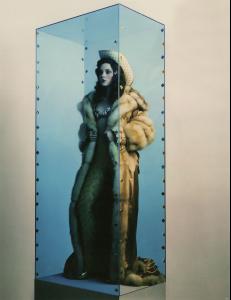







 dunno what ur talking bout my bad




























Account
Navigation
Search
Configure browser push notifications
Chrome (Android)
- Tap the lock icon next to the address bar.
- Tap Permissions → Notifications.
- Adjust your preference.
Chrome (Desktop)
- Click the padlock icon in the address bar.
- Select Site settings.
- Find Notifications and adjust your preference.
Safari (iOS 16.4+)
- Ensure the site is installed via Add to Home Screen.
- Open Settings App → Notifications.
- Find your app name and adjust your preference.
Safari (macOS)
- Go to Safari → Preferences.
- Click the Websites tab.
- Select Notifications in the sidebar.
- Find this website and adjust your preference.
Edge (Android)
- Tap the lock icon next to the address bar.
- Tap Permissions.
- Find Notifications and adjust your preference.
Edge (Desktop)
- Click the padlock icon in the address bar.
- Click Permissions for this site.
- Find Notifications and adjust your preference.
Firefox (Android)
- Go to Settings → Site permissions.
- Tap Notifications.
- Find this site in the list and adjust your preference.
Firefox (Desktop)
- Open Firefox Settings.
- Search for Notifications.
- Find this site in the list and adjust your preference.