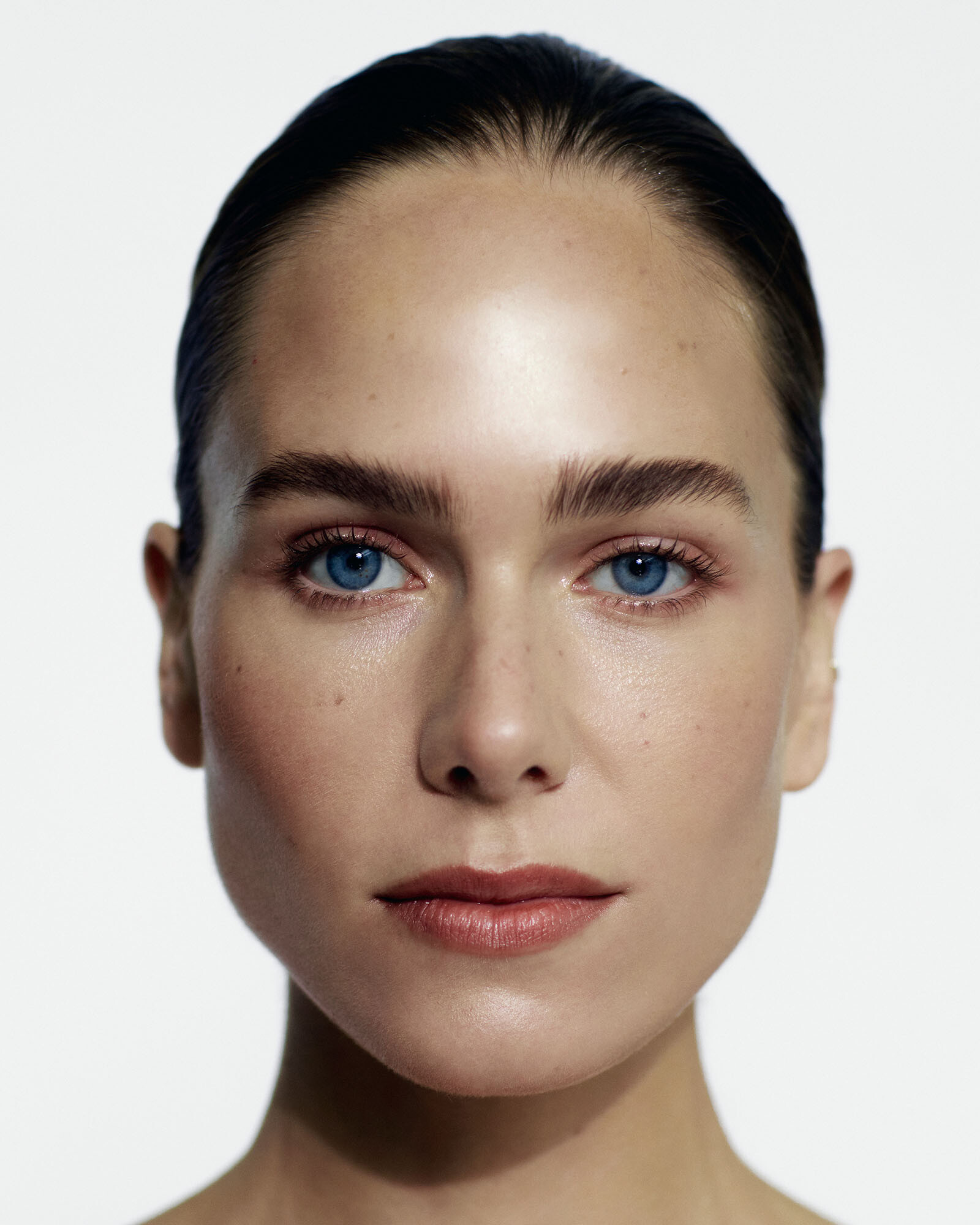
kereakp
Members
-
Joined
-
Last visited
Everything posted by kereakp
-
 Spoiler AQPy4doWHaKHTPm412AfMI.mp4
(3).thumb.jpg.2d780f3bf01eb1ab5e84d2b5747027c1.jpg)
(2).thumb.jpg.00393b525db9809e4a83acddd2c2ab0b.jpg)
(1).thumb.jpg.650e02fb10573af0286bfa3b2c59056c.jpg)
.thumb.jpg.fec3373d43040f3df5eca5fbcaff3d8c.jpg)
Account
Search
Configure browser push notifications
Chrome (Android)
- Tap the lock icon next to the address bar.
- Tap Permissions → Notifications.
- Adjust your preference.
Chrome (Desktop)
- Click the padlock icon in the address bar.
- Select Site settings.
- Find Notifications and adjust your preference.
Safari (iOS 16.4+)
- Ensure the site is installed via Add to Home Screen.
- Open Settings App → Notifications.
- Find your app name and adjust your preference.
Safari (macOS)
- Go to Safari → Preferences.
- Click the Websites tab.
- Select Notifications in the sidebar.
- Find this website and adjust your preference.
Edge (Android)
- Tap the lock icon next to the address bar.
- Tap Permissions.
- Find Notifications and adjust your preference.
Edge (Desktop)
- Click the padlock icon in the address bar.
- Click Permissions for this site.
- Find Notifications and adjust your preference.
Firefox (Android)
- Go to Settings → Site permissions.
- Tap Notifications.
- Find this site in the list and adjust your preference.
Firefox (Desktop)
- Open Firefox Settings.
- Search for Notifications.
- Find this site in the list and adjust your preference.










.jpg.46a2834097bab9ff6624a1efbbf39426.jpg)




(3).jpg.5e4b428dbe3132a121fe71177c2f97ff.jpg)
(2).jpg.af0d102aa5a803499dc47e36b5544ac2.jpg)
(1).jpg.a6a05718ab6151a63fd0cef63c9dbcc5.jpg)
.jpg.861149a6a566c9076a32855fb054d8d7.jpg)