
kereakp
Members
-
Joined
-
Last visited
Everything posted by kereakp
-
 IG fresh polas w- @joseandresgil.mp4 fresh polas w- @joseandresgil (1).mp4



 Spoiler veroni_leijnse (1080p).mp4
Veroni Leijnse 15.mp4
Spoiler veroni_leijnse (1080p).mp4
Veroni Leijnse 15.mp4 with Larissa Huber I love dancing with my friends even if @larissahuber might not have liked it at first… she liked.mp4
Spoiler Quick swim digital post wedding 💒 Happy to have Lake Michigan to help me get into swim shape af.mp4
with Larissa Huber I love dancing with my friends even if @larissahuber might not have liked it at first… she liked.mp4
Spoiler Quick swim digital post wedding 💒 Happy to have Lake Michigan to help me get into swim shape af.mp4
.thumb.jpg.5cd3de4156e6cf33e8870ae2f76f8109.jpg)
.thumb.jpg.d783a473678d89a927355e26ac000eab.jpg) Spoiler Natalia LaLonde 56.mp4
Spoiler Natalia LaLonde 57.mp4
Spoiler Natalia LaLonde 55.mp4
Natalia Lalonde.mp4
Spoiler Natalia LaLonde 56.mp4
Spoiler Natalia LaLonde 57.mp4
Spoiler Natalia LaLonde 55.mp4
Natalia Lalonde.mp4
.jpg.3bde6cc817c25cabd510d1bee04f6769.jpg)

.jpg.2ea8c73e6359419b073d989b4fb188bc.jpg)



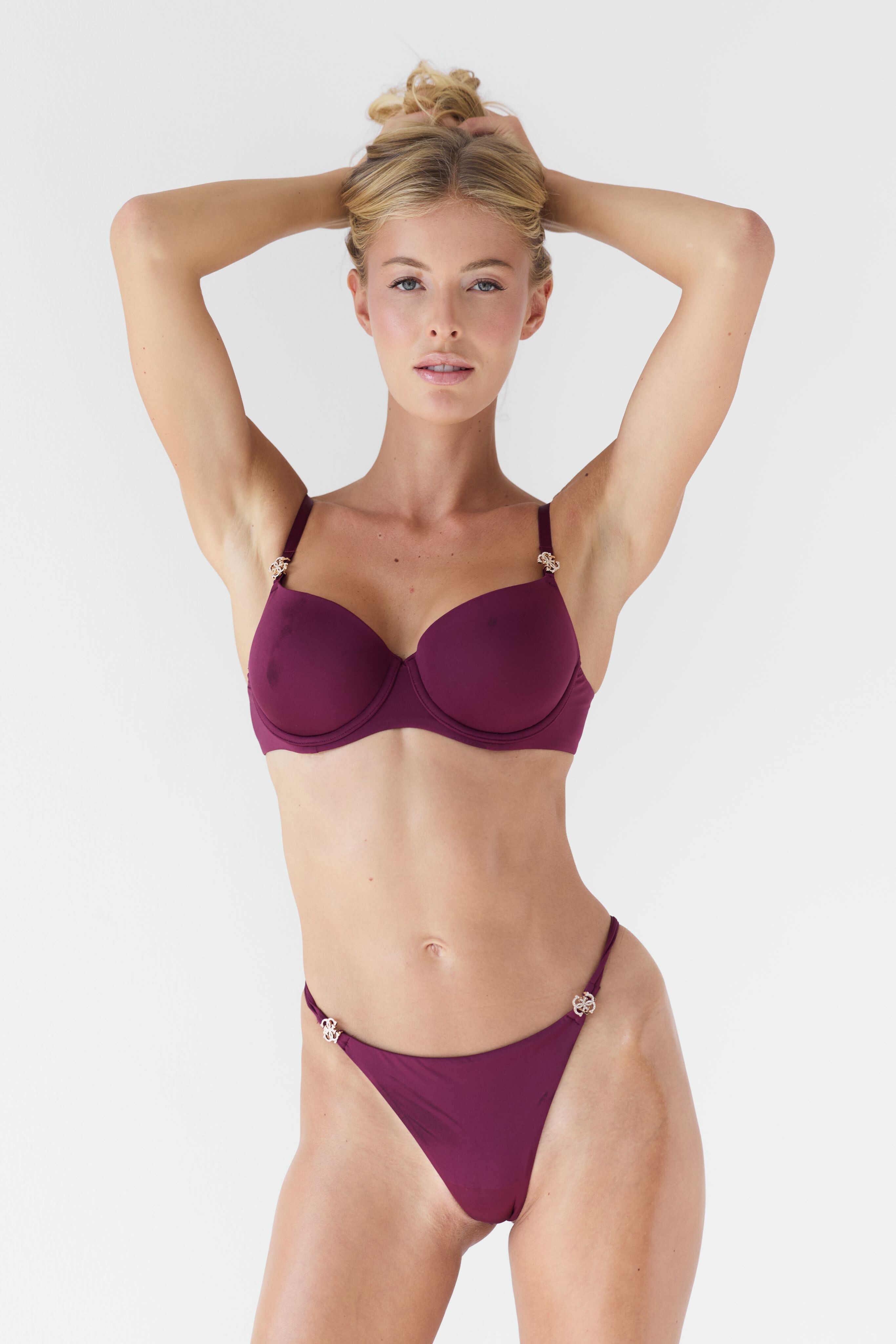
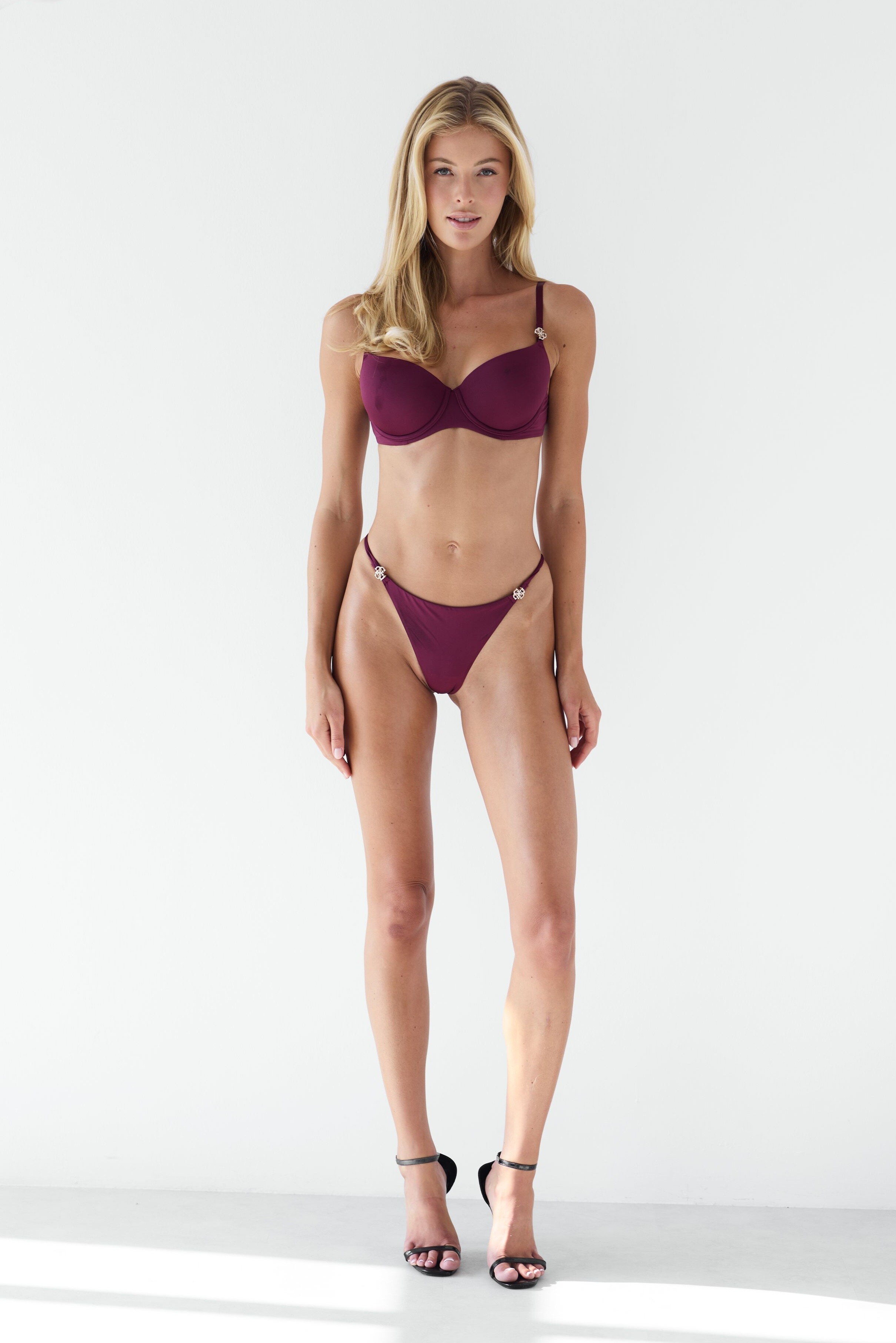


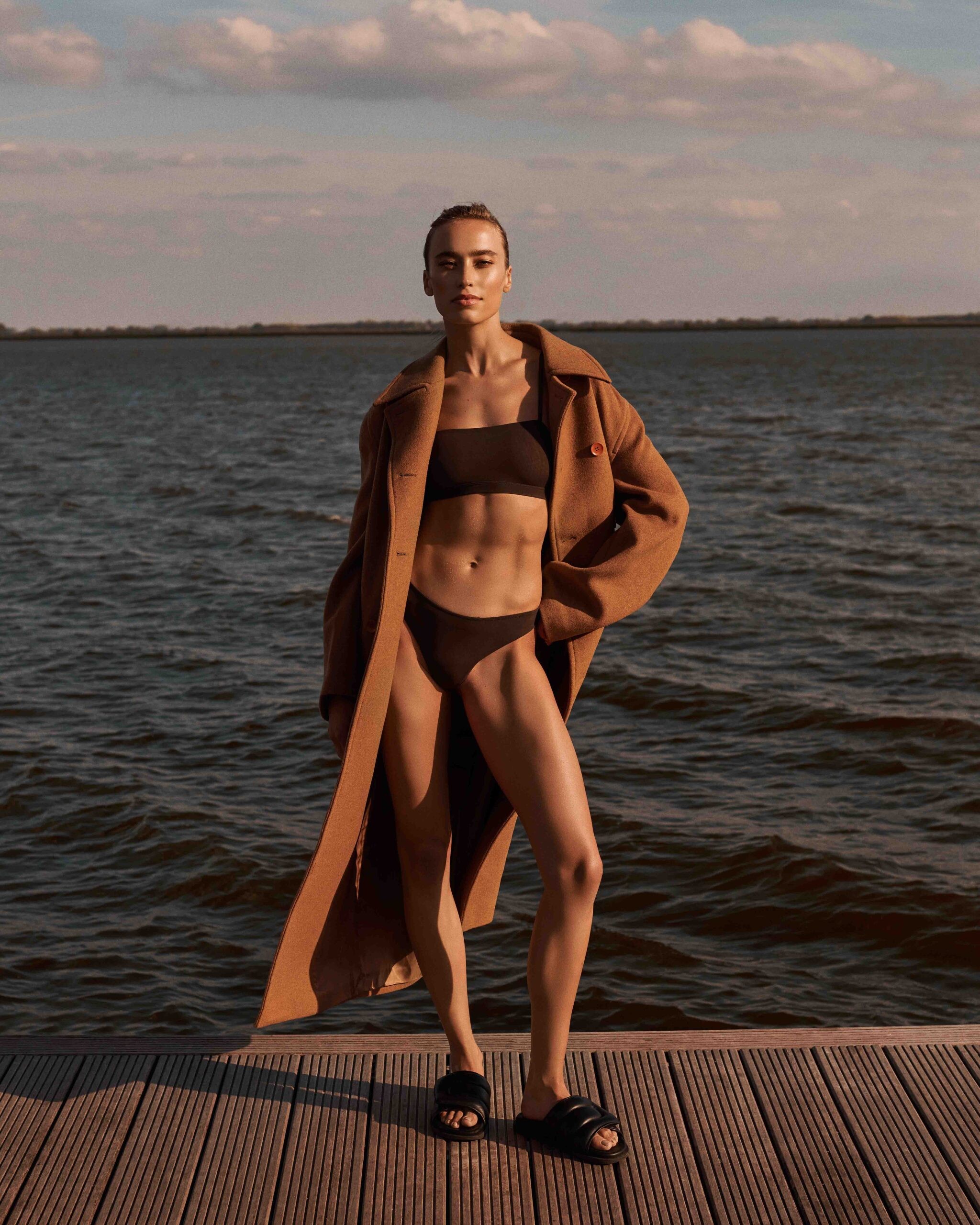
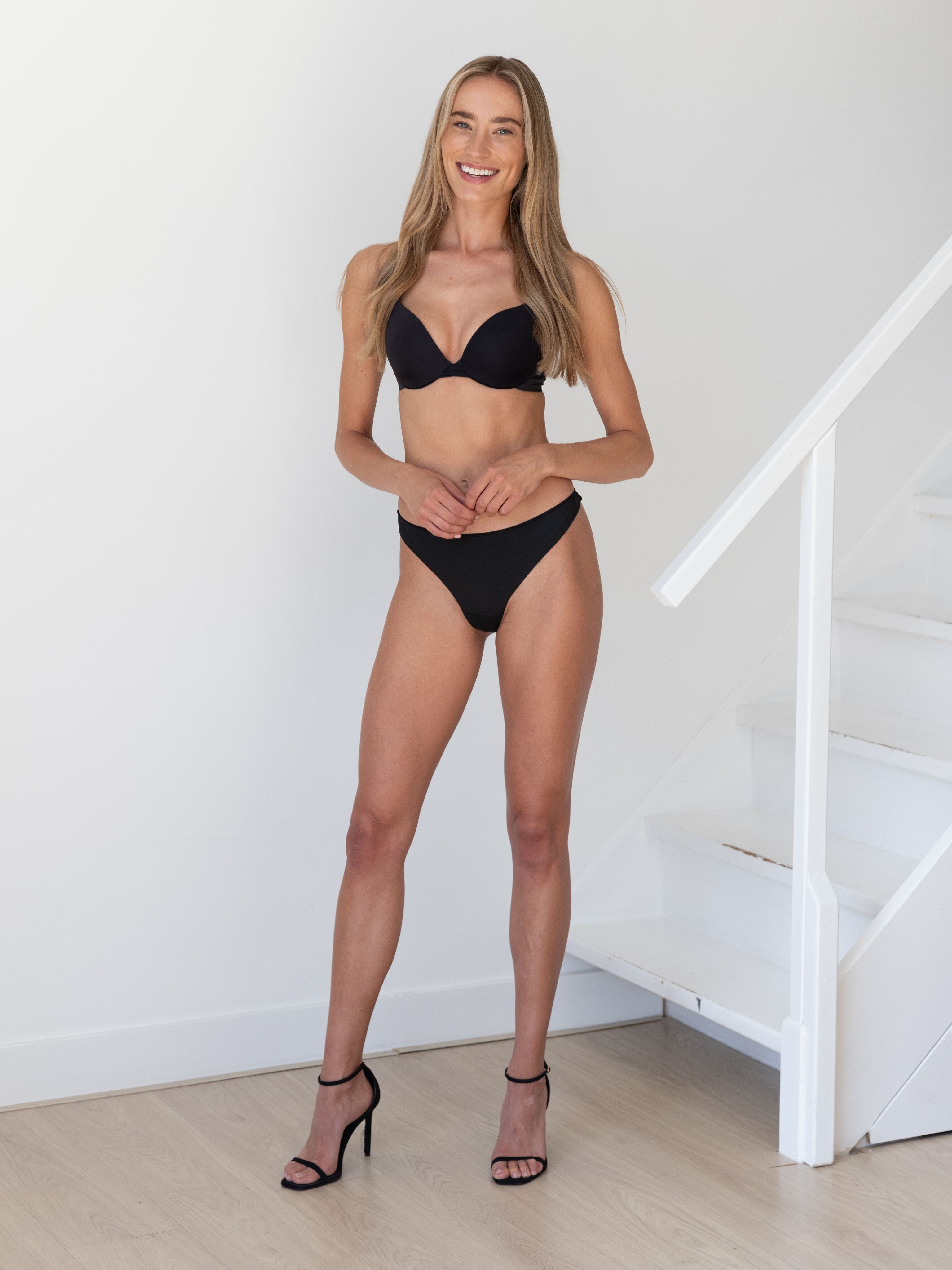





.jpg.6aa6d7b0b7a8d6d7dc725eab3e6fcfd9.jpg)
.jpg.50730b5f0302d94baf58be466ab2f7f8.jpg)

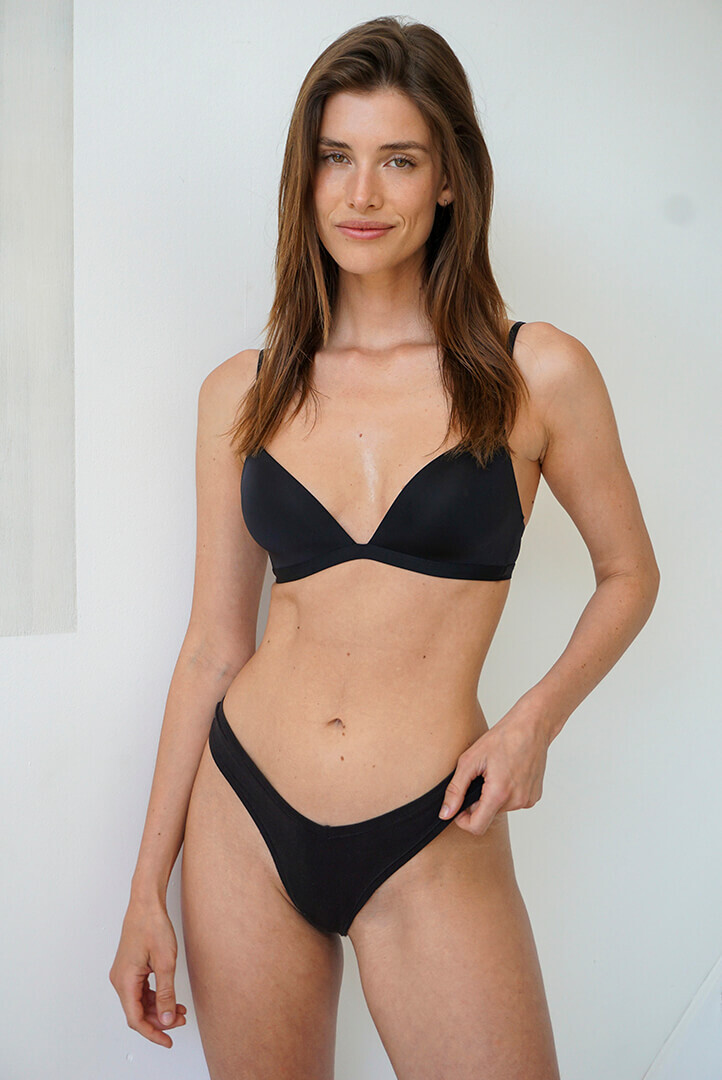

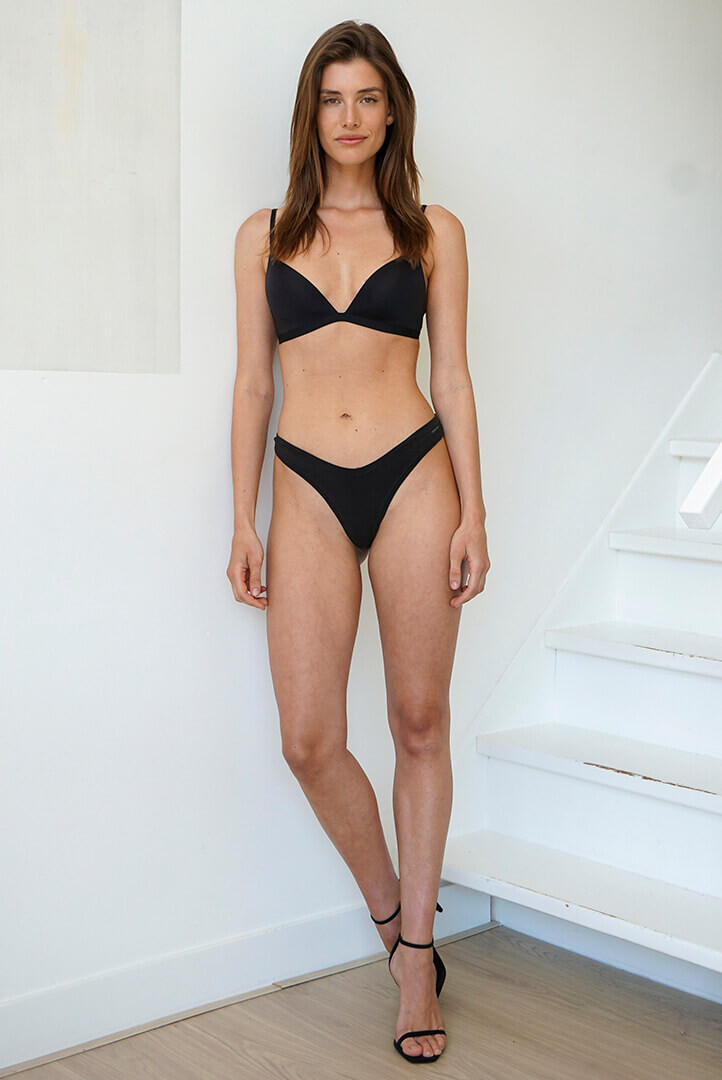





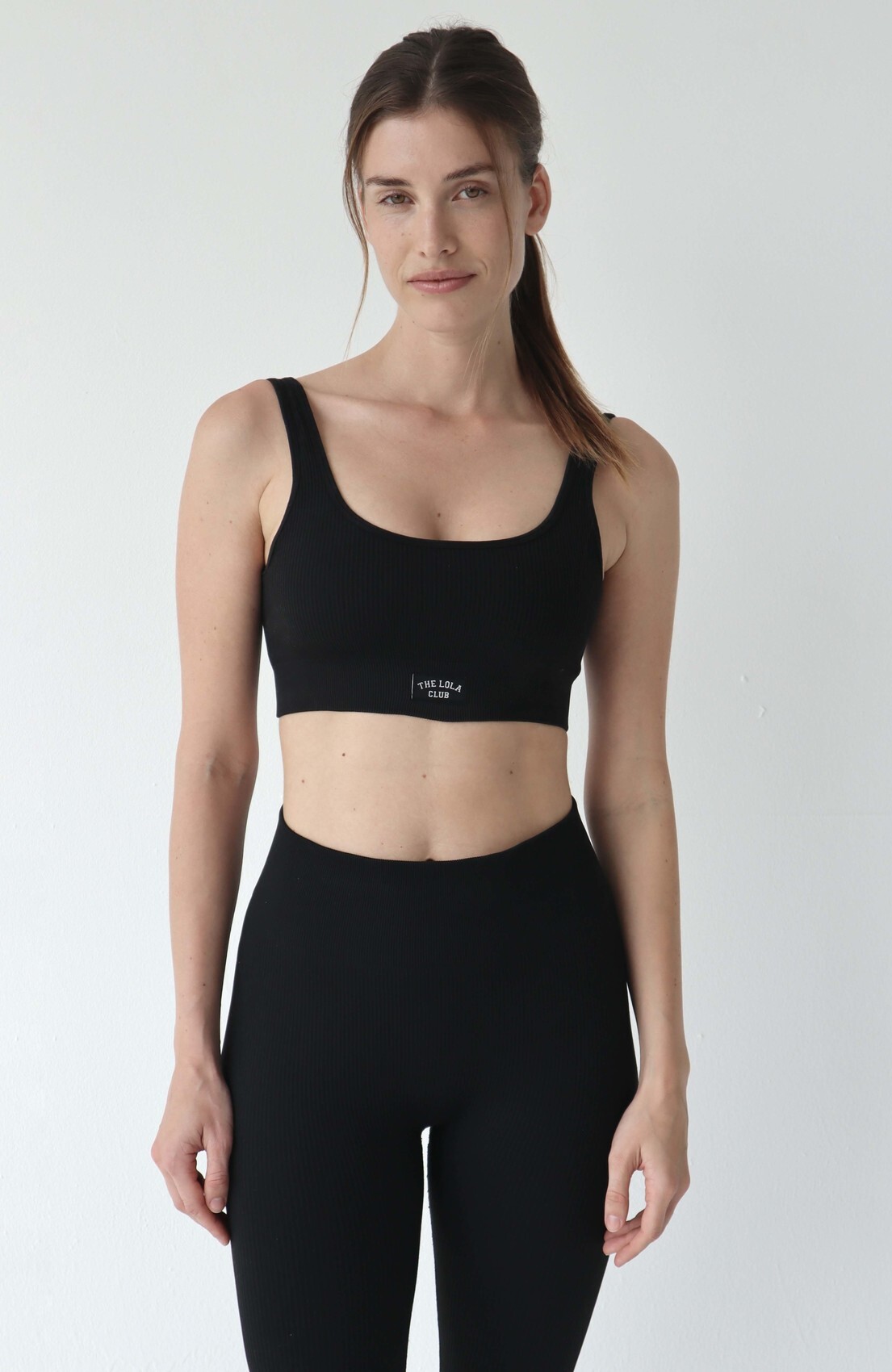
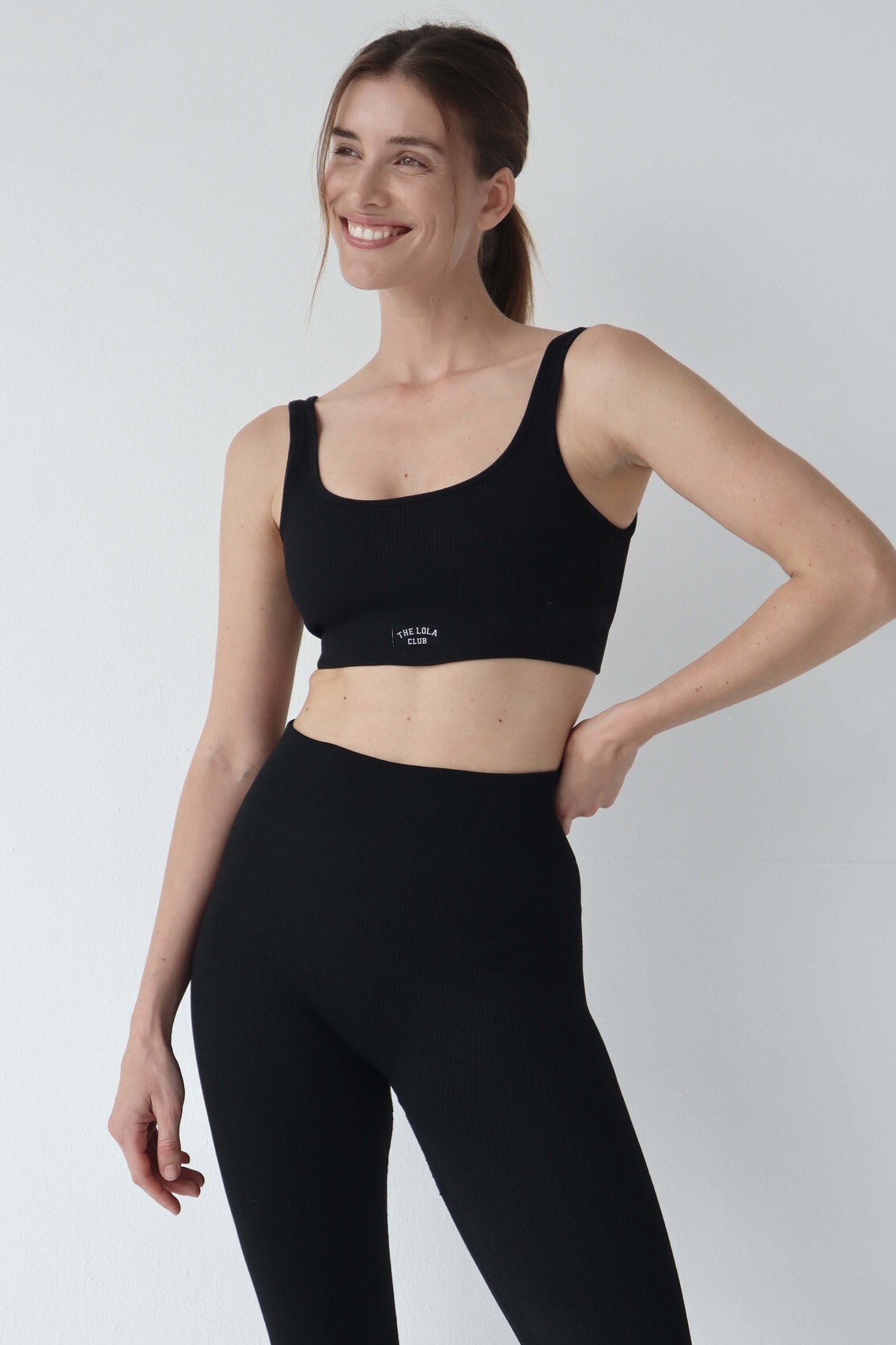






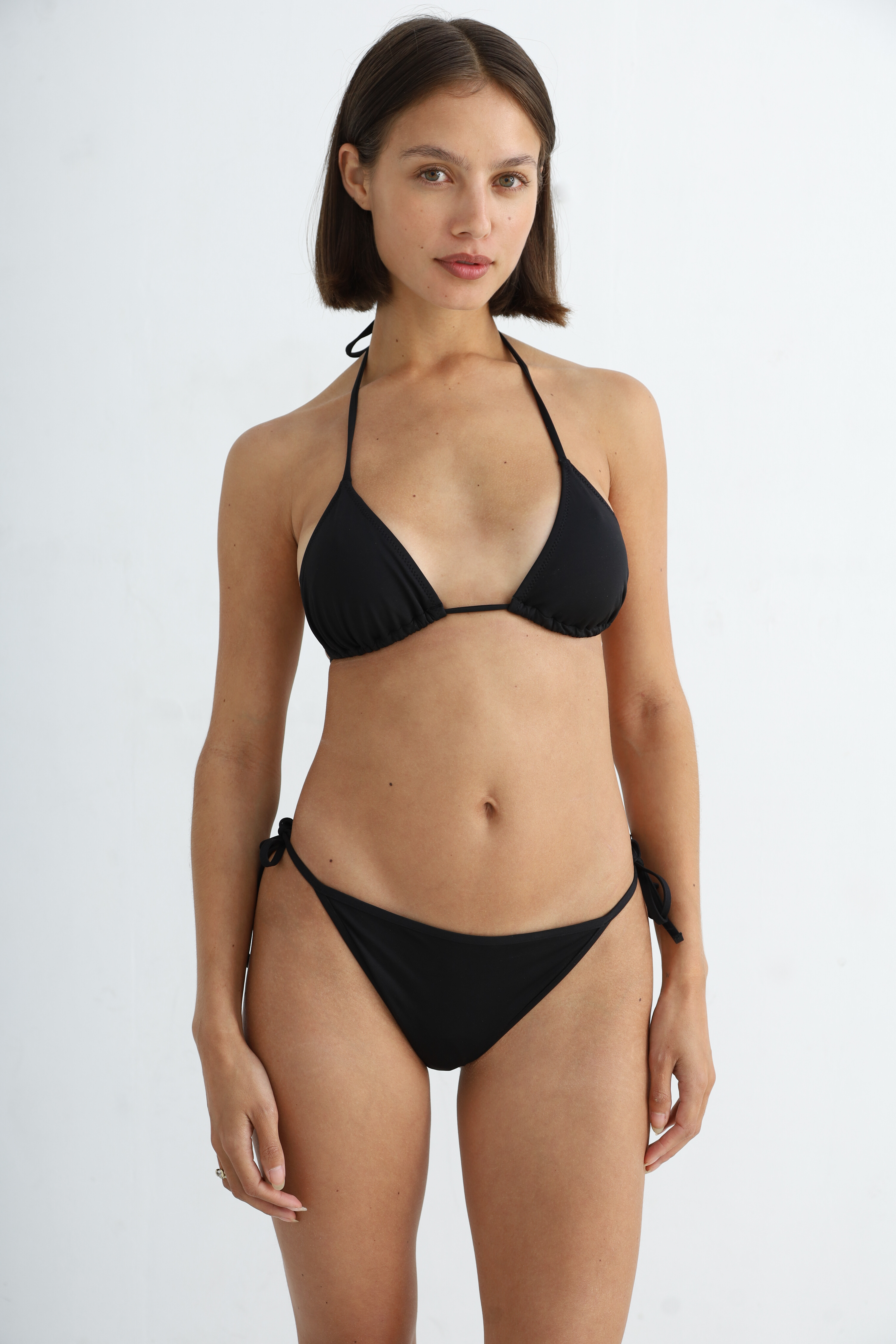
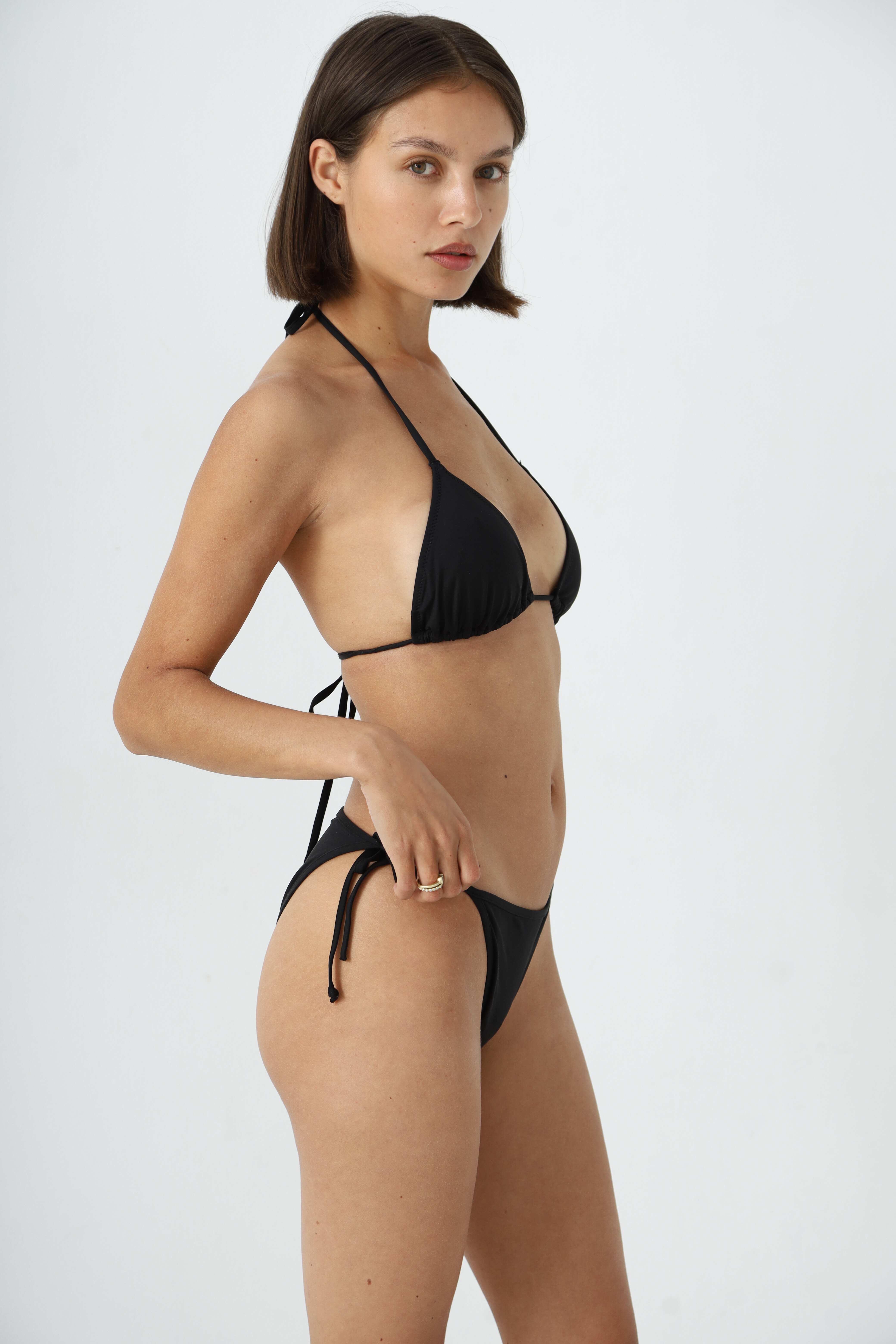
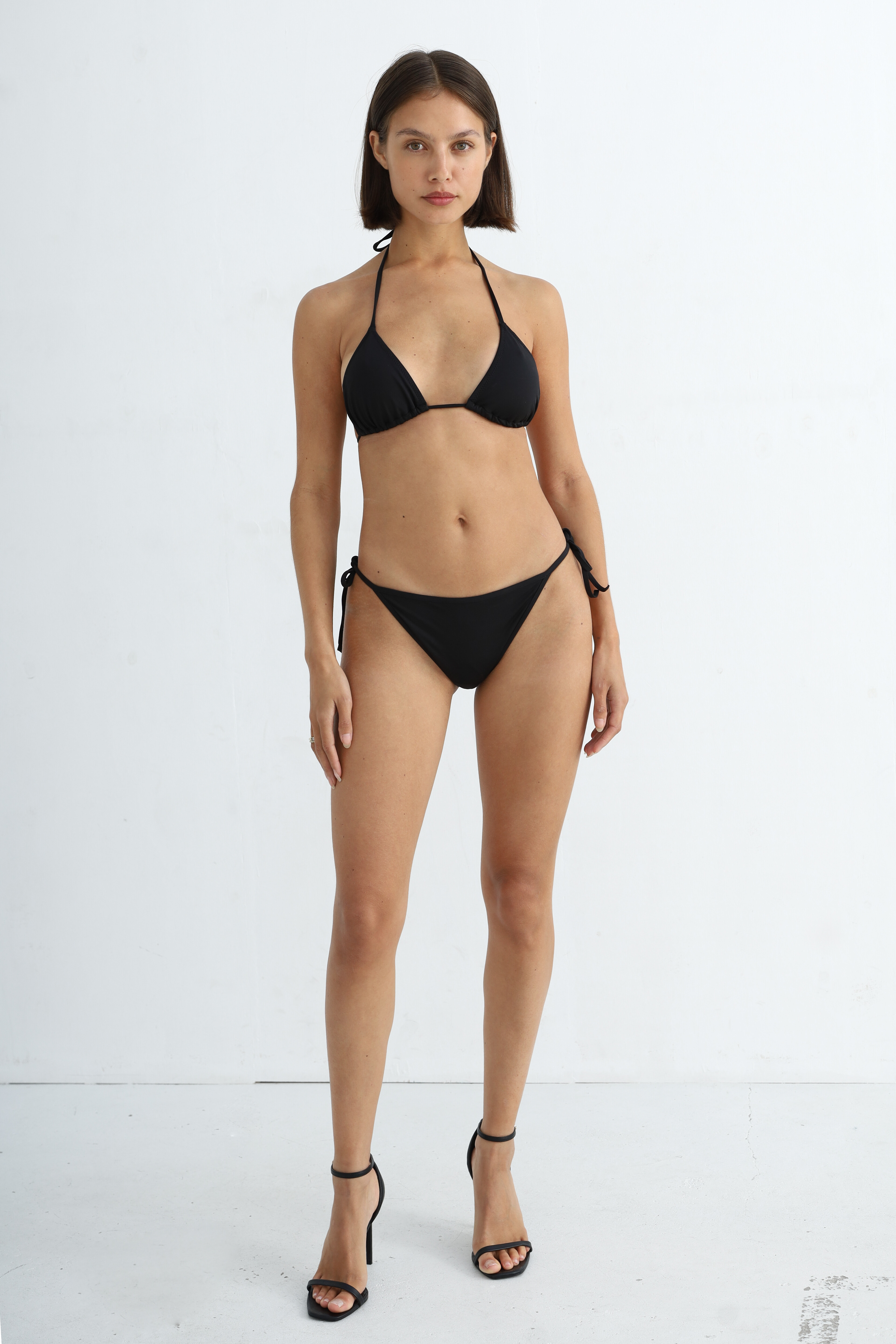



.jpg.69a1f2b73c43d6cb94d2be0d943c96a2.jpg)
.jpg.af9a7cefa0ee503cd2b6bda4700eaa3b.jpg)

.jpg.5dd40f8eb309a16a9c2a6877ee64b327.jpg)

Account
Search
Configure browser push notifications
Chrome (Android)
- Tap the lock icon next to the address bar.
- Tap Permissions → Notifications.
- Adjust your preference.
Chrome (Desktop)
- Click the padlock icon in the address bar.
- Select Site settings.
- Find Notifications and adjust your preference.
Safari (iOS 16.4+)
- Ensure the site is installed via Add to Home Screen.
- Open Settings App → Notifications.
- Find your app name and adjust your preference.
Safari (macOS)
- Go to Safari → Preferences.
- Click the Websites tab.
- Select Notifications in the sidebar.
- Find this website and adjust your preference.
Edge (Android)
- Tap the lock icon next to the address bar.
- Tap Permissions.
- Find Notifications and adjust your preference.
Edge (Desktop)
- Click the padlock icon in the address bar.
- Click Permissions for this site.
- Find Notifications and adjust your preference.
Firefox (Android)
- Go to Settings → Site permissions.
- Tap Notifications.
- Find this site in the list and adjust your preference.
Firefox (Desktop)
- Open Firefox Settings.
- Search for Notifications.
- Find this site in the list and adjust your preference.