
kereakp
Members
-
Joined
-
Last visited
Everything posted by kereakp
-
 Natalia LaLonde 18.mp4
 -
202509191206080.mp4
-
Hiltsje De Kroon.mp4
-
she's with Selective (MA), Izaio, MGM, Tanks, Manifesto. She needs to be in Fashion Models section. Admins please 🙏 Arina Fishman.mp4
-
IG bostonmccathrion I think about this shoot more often than I should tbh - @modaminx with the best 3 @yssieocarroll.mp4
admins please merge these 2
now on Love Island Australia S7
 d38aeceeb1ec5c81e63c9317e2.mp4
for reserved
d38aeceeb1ec5c81e63c9317e2.mp4
for reserved.thumb.jpg.55540d1d94c116927fe31f9afeca37dc.jpg)

.thumb.jpg.041b132ae9d316a52f685ccc95614f5e.jpg)
.thumb.jpg.8dfebaa835f6c0a55ef87ccc596621a6.jpg) Maria B..mp4
Maria B..mp4
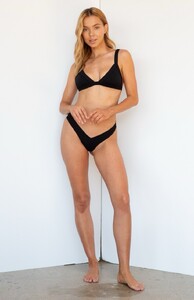

 Spoiler Rayana Ragan Miami Next Management.mp4


 Rayana Ragan Miami Next Management.mp4


 casting video Jennifer Terry Miami Next.mp4





 Chloé Rose Swimwear What an honor to close @chloeroseswimwear for a second year in a row!.mp4





- 136 replies
-
- brazil
- brazilian
- brazilian model
- karen
-
Tagged with:
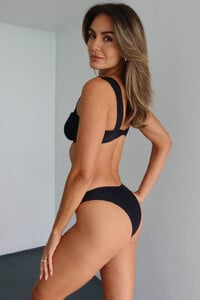
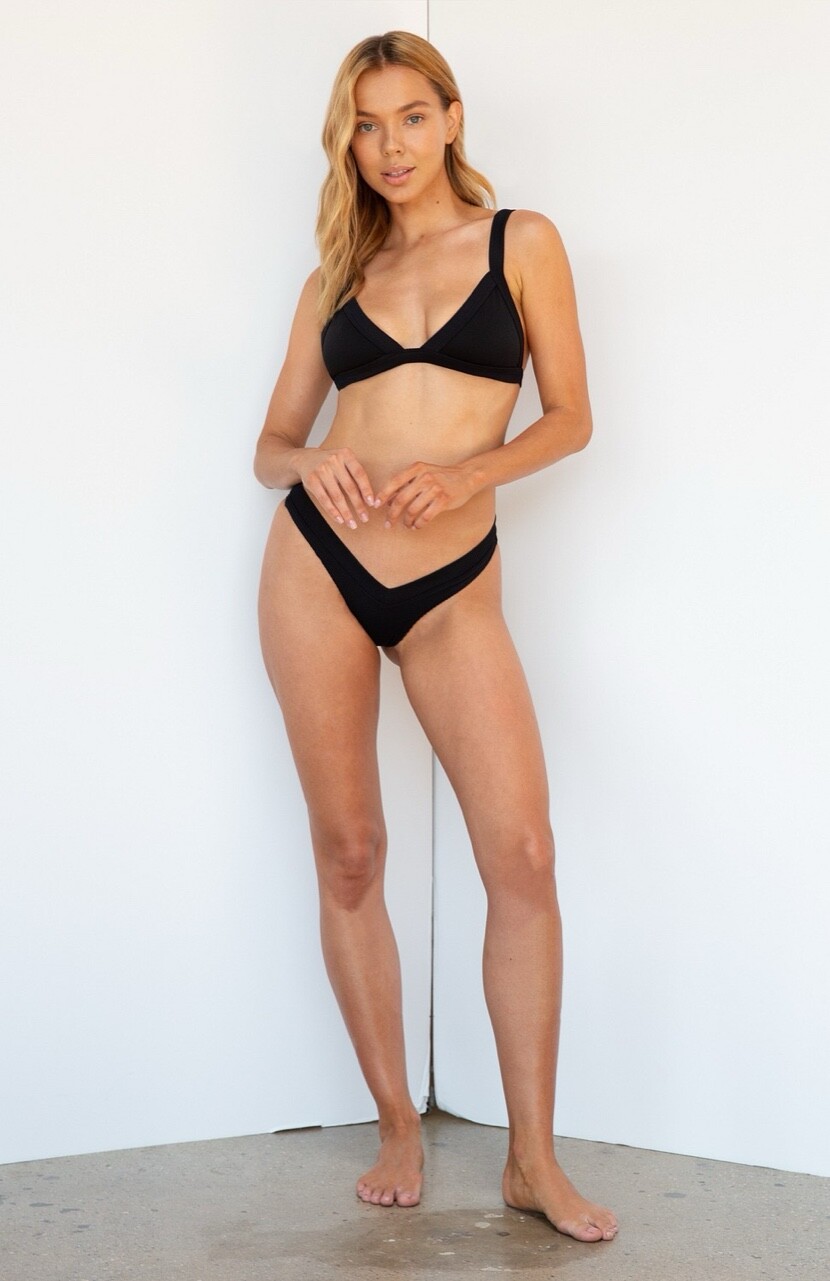
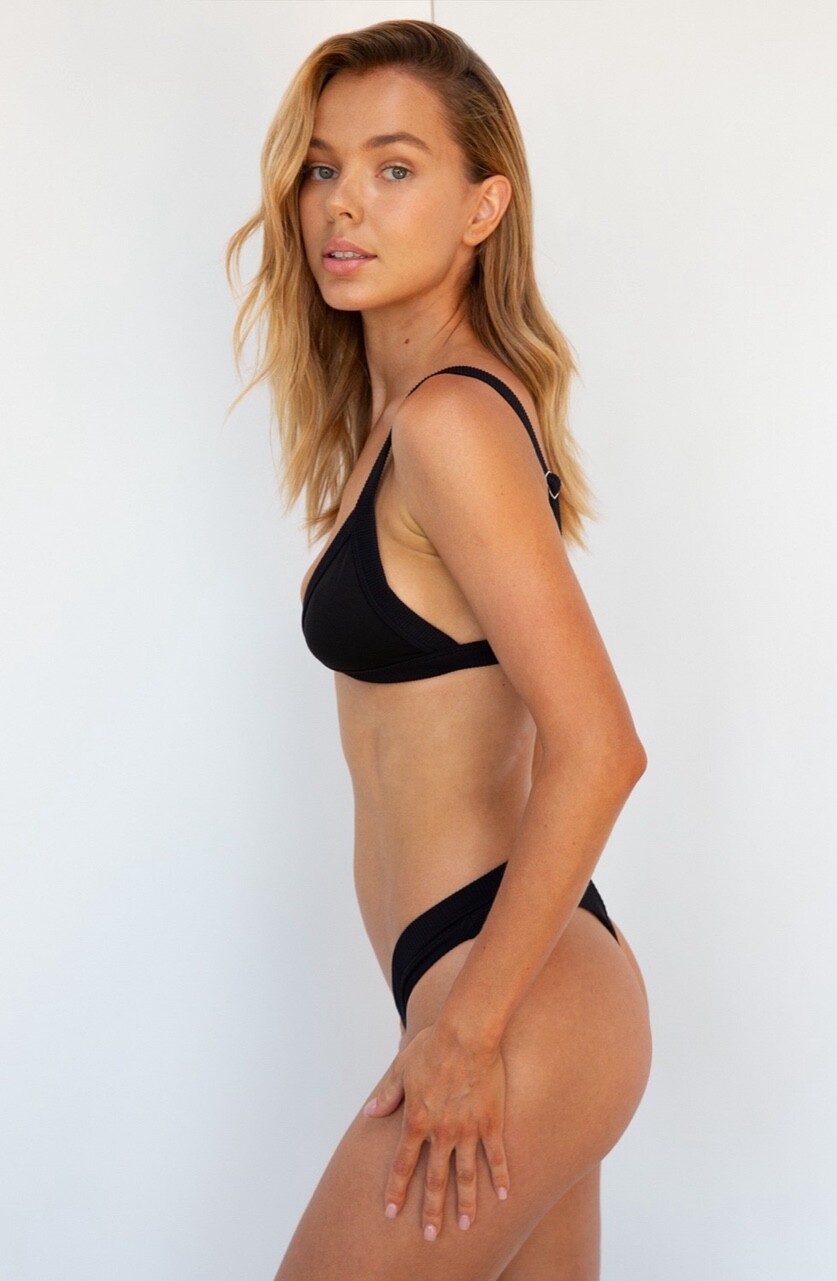
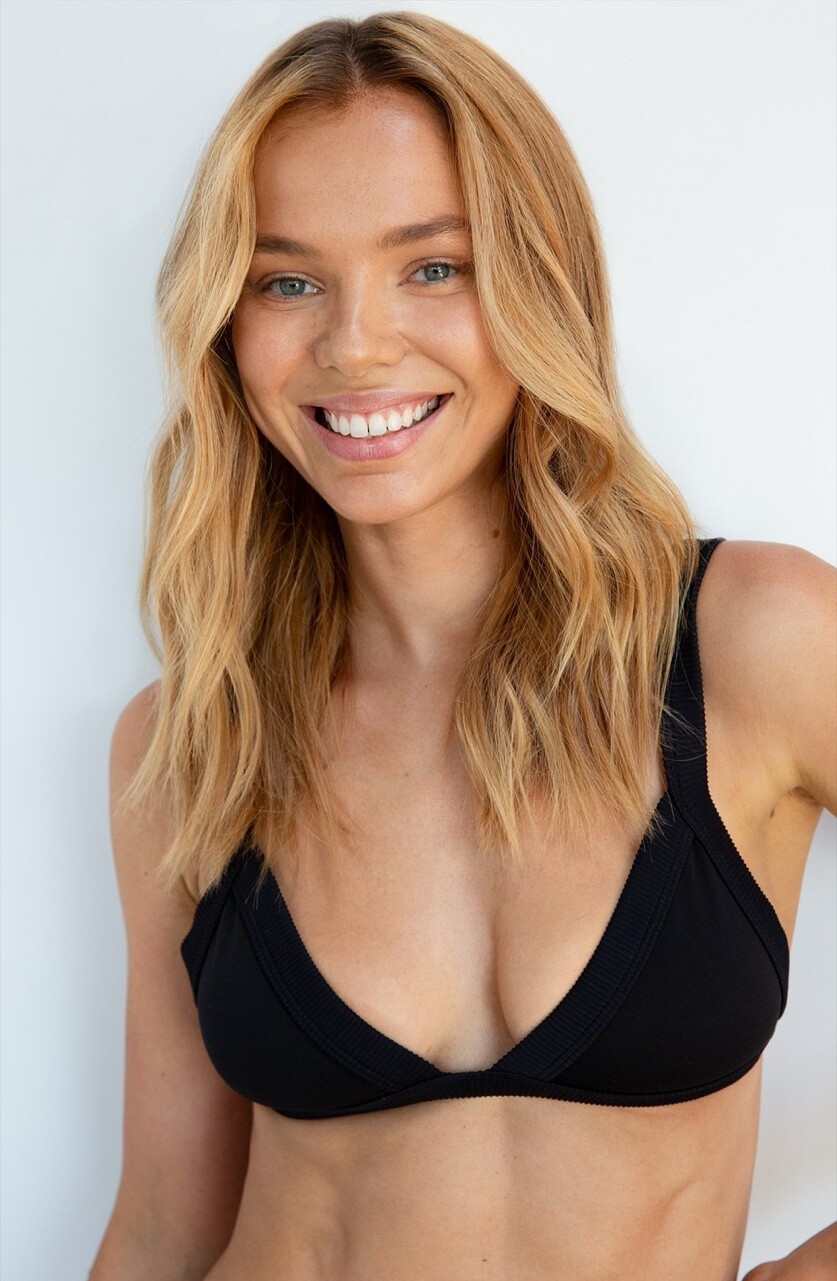
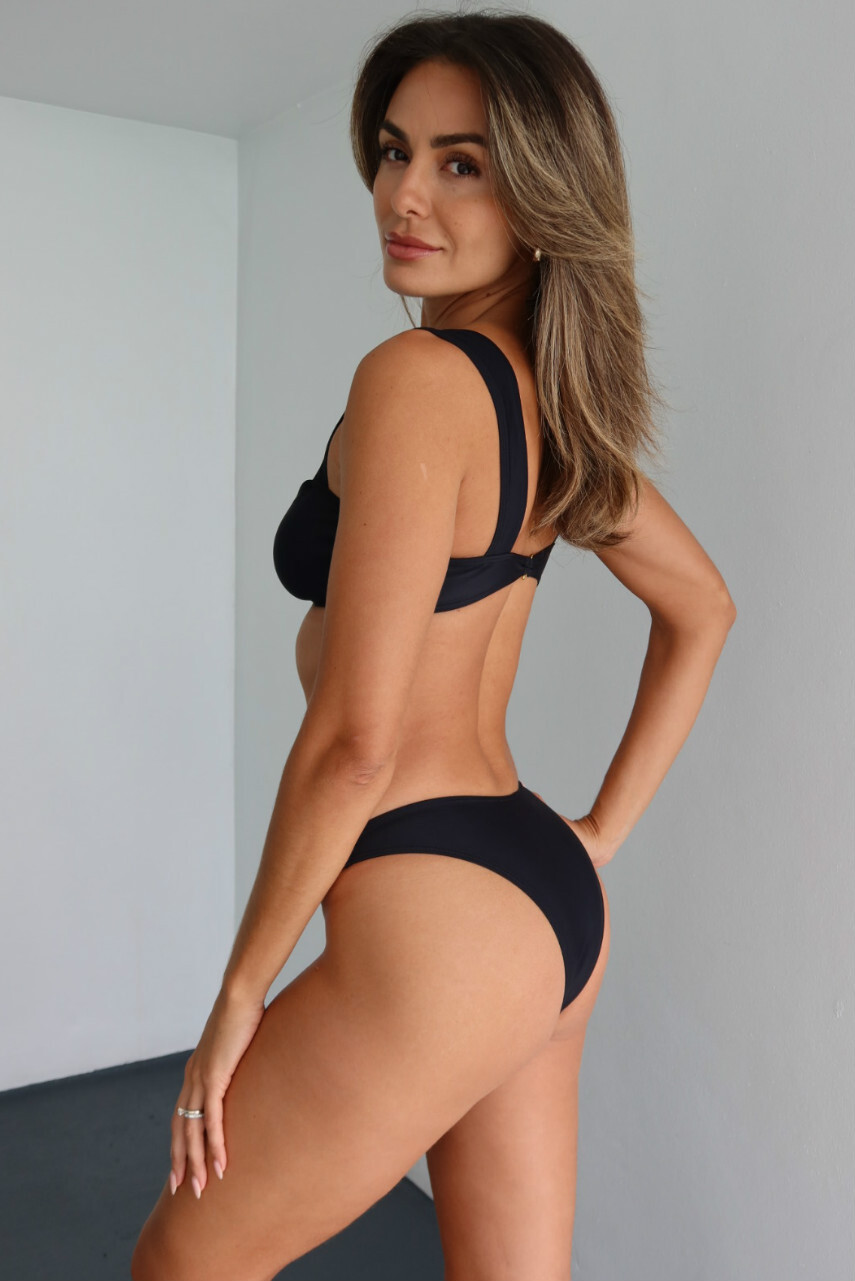
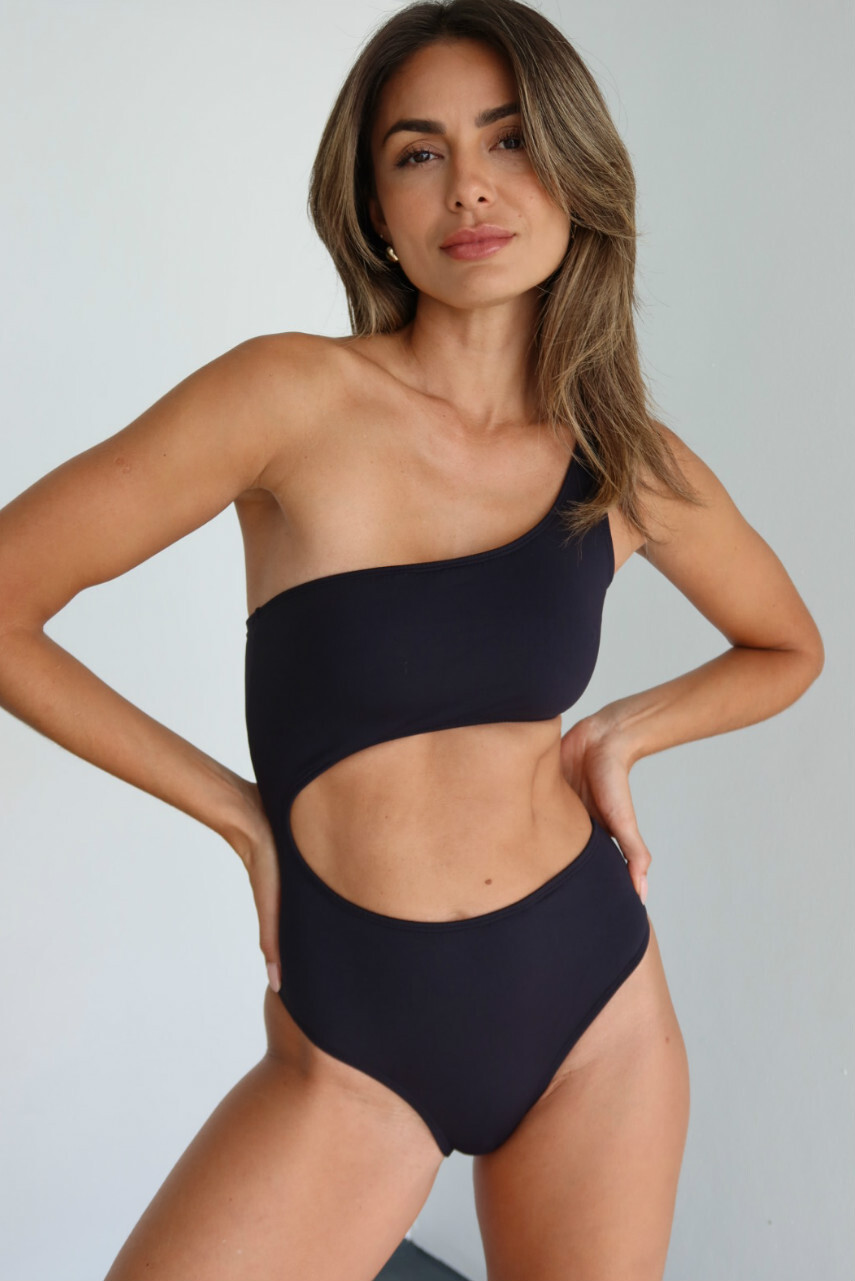
Karen Lima Miami Next Management.mp4
- 136 replies
-
- brazil
- brazilian
- brazilian model
- karen
-
Tagged with:
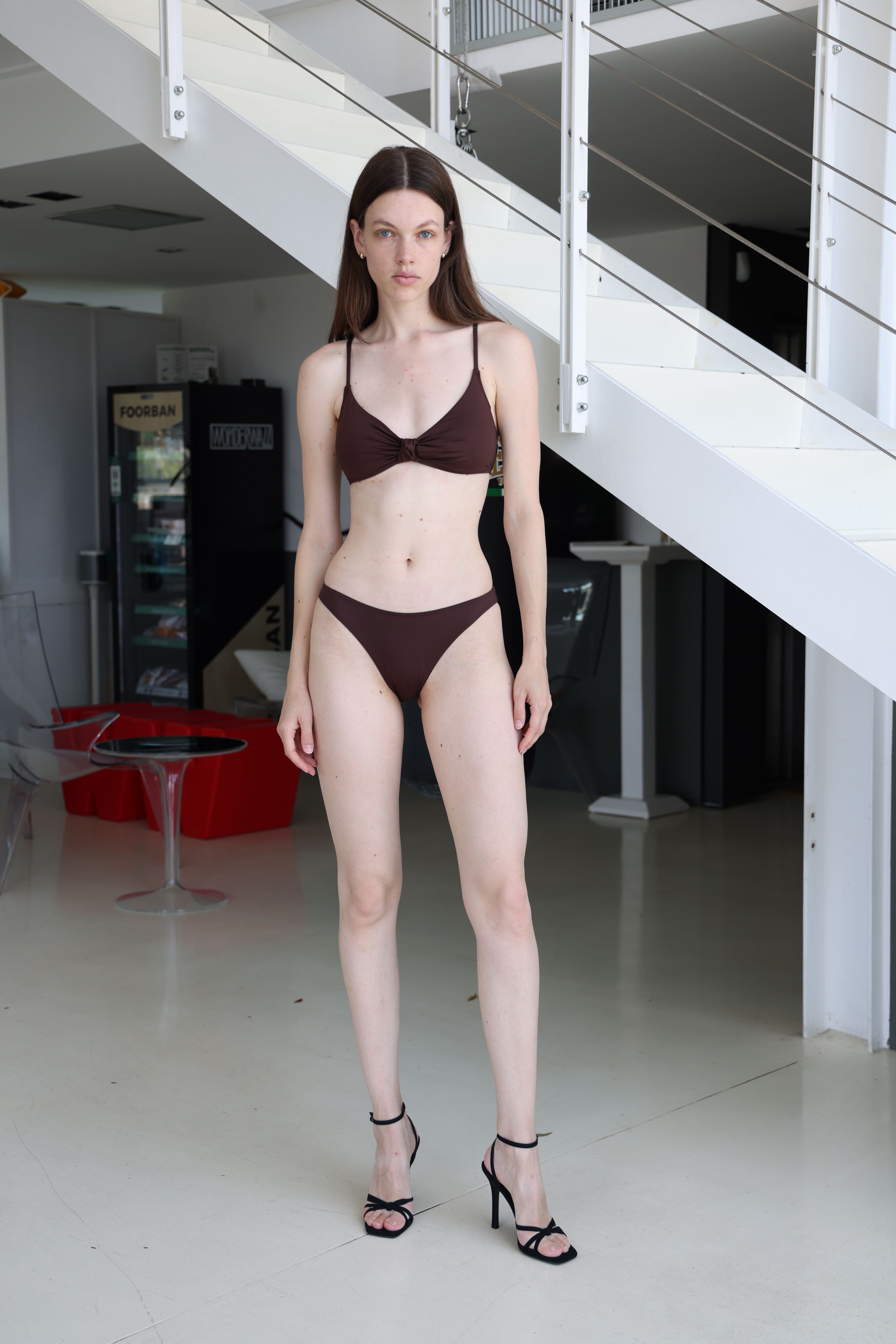

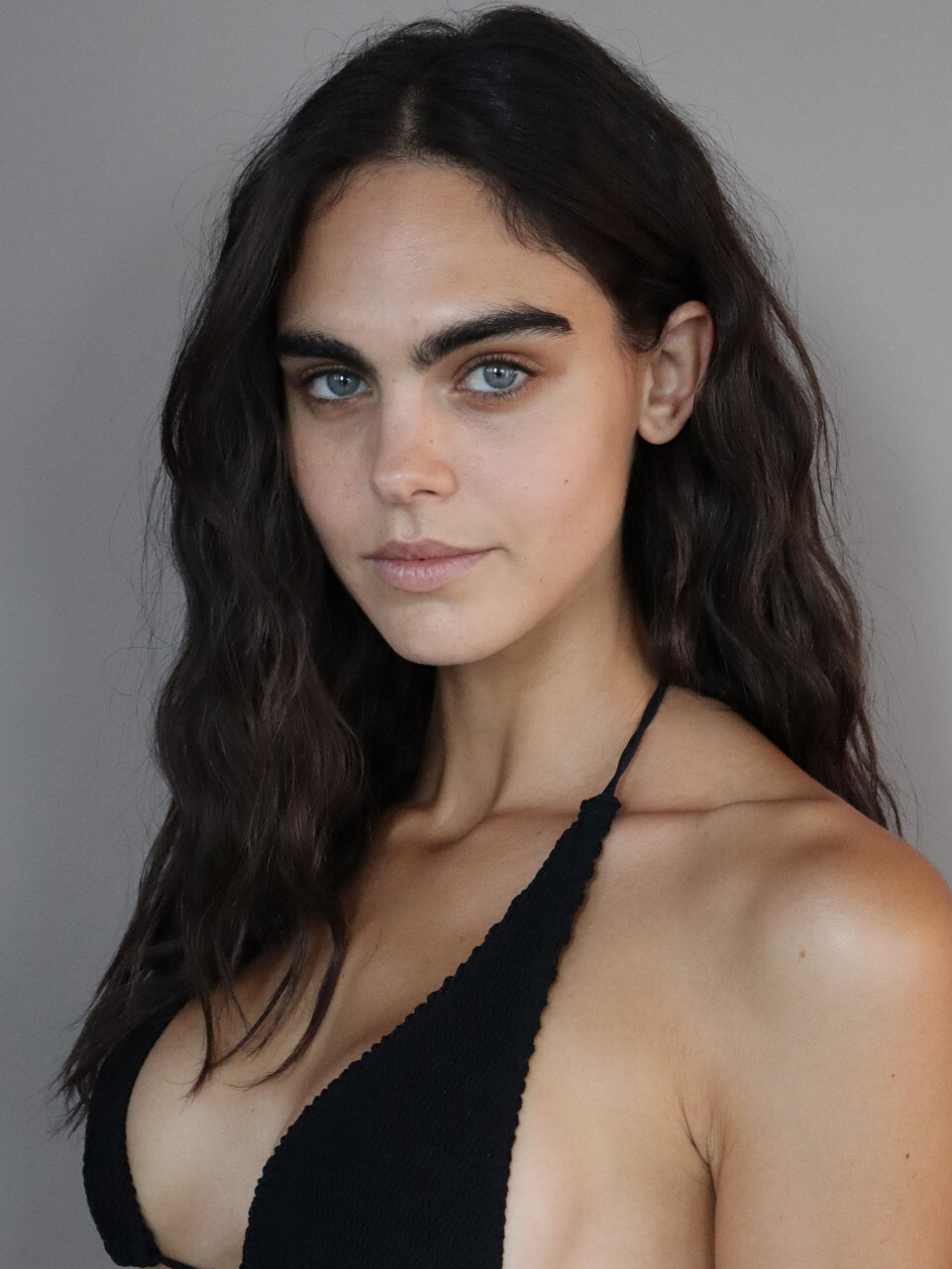
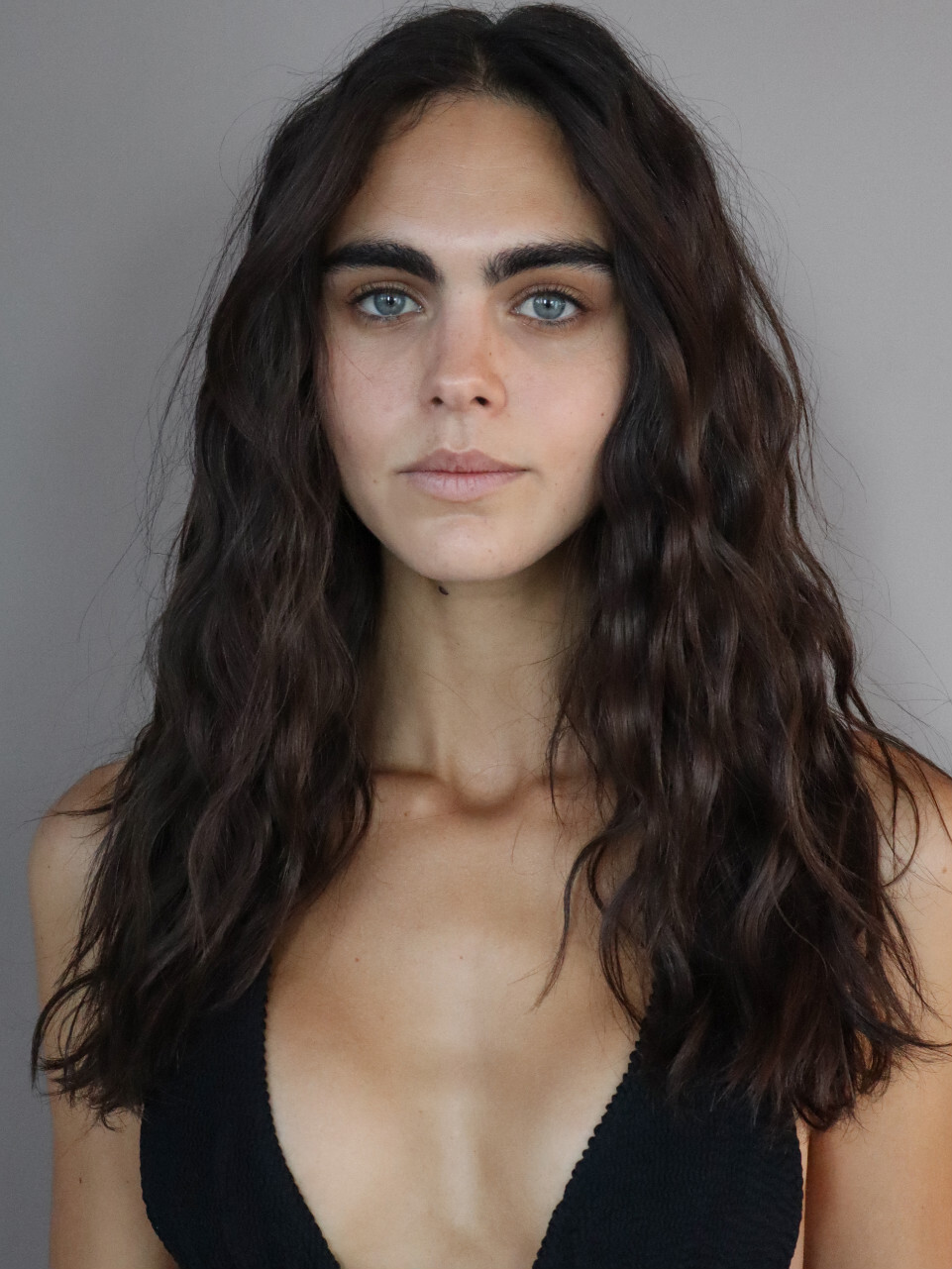
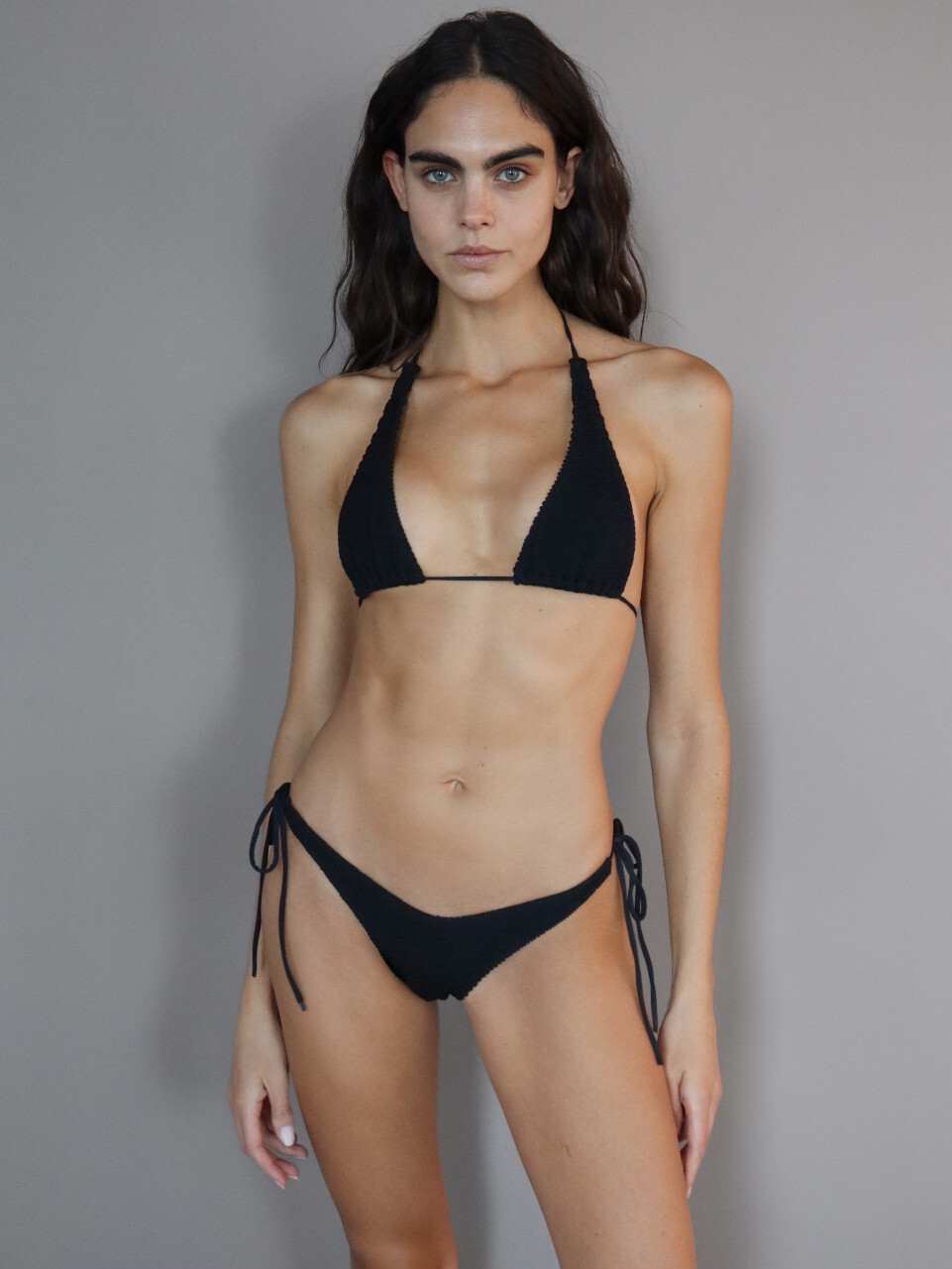
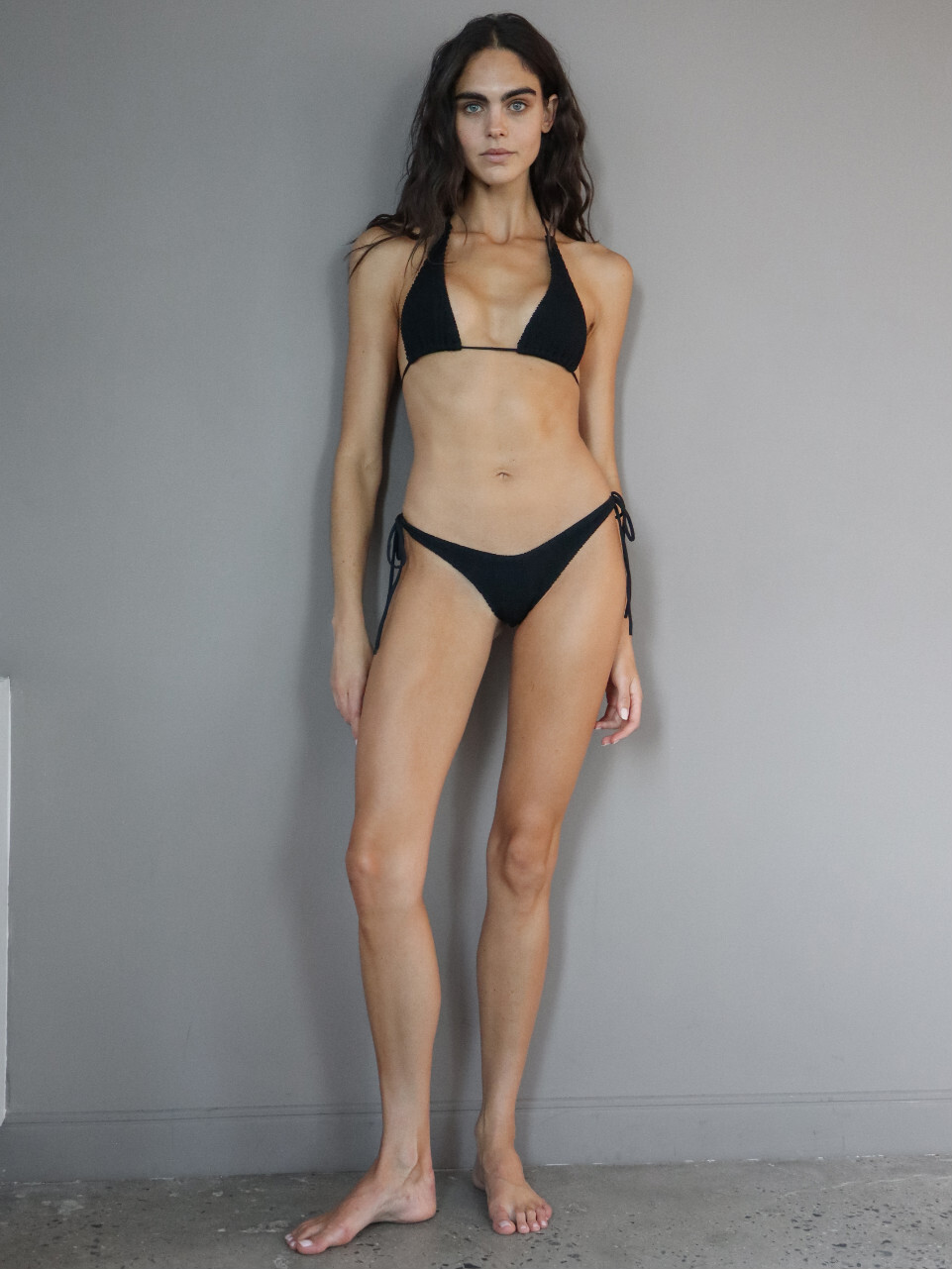

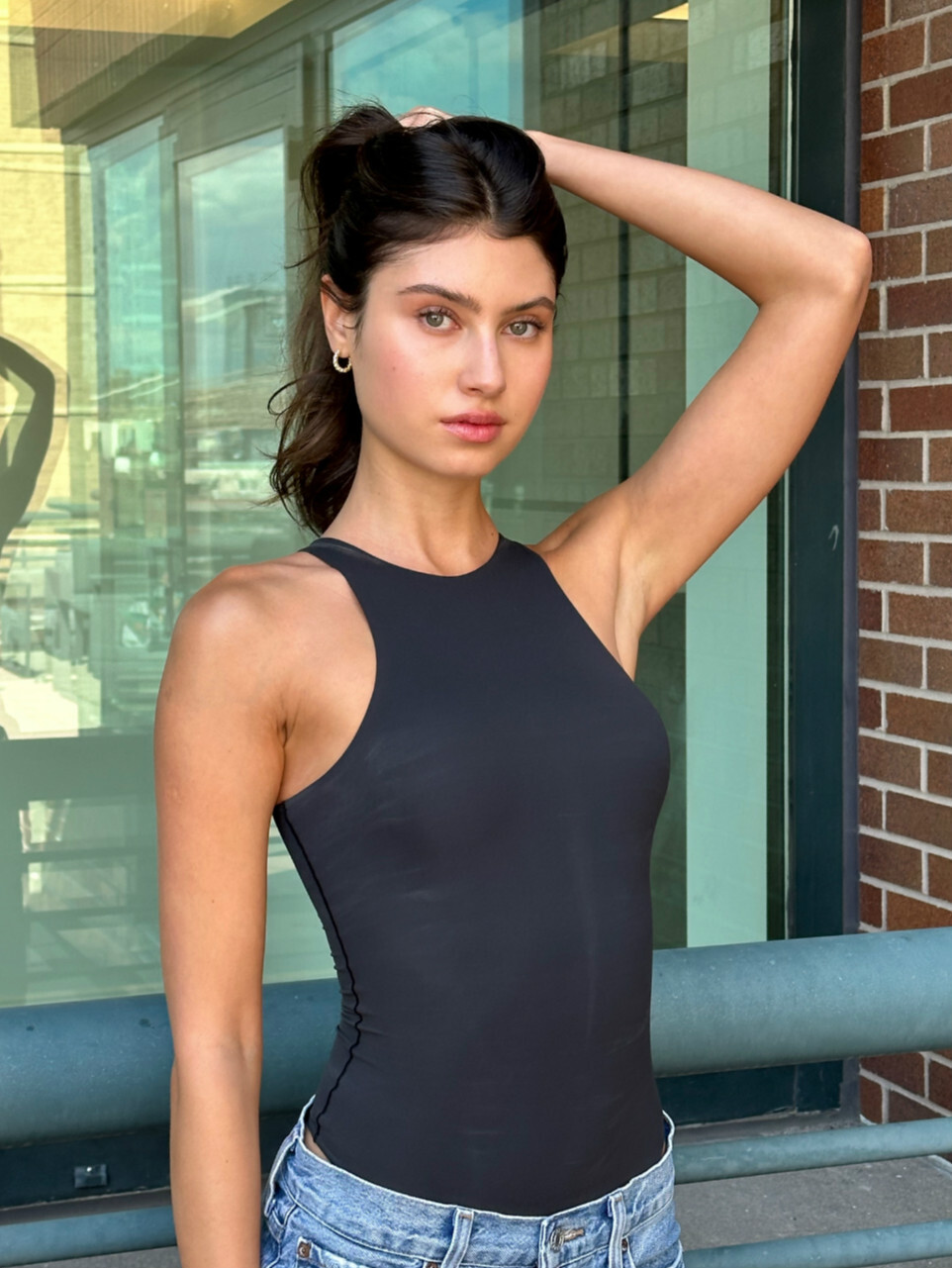


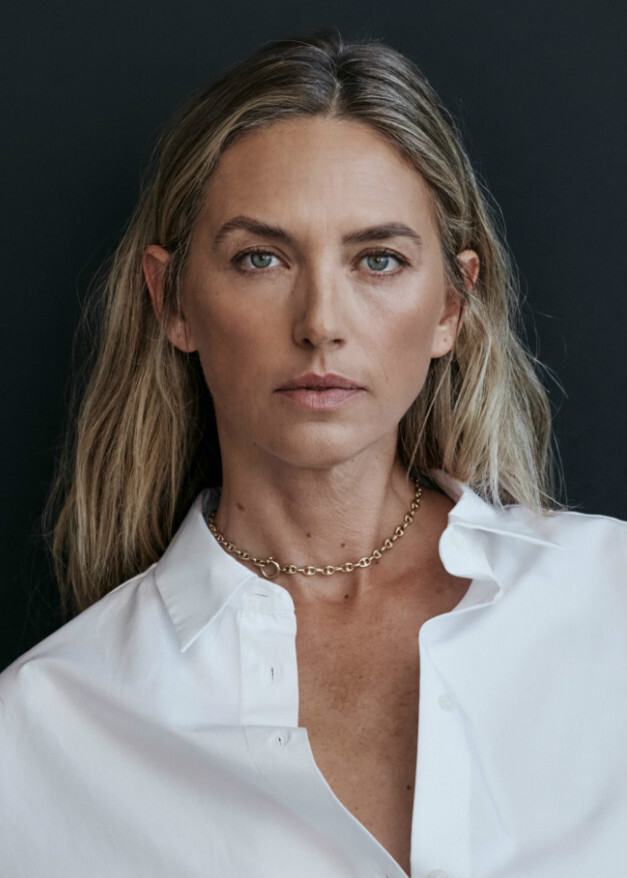
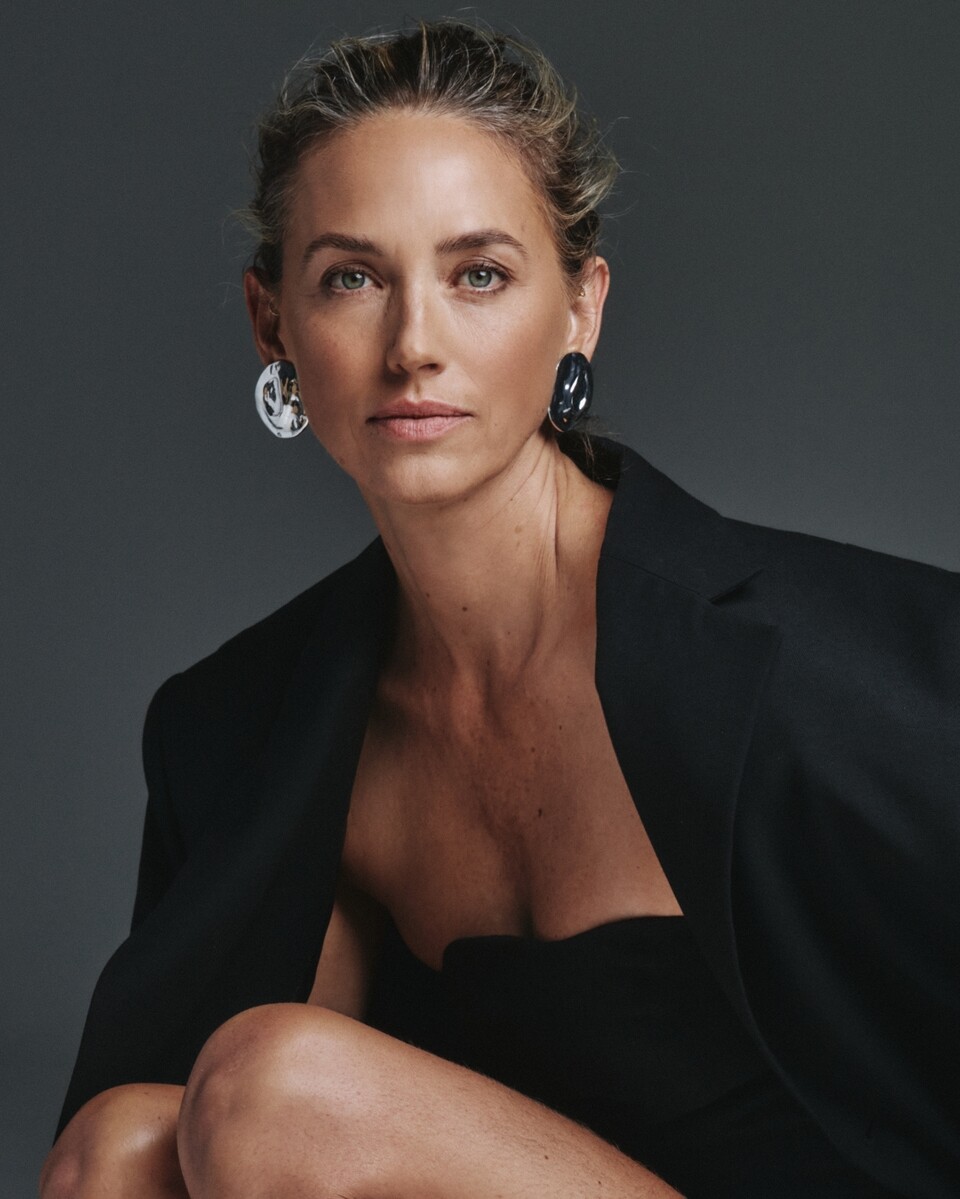
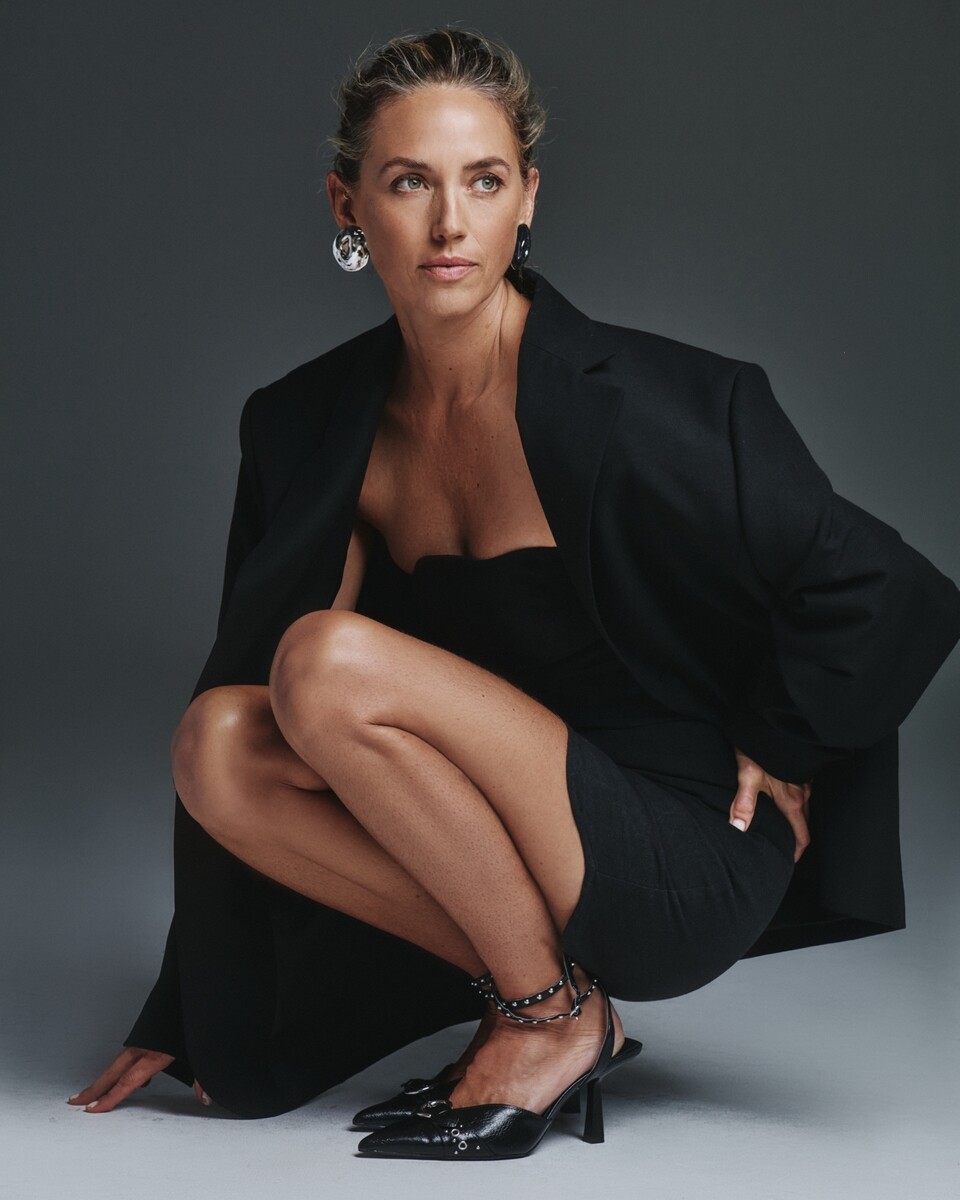

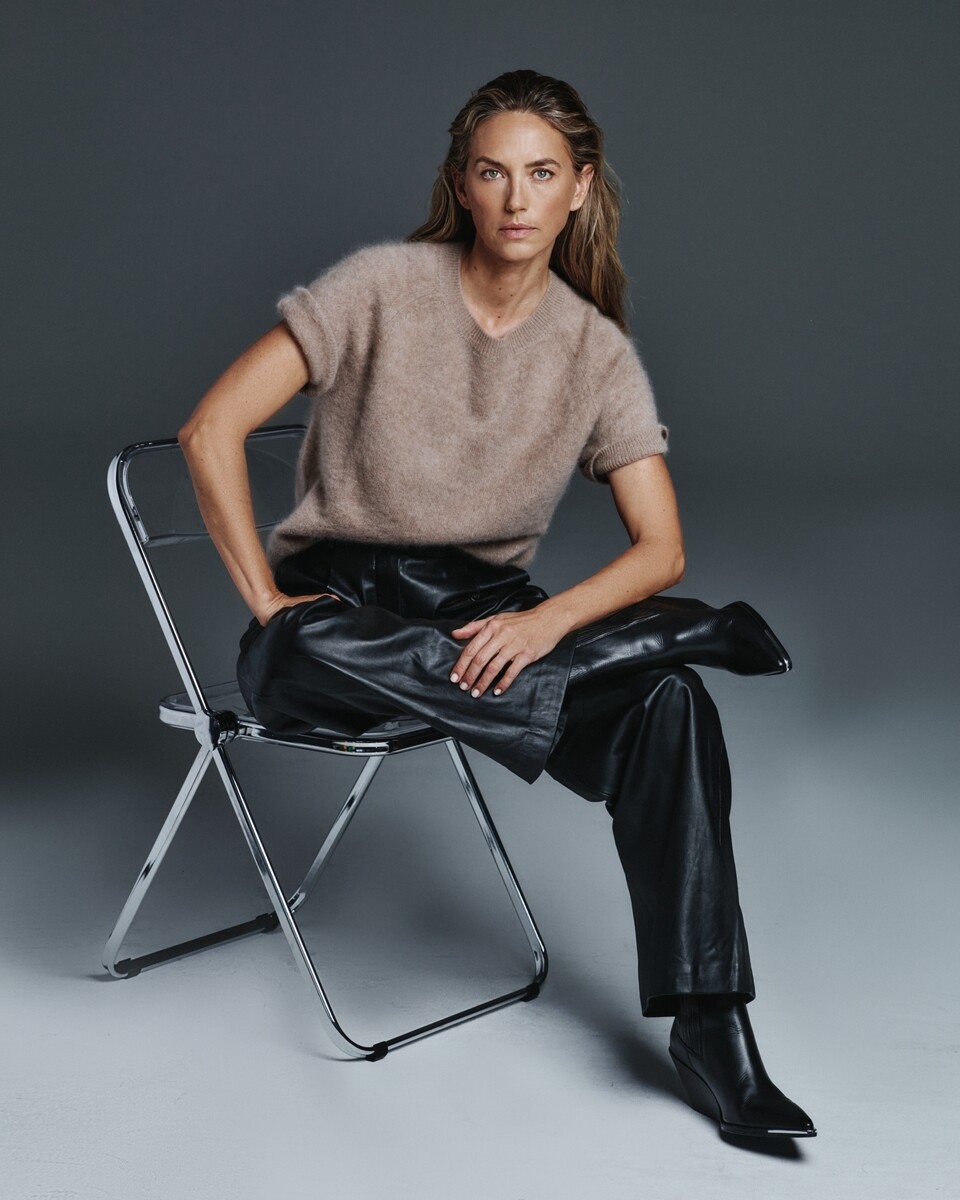


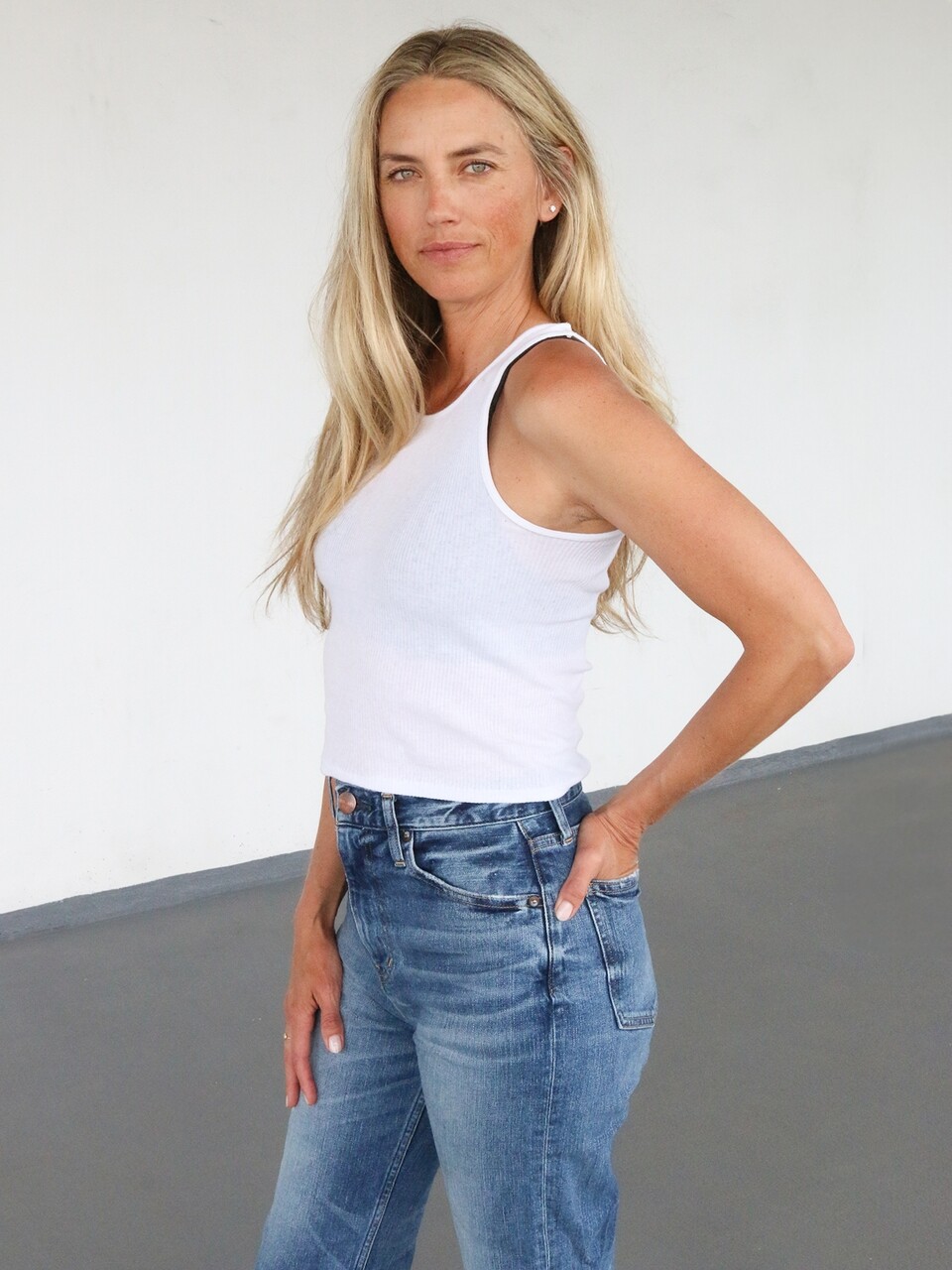
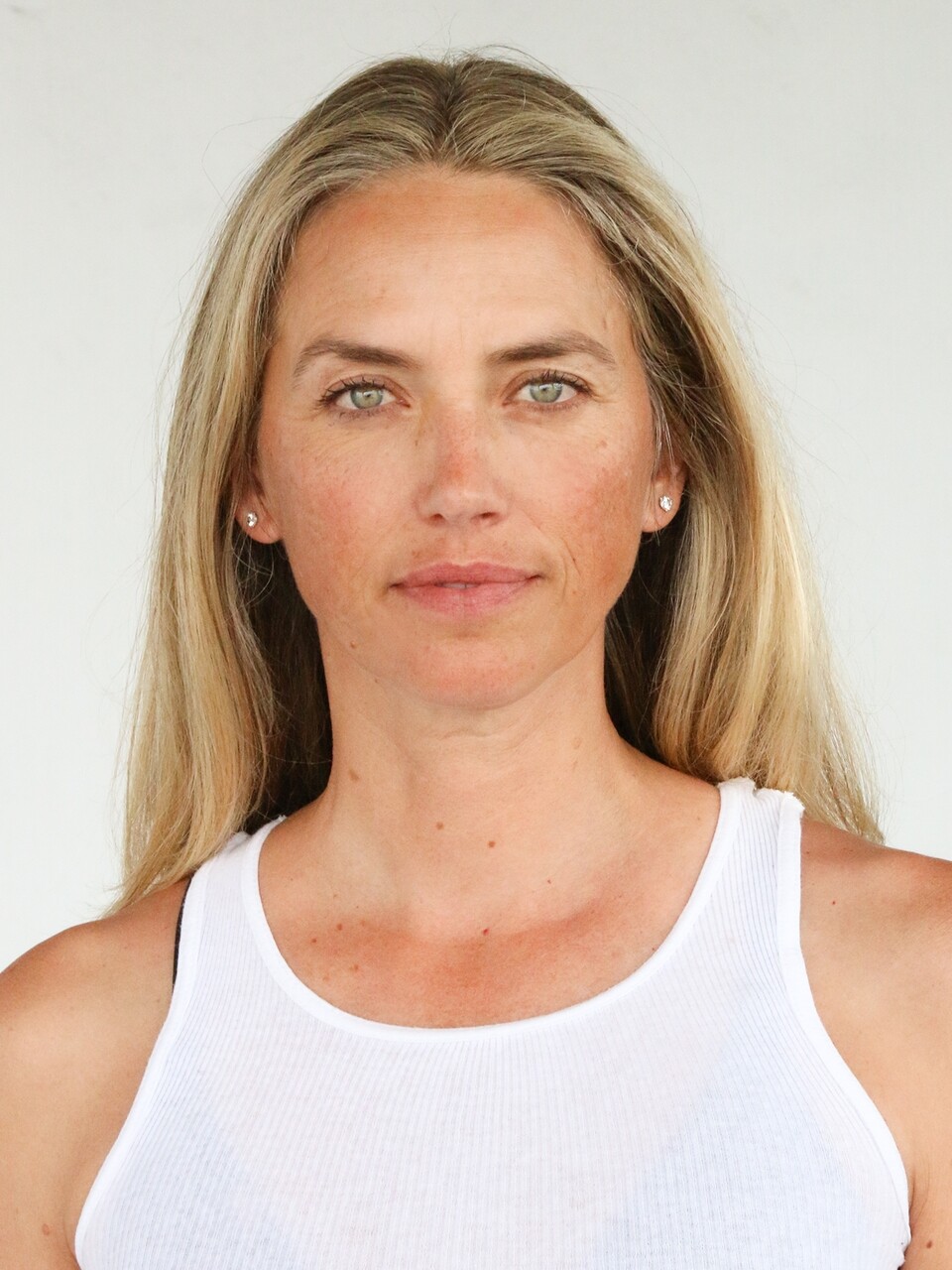
.jpg.d778b6c790648ca1b0258f1534057362.jpg)
.jpg.236ca44ff8bf40b2e88af1c0d99dc6dd.jpg)
.jpg.a18bbcddb3b3bbeead10f2a18182de98.jpg)




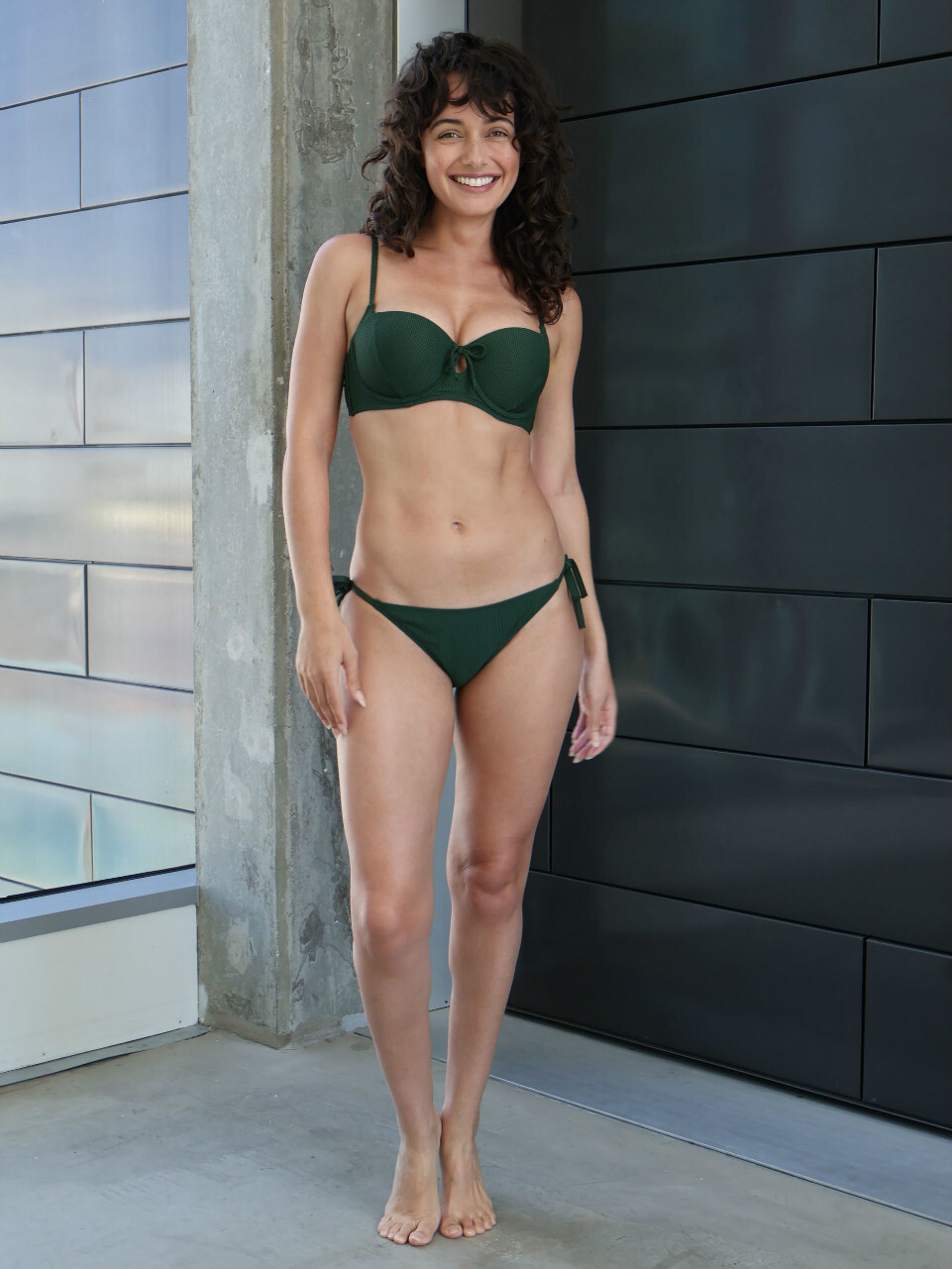
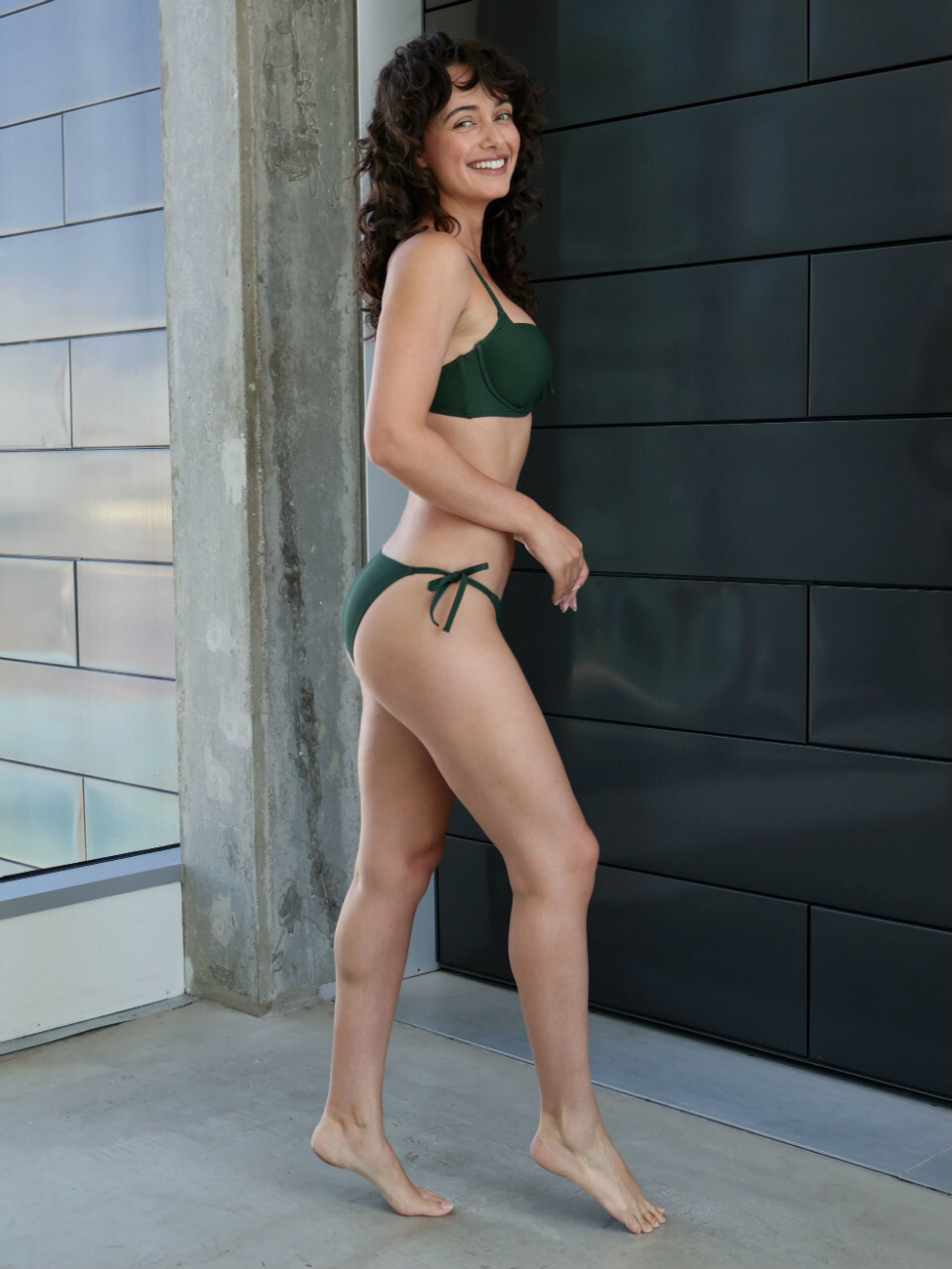




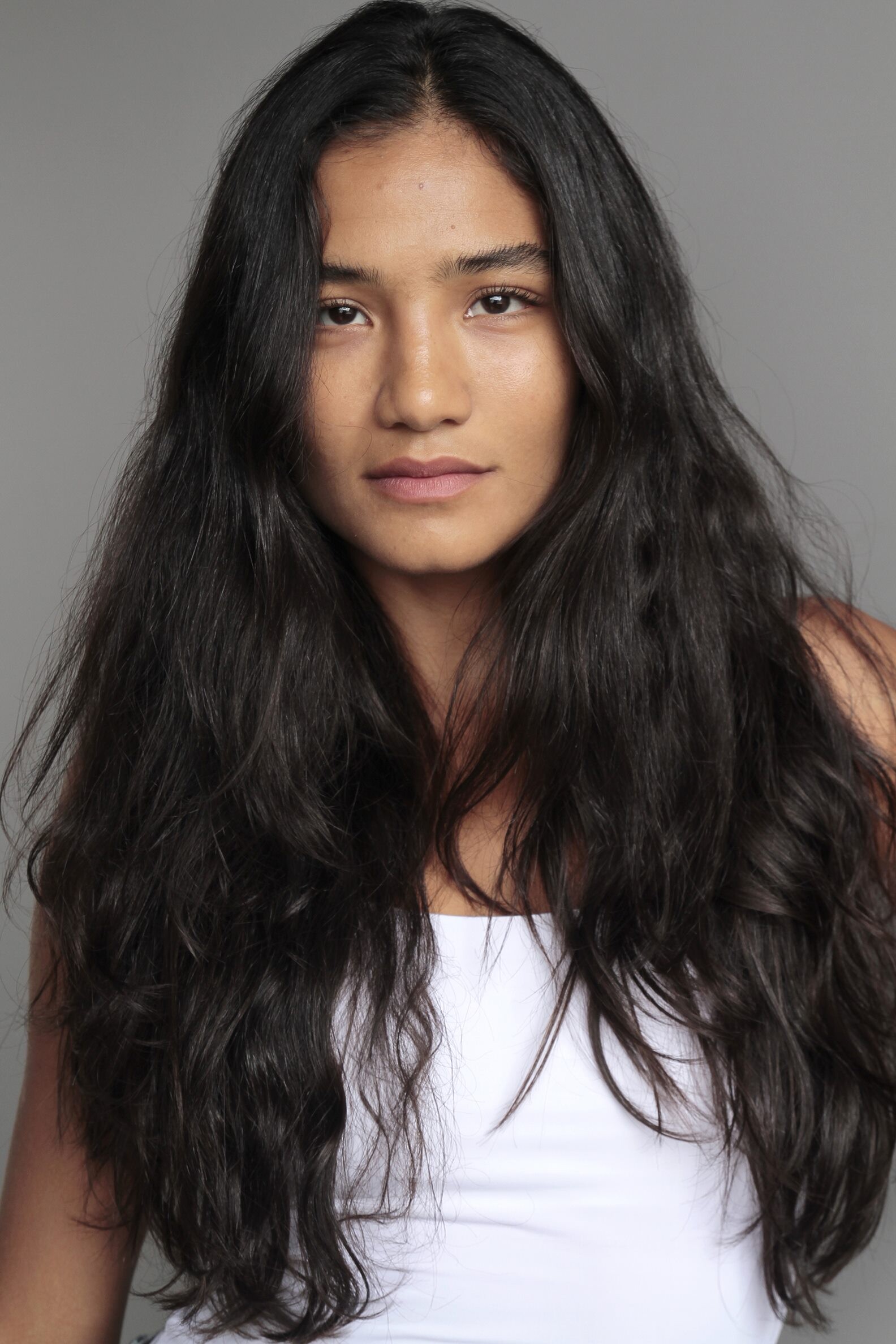


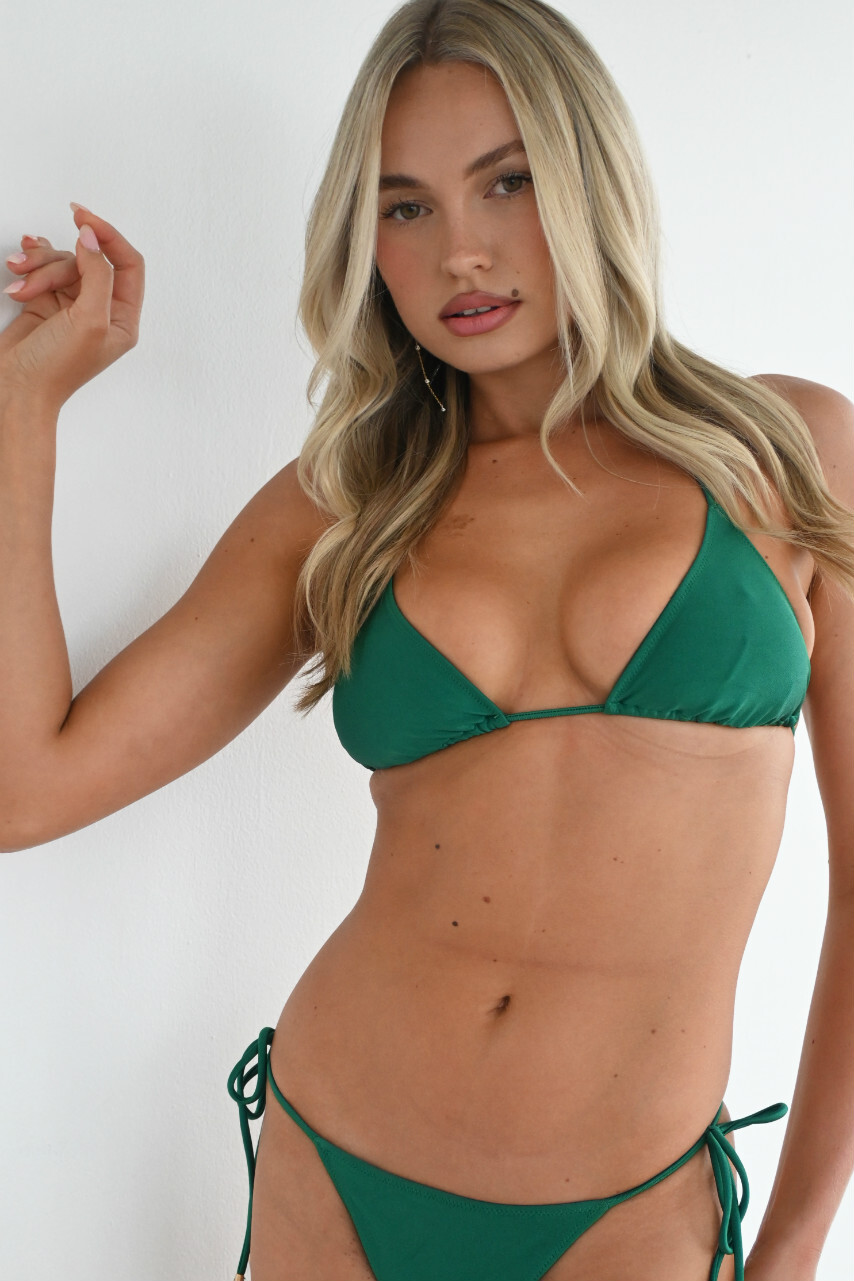



Account
Search
Configure browser push notifications
Chrome (Android)
- Tap the lock icon next to the address bar.
- Tap Permissions → Notifications.
- Adjust your preference.
Chrome (Desktop)
- Click the padlock icon in the address bar.
- Select Site settings.
- Find Notifications and adjust your preference.
Safari (iOS 16.4+)
- Ensure the site is installed via Add to Home Screen.
- Open Settings App → Notifications.
- Find your app name and adjust your preference.
Safari (macOS)
- Go to Safari → Preferences.
- Click the Websites tab.
- Select Notifications in the sidebar.
- Find this website and adjust your preference.
Edge (Android)
- Tap the lock icon next to the address bar.
- Tap Permissions.
- Find Notifications and adjust your preference.
Edge (Desktop)
- Click the padlock icon in the address bar.
- Click Permissions for this site.
- Find Notifications and adjust your preference.
Firefox (Android)
- Go to Settings → Site permissions.
- Tap Notifications.
- Find this site in the list and adjust your preference.
Firefox (Desktop)
- Open Firefox Settings.
- Search for Notifications.
- Find this site in the list and adjust your preference.