Jump to content
View in the app

A better way to browse. Learn more.

Bellazon

A full-screen app on your home screen with push notifications, badges and more.

To install this app on iOS and iPadOS
  1. Tap the Share icon in Safari
  2. Scroll the menu and tap Add to Home Screen.
  3. Tap Add in the top-right corner.
To install this app on Android
  1. Tap the 3-dot menu (⋮) in the top-right corner of the browser.
  2. Tap Add to Home screen or Install app.
  3. Confirm by tapping Install.

tarsier41

Members

Everything posted by tarsier41

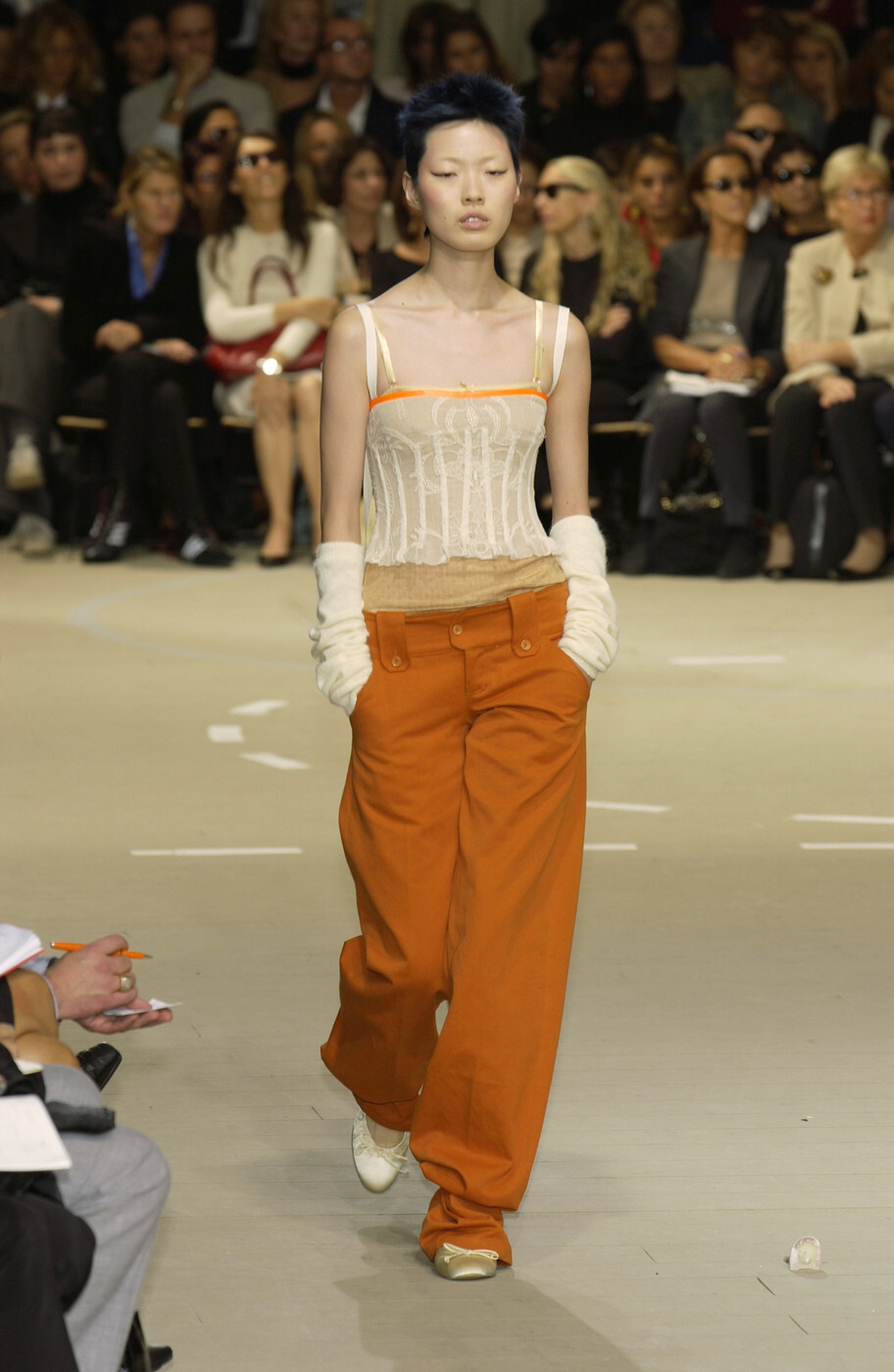
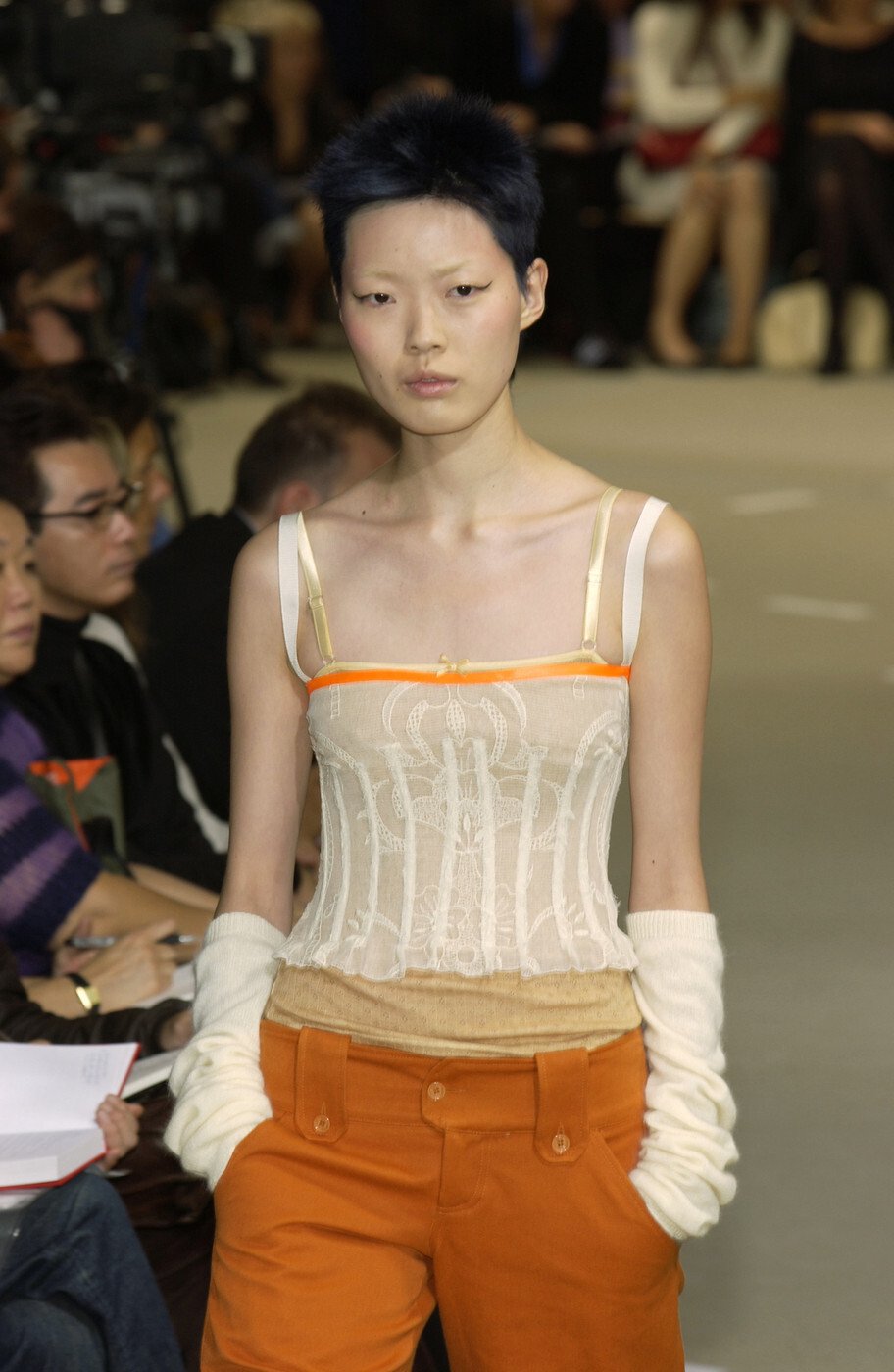
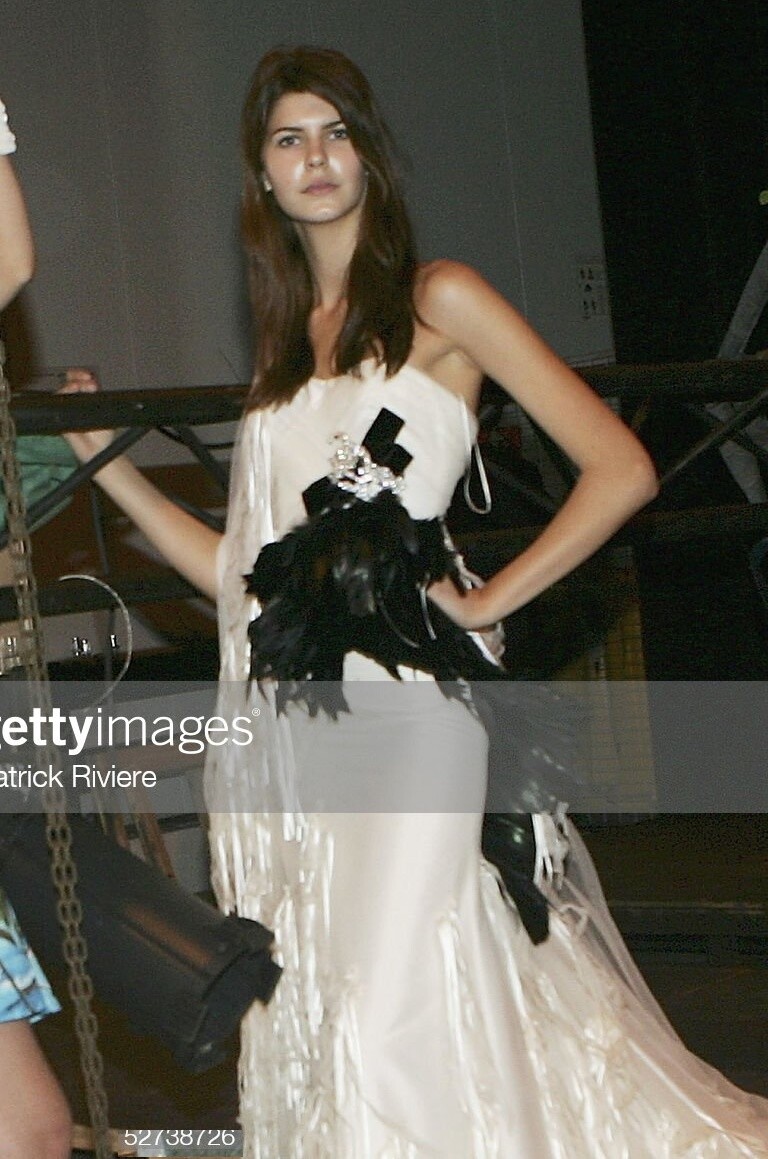
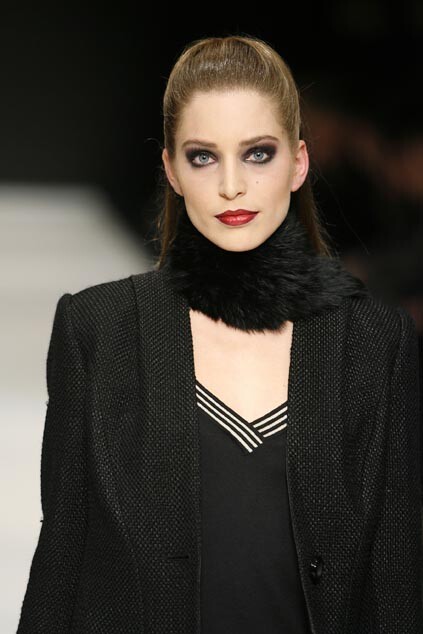
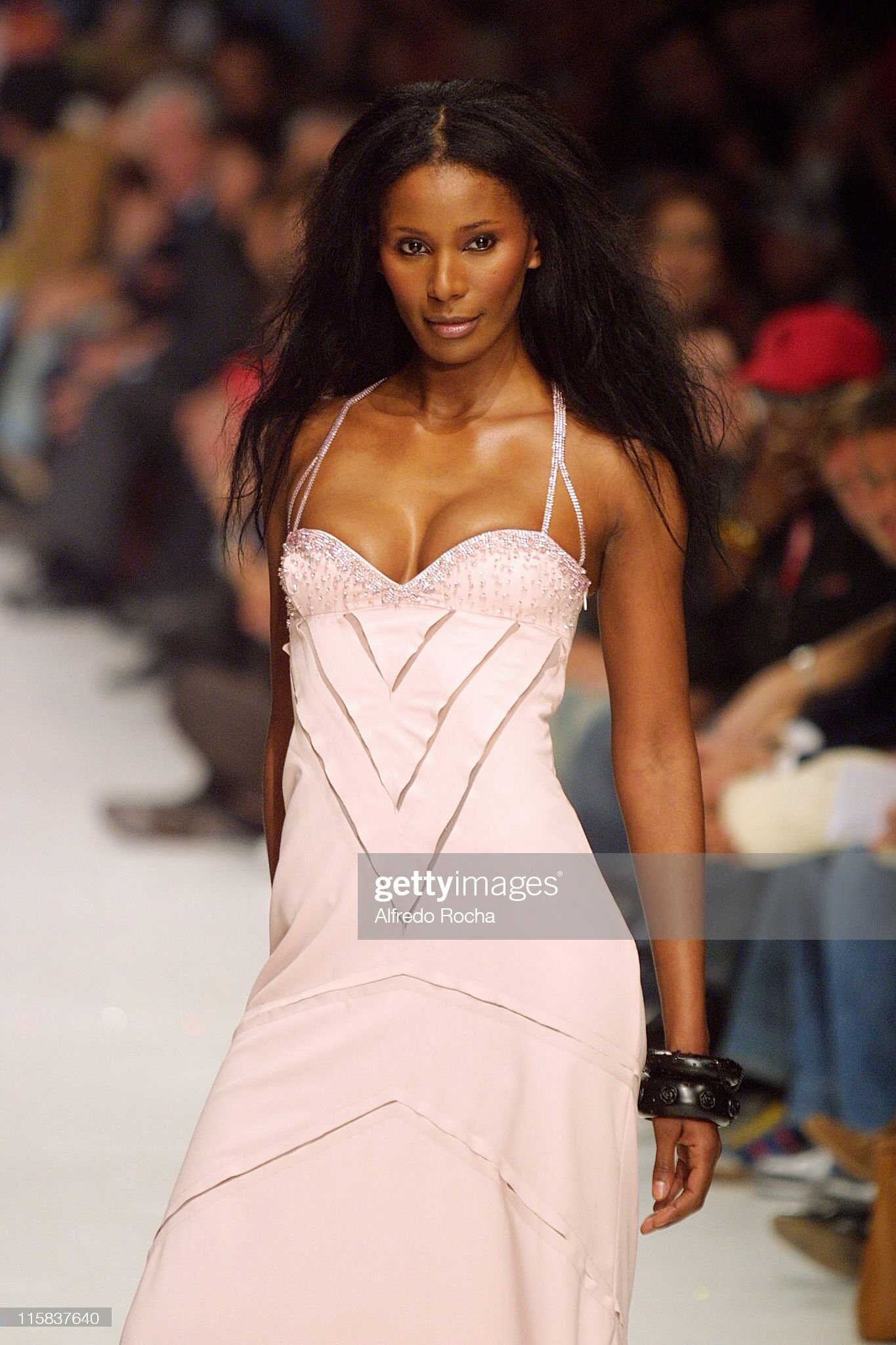
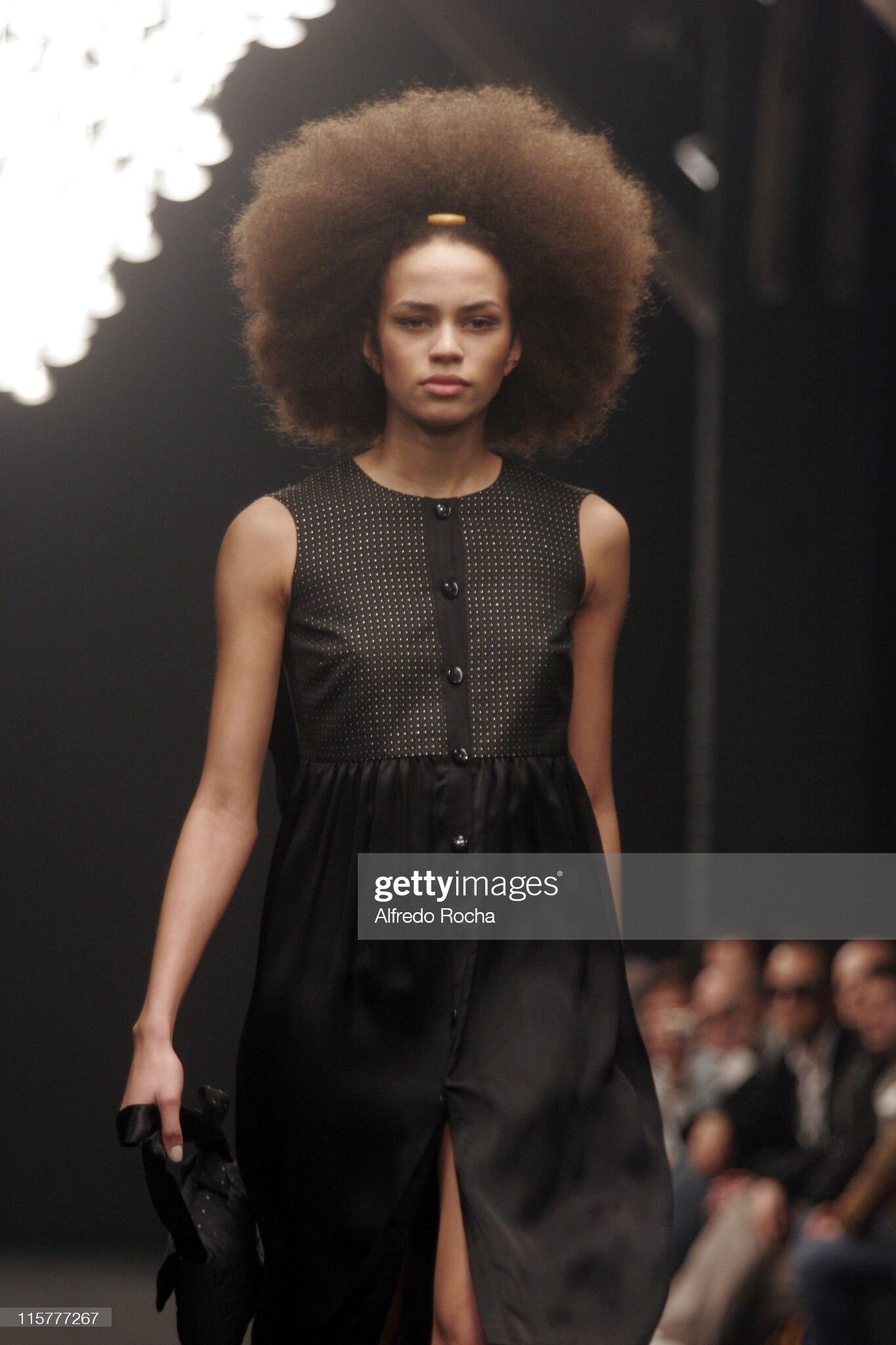
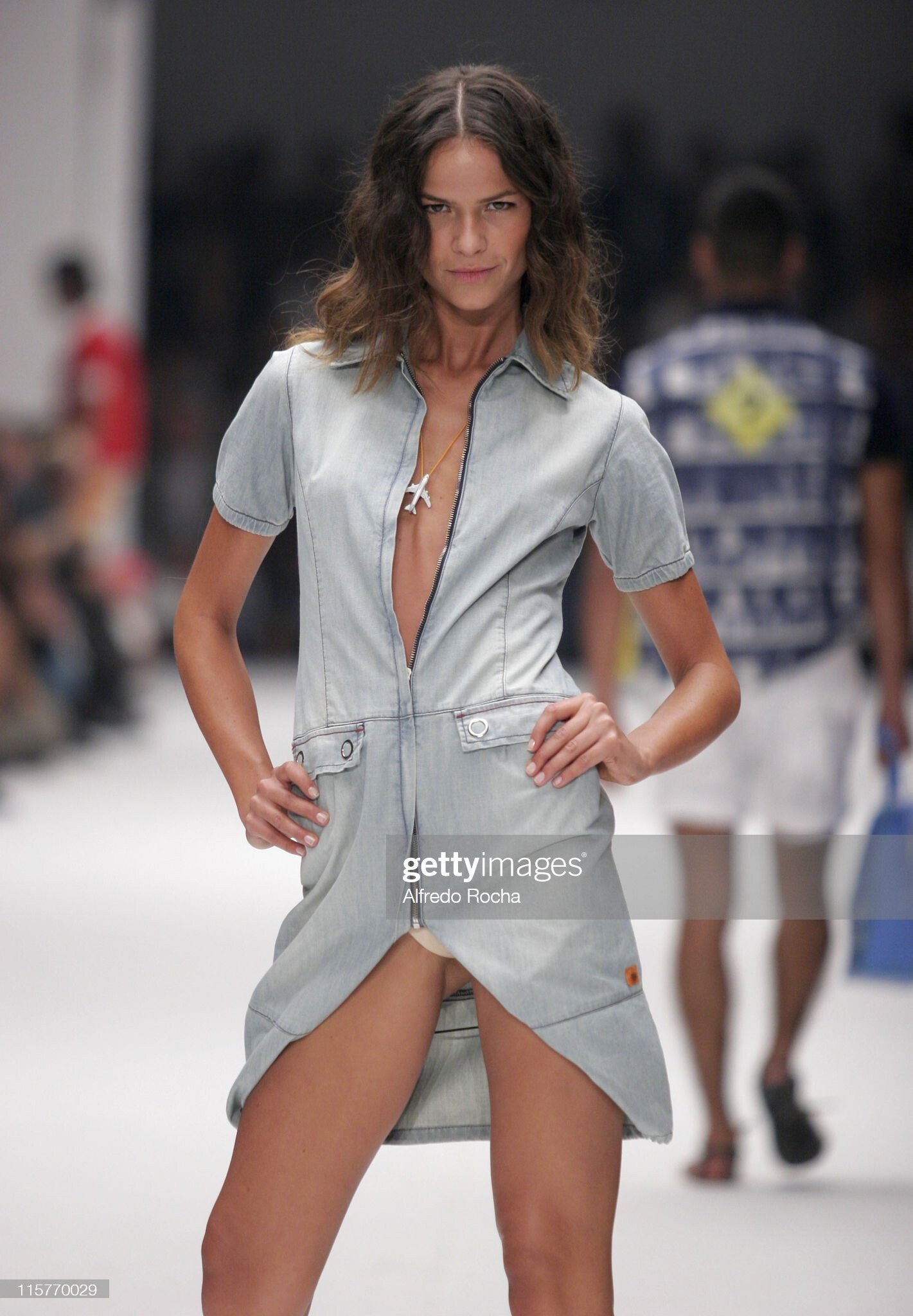
  1. Alvin Valley (NYC) spring 2006 - BS
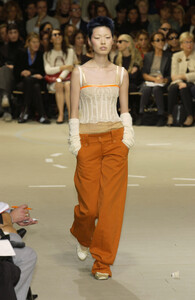
  2. Ocimar Versolato, fall 1998
  3. Alviero Martini (Milan) spring 2009
  4. Gianfranco Ferré, (Milan) f/w 2002 - addition LQ
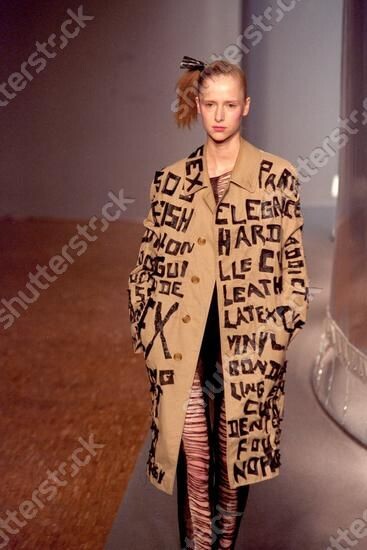
  5. koji tatsuno s/s 2001 rtw LQ shutterstock
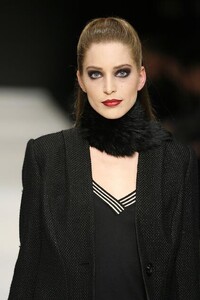
  6. Armani Privé (Paris couture) fall 2007 - addition

  7. D & G (Milan) spring 2002
  8. Alex Perry (Australia) spring 2005
  9. Mart Visser (Amsterdam) fall 2007 LQ
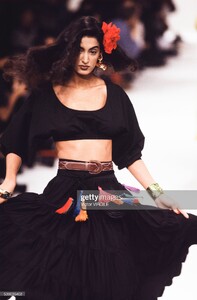
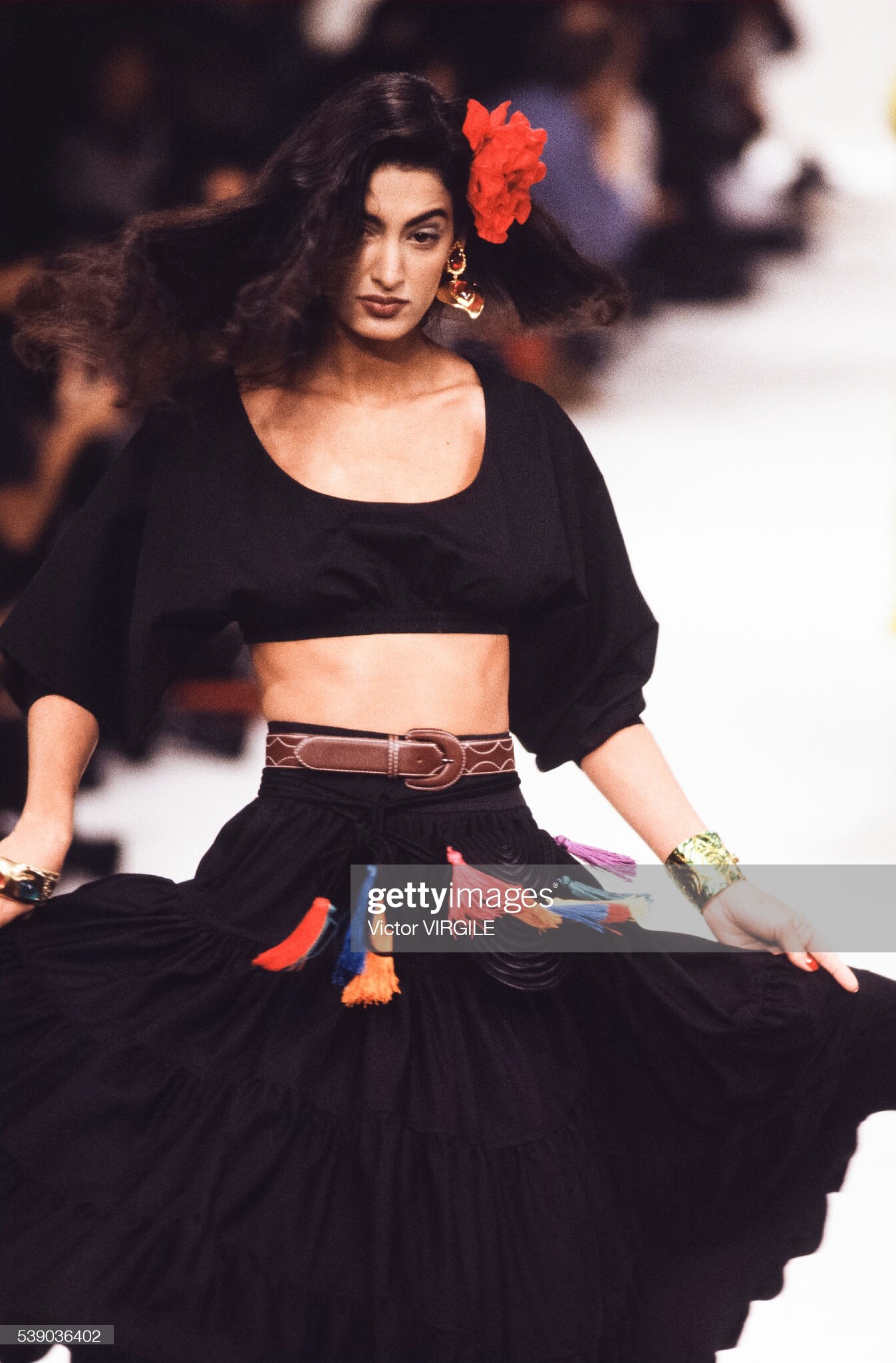
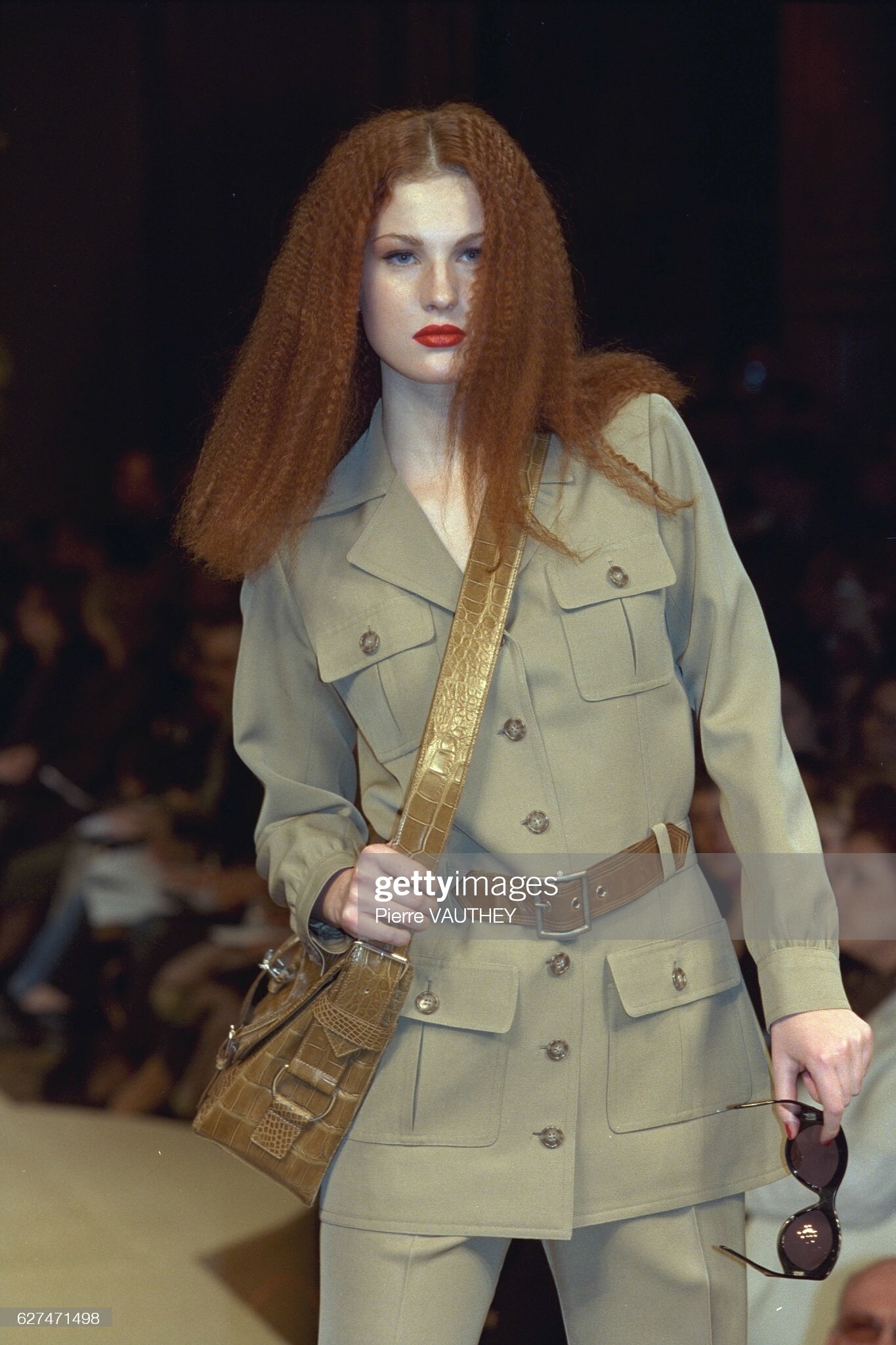
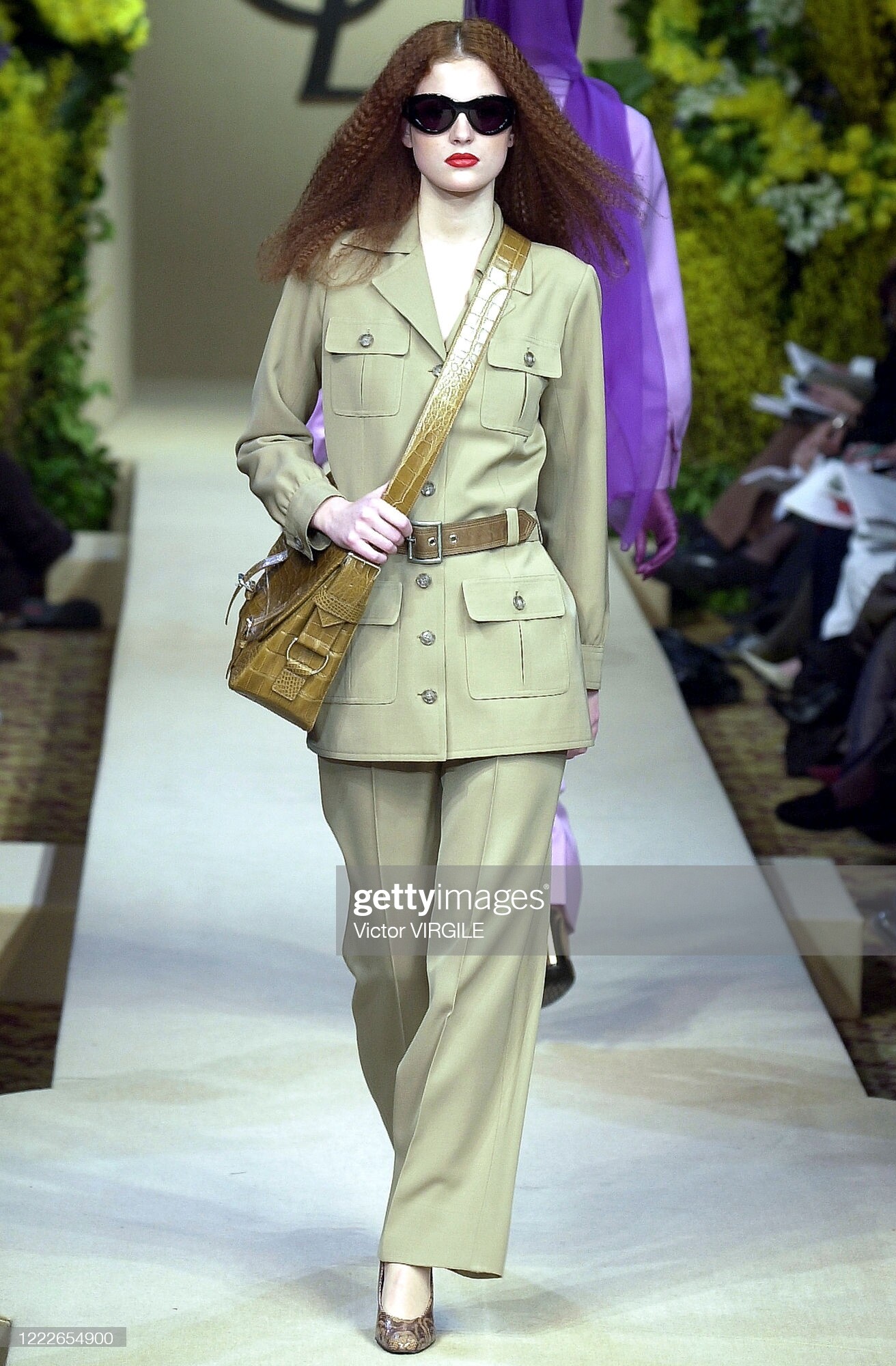
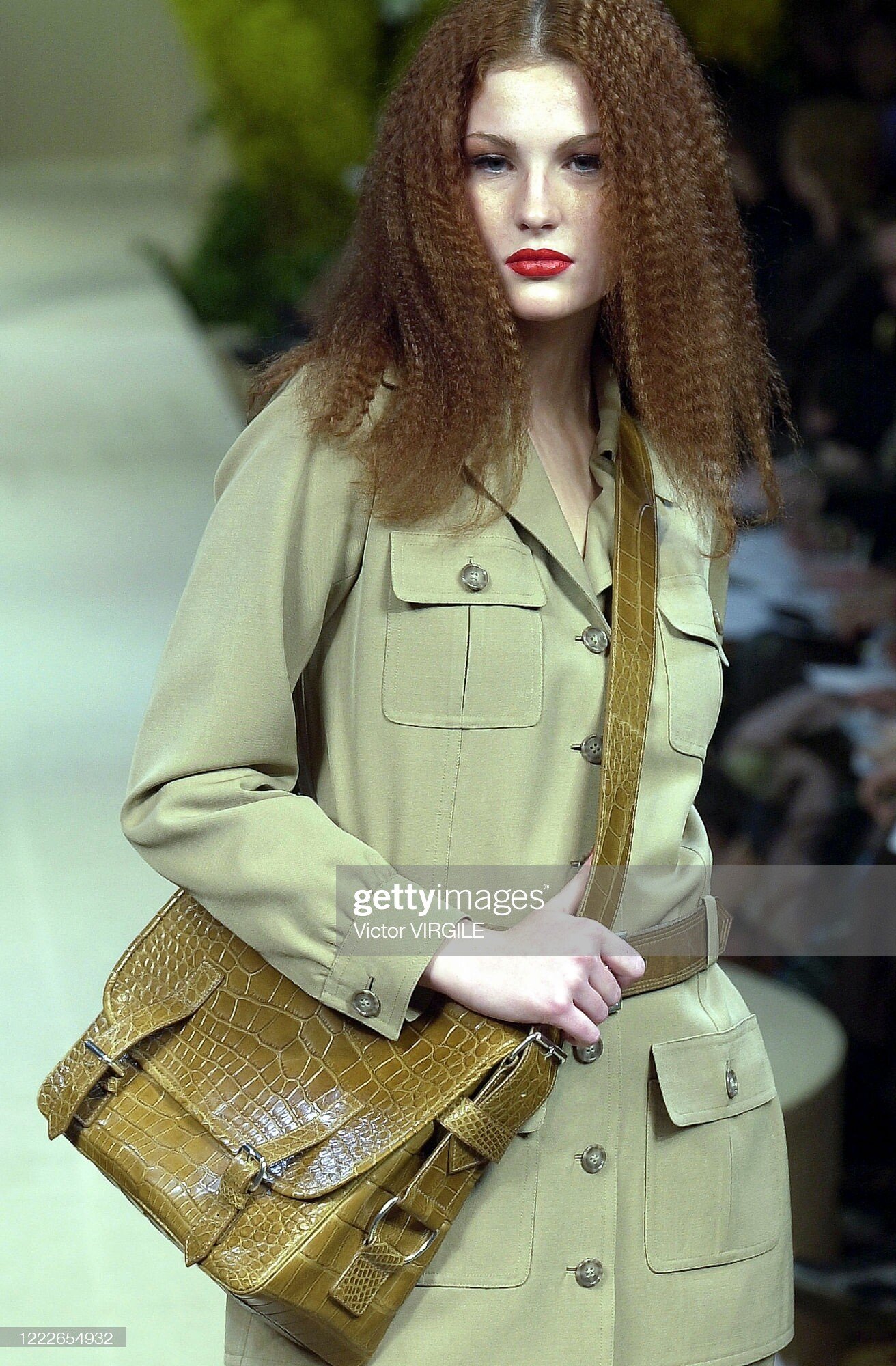
  10. Yves Saint Laurent, spring 1991
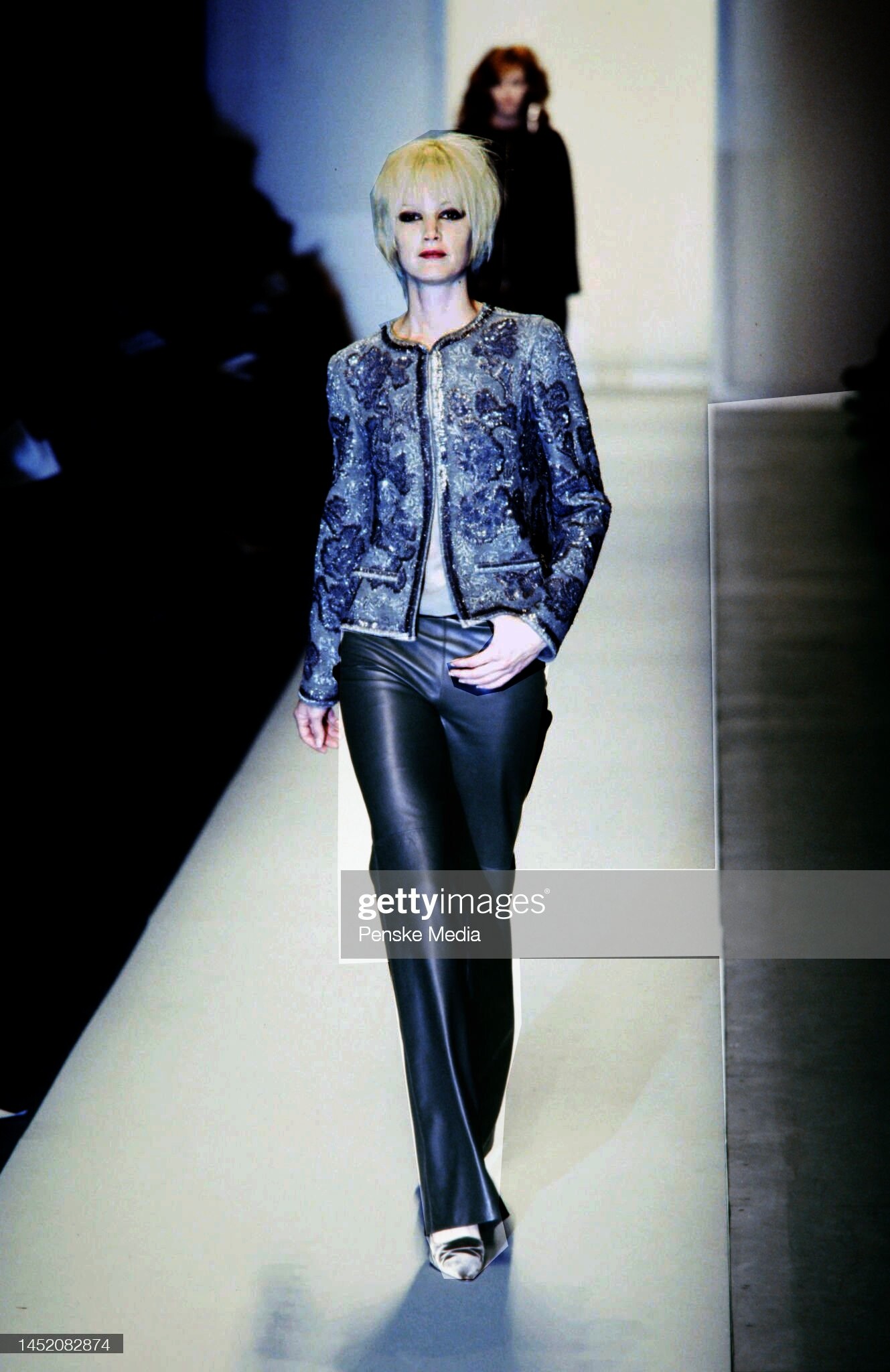
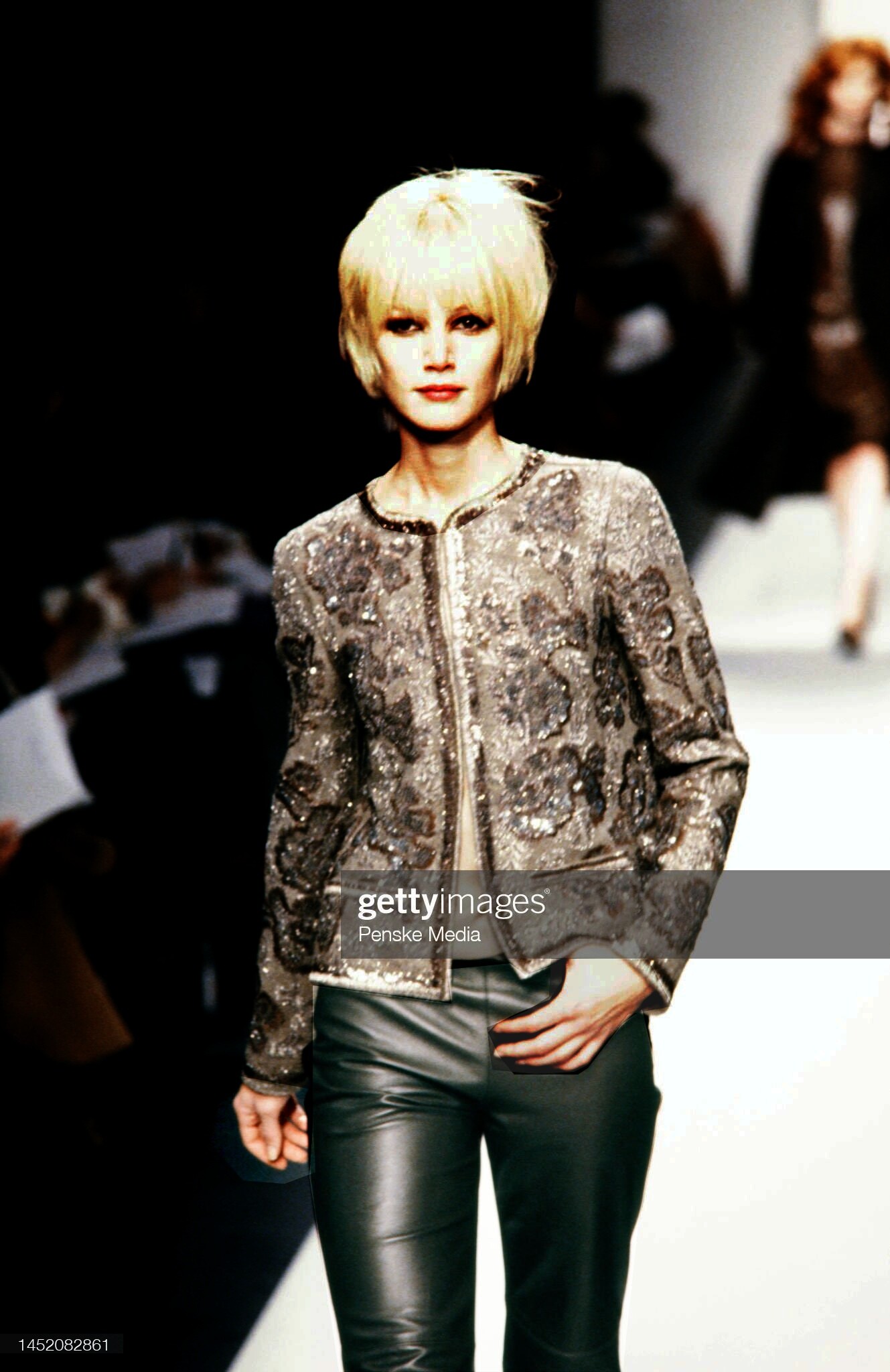
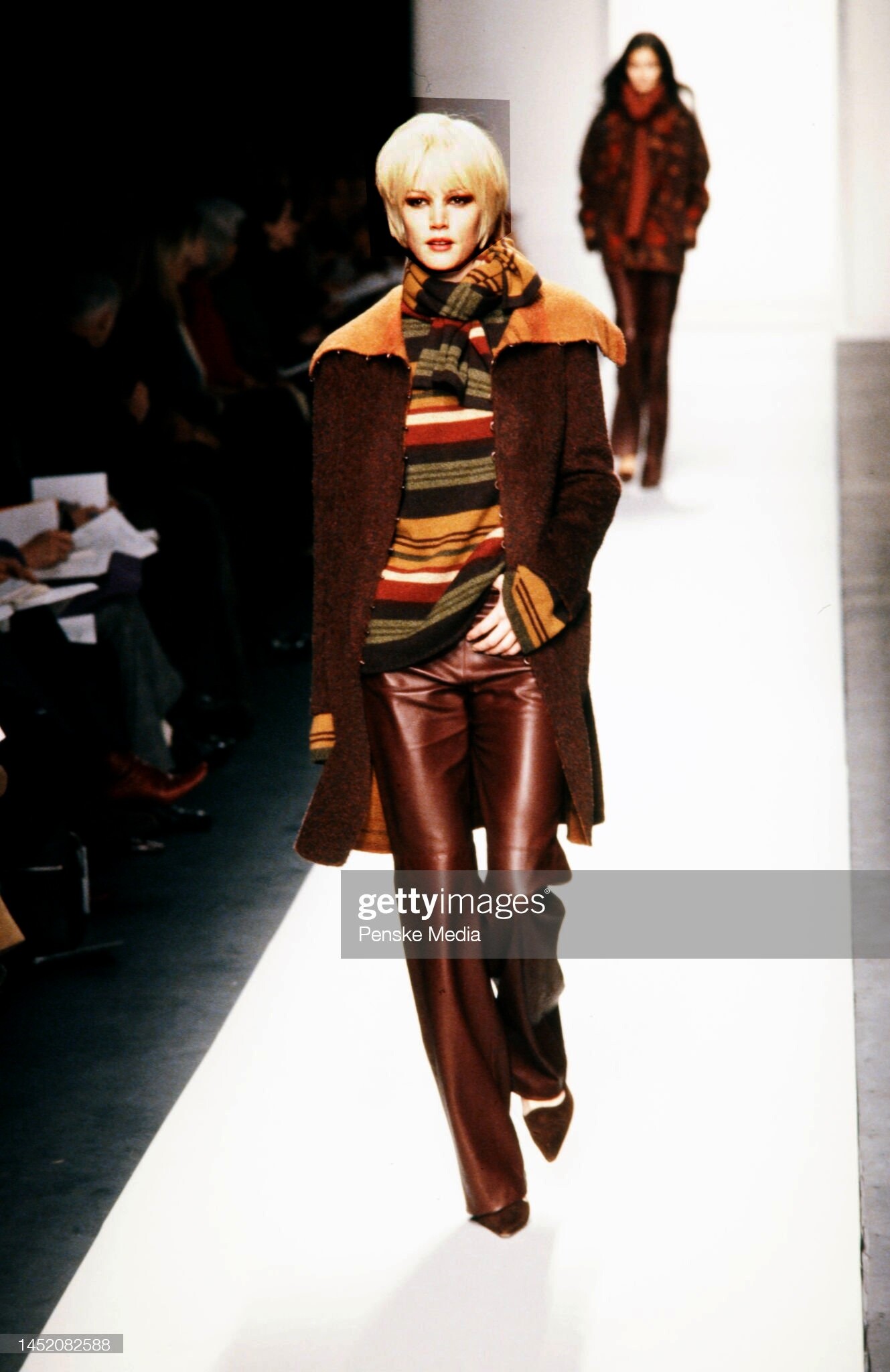
  11. Oscar de la Renta, fall 2000 - addition
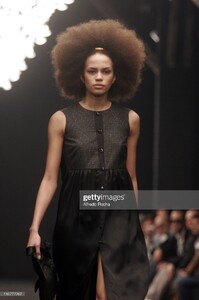
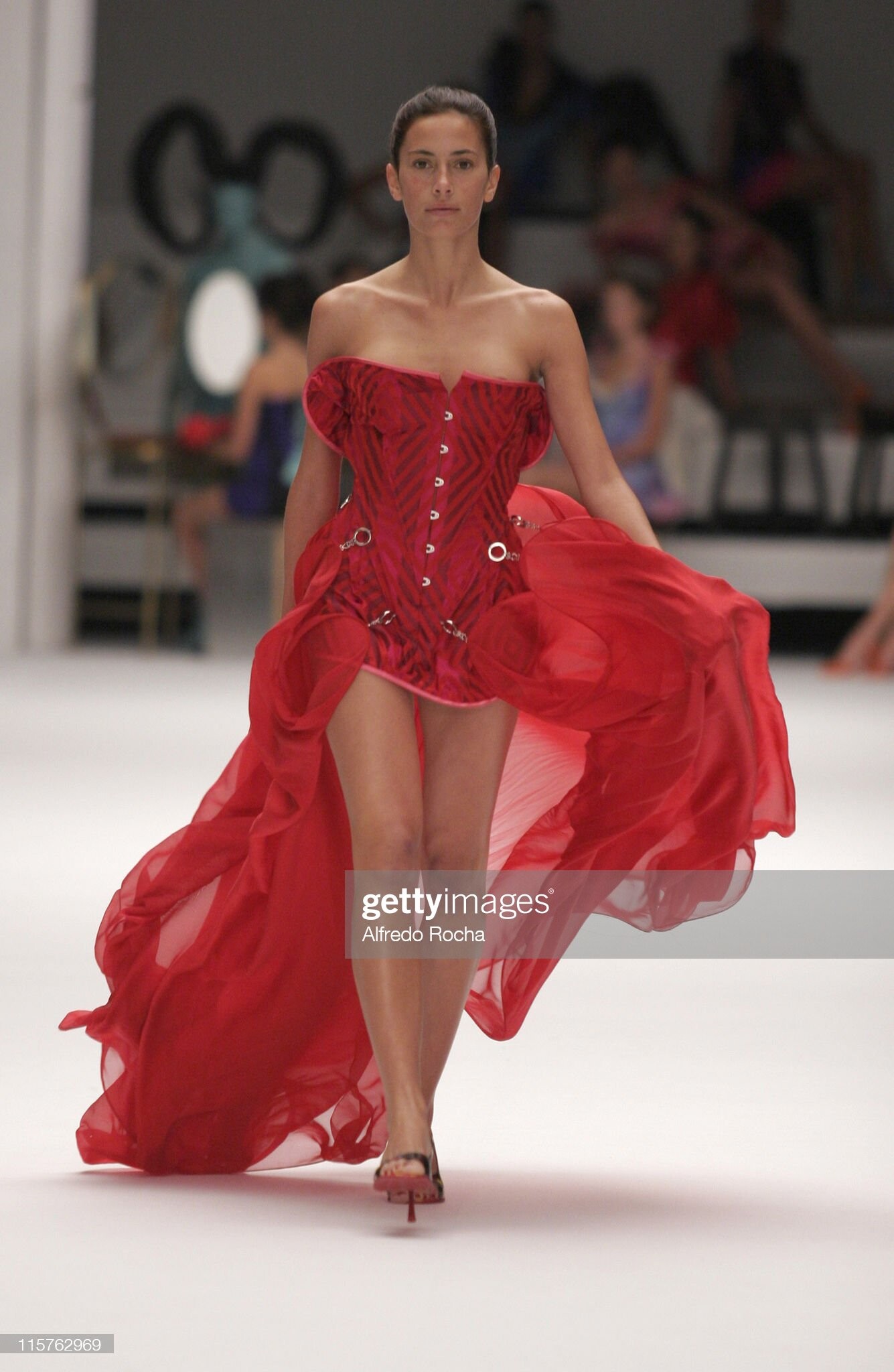
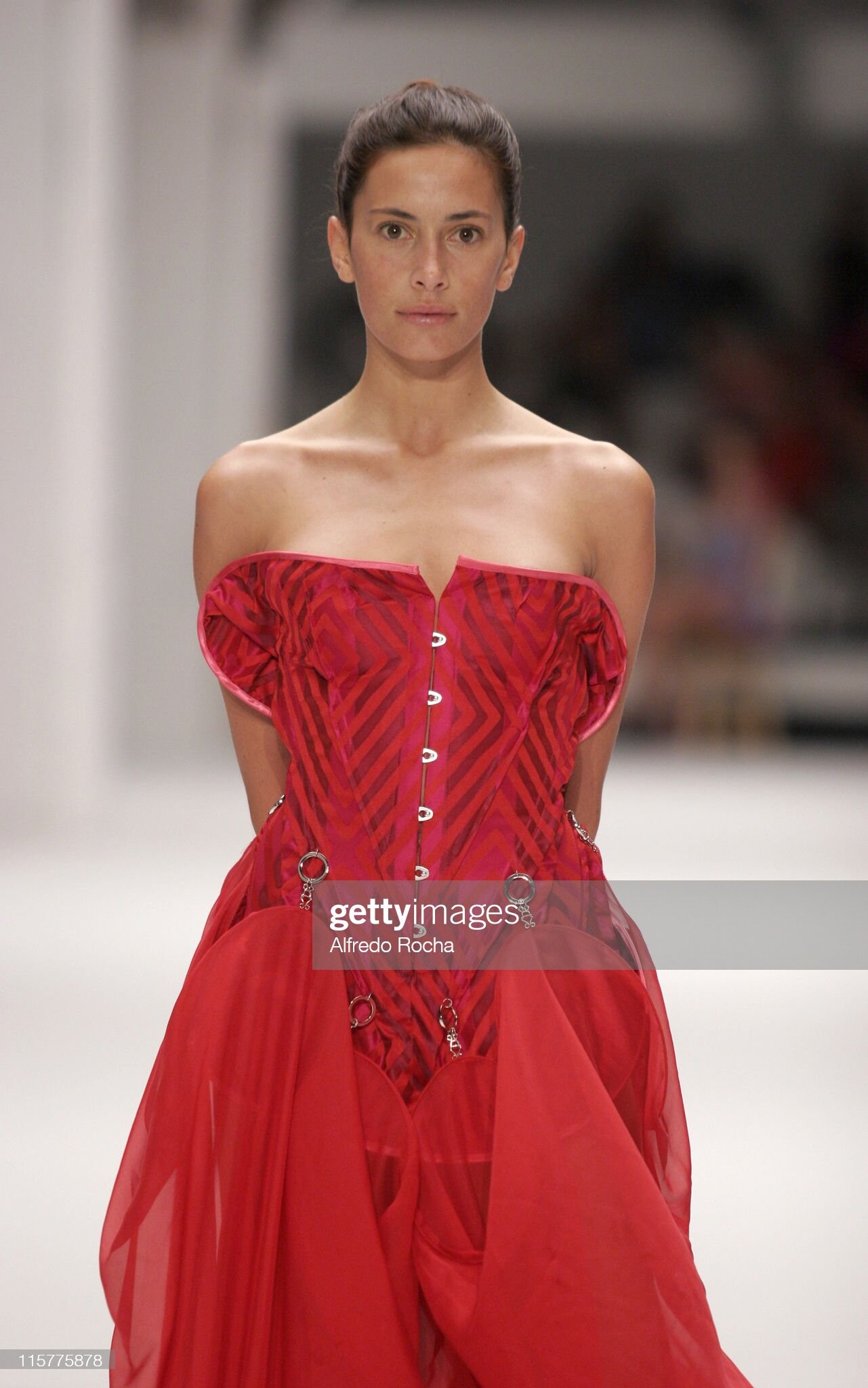
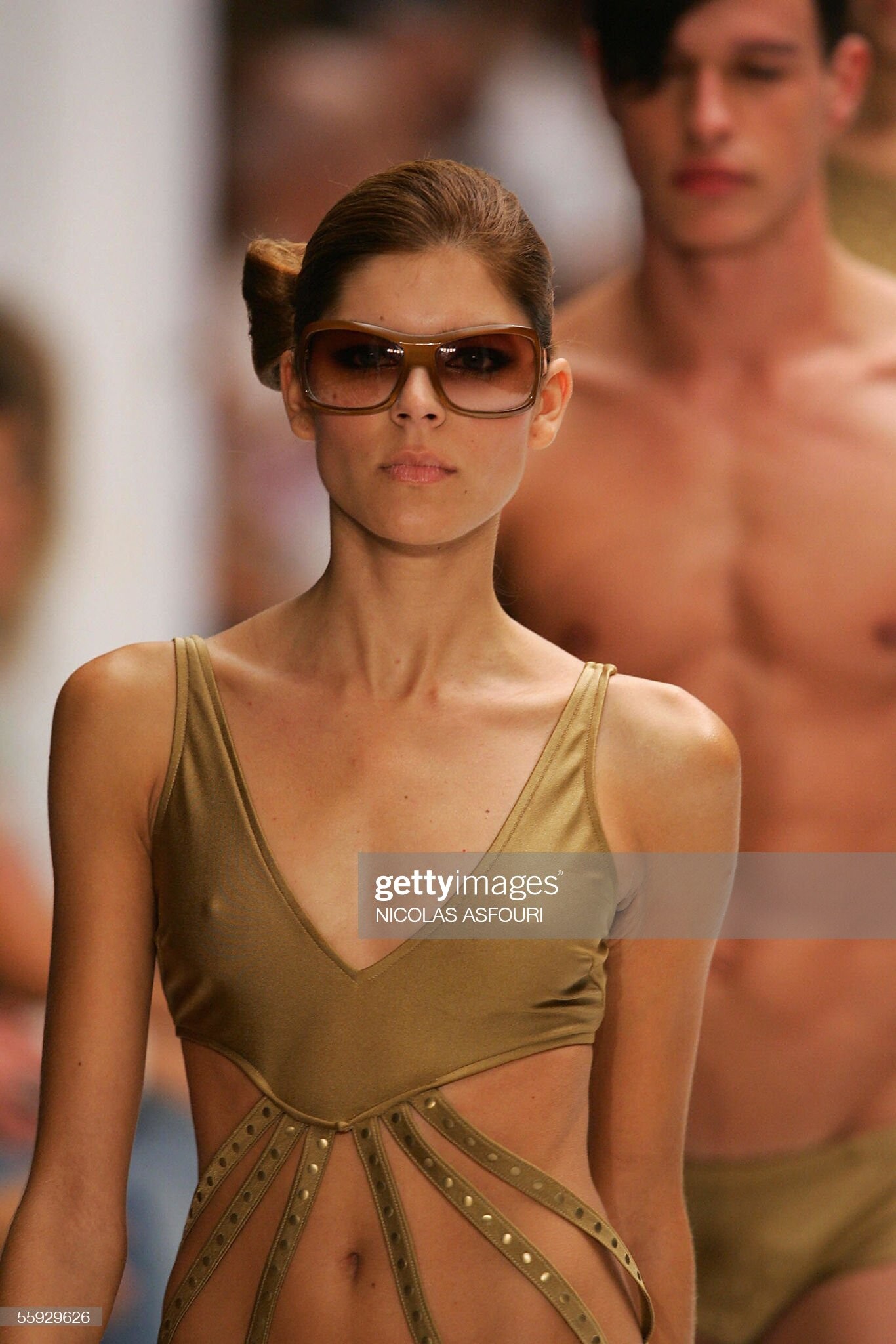
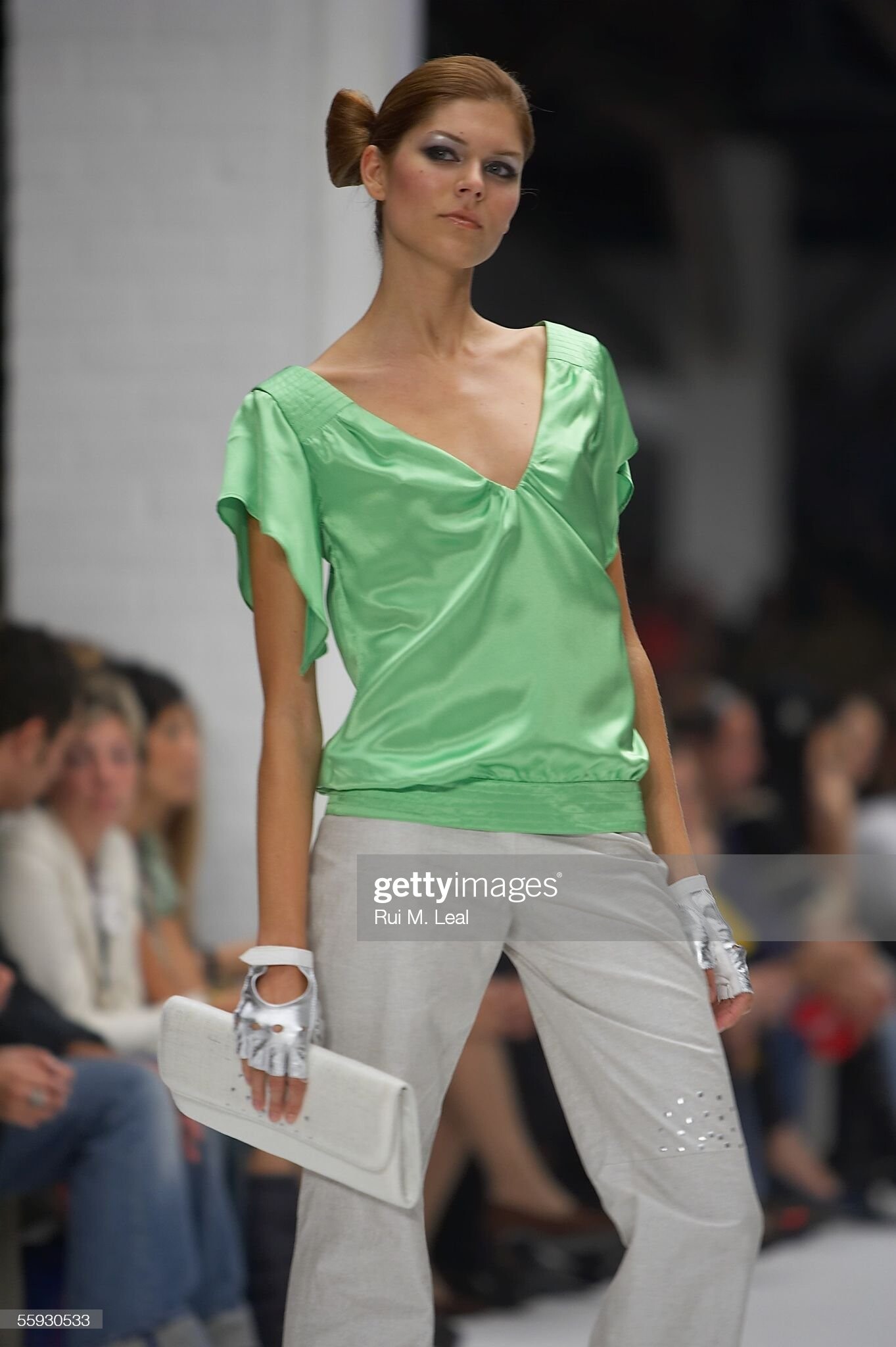
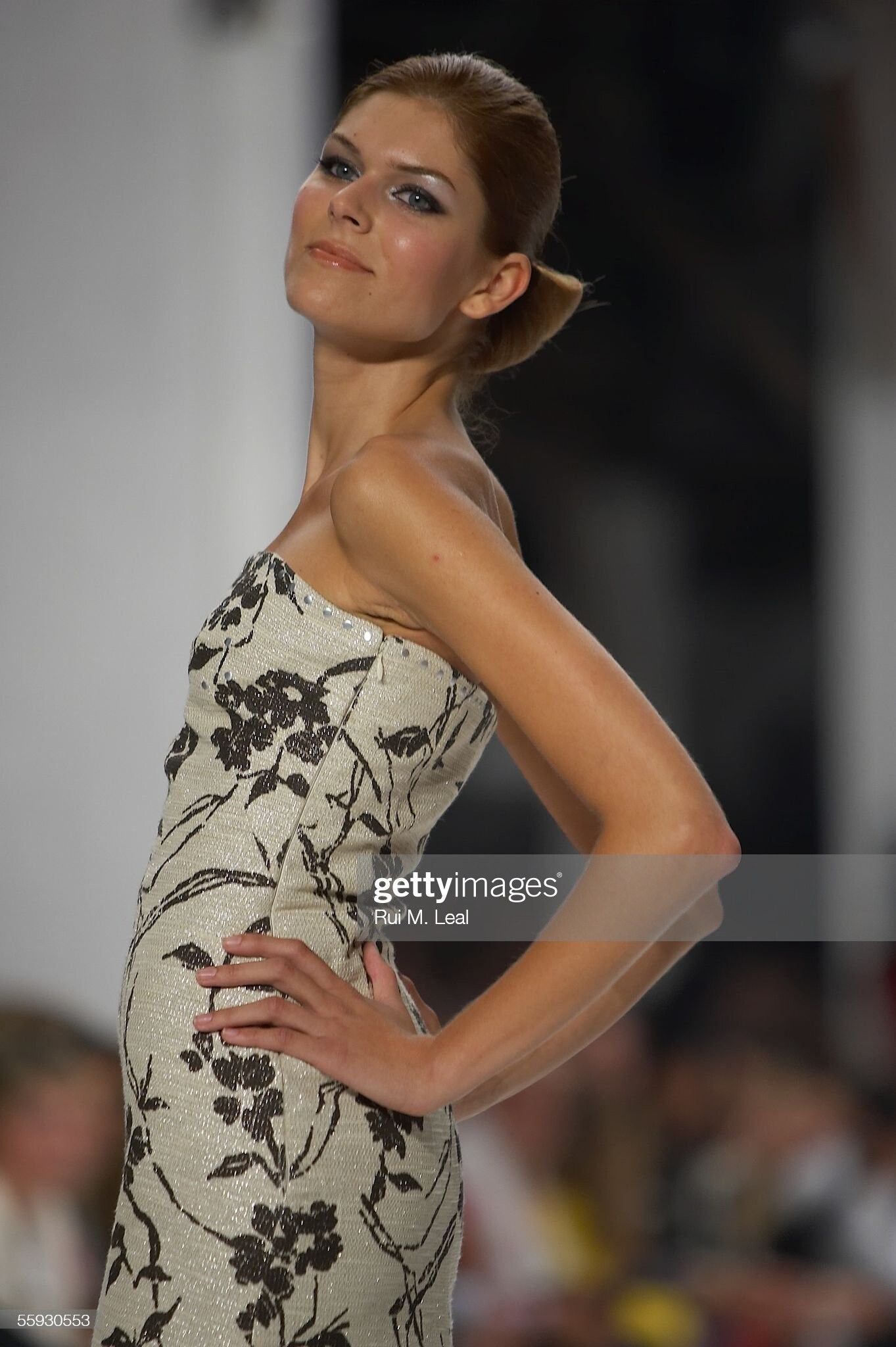
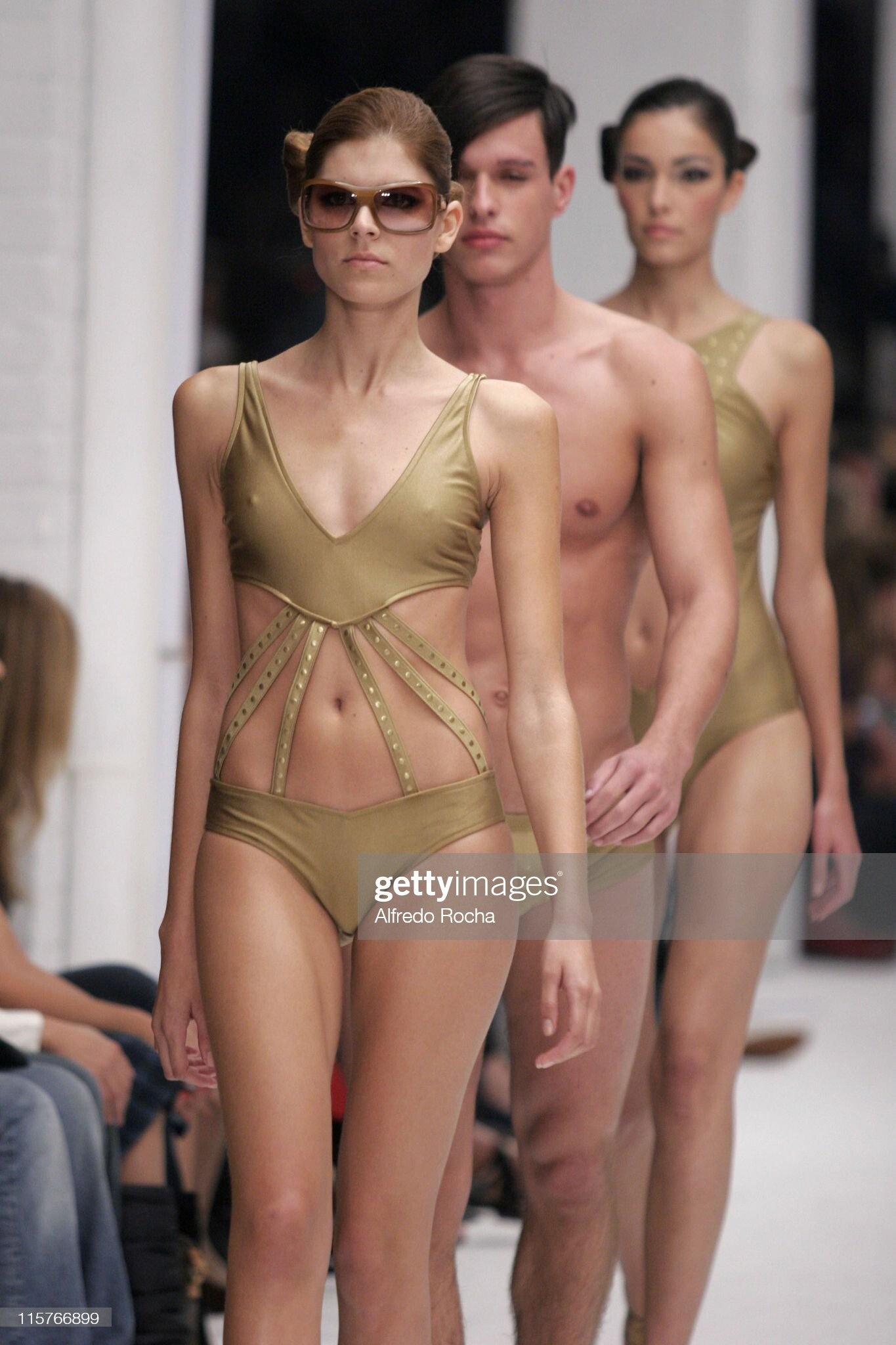
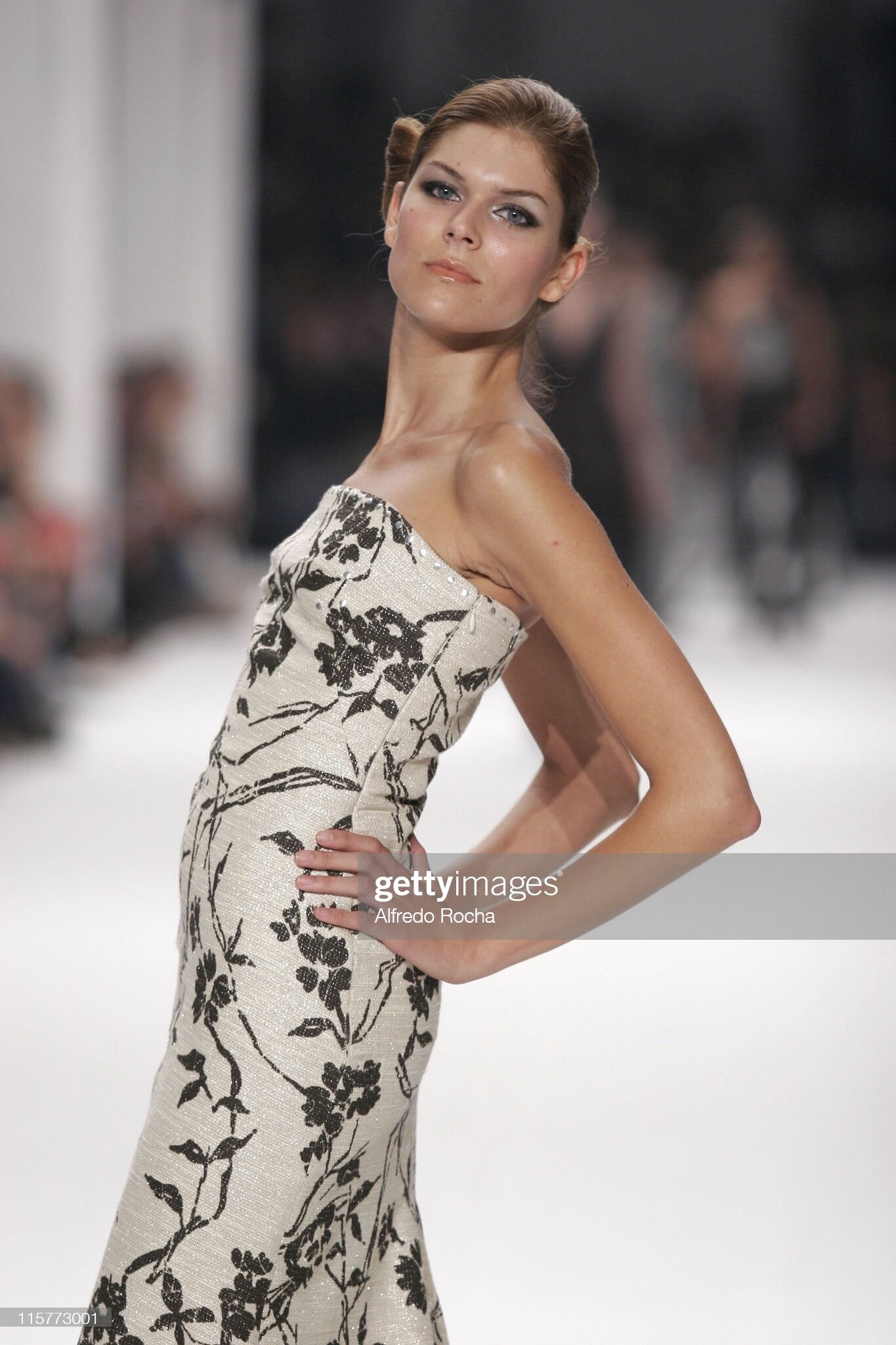
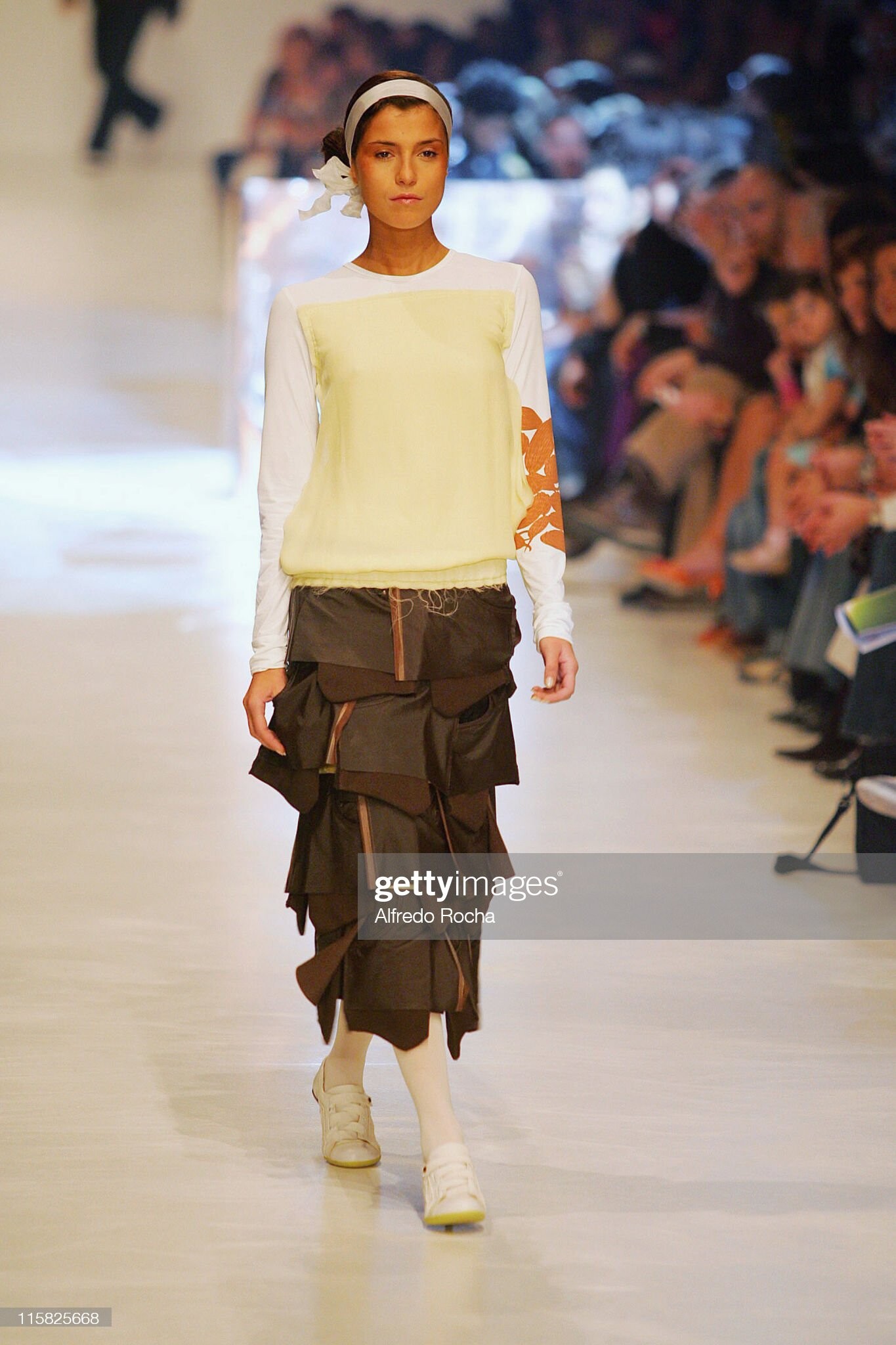
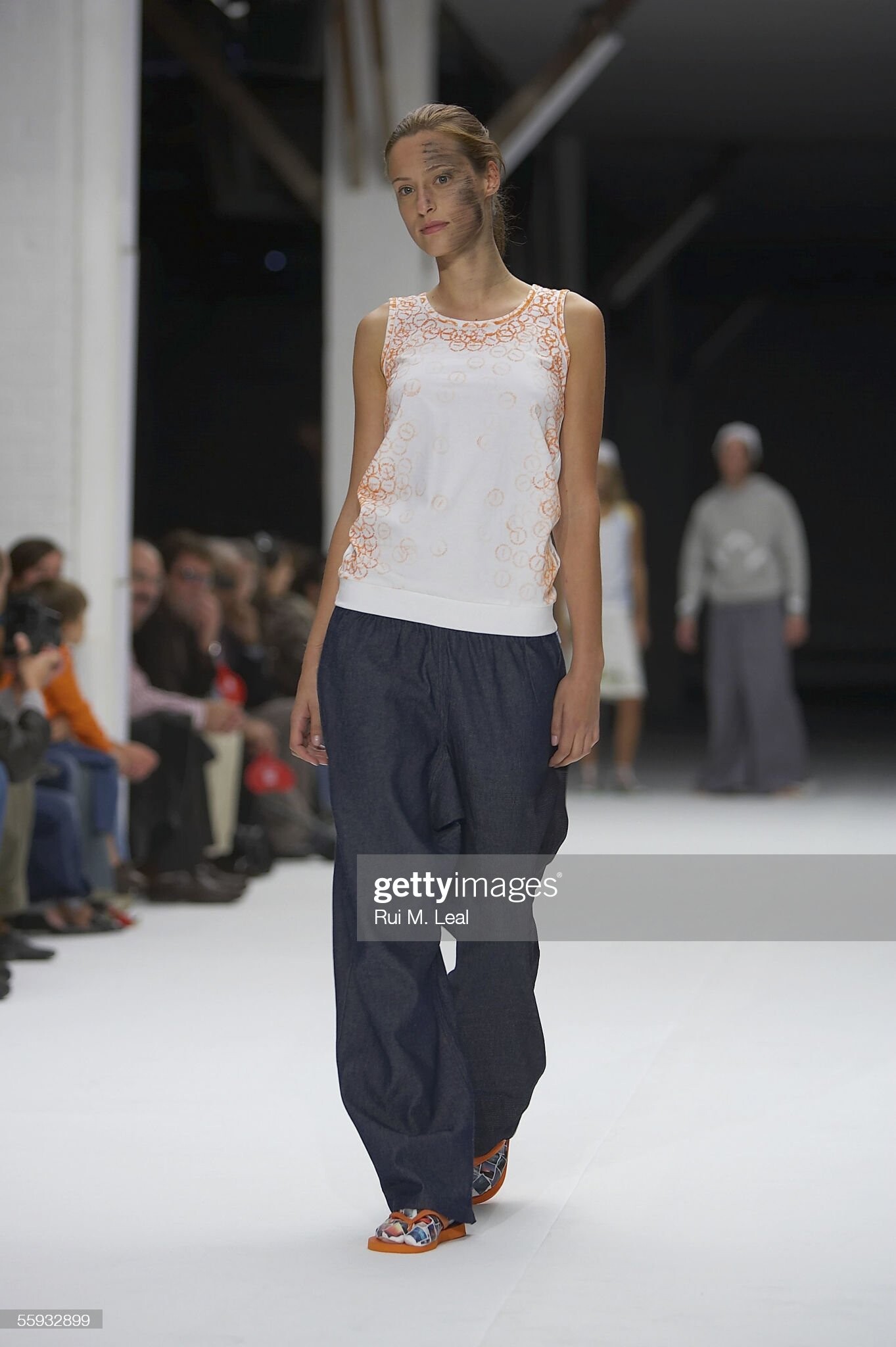
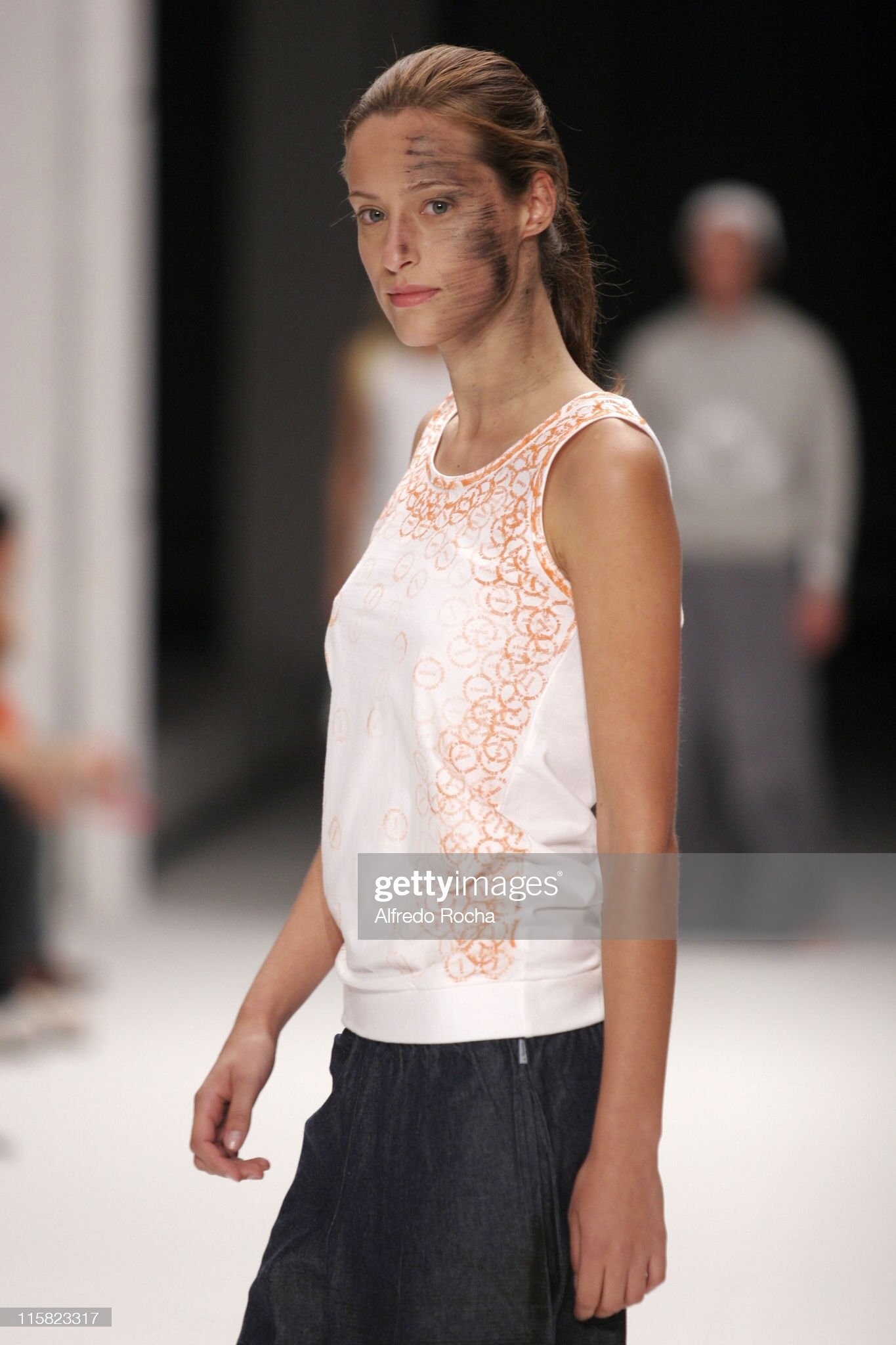
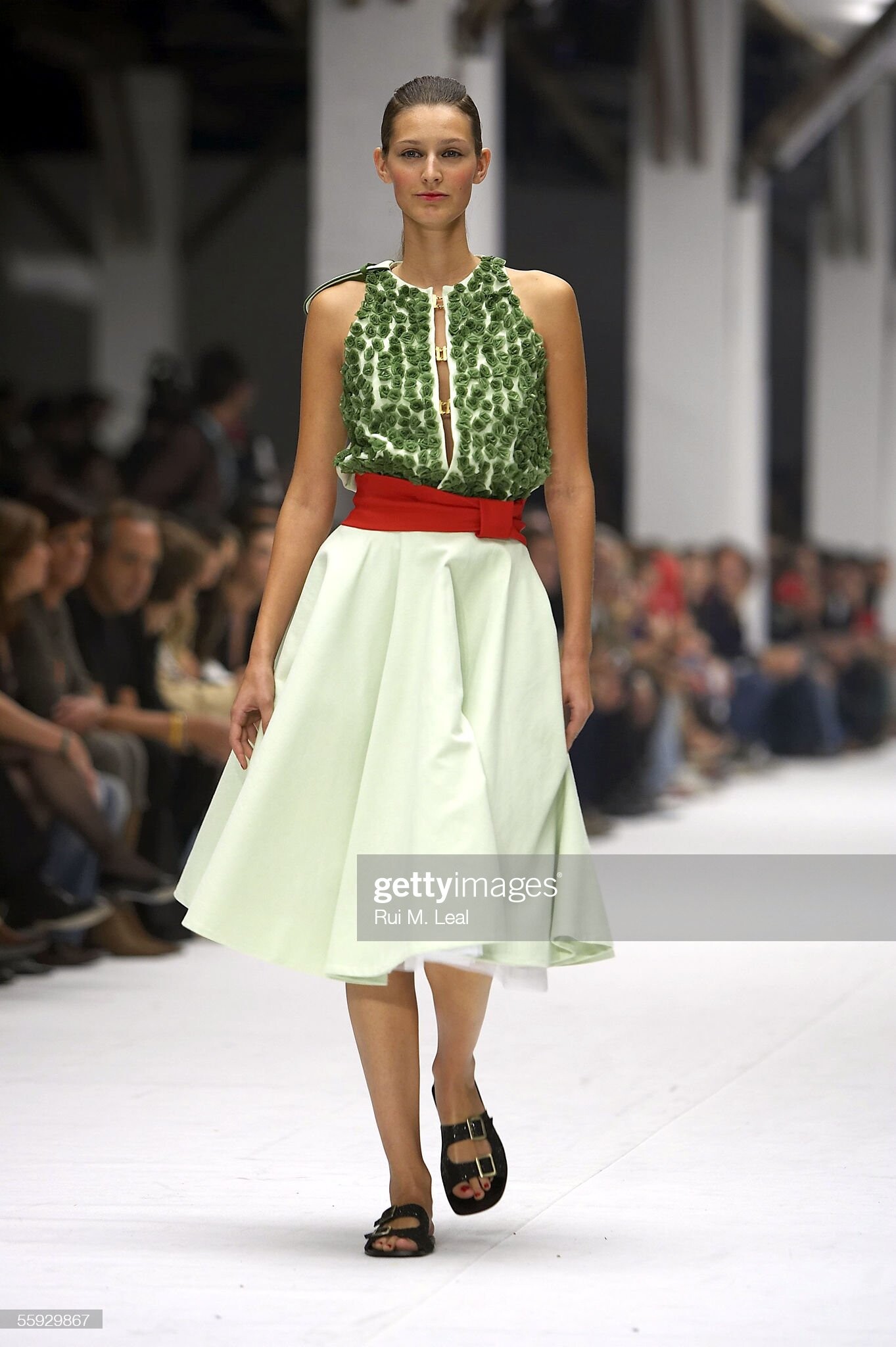
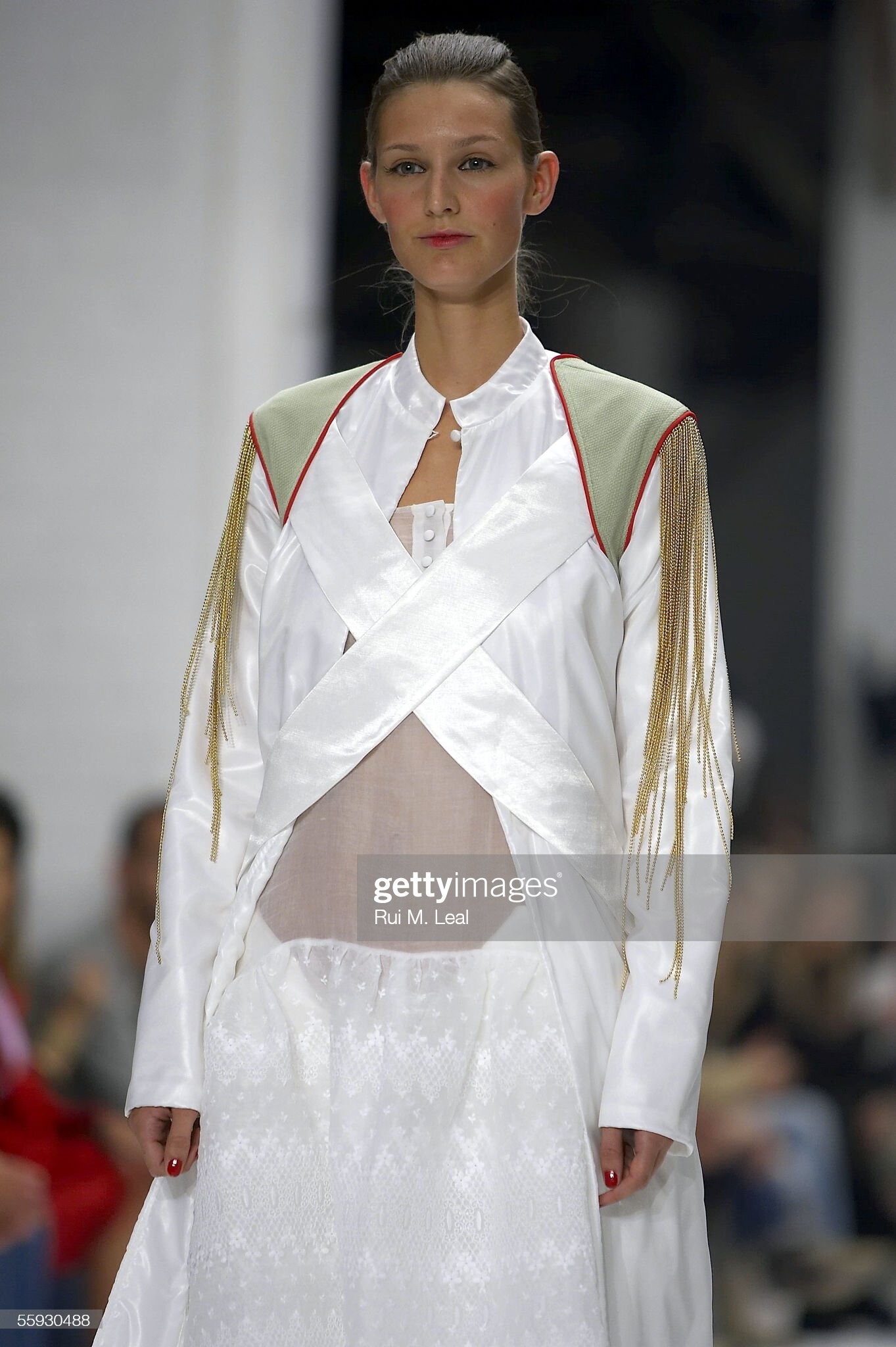
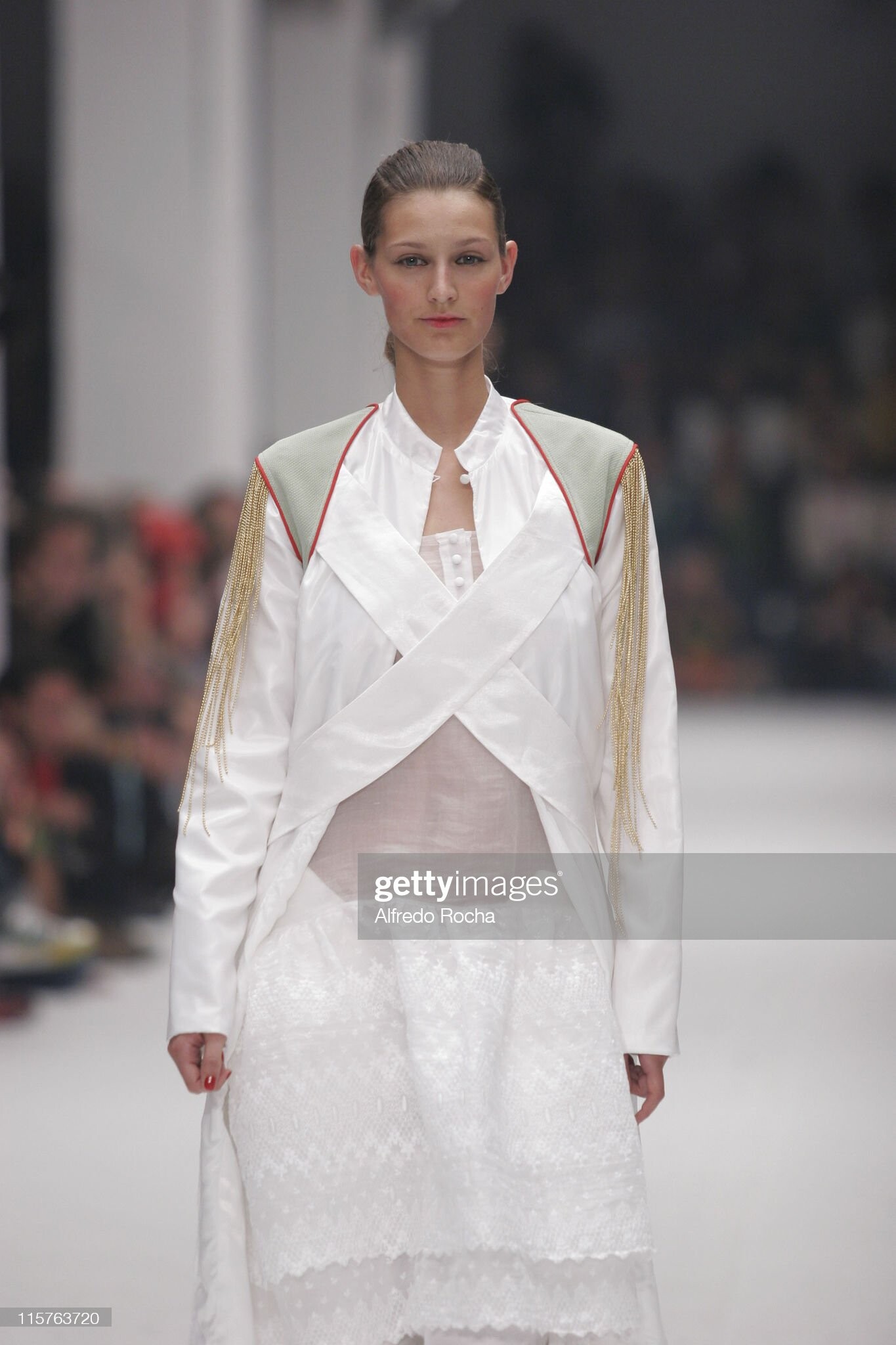
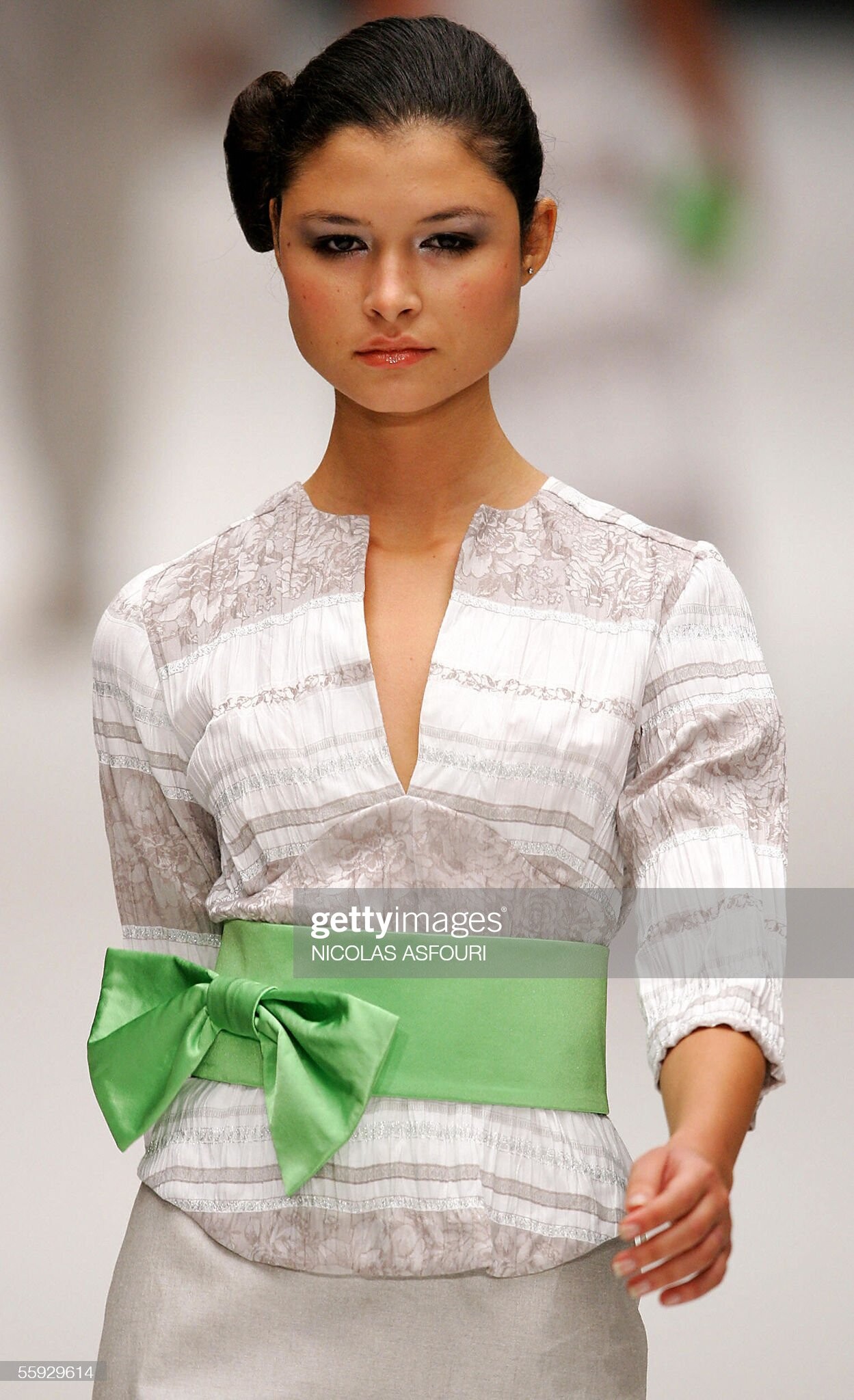
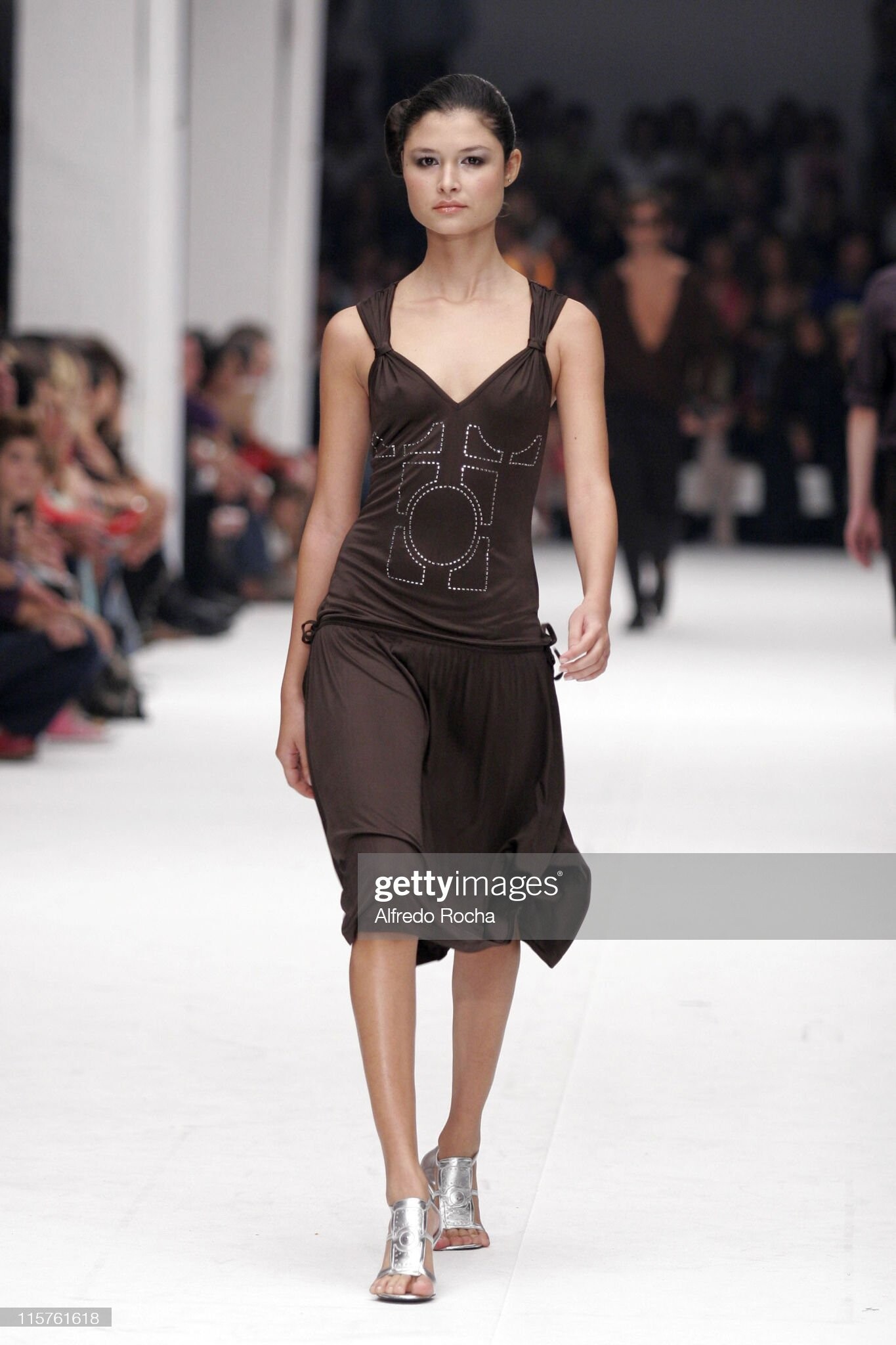
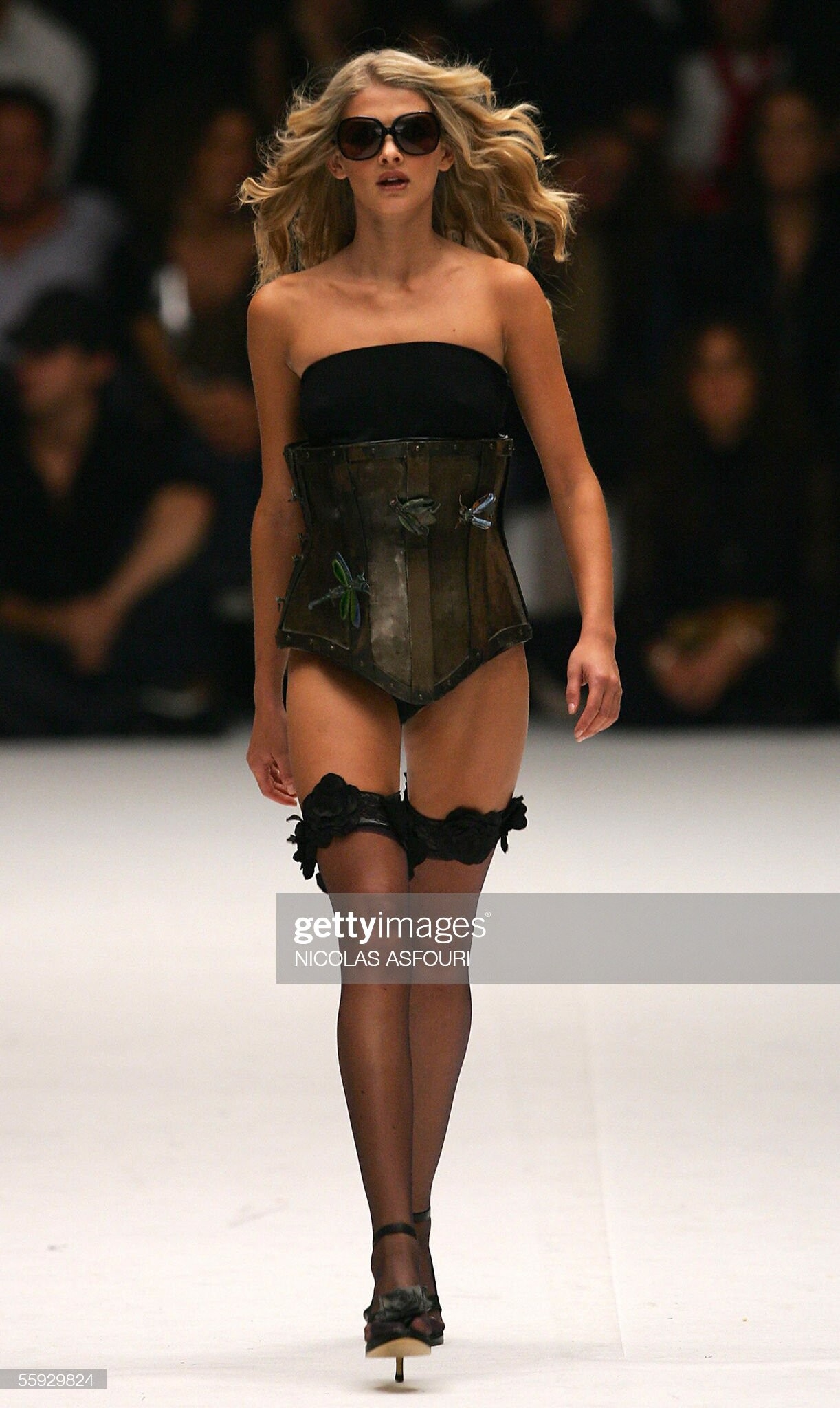
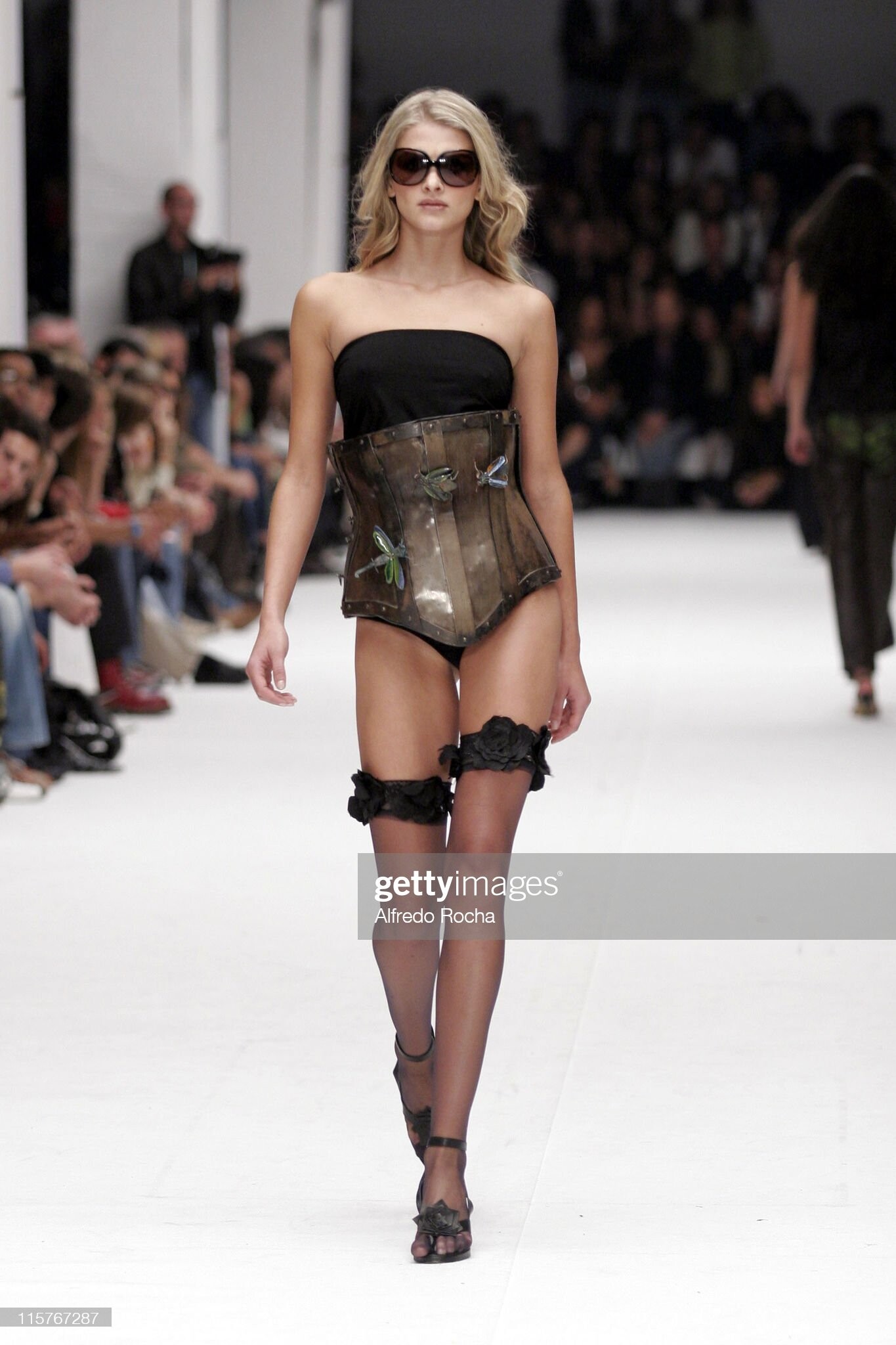
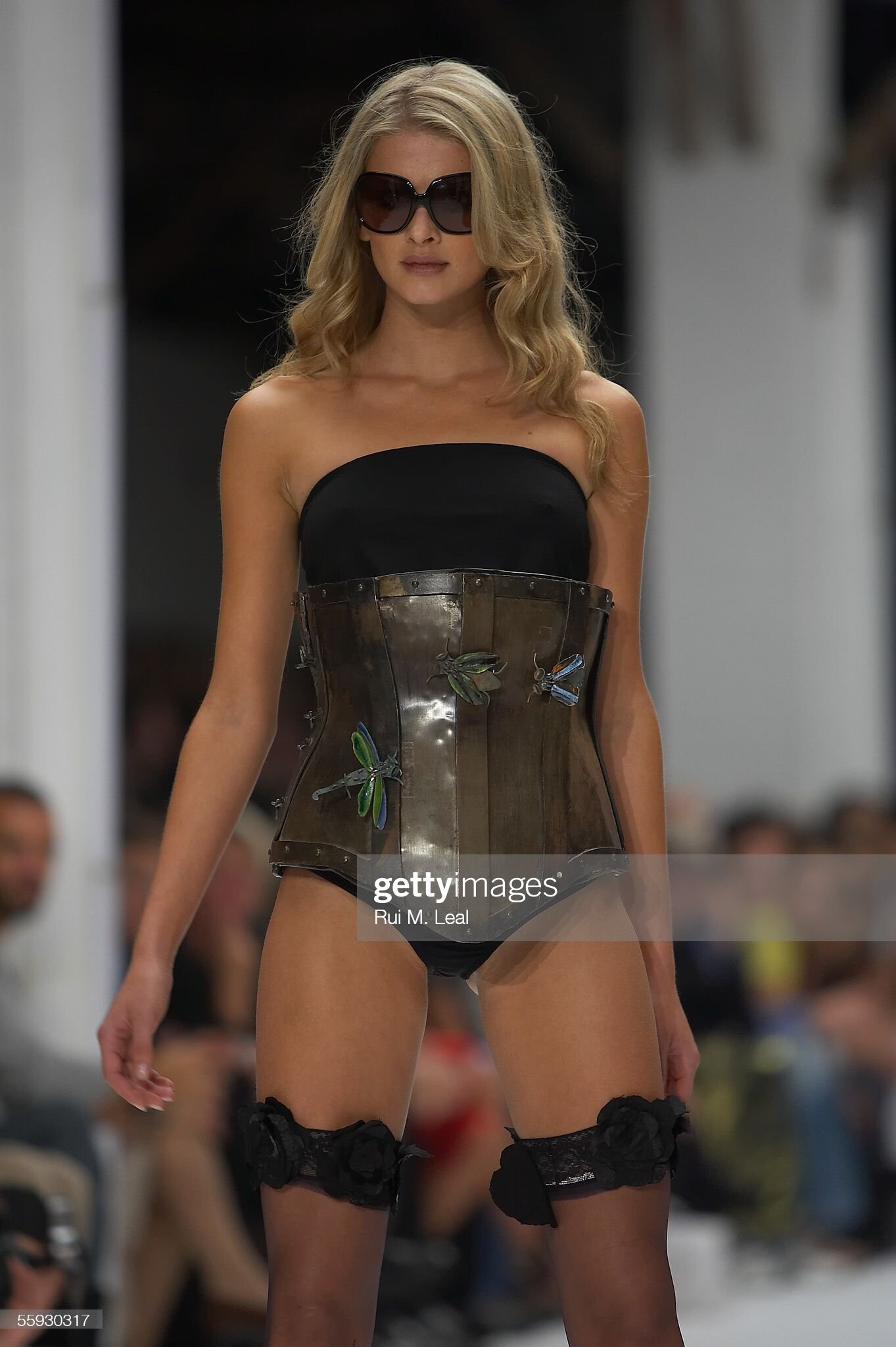
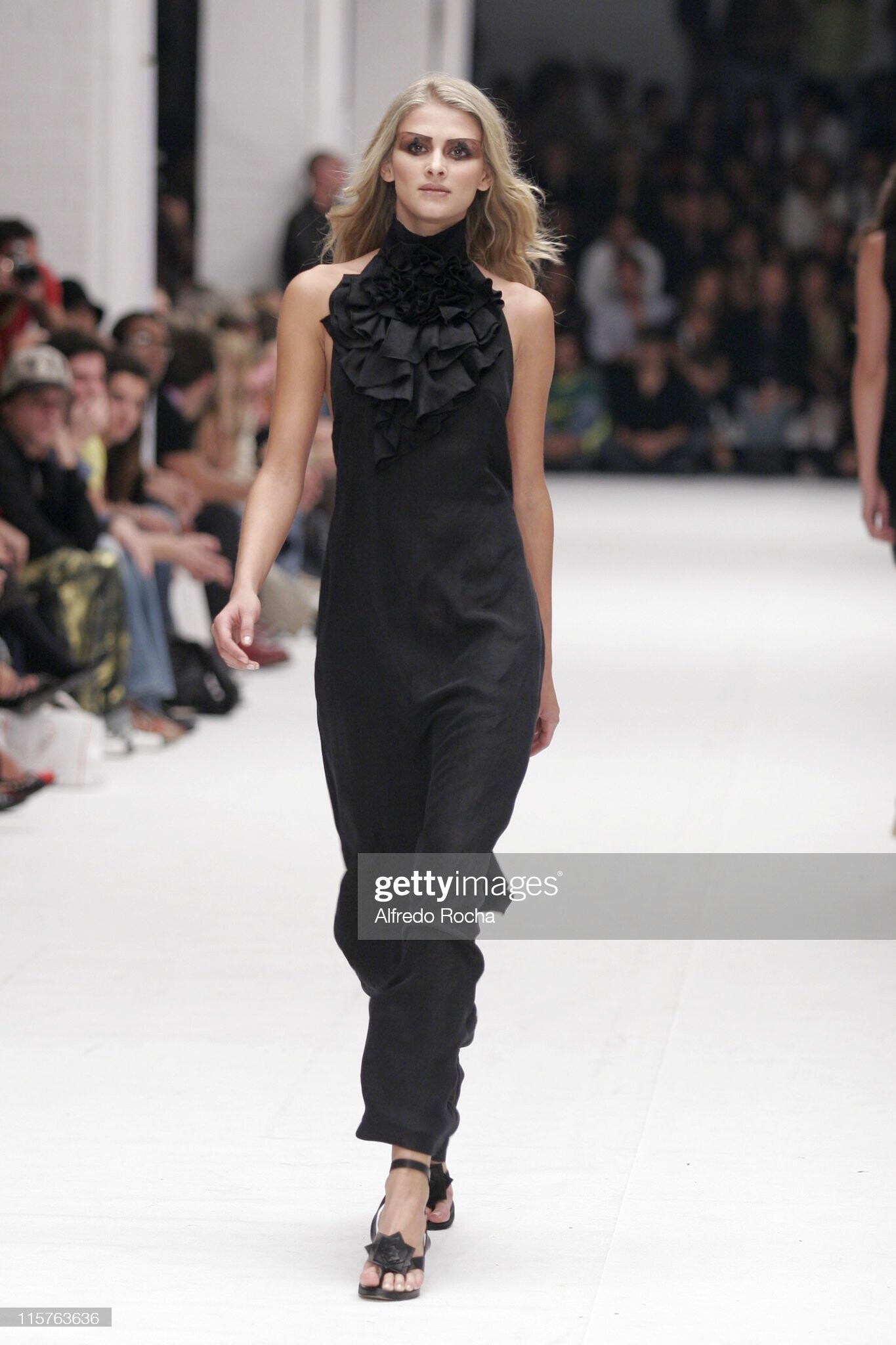
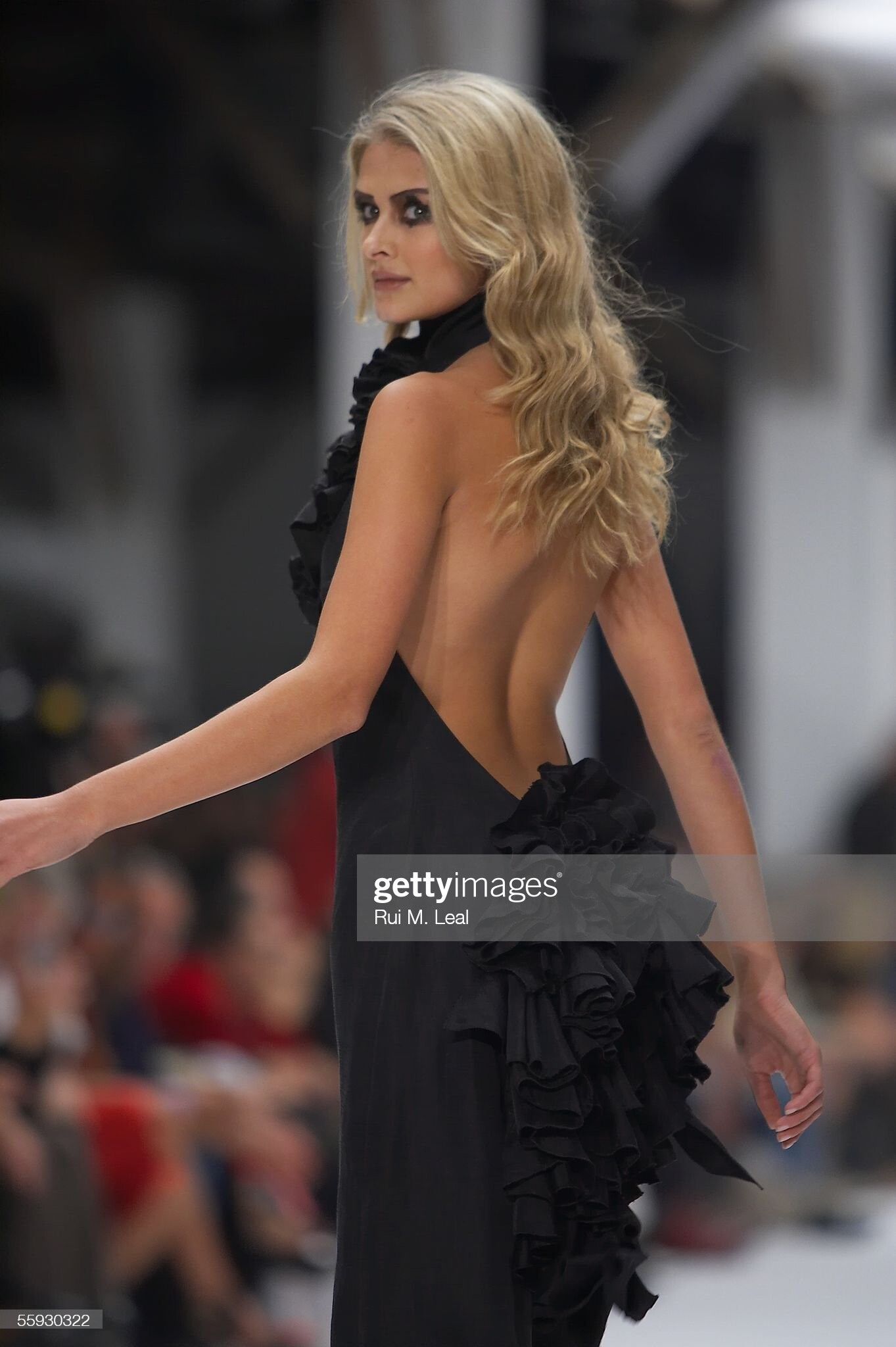
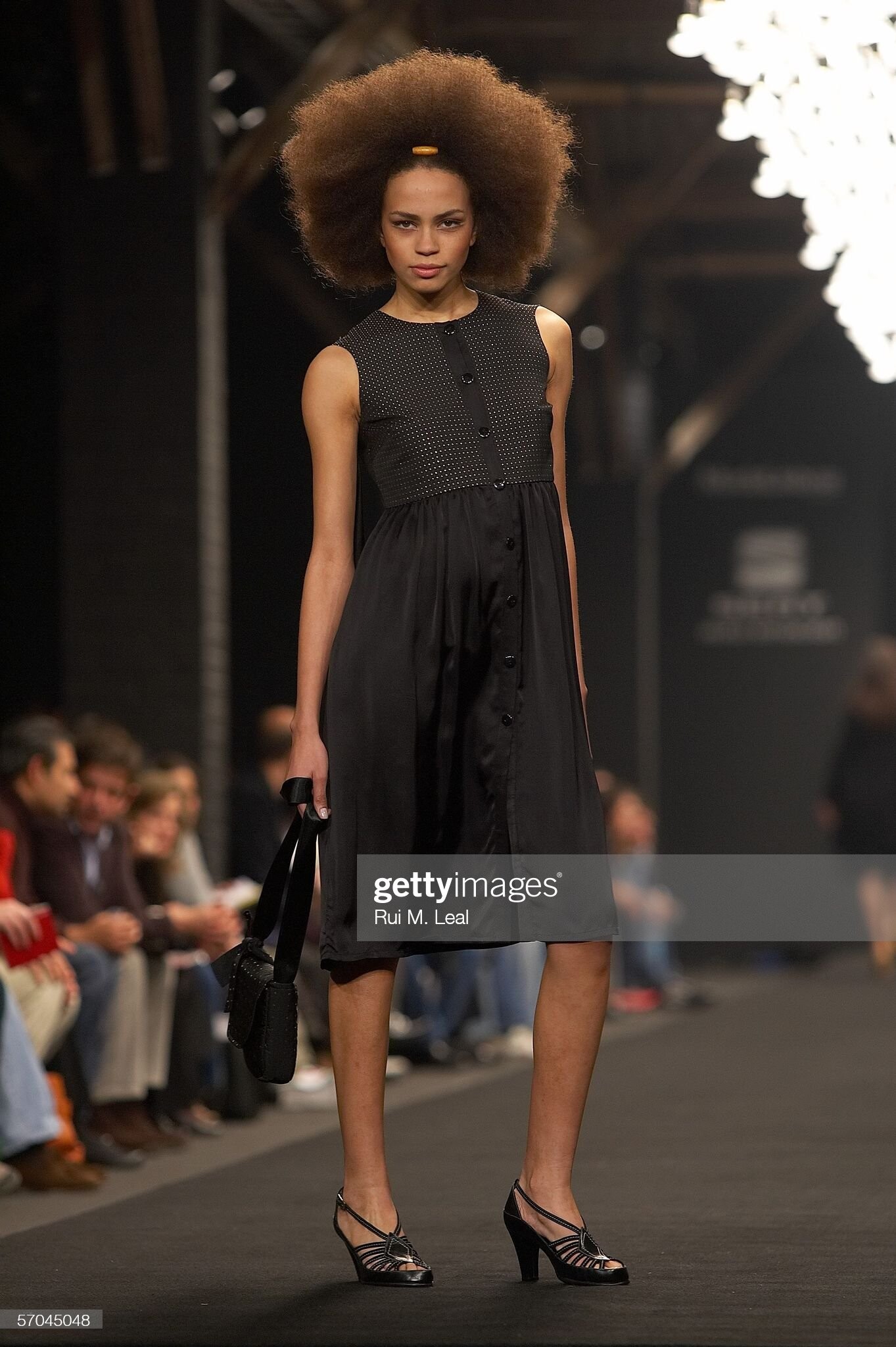
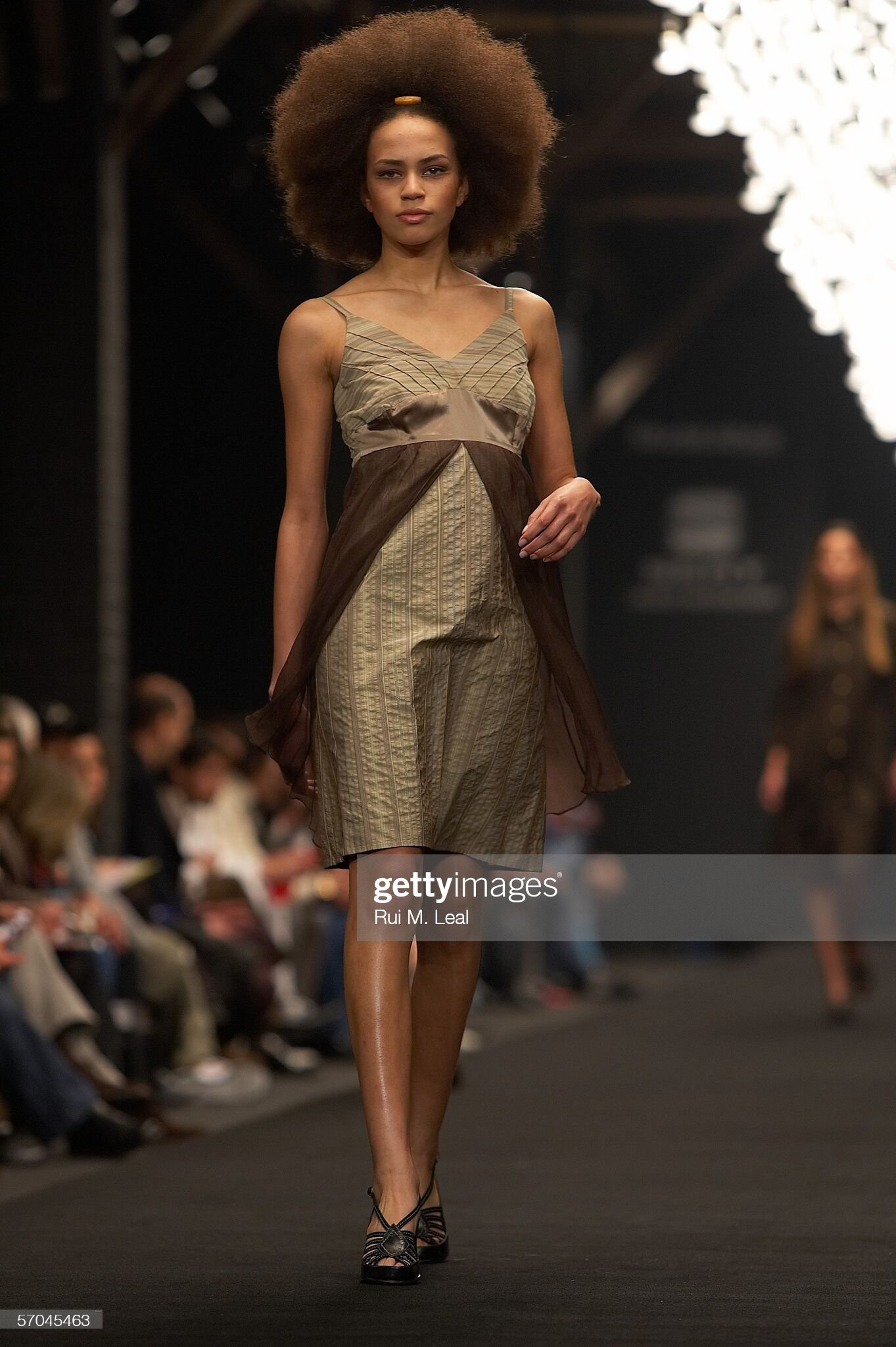
  12. a Story Tailors, s/s 2006 (Portugal)
  13. Jose Antonio Tenente, s/s 2006 (Portugal)
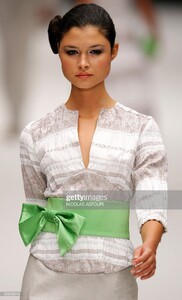
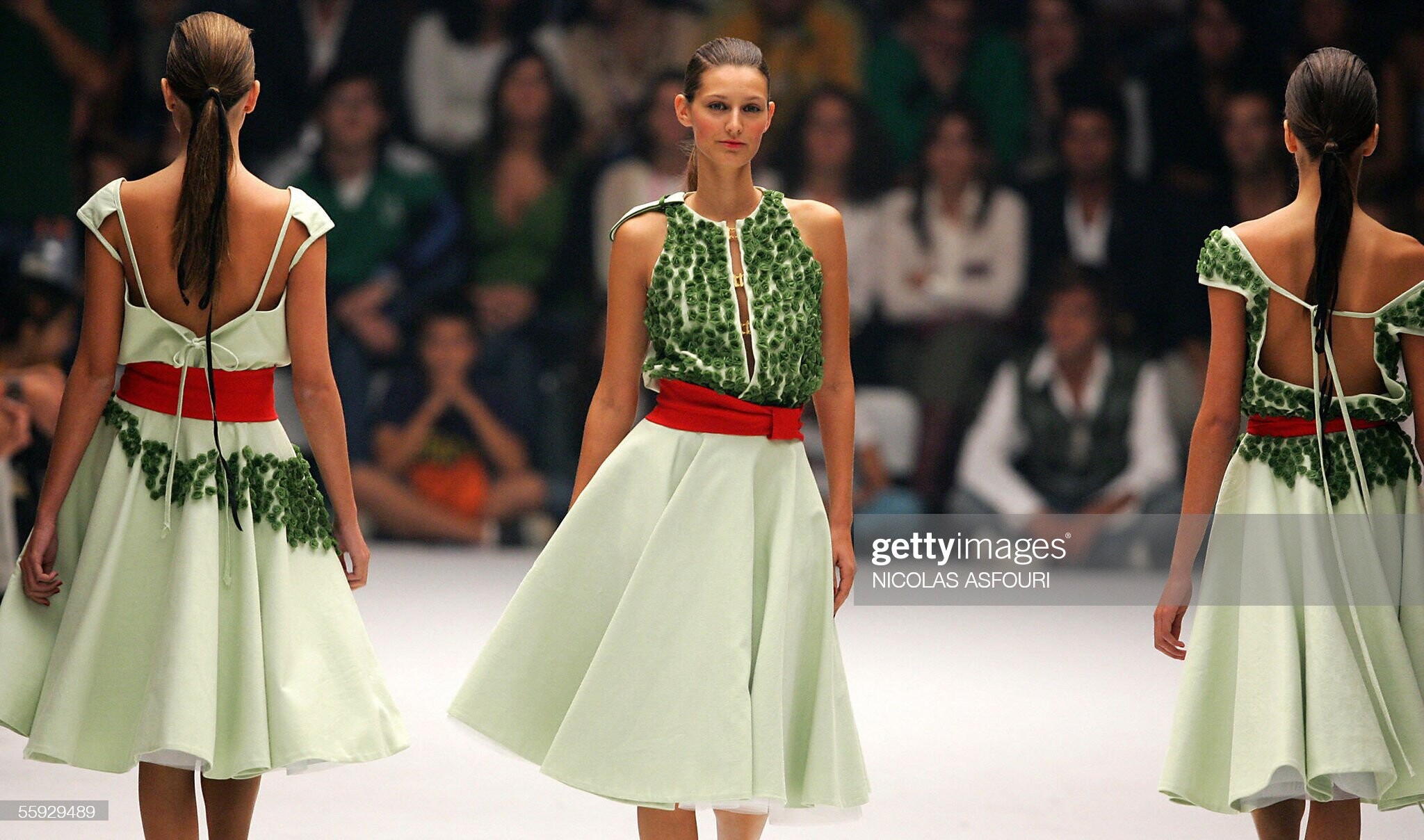
  14. Ana Salazar, s/s 2006 (Portugal)
  15. Ana Bela Baldaque, f/w 2006 (Portugal) Anabela

Account

Navigation

Search

Configure browser push notifications

Chrome (Android)
  1. Tap the lock icon next to the address bar.
  2. Tap Permissions → Notifications.
  3. Adjust your preference.
Chrome (Desktop)
  1. Click the padlock icon in the address bar.
  2. Select Site settings.
  3. Find Notifications and adjust your preference.