Jump to content
View in the app

A better way to browse. Learn more.

Bellazon

A full-screen app on your home screen with push notifications, badges and more.

To install this app on iOS and iPadOS
  1. Tap the Share icon in Safari
  2. Scroll the menu and tap Add to Home Screen.
  3. Tap Add in the top-right corner.
To install this app on Android
  1. Tap the 3-dot menu (⋮) in the top-right corner of the browser.
  2. Tap Add to Home screen or Install app.
  3. Confirm by tapping Install.

tarsier41

Members
  • Joined

  • Last visited

Everything posted by tarsier41

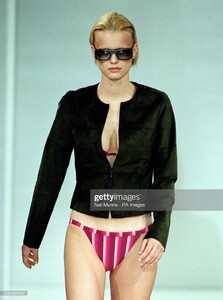
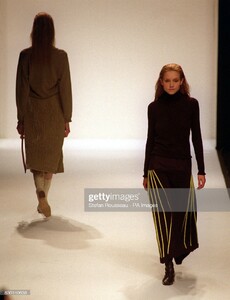
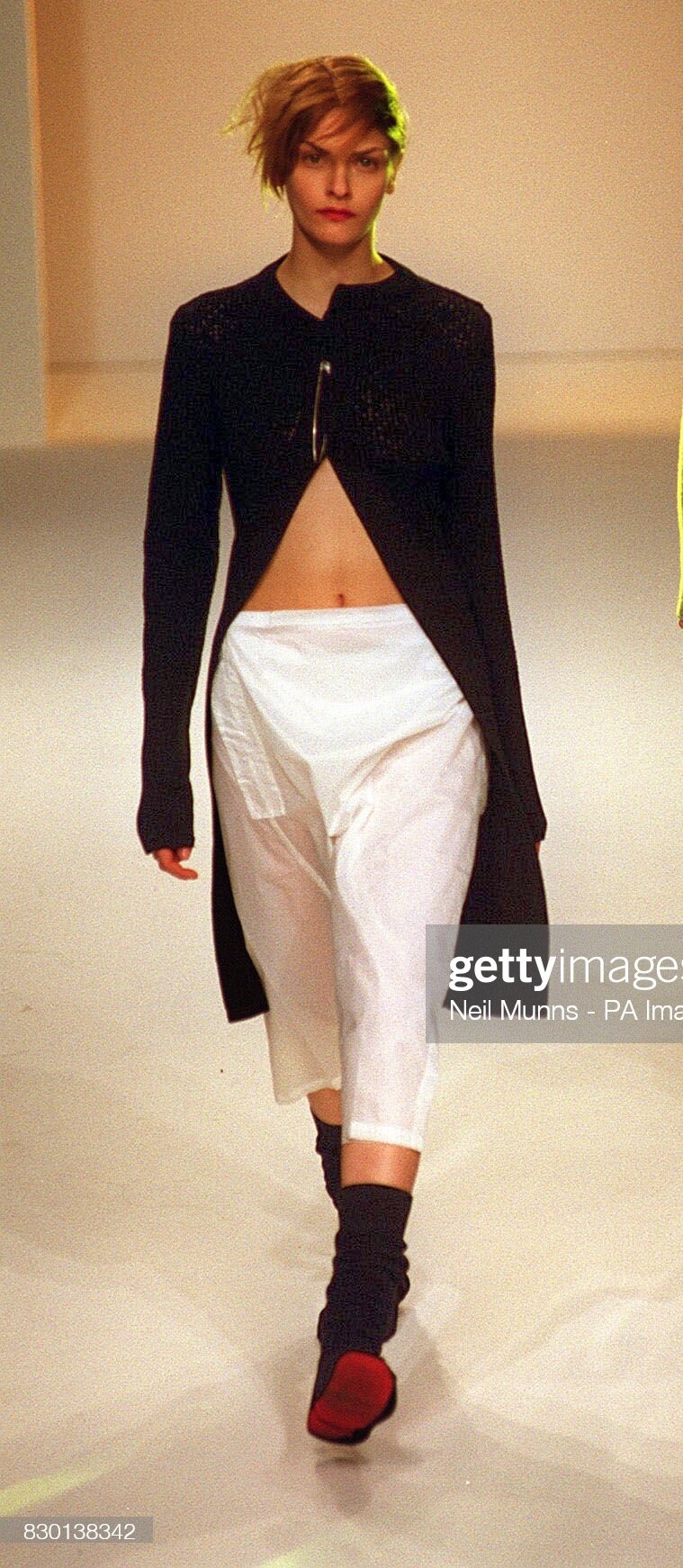
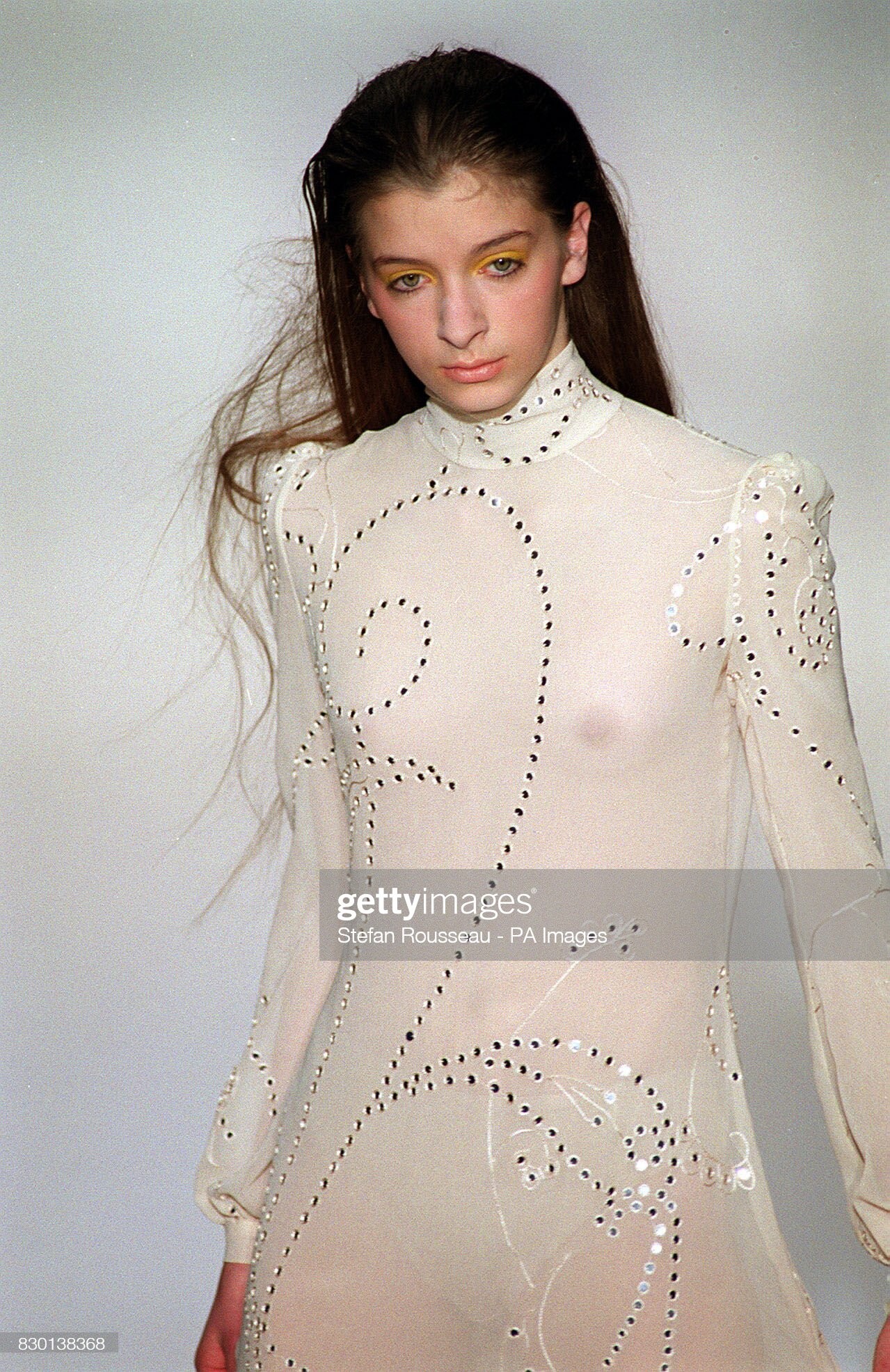
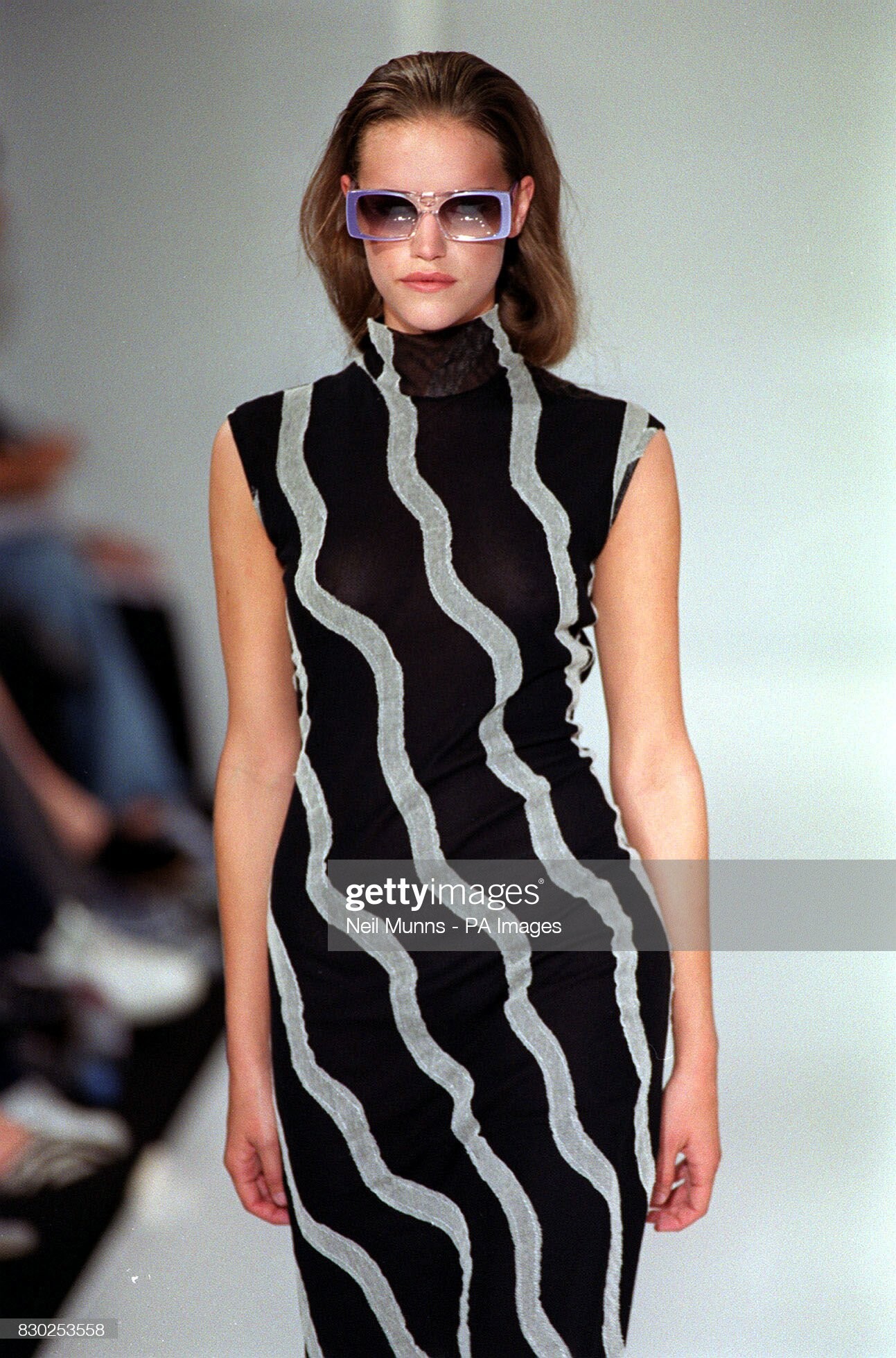
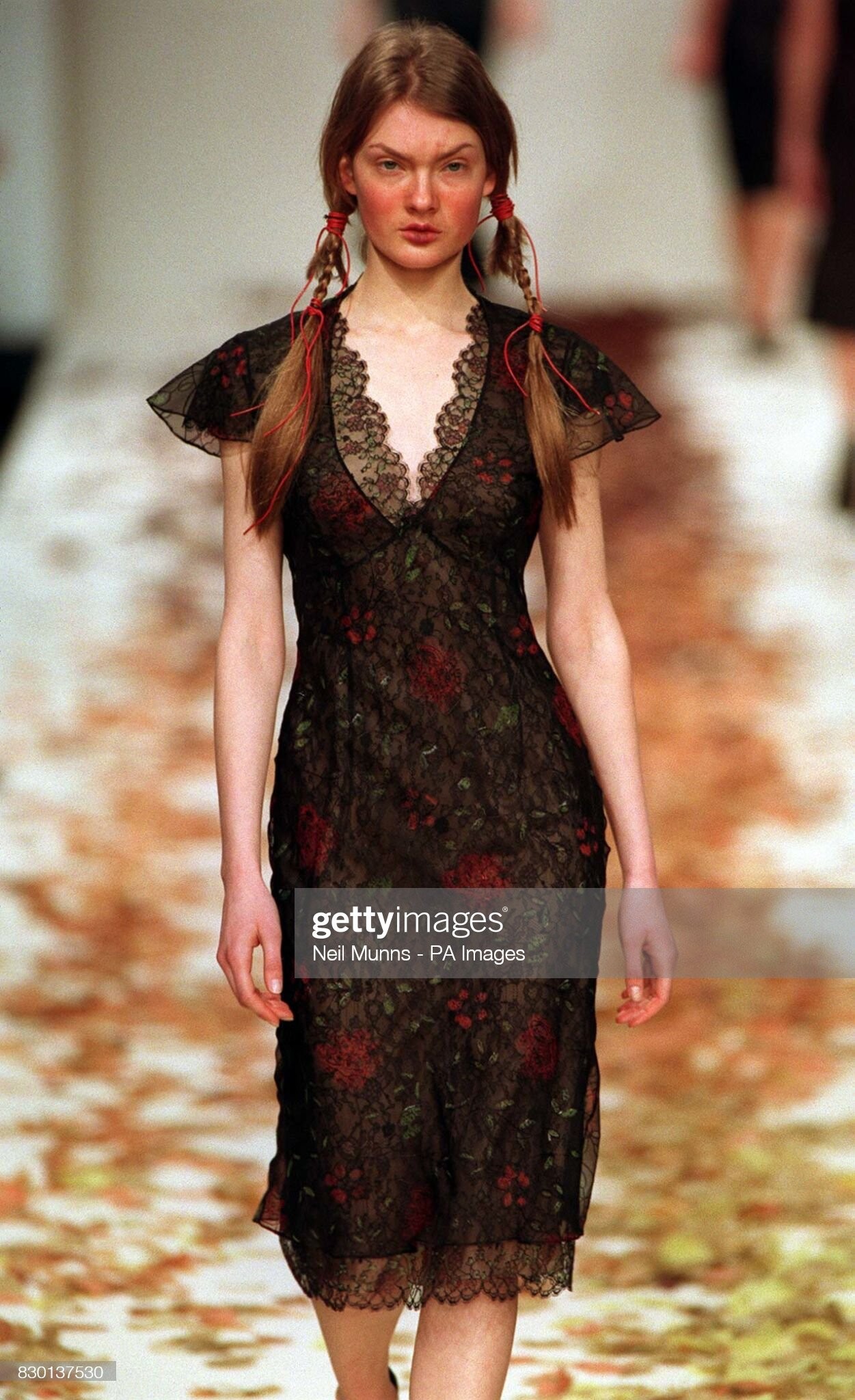
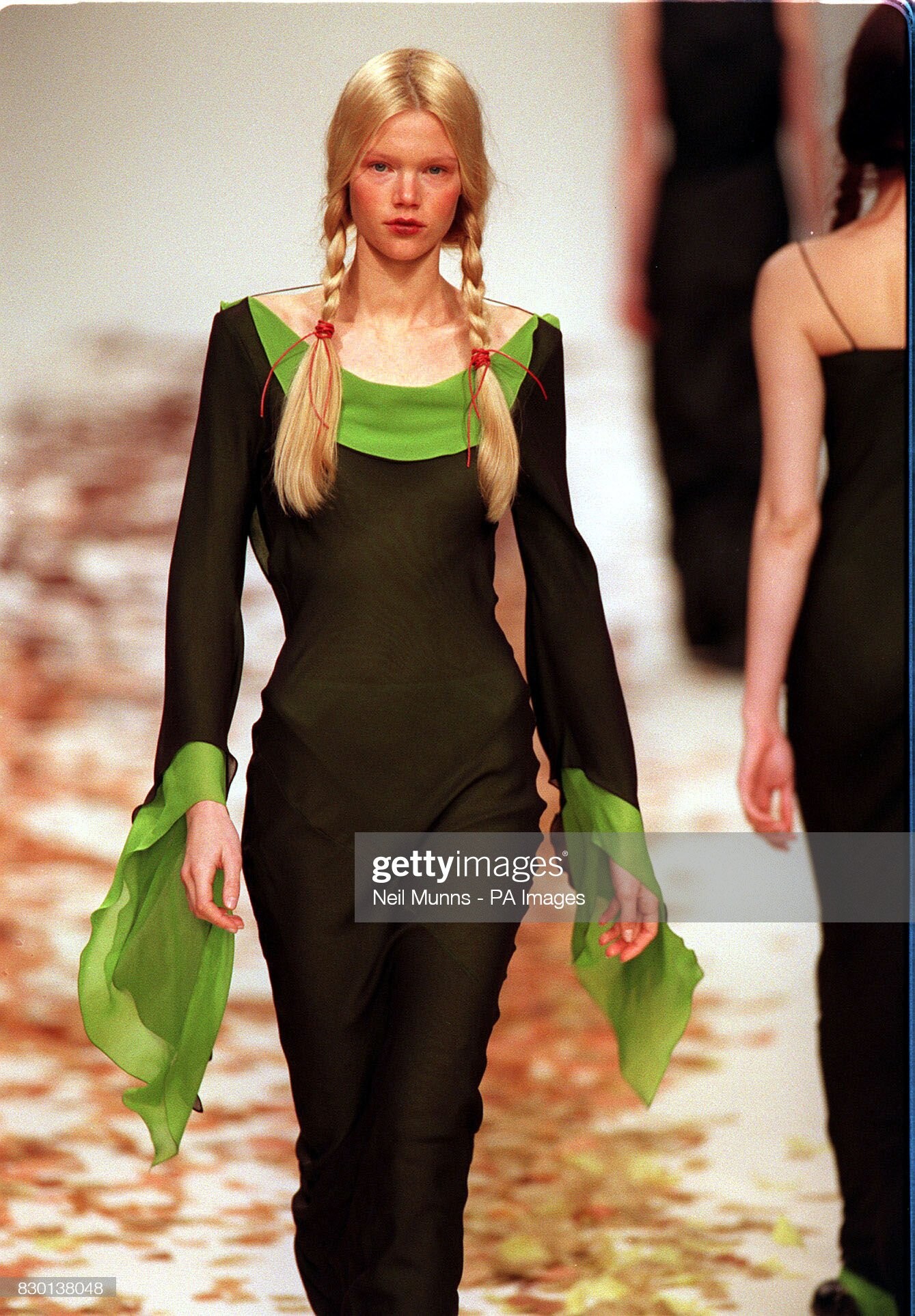
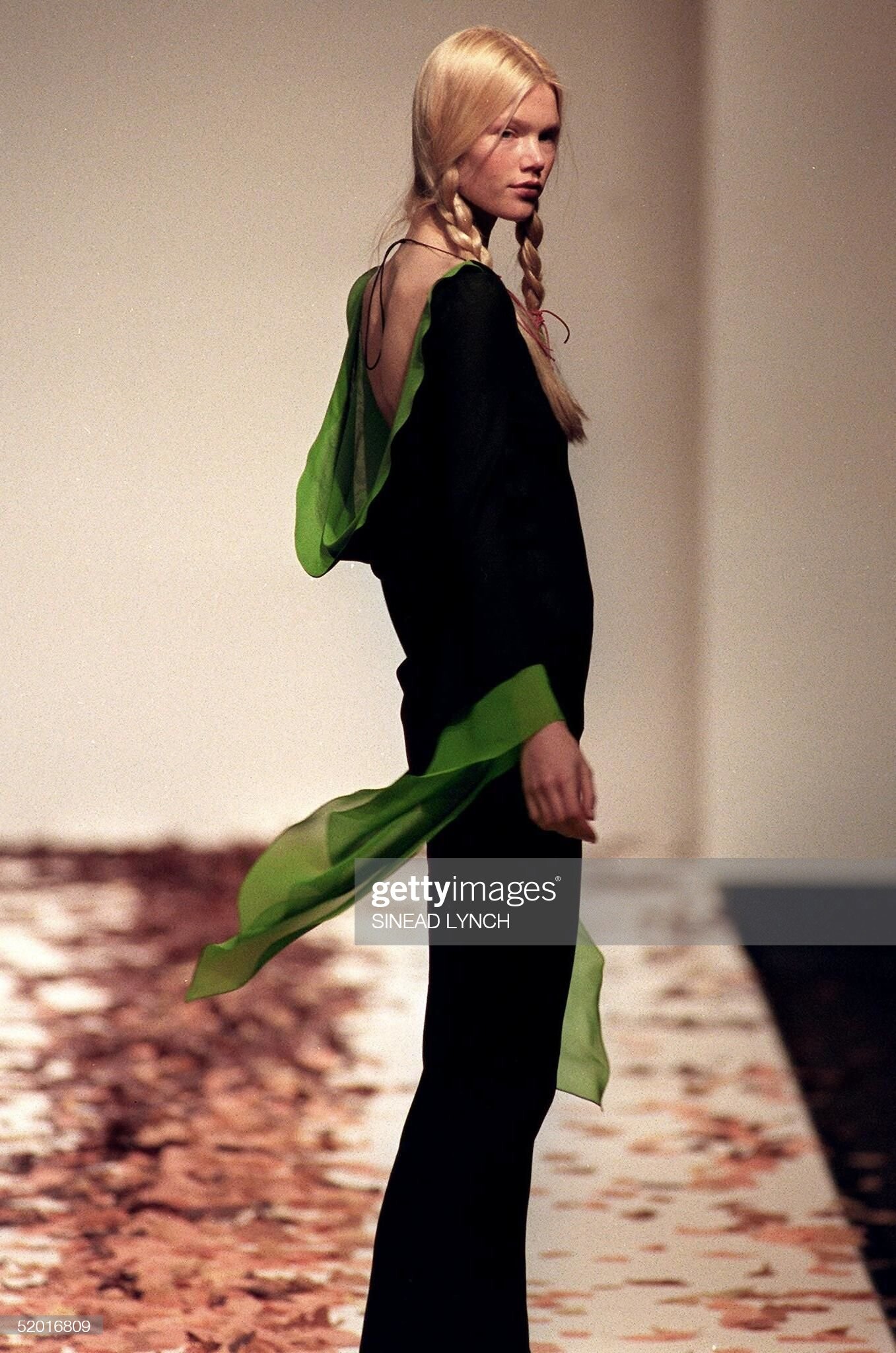
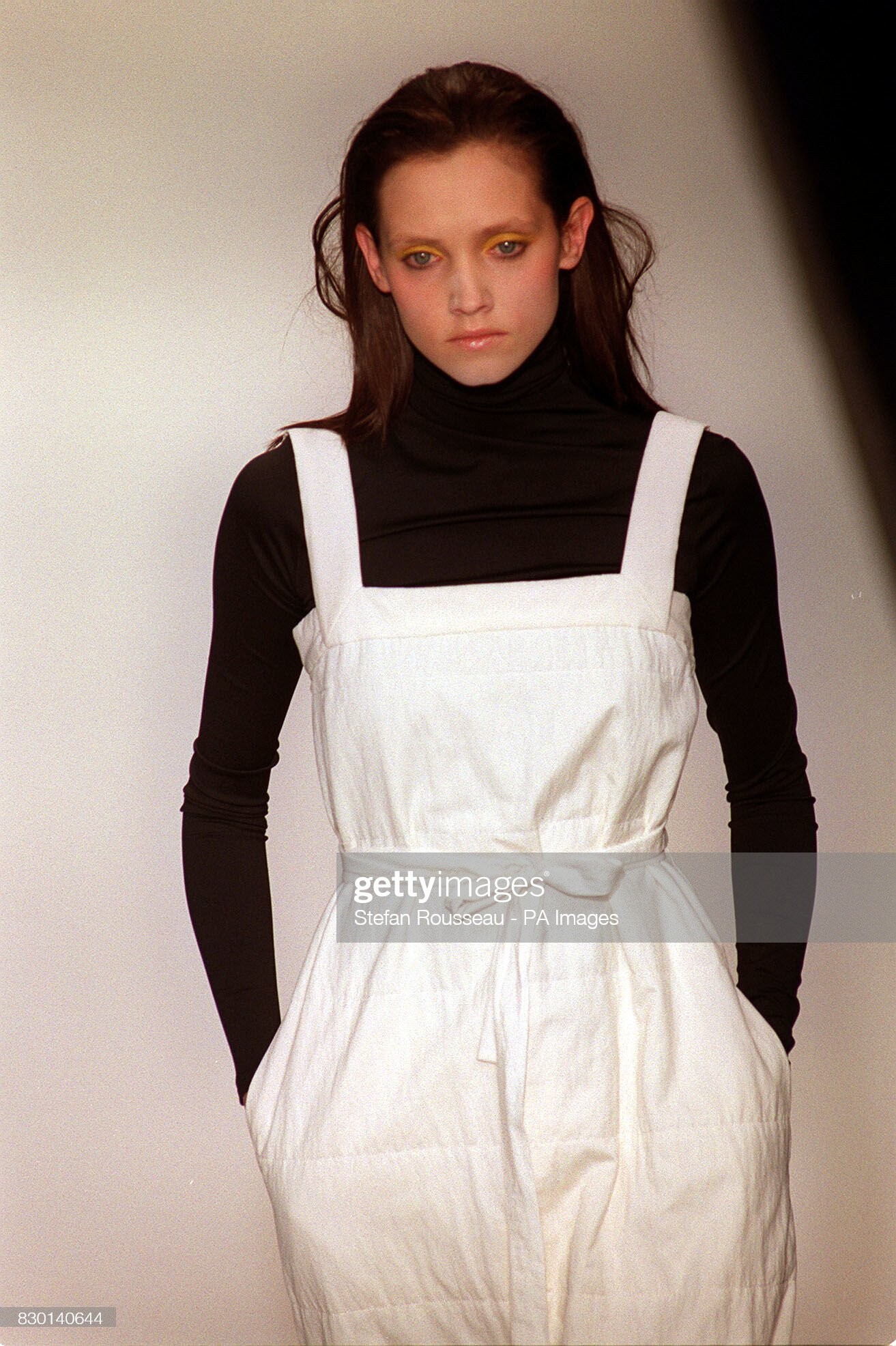
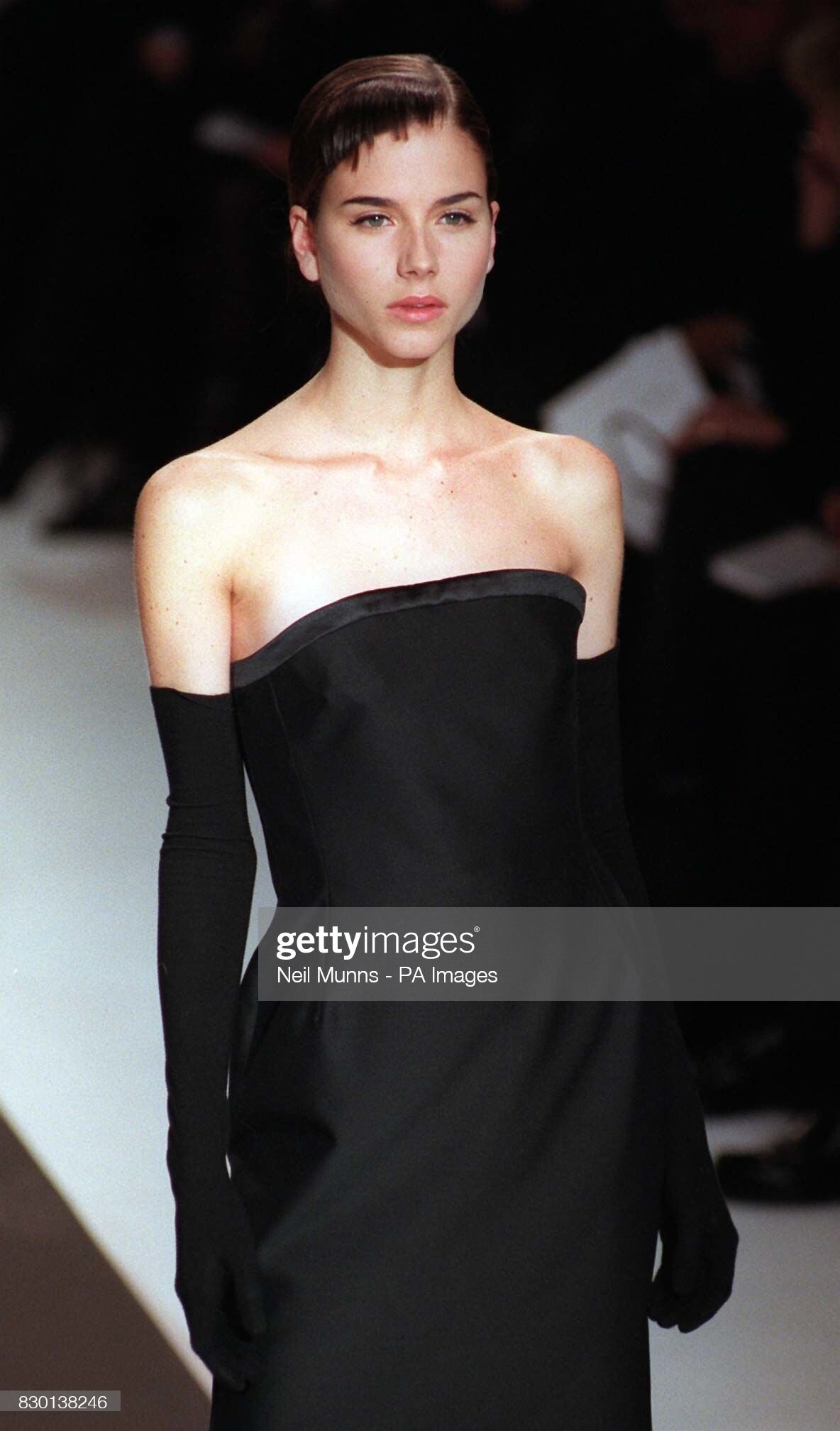
  1. Amanda Wakeley (London) fall 1999
  2. Amanda Wakeley (London) fall 1999
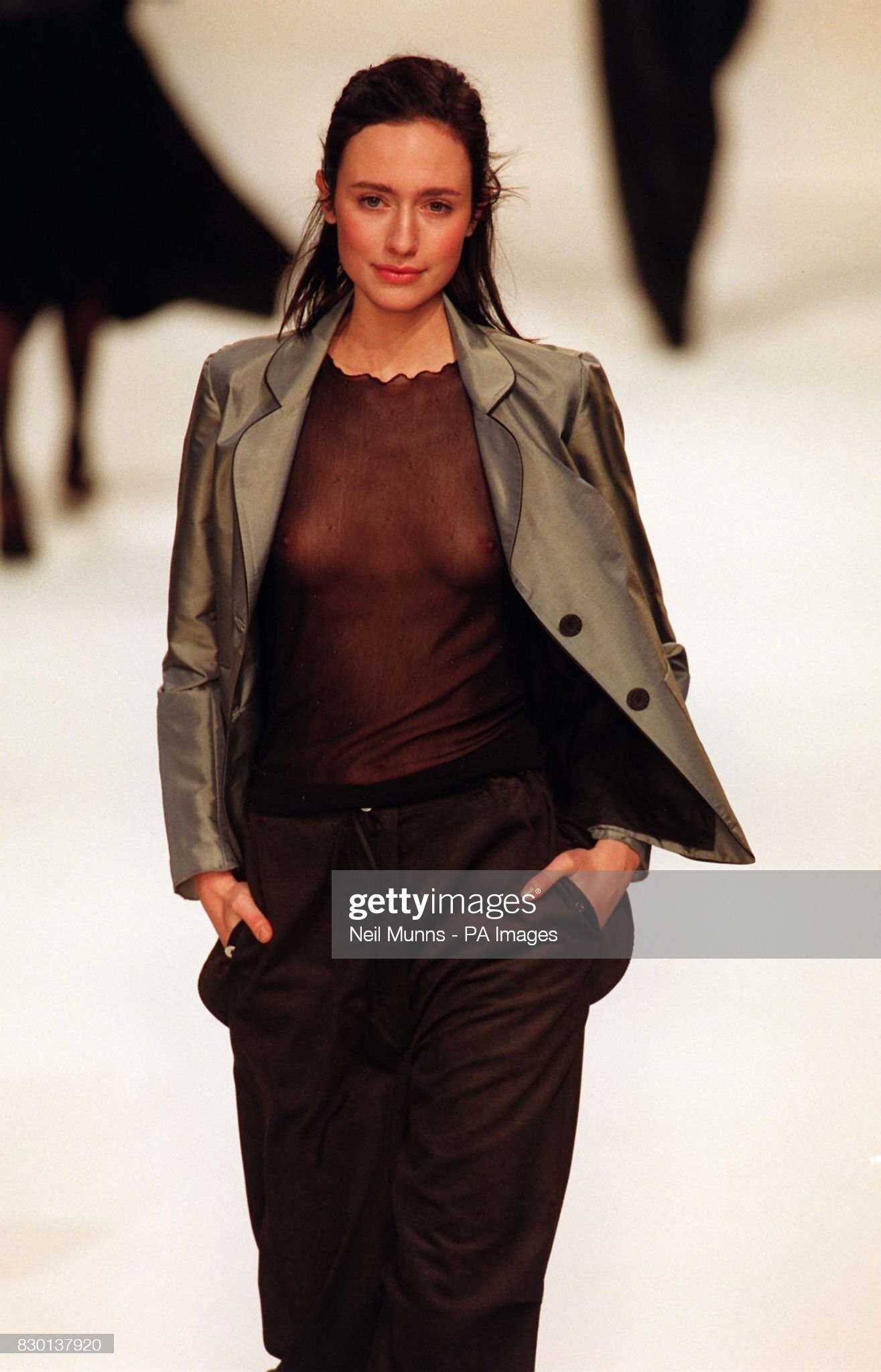
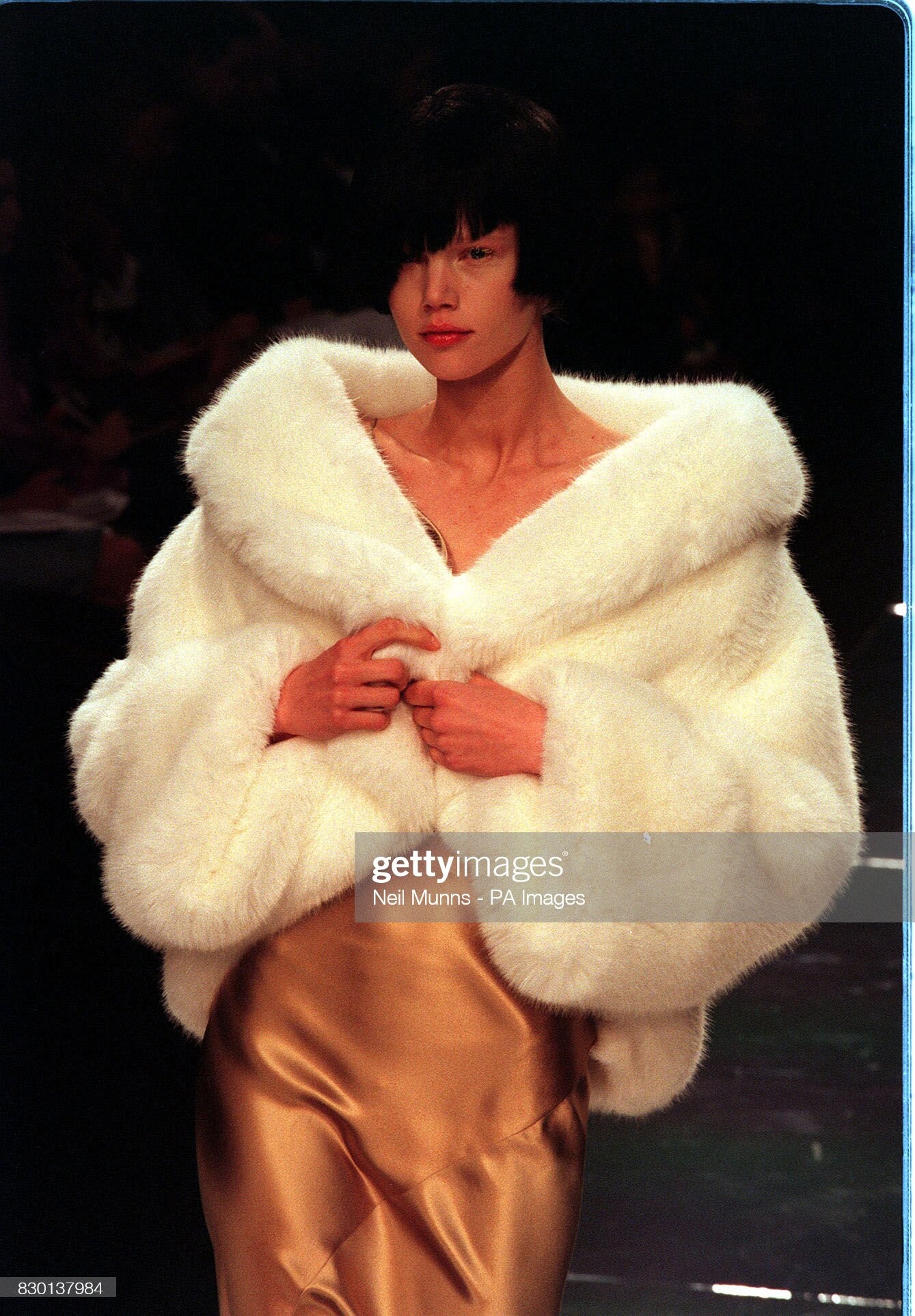
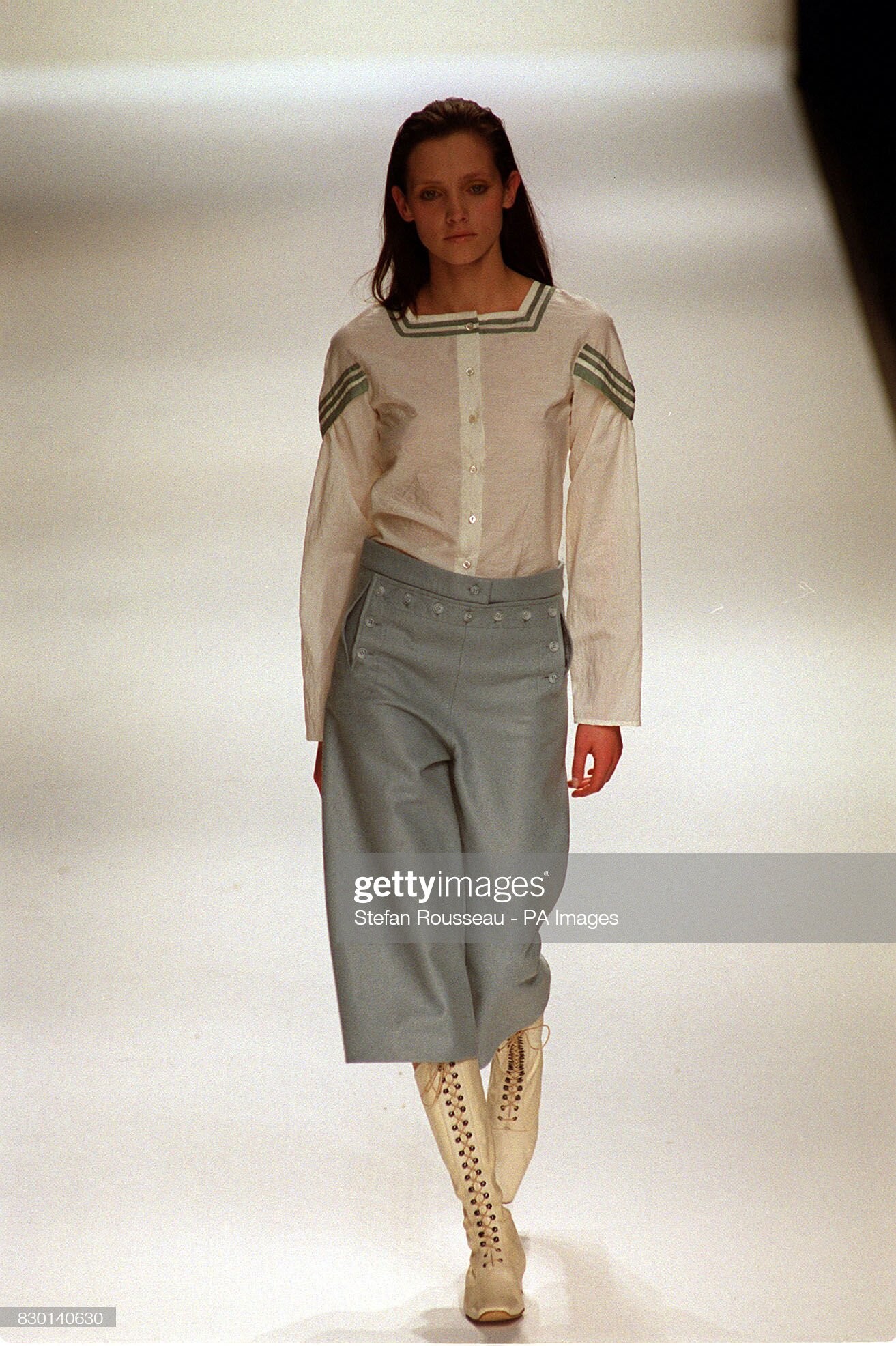
  3. John Rocha (London) fall 1999
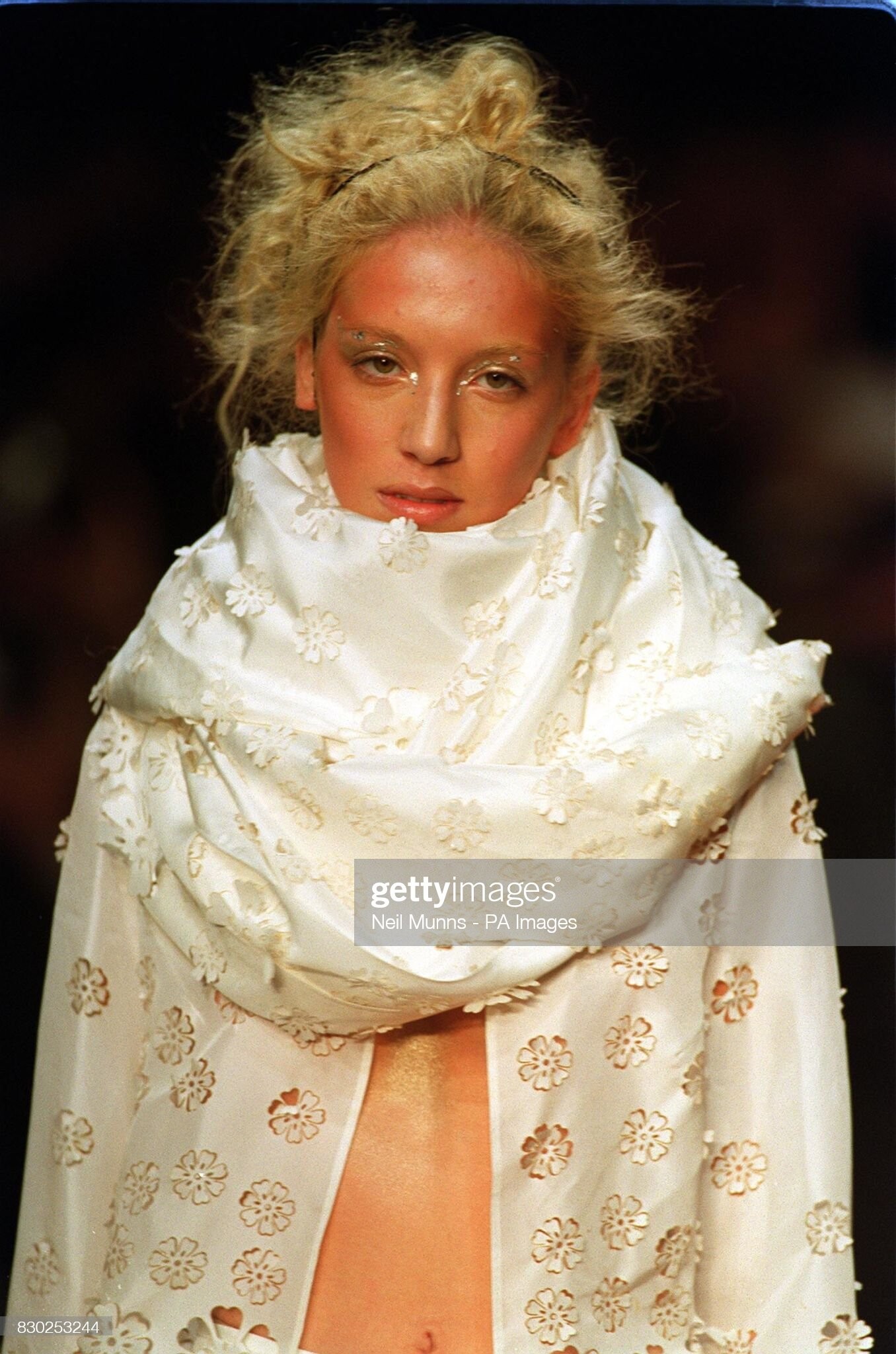
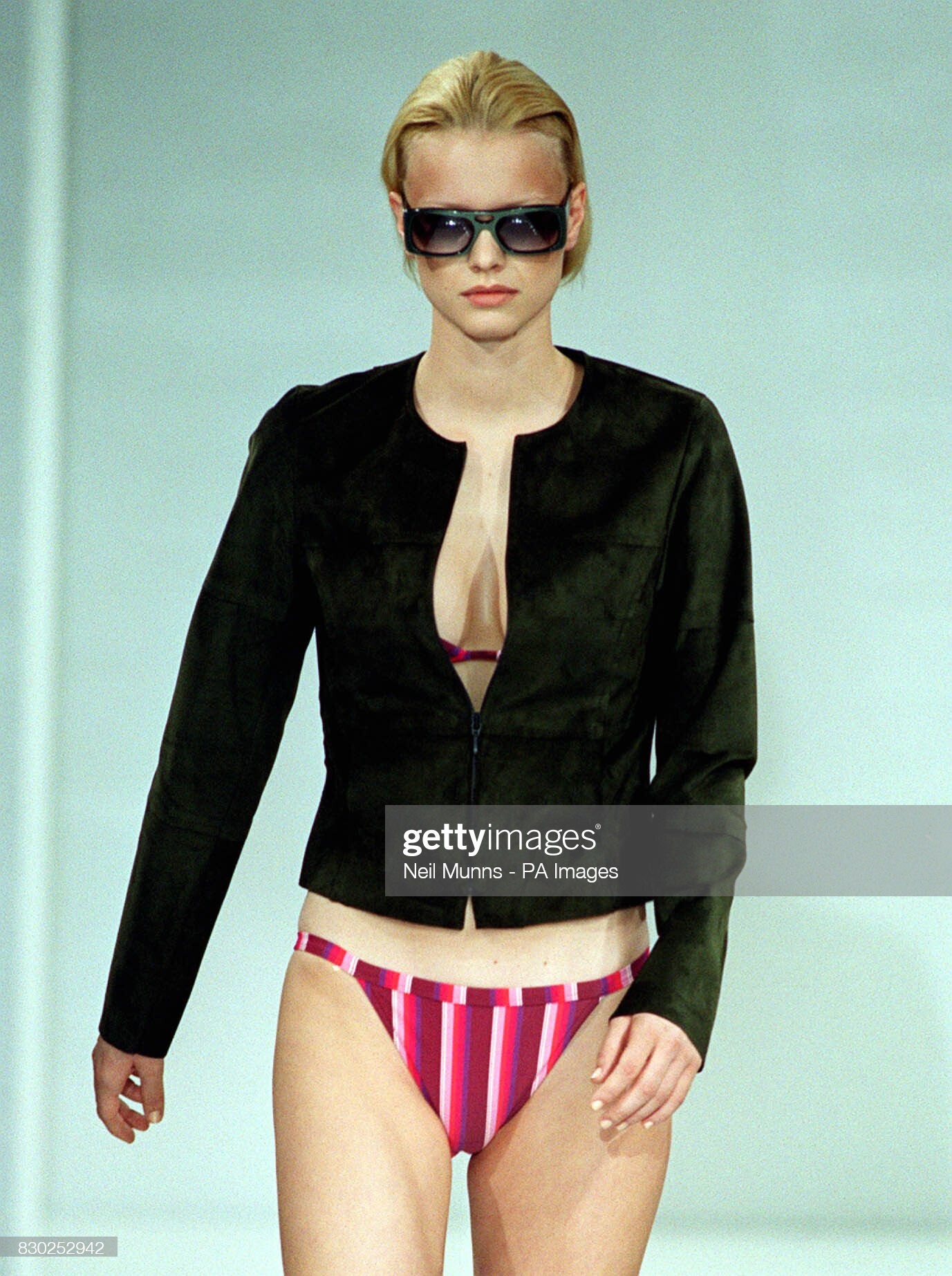
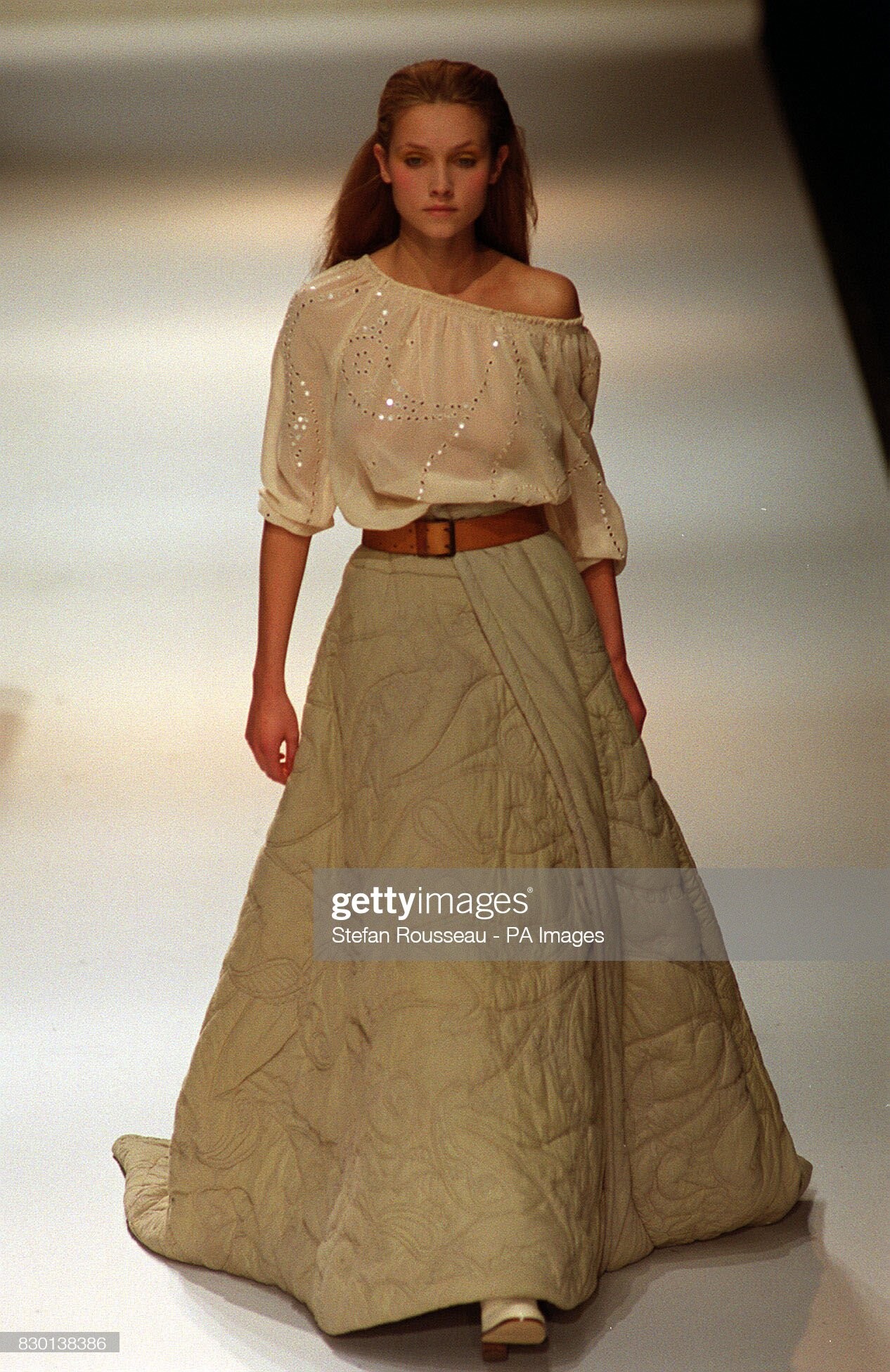
  4. as Four (London) spring 2000
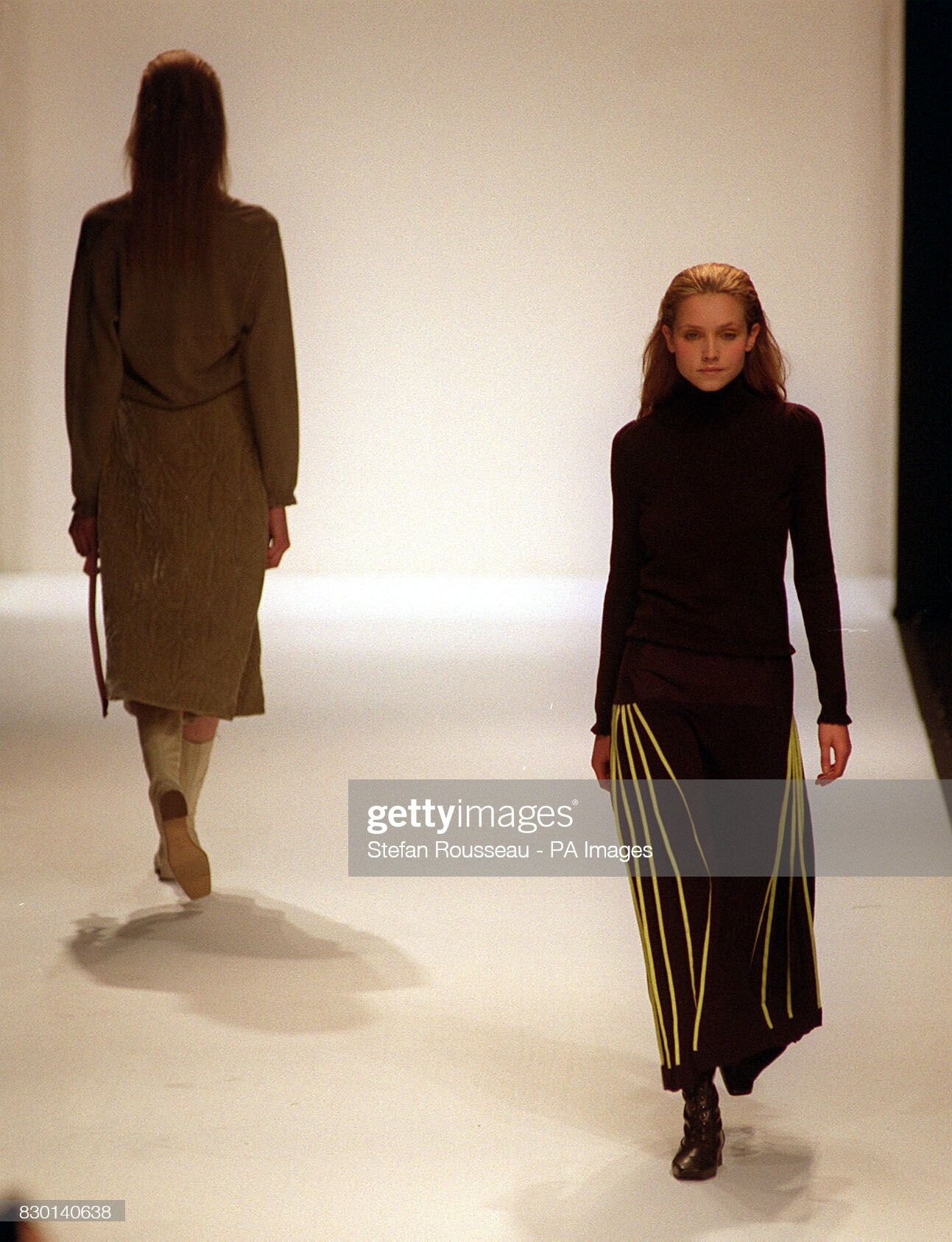
  5. Amaya Arzuaga (London) spring 2000
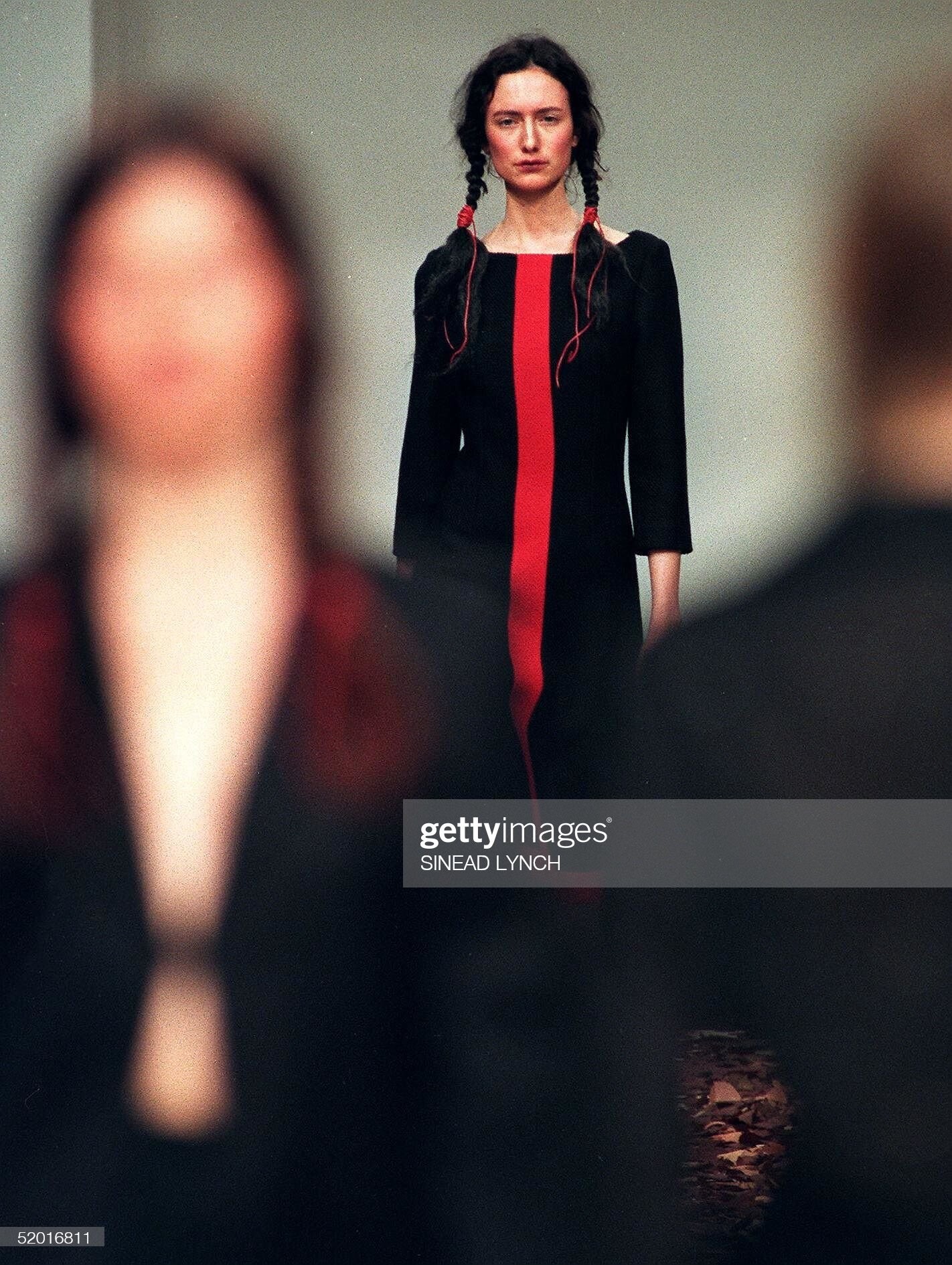
  6. Maria Grachvogel (London) fall 1999
  7. as Four (London) fall 1999
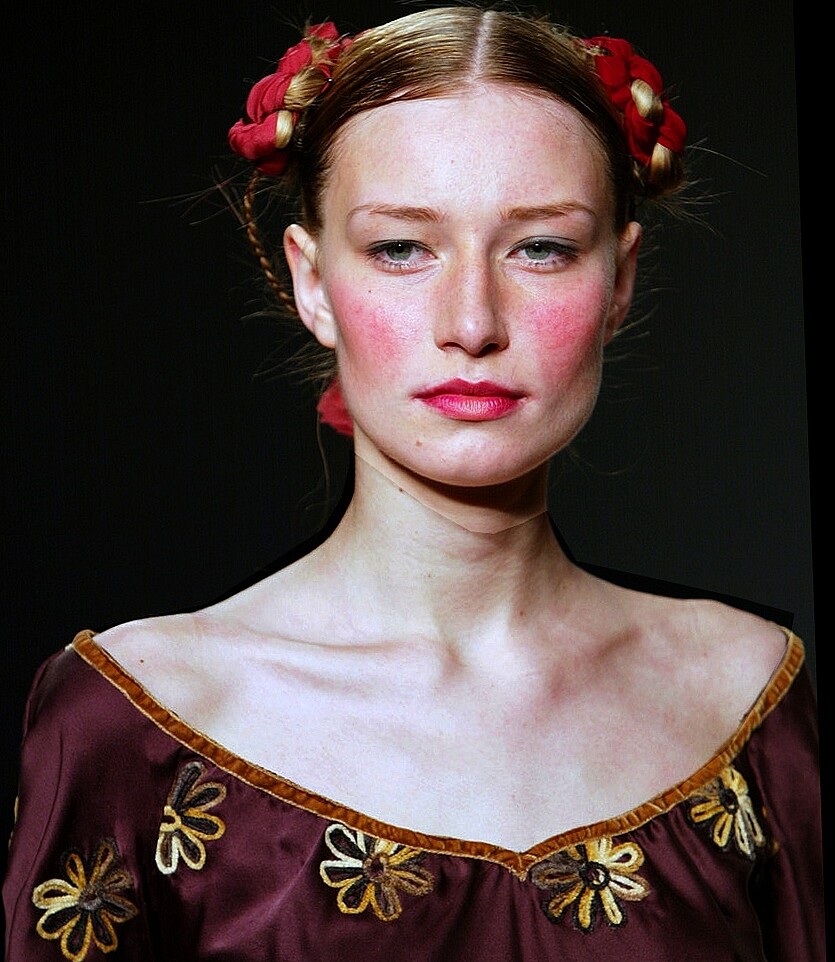
  8. Copperwheat Blundell (London) fall 2000 & Jasmine Guiness

  9. Copperwheat Blundell (London) fall 2000 & Liberty Ross
  10. Copperwheat Blundell (London) spring 2000

  11. fall 1999, Egorova sisters (Lida vs Alex...) who is who ?? reposted in their topics
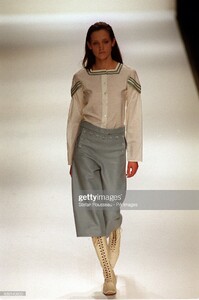
  12. as Four (London) fall 1999
  13. Jasper Conran (London) fall 1999
  14. Ben de Lisi (London) spring 2000
  15. Ronit Zilkha (London) fall 2002 D J Clark, photographer (four last posts)
  16. Jasper Conran (London) spring 2003 D J Clark, photographer

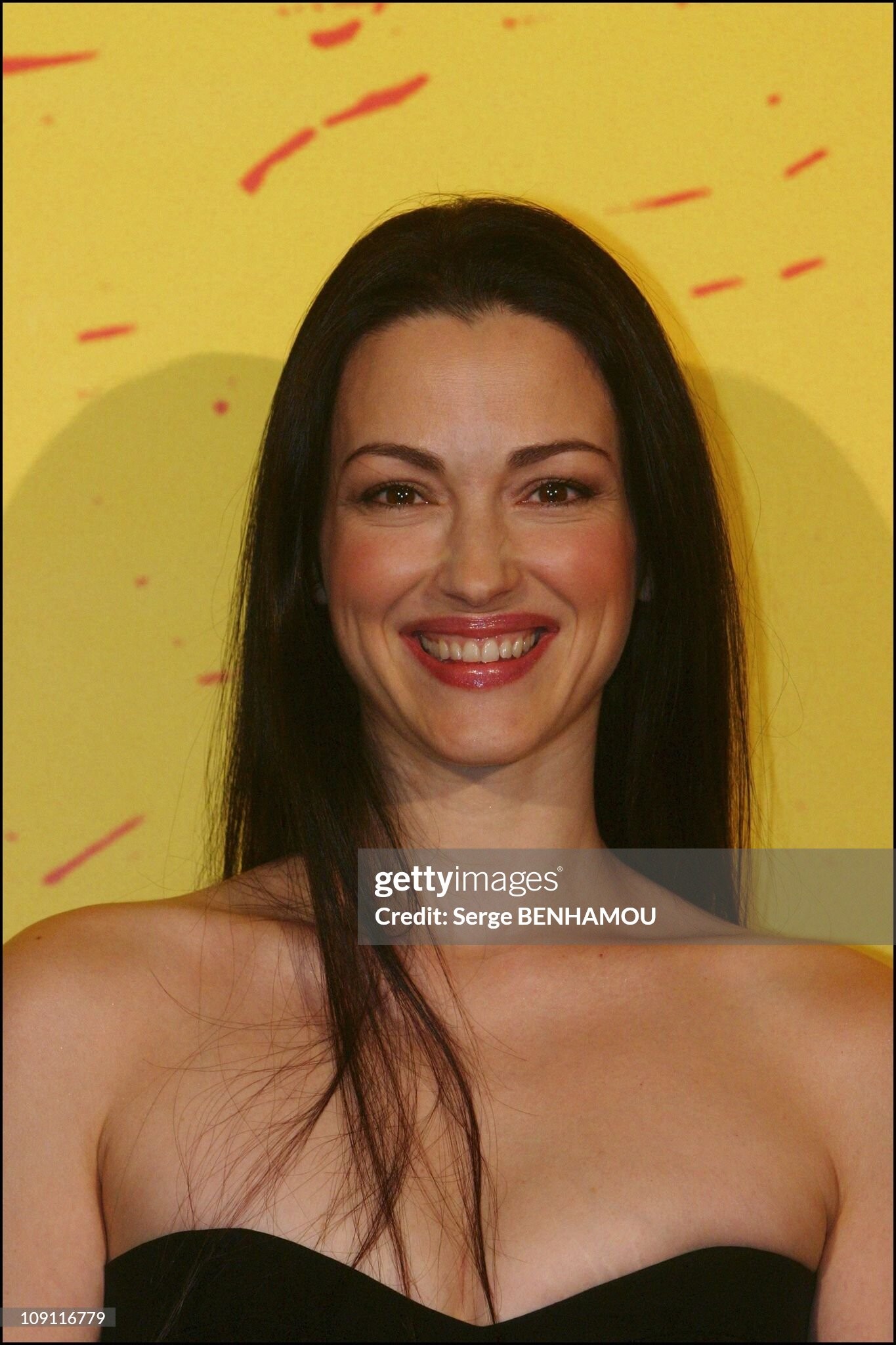
  17. julie dreyfus, in 2003 (same mole, her left clavicle, down "AM" of "Benhamou" )

Account

Navigation

Search

Configure browser push notifications

Chrome (Android)
  1. Tap the lock icon next to the address bar.
  2. Tap Permissions → Notifications.
  3. Adjust your preference.
Chrome (Desktop)
  1. Click the padlock icon in the address bar.
  2. Select Site settings.
  3. Find Notifications and adjust your preference.