Skip to content
View in the app

A better way to browse. Learn more.

Bellazon

A full-screen app on your home screen with push notifications, badges and more.

To install this app on iOS and iPadOS
  1. Tap the Share icon in Safari
  2. Scroll the menu and tap Add to Home Screen.
  3. Tap Add in the top-right corner.
To install this app on Android
  1. Tap the 3-dot menu (⋮) in the top-right corner of the browser.
  2. Tap Add to Home screen or Install app.
  3. Confirm by tapping Install.

ILUVAdrianaLima

Members
  • Joined

  • Last visited

Everything posted by ILUVAdrianaLima

  1. I had WAY MORE QUARTERS then I thought Time to go on a shopping spree!
  2. Oh sweet! @Stormbringer invite me!
  3. A bottle of wine!? Sounds like you got a nice hook-up there sir Pizza looks good too!
  4. This shall work!
  5. Casino time in a few hours!
  6. ILUVAdrianaLima replied to a post in a topic in General Talk
    Well that didn't take long @Stormbringer
  7. This women just never ceases to amaze me!
  8. ^ Dude, the flavor is amazing and succulent! If just tears apart with a simple bite But yes, a churrasco sounds appropriate too
  9. Just one night... it's all I ask for!
  10. ^ Plenty left to still go around @Stromboli1 And some grilled meats today! Maybe @Stormbringer would like a taco with avocado to go with the meat?

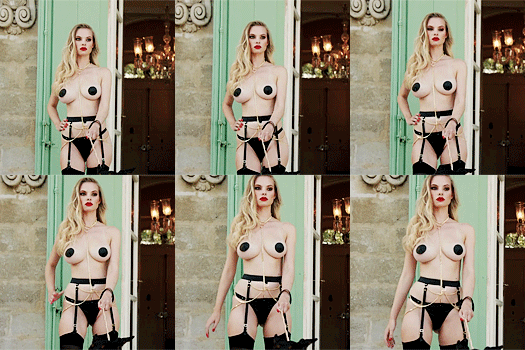
  11. Finally some pics of Eniko in all her full glory
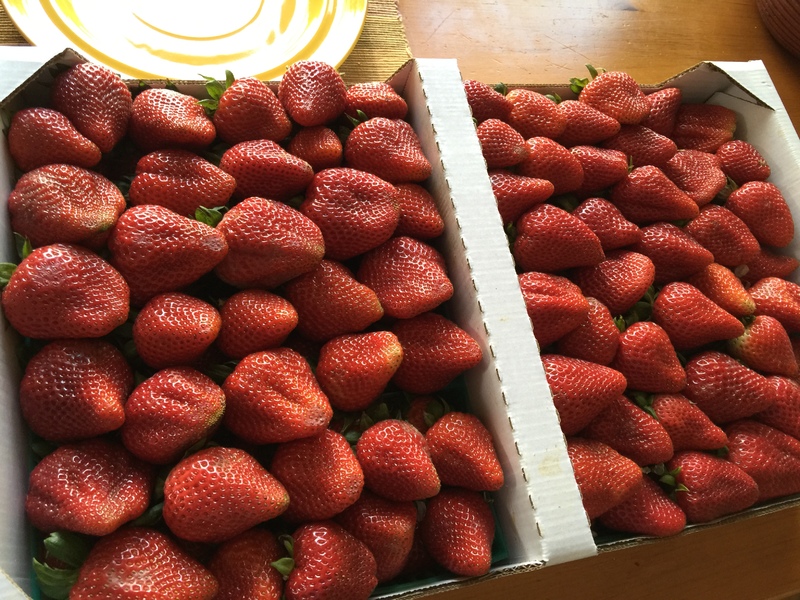
  12. Who wants to help me out with this box? I love strawberry season!

  13. ILUVAdrianaLima replied to a post in a topic in General Talk
    Still hungry!
  14. Sorry we export a lot of crap to you guys over there. We have a knack for doing that globally
  15. ^ I guess it has to do with the bigger booties over there
  16. Sometimes a simple white shirt and jeans are all u need to be everything!


  17. Thank you @jj3 for the adds!
  18. Jeezes heck that body!

Account

Navigation

Search

Search

Configure browser push notifications

Chrome (Android)
  1. Tap the lock icon next to the address bar.
  2. Tap Permissions → Notifications.
  3. Adjust your preference.
Chrome (Desktop)
  1. Click the padlock icon in the address bar.
  2. Select Site settings.
  3. Find Notifications and adjust your preference.