

Dayrell
Members
-
Joined
-
Last visited
Everything posted by Dayrell
-
 Maybe Rohini Tiwari, what do you think guys?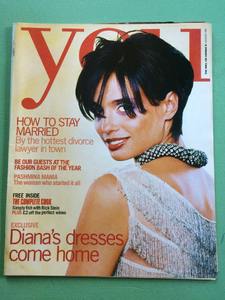


-
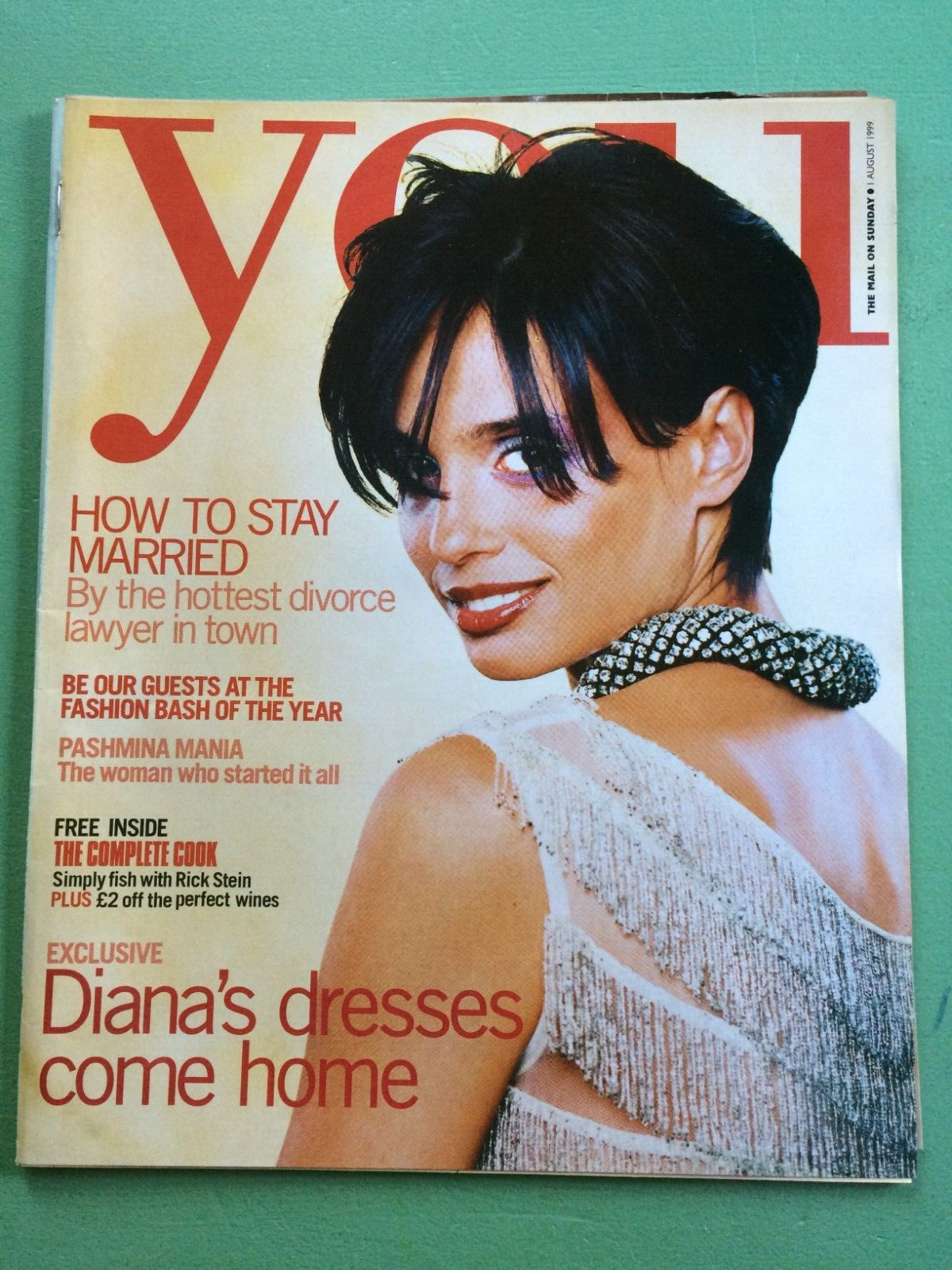
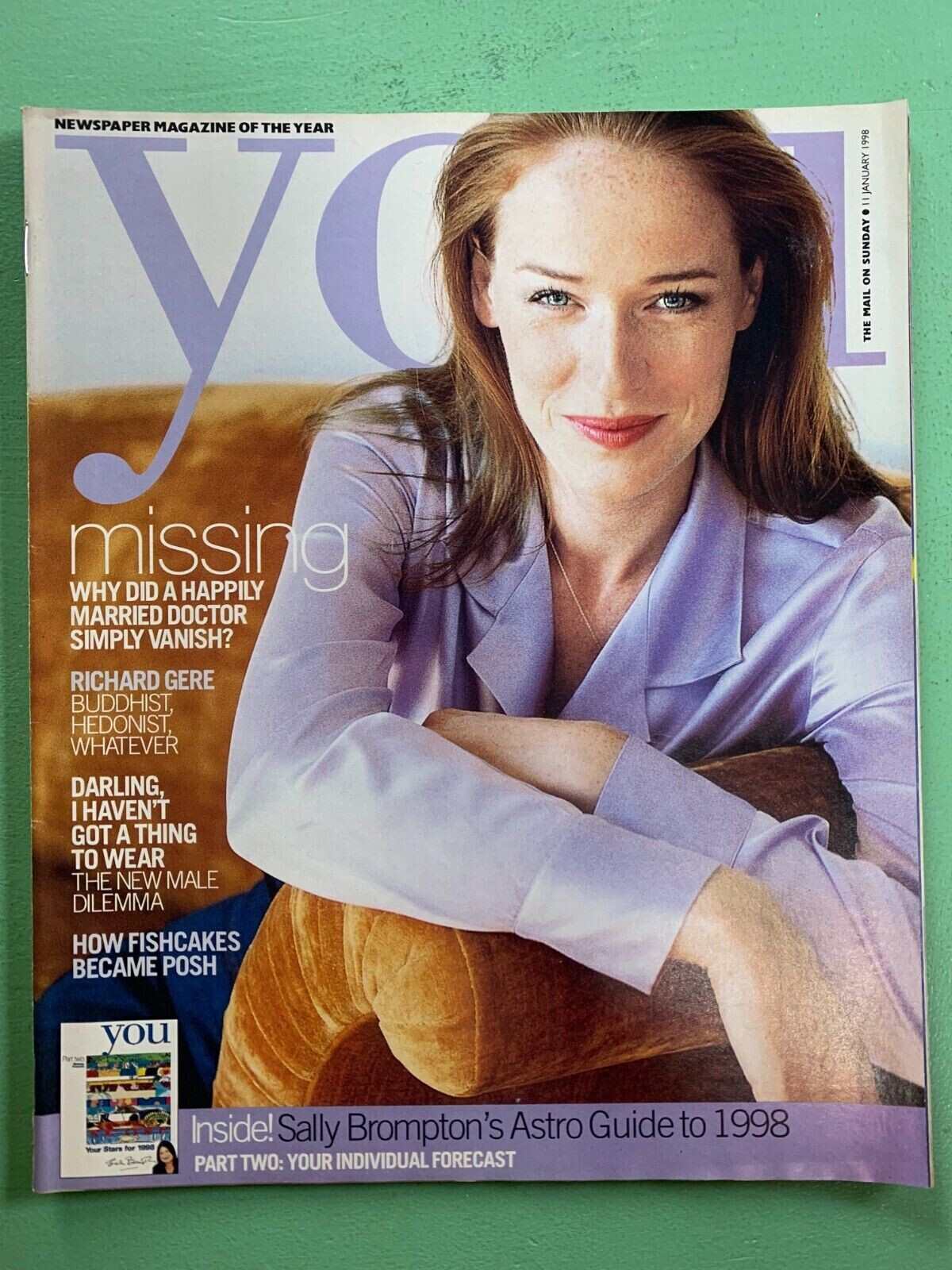
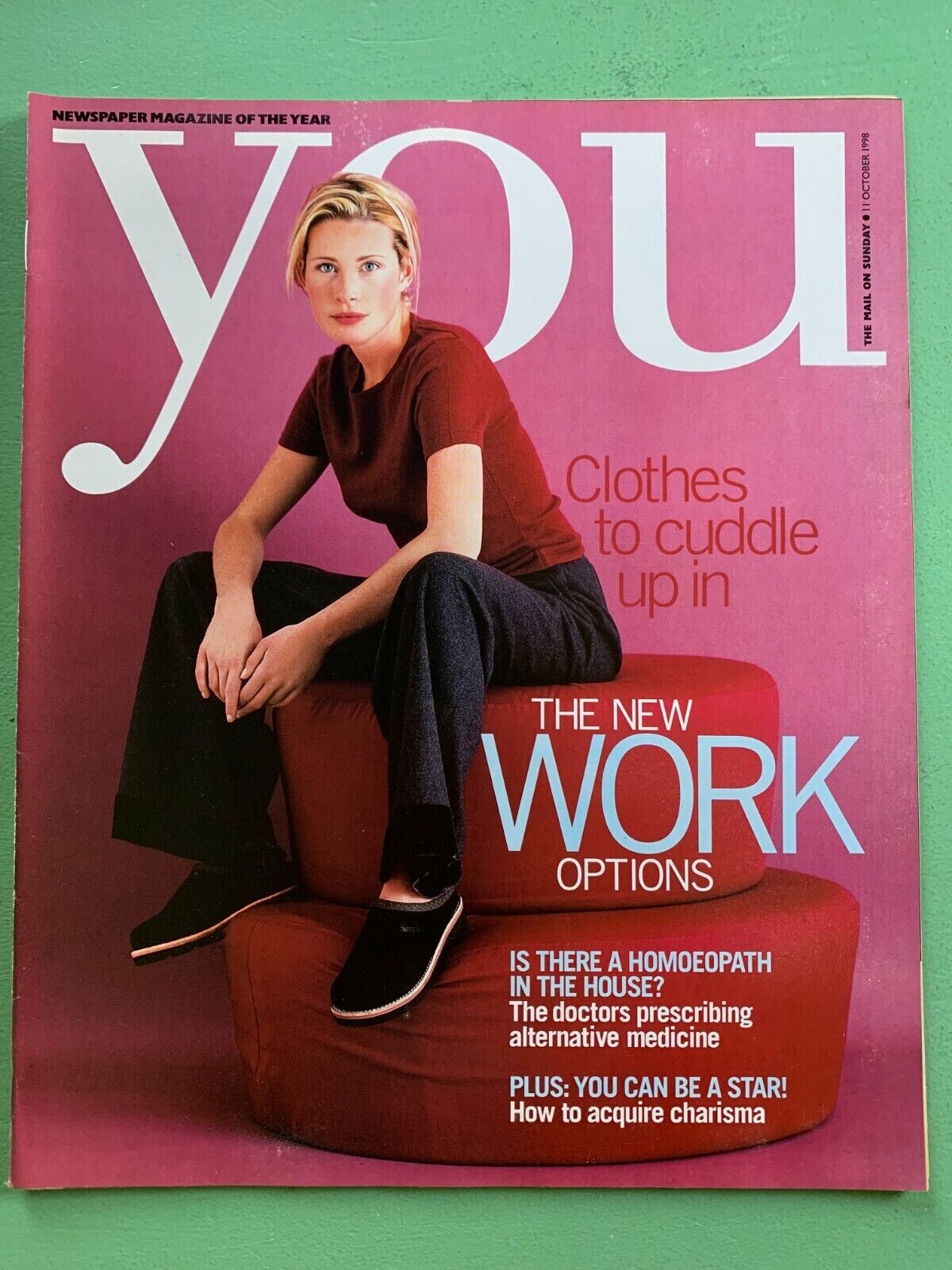
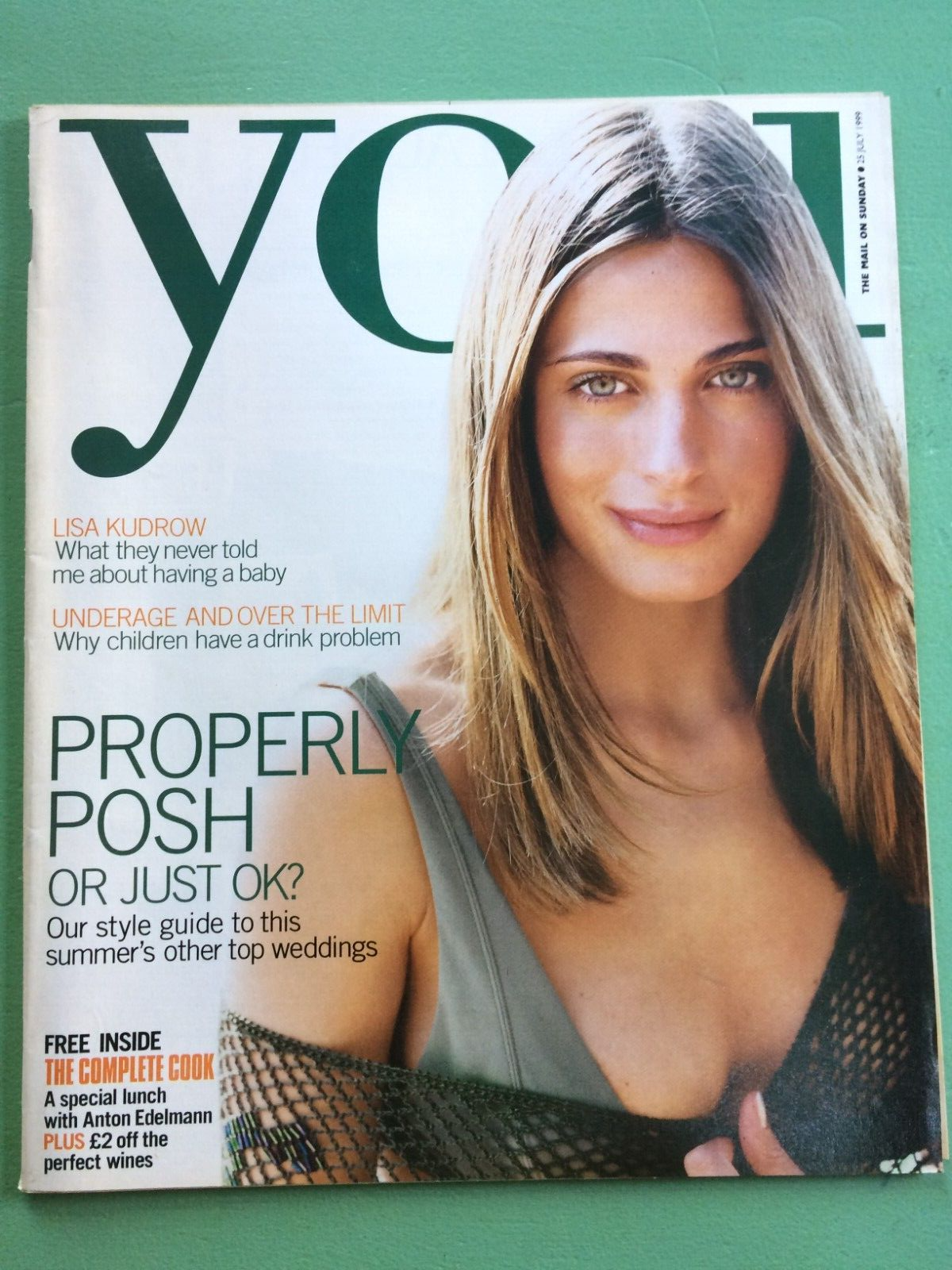
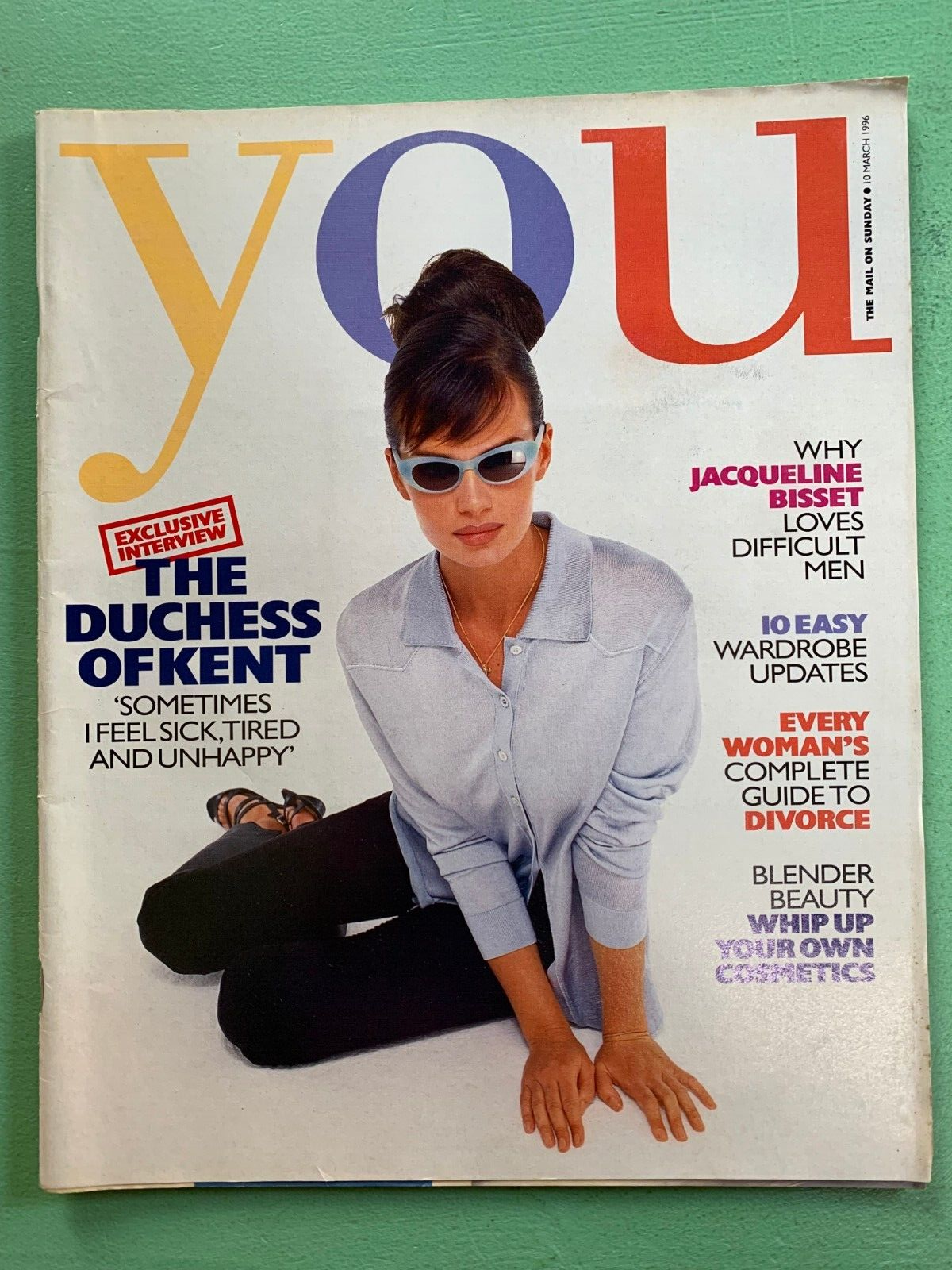
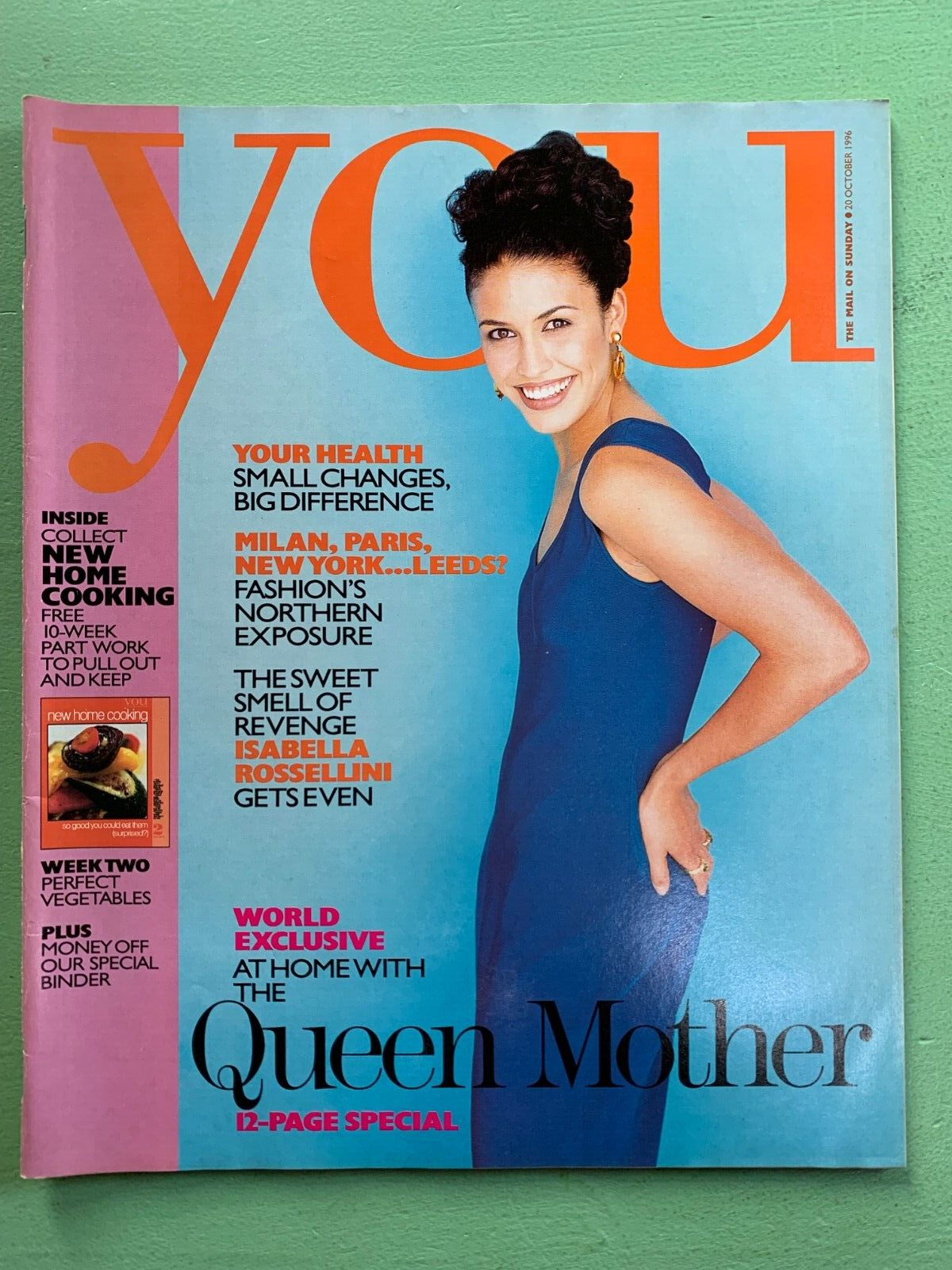
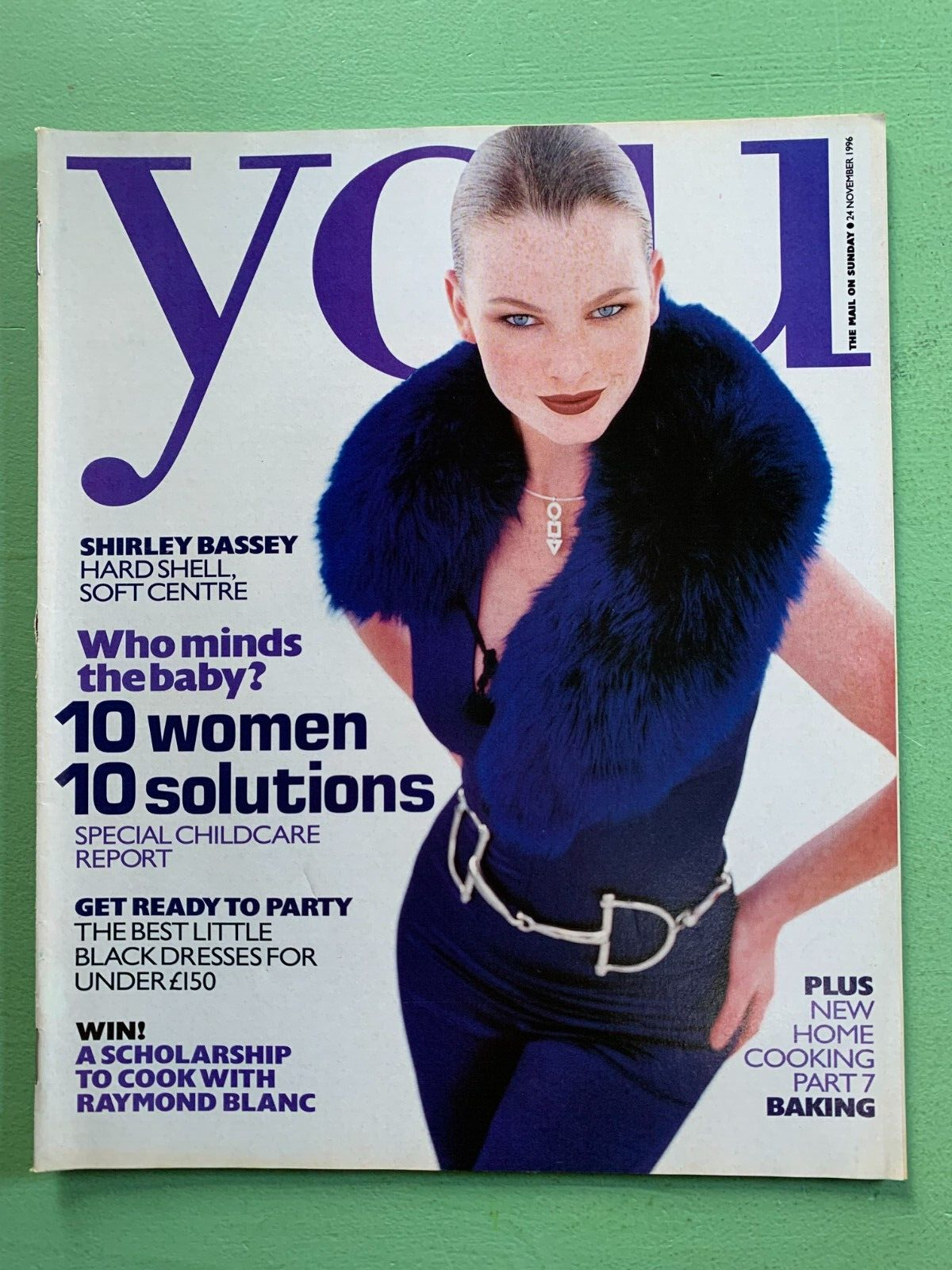
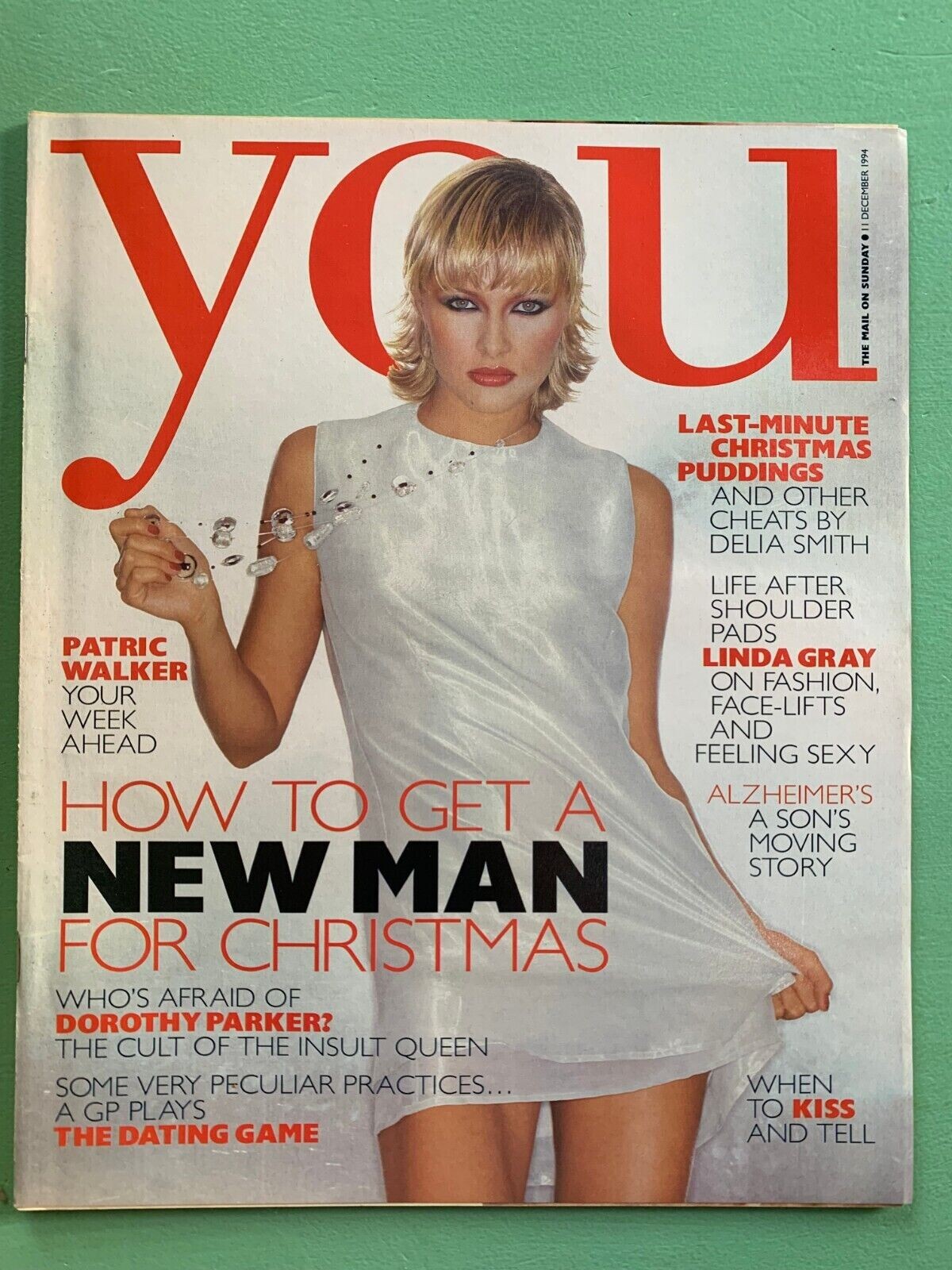
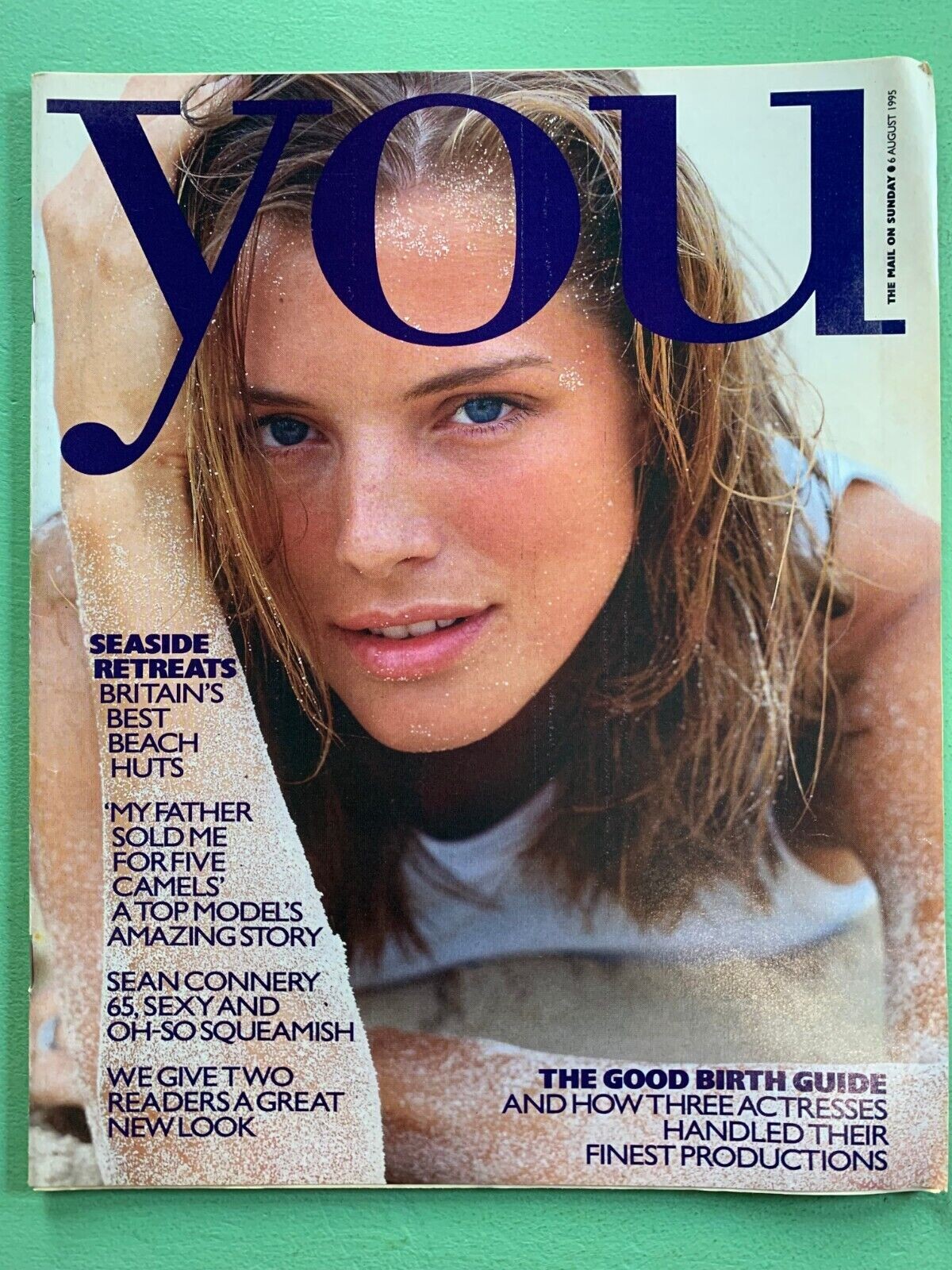
The britsh newspapers have a lot of suplement magazines. Some years ago we can find them here, but today.... I´ll love to see your covers my friend, thanks!
-
one day we`ll find a name...
-
and thanks again
-
-
Bazaar Arabia

-
thanks @The Cat In The Hat and @nightowl for the IDs
-
1987
 Wow, great, thanks a lot my friend. Beautiful new girl for our archives
some of these covers are so beautiful!
wow, I didn´t Id her. It´s a surprise
Thanks guys for IDs
Various magazines
Wow, great, thanks a lot my friend. Beautiful new girl for our archives
some of these covers are so beautiful!
wow, I didn´t Id her. It´s a surprise
Thanks guys for IDs
Various magazines









 Thanks my friend @BlueAcadia
 Thanks a lot dear!
new Vogue Spain
Thanks a lot dear!
new Vogue Spain


























































































Account
Navigation
Search
Configure browser push notifications
Chrome (Android)
- Tap the lock icon next to the address bar.
- Tap Permissions → Notifications.
- Adjust your preference.
Chrome (Desktop)
- Click the padlock icon in the address bar.
- Select Site settings.
- Find Notifications and adjust your preference.
Safari (iOS 16.4+)
- Ensure the site is installed via Add to Home Screen.
- Open Settings App → Notifications.
- Find your app name and adjust your preference.
Safari (macOS)
- Go to Safari → Preferences.
- Click the Websites tab.
- Select Notifications in the sidebar.
- Find this website and adjust your preference.
Edge (Android)
- Tap the lock icon next to the address bar.
- Tap Permissions.
- Find Notifications and adjust your preference.
Edge (Desktop)
- Click the padlock icon in the address bar.
- Click Permissions for this site.
- Find Notifications and adjust your preference.
Firefox (Android)
- Go to Settings → Site permissions.
- Tap Notifications.
- Find this site in the list and adjust your preference.
Firefox (Desktop)
- Open Firefox Settings.
- Search for Notifications.
- Find this site in the list and adjust your preference.