

Dayrell
Members
-
Joined
-
Last visited
Everything posted by Dayrell
-

-
@Chirkomania do you have better images of these covers?


-
Susan Miner
-
@versustito13 and @zauberkorn. It´s Linda....😍😍😍
-
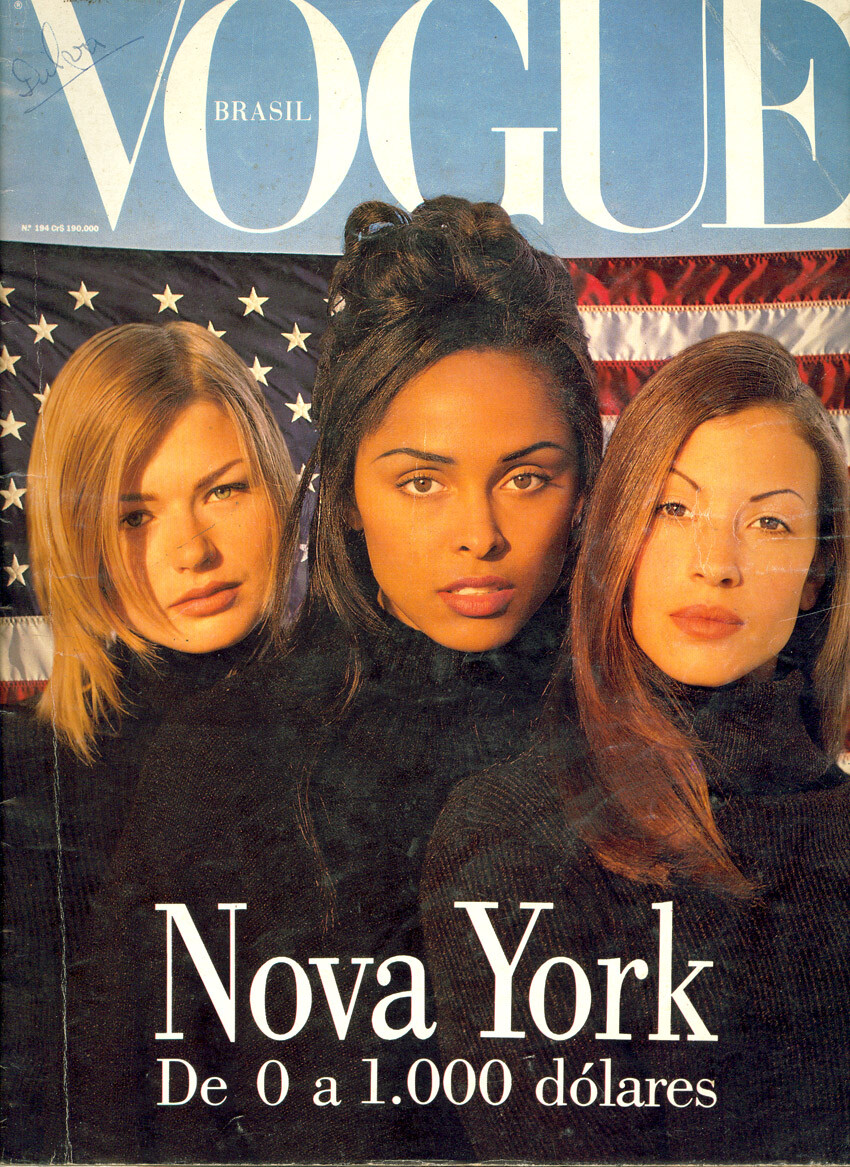
Vogue Brazil

-
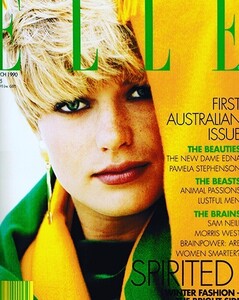
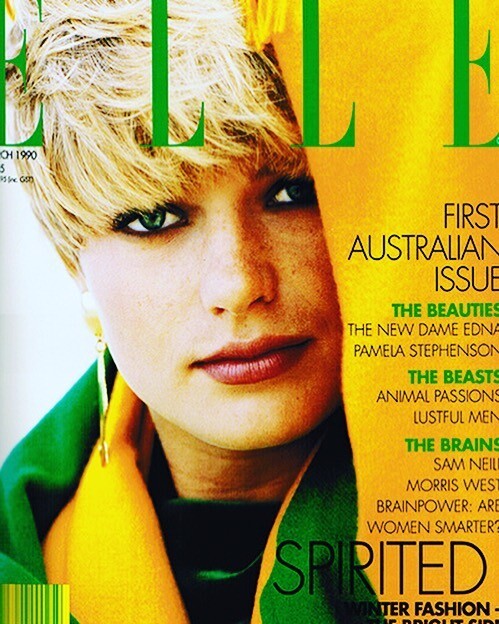
Elle Australia 90
-
Max Italia

-
looks like her a lot
-
-
the last girl looks familiar, but I'm a faillure with IDs
❤️🧡
I´m so glad you like. I don´t know if it is french or swiss
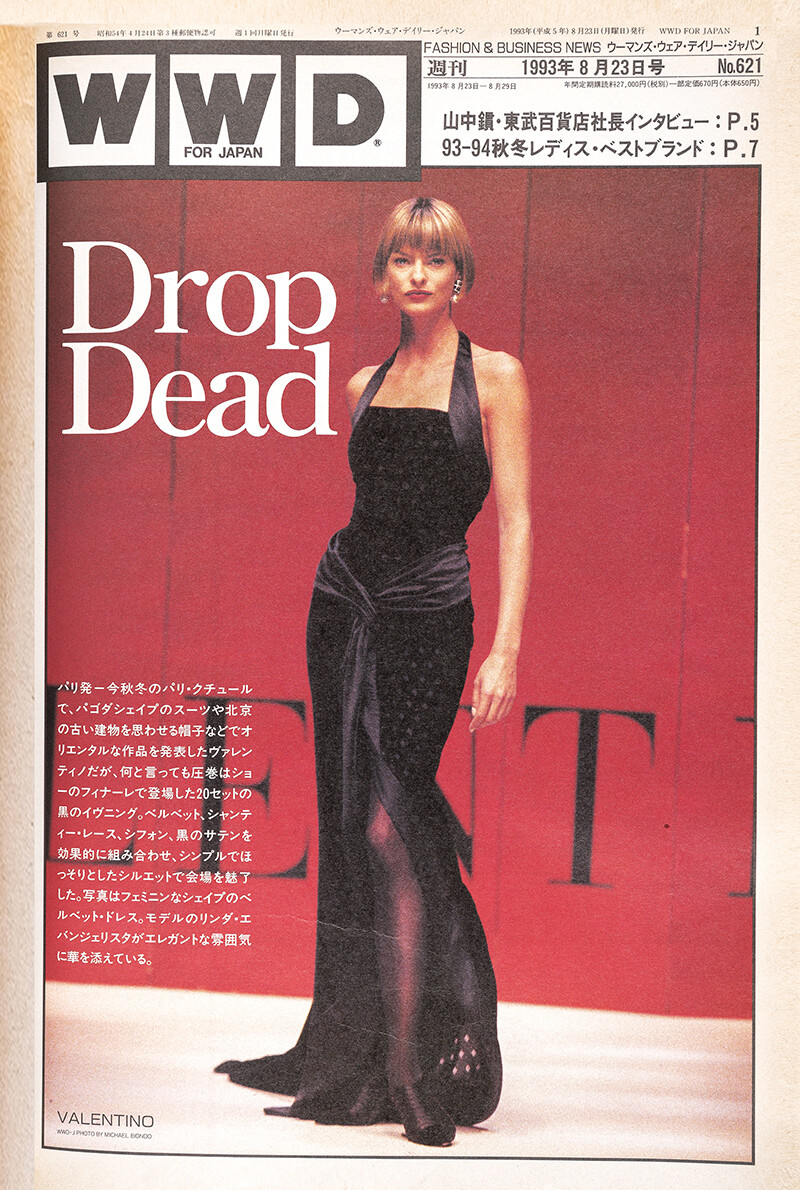
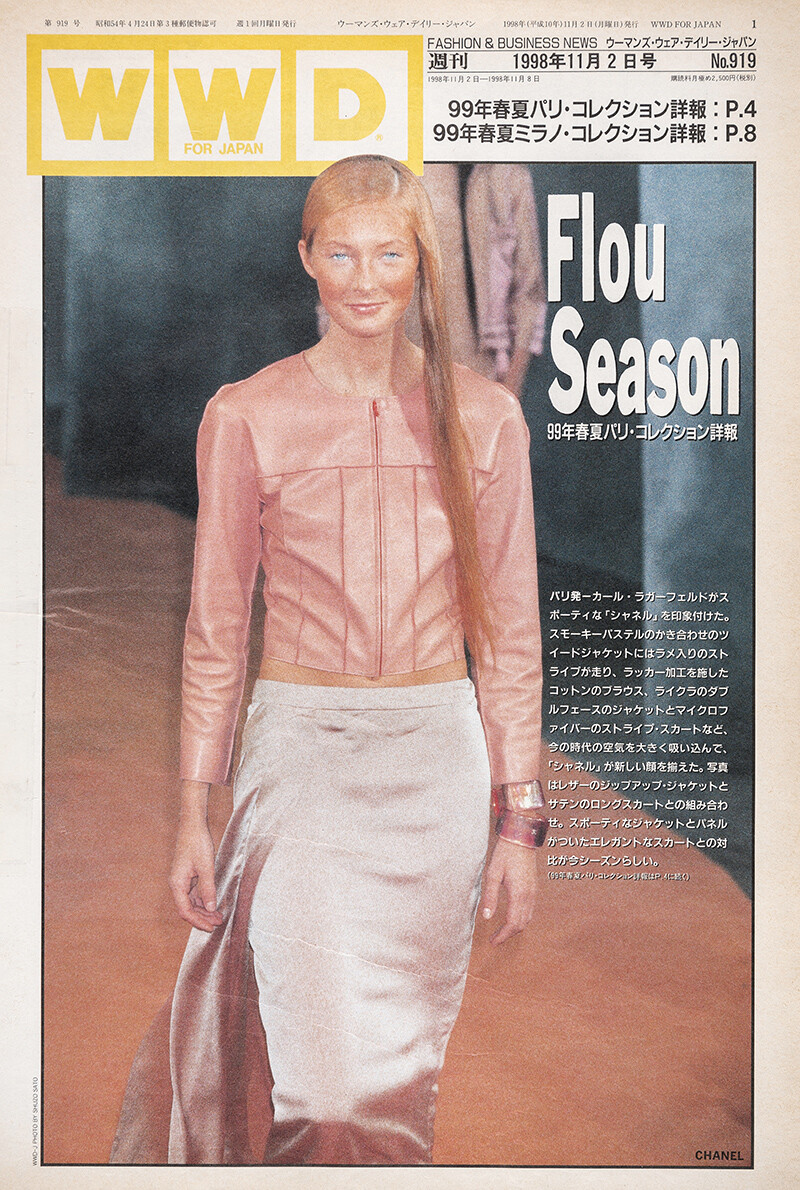
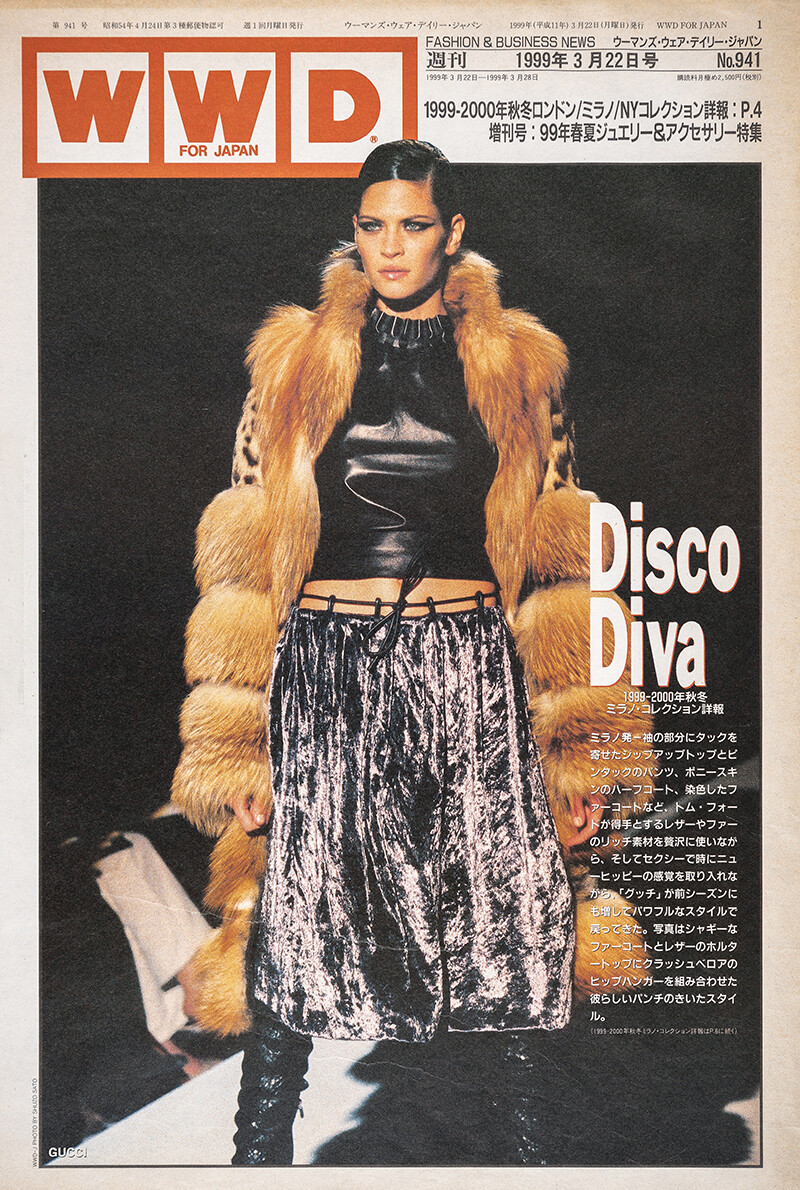
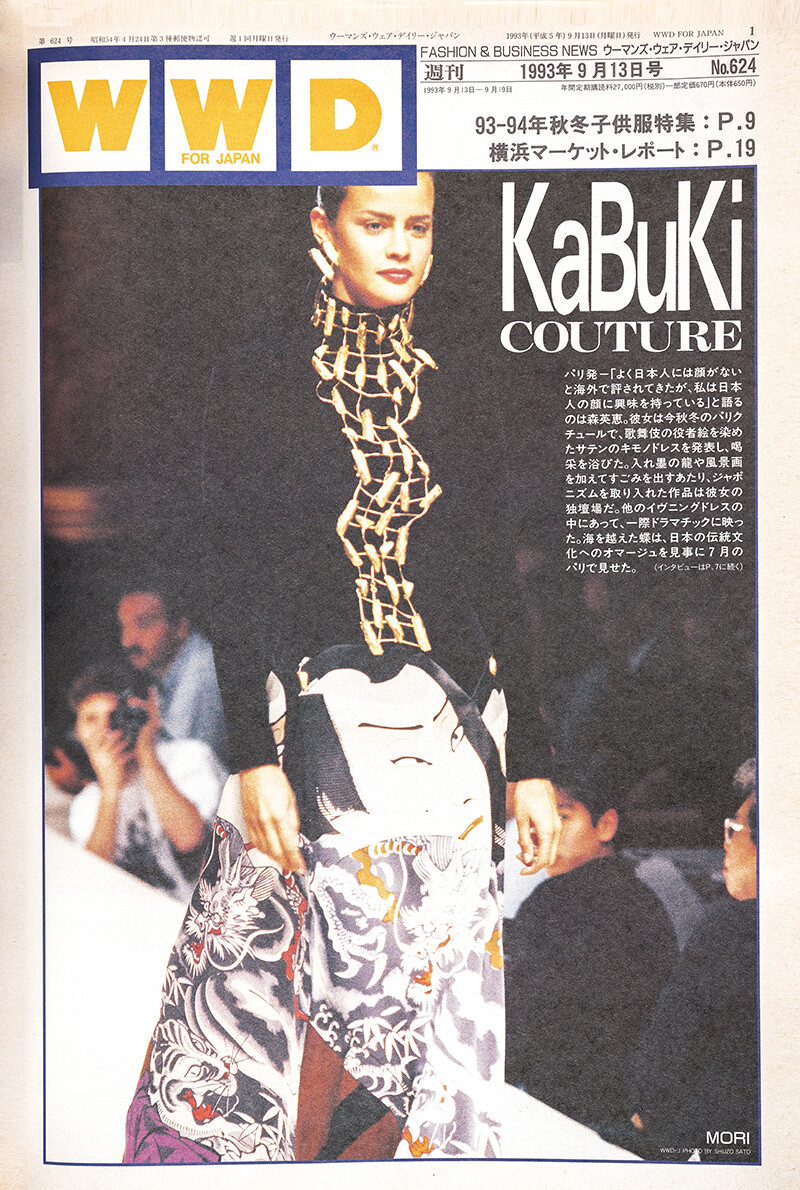
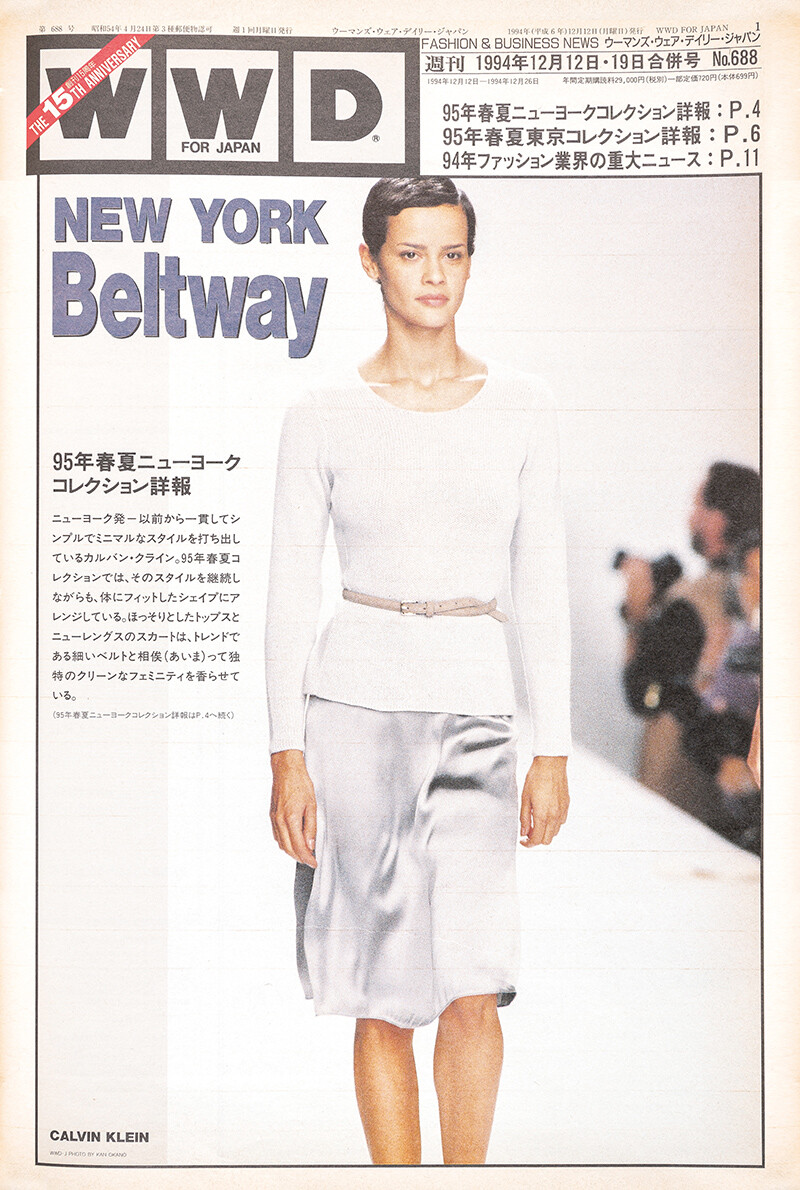
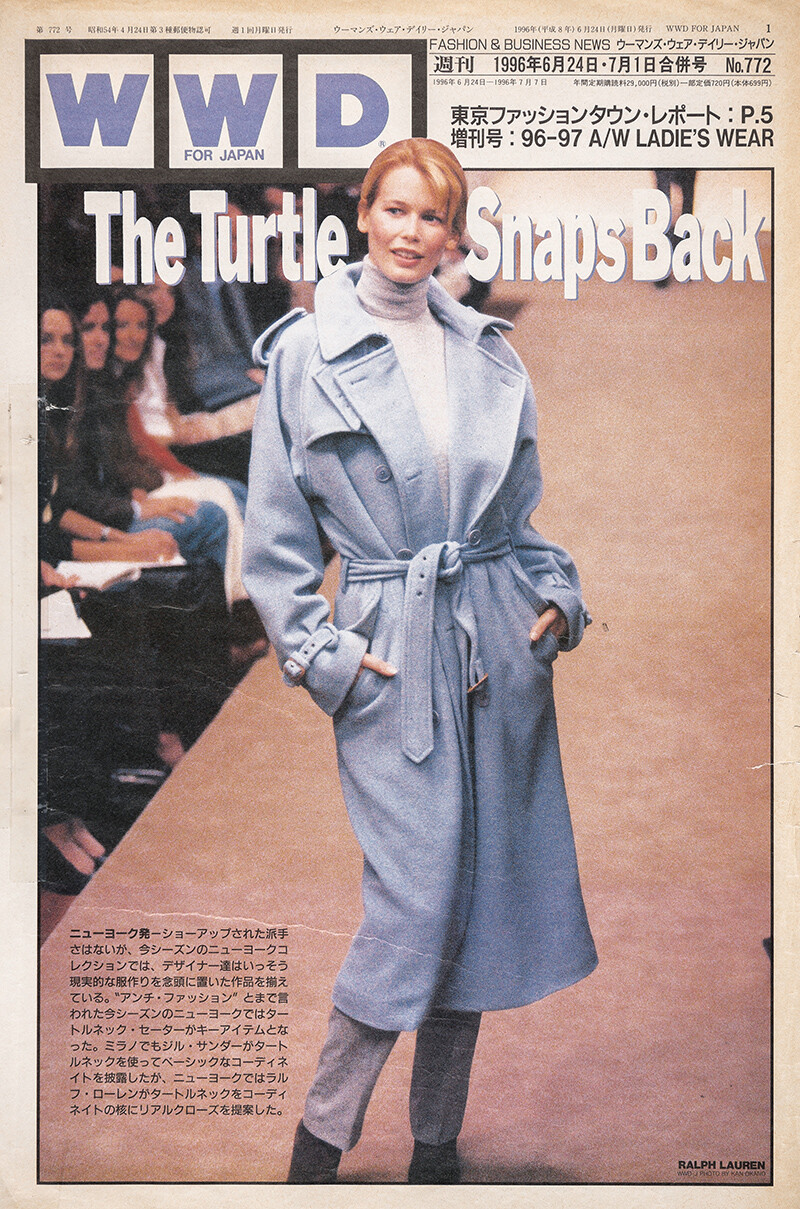
WWD Japan
 WWD Japan
 WWD Japan
 I never saw this one, thanks dear!
It´s so hard to find a magazine that makes your files available, I felt compelled to share this with my friends of Bellazon
I never saw this one, thanks dear!
It´s so hard to find a magazine that makes your files available, I felt compelled to share this with my friends of Bellazon


.jpg.8e722d22518fd8639e3af8b260f2f8ae.jpg)

















Account
Navigation
Search
Configure browser push notifications
Chrome (Android)
- Tap the lock icon next to the address bar.
- Tap Permissions → Notifications.
- Adjust your preference.
Chrome (Desktop)
- Click the padlock icon in the address bar.
- Select Site settings.
- Find Notifications and adjust your preference.
Safari (iOS 16.4+)
- Ensure the site is installed via Add to Home Screen.
- Open Settings App → Notifications.
- Find your app name and adjust your preference.
Safari (macOS)
- Go to Safari → Preferences.
- Click the Websites tab.
- Select Notifications in the sidebar.
- Find this website and adjust your preference.
Edge (Android)
- Tap the lock icon next to the address bar.
- Tap Permissions.
- Find Notifications and adjust your preference.
Edge (Desktop)
- Click the padlock icon in the address bar.
- Click Permissions for this site.
- Find Notifications and adjust your preference.
Firefox (Android)
- Go to Settings → Site permissions.
- Tap Notifications.
- Find this site in the list and adjust your preference.
Firefox (Desktop)
- Open Firefox Settings.
- Search for Notifications.
- Find this site in the list and adjust your preference.