Jump to content
View in the app

A better way to browse. Learn more.

Bellazon

A full-screen app on your home screen with push notifications, badges and more.

To install this app on iOS and iPadOS
  1. Tap the Share icon in Safari
  2. Scroll the menu and tap Add to Home Screen.
  3. Tap Add in the top-right corner.
To install this app on Android
  1. Tap the 3-dot menu (⋮) in the top-right corner of the browser.
  2. Tap Add to Home screen or Install app.
  3. Confirm by tapping Install.

Dayrell

Members
  • Joined

  • Last visited

Everything posted by Dayrell

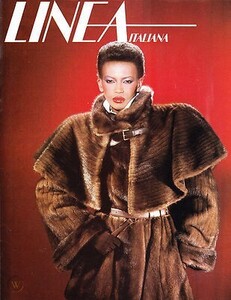
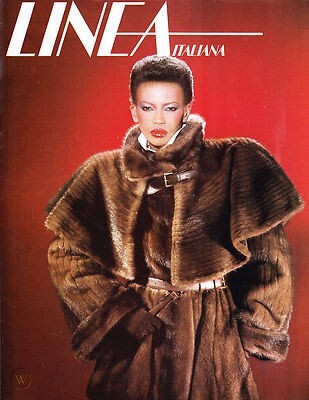
  1. Linea Italiana
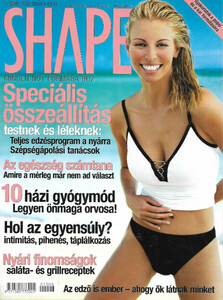
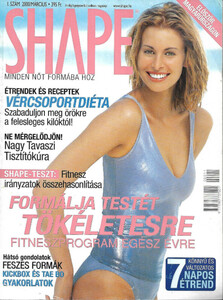
  2. Greek magazine
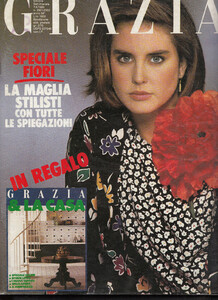
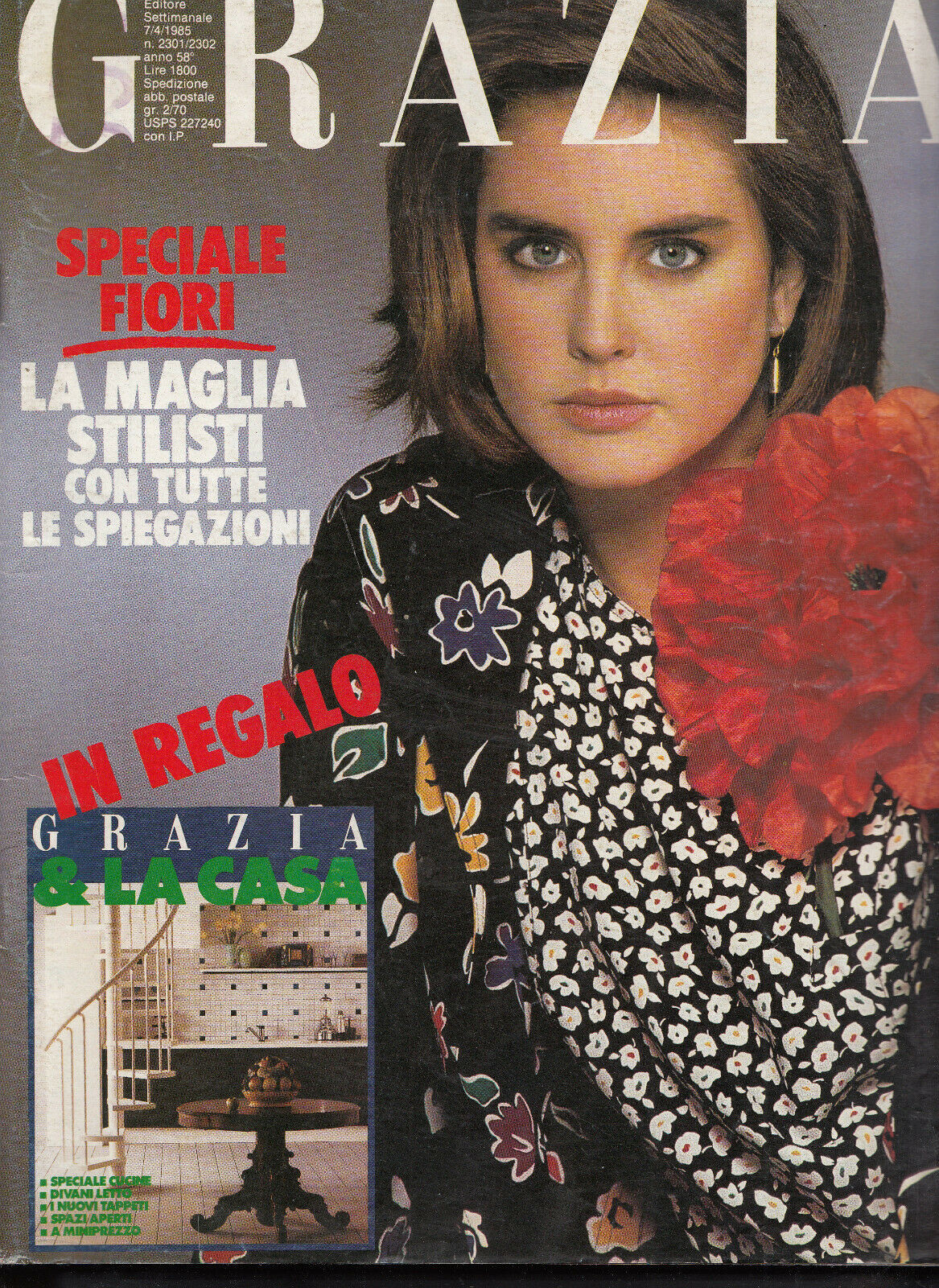
  3. some Grazias
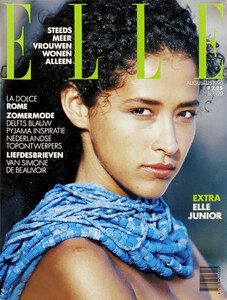
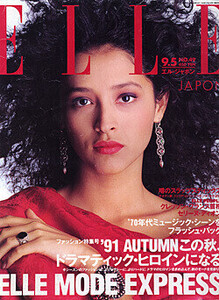
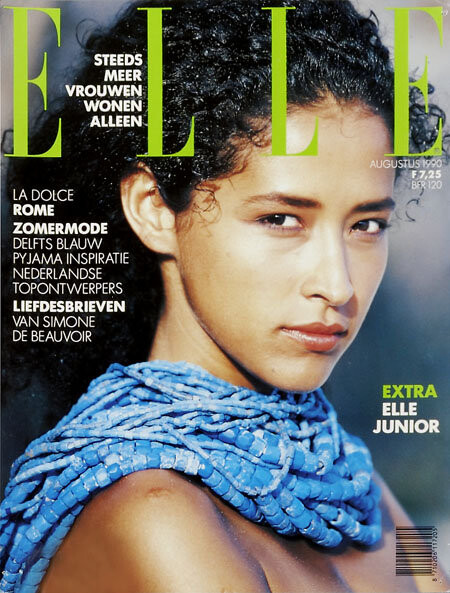
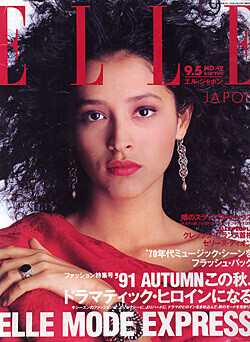
  4. Elles Japan and Nederlands
  5. Depeche Mode 92
  6. More covers to see if we can find ID´s: Cosmopolitan China 94
  7. a new name for me. Thanks @Chirkomania
  8. looks like brazilian model Ana Hickmann, but I´m not sure
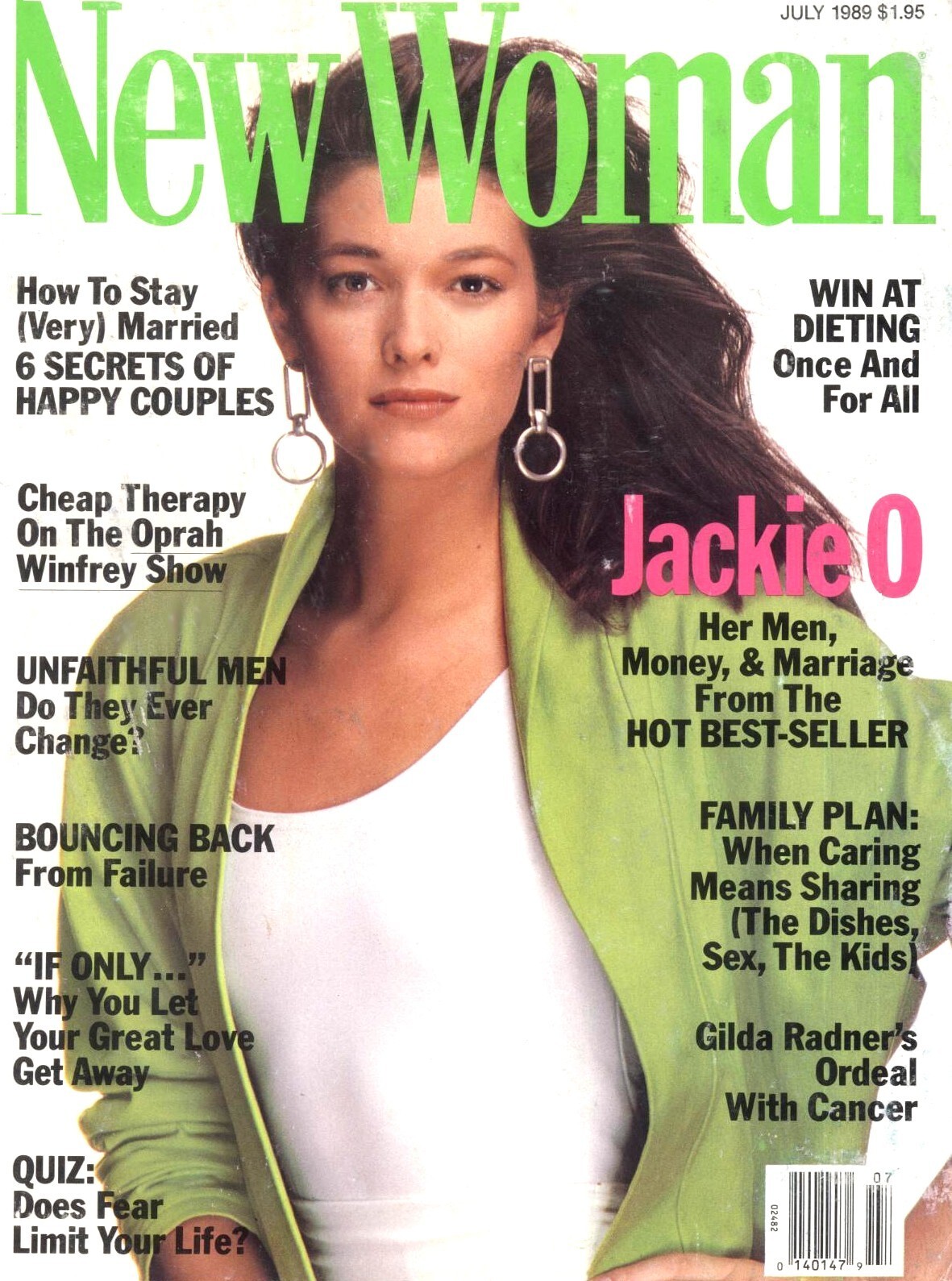
  9. And these three?
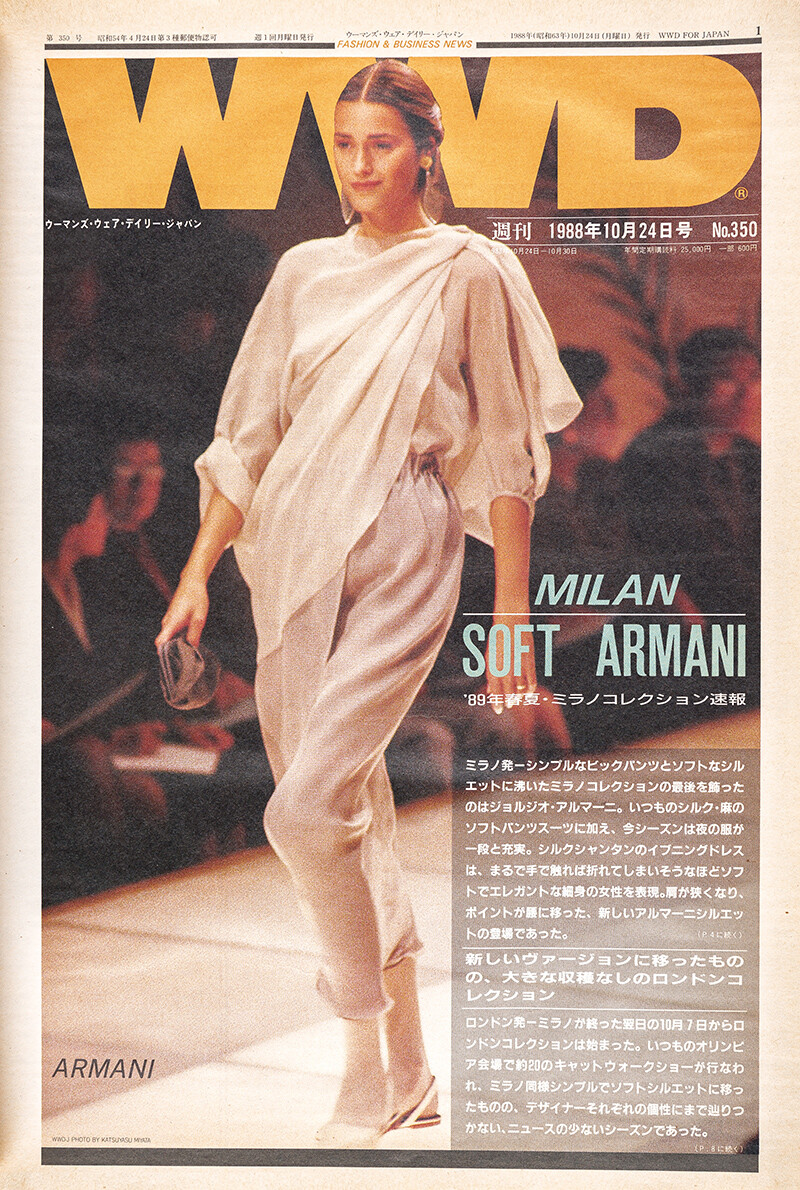
  10. Who are these girls?
  11. Denver Life
  12. love the cover, thanks @Chirkomania
  13. Cento Cose, Italia, 94
  14. Steevie Van Der Veen
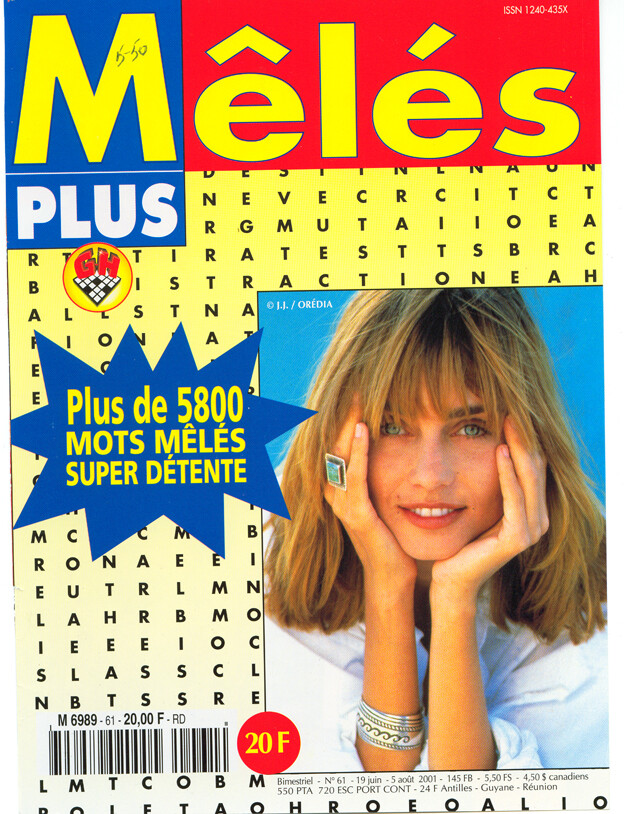
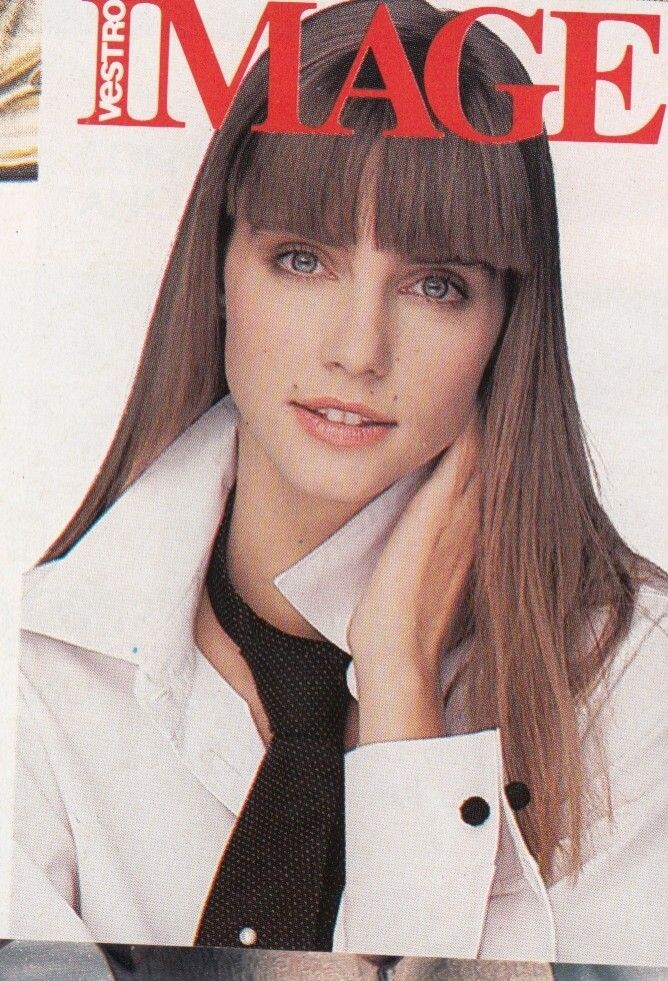
  15. I don´t know, I have this cover but don´t know who is the girl
  16. Wow, so many IDs. Thanks @Chirkomania
  17. not Valerie, is Brigitte Gaultier
  18. Maria Luisa Mosquero?
  19. Maybe Leslie Straton ( @Chirkomania )
  20. Hunter Reno?
  21. I think this girl is Kirsten Allen, what do you think guys?
  22. some greek magazines
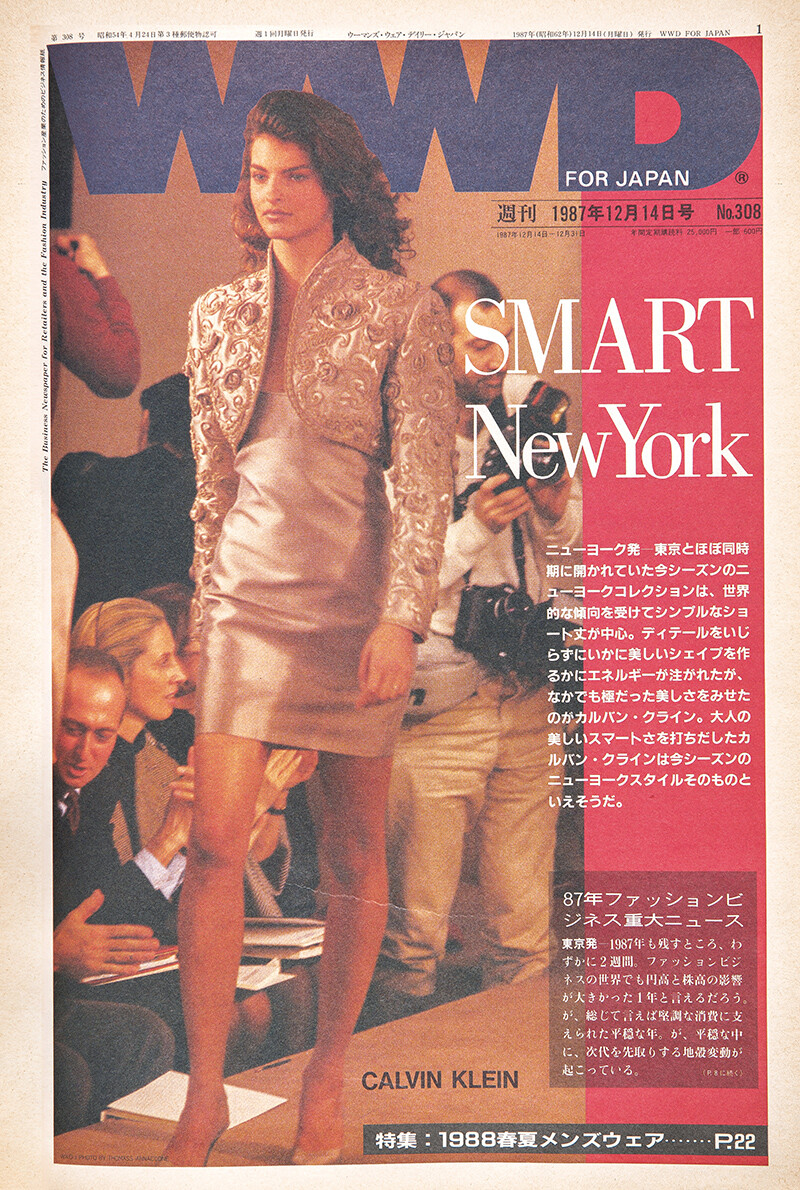
  23. the other girl is familiar too, but I can't remember her name

Configure browser push notifications

Chrome (Android)
  1. Tap the lock icon next to the address bar.
  2. Tap Permissions → Notifications.
  3. Adjust your preference.
Chrome (Desktop)
  1. Click the padlock icon in the address bar.
  2. Select Site settings.
  3. Find Notifications and adjust your preference.