

Dayrell
Members
-
Joined
-
Last visited
Everything posted by Dayrell
-
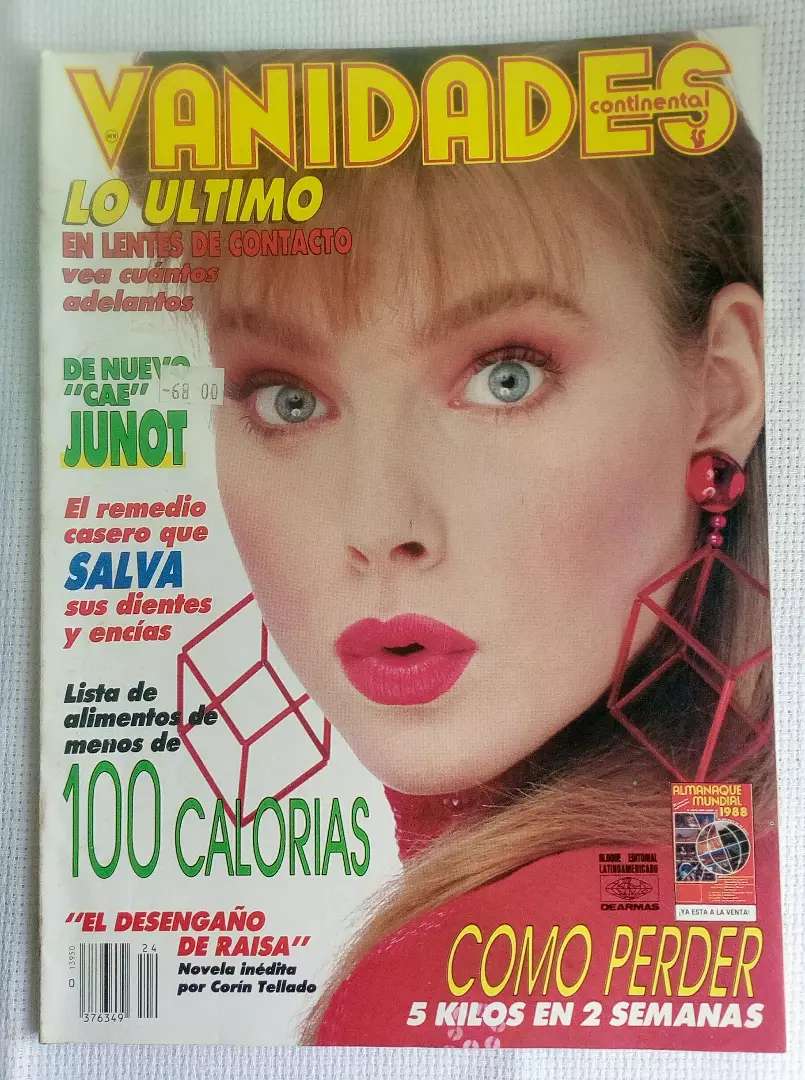
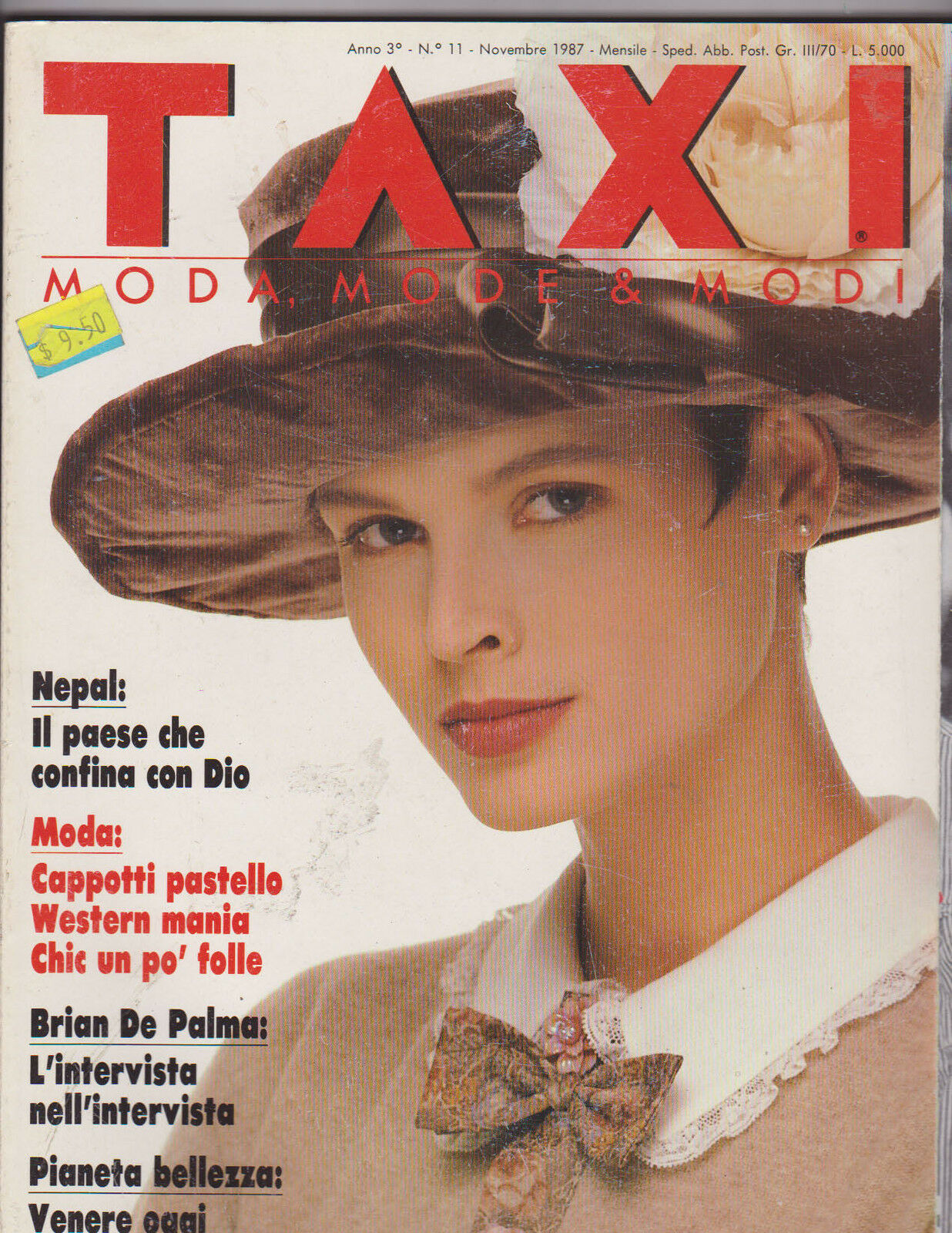
 I thought in Inna, but not sure because of date. Is she still modeling?
 -
-
-
-
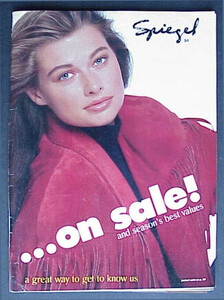
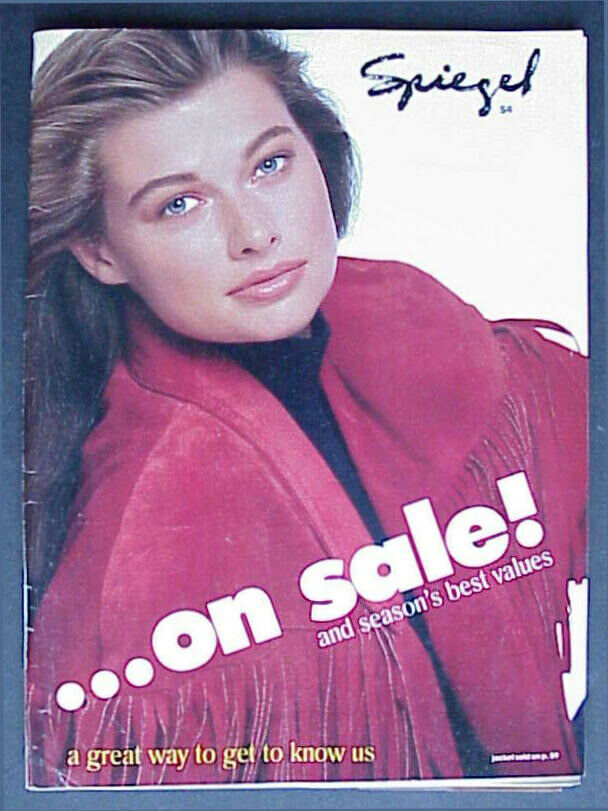
Spiegel Catalog 89
-
-
-
-
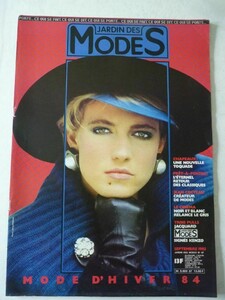
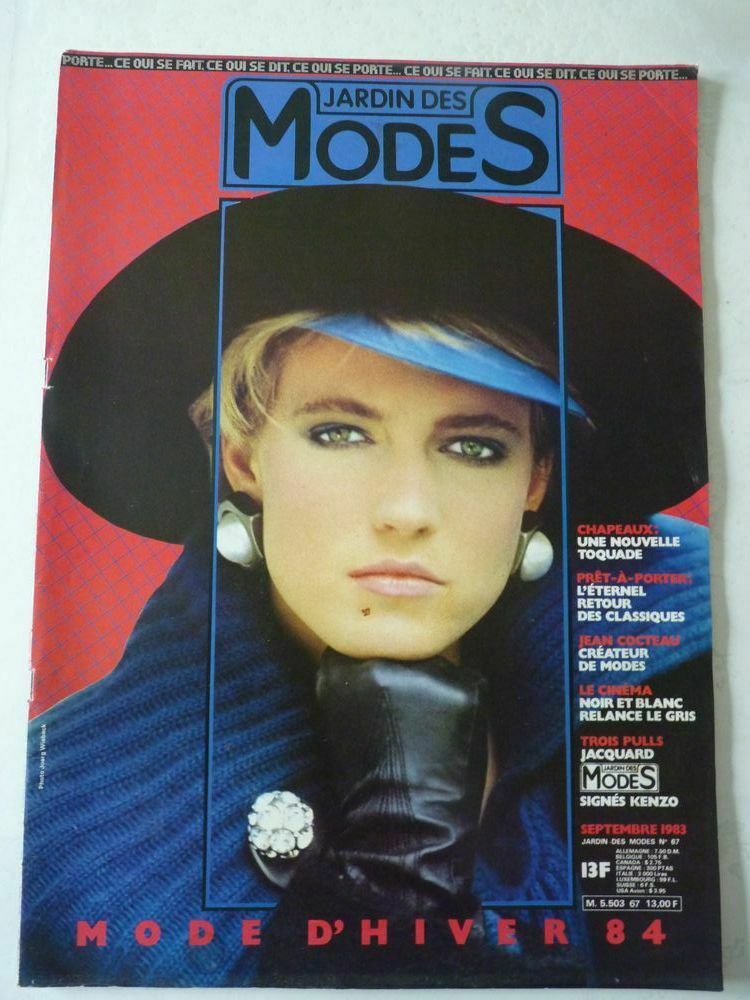
Jardins des Modes 83
-
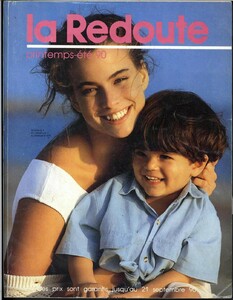
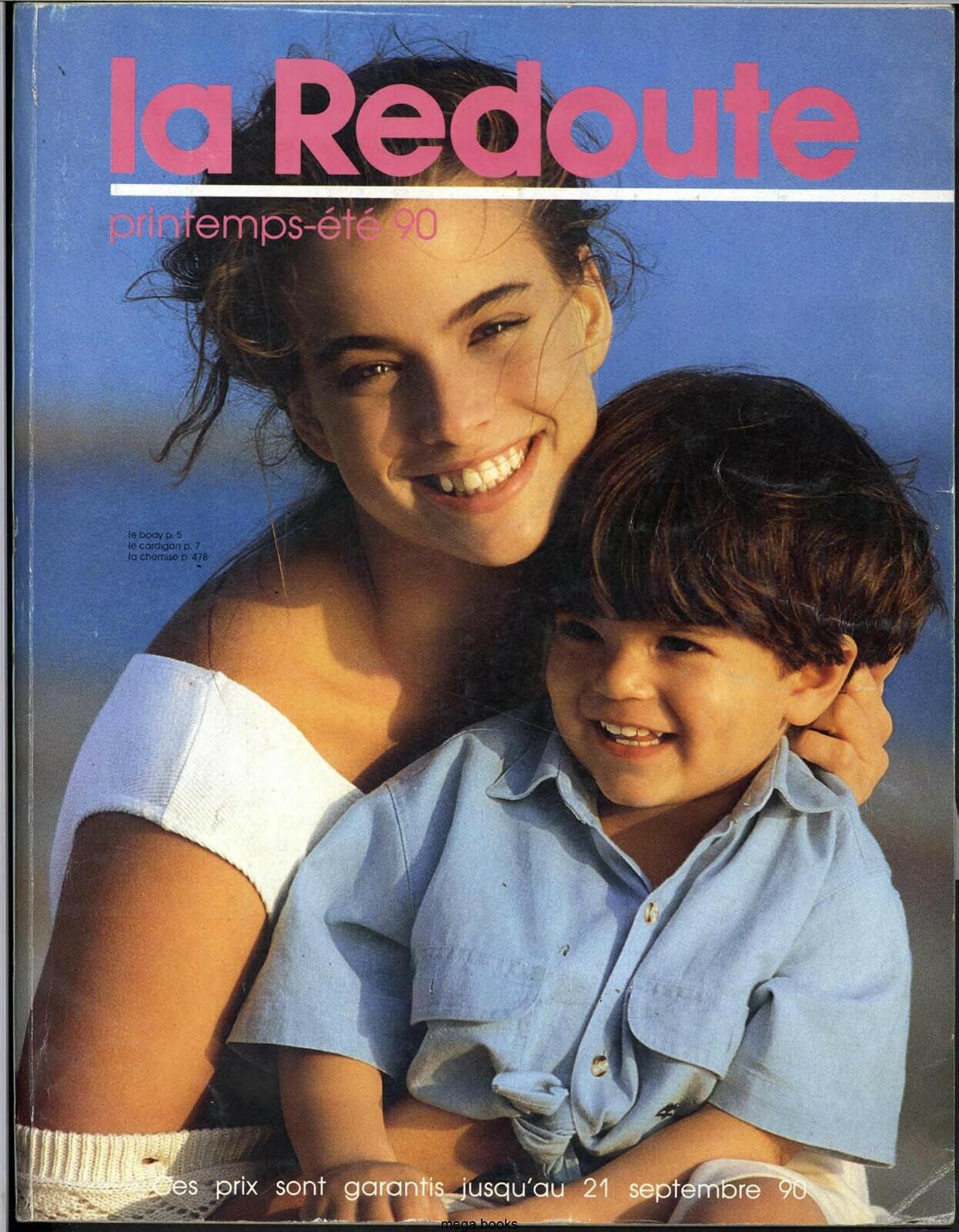
La Redout Catalog 90
-
-
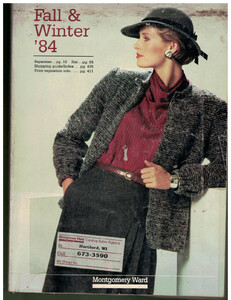
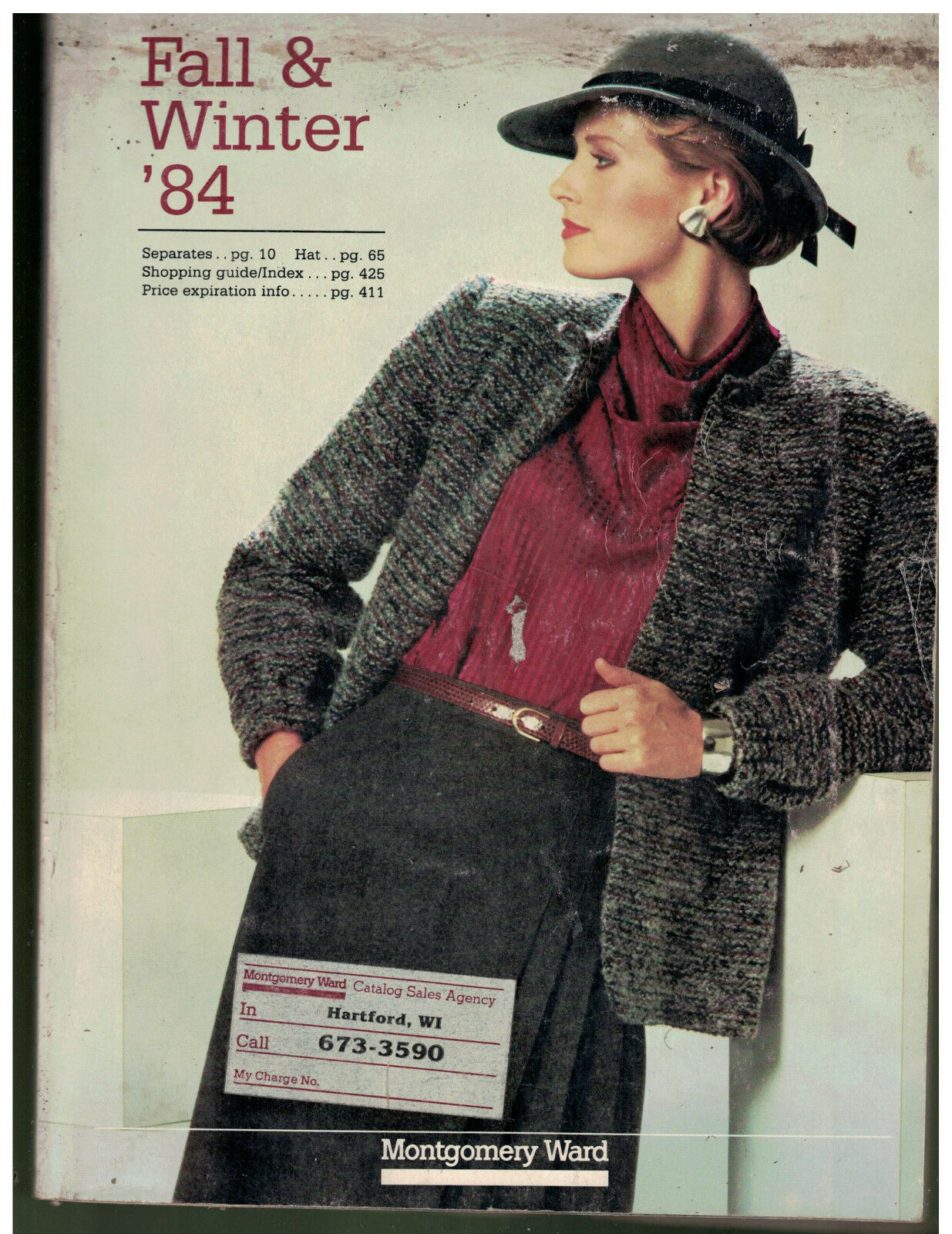
Montgomery Ward Catalog 1984
-
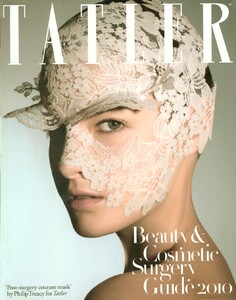
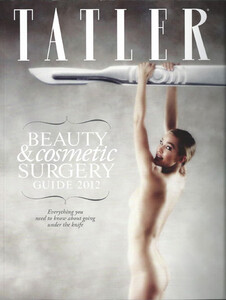
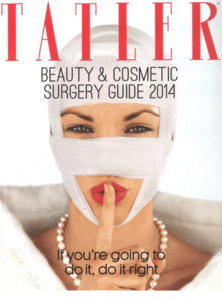
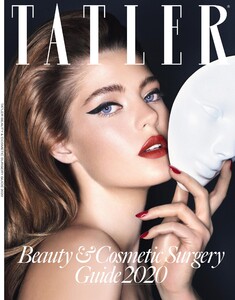
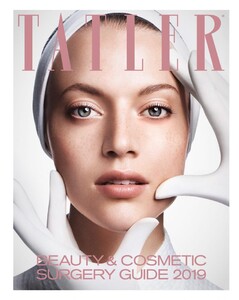
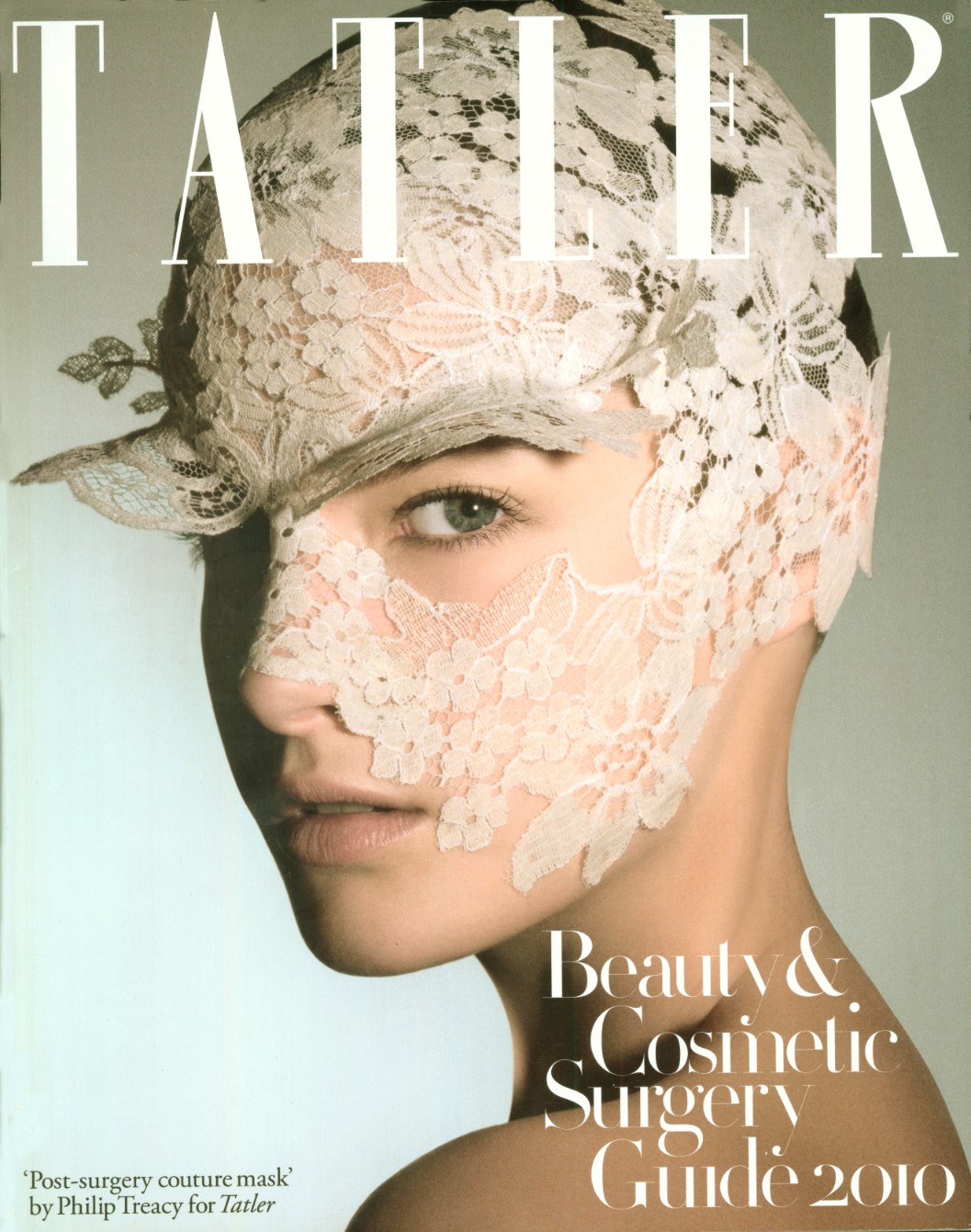
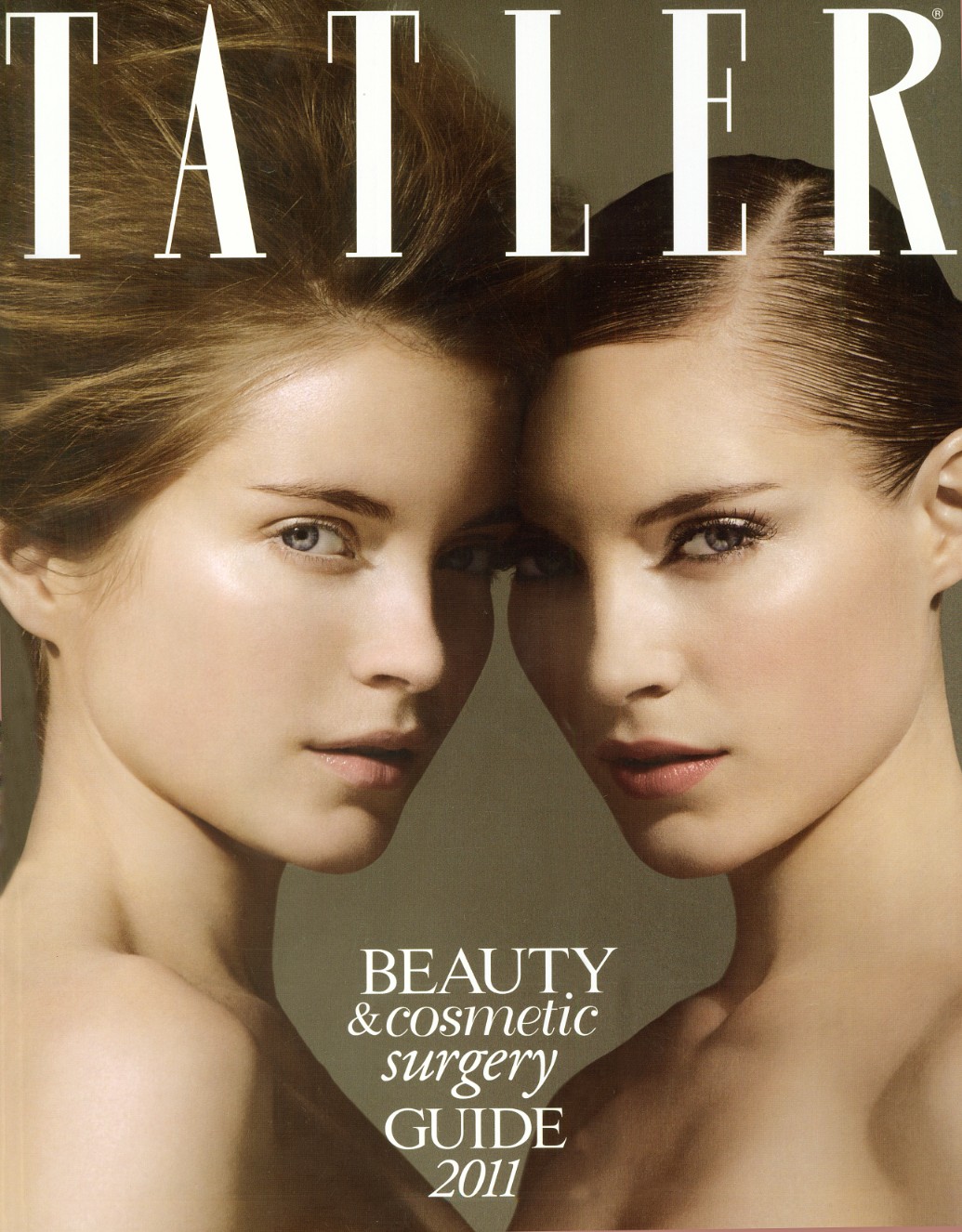
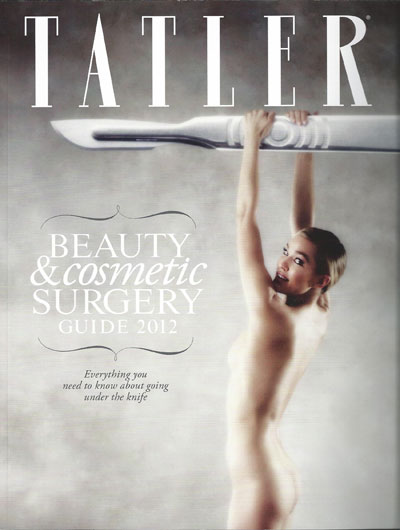
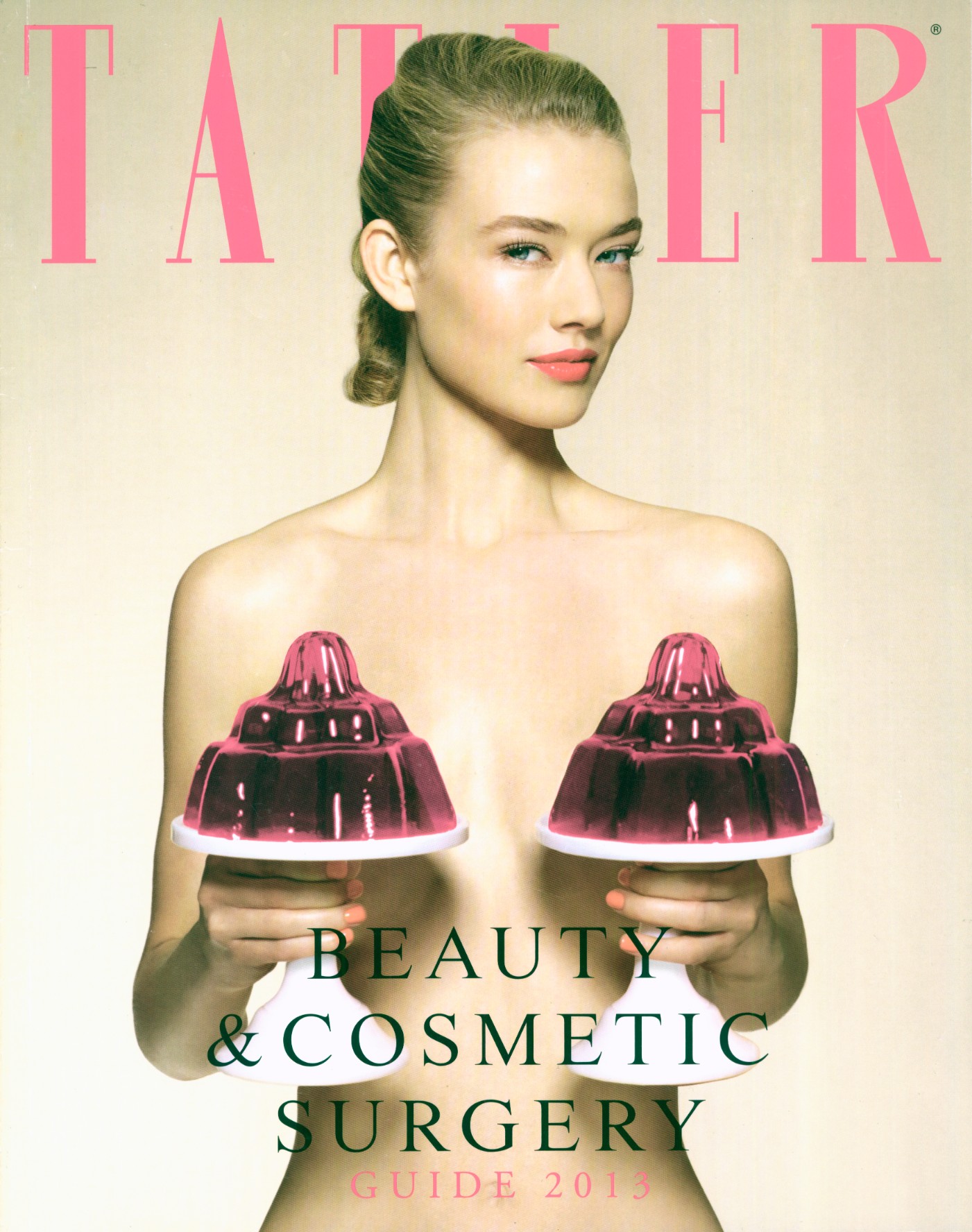
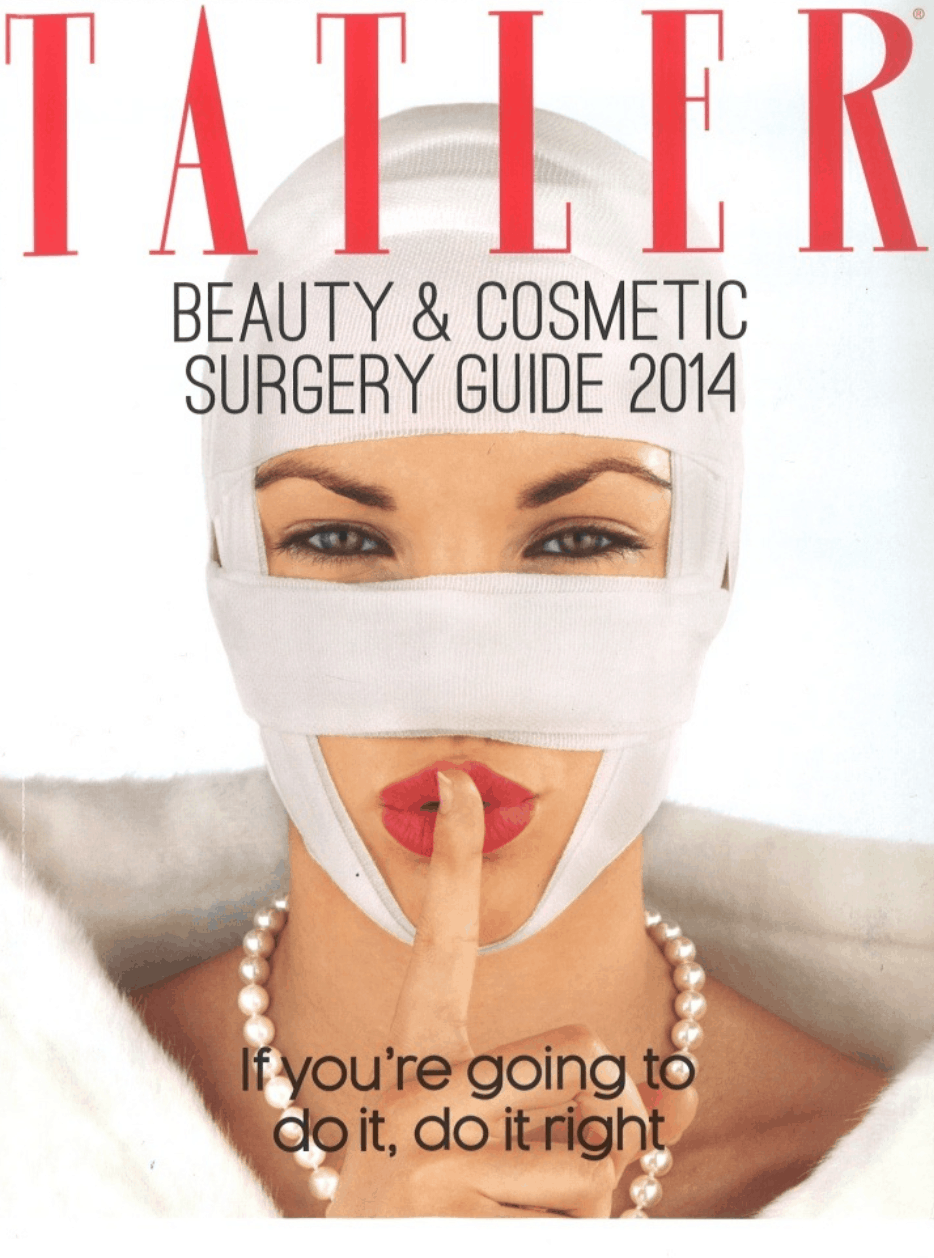
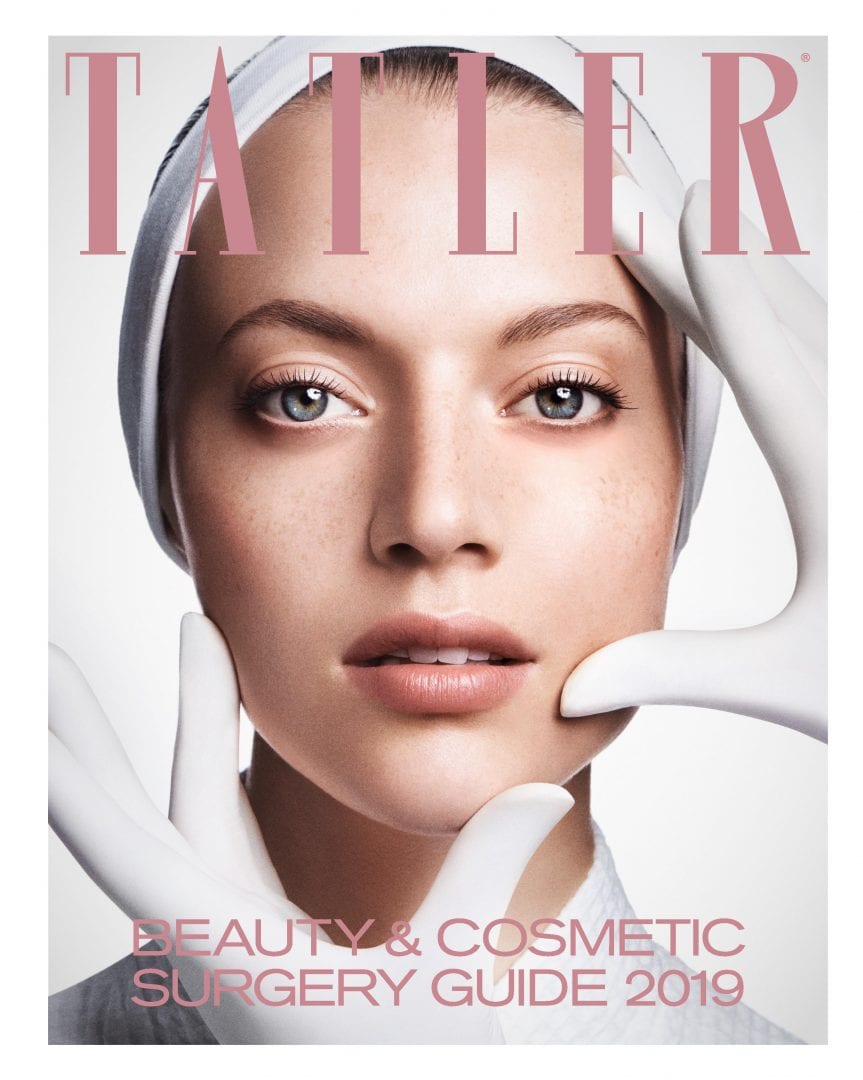
Hi guys, any ID for the issues of Tatler Cosmetic Guide? Thanks



-
-
Julie Anderson ?
-
No, I don´t remember her
-
I wish...but every cover I have is here
-
new Vogue Russia

-
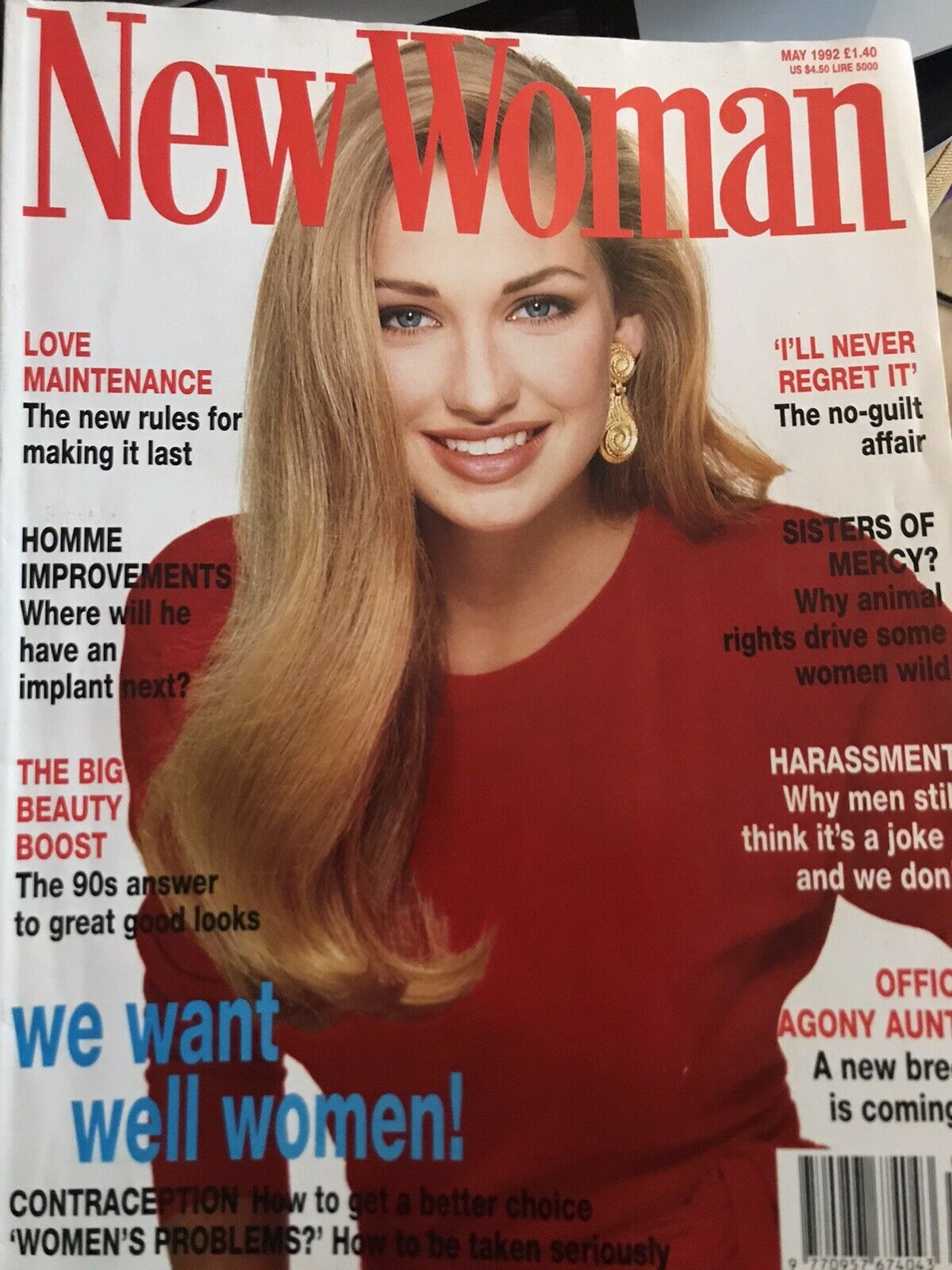
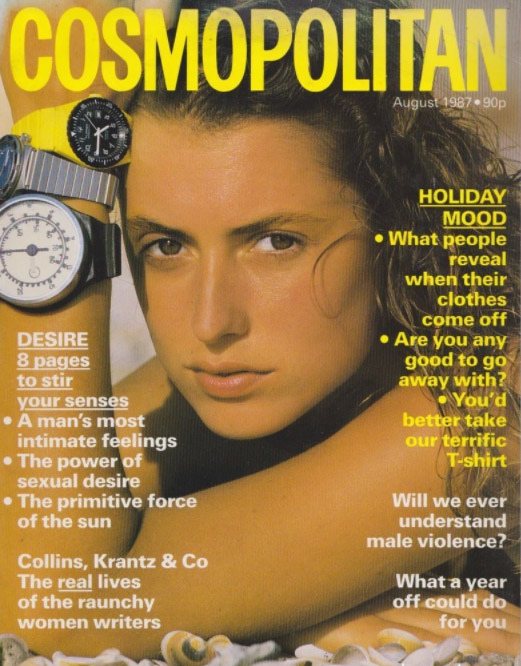
But guys, I´m confused. The Cosmopolitan is Clarissa or Charlotte?
-
Thanks @sanja, @RocketQueen, @BlueAcadia and @Chirkomania for IDs. What a team!
-
-
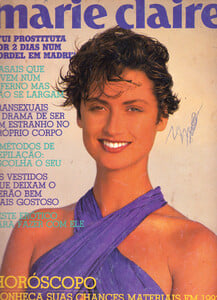
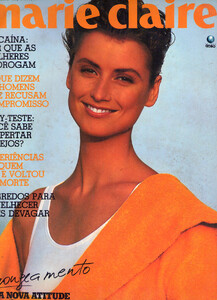
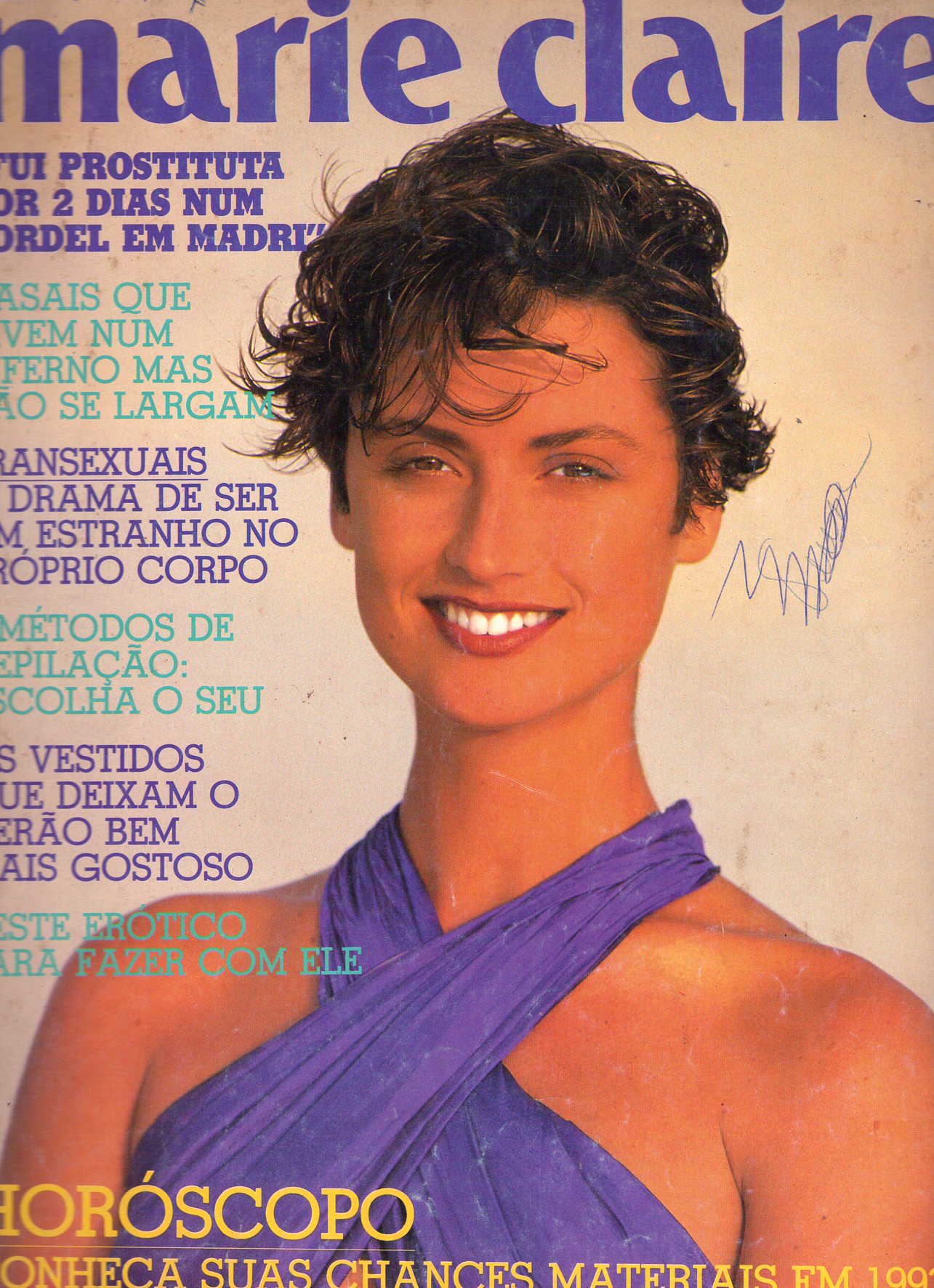
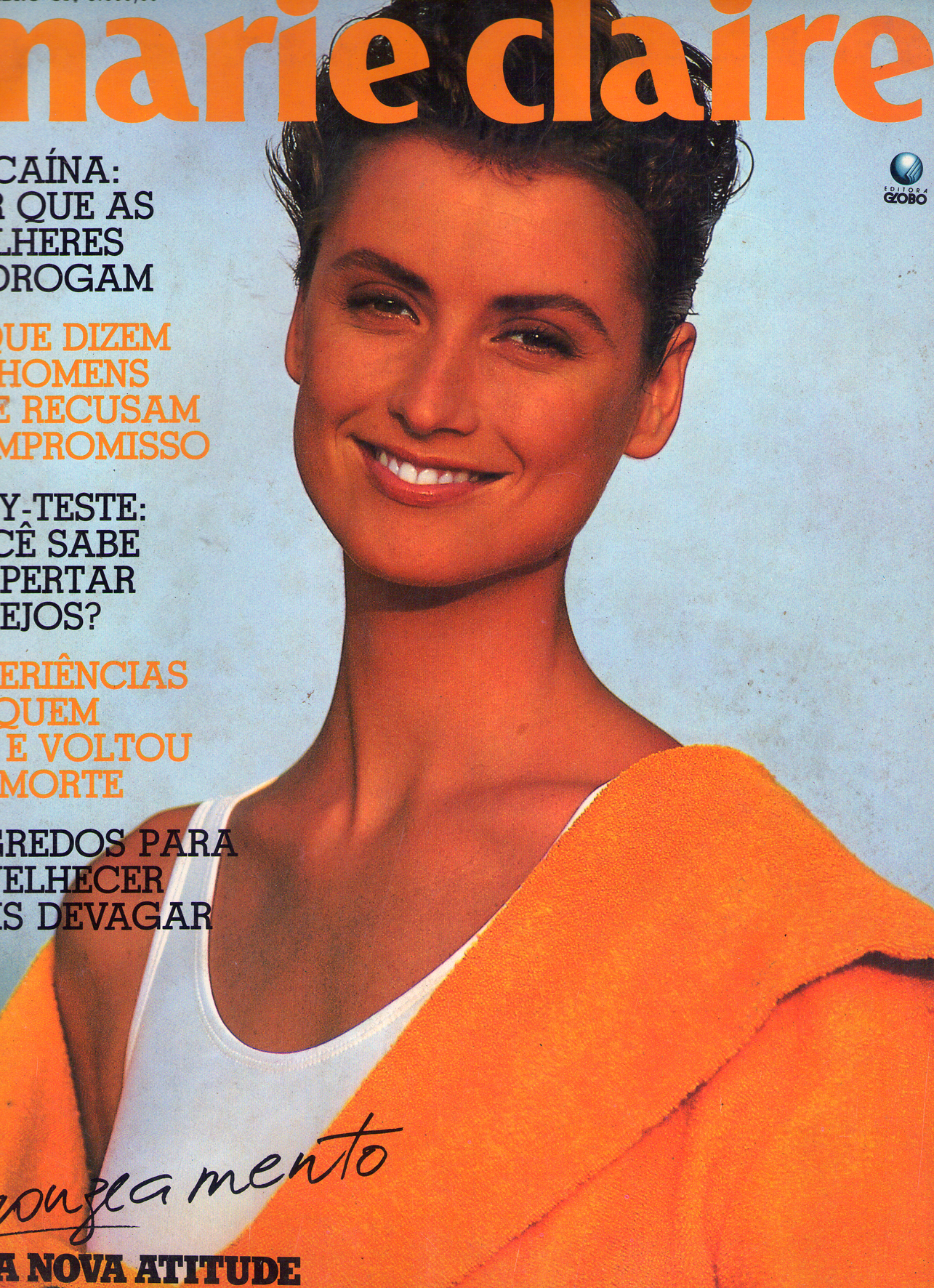
Marie Claire Brazil
-




Account
Navigation
Search
Configure browser push notifications
Chrome (Android)
- Tap the lock icon next to the address bar.
- Tap Permissions → Notifications.
- Adjust your preference.
Chrome (Desktop)
- Click the padlock icon in the address bar.
- Select Site settings.
- Find Notifications and adjust your preference.
Safari (iOS 16.4+)
- Ensure the site is installed via Add to Home Screen.
- Open Settings App → Notifications.
- Find your app name and adjust your preference.
Safari (macOS)
- Go to Safari → Preferences.
- Click the Websites tab.
- Select Notifications in the sidebar.
- Find this website and adjust your preference.
Edge (Android)
- Tap the lock icon next to the address bar.
- Tap Permissions.
- Find Notifications and adjust your preference.
Edge (Desktop)
- Click the padlock icon in the address bar.
- Click Permissions for this site.
- Find Notifications and adjust your preference.
Firefox (Android)
- Go to Settings → Site permissions.
- Tap Notifications.
- Find this site in the list and adjust your preference.
Firefox (Desktop)
- Open Firefox Settings.
- Search for Notifications.
- Find this site in the list and adjust your preference.