
penny-dreaddfull
Members
-
Joined
-
Last visited
Everything posted by penny-dreaddfull
-
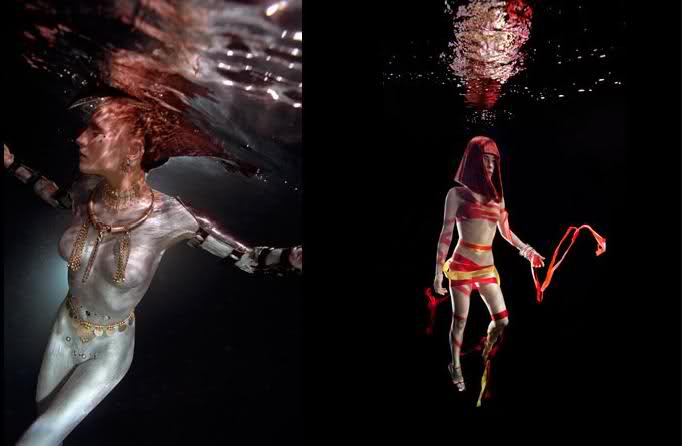
 those are absolutely gorgeous, baron... so serene the colors in the darkeness so striking ~sigh~ happy 250th post.. btw!!! :ddr: :ddr:
isnt it freakin awesome, ophelia?!?!? im sooo excited for our 'lyssa
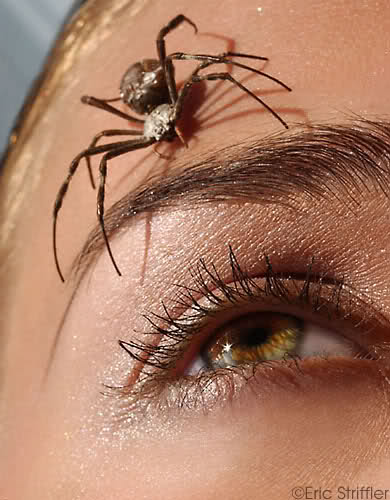
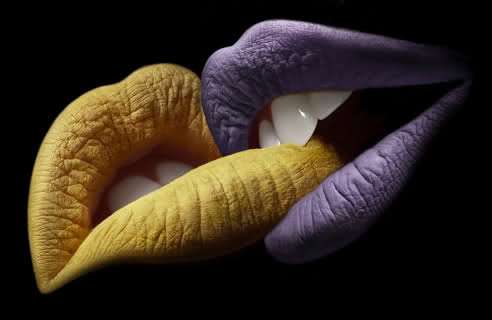
where do i find them??? my little secret... :evil: lol, photographers websites mostly livejournal, i even find a few here on this forum
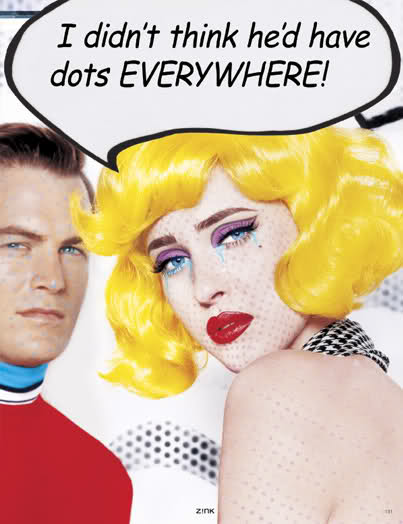
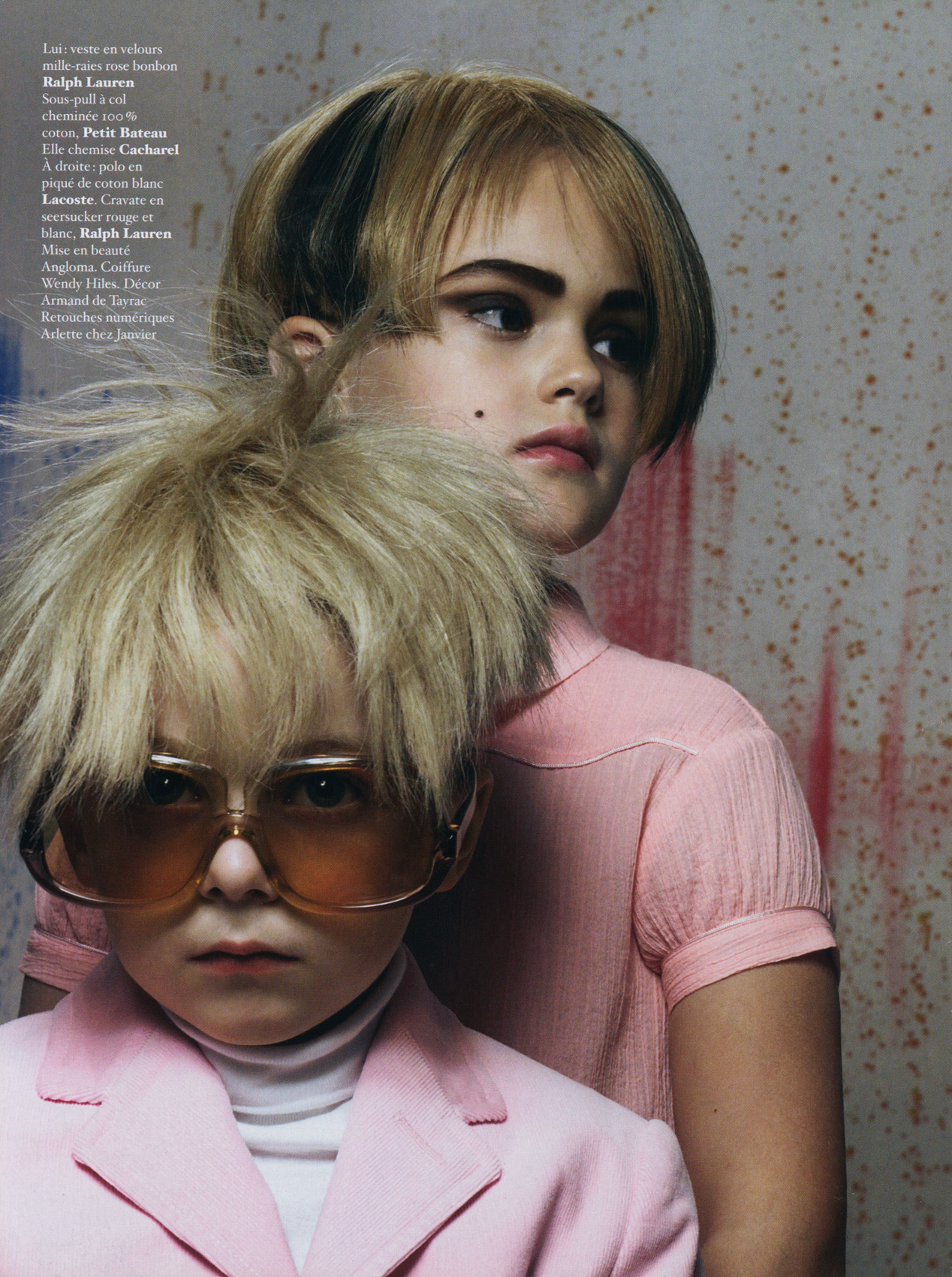
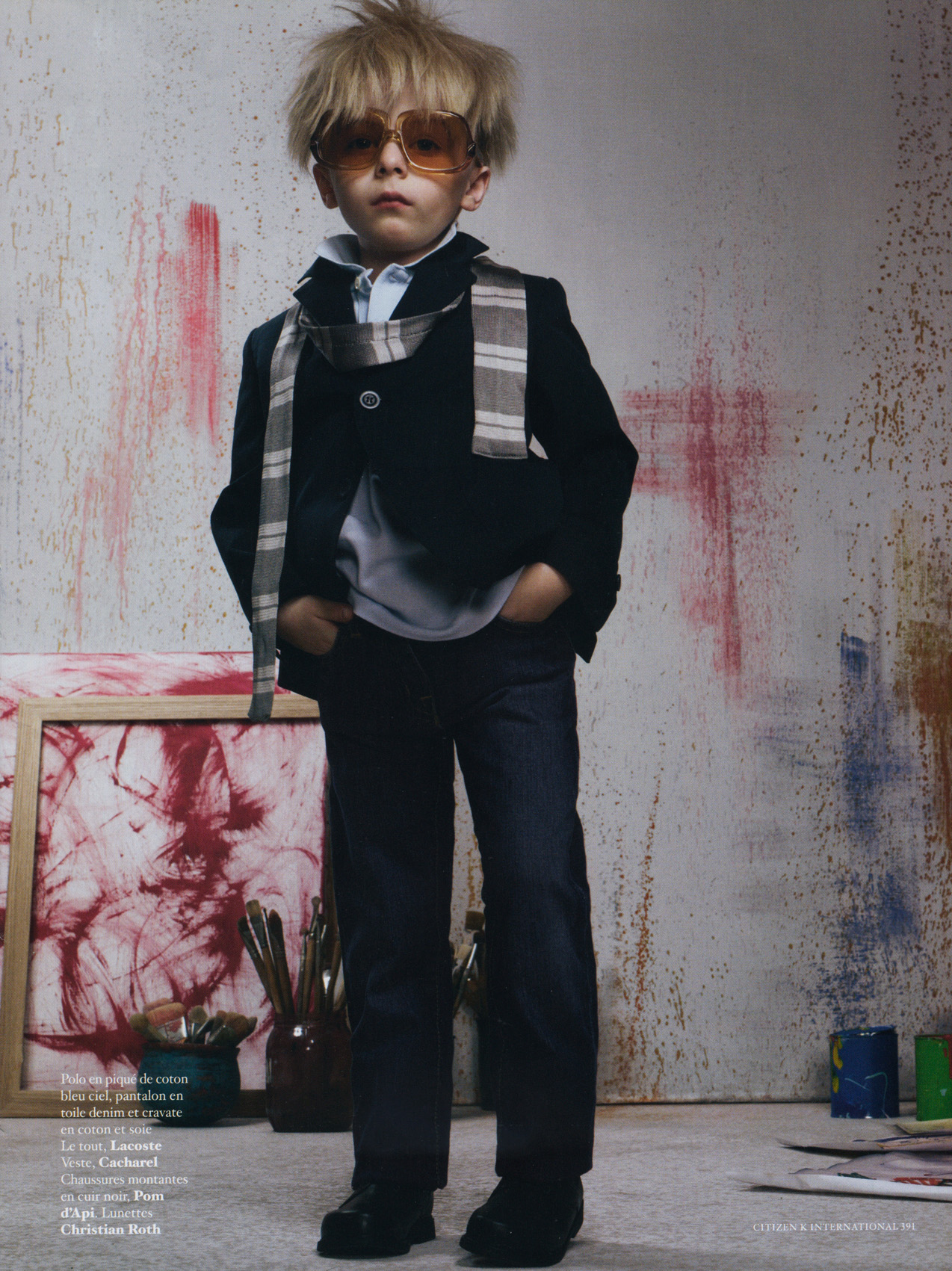
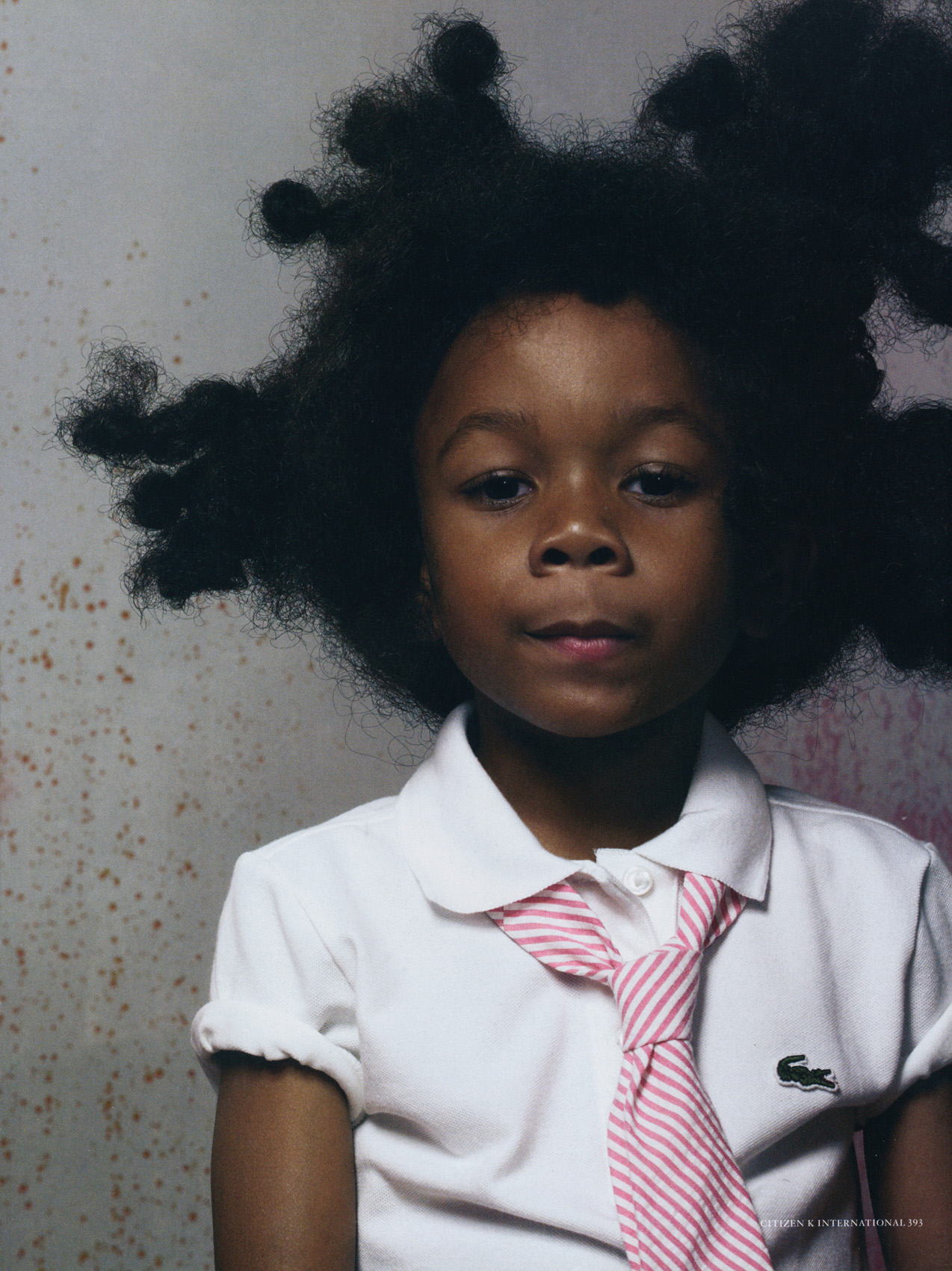
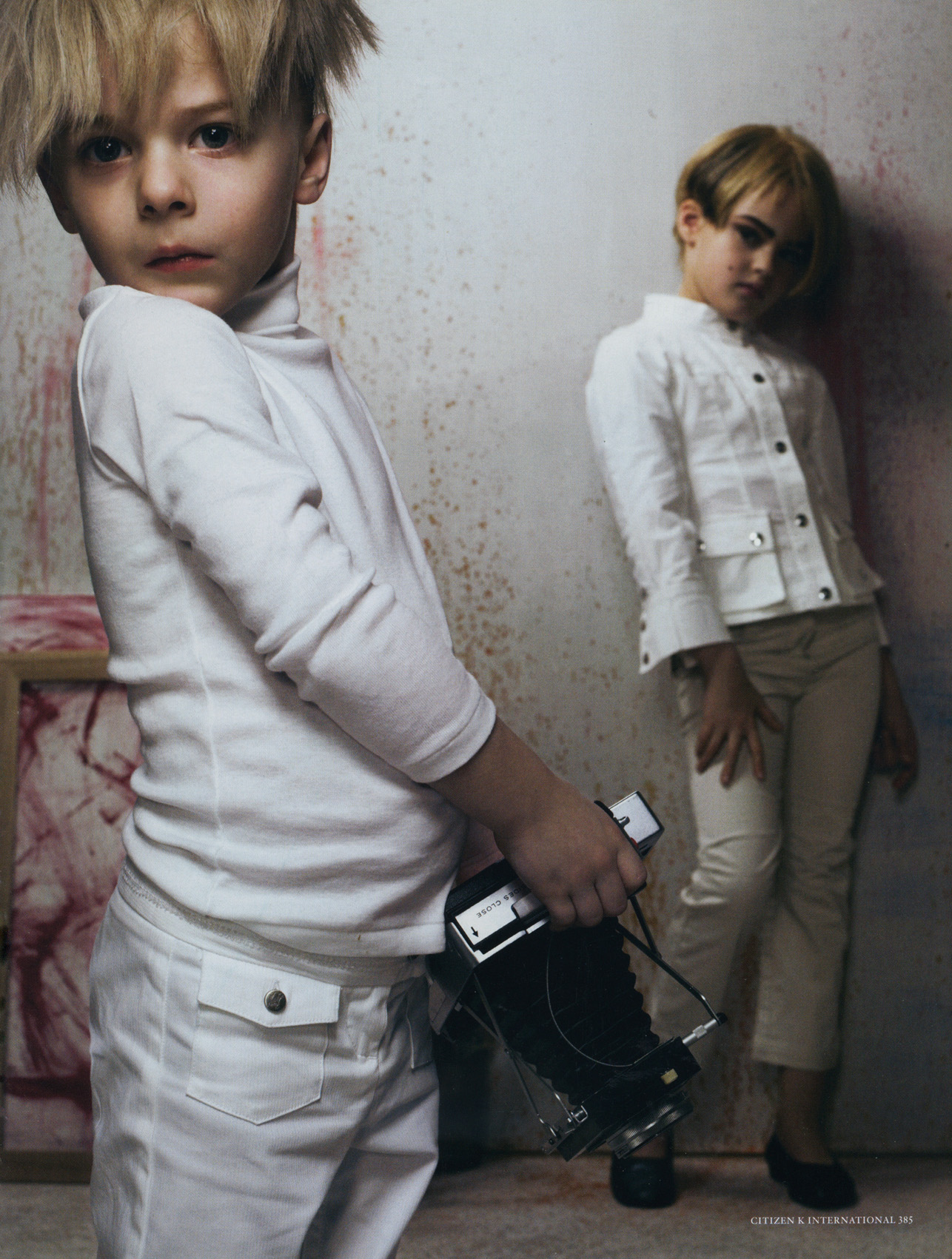
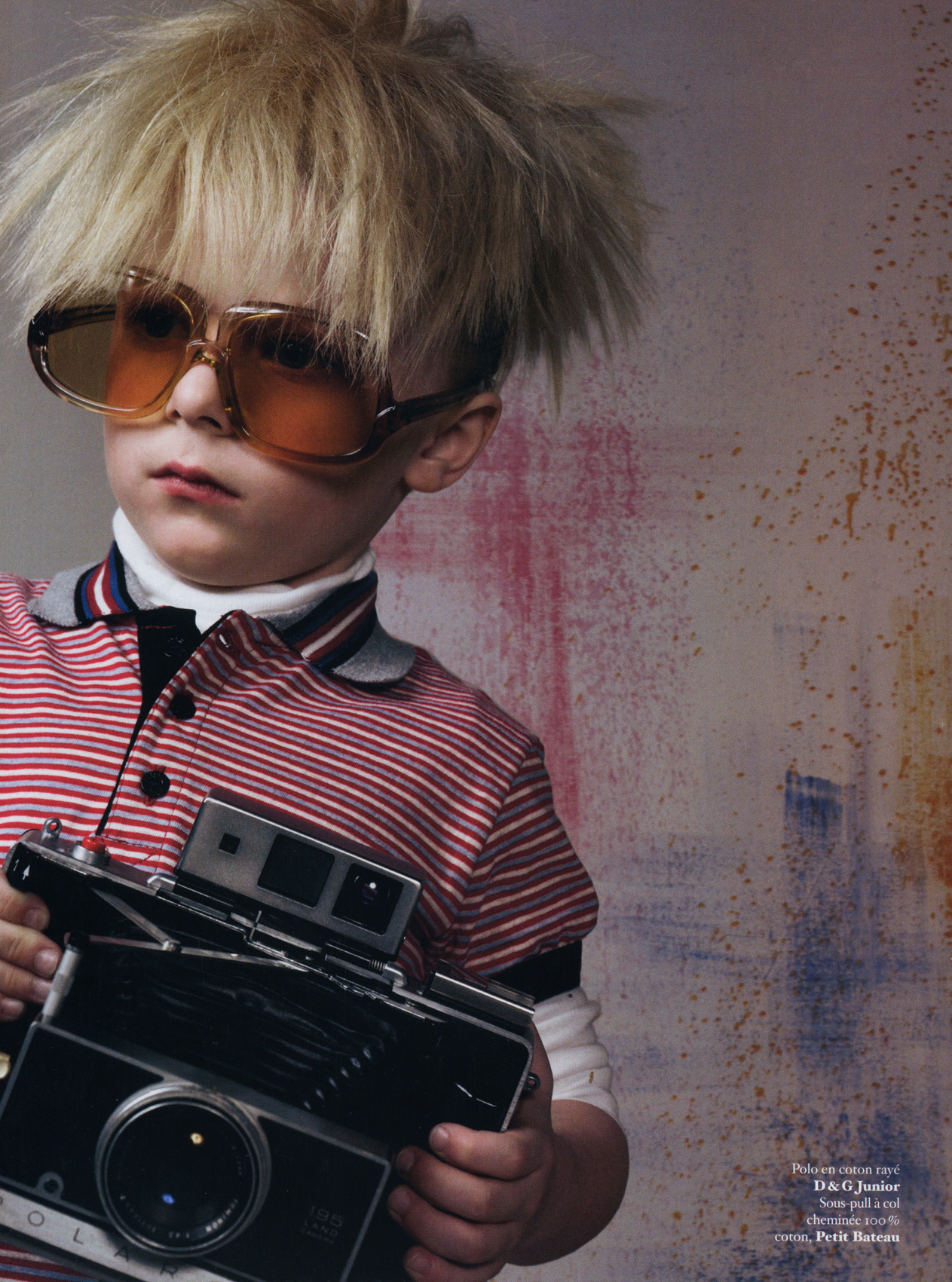
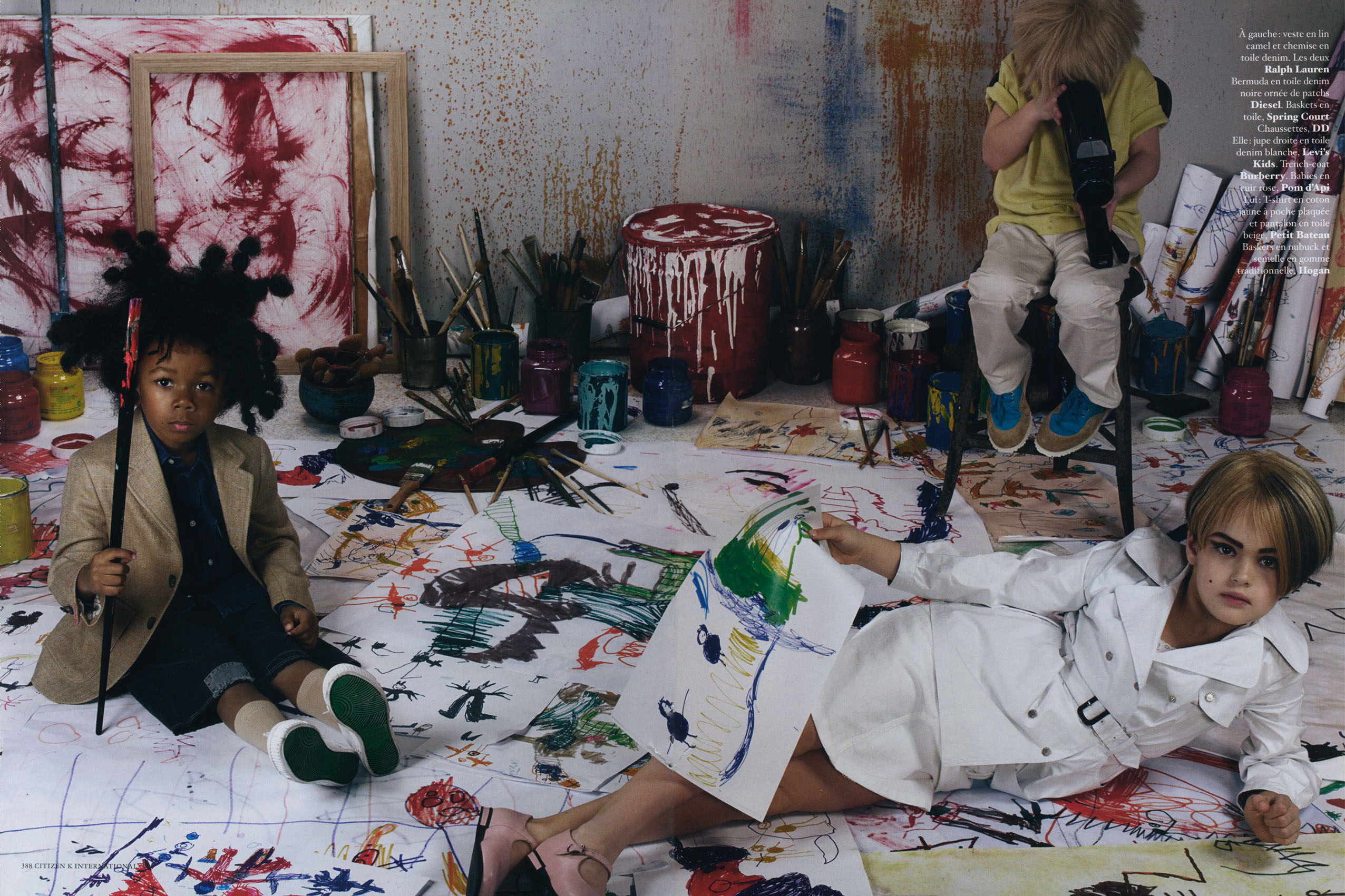
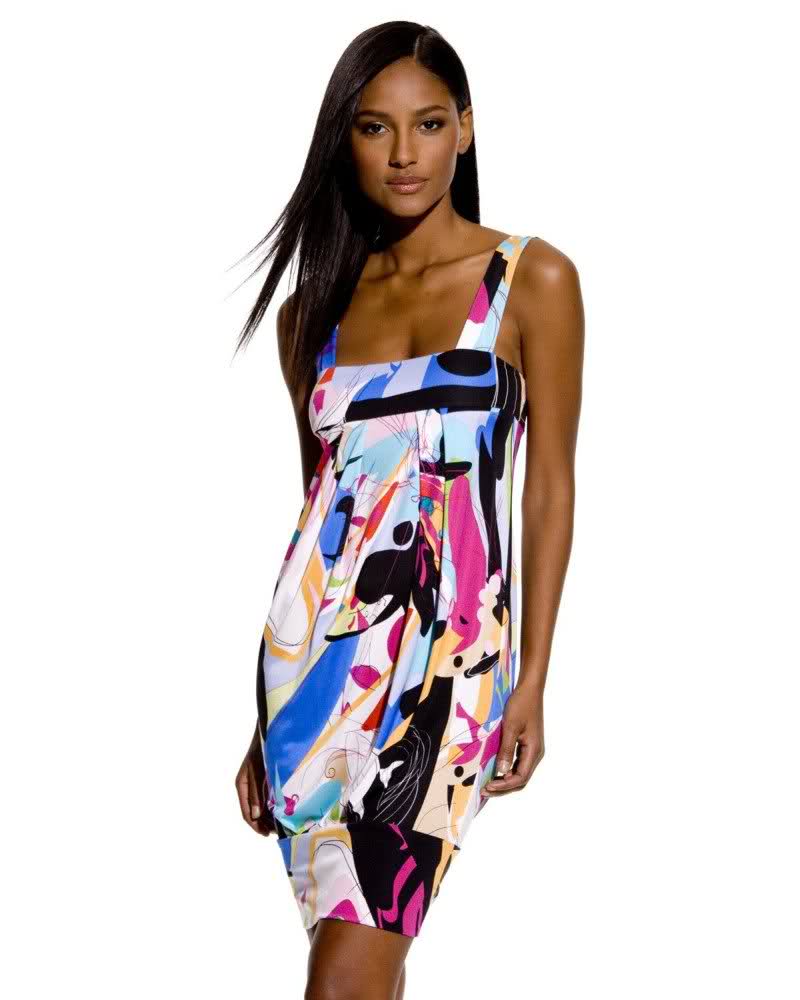
living pop art
those are absolutely gorgeous, baron... so serene the colors in the darkeness so striking ~sigh~ happy 250th post.. btw!!! :ddr: :ddr:
isnt it freakin awesome, ophelia?!?!? im sooo excited for our 'lyssa
where do i find them??? my little secret... :evil: lol, photographers websites mostly livejournal, i even find a few here on this forum
living pop art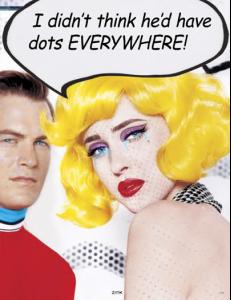
 then theres hope for me!! wooohoooo!!!
 lol, hutch we have 3 things in common, love of ridley, redheads and pictures of lucious lips
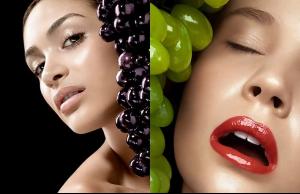 still alot to learn after 5 yrs??? damn im gonna be a newbie forever
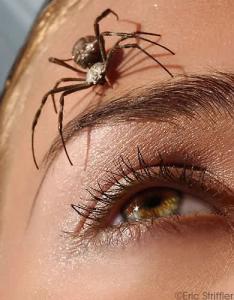 hutch i htink its a universal truism... ridley is the man anyone who dares to think differently :persuazn: lolololololololol
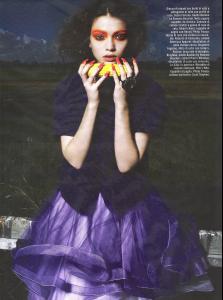 hey hutch! heres an antithesis of the antithesis ~huh??~
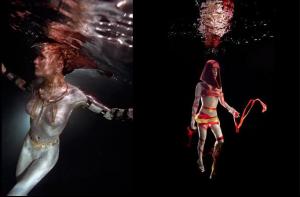 what a beauty of a pic you brought over, thanks!!! youre right bout the brows... it could have just been temp.... i just got thrown...im so in love with those bushy caterpillars!! lol GORGEOUS avatar, btw
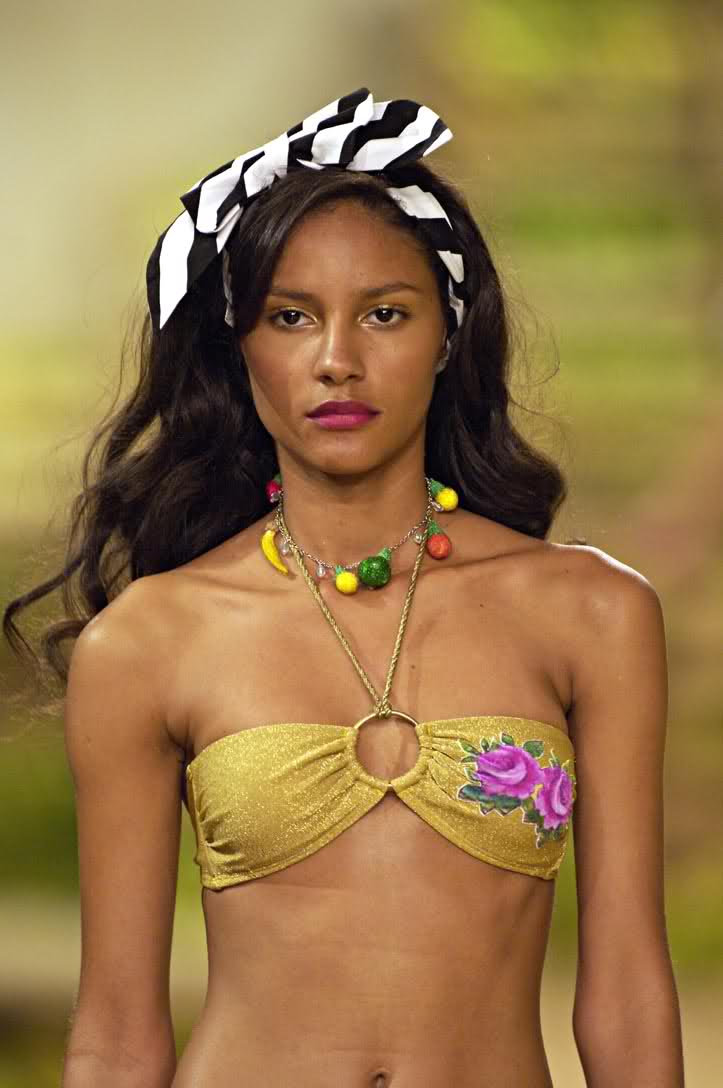
MEL!!! she look soooo gorgeous
what a beauty of a pic you brought over, thanks!!! youre right bout the brows... it could have just been temp.... i just got thrown...im so in love with those bushy caterpillars!! lol GORGEOUS avatar, btw
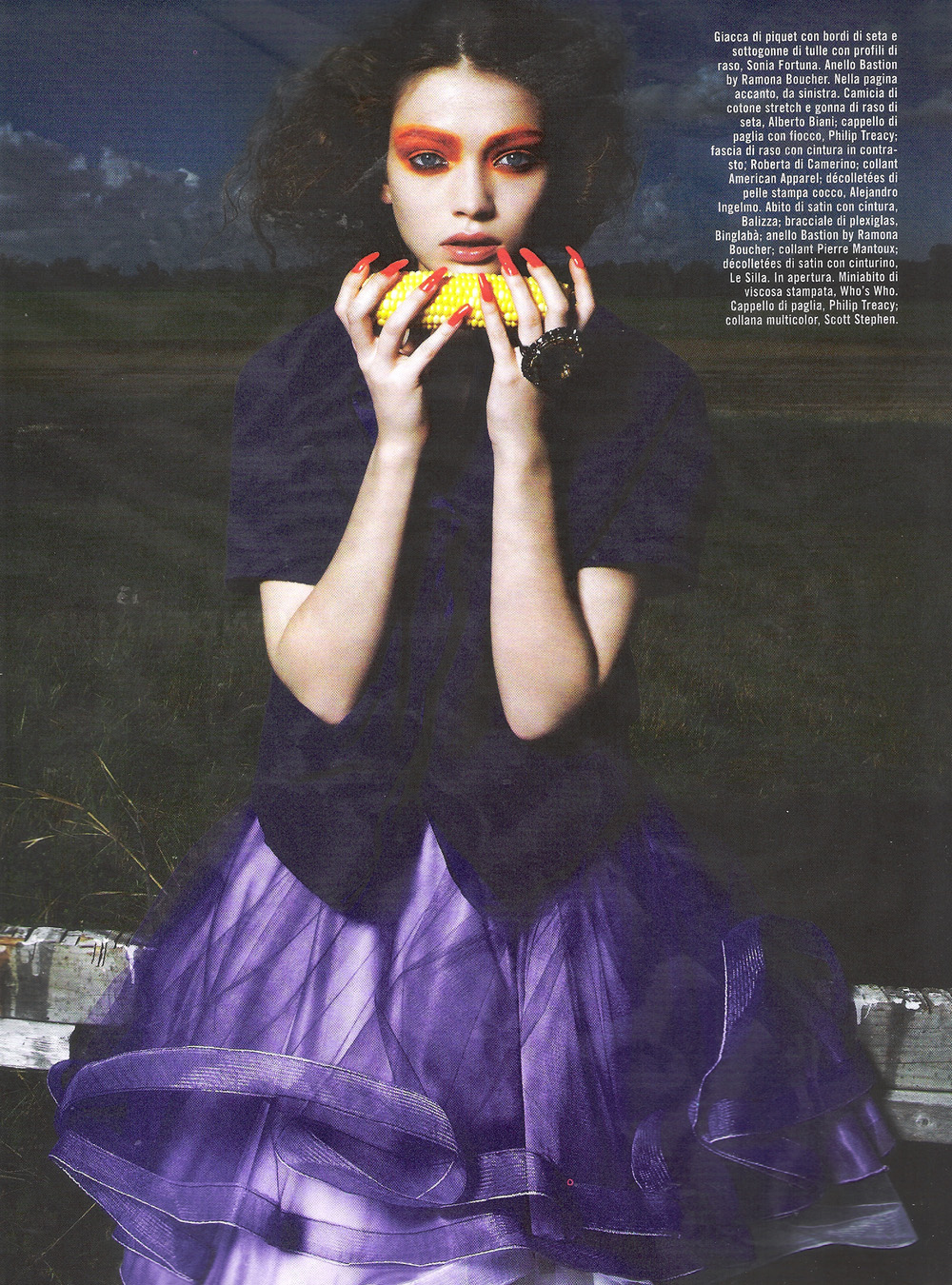
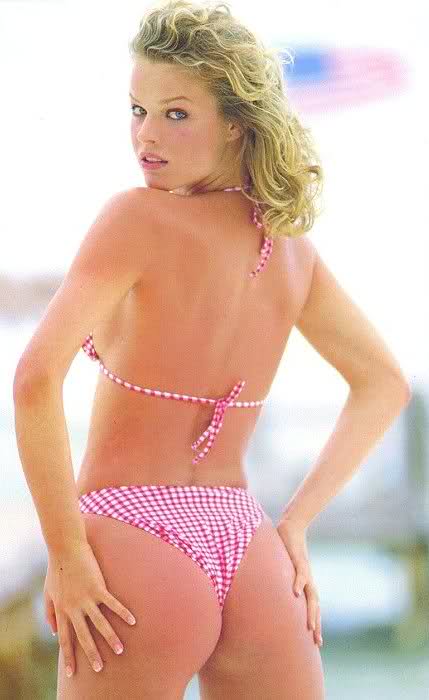
MEL!!! she look soooo gorgeous has she lost weight, Q?? i havent seen her recently thats a sad, sad, thing.. her body was one of the best in the business she had plenty of barump a rump rump
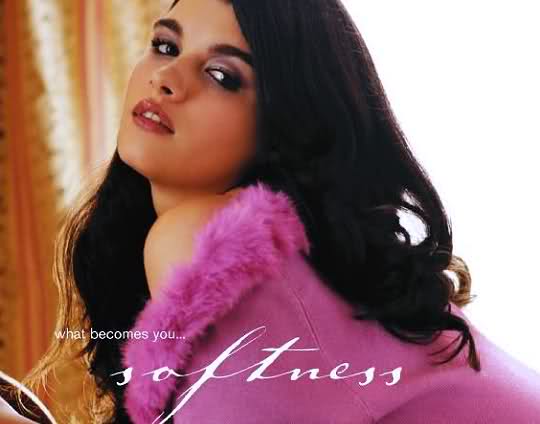
a grogeous pic from her lane bryant days
has she lost weight, Q?? i havent seen her recently thats a sad, sad, thing.. her body was one of the best in the business she had plenty of barump a rump rump
a grogeous pic from her lane bryant days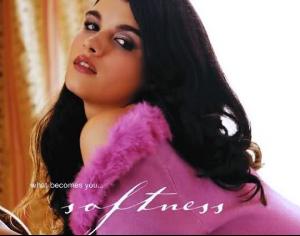 from italian vanity fair
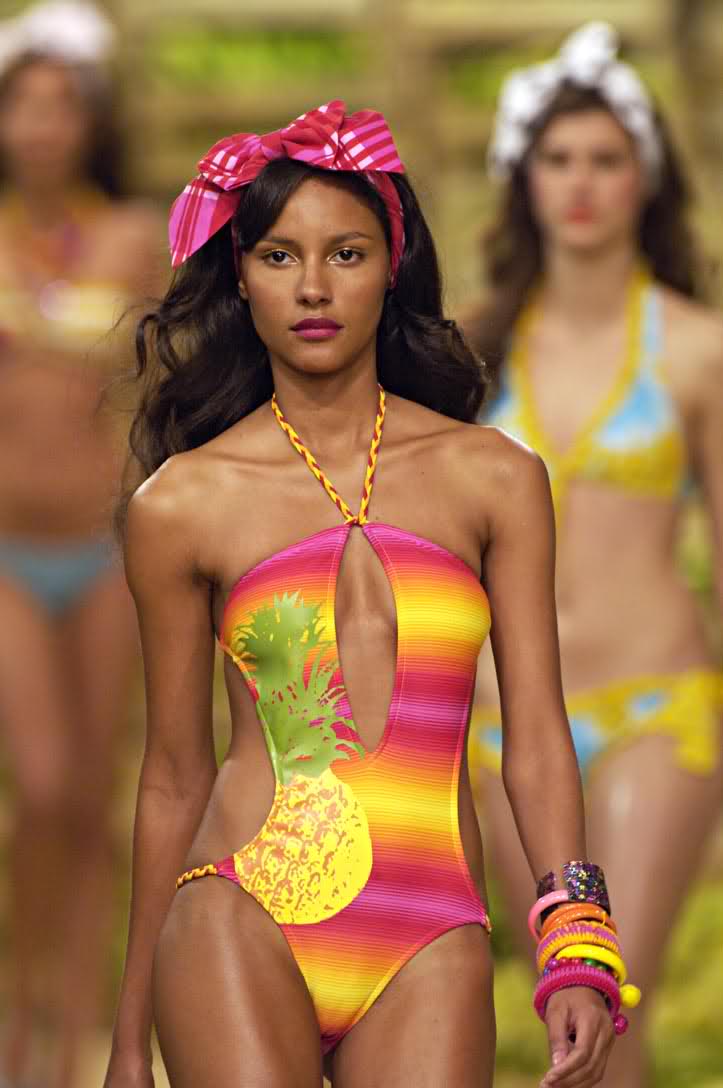
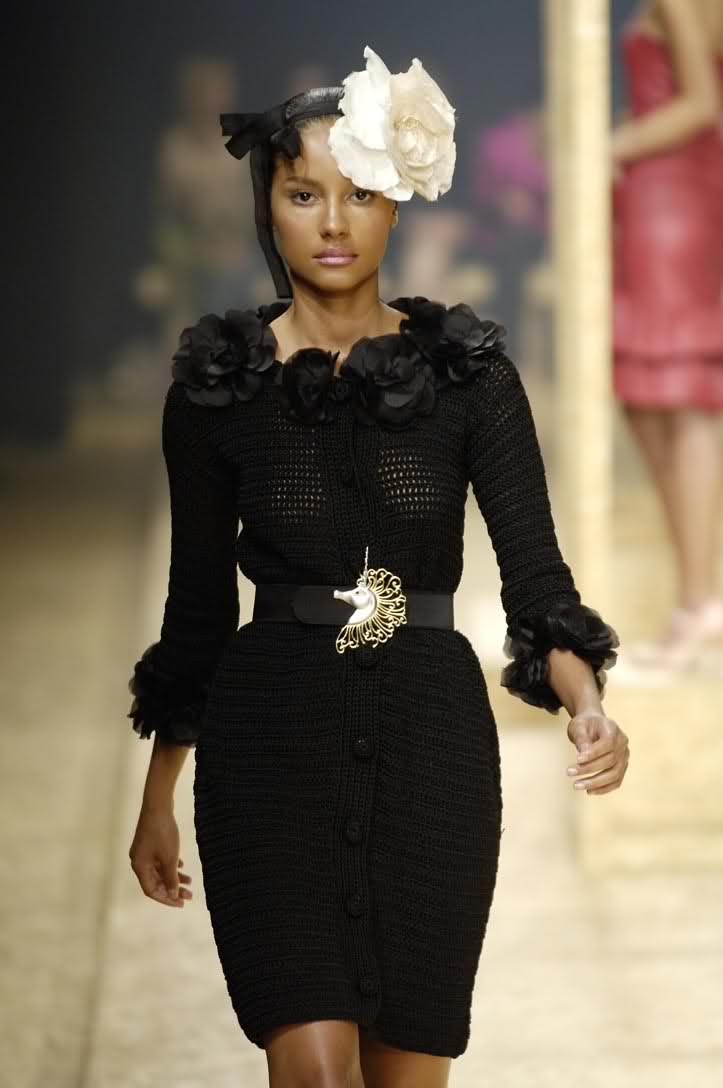
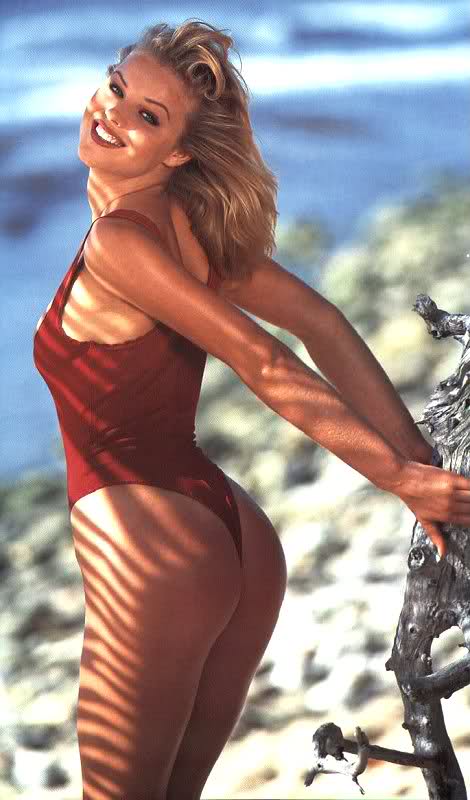
 gorgeous pic, lad... she exudes class, BIG TIME
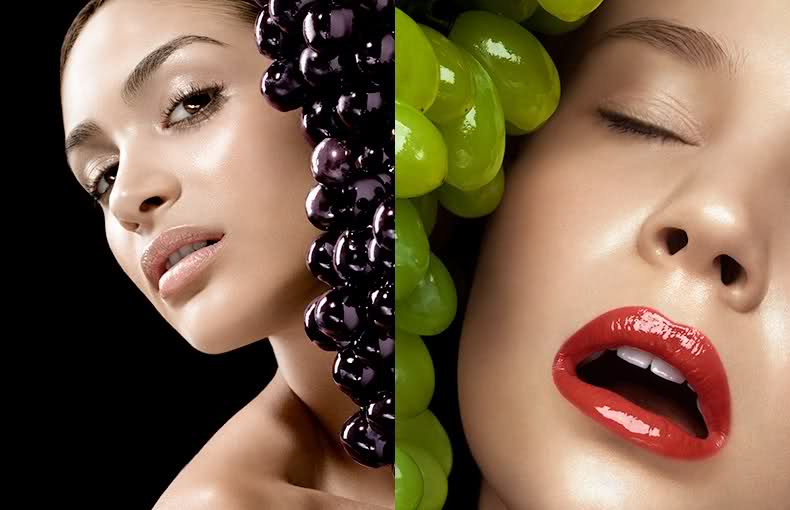
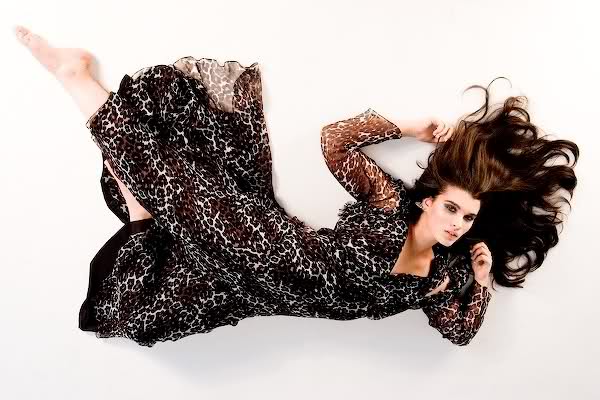
 i lke her nose, if she had a perfect one, shed be too.... perfect, and not as interesting shes stunning, if i fing anything on her, ill bring over!!











Account
Navigation
Search
Configure browser push notifications
Chrome (Android)
- Tap the lock icon next to the address bar.
- Tap Permissions → Notifications.
- Adjust your preference.
Chrome (Desktop)
- Click the padlock icon in the address bar.
- Select Site settings.
- Find Notifications and adjust your preference.
Safari (iOS 16.4+)
- Ensure the site is installed via Add to Home Screen.
- Open Settings App → Notifications.
- Find your app name and adjust your preference.
Safari (macOS)
- Go to Safari → Preferences.
- Click the Websites tab.
- Select Notifications in the sidebar.
- Find this website and adjust your preference.
Edge (Android)
- Tap the lock icon next to the address bar.
- Tap Permissions.
- Find Notifications and adjust your preference.
Edge (Desktop)
- Click the padlock icon in the address bar.
- Click Permissions for this site.
- Find Notifications and adjust your preference.
Firefox (Android)
- Go to Settings → Site permissions.
- Tap Notifications.
- Find this site in the list and adjust your preference.
Firefox (Desktop)
- Open Firefox Settings.
- Search for Notifications.
- Find this site in the list and adjust your preference.