penny-dreaddfull
Members
-
Joined
-
Last visited
Everything posted by penny-dreaddfull
-
 id never heard of this eastwood like look and movie i dont watch elvis movies now, but when i was like 9 yrs old?? every weekend, baby right after looney tunes im going to have to see what i can see about 'charro' i think he looks HOT slightly rough
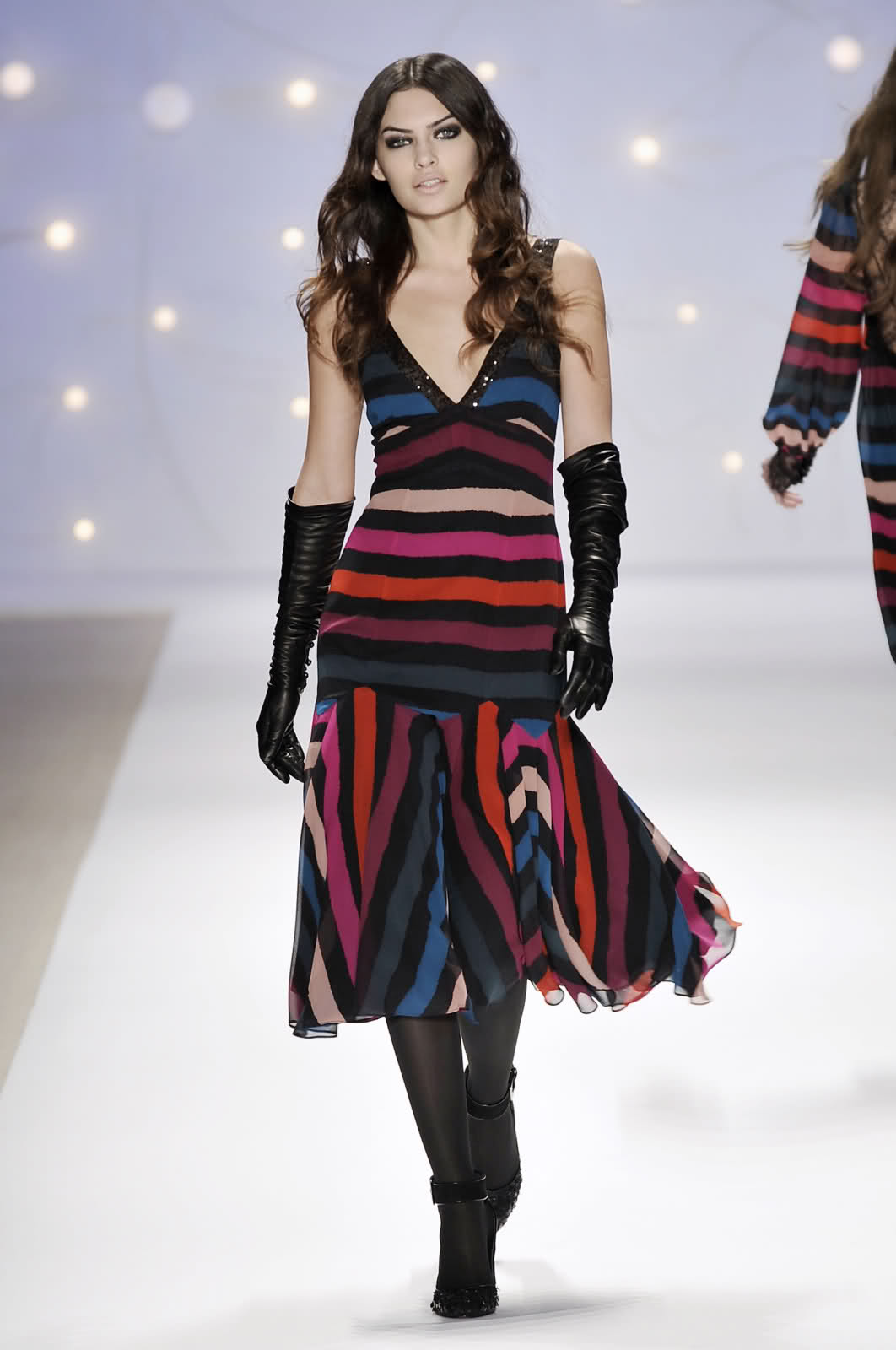
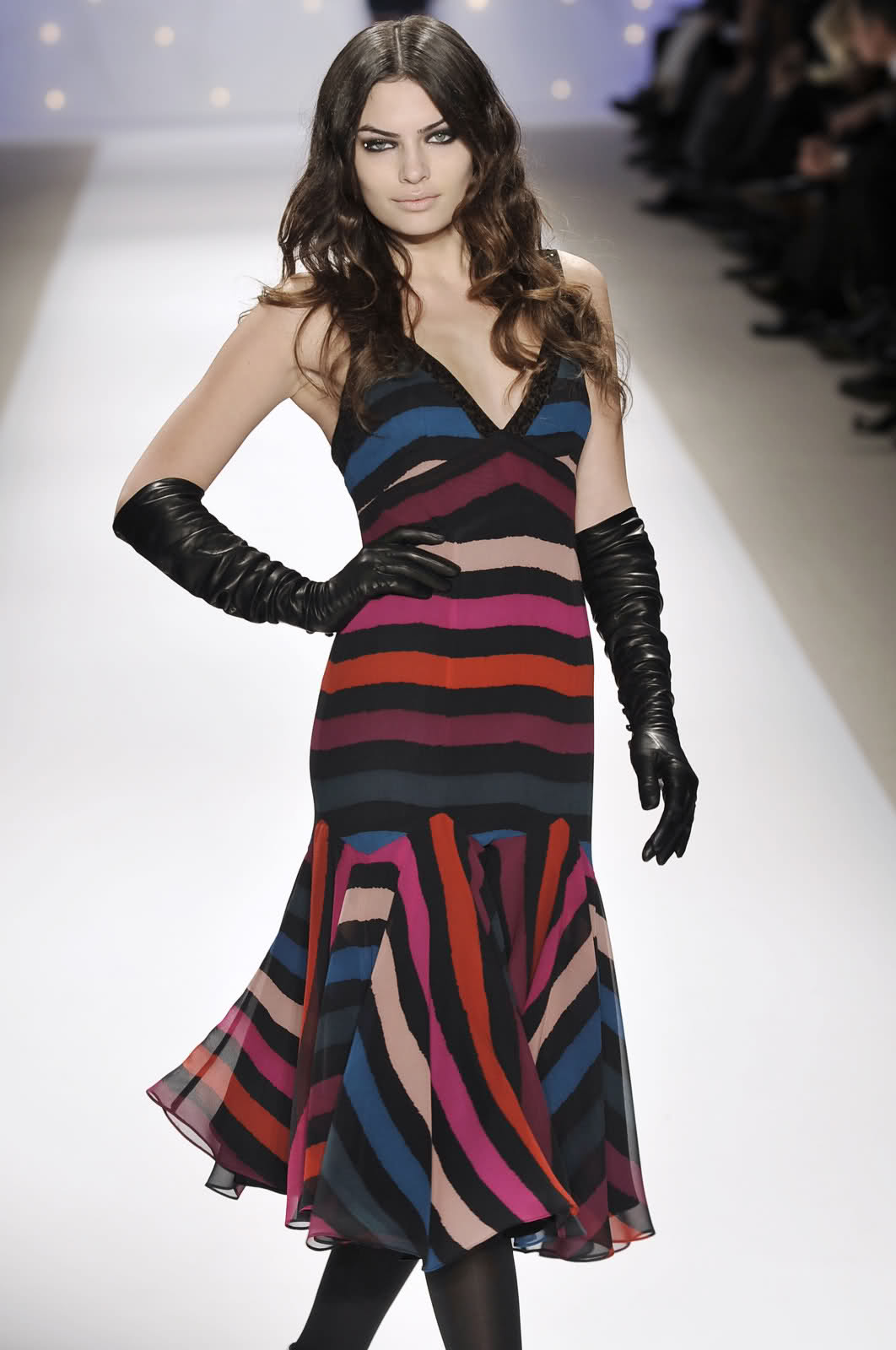
ediewarhol posted these on tfs yeohlie F/W 08 nanette lepore
id never heard of this eastwood like look and movie i dont watch elvis movies now, but when i was like 9 yrs old?? every weekend, baby right after looney tunes im going to have to see what i can see about 'charro' i think he looks HOT slightly rough
ediewarhol posted these on tfs yeohlie F/W 08 nanette lepore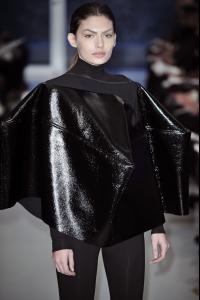
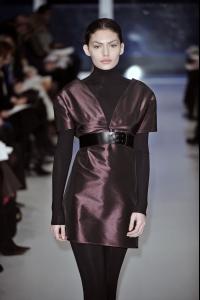
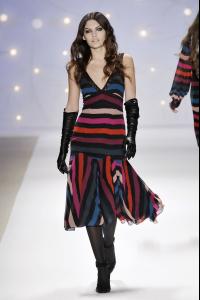
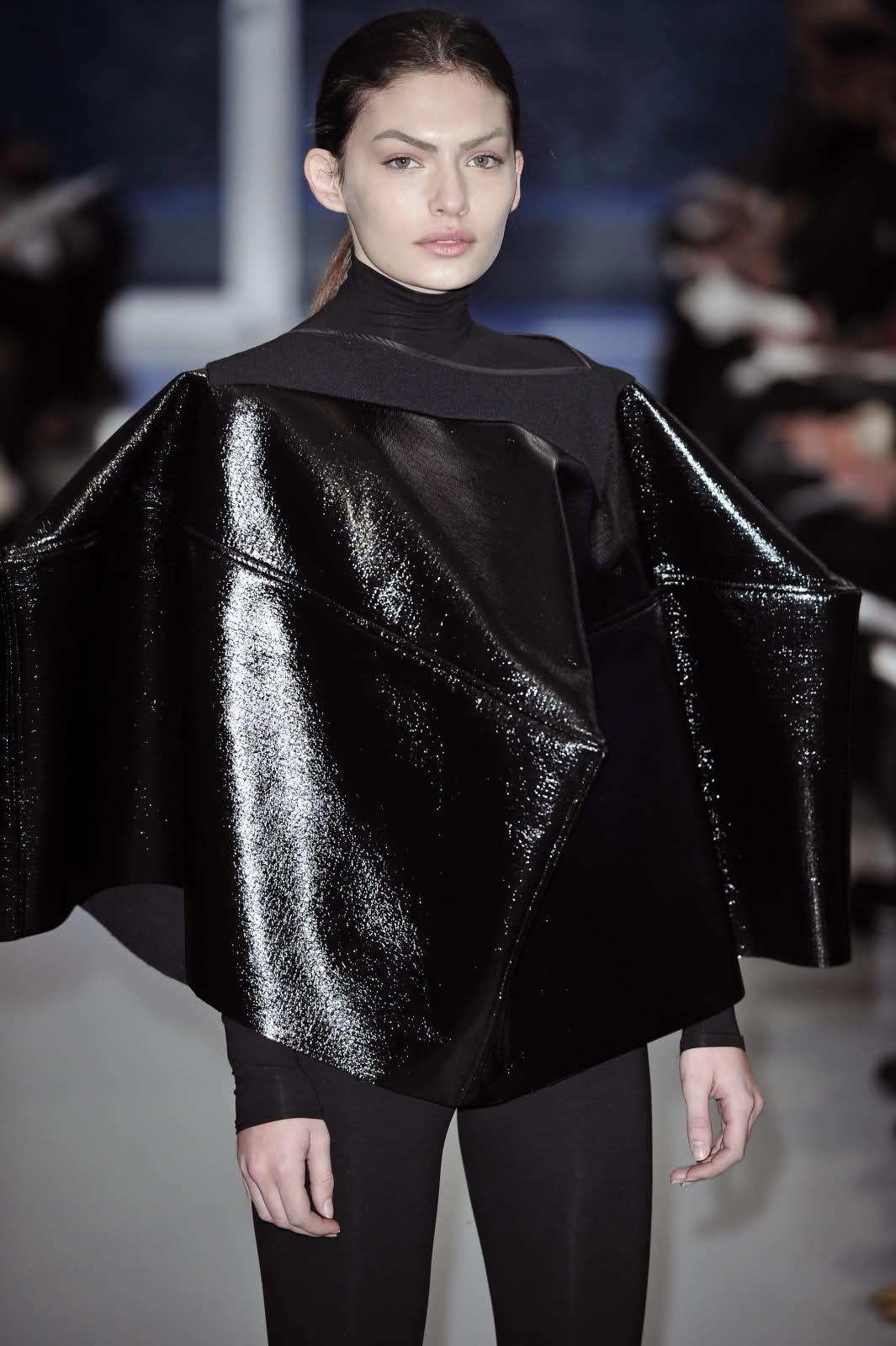
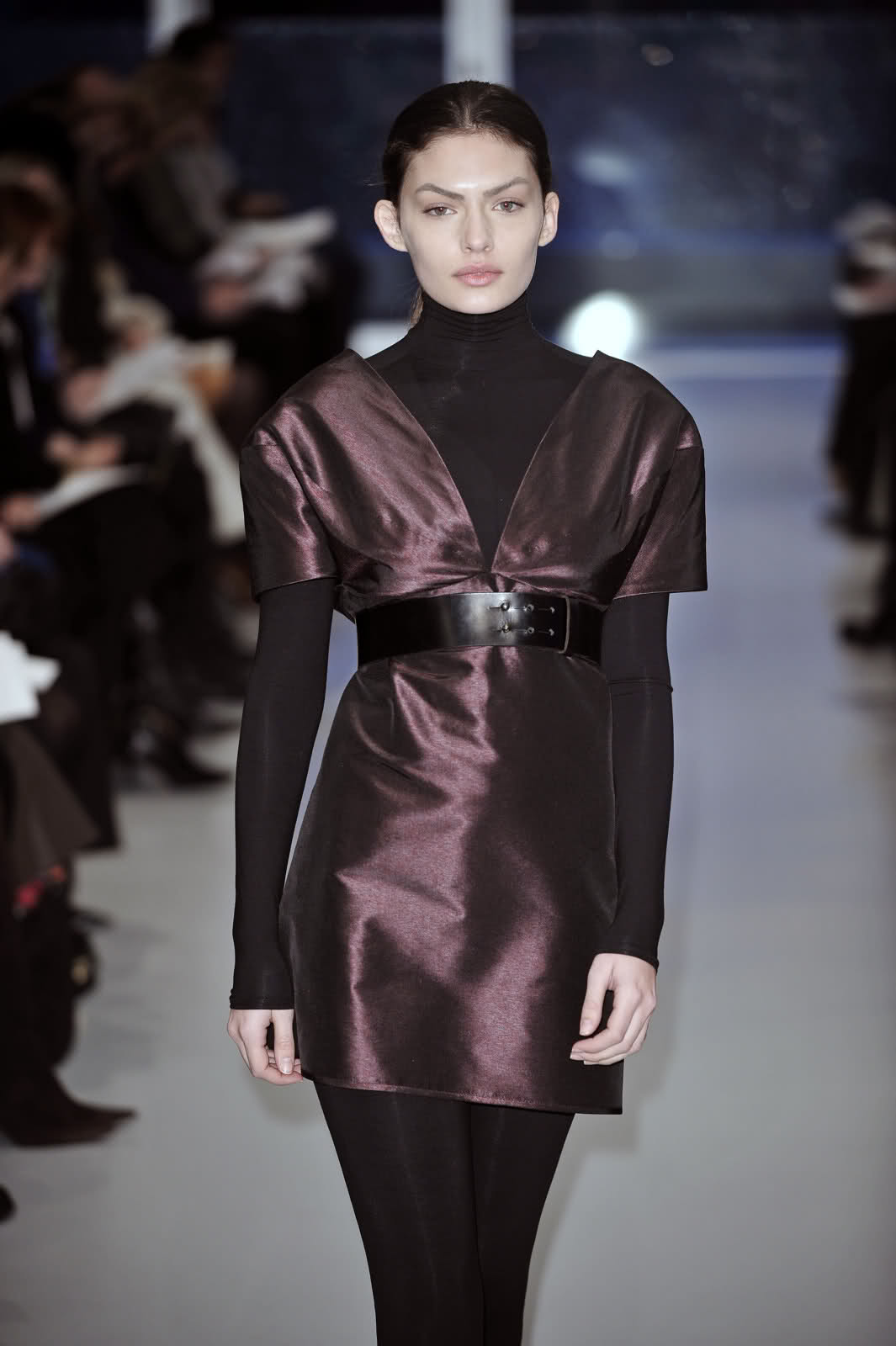
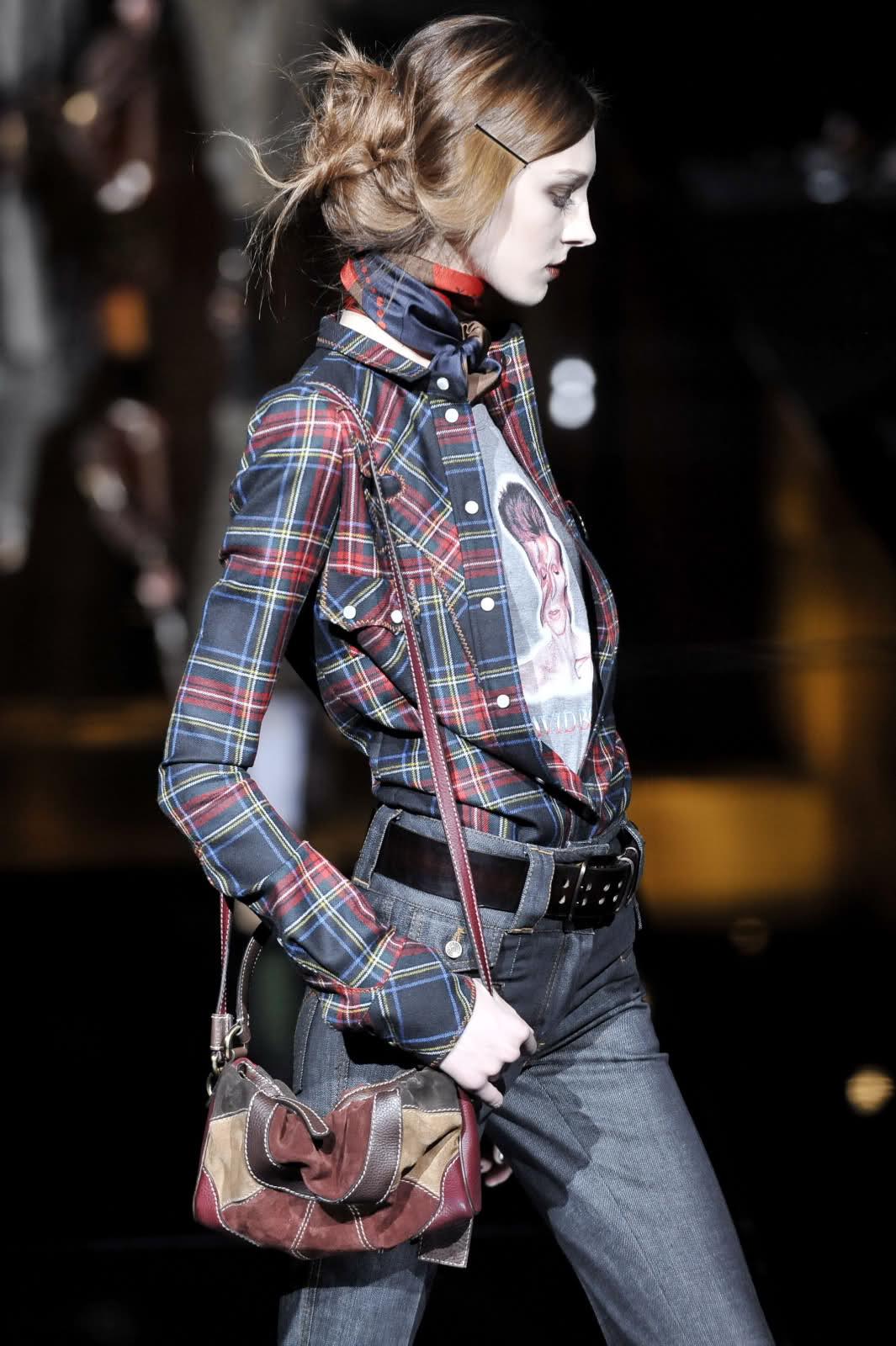
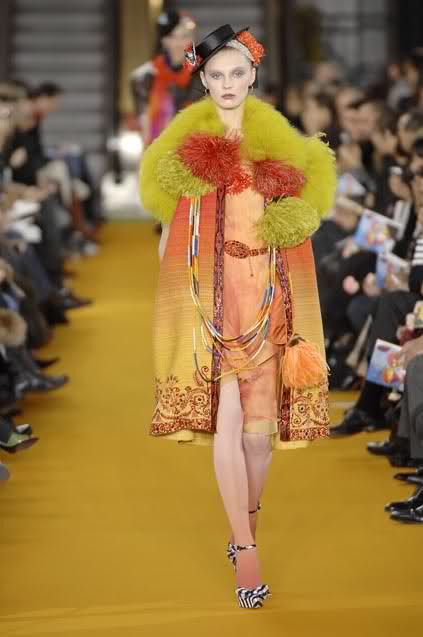
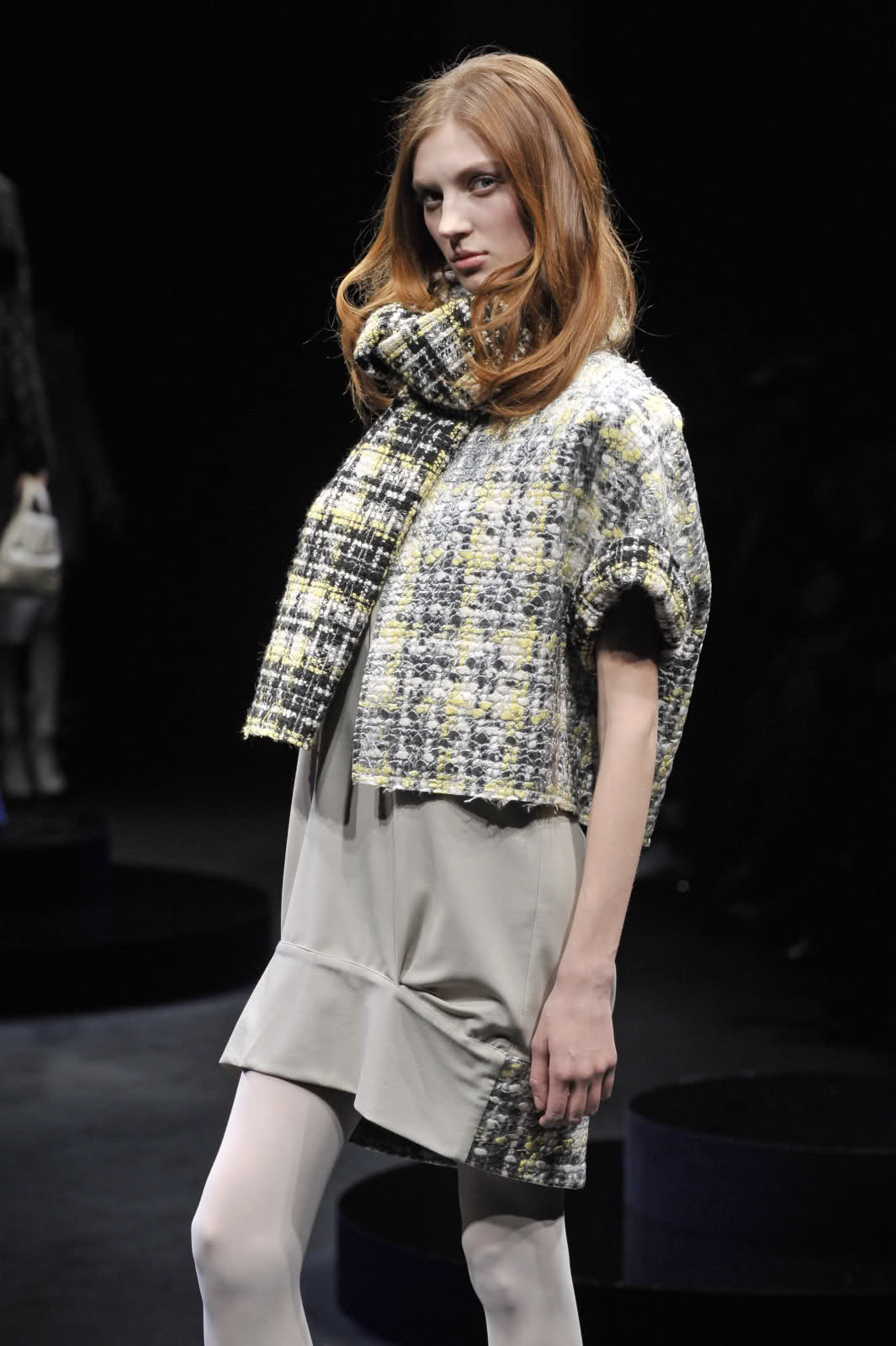
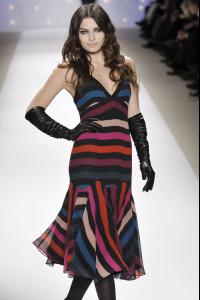 i just read on tfs that olga ranked #3 for paris and milan combined with a total of 71 shows!! all of these pics are form tfs, posted by minh-sh this is nina ricci F/W 08-09 she looks scary/hot dolce&gabbana i love her profile lacroix anteprima

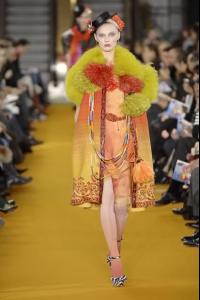
 Uhhhhhhhhhhh
 im telling ya, its not 'all roads lead to rome' its ALL roads lead to McDonalds that was an epic post, baron i loved the space and the homer da best i just dug up anne boylen's last picture
 boob bar installer
 hahahaha i made that ^^^ post at EXACTLY 4:20 ~giggle~ :atoobie:
glad u enjoy the thread, M--
hahahaha i made that ^^^ post at EXACTLY 4:20 ~giggle~ :atoobie:
glad u enjoy the thread, M-- notice the fabulous maxova but lets not ignore that impossibly cherry white lincoln continental
my all-time fave pic of her
so in the pic there is nemcova, pestova,maxova and.. uhh varekova? :brows: ive got moar maxova
her face is beyond gorgeous
notice the fabulous maxova but lets not ignore that impossibly cherry white lincoln continental
my all-time fave pic of her
so in the pic there is nemcova, pestova,maxova and.. uhh varekova? :brows: ive got moar maxova
her face is beyond gorgeous the whole page is full of lovliness thanks!!
dear sweet-baby jeebus, those are friggin hot
whoa that is soo beautiful i dont recall seeing it before
the whole page is full of lovliness thanks!!
dear sweet-baby jeebus, those are friggin hot
whoa that is soo beautiful i dont recall seeing it before
Account
Navigation
Search
Configure browser push notifications
Chrome (Android)
- Tap the lock icon next to the address bar.
- Tap Permissions → Notifications.
- Adjust your preference.
Chrome (Desktop)
- Click the padlock icon in the address bar.
- Select Site settings.
- Find Notifications and adjust your preference.
Safari (iOS 16.4+)
- Ensure the site is installed via Add to Home Screen.
- Open Settings App → Notifications.
- Find your app name and adjust your preference.
Safari (macOS)
- Go to Safari → Preferences.
- Click the Websites tab.
- Select Notifications in the sidebar.
- Find this website and adjust your preference.
Edge (Android)
- Tap the lock icon next to the address bar.
- Tap Permissions.
- Find Notifications and adjust your preference.
Edge (Desktop)
- Click the padlock icon in the address bar.
- Click Permissions for this site.
- Find Notifications and adjust your preference.
Firefox (Android)
- Go to Settings → Site permissions.
- Tap Notifications.
- Find this site in the list and adjust your preference.
Firefox (Desktop)
- Open Firefox Settings.
- Search for Notifications.
- Find this site in the list and adjust your preference.