penny-dreaddfull
Members
-
Joined
-
Last visited
Everything posted by penny-dreaddfull
-
 penny be done for now the whole previous page is newly posted pics C Ya soon, freaks that includes u, hutch

-
purty redhead
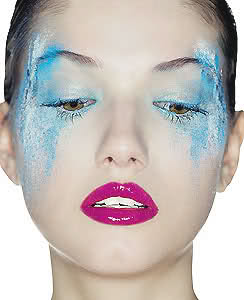
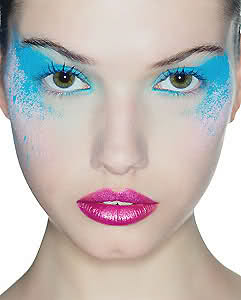
 my last lip pic from this editorial, hutch, enjoy
 goldenbooty
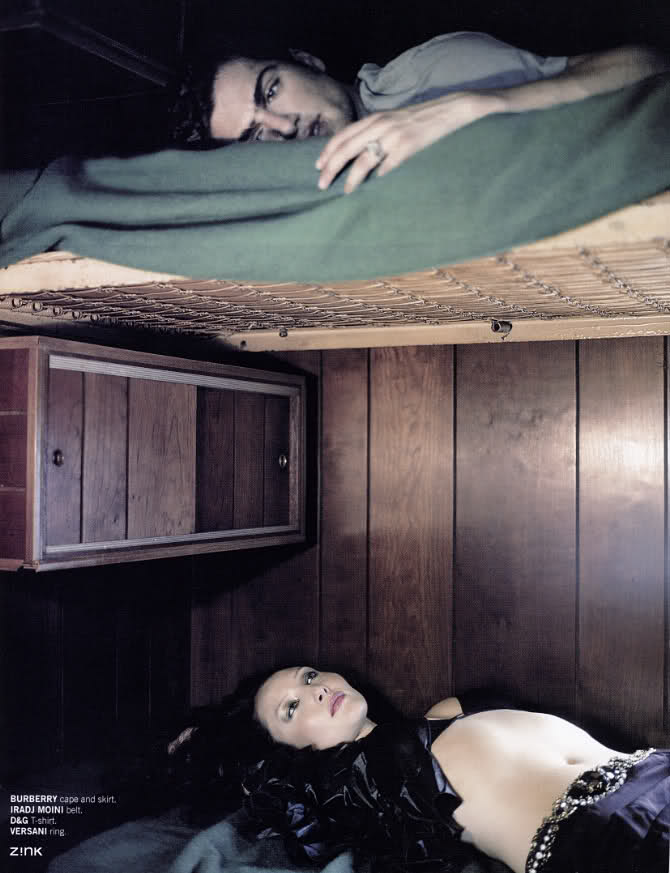
 see az? im postin a dude
 taking 'covered in honey' to whole new levels
 glad you like, hutch <--- thats my shit eating grin lololol
 wow, az!! youve posted some kick ass stuff!! thanks! and about the guy in the pic i kinda made my own impromtu posting rule for this thread if its a pic u like, regardless of what or who is in it, post it!! thems the rules, so no worries!
all these pics are so cool, AZ!!!!! the LOL is classic and the food people is trippay good shit!!!
i second what snmkytn said :brows: i love that profile shot
man, you just keep bringing on the good stuff she looks so beautiful it hurts my eyes thanks, K you rock, big time
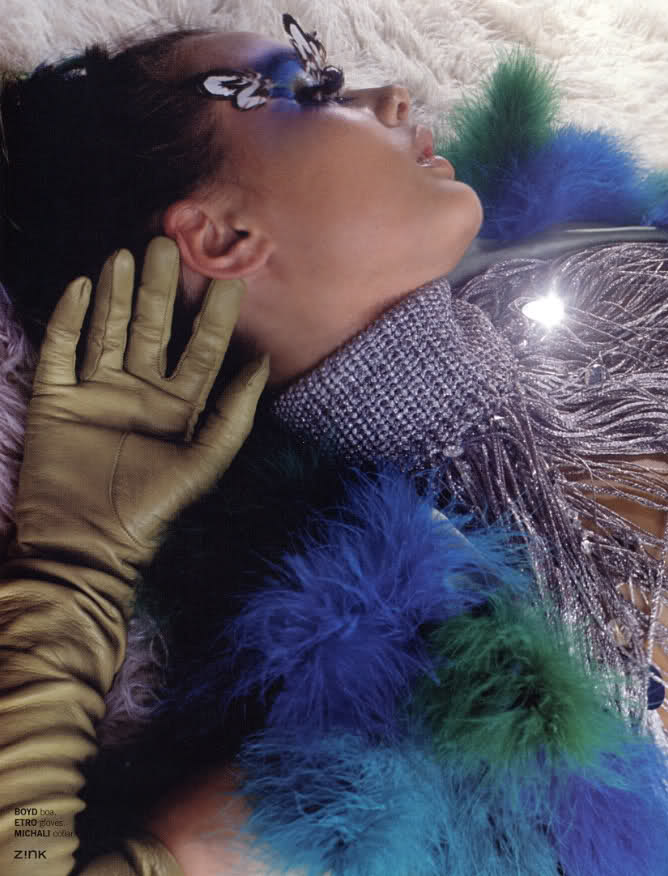
i have ojne more editorial and ive got to find one pic, its so amazingly beautiful, but after that, ive got no more tina
wow, az!! youve posted some kick ass stuff!! thanks! and about the guy in the pic i kinda made my own impromtu posting rule for this thread if its a pic u like, regardless of what or who is in it, post it!! thems the rules, so no worries!
all these pics are so cool, AZ!!!!! the LOL is classic and the food people is trippay good shit!!!
i second what snmkytn said :brows: i love that profile shot
man, you just keep bringing on the good stuff she looks so beautiful it hurts my eyes thanks, K you rock, big time
i have ojne more editorial and ive got to find one pic, its so amazingly beautiful, but after that, ive got no more tina

 bwgreyscale





Account
Navigation
Search
Configure browser push notifications
Chrome (Android)
- Tap the lock icon next to the address bar.
- Tap Permissions → Notifications.
- Adjust your preference.
Chrome (Desktop)
- Click the padlock icon in the address bar.
- Select Site settings.
- Find Notifications and adjust your preference.
Safari (iOS 16.4+)
- Ensure the site is installed via Add to Home Screen.
- Open Settings App → Notifications.
- Find your app name and adjust your preference.
Safari (macOS)
- Go to Safari → Preferences.
- Click the Websites tab.
- Select Notifications in the sidebar.
- Find this website and adjust your preference.
Edge (Android)
- Tap the lock icon next to the address bar.
- Tap Permissions.
- Find Notifications and adjust your preference.
Edge (Desktop)
- Click the padlock icon in the address bar.
- Click Permissions for this site.
- Find Notifications and adjust your preference.
Firefox (Android)
- Go to Settings → Site permissions.
- Tap Notifications.
- Find this site in the list and adjust your preference.
Firefox (Desktop)
- Open Firefox Settings.
- Search for Notifications.
- Find this site in the list and adjust your preference.