jal718
Members
-
Joined
-
Last visited
Everything posted by jal718
-
 Great stuff all, thanks!
BE CALM EVERYONE! I saw this a Barnes & Noble yesterday but did not look at the month.
Thanks, did not have the first Cosmo cover!
Yes, but the mag was $16.95 and had no spread on her.
AA is currently on the cover of GQ South Africa
bill! you're back.....congrats om your 1000 post!
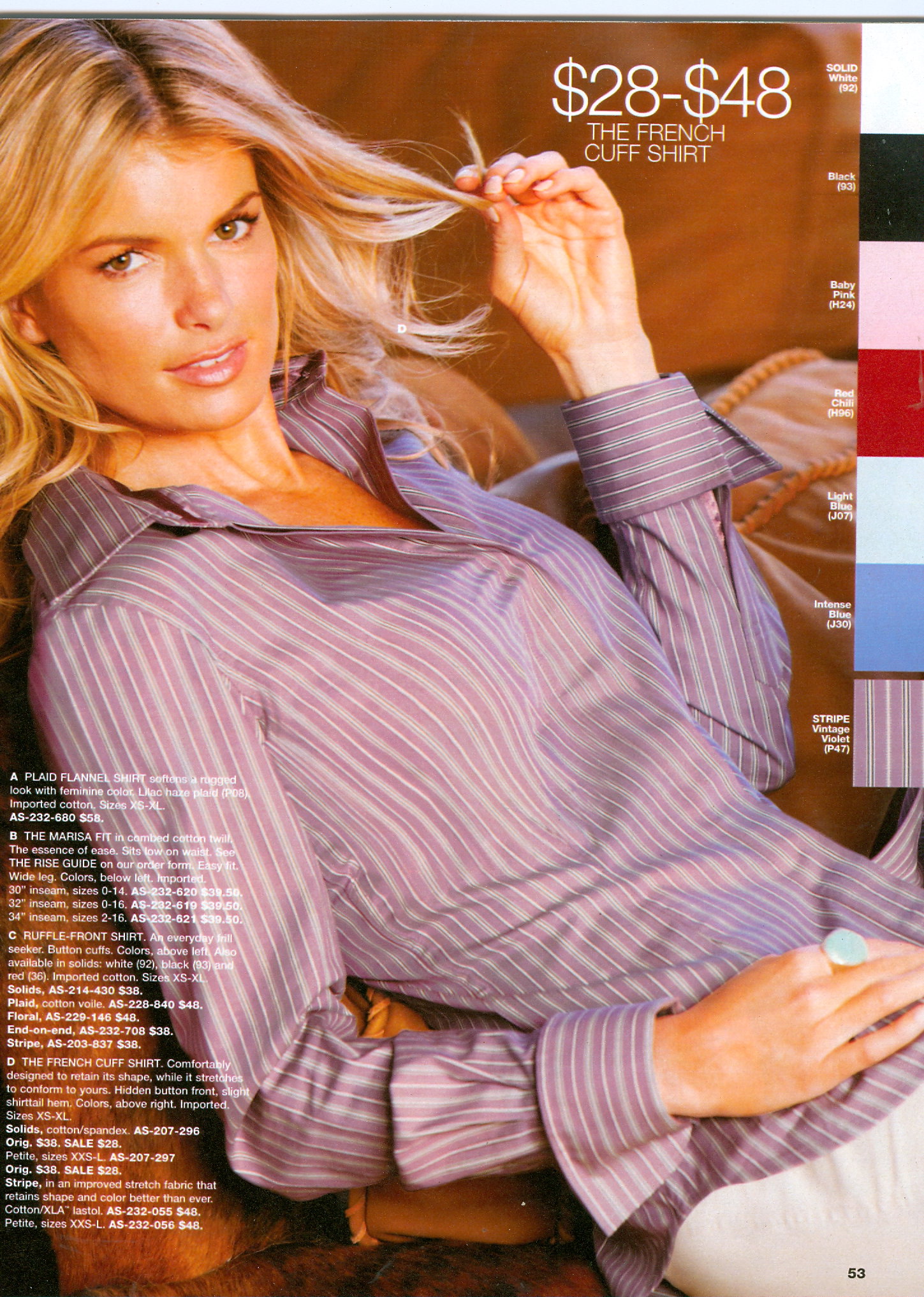
I don't like posting pictures of Marisa with her clothes on!
Heavy sigh! <_<
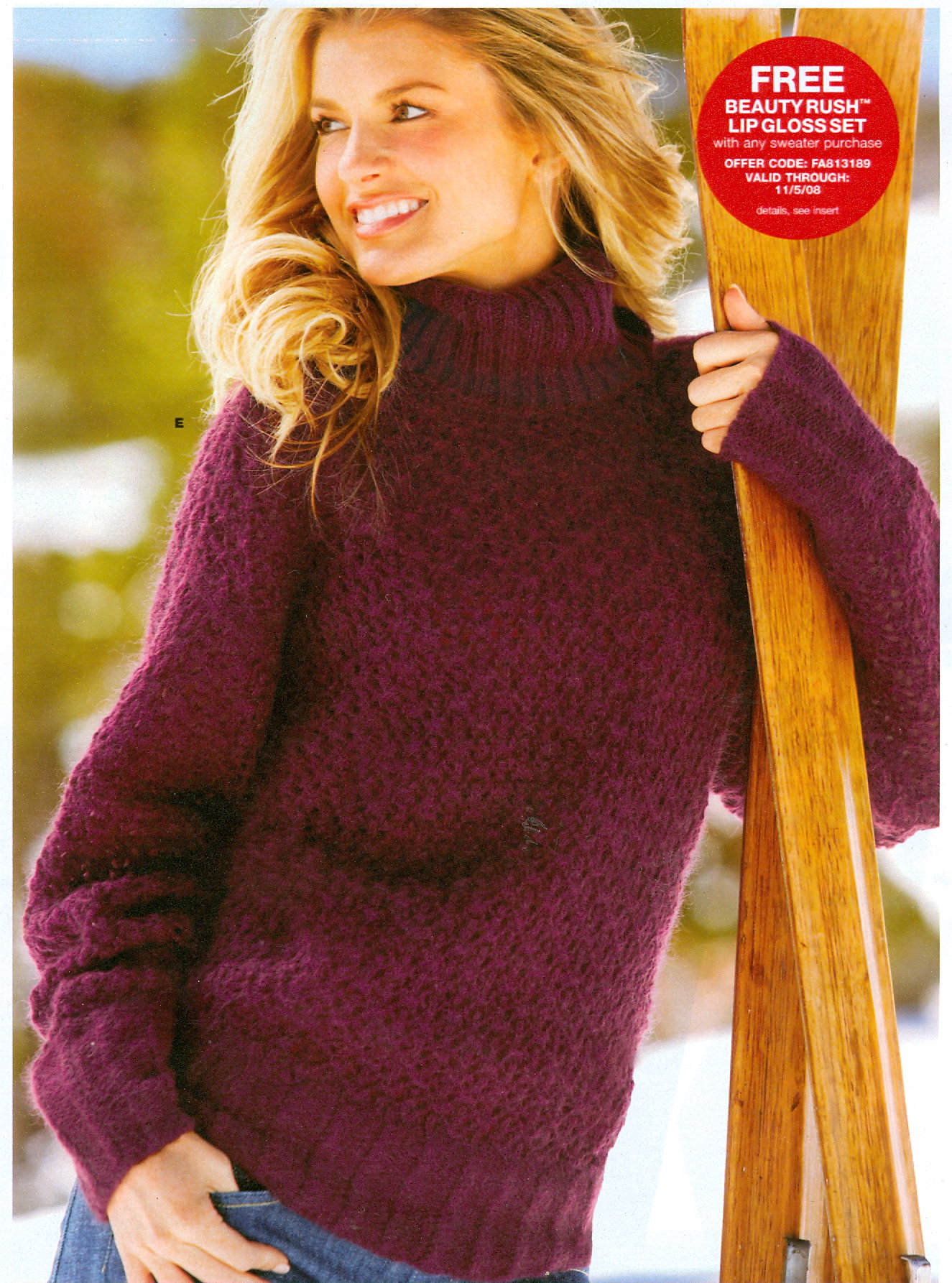
My scan.
Great stuff all, thanks!
BE CALM EVERYONE! I saw this a Barnes & Noble yesterday but did not look at the month.
Thanks, did not have the first Cosmo cover!
Yes, but the mag was $16.95 and had no spread on her.
AA is currently on the cover of GQ South Africa
bill! you're back.....congrats om your 1000 post!
I don't like posting pictures of Marisa with her clothes on!
Heavy sigh! <_<
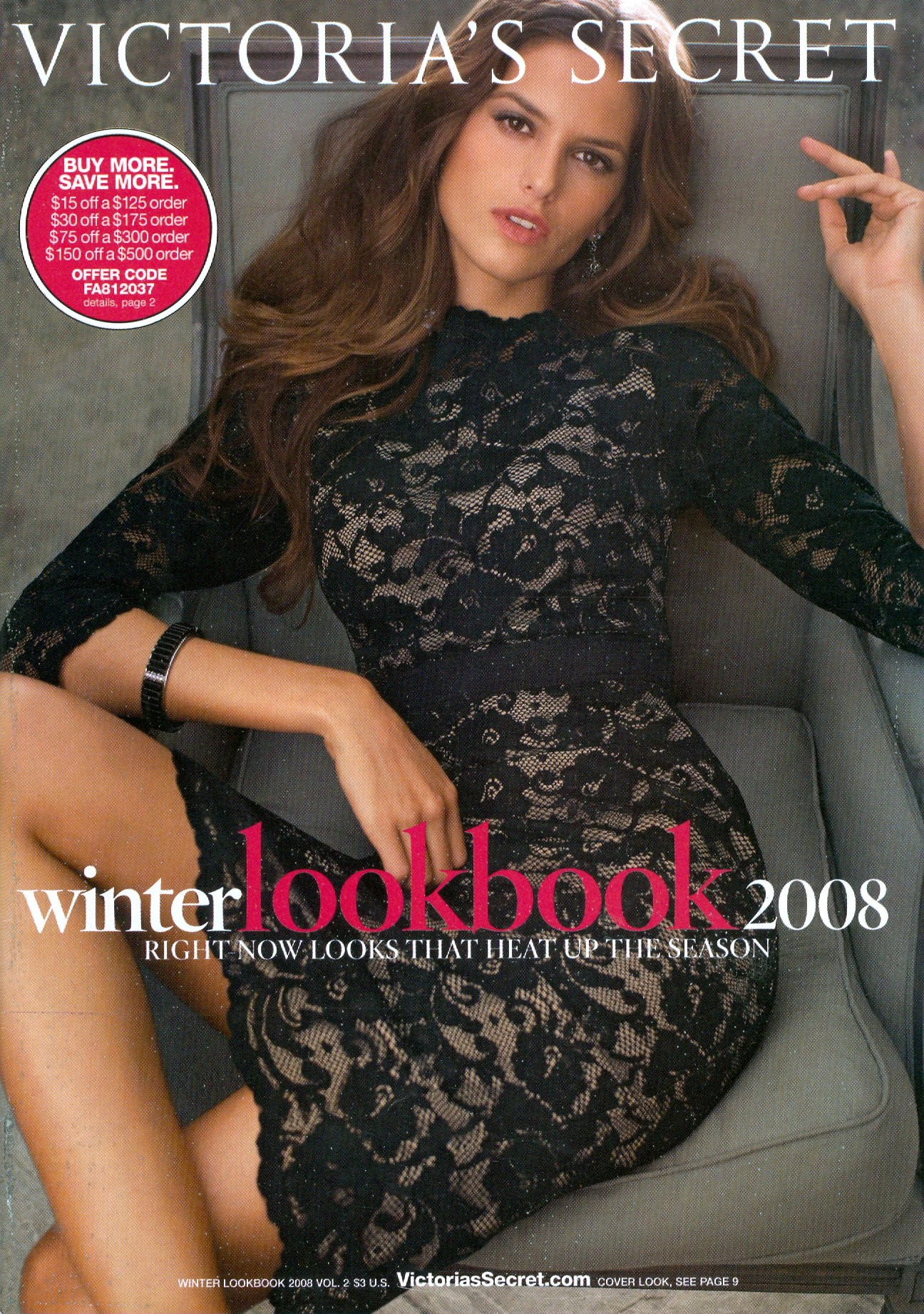
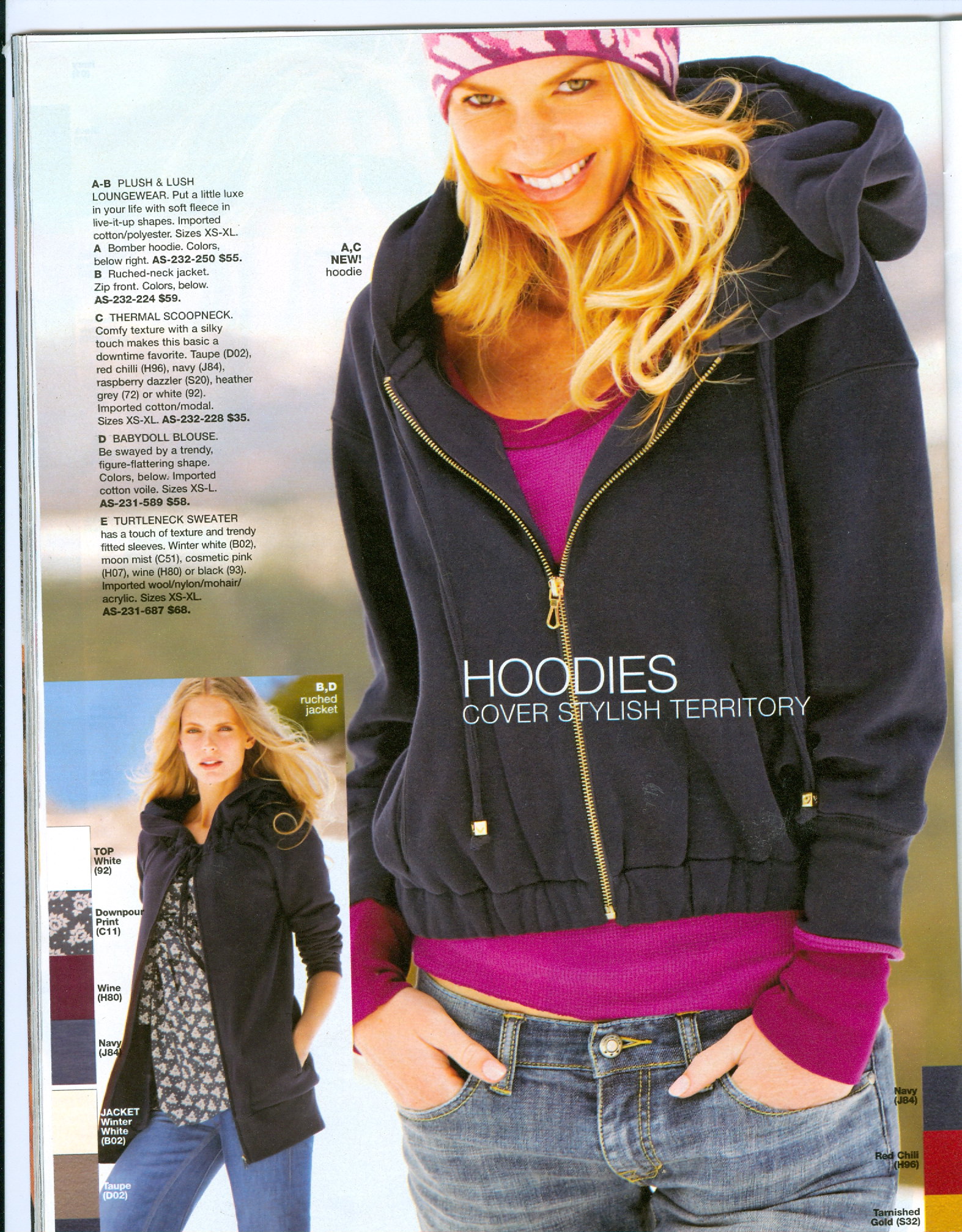
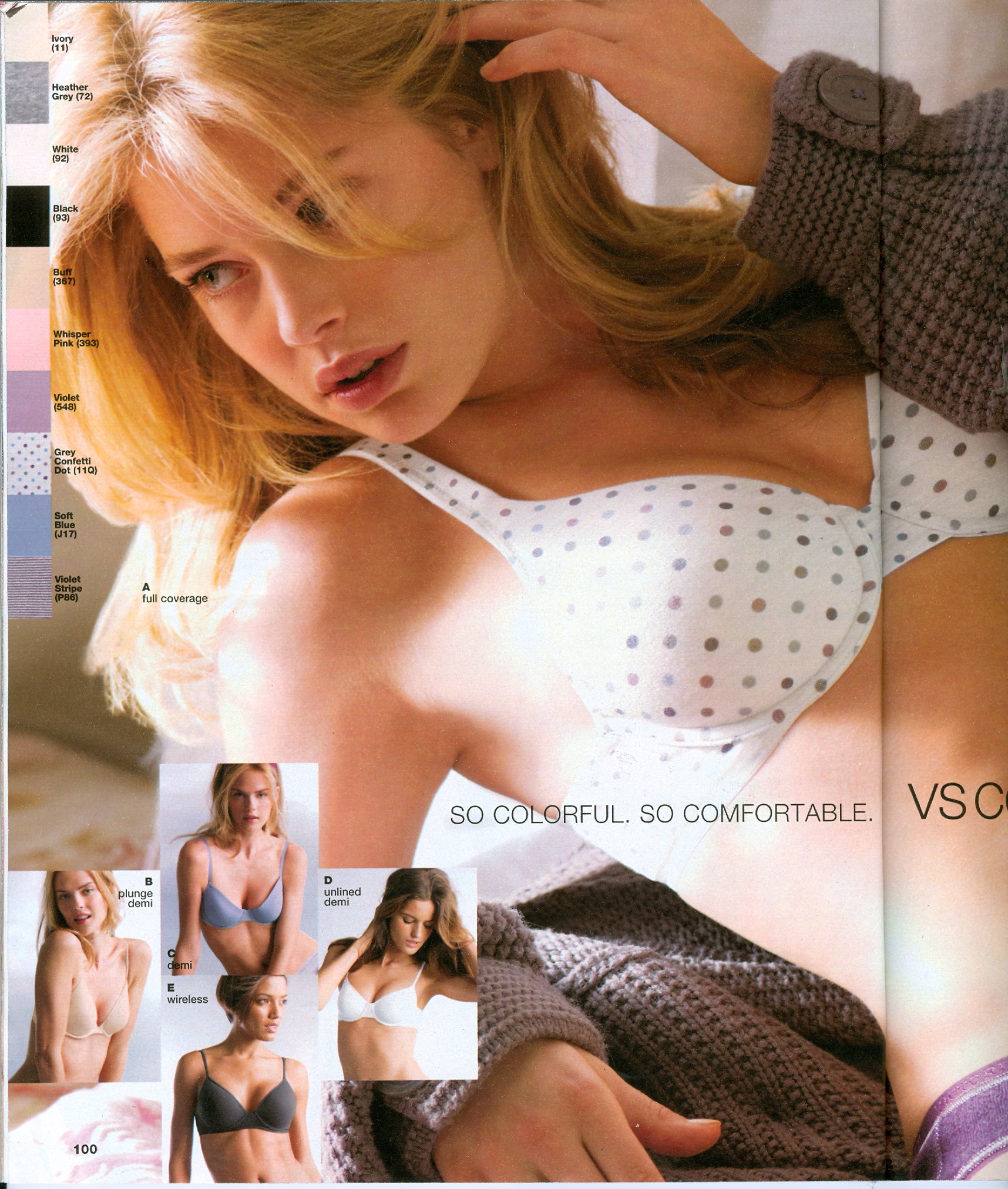
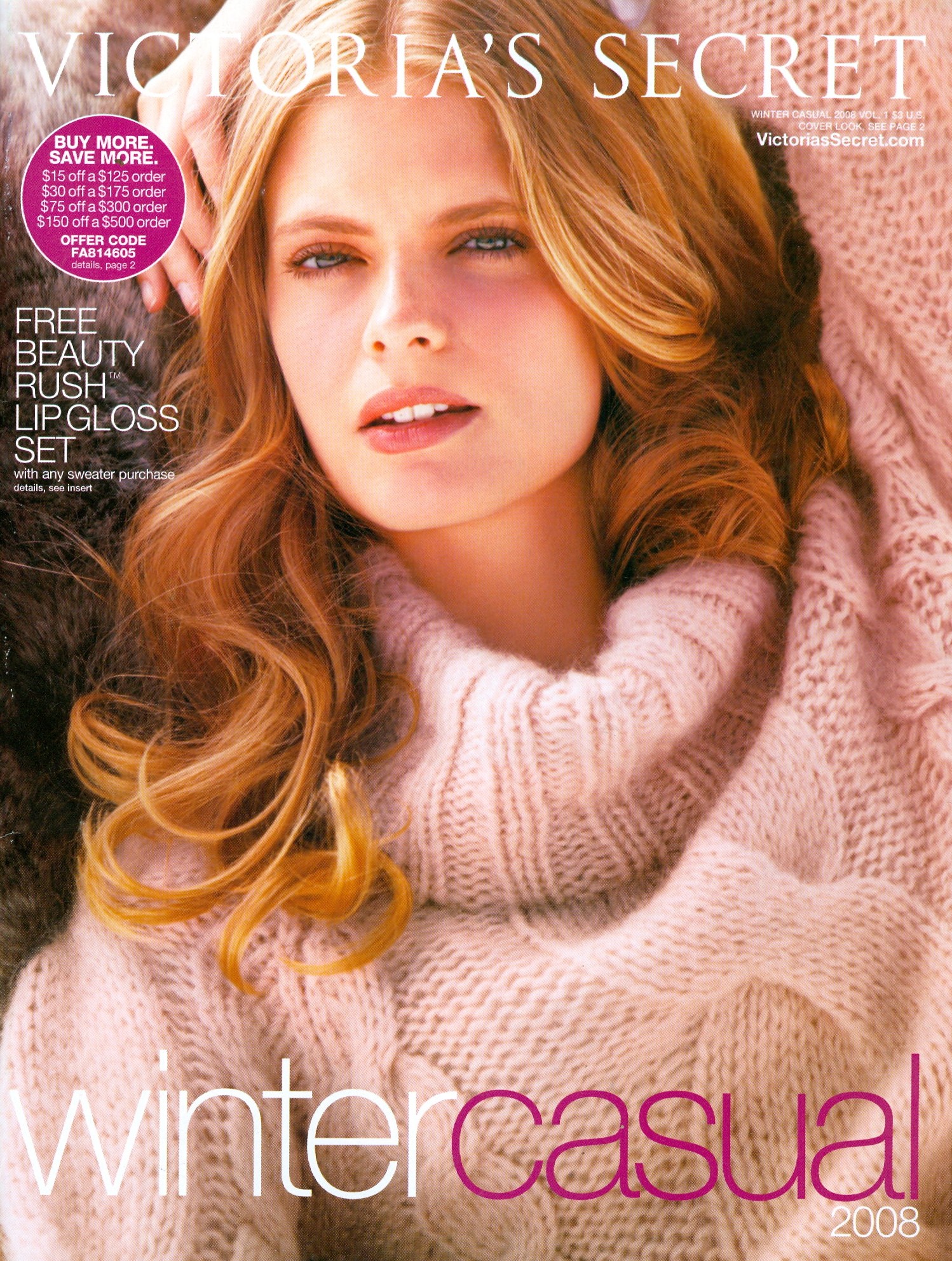
My scan. New VS I scanned.

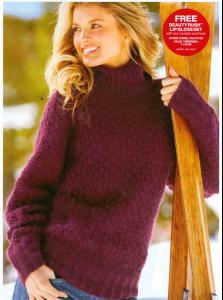
 New VS.....my scan.
 HQ.....my scan.
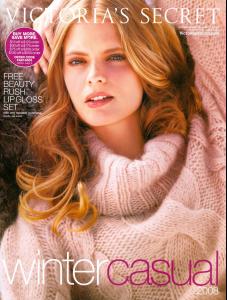 Thanks Mel, you beat me to this one!
Yes, my thanks as well!
Great Bazaar cover, nice to see her back again!
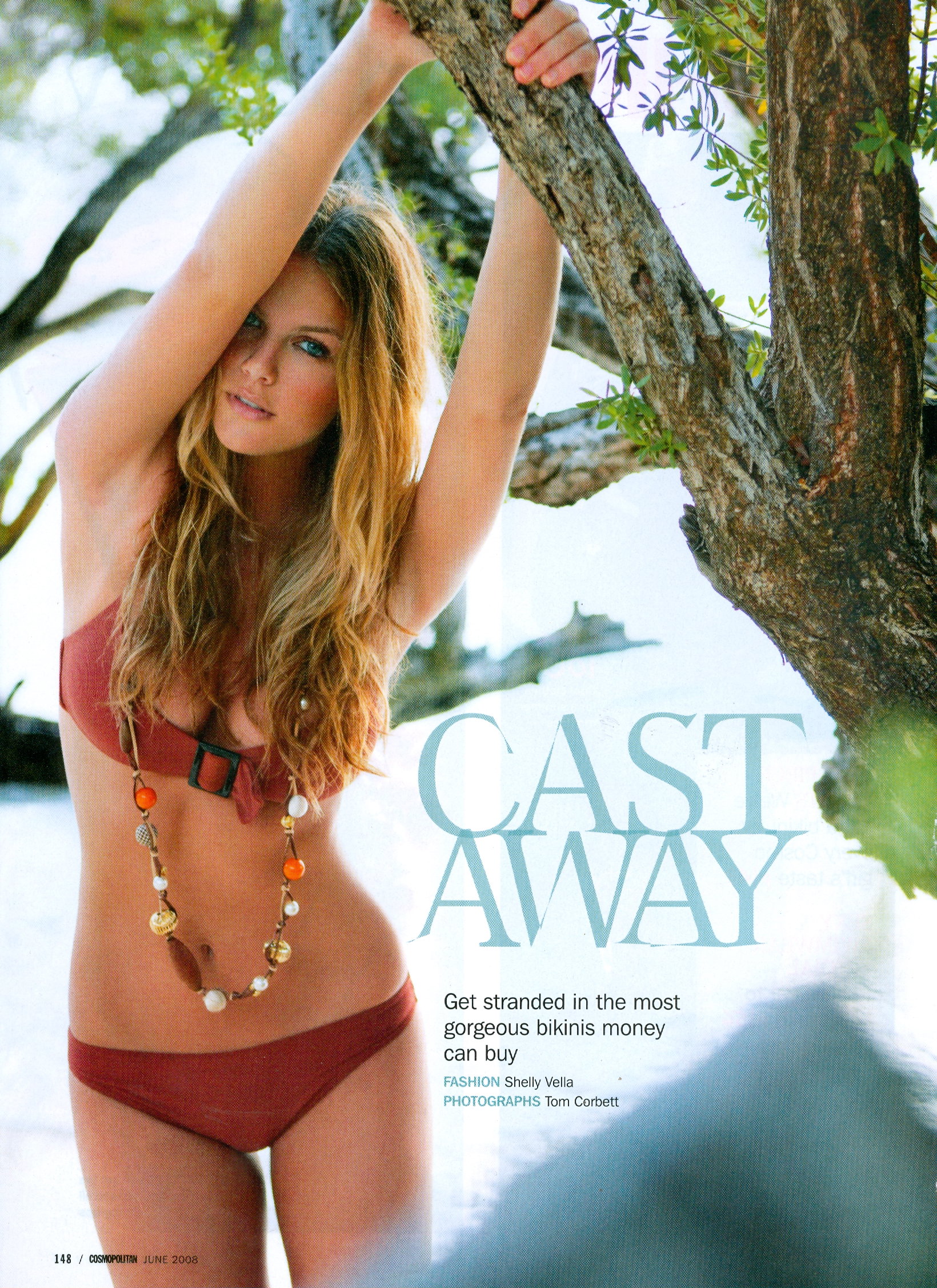
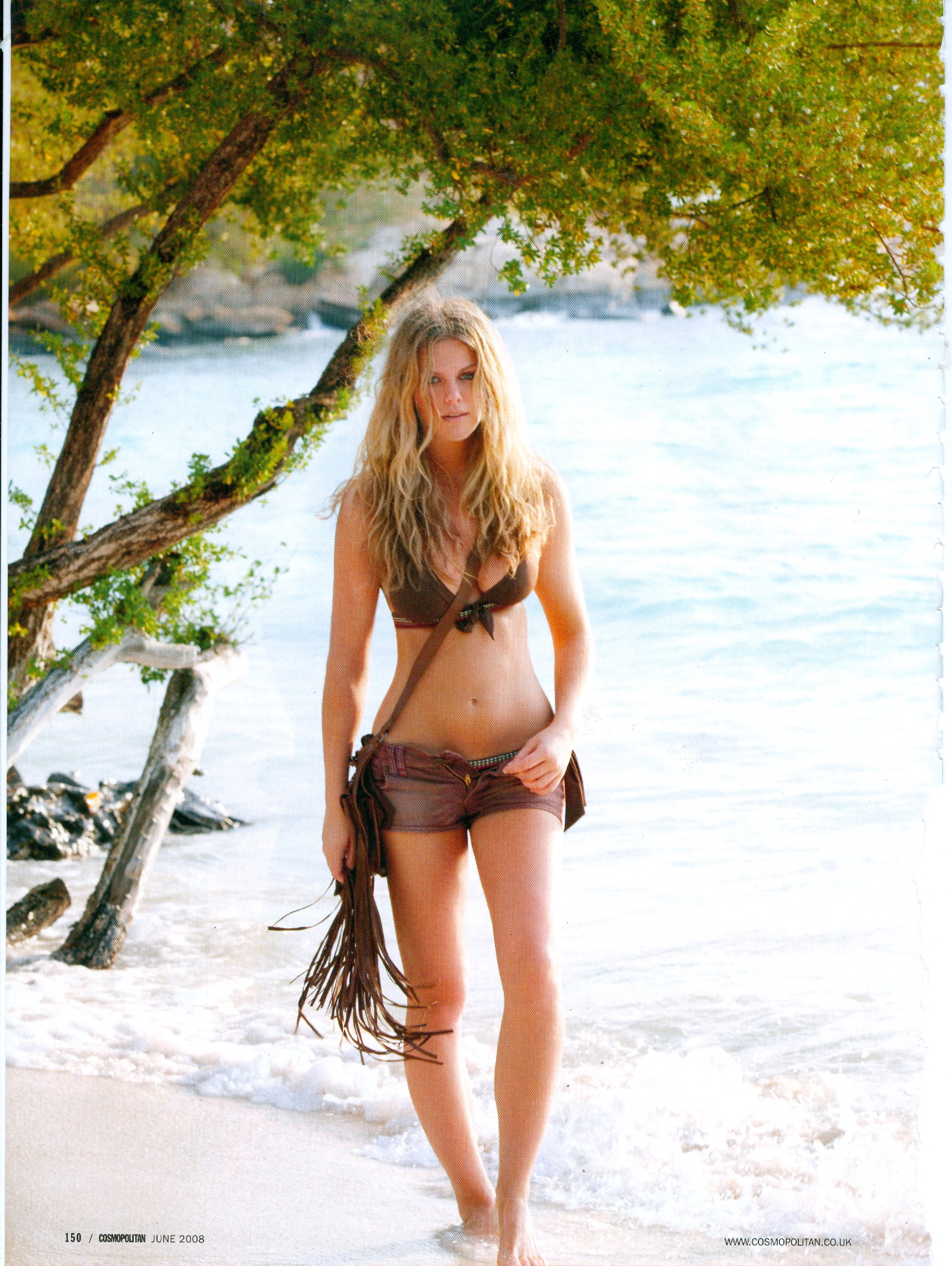
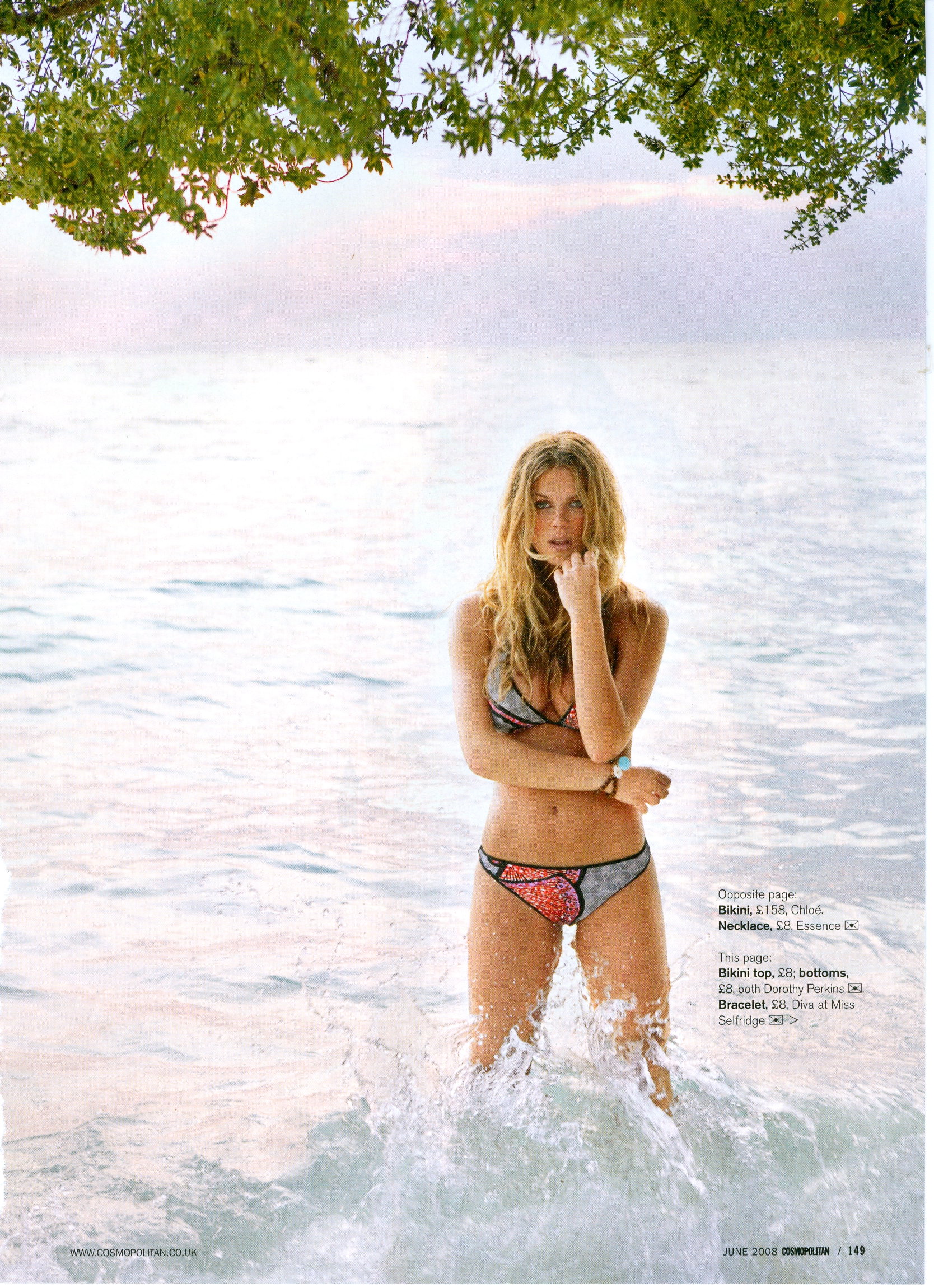
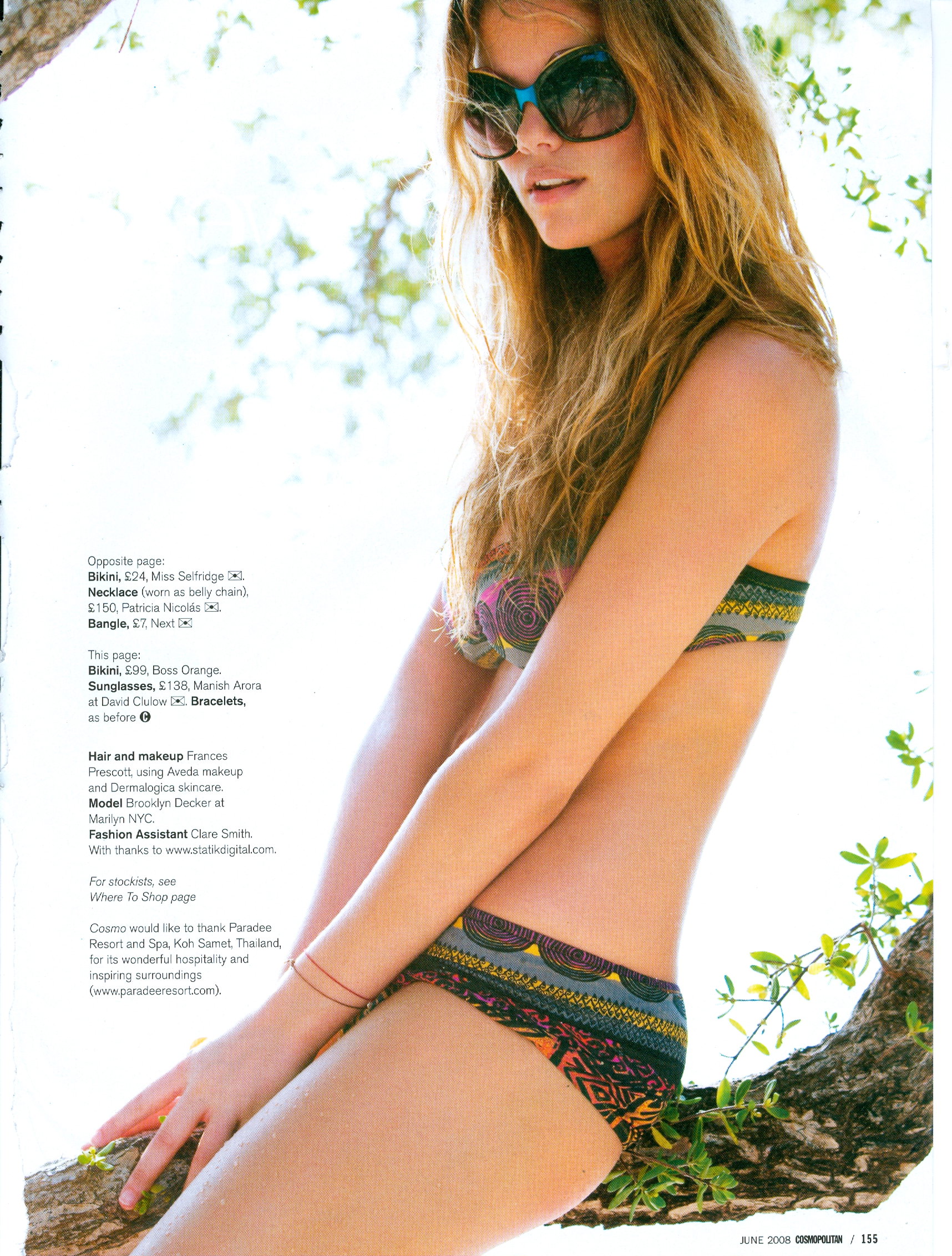
My scan out of the June issue of Australian Cosmo
Thanks Mel, you beat me to this one!
Yes, my thanks as well!
Great Bazaar cover, nice to see her back again!
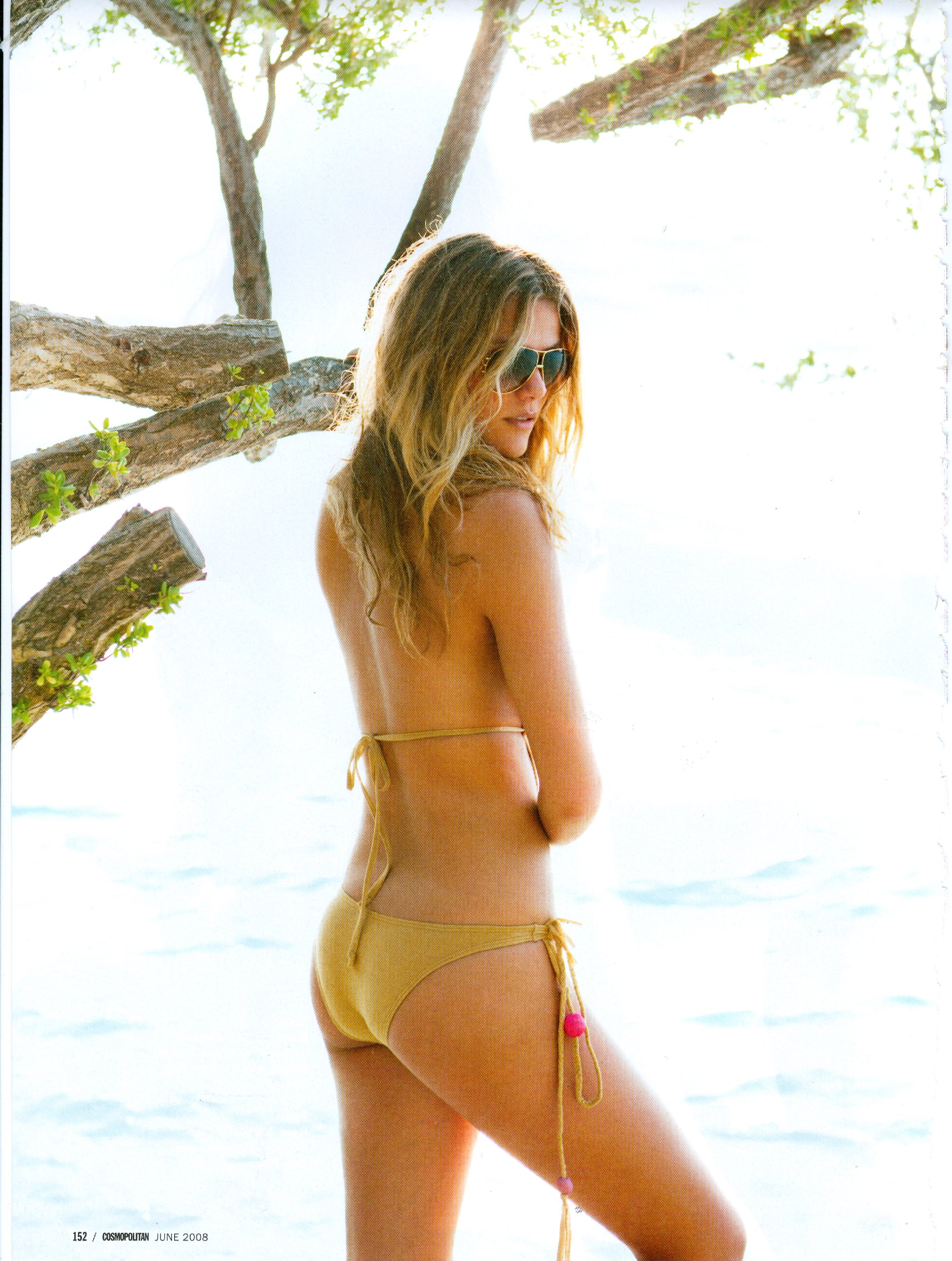
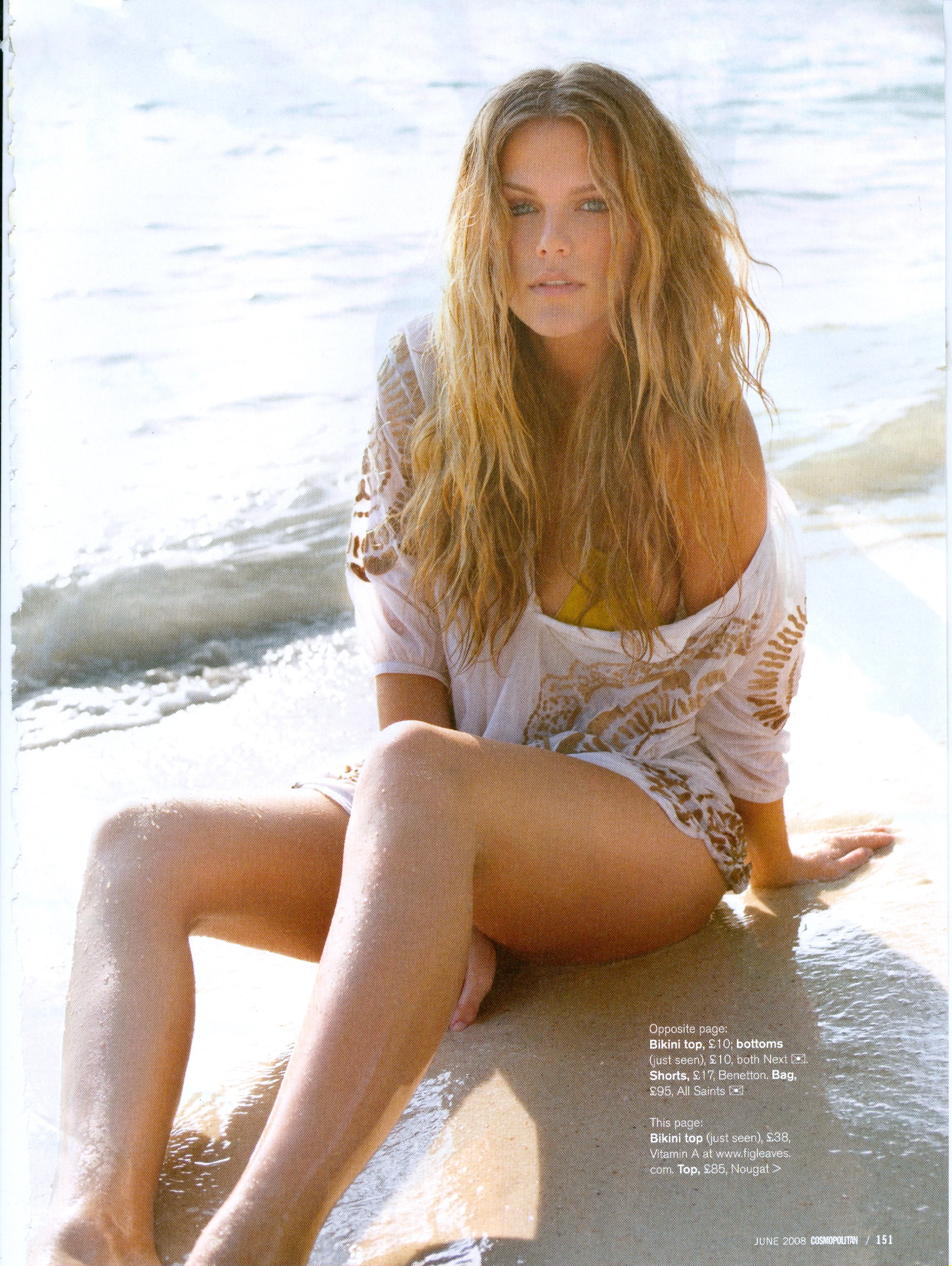
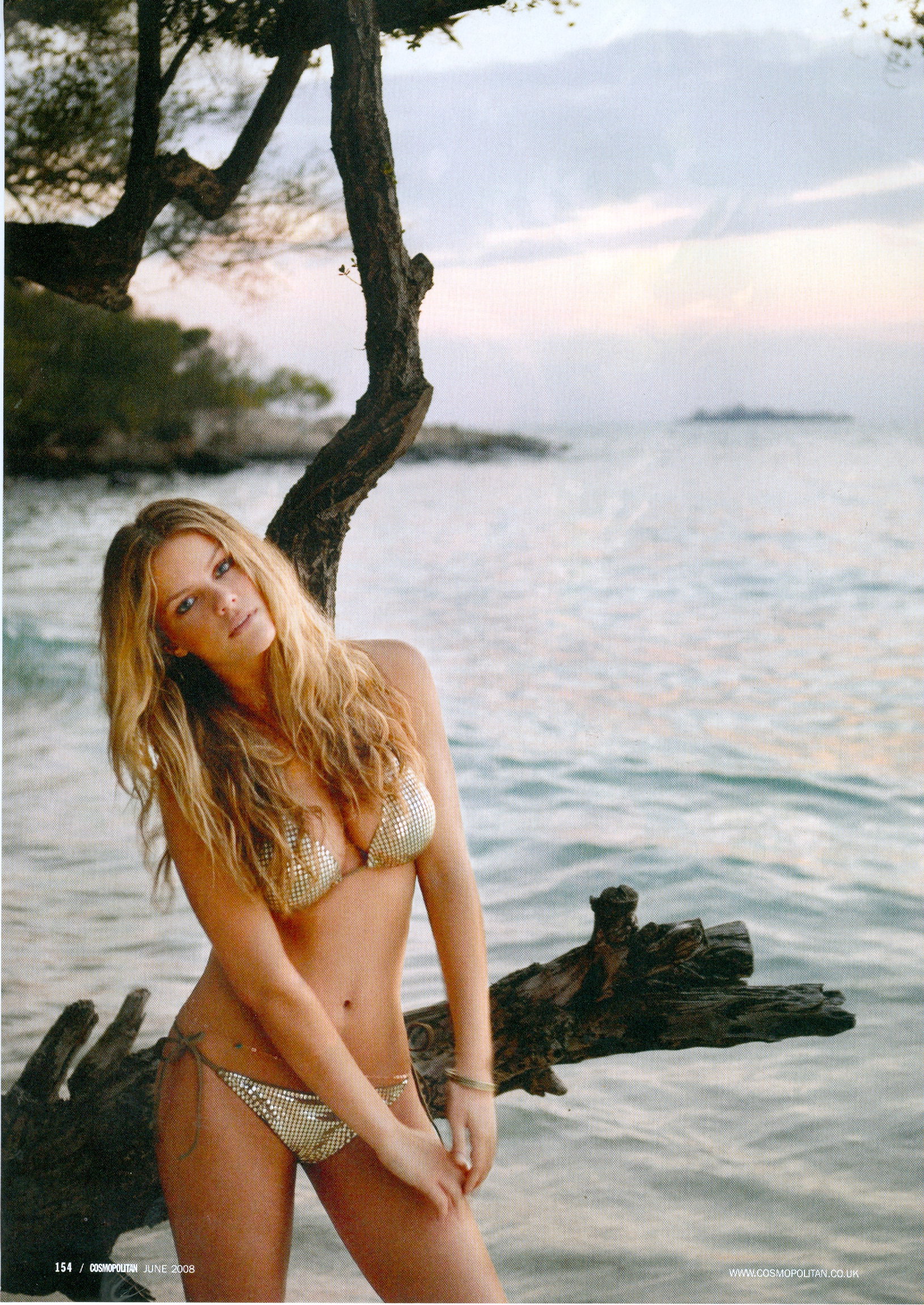
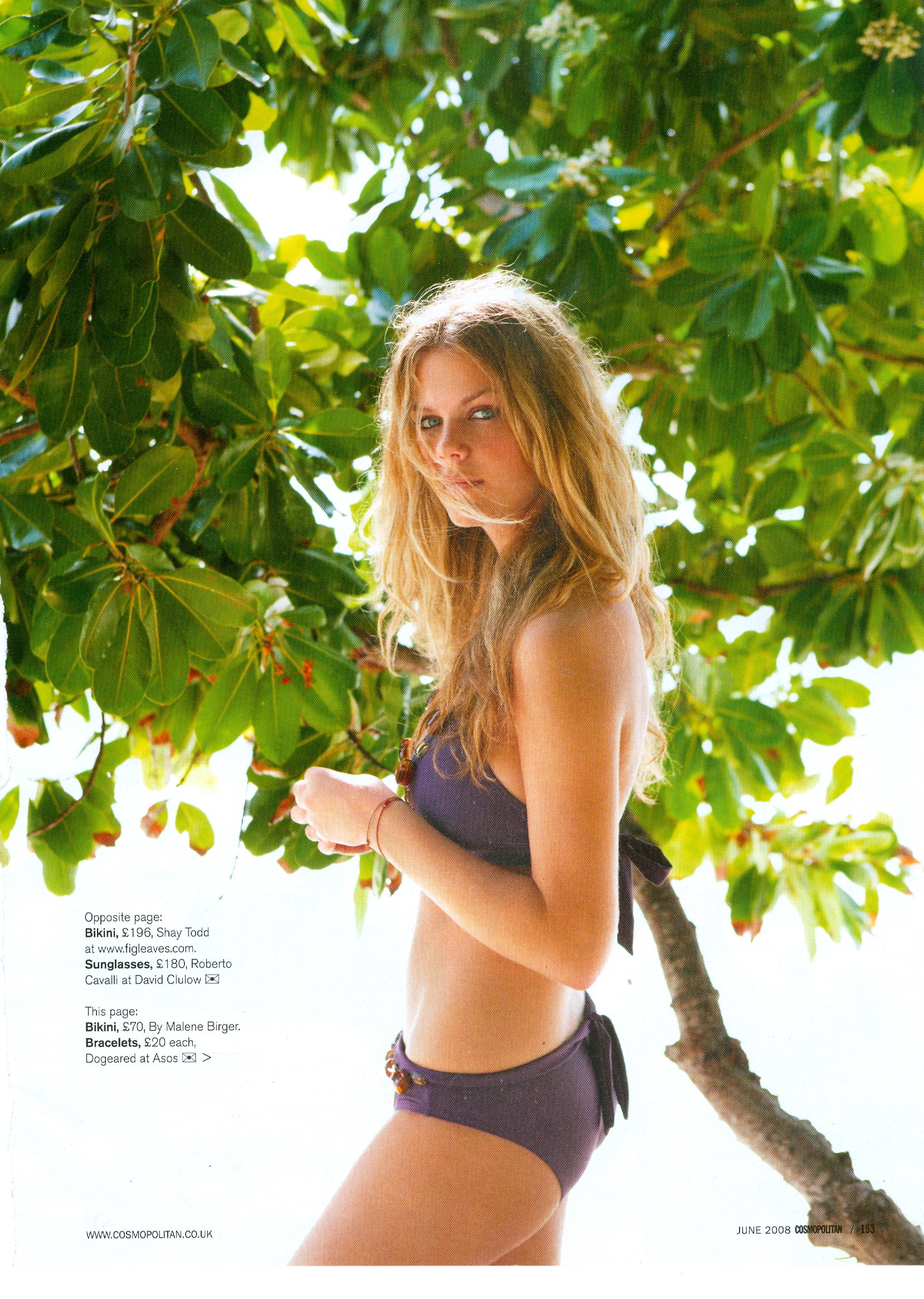
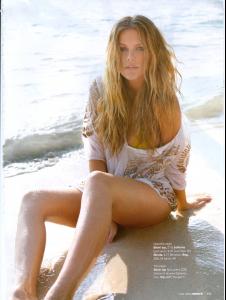
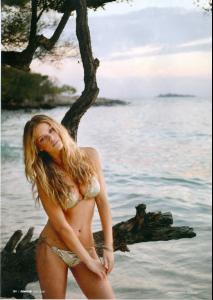
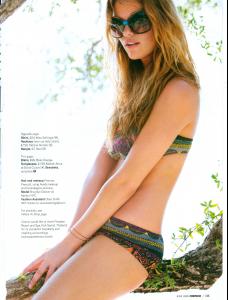
My scan out of the June issue of Australian Cosmo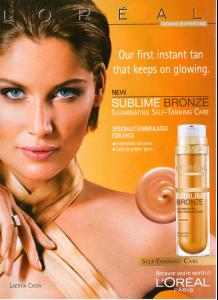 My scans from the June issue of Australian Cosmo.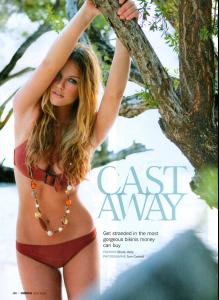
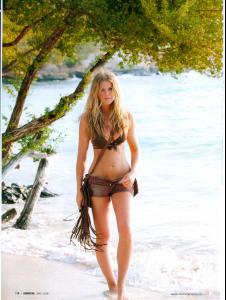
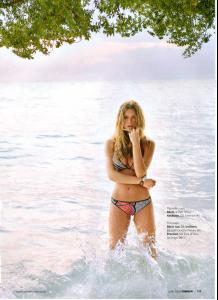
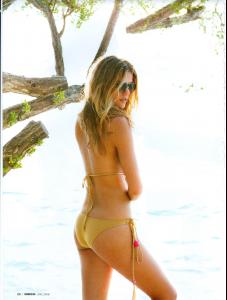

 Very nice!