jal718
Members
-
Joined
-
Last visited
Everything posted by jal718
-
 UK
UK
-
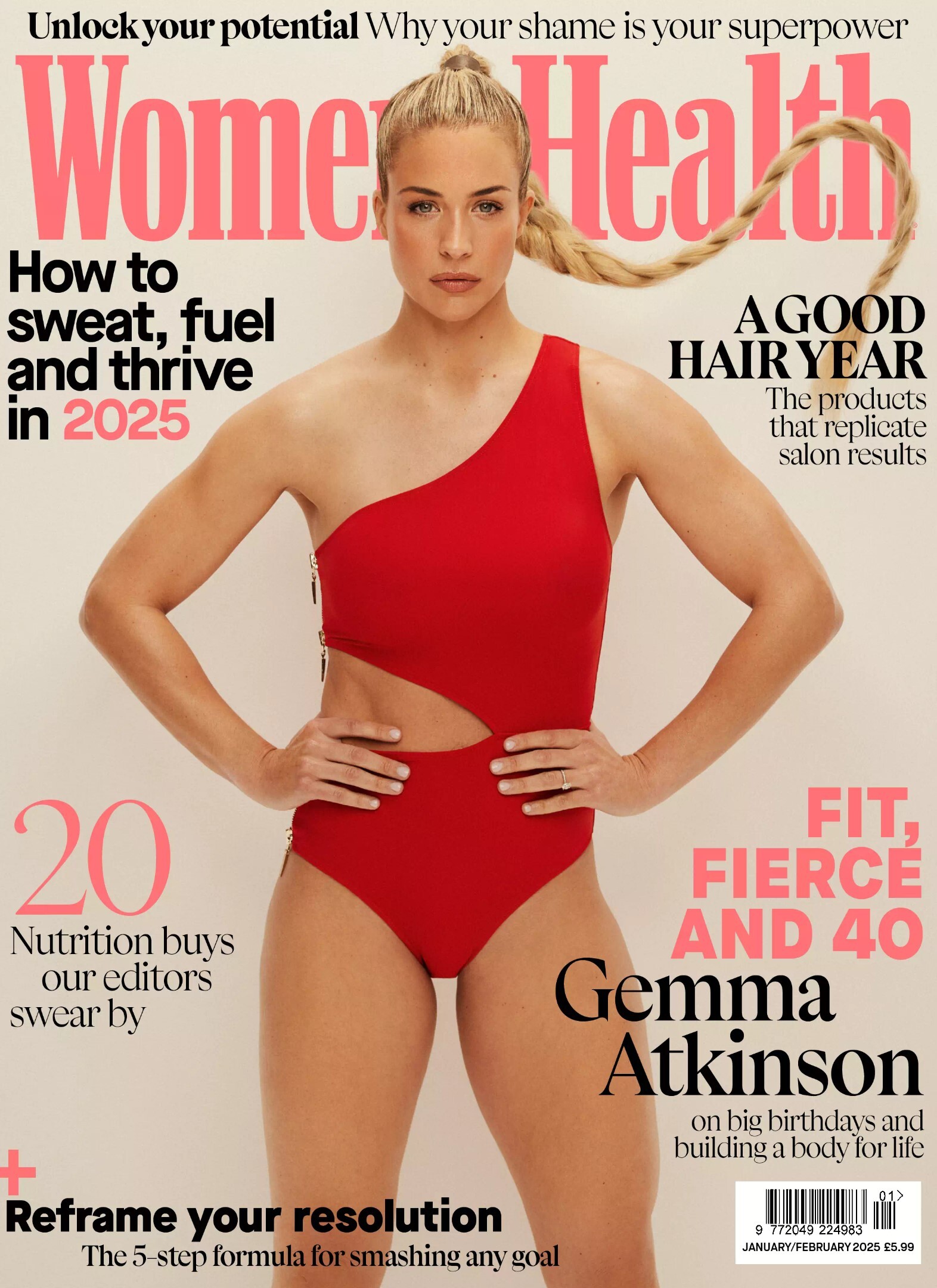
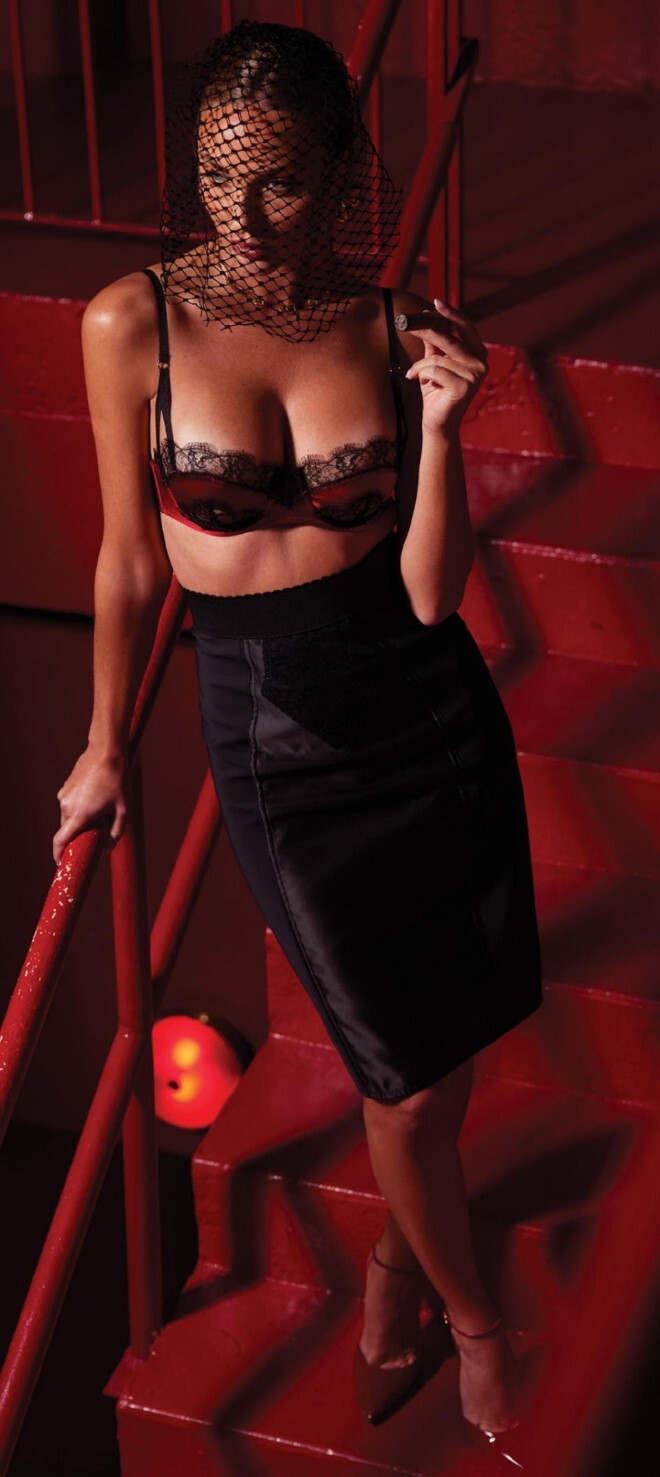
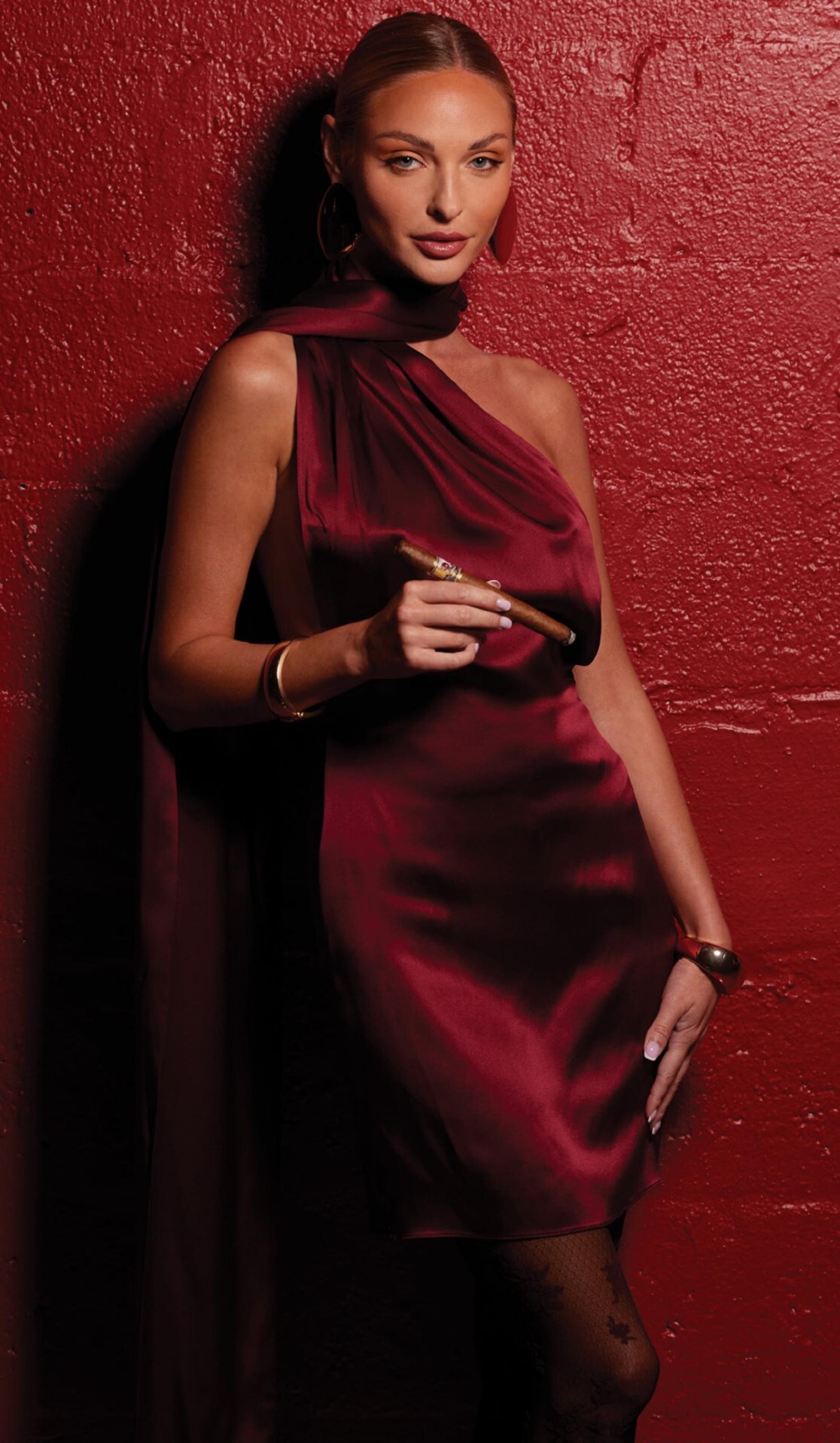
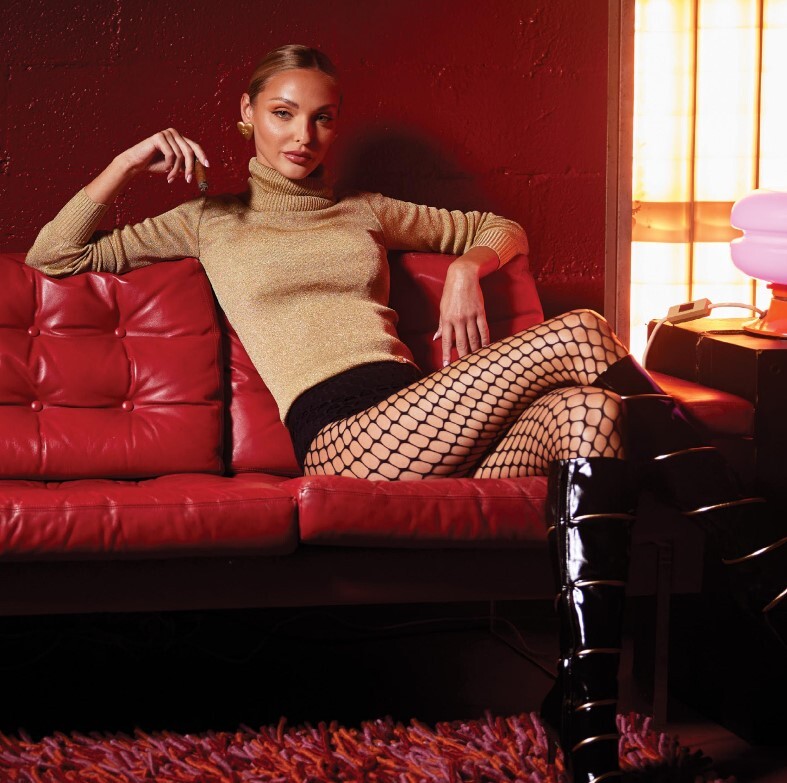
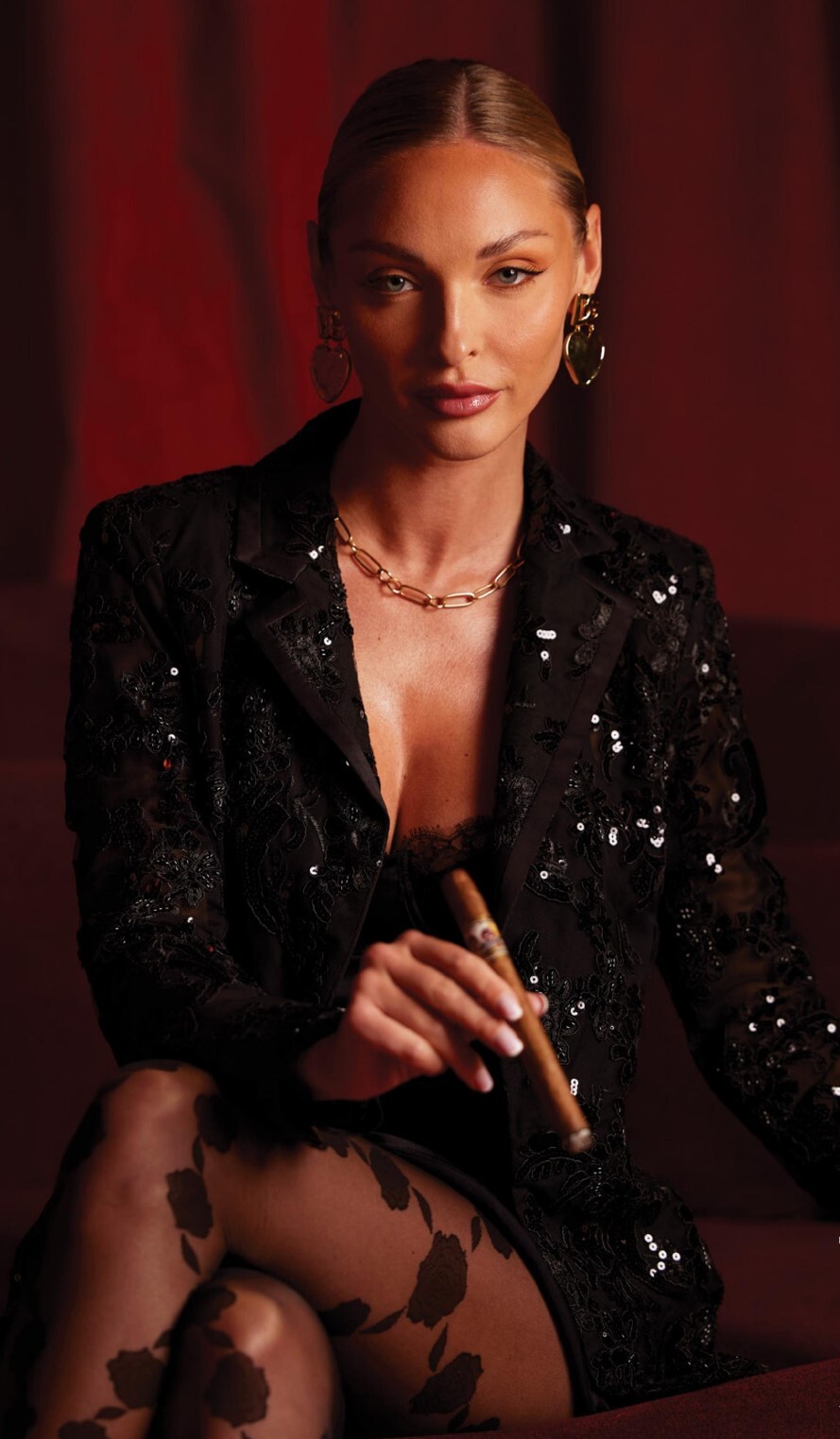
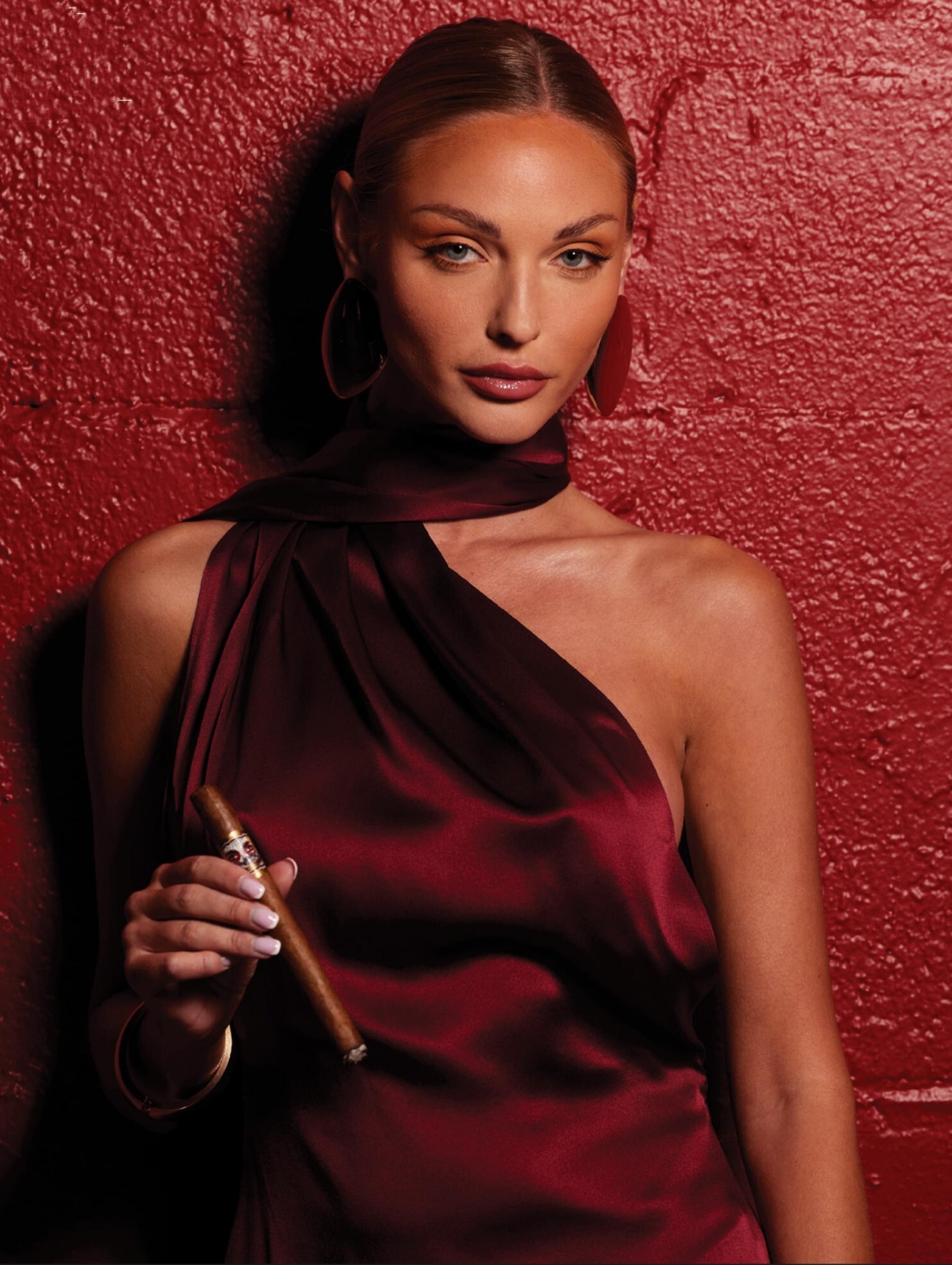
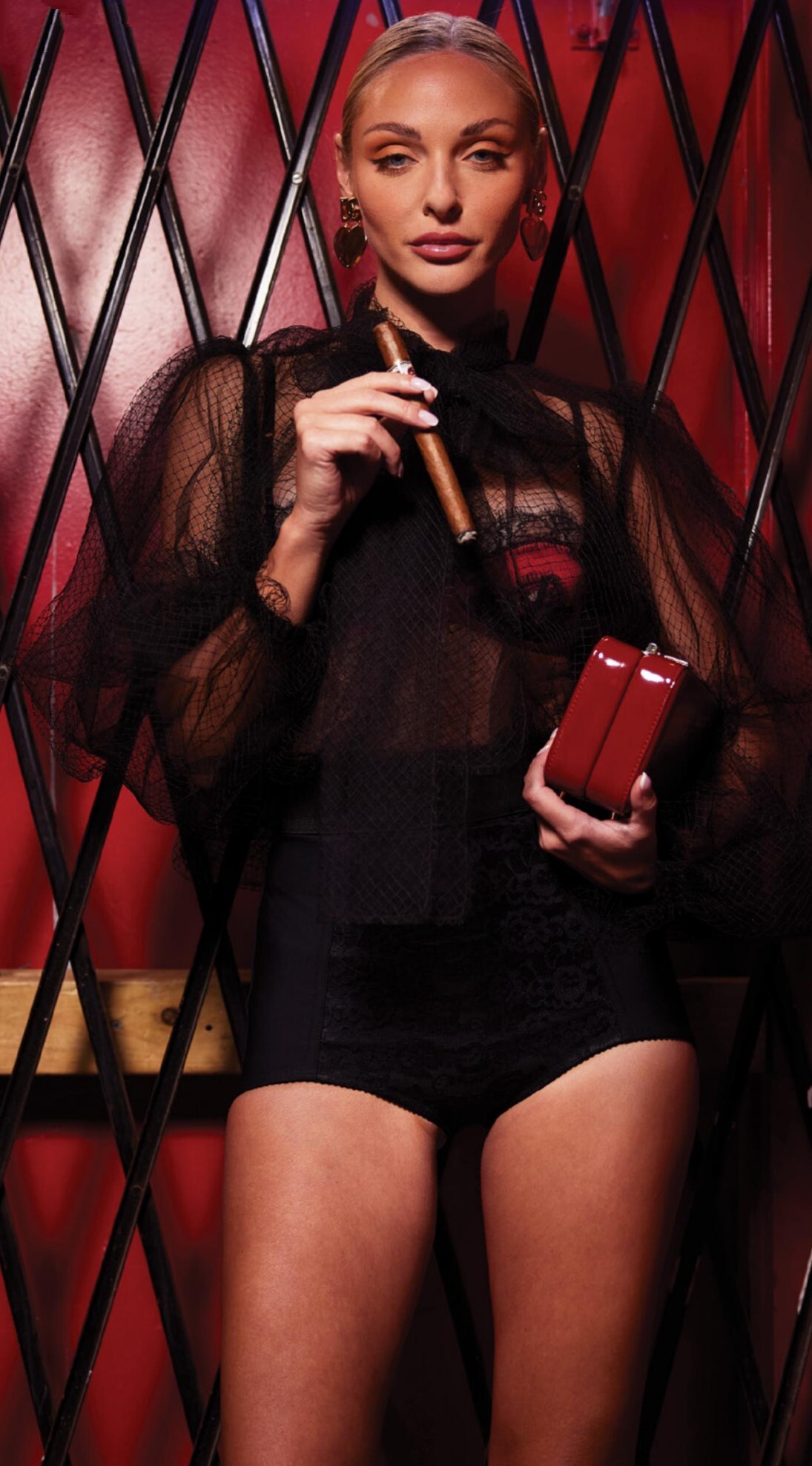
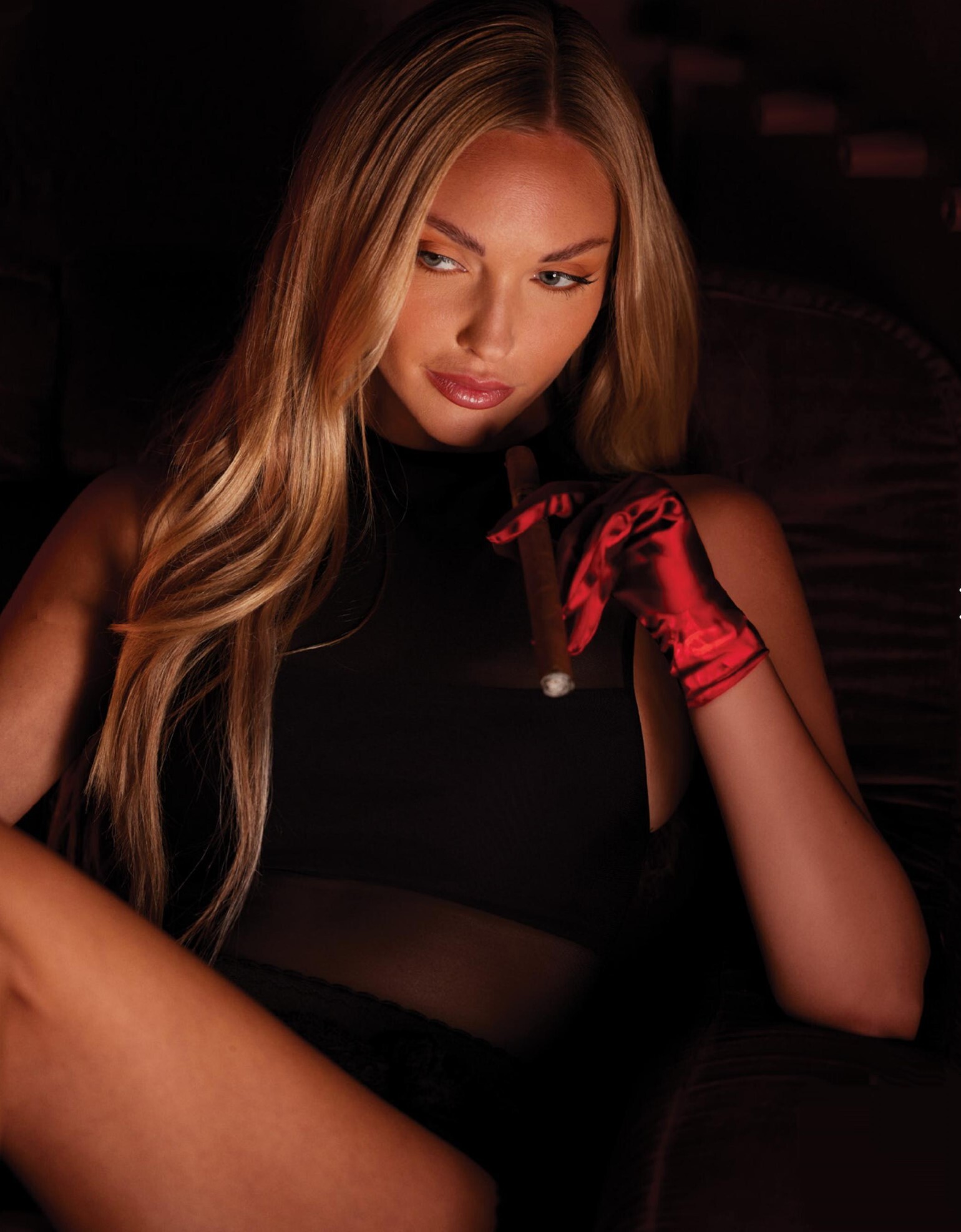
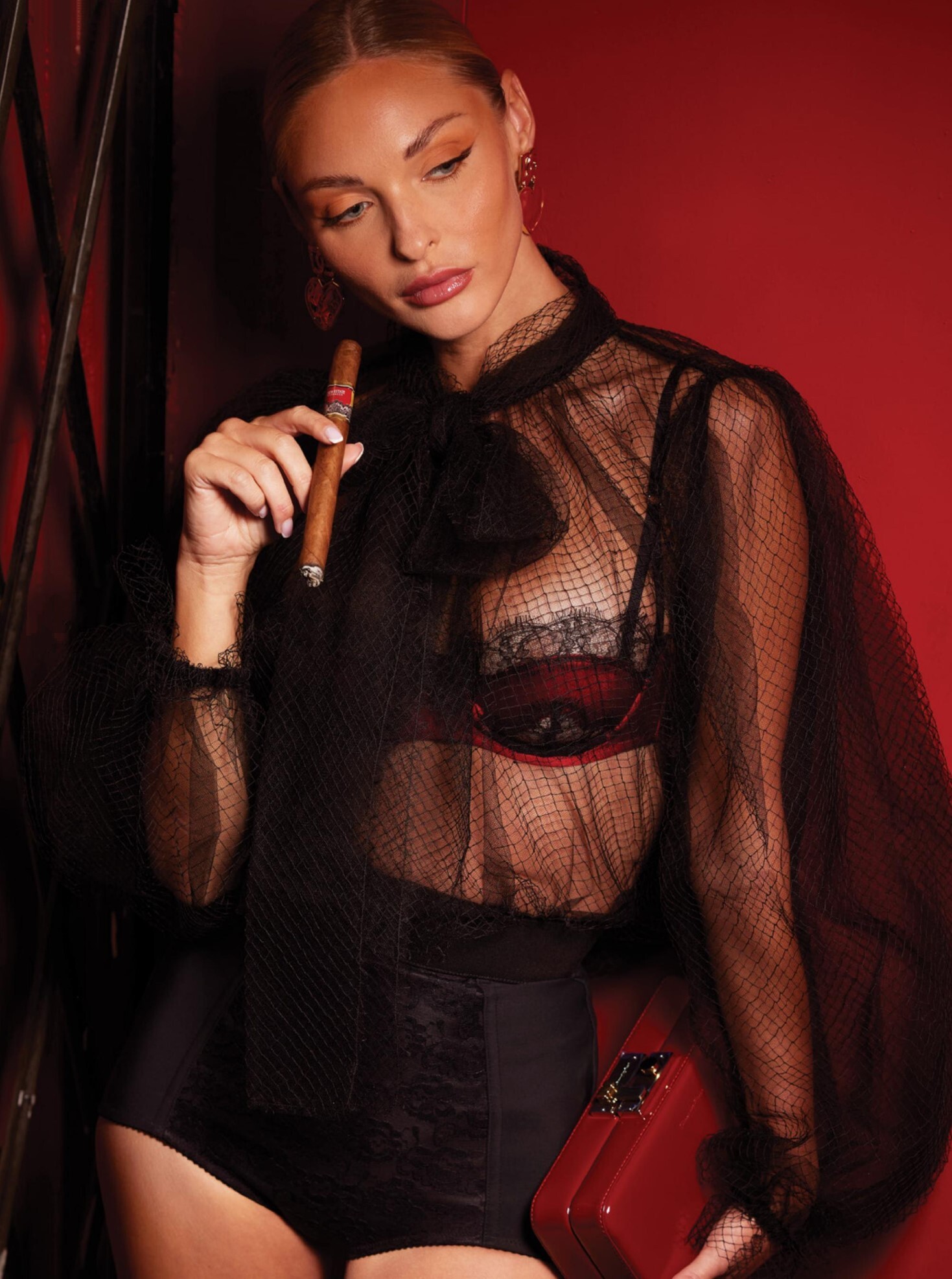
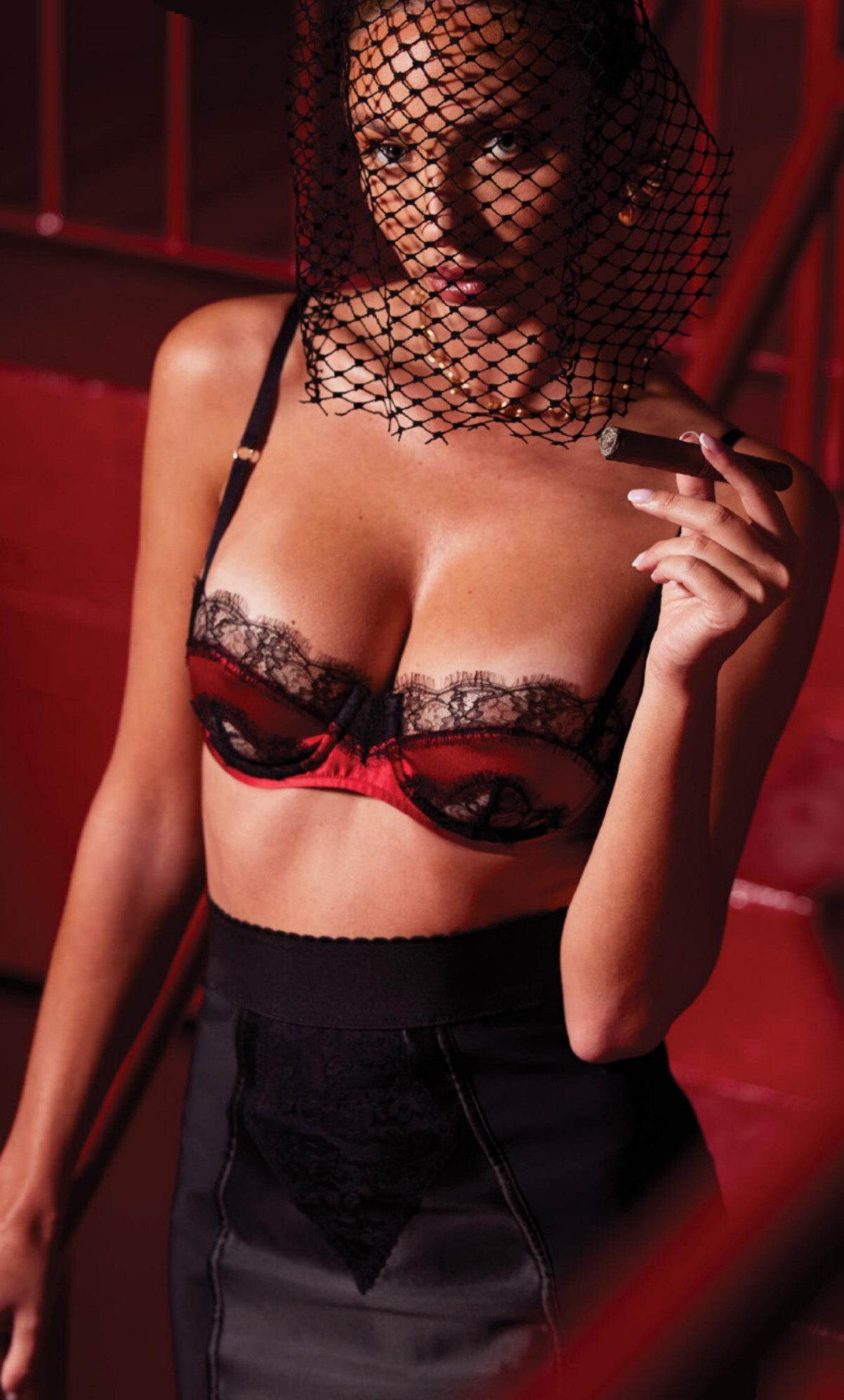
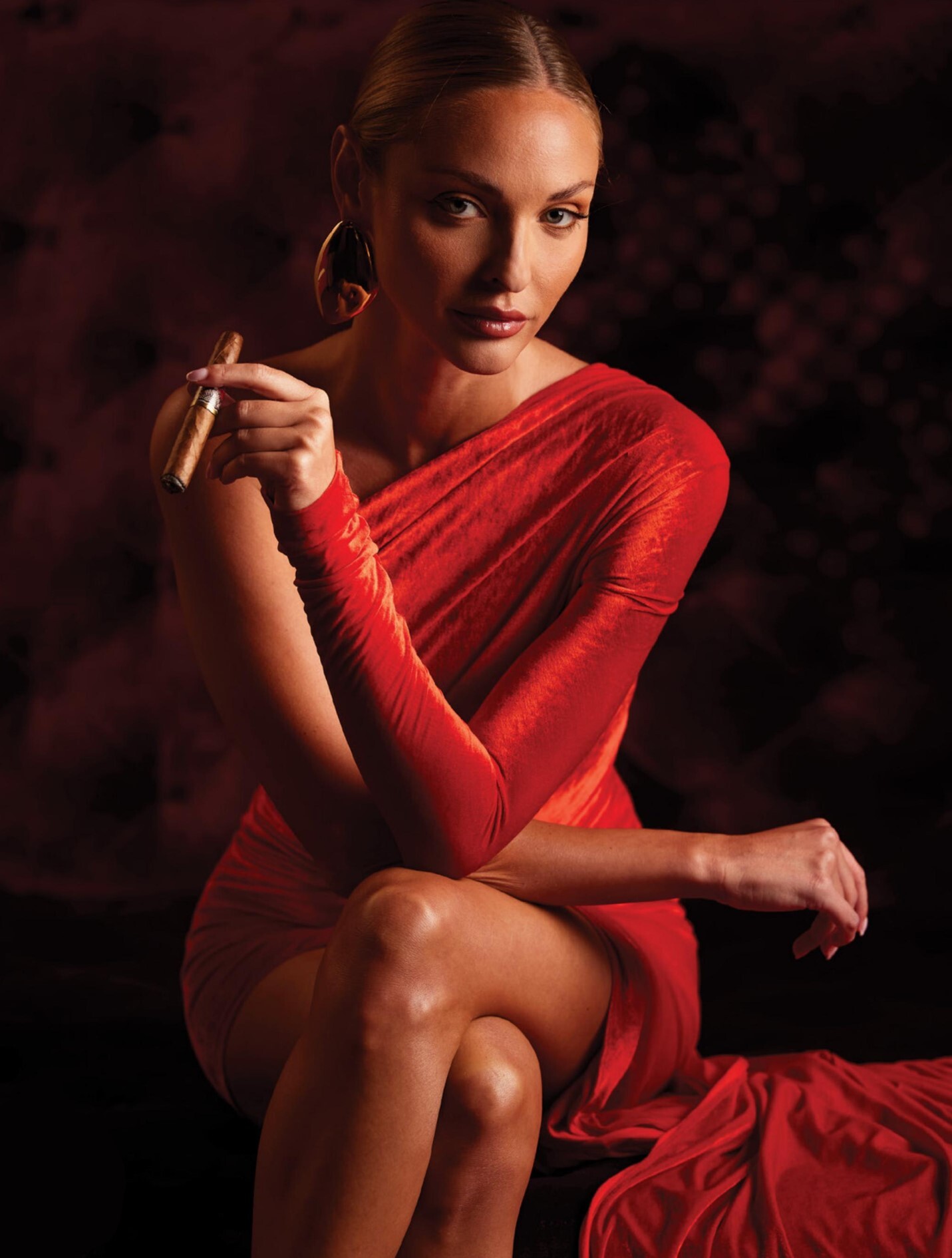
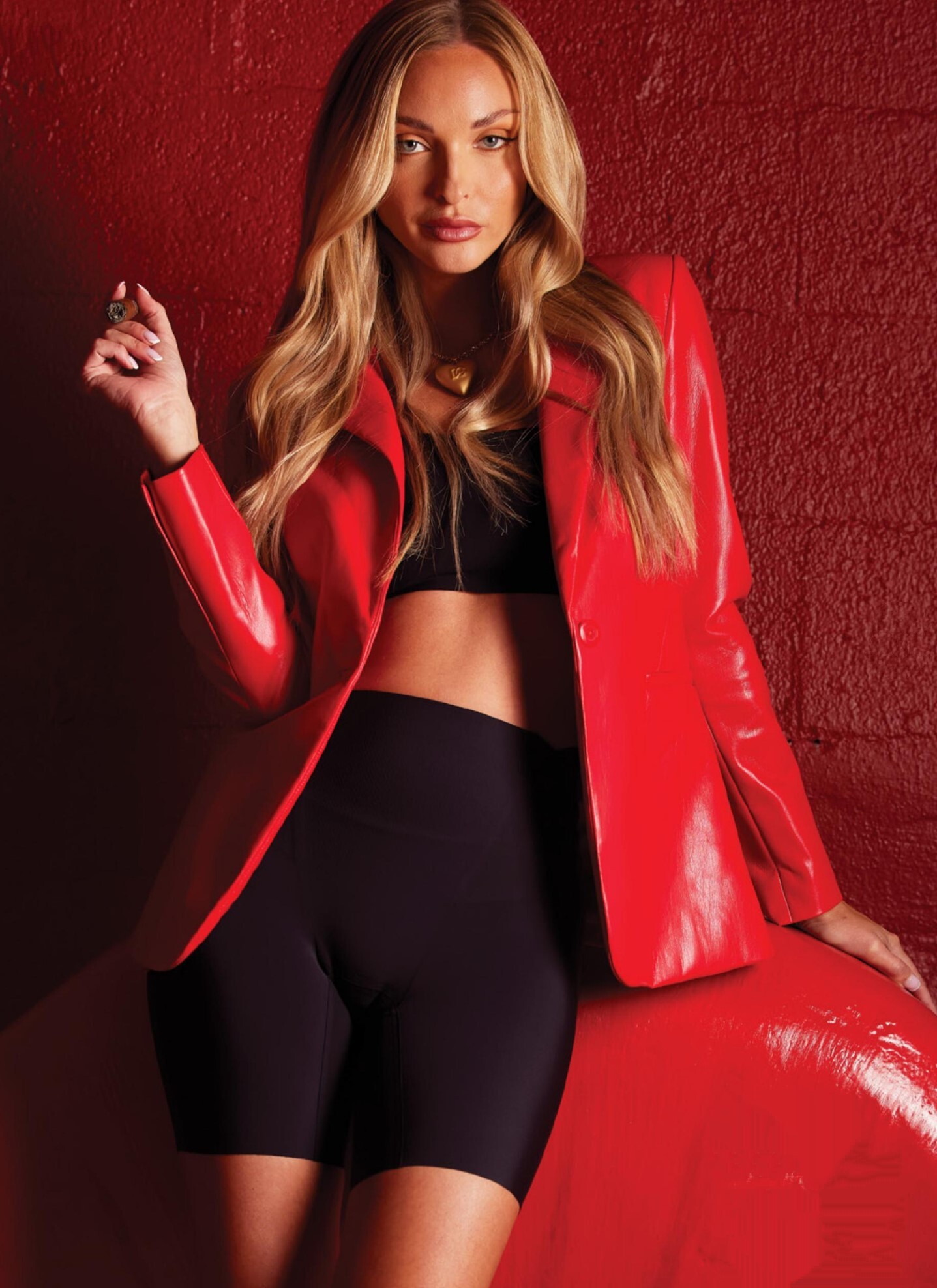
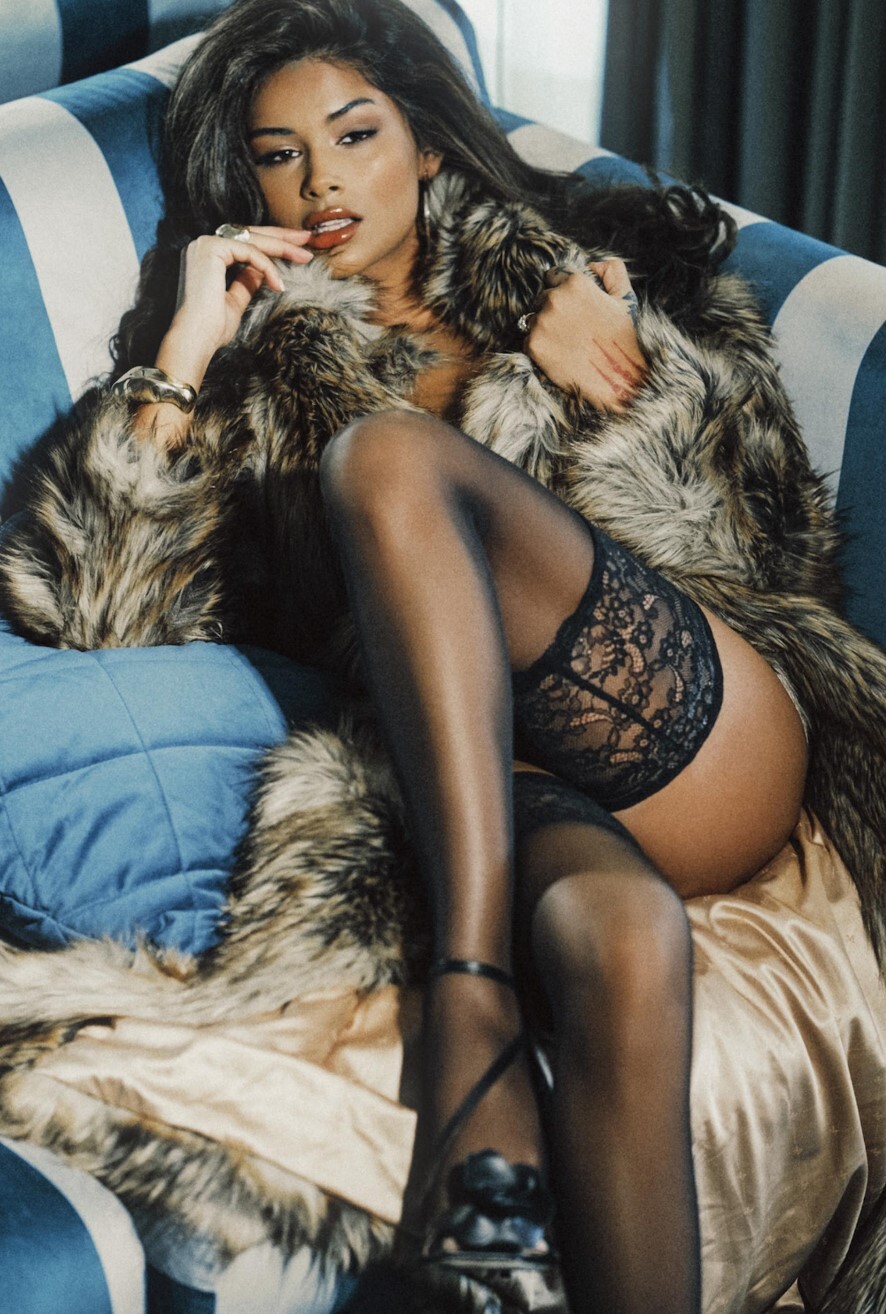
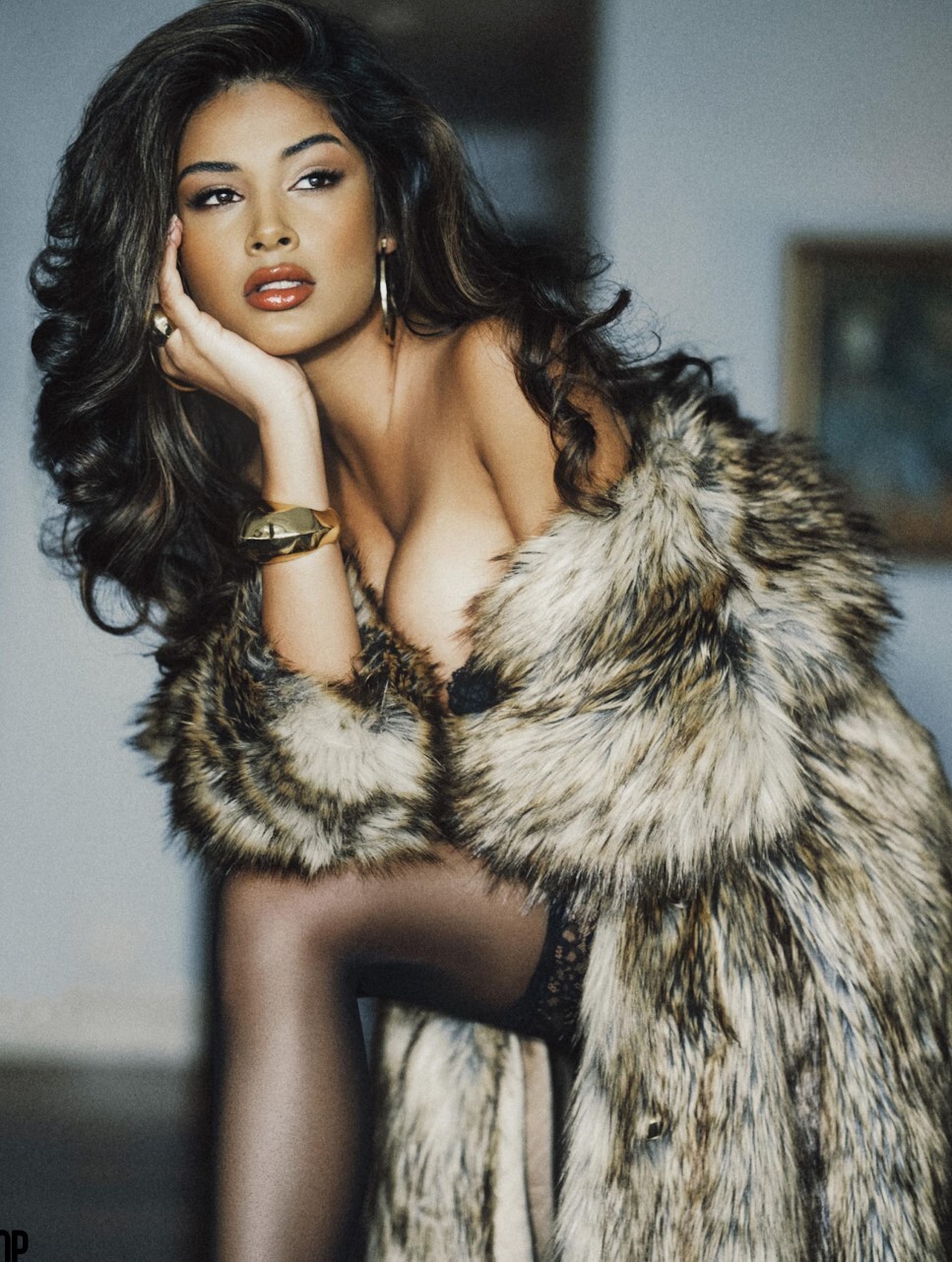
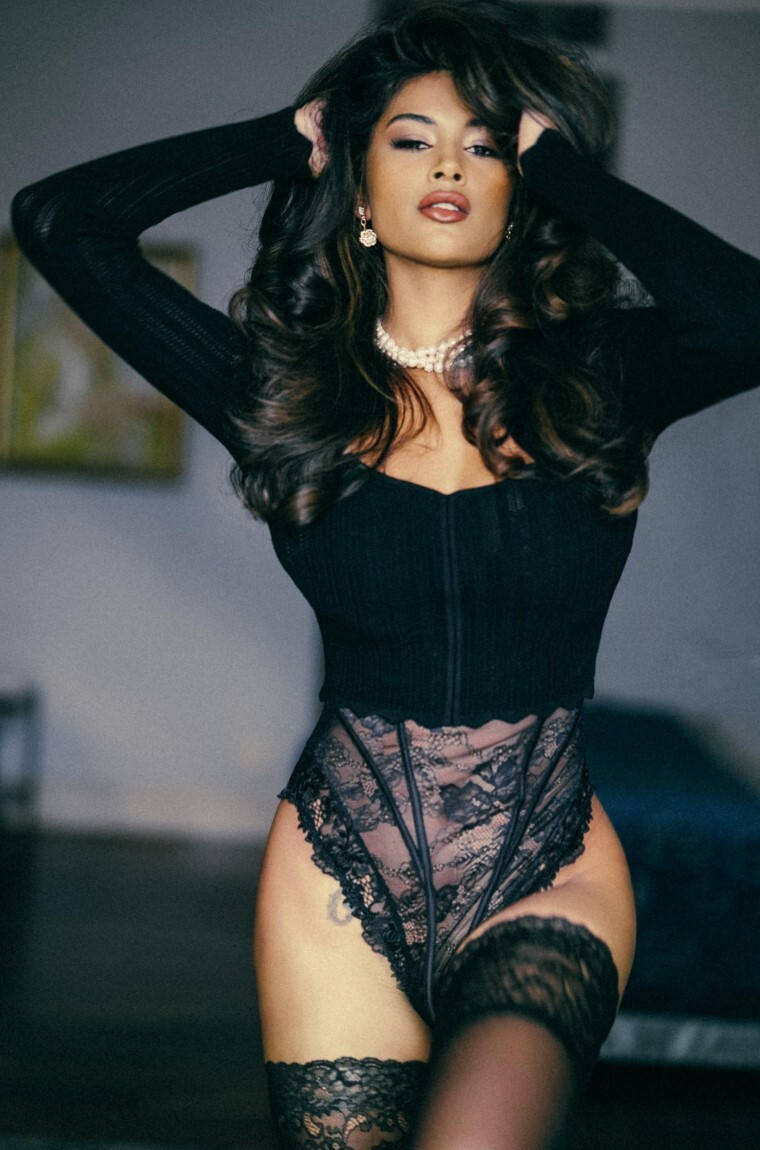
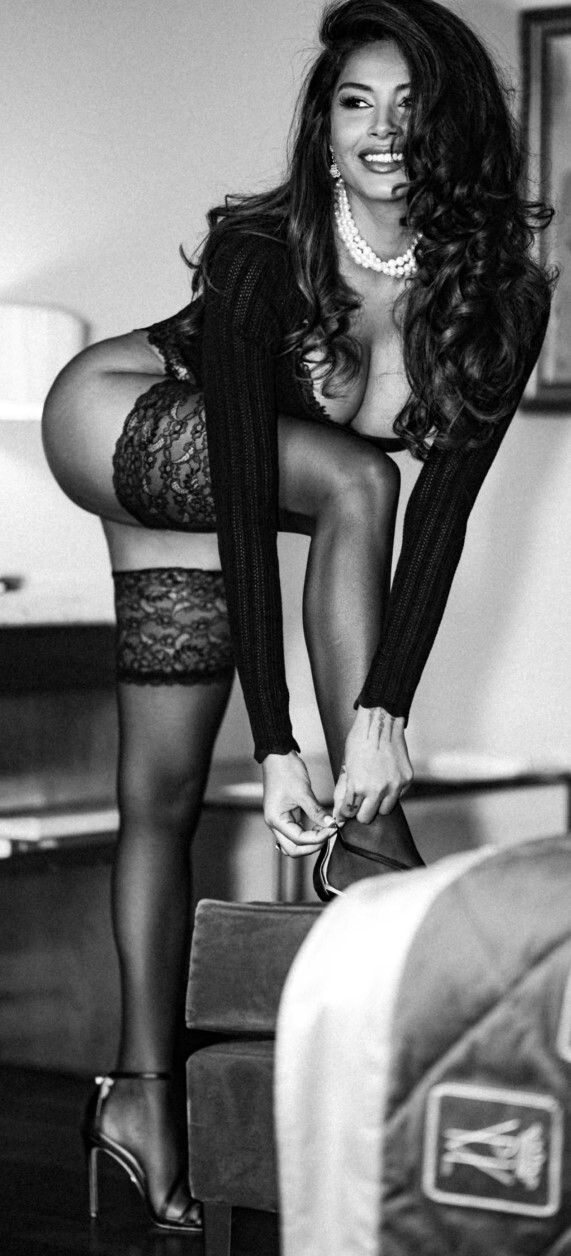
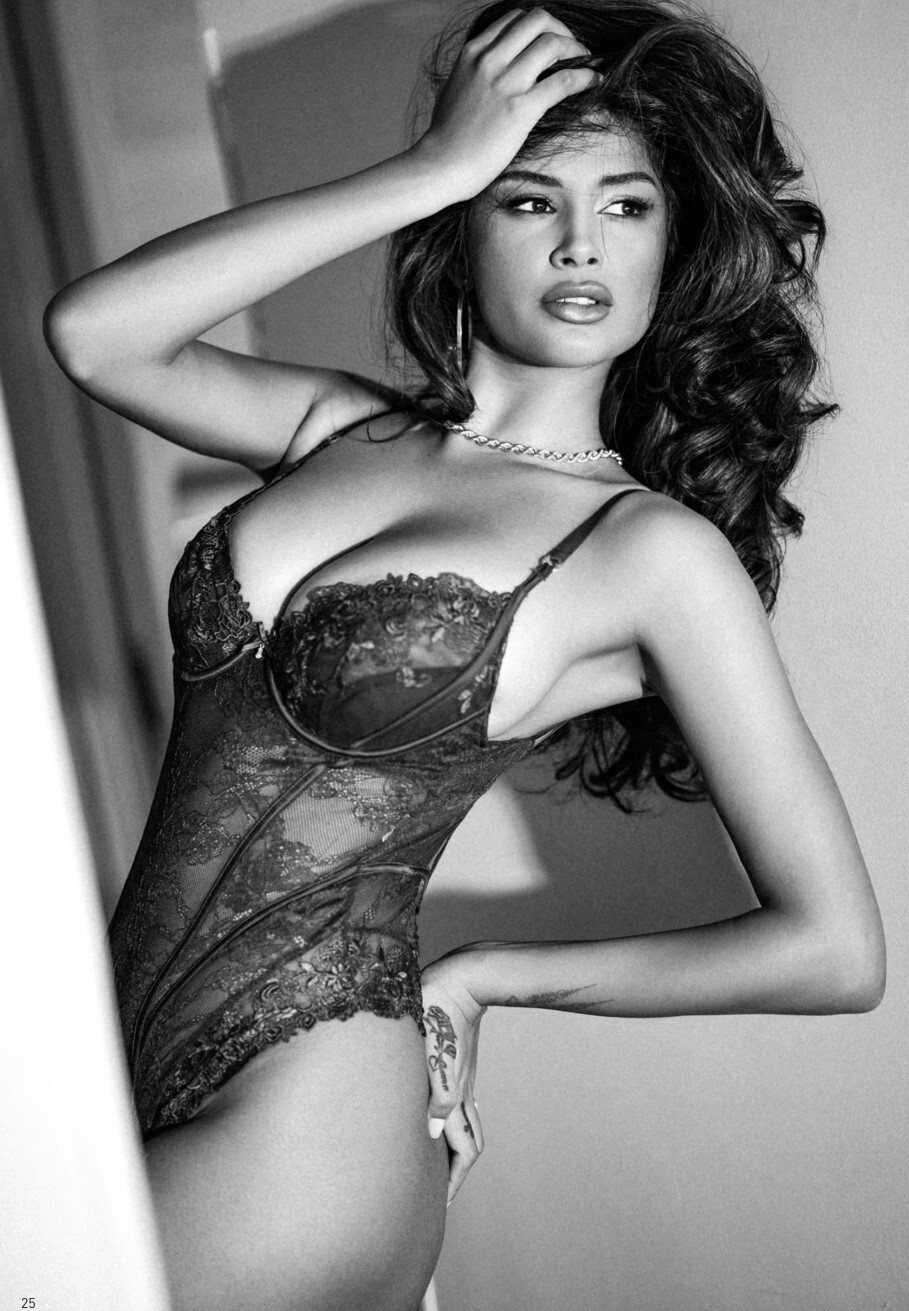
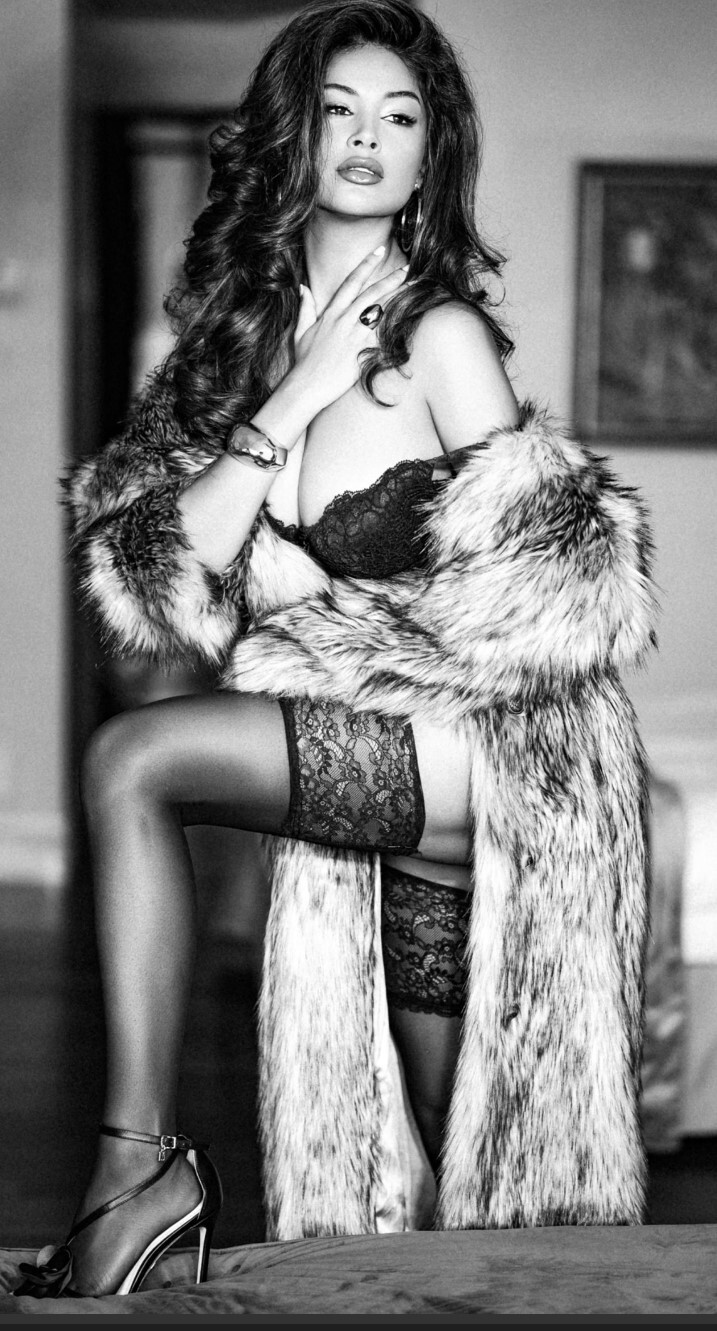
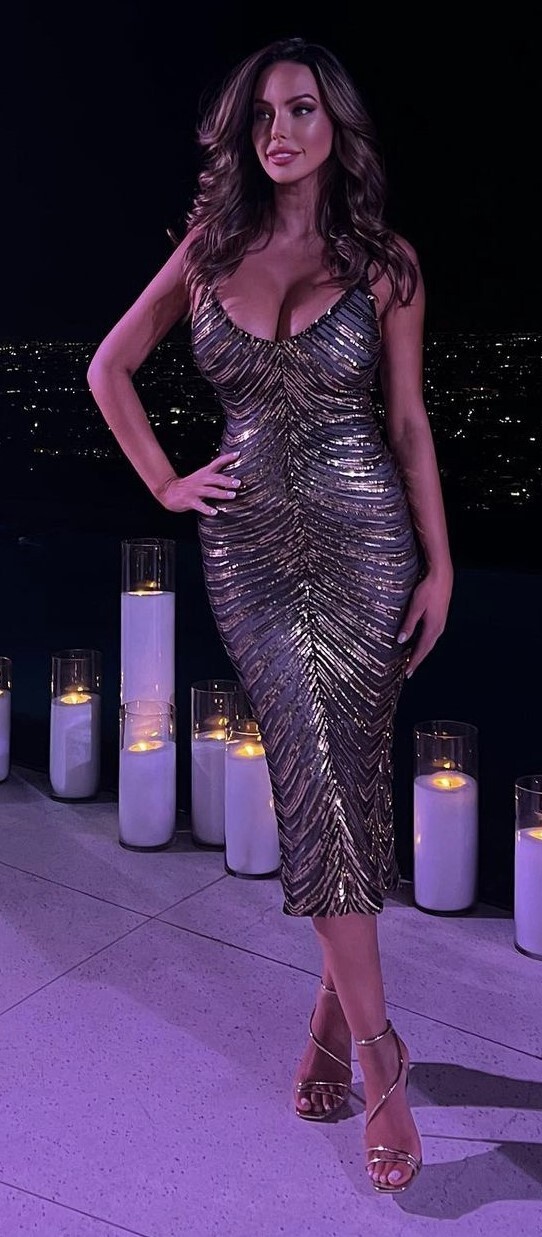
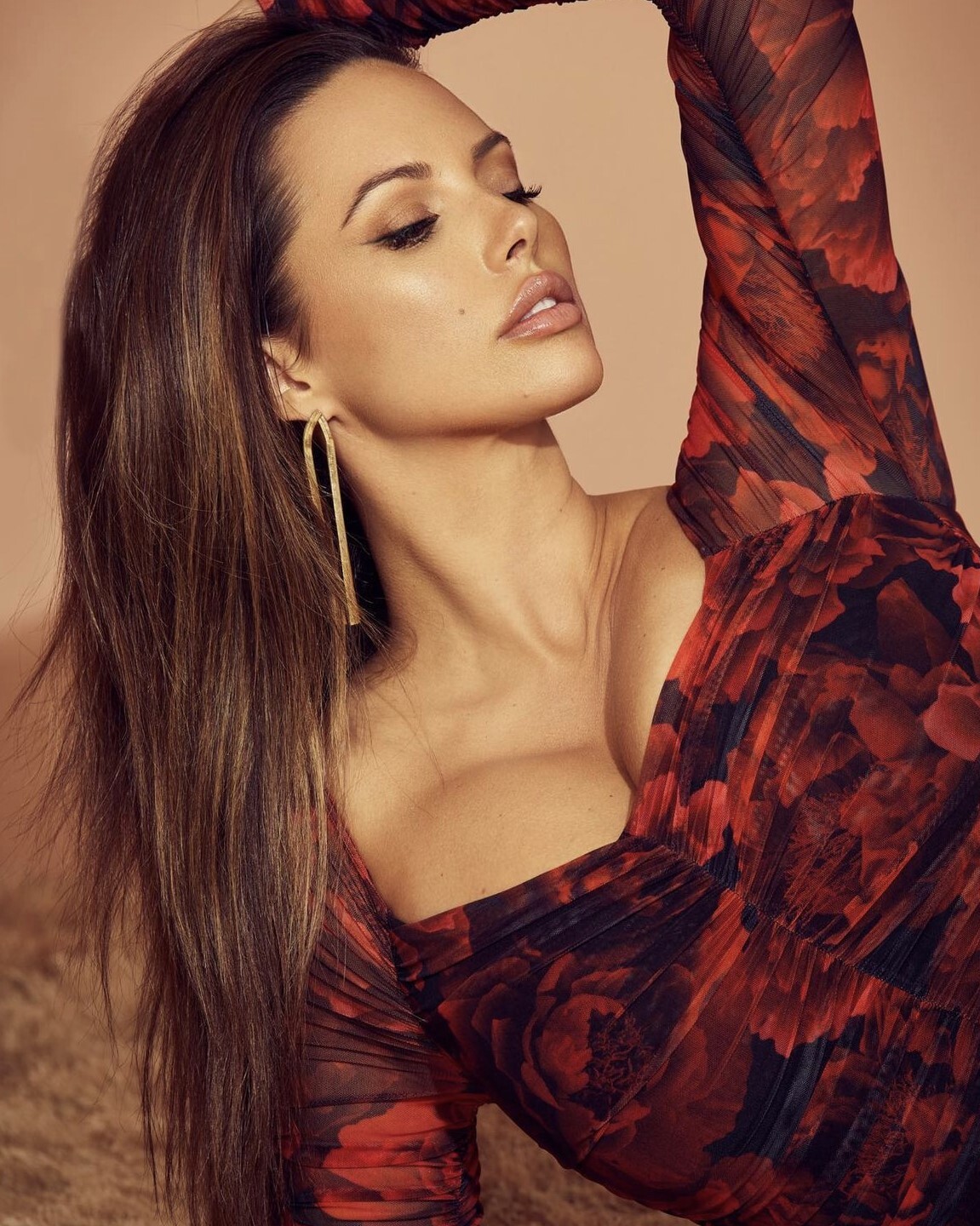
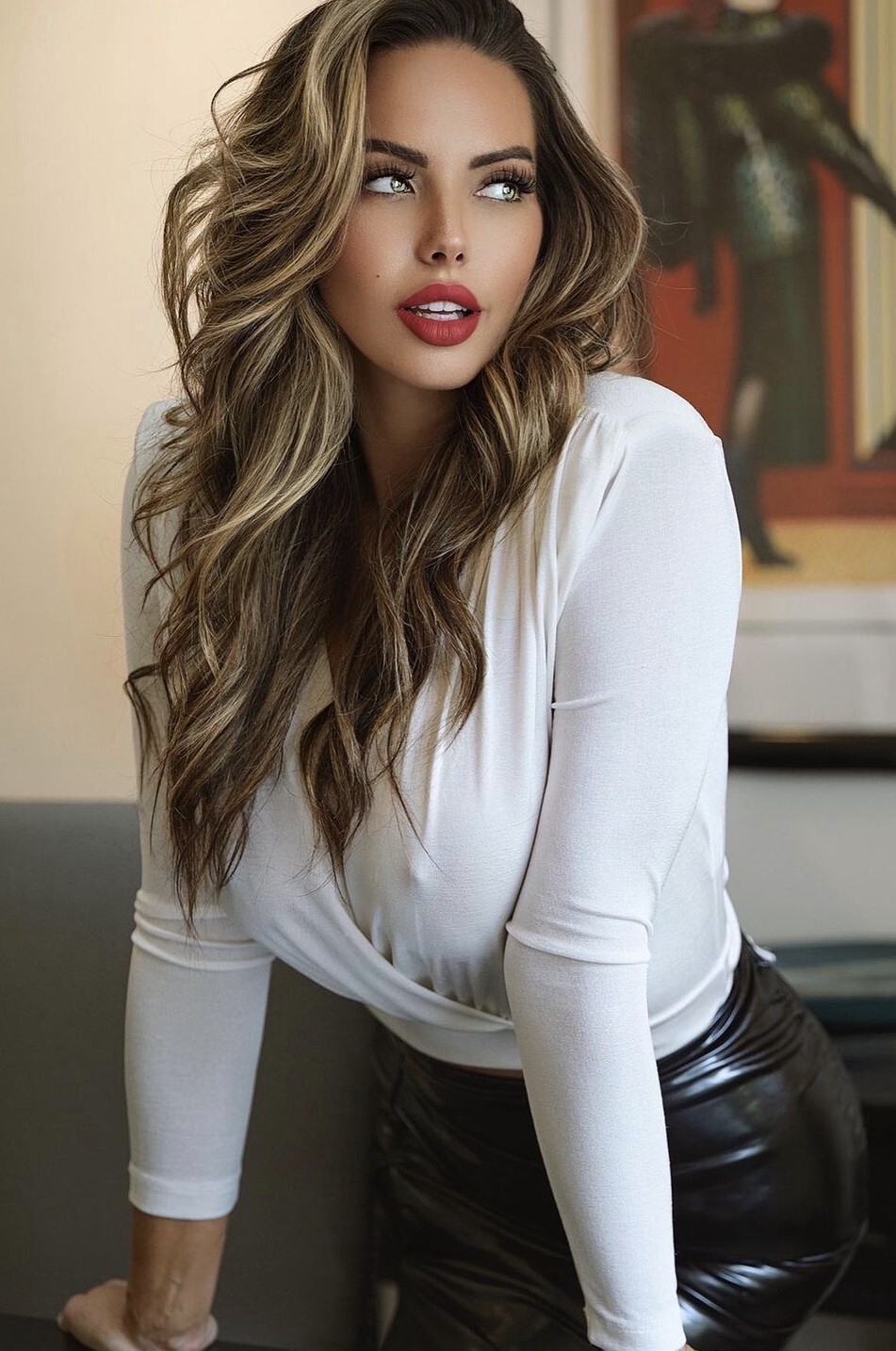
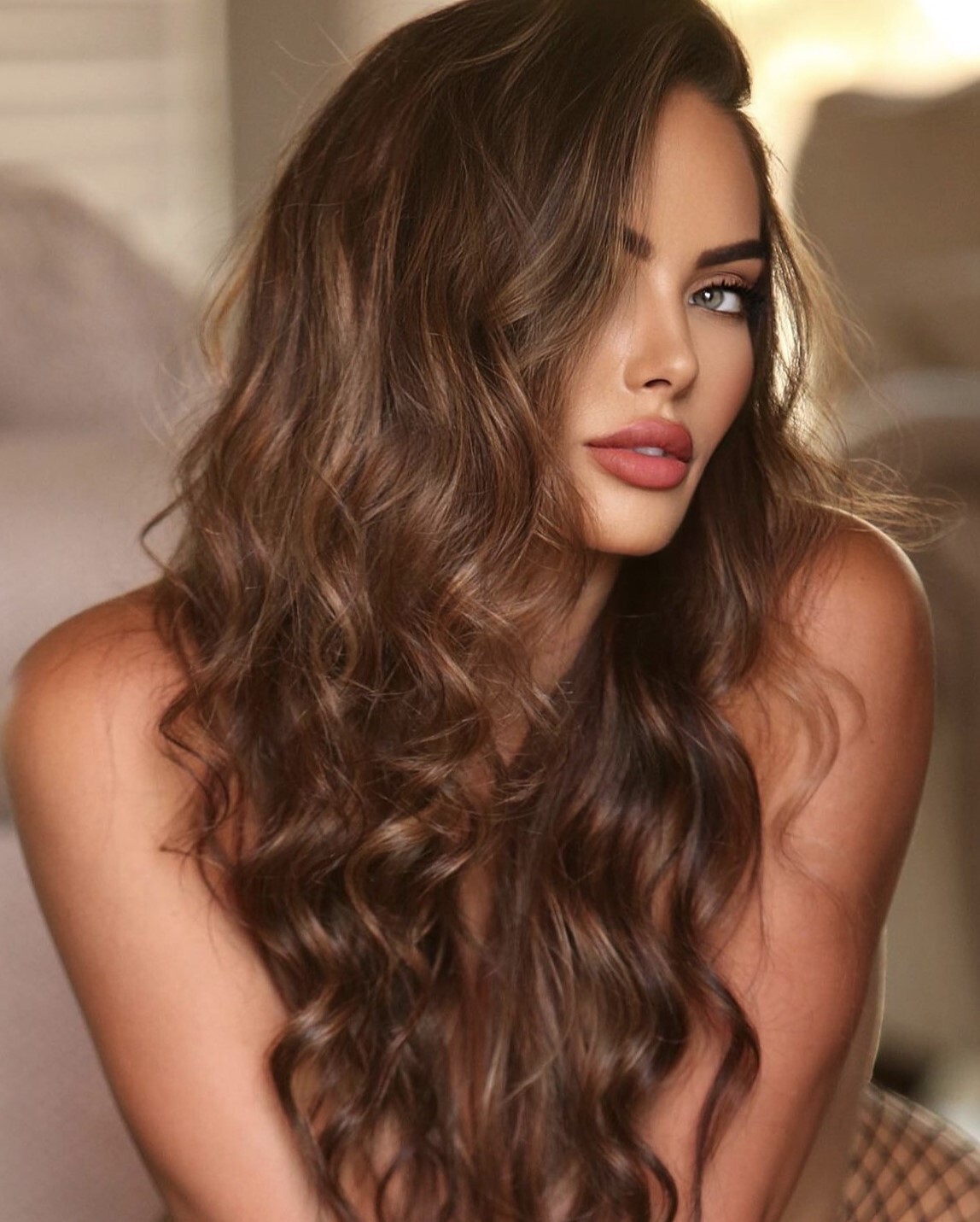
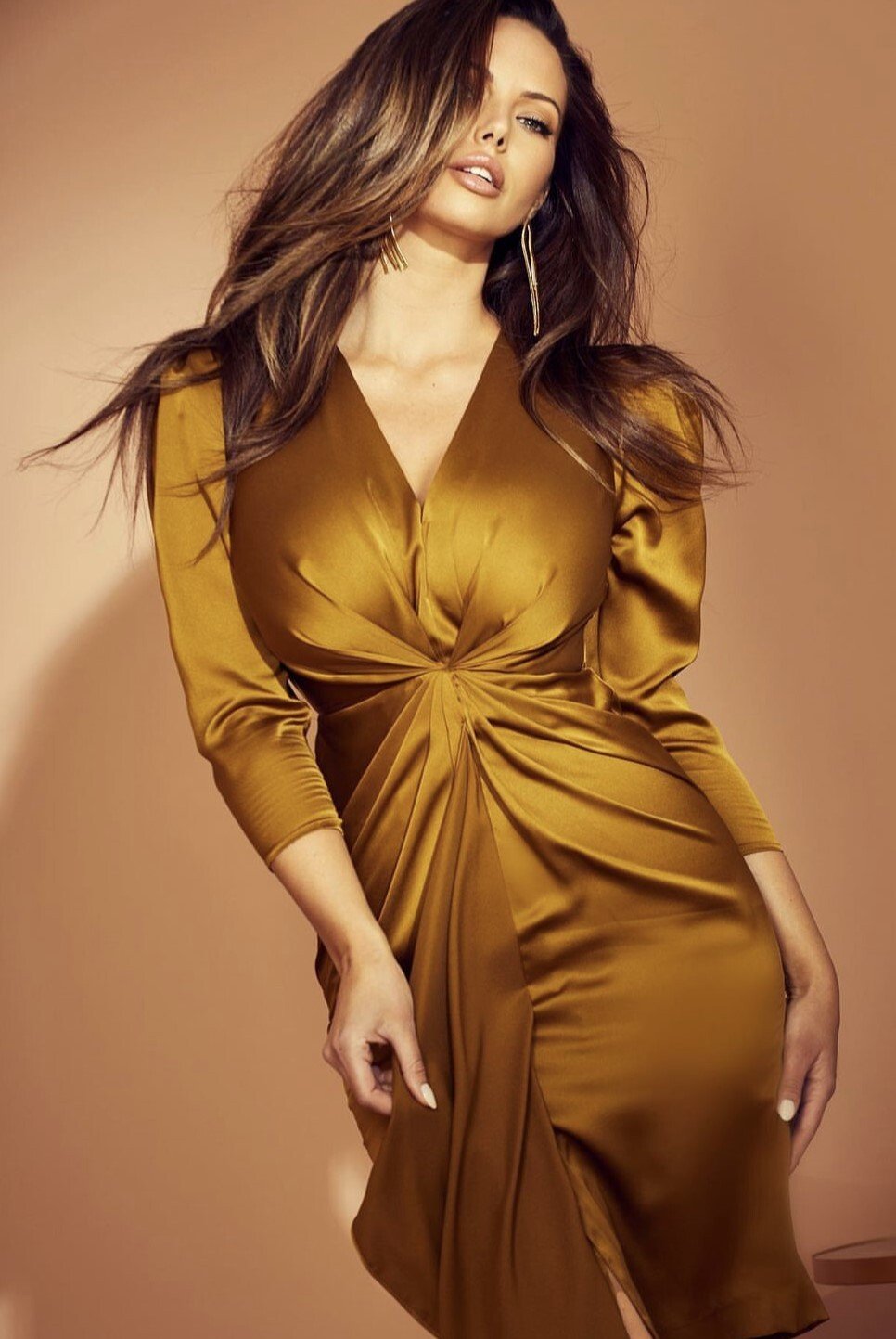
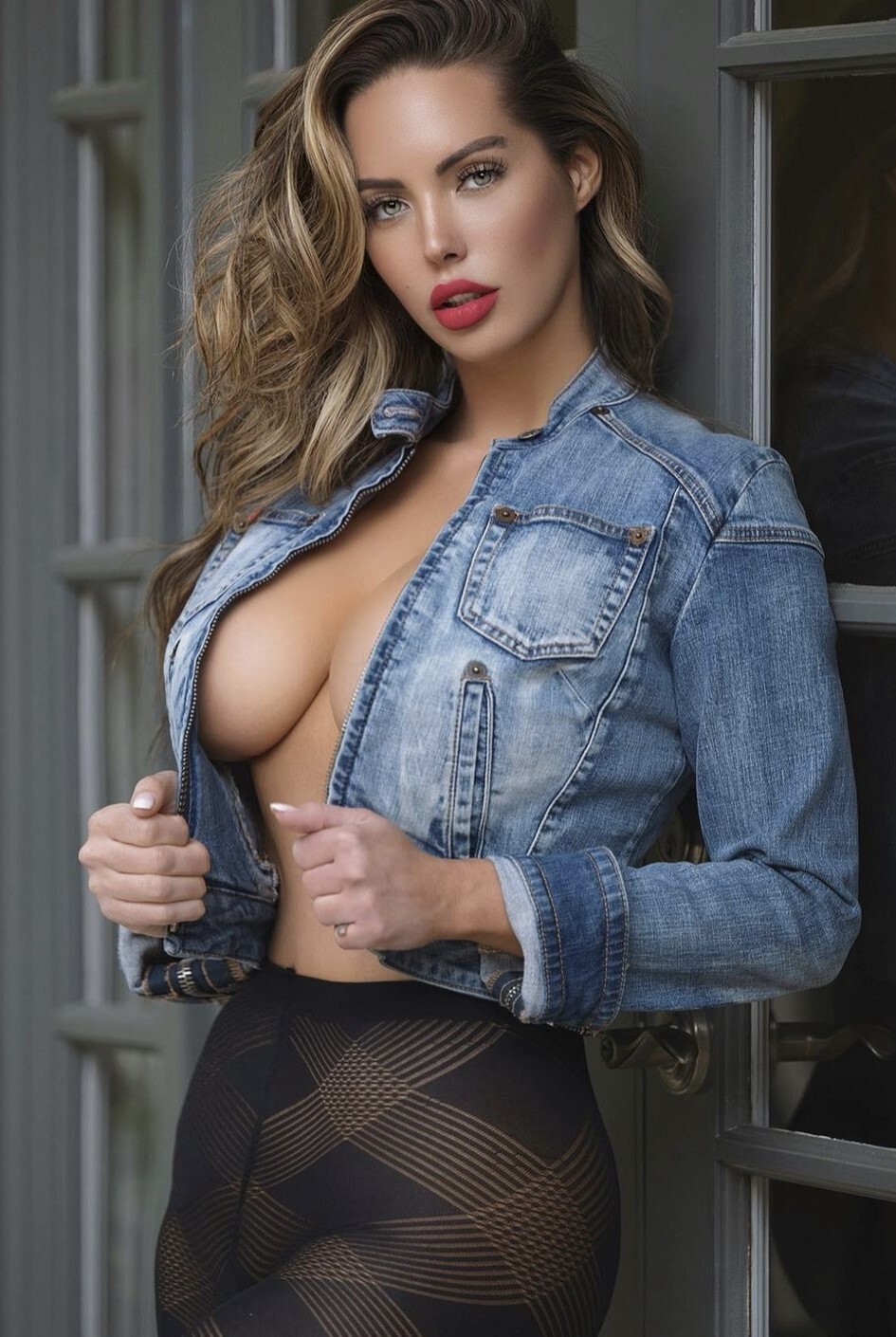
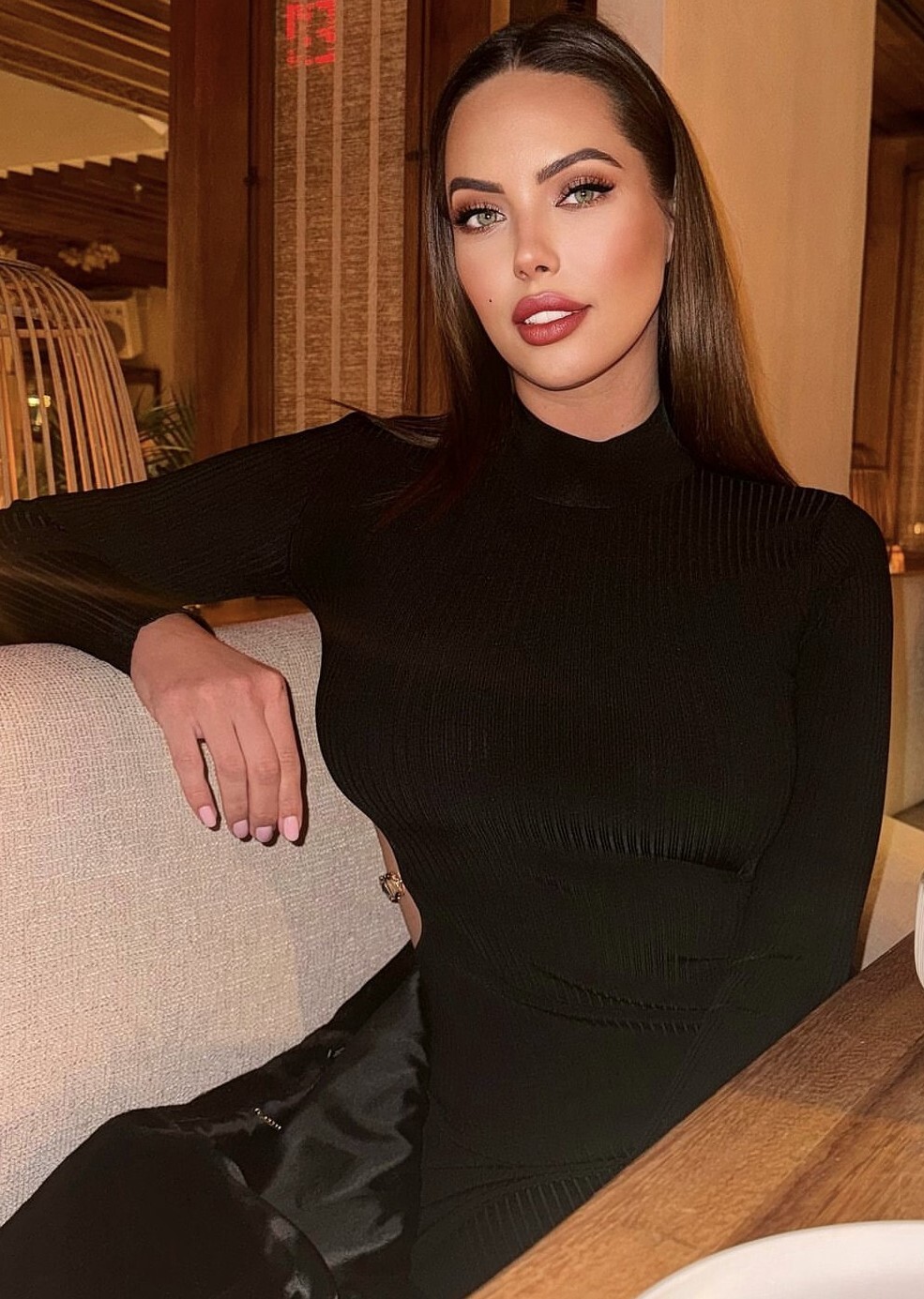
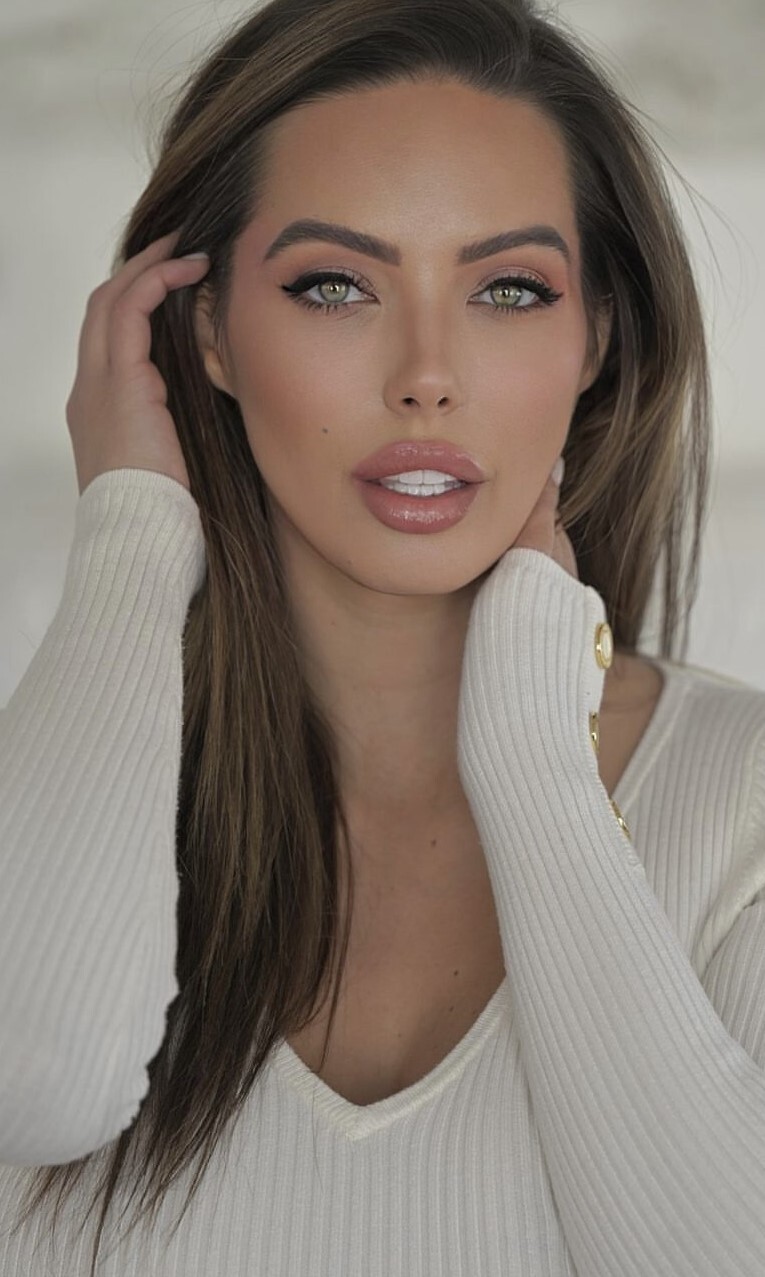
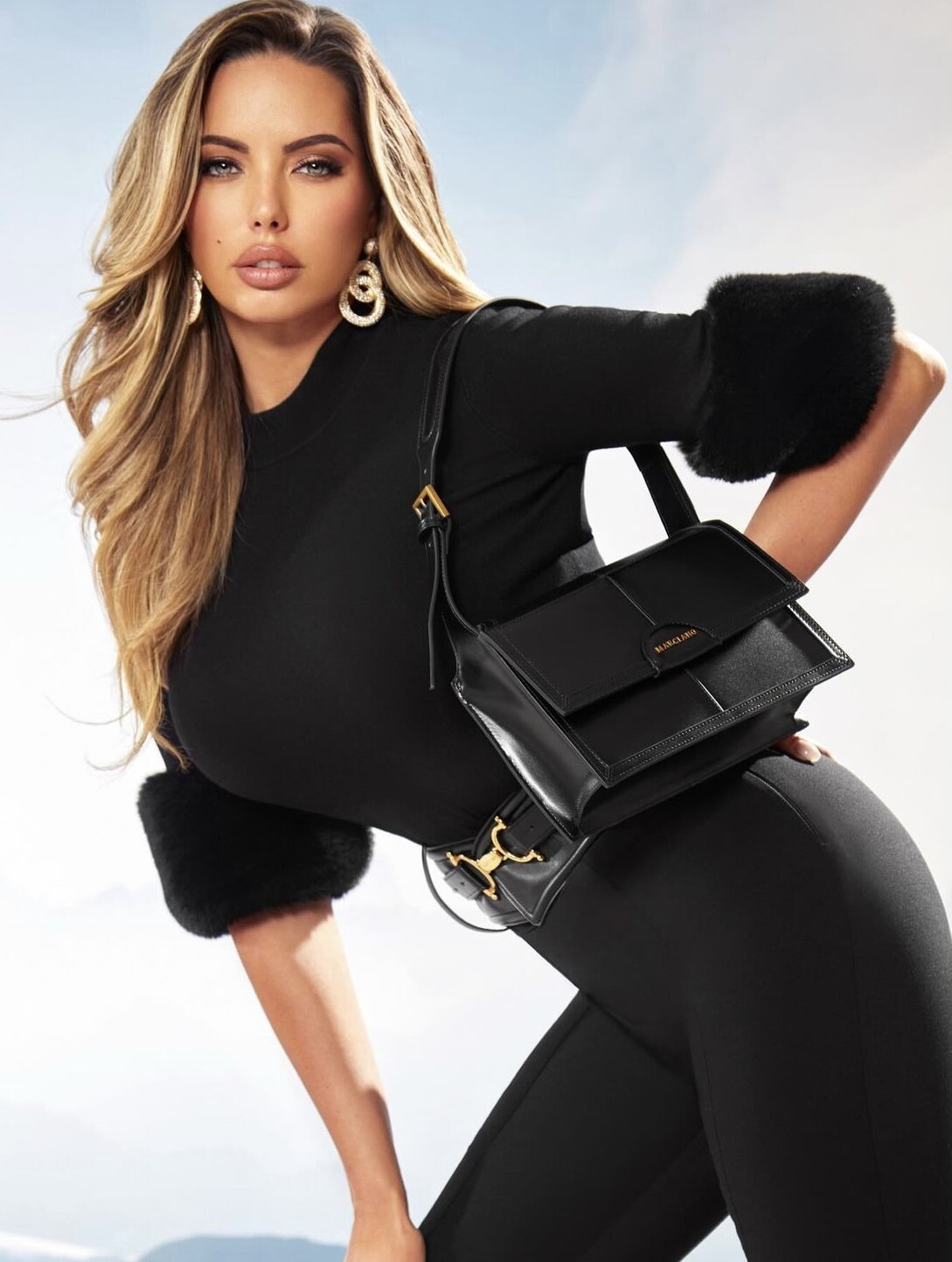
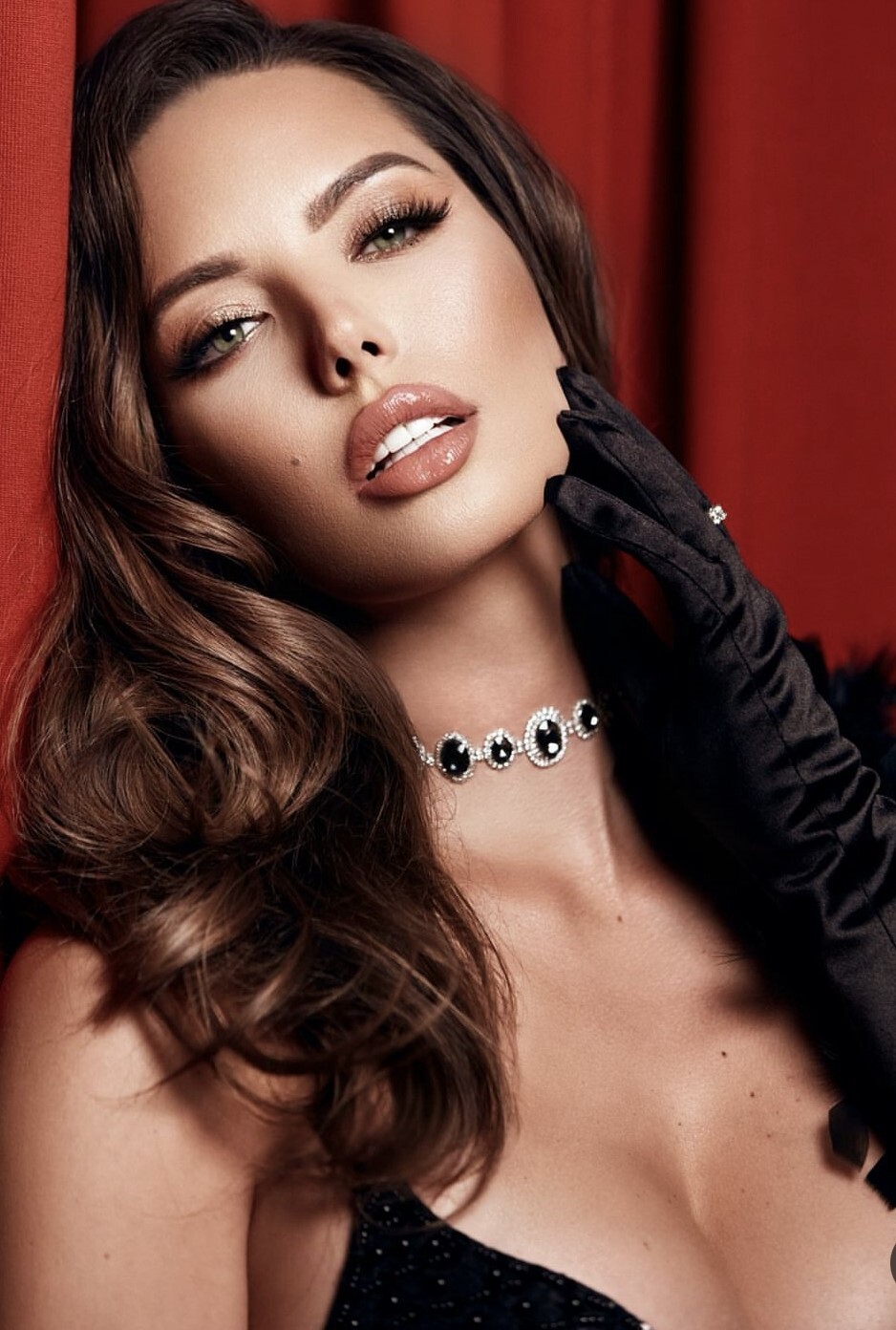
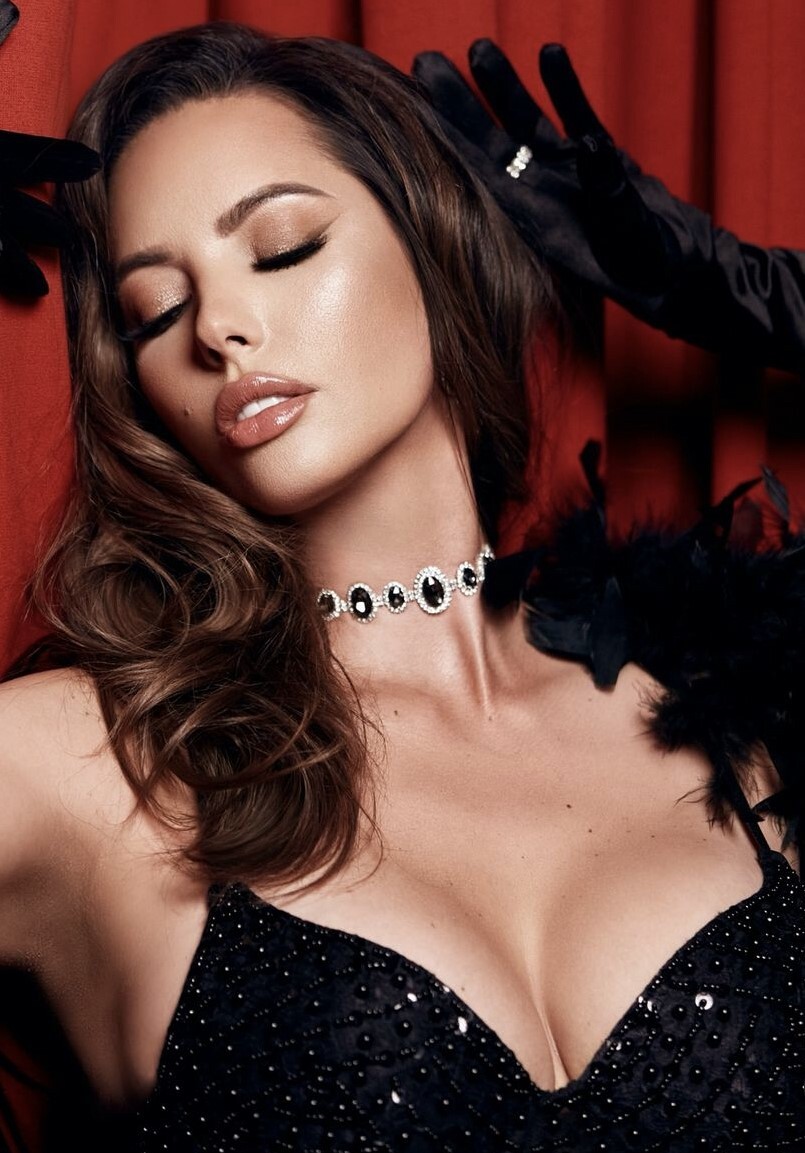
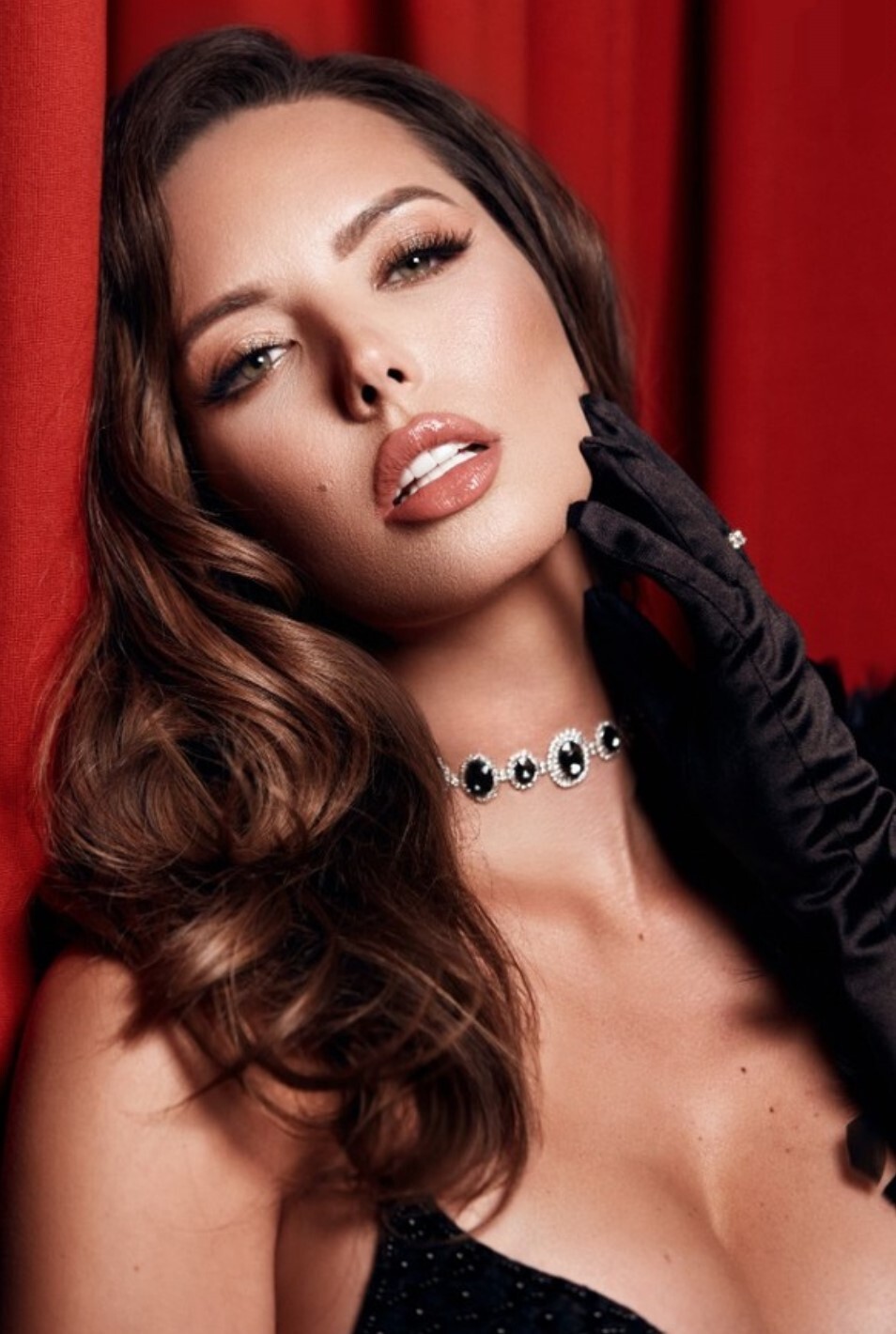
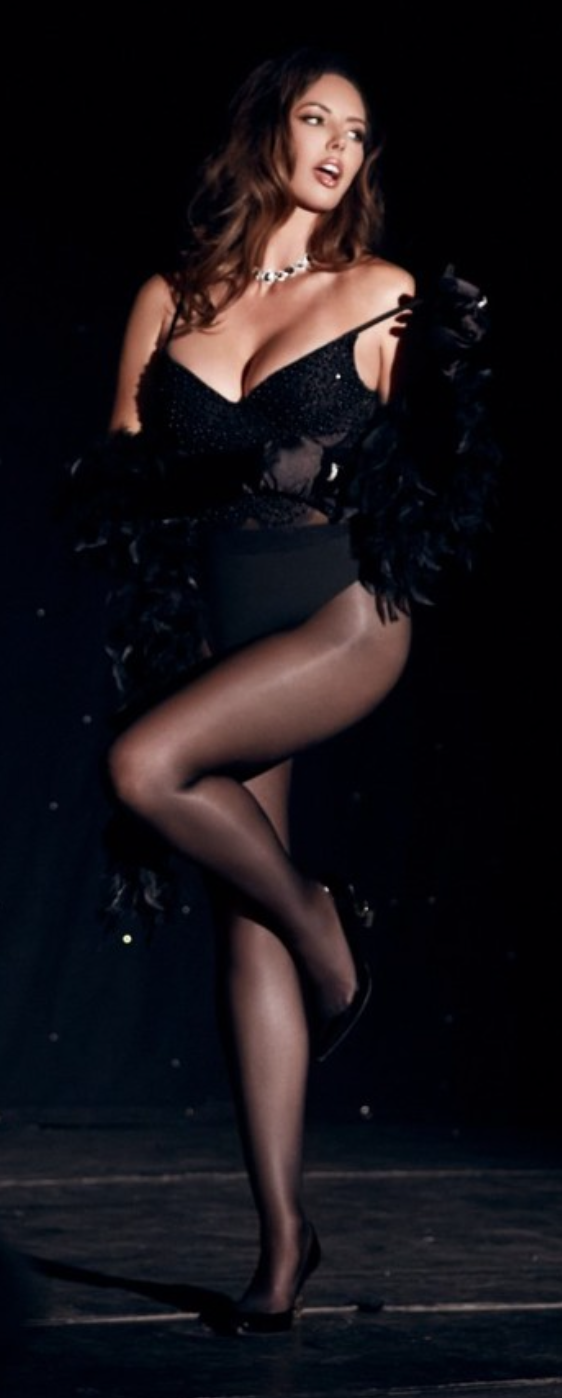
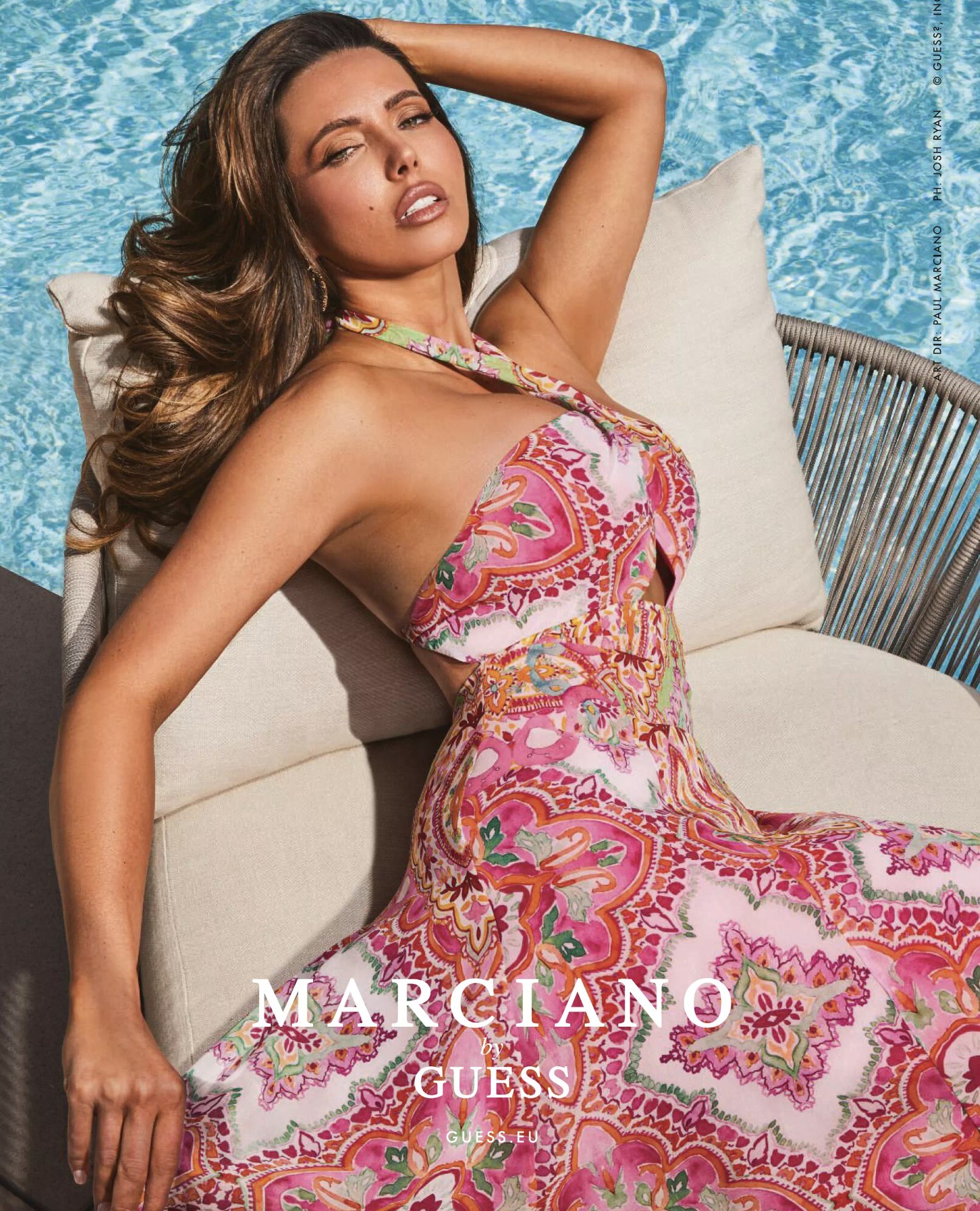
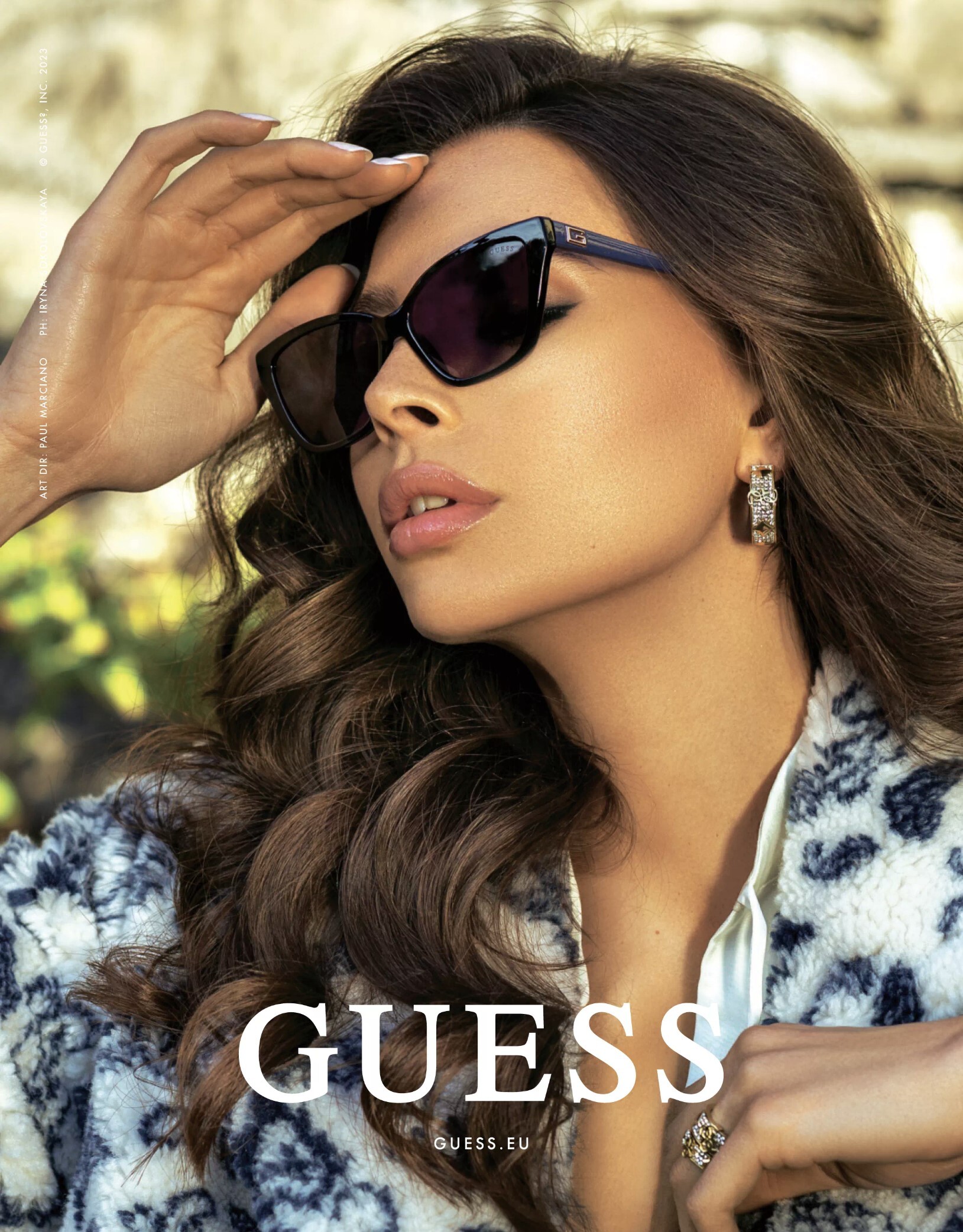
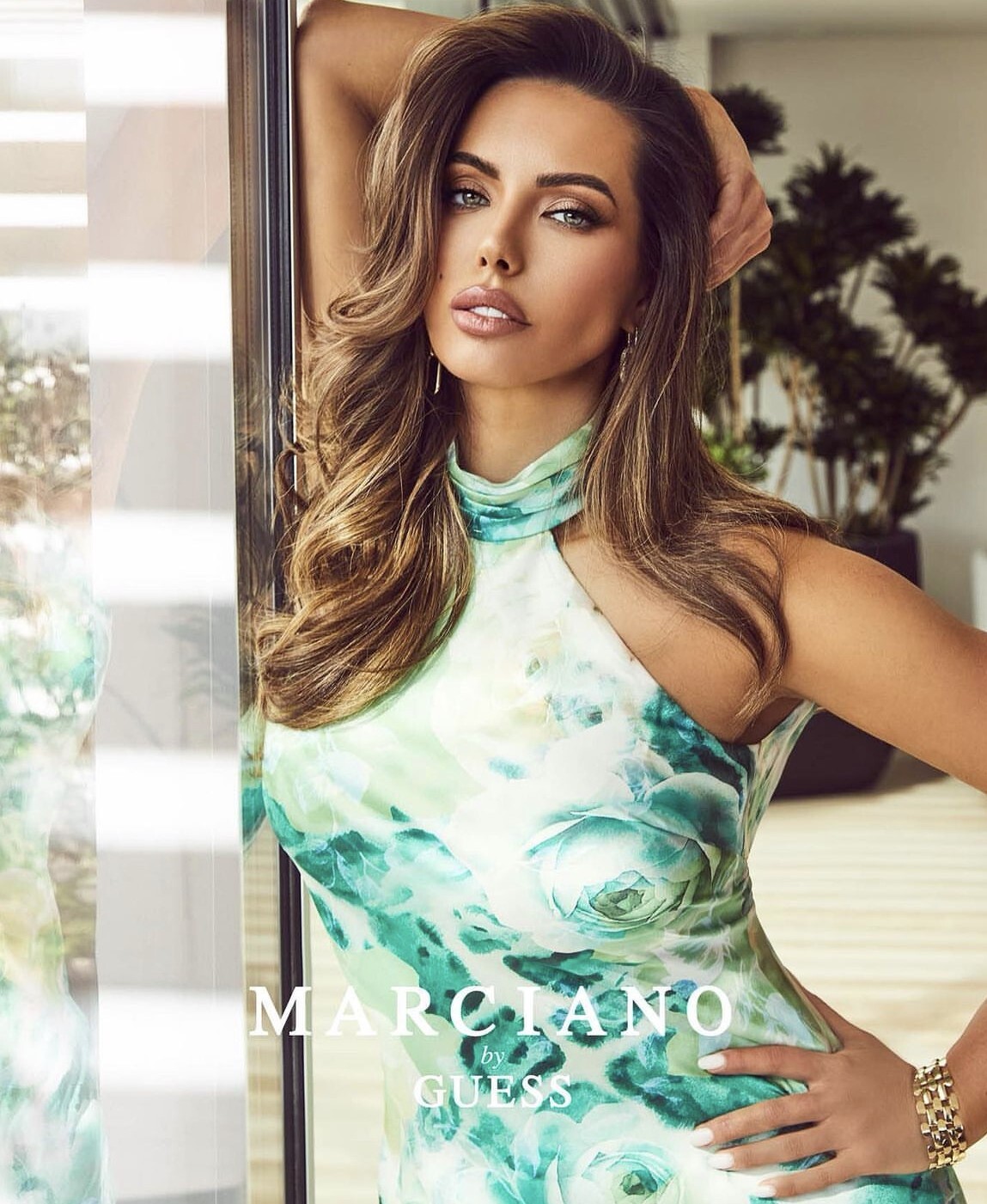
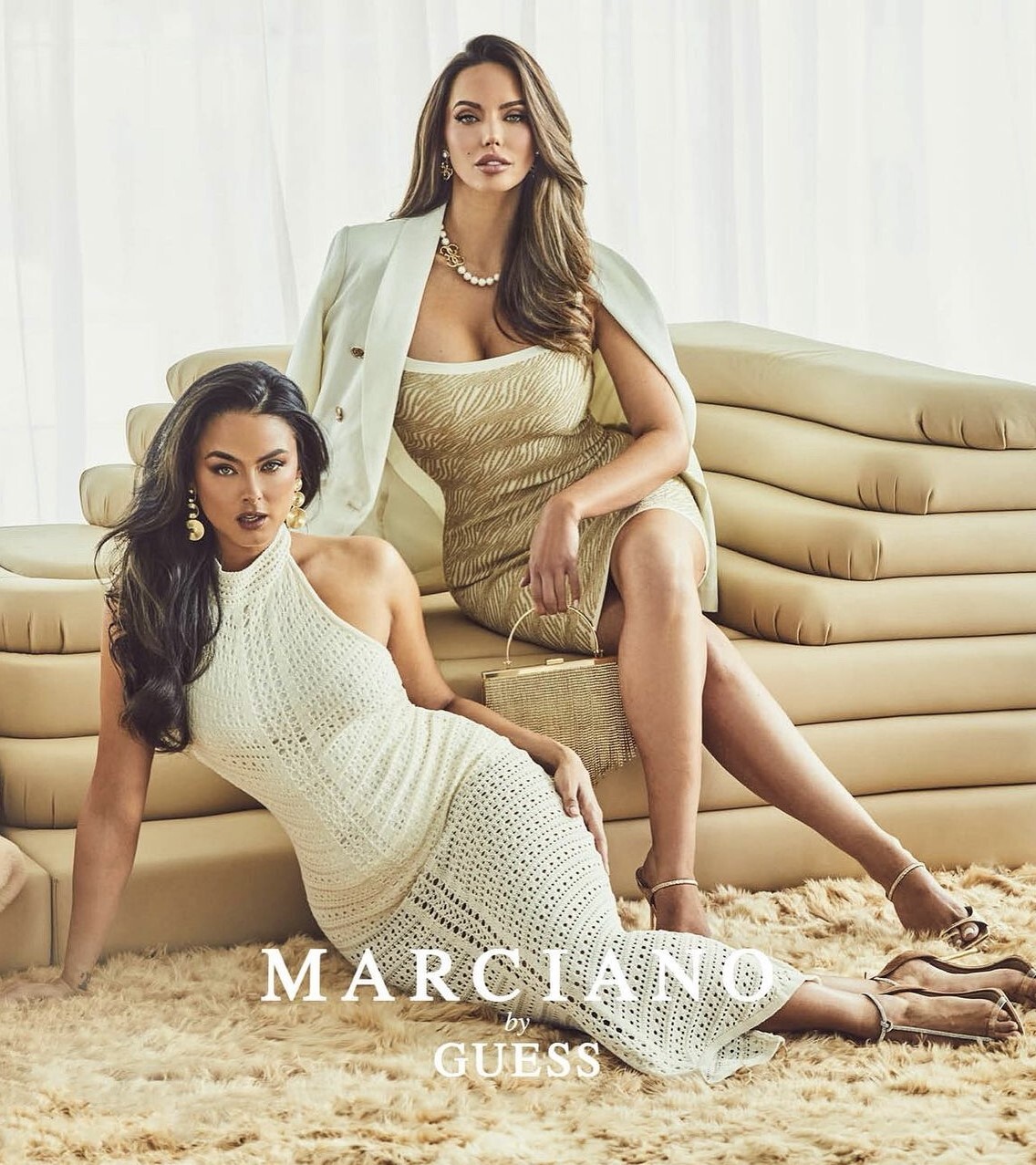
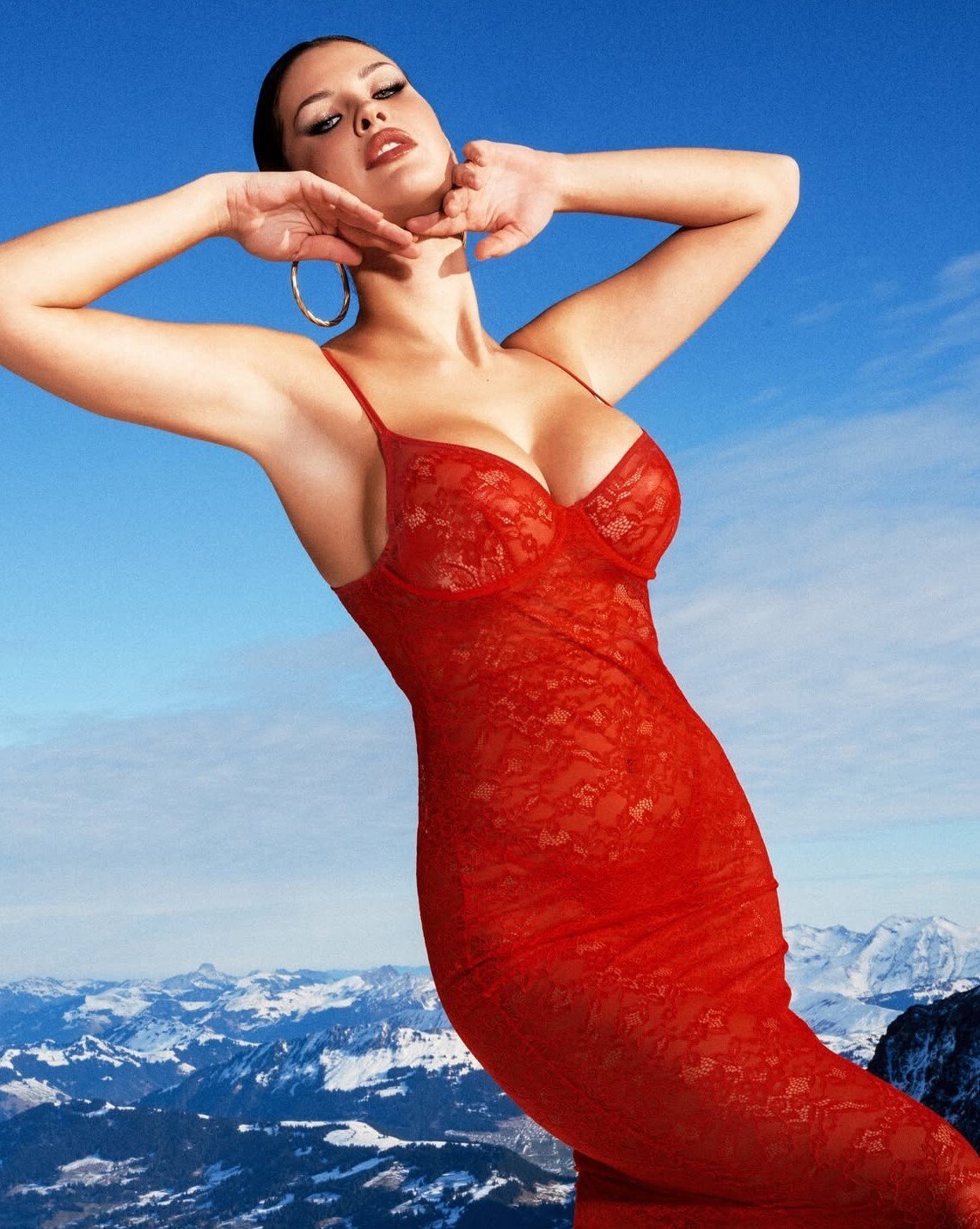
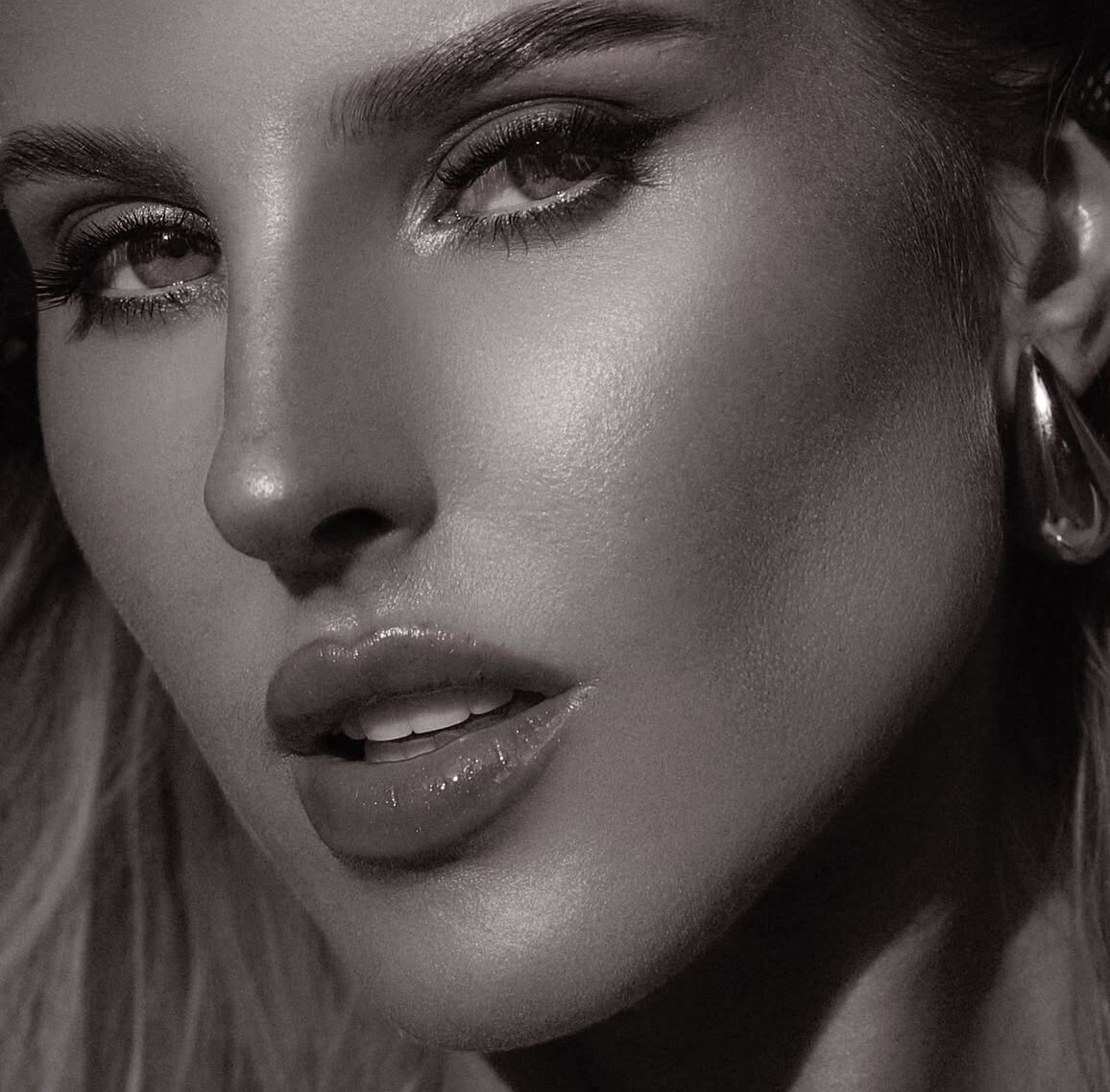
The arising design model, Glynnis, began her initial career by joining online entertainment stages. Preliminaryly, she favored utilizing a photograph and video sharing stage, Instagram and followed consistency in her work. Glynnis began sharing her eye-snatching displaying content, which at first compensated her with a few fan followings. Following her appearance on Instagram, Glynnis then, at that point, recognized her career in full-time demonstrating and started wandering into displaying coordinated efforts. By and by, she is advancing a few eminent brands, like Speculation, Bella Barnette, Guess, Honey Birdette, and so on.
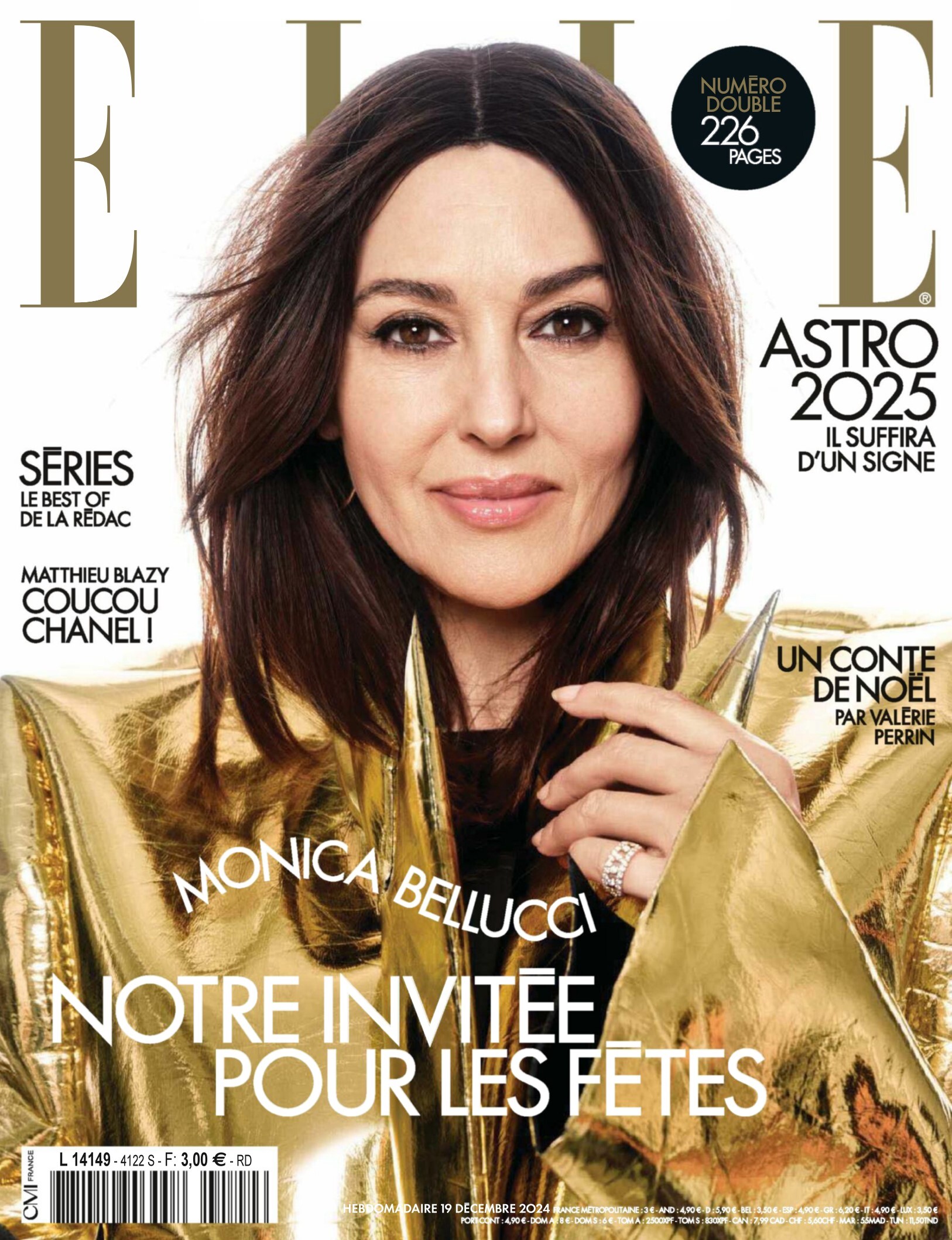
Italian Vanity Fair
 Her IG
 Her IG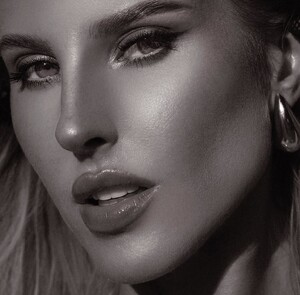
Account
Navigation
Search
Configure browser push notifications
Chrome (Android)
- Tap the lock icon next to the address bar.
- Tap Permissions → Notifications.
- Adjust your preference.
Chrome (Desktop)
- Click the padlock icon in the address bar.
- Select Site settings.
- Find Notifications and adjust your preference.
Safari (iOS 16.4+)
- Ensure the site is installed via Add to Home Screen.
- Open Settings App → Notifications.
- Find your app name and adjust your preference.
Safari (macOS)
- Go to Safari → Preferences.
- Click the Websites tab.
- Select Notifications in the sidebar.
- Find this website and adjust your preference.
Edge (Android)
- Tap the lock icon next to the address bar.
- Tap Permissions.
- Find Notifications and adjust your preference.
Edge (Desktop)
- Click the padlock icon in the address bar.
- Click Permissions for this site.
- Find Notifications and adjust your preference.
Firefox (Android)
- Go to Settings → Site permissions.
- Tap Notifications.
- Find this site in the list and adjust your preference.
Firefox (Desktop)
- Open Firefox Settings.
- Search for Notifications.
- Find this site in the list and adjust your preference.