

Matt!
Members
-
Joined
-
Last visited
Everything posted by Matt!
-
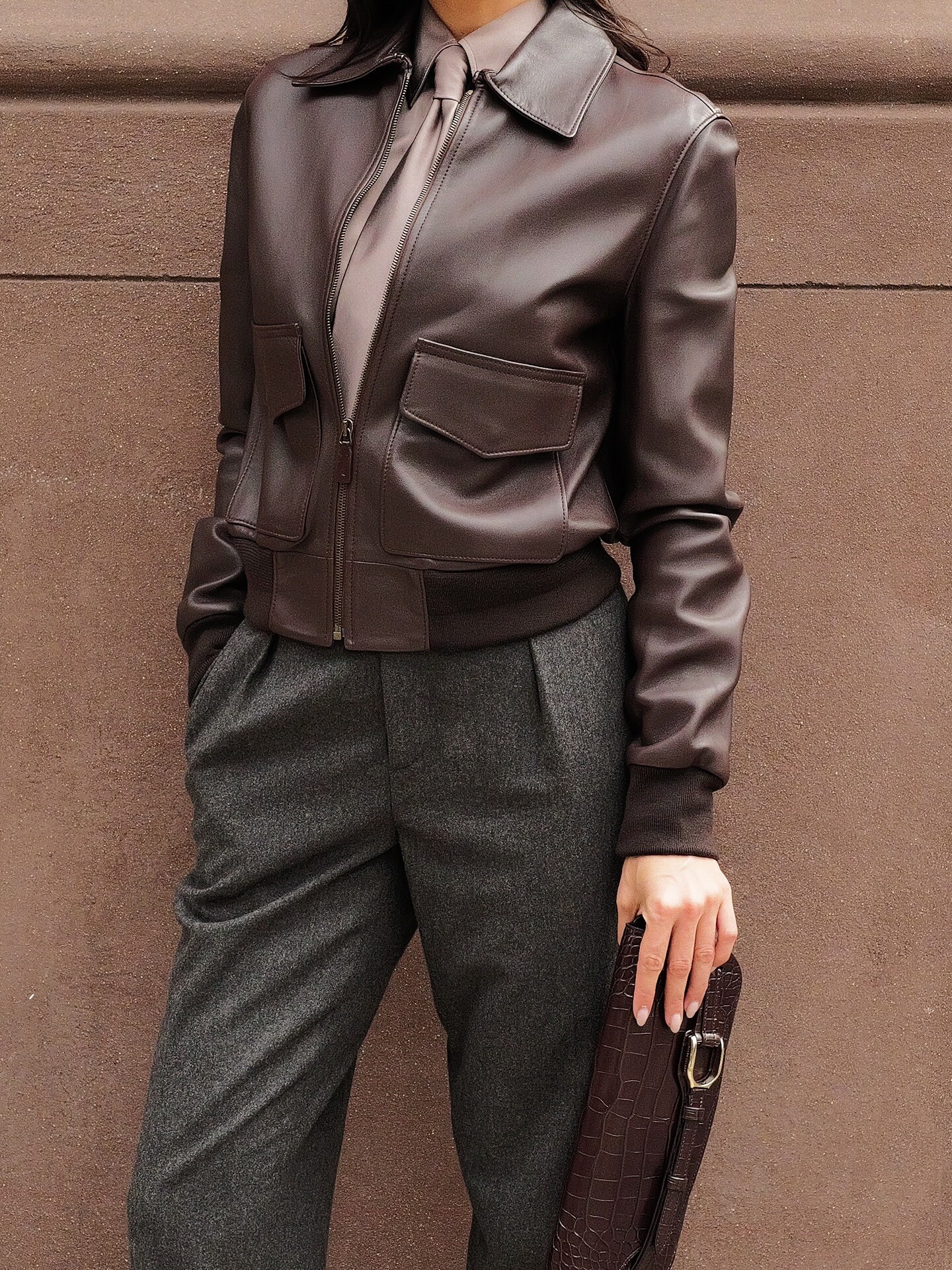
 Ralph Lauren SP26 Ph. Marco Bahler








-
Yael Shelbia: Face: 3 Body: 2 Fandom: 3 Lorena Rae: Face: 6 Body: 4 Fandom: 6 Lais Ribeiro: Face: 1 Body: 2 Fandom: 1 Hannah Ferguson: Face: 0 Body: 2 Fandom: 0
-
AirPods Pro 3.
-
Ph. Alexander Pleshakov




 Selena Gomez Answers Calls From Her Fans | Allure
Nardwuar vs. Sabrina Carpenter
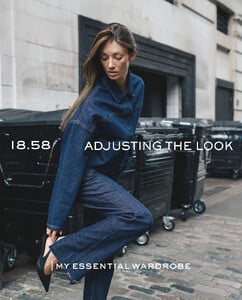
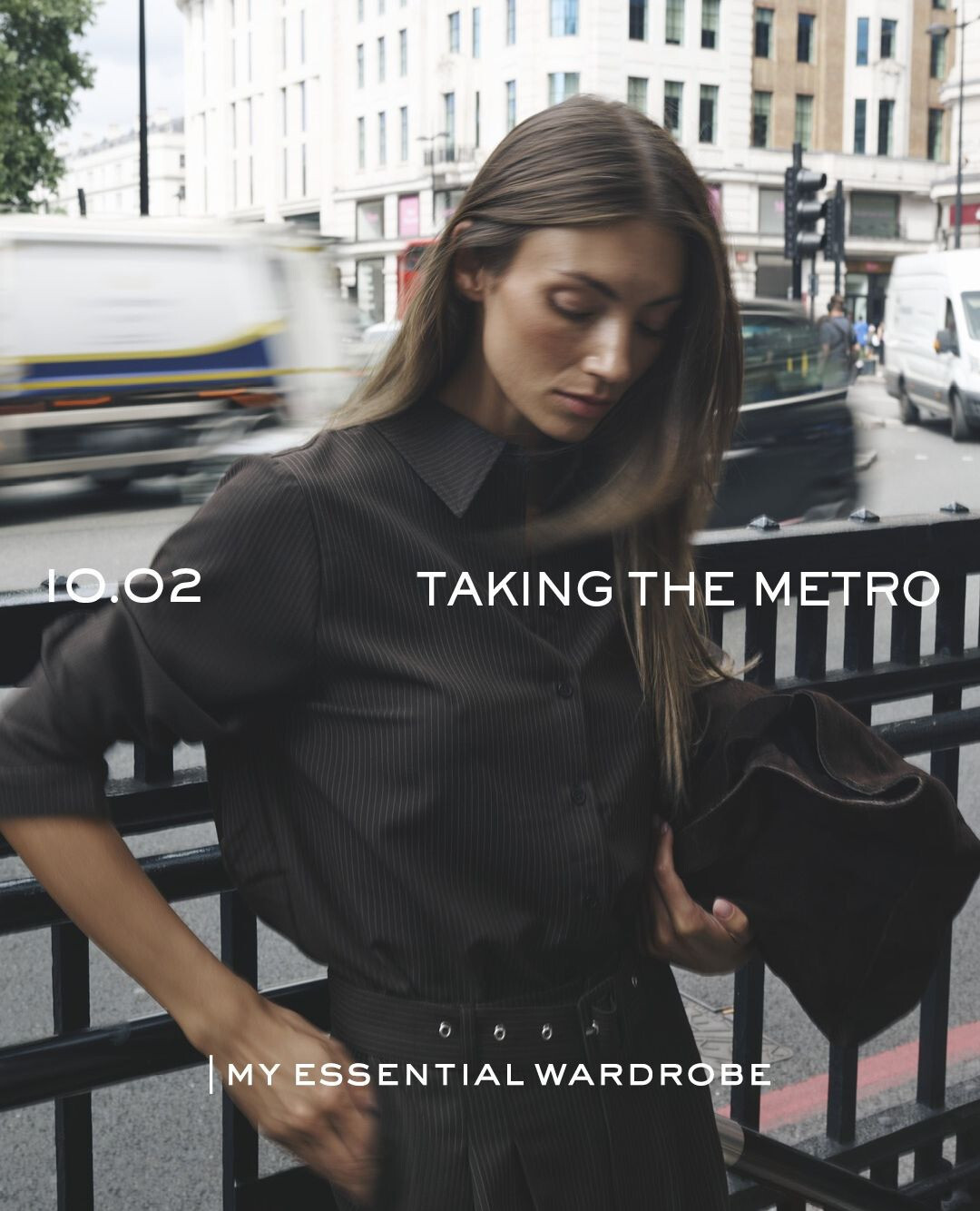
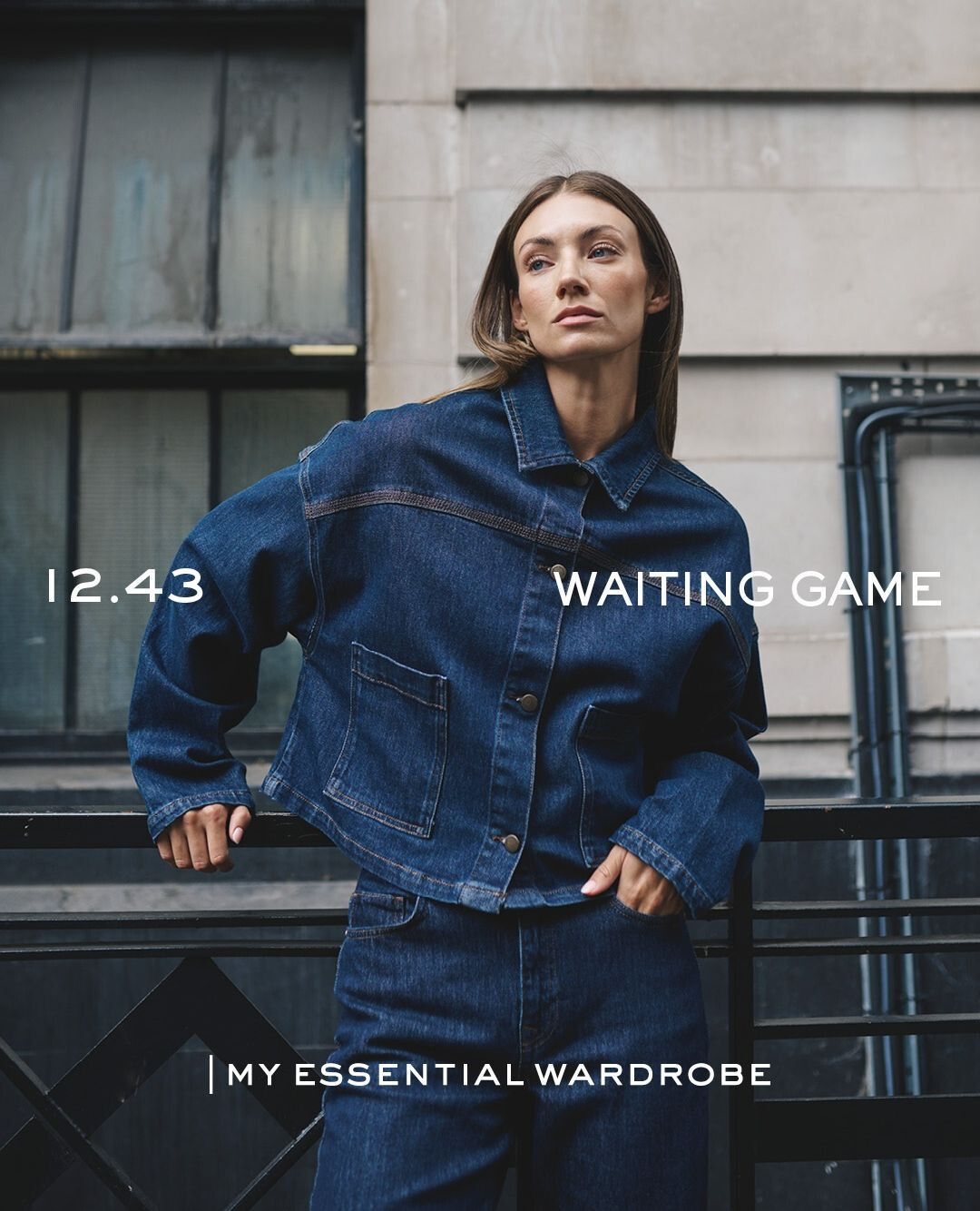
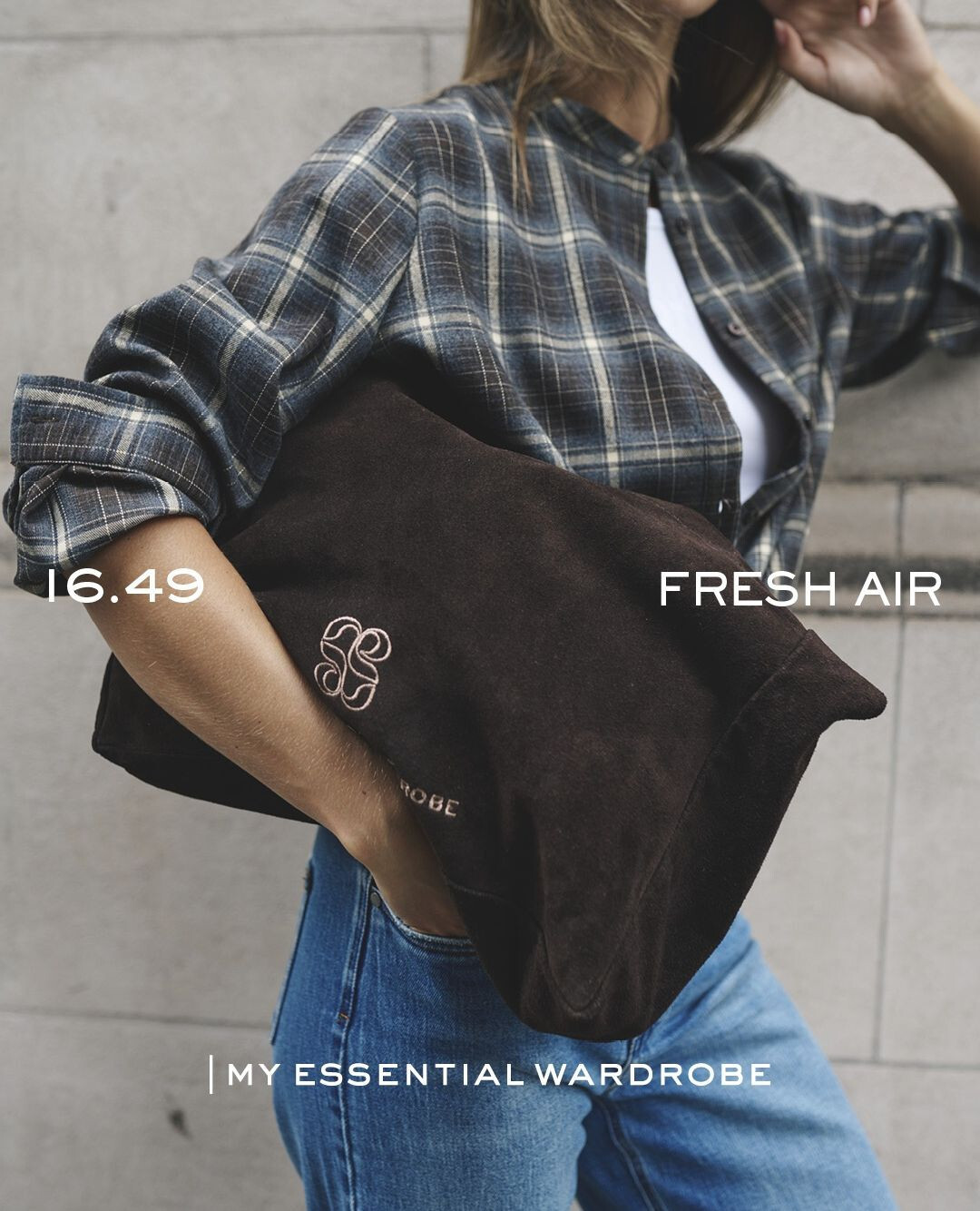
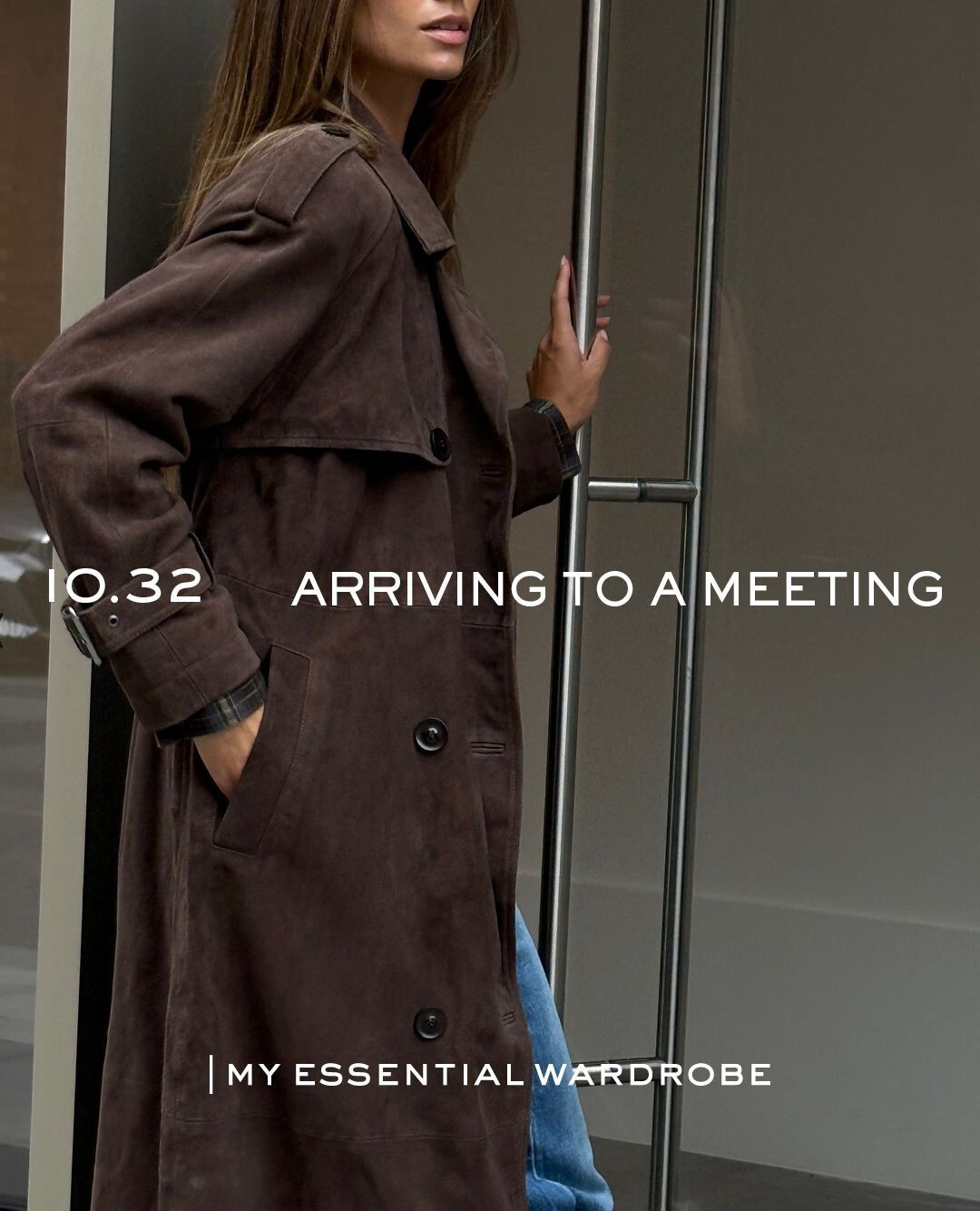
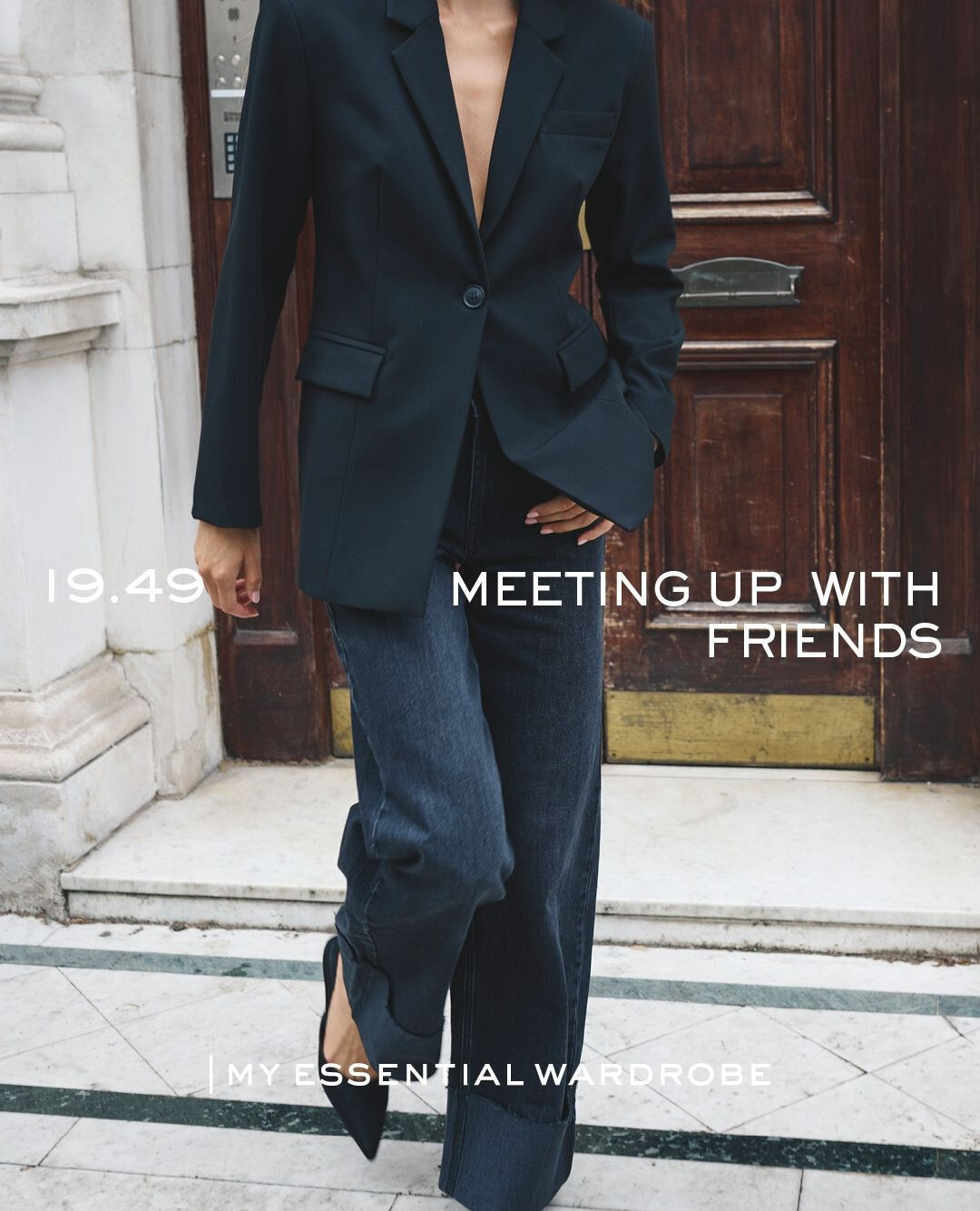
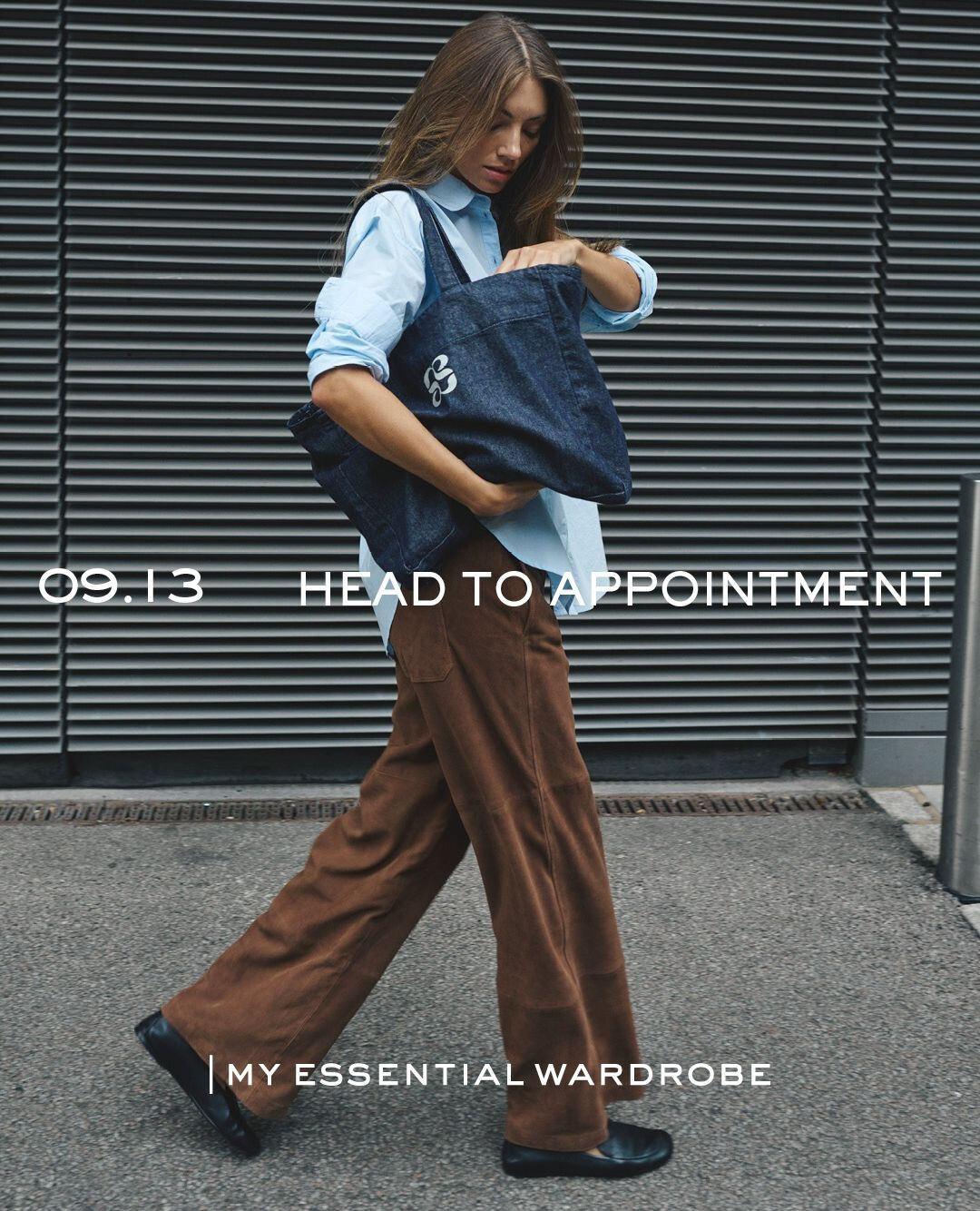
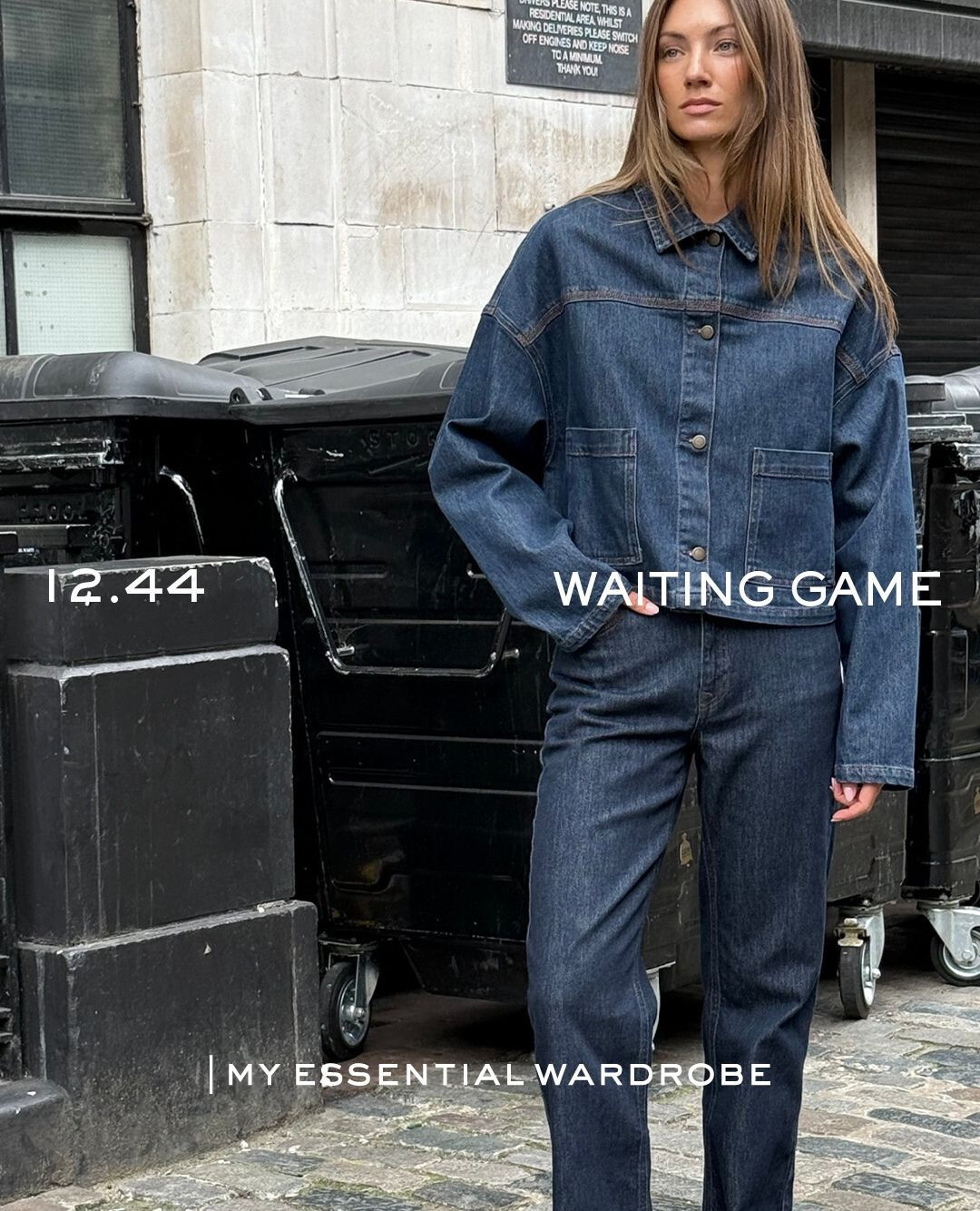
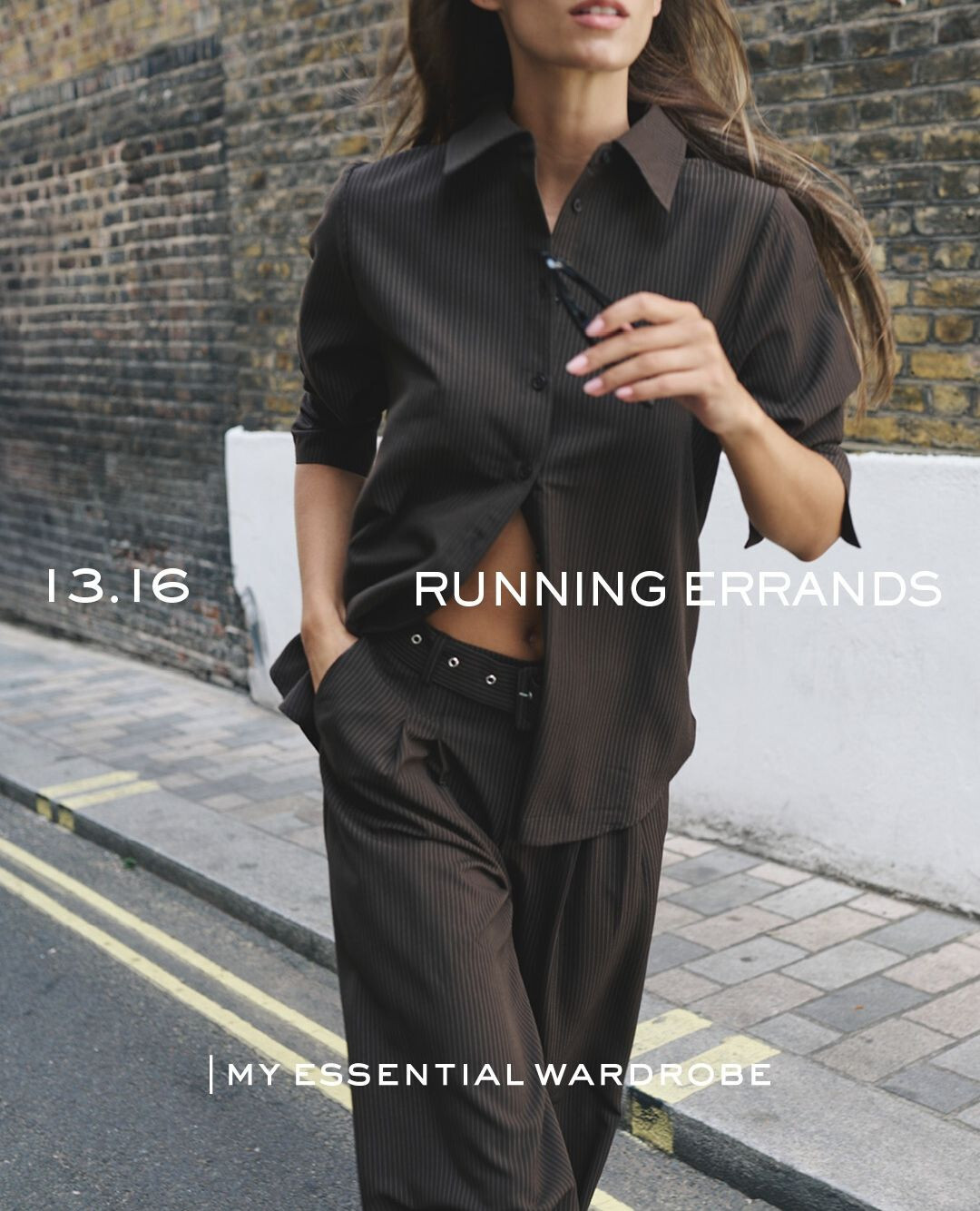
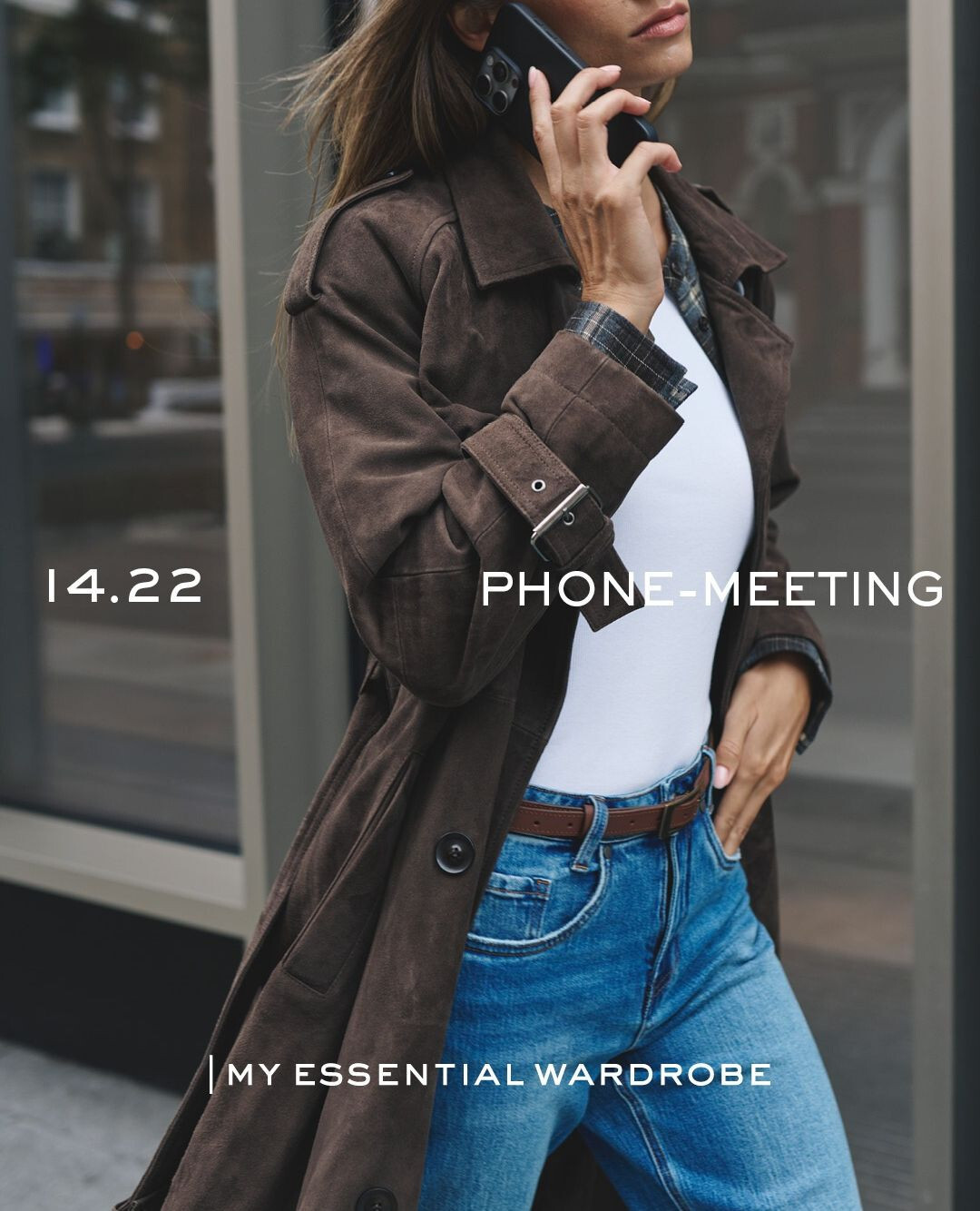
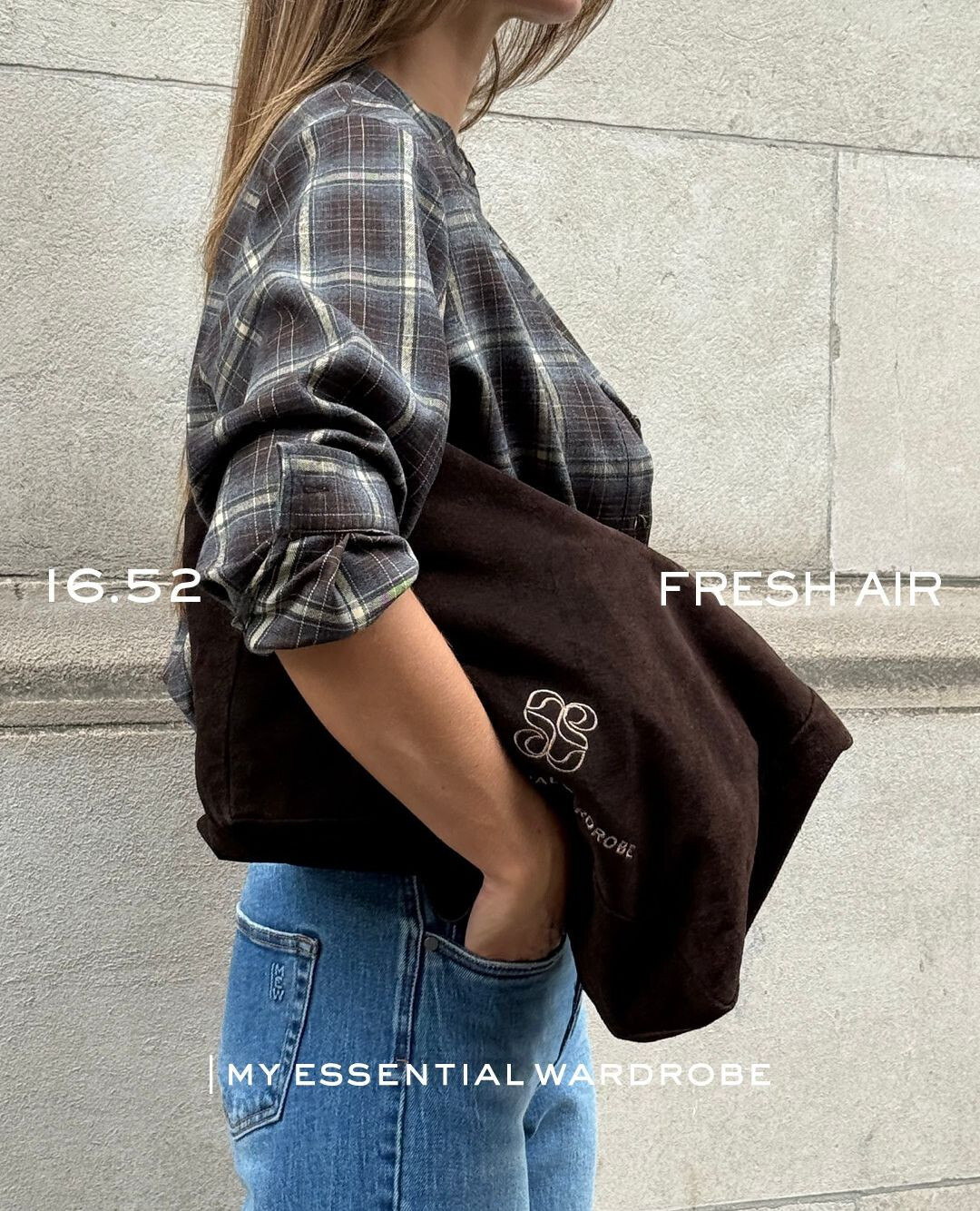
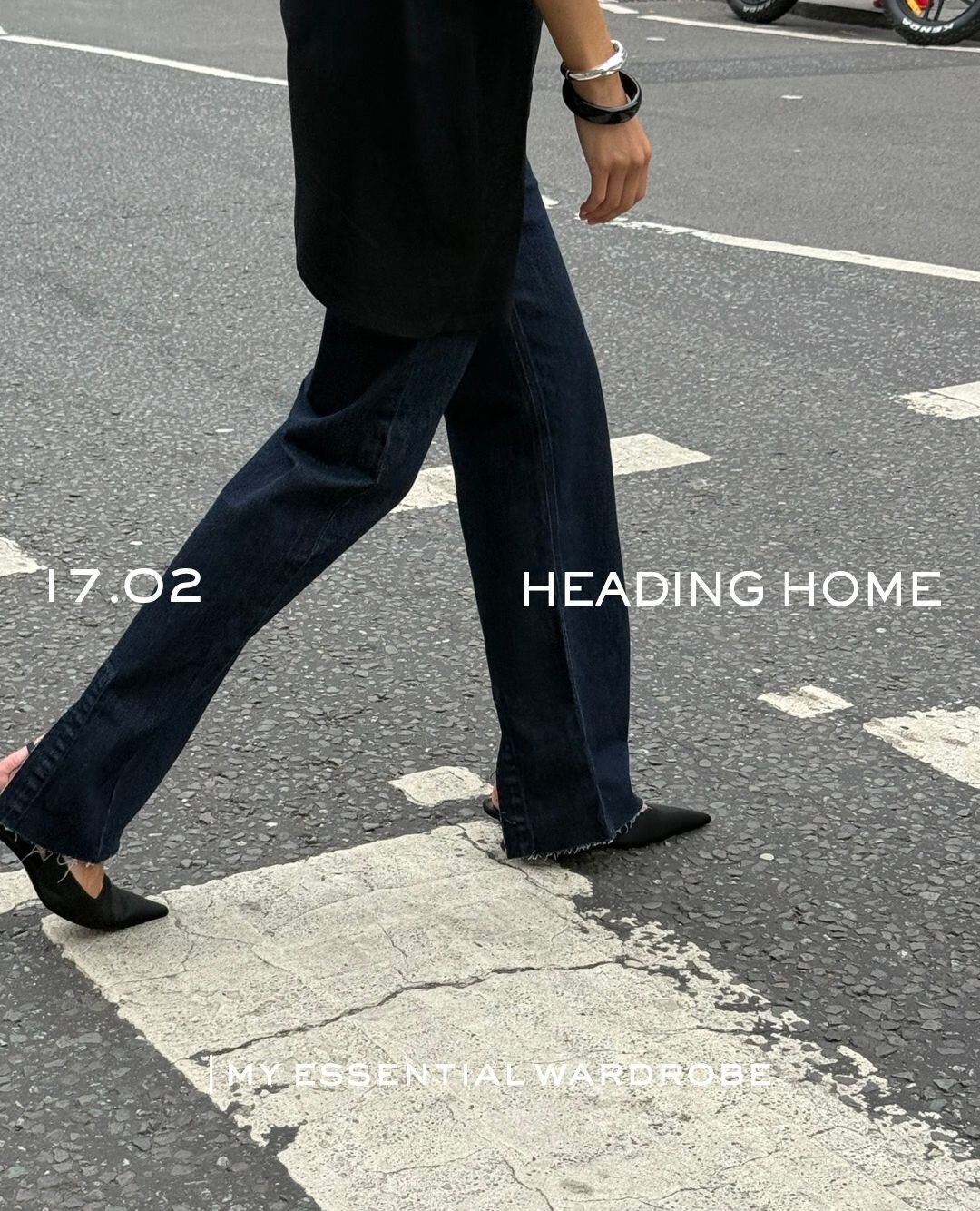
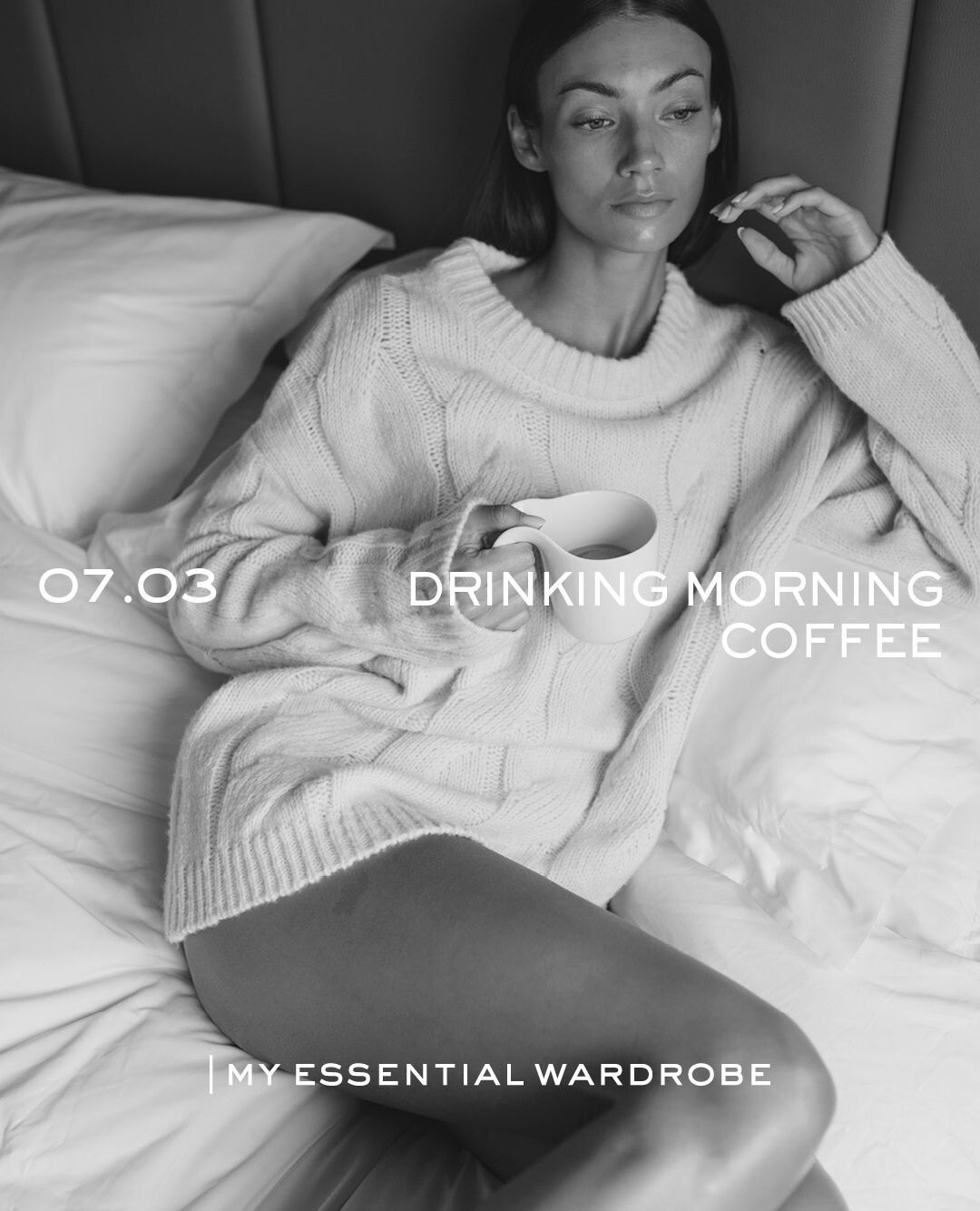
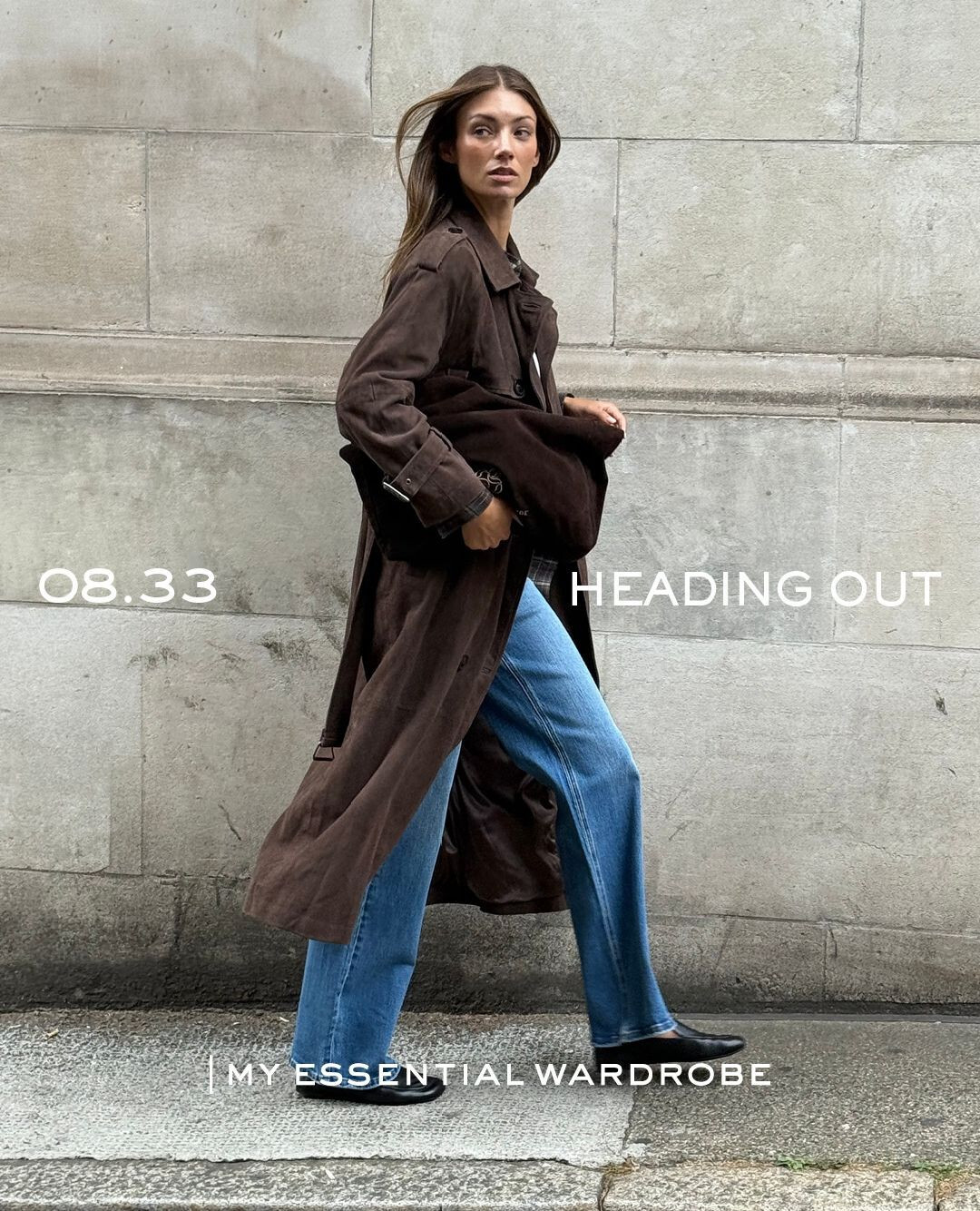
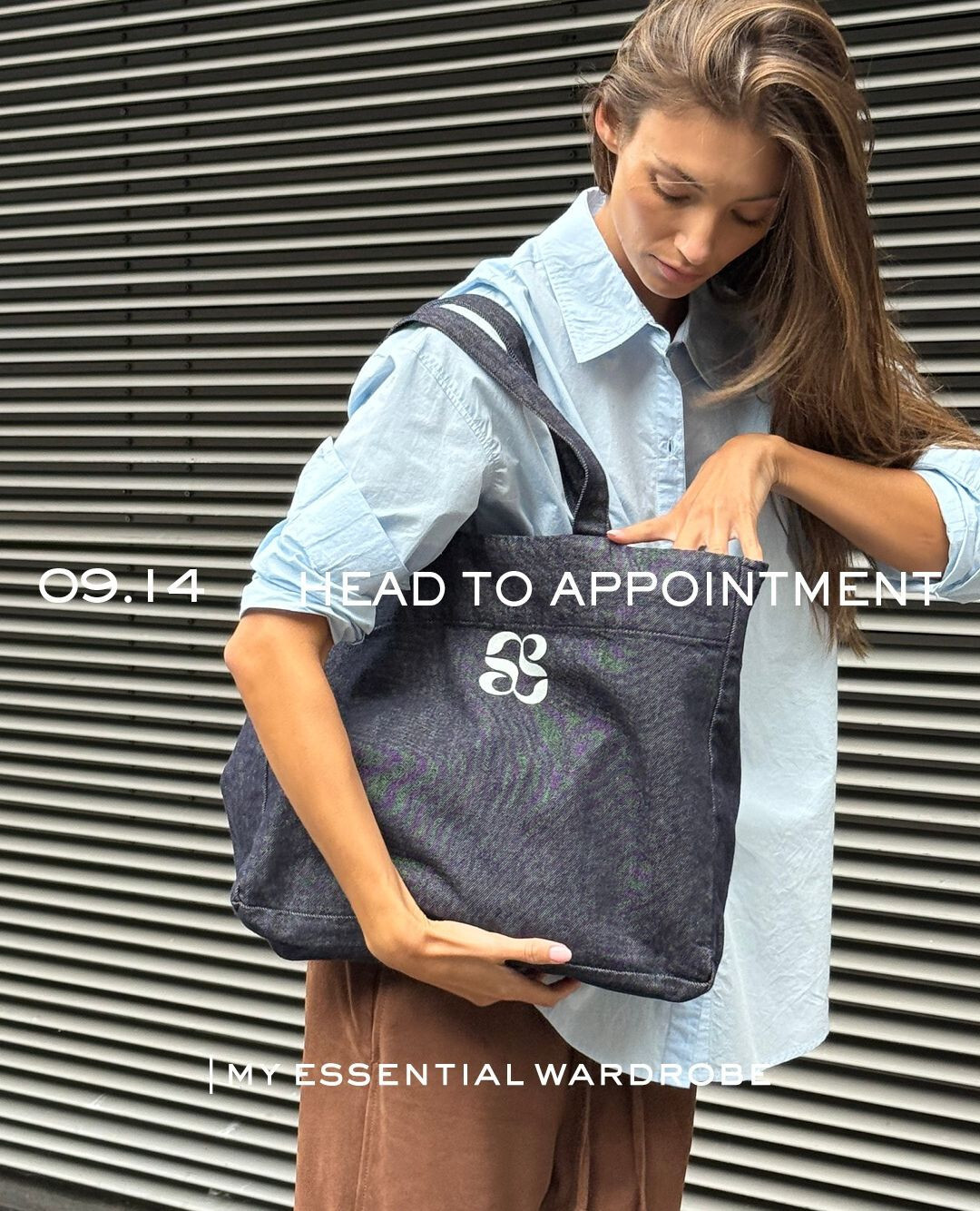
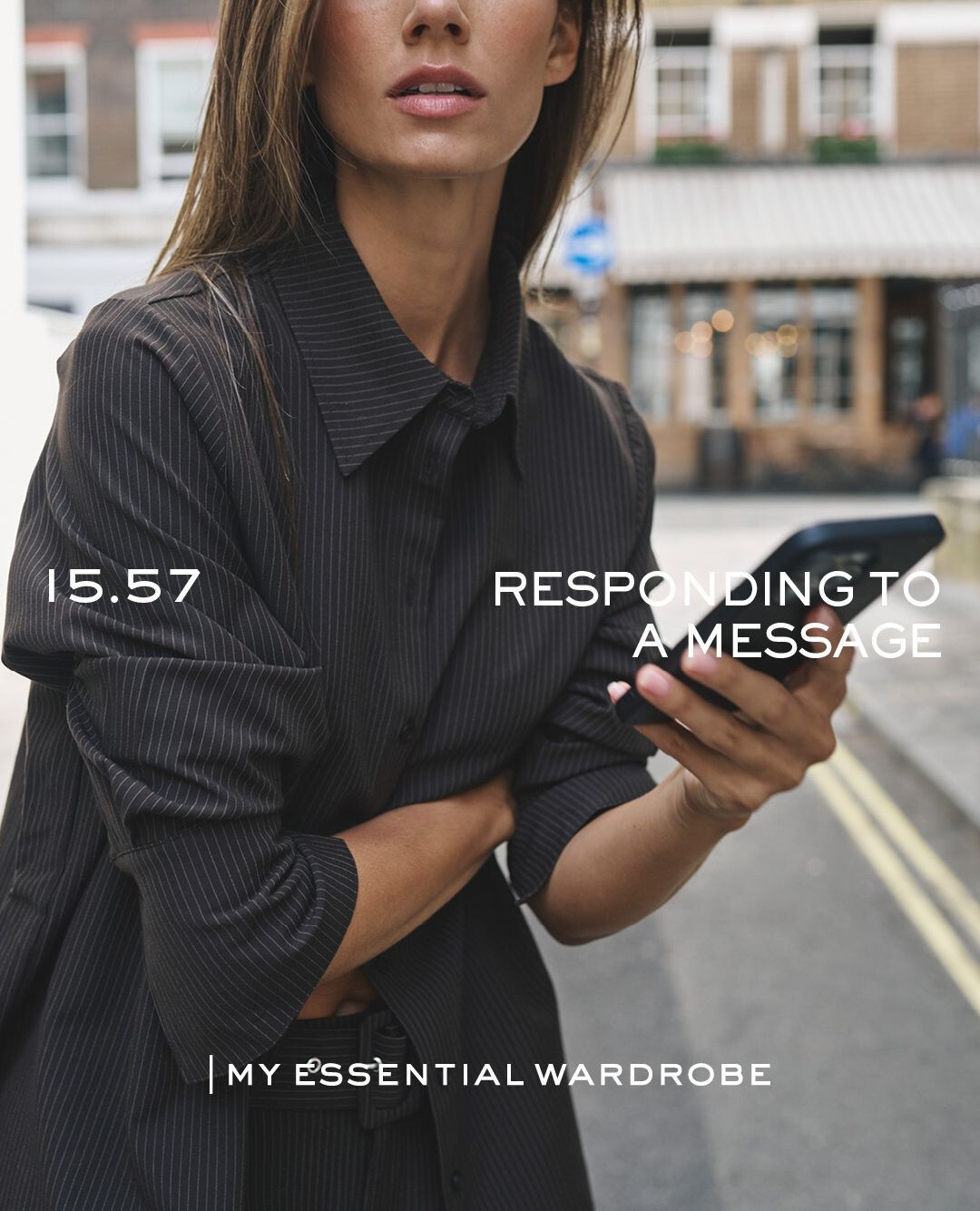
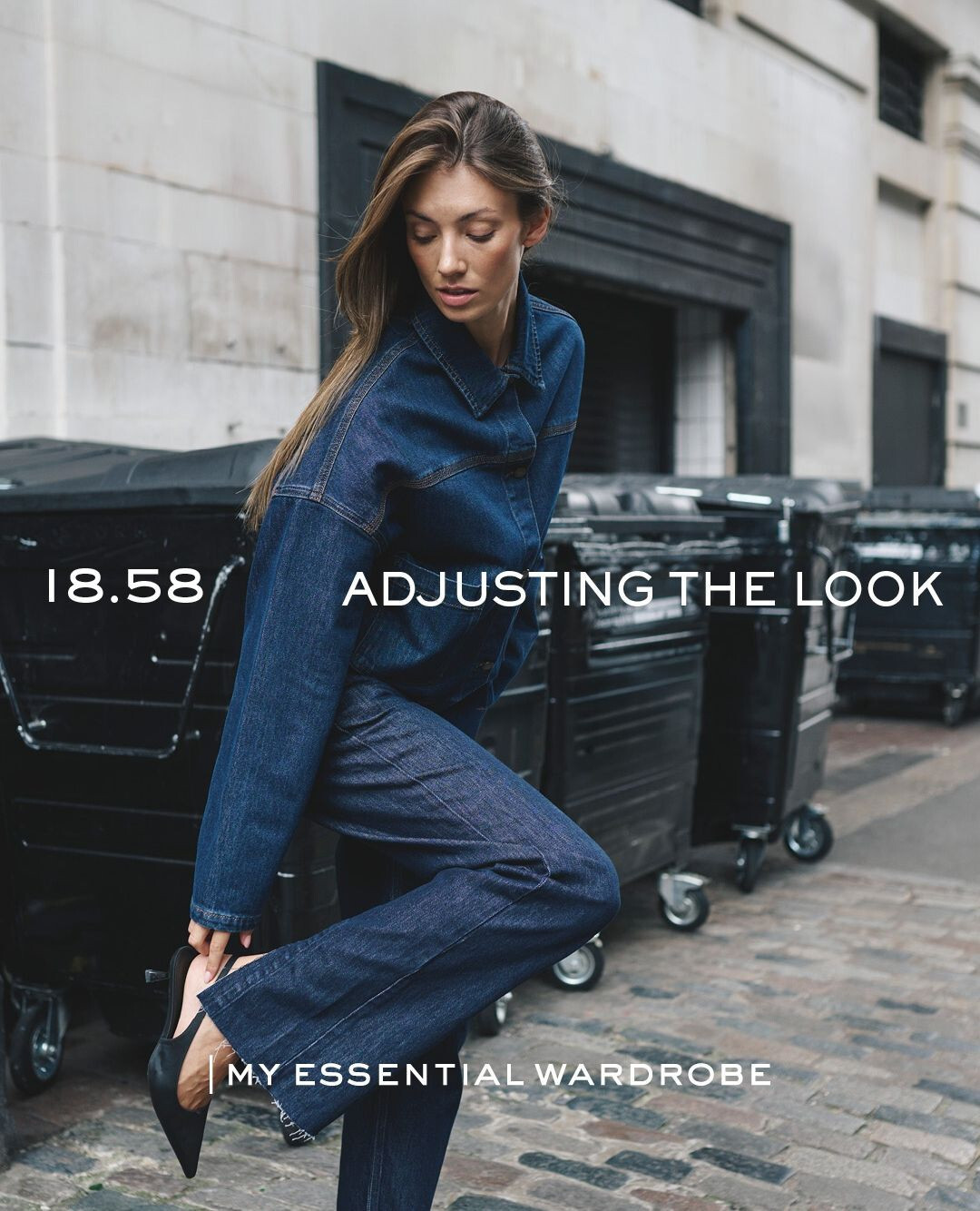
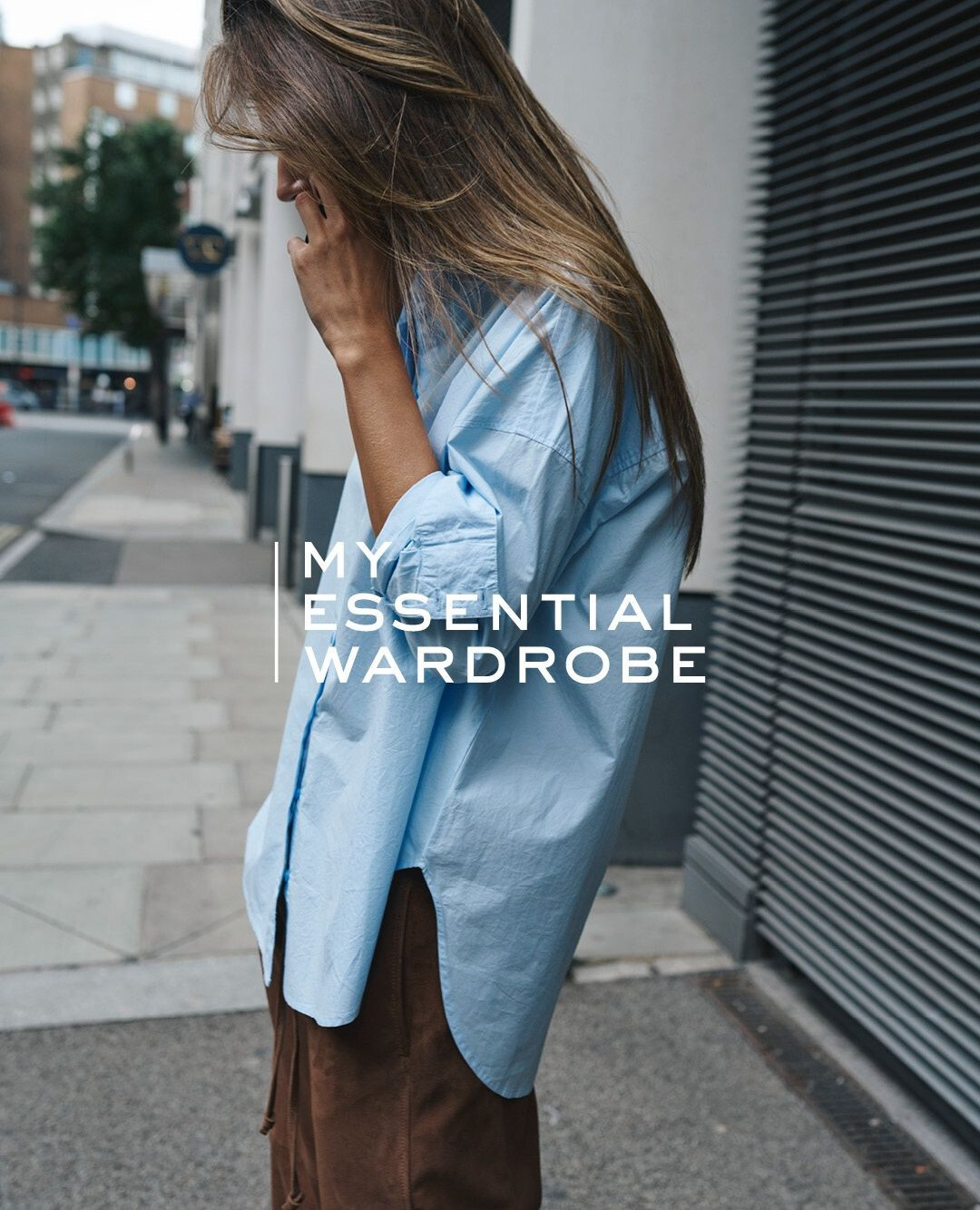
My Essential Wardrobe Spoiler lorena_3717791866667528401's2025-9-9-16.19.864 story.mp4myessentialwardrobeofficial_3709104275290179754.mp4lorena's2025-9-9-16.26.411 story.mp4
Selena Gomez Answers Calls From Her Fans | Allure
Nardwuar vs. Sabrina Carpenter
My Essential Wardrobe Spoiler lorena_3717791866667528401's2025-9-9-16.19.864 story.mp4myessentialwardrobeofficial_3709104275290179754.mp4lorena's2025-9-9-16.26.411 story.mp4






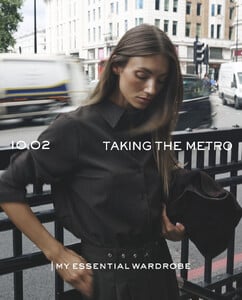



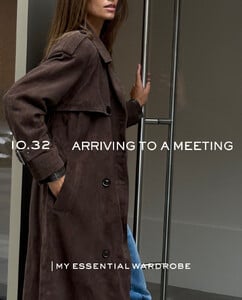






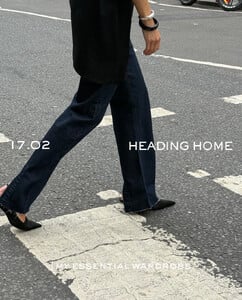




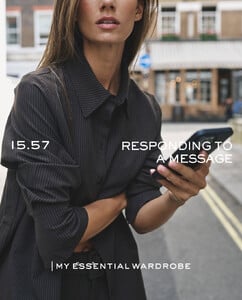
 Ph. Rubén Caballero












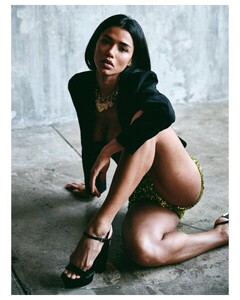








 2025 MTV Video Music Awards








 2025 Road to the Golden Globes Party at TIFF


















 US Open Tennis Championship at the USTA Billie Jean King National Tennis Center on September 05, 2025

 2025 Road to the Golden Globes Party at TIFF


 Ph. Joshua Burch
 Sabrina Carpenter Performs "Tears" | 2025 Video Music Awards
Ph. Kimberly Tran
Sabrina Carpenter Performs "Tears" | 2025 Video Music Awards
Ph. Kimberly Tran

 Sydney Sweeney & 'Christy' Cast on a Boxing Story of Strength & Survival https://youtu.be/uLNEKOVjv3o?si=-V1ONm_QqcL8Mvif
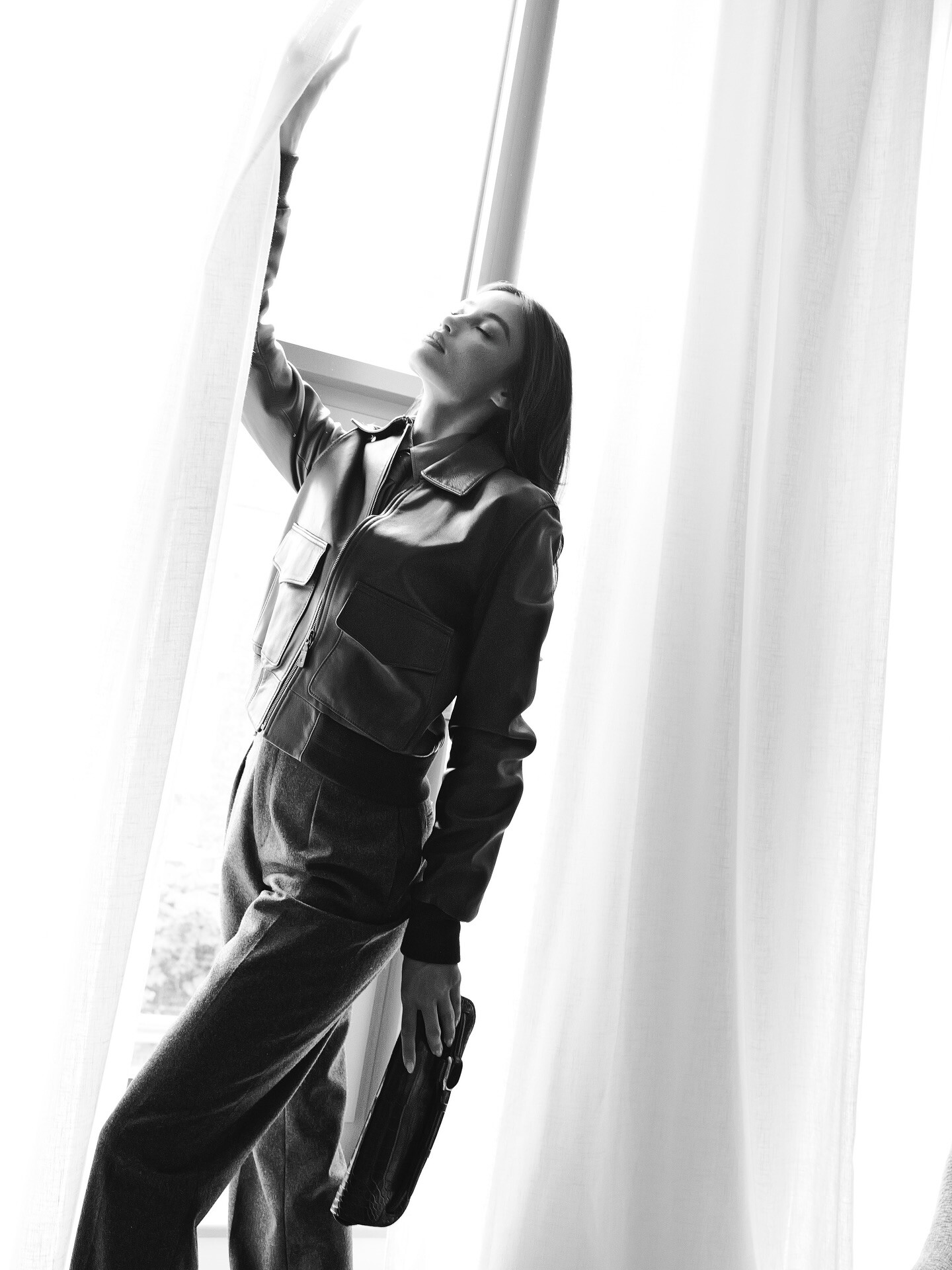
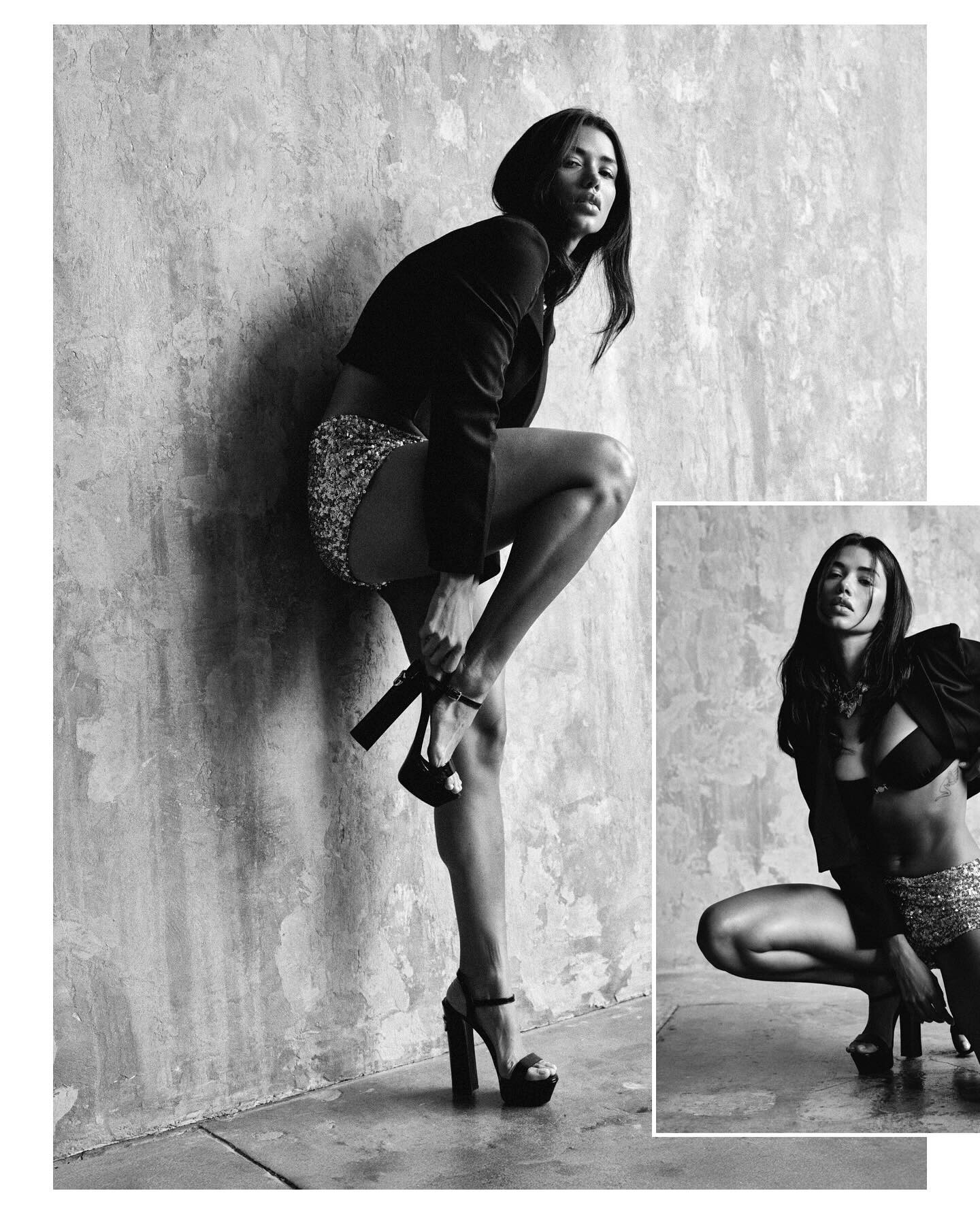
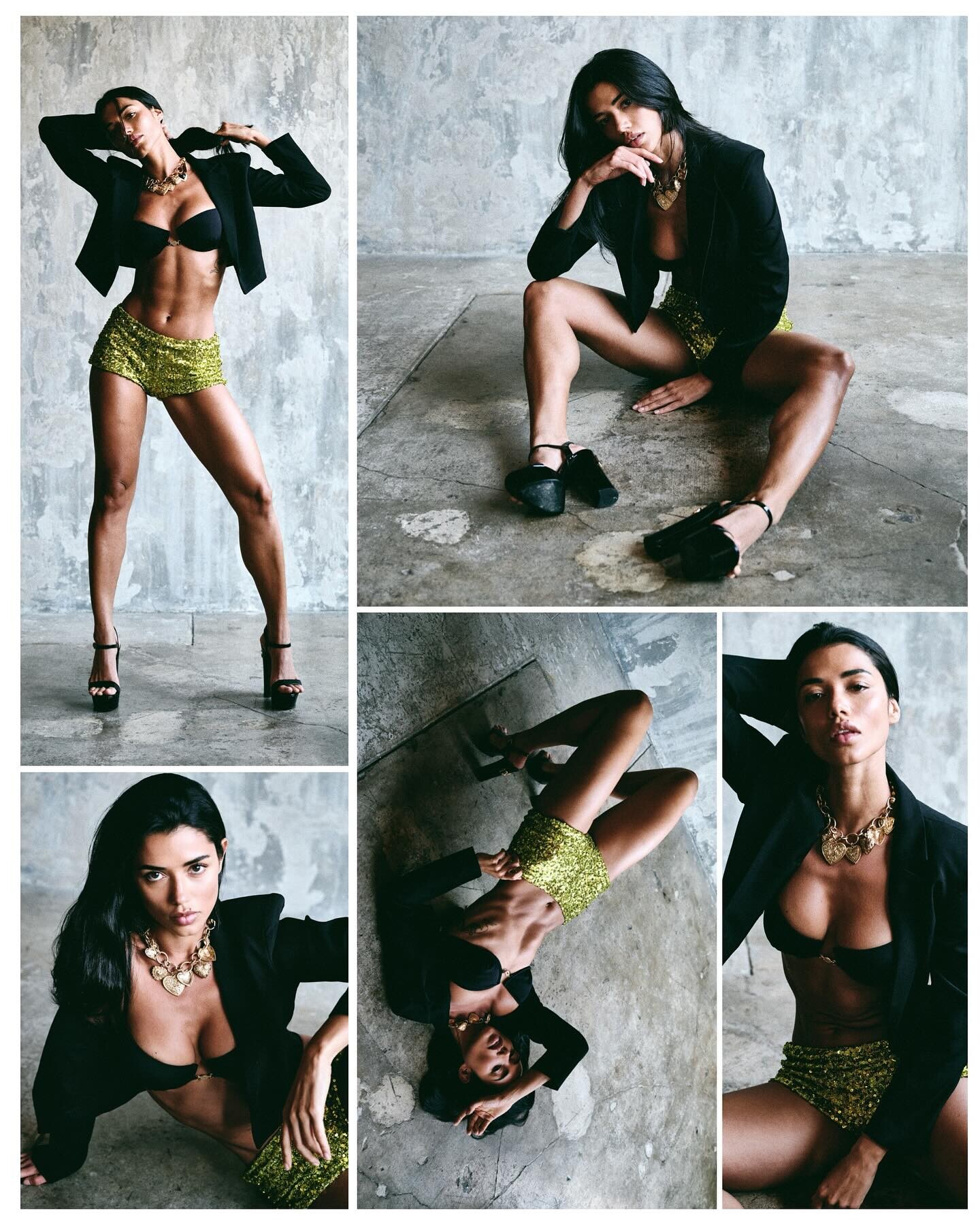
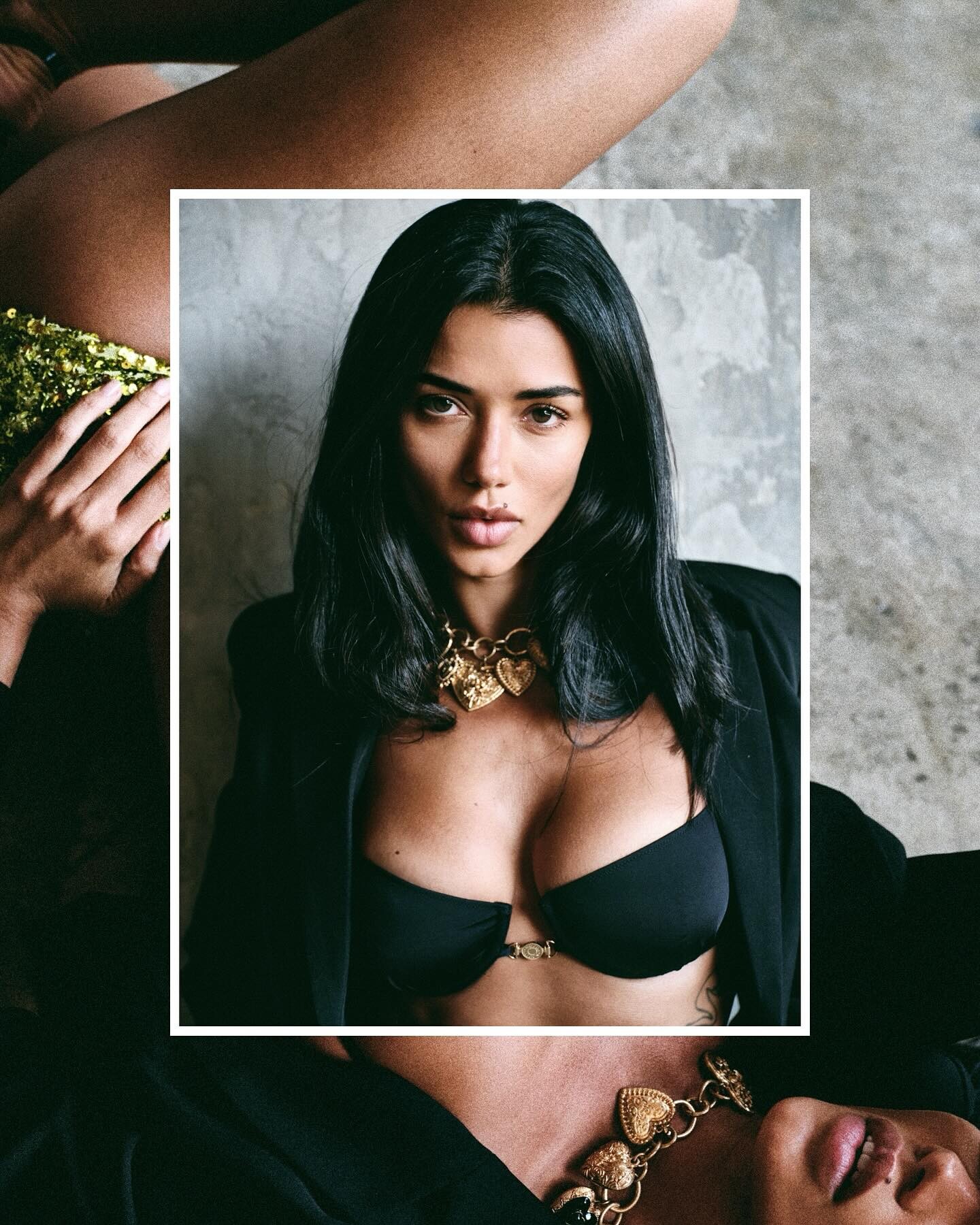
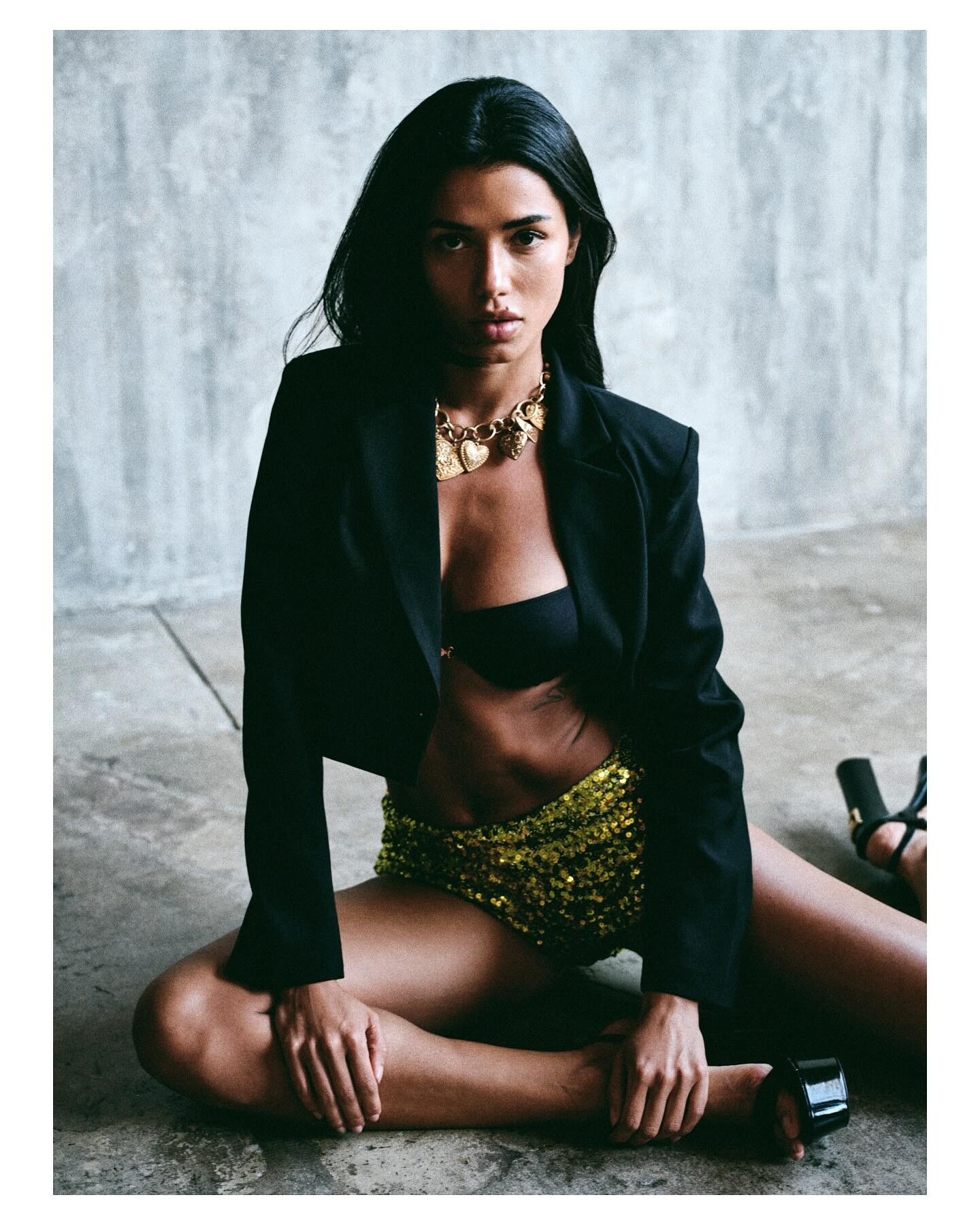
 Ph. Robin Kater
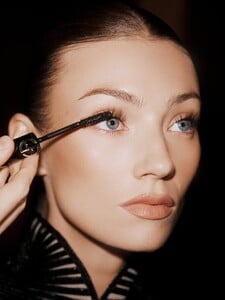




































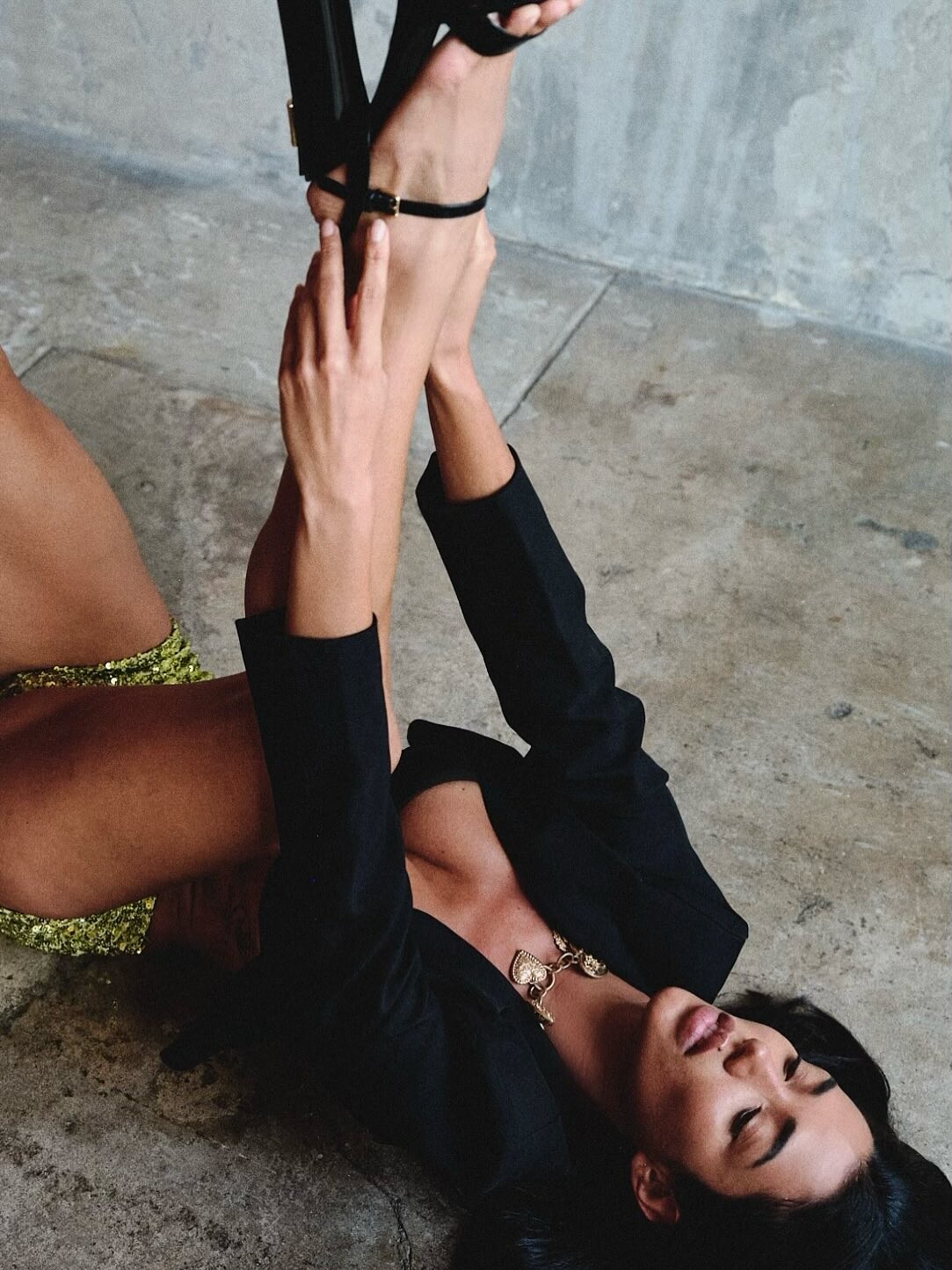







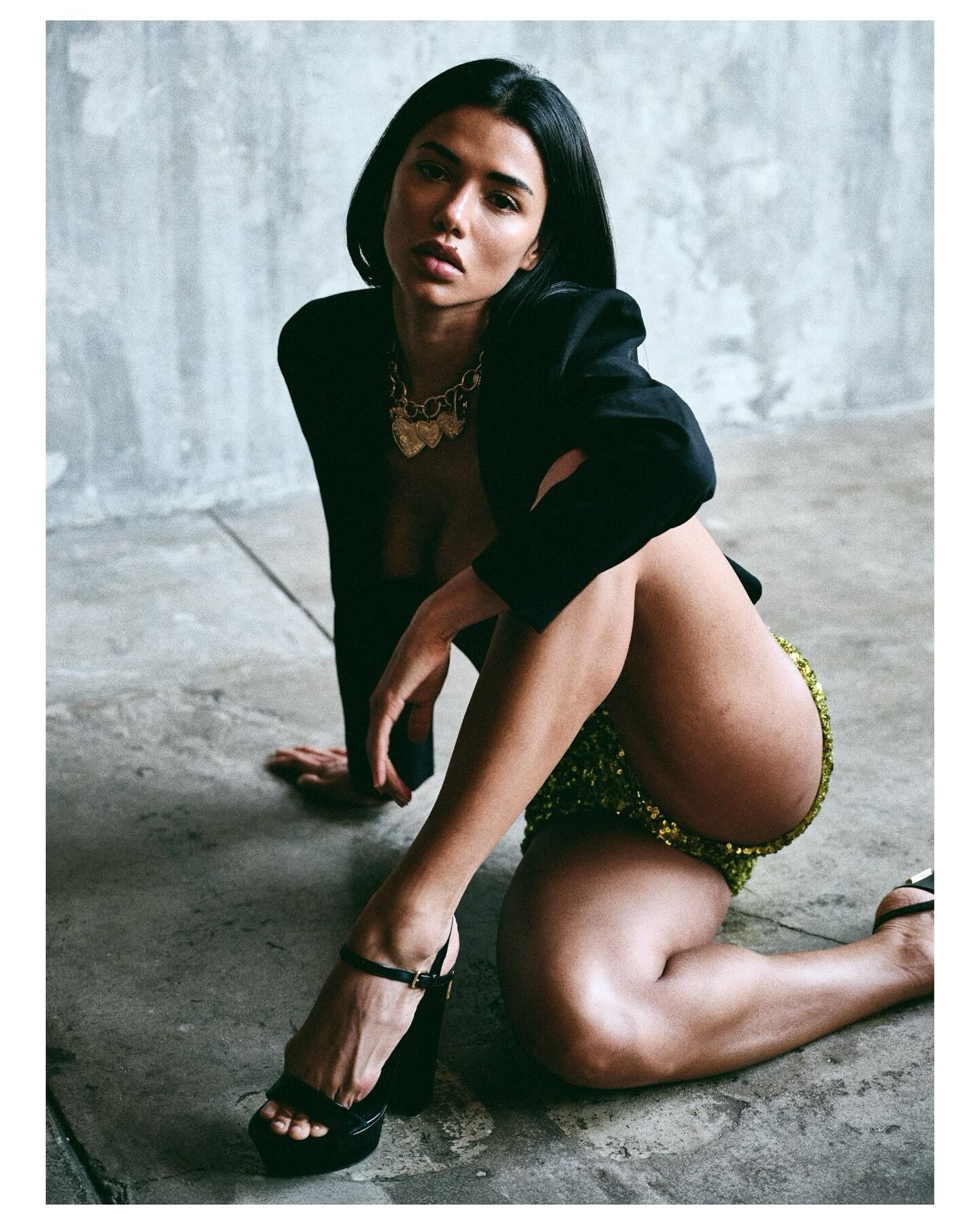
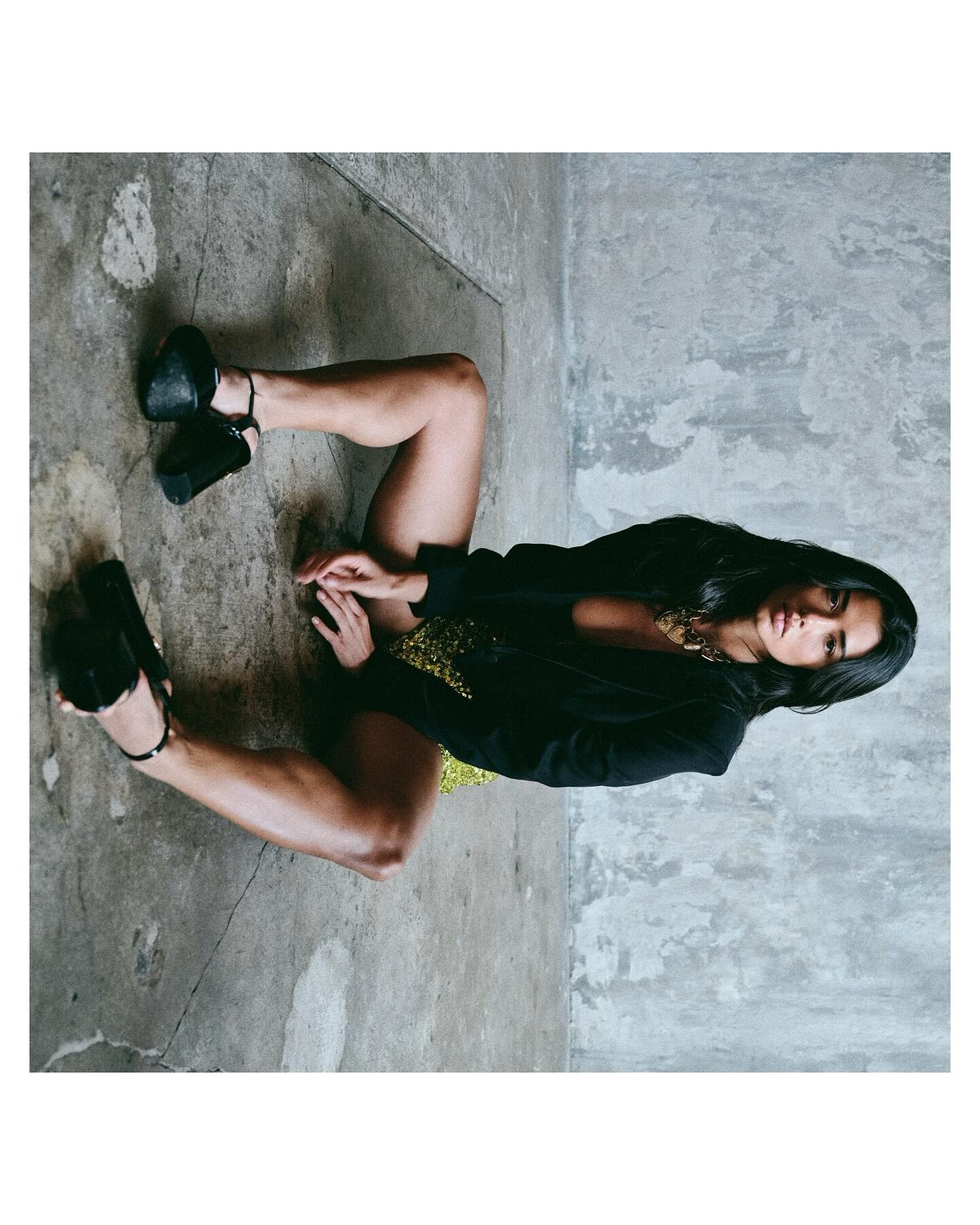
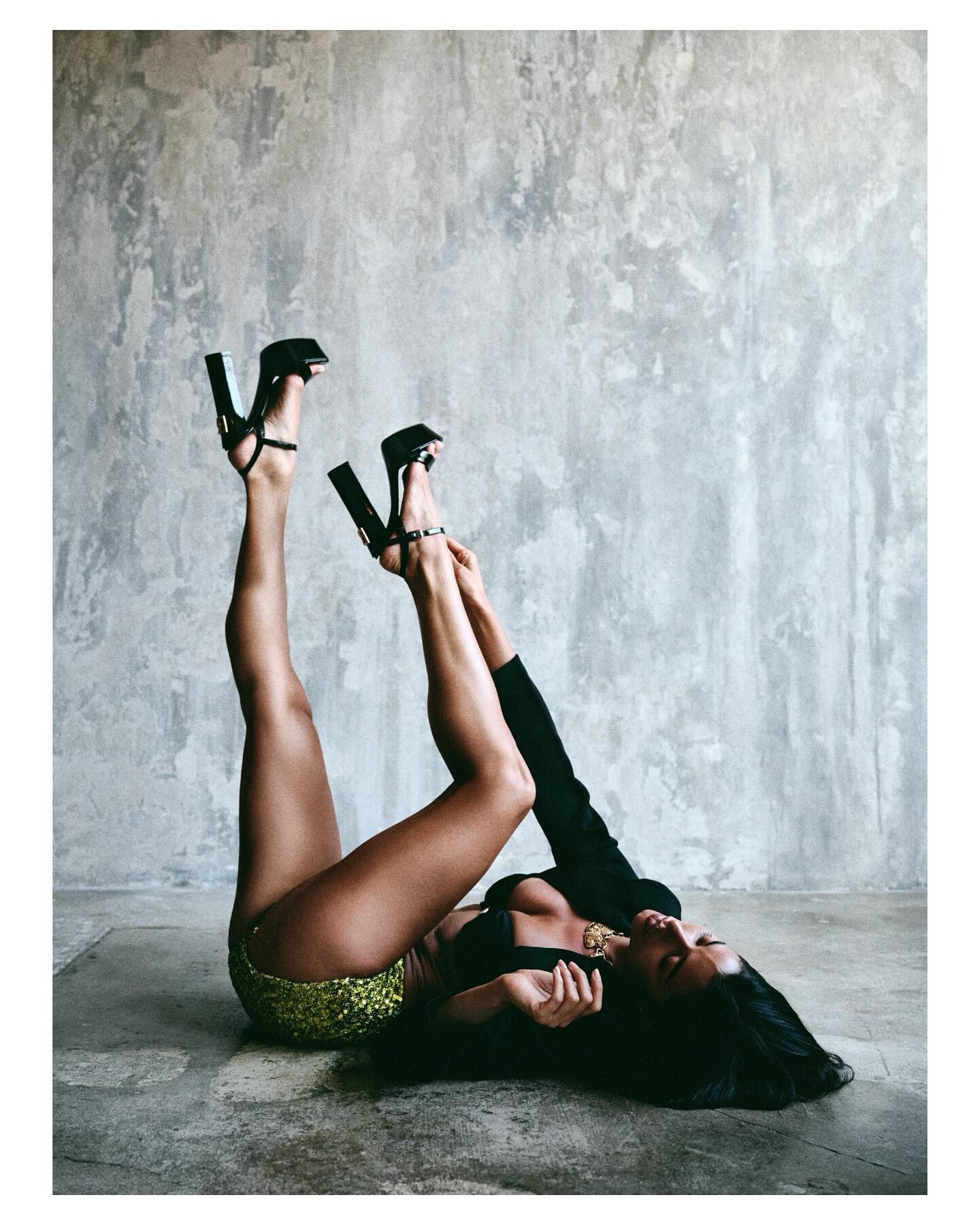
























































Account
Search
Configure browser push notifications
Chrome (Android)
- Tap the lock icon next to the address bar.
- Tap Permissions → Notifications.
- Adjust your preference.
Chrome (Desktop)
- Click the padlock icon in the address bar.
- Select Site settings.
- Find Notifications and adjust your preference.
Safari (iOS 16.4+)
- Ensure the site is installed via Add to Home Screen.
- Open Settings App → Notifications.
- Find your app name and adjust your preference.
Safari (macOS)
- Go to Safari → Preferences.
- Click the Websites tab.
- Select Notifications in the sidebar.
- Find this website and adjust your preference.
Edge (Android)
- Tap the lock icon next to the address bar.
- Tap Permissions.
- Find Notifications and adjust your preference.
Edge (Desktop)
- Click the padlock icon in the address bar.
- Click Permissions for this site.
- Find Notifications and adjust your preference.
Firefox (Android)
- Go to Settings → Site permissions.
- Tap Notifications.
- Find this site in the list and adjust your preference.
Firefox (Desktop)
- Open Firefox Settings.
- Search for Notifications.
- Find this site in the list and adjust your preference.