

Matt!
Members
-
Joined
-
Last visited
Everything posted by Matt!
-
 Doja is a bad b*tch, but this is not it.
 -
-
COMMIT
Post all the pictures you want, but for argument’s sake let’s say I post picture a) first. Later, you post picture b). You can always change the ratio manually, but you can’t turn picture b) back into picture a). Also, photos without watermarks almost always look better than ones with them. a) b)

 Avry Justis: Face: 0 Body: 2 Fandom: 1 Bregje Heinen: Face: 3 Body: 5 Fandom: 5 Bar Zomer: Face: 3 Body: 0 Fandom: 4 Alexa Pollock Face: 4 Body: 3 Fandom: 0
@PrettyDeadThings please help. edit: thanks!
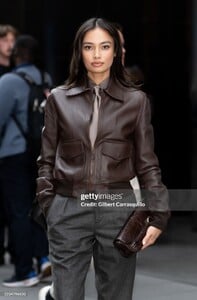
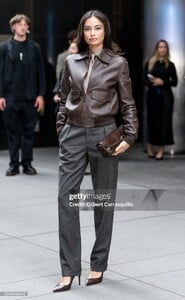
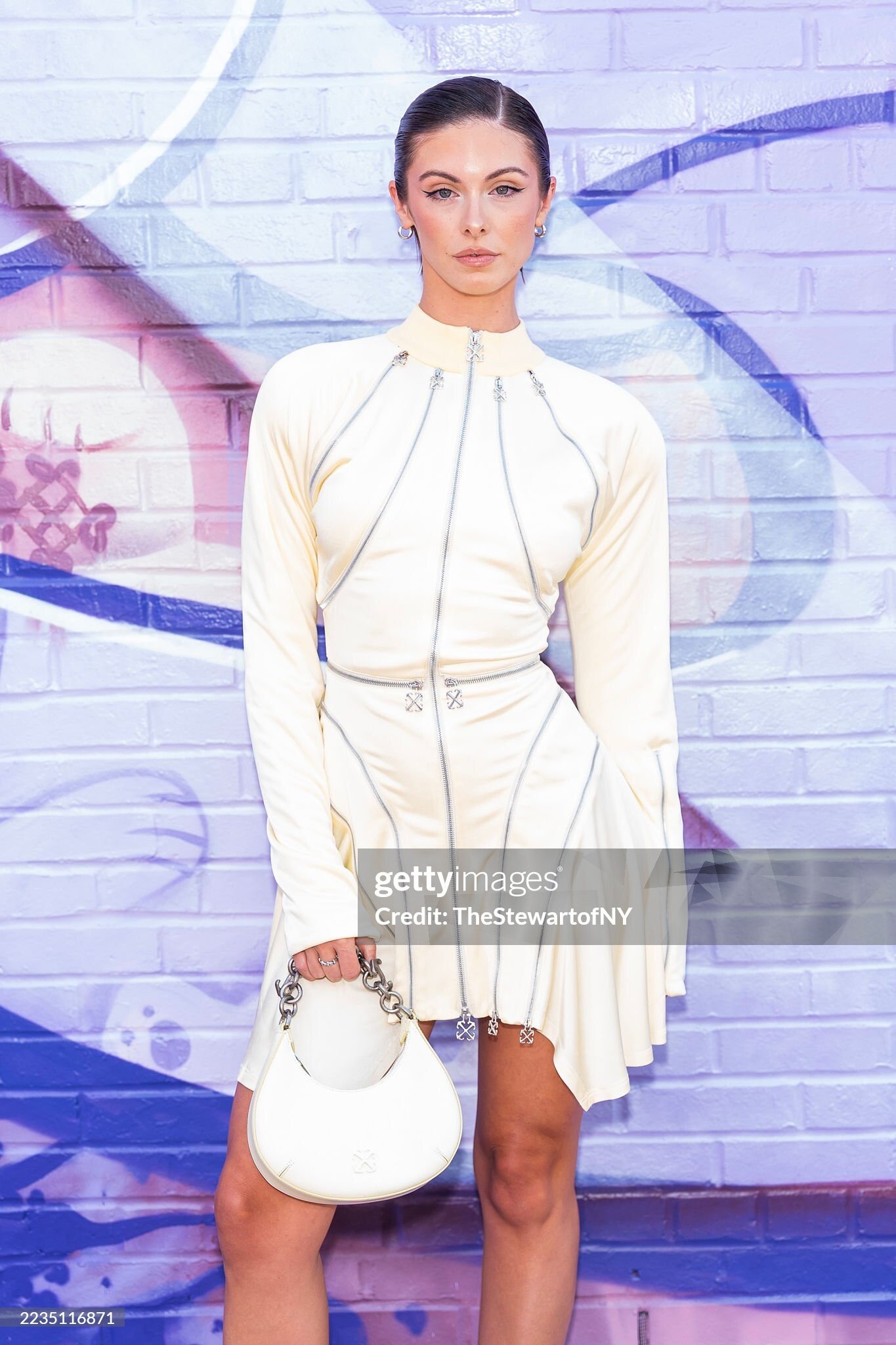
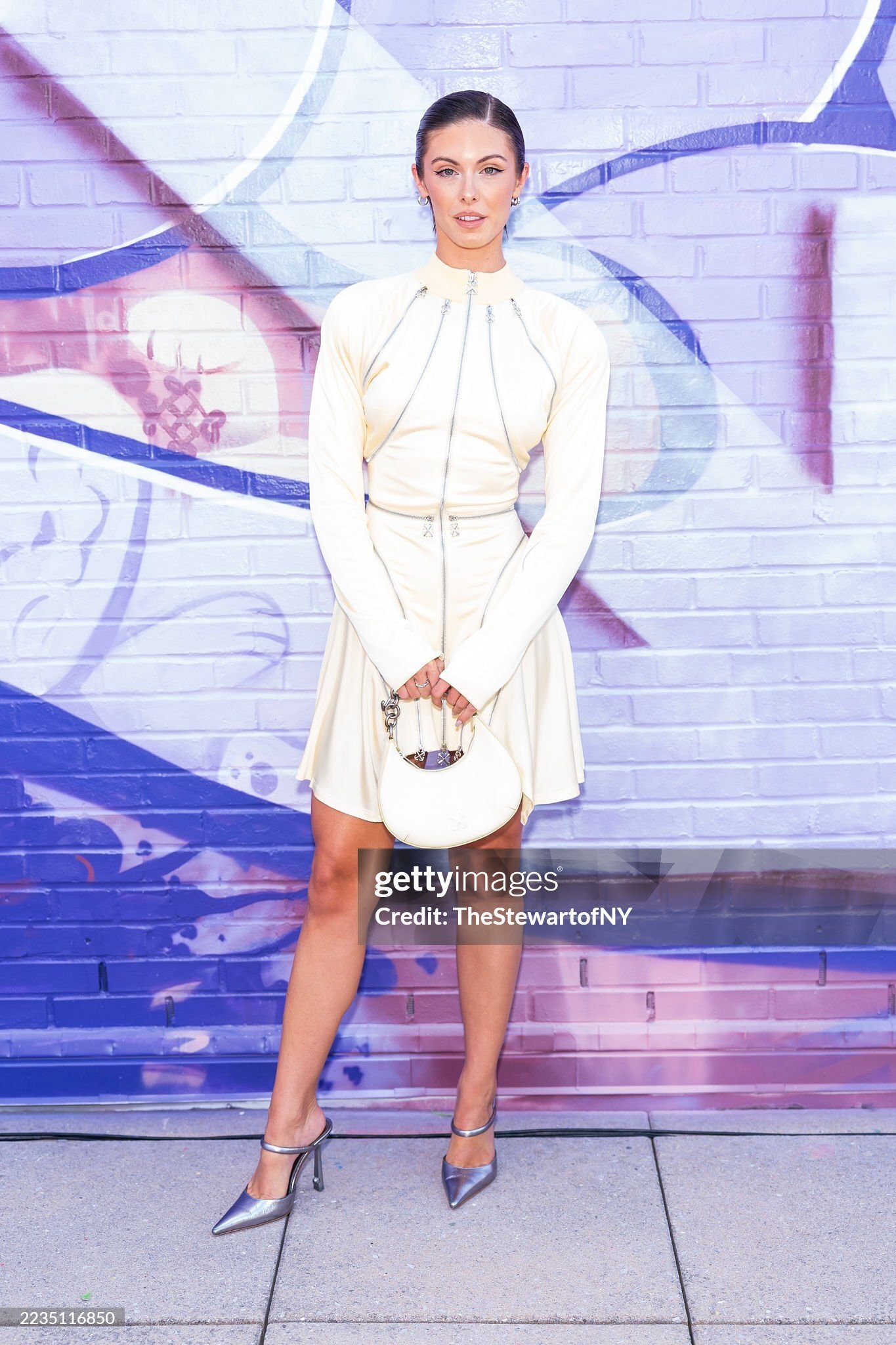
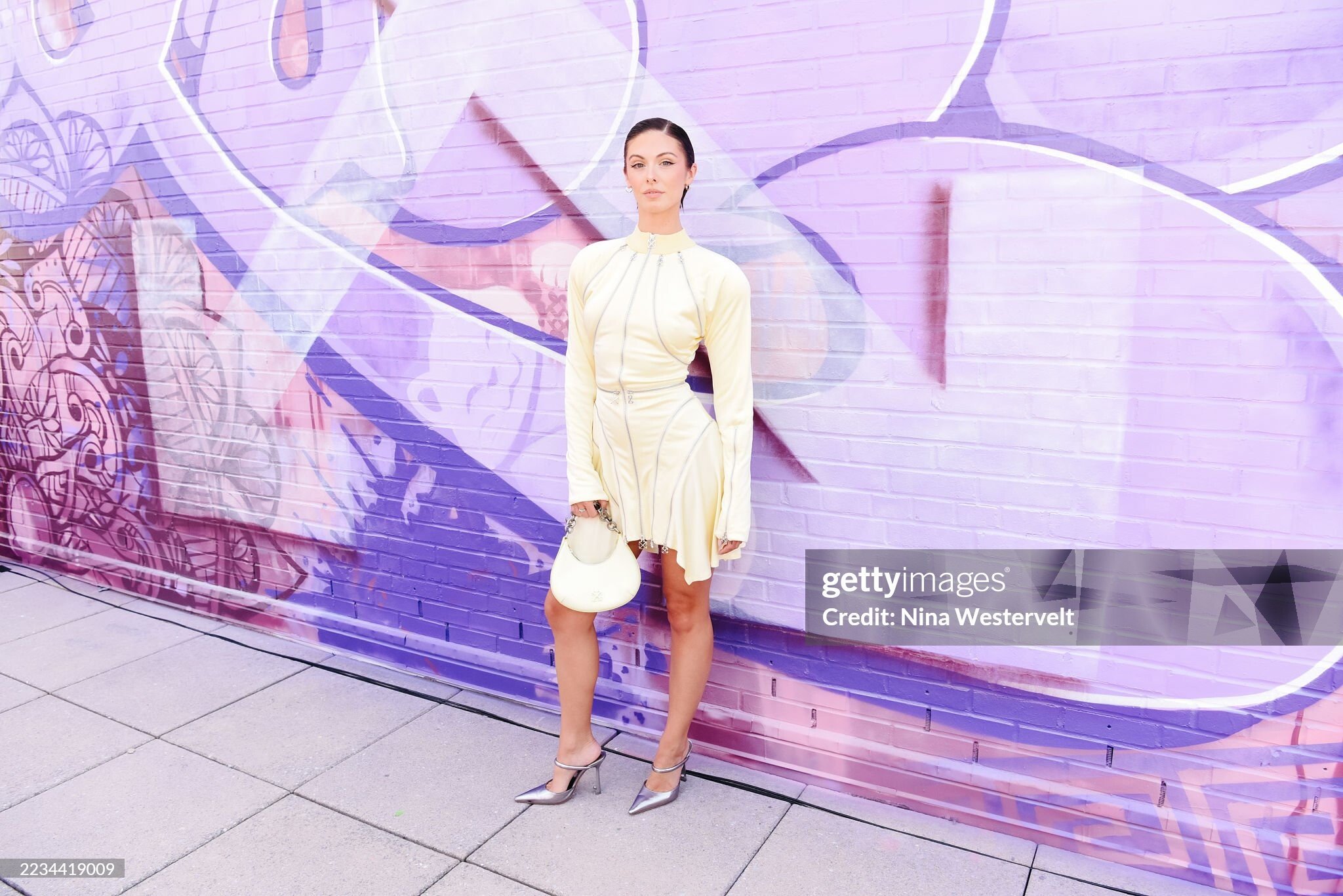
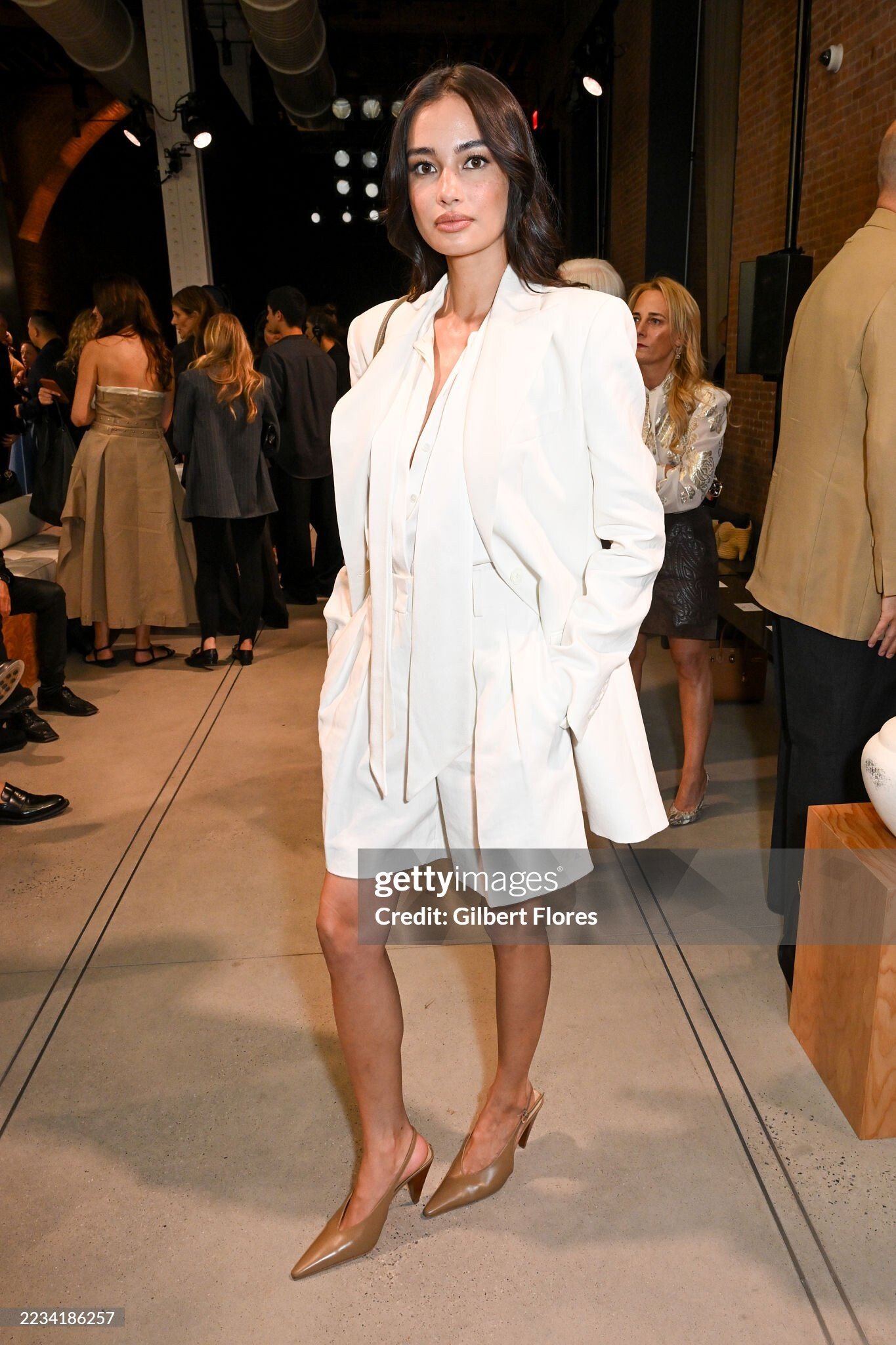
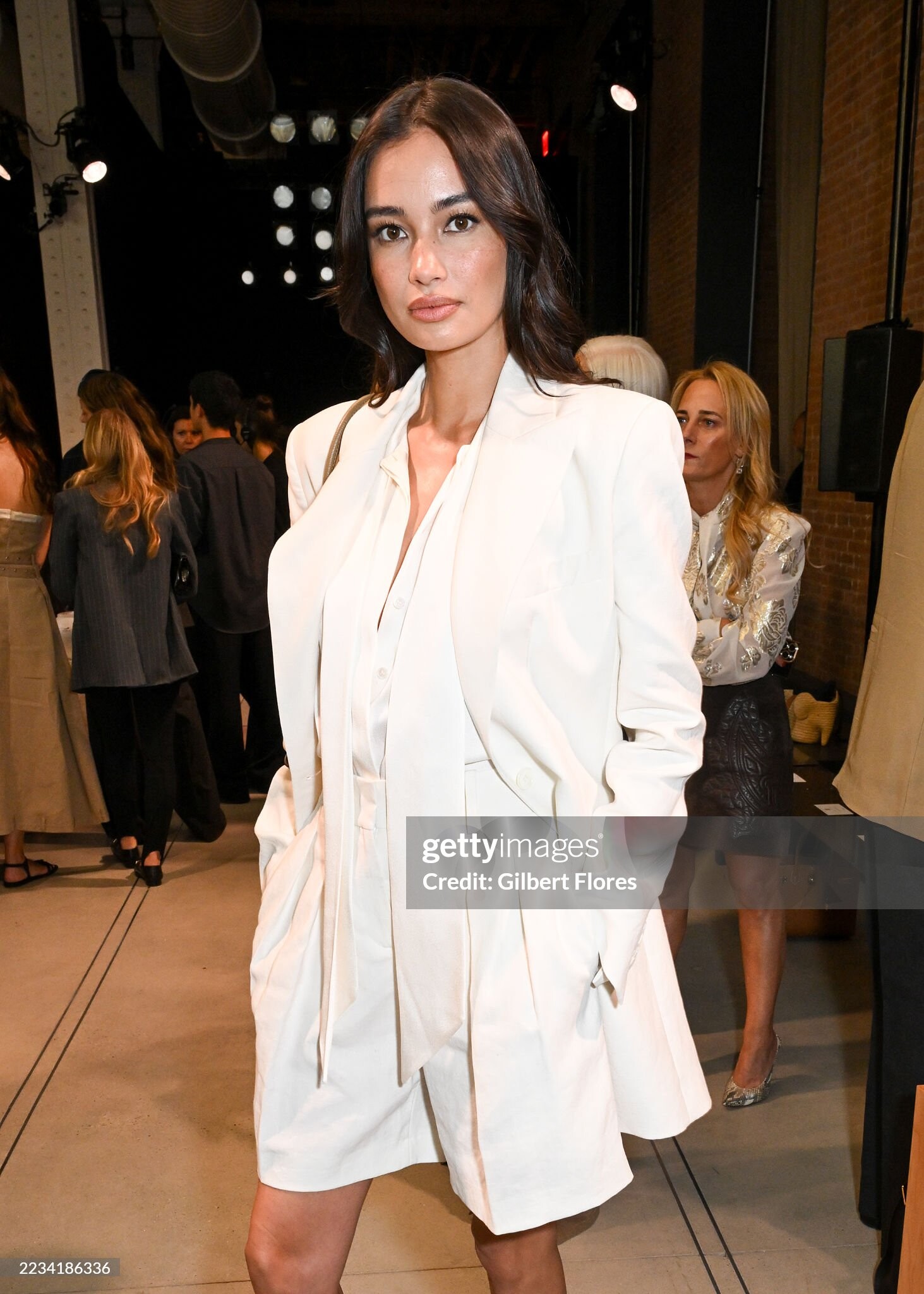
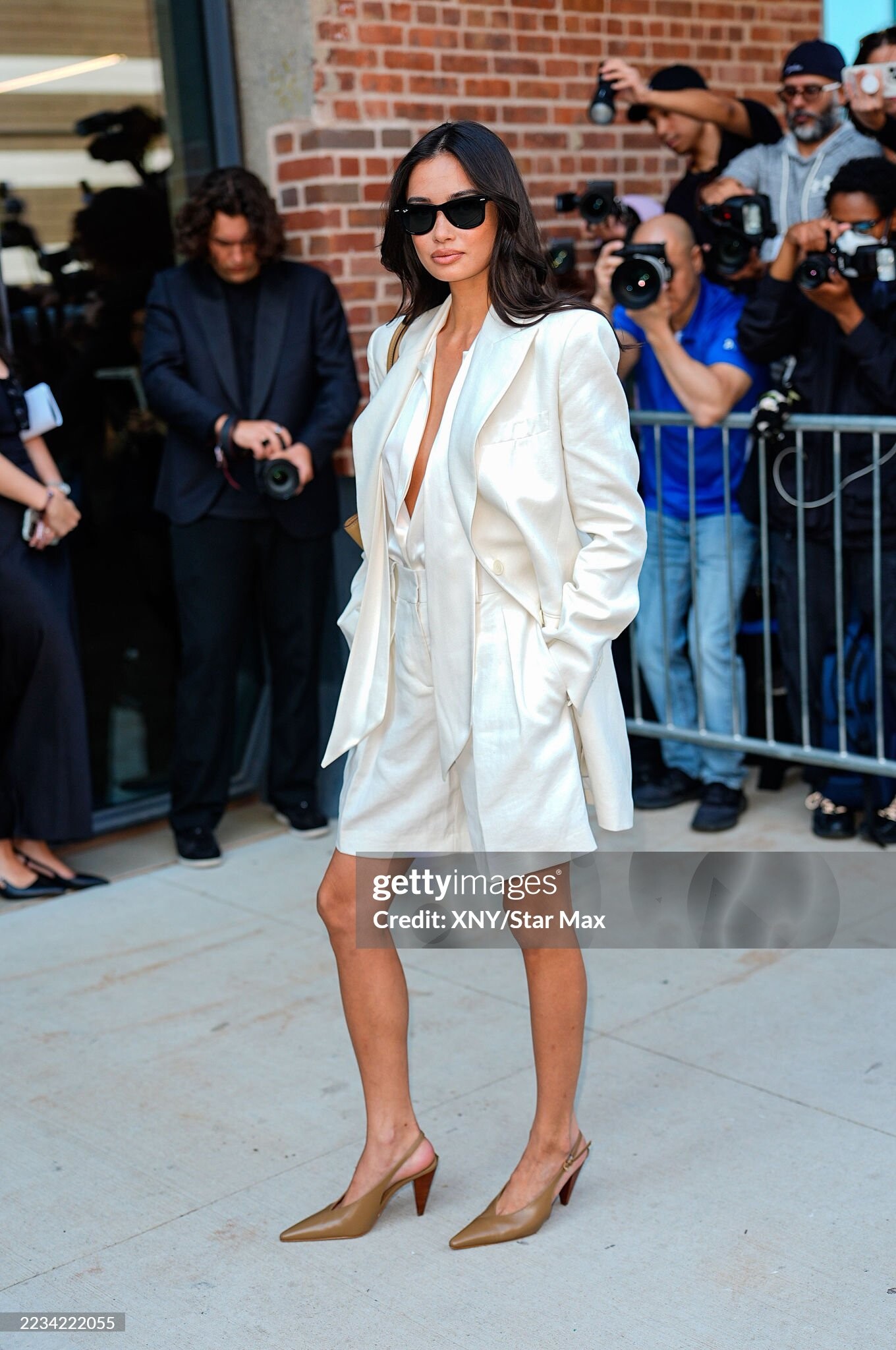
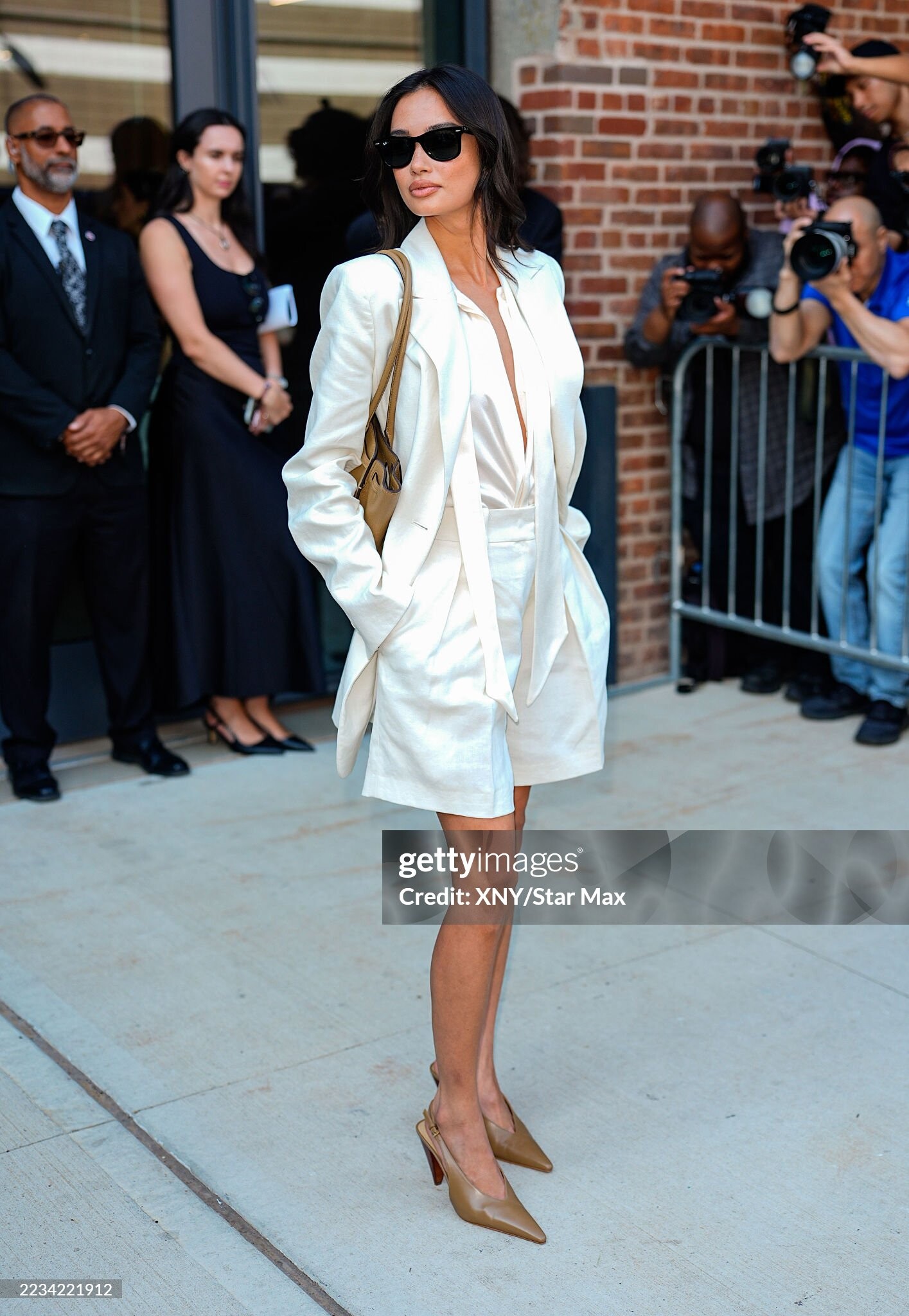
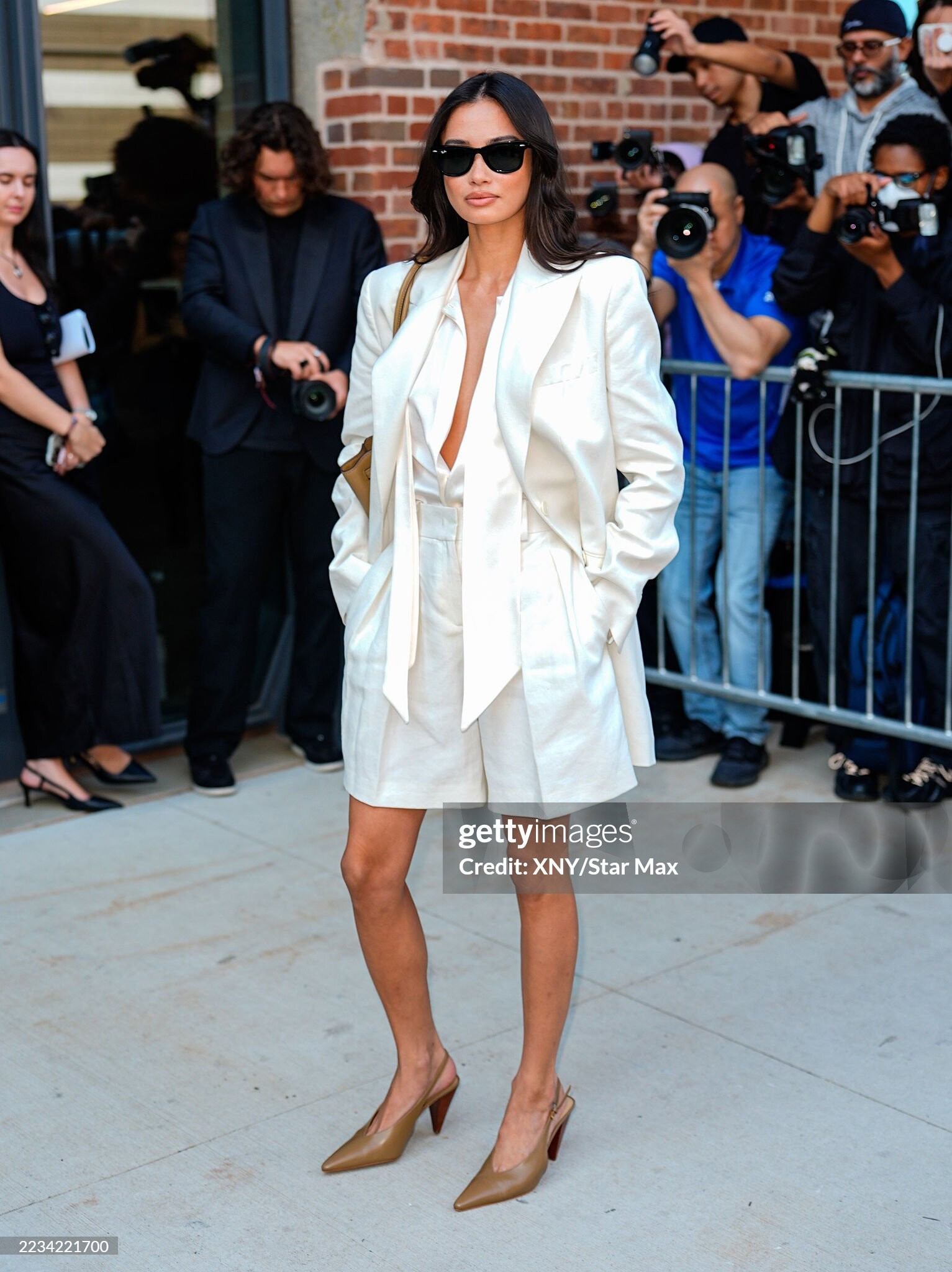
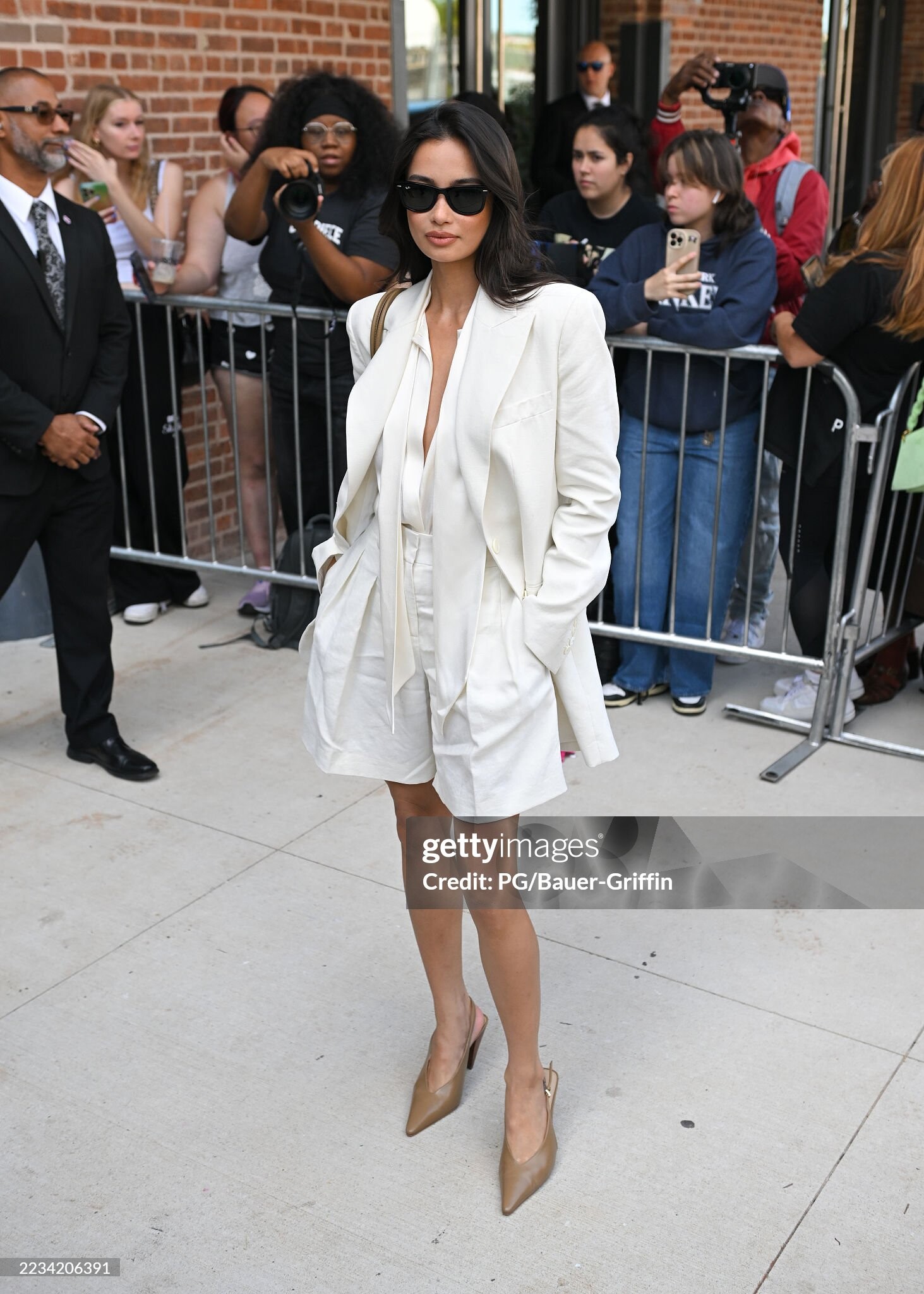
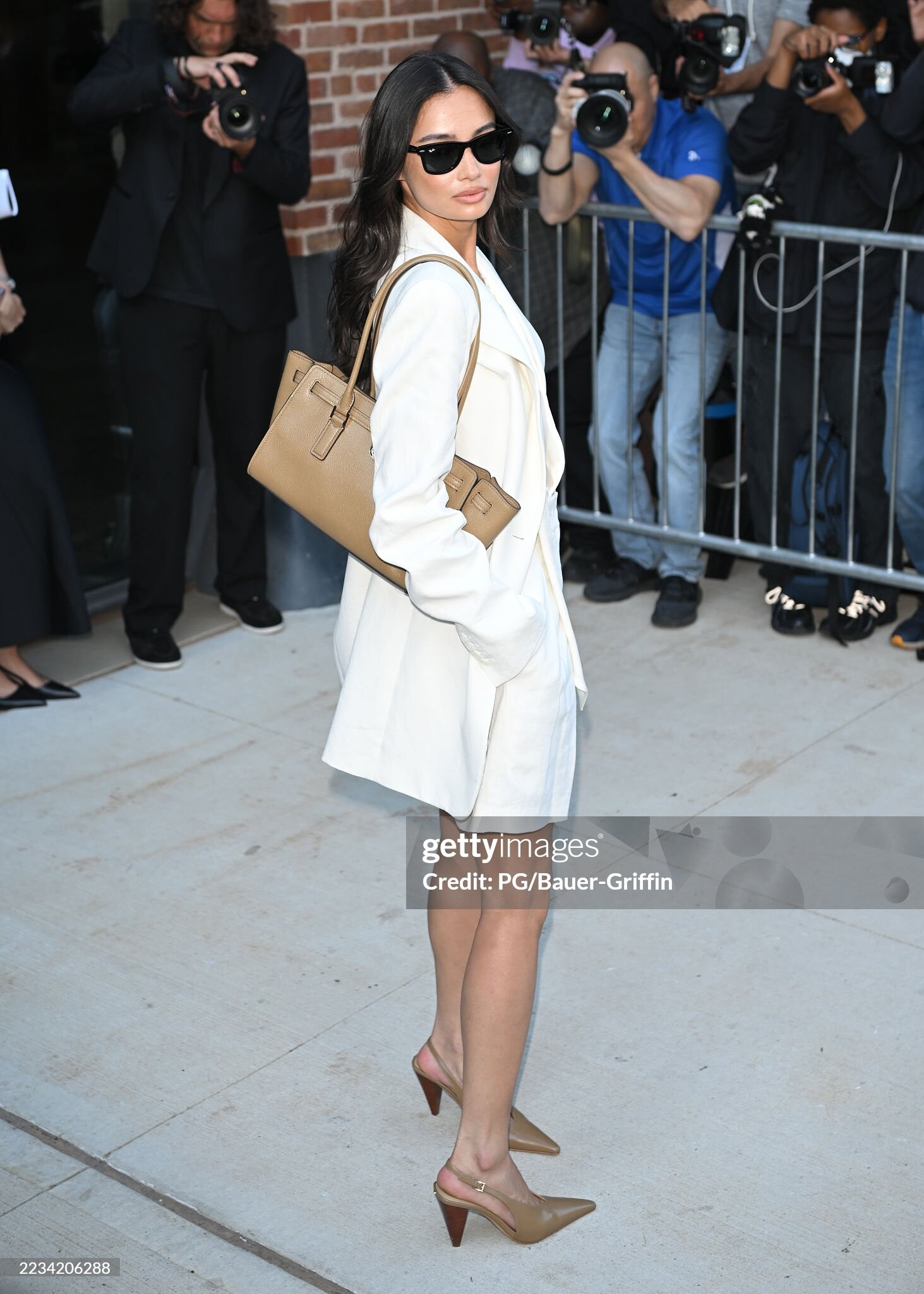
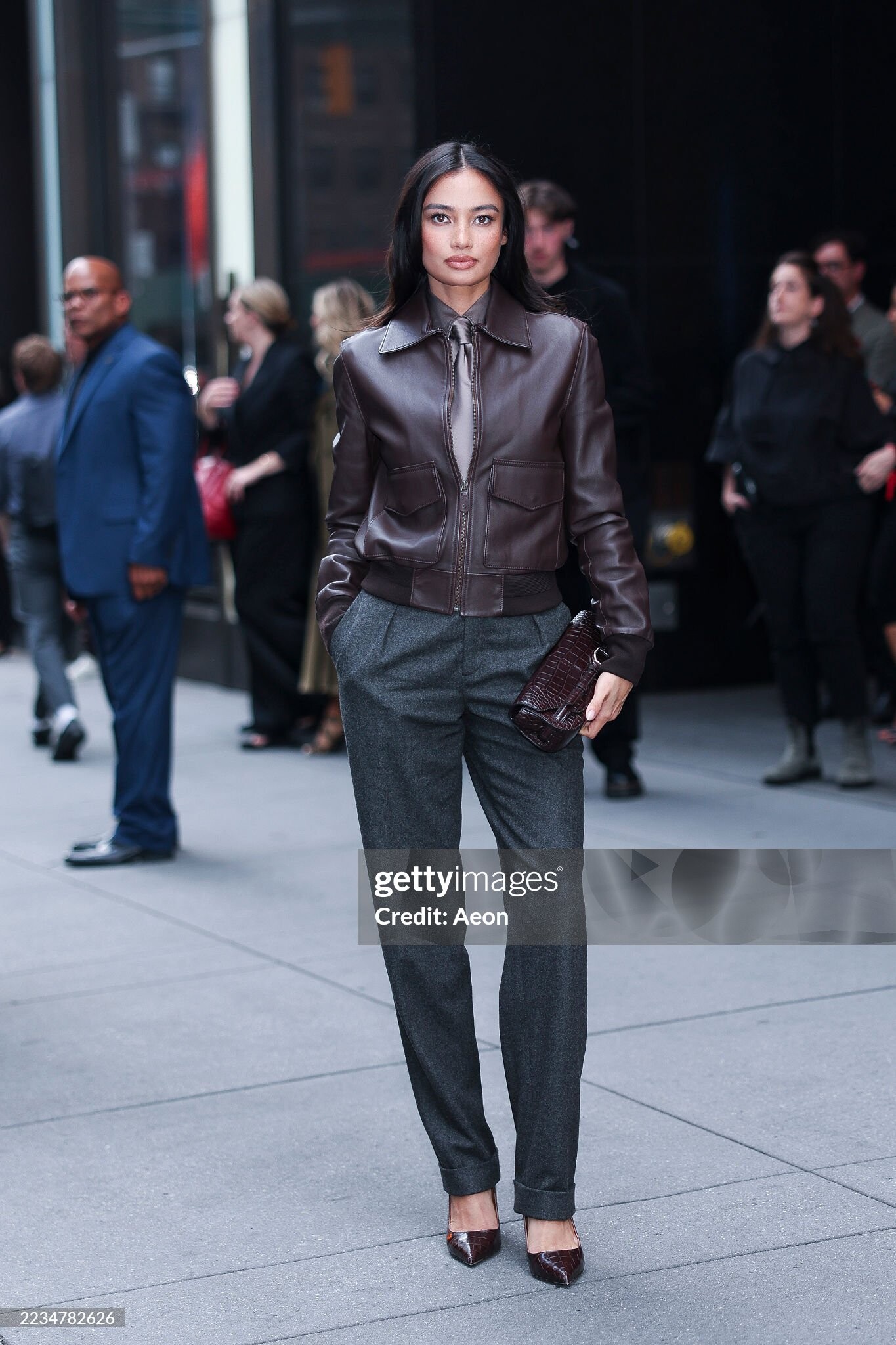
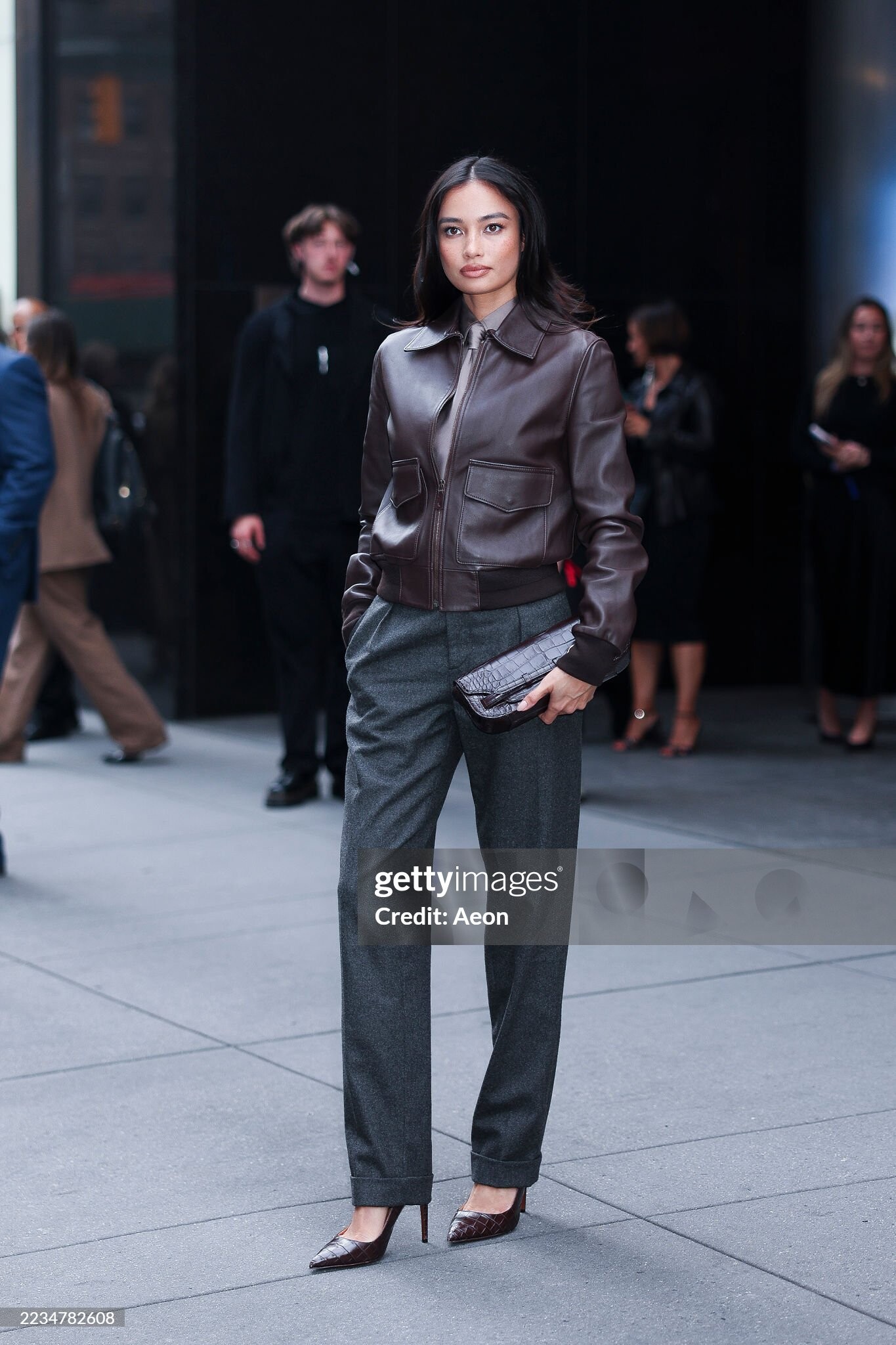
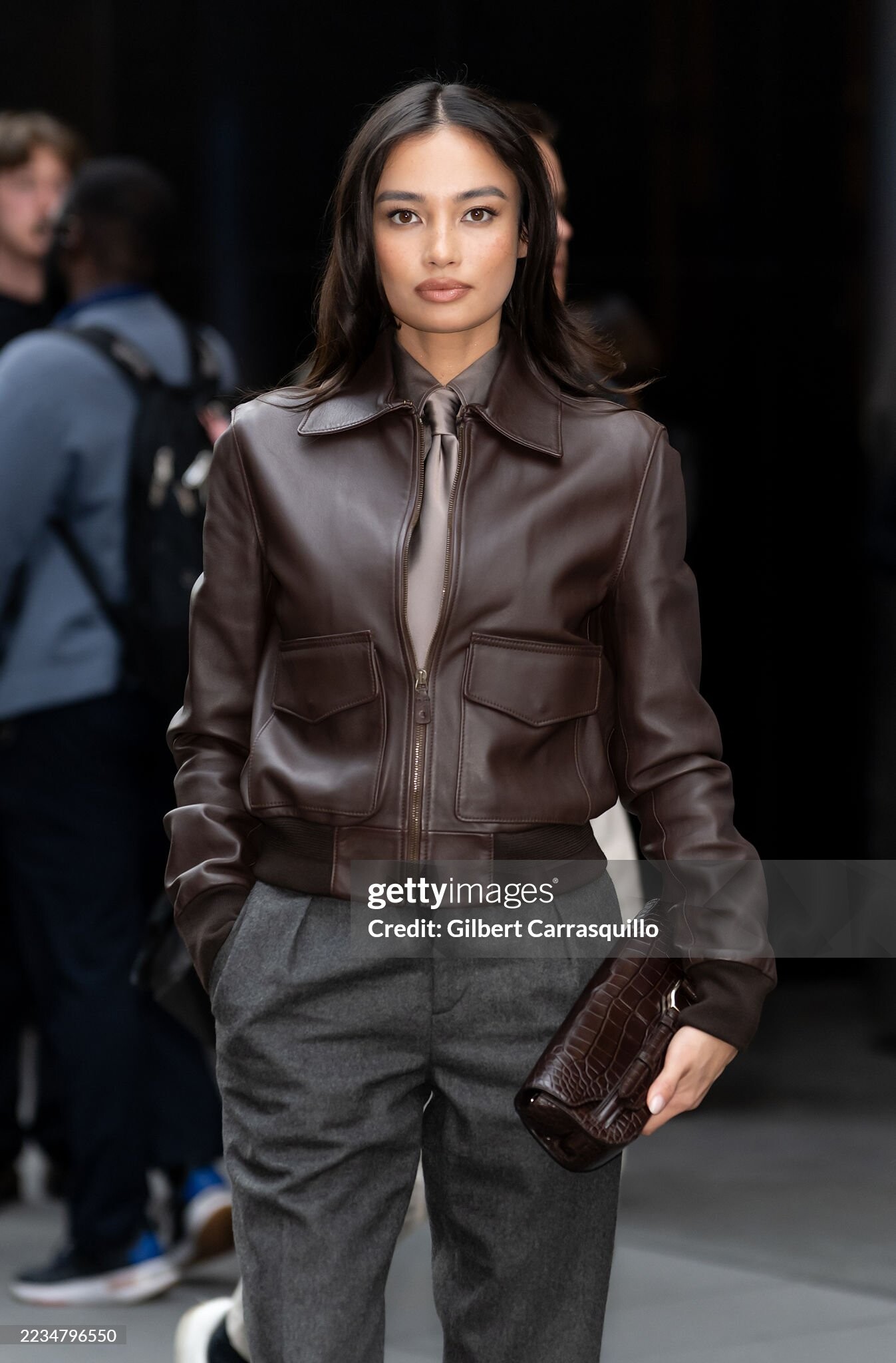
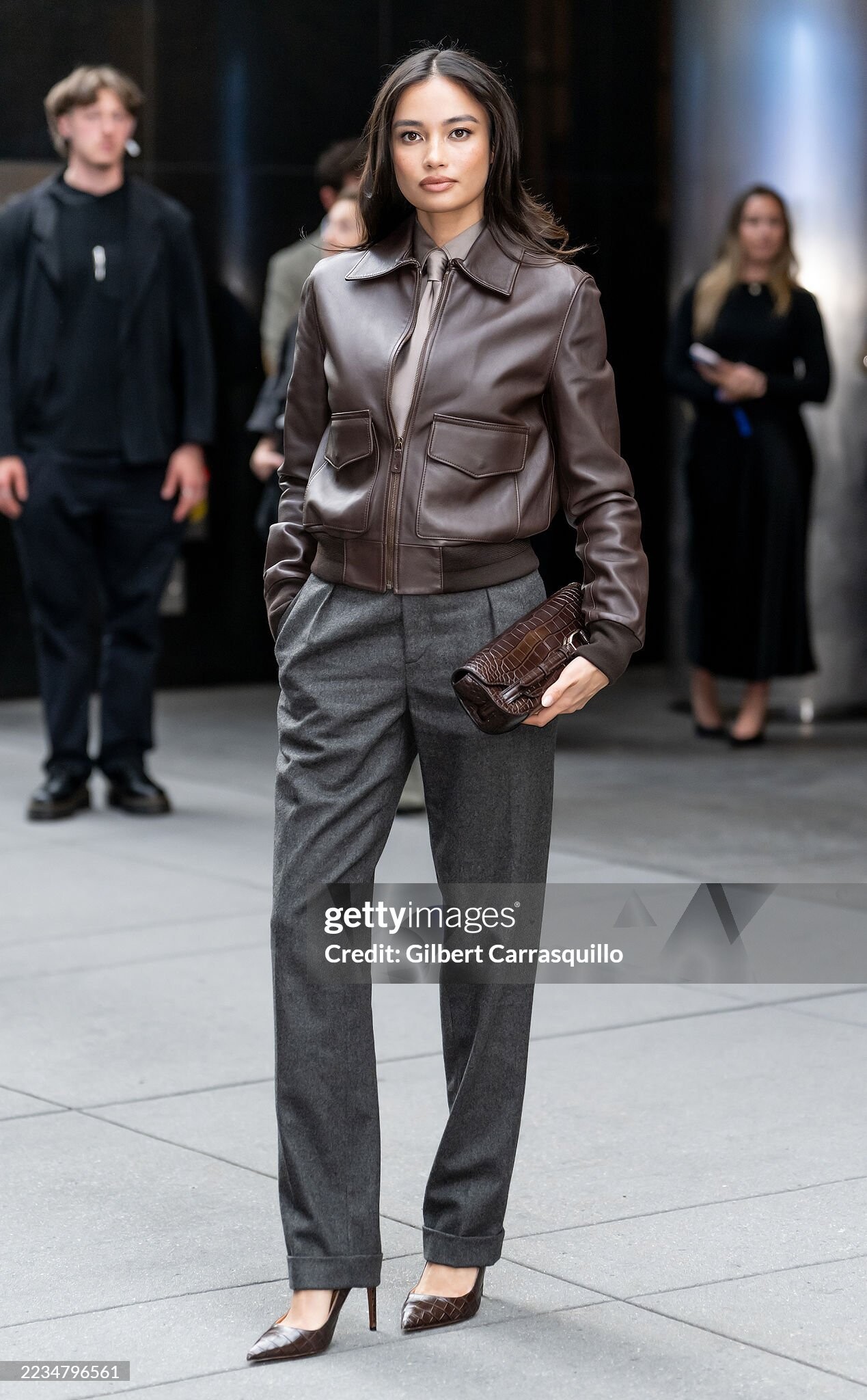
Michael Kors - Front Row - Spring/Summer 2026 New York Fashion Week
Avry Justis: Face: 0 Body: 2 Fandom: 1 Bregje Heinen: Face: 3 Body: 5 Fandom: 5 Bar Zomer: Face: 3 Body: 0 Fandom: 4 Alexa Pollock Face: 4 Body: 3 Fandom: 0
@PrettyDeadThings please help. edit: thanks!
Michael Kors - Front Row - Spring/Summer 2026 New York Fashion Week
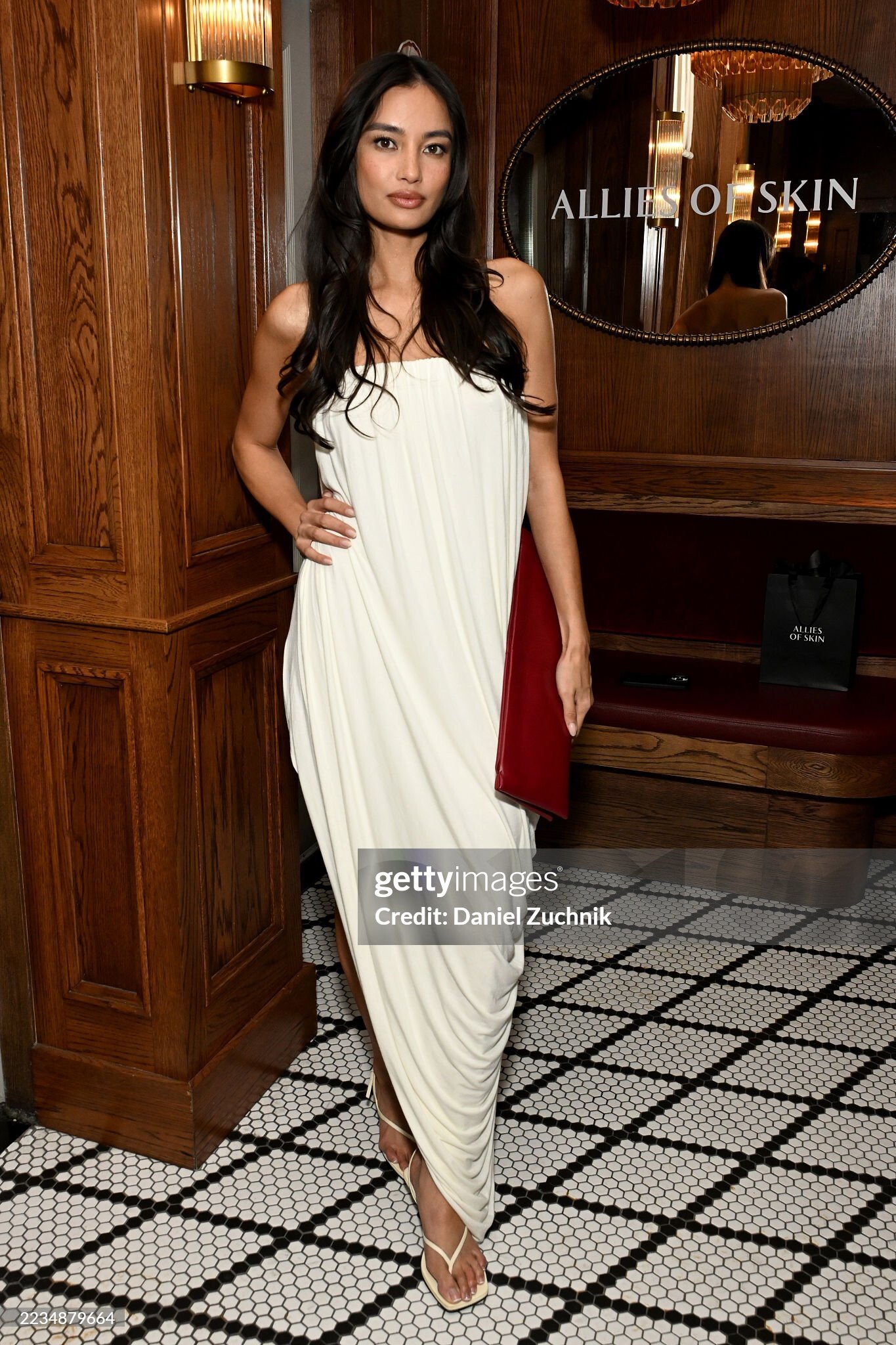
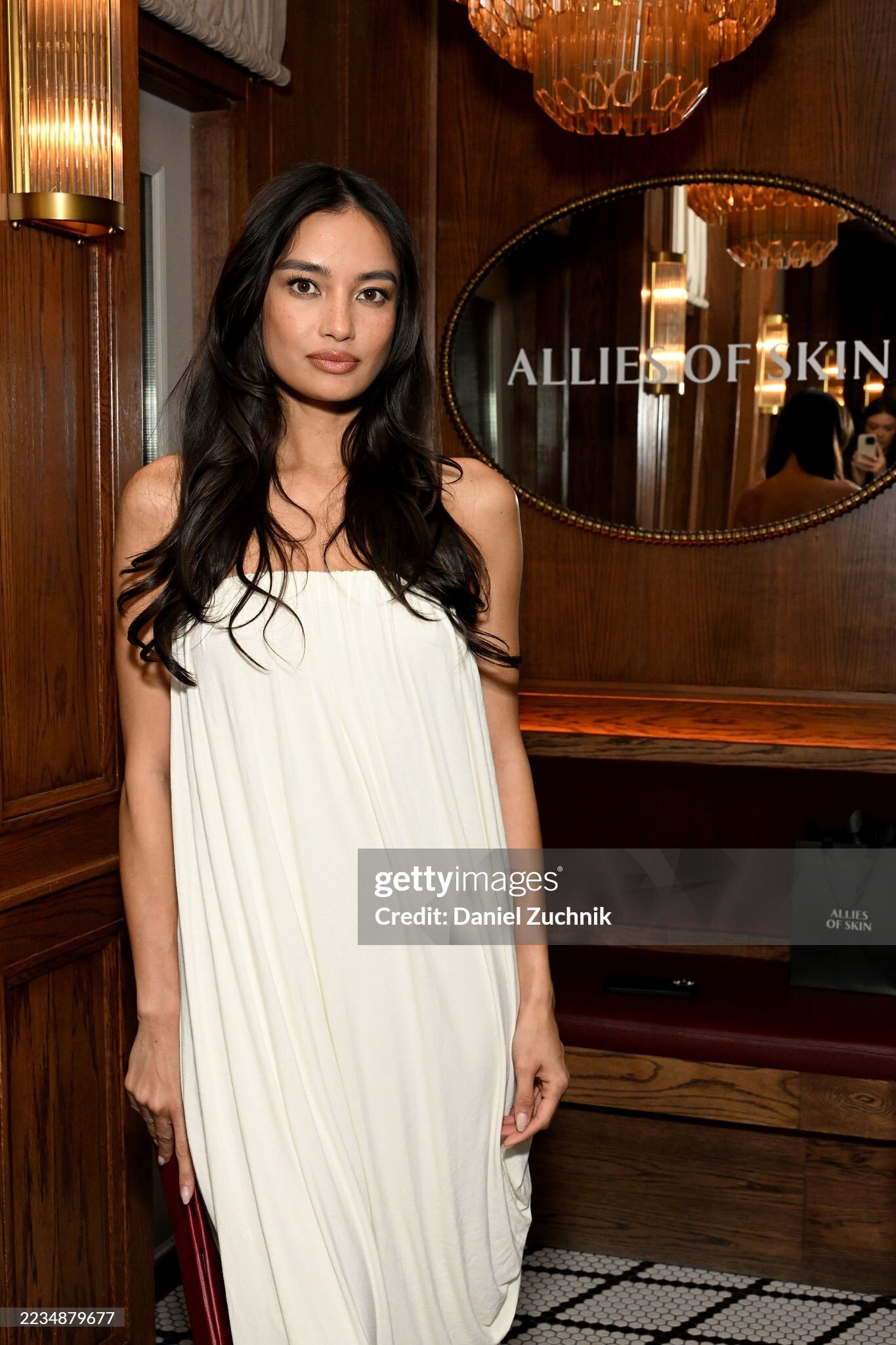
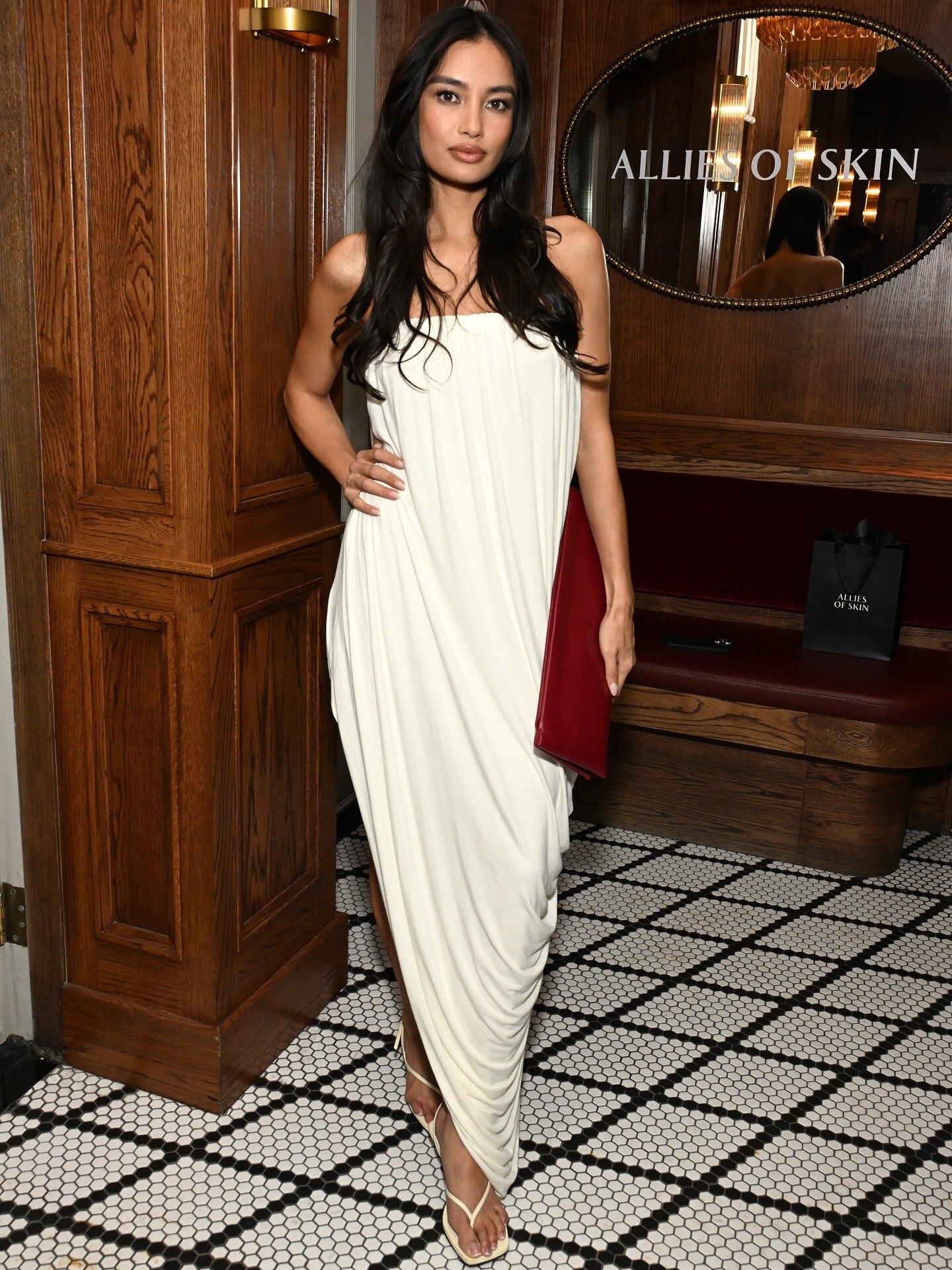
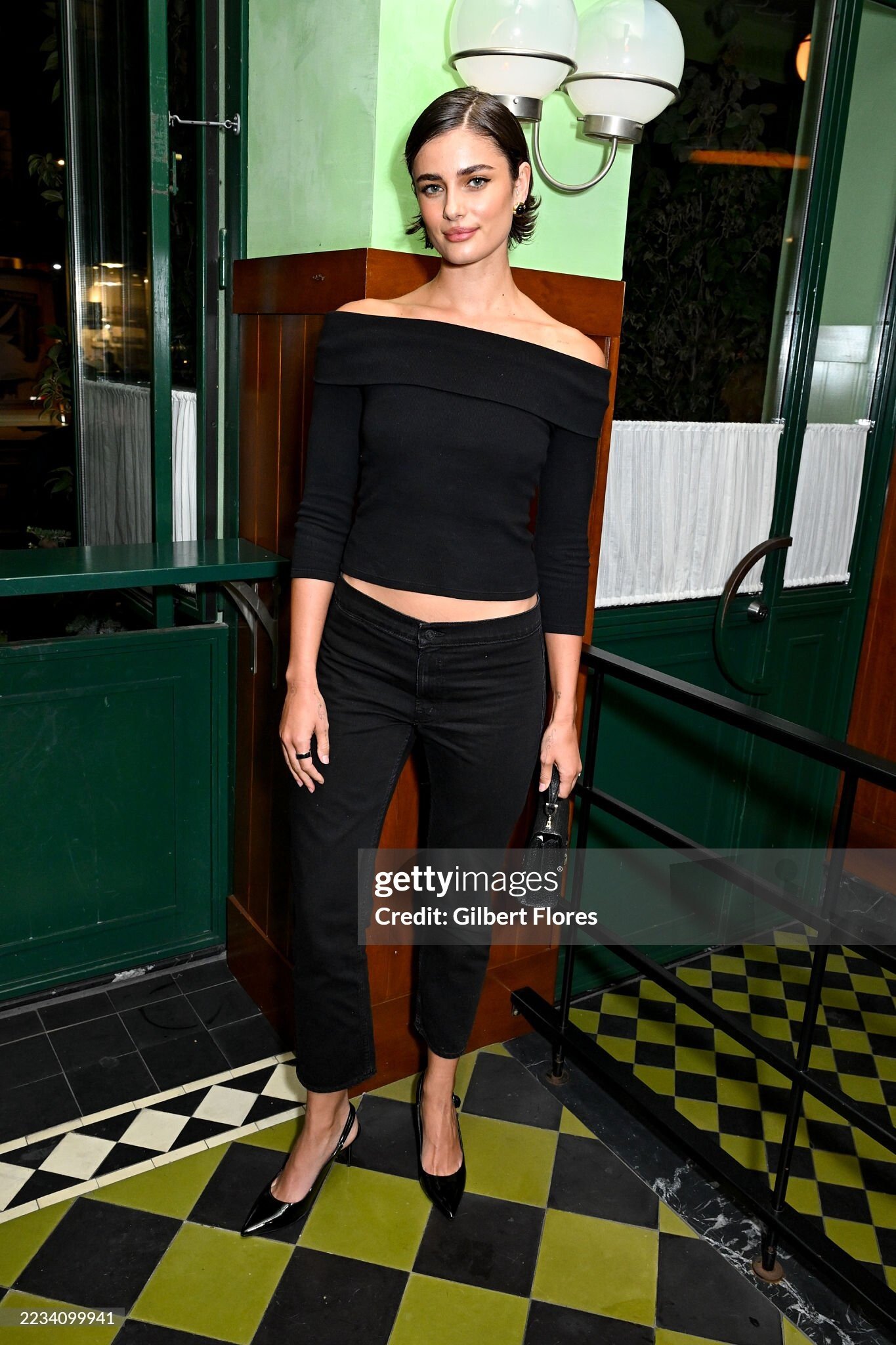
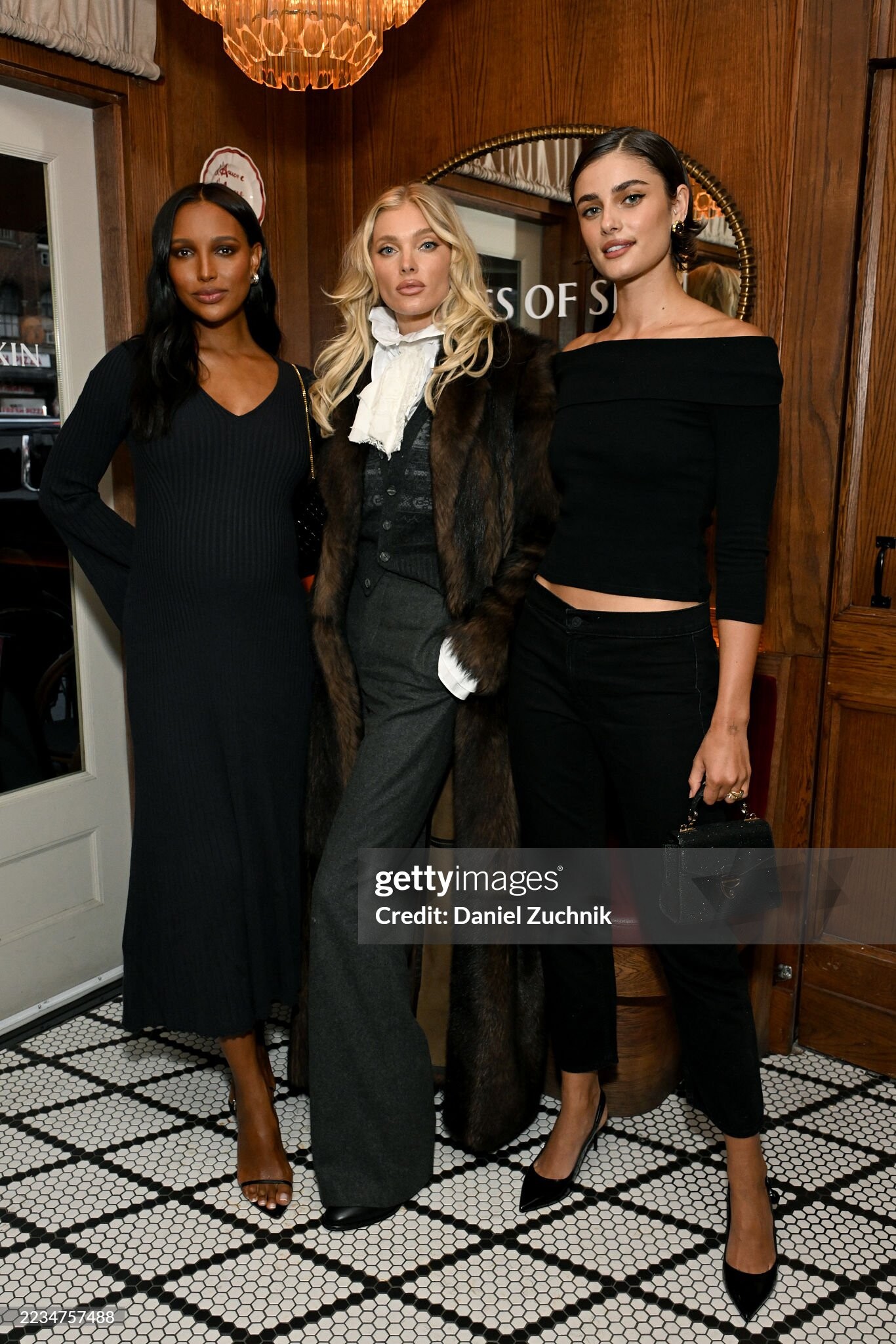
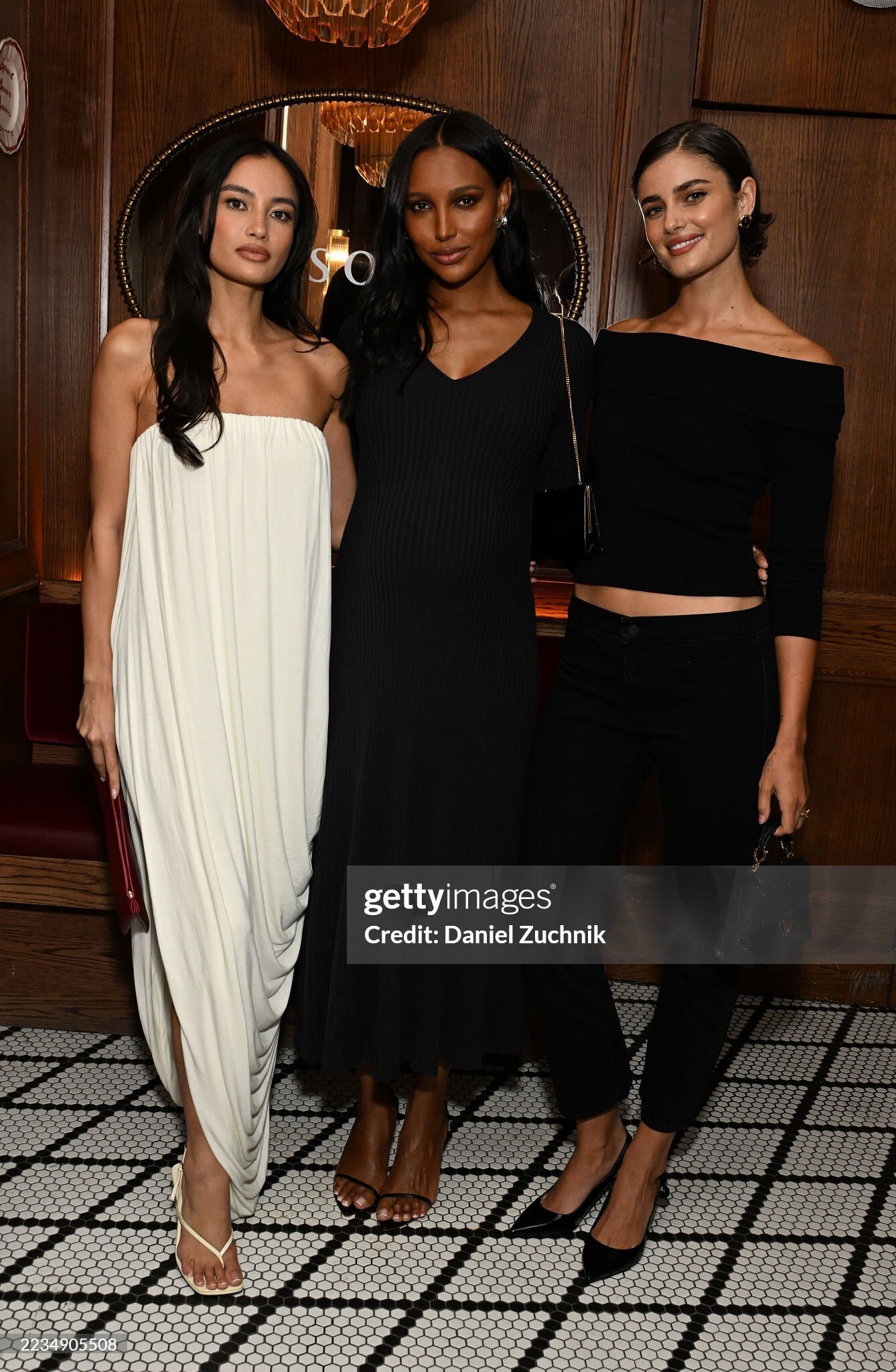
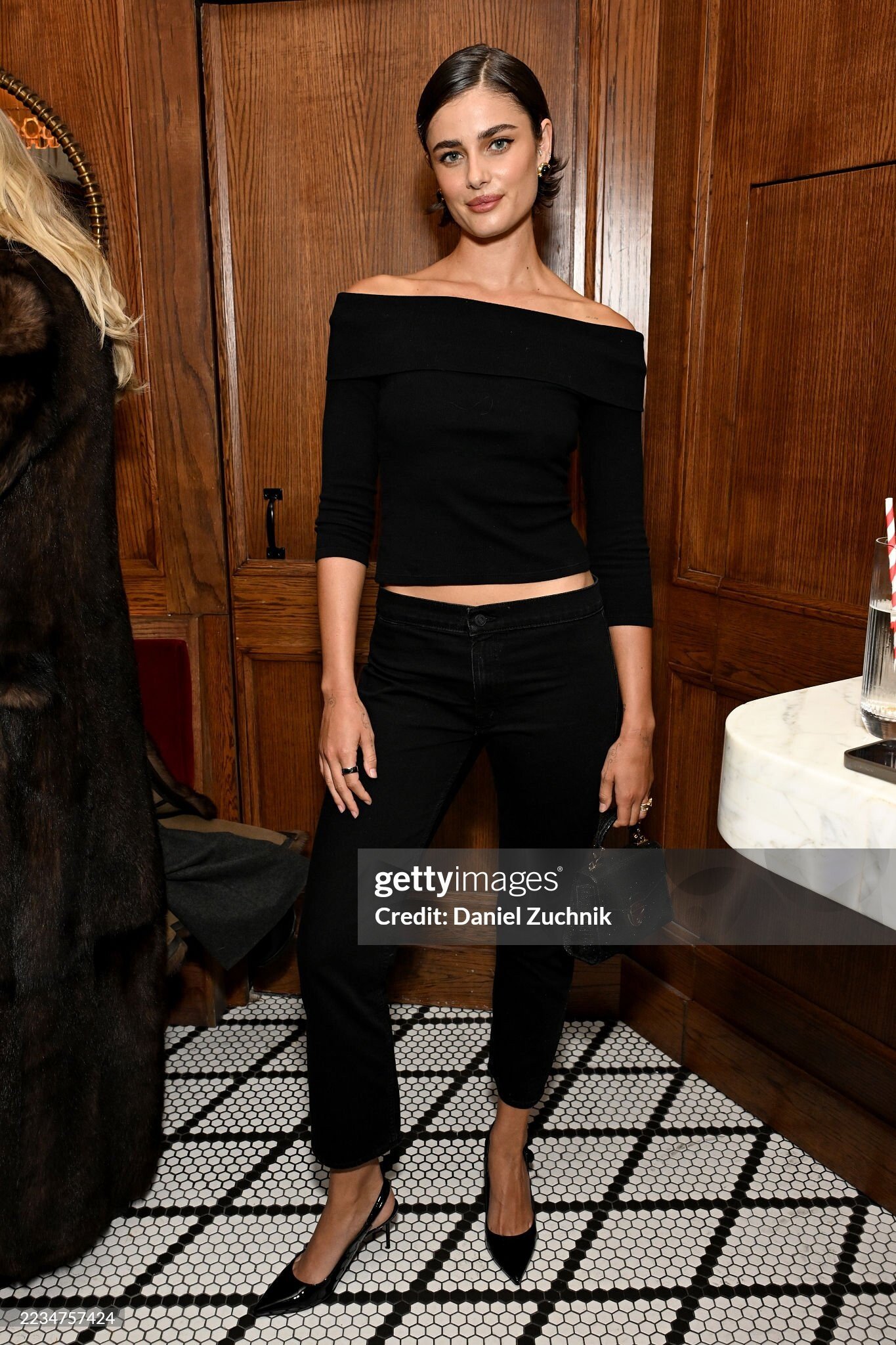
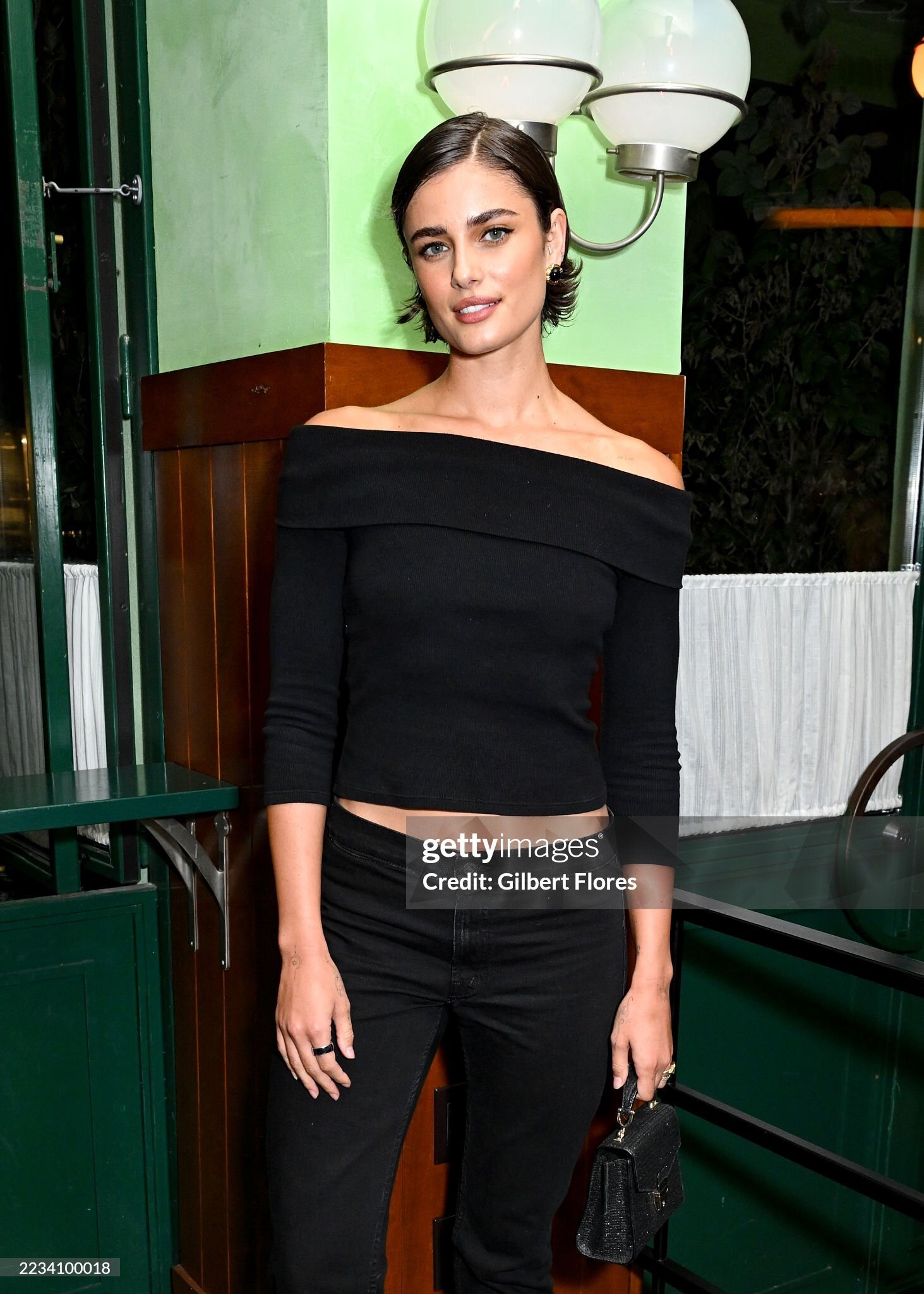
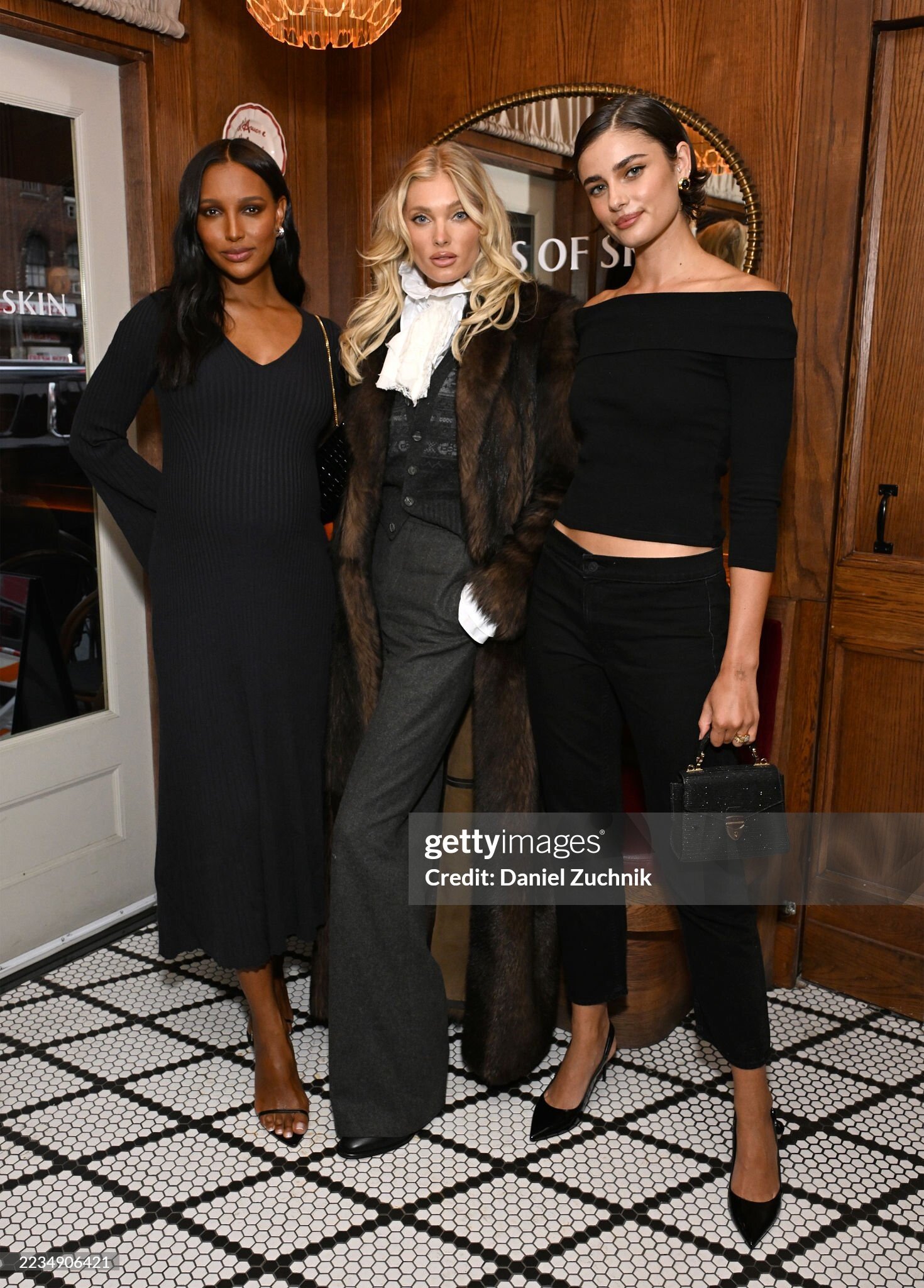
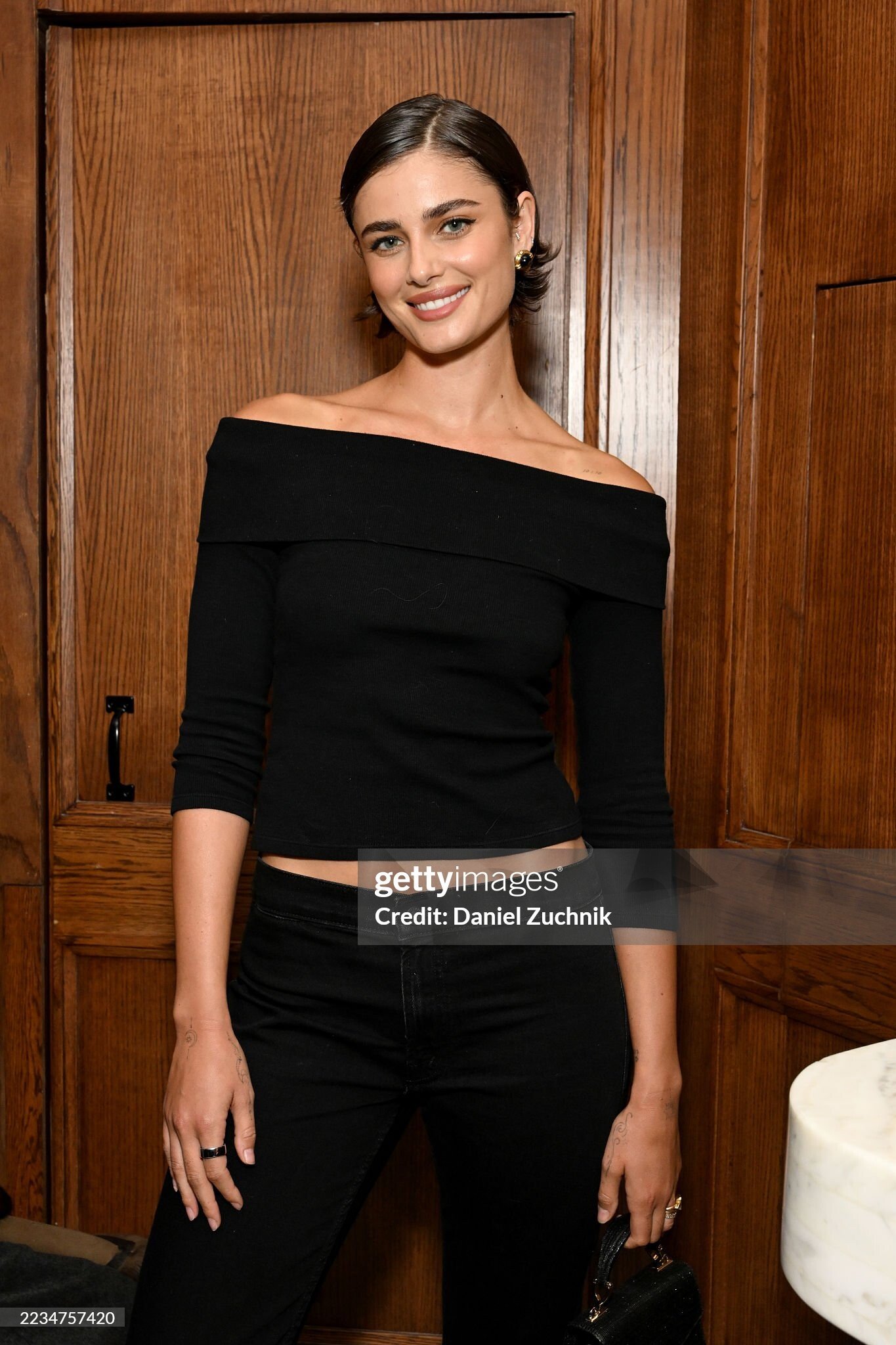
 Allies Of Skin X Violet Grey NYFW Launch Event on September 10, 2025






 Spoiler kelseymerritt_3719815933448833473's2025-9-12-16.5.87 story.mp4

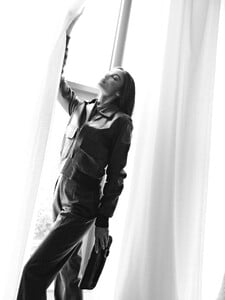
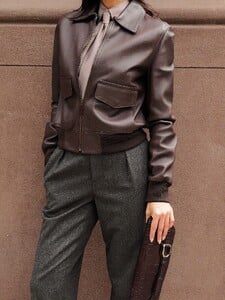


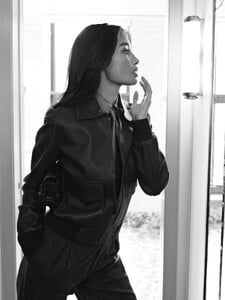




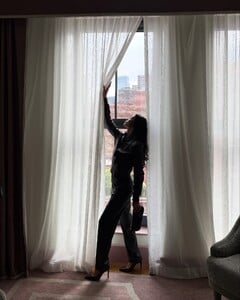
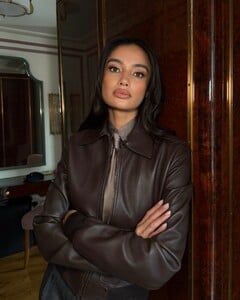
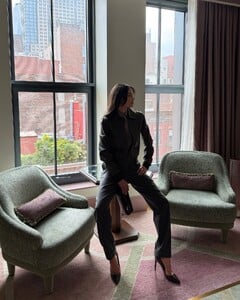
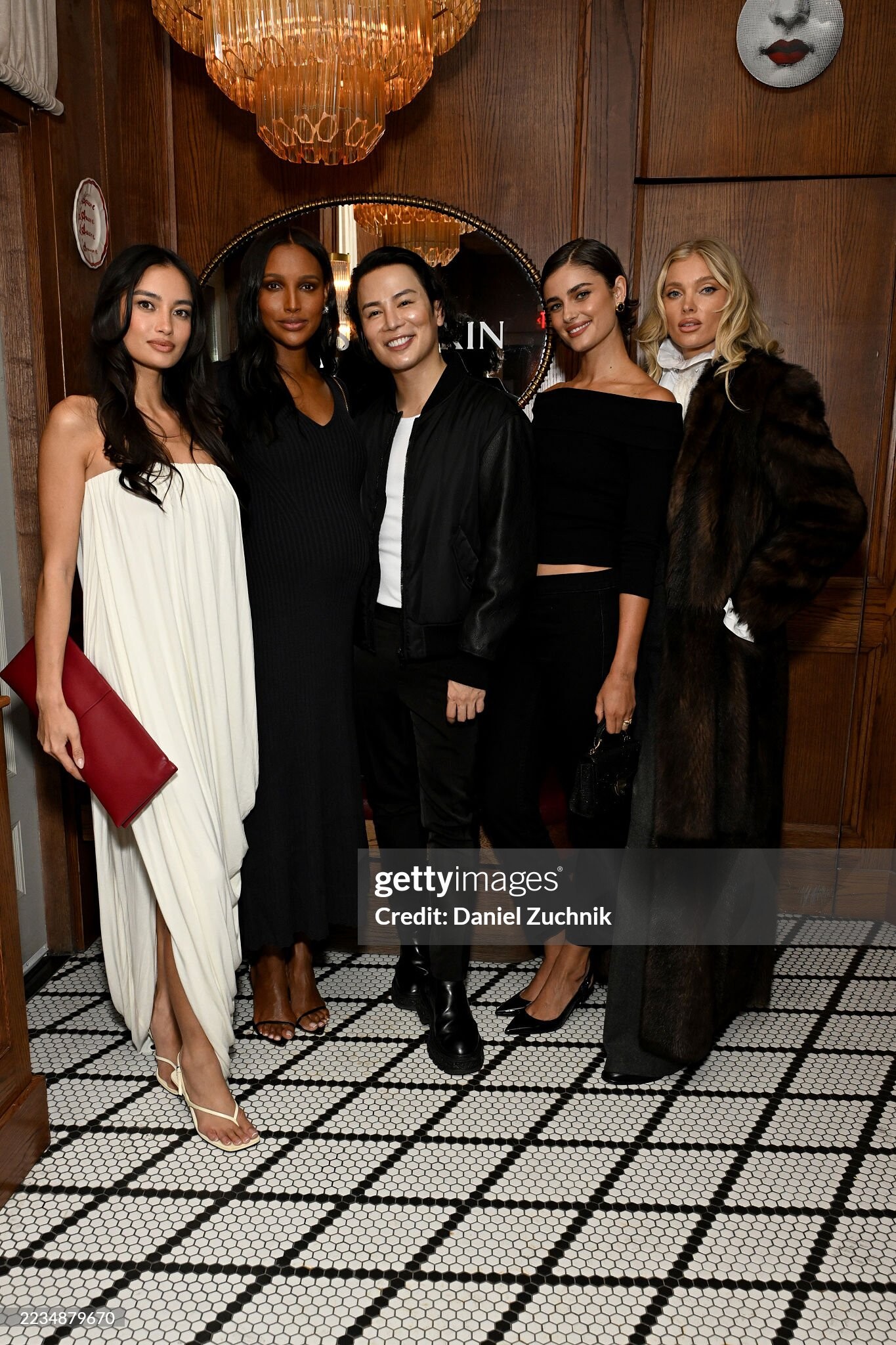
 Allies Of Skin X Violet Grey NYFW Launch Event on September 10, 2025
 Good bot.
Rachell Vallori: Face: 2 Body: 2 Fandom: 4 Lucia Bramani: Face: 0 Body: 4 Fandom: 0 Rachel Cook: Face: 1 Body: 0 Fandom: 1 Shanina Shaik: Face: 7 Body: 4 Fandom: 5
This one was soooo weird.
Sabrina Carpenter - Tears (Behind the Scenes)
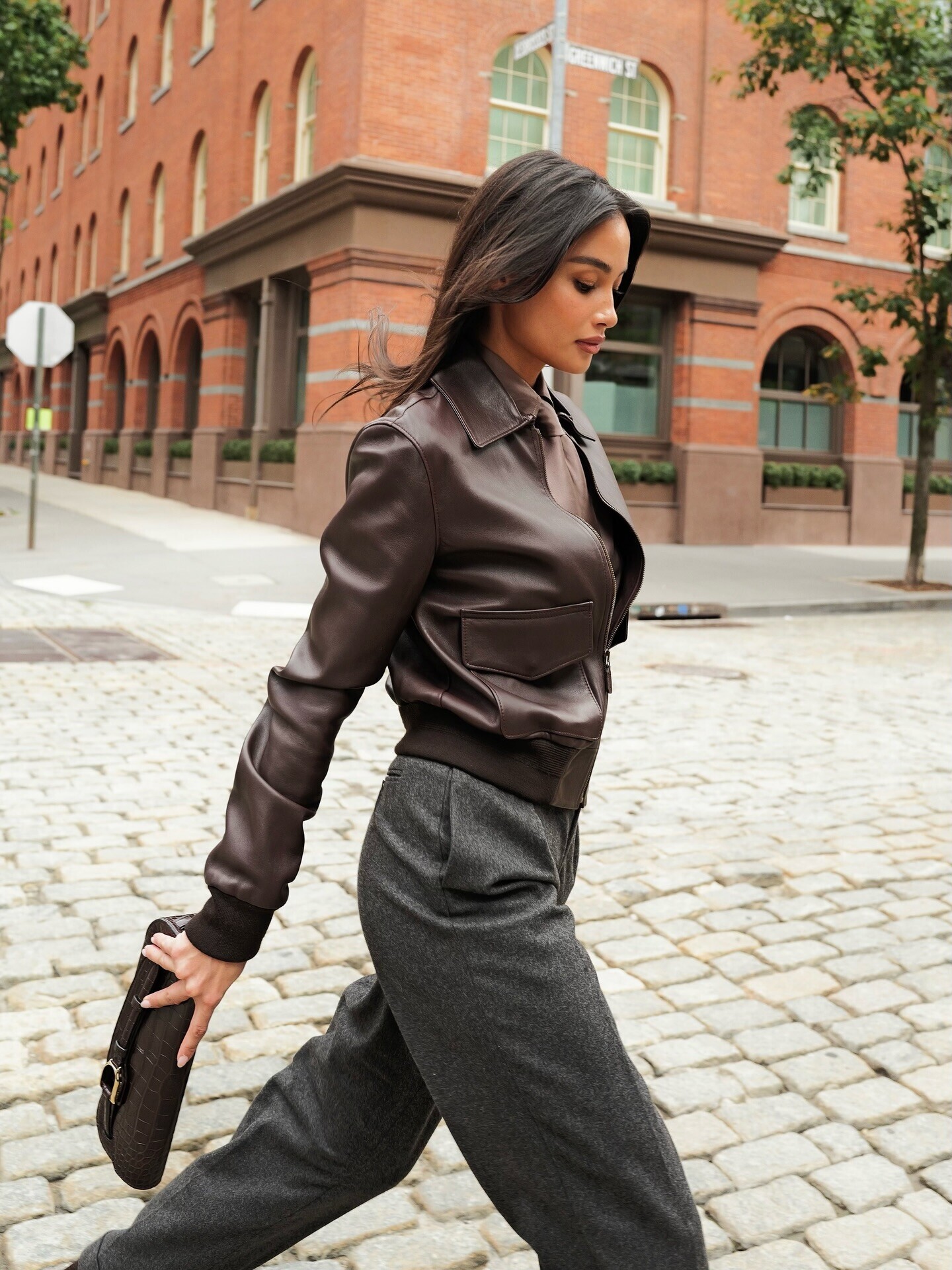
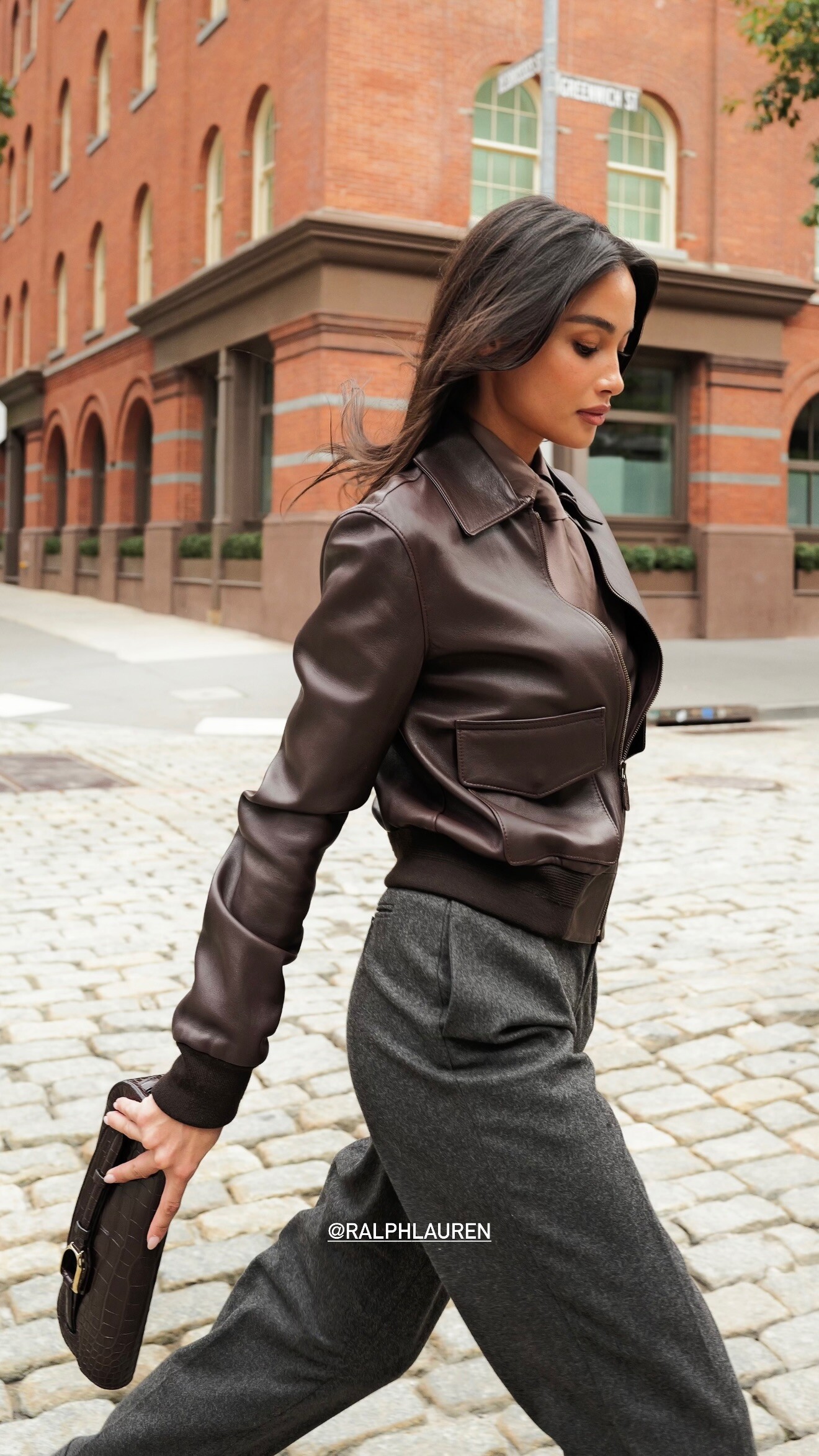
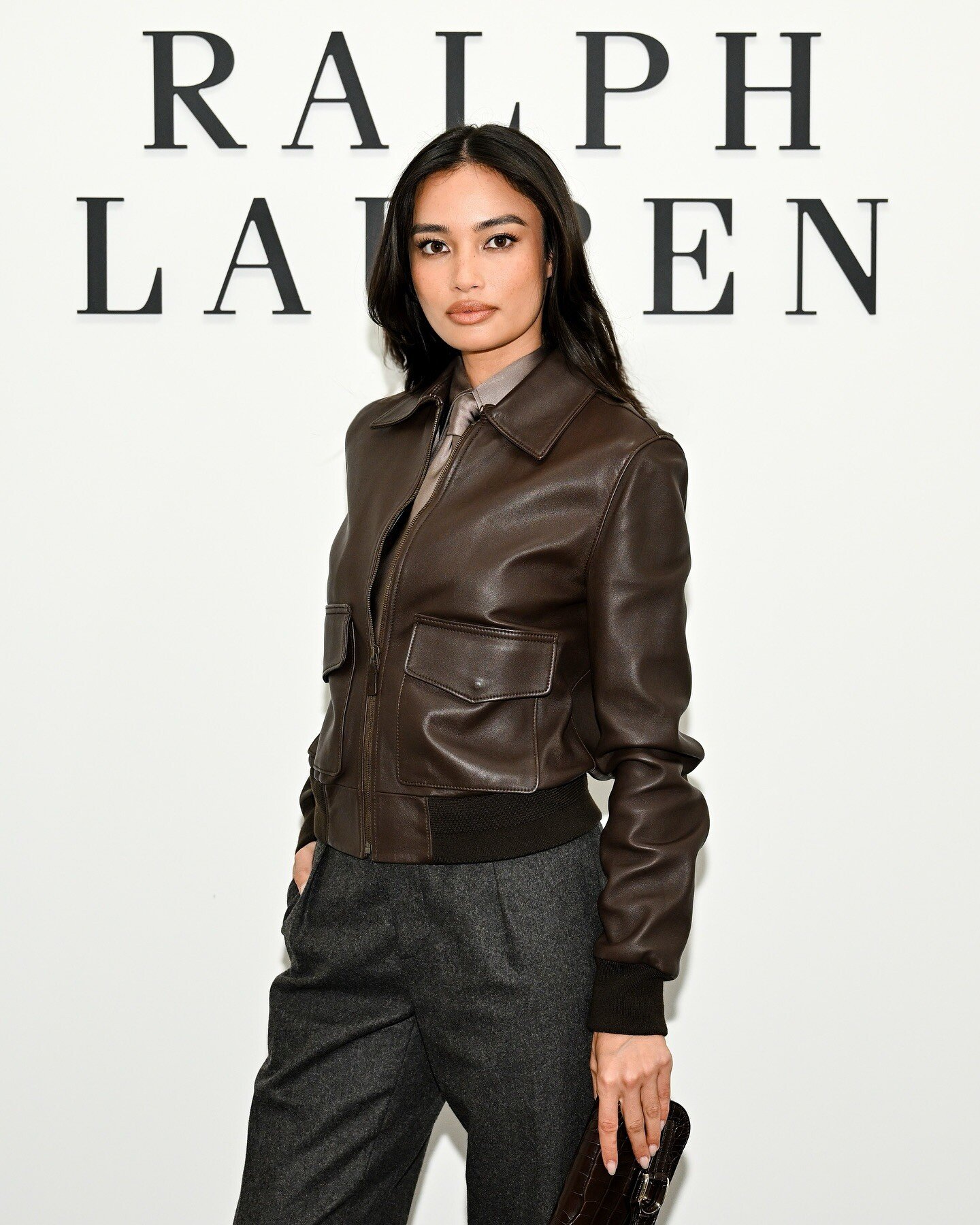
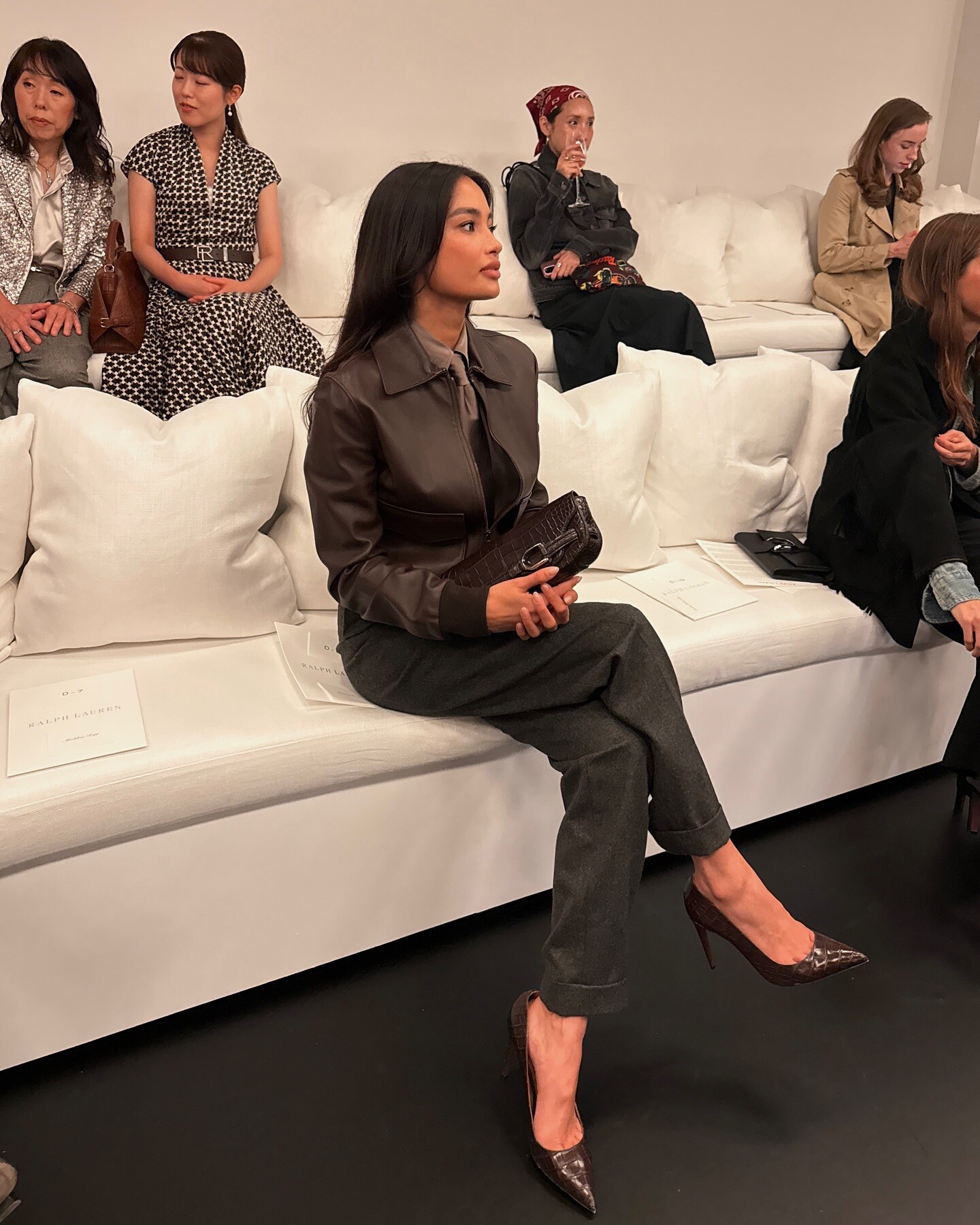
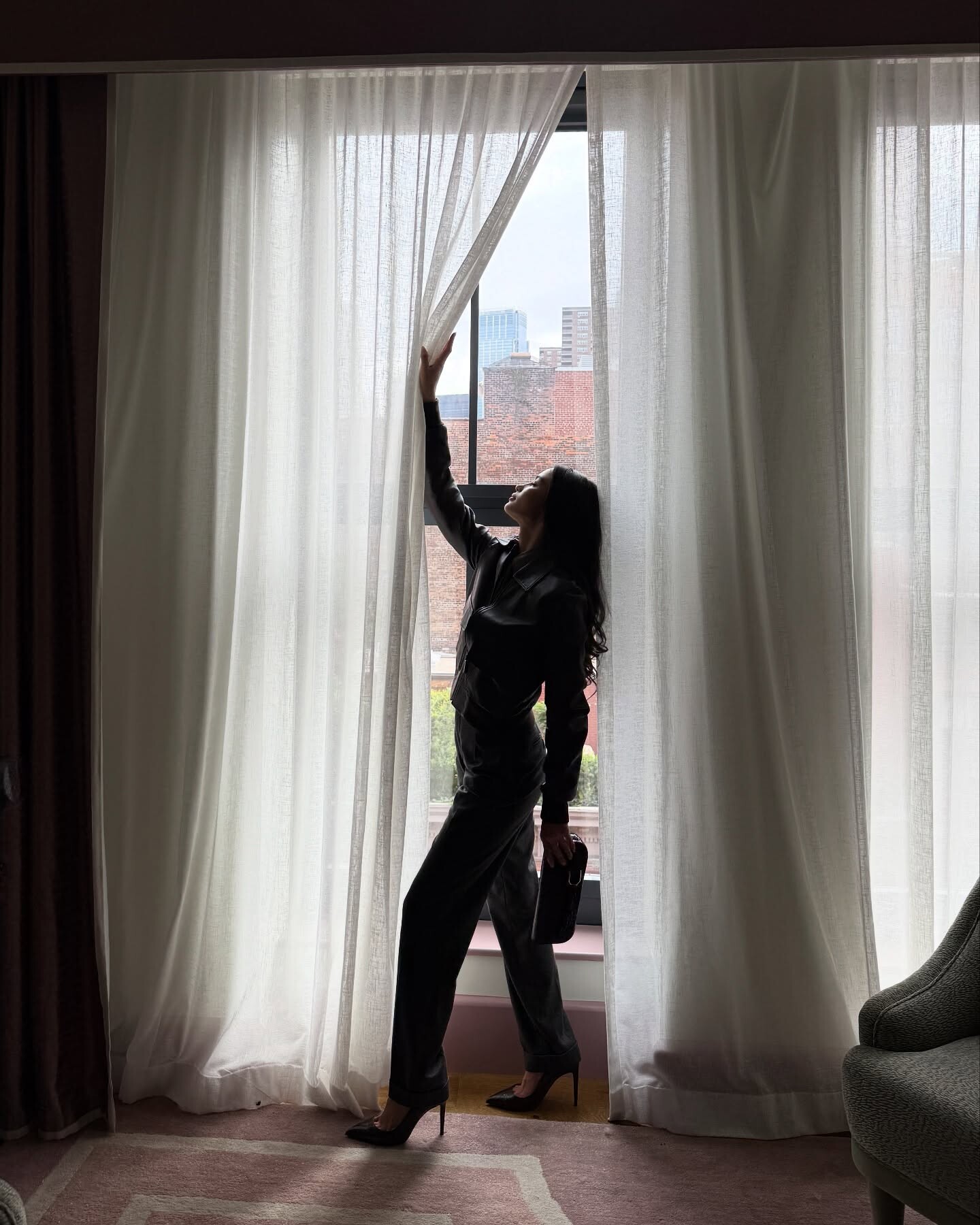
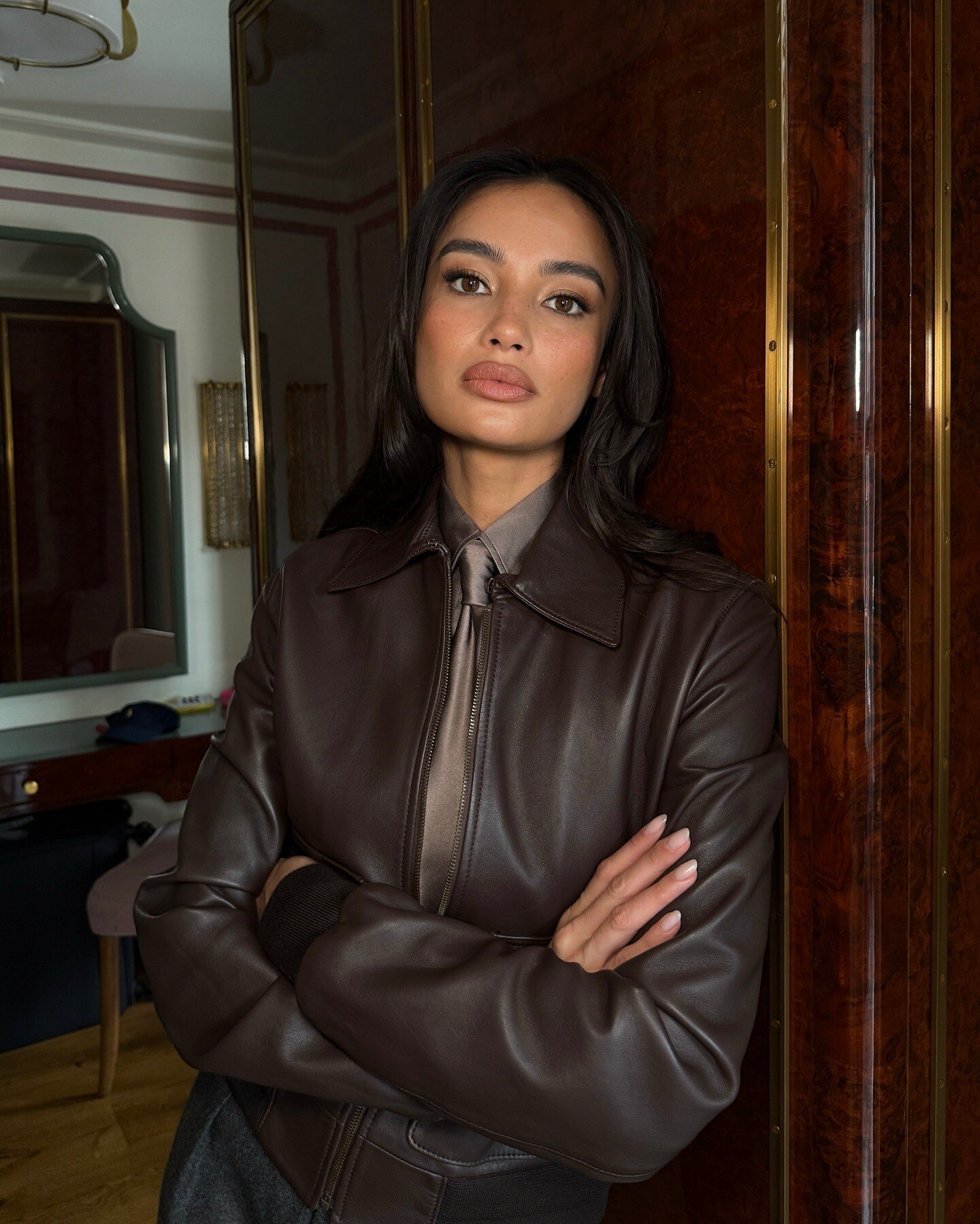
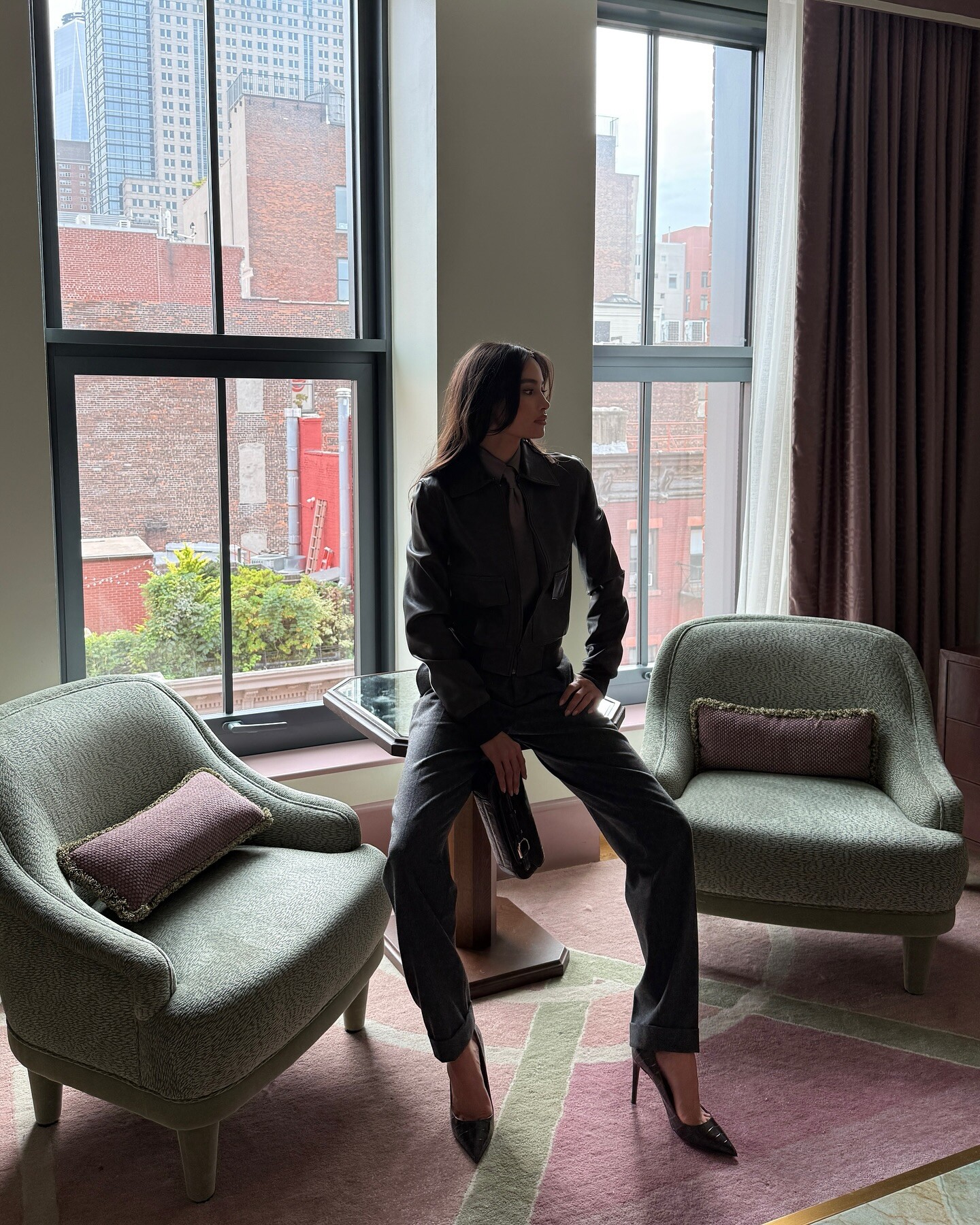
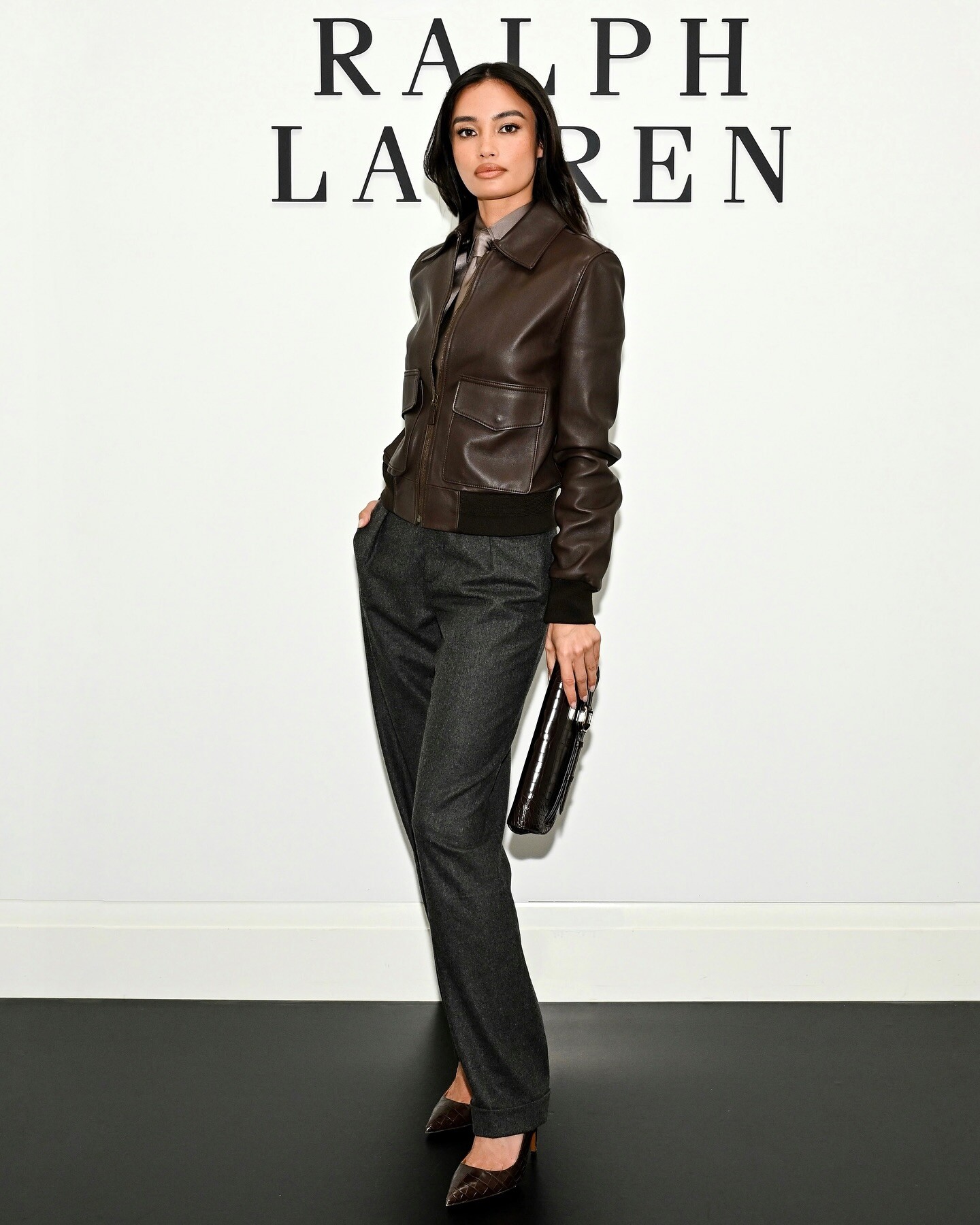
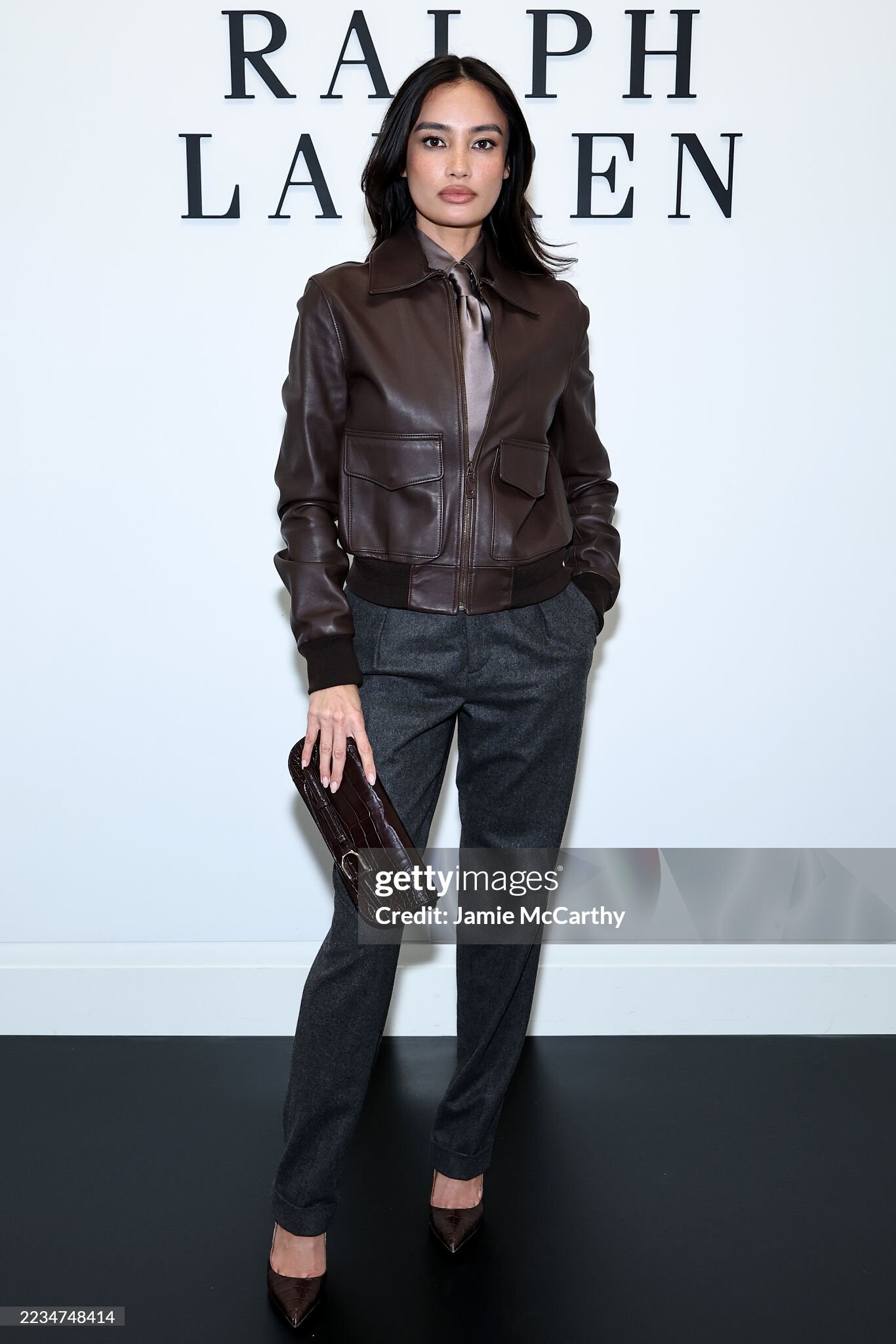
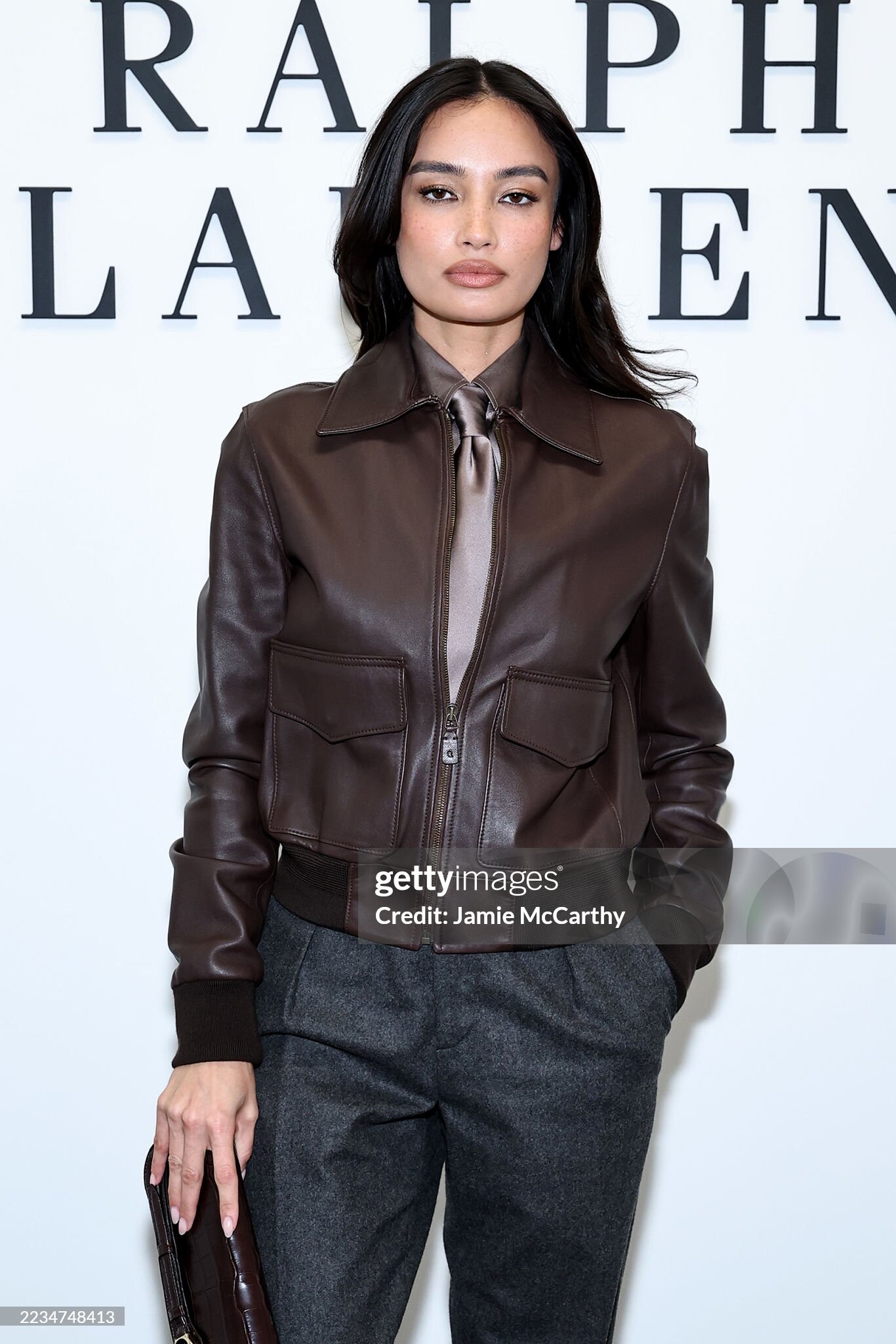
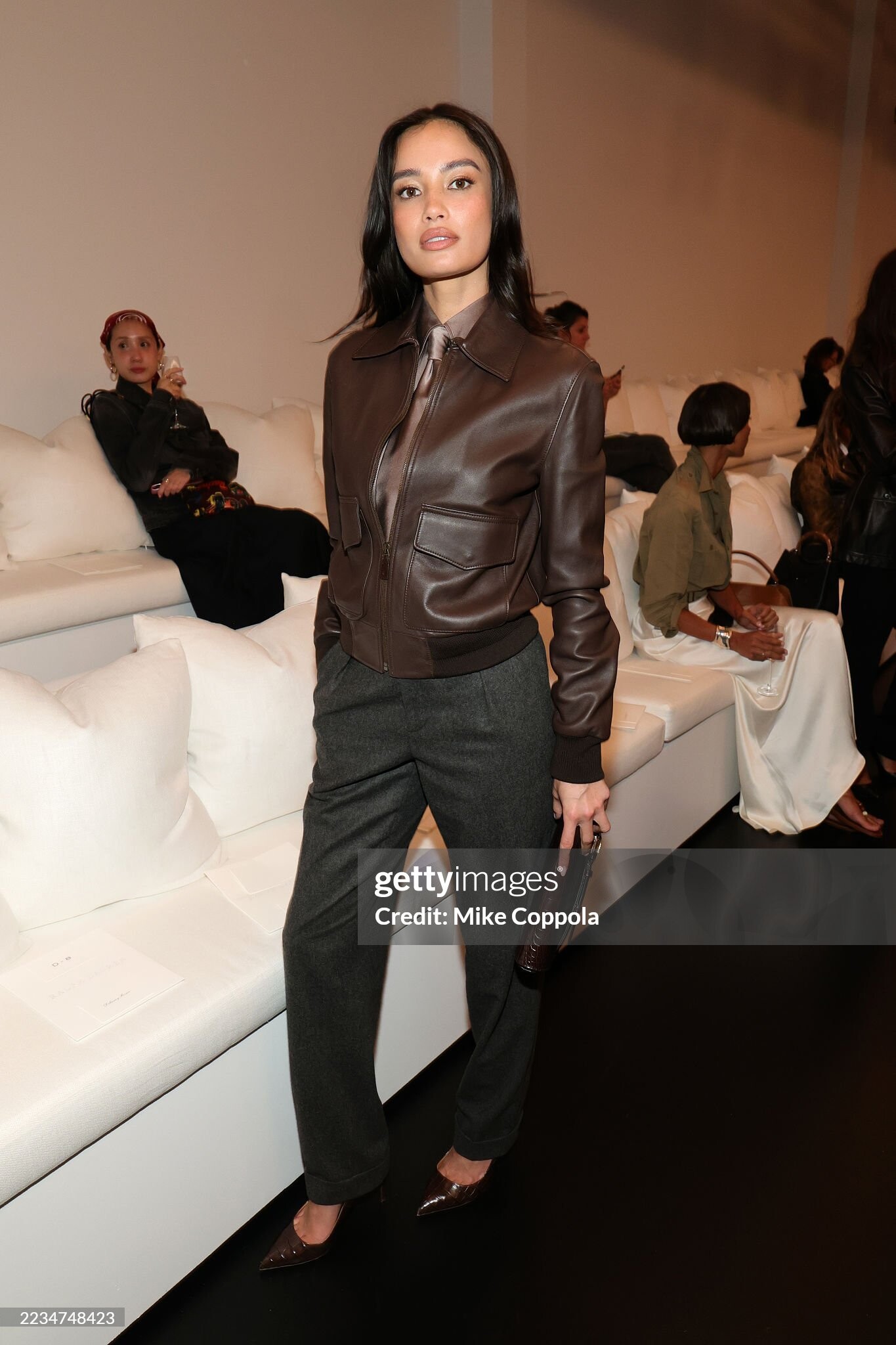
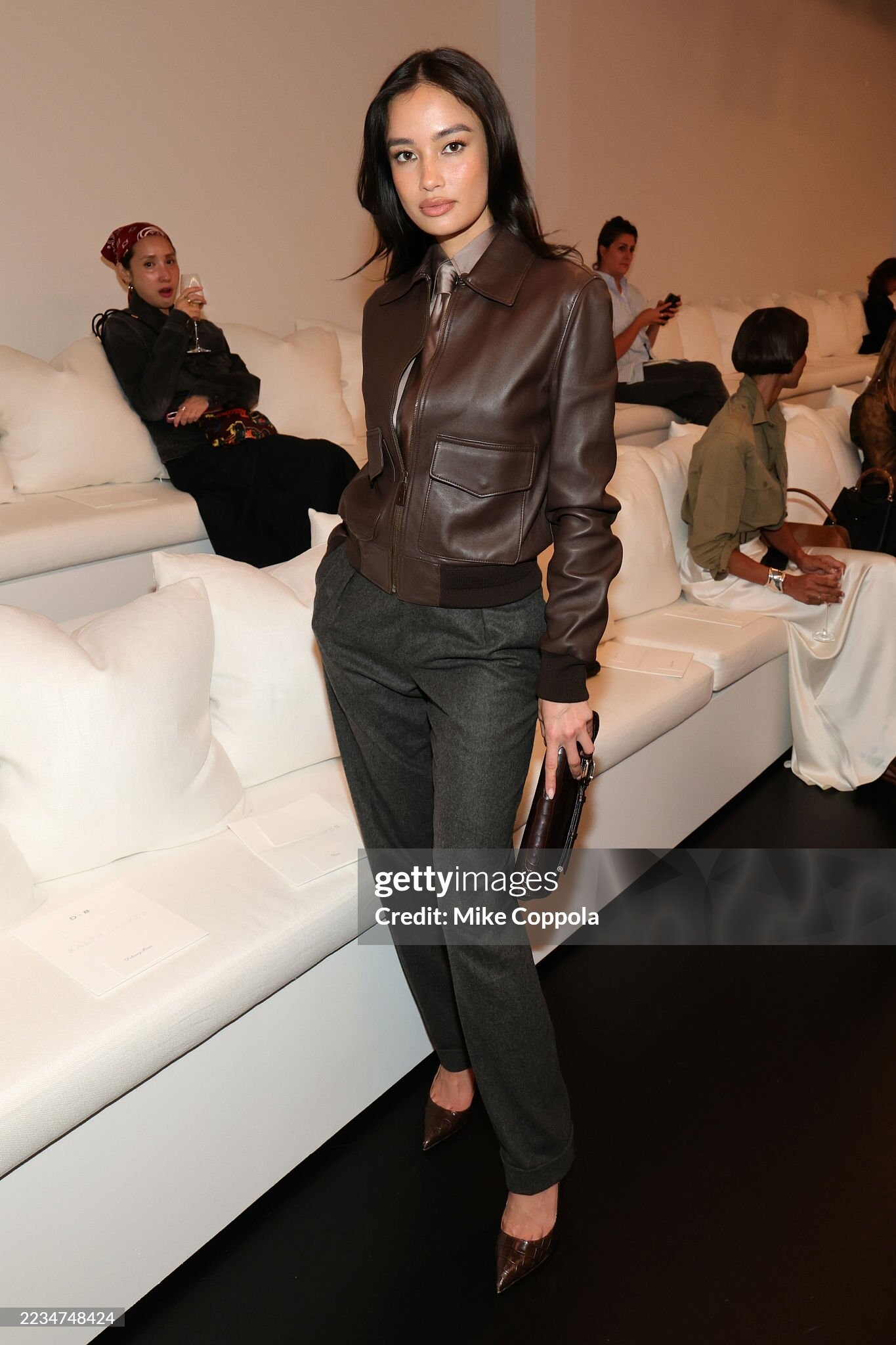
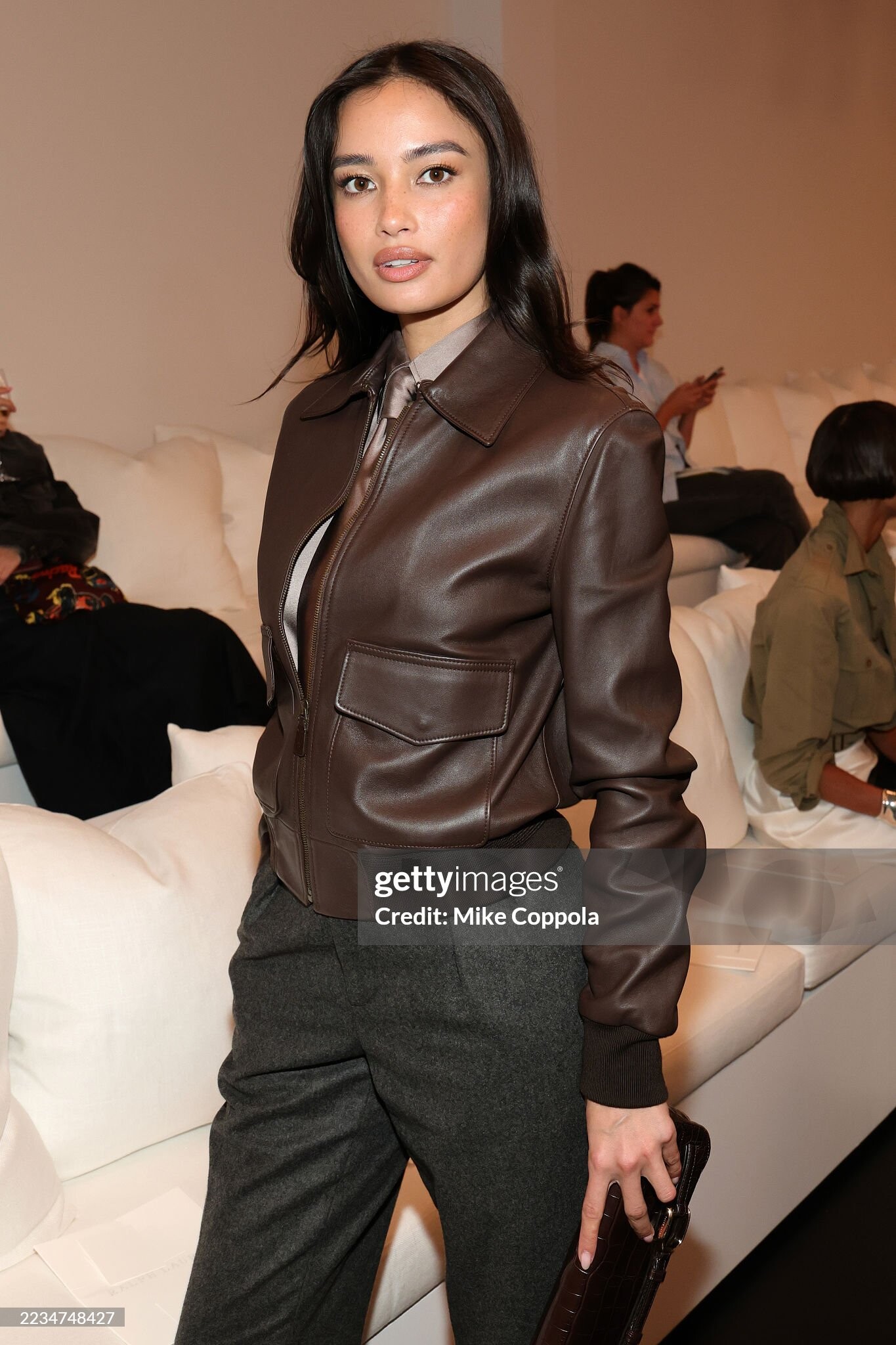
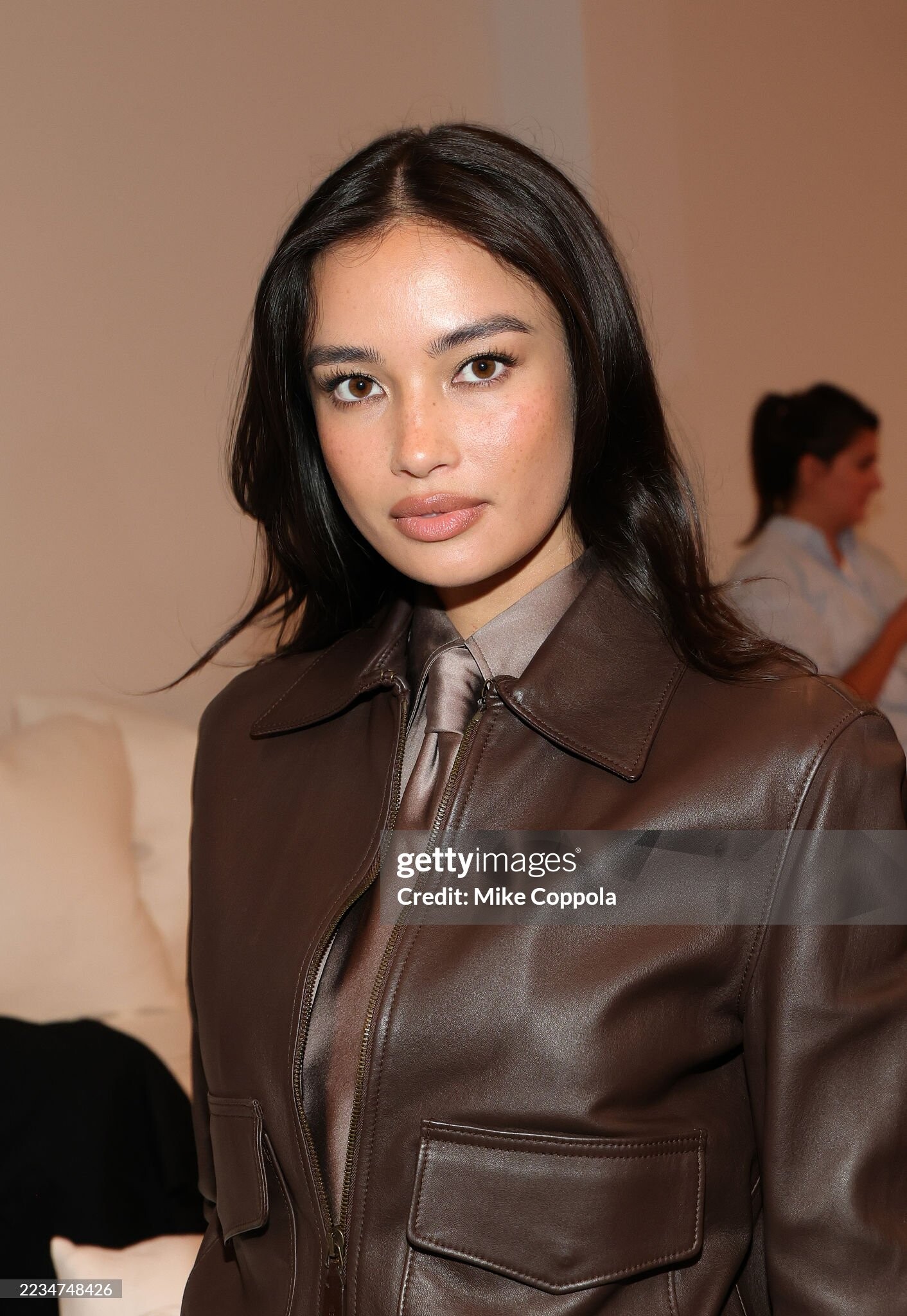
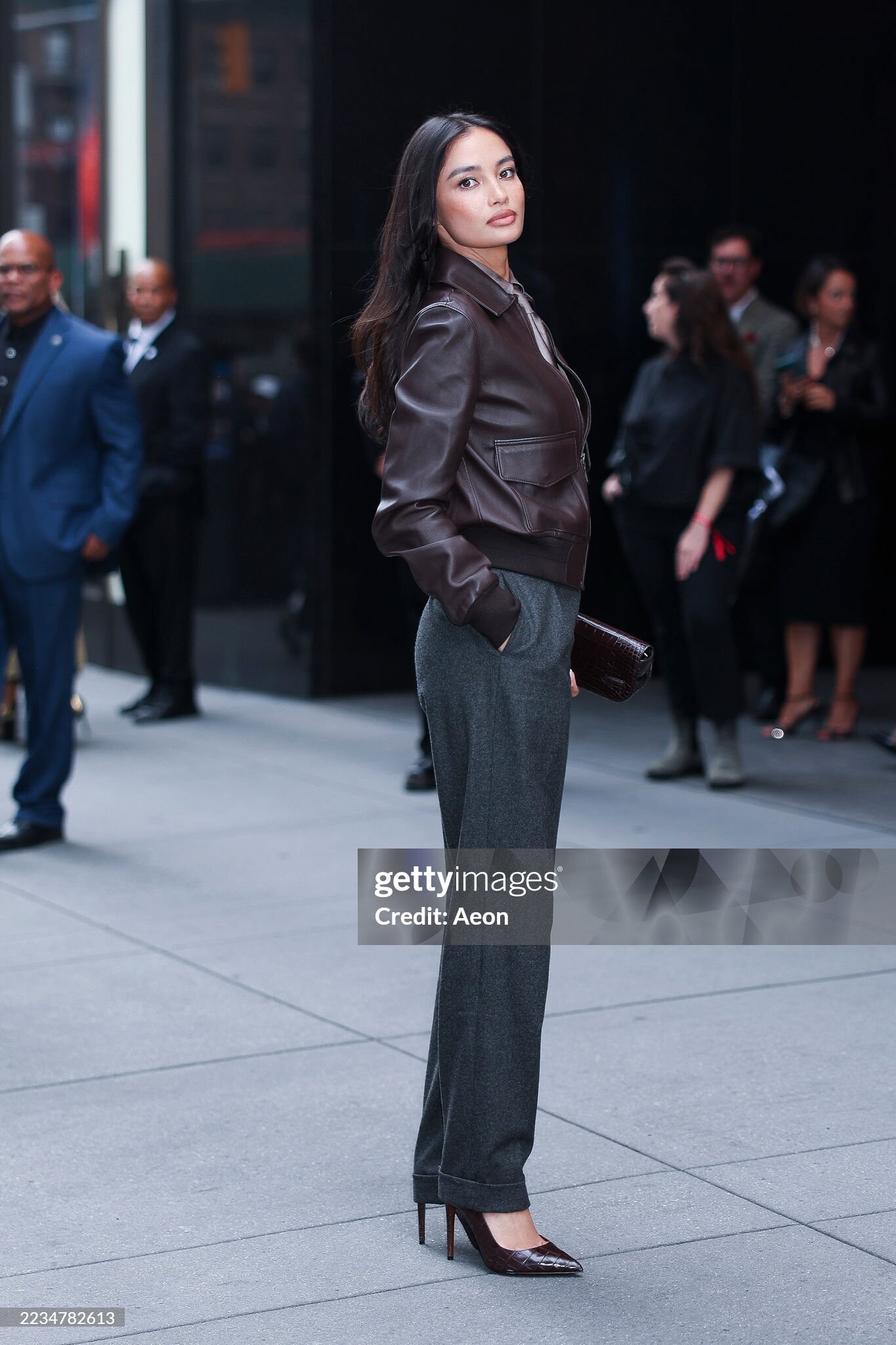
Ralph Lauren show during September 2025 New York Fashion Week
Good bot.
Rachell Vallori: Face: 2 Body: 2 Fandom: 4 Lucia Bramani: Face: 0 Body: 4 Fandom: 0 Rachel Cook: Face: 1 Body: 0 Fandom: 1 Shanina Shaik: Face: 7 Body: 4 Fandom: 5
This one was soooo weird.
Sabrina Carpenter - Tears (Behind the Scenes)
Ralph Lauren show during September 2025 New York Fashion Week








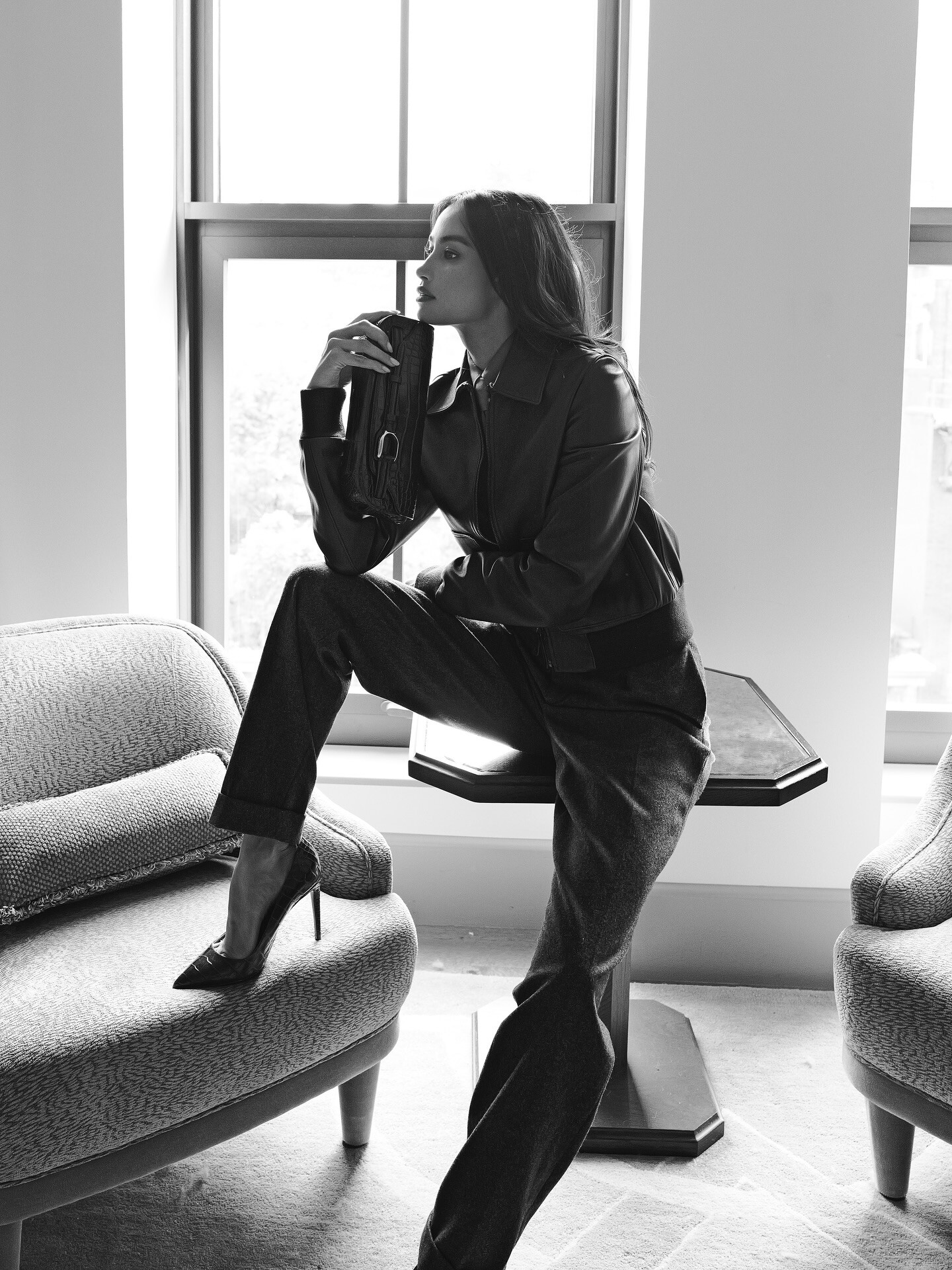
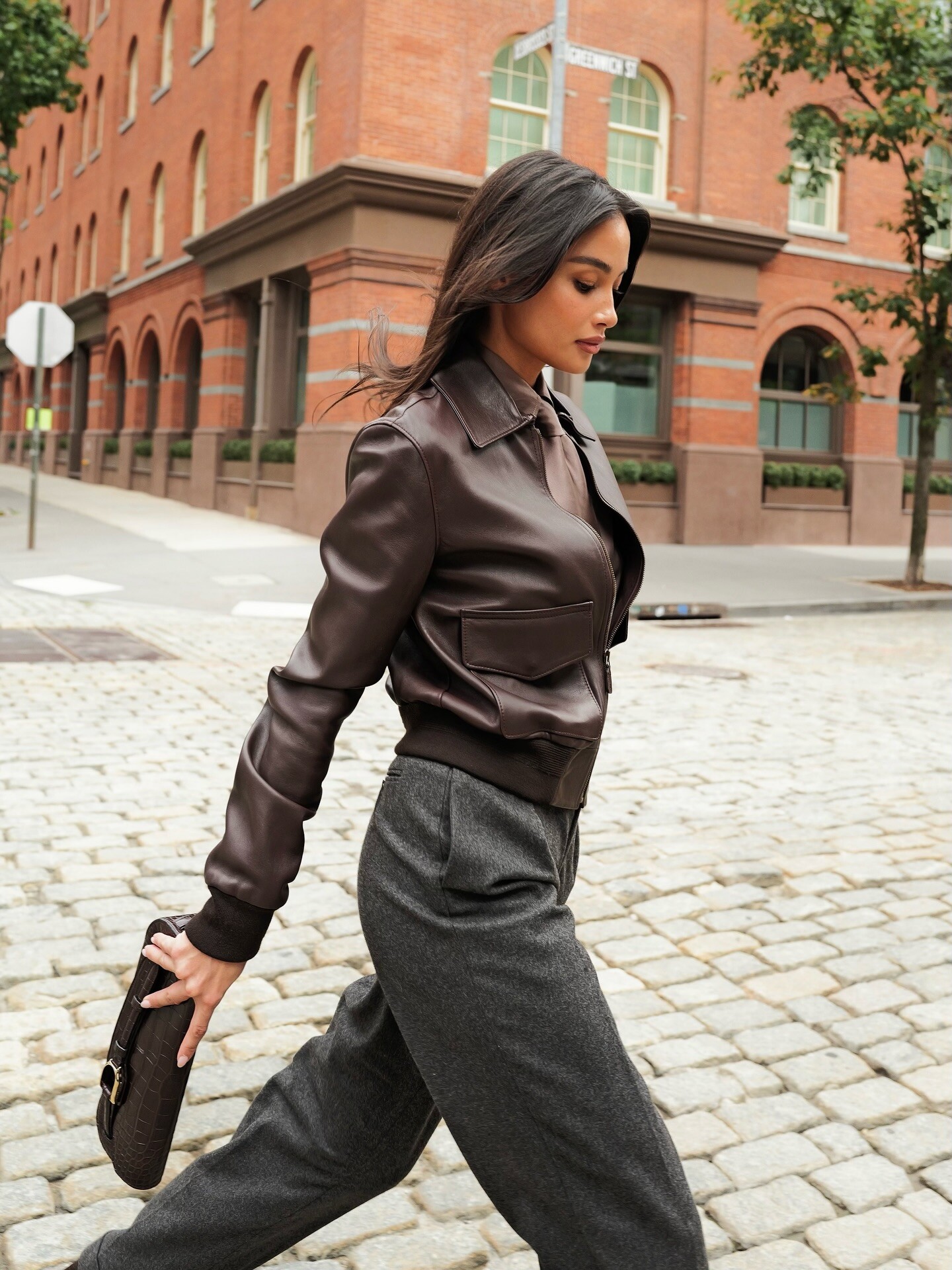
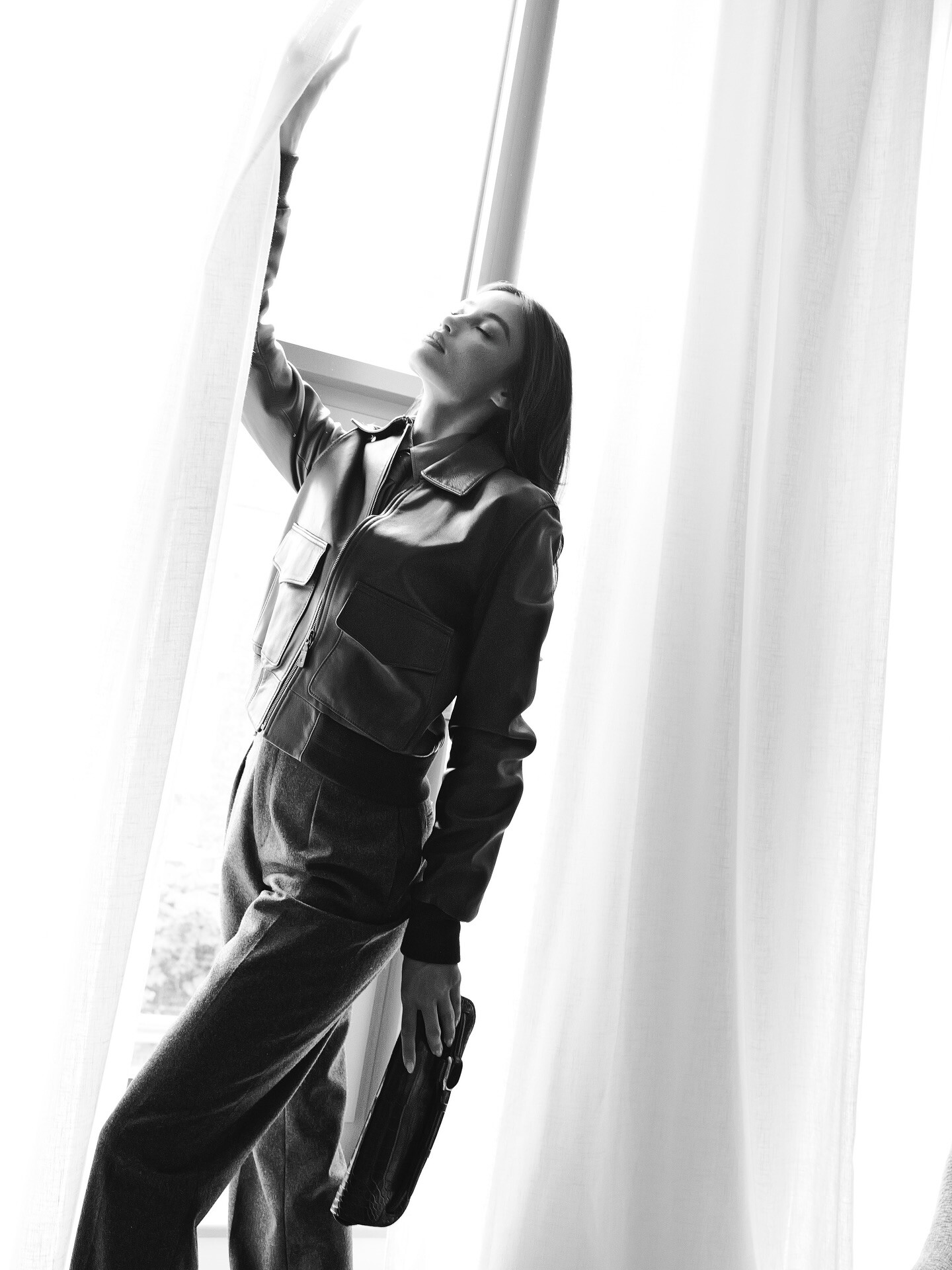
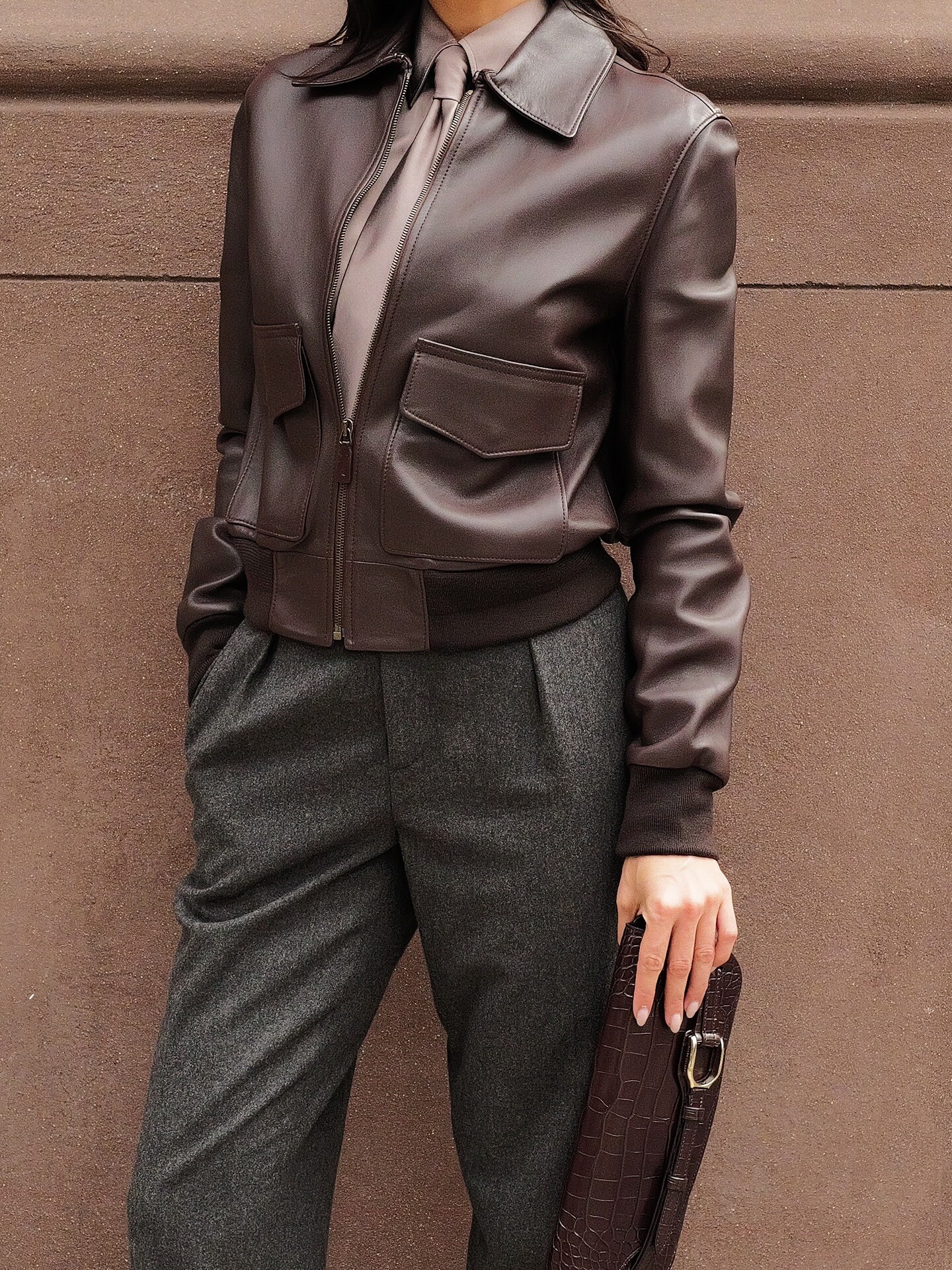
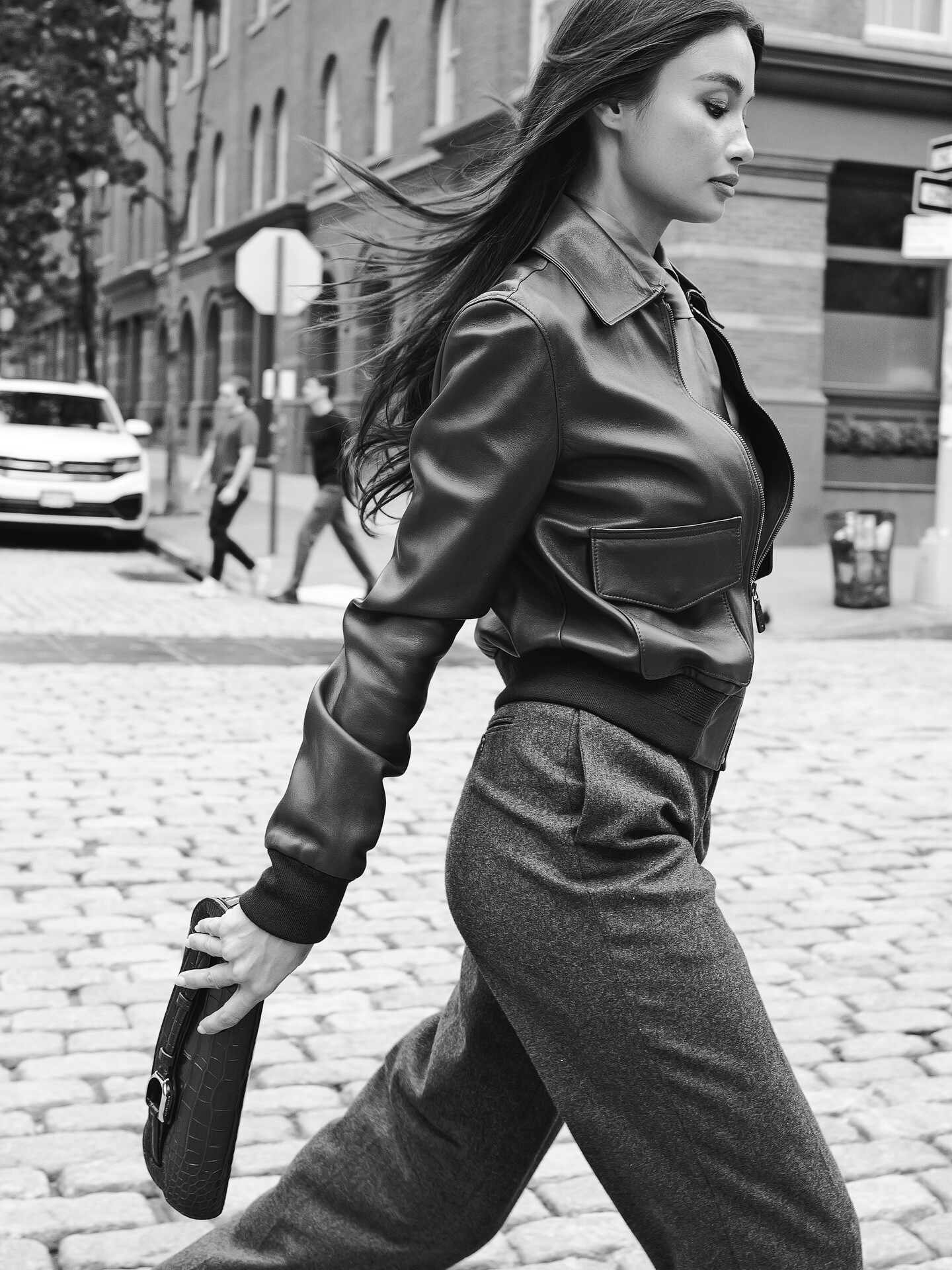
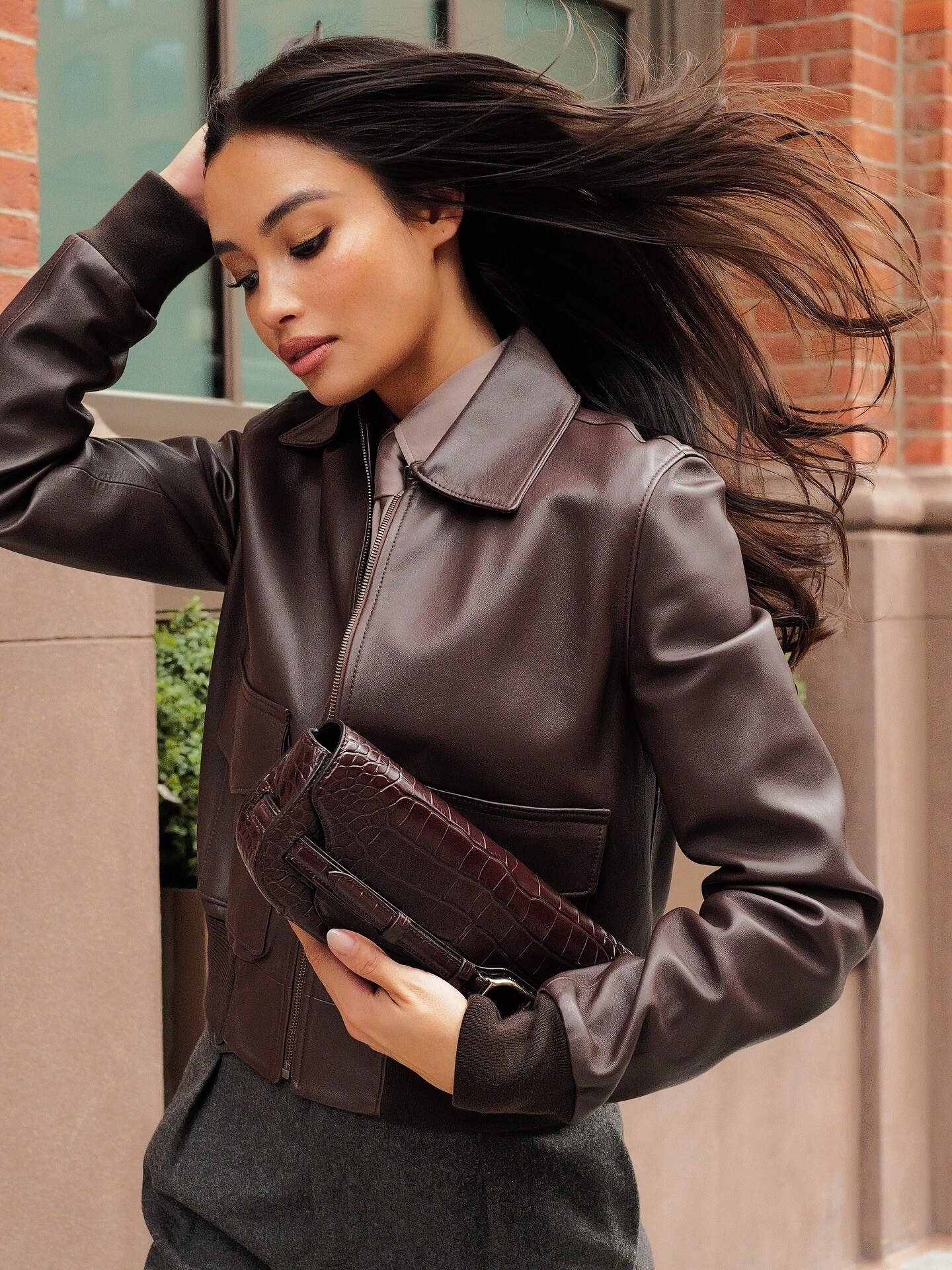
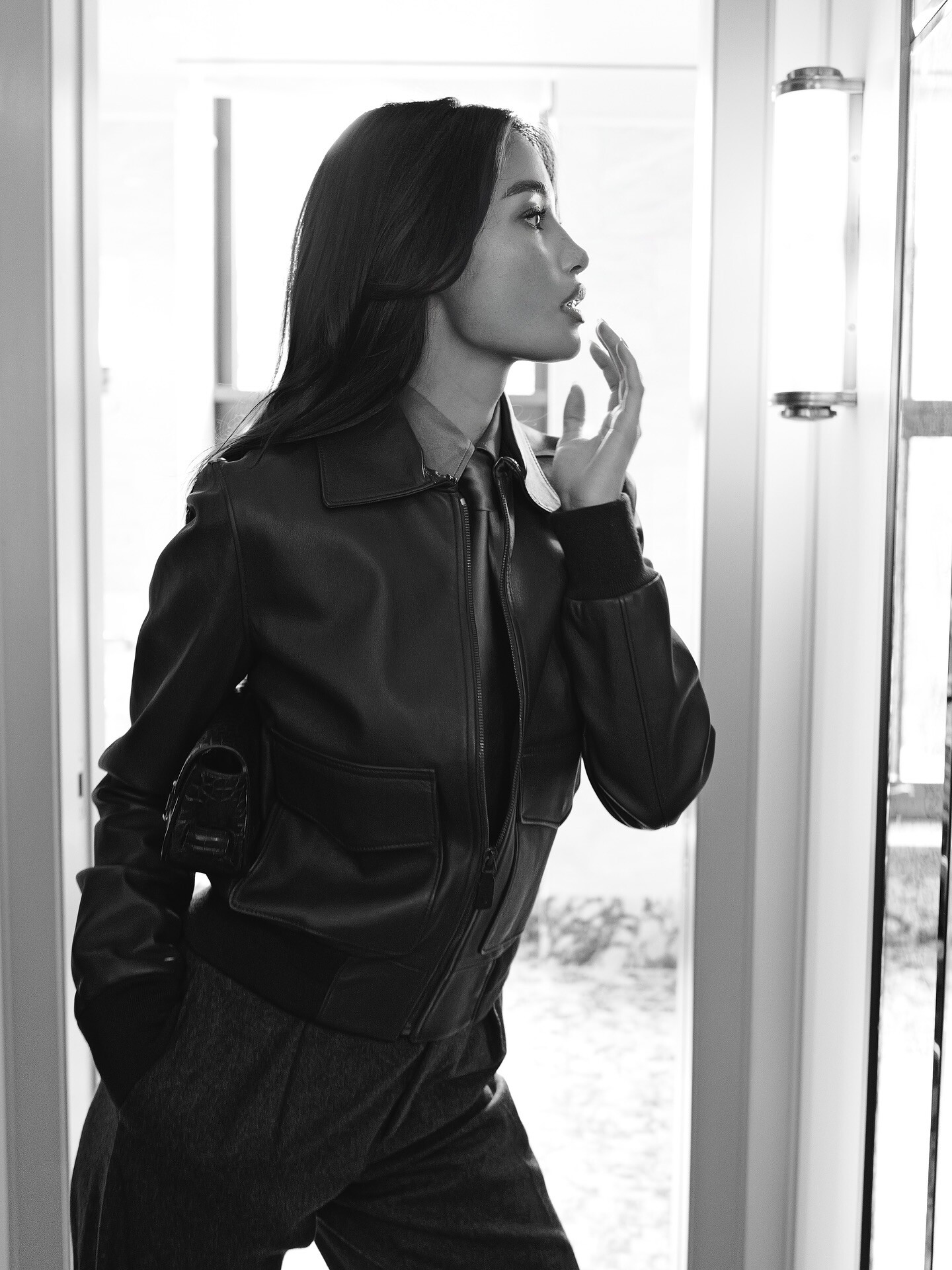
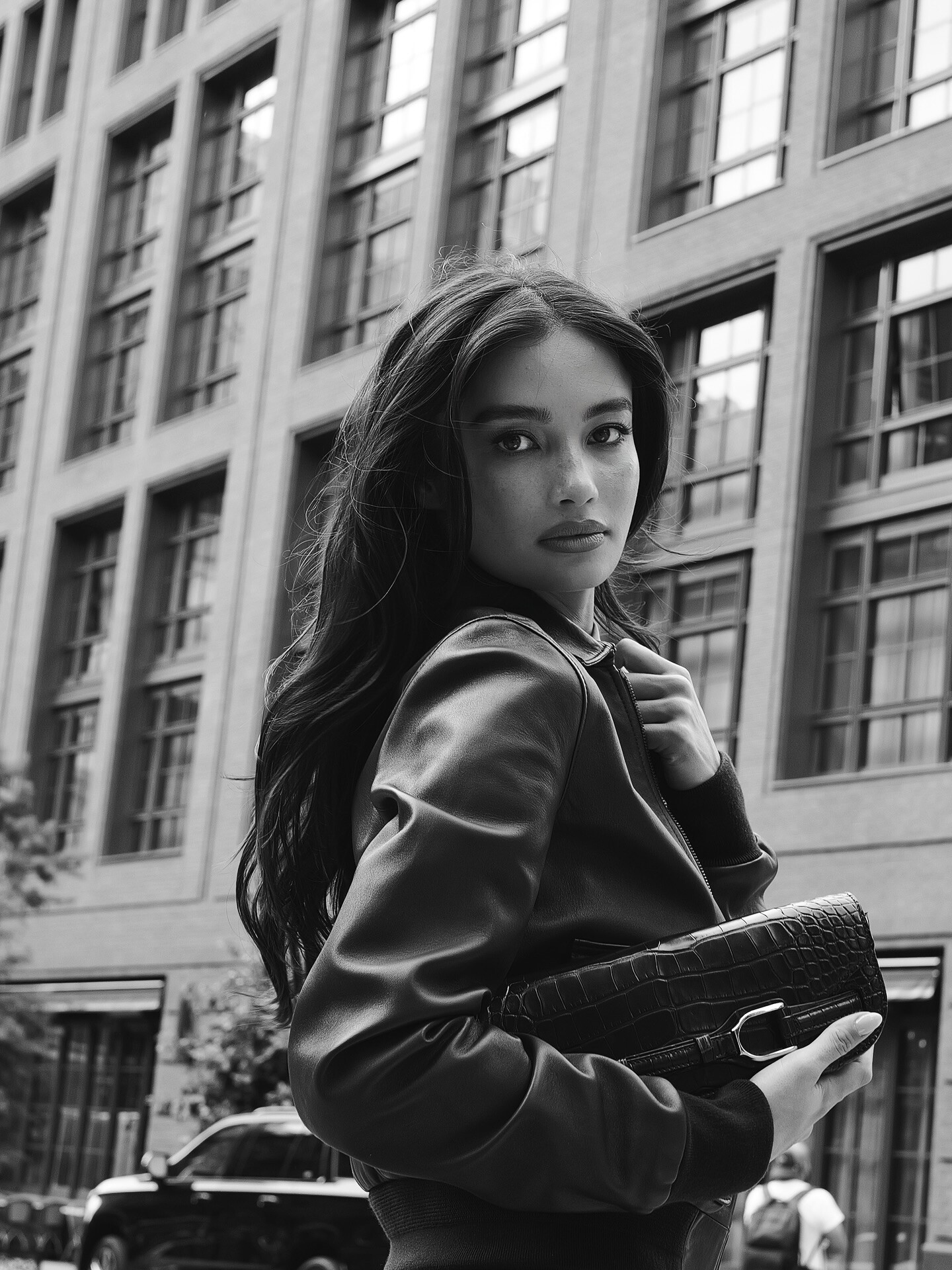
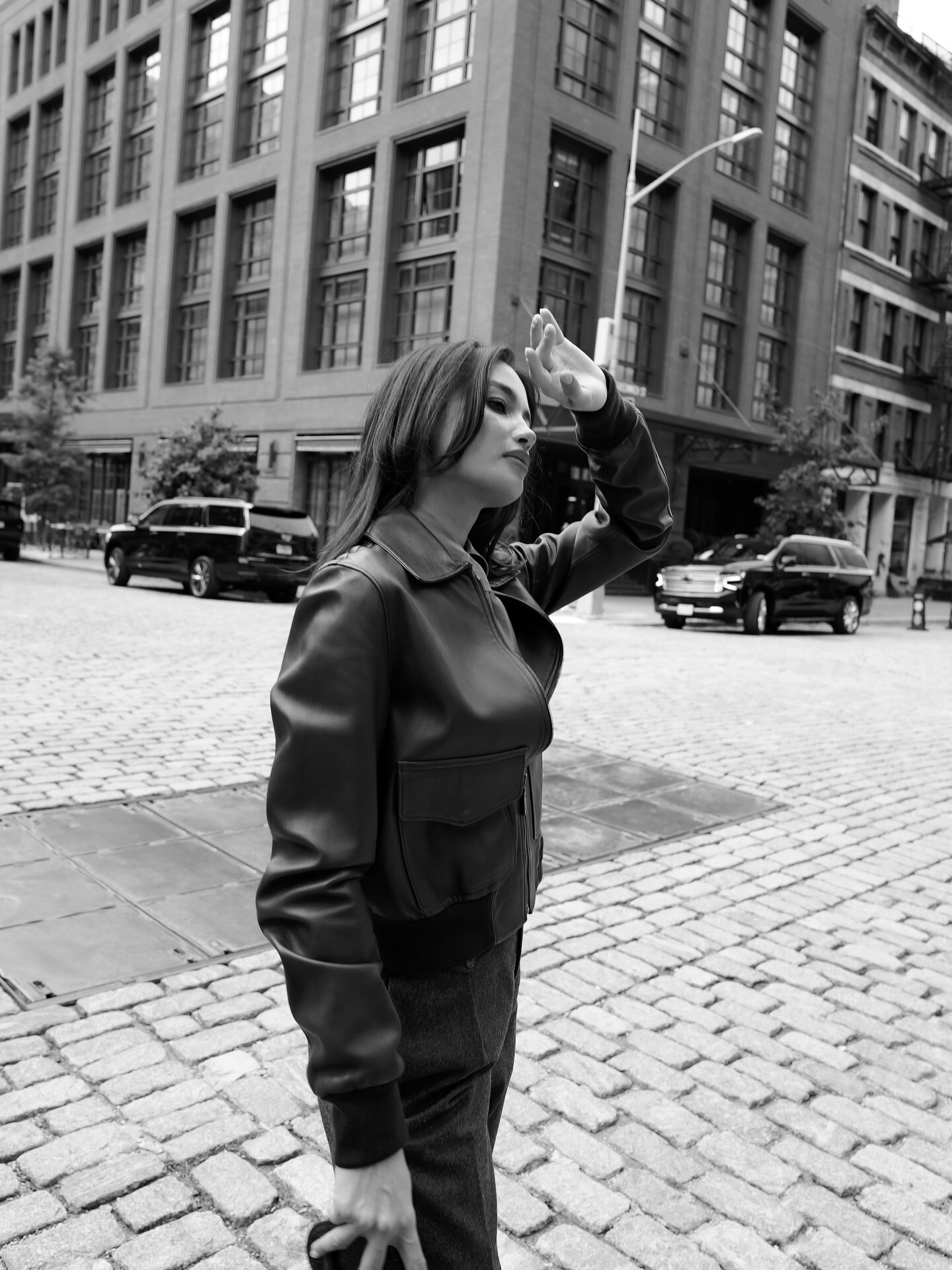
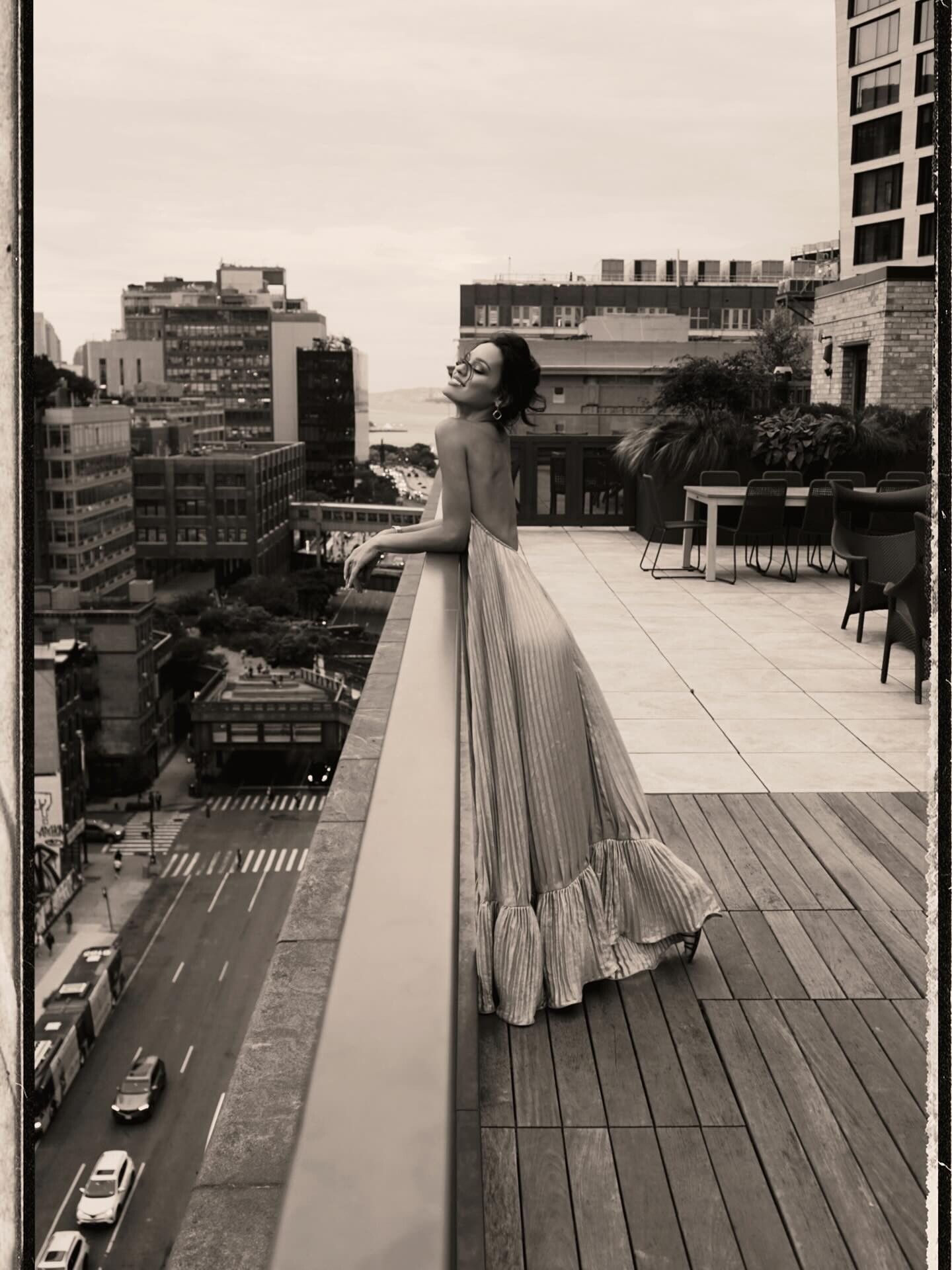
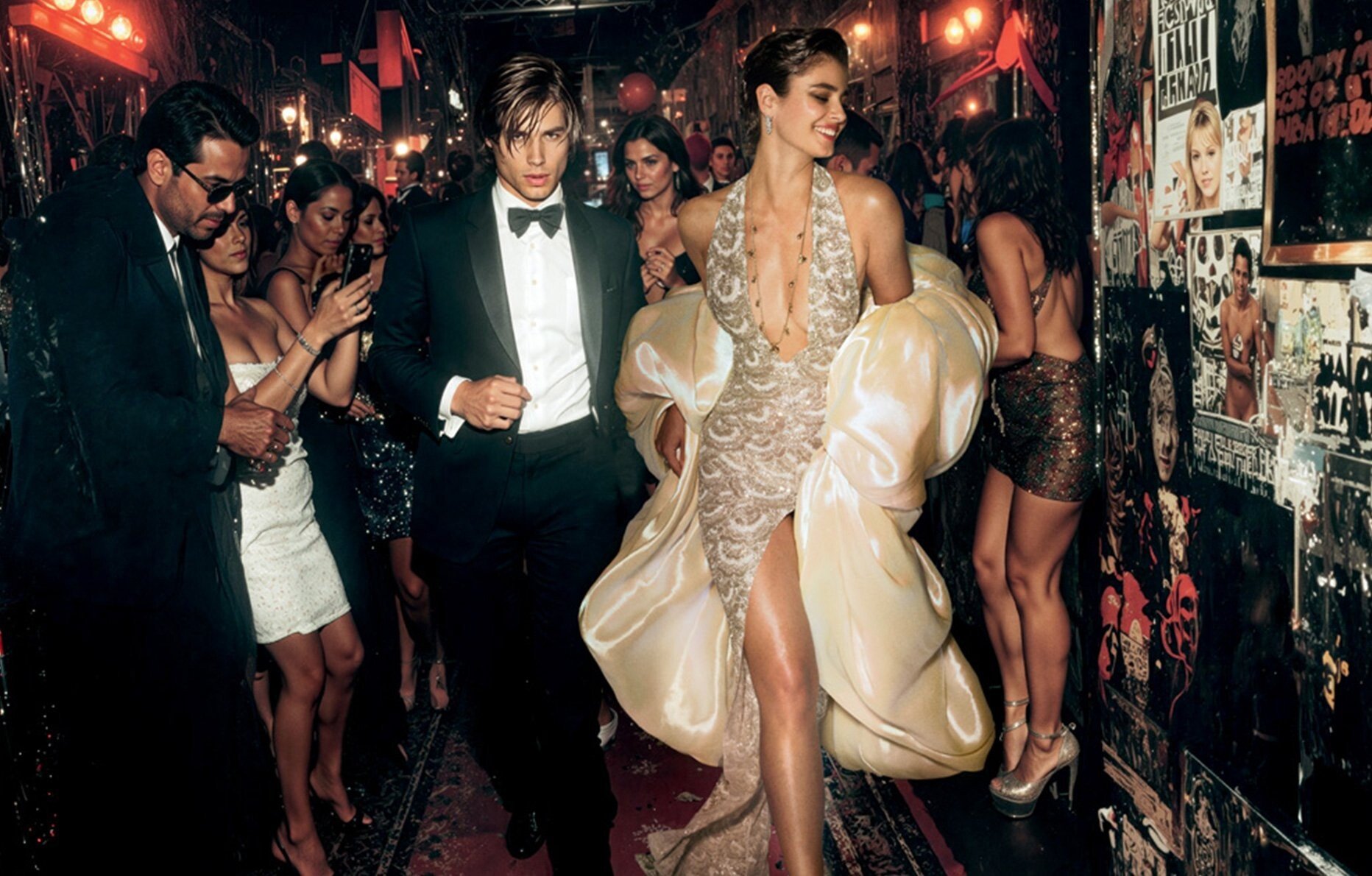
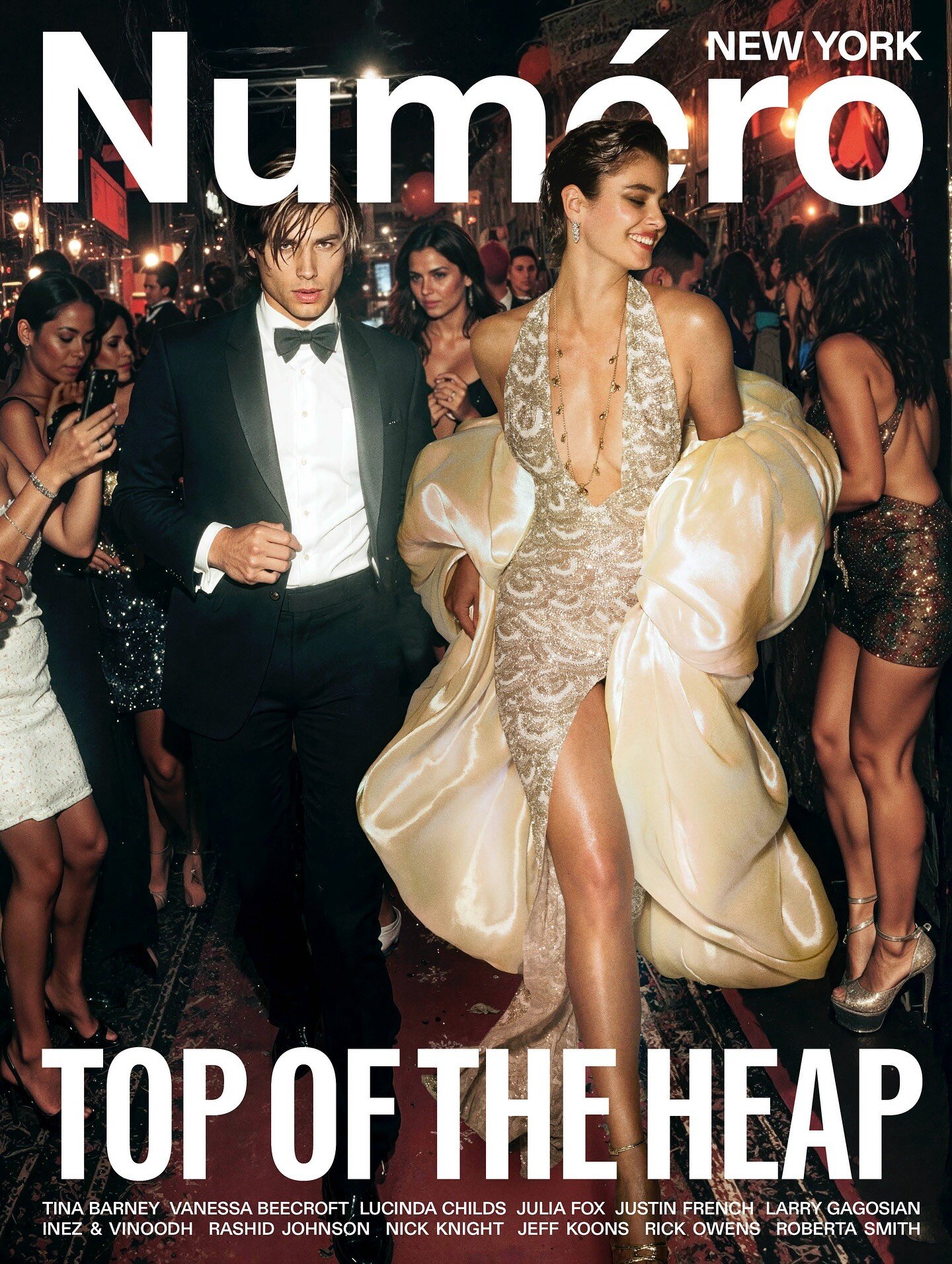
 Numéro New York Ph. Nick Knight https://numero.com/mode/numero-new-york-sommaire-nick-knight/ https://shop.numero.com/en/numero-new-york/518-numero-new-york-1


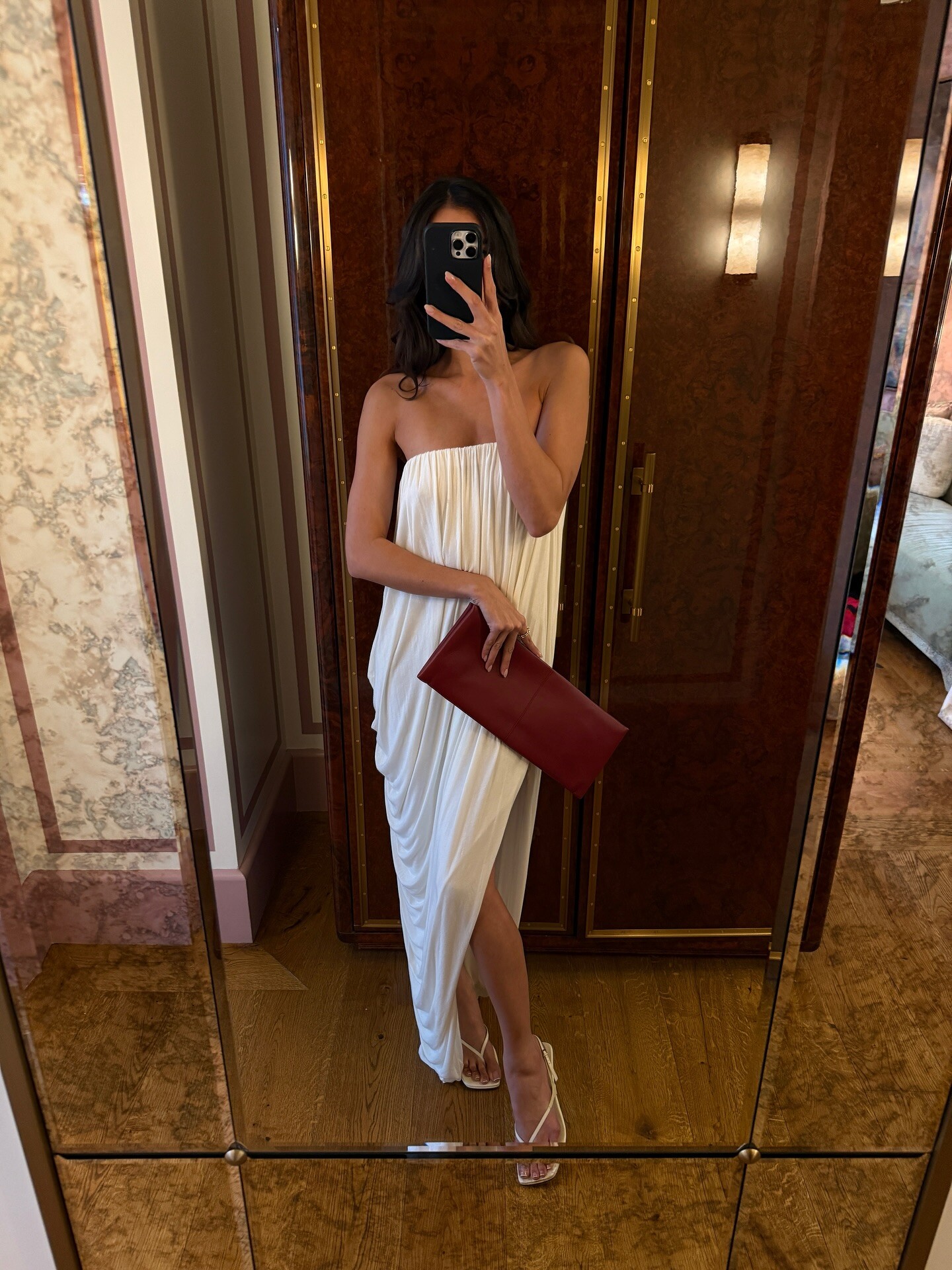
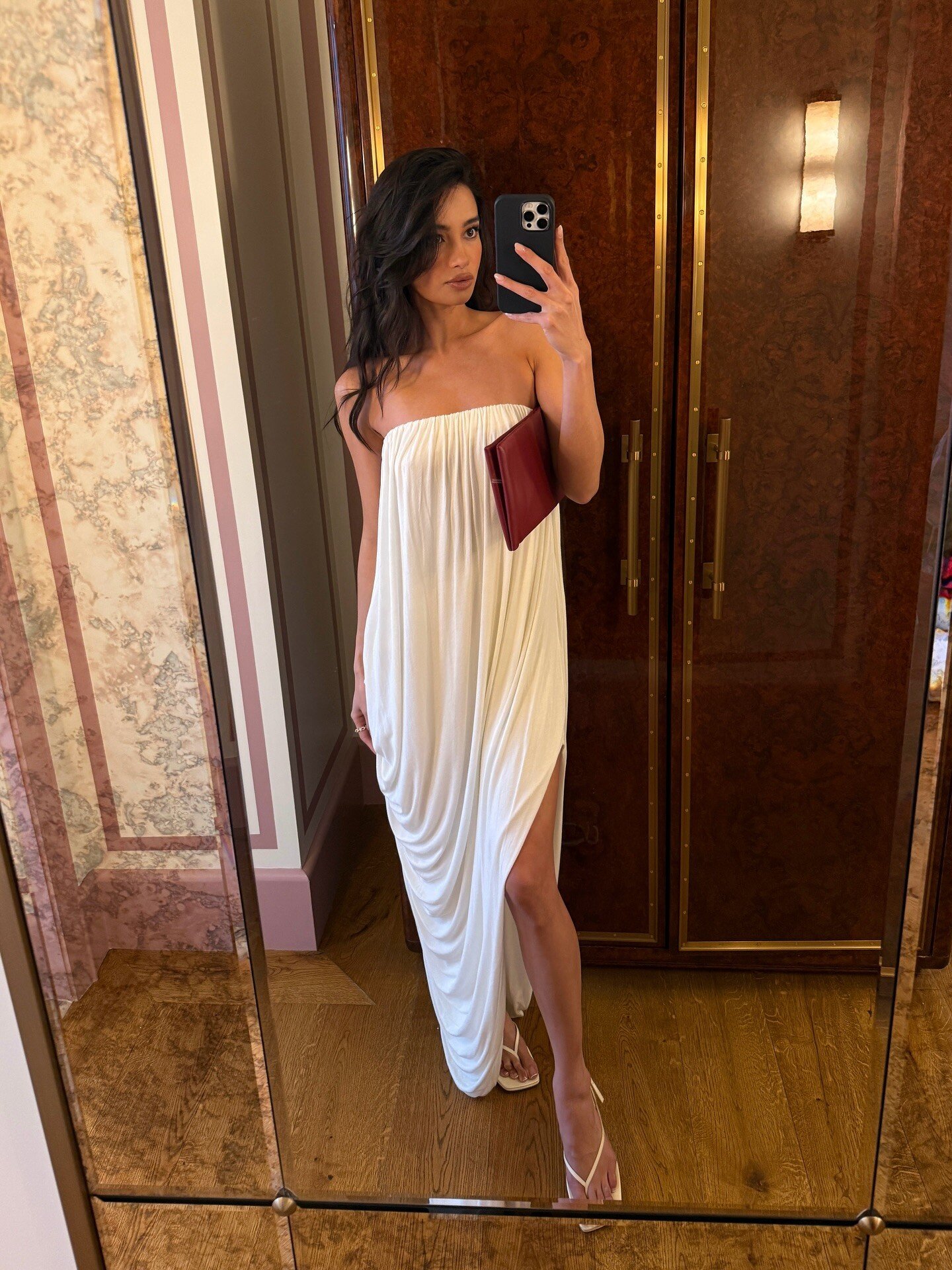
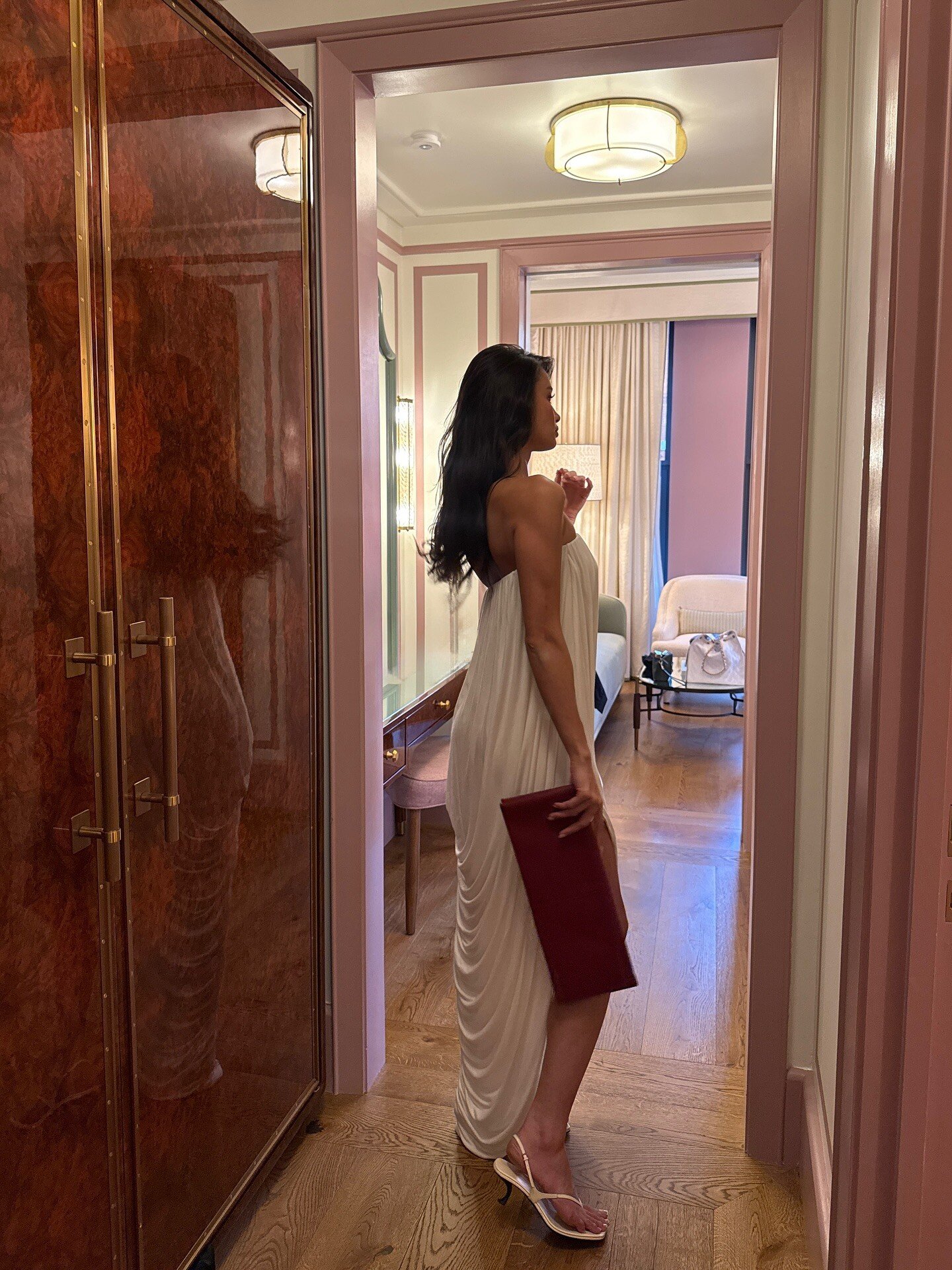






Account
Search
Configure browser push notifications
Chrome (Android)
- Tap the lock icon next to the address bar.
- Tap Permissions → Notifications.
- Adjust your preference.
Chrome (Desktop)
- Click the padlock icon in the address bar.
- Select Site settings.
- Find Notifications and adjust your preference.
Safari (iOS 16.4+)
- Ensure the site is installed via Add to Home Screen.
- Open Settings App → Notifications.
- Find your app name and adjust your preference.
Safari (macOS)
- Go to Safari → Preferences.
- Click the Websites tab.
- Select Notifications in the sidebar.
- Find this website and adjust your preference.
Edge (Android)
- Tap the lock icon next to the address bar.
- Tap Permissions.
- Find Notifications and adjust your preference.
Edge (Desktop)
- Click the padlock icon in the address bar.
- Click Permissions for this site.
- Find Notifications and adjust your preference.
Firefox (Android)
- Go to Settings → Site permissions.
- Tap Notifications.
- Find this site in the list and adjust your preference.
Firefox (Desktop)
- Open Firefox Settings.
- Search for Notifications.
- Find this site in the list and adjust your preference.