

Matt!
Members
-
Joined
-
Last visited
Everything posted by Matt!
-
 Happy Birthday @Stromboli1!
 -
Polo Ralph Lauren









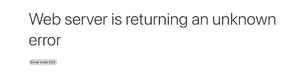
 @maddog107 Any solution to this? It keeps occuring more and more frequently. "A 520 error occurs when the connection started on the origin web server, but that the request was not completed. The most common reason why this would occur is that either a program, cron job, or resource is taking up more resources than it should causing the server not to be able to respond to all requests properly." Server reboot perhaps?
 Thank you @AQWXSZ
Rose and Bare
Thank you @AQWXSZ
Rose and Bare


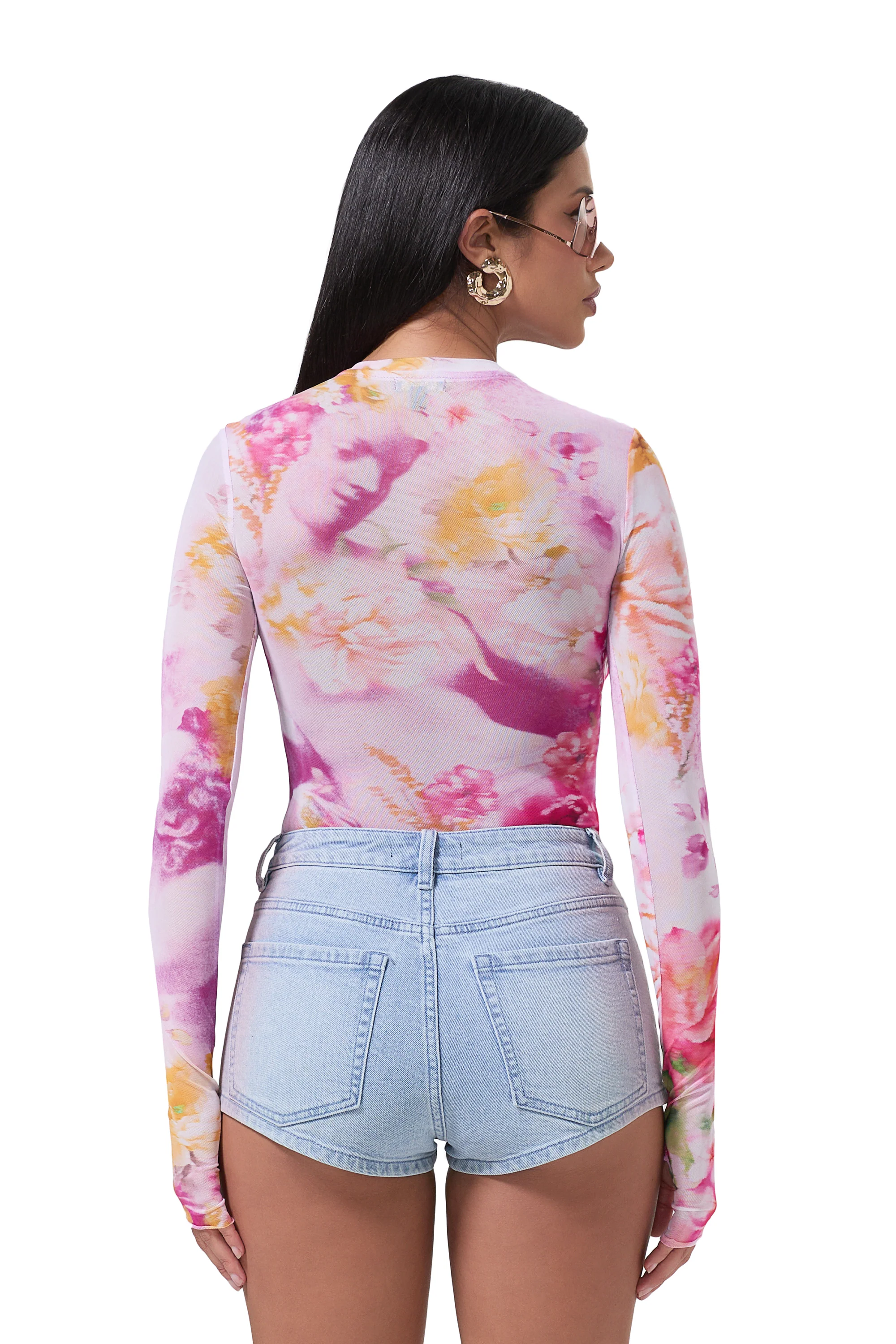
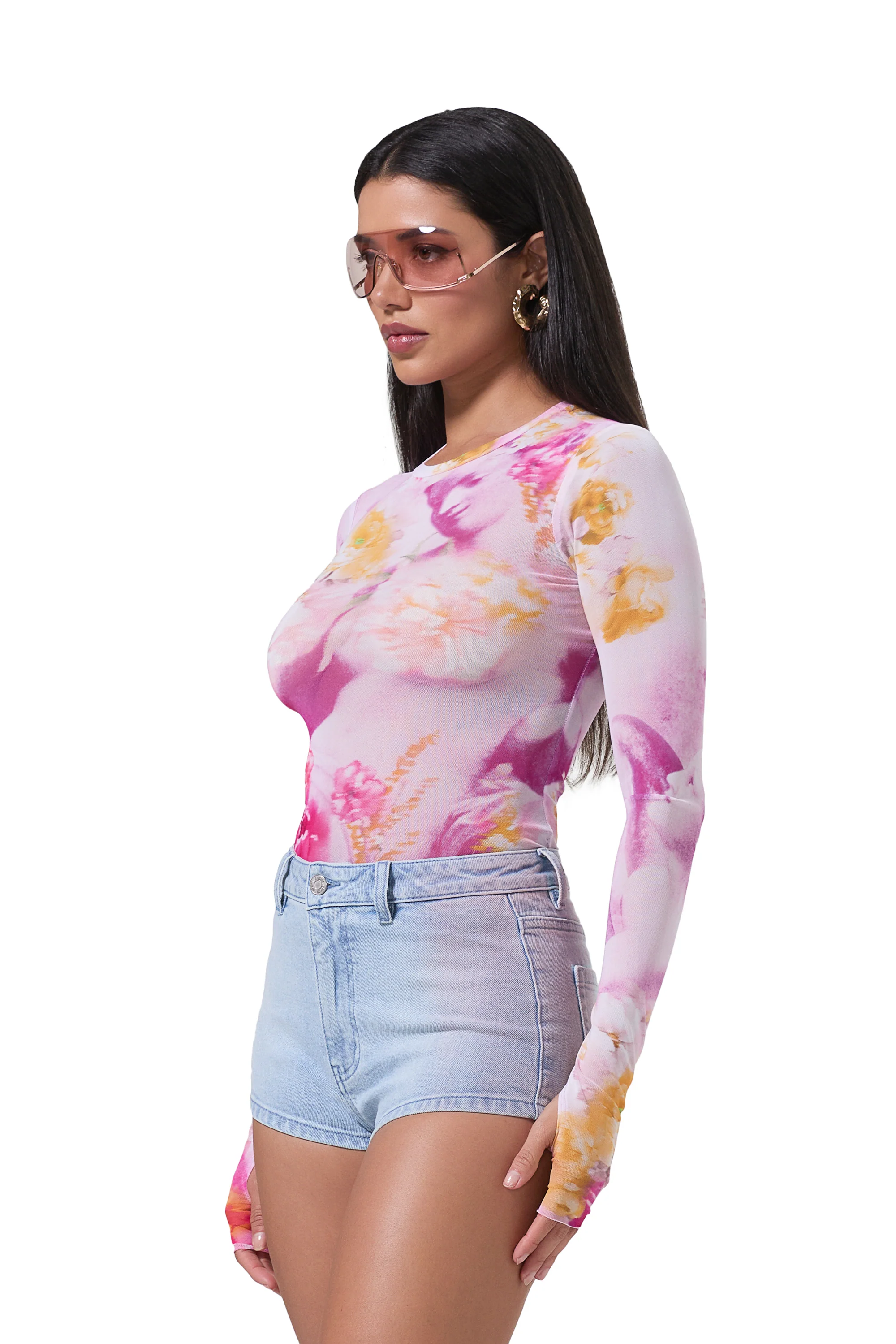
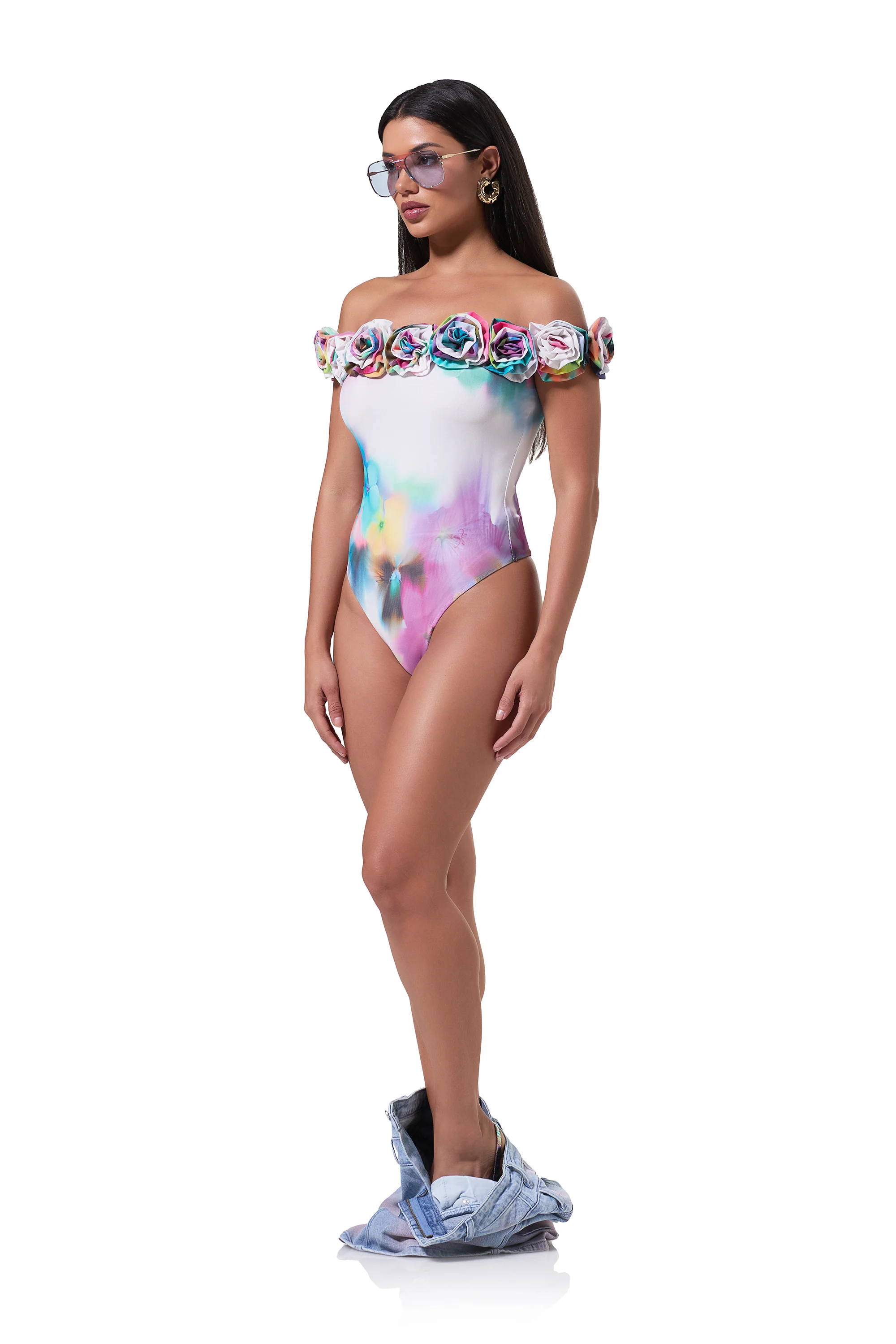
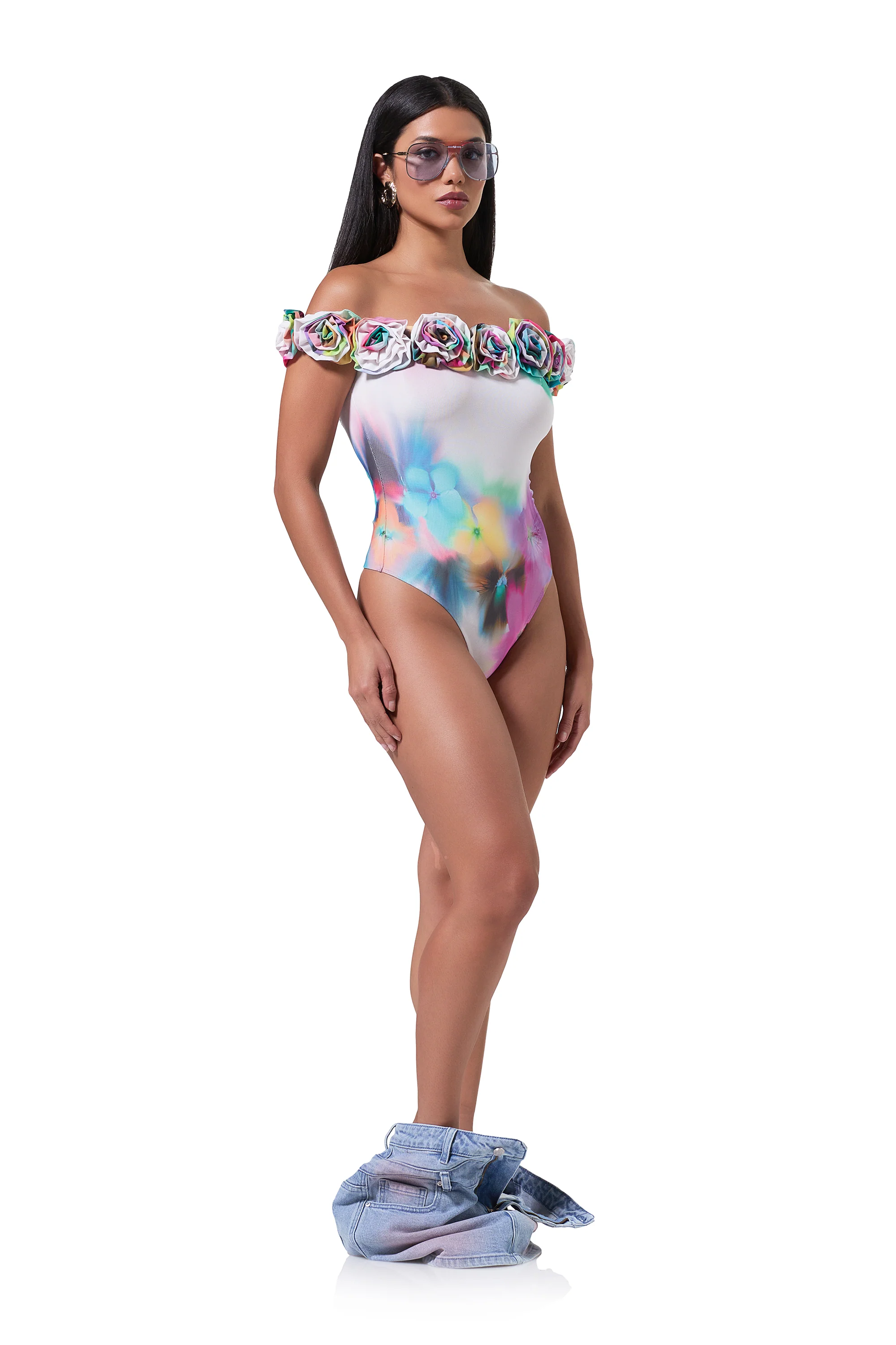
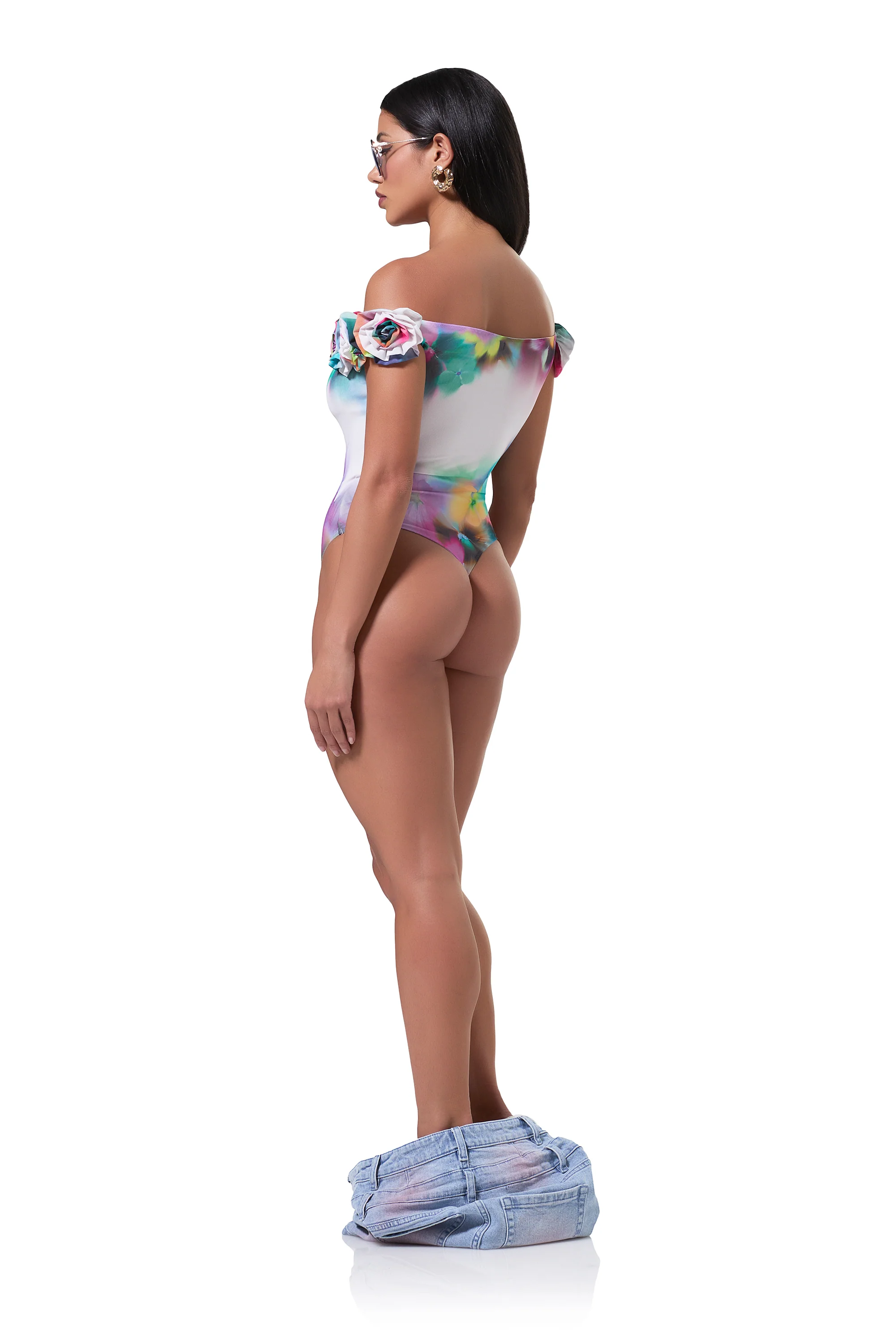
 Mars The Label X Miami Swim Week 2024
Ph. Danniel Rojas
Mars The Label X Miami Swim Week 2024
Ph. Danniel Rojas


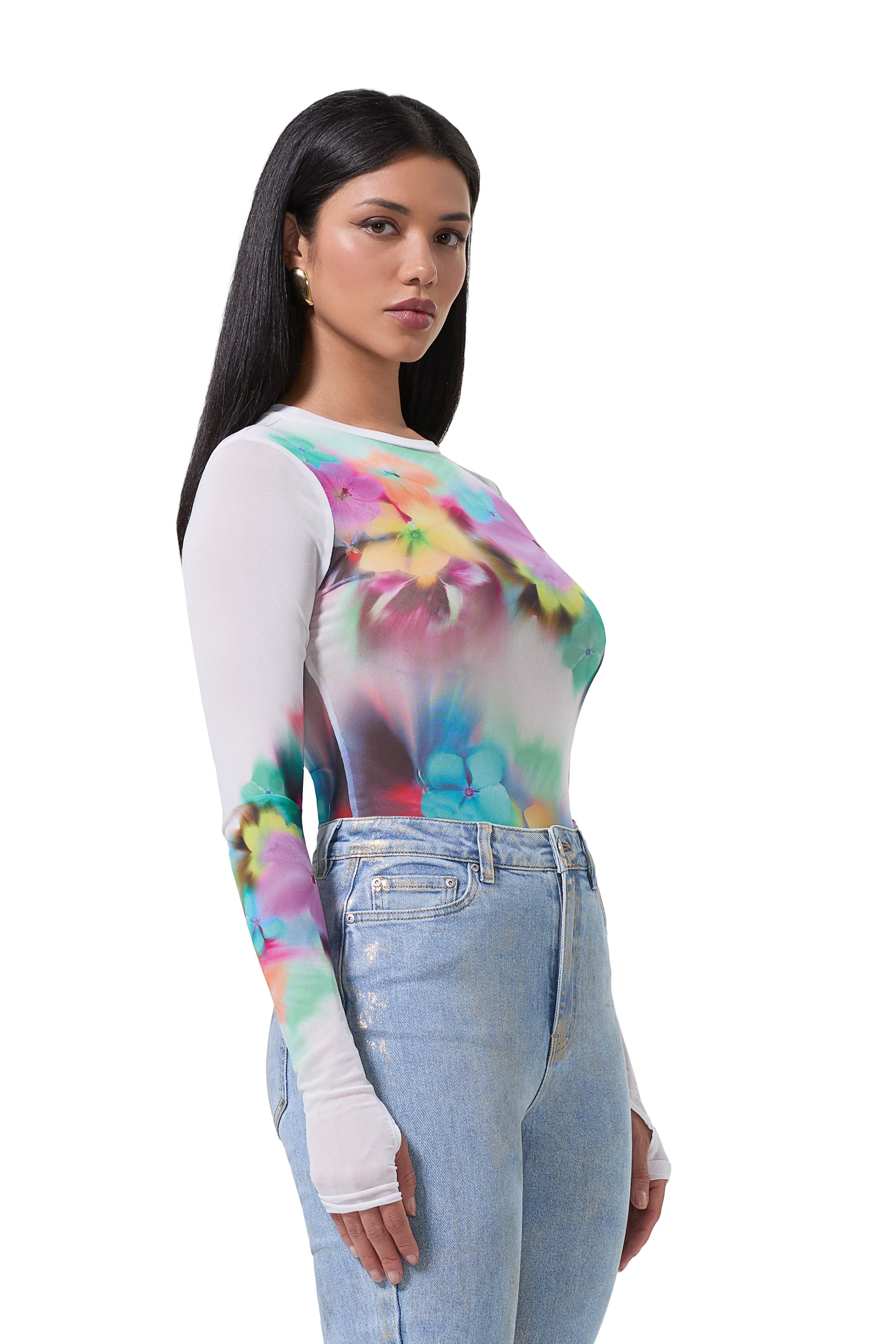
 Ph. Joshua Burch



 Bikini Lovers Ph. Cameron Hammond






 I hope so too, heartbreaking news. She's one of my favorite artists. CMT Crossroads with Kelsea New song
Emotional Halsey Reveals She’s Been Battling Secret Health Issues, Is ‘Lucky to Be Alive’ https://www.usmagazine.com/celebrity-news/news/halsey-reveals-secret-health-battle-lucky-to-be-alive/ Instagram post: https://www.instagram.com/p/C7zLmbzpDRp/?hl=en&img_index=1 Heartbroken
Emotional Halsey Reveals She’s Been Battling Secret Health Issues, Is ‘Lucky to Be Alive’ https://www.usmagazine.com/celebrity-news/news/halsey-reveals-secret-health-battle-lucky-to-be-alive/ Instagram post: https://www.instagram.com/p/C7zLmbzpDRp/?hl=en&img_index=1 Heartbroken
I hope so too, heartbreaking news. She's one of my favorite artists. CMT Crossroads with Kelsea New song
Emotional Halsey Reveals She’s Been Battling Secret Health Issues, Is ‘Lucky to Be Alive’ https://www.usmagazine.com/celebrity-news/news/halsey-reveals-secret-health-battle-lucky-to-be-alive/ Instagram post: https://www.instagram.com/p/C7zLmbzpDRp/?hl=en&img_index=1 Heartbroken
Emotional Halsey Reveals She’s Been Battling Secret Health Issues, Is ‘Lucky to Be Alive’ https://www.usmagazine.com/celebrity-news/news/halsey-reveals-secret-health-battle-lucky-to-be-alive/ Instagram post: https://www.instagram.com/p/C7zLmbzpDRp/?hl=en&img_index=1 Heartbroken












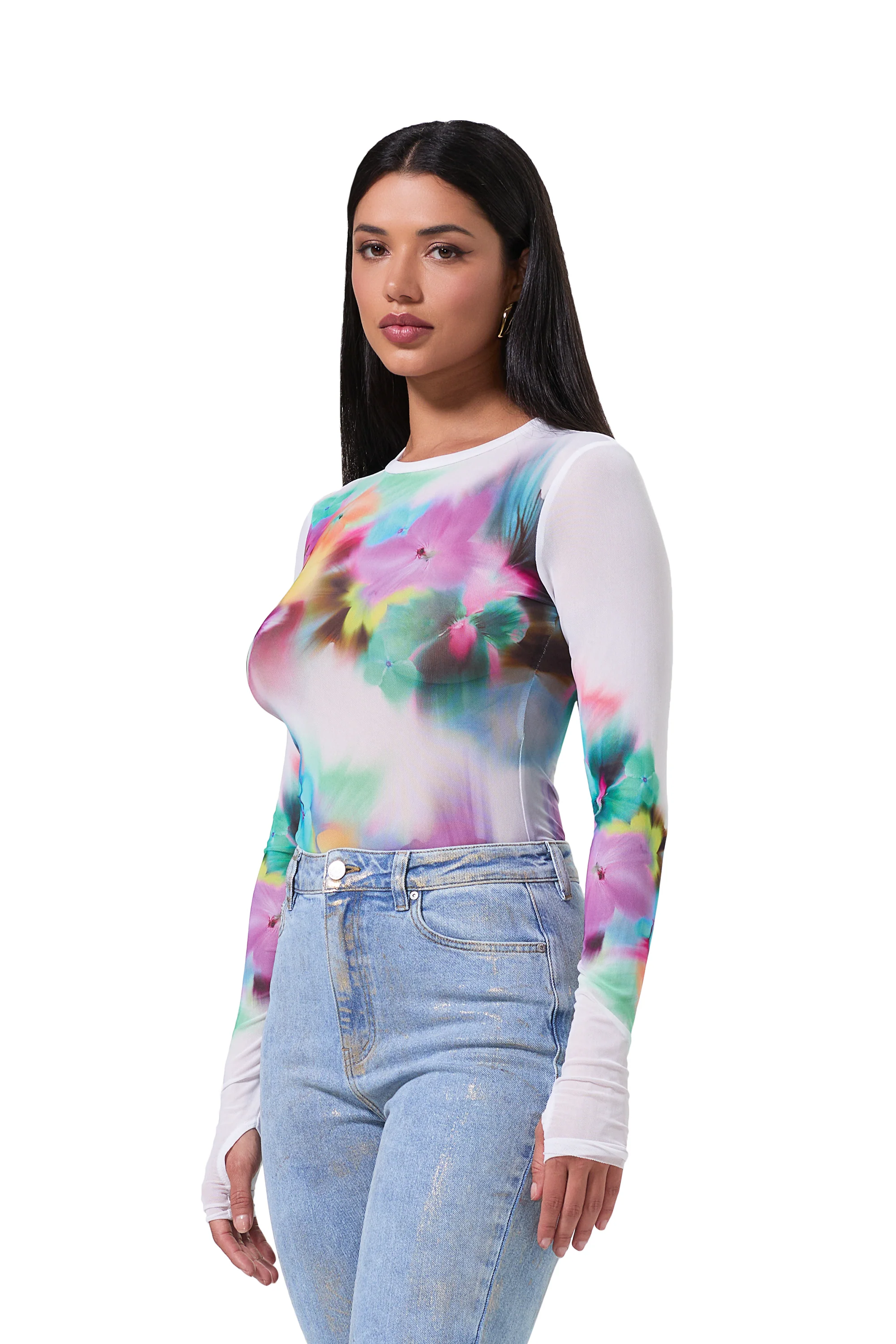
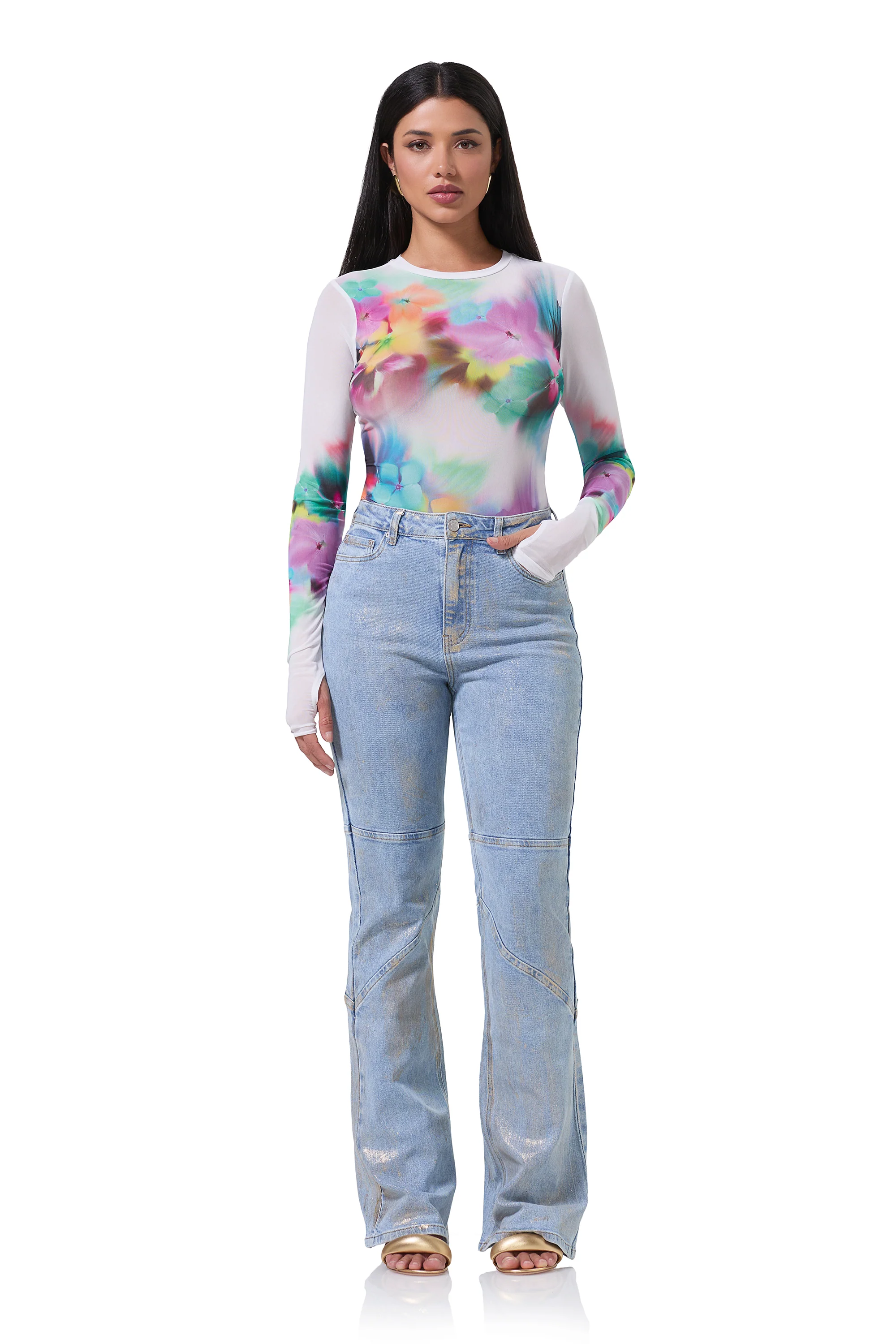













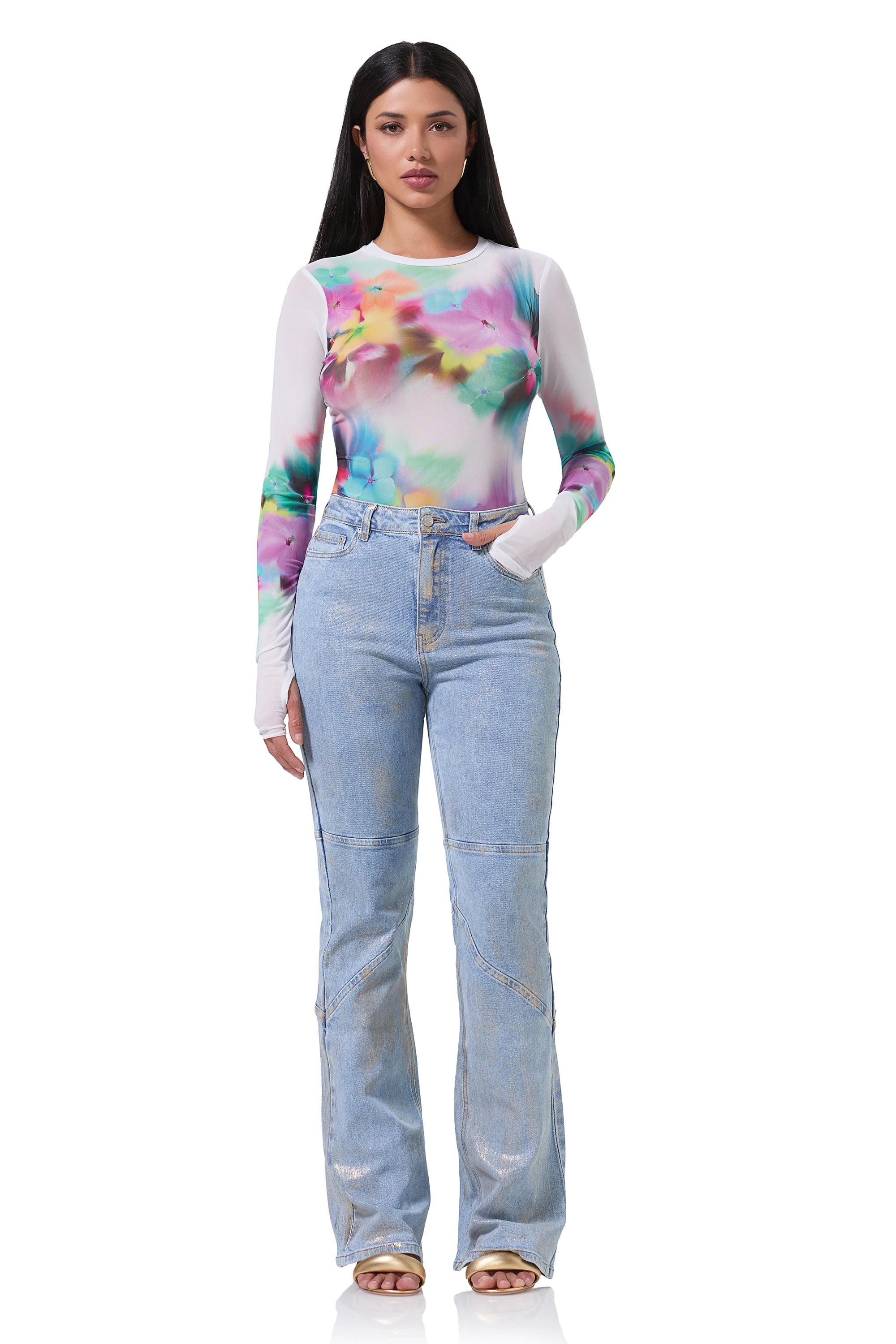
























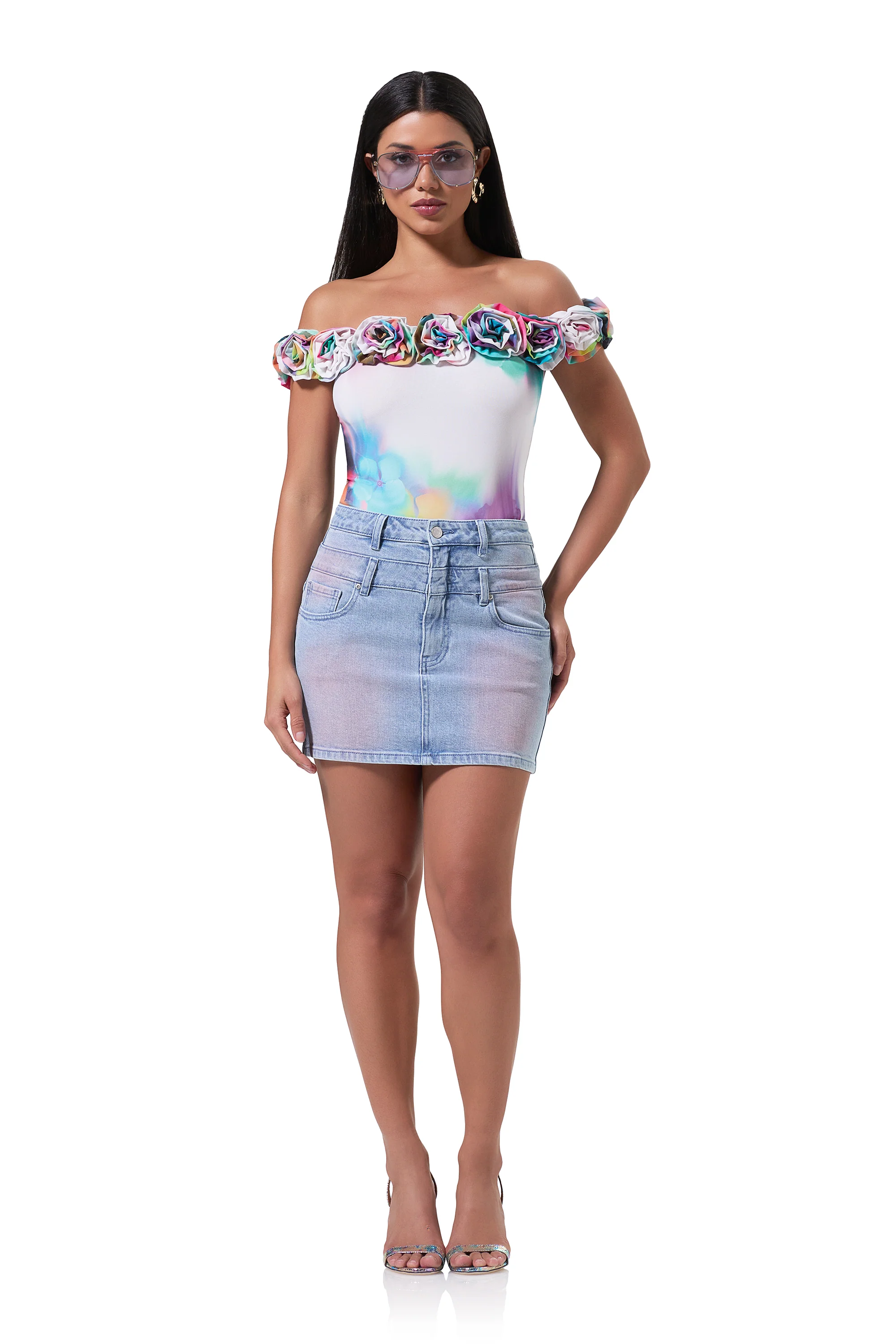






















































































Account
Search
Configure browser push notifications
Chrome (Android)
- Tap the lock icon next to the address bar.
- Tap Permissions → Notifications.
- Adjust your preference.
Chrome (Desktop)
- Click the padlock icon in the address bar.
- Select Site settings.
- Find Notifications and adjust your preference.
Safari (iOS 16.4+)
- Ensure the site is installed via Add to Home Screen.
- Open Settings App → Notifications.
- Find your app name and adjust your preference.
Safari (macOS)
- Go to Safari → Preferences.
- Click the Websites tab.
- Select Notifications in the sidebar.
- Find this website and adjust your preference.
Edge (Android)
- Tap the lock icon next to the address bar.
- Tap Permissions.
- Find Notifications and adjust your preference.
Edge (Desktop)
- Click the padlock icon in the address bar.
- Click Permissions for this site.
- Find Notifications and adjust your preference.
Firefox (Android)
- Go to Settings → Site permissions.
- Tap Notifications.
- Find this site in the list and adjust your preference.
Firefox (Desktop)
- Open Firefox Settings.
- Search for Notifications.
- Find this site in the list and adjust your preference.