
pacinko
Members
-
Joined
-
Last visited
Everything posted by pacinko
-
the weirdest nipple cover I have ever seen...
-
-
Pay "flat" models to photoshop their curves... and pay well curved models to flatten them out... 🙄
-
empty post
-
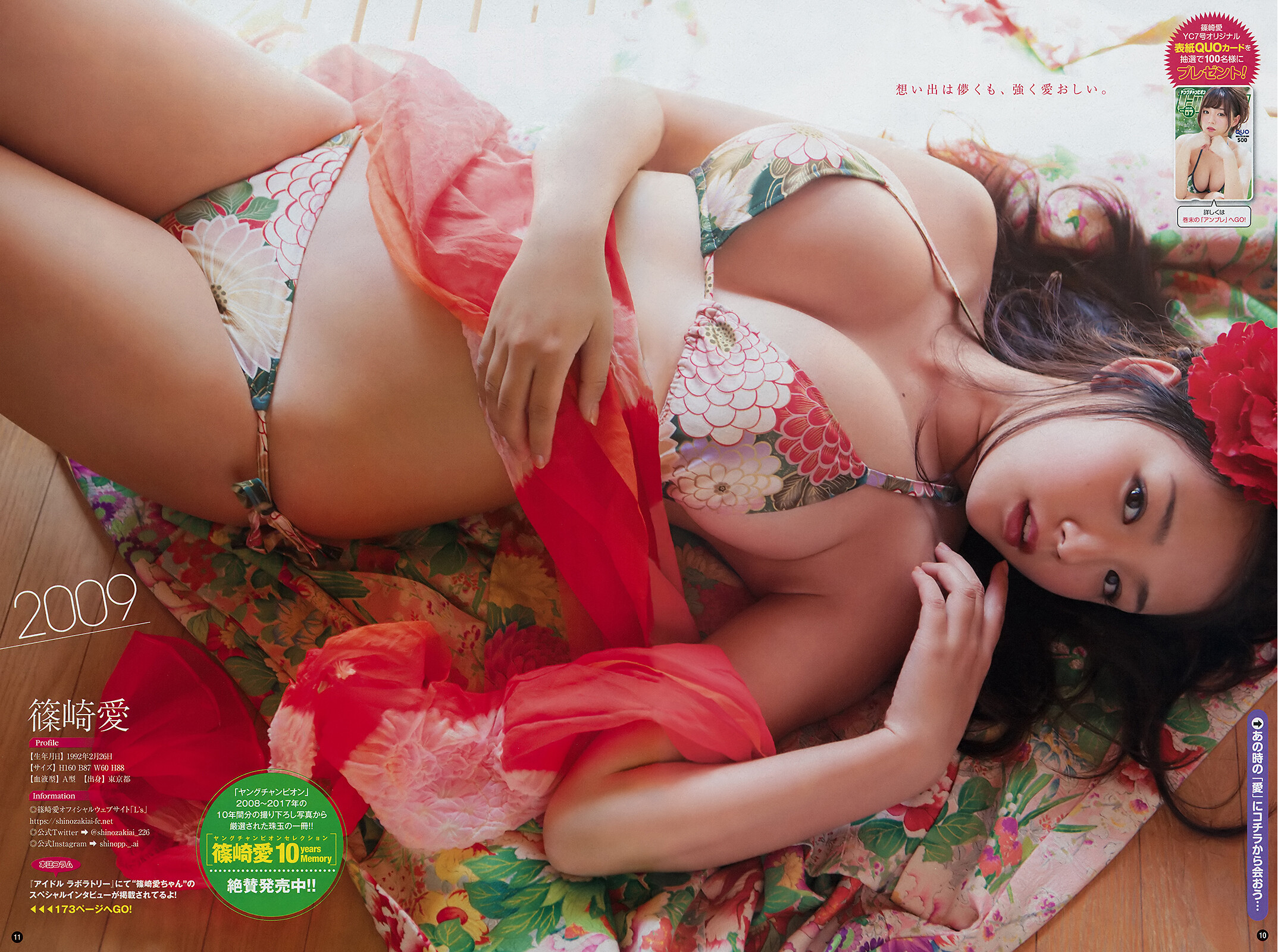
stitched by me
 Where is her thread here?that friend deserves some celebrity, toodefinitely!cute, isn't she?no text needed. It speaks for itself.gorgeous bodySpeechless! 🤯Good add. She reminds me a bit of Candice.Interesting one. Thanks for the addthanks for sharingnice oneinteresting onewow! she is really stunning!she is really good lookinginteresting pose, the one on the rightthanks for sharing!