
Skip to content
View in the app

A better way to browse. Learn more.

Bellazon

A full-screen app on your home screen with push notifications, badges and more.

To install this app on iOS and iPadOS
  1. Tap the Share icon in Safari
  2. Scroll the menu and tap Add to Home Screen.
  3. Tap Add in the top-right corner.
To install this app on Android
  1. Tap the 3-dot menu (⋮) in the top-right corner of the browser.
  2. Tap Add to Home screen or Install app.
  3. Confirm by tapping Install.

pacinko

Members
  • Joined

  • Last visited

Everything posted by pacinko

  1. maybe it's me, but it looks like you forgot to add the pictures
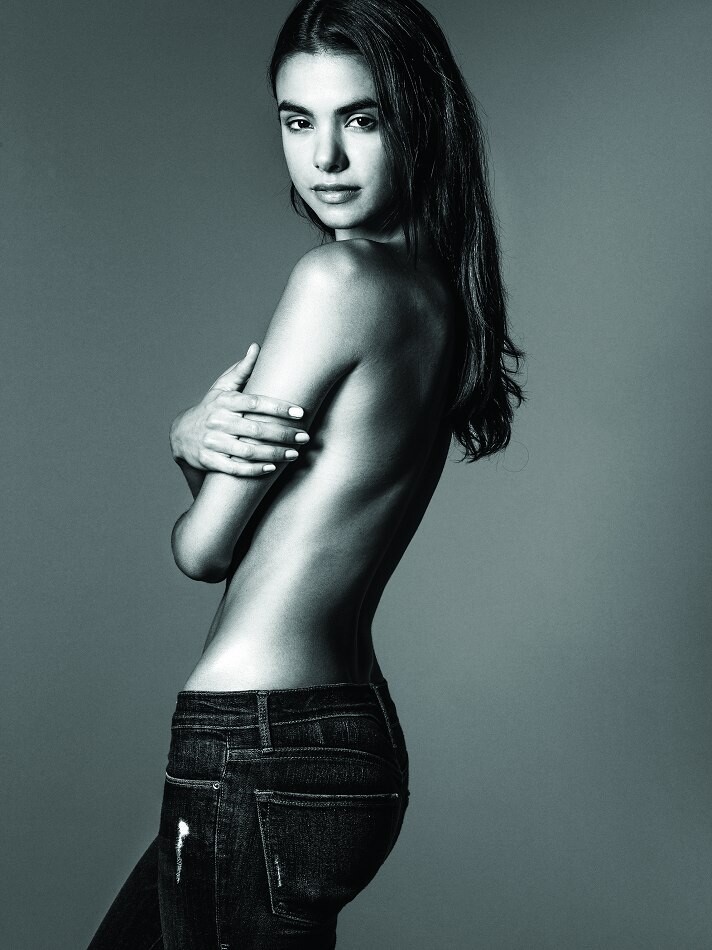
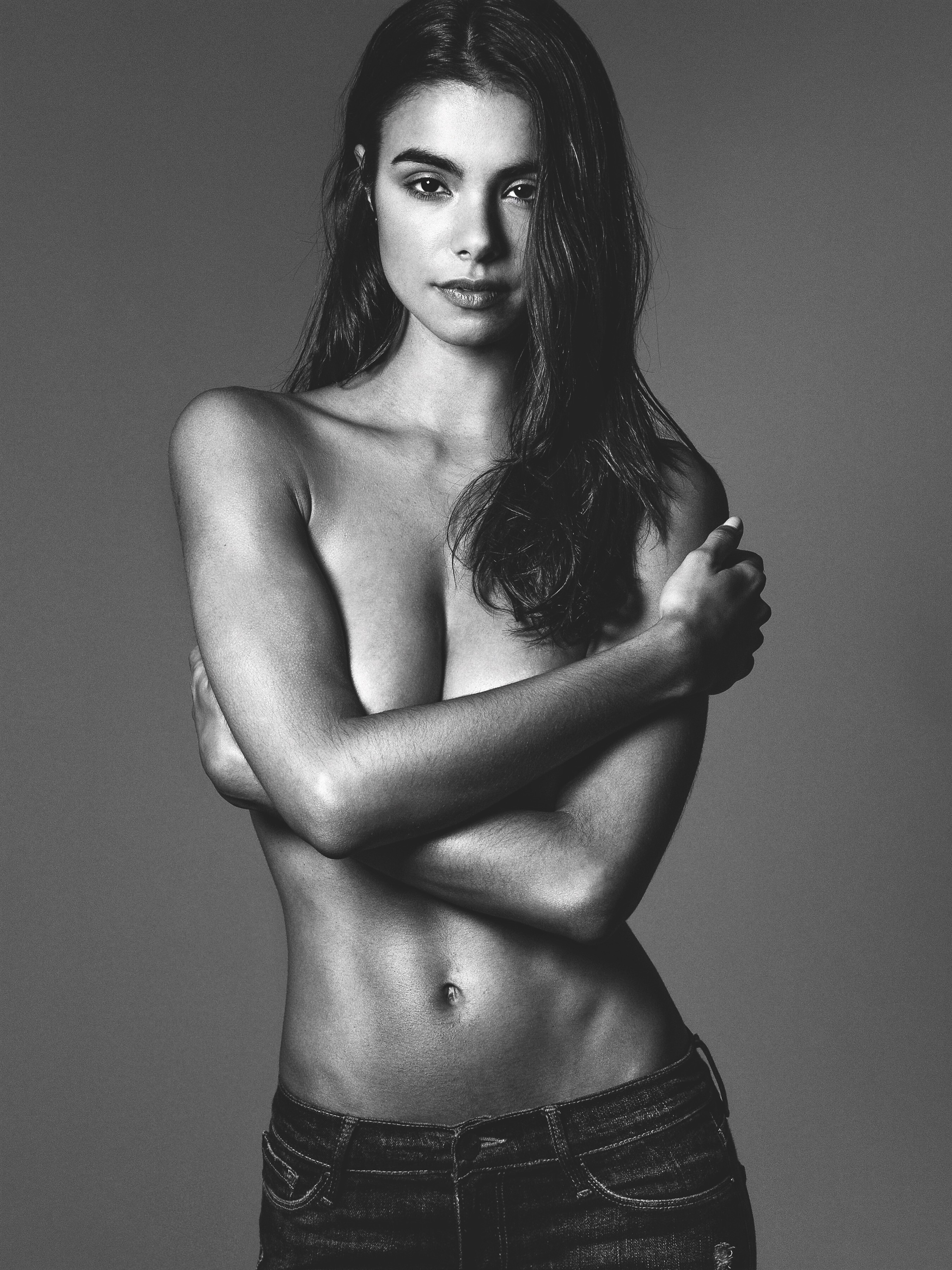
  2. What happened to her left breast in these two picture?
  3. But she did SISEZE (the South African edition), isn't it? Still a pity, though
  4. Any idea who is the brunette?
  5. Why are they so covered up?
  6. Good to see she still has her asset
  7. I'd be curious to see her in a shot together with Kara Del Toro.
  8. originally posted on UMC
  9. originally posted on UMC
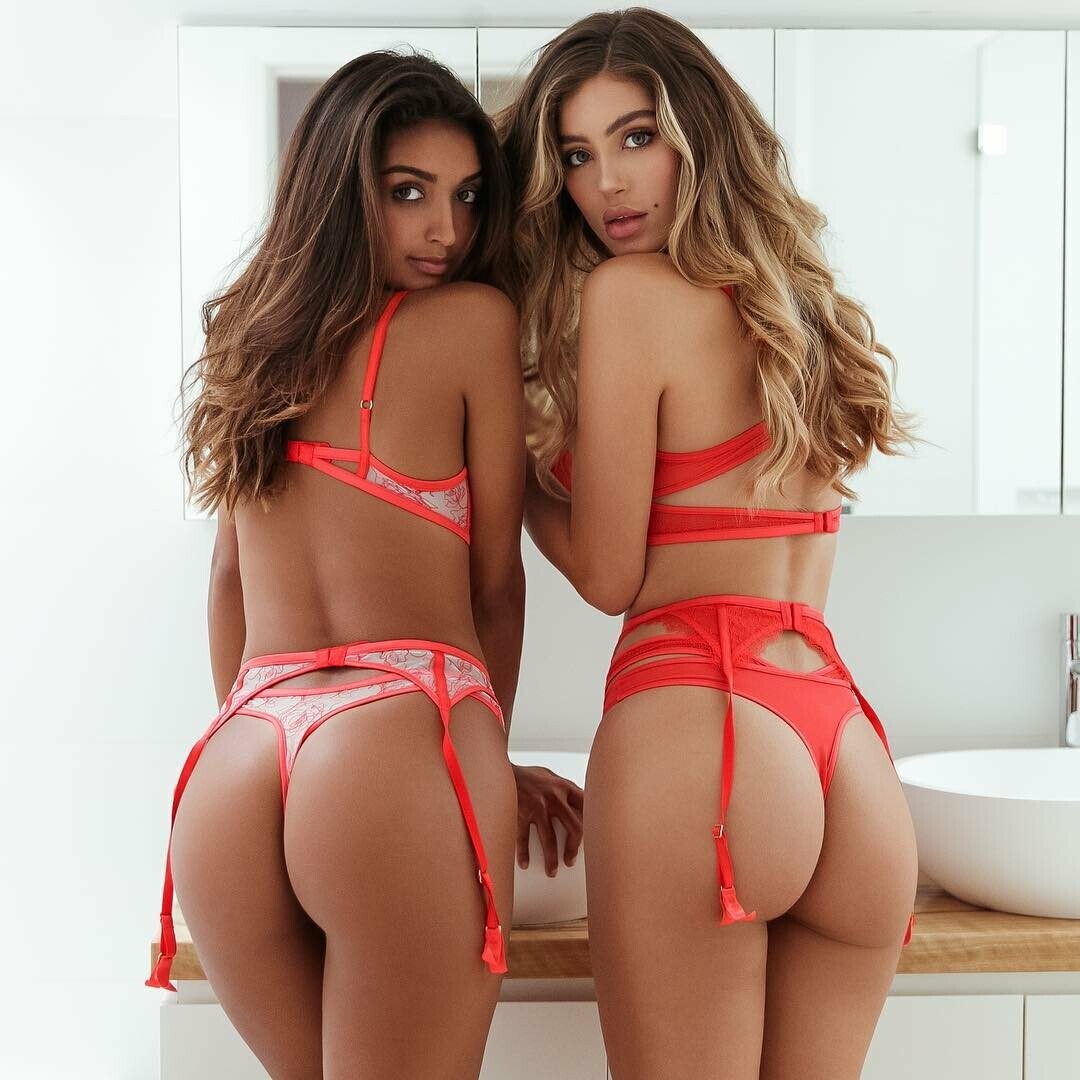
  10. You spend less money on Photoshop if you hire model with a natural round bum 😉

Account

Navigation

Search

Search

Configure browser push notifications

Chrome (Android)
  1. Tap the lock icon next to the address bar.
  2. Tap Permissions → Notifications.
  3. Adjust your preference.
Chrome (Desktop)
  1. Click the padlock icon in the address bar.
  2. Select Site settings.
  3. Find Notifications and adjust your preference.