

Everything posted by vishu
-
-
I'm constantly amazed how hot she is
-
one more By Alexei Bazdarev

-
-
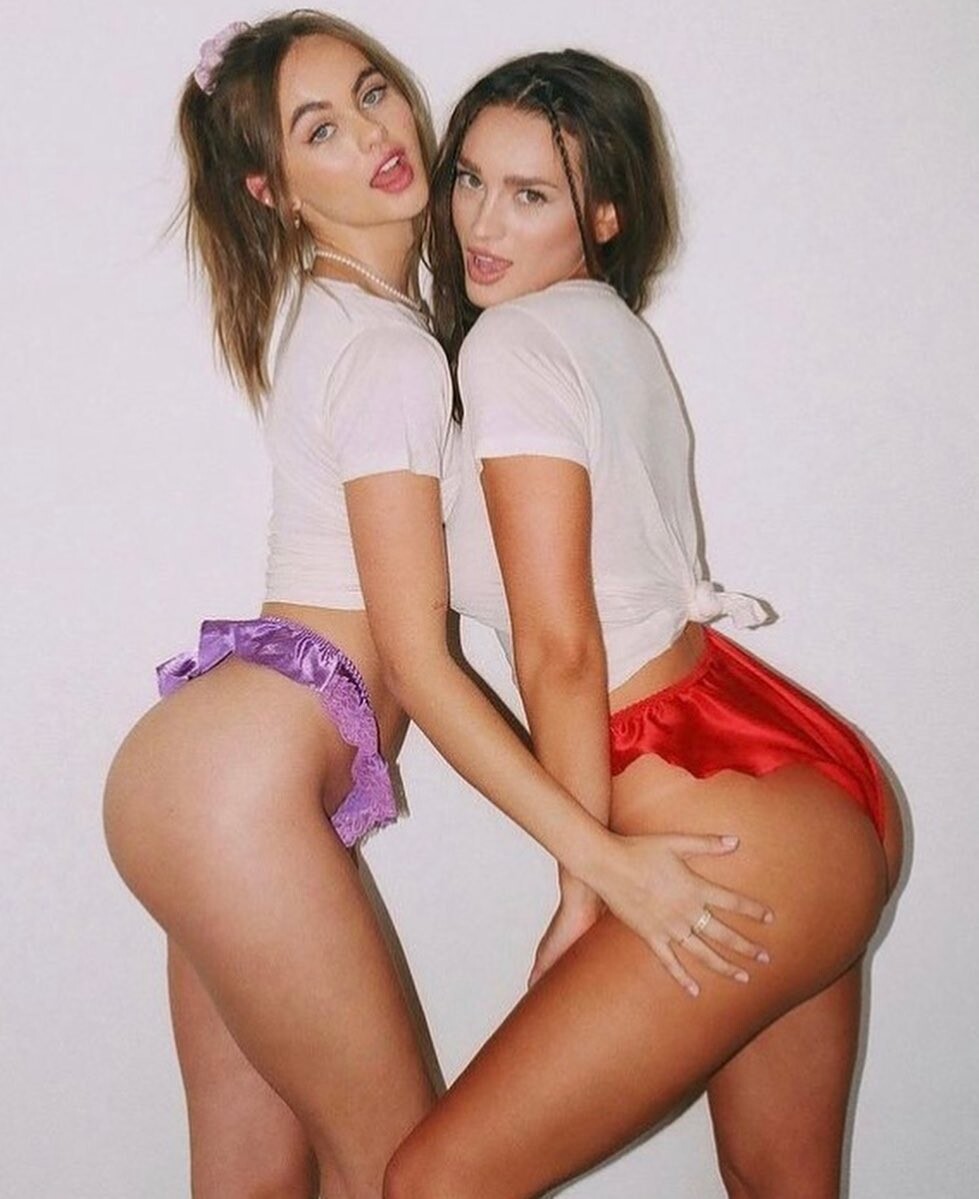
second girl - Jordyn Johnsonn, love her too244076263_893570707964110_7262953888301496985_n.mp4

 thanks a lot from all!She's so sexy and angelic😇love this girl, need more updates hereLily and Jordyn Johnsonn from ig page https://www.instagram.com/theloversanddriftersclub/


 thanks. amazing videos!need. moore. updates. this girl amazing.
















.jpg.5d5292d2ad5d21570a54603781266d49.jpg)









Account
Navigation
Search
Configure browser push notifications
Chrome (Android)
- Tap the lock icon next to the address bar.
- Tap Permissions → Notifications.
- Adjust your preference.
Chrome (Desktop)
- Click the padlock icon in the address bar.
- Select Site settings.
- Find Notifications and adjust your preference.
Safari (iOS 16.4+)
- Ensure the site is installed via Add to Home Screen.
- Open Settings App → Notifications.
- Find your app name and adjust your preference.
Safari (macOS)
- Go to Safari → Preferences.
- Click the Websites tab.
- Select Notifications in the sidebar.
- Find this website and adjust your preference.
Edge (Android)
- Tap the lock icon next to the address bar.
- Tap Permissions.
- Find Notifications and adjust your preference.
Edge (Desktop)
- Click the padlock icon in the address bar.
- Click Permissions for this site.
- Find Notifications and adjust your preference.
Firefox (Android)
- Go to Settings → Site permissions.
- Tap Notifications.
- Find this site in the list and adjust your preference.
Firefox (Desktop)
- Open Firefox Settings.
- Search for Notifications.
- Find this site in the list and adjust your preference.