
Jump to content
View in the app

A better way to browse. Learn more.

Bellazon

A full-screen app on your home screen with push notifications, badges and more.

To install this app on iOS and iPadOS
  1. Tap the Share icon in Safari
  2. Scroll the menu and tap Add to Home Screen.
  3. Tap Add in the top-right corner.
To install this app on Android
  1. Tap the 3-dot menu (⋮) in the top-right corner of the browser.
  2. Tap Add to Home screen or Install app.
  3. Confirm by tapping Install.

Povad

Members
  • Joined

  • Last visited

Everything posted by Povad

  1. L'Officiel Lithuania 2018
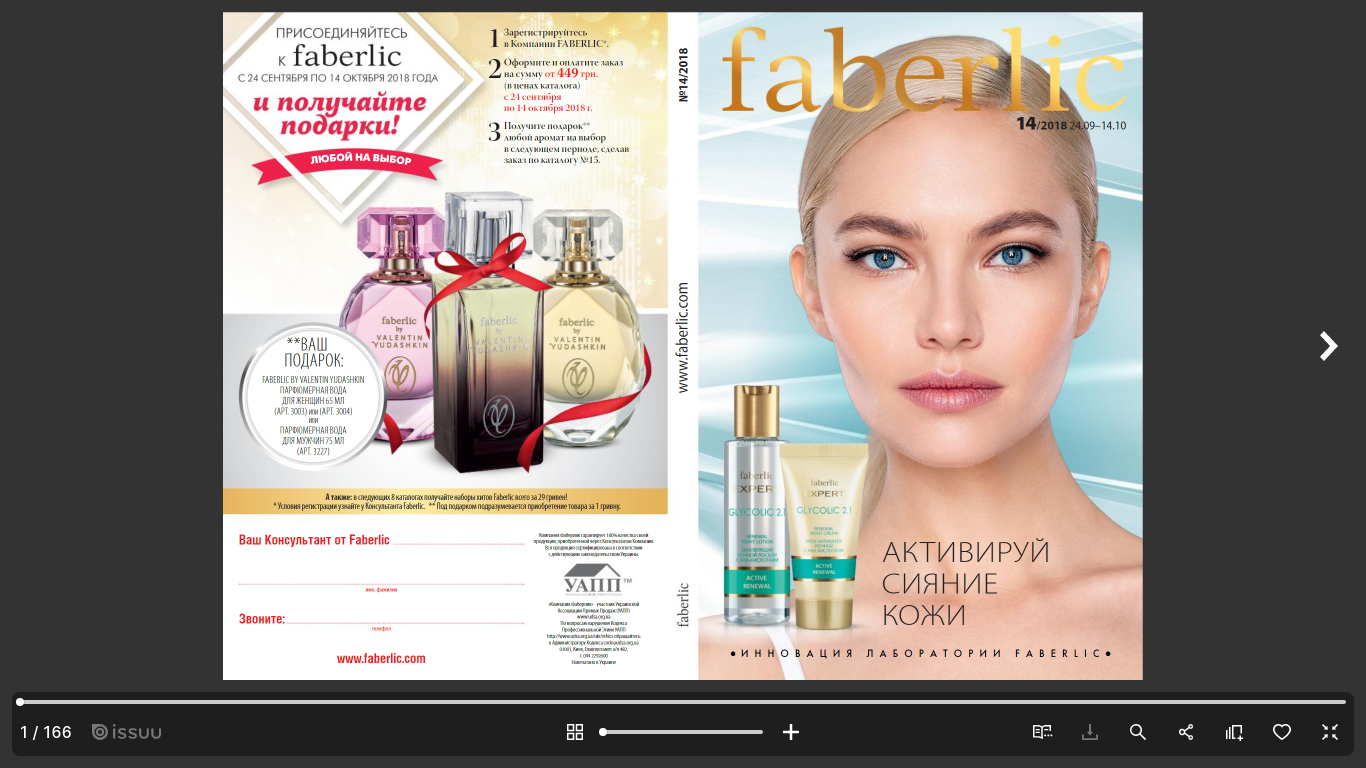
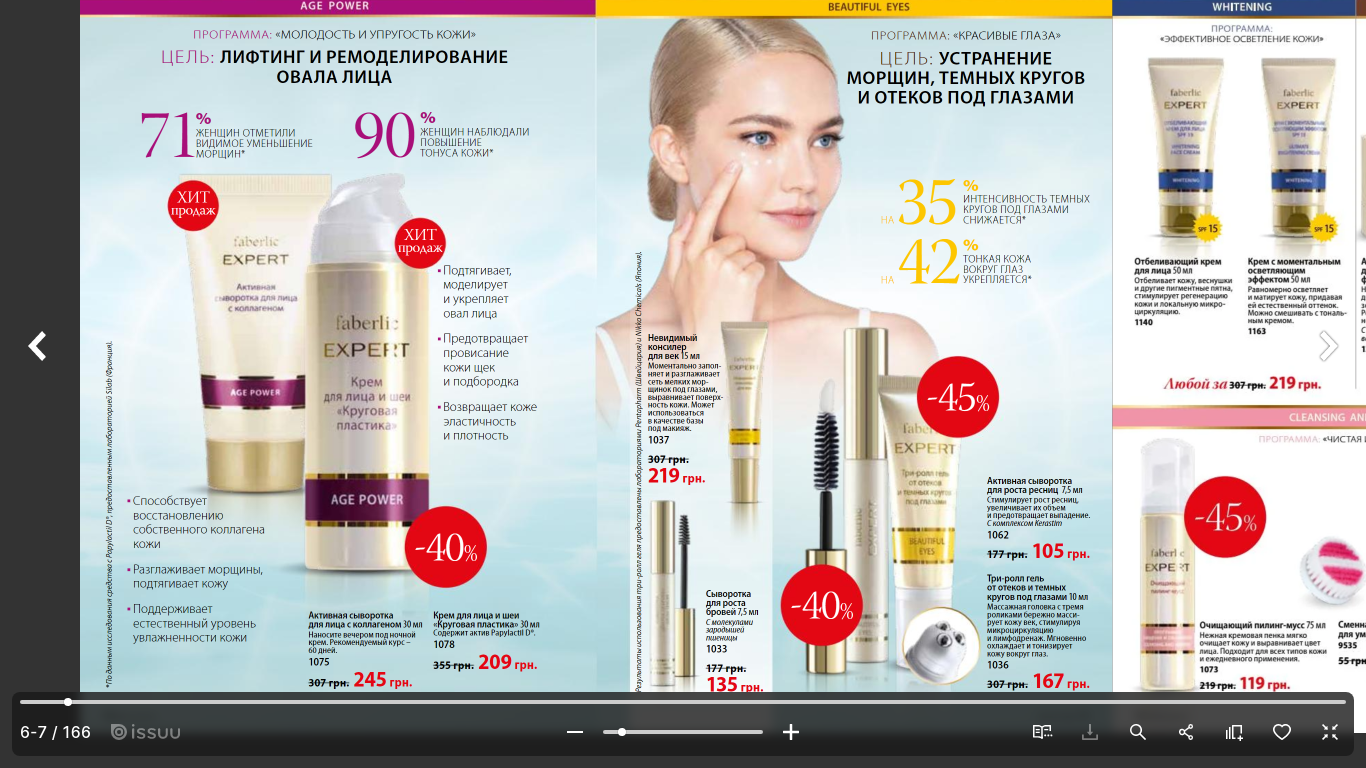
  2. cat Faberlic 2018-19
  3. Burda's event in Moscow, March'1987 from Ogoniok №17-87 weekly
  4. + contestants of Ford SMotW'92 Daniela Benavente from Chile (winner) and Berenice Gonachon from France
  5. Gloria Jeans 2024 cat
  6. All we need 2024
  7. Elisabetta Franchi 2019
  8. La Perla Bridal 2019 camp La Perla ling 2019
  9. Etam FW 2013
  10. Olga Malyarova Couture 2018 ph by Janna Kuzko
  11. Madame Figaro Jap 2014
  12. Fashion Edge Oct 2014 ph by Yuji Watanabe
  13. ph by Dmitry Menshov (2019)
  14. ph by Dmitry Menshov (2019)
  15. ph by @aleksander_santo (2018)
  16. Defile lingerie 2018 ph by Olga Lenskaya
  17. Fenty x PUMA by Rihanna spring 2018
  18. Harper’s Bazaar China 2019
  19. Lucy’s Magazine #41 2019
  20. Anastasia Akh & Alena Filinkova for Victor Wong at London Fashion Week S/S 2019
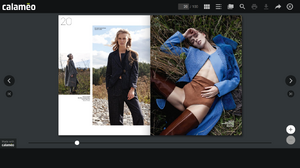
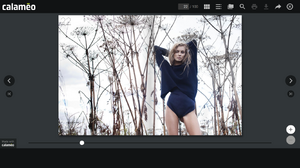
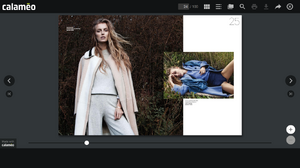
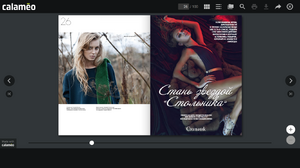
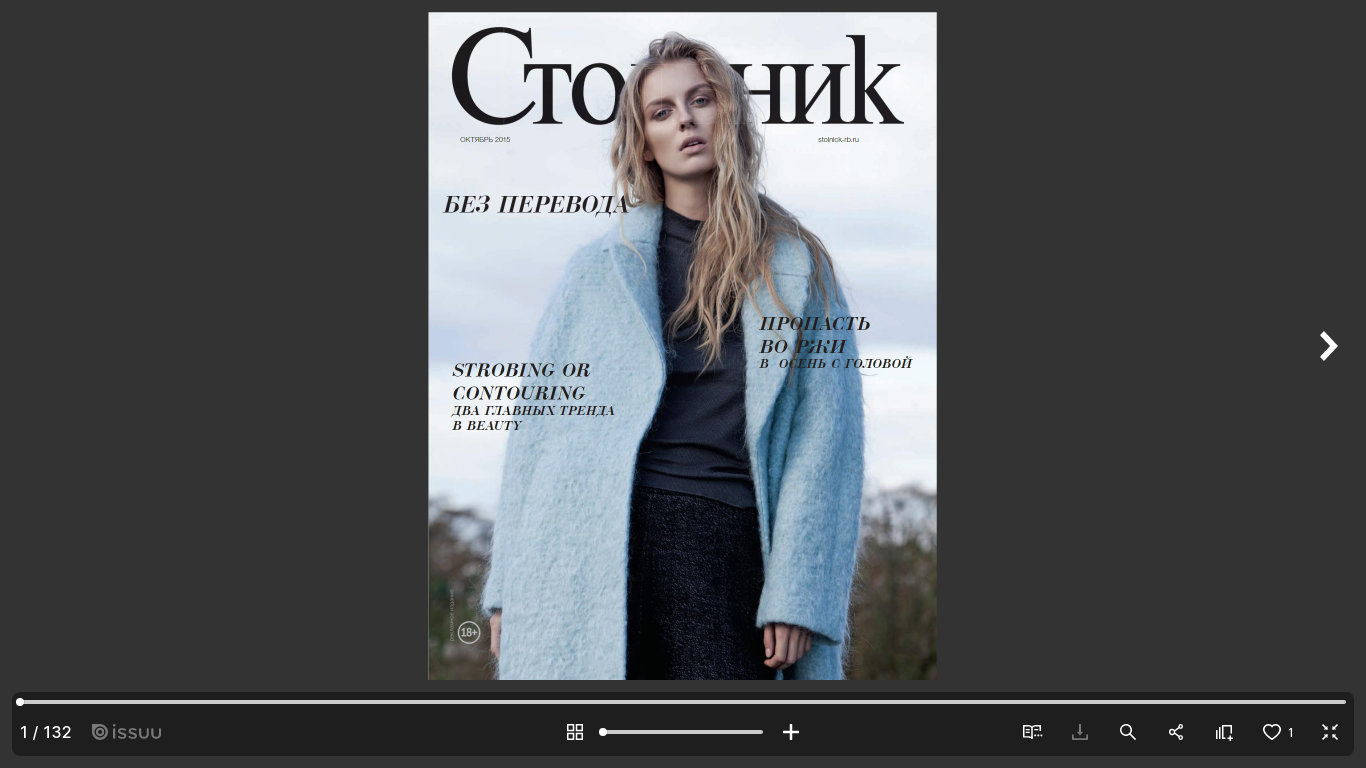
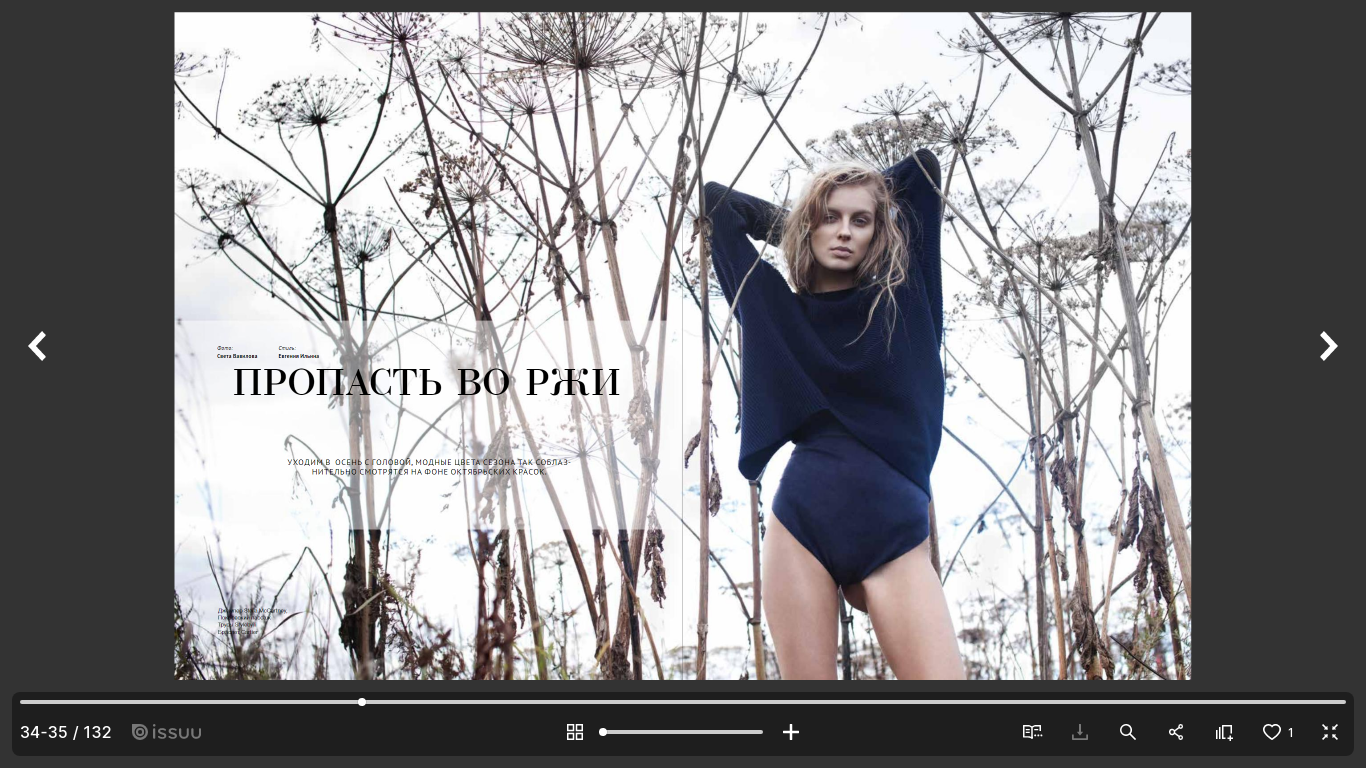
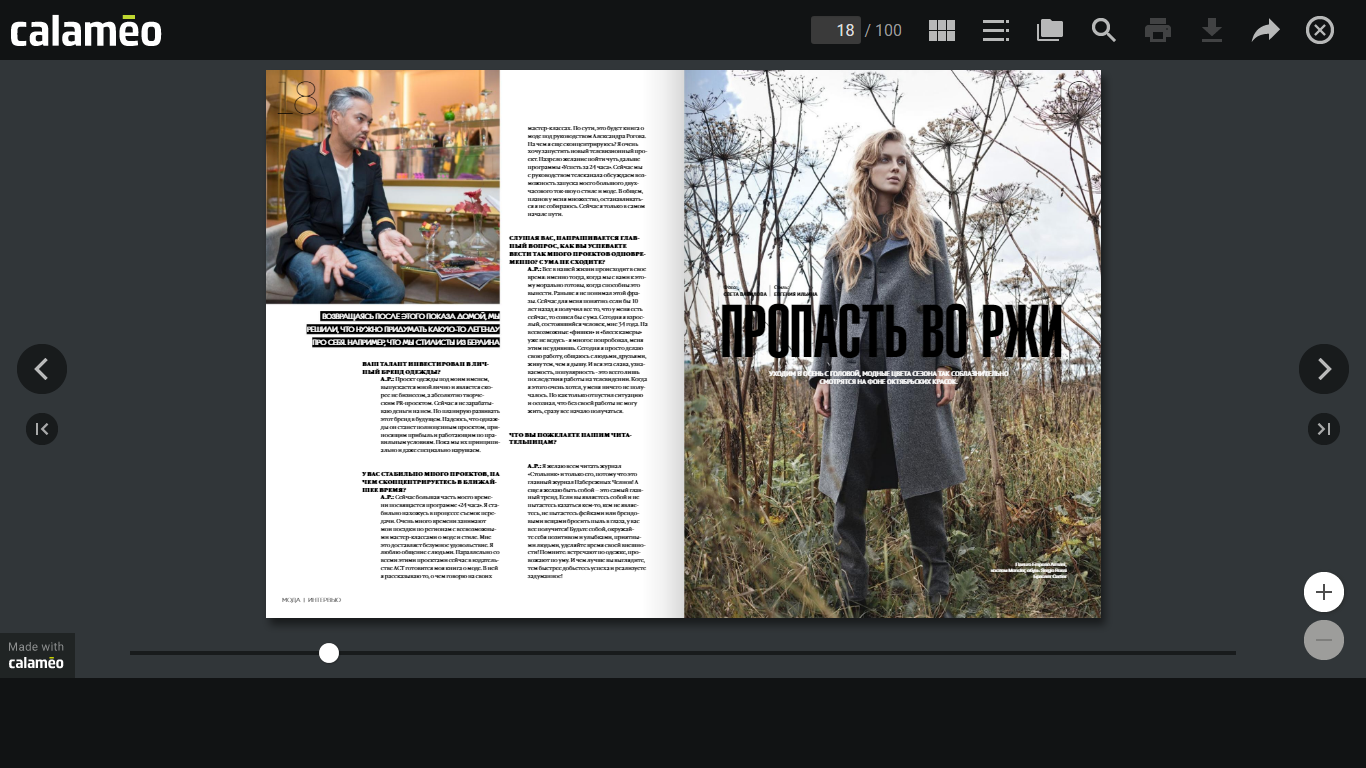
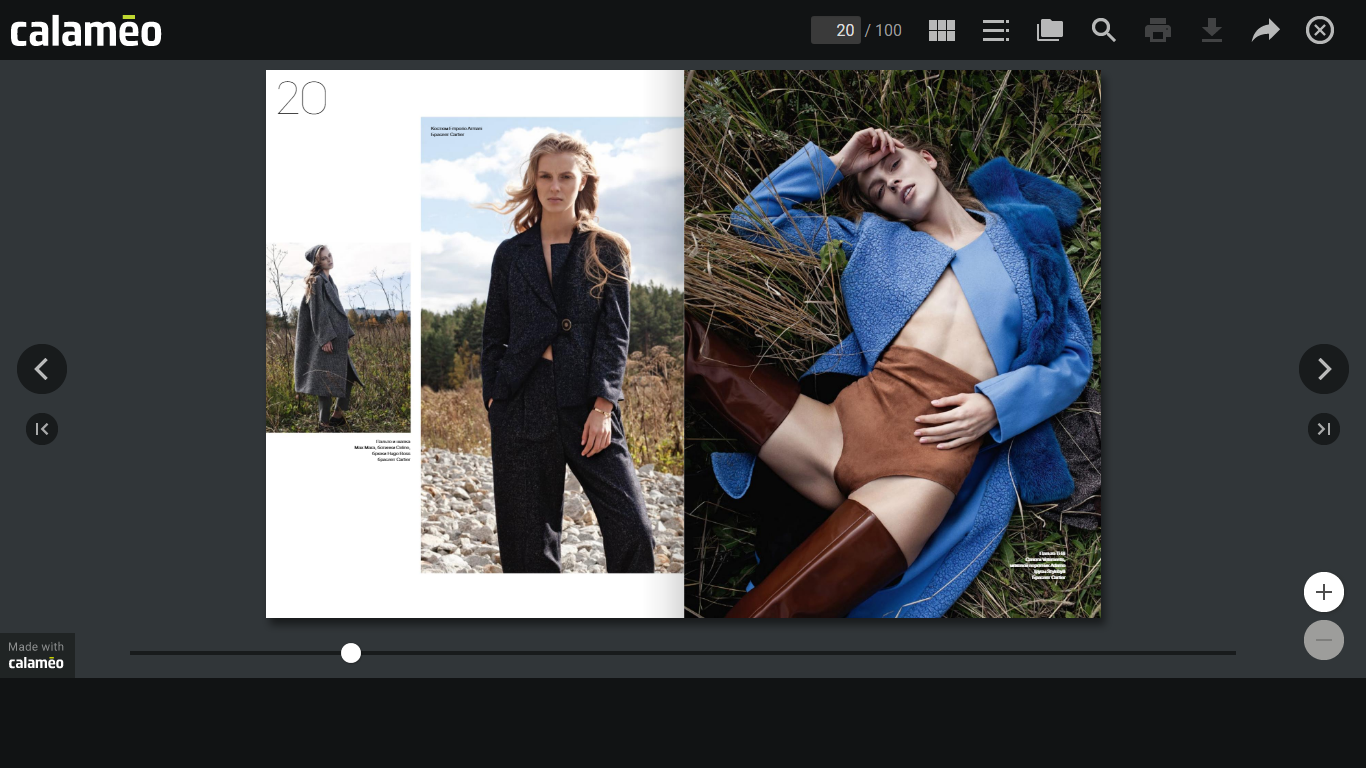
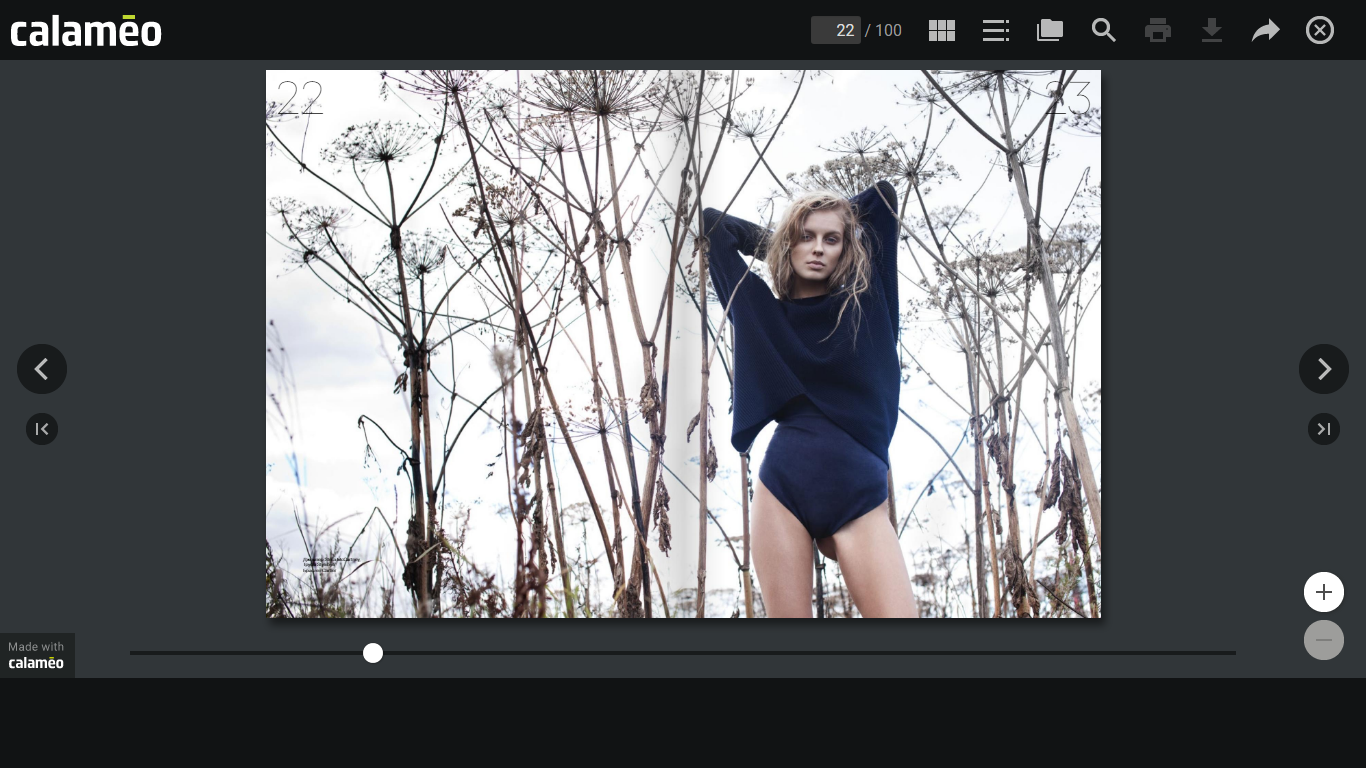
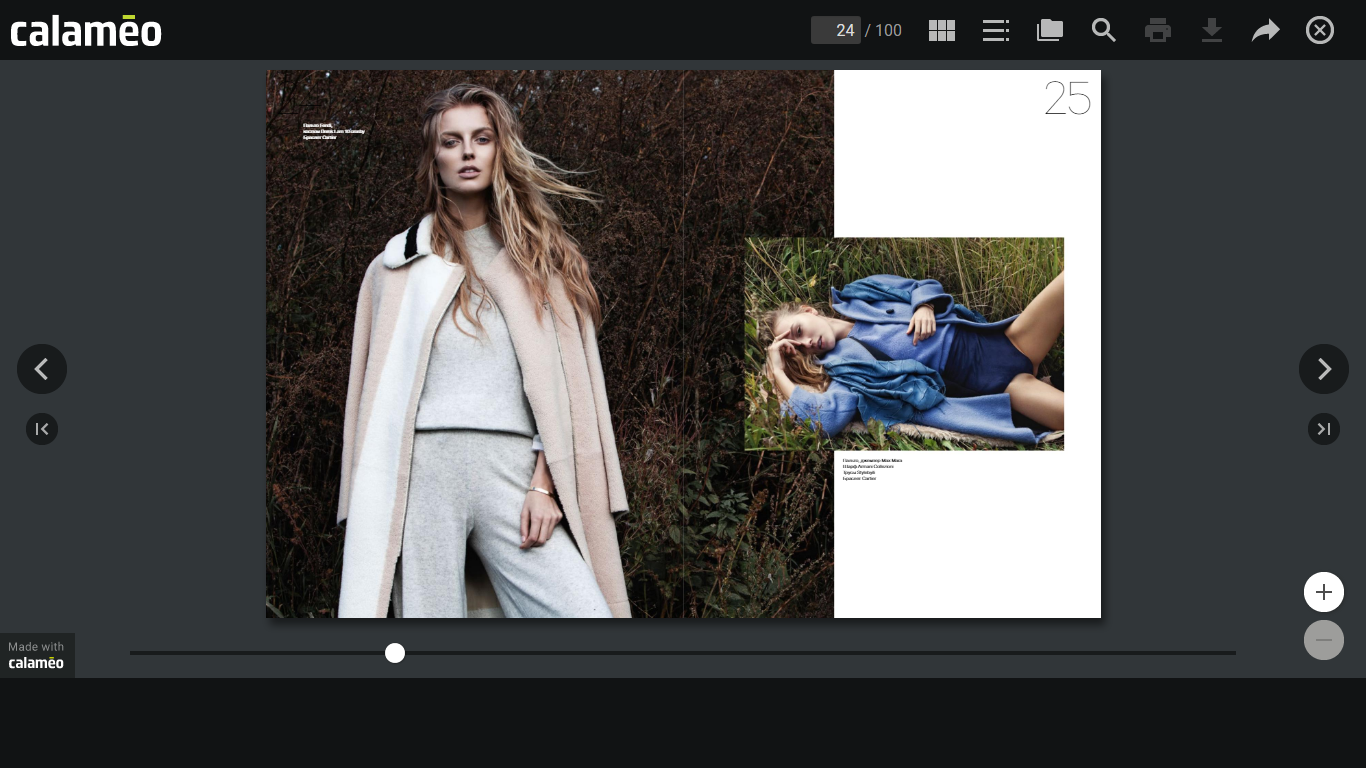
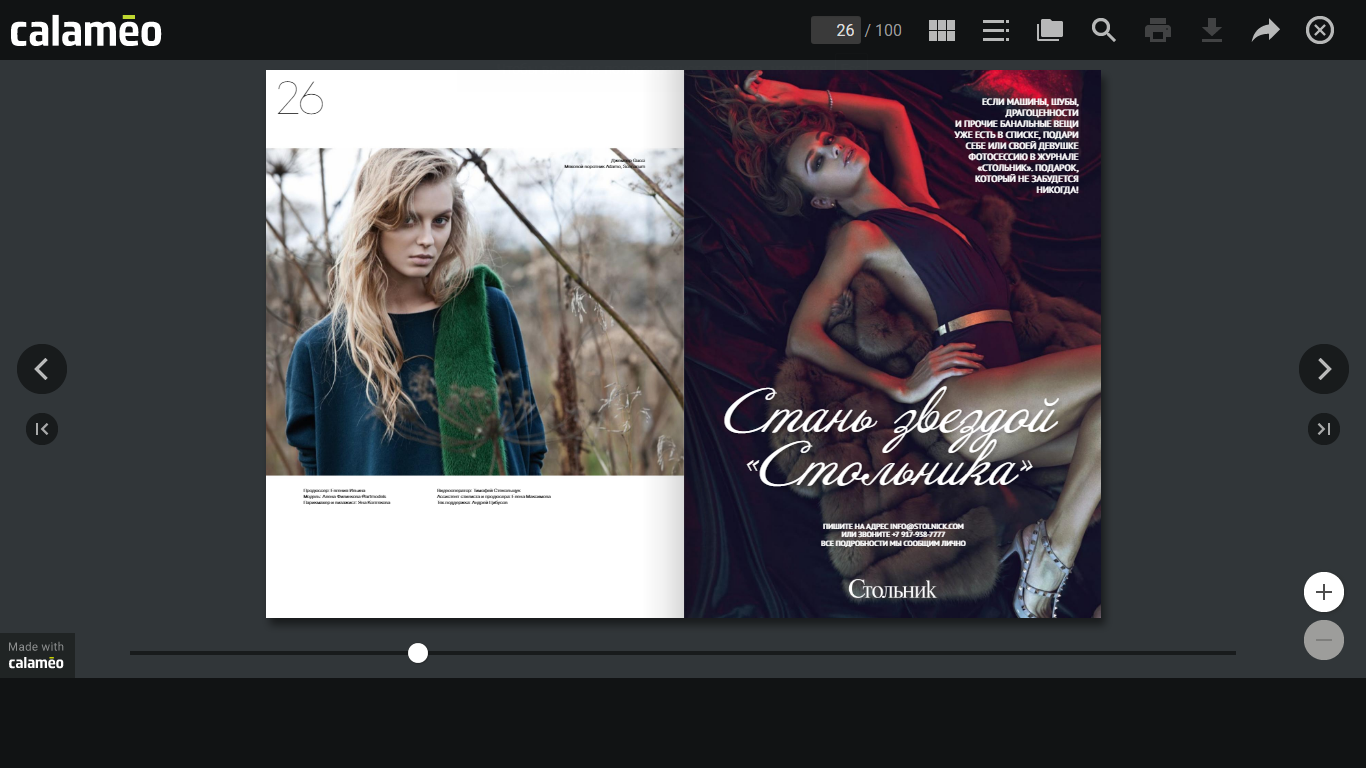
  21. Stolnik Yekaterinburg issue Oct 2015 (seem being from 2 regional issues) ph by Sveta Vavilova
Account

Navigation

Search

Configure browser push notifications

Chrome (Android)
  1. Tap the lock icon next to the address bar.
  2. Tap Permissions → Notifications.
  3. Adjust your preference.
Chrome (Desktop)
  1. Click the padlock icon in the address bar.
  2. Select Site settings.
  3. Find Notifications and adjust your preference.