
Jump to content
View in the app

A better way to browse. Learn more.

Bellazon

A full-screen app on your home screen with push notifications, badges and more.

To install this app on iOS and iPadOS
  1. Tap the Share icon in Safari
  2. Scroll the menu and tap Add to Home Screen.
  3. Tap Add in the top-right corner.
To install this app on Android
  1. Tap the 3-dot menu (⋮) in the top-right corner of the browser.
  2. Tap Add to Home screen or Install app.
  3. Confirm by tapping Install.

Povad

Members
  • Joined

  • Last visited

Everything posted by Povad

  1. tests in Russia (2018)
  2. ph by Aleksey Burtsev (2024)
  3. ph by Aleksey Burtsev (2024)
  4. KoKosha 2022 (Rus)
  5. The Select 2024 (Rus)
  6. Lazy Oaf - Mayoimashita (Spring '14) dir James Rees
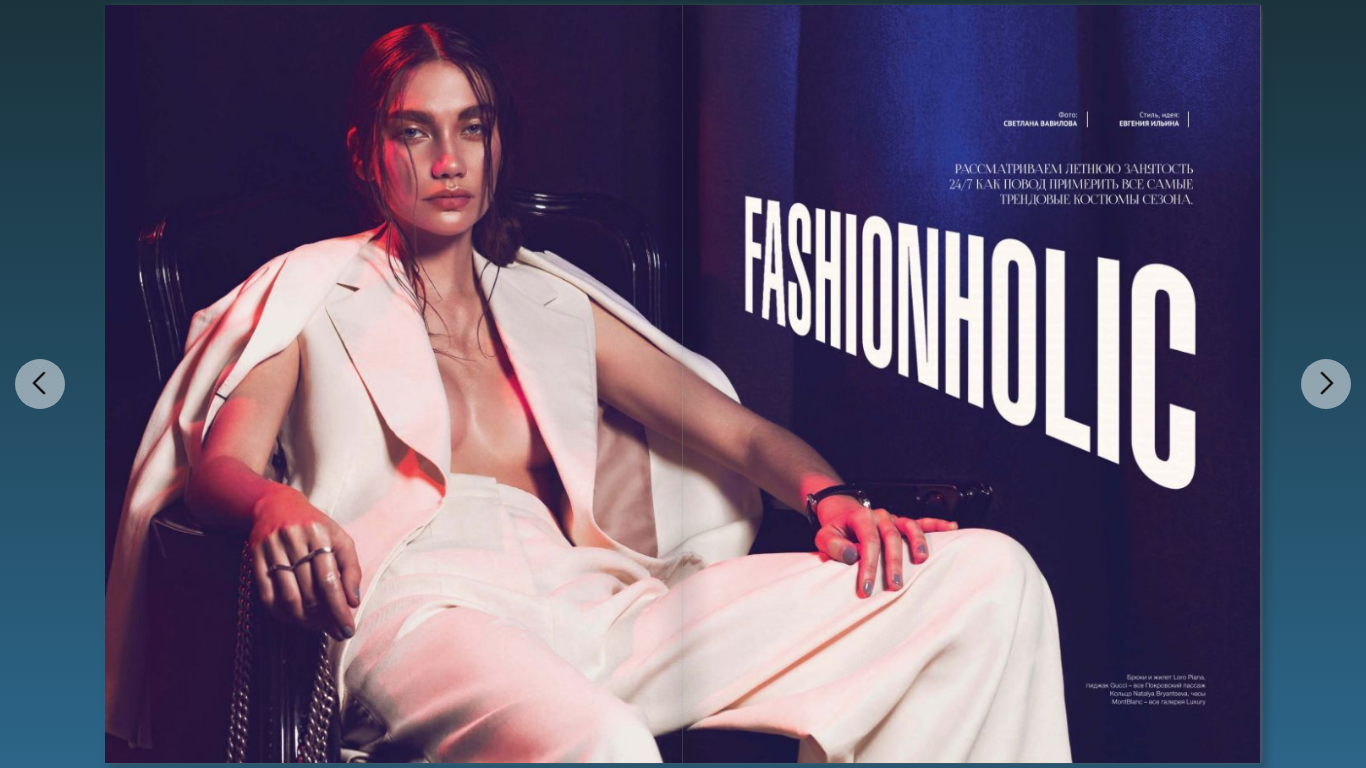
  7. Stolnik May 2016 ph by Svetlana Vavilova
  8. French Fries Mag 2023
  9. Maison Ravn Campaign 2021 ph by Luc Braquet
  10. ph by Sergey Misenko (2011)
  11. ph by Dusya Sobol' (2010)
  12. ph by Diana Guledani (2023)
  13. Vysotsky hotel in Yekaterinburg (2016) ph by Mikhail Gayov
  14. photo by Diana Dzakhmysheva (2024)
  15. Vivienne Sabo promo 2016
  16. 2017 masterclass of make up in Russia (1) 2015 European championship in Paris (4) 2017 European championship (1)
  17. Photo by Turi Løvik Kirknes (2018)
  18. So-en mag Dec 2015
  19. Norrsken (17.11.2019 - 15.02.2020)
  20. Befree 2022
  21. 2MOOD 2024/25 (Rus)

Account

Navigation

Search

Configure browser push notifications

Chrome (Android)
  1. Tap the lock icon next to the address bar.
  2. Tap Permissions → Notifications.
  3. Adjust your preference.
Chrome (Desktop)
  1. Click the padlock icon in the address bar.
  2. Select Site settings.
  3. Find Notifications and adjust your preference.