Jump to content
View in the app

A better way to browse. Learn more.

Bellazon

A full-screen app on your home screen with push notifications, badges and more.

To install this app on iOS and iPadOS
  1. Tap the Share icon in Safari
  2. Scroll the menu and tap Add to Home Screen.
  3. Tap Add in the top-right corner.
To install this app on Android
  1. Tap the 3-dot menu (⋮) in the top-right corner of the browser.
  2. Tap Add to Home screen or Install app.
  3. Confirm by tapping Install.

Modelove

Members
  • Joined

Everything posted by Modelove

  1. Eats Lingerie IG Story
  2. It is the complete magazine, for me it was not worth extracting the images, it left me much to be desired Warning! Nudity
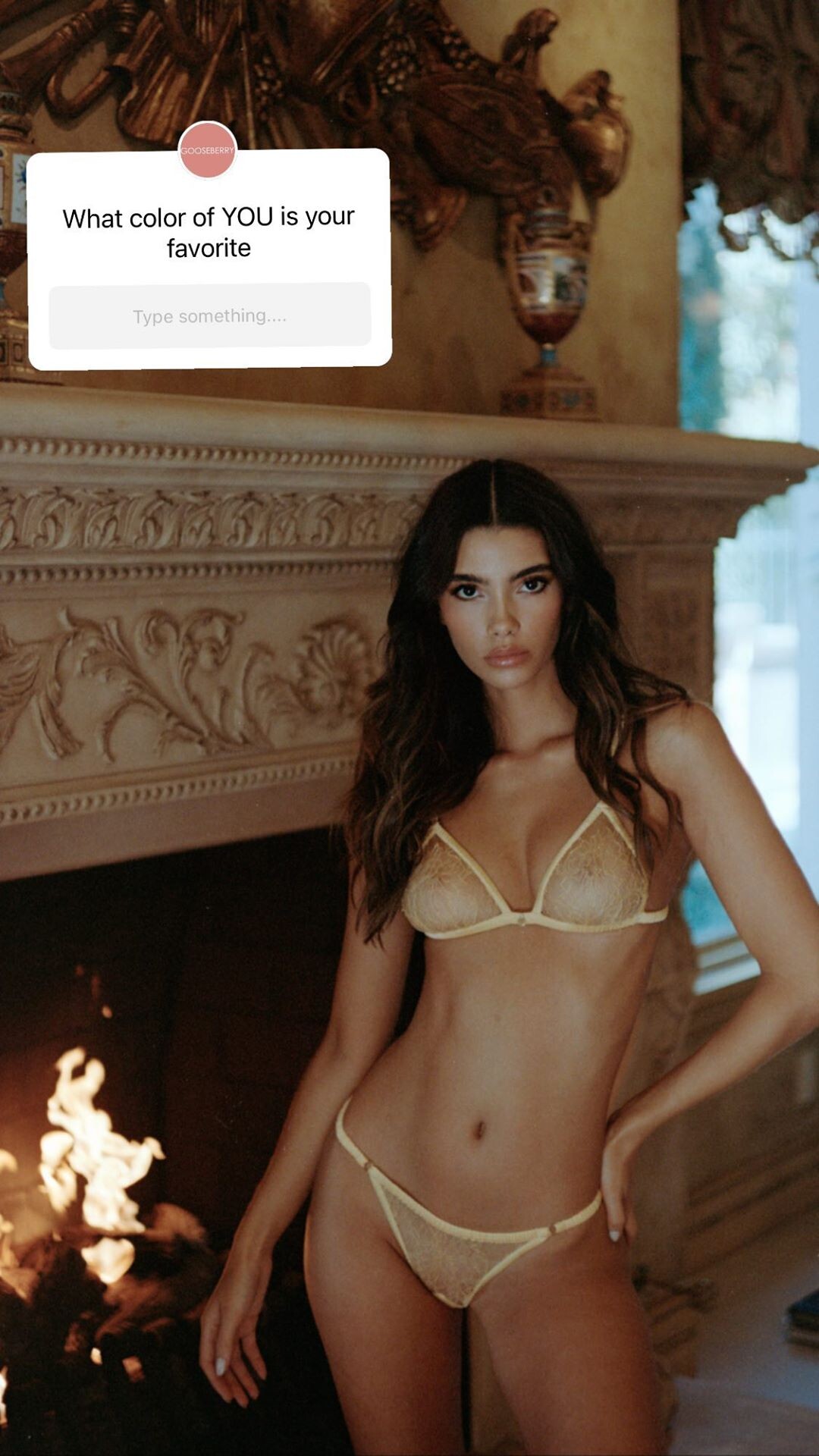
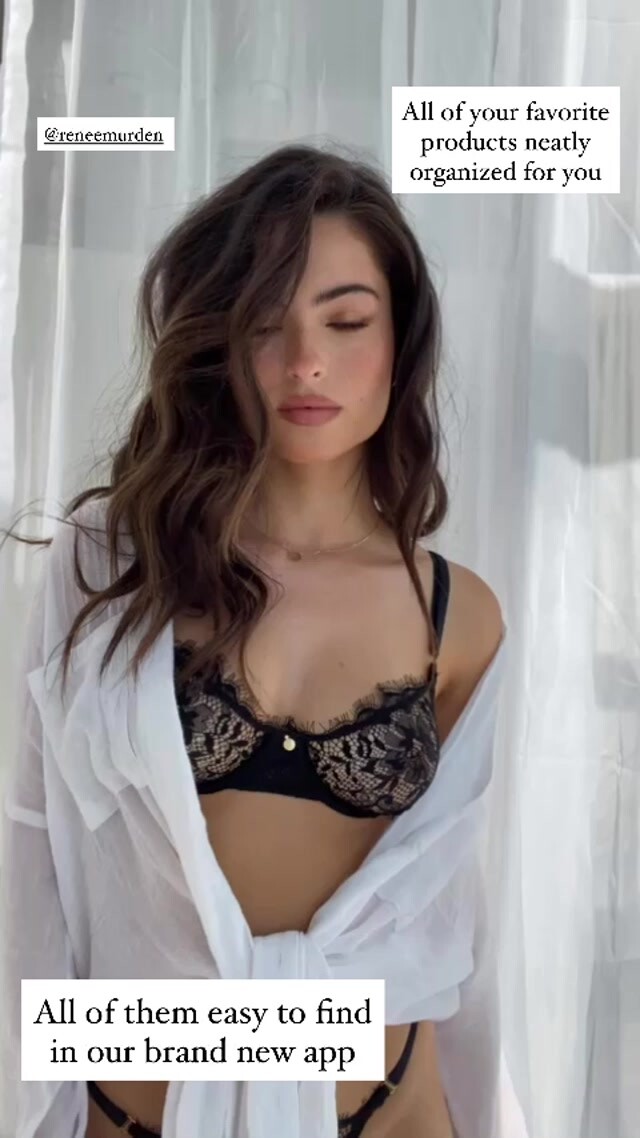
  3. Gooseberry Intimates IG Story
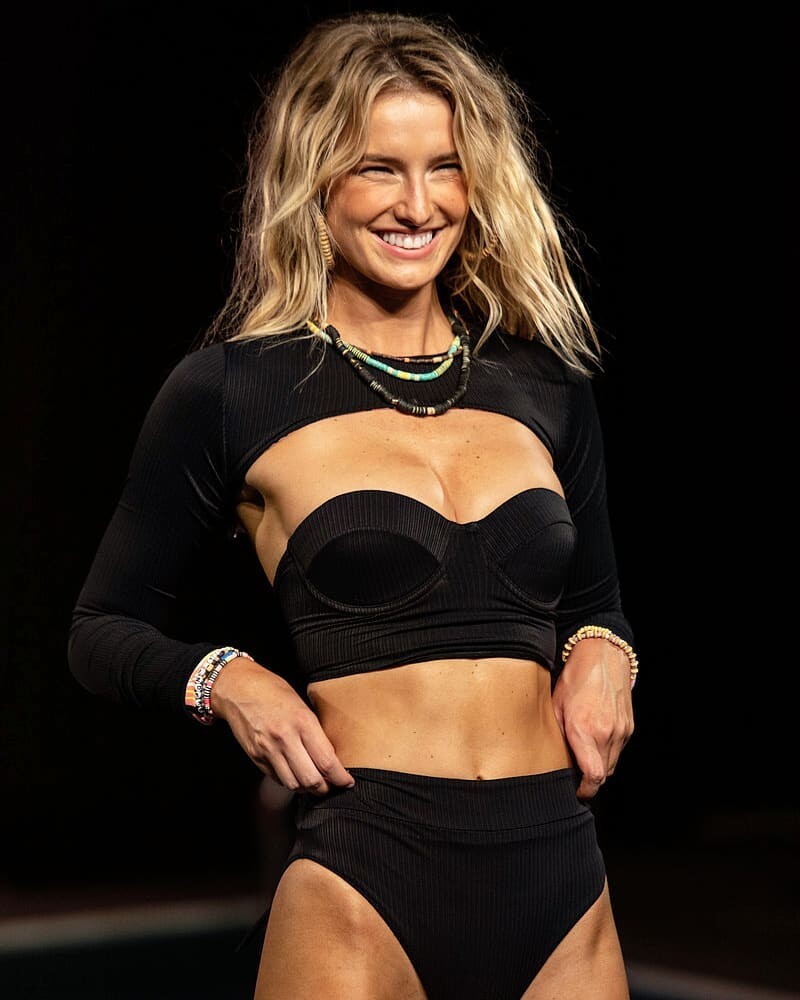
  4. Paraiso Miami Beach 2020 Runway Maaji Swimwear Fittings BTS
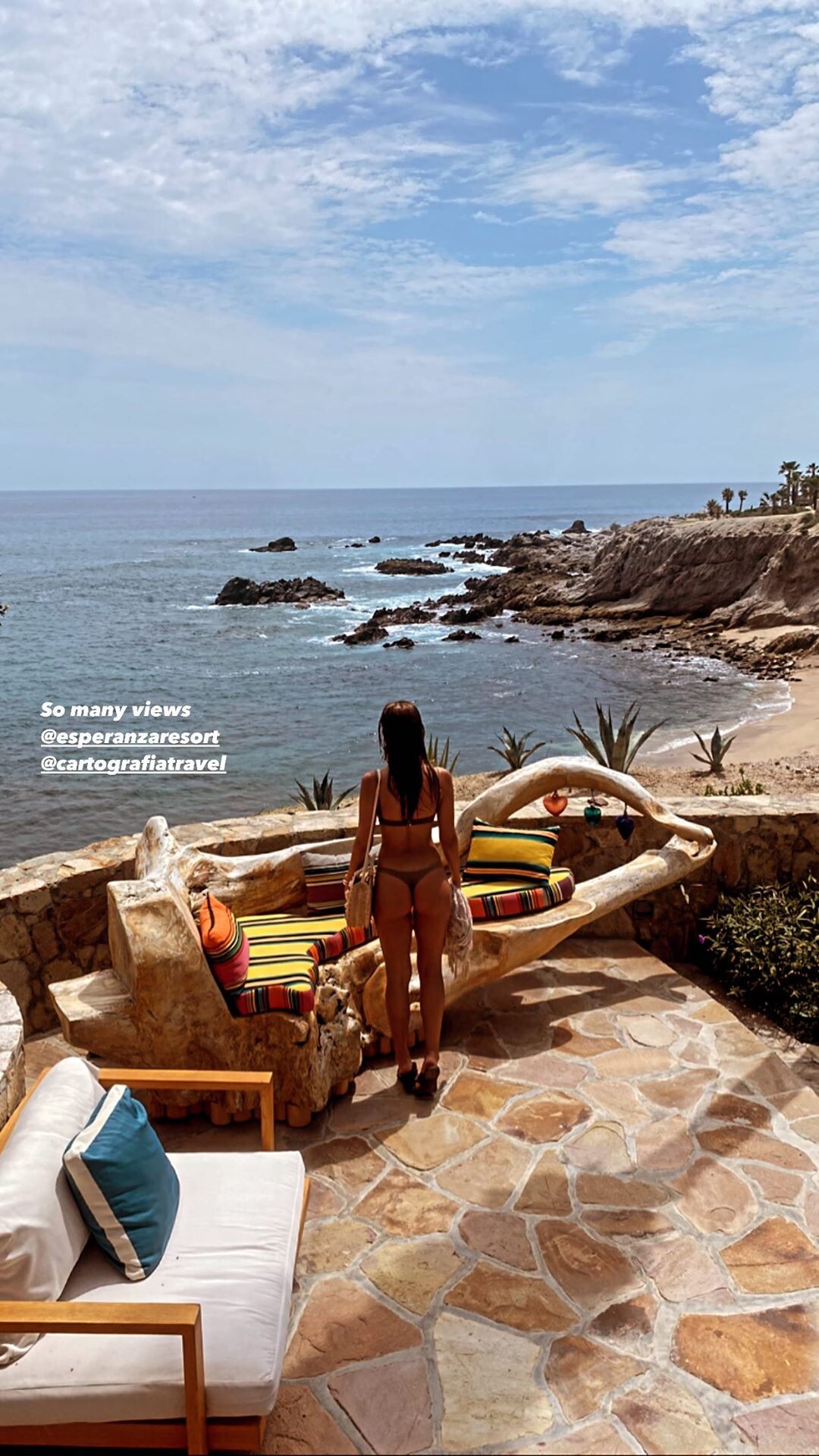
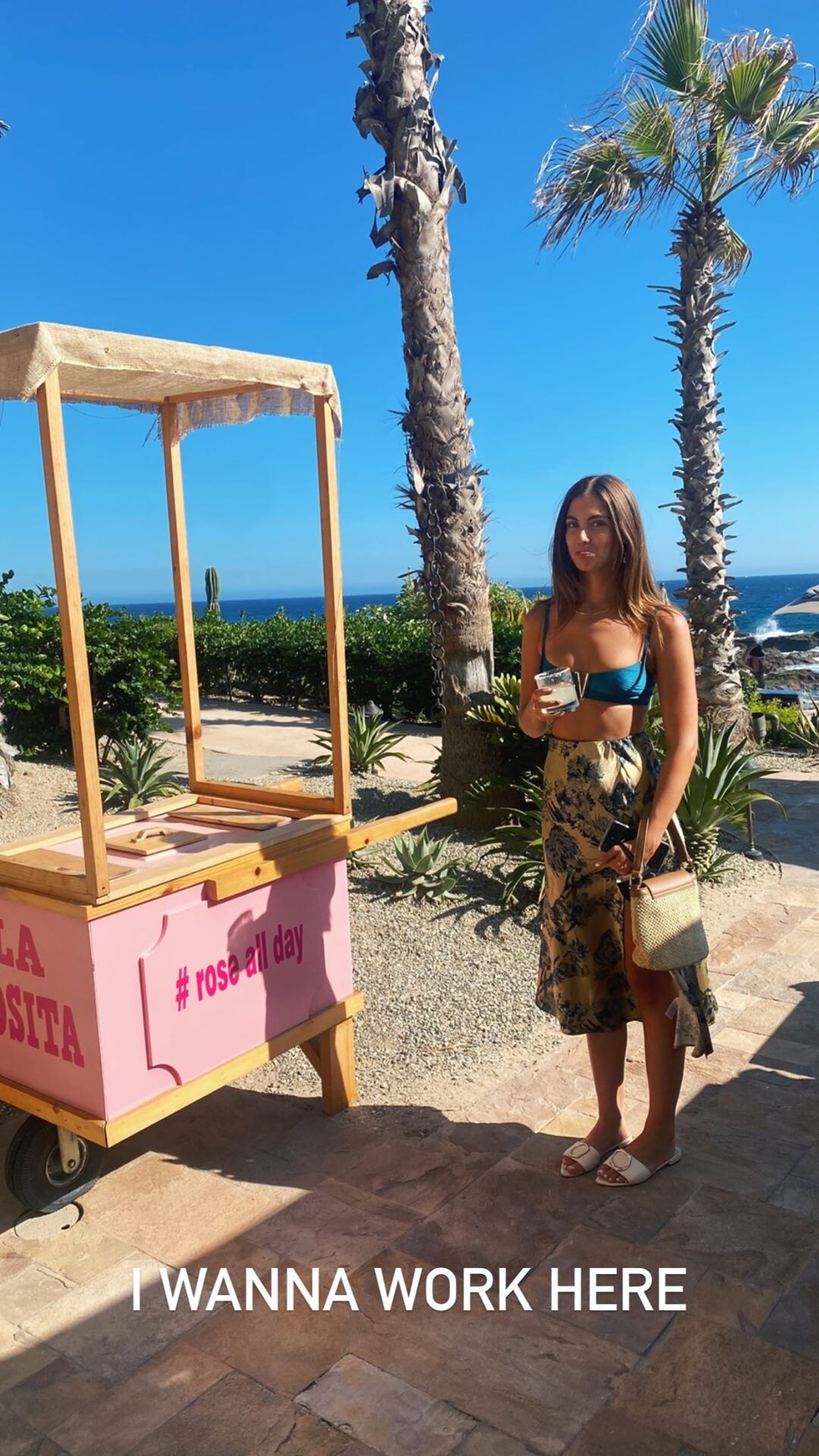
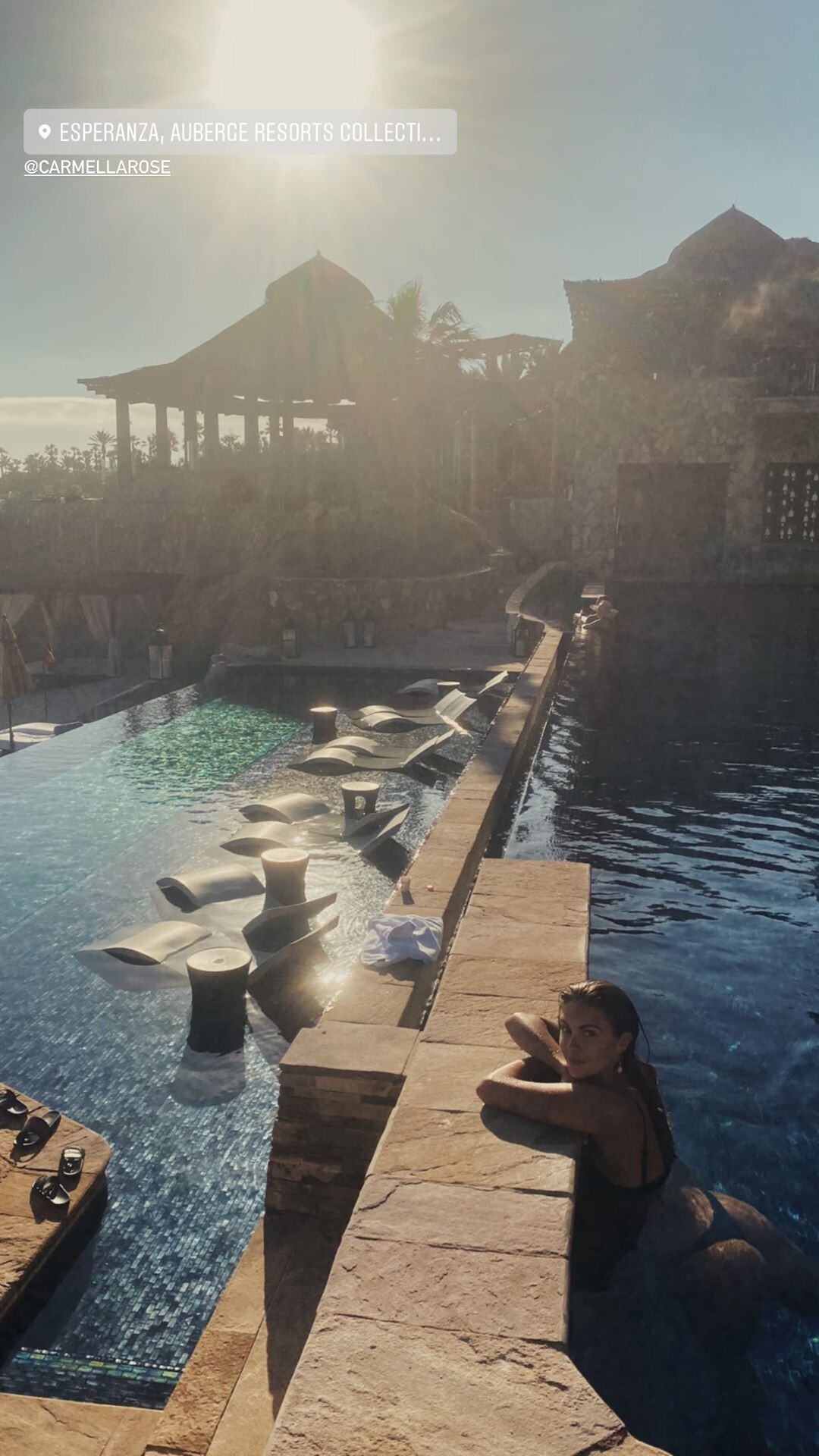
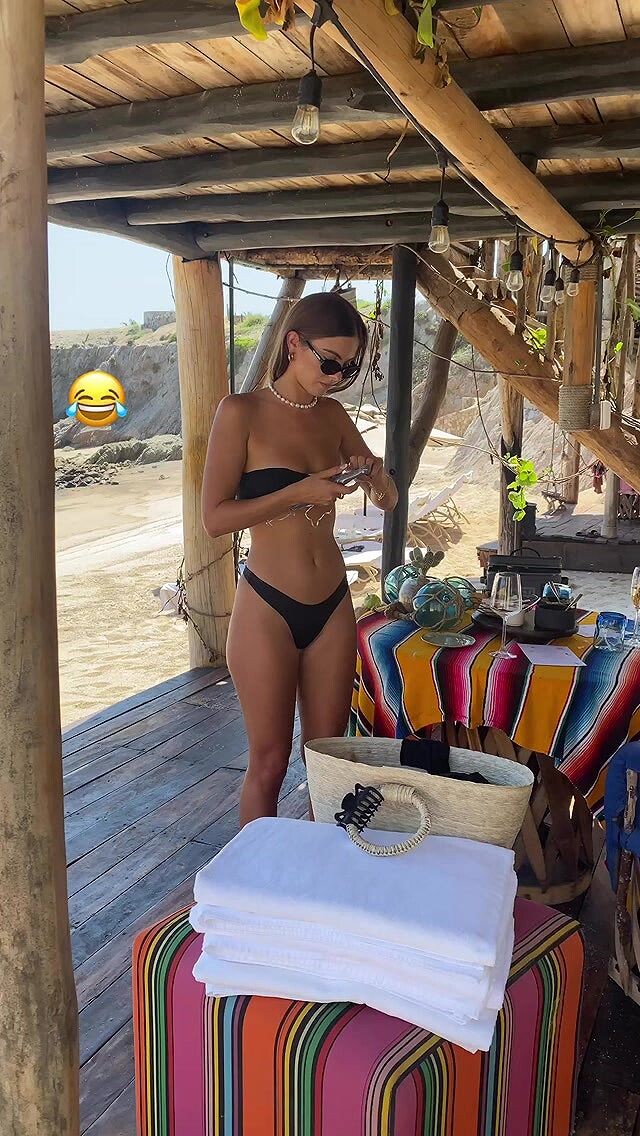
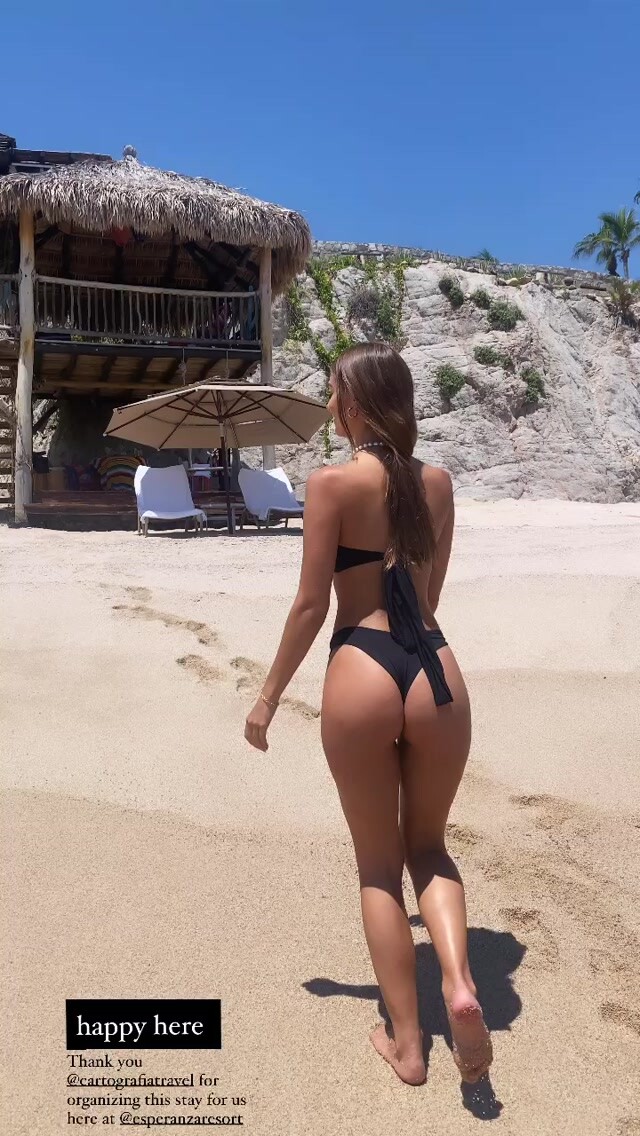
  5. IG Story trip to Cabo San Lucas with Corey Wilson
  6. Goosebery Intimates by Clint
  7. It must be a lot, a lot of work! is that you are too busy a person that you take the trouble to answer a request that is reasoned Never mind! If you do not consider it that way, it is your point of view, you do not see it as helping to make this forum more functional.
  8. Sunkissed IG Story Warning! Transparency

  9. Denys Pivtorak
  10. Second that! It is a real problem to find them because they have no reference. This in turn can cause them to republish something that already exists! @Bettina Saw-Morgan
  11. Gooseberry Intimates IG Story
  12. IG Story trip to Cabo San Lucas with Corey Wilson
  13. Guess A little BTS
  14. Sam Dameshek for Aureum Collective
  15. Dove Shore for Aimer IG Story

Account

Navigation

Search

Configure browser push notifications

Chrome (Android)
  1. Tap the lock icon next to the address bar.
  2. Tap Permissions → Notifications.
  3. Adjust your preference.
Chrome (Desktop)
  1. Click the padlock icon in the address bar.
  2. Select Site settings.
  3. Find Notifications and adjust your preference.