
Miss Bathory
Members
-
Joined
-
Last visited
Everything posted by Miss Bathory
-
 I think that not even her daughters like him. lol
 -
I'll search and send to you. I am no with my computer, but I'll search in VK Community and send to u xx
-
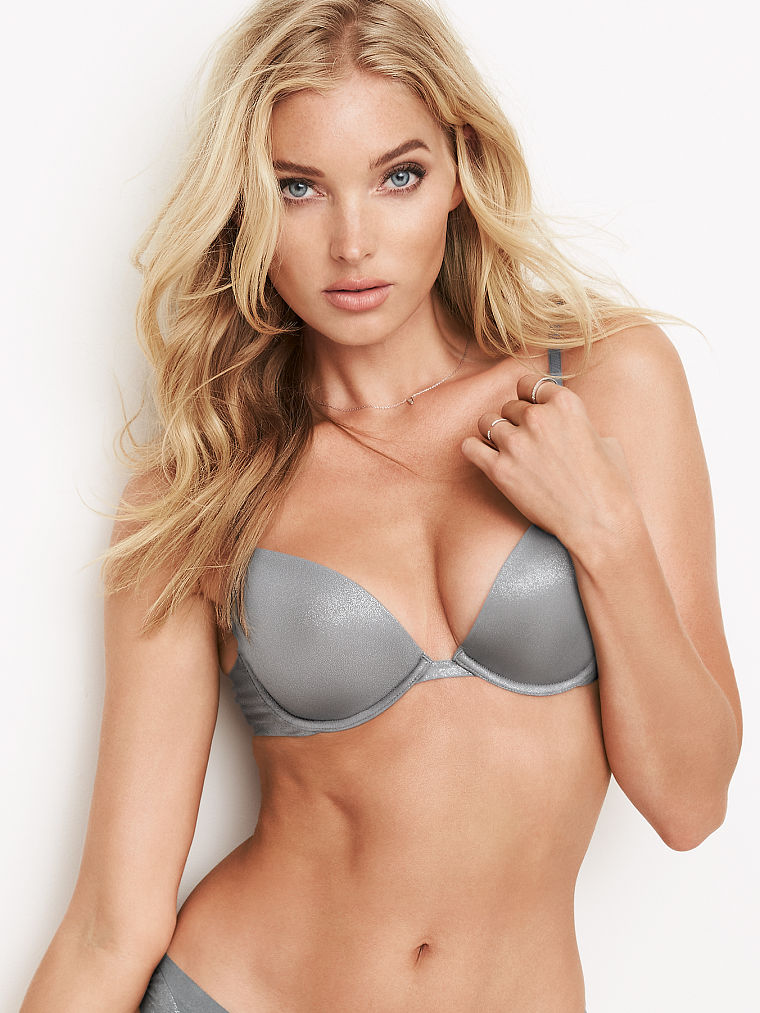
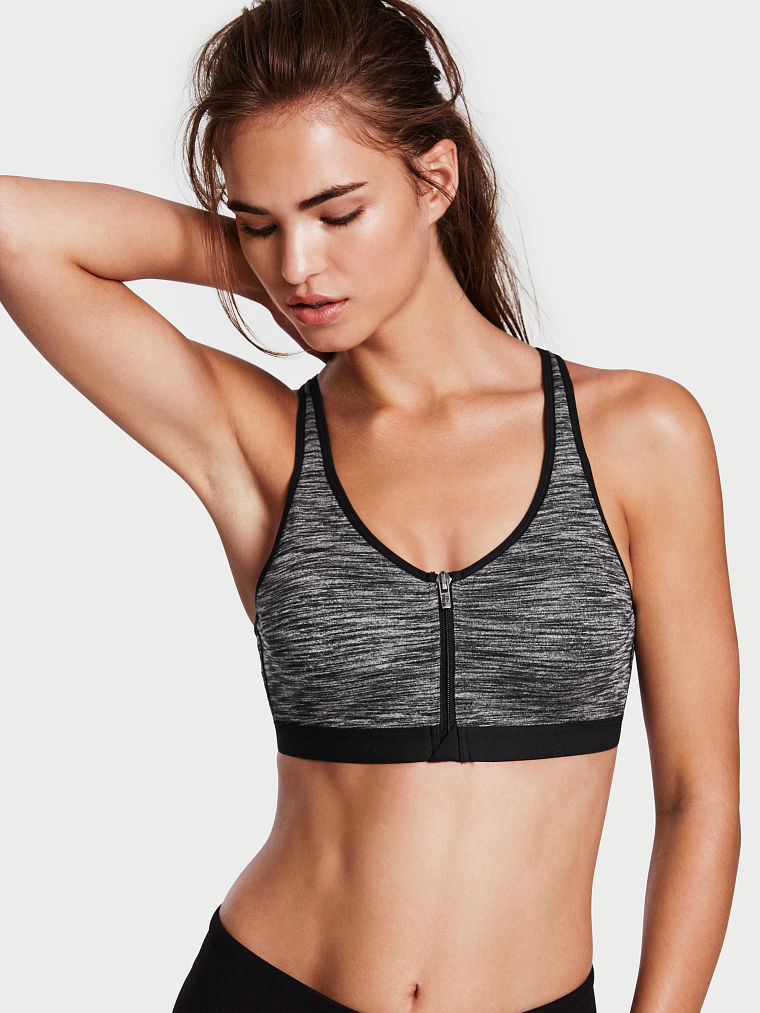
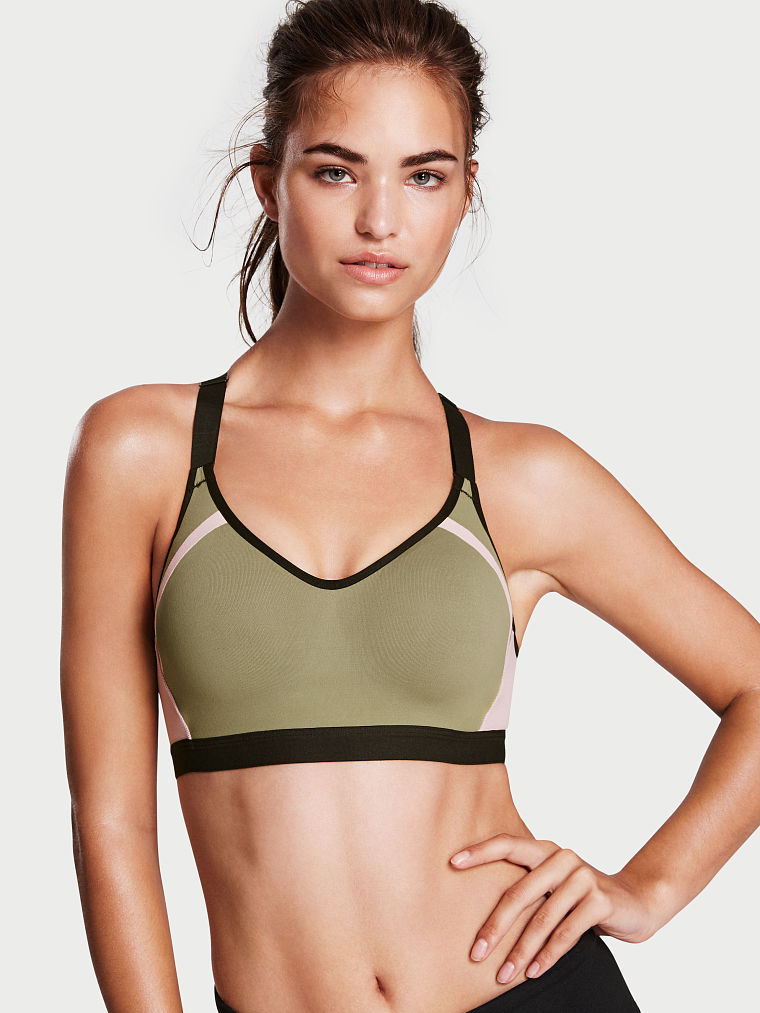
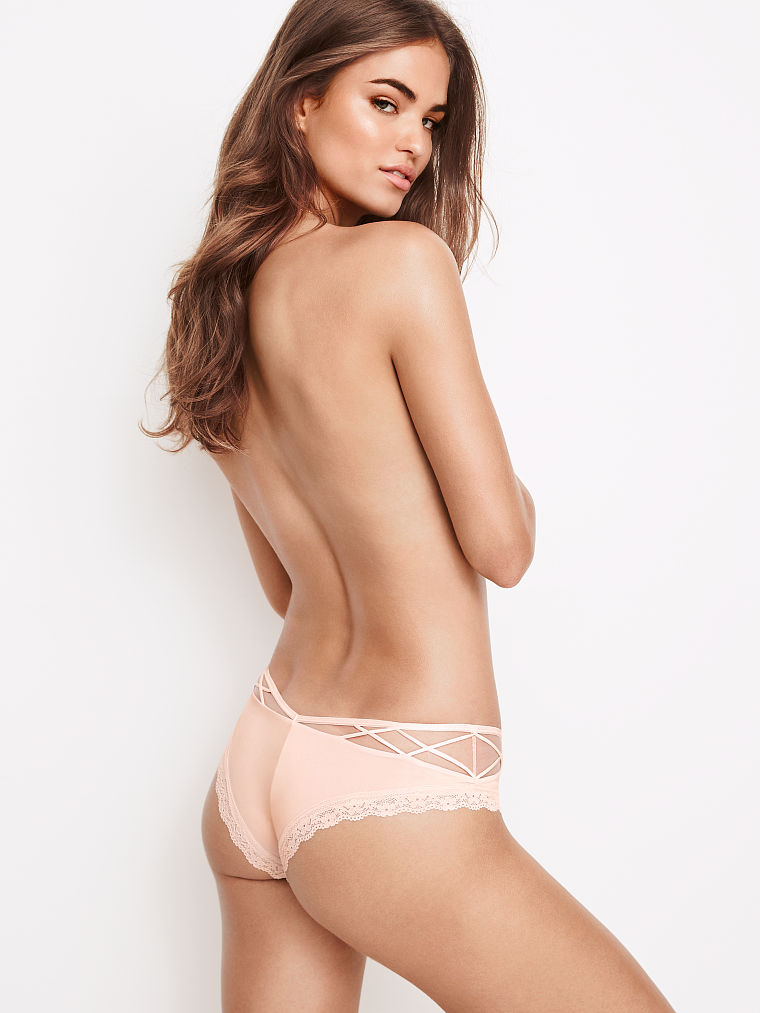
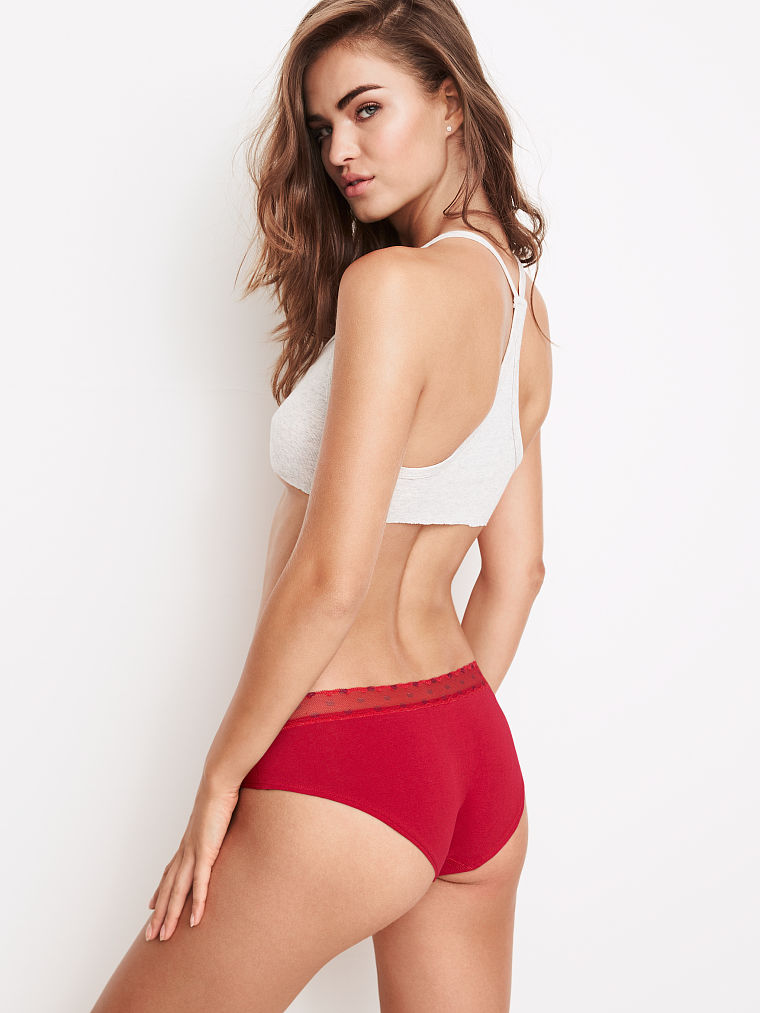
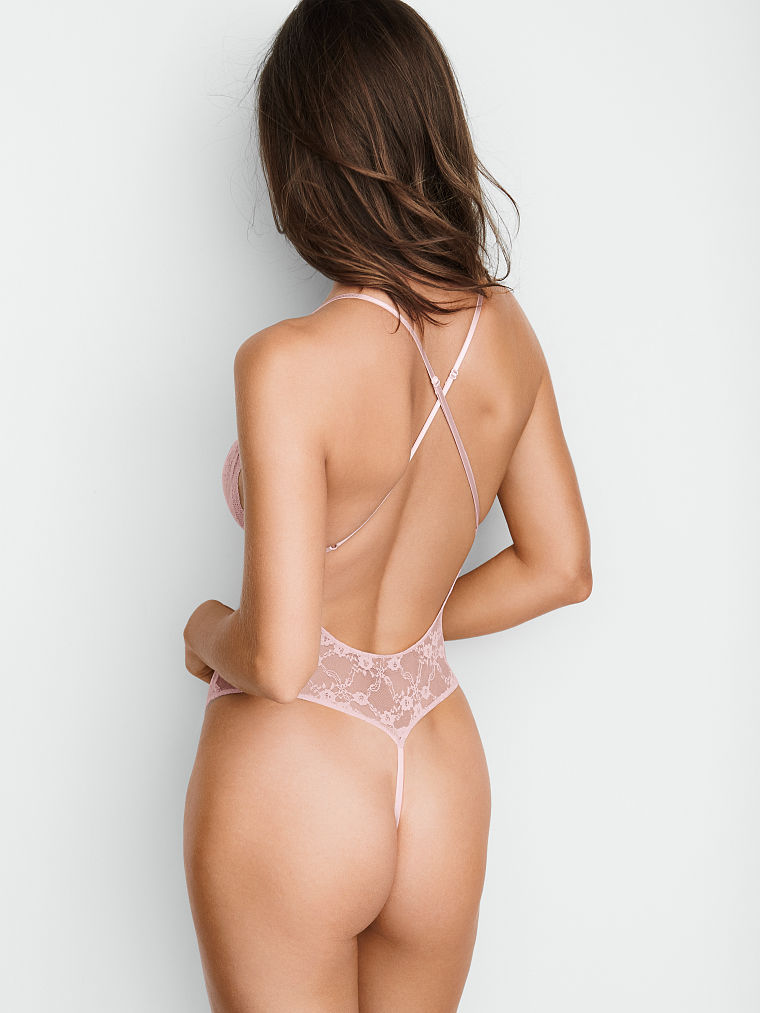
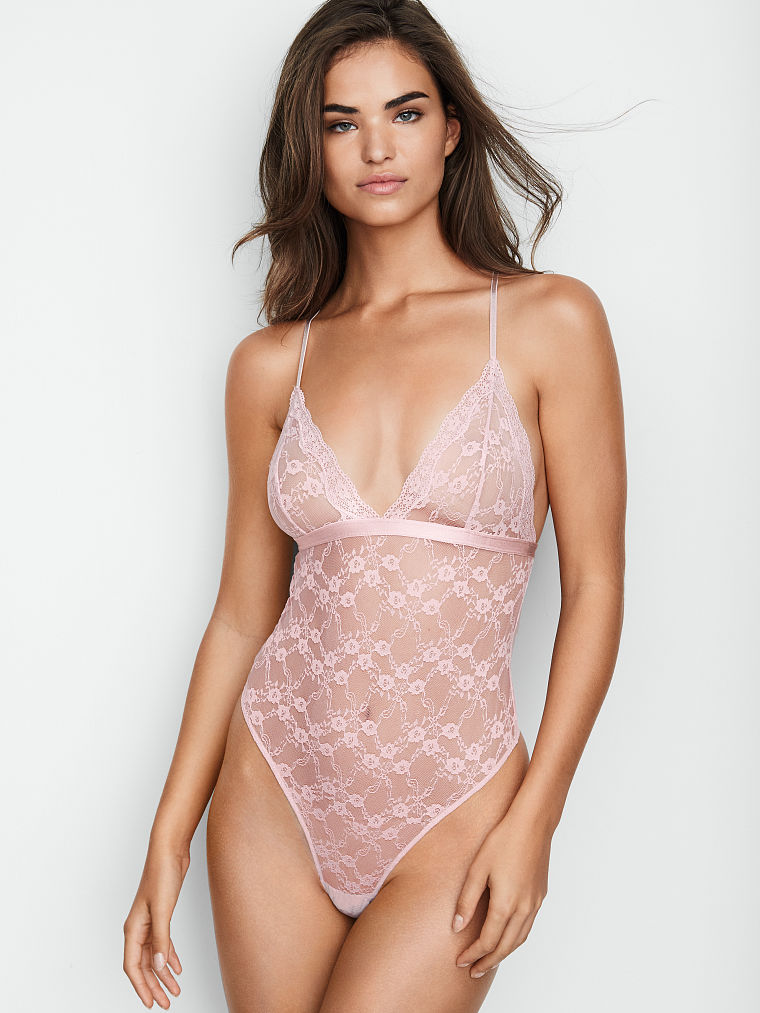
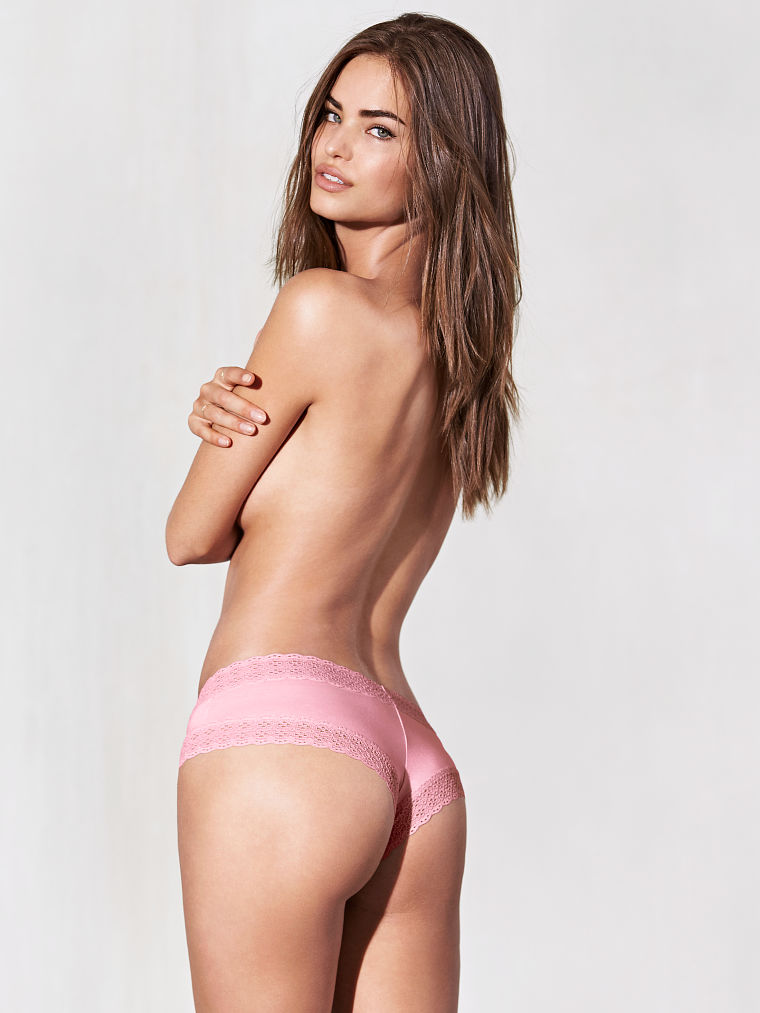
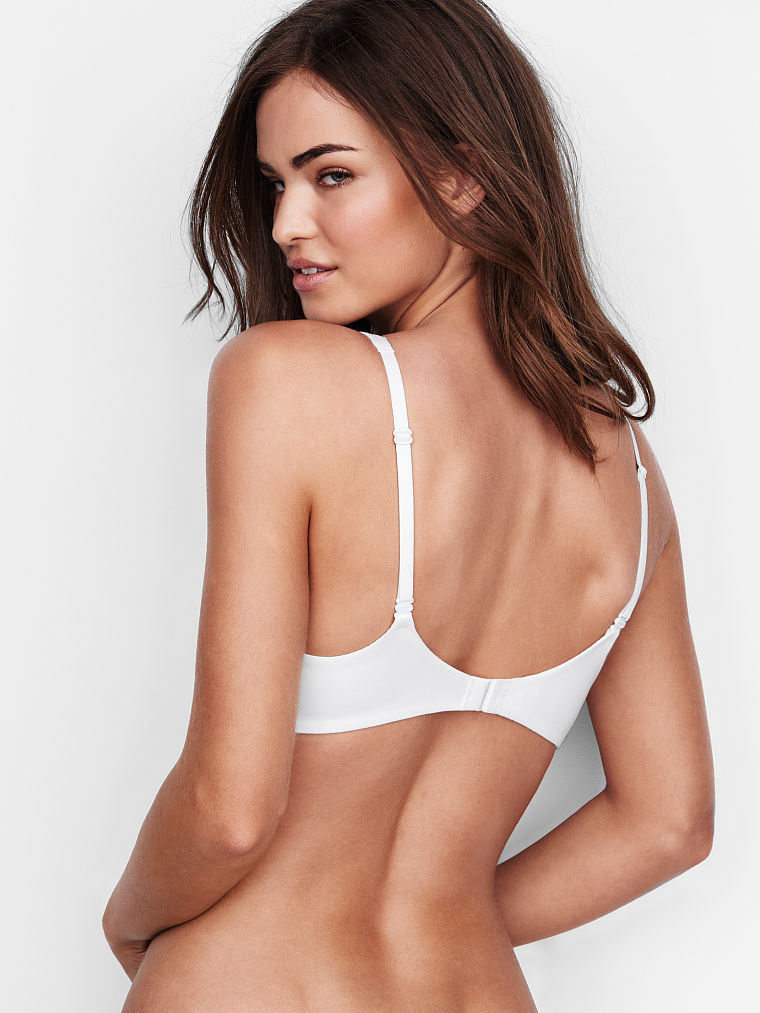
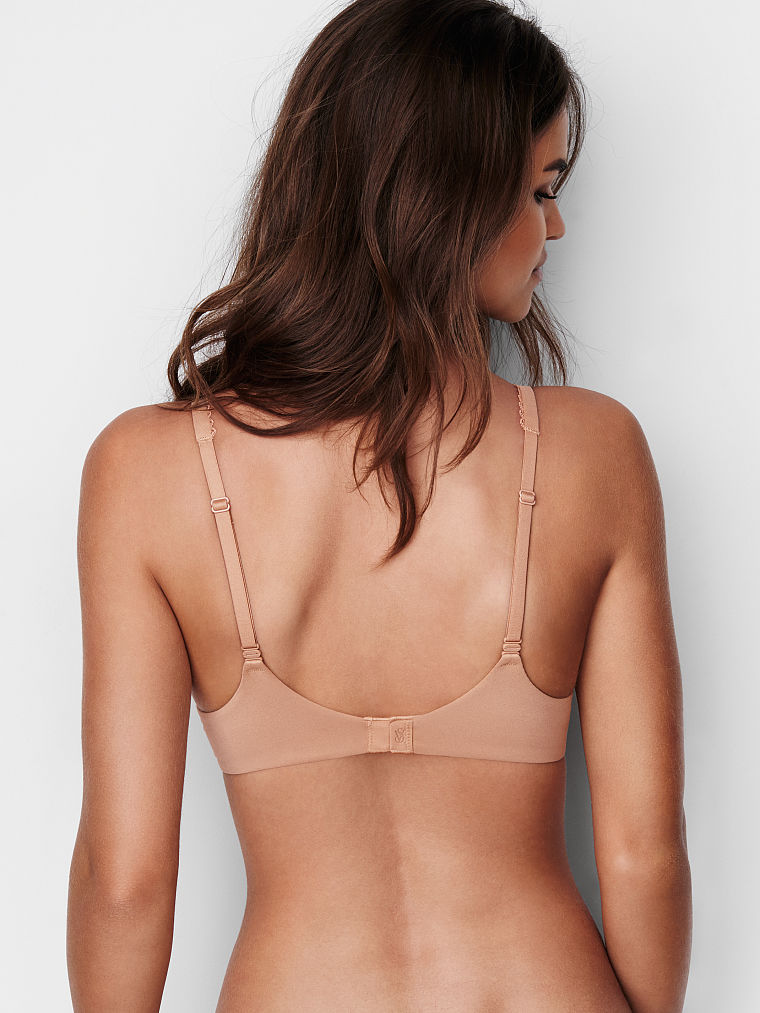
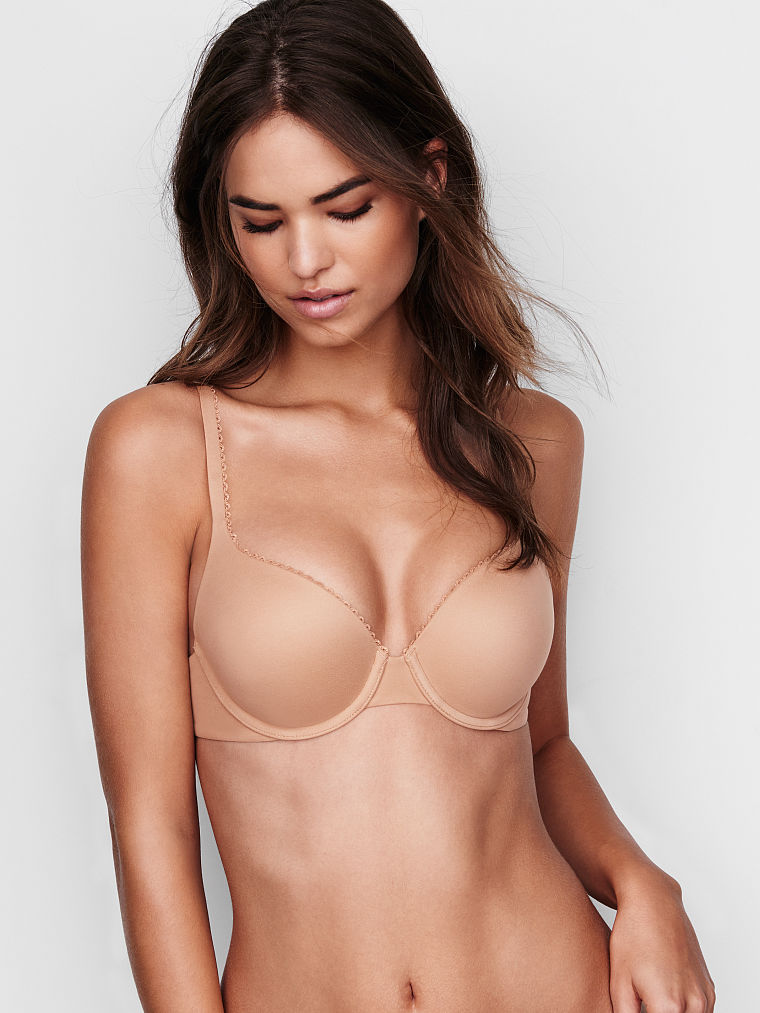
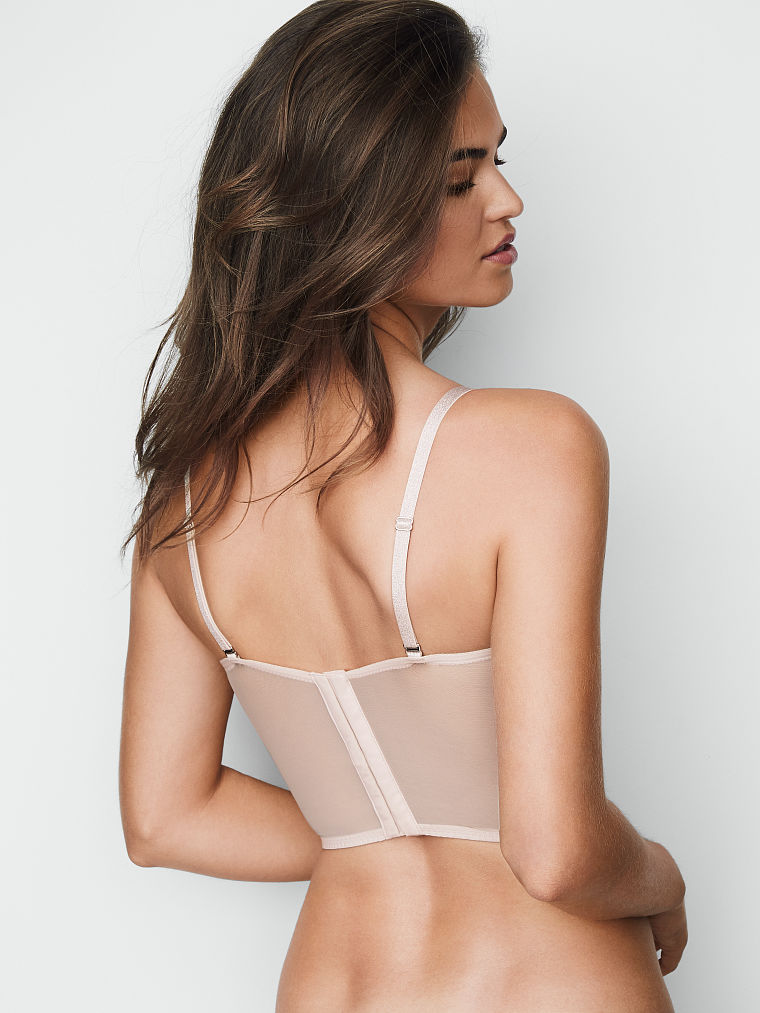
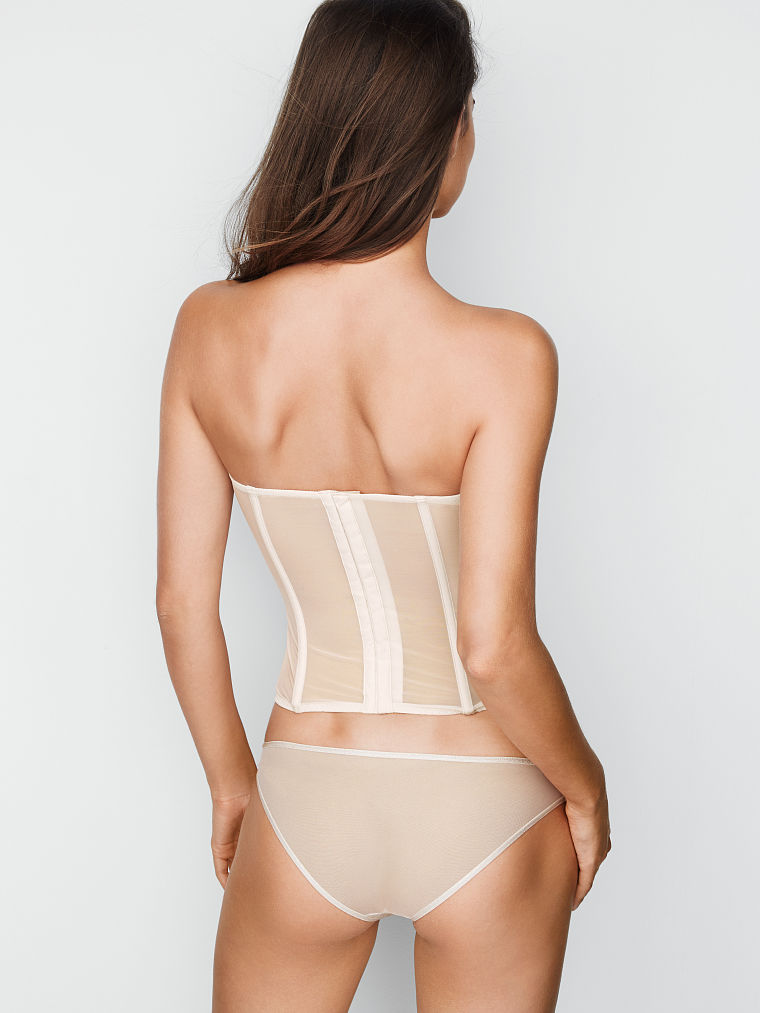
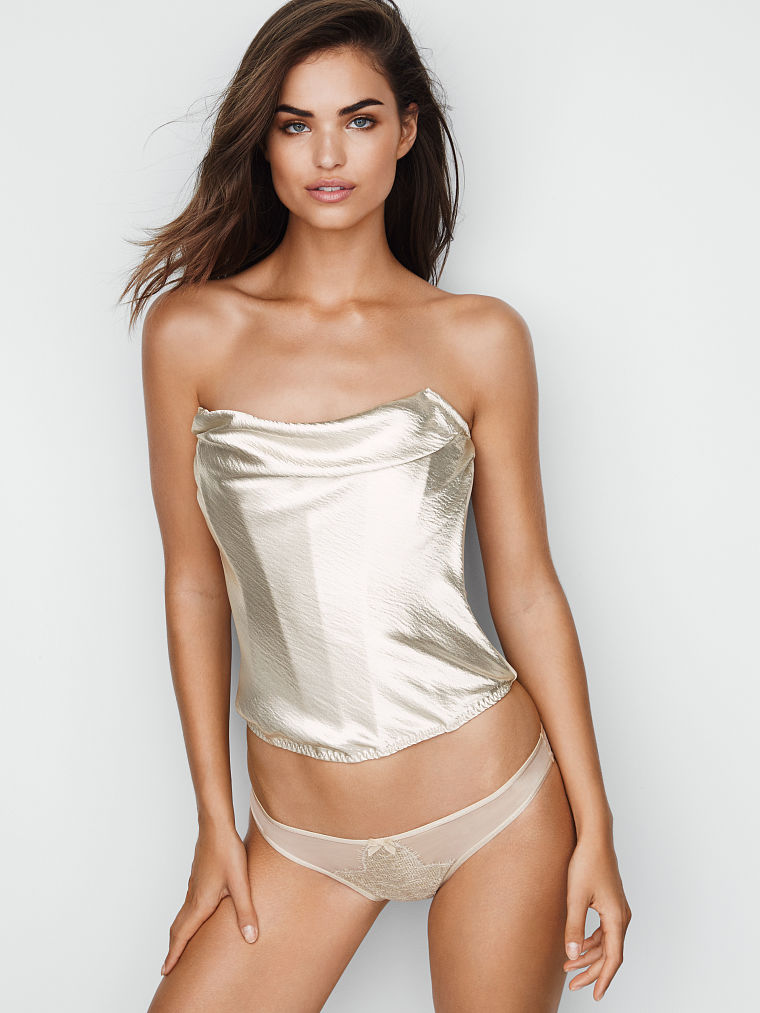
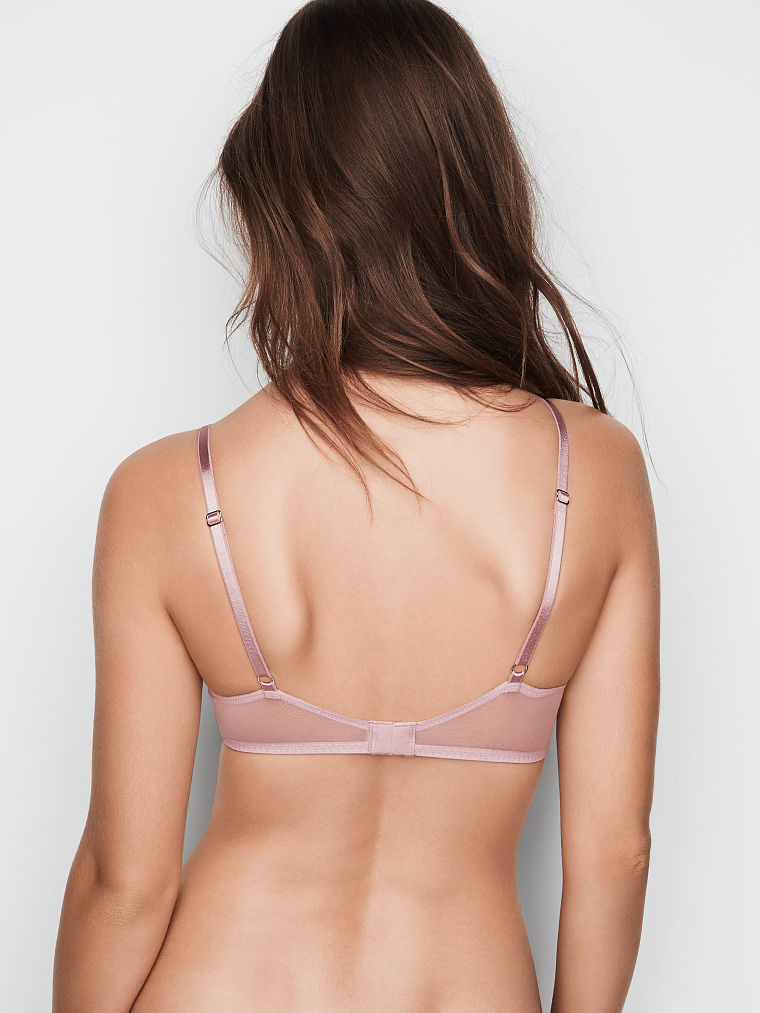
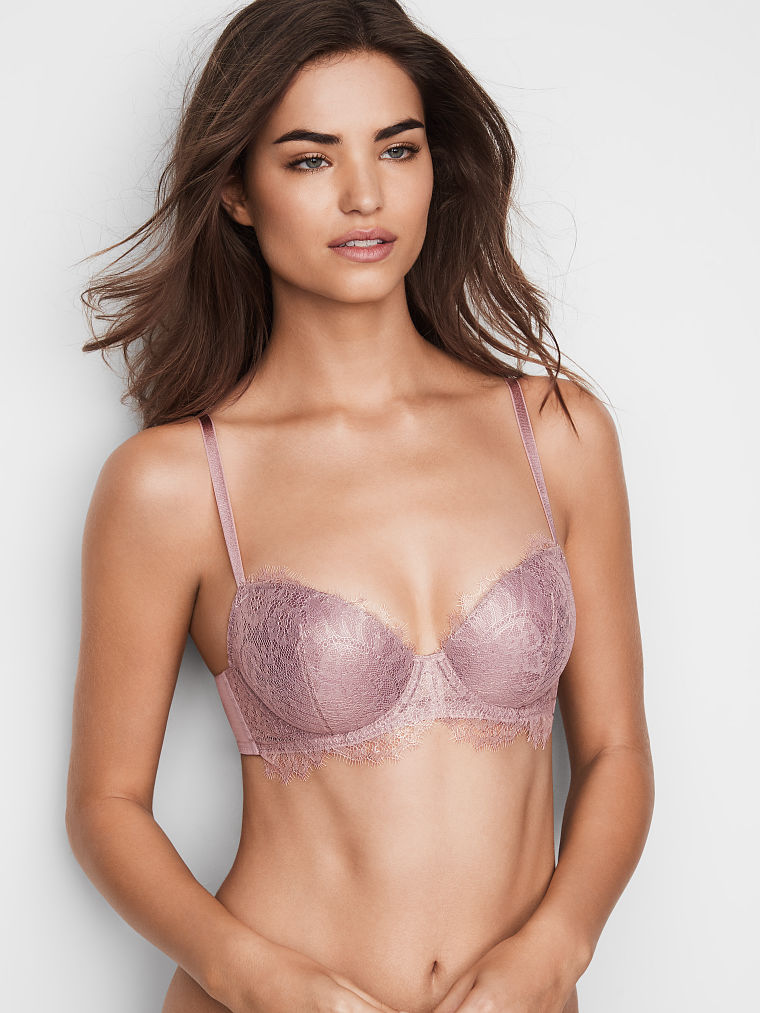
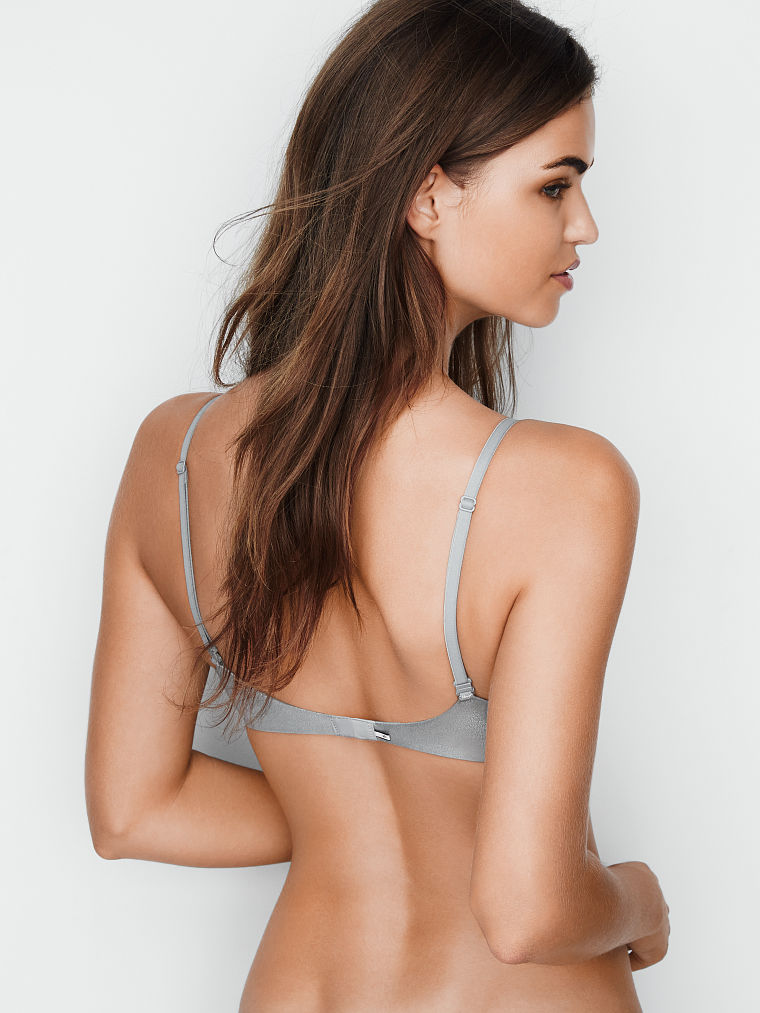
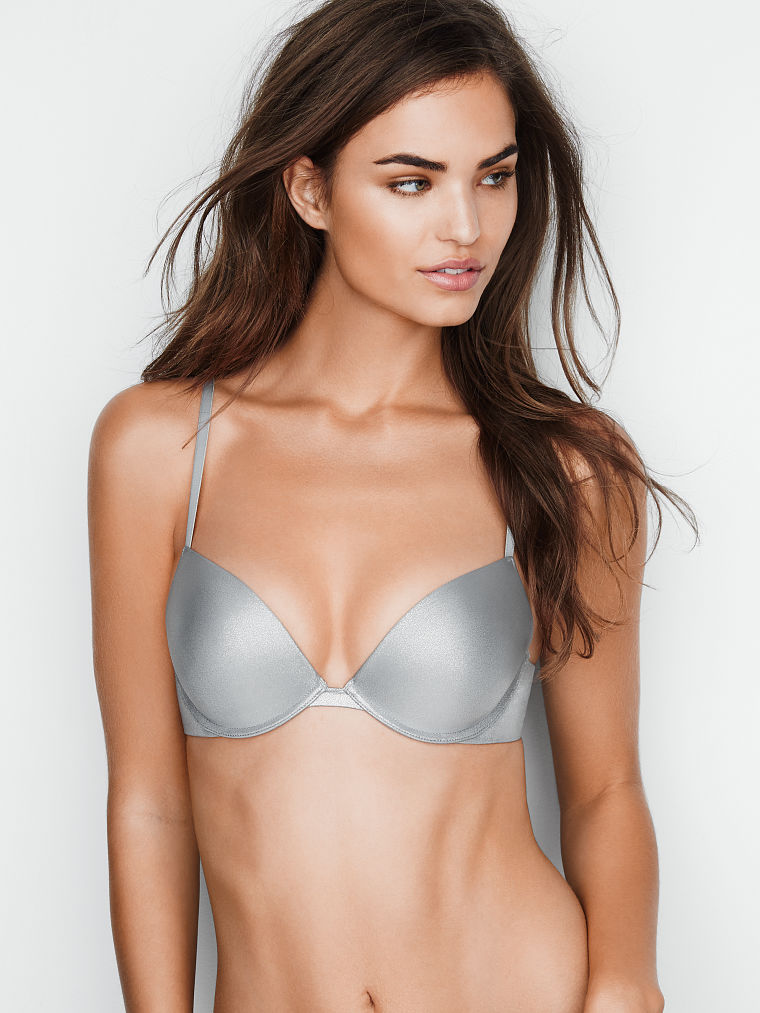
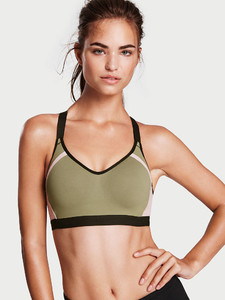
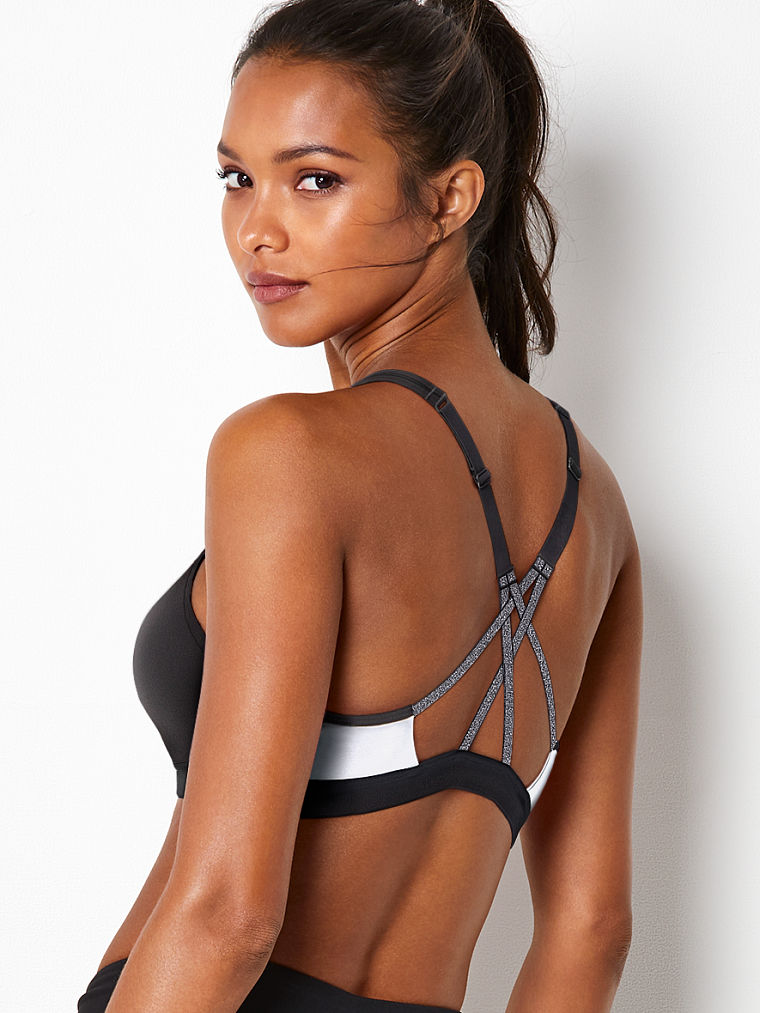
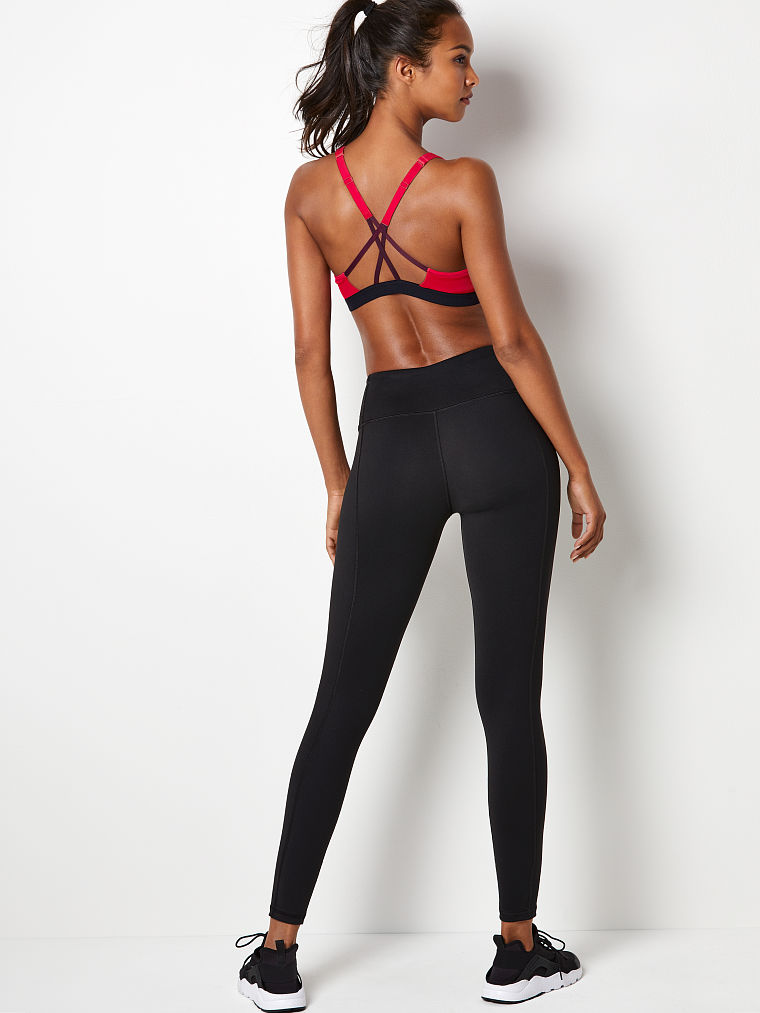
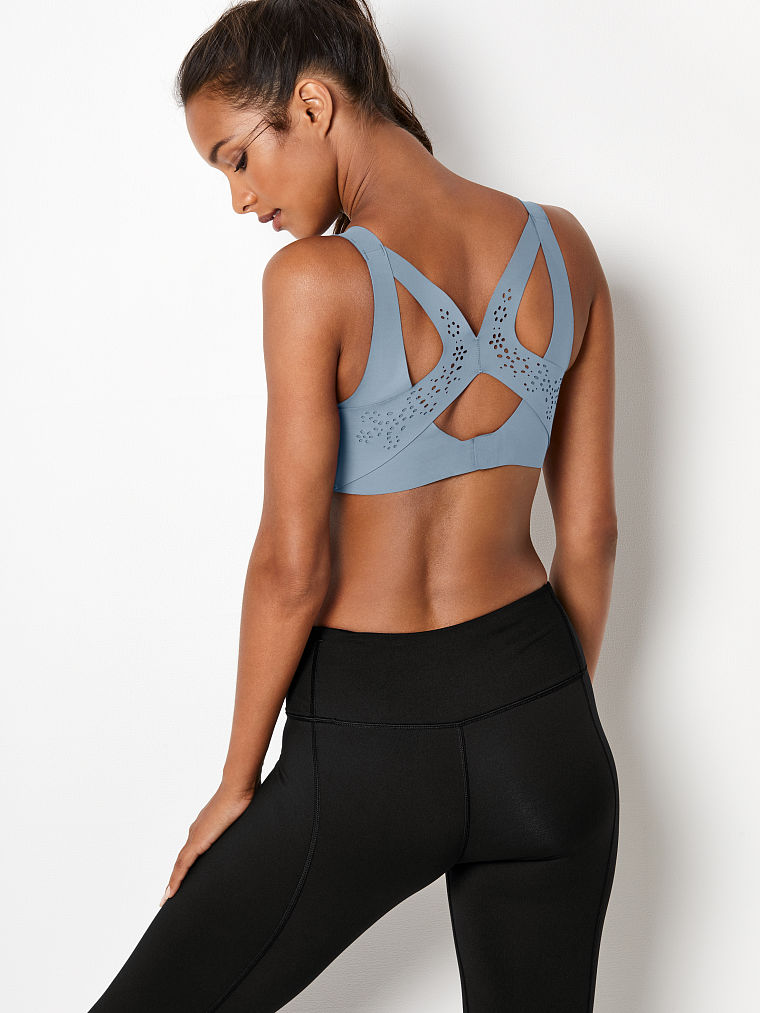
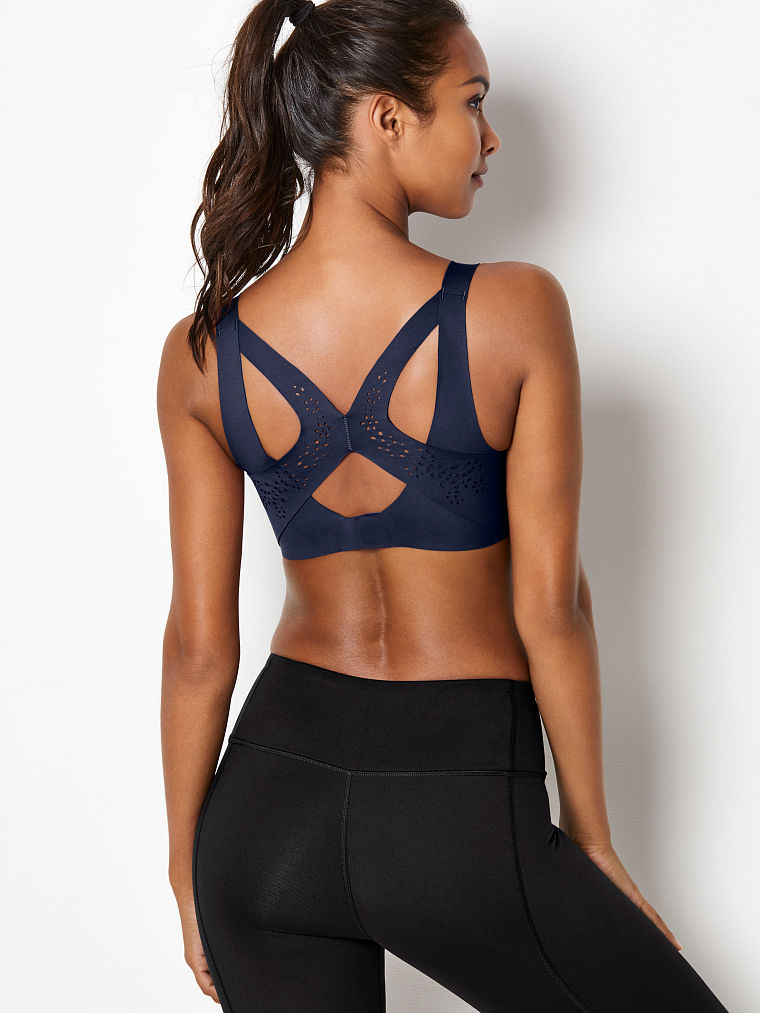
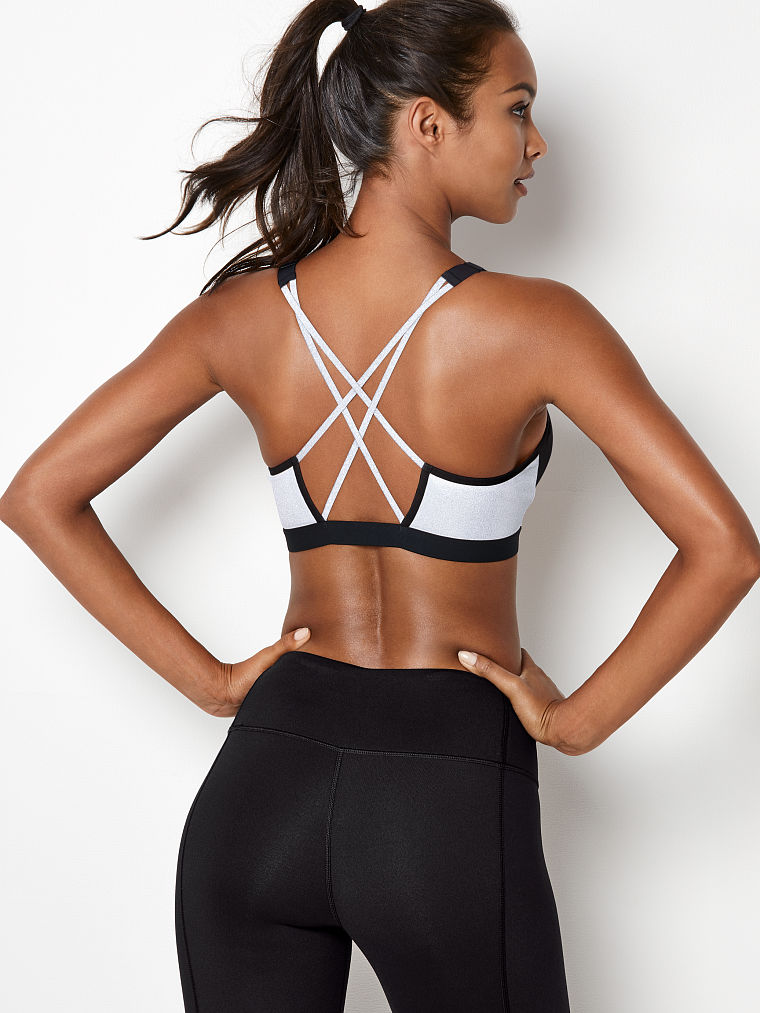
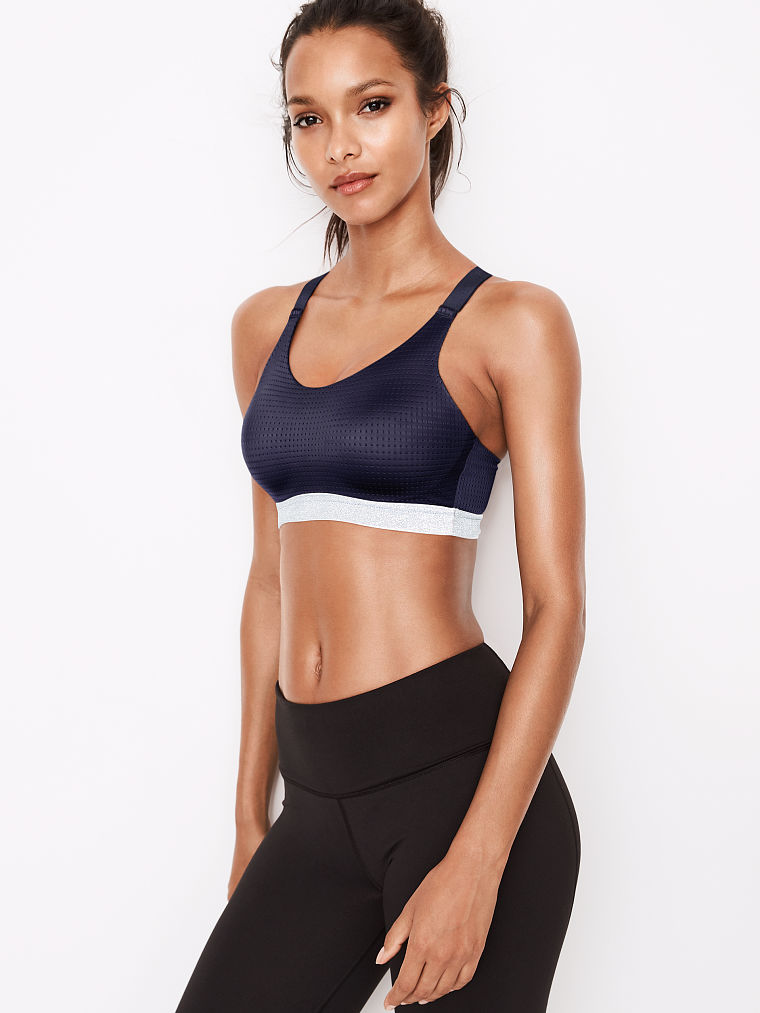
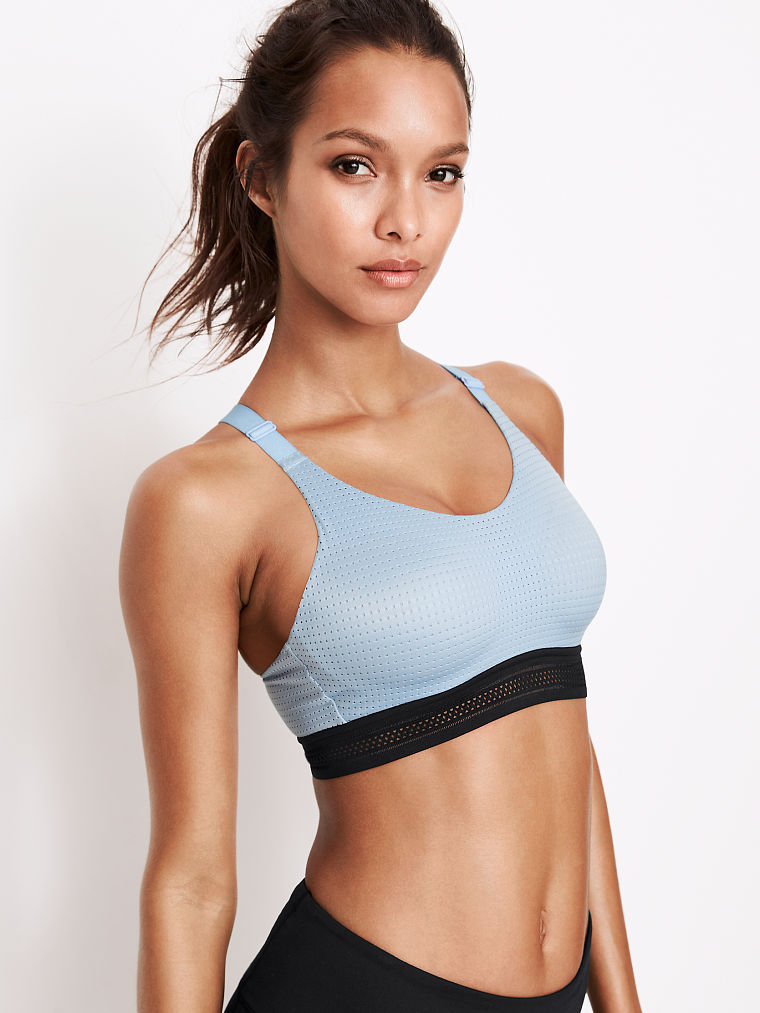
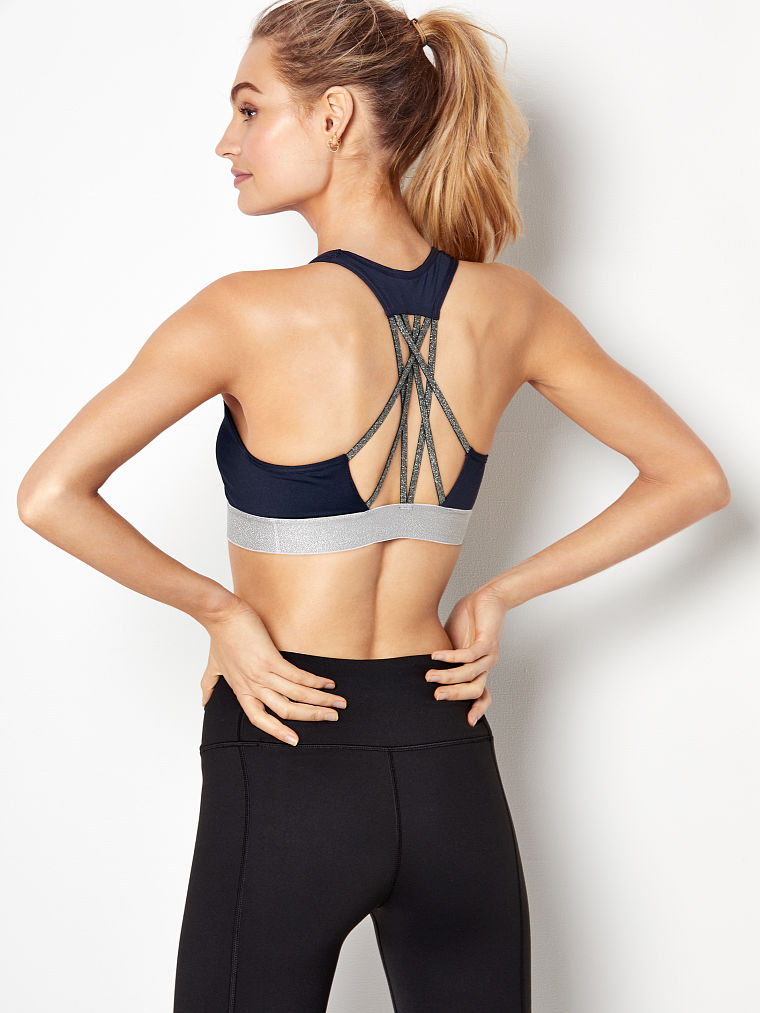
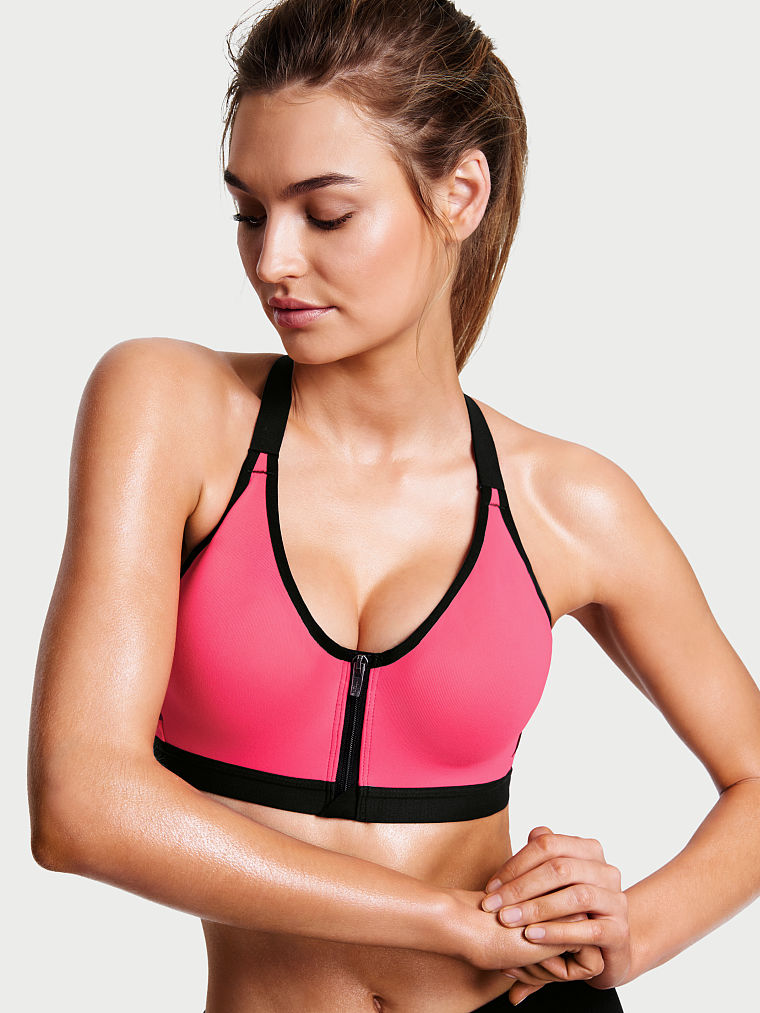
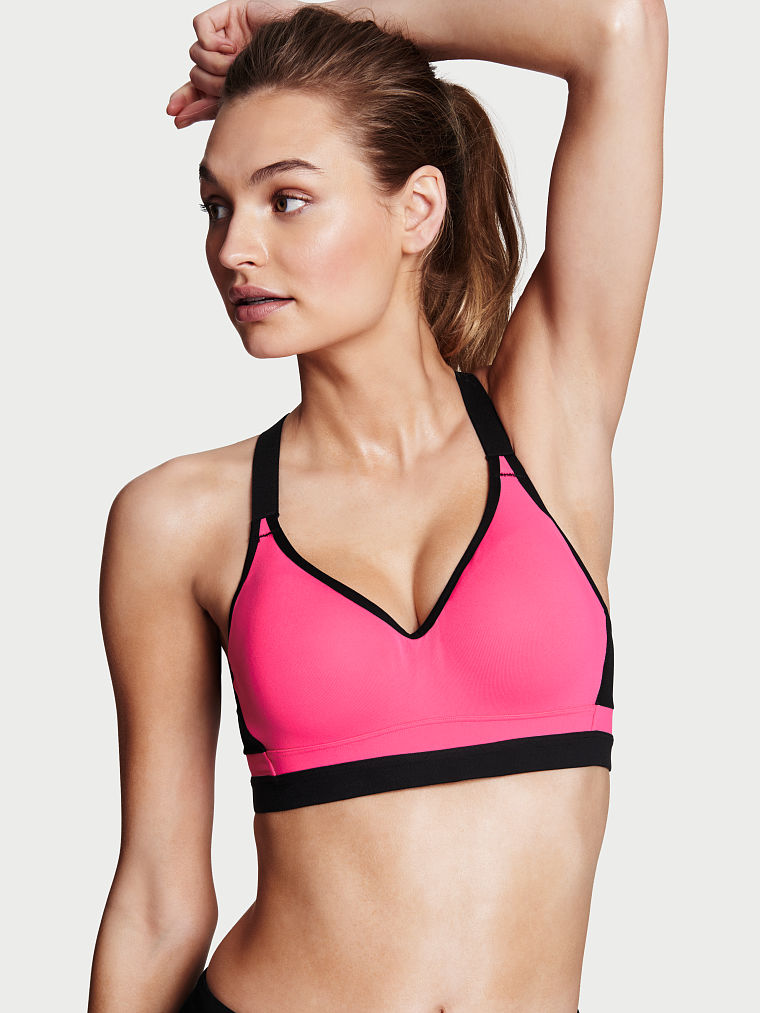
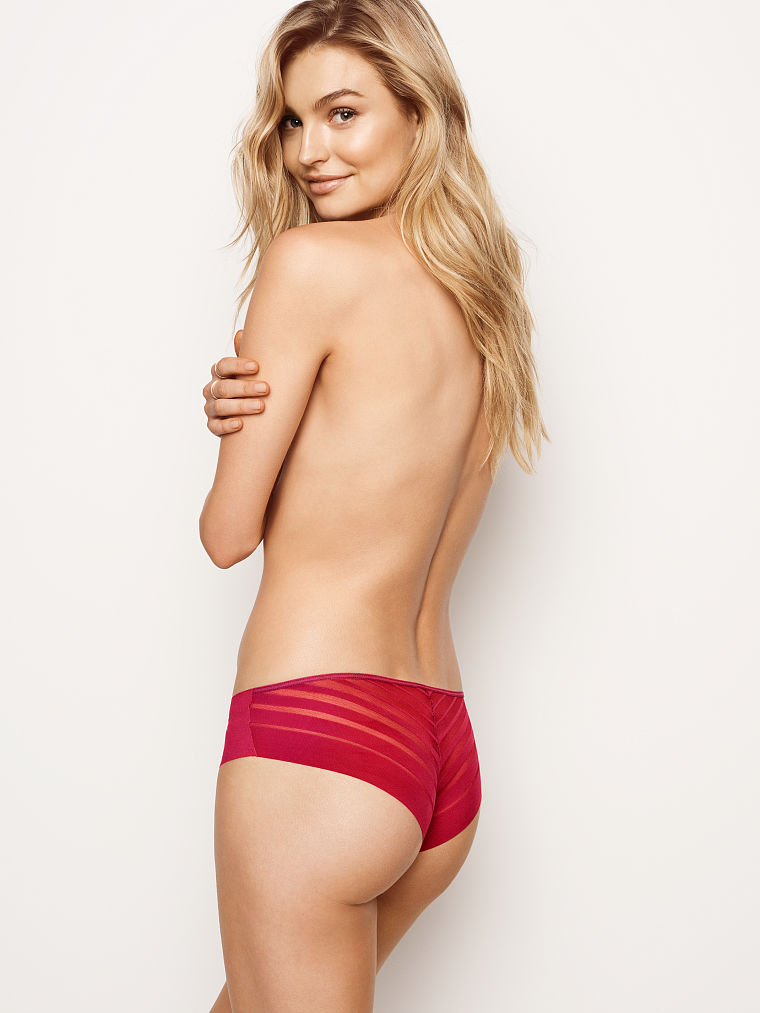
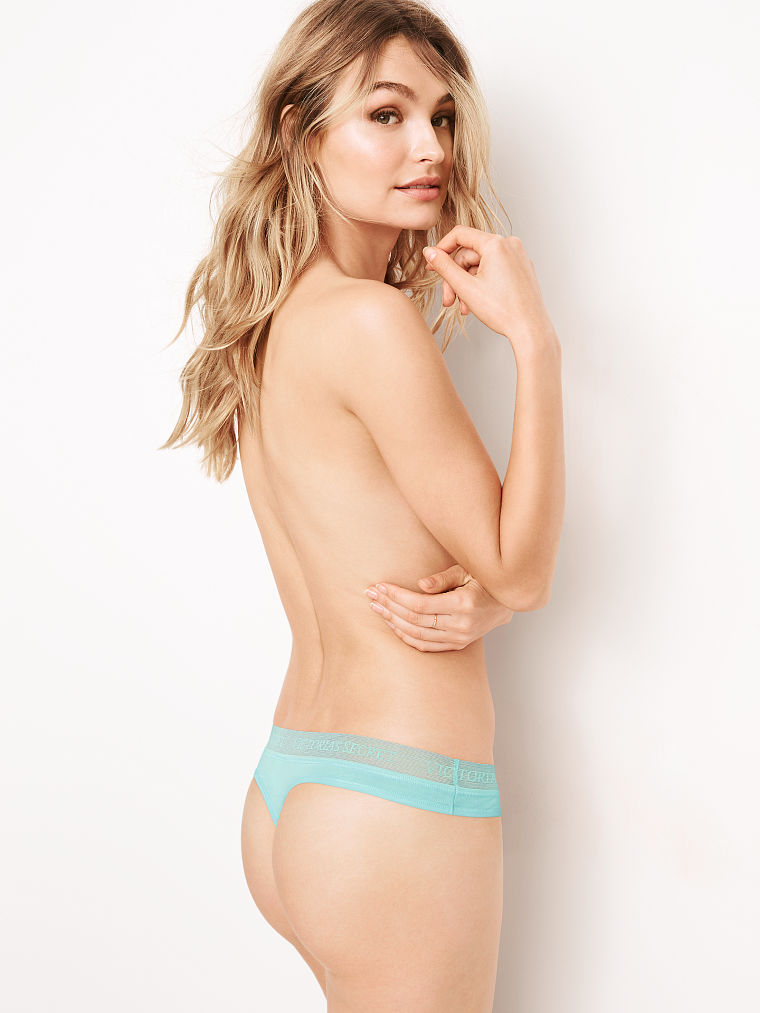
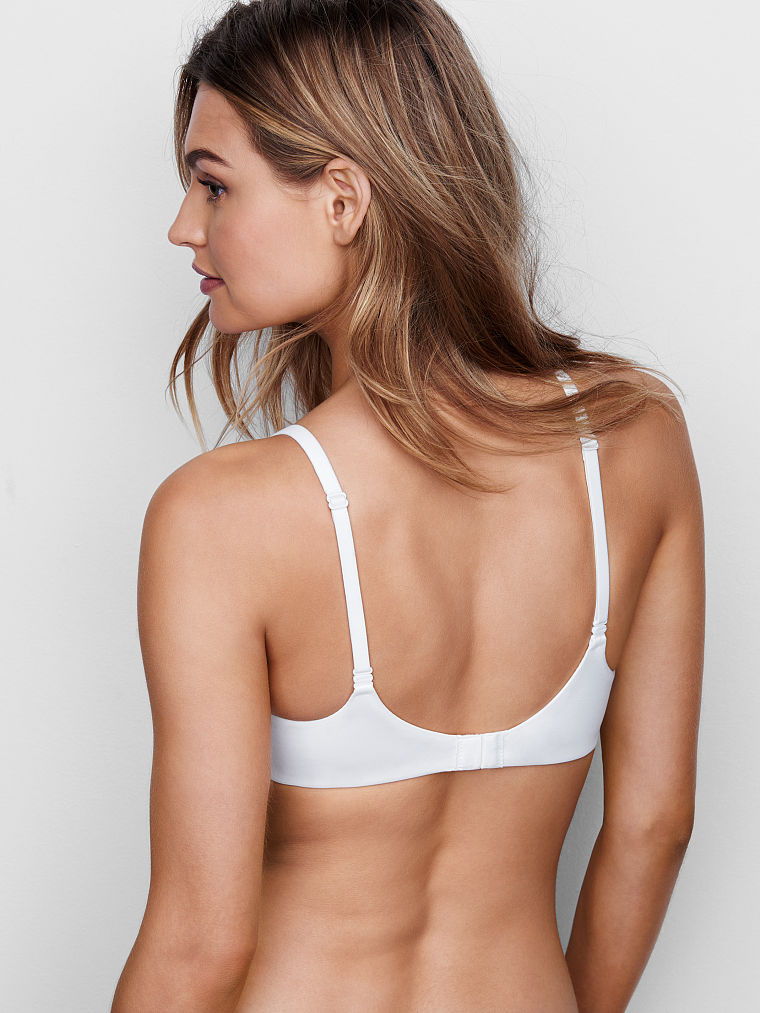
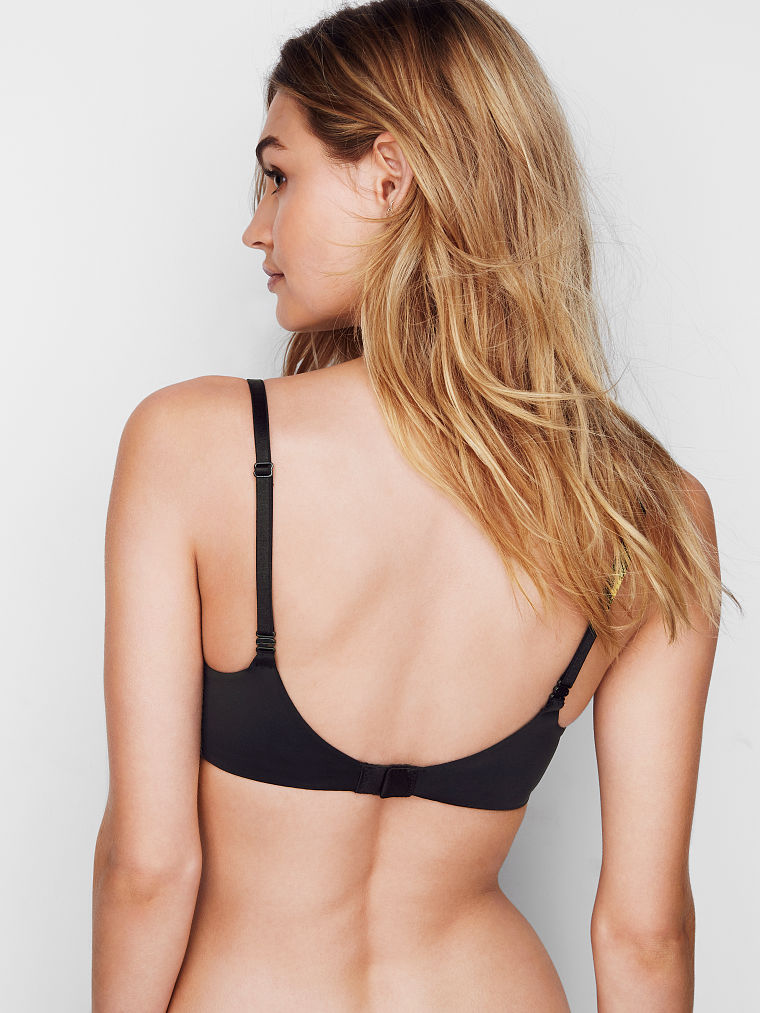
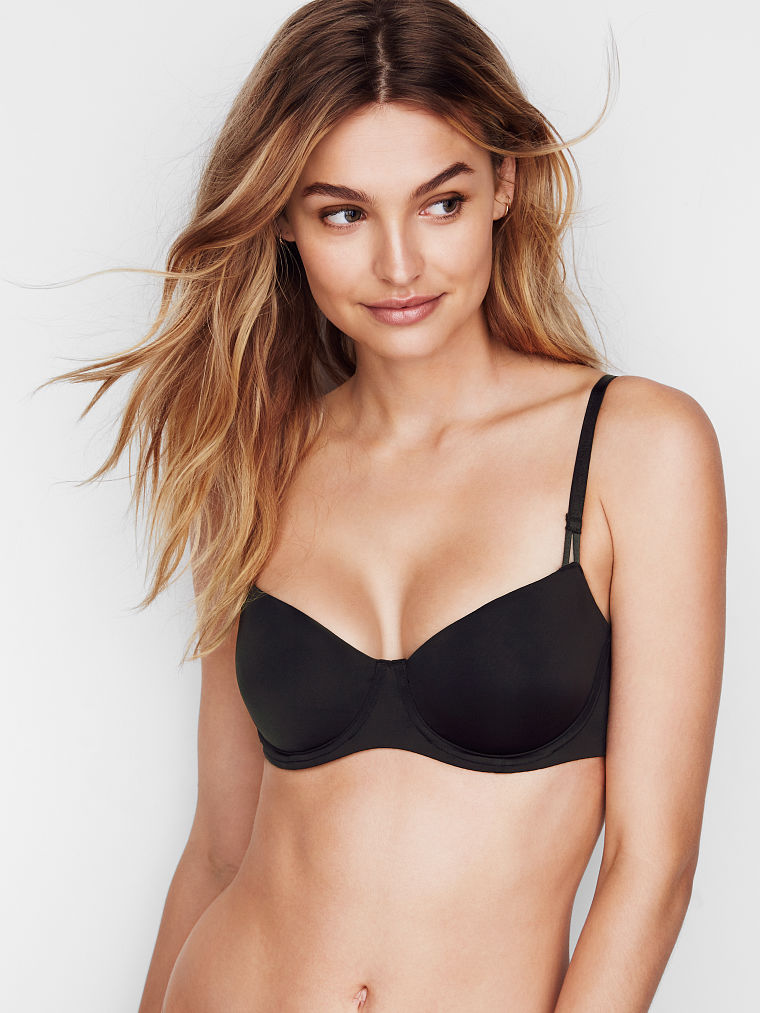
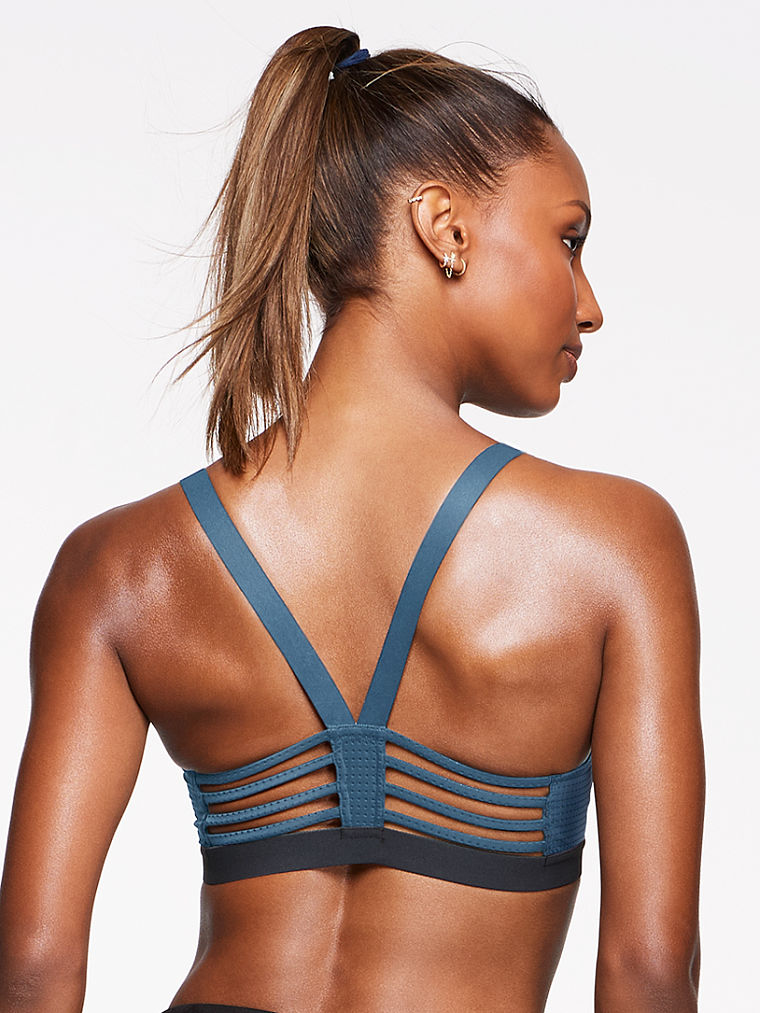
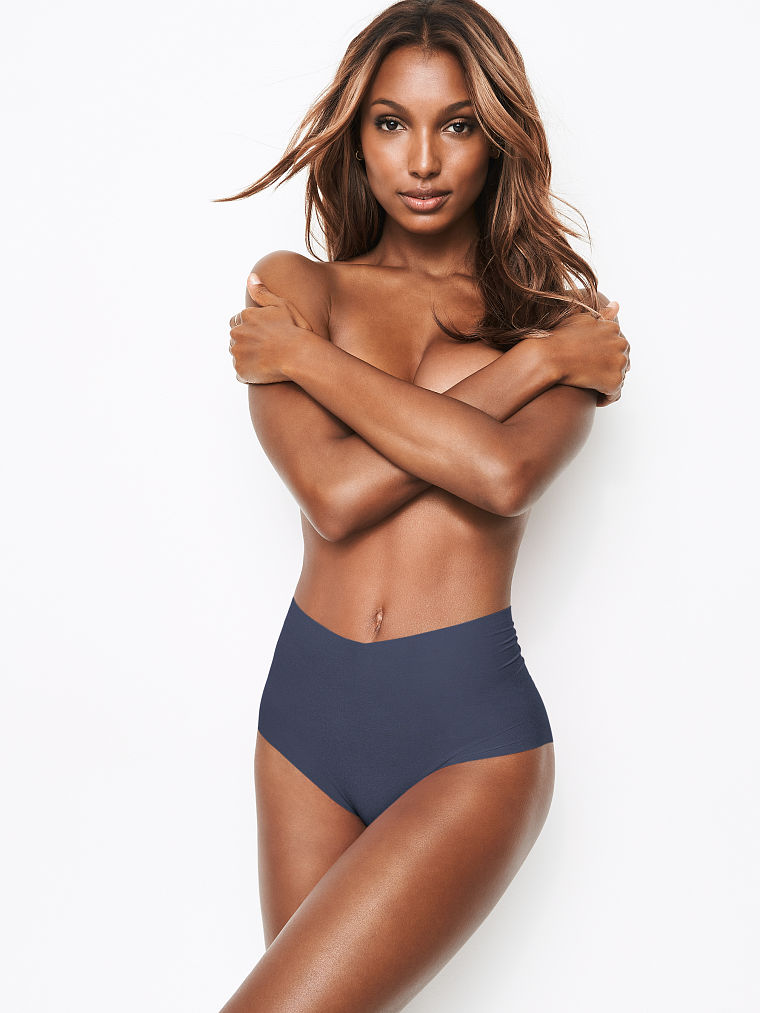
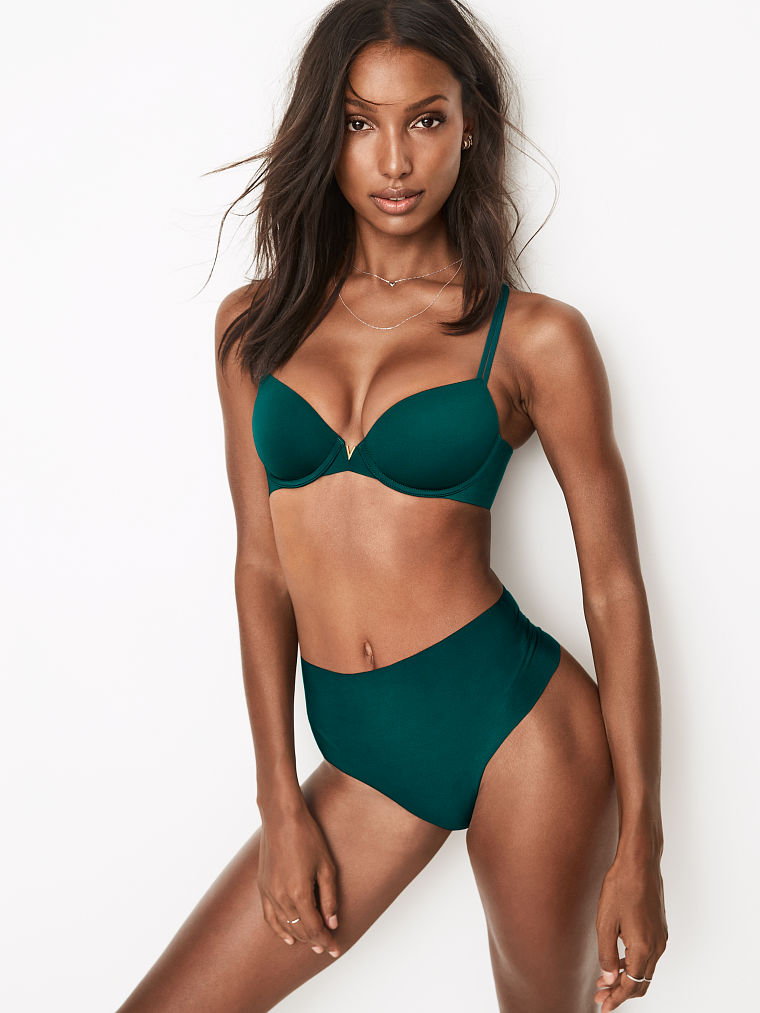
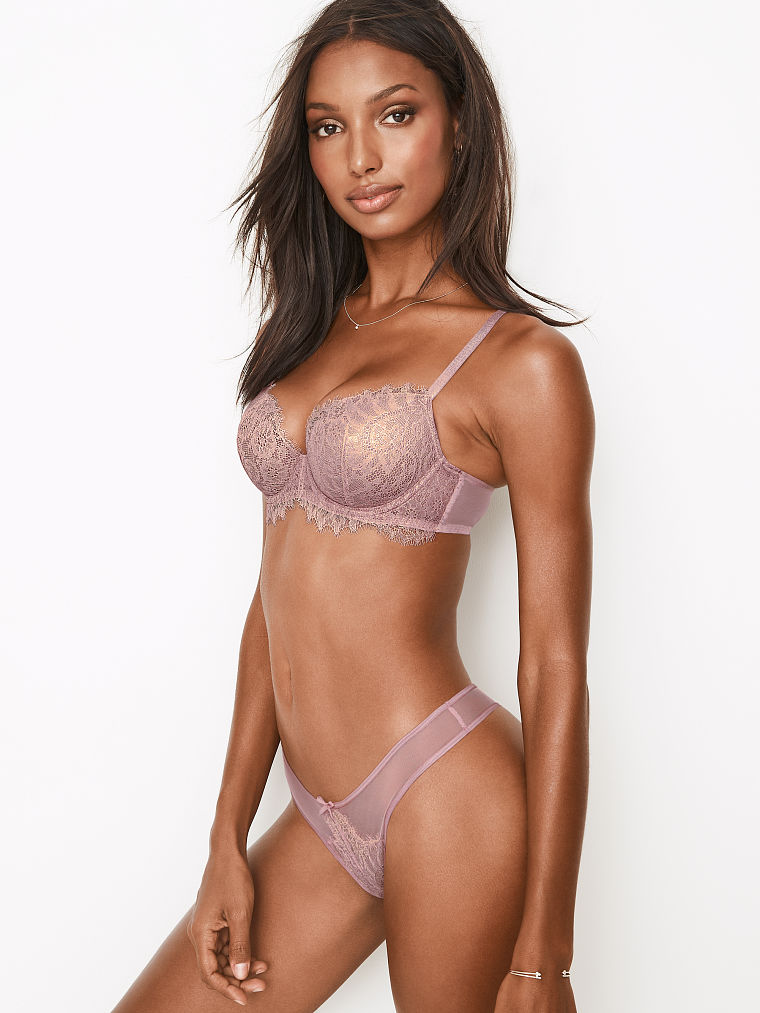
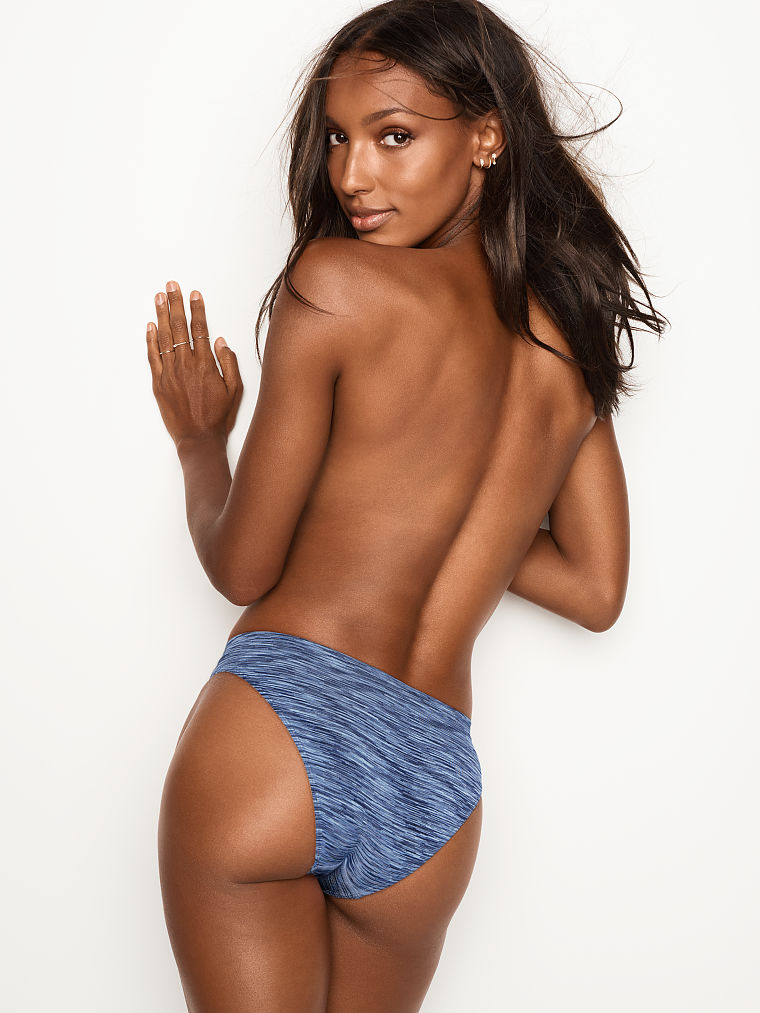
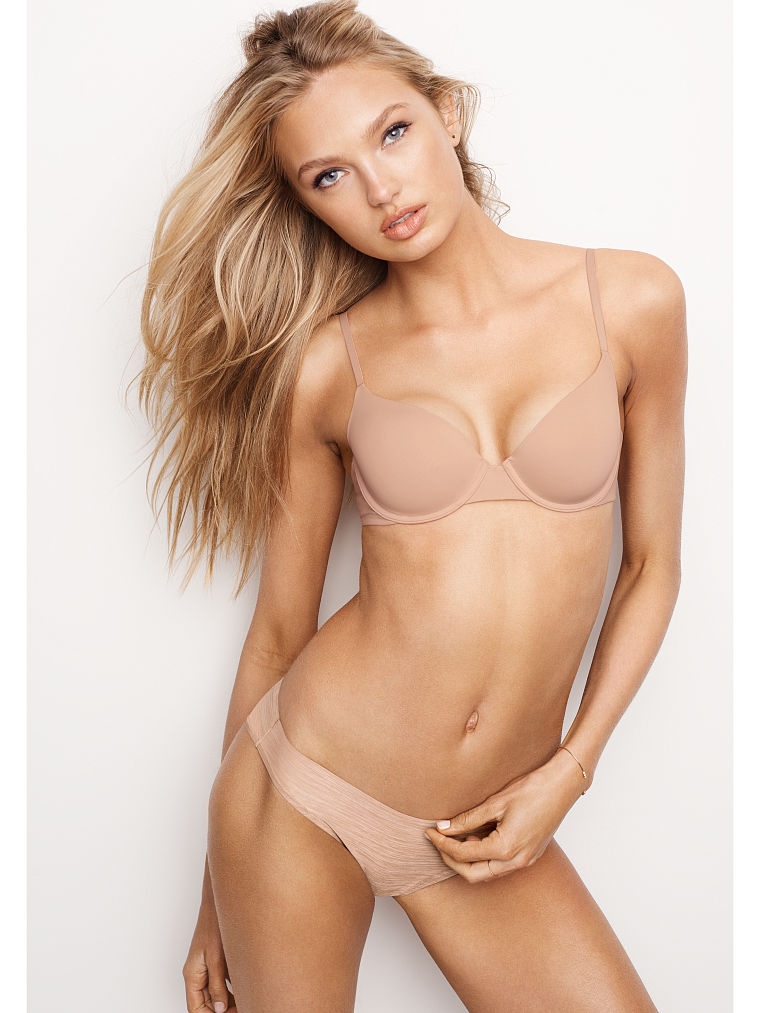
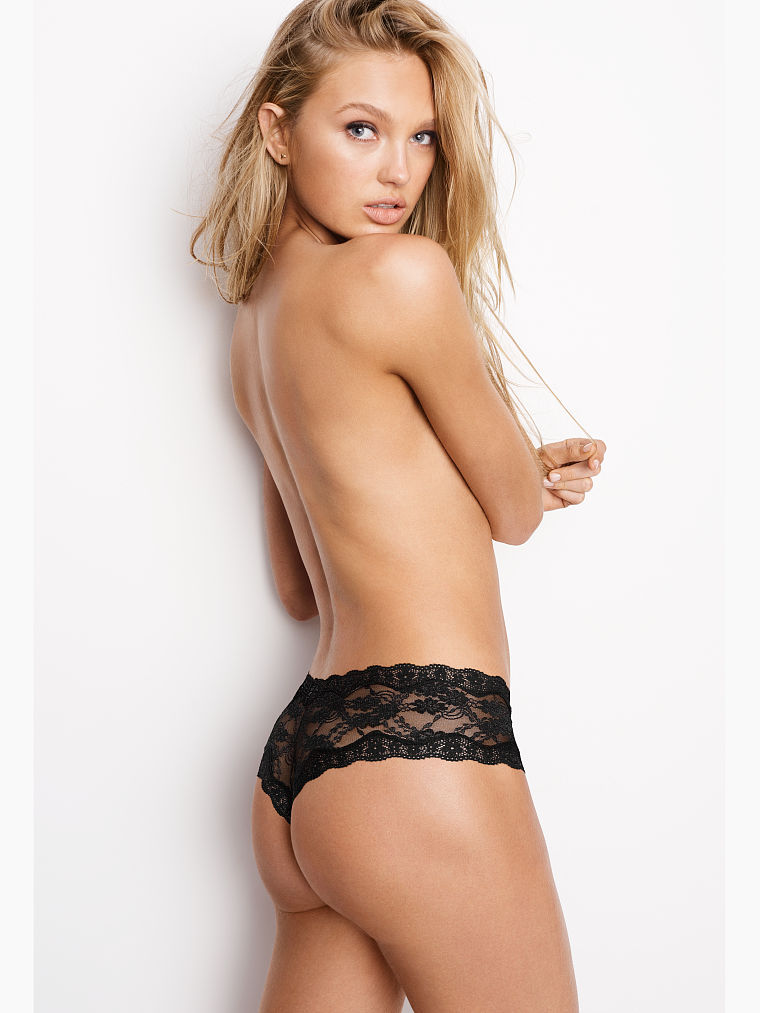
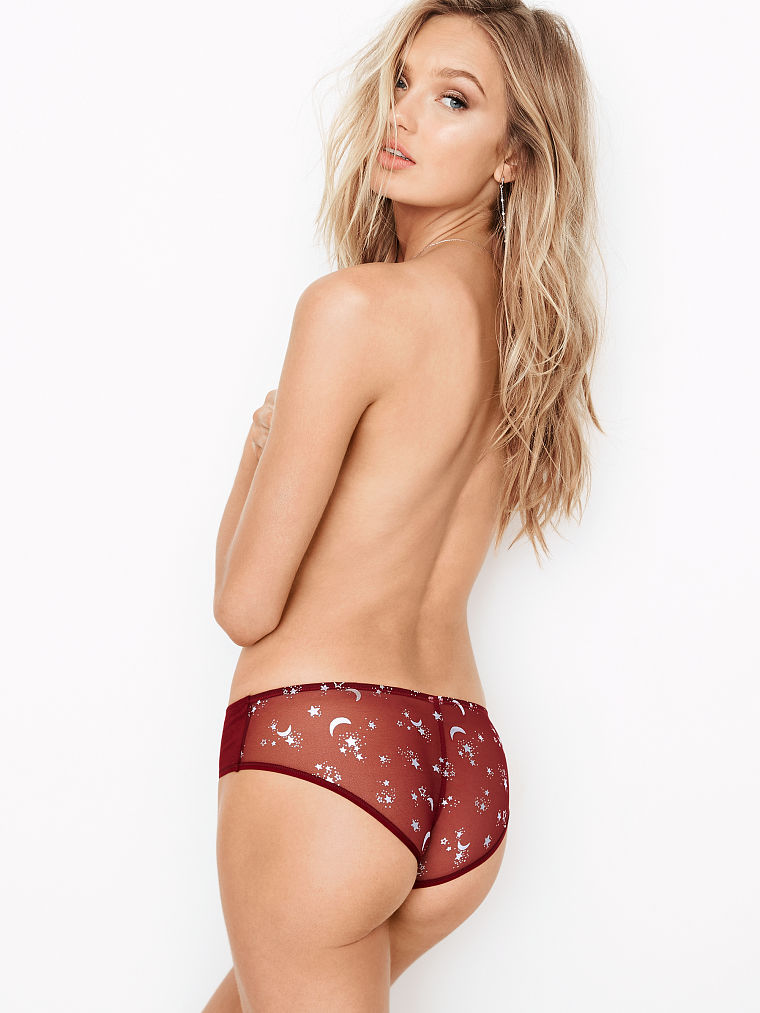
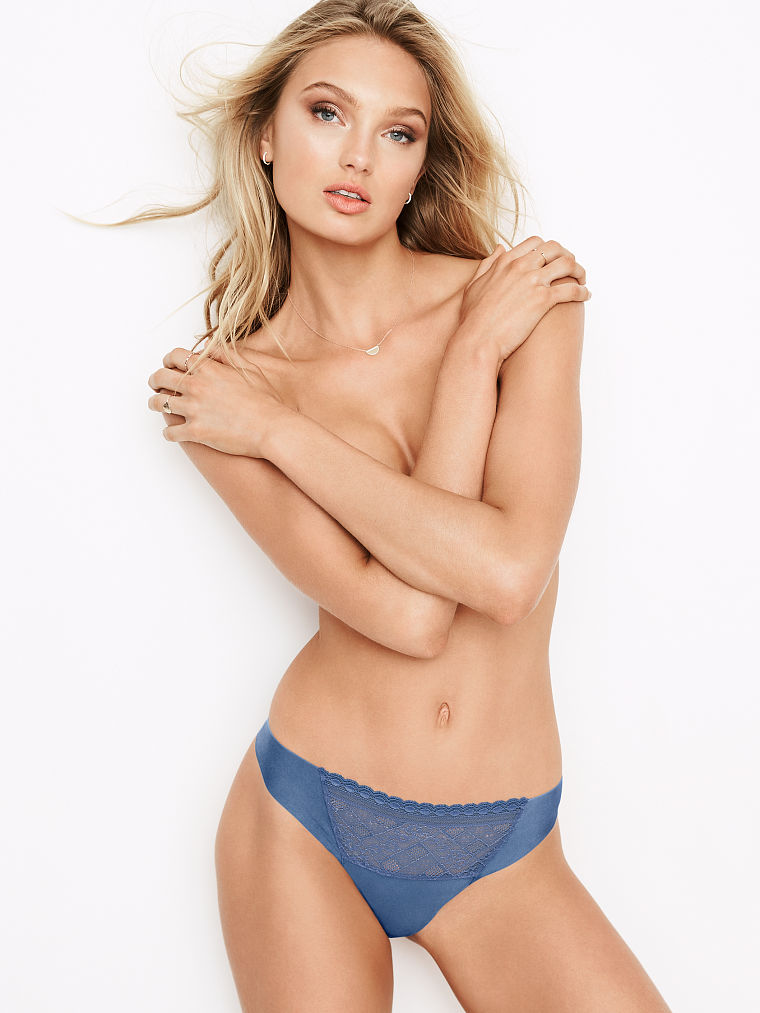
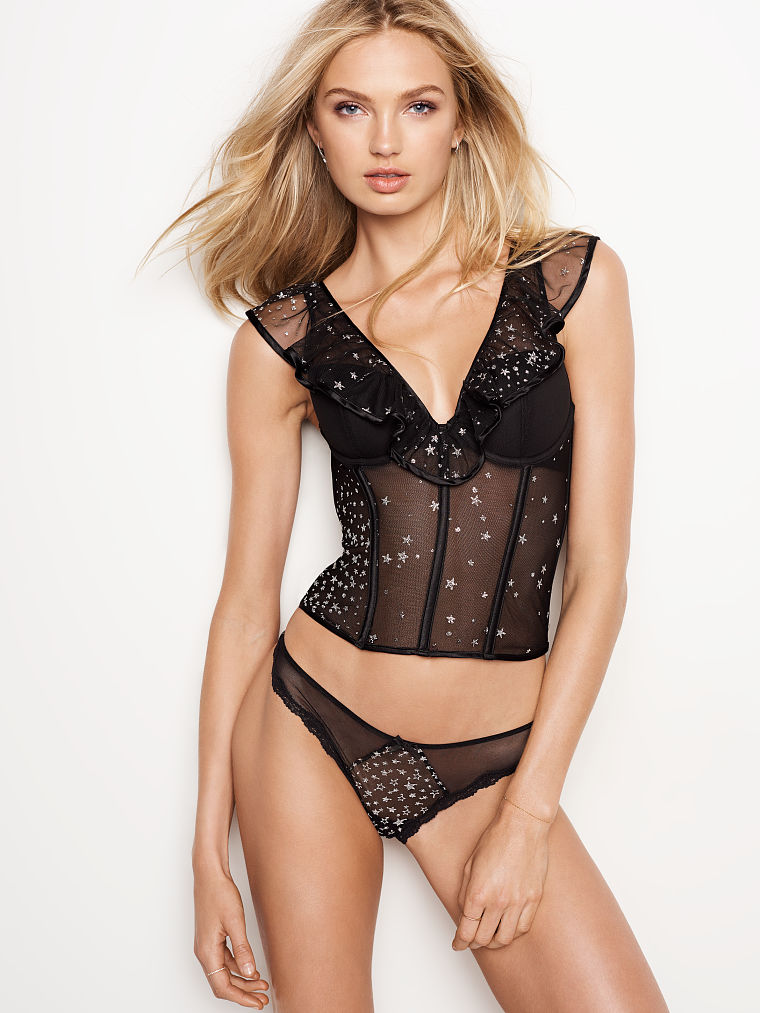
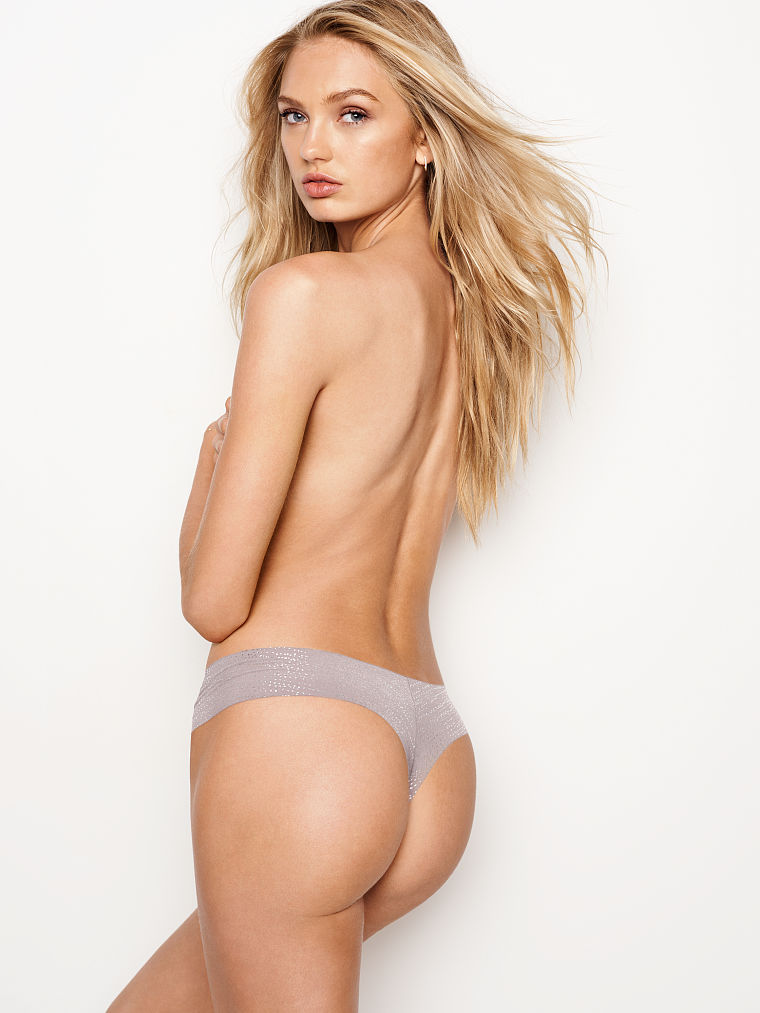
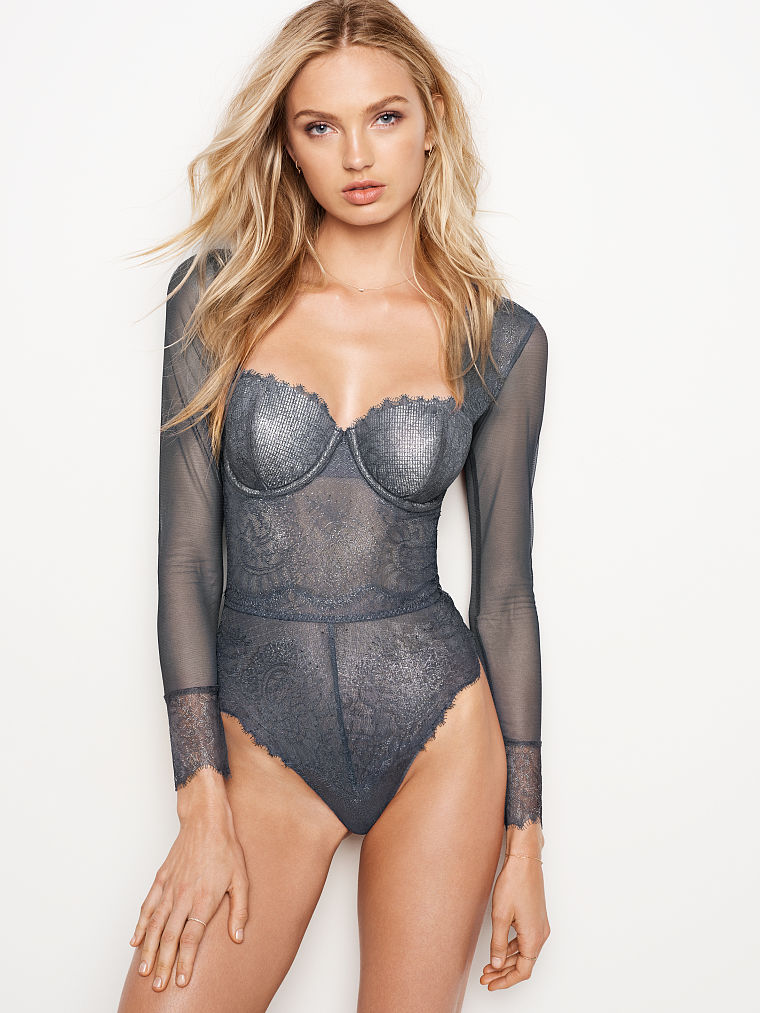
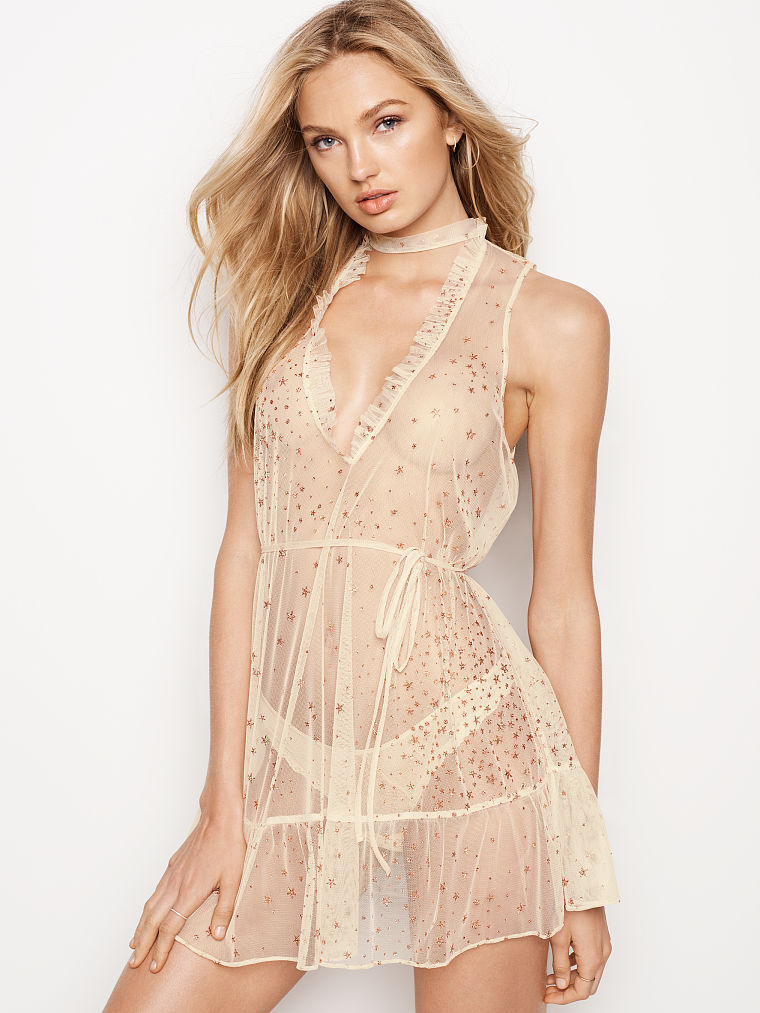
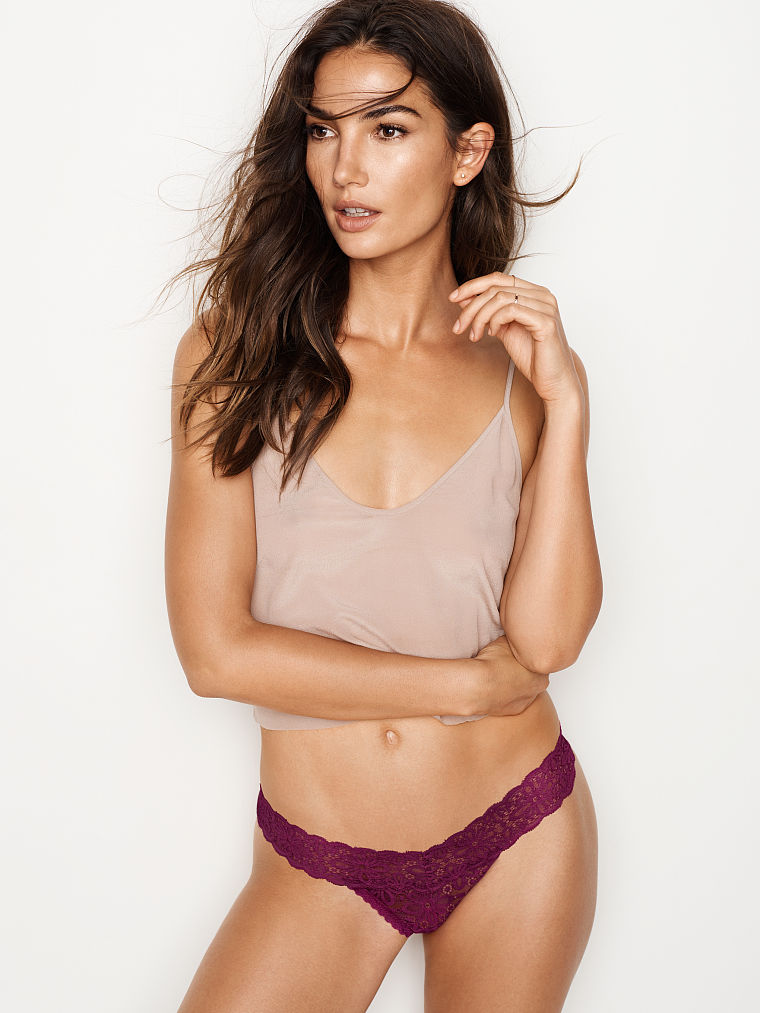
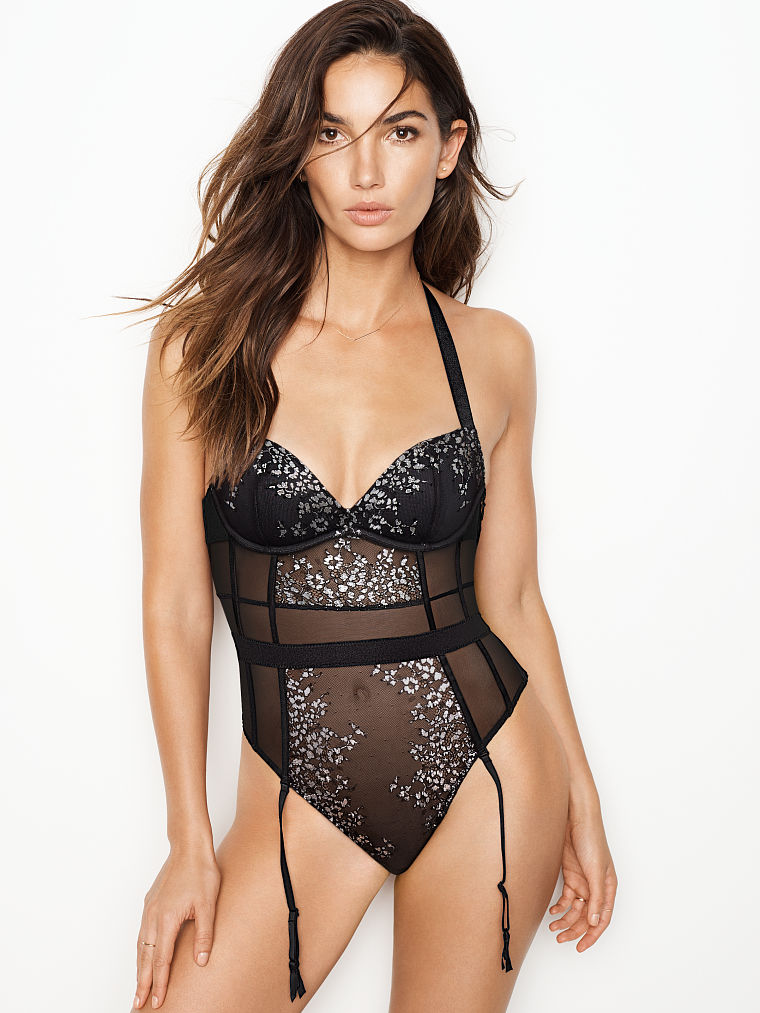
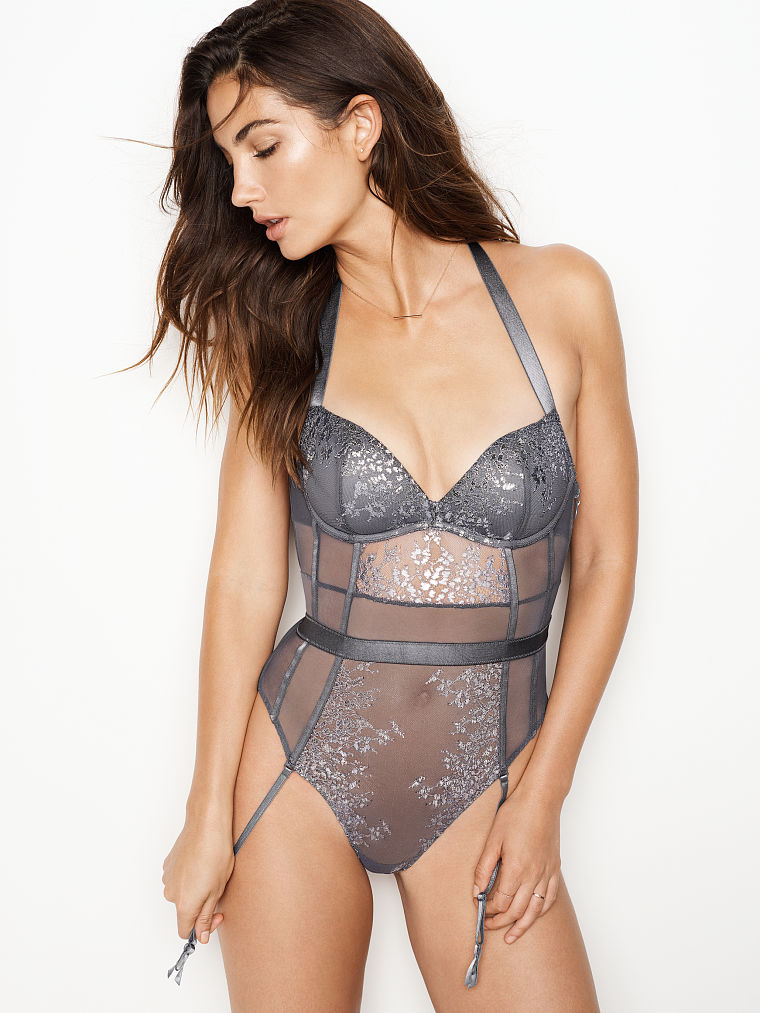
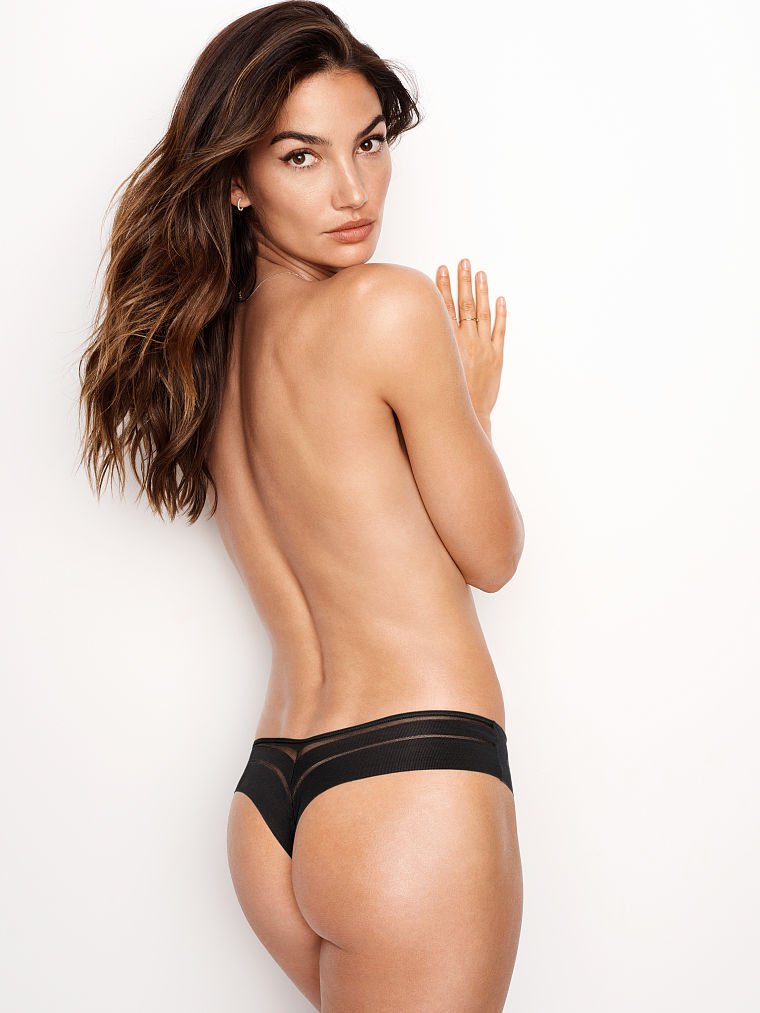
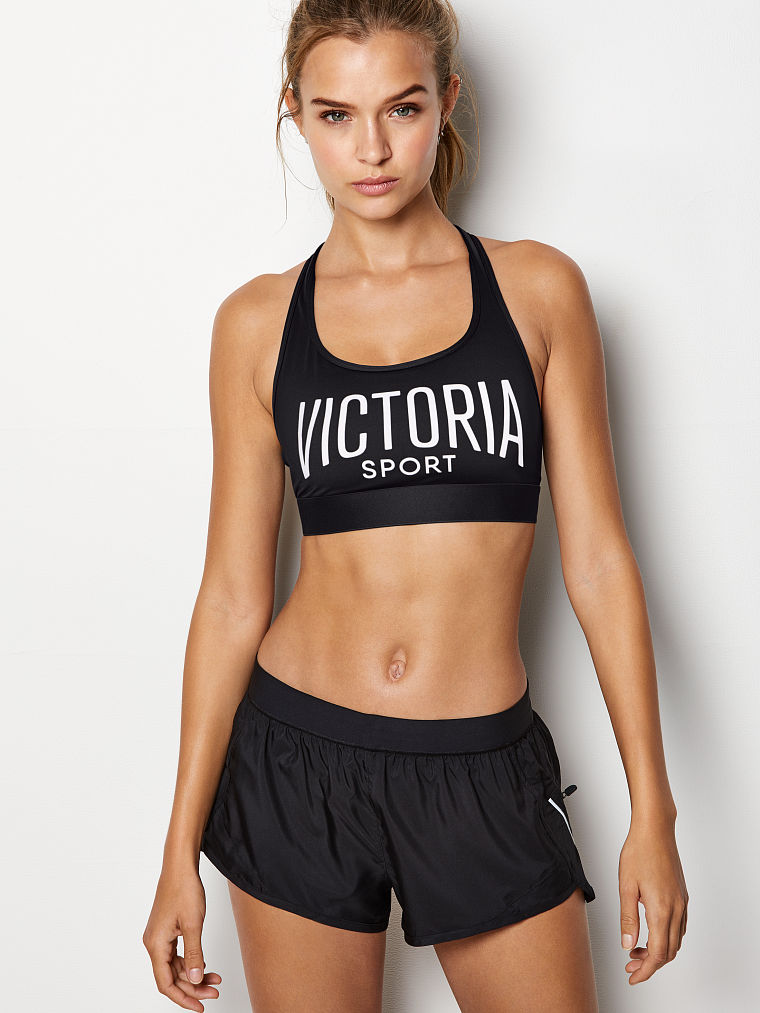
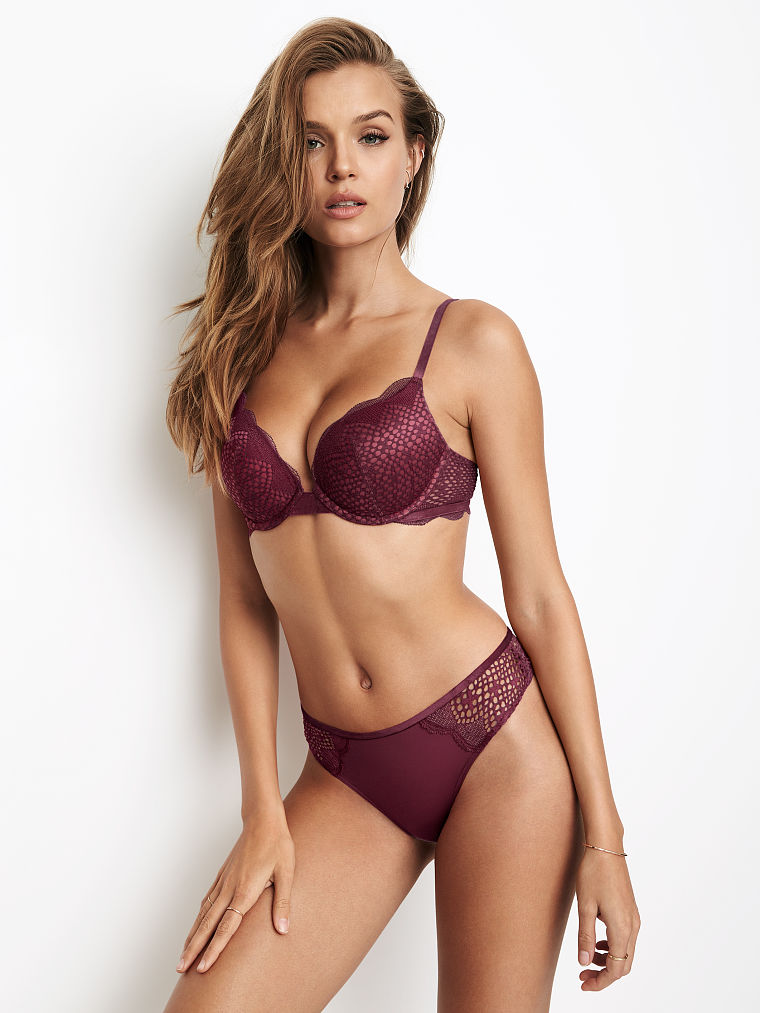
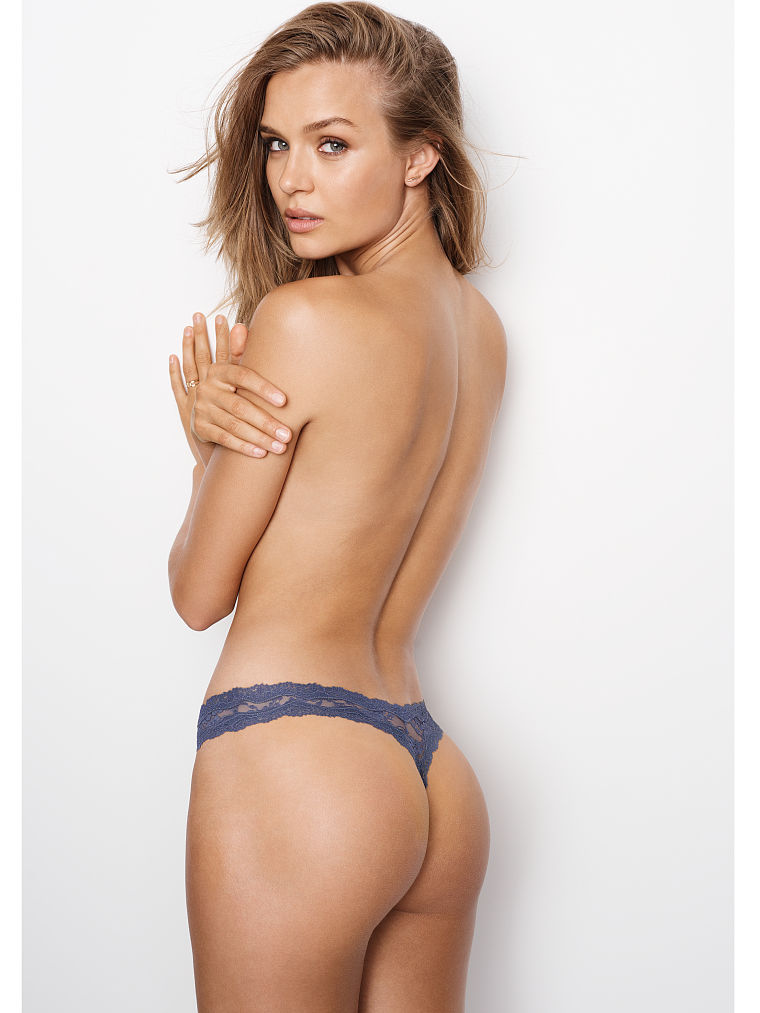
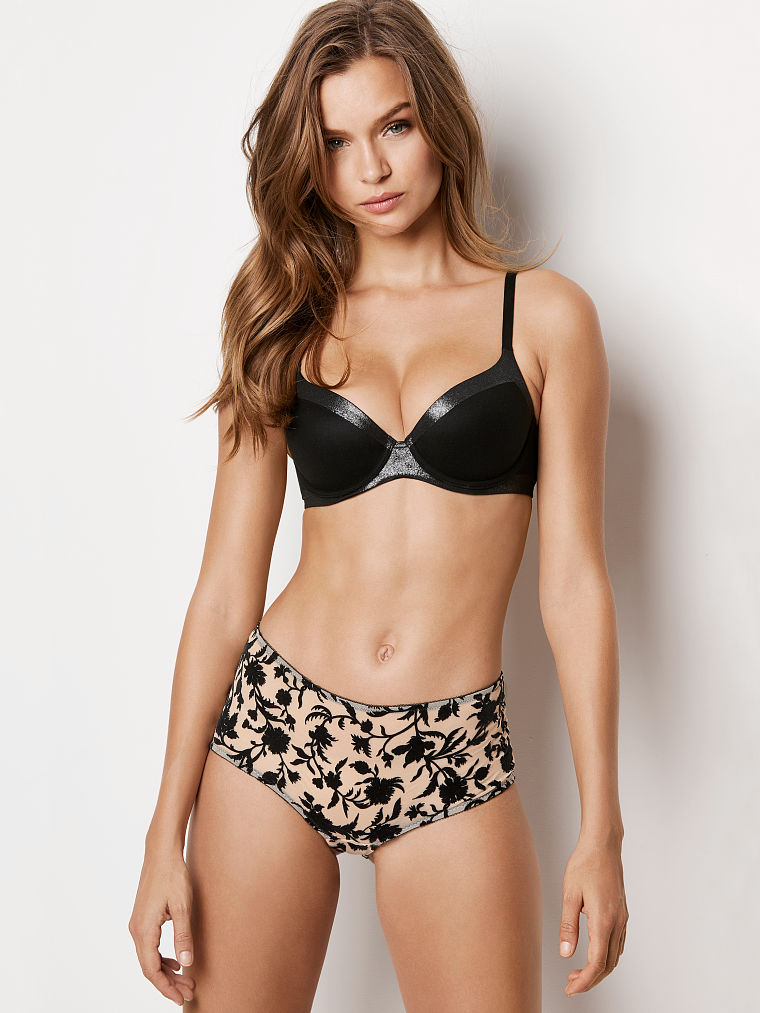
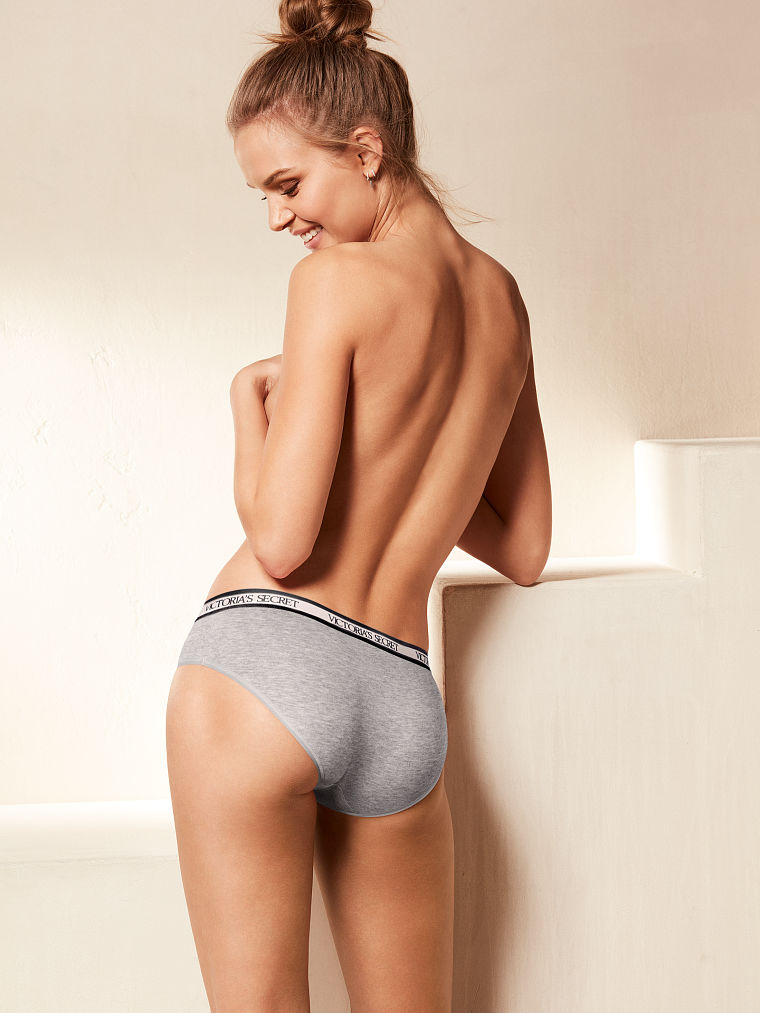
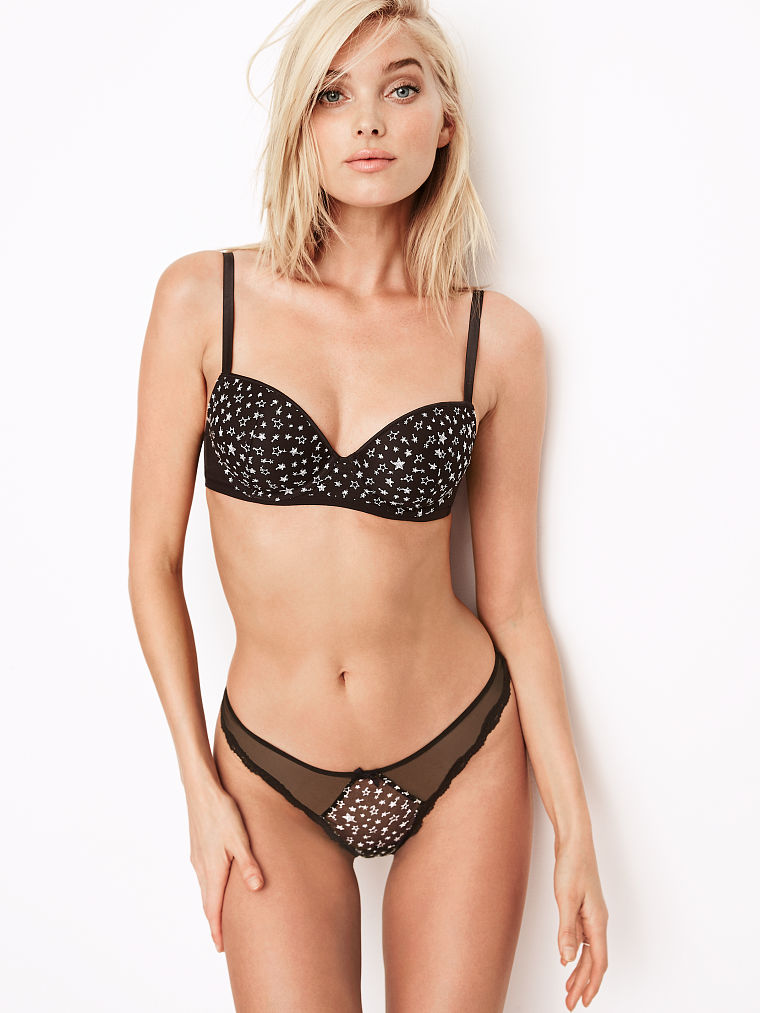
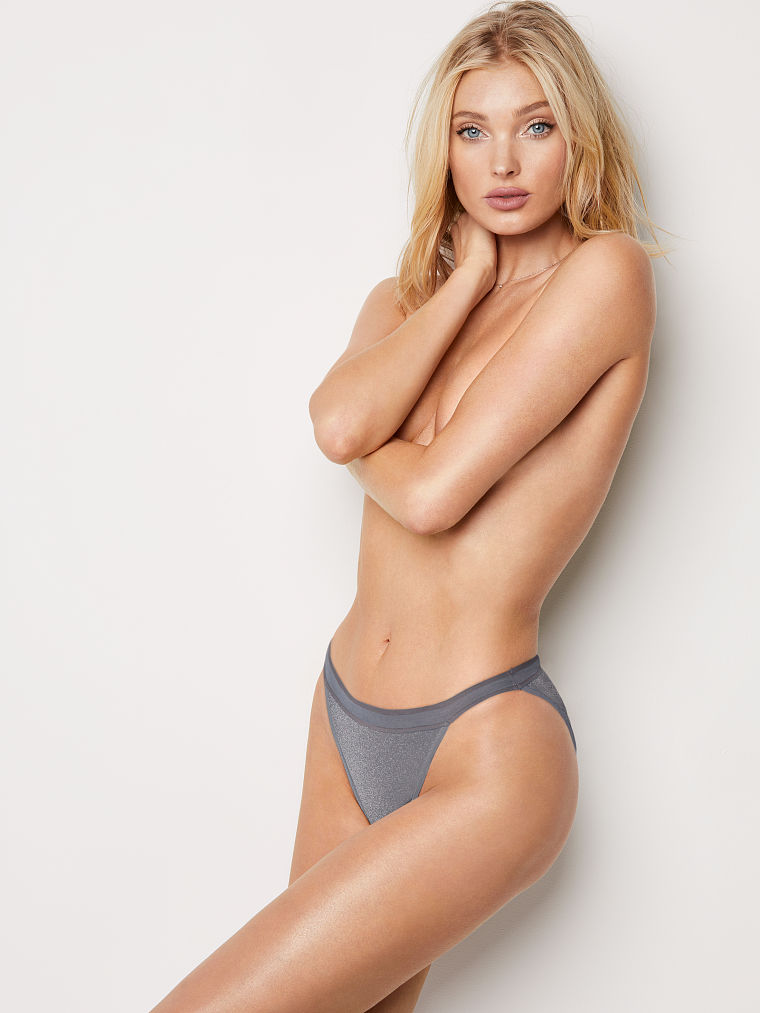
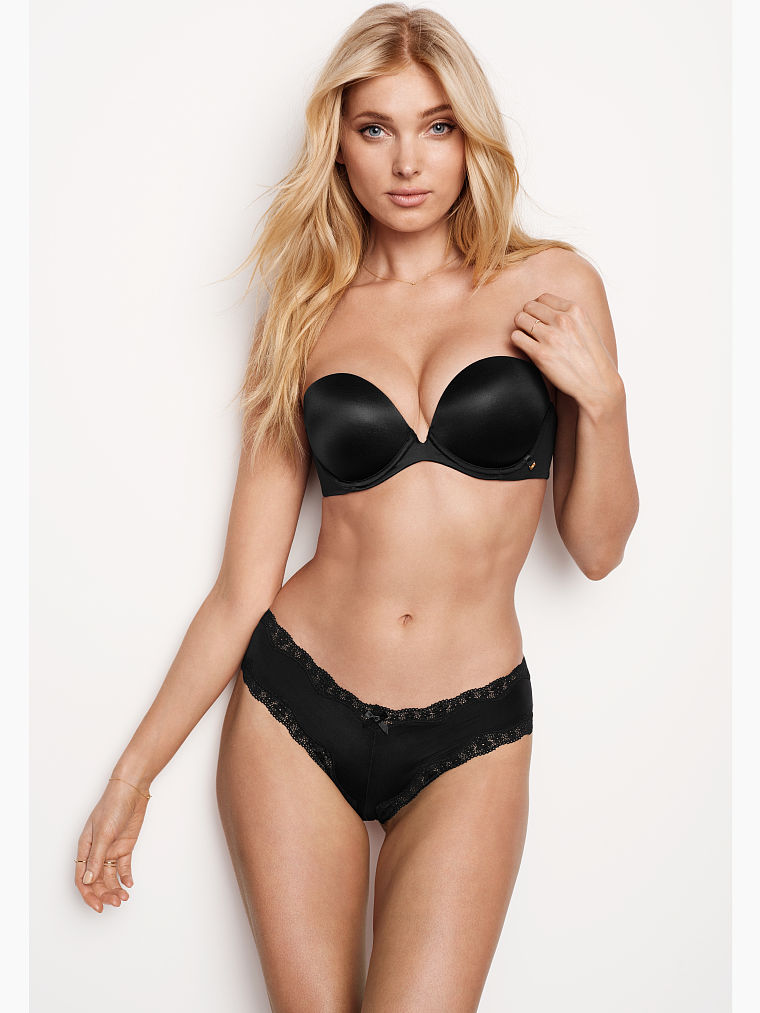
Theses photos isn't from 2014. You can see that because of the bra, it is from sexy illusions who lunch this YEAR. U Can see the shape of V , that it is only from sexy illusions bra https://www.victoriassecret.com/bras/bra-basics-sale
-
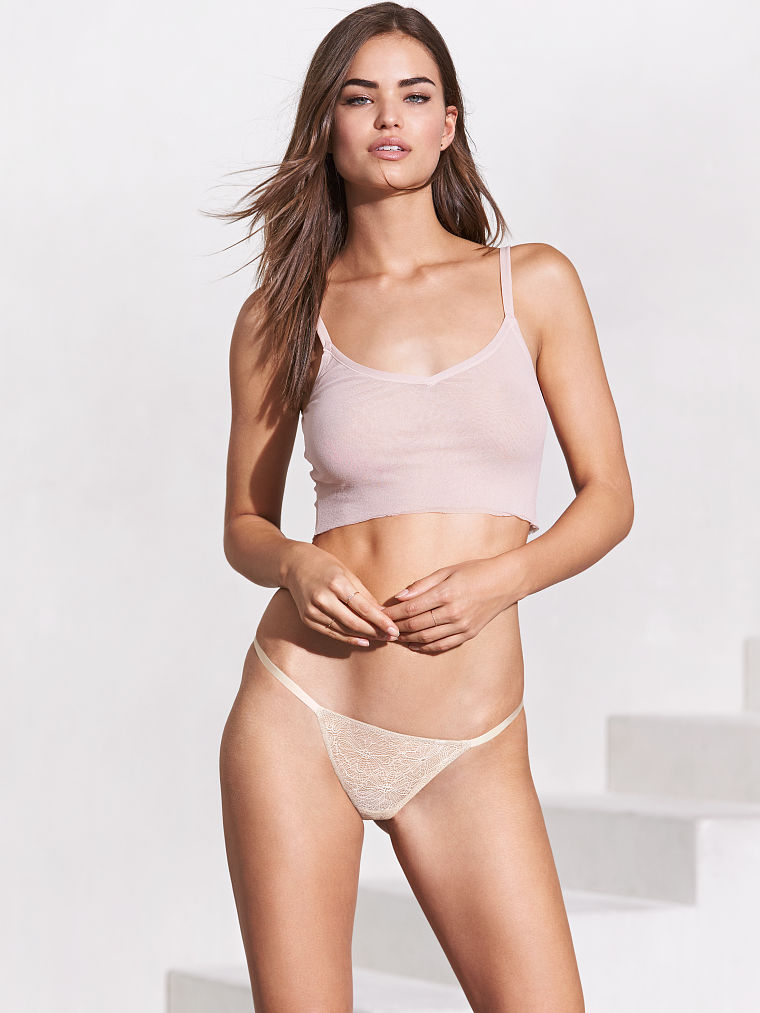
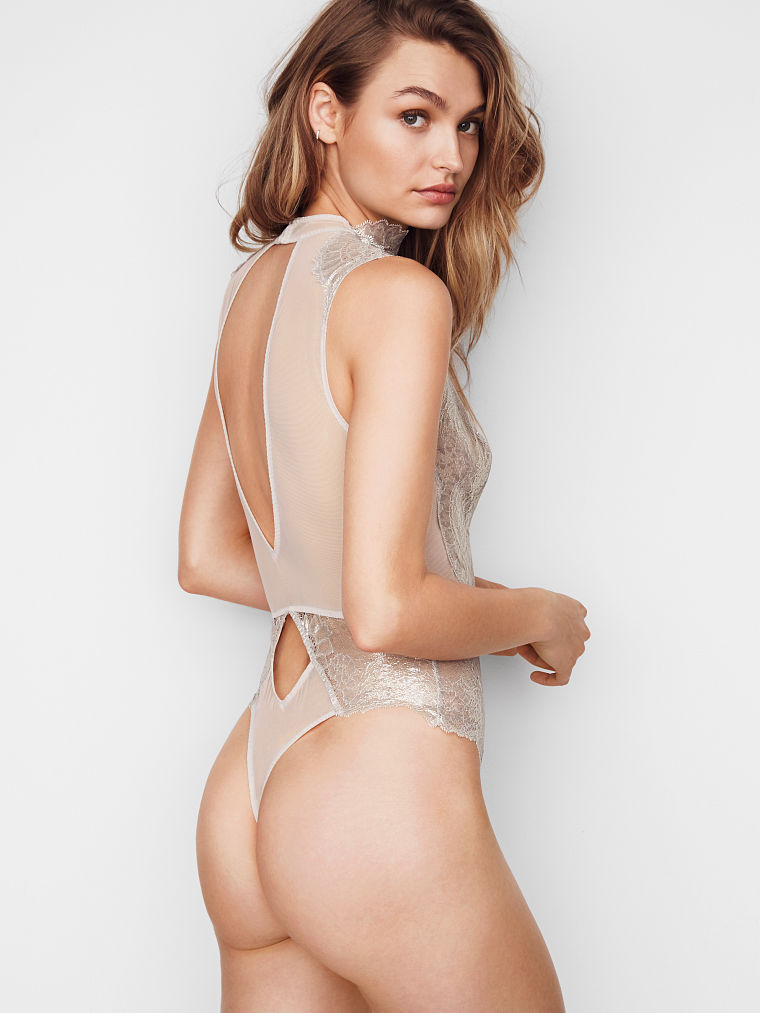
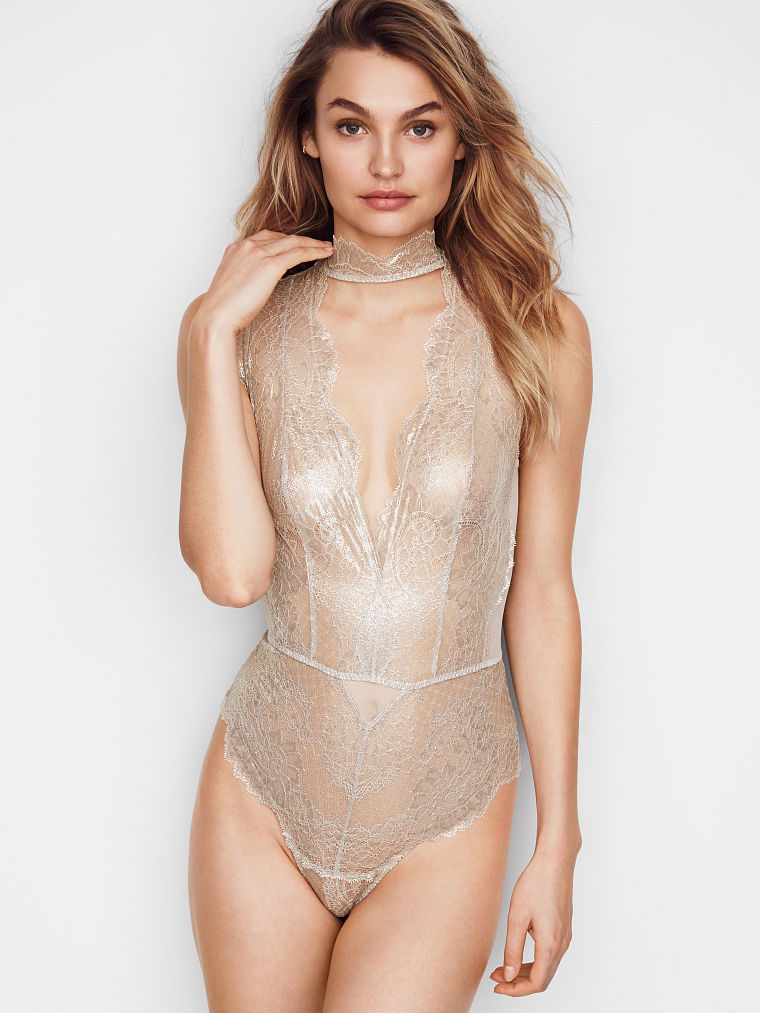
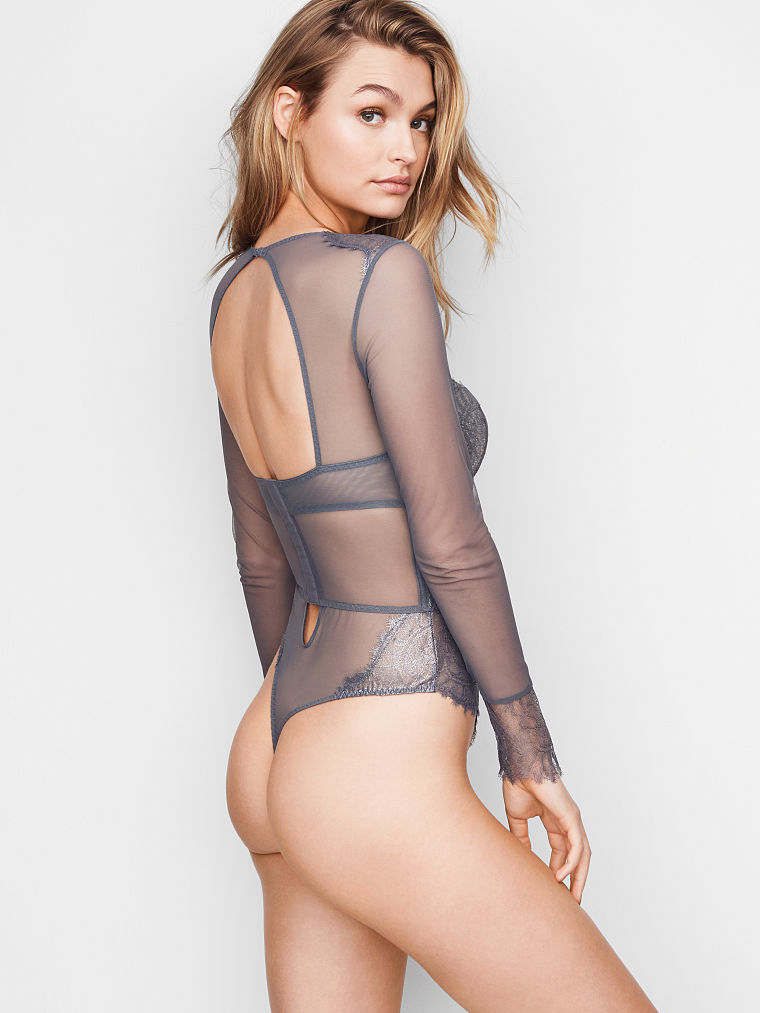
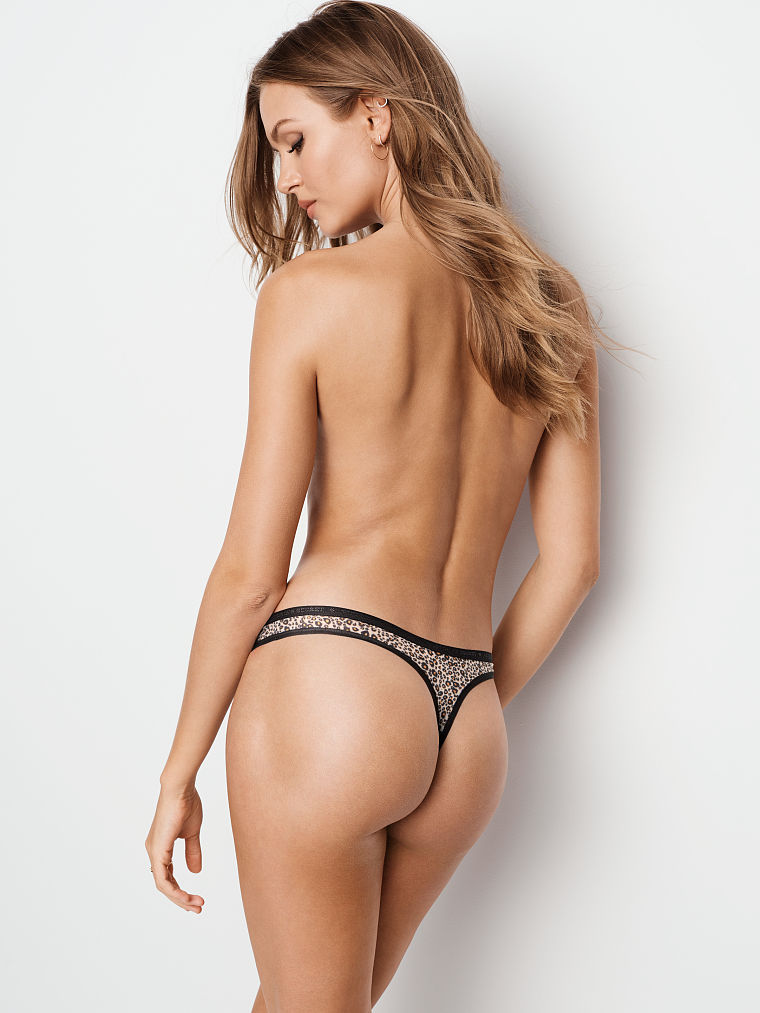
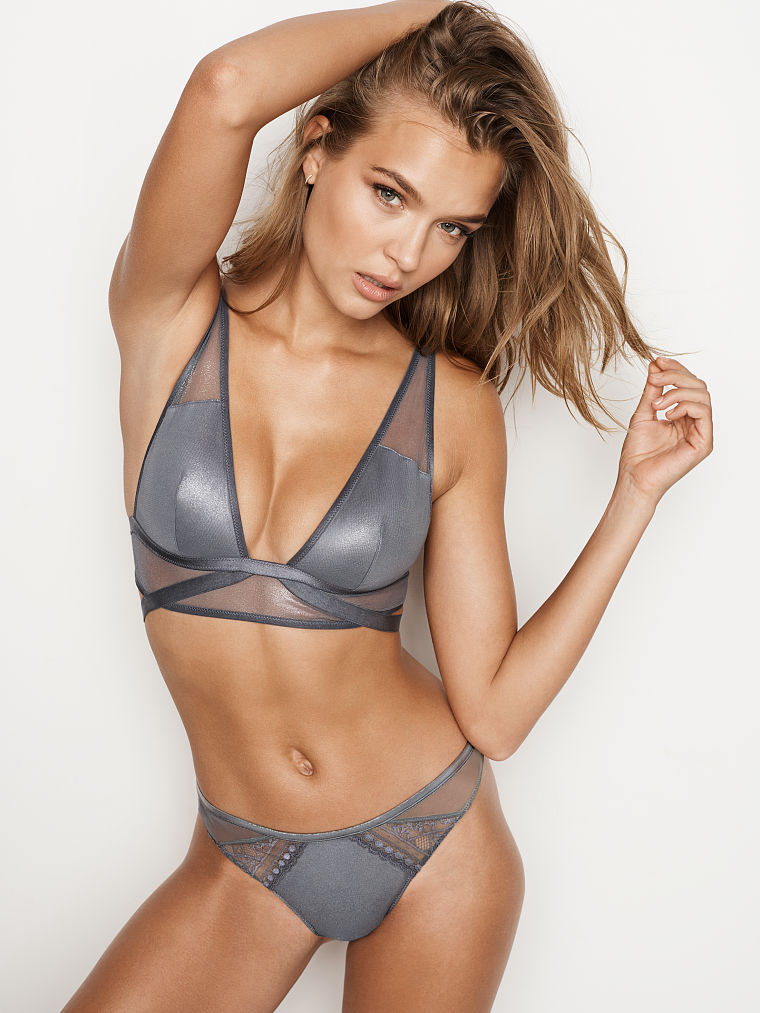
it is from VS, I have this original photo in my computer. But I think I saw one of this in a page called as VK, there has community for AL and there has all this old/new photos
-
Do you want a print as prove? ☺
-
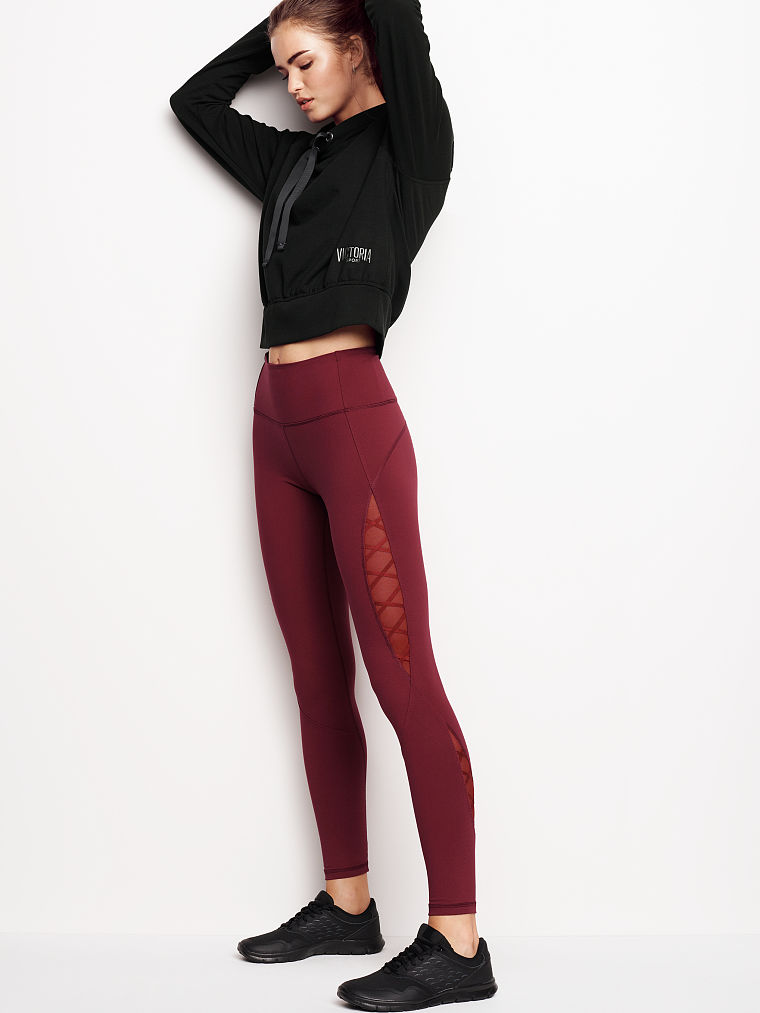
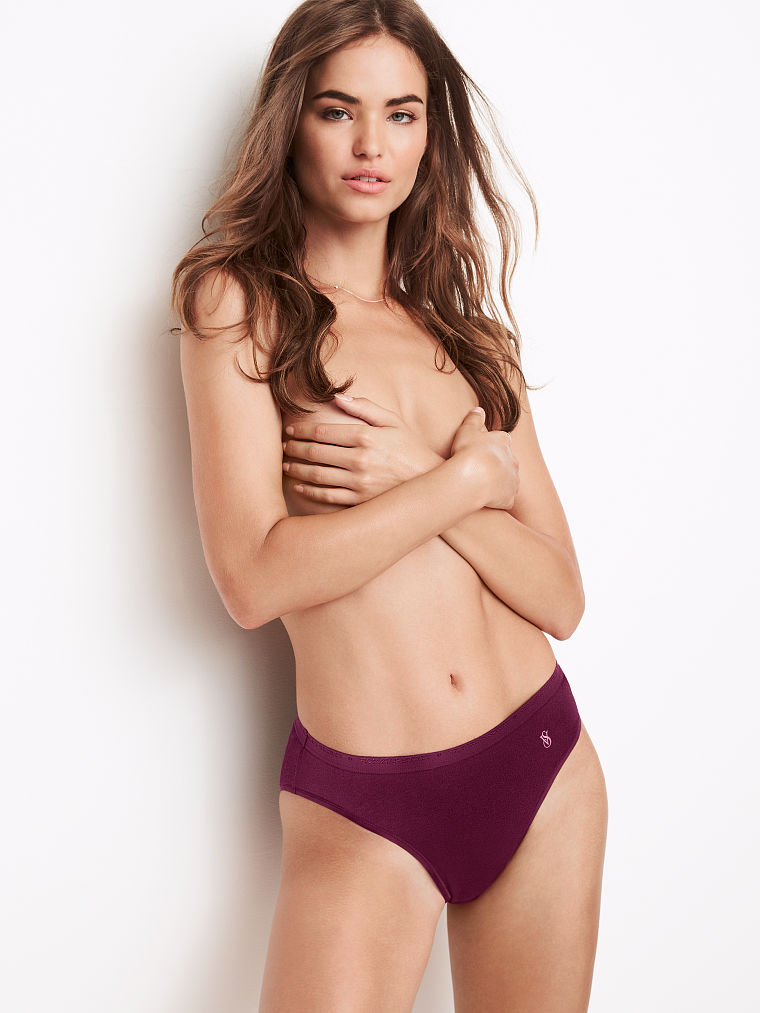
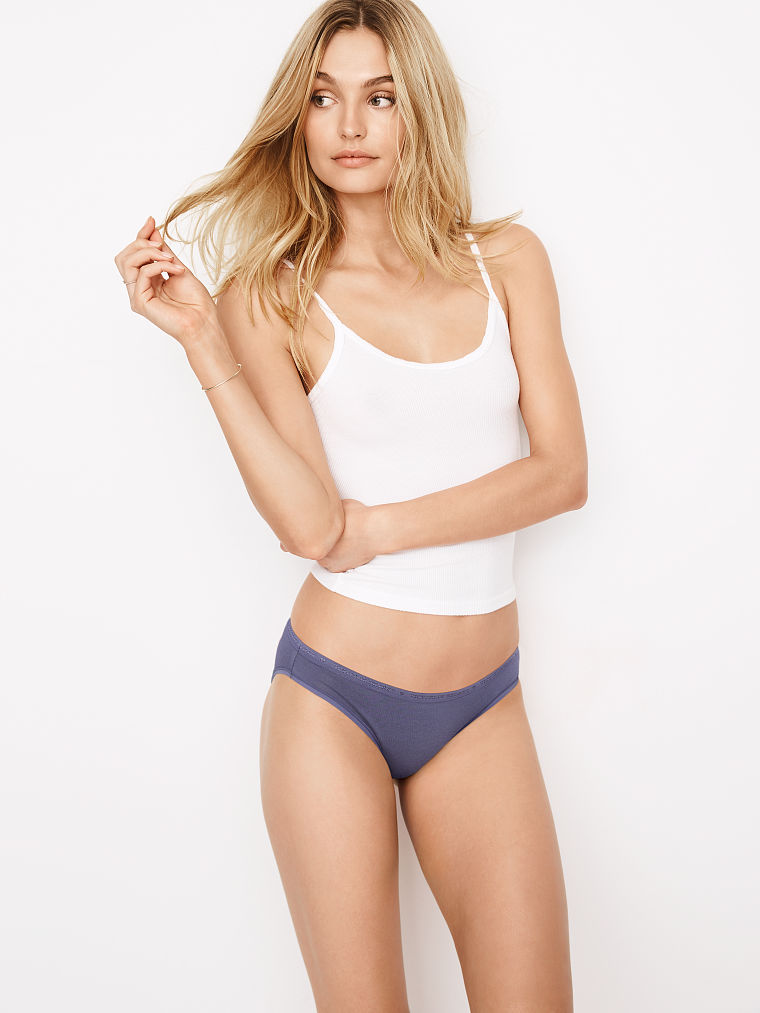
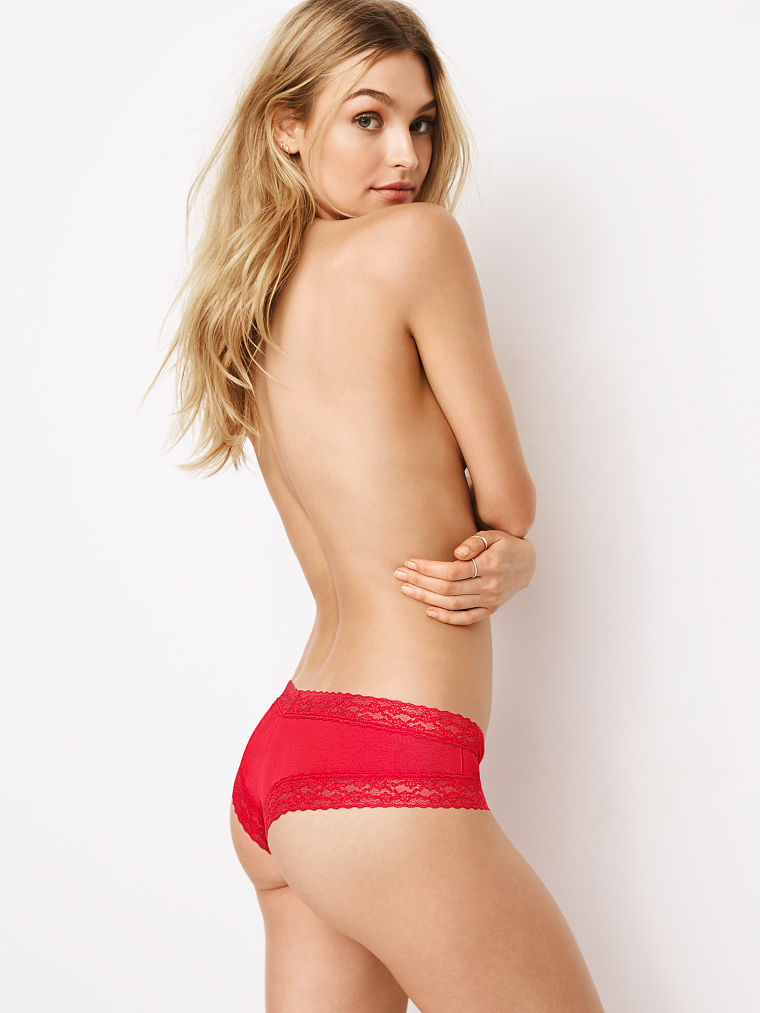
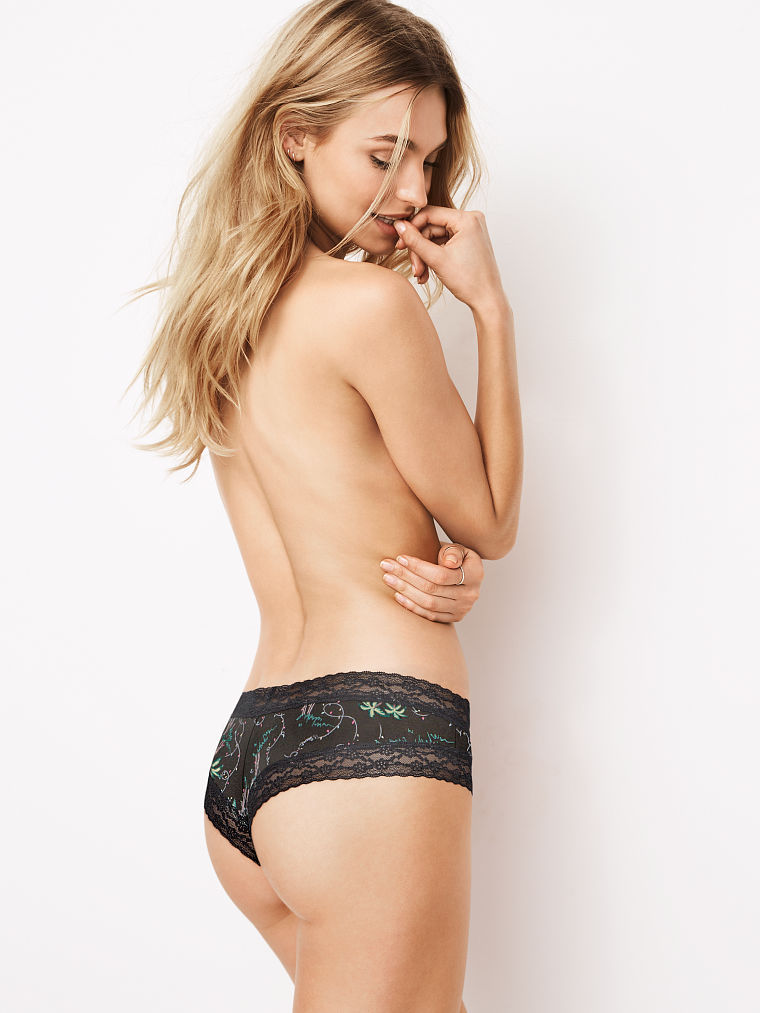
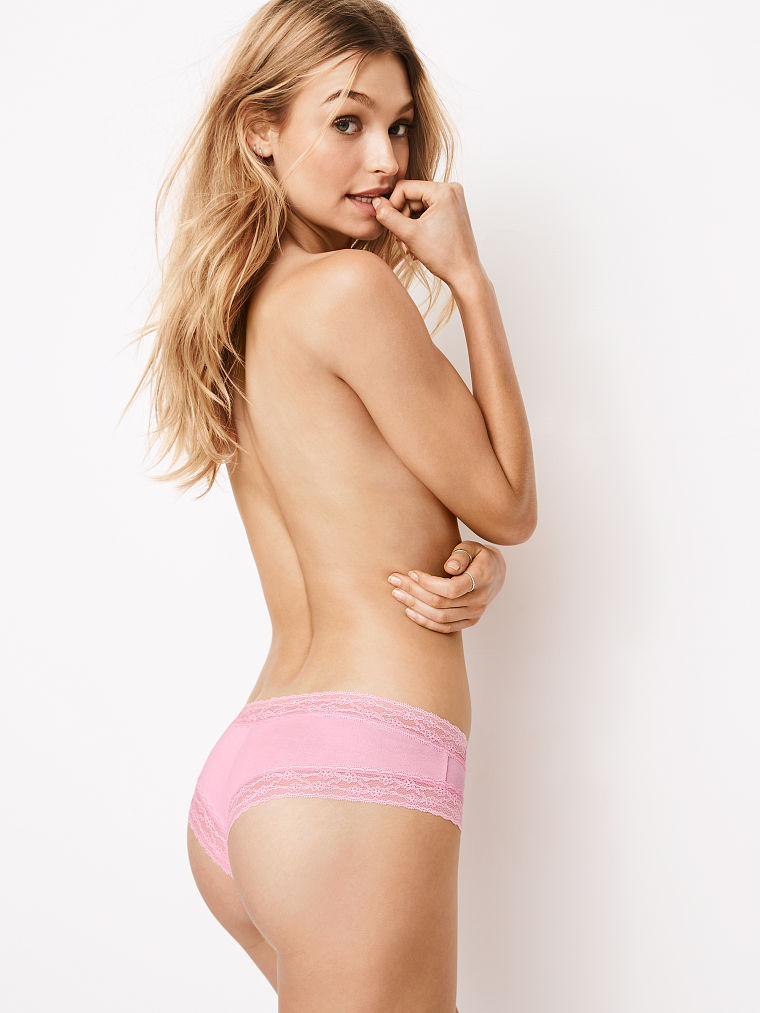
Yeh .. but it was in vs website today. So .. it is vs who has been post photos from 2015. =]
-
if it is a repost .. so I'm sorry .. I searched and didn't see. Anyway.
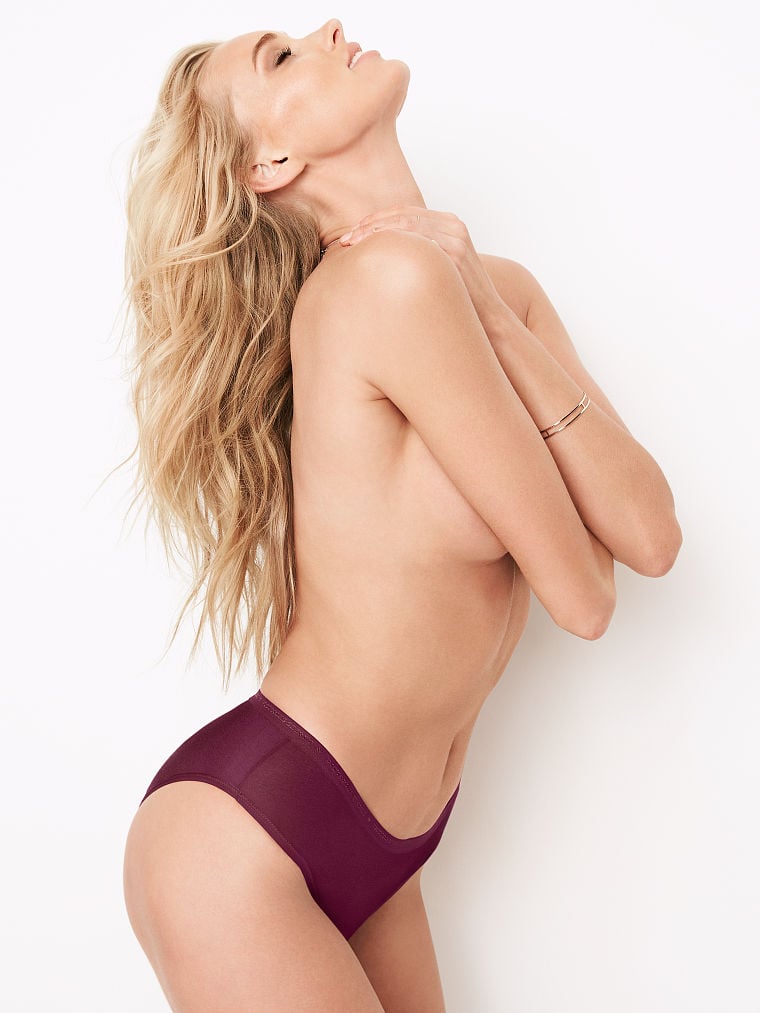
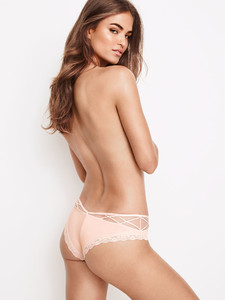
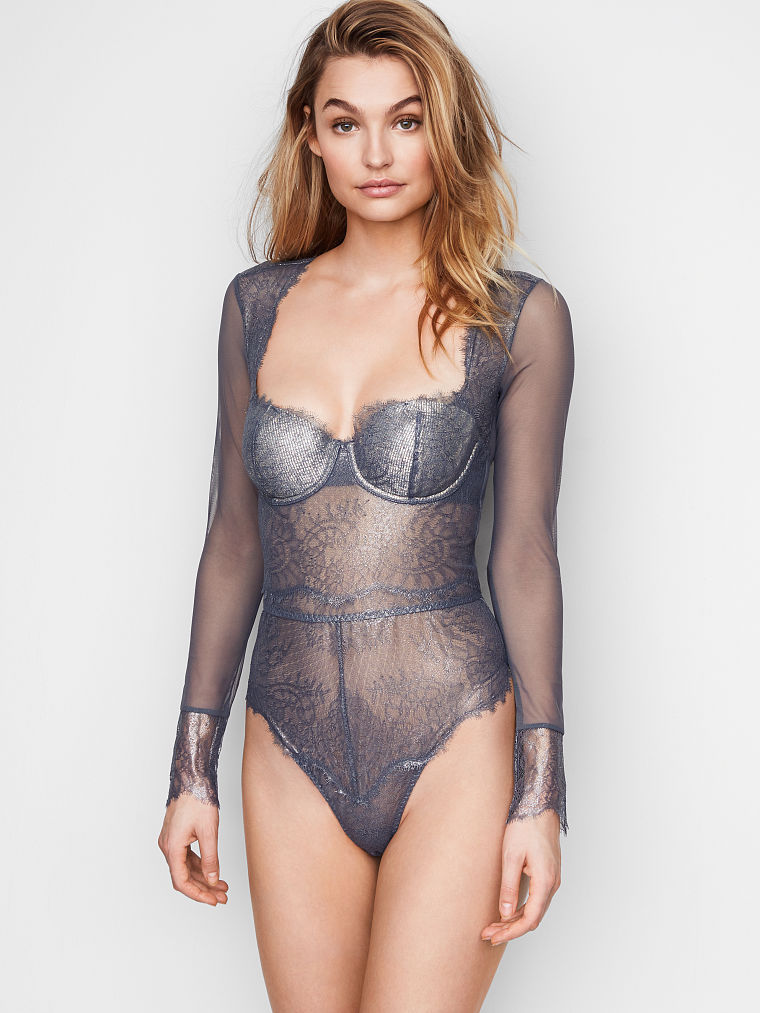
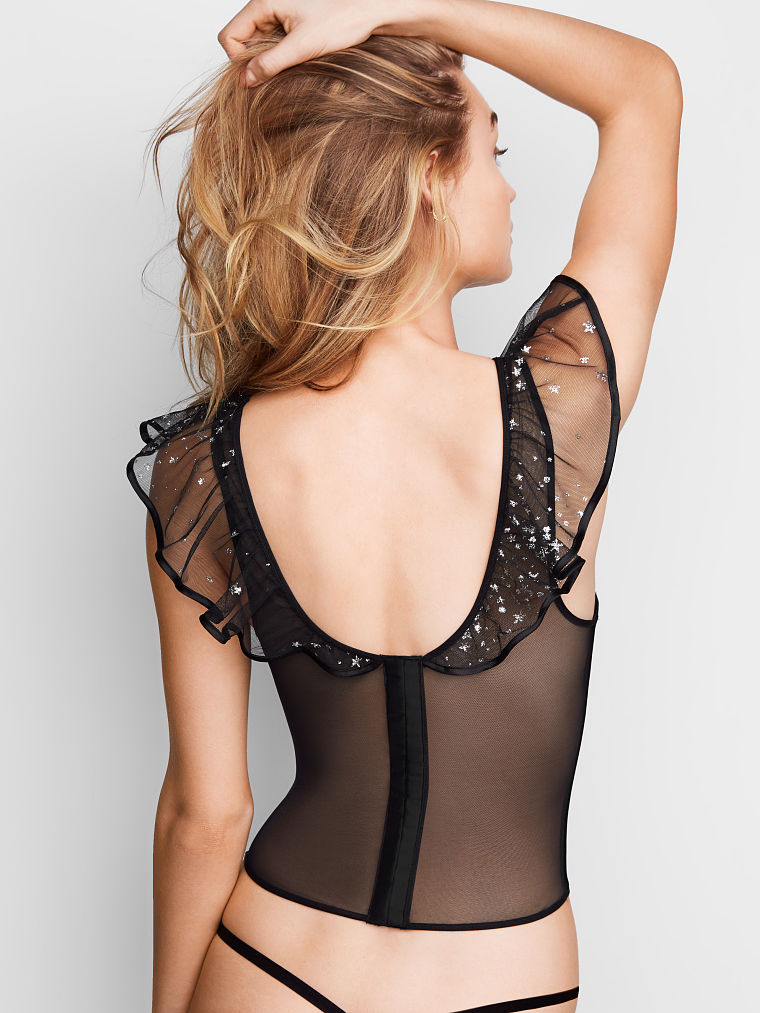
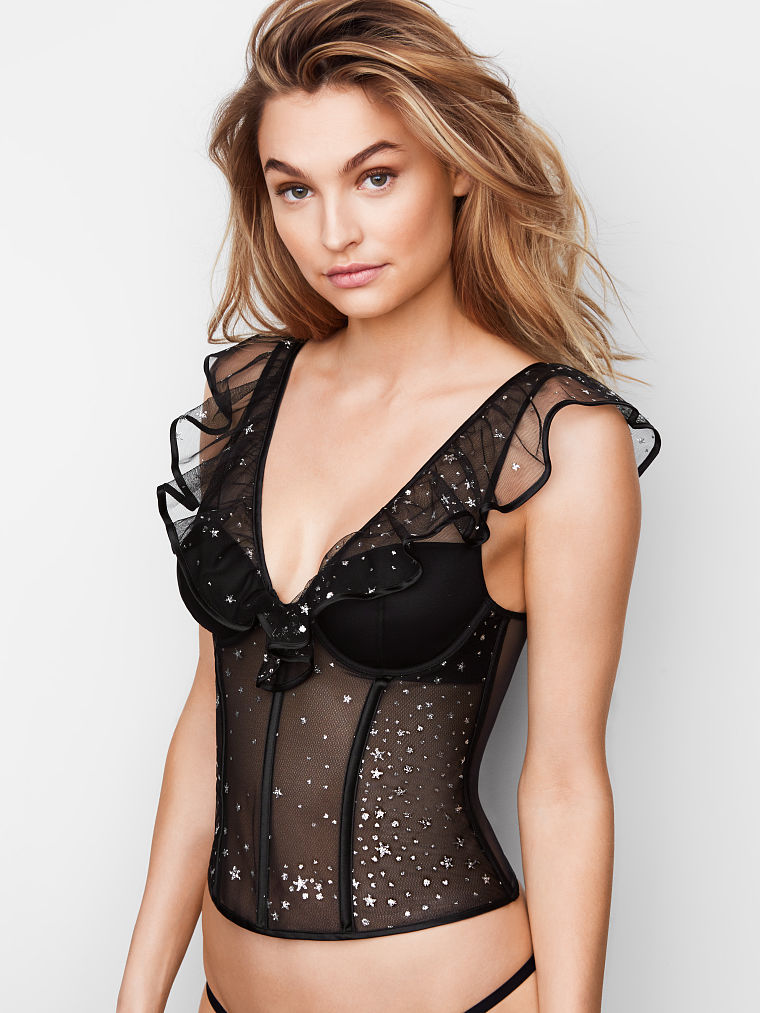
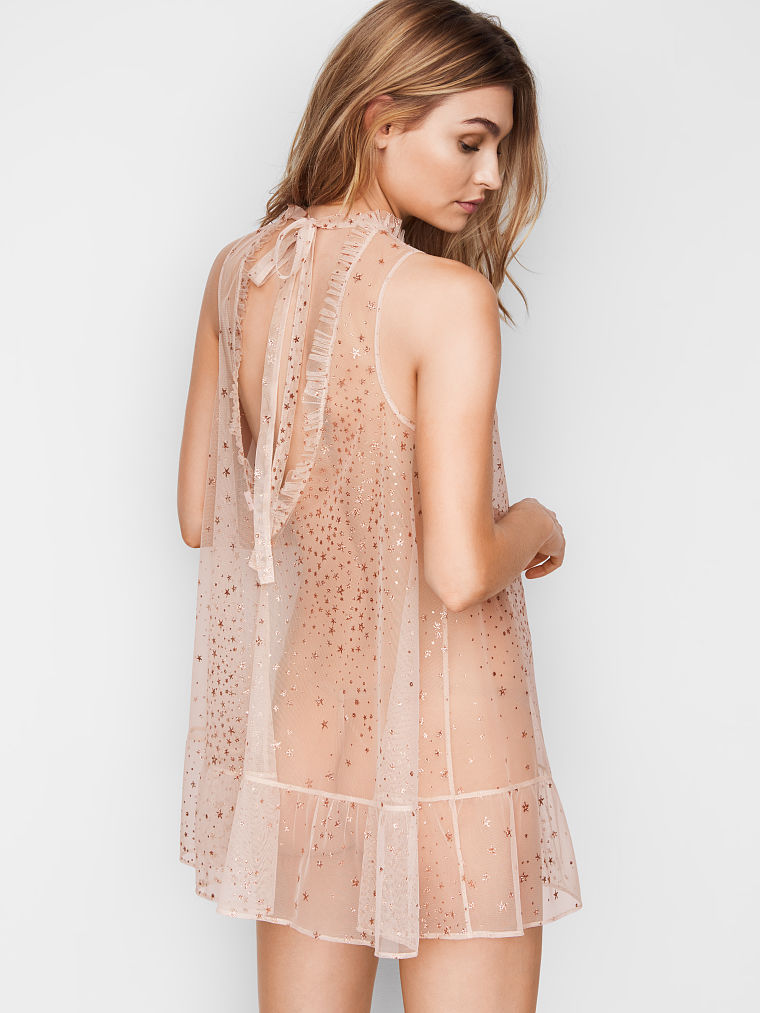
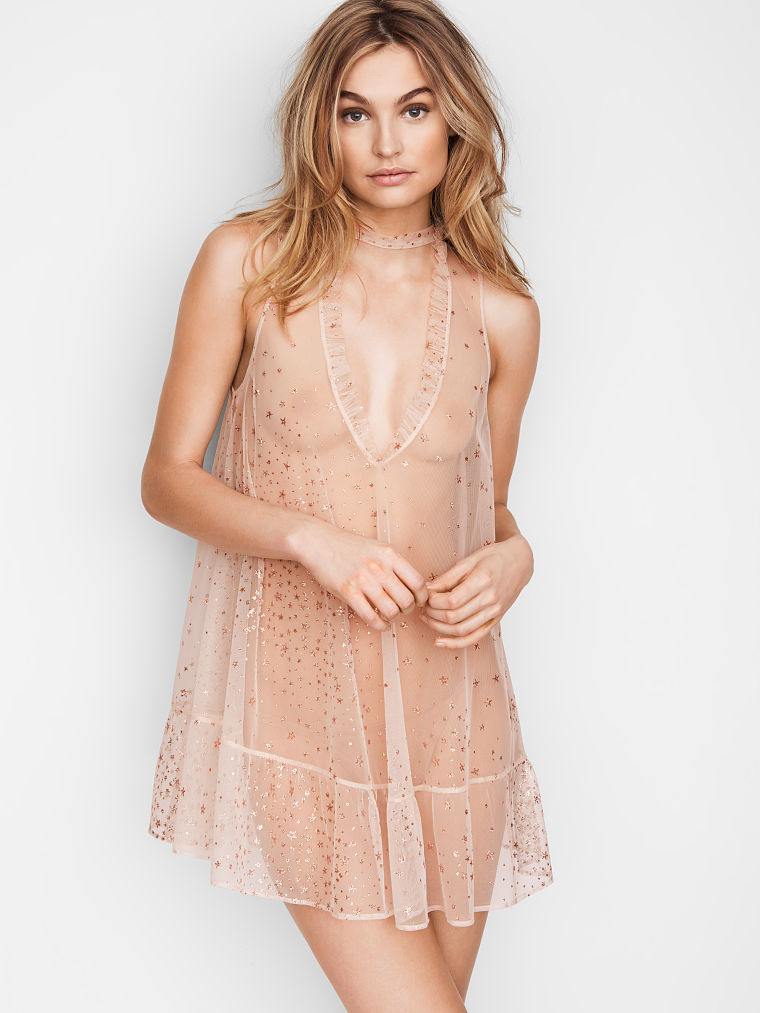
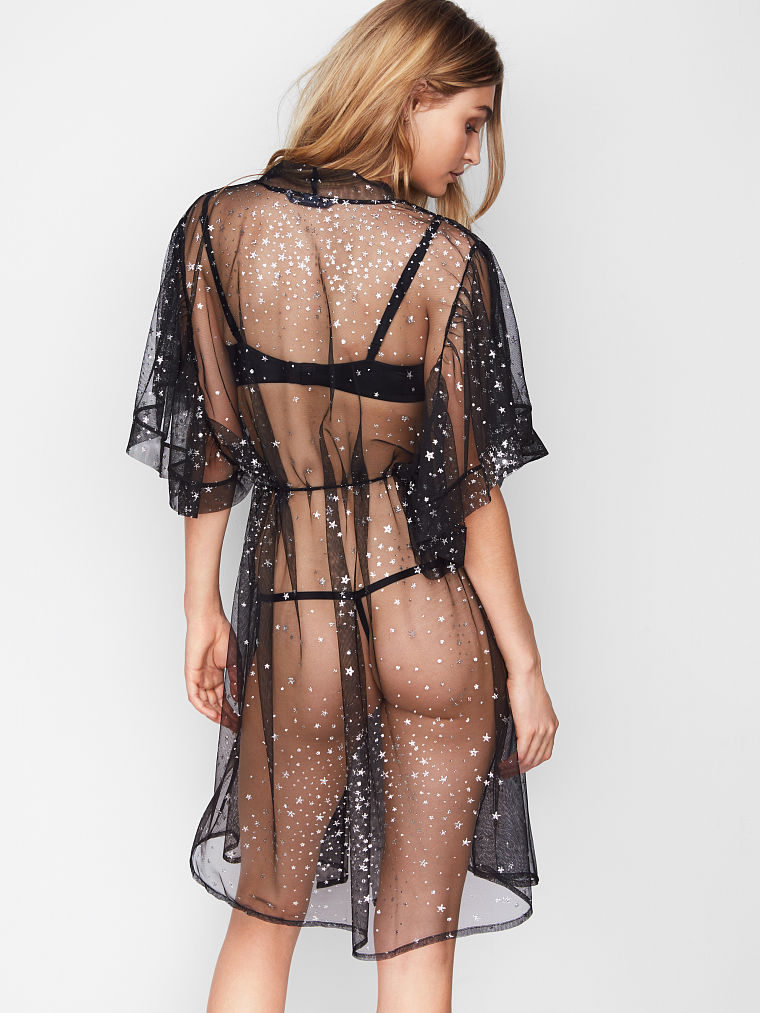
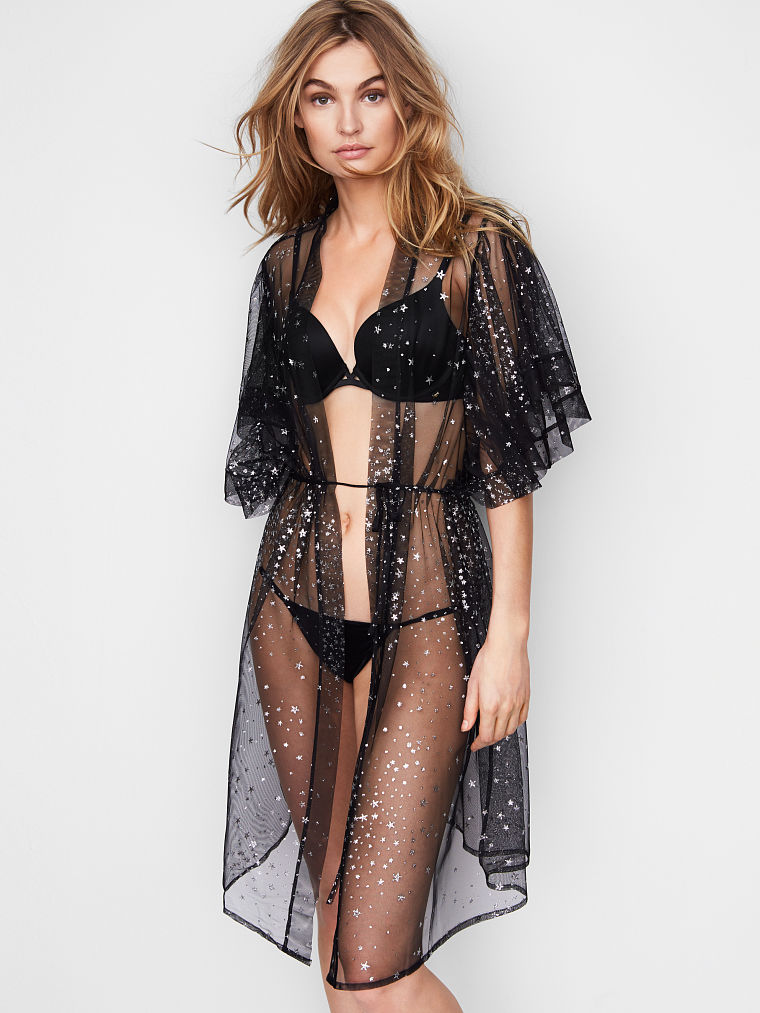
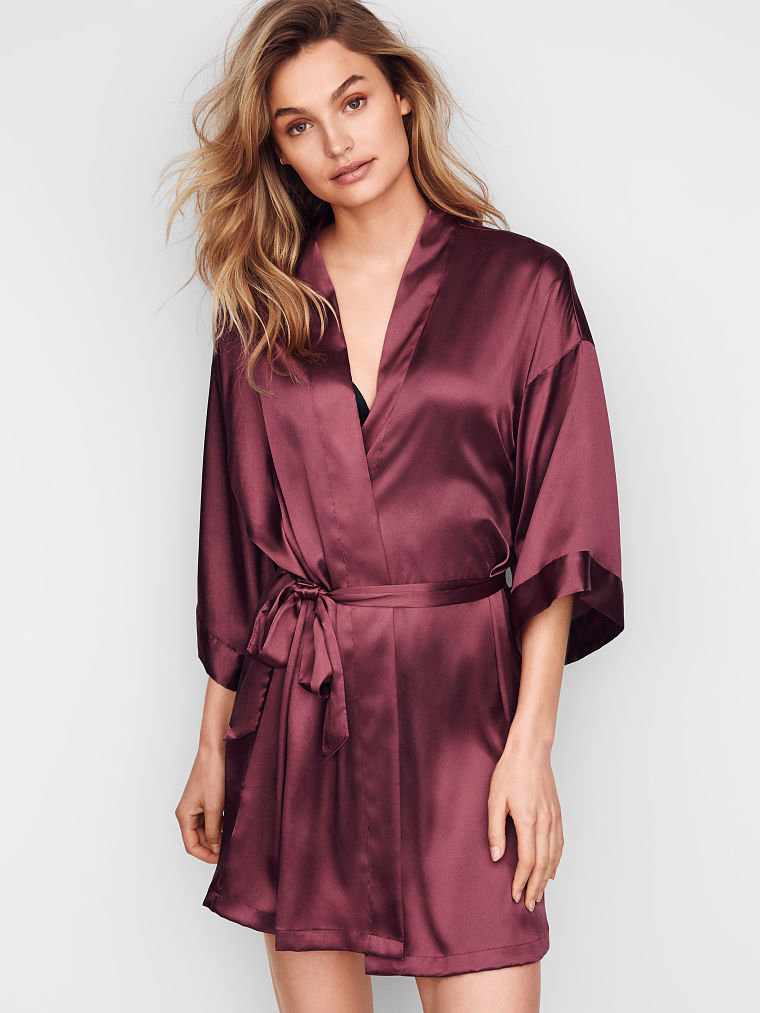
VS LINGERIE AND SLEEPWEAR
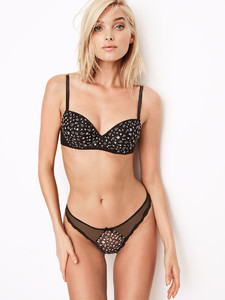


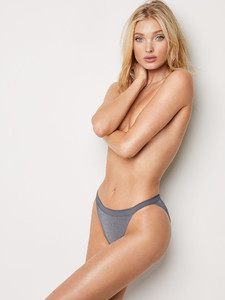

.thumb.jpg.c09e1b4cf676c401499da01ed8f2a2f4.jpg)
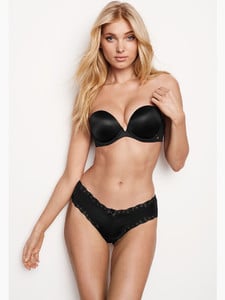

.thumb.jpg.7de16335f72b0d7f18b54214c1b3e4c2.jpg)






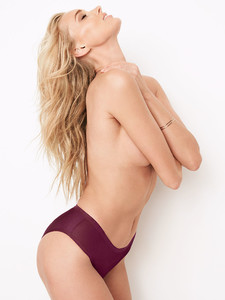

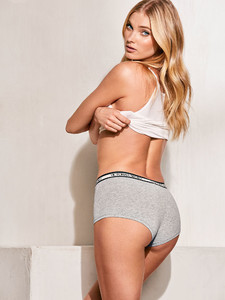

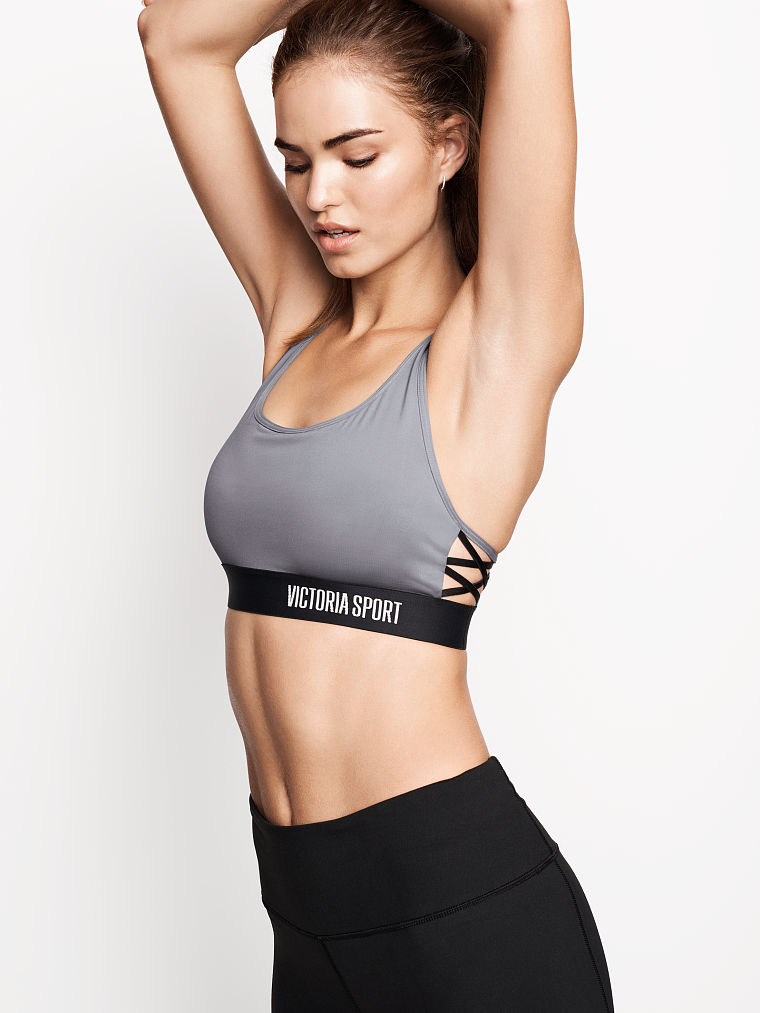
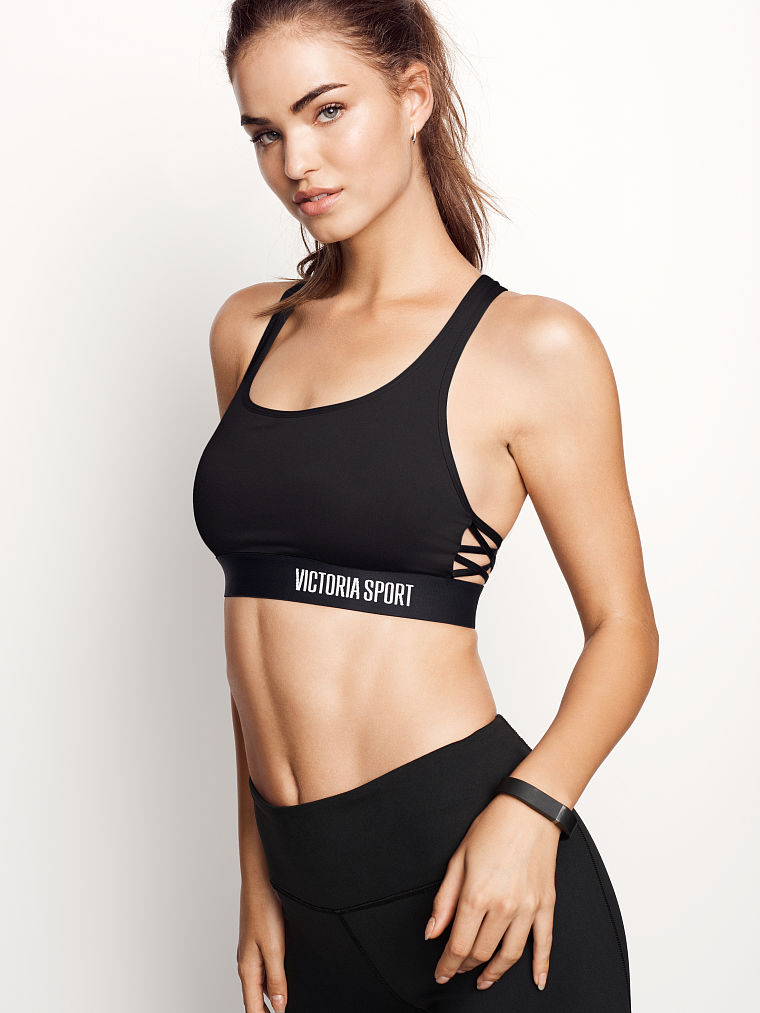
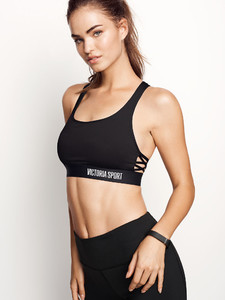
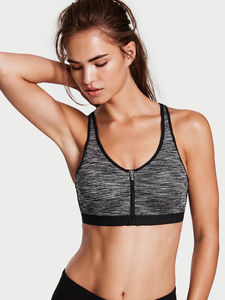
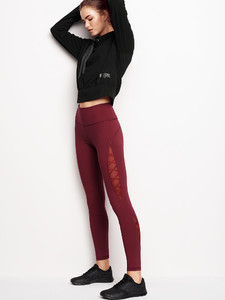
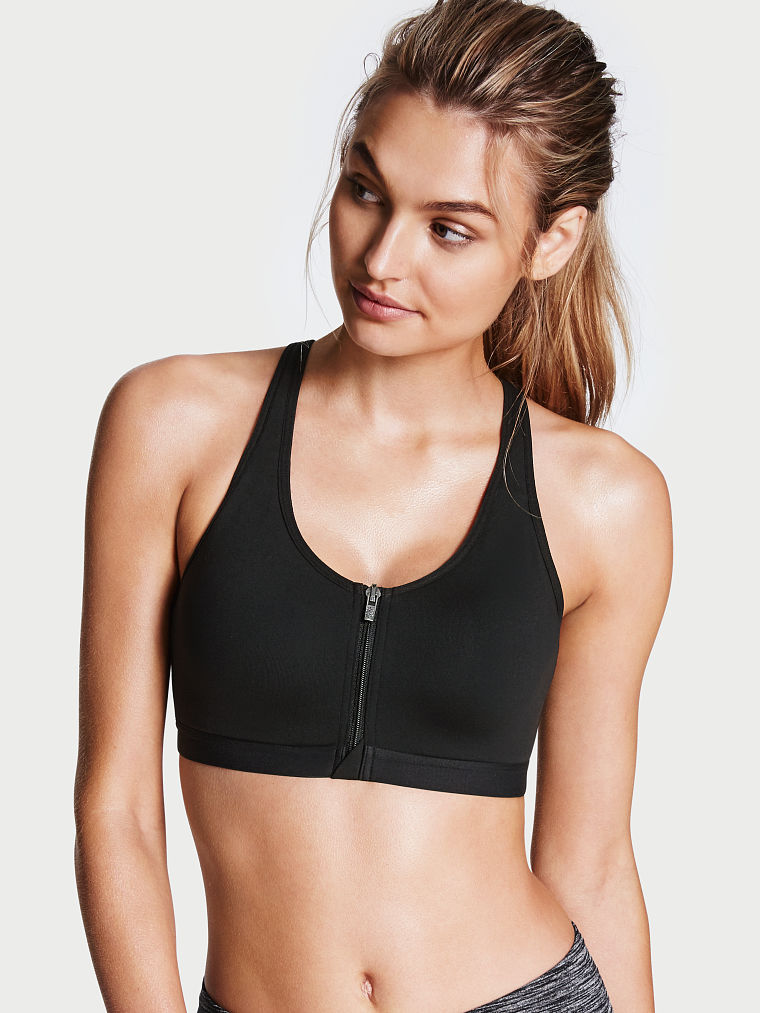
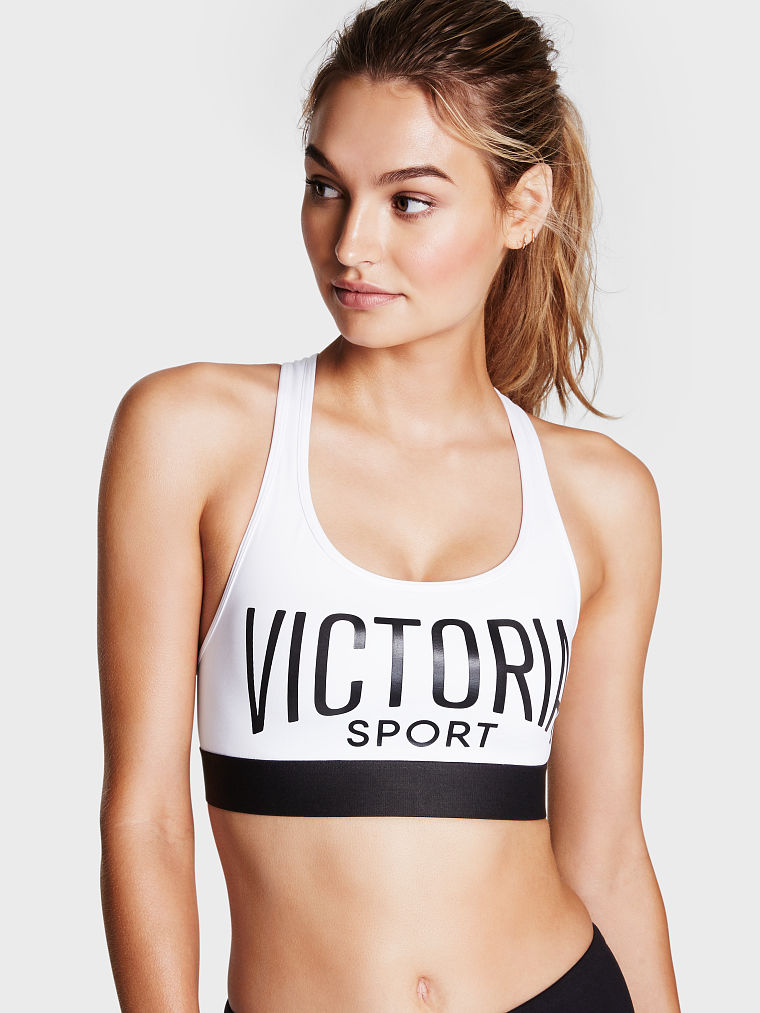
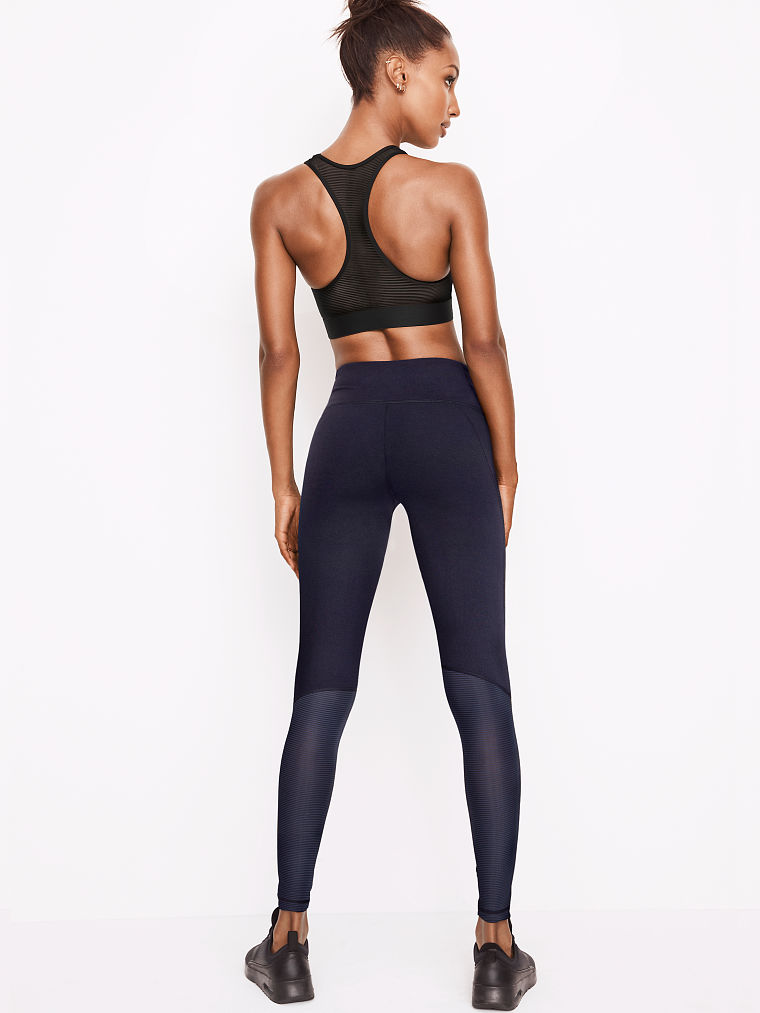
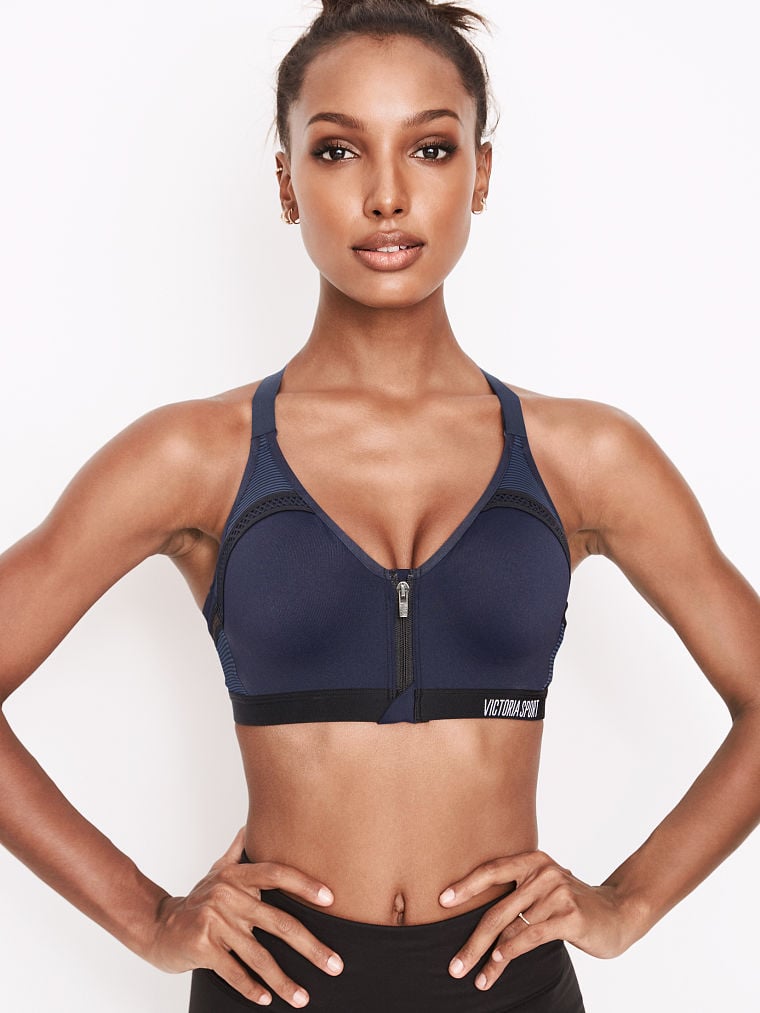
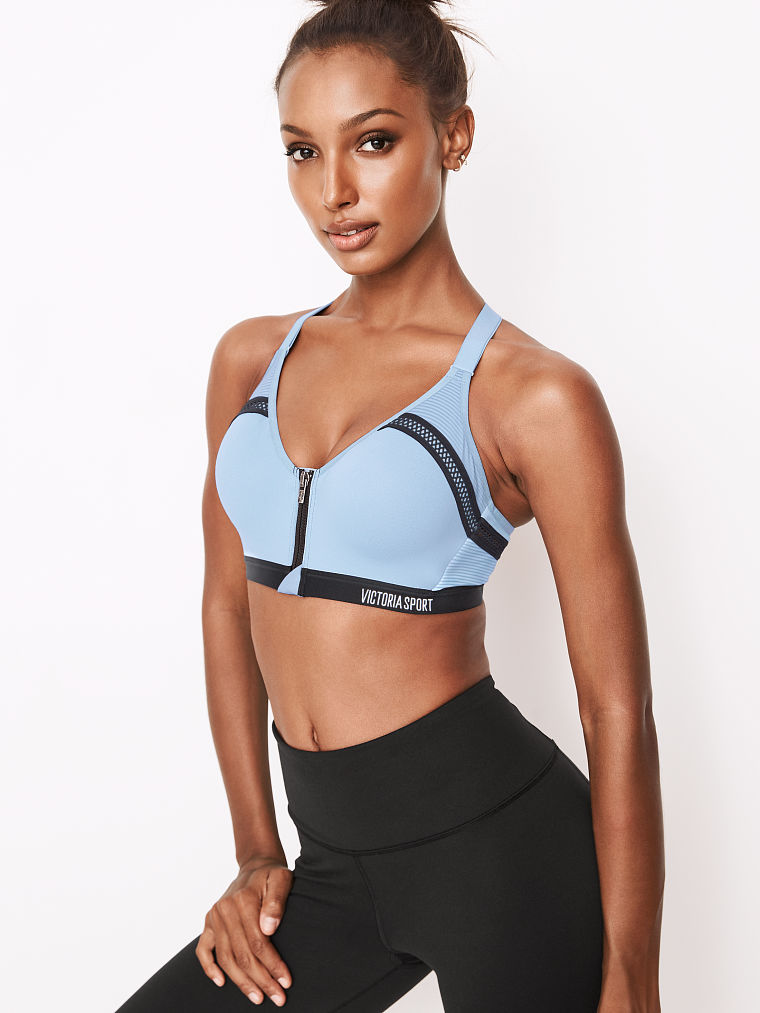
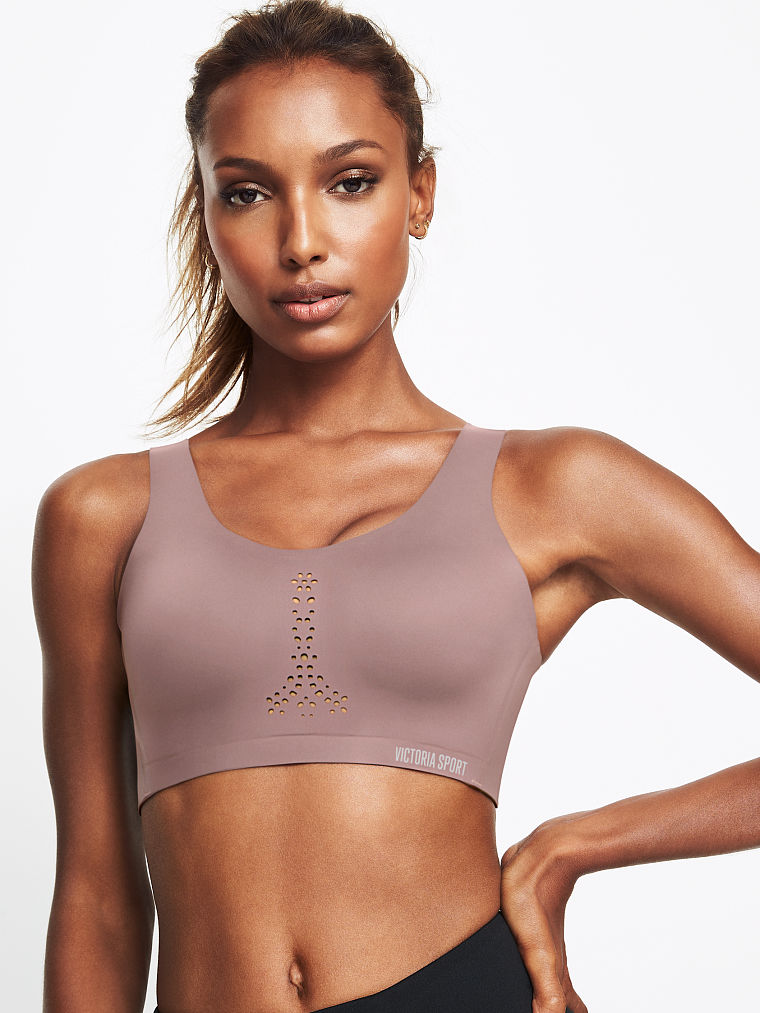
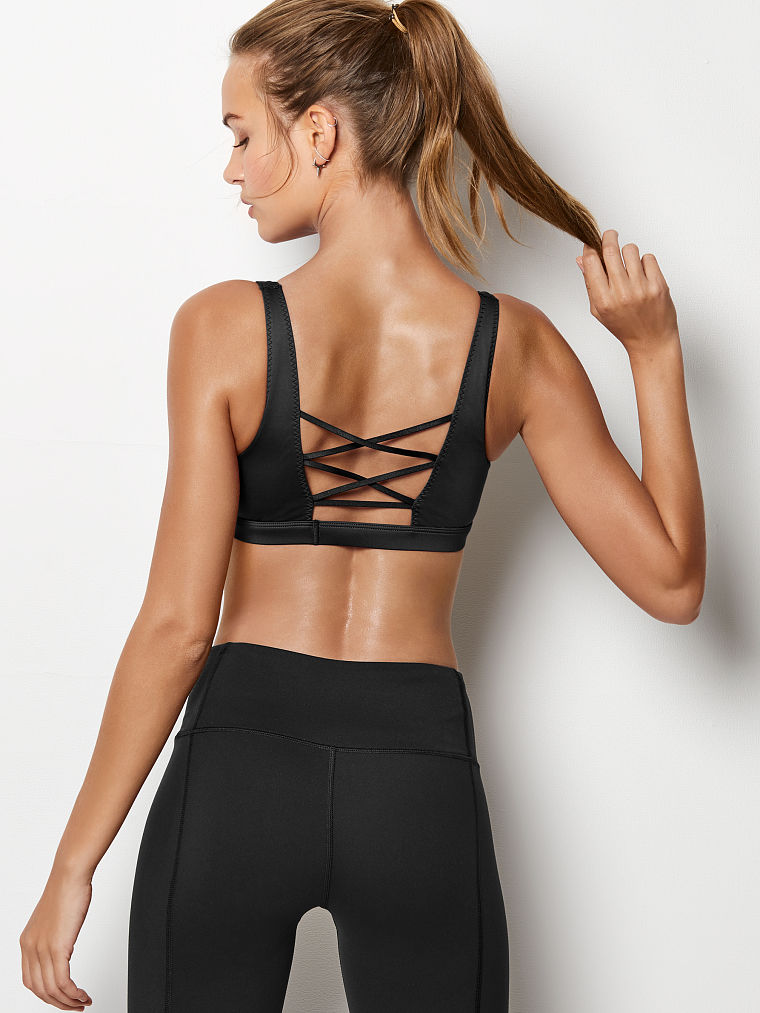
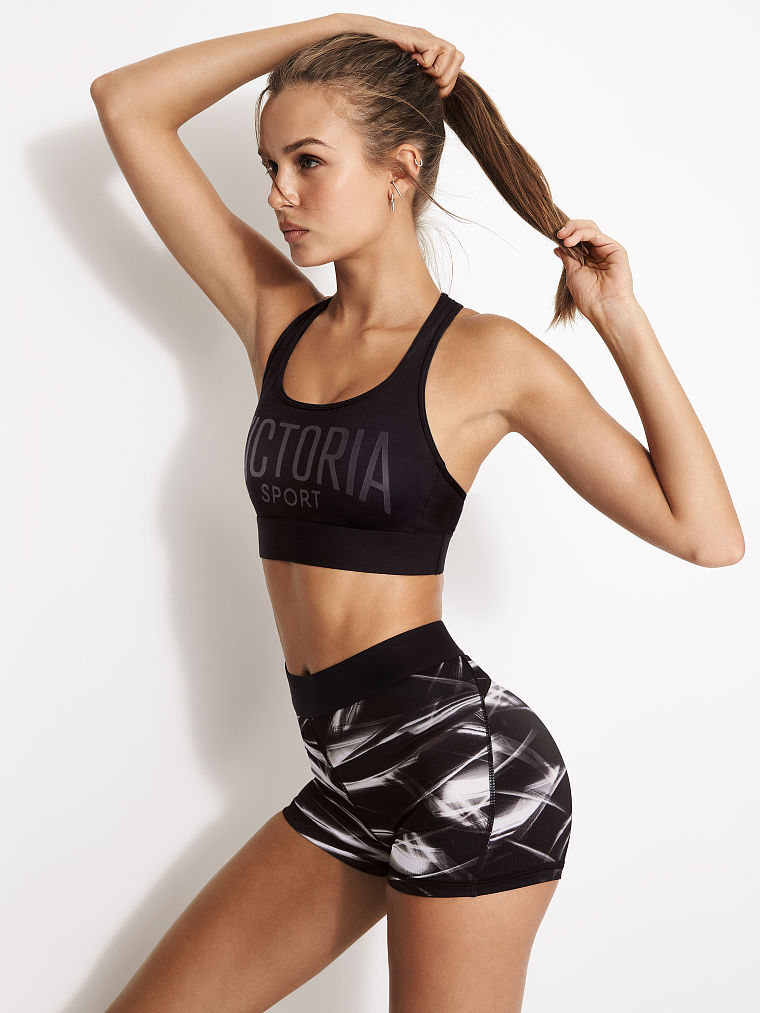
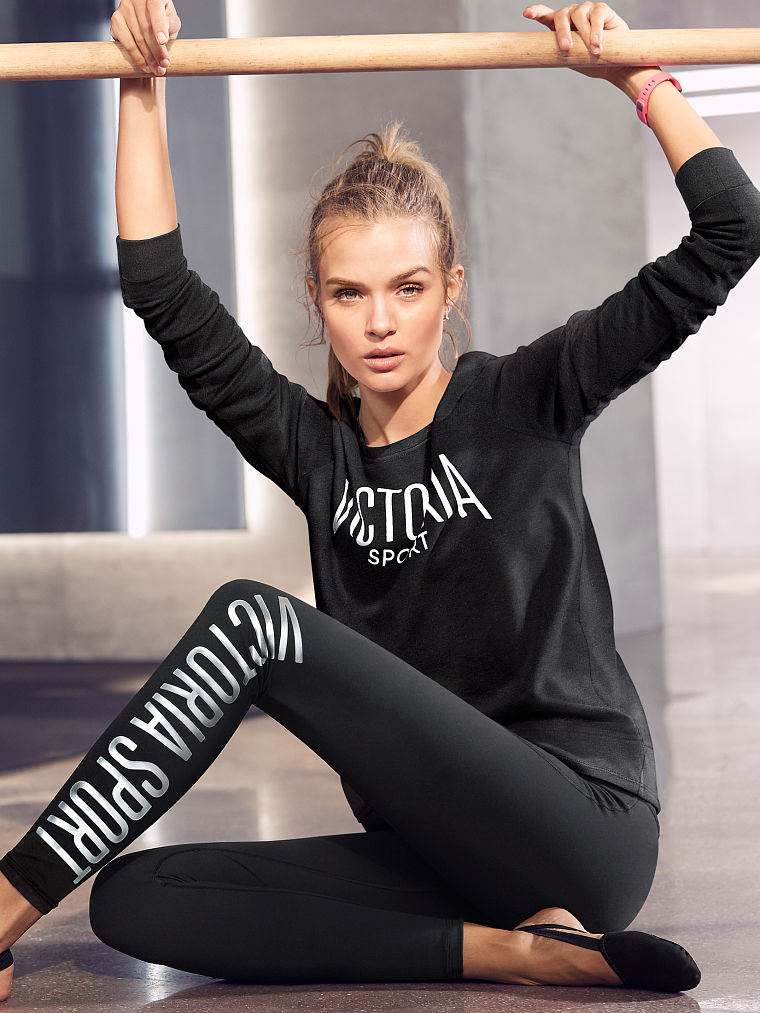
 VICTORIA SPORT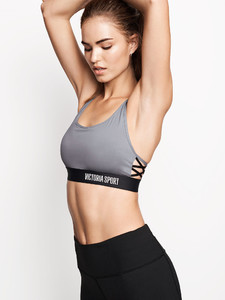
 VS LINGERIE AND SLEEPWEAR






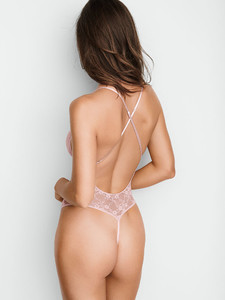
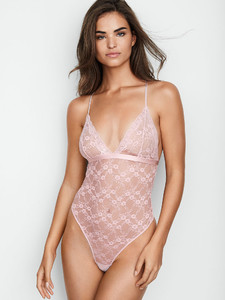
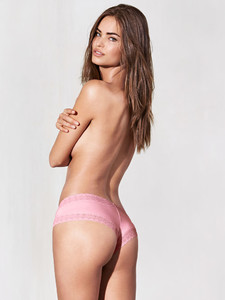
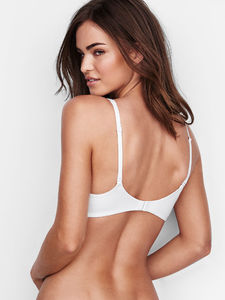
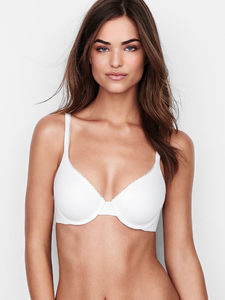
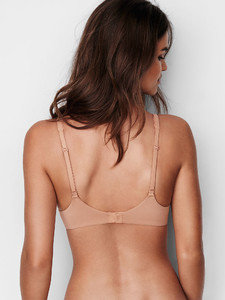
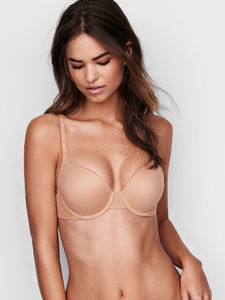
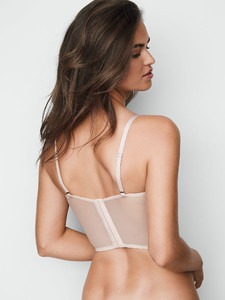

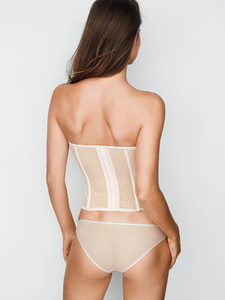
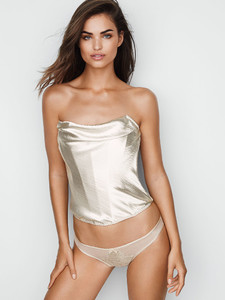
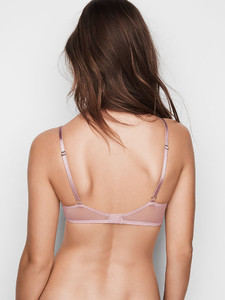
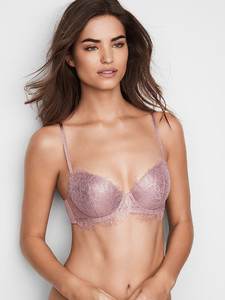
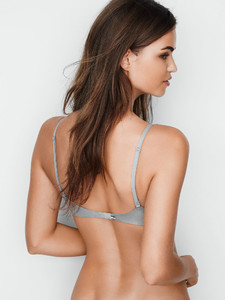
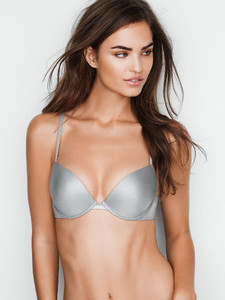
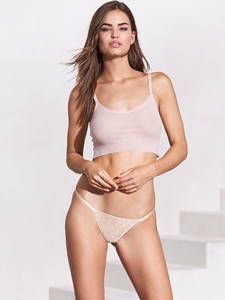 Yeh I know that.. I know that ed still follow her and she skiped one show. And her 20th show it would be in 2020. I am just saying that I thought that her contract will bw renewed in March and I saw some post that it will end only in 2020. Only this
Account
Navigation
Search
Configure browser push notifications
Chrome (Android)
- Tap the lock icon next to the address bar.
- Tap Permissions → Notifications.
- Adjust your preference.
Chrome (Desktop)
- Click the padlock icon in the address bar.
- Select Site settings.
- Find Notifications and adjust your preference.
Safari (iOS 16.4+)
- Ensure the site is installed via Add to Home Screen.
- Open Settings App → Notifications.
- Find your app name and adjust your preference.
Safari (macOS)
- Go to Safari → Preferences.
- Click the Websites tab.
- Select Notifications in the sidebar.
- Find this website and adjust your preference.
Edge (Android)
- Tap the lock icon next to the address bar.
- Tap Permissions.
- Find Notifications and adjust your preference.
Edge (Desktop)
- Click the padlock icon in the address bar.
- Click Permissions for this site.
- Find Notifications and adjust your preference.
Firefox (Android)
- Go to Settings → Site permissions.
- Tap Notifications.
- Find this site in the list and adjust your preference.
Firefox (Desktop)
- Open Firefox Settings.
- Search for Notifications.
- Find this site in the list and adjust your preference.

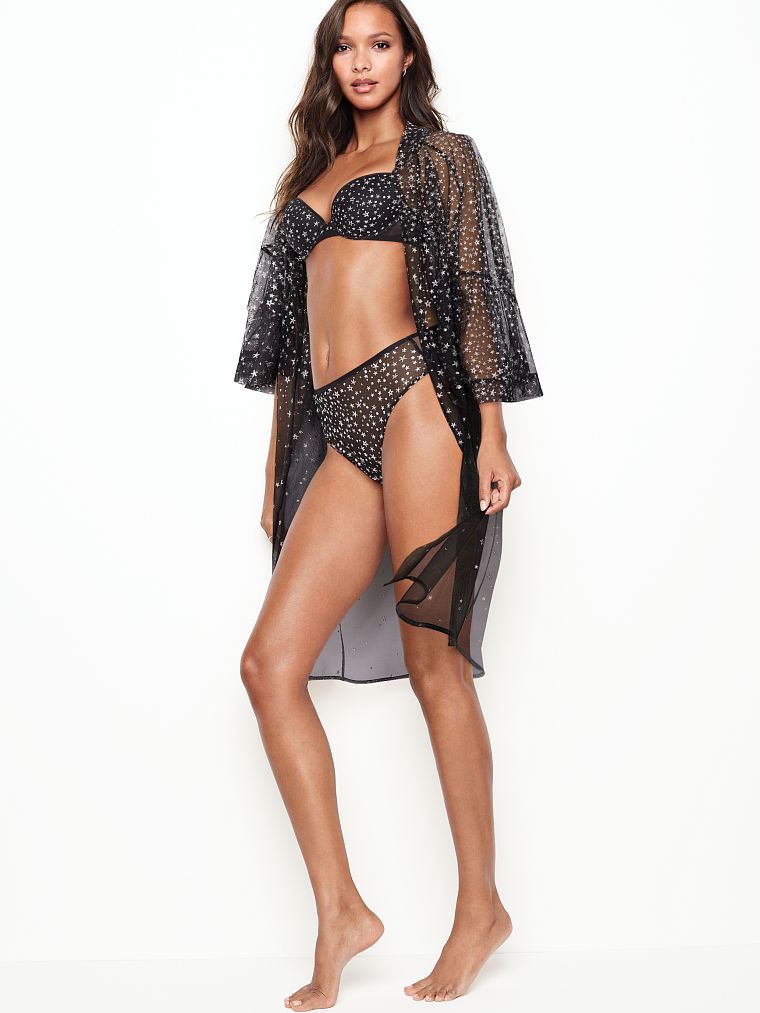

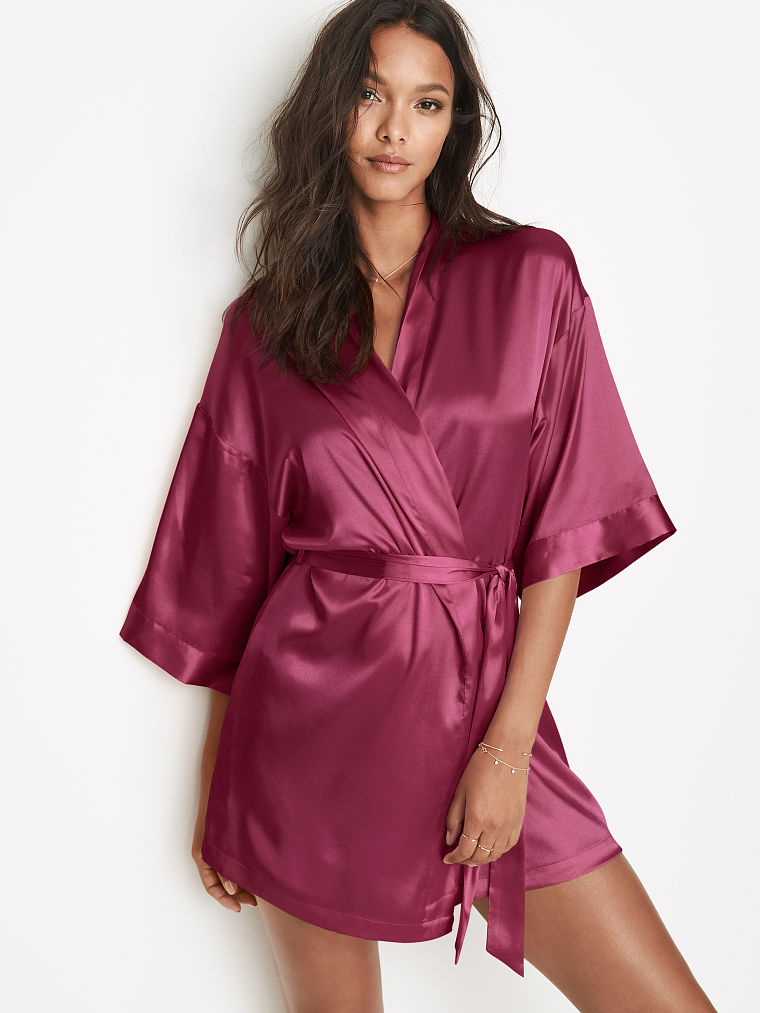































.jpg.6d4726761412a9a6c3593dac028ce280.jpg)

.jpg.e4039eaeb557be9f88ec1a9681ec872a.jpg)